Customer Ratings & Reviews

- Model:
- LS24D300GANXZA
- SKU:
- 11279833
Rating by feature
- Display Quality
Rating 4.8 out of 5 stars
- Ease of Use
Rating 4.8 out of 5 stars
- Features
Rating 4.6 out of 5 stars
- Pros mentioned:Overall performance
Affordable monitor
||Posted . Owned for 3 weeks when reviewed.This reviewer received promo considerations or sweepstakes entry for writing a review.Affordable monitor. Nothing special, for my son who doesnt care about fancy monitors yet it works great.
I would recommend this to a friend - Pros mentioned:Overall performance
Monitor
||Posted . Owned for 3 weeks when reviewed.This reviewer received promo considerations or sweepstakes entry for writing a review.Exxellent monitor especially for the price I absolutely love it
I would recommend this to a friend - Cons mentioned:Button layout
Needs Better Placement of On/Off Switch
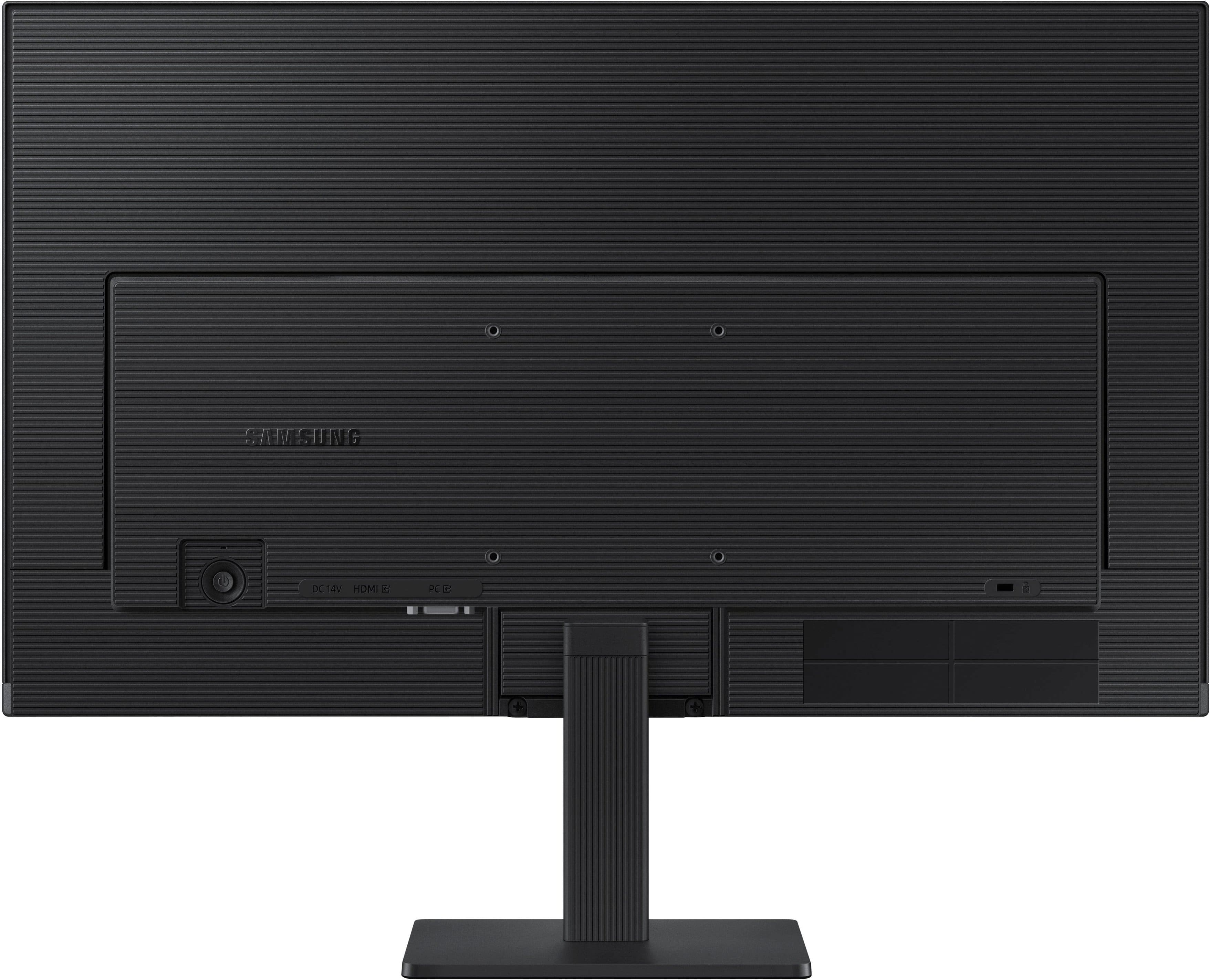
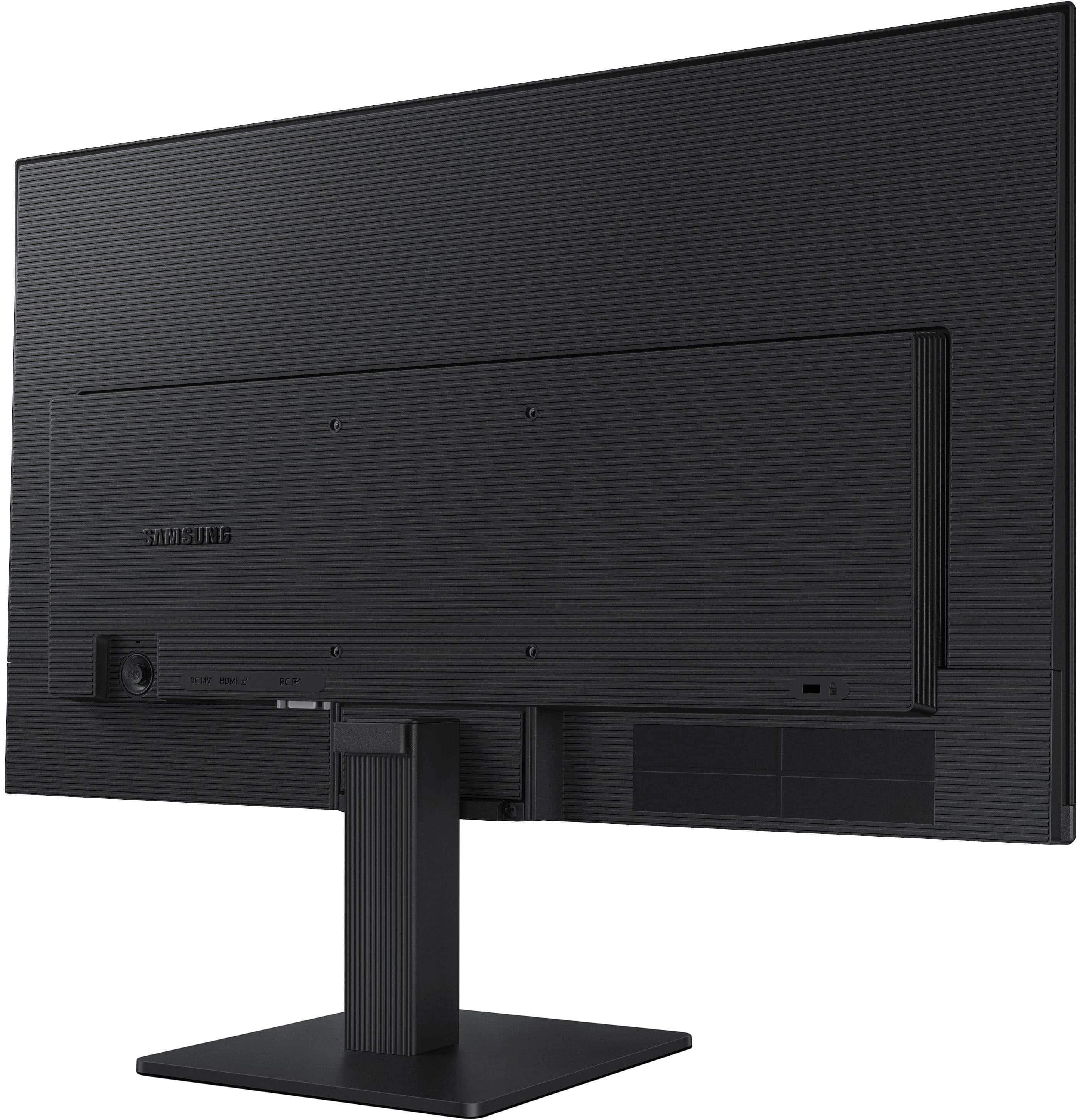
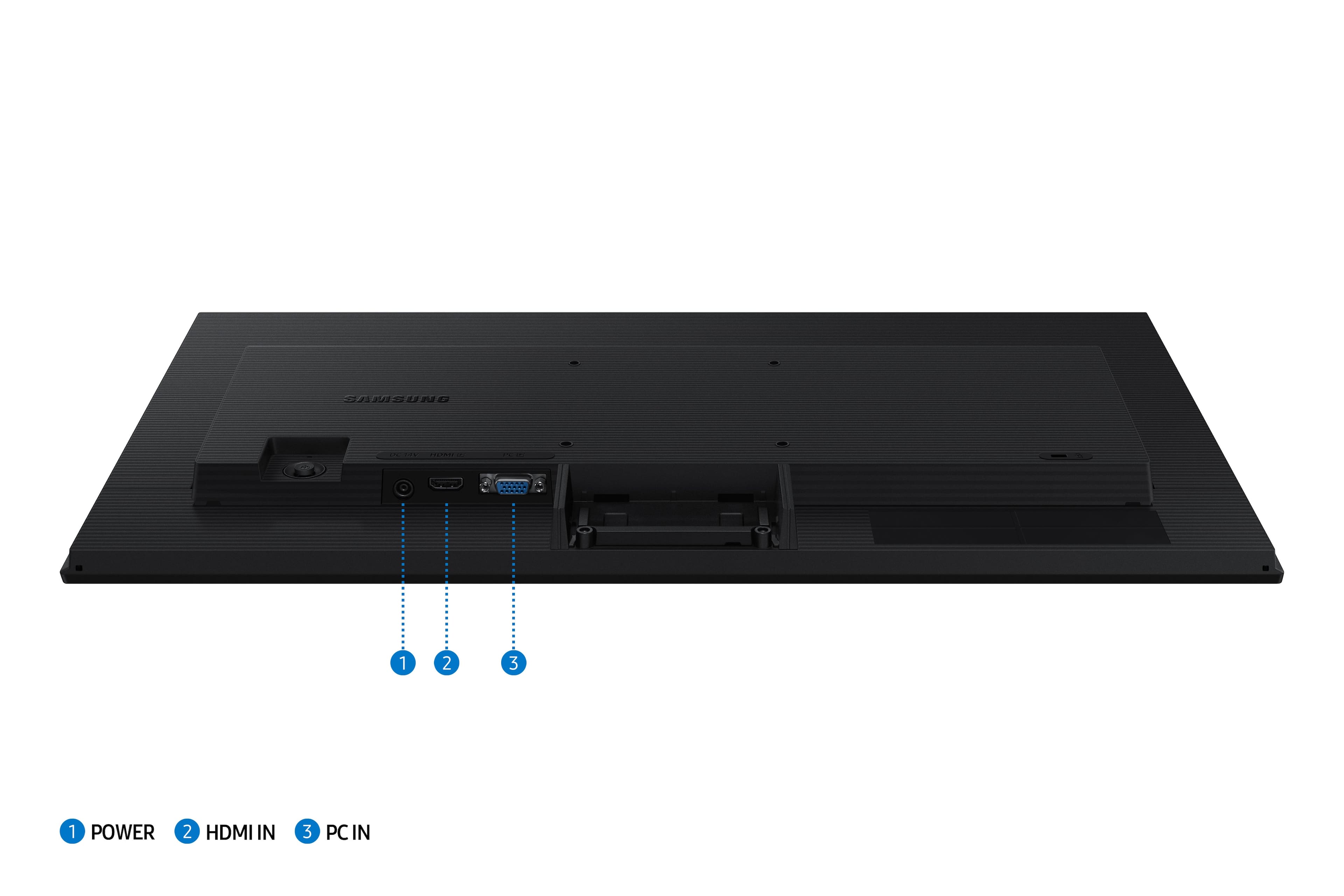
||Posted .This reviewer received promo considerations or sweepstakes entry for writing a review.I have had this monitor for only 2 weeks, so that is the time span of use I can address. I bought this Samsung monitor because of Samsung’s great reputation with visuals. That definitely stands true. However, the placement of the on/off switch for this screen would be awkward for everyone. It’s located on the far back of the monitor, which makes it hard to reach and impossible to see. Know that the screen does not rotate on the pedestal, and this further complicates this problem. In my case, the monitor sits on a raised ledge at the back of my desk. This does not allow me to shut it off. Poor console design. The switch should be in the front, or if possible, on one side.
I would recommend this to a friend - Pros mentioned:Resolution
11/10 best purchase
||Posted . Owned for 1 month when reviewed.This reviewer received promo considerations or sweepstakes entry for writing a review.1:1 quality, very wide screen with high resolution graphics
I would recommend this to a friend Perfect Addition to My Work Station
||Posted . Owned for 2 weeks when reviewed.This reviewer received promo considerations or sweepstakes entry for writing a review.This monitor fits perfectly into my desktop setup and has been a wonderful asset to my daily tasks.
I would recommend this to a friendSweepstakes
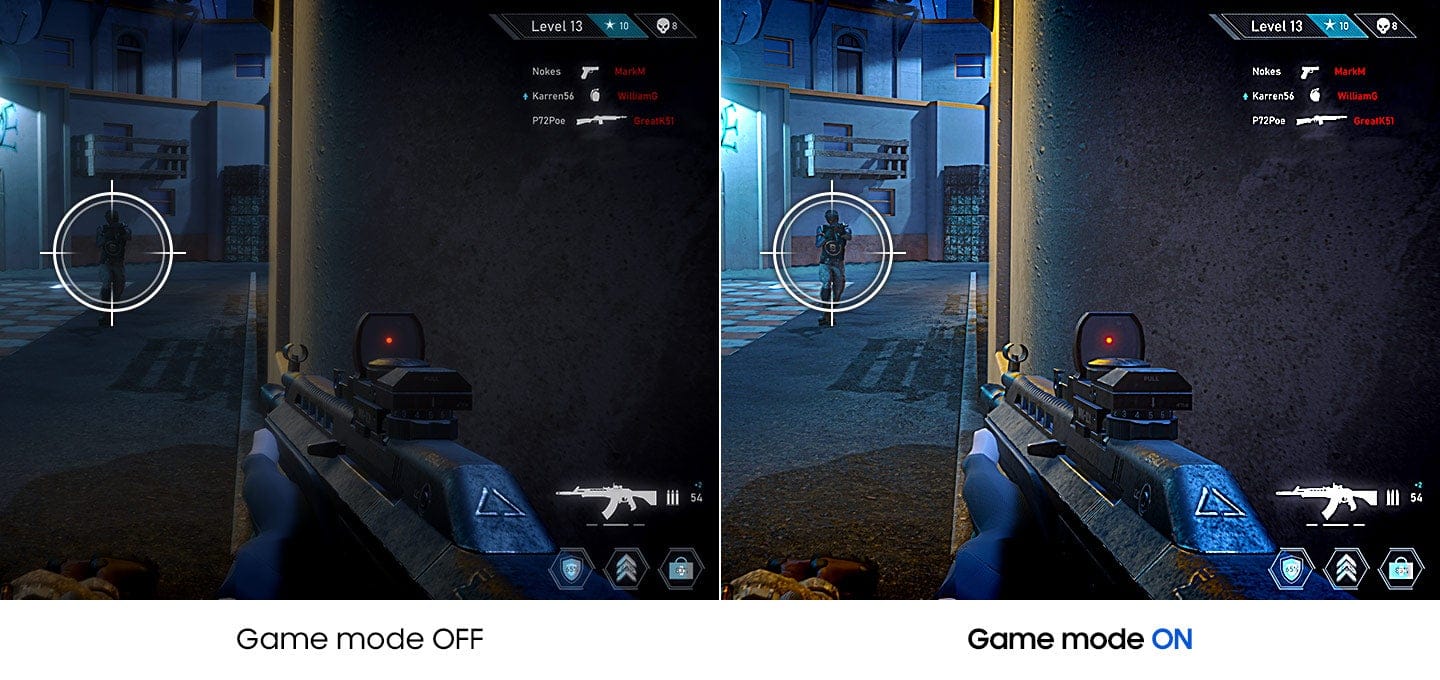
||Posted . Owned for 1 month when reviewed.This reviewer received promo considerations or sweepstakes entry for writing a review.Went well with the ps5 I got my bf for Christmas until he upgraded to something bigger was great for gaming we use it for traveling now
I would recommend this to a friendMonitor
||Posted . Owned for 1 month when reviewed.This reviewer received promo considerations or sweepstakes entry for writing a review.Monitor works and looks great. I set up for my wife for dual monitor set up
I would recommend this to a friend- Pros mentioned:Overall performance
New monitor
||Posted . Owned for 2 weeks when reviewed.This reviewer received promo considerations or sweepstakes entry for writing a review.Very nice monitor for the cost. Wide access great picture
I would recommend this to a friend - Pros mentioned:Overall performance
Excellent
||Posted . Owned for 3 weeks when reviewed.This reviewer received promo considerations or sweepstakes entry for writing a review.I really like this monitor ,the display quality is excellent.
I would recommend this to a friend Clearly Great!
||Posted . Owned for 2 weeks when reviewed.This reviewer received promo considerations or sweepstakes entry for writing a review.For the price, this is an absolutely amazing monitor, amazing quality, clarity and tons of customizability and the lack of difficulty to use unlike other monitors, would 100% recommend!
I would recommend this to a friend- Pros mentioned:Overall performance
Computer screen
||Posted . Owned for 1 week when reviewed.This reviewer received promo considerations or sweepstakes entry for writing a review.Good quality screen at good price. Clear picture. I boight two.
I would recommend this to a friend - Pros mentioned:Resolution
Upgrade
||Posted . Owned for 1 month when reviewed.This reviewer received promo considerations or sweepstakes entry for writing a review.Easy to connect to Apple computer. Fantastic resolution and cost effective for screen size.
I would recommend this to a friend - Pros mentioned:Resolution
Computer Monitor
||Posted . Owned for 1 month when reviewed.This reviewer received promo considerations or sweepstakes entry for writing a review.Great monitor, easy setup with my laptop, amazing resolution and a reasonable price!
I would recommend this to a friend Great monitor !
||Posted . Owned for 2 weeks when reviewed.This reviewer received promo considerations or sweepstakes entry for writing a review.This is a great starting out monitor for young teenagers who want to get into gaming.
I would recommend this to a friendGreat addition to my video creations.
||Posted . Owned for 3 weeks when reviewed.This reviewer received promo considerations or sweepstakes entry for writing a review.My boyfriend got me this monitor so I can have more space to edit my videos. I like how easy it is to use with my MacBook.
I would recommend this to a friendLightweight, works great with a karaoke system.
||Posted . Owned for 3 weeks when reviewed.This reviewer received promo considerations or sweepstakes entry for writing a review.I use my Samsung monitor for Karaoke presentations. This is the second Samsung monitor that I have purchased from Best Buy. The first one is going strong after 6 years use with no problems. The second "new" monitor is used with my laptop. The first one is used with a CDG player.
I would recommend this to a friendGets the job done
||Posted . Owned for 1 month when reviewed.This reviewer received promo considerations or sweepstakes entry for writing a review.Needed a second monitor. Works for whay i needed it for.
I would recommend this to a friendGreat monitor! Good price.
||Posted . Owned for 1 month when reviewed.This reviewer received promo considerations or sweepstakes entry for writing a review.Avery good qaulity monitor for the price. Clear imaging and easy assembly.
I would recommend this to a friendCheap and reliable
||Posted .This reviewer received promo considerations or sweepstakes entry for writing a review.Bought for an office NCU works great and is a good bang for your buck.
I would recommend this to a friend- Cons mentioned:Port count

Basic, no frills monitor
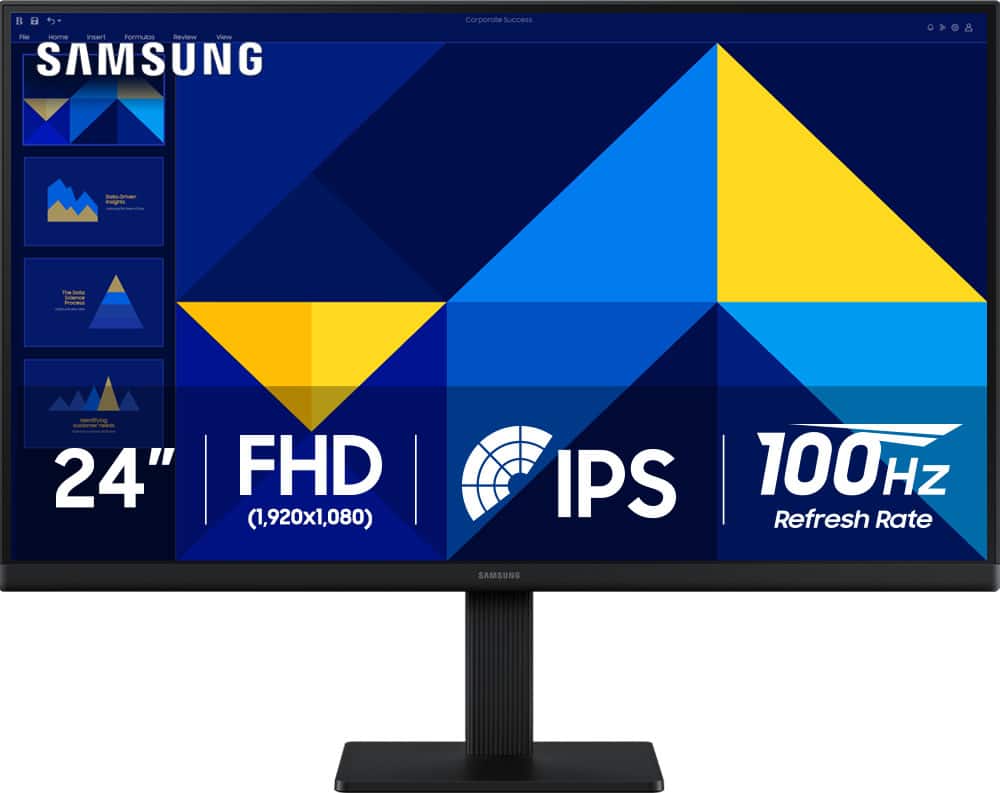
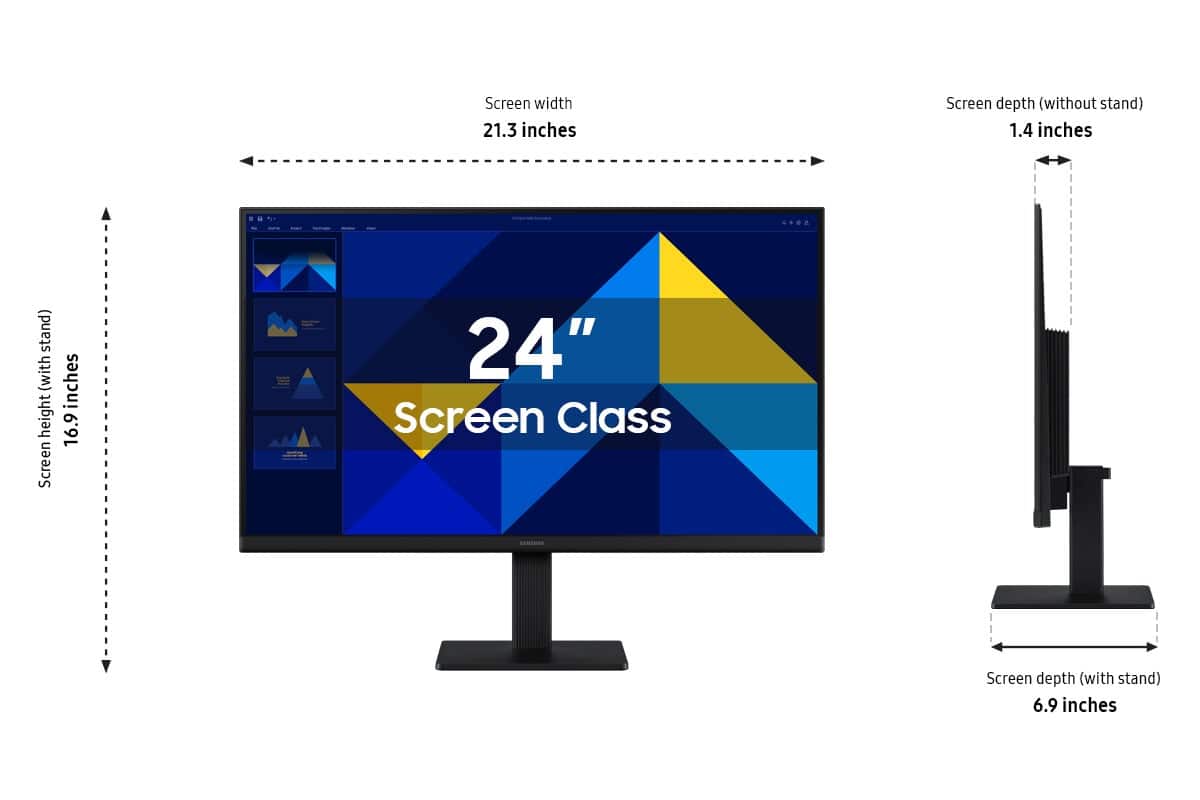
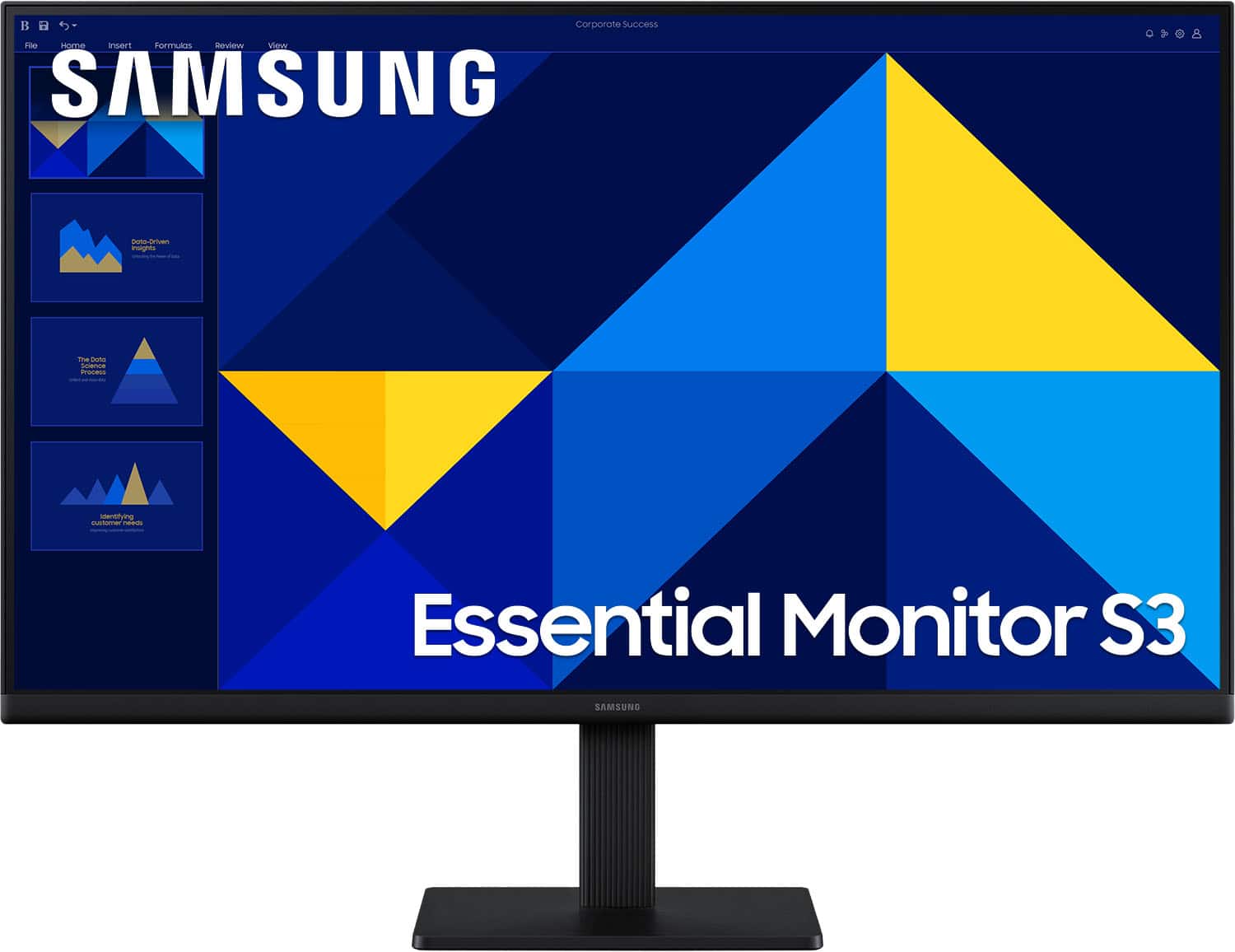
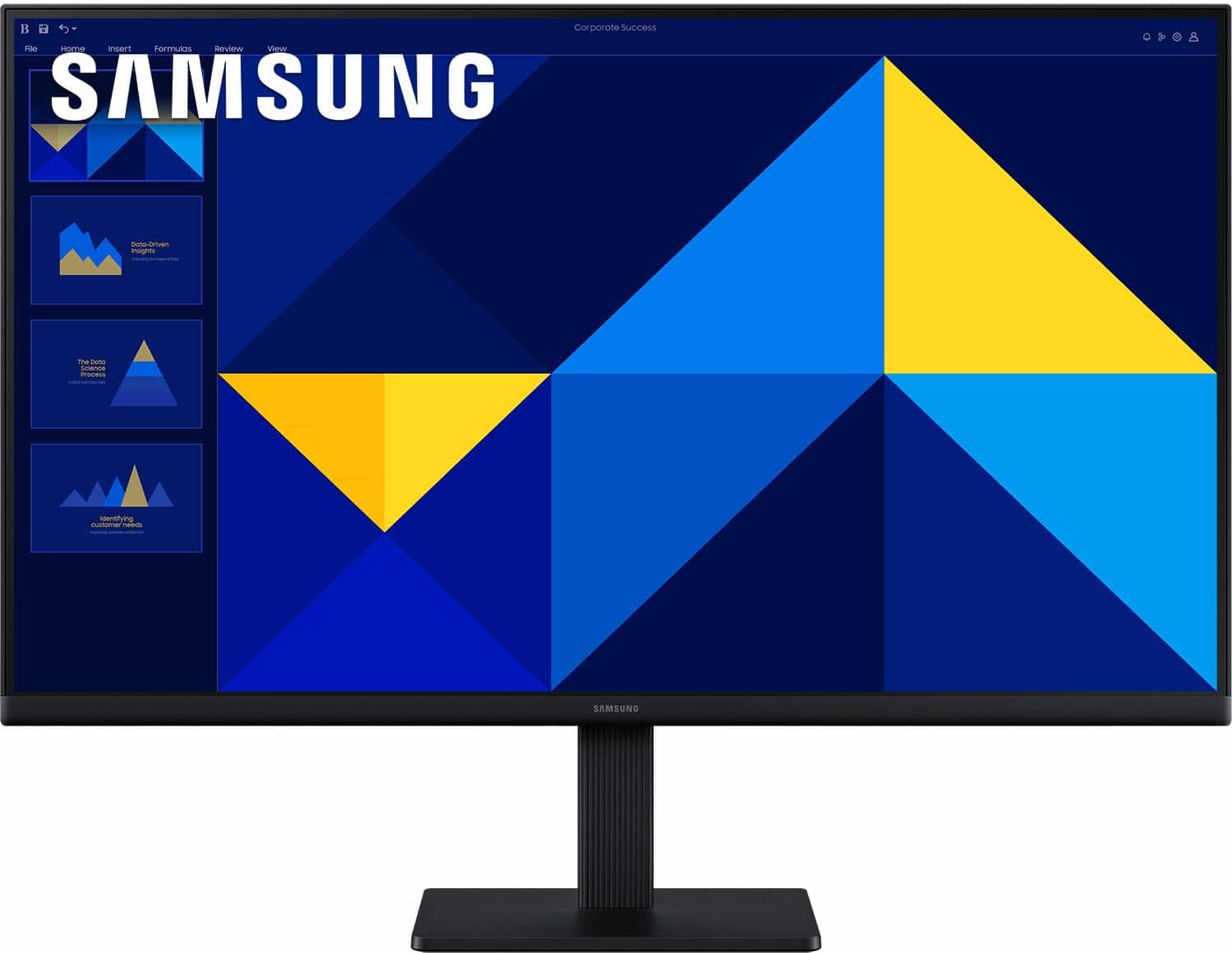
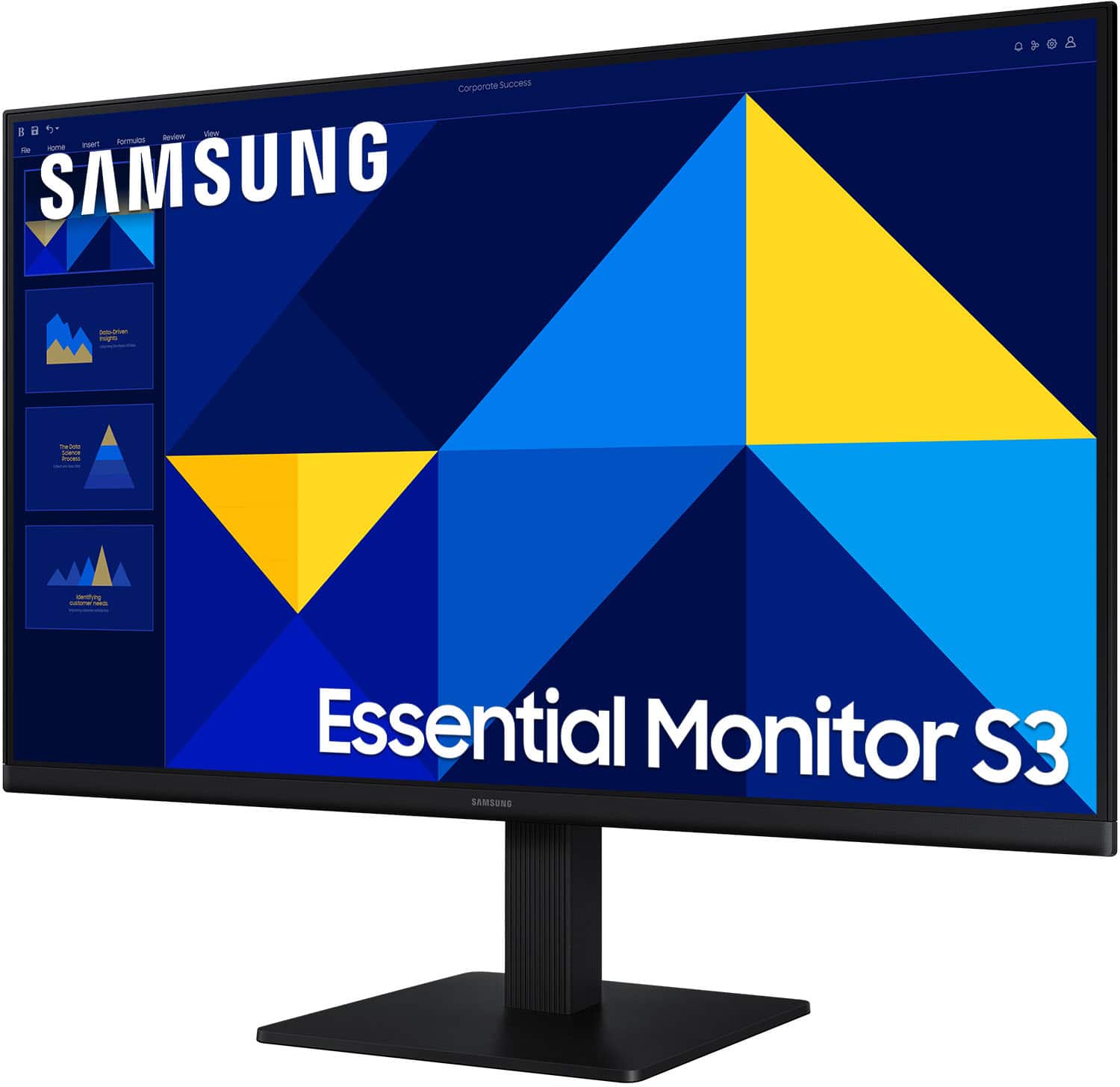
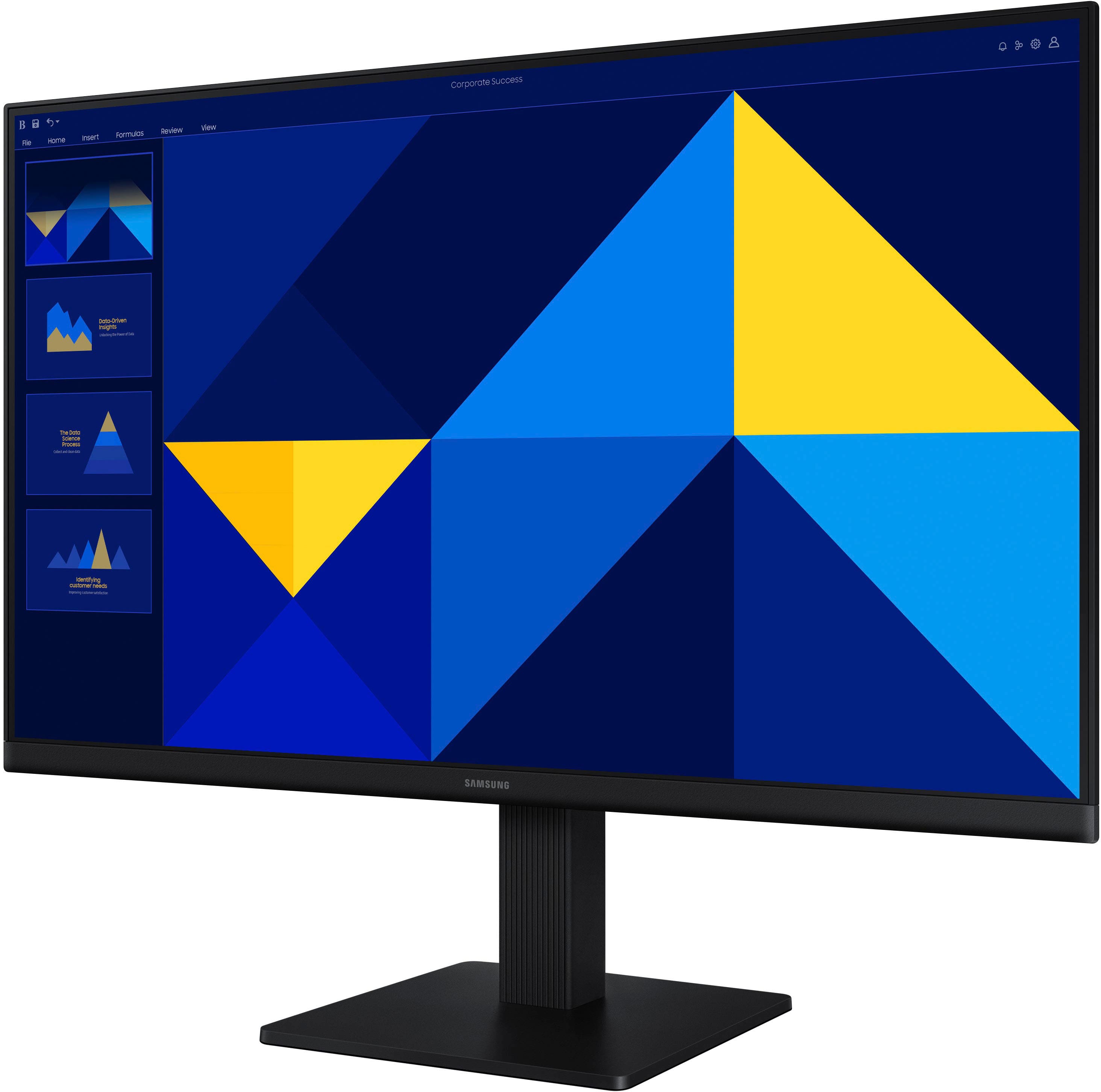
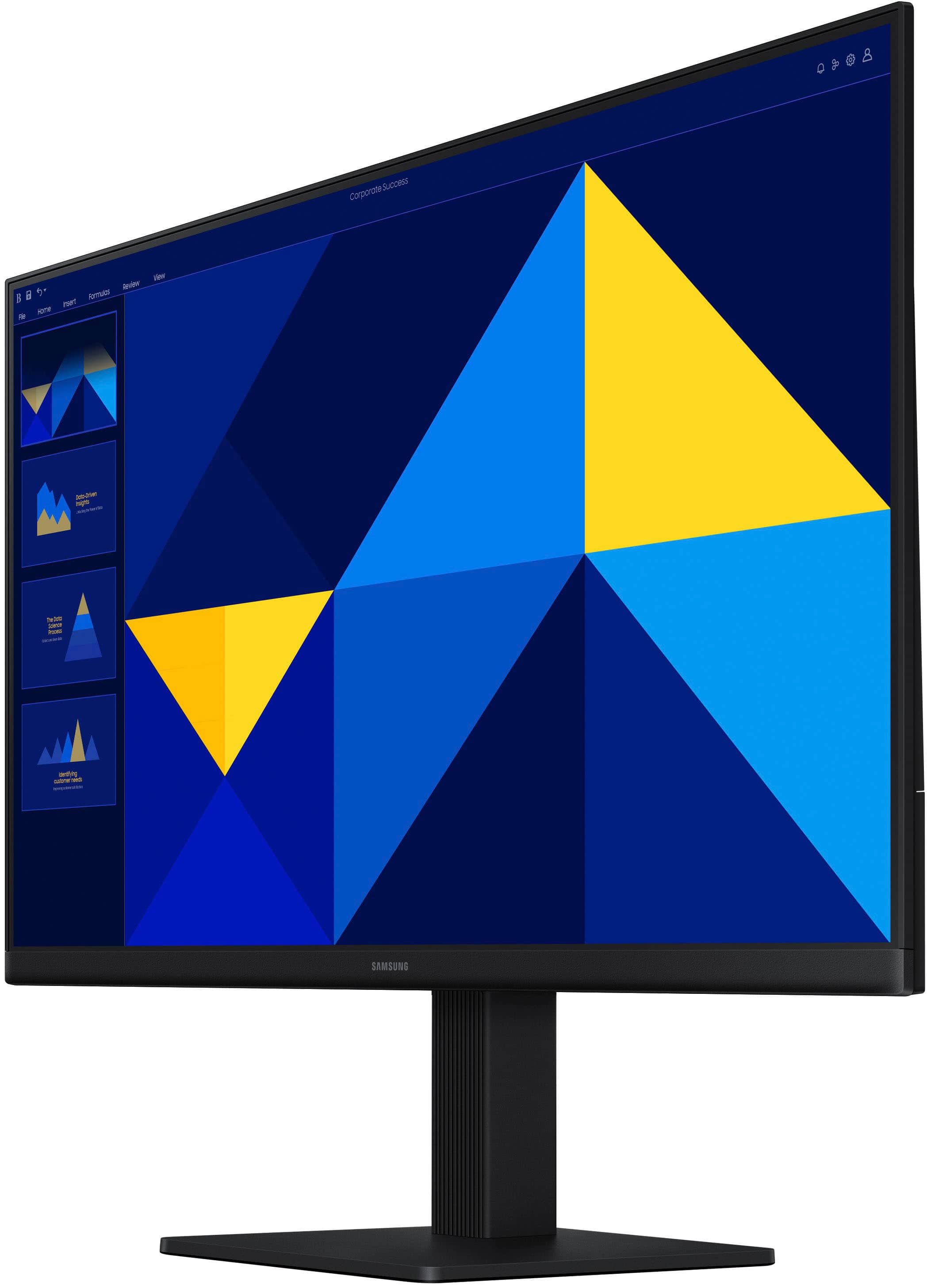
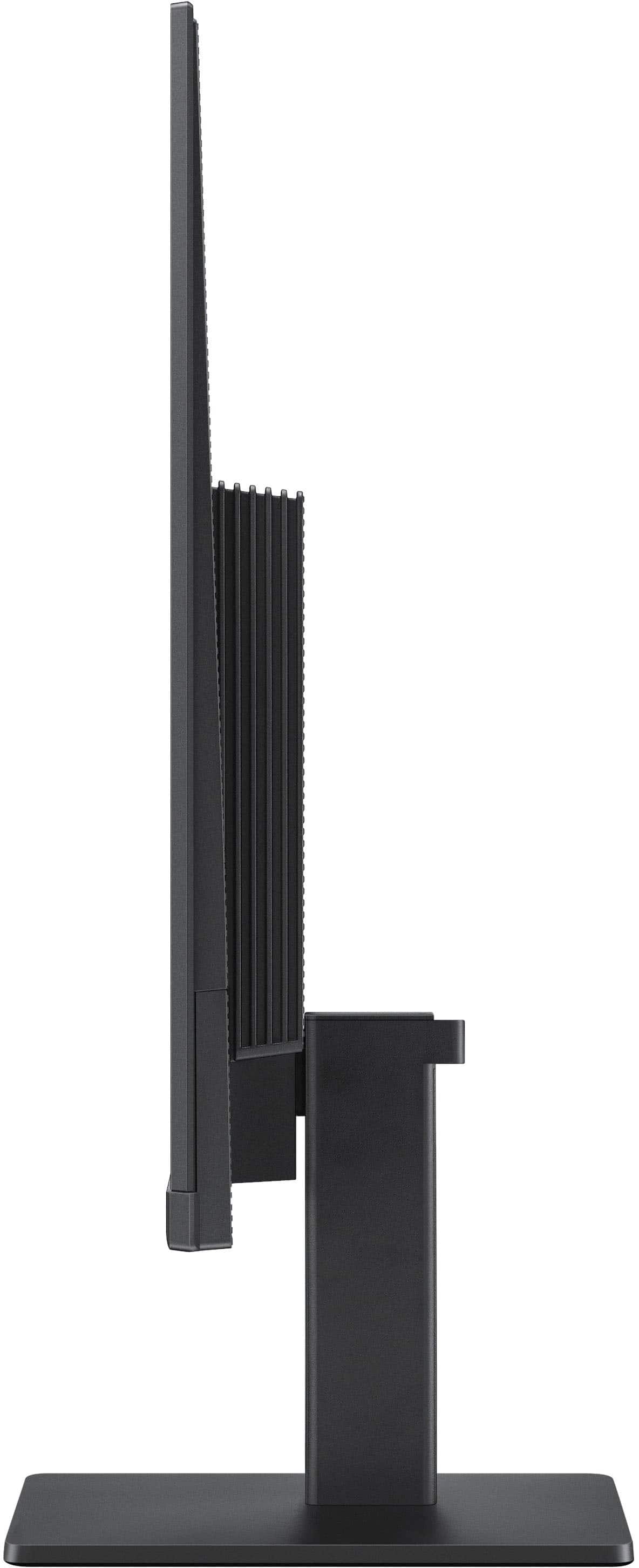
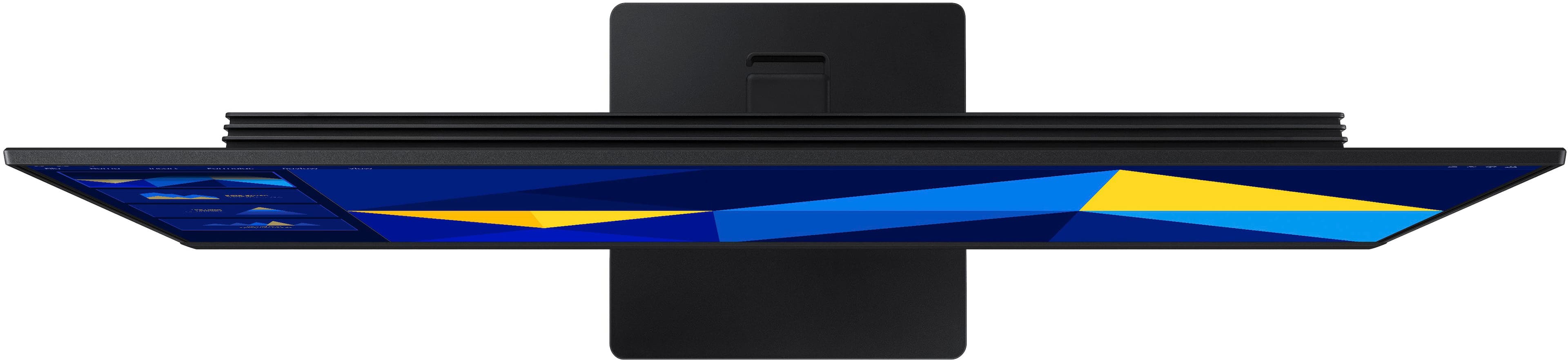
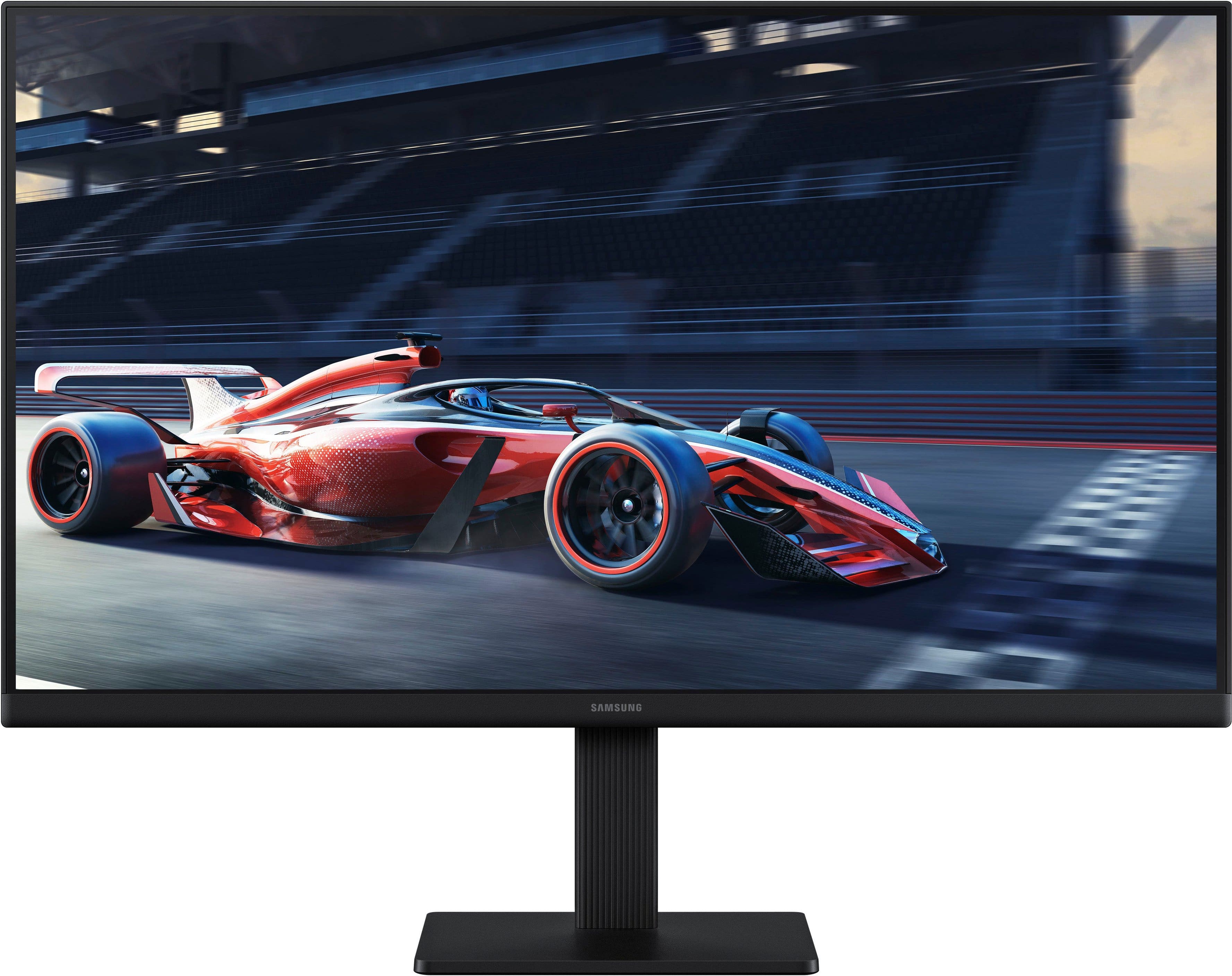
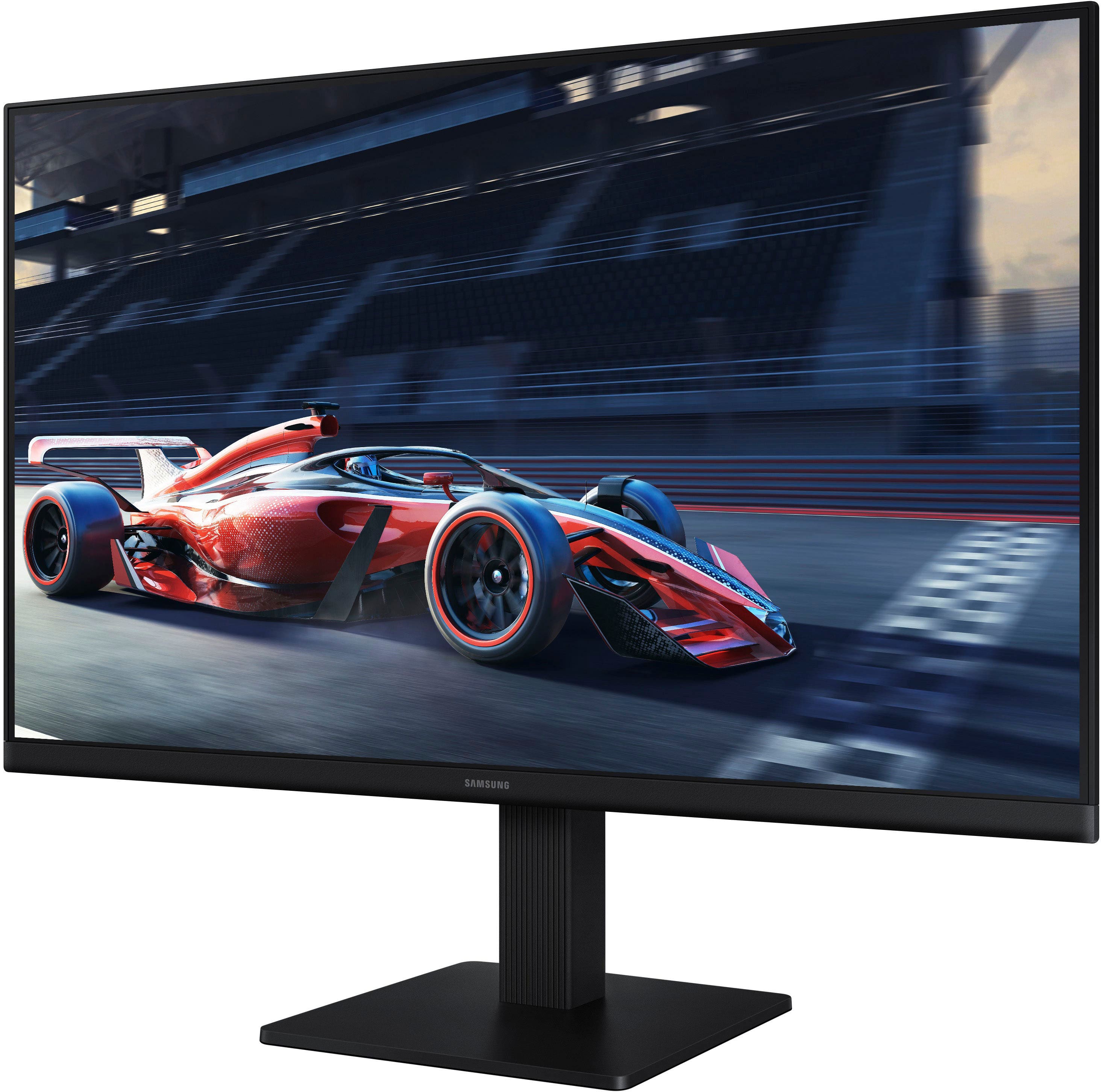
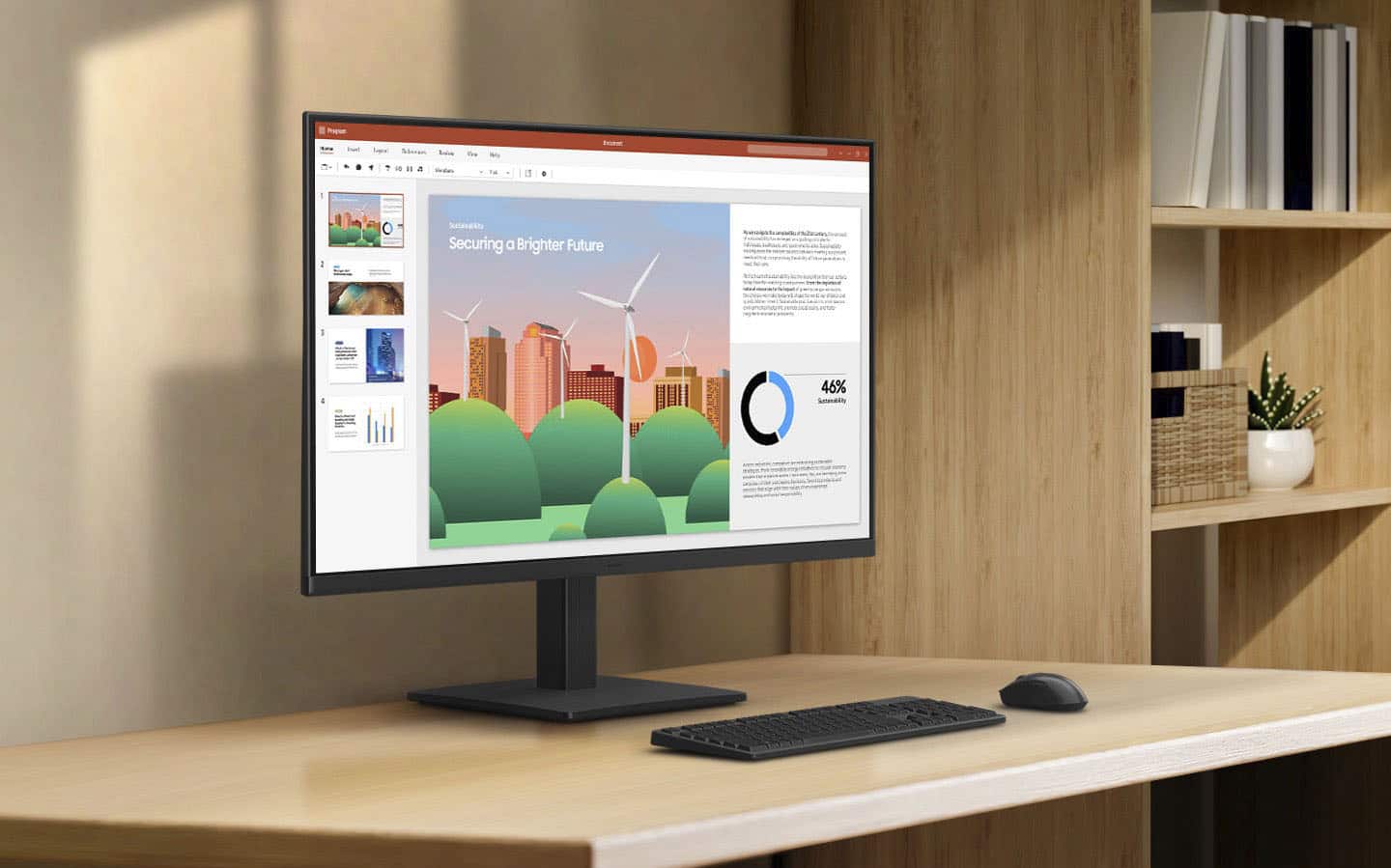
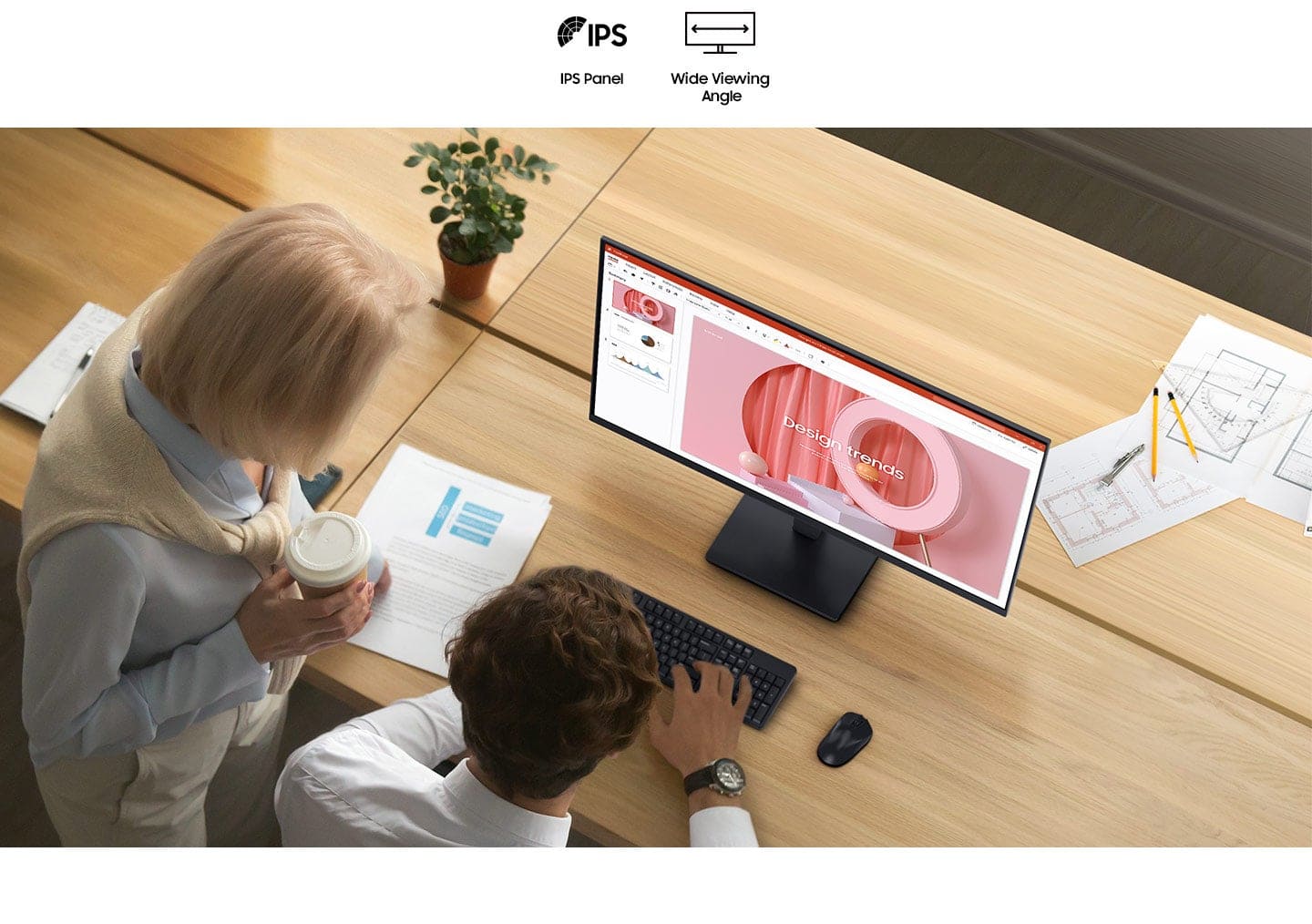
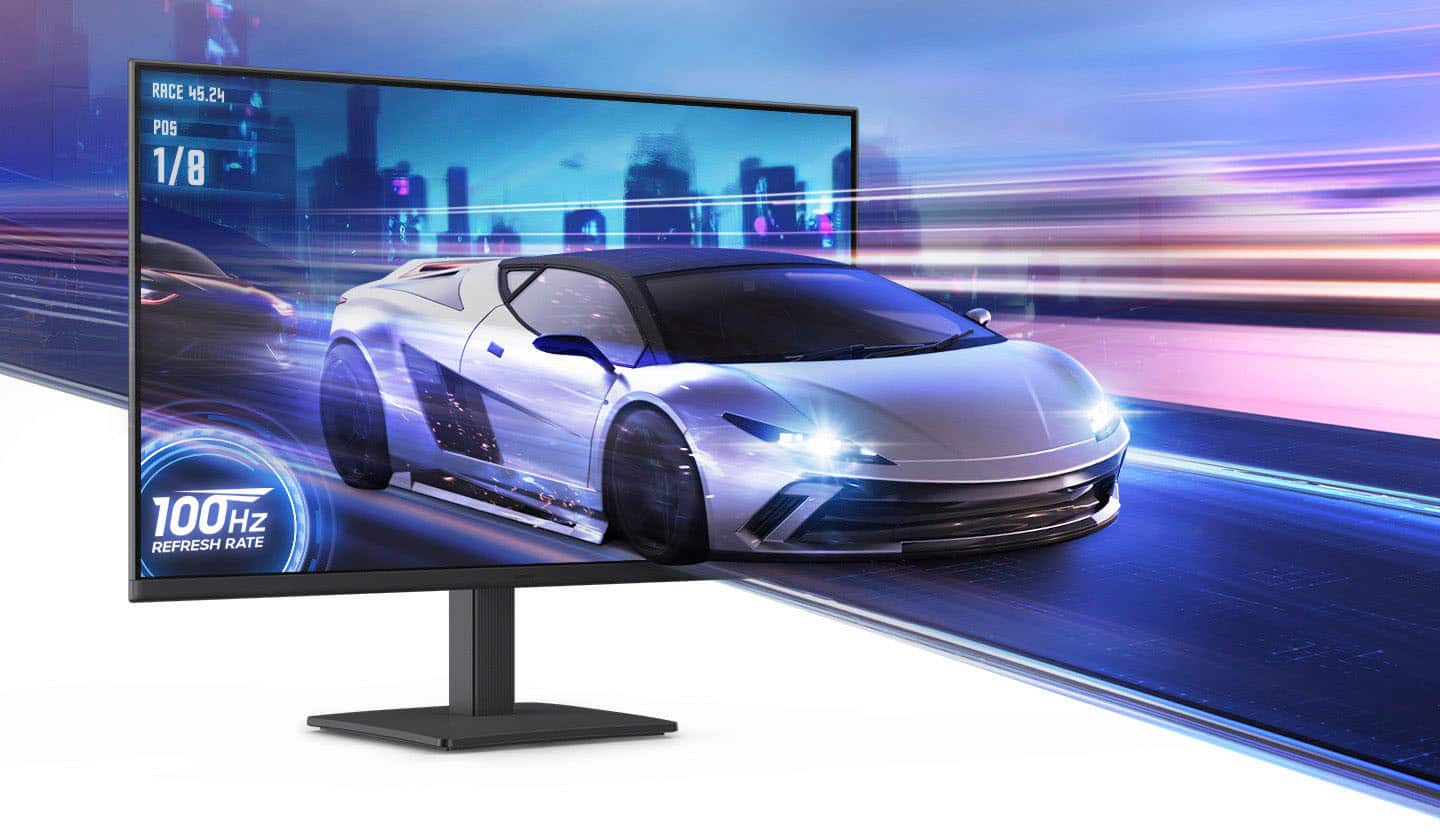
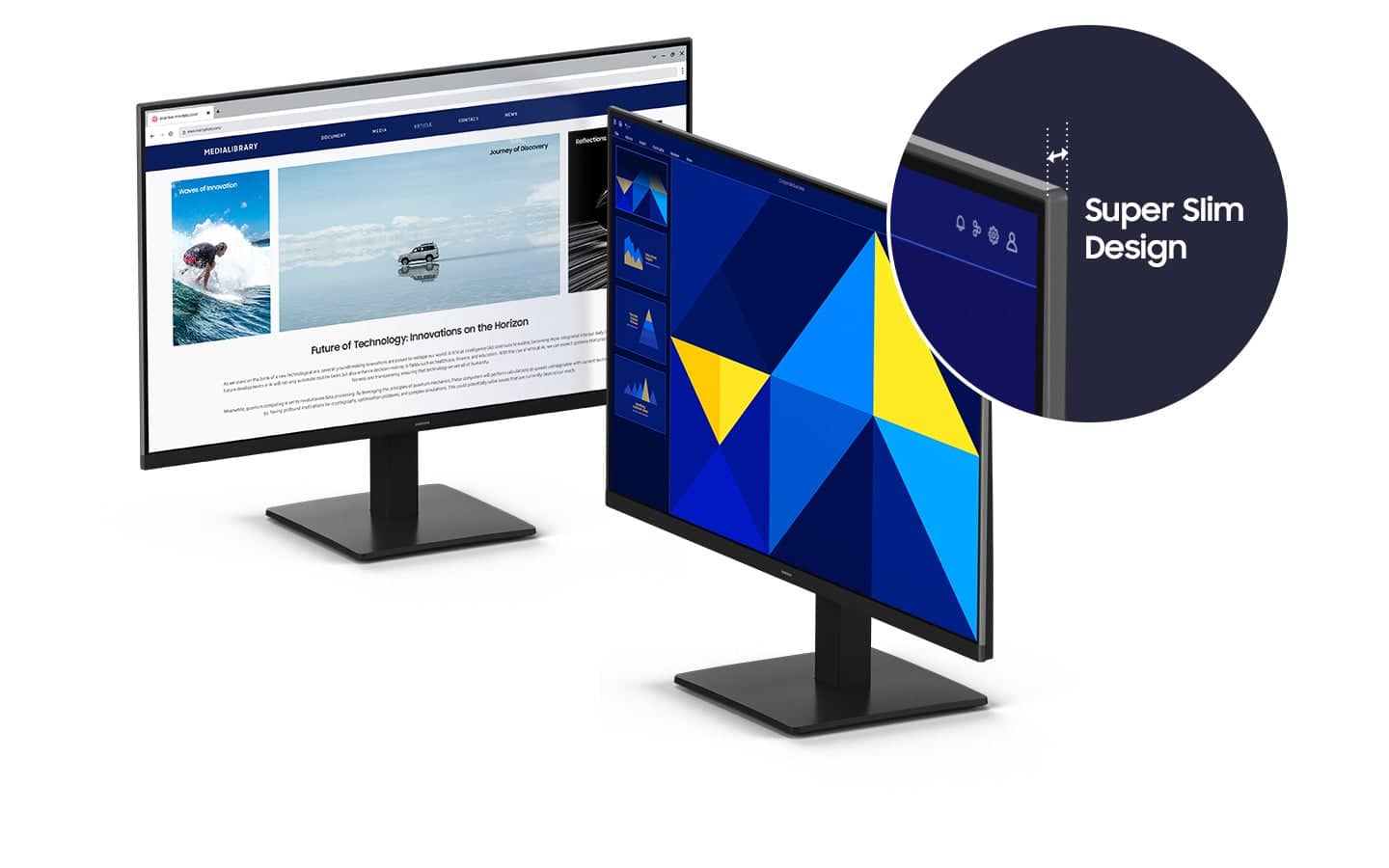
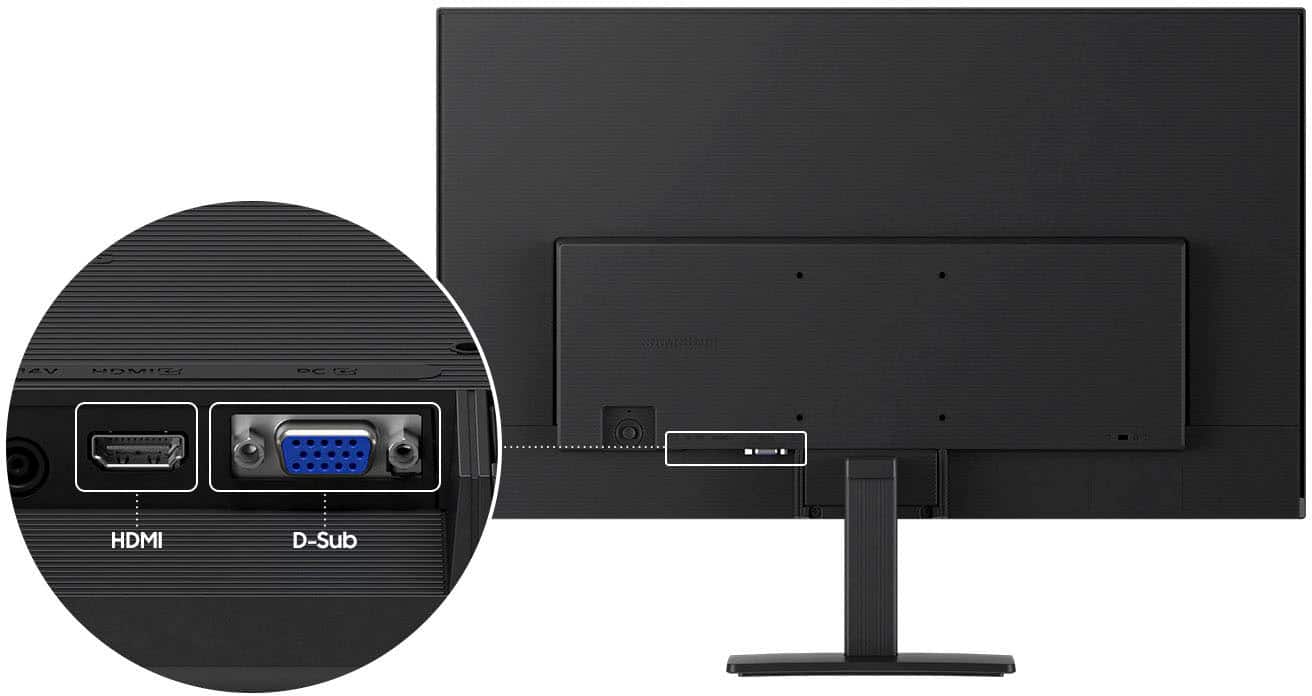
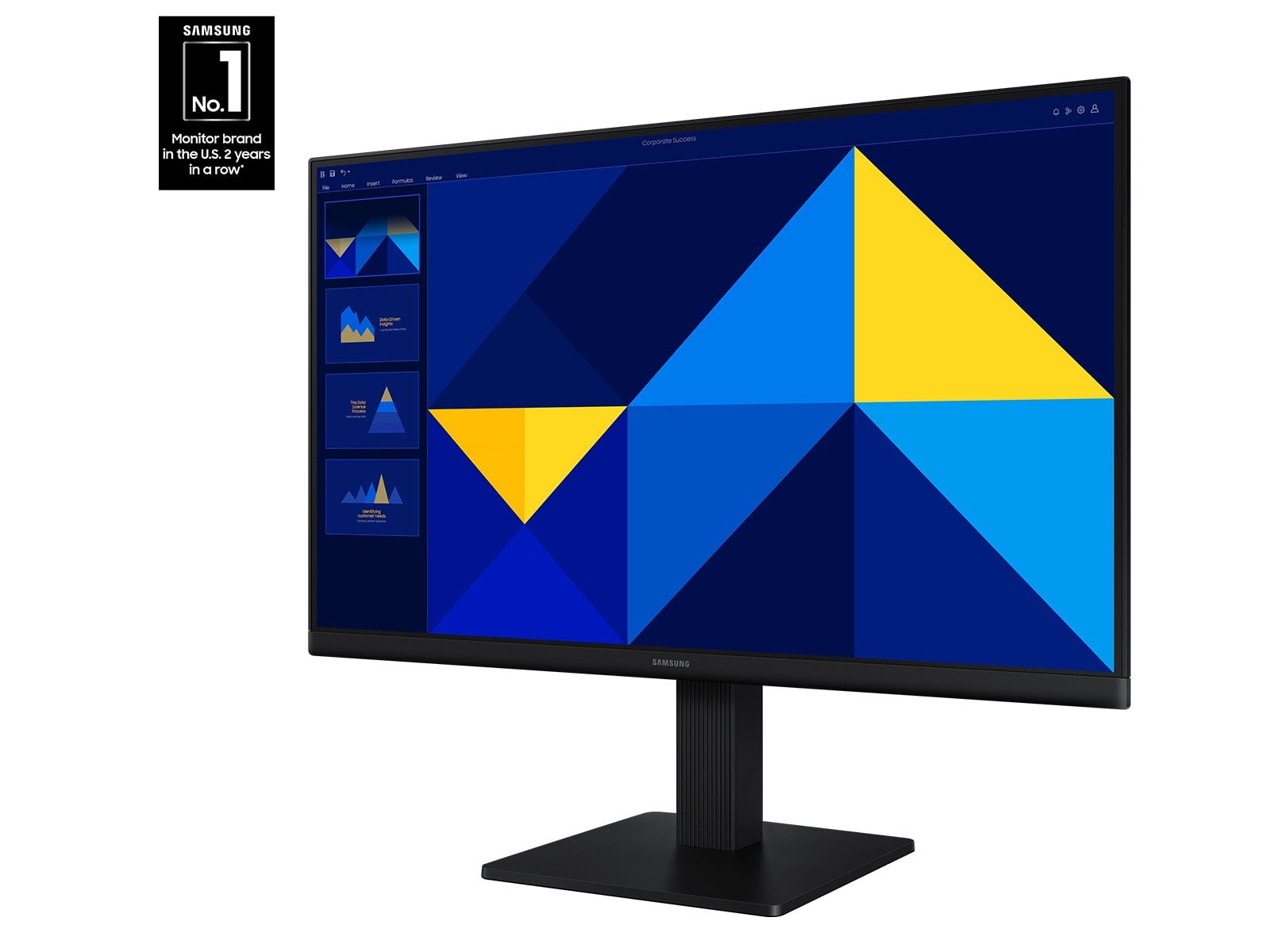
|Posted .This reviewer received promo considerations or sweepstakes entry for writing a review.If you need a quality monitor for basic tasks, or for work, this Samsung S3 model is a great option I’d recommend. While it’s certainly a serviceable gaming monitor, there are better monitors out there to fill your needs. GETTING STARTED Like most monitors, you’ll need to install the stand to attach the monitor (or use the screw holes in the back to mount it). There is no mounting hardware. There is no tiny screwdriver either to help you screw the base stand to the monitor. Inside the box is the monitor, two pieces of the stand, a power cord, an HDMI cord, and an instruction manual. The manual clearly lays out how to install the base stand, but honestly, it’s dead simple as there’s really only one way to do it. After that, you simply plug in the power cable and the HDMI cable and you’re off and running. DESIGN The design is boring, yet at the same time elegant. There are minimal bezels, so the 24 inches of the screen extends all the way to the monitor’s edges. It’s black plastic, which makes it extremely light and thin (other than some metal to weigh the monitor down inside the base stand). It’s distraction free. At its thinnest point, it gets close to OLED thin, which is quite impressive. But I doubt this was designed to “stick out.” I will add I was very pleased with the small size of the power brick. I very much dislike large power bricks for any device and appreciate Samsung creating such a small one. My guess is the power brick exists to make the monitor smaller/lighter, but this one is small. SPECS It’s 1080p LED with 100hz refresh rate. For most tasks and things the average person does on a computer it’s more than adequate. There’s no RGB lights, no syncing with GPUs, and the refresh rate is nothing to write home about. Again, this is your basic working, productivity device. It only has one HDMI port. I don’t need more than one, but I would have preferred DisplayPort (although I can’t really articulate why, as my GPU has HDMI port in addition to DisplayPort). But it works out well when using my laptop which uses HDMI. It does have a VGA cable, which seems odd to me, but I guess that’s for legacy devices. The biggest downside to me is the limited movement adjustments the base allows of you. I had hoped to convert this to portrait landscape as a secondary monitor, but that plan was foiled. It’s landscape only (absent some sort of “arm” to attach to the mounting holes in the back). And it only tilts up and down. It has a surprising amount of range in that regard. And it also, oddly, swivels a hair left and right (as if you could rotate it to portrait mode) but that’s not the case. PERFORMANCE The colors are plenty vibrant and accurate, so no worries there, it’s a Samsung display after all. If you’ve ever had the benefit of using a computer with a high refresh rate, it’s pretty cool. It makes everything look and run smoother. It’s hard going back to 60hz. The 100hz is a happy medium, a little better than “normal” monitors but not quite as nice as some newer laptops for example which pump out really high refresh rates. Watching videos was OK, but not something I’d personally do as my laptop (13 inch) has a higher resolution screen and it’s clearly not as good as my 4K TV. But it’s serviceable. Same goes for gaming. The gaming performance was good. I noticed little to no “tearing” of the visuals, but again, my laptop’s built in screen has a much higher resolution and refresh rate. I prefer the larger screen when I need multiple windows/tabs open to get work done but when I want to play games or watch movies, I much prefer the higher resolution of my smaller screen. But it really all depends on the user and your needs. If I was a dedicated gamer, I wouldn’t recommend this screen, but if you just need a bigger monitor and you will occasionally game, etc., then this will work just fine. The IPS panel means you have great viewing angles. Granted you're mostly going to be looking at it straight on, it's bright, legible and clear from many different viewing angles CONCLUSION I’ve said it several times, but this is a no frills business monitor. Or for someone on a budget. Perfectly acceptable 23 inch monitor for 95% of people out there. Great color, easy to use and setup, little fuss, but don’t expect all the bells and whistles and customization of bigger and more expensive monitors out there.
I would recommend this to a friend