Customer Ratings & Reviews
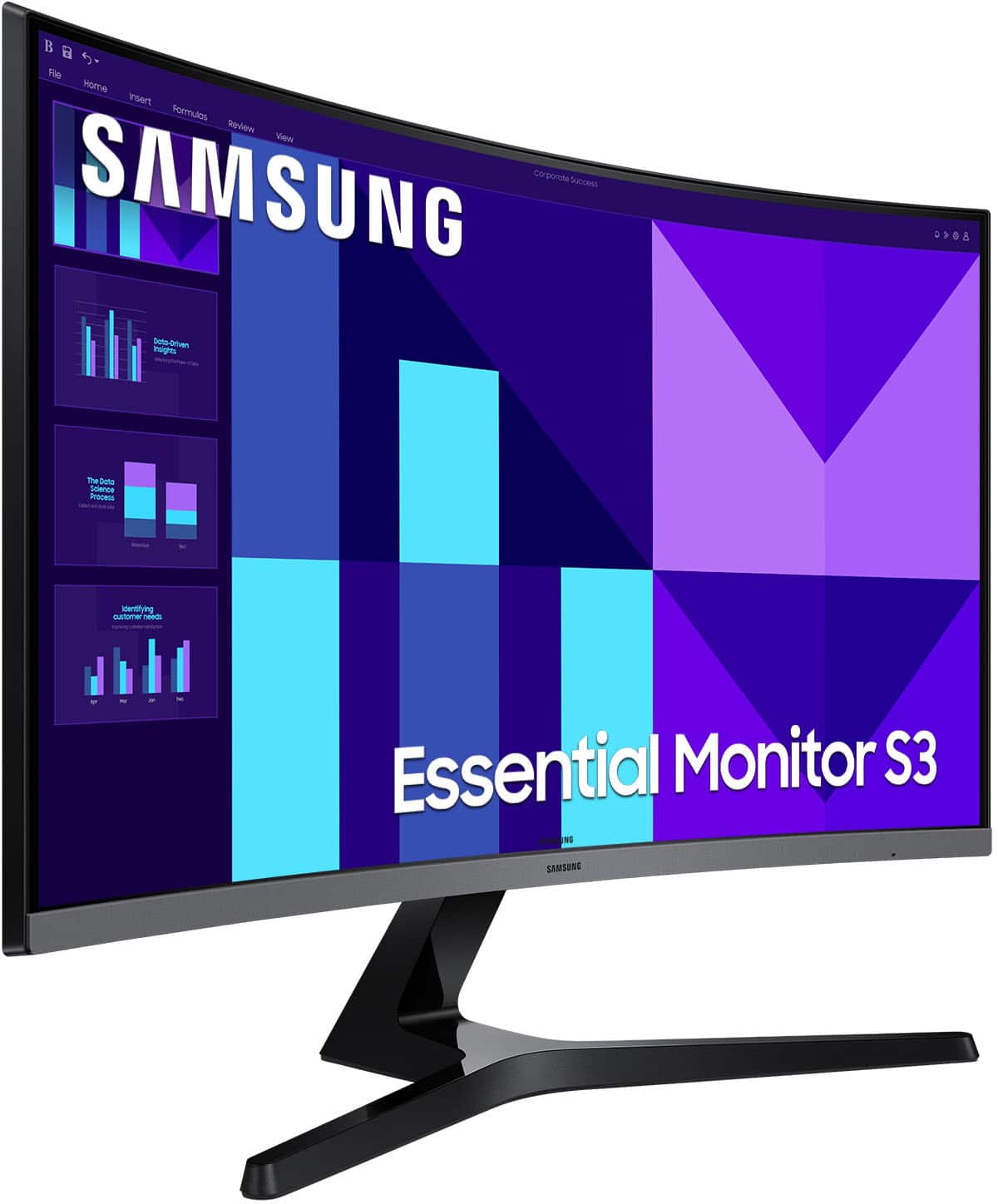
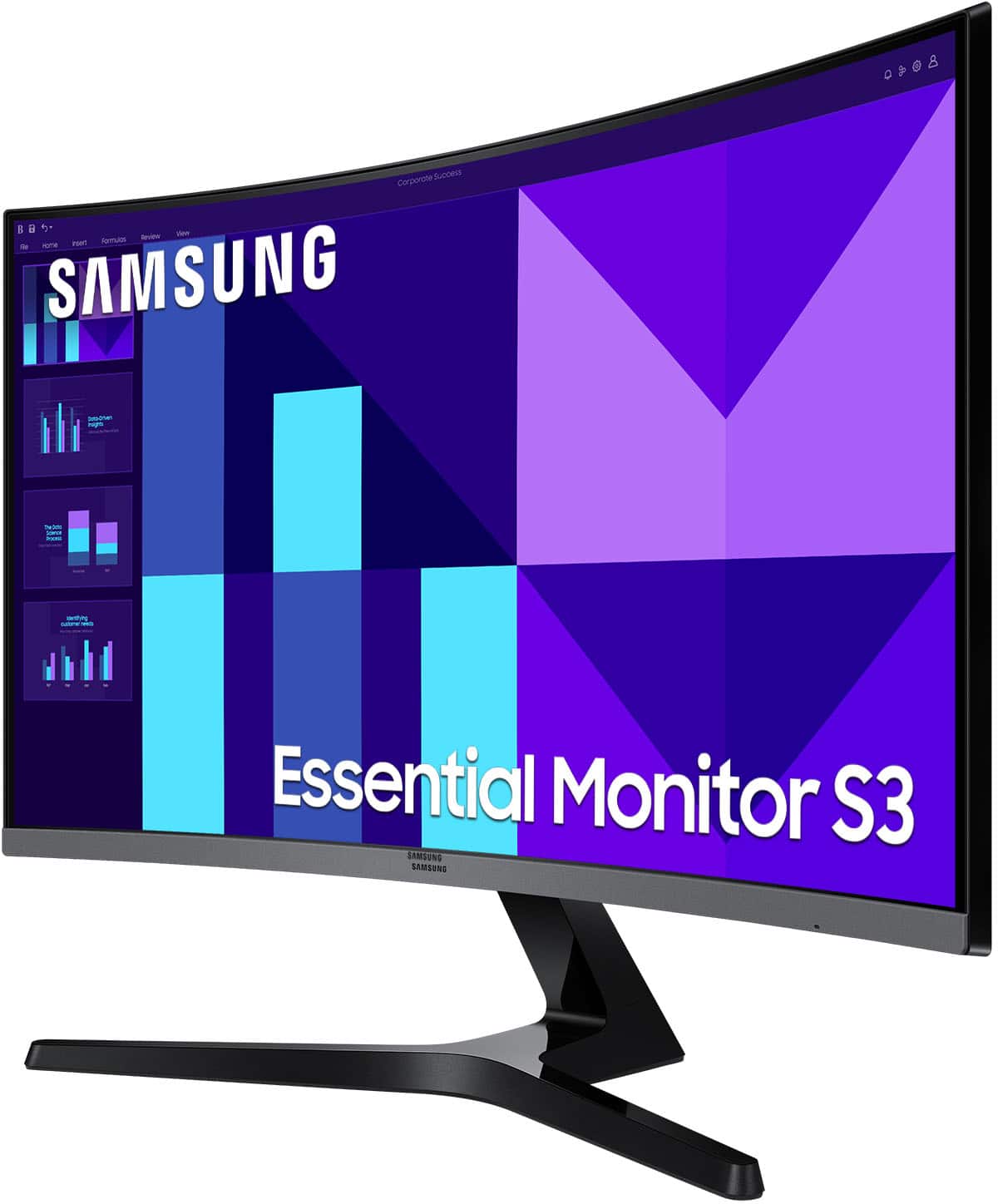
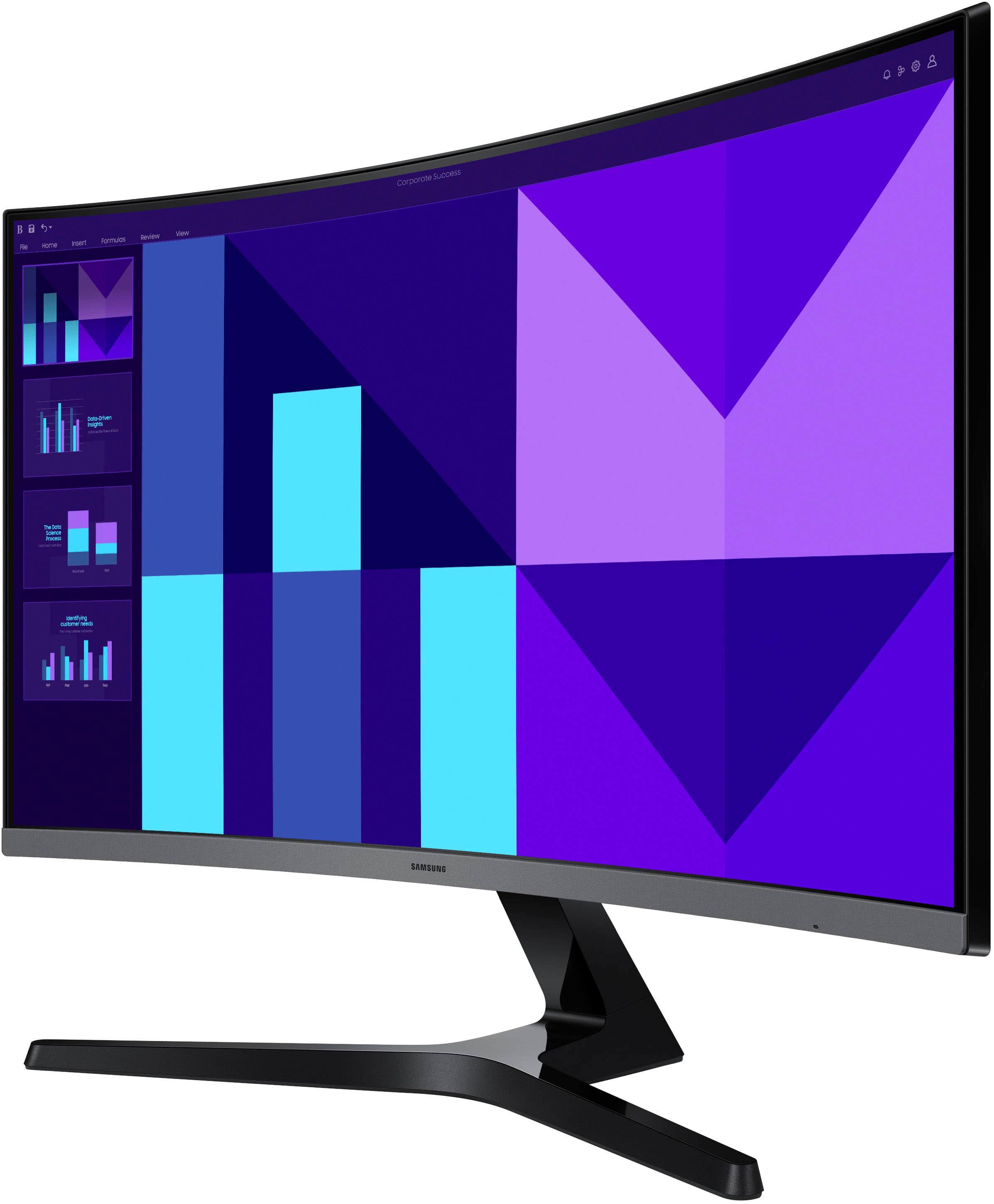
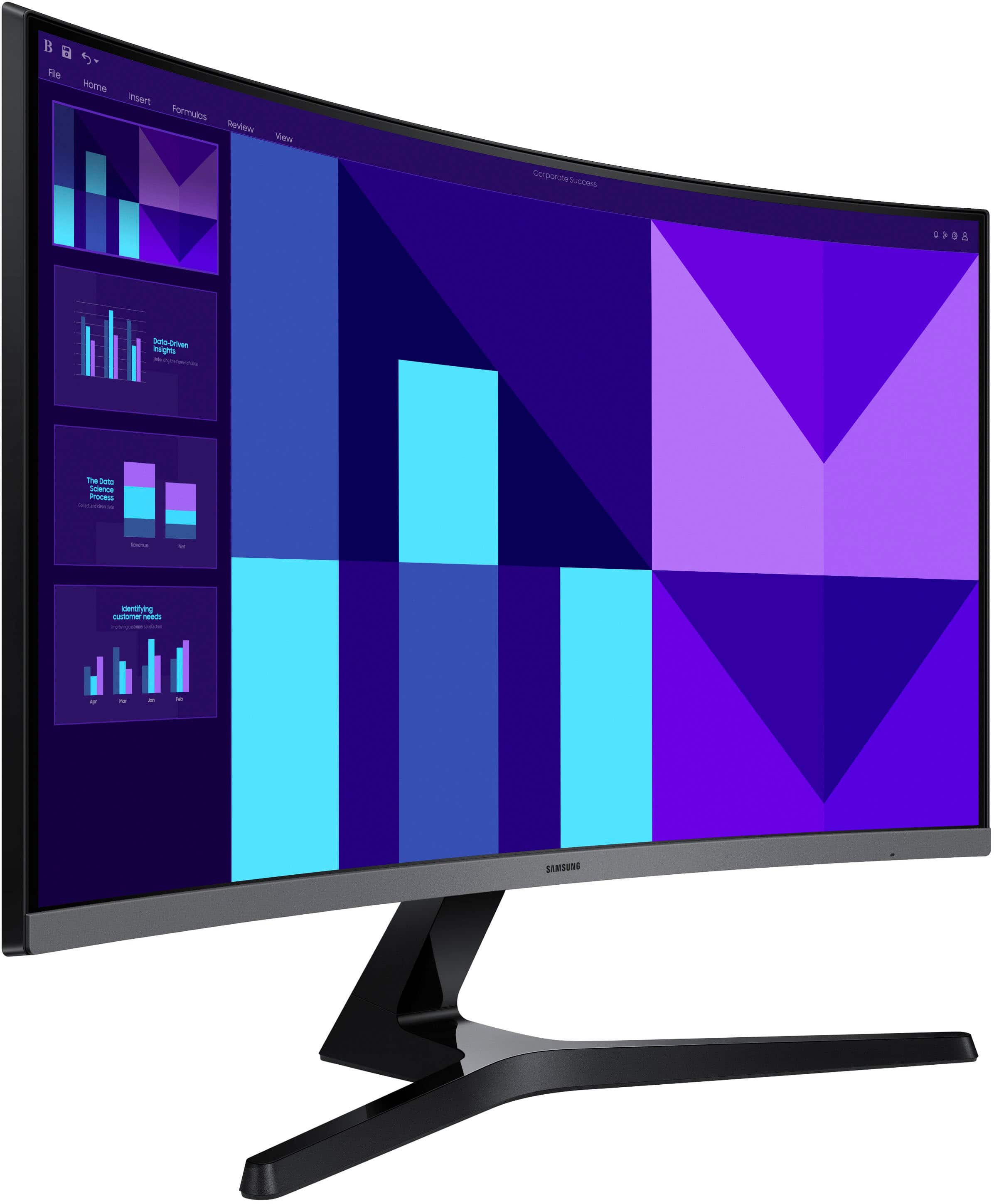

- Model:
- LS27D396GANXZA
- SKU:
- 10735457
Rating by feature
- Display Quality
Rating 4.8 out of 5 stars
- Ease of Use
Rating 4.9 out of 5 stars
- Features
Rating 4.7 out of 5 stars
My wife’s monitor
||Posted . Owned for 3 weeks when reviewed.This reviewer received promo considerations or sweepstakes entry for writing a review.My wife has a serious vision problem, and this large curvedmonitor has helped her immensely.
I would recommend this to a friend- Pros mentioned:Screen size
Monitor with speakers.
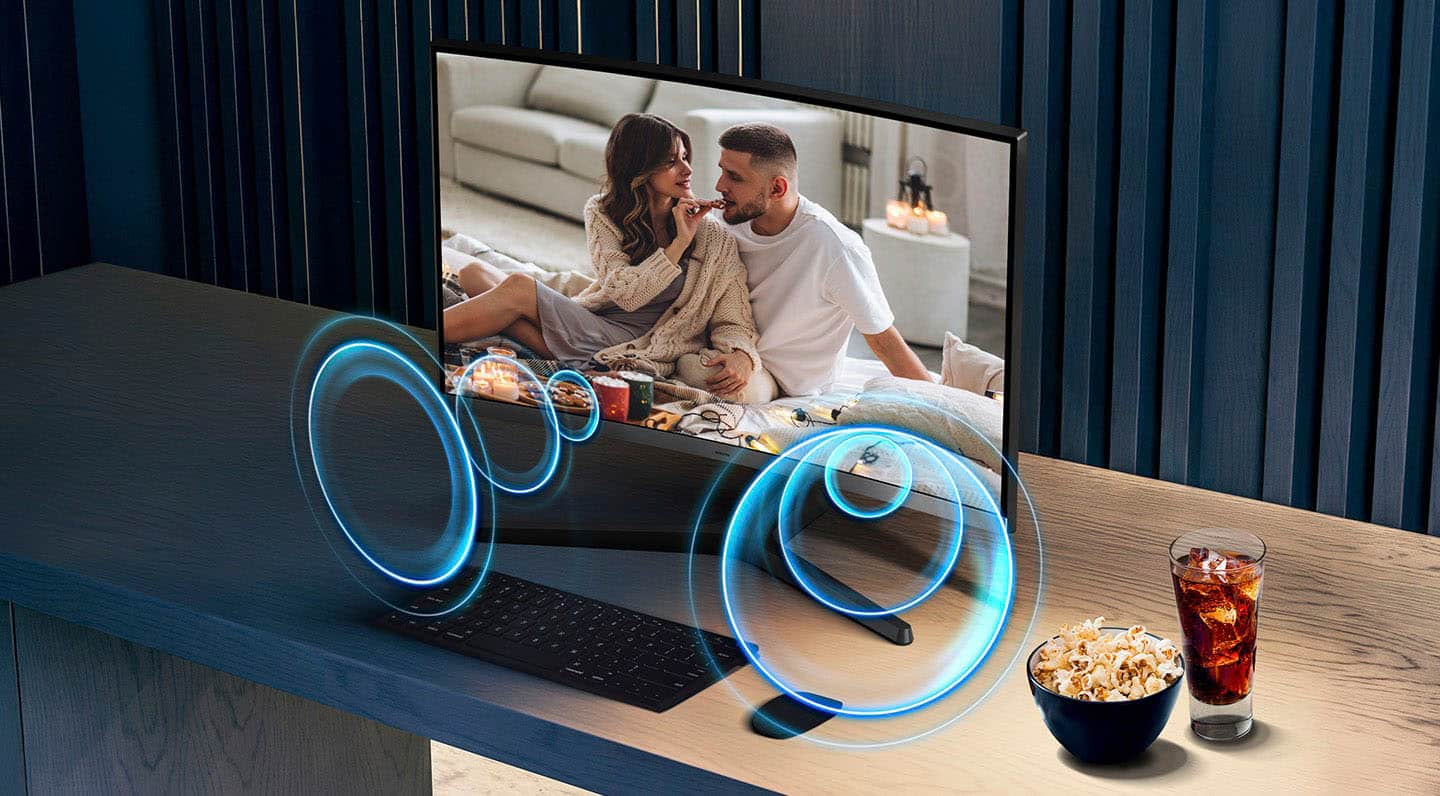
||Posted . Owned for 1 month when reviewed.This reviewer received promo considerations or sweepstakes entry for writing a review.I love the visual component of the monitor. Very sharp and clear. The audio/sound could be better.
I would recommend this to a friendBrand response from Samsung
Posted .EdwardK:
Thank you for purchasing Samsung’s S39GD Monitor and for sharing your feedback on the sound quality. To ensure you’re experiencing the best possible audio, we first recommend checking that your Monitor is running the latest firmware. To do this, navigate to: Home > left directional key > Settings > Support > Software Update
If the sound still doesn’t meet your expectations, there are a few settings you can try adjusting:
Go to: Settings > All Settings > Sound > Sound Mode
• Standard: Balanced sound without emphasis on any one range
• Optimized: Enhanced effects and spacious sound
• Amplify: Boosts mid and high tones to make dialogue clearer
You can also explore Expert Settings to fine-tune options such as Balance, Equalizer, Auto Volume, and more to match your personal preferences.
If you're considering expanding your setup, Samsung’s Q- and S-Series Soundbars (like the HW-xxx) support Q-Symphony, a feature that synchronizes your Monitor and soundbar speakers for an immersive 3D audio experience.
For further help adjusting your sound settings or finding the right soundbar for your space, feel free to reach Samsung Support at 1-800-SAMSUNG (8AM - 9PM EST Monday - Friday, and 8AM - 6PM Saturday and Sunday) or visit the Support link on our website for:
• LiveChat
• Manuals, Software, & Warranty Info
~ Samsung Monitors
Cashier
||Posted . Owned for 1 month when reviewed.This reviewer received promo considerations or sweepstakes entry for writing a review.Very good costumers service and fast service also good price
I would recommend this to a friendgreat quality
||Posted . Owned for 3 weeks when reviewed.This reviewer received promo considerations or sweepstakes entry for writing a review.I bought two monitors and they are bigger then i’ thought and i love them
I would recommend this to a friendGreat Monitor
||Posted . Owned for 2 weeks when reviewed.This reviewer received promo considerations or sweepstakes entry for writing a review.Great monitor! Slightly curved which makes it even more amazing.
I would recommend this to a friendWork monitors
||Posted . Owned for 3 weeks when reviewed.This reviewer received promo considerations or sweepstakes entry for writing a review.Great work screens, cant complain. Speakers are average.
I would recommend this to a friendMonitor
||Posted . Owned for 1 month when reviewed.This reviewer received promo considerations or sweepstakes entry for writing a review.Good suggestion on Open Box by Best.l Buy staff and it helped me save a lot and product is good
I would recommend this to a friendFragile
||Posted .This reviewer received promo considerations or sweepstakes entry for writing a review.Bought 2 and they work well but the screen on one is already cracked and 1/4 of the screen is unusable from unpacking and lightly pushing on the upper right corner to adjust the tilt. If you get it be very gentle with it. I have 6 other screens between work and home and haven't had this kind of problem with any of the others. Really like have speakers in the screen.
No, I would not recommend this to a friendBrand response from Samsung
Posted .We are very sorry to see that you have encountered issues with the 27" S39GD Monitor. We hope that you will give us a chance to assist with troubleshooting or warranty service. Samsung is committed to providing the best possible product experience, quality, and value, and we are always here to help with any of your questions or concerns. For further assistance or to begin warranty service, please contact Samsung Customer Support via: 1-800-SAMSUNG, available 8AM - 12AM EST (Mon-Fri) / 9AM - 11PM EST (Sat-Sun)
- Pros mentioned:Overall performance
Curve quality Samsung
||Posted . Owned for 3 weeks when reviewed.This reviewer received promo considerations or sweepstakes entry for writing a review.A good find in the price range. Samsung products never disappoint
I would recommend this to a friend Monitor
||Posted .This reviewer received promo considerations or sweepstakes entry for writing a review.good monitor easy to set up. Easy to pick up. The staff was helpful.
I would recommend this to a friend- Pros mentioned:Overall performance
Good monitor
||Posted . Owned for 3 weeks when reviewed.This reviewer received promo considerations or sweepstakes entry for writing a review.It works as intended! This is my second time buying this monitor, very nice.
I would recommend this to a friend Sharp images.
||Posted . Owned for 2 weeks when reviewed.This reviewer received promo considerations or sweepstakes entry for writing a review.Very sharp images, but a little too large for my space.
I would recommend this to a friendRecommend
||Posted . Owned for 2 weeks when reviewed.This reviewer received promo considerations or sweepstakes entry for writing a review.Excellent picture and quality with a good price! Highly recommend.
I would recommend this to a friend- Pros mentioned:Screen size
Good screen
||Posted . Owned for 1 month when reviewed.This reviewer received promo considerations or sweepstakes entry for writing a review.Good screen, works really fine with my iPhone, good choose quality vs price
I would recommend this to a friend - Pros mentioned:Screen size
Review
||Posted . Owned for 2 weeks when reviewed.This reviewer received promo considerations or sweepstakes entry for writing a review.The screen is great but the speakers are not so great. You can hear them but you cannot turn volume up very loud and music sounds terrible
No, I would not recommend this to a friend Display now
||Posted . Owned for 2 weeks when reviewed.This reviewer received promo considerations or sweepstakes entry for writing a review.Very good equipment, easy for work and play, very confortable
I would recommend this to a friend- Pros mentioned:Overall performance
Pretty good overall
||Posted . Owned for 3 weeks when reviewed.This reviewer received promo considerations or sweepstakes entry for writing a review.Pretty good overall. Display is good, easy to connect and setup.
I would recommend this to a friend Easy with your eyes
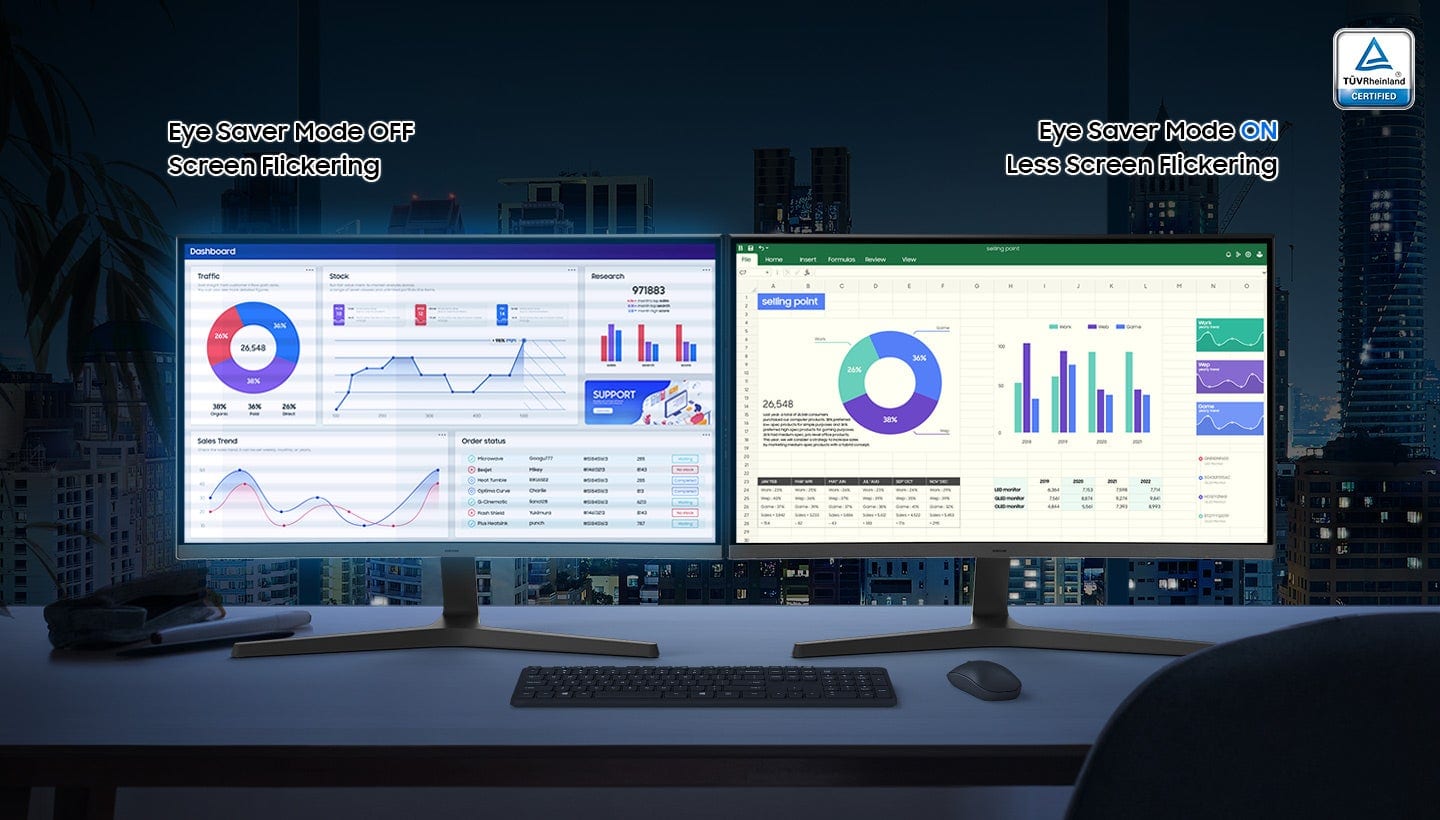
||Posted . Owned for 1 month when reviewed.This reviewer received promo considerations or sweepstakes entry for writing a review.I love this monitor so much. Its big enough to split the windows tabs, i use it for work and i love it doesn't make my eyes tired, it has a good quality sound and i love how it looks.
I would recommend this to a friend- Pros mentioned:Overall performance
Great monitor for the price.
||Posted . Owned for 1 week when reviewed.This reviewer received promo considerations or sweepstakes entry for writing a review.Great monitor for the price. Use it daily for normal office work.
I would recommend this to a friend Super happy with my purchase
||Posted .This reviewer received promo considerations or sweepstakes entry for writing a review.I was surprise how easy it was to replace my old monitor with this larger curved monitor. I am 70 years old so no one should be afraid to upgrade your old monitor.
I would recommend this to a friend