Customer Ratings & Reviews
- Model:
- LS27D396GANXZA
- SKU:
- 11174461
Rating by feature
- Display Quality
Rating 4.8 out of 5 stars
- Ease of Use
Rating 4.9 out of 5 stars
- Features
Rating 4.7 out of 5 stars
Monitor with speakers.
||Posted . Owned for 1 month when reviewed.This reviewer received promo considerations or sweepstakes entry for writing a review.I love the visual component of the monitor. Very sharp and clear. The audio/sound could be better.
I would recommend this to a friendBrand response from Samsung
Posted .EdwardK:
Thank you for purchasing Samsung’s S39GD Monitor and for sharing your feedback on the sound quality. To ensure you’re experiencing the best possible audio, we first recommend checking that your Monitor is running the latest firmware. To do this, navigate to: Home > left directional key > Settings > Support > Software Update
If the sound still doesn’t meet your expectations, there are a few settings you can try adjusting:
Go to: Settings > All Settings > Sound > Sound Mode
• Standard: Balanced sound without emphasis on any one range
• Optimized: Enhanced effects and spacious sound
• Amplify: Boosts mid and high tones to make dialogue clearer
You can also explore Expert Settings to fine-tune options such as Balance, Equalizer, Auto Volume, and more to match your personal preferences.
If you're considering expanding your setup, Samsung’s Q- and S-Series Soundbars (like the HW-xxx) support Q-Symphony, a feature that synchronizes your Monitor and soundbar speakers for an immersive 3D audio experience.
For further help adjusting your sound settings or finding the right soundbar for your space, feel free to reach Samsung Support at 1-800-SAMSUNG (8AM - 9PM EST Monday - Friday, and 8AM - 6PM Saturday and Sunday) or visit the Support link on our website for:
• LiveChat
• Manuals, Software, & Warranty Info
~ Samsung Monitors
Ginny
||Posted . Owned for 1 week when reviewed.This reviewer received promo considerations or sweepstakes entry for writing a review.We like it very much. The clarity and ease to turn on and off
I would recommend this to a friendGood
||Posted . Owned for 1 month when reviewed.This reviewer received promo considerations or sweepstakes entry for writing a review.good product value for money. Recommended if budget suits.
I would recommend this to a friendNice screen good size too.
||Posted .This reviewer received promo considerations or sweepstakes entry for writing a review.So far so good easy connection easy setup I like it.
I would recommend this to a friendScreen
||Posted . Owned for 1 week when reviewed.This reviewer received promo considerations or sweepstakes entry for writing a review.Great buy and easy to look at over time and watching videos
I would recommend this to a friendGood value but just OK
||Posted . Owned for 1 week when reviewed.This reviewer received promo considerations or sweepstakes entry for writing a review.The monitor is ok, limited and doesn’t adjust for height. But for the price it’s a good option.
I would recommend this to a friendBrand response from Samsung
Posted .Thank you for your review of the 27" S39GD monitor. Samsung is committed to providing the best possible product experience, quality, and value. We greatly value our customers’ feedback and we utilize your concerns and opinions in our relentless efforts towards delivering world-class products. If there is anything we can do to assist you and improve your product experience, please don't hesitate to contact Samsung Customer Support via: 1-800-SAMSUNG, available 8AM - 12AM EST (Mon-Fri) / 9AM - 11PM EST (Sat-Sun).
Nice Monitor
||Posted . Owned for 2 weeks when reviewed.This reviewer received promo considerations or sweepstakes entry for writing a review.Just what I was looking for. Decent speaker sound.
I would recommend this to a friendGreat product
||Posted . Owned for 2 weeks when reviewed.This reviewer received promo considerations or sweepstakes entry for writing a review.Screen easy to see. Easy plug in instant connection
I would recommend this to a friendmonitor review
||Posted . Owned for 3 weeks when reviewed.This reviewer received promo considerations or sweepstakes entry for writing a review.good monitor for the price display fits nicely on desk
I would recommend this to a friendbuggy monitor, samsung warranty refused
||Posted .This reviewer received promo considerations or sweepstakes entry for writing a review.I cannot recommend this product. Every time my computer is idle, this monitor goes dark and becomes completely unresponsive. This means that I have to bend over and unplug and replug my monitor many times a day in order for it to “wake” back up. I waited too long to return or exchange with Best Buy, but it started to get worse. When I contacted Samsung about the warranty, they informed me that Samsung monitors can only be connected directly to the computer with an HDMI cord and that no docking stations or adapters can be used. Absurd. Everyone who works at their computer and has multiple monitors uses a docking station, it is the standard. For Samsung to deny a warranty on a faulty product on the basis of use of a docking station is beyond unacceptable. My other monitor is able to sleep and wake up with my computer without the need to constantly unplug and replug. My monitors at work do not have this issue. This monitor (and Samsung, apparently) are not worth the trouble.
No, I would not recommend this to a friendBrand response from Samsung
Posted .Please know you are leaving a review for the Samsung 27" Odyssey S39GD Series Curved, not the service provided by a third party seller. Please follow up directly with the seller for further assistance. We hope your issue is resolved in a timely manner. Should you have questions regarding Samsung TVs, please contact Samsung Support at 1-800-SAMSUNG, 8AM - 12AM EST, 7 days a week. Our LiveChat agents are also available by clicking on the ‘Support’ link on our website.
Wouldn’t buy again
||Posted . Owned for 3 weeks when reviewed.This reviewer received promo considerations or sweepstakes entry for writing a review.Monitor picture quality wasn’t good. For the work I do the pixel quality was lack luster.
No, I would not recommend this to a friendBrand response from Samsung
Posted .BrianS:
Thank you for sharing your thoughts on the picture quality of Samsung’s S39GD Monitor. If the image doesn’t look quite right to you, there are several adjustments that can help optimize performance for your space and preferences.
First, make sure your Monitor is up to date. Firmware updates often include picture quality enhancements. To check for the latest version, go to: Home > Left directional button > Settings > Support > Software Update > Update Now
Next, explore available Picture Modes under: Settings > All Settings > Picture > Picture Mode
Each mode is tailored to a different viewing style:
• Standard – Balanced settings for everyday use
• Dynamic – Brighter and sharper for brightly lit rooms
• Movie – Softer tones ideal for low-light viewing
• Eco – Reduces power consumption by adjusting brightness
• Filmmaker Mode – Preserves the creator’s original color, contrast, and motion settings
You can also customize the image further under: Settings > All Settings > Picture > Expert Settings, where you’ll find detailed controls for Brightness & Contrast, Color & Tint, Sharpness, and more.
If you’d like help fine-tuning your display or exploring these settings, please call Samsung Customer Support at 1-800-SAMSUNG, available 8AM - 9PM EST Monday - Friday, and 8AM - 6PM Saturday and Sunday, or visit the ‘Support’ section on our website to LiveChat with an agent.
~ Samsung Monitors
Nice Look!
||Posted . Owned for 3 weeks when reviewed.This reviewer received promo considerations or sweepstakes entry for writing a review.Looks great but only had it for a couple of weeks. Nice though!
I would recommend this to a friendDecent monitor the price
||Posted .This reviewer received promo considerations or sweepstakes entry for writing a review.Decent monitor. Got it for a good price on sale as a secondary.
I would recommend this to a friendZeferino
||Posted .This reviewer received promo considerations or sweepstakes entry for writing a review.Sound quality poor. Good size monitor. Easy set up.
No, I would not recommend this to a friend27 inch monitor, what was I thinking?
||Posted . Owned for 2 weeks when reviewed.This reviewer received promo considerations or sweepstakes entry for writing a review.Admittedly, my own fault, but this monitor is entirely too big for my purpose! As a matter of fact, I’m planning on returning it.
No, I would not recommend this to a friendBrand response from Samsung
Posted .Thank you for your purchase and review of the 27" S39GD monitor. Samsung offers a variety of sizes and products to meet individual's needs and encourage you to further explore other monitors in our lineup that may better suit your needs. If there is anything we can do to assist you further, please contact Samsung Customer Support via: 1-800-SAMSUNG, available 8AM - 12AM EST (Mon-Fri) / 9AM - 11PM EST (Sat-Sun). Samsung is committed to providing the best possible product experience, quality, and value, and we are always here to help with any of your questions or concerns.

Great Productivity Monitor
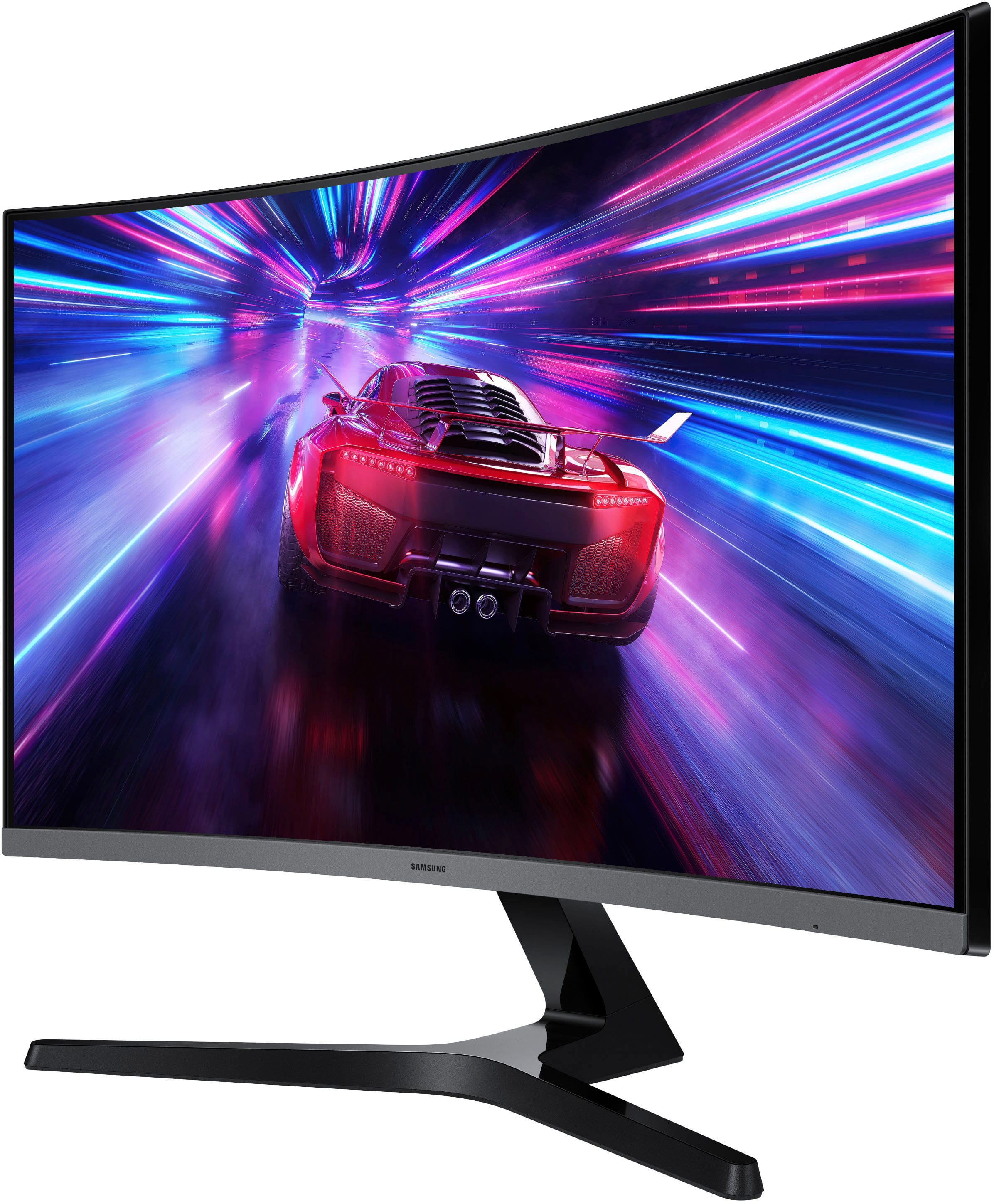
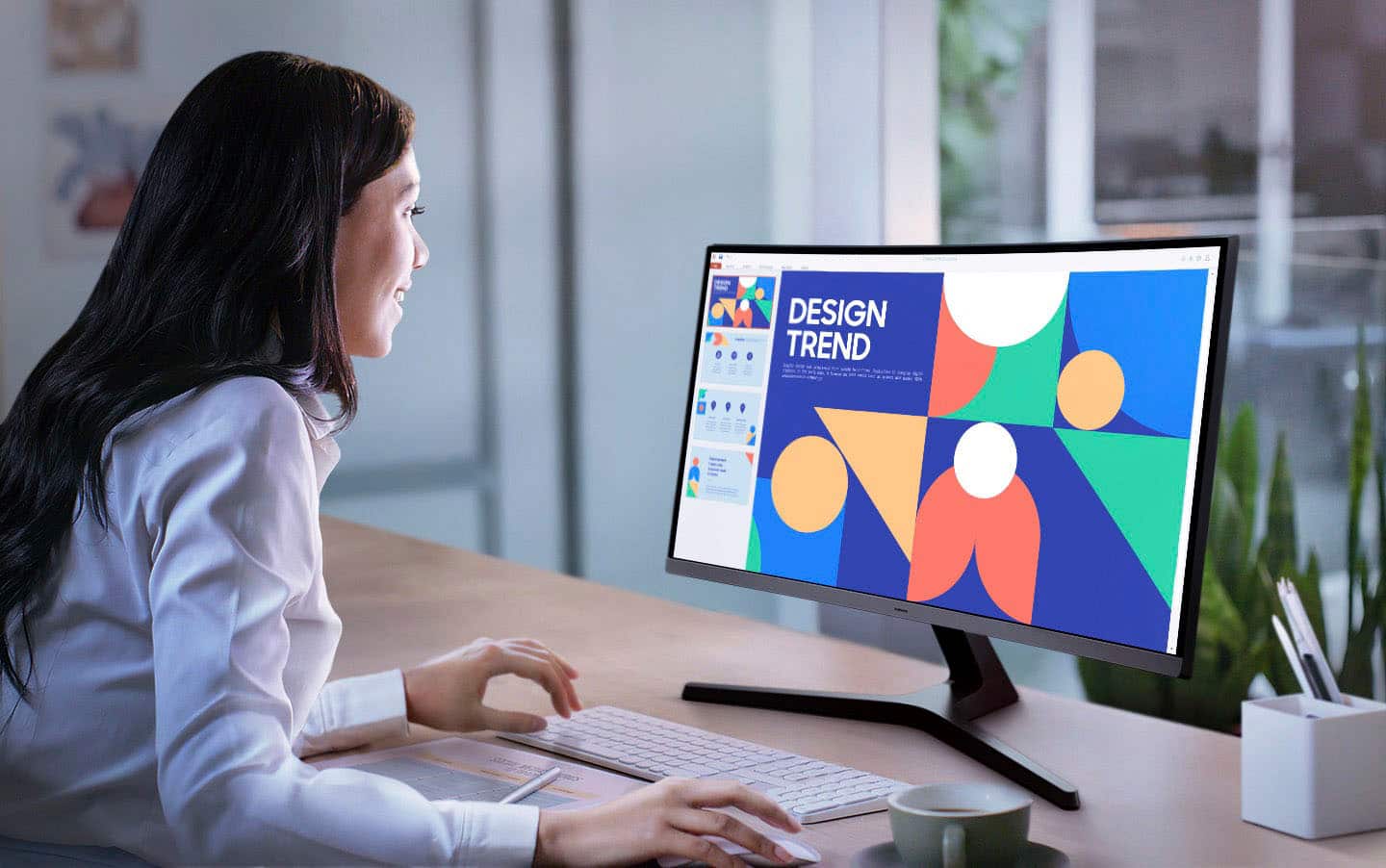
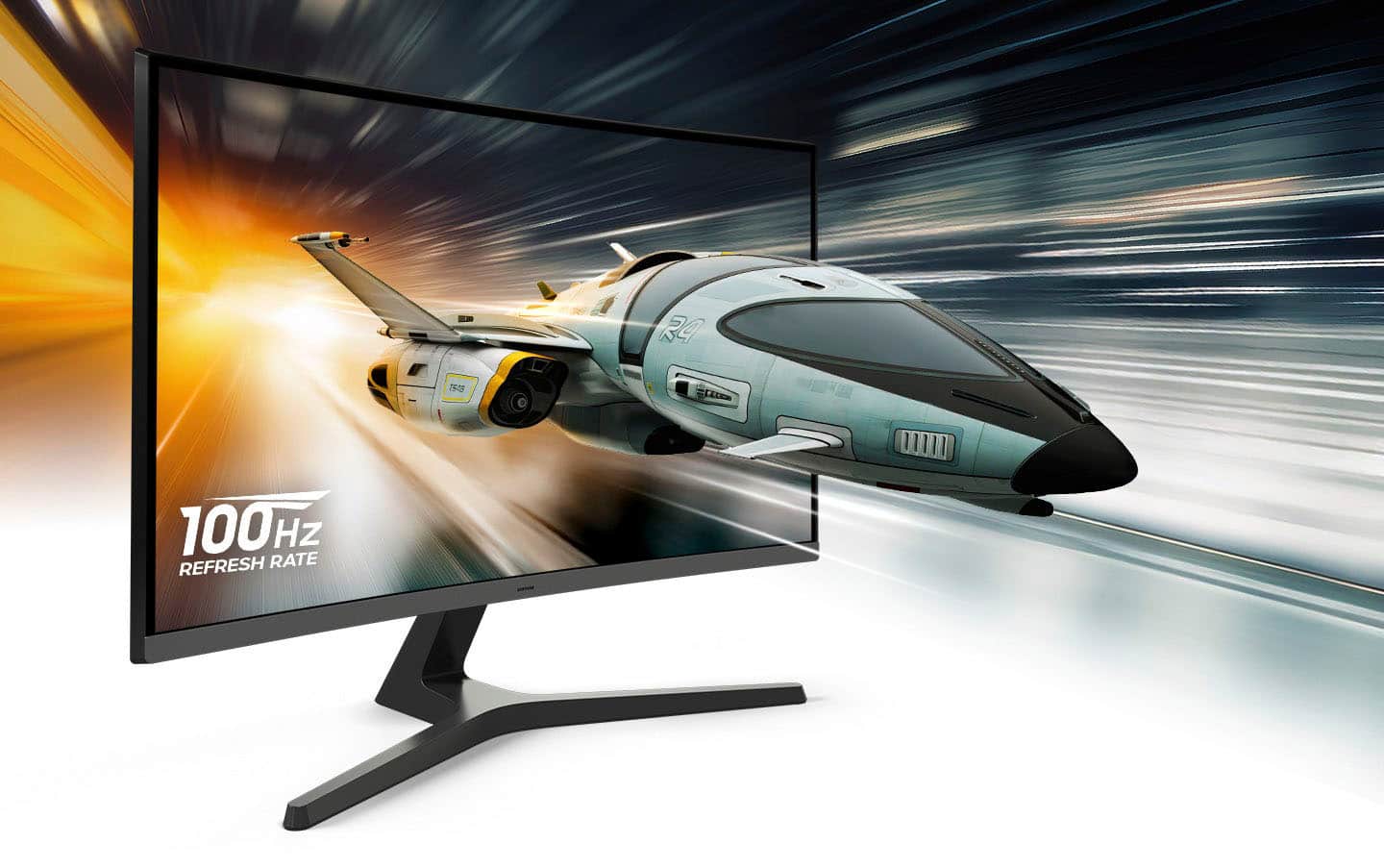
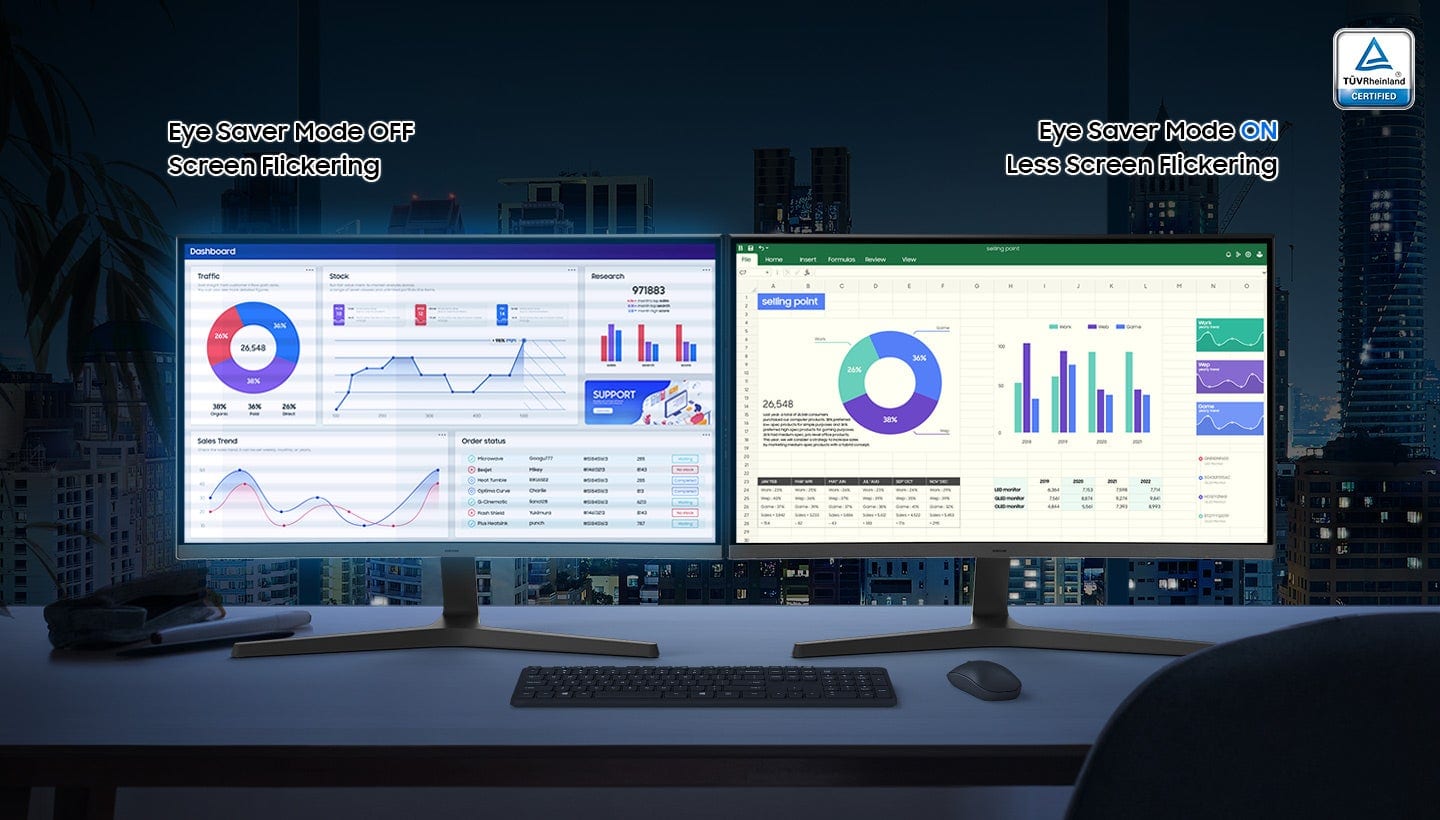
|Posted .This reviewer received promo considerations or sweepstakes entry for writing a review.The Samsung S39GD Curved FHD Monitor has been great for my home office setup. The curved display makes staring at this screen all day a breeze, and it fits great on my desk without taking up too much space. The 100hz refresh rate has made this monitor extremely easy on my eyes as well, scrolling through spreadsheets all day is buttery smooth. The built in speakers are not bad, and work ok in a pinch but they are definitely not the ideal situation for watching movies or listening to music. I typically use headphones so this is a non-issue for me. The picture quality is amazing when using productivity apps like Excel and Word, I also really enjoy watching YouTube videos and even movies and TV shows on this screen. The higher refresh rate definitely helps with those scenarios, but the color saturation on the screen is great as well. This monitor really checked all the boxes that I needed for my home office, and even works great for entertainment uses outside of my typical day to day work. Overall this monitor is a great value and I will definitely consider adding a second one soon.
I would recommend this to a friendMoniter
||Posted . Owned for 1 month when reviewed.This reviewer received promo considerations or sweepstakes entry for writing a review.Not the best, glitches in and out. Okay quality’s ,thats about it
No, I would not recommend this to a friendBrand response from Samsung
Posted .ElijahD:
We appreciate your feedback regarding your S39GD Monitor’s performance. If you're experiencing freezing or lag in general response time, please try the following steps:
1. Check for firmware updates – Keeping your Monitor up to date can resolve many performance issues: Home > left directional key > Settings > Support > Software Update > Update Now
2. Run Device Care – This tool checks system memory, frees up cached data, and closes background apps that could be slowing things down: Home > left directional key > Settings > Support > Device Care > Start Device Care
3. Cold boot your Monitor – With the Monitor powered on, press and hold the Power button on your remote for 5+ seconds until the Monitor restarts. This helps refresh the system.
If you're still noticing performance snags after these steps, please contact Samsung Support at 1-800-SAMSUNG between 8AM - 9PM EST Monday - Friday, and 8AM - 6PM Saturday and Sunday. You can also connect with a LiveChat agent via the ‘Support’ link on our website.
~ Samsung Monitors
Decent monitor for a decent price
||Posted .This reviewer received promo considerations or sweepstakes entry for writing a review.Decent monitor for a decent price. No major complaints, it's a good middle of the road product.
I would recommend this to a friendBrand response from Samsung
Posted .Thank you for your purchase and review of the 27" S39GD curved monitor! We appreciate you taking the time to provide feedback. If there is anything we can do to assist you further, please contact Samsung Customer Support via: 1-800-SAMSUNG, available 8AM - 12AM EST (Mon-Fri) / 9AM - 11PM EST (Sat-Sun). Samsung is committed to providing the best possible product experience, quality, and value, and we are always here to help with any of your questions or concerns.
Excellent Performance
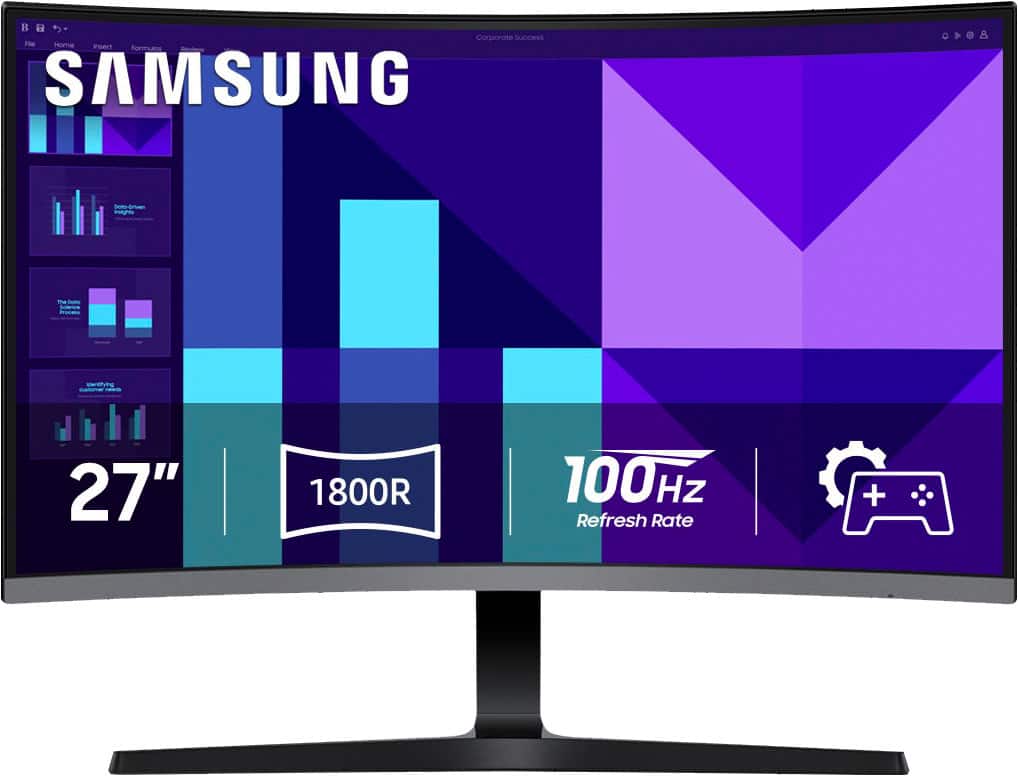
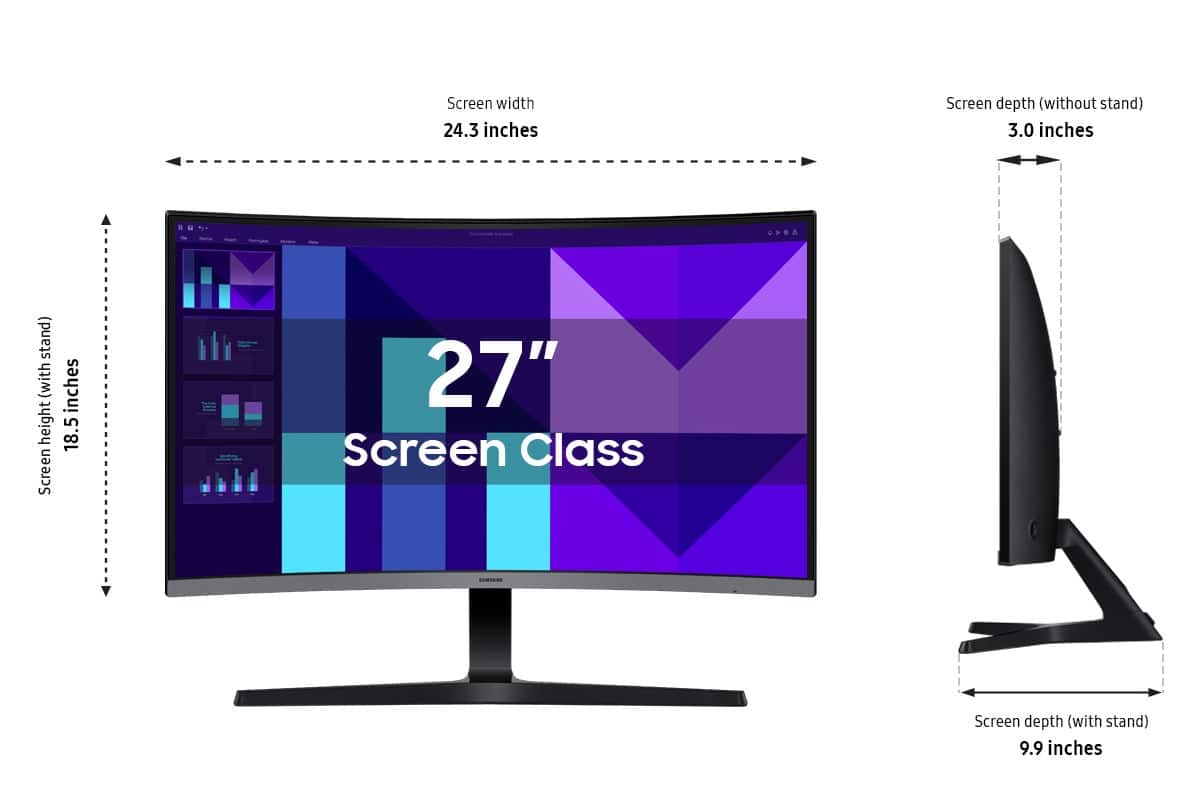
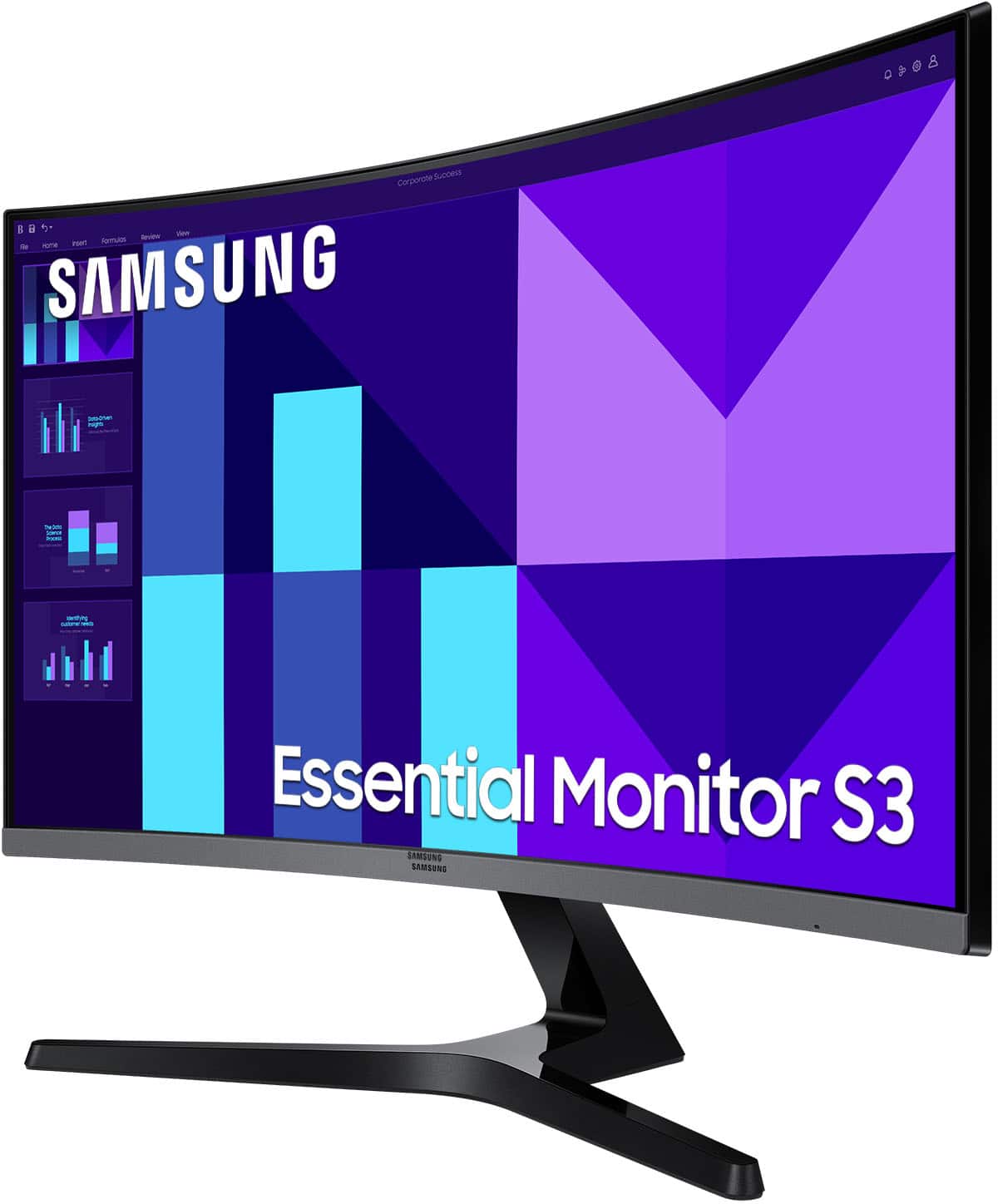
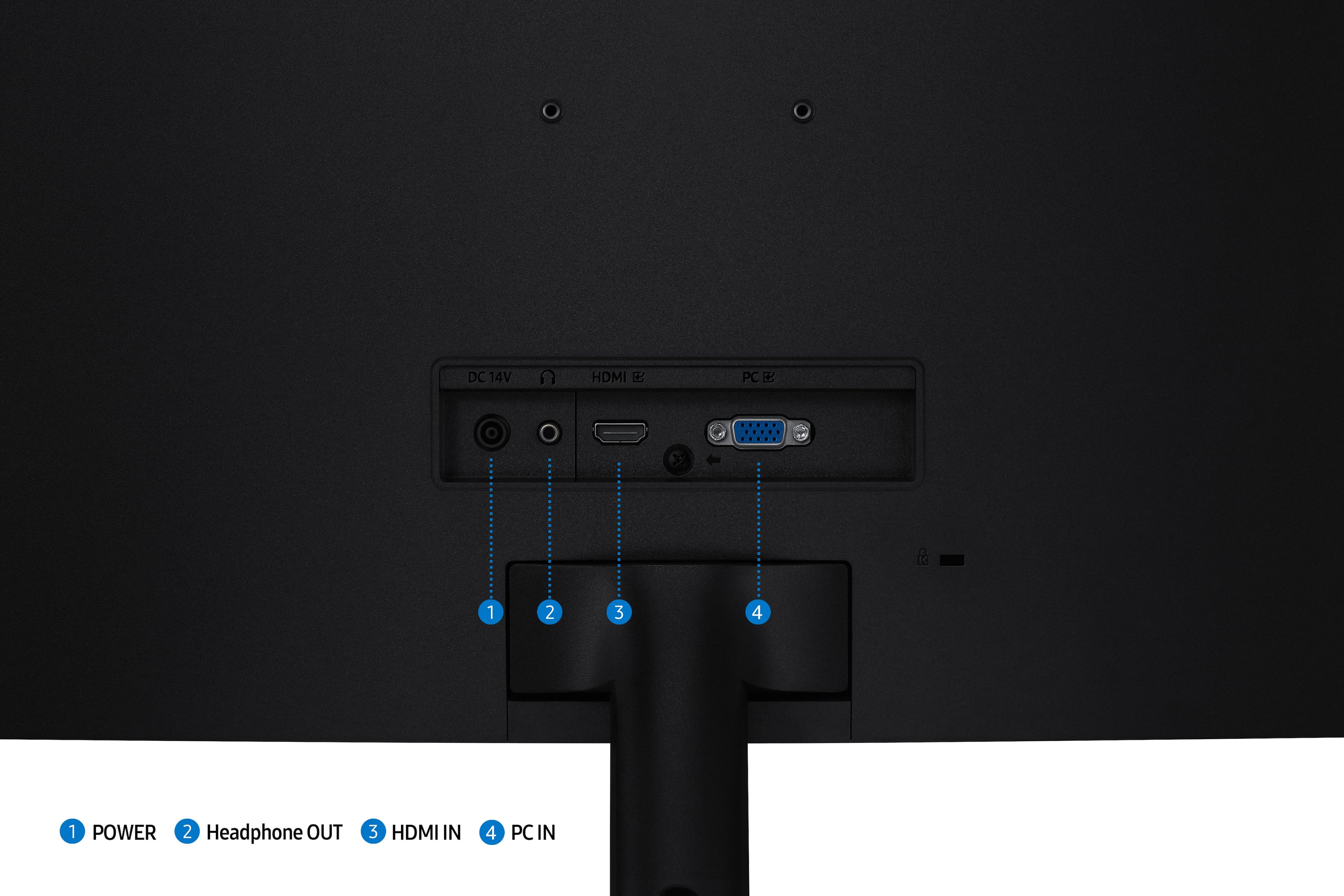
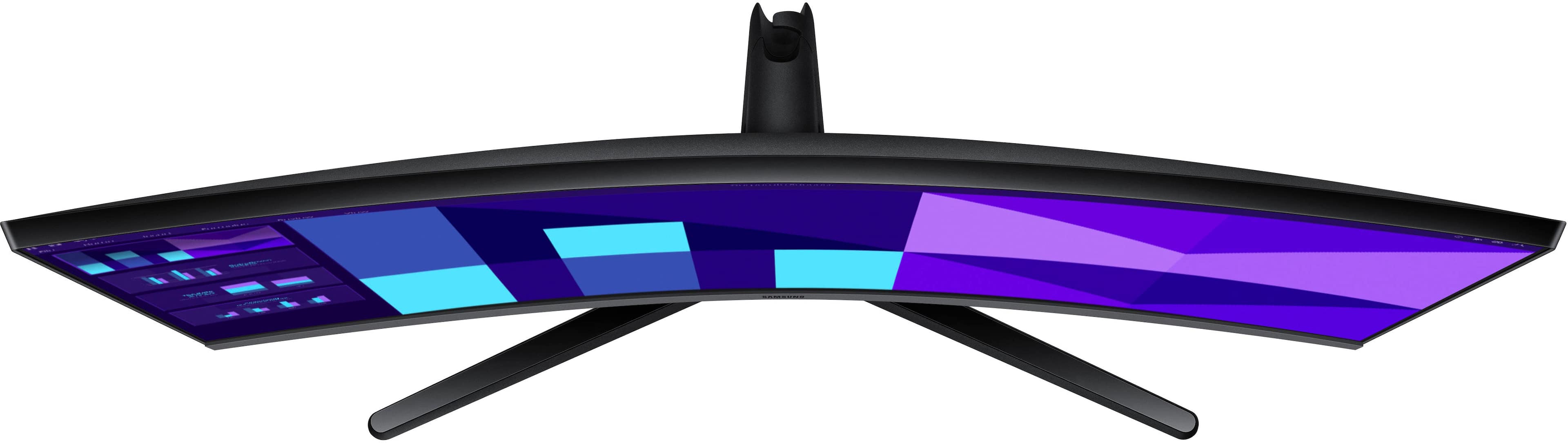
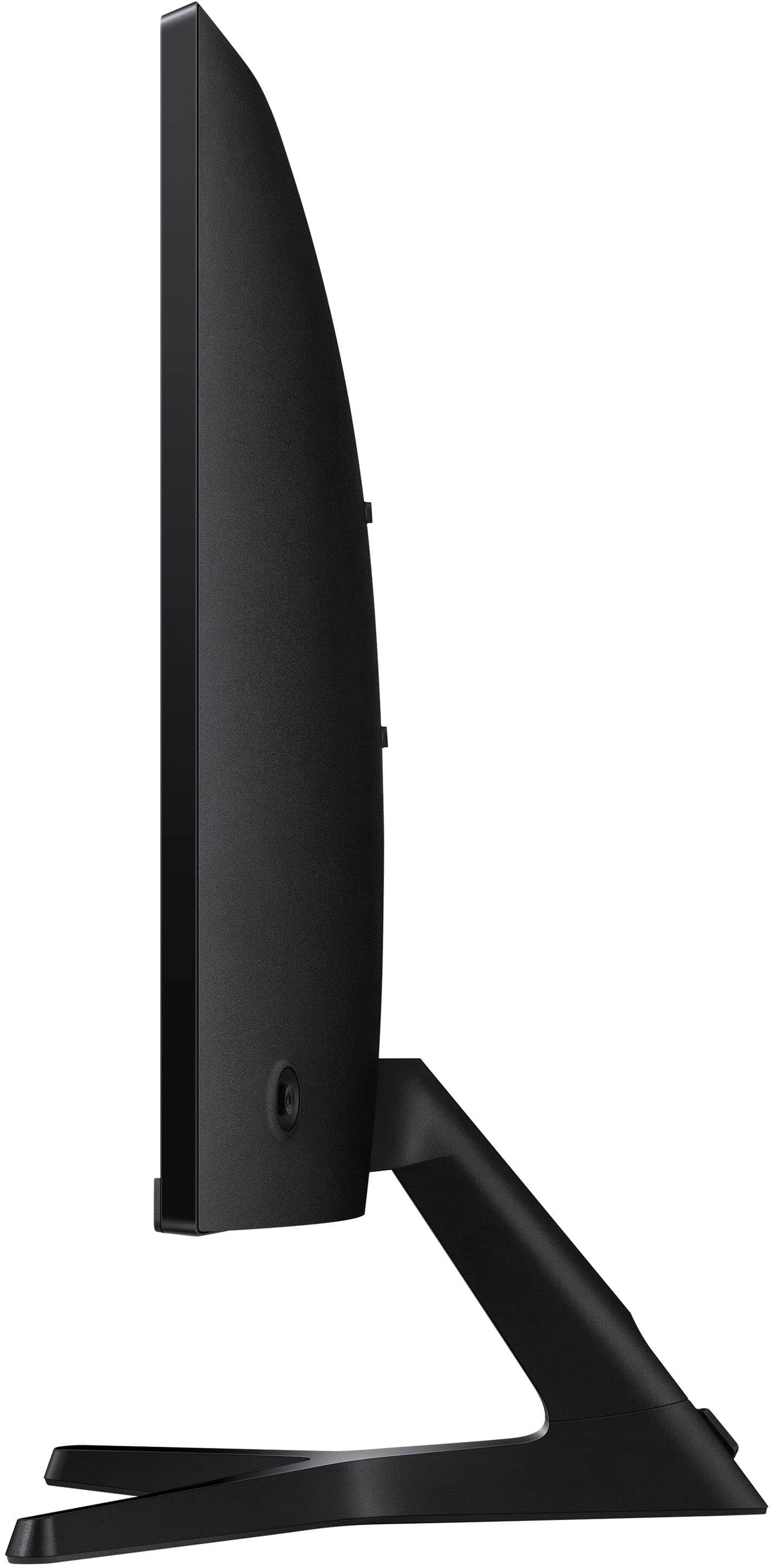
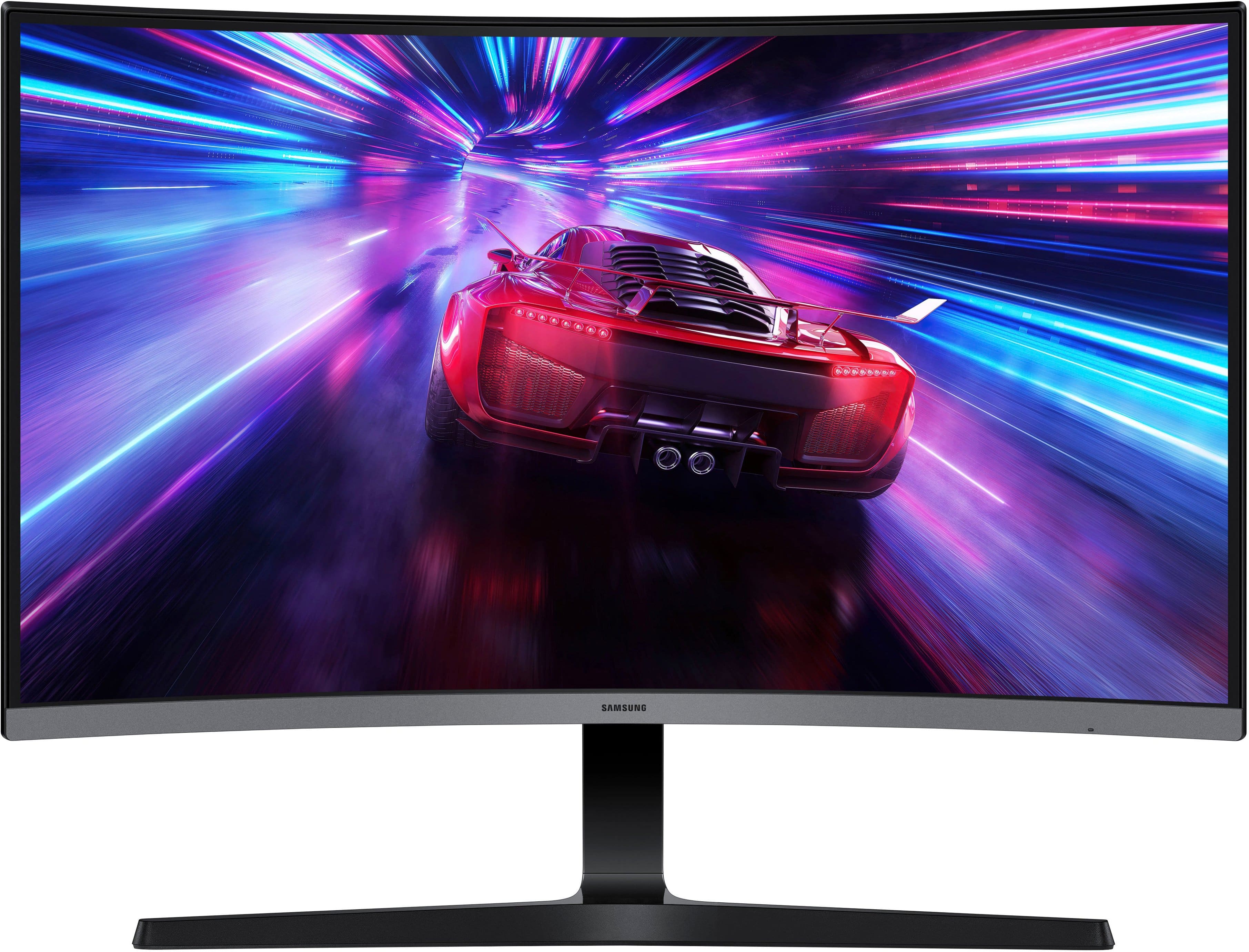
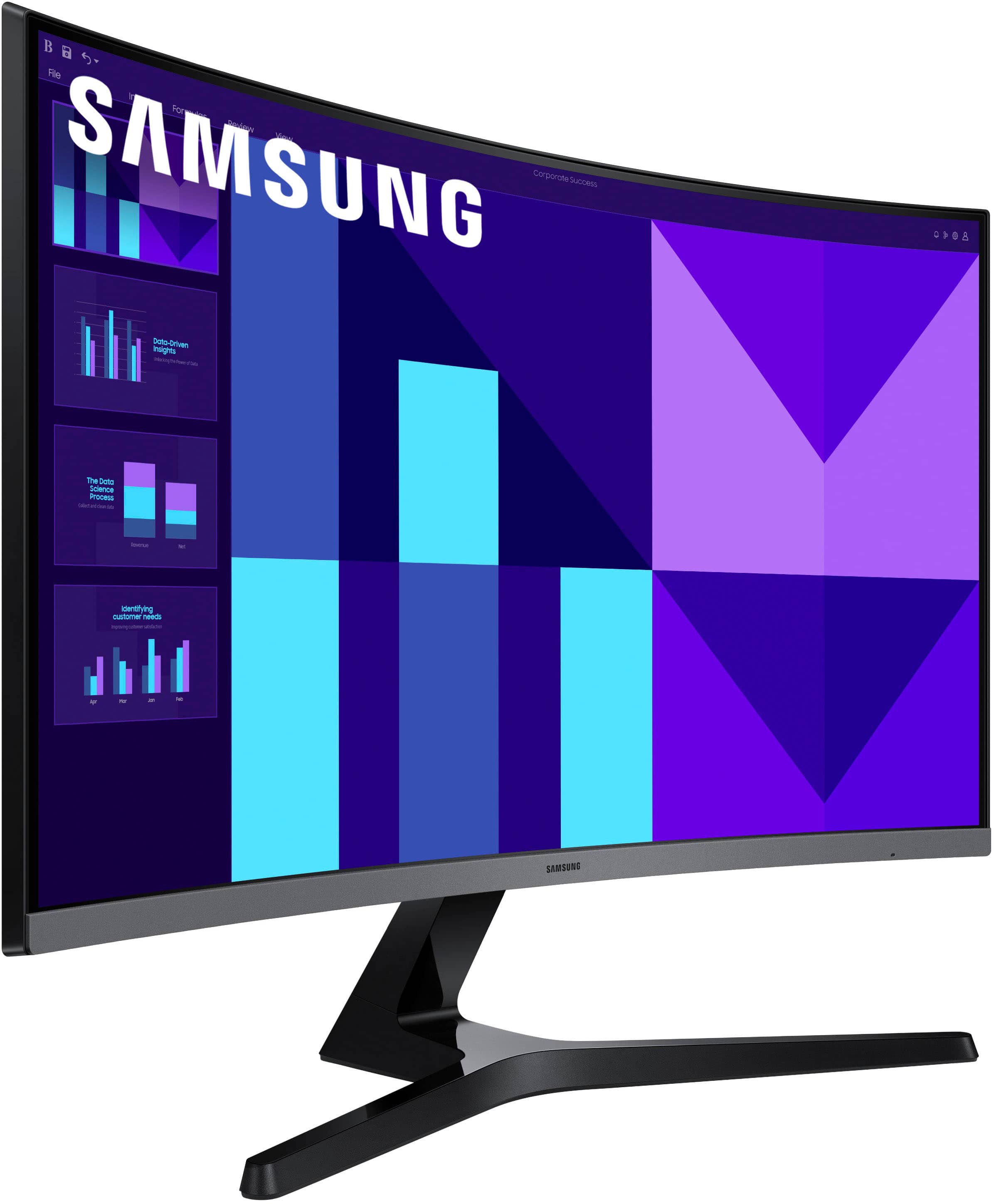
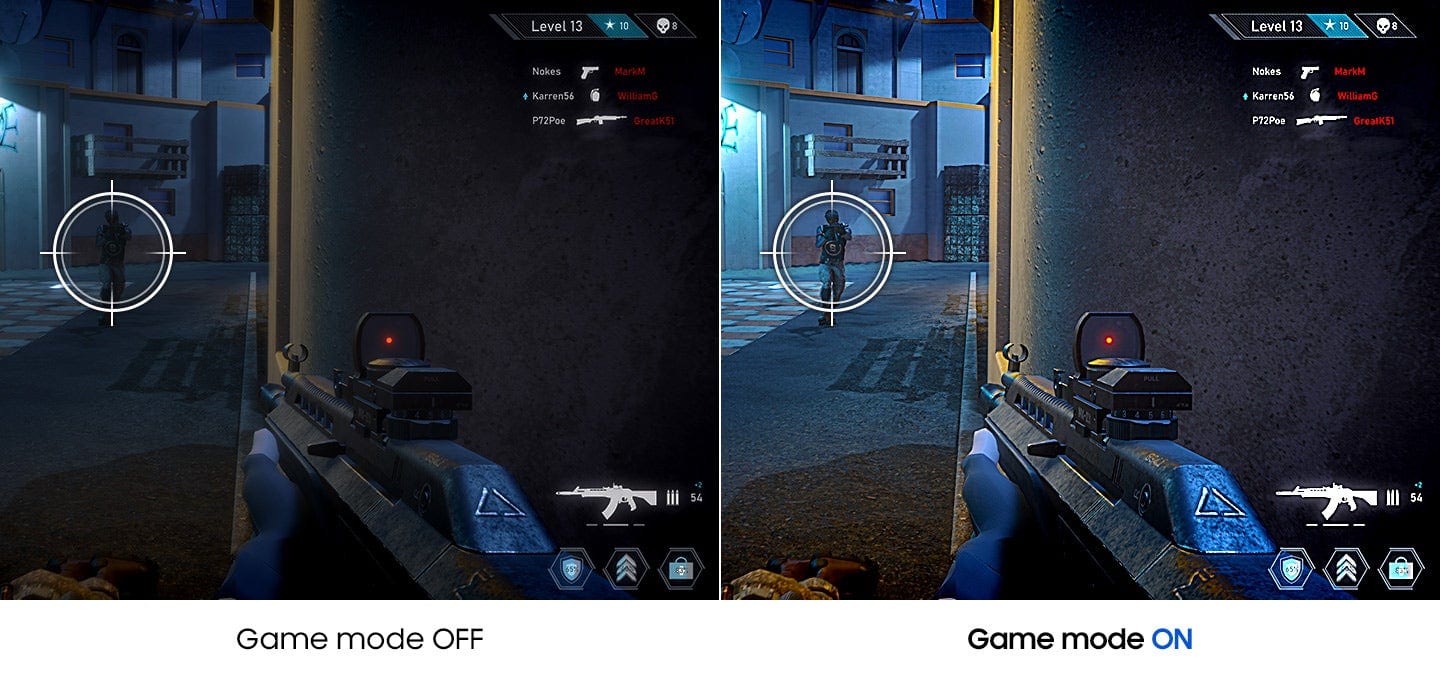
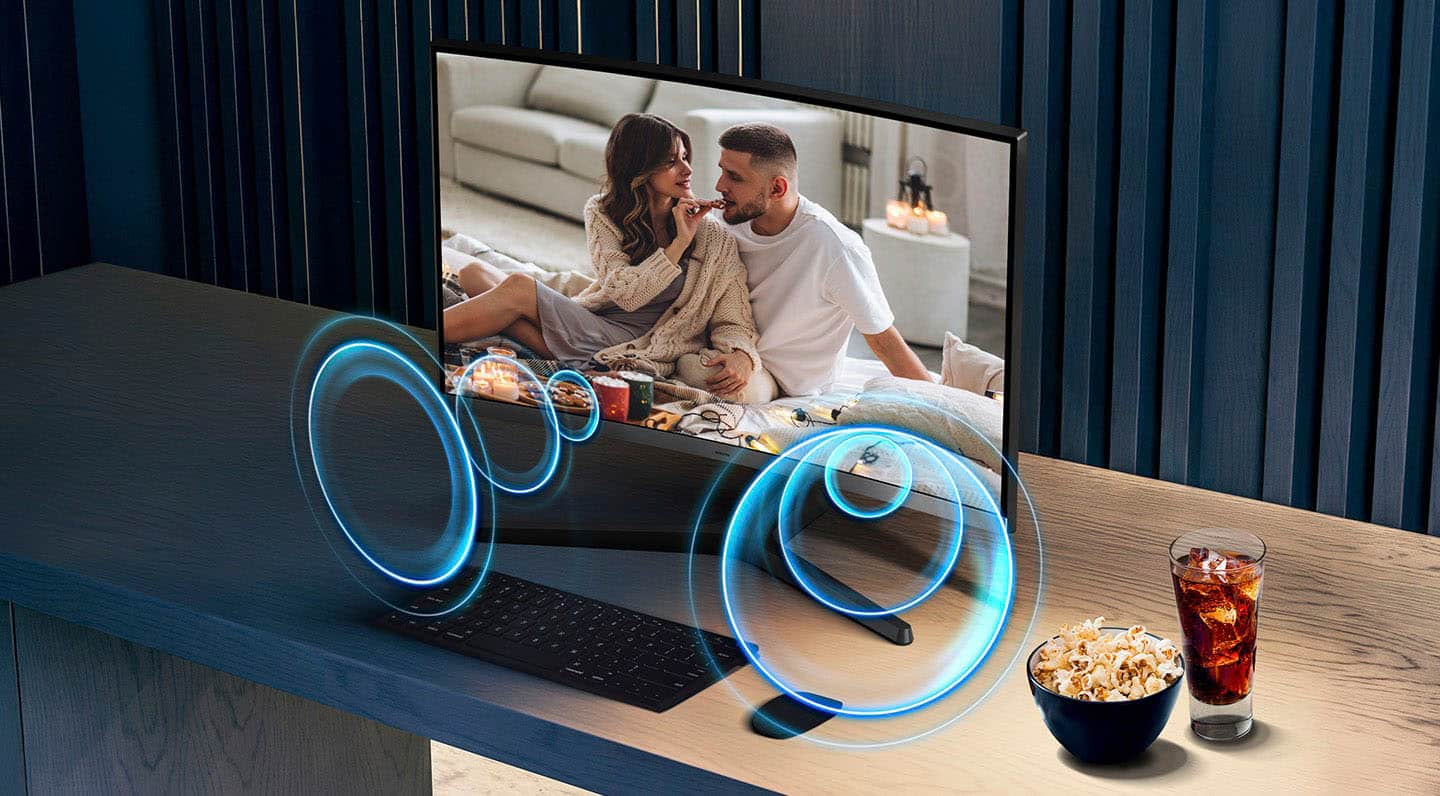
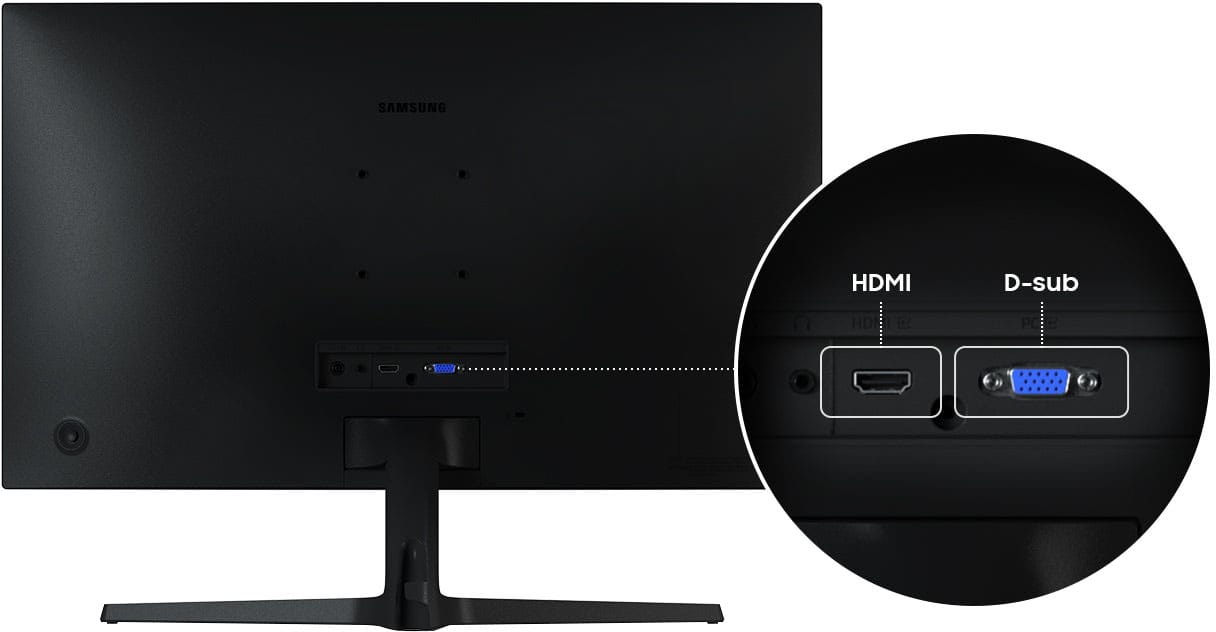
|Posted .This reviewer received promo considerations or sweepstakes entry for writing a review.This Samsung curved HD monitor is a no-frills basic monitor with a couple of nice features including a 100Hz refresh rate, a game mode, and speakers. The resolution is 1920x1080, which equates to a 1080p TV. It has one HDMI port and one D-Sub port (which is just an old VGA port by a different name). An HDMI cable is included. It also has a standard 3.5mm audio jack. It comes in 3 parts, the screen, the arm, and the base. The base attaches to the arm with a single screw, and the arm attaches to the screen with two screws. Assembly was easy. I did gaming on this monitor and watched movies on it, and it excels. The curved screen gives an immersive viewing experience, and the colors and images are vivid, sharp and accurate. The game mode enhances brightness and contrast to bring out detail for gaming. In fact, when gaming I couldn't see any difference between this monitor with its 100Hz refresh rate and 4ms response time and a more expensive 180Hz 1ms response time gaming monitor that I usually use for gaming. The built-in speakers are adequate for voice but if you're watching a movie or gaming where loud immersive sound with bass notes is part of the experience, then you would want to use headphones or separate speakers. One thing to note about a curved monitor is that the best viewing angle is straight on. If you're not centered in front of the screen, then you don't get the same intended immersive experience. The monitor controls are accessed and adjusted by the typical single toggle switch. The on-screen menu made it easy to make any desired changes including speaker volume adjustments. The screen is tiltable, but the height is fixed, it's not adjustable. The build quality is average for this monitor's price range. It's mostly black plastic. Overall, this is a great curved HD monitor for the price. It's good for gaming, for movies, for streaming video content. Unless you have a specific need for something more or you just want 4K, then this monitor will do just fine, and I wouldn't spend more.
I would recommend this to a friendFlashy Monitor for the Budget Conscious
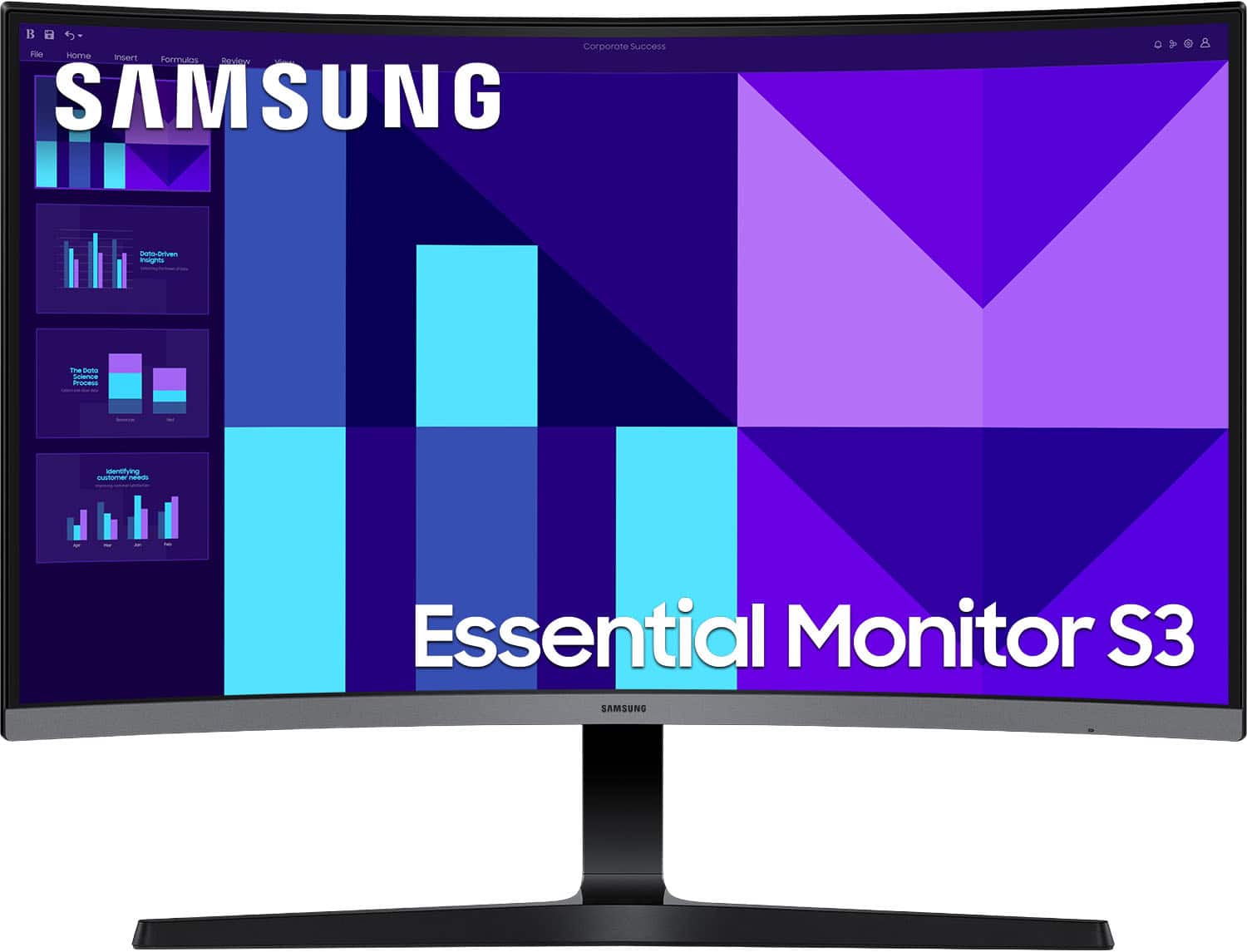
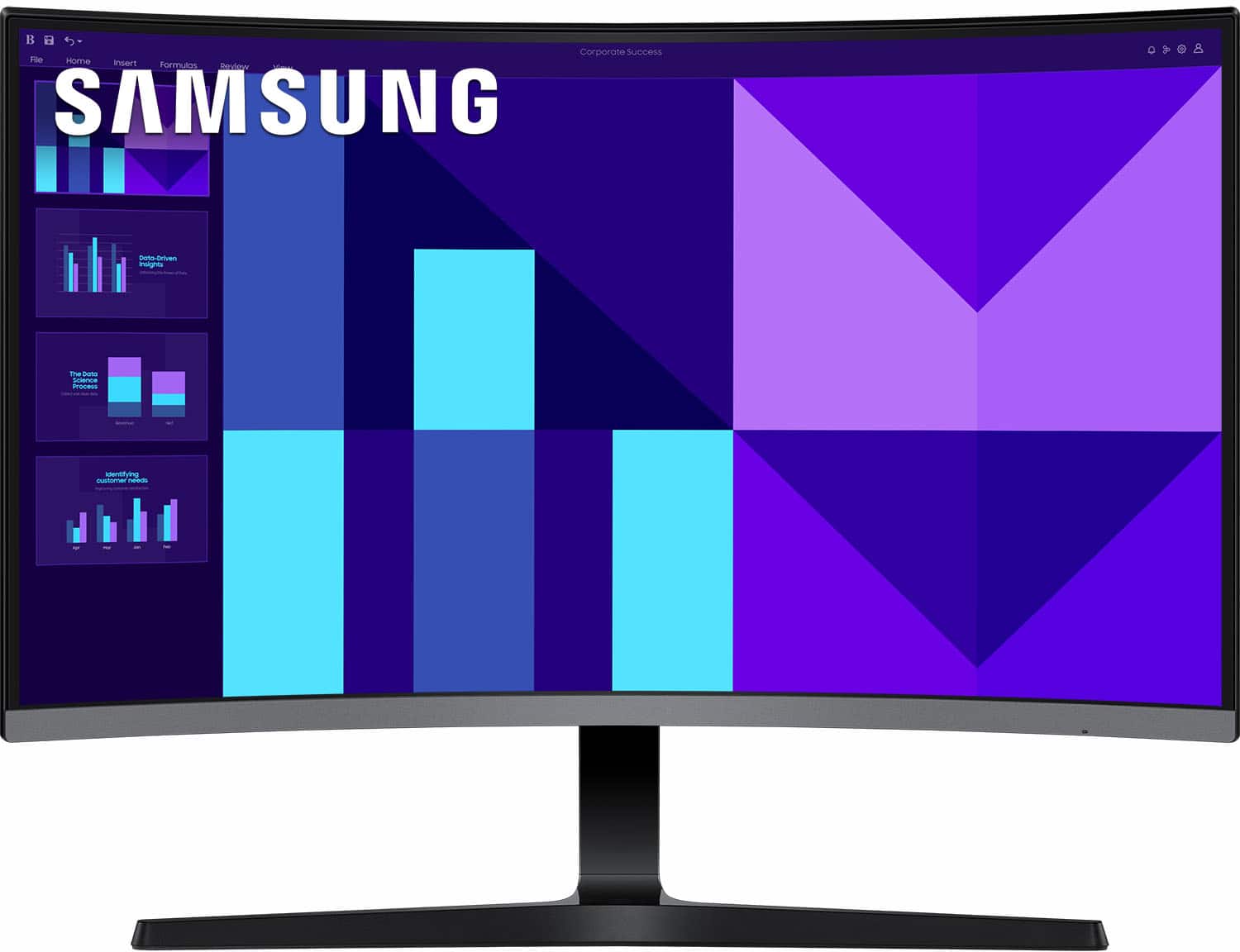
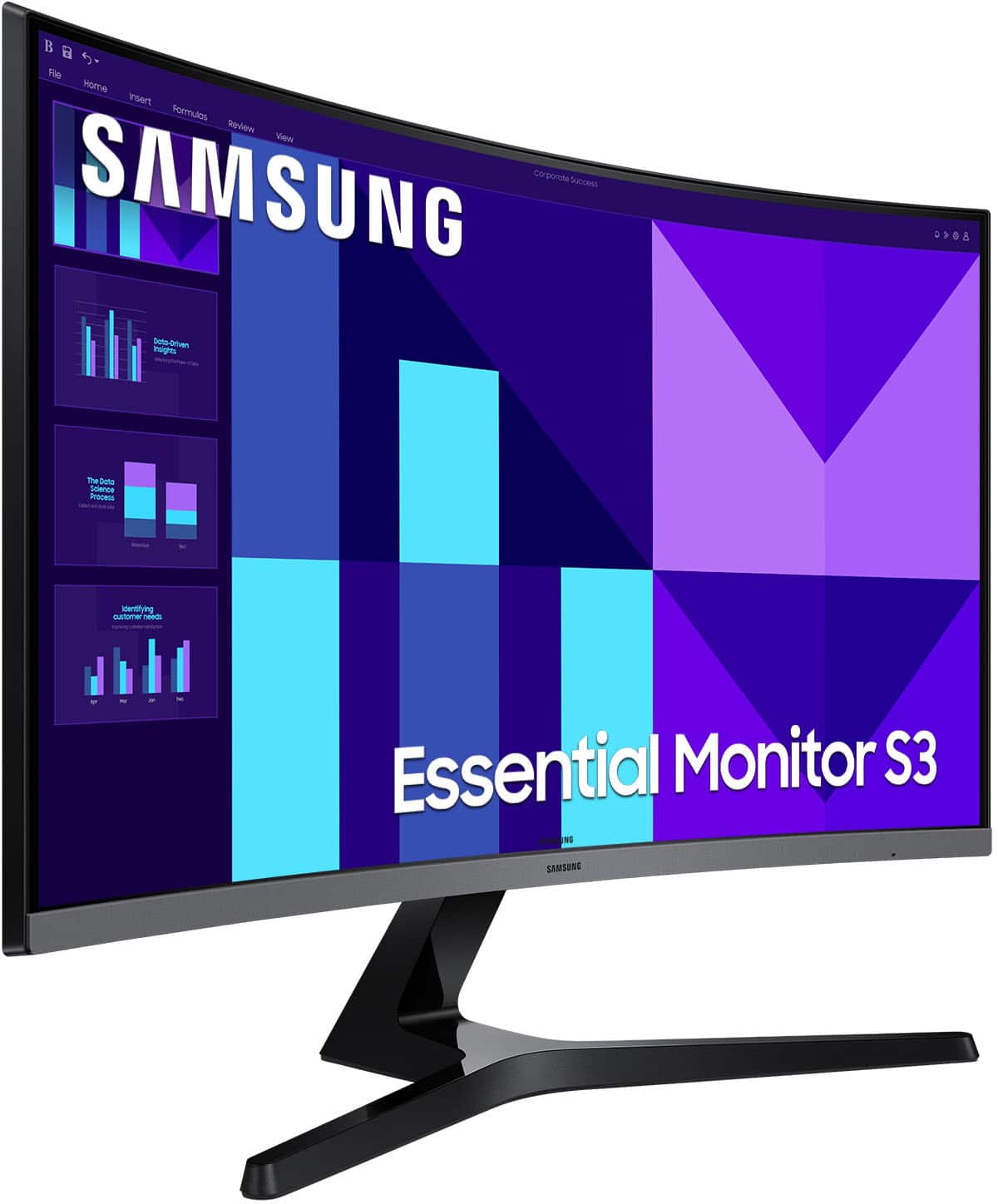
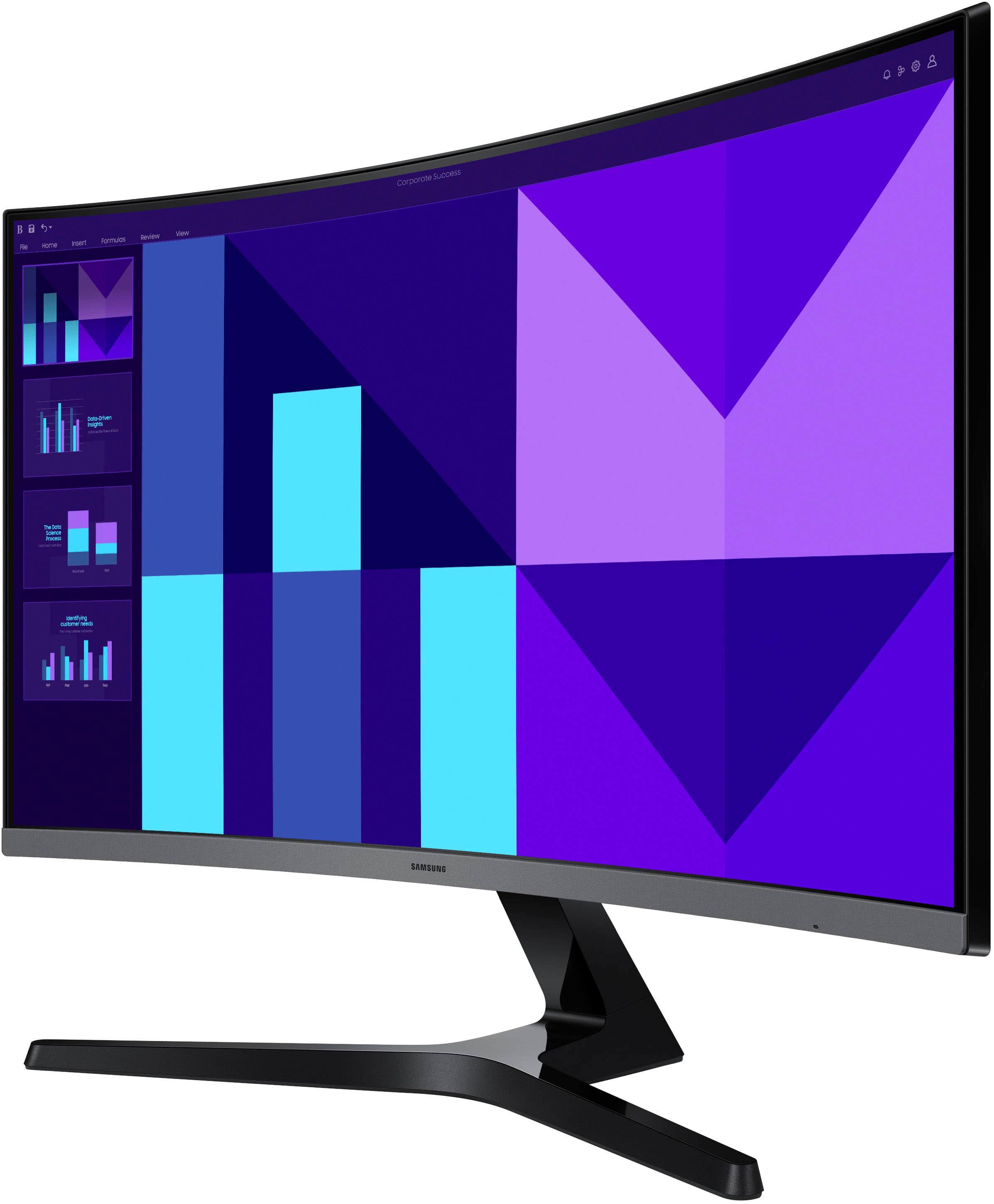
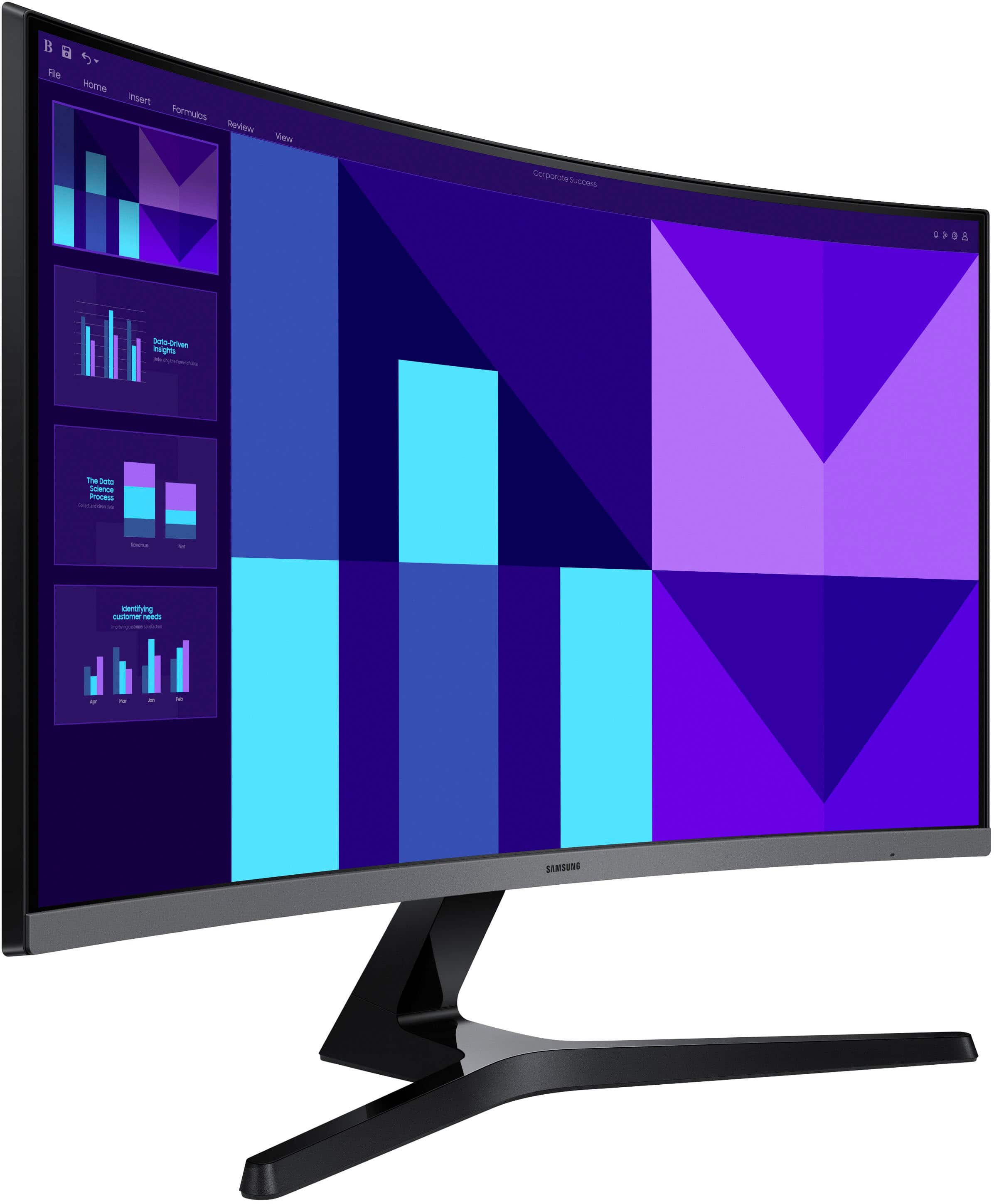
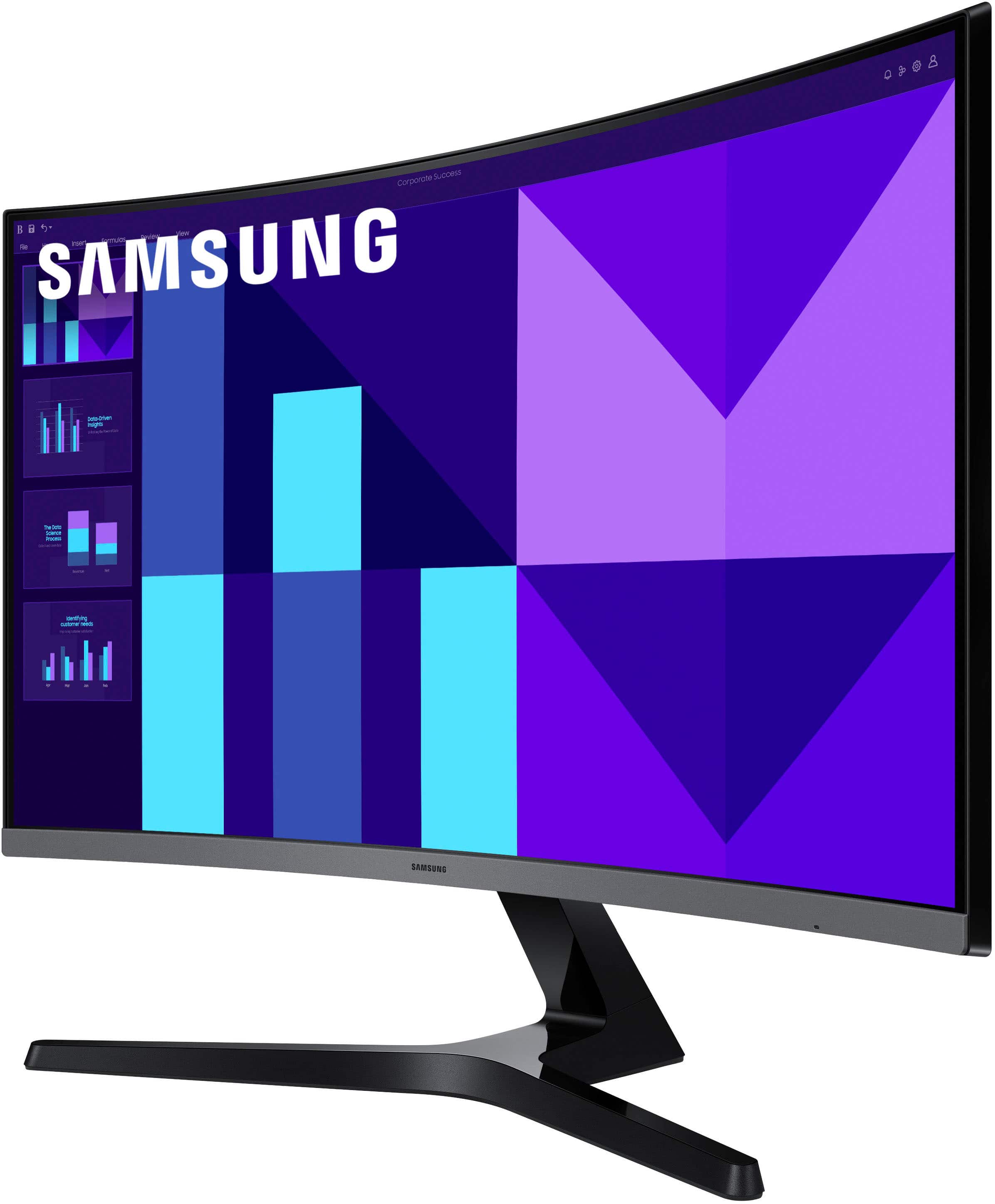
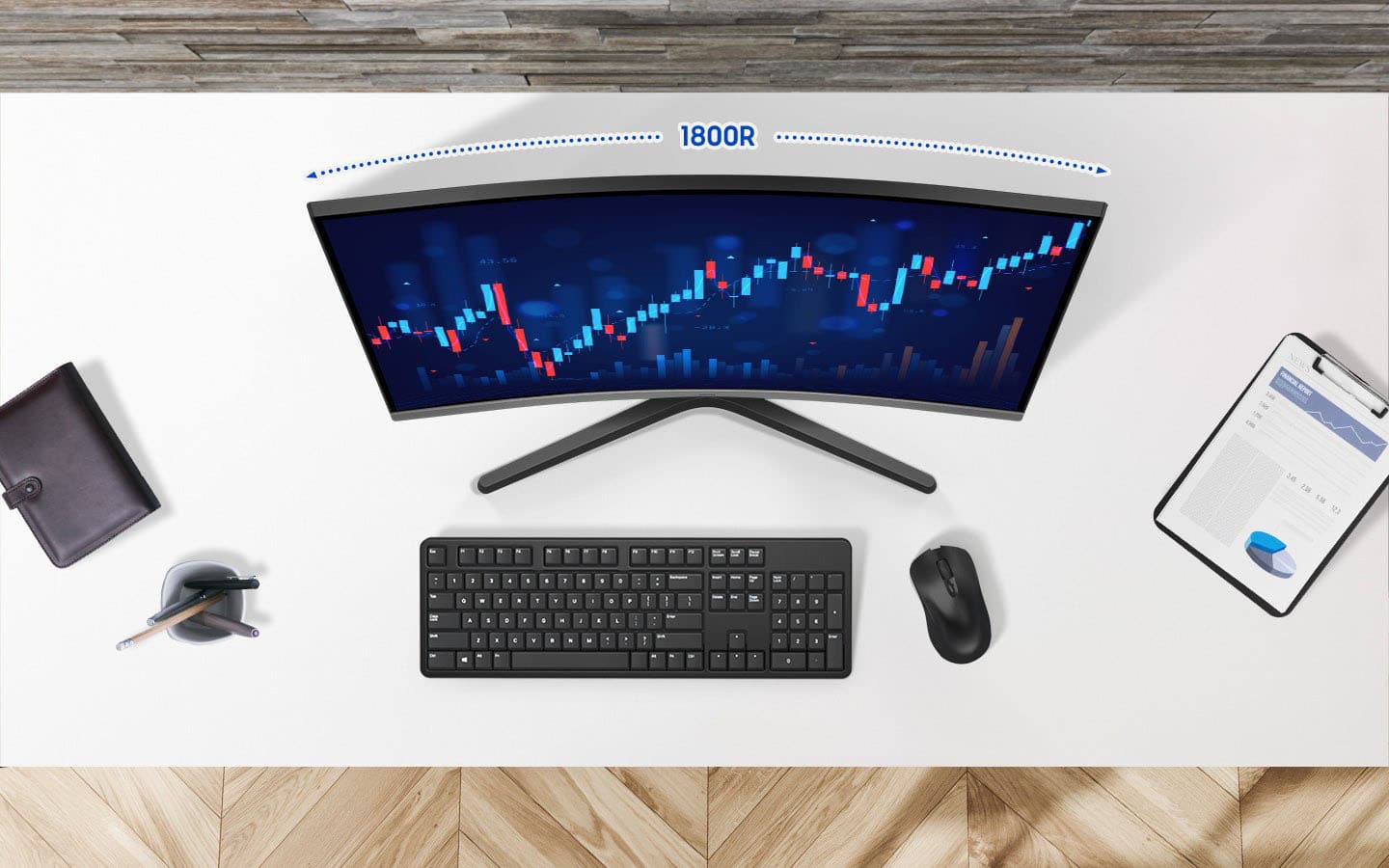
|Posted .This reviewer received promo considerations or sweepstakes entry for writing a review.Most of the curved monitors I've seen, particularly from the larger brands like Samsung, tend to target enthusiasts or professionals. More budget minded options do exist, but they tend to be fairly obvious about what they are. Samsung's latest attempts to address that by wrapping their latest lower spec'd curved display in a sleek, stylish package that should please anyone looking for a good deal. The monitor's design goes out of its way to evoke the same design language of a lot of Samsung's last generation performance displays. The semi-rimless black and silver design is understated enough to blend in in an office setting while still boasting just enough aggressive angles to feel at home in a gaming setup. The 1800r curvature is ideal for close viewing, and while it's not quite large enough to fully immerse you in what you're doing it does significantly alleviate eye strain over long periods of use. Port selection is somewhat limited though - with just an HDMI and VGA at the back. It's a practical mix that should accommodate the vast majority of use cases, but I can't say it doesn't feel a little dated given far we are into the adoption of DisplayPort. When it comes to actual performance, there's very little to complain about. It may not be Samsung's most impressive panel but colors are good, it doesn't pick up much glare, and the 100hz refresh rate is plenty responsive for daily use and the occasional gaming. The biggest issue is a pretty common one: it's a 27" FHD display. That's definitely pushing up against the limits of how big you can make a panel like that and still have it look good, so if you're the kind of person who likes to lean in to examine fine detail you may be disappointed when you start seeing pixels. It still looks fine when you're sitting at the proper distance, though, and can provide some excellent HD gaming experiences.
I would recommend this to a friend