Customer Ratings & Reviews
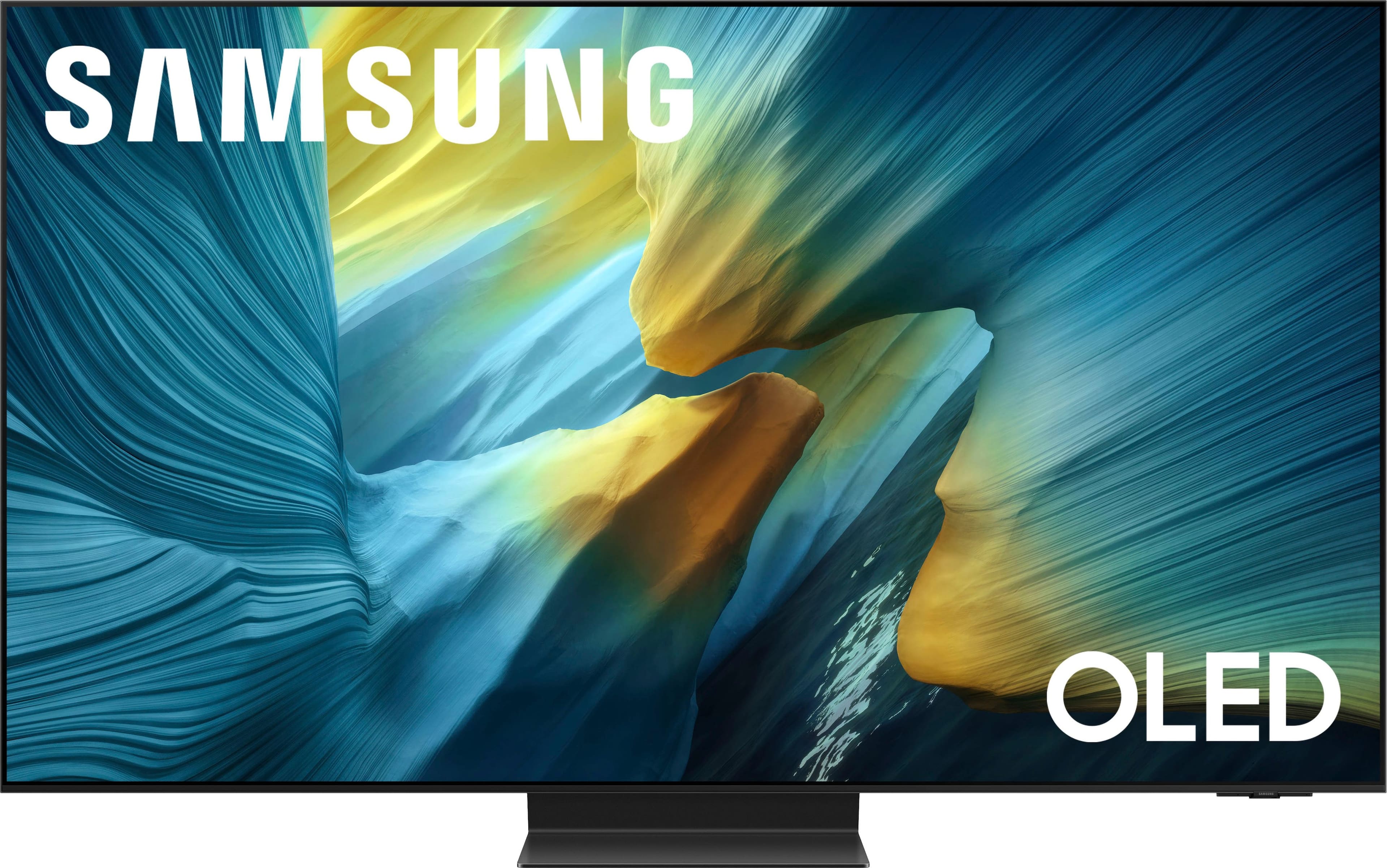
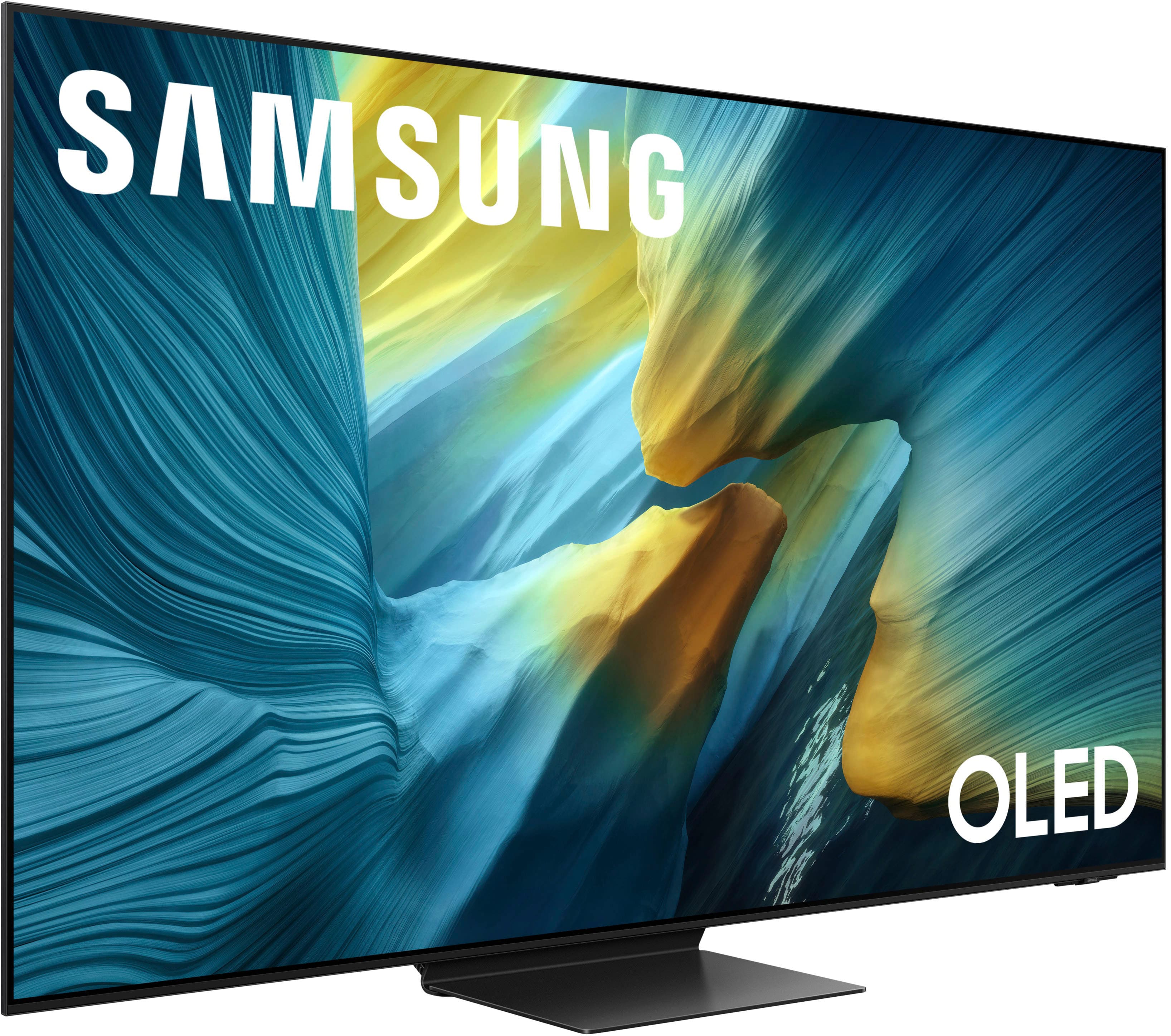
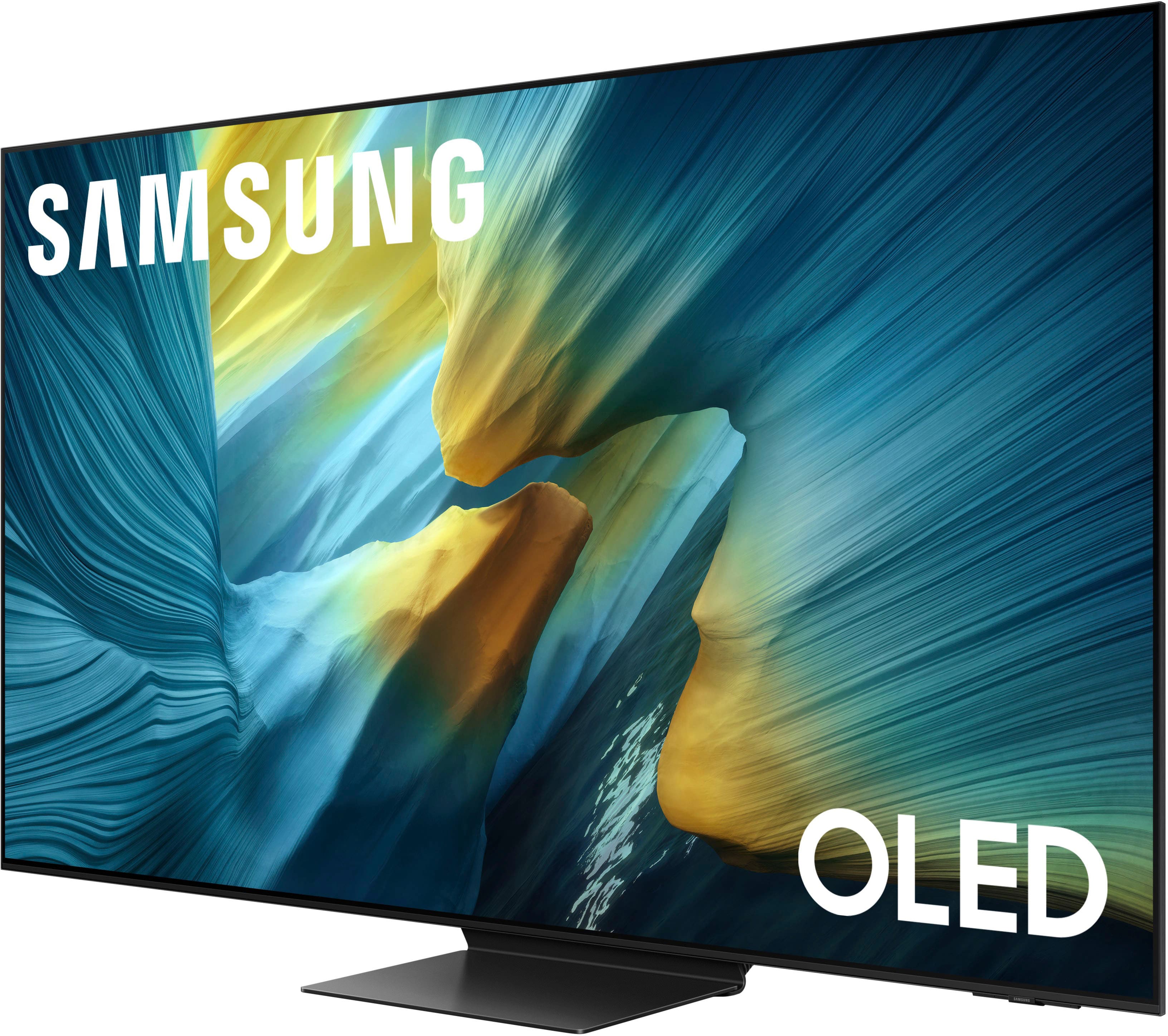
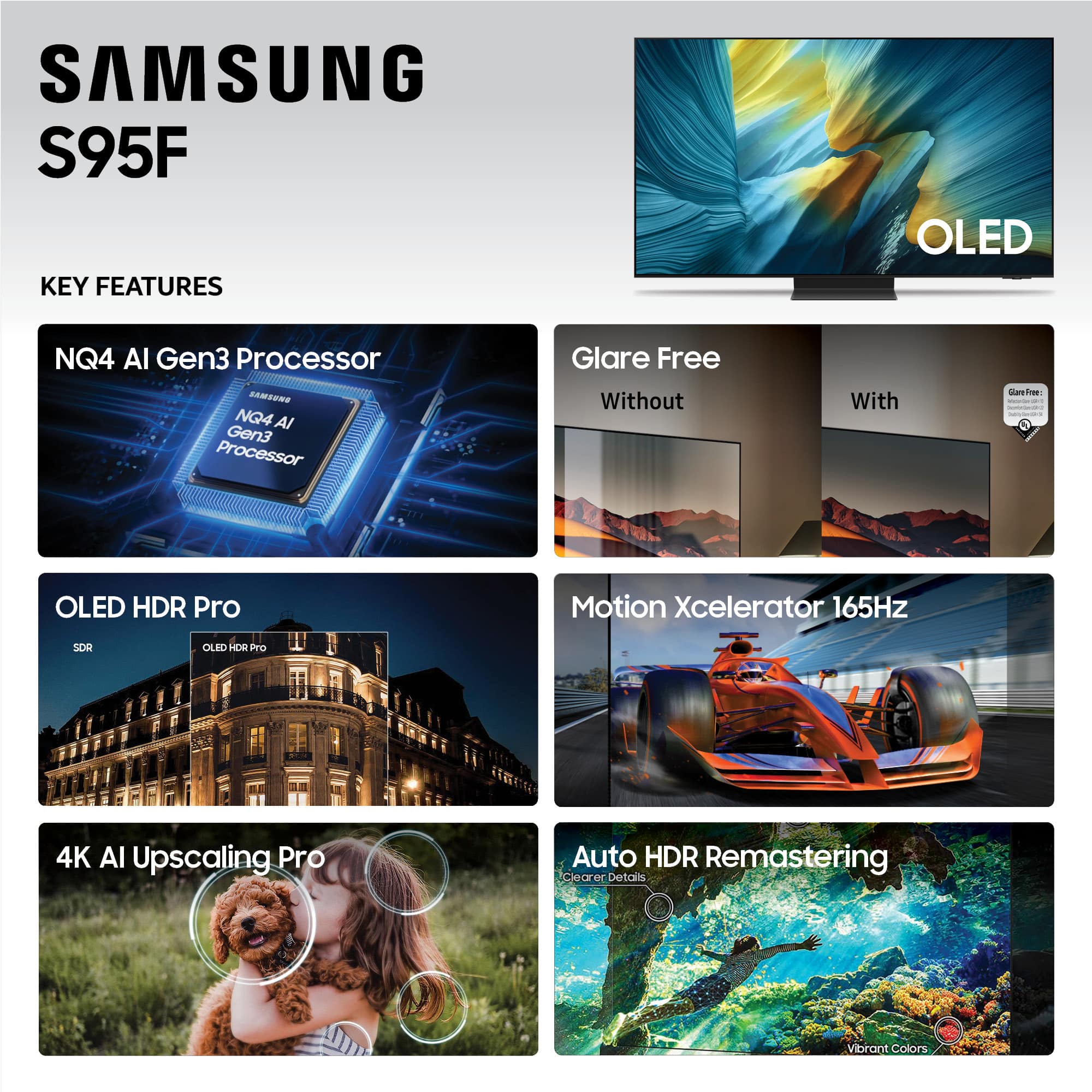
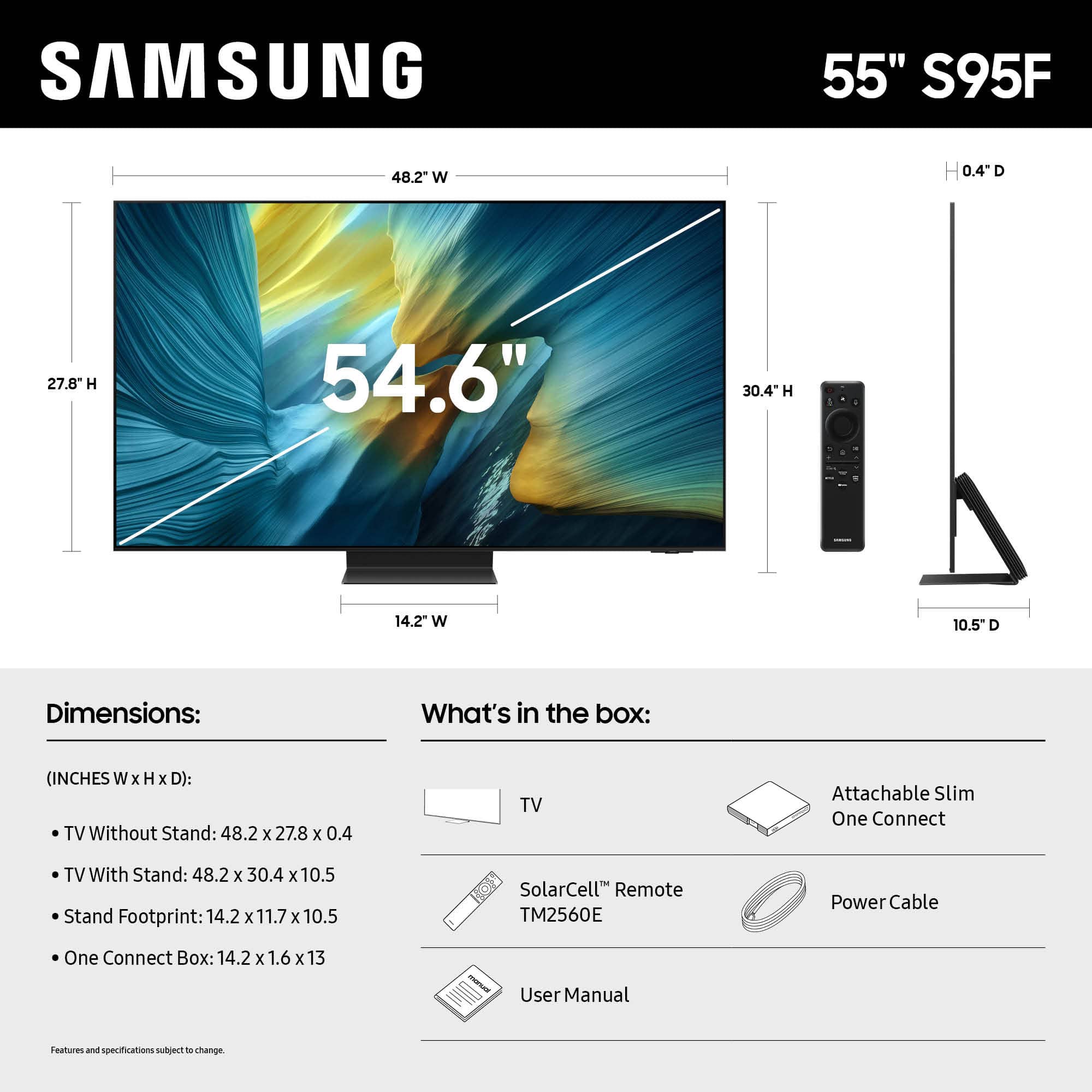








- Model:
- QN55S95FAFXZA
- SKU:
- 10313307
Rating by feature
- Picture Quality
Rating 4.9 out of 5 stars
- Sound Quality
Rating 4.6 out of 5 stars
- Brightness
Rating 4.9 out of 5 stars
Amazing picture!
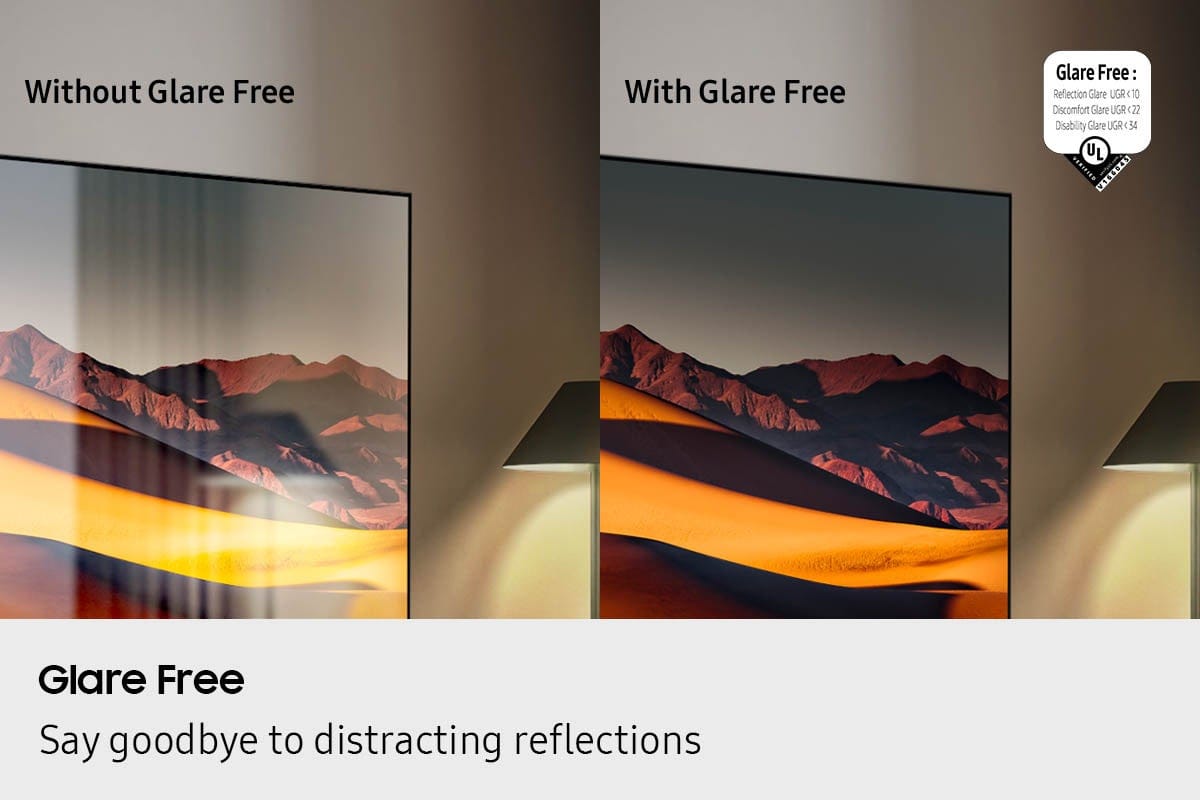
||Posted . Owned for 3 weeks when reviewed.This reviewer received promo considerations or sweepstakes entry for writing a review.This is the best TV that we have ever purchased. After having UHD in the past, we couldn’t go back. OLED is far superior. The picture is so vibrant and a perfect picture from any angle. The 95F has an anti glare layer too which is very effective in our sunny living room. We chose Samsung because we feel it is the superior brand and it has not disappointed. I would suggest spending the extra money on this TV.
I would recommend this to a friendSamsung S95F
||Posted . Owned for 1 month when reviewed.This reviewer received promo considerations or sweepstakes entry for writing a review.The Samsung S95F is a good buy if youre looking for a new flat screen. The picture is clear and with the anti glare screen, it keeps glare to a minimum. You wont be disappointed.
I would recommend this to a friendColors Galore!
||Posted . Owned for 1 month when reviewed.This reviewer received promo considerations or sweepstakes entry for writing a review.This is my first QD-OLED and first Samsung TV, which frankly made me skeptical at first, but using the tv and implementing my special settings has really made me appreciate it. I could speak about the picture quality, but it’s really the colors that pull you in. Coming from an LG G4, you can see what you’ve been missing out on. However, I would go back to LG for processing and Dolby Vision in a heartbeat, so I hope in the future Samsung can put away their pride and implement Dolby Vision and really work on their processing. Other than that, I can highly recommend the S95F to anyone that asks.
I would recommend this to a friendMy Samsung 55" S95F series
||Posted . Owned for 1 month when reviewed.This reviewer received promo considerations or sweepstakes entry for writing a review.This TV is amazing, even the remote. The TV tells me if I'm holding the remote upside down (crazy). When turning on the TV, it is ready to go from opening apps to just surfacing. This TV is on override with movies and apps. So many free movie apps. It's a giant tablet sitting on the wall. The colors are vivid, and the black color is amazing when the scene switches or goes to the next scene. The TV looks like it shut off (crazy). I have no regrets purchasing this TV i think it was worth very penny.
I would recommend this to a friendSamsung s95f
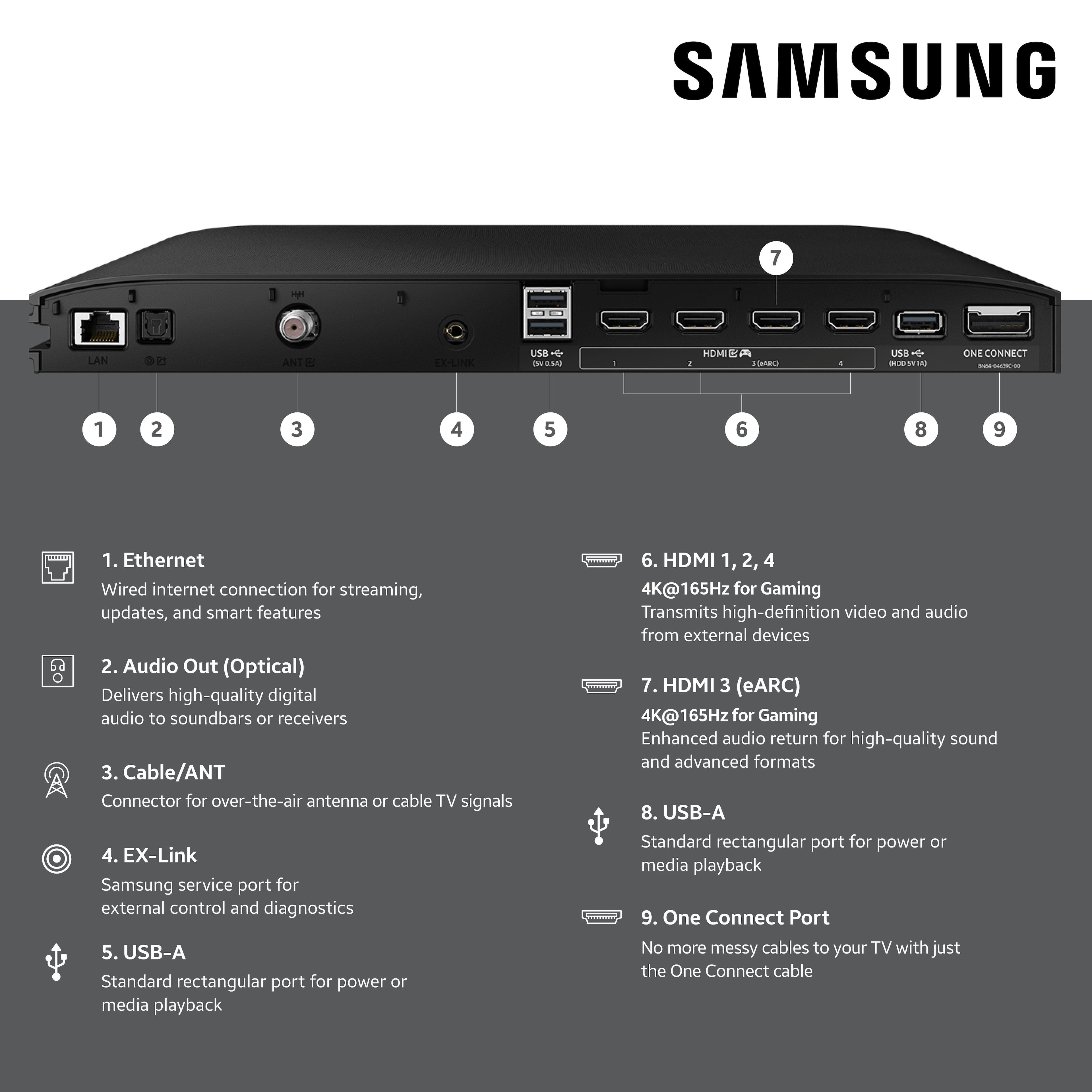
||Posted . Owned for 1 month when reviewed.This reviewer received promo considerations or sweepstakes entry for writing a review.The picture is unbelievable! Set up was extremely simple. Only complaint is the one connect box it is big , heavy and bulky and according to the instructions you cannot mount it behind the television on the mount in a wall mount situation . So a bracket to attach it to a wall mount would be helpful.
I would recommend this to a friendAmazing colors and details!
||Posted . Owned for 2 weeks when reviewed.This reviewer received promo considerations or sweepstakes entry for writing a review.This is an amazing tv! Ive got it in a very bright room and I have had zero issues with any reflections or color "fading" due to the bright lights. The website ratings.com has a comprehensive write-up of this tv and has chosen it to be their number one tv for 2025. I have had zero issues with it. The speakers on the rear have great sound quality, so a soundbar might not be needed for some folks.
I would recommend this to a friendLove My First Samsung Smart TV
||Posted . Owned for 3 weeks when reviewed.This reviewer received promo considerations or sweepstakes entry for writing a review.Love this Samsung. The anti glare feature is worth the extra price and the colors are true. The learning curve for using this model is pretty easy. The remote is clutter free and easy to use though I wish in dim light it was able to be illuminated. Otherwise it’s a great choice. Even my cat likes the new TV but wants the animal show instead of news.
I would recommend this to a friend50" OLED
||Posted . Owned for 1 month when reviewed.This reviewer received promo considerations or sweepstakes entry for writing a review.Its in a dark lower level room which may help, but great picture. App and home screen speed of liading is great.
I would recommend this to a friendFirst impression
||Posted .This reviewer received promo considerations or sweepstakes entry for writing a review.Look nice works. Lil confusing on menu Home Screen situation but figured it out. Other than that looks good works
I would recommend this to a friendExcellent Glare Free TV
||Posted . Owned for 1 month when reviewed.This reviewer received promo considerations or sweepstakes entry for writing a review.Excellent TV- Great quality picture! Placed across from window- NO GLARE feature is amazing!
I would recommend this to a friendMy fantastic new non-glare screen TV !!
||Posted . Owned for 3 weeks when reviewed.This reviewer received promo considerations or sweepstakes entry for writing a review.The non-glare screen is great and the picture is fantastic. A little difficult to set up and it's pretty heavy, but in the end it is truly worth it !!
I would recommend this to a friendNice TV
||Posted . Owned for 2 weeks when reviewed.This reviewer received promo considerations or sweepstakes entry for writing a review.Great picture and sound just the right size for my room
I would recommend this to a friendGreat experience
||Posted . Owned for 1 month when reviewed.This reviewer received promo considerations or sweepstakes entry for writing a review.The tv is awesome; the sales guy knew his stuff and was very comfortable with as he explained the features
I would recommend this to a friendBroke after 2 hours.
||Posted .This reviewer received promo considerations or sweepstakes entry for writing a review.This TV worked for 2 hours. Started glitching out running 165hz on PC now won't even show a picture. Only sound. I honestly tried and gave this TV hope. But man am I so disappointed. Literally worked 2 hours to get it hung up and everything perfect. Please save yourself and don't buy this
No, I would not recommend this to a friendBrand response from Samsung
Posted .Hi Eric,
Thank you for your review and for sharing your experience with your S95F TV. If your TV has a black screen even when it's on, it may be caused by an external device or a connection issue, rather than the TV itself. Please try these steps to help identify and resolve the problem:
1. Check the One Connect cable for any visible damage and ensure it’s securely connected on both ends. A bent, pinched, or damaged cable can cause screen issues and may need to be replaced.
2. Disconnect the One Connect Box - either by unplugging the power cord or the One Connect cable - and see if the TV displays a message or logo.
o If something appears, the One Connect Box may need to be replaced.
o If nothing appears (and the TV is turned on and plugged in), the TV itself may require service.
3. Press the Home button on your remote. If the menu does not appear, your TV may be experiencing power issues. Check for the red standby light - it should be on when the TV is off and off when the TV is on. If the light remains off, the TV may not be receiving power.
4. Double-check the input source on your TV. For example, if your cable box is connected to HDMI 1, make sure the TV source is set to HDMI 1. Then unplug and firmly reconnect your HDMI cables. If a cable is damaged, it should be replaced.
5. Run HDMI Troubleshooting. Go to: Home > left directional key > Connected Devices > Connection Guide > Video Device > HDMI Troubleshooting. This tool will help test connections and provide next steps.
6. Try another device or port: Connect a different external device or switch HDMI ports to help isolate whether the issue lies with a specific cable, port, or device.
7. If your screen is on long enough, we also recommend checking for a firmware update as this may resolve the issue. Go to: Settings > Support > Software Update > Update Now
If none of these steps resolve the issue, please contact Samsung Support at 1-800-SAMSUNG, available 8AM - 12AM EST, 7 days a week. LiveChat and self-help options are also available under the "Support" section on our website.
~ Samsung Specialist
Beautiful picture, super bright.. with caveats
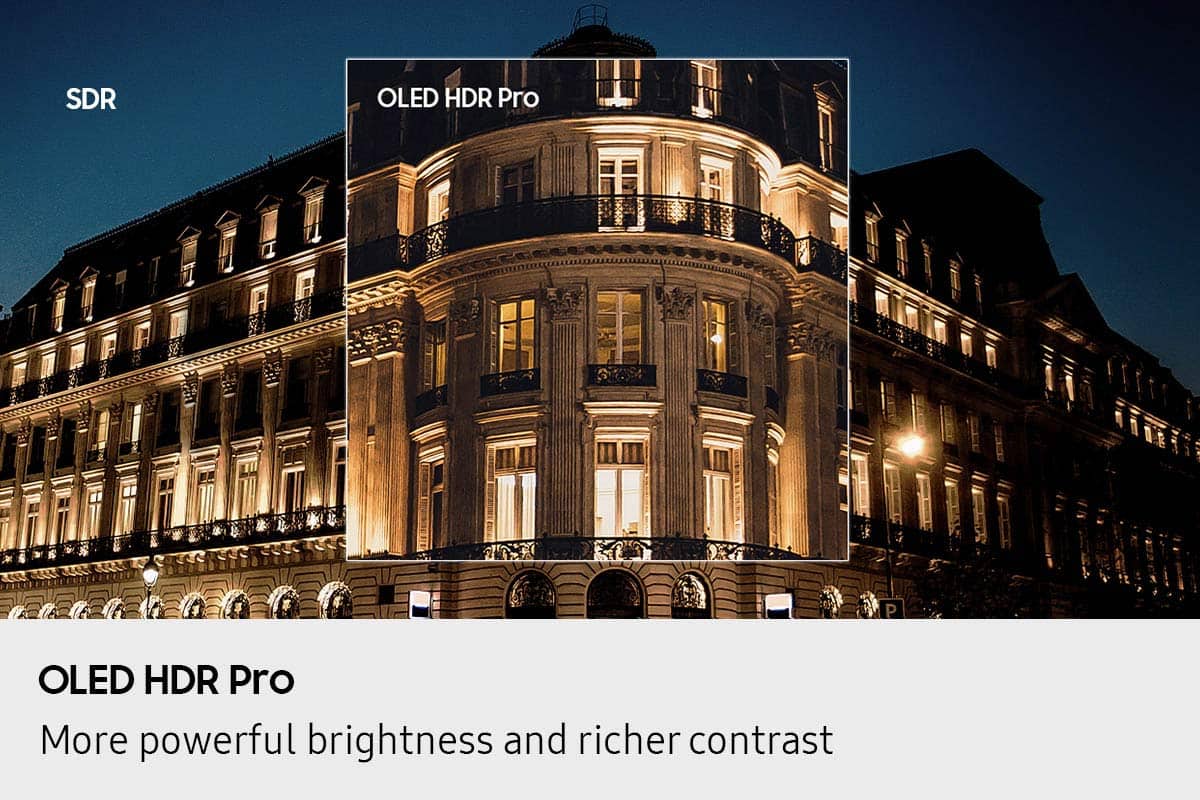
||Posted .This reviewer received promo considerations or sweepstakes entry for writing a review.I've had this TV for almost a week now and have been using it primarily as a gaming PC monitor. So far, what has stood out the most is the brightness and how that much light output can change an image.. it adds realism. Colors need some work but can be tweaked.. Samsung went backwards from last year's excellent S95D and the TV needs a little tinkering to get the best image (colors are a little more muted than they should be). The sound has been super impressive so far.. good enough that I could see people skipping a soundbar with this TV. Nice and full for such a thin chassis. This TV knocks it out of the park for gaming. The 165Hz refresh makes it look so clear and clean... combined with QDOLED color and the extra brightness? This combo is hard to beat. The only issue I've run into so far is that I see a section of the screen flicker blue from time to time.. I have tried resets, new HDMI cables and putting a fan on the One Connect box to cool it off. I suspect at this point I may need to exchange the TV or ask Samsung to swap the HDMI board in the One Connect. That is disappointing and doesn't give me warm fuzzies about long term reliability. I really wish Samsung would ditch the One Connect box.. it's a real pain point in what is otherwise an excellent package.
I would recommend this to a friendBrand response from Samsung
Posted .Hi CraigL,
Thank you for your review, and we appreciate you sharing your experience with intermittent flickering.Please try the following steps which may help resolve this:
1. Check the One Connect cable for damage or loose connection. Disconnect and firmly reconnect the cable at both the TV and One Connect Box ends. If the cable appears bent, pinched, or damaged, it will need to be replaced.
2. Disconnect the One Connect Box from the TV (either by unplugging its power cord or removing the One Connect cable).
3. Check for firmware updates: Home > left directional key > Settings > Support > Software Update
4. Try disabling the following energy-saving features: Settings > General & Privacy > Power and Energy Saving, then disable Brightness Optimization, Motion Lighting, and Energy Saving Solution.
5. You may also want to turn off Contrast Enhancer, which can cause brightness shifts during certain scenes: Settings > Picture > Expert Settings > Contrast Enhancer
If you need additional support, Samsung is here to help. Please call us at 1-800-SAMSUNG, available daily from 8AM - 12AM EST. You can also chat with a LiveChat agent by clicking the ‘Support’ link on our website for:
• Live Chat
• Manuals, Software, & Warranty Info
~ Samsung Specialist
Phenomenal picture quality and AI upscaling
||Posted . Owned for less than 1 week when reviewed.This reviewer received promo considerations or sweepstakes entry for writing a review.I just bought this TV and I love it I am very impressed with the picture quality and all of the settings that you can choose. You cannot go wrong with this TV it is fantastic image quality especially on lower resolution pictures and the remote is PRETTY GOOD okay I wish it had a backlight but I'll live and you can charge it via USC. The brightness level is fantastic and it doesn't lower the black level. And the audio out of the box is very decent though I'm going to get this cue symphony soundbar because I want to take advantage of the full audio capability with the sound bar. I can't say enough of this TV I am so excited I went into depth for it haha
I would recommend this to a friendGreat product!
||Posted .This reviewer received promo considerations or sweepstakes entry for writing a review.One of the best pictures on any screen right now. The matte coating makes every angle great even in a brightly lit room. Makes everything a joy to watch. And it has a screensaver to prevent burn in. Also own an Alienware 34 inch ultra wide OLED monitor, I prefer the matte coating on this.
I would recommend this to a friendAlmost Eliminates All Glare
||Posted . Owned for 1 month when reviewed.This reviewer received promo considerations or sweepstakes entry for writing a review.The TV is in a location that it gets indirect morning sun and direct afternoon sun on the scteen. There is virtually no glare. The blacks are black and the colors are so vivid the picture can almost jump off the screen it is so sharp. This is dependant on the source of course.
I would recommend this to a friendBRIGHT
||Posted .This reviewer received promo considerations or sweepstakes entry for writing a review.Great picture quality and so bright. I was a little nervous about going OLED in the living room with a good amount of natural light, but this TV is very bright and with the added benefit of using the Matte Screen, reflections have not been an issue
I would recommend this to a friendTop of the line TV.
||Posted . Owned for 3 weeks when reviewed.This reviewer received promo considerations or sweepstakes entry for writing a review.You can literally have any kind of picture you want with this TV, the adjustments and things that you can do with this TV are endless, actually, it is more of a computer than a TV, it has the best picture that I've ever seen on any TV, and the sound is also very good, I'm very pleased with this TV, about the only thing that I would like to see changed is the remote that comes with the TV, it has a solar panel and is rechargeable via a type C USB cable, I prefer the batteries that you can change out, but, in spite of that the TV easily pairs with just about any other remote, I highly recommend this TV.
I would recommend this to a friend