Customer Ratings & Reviews
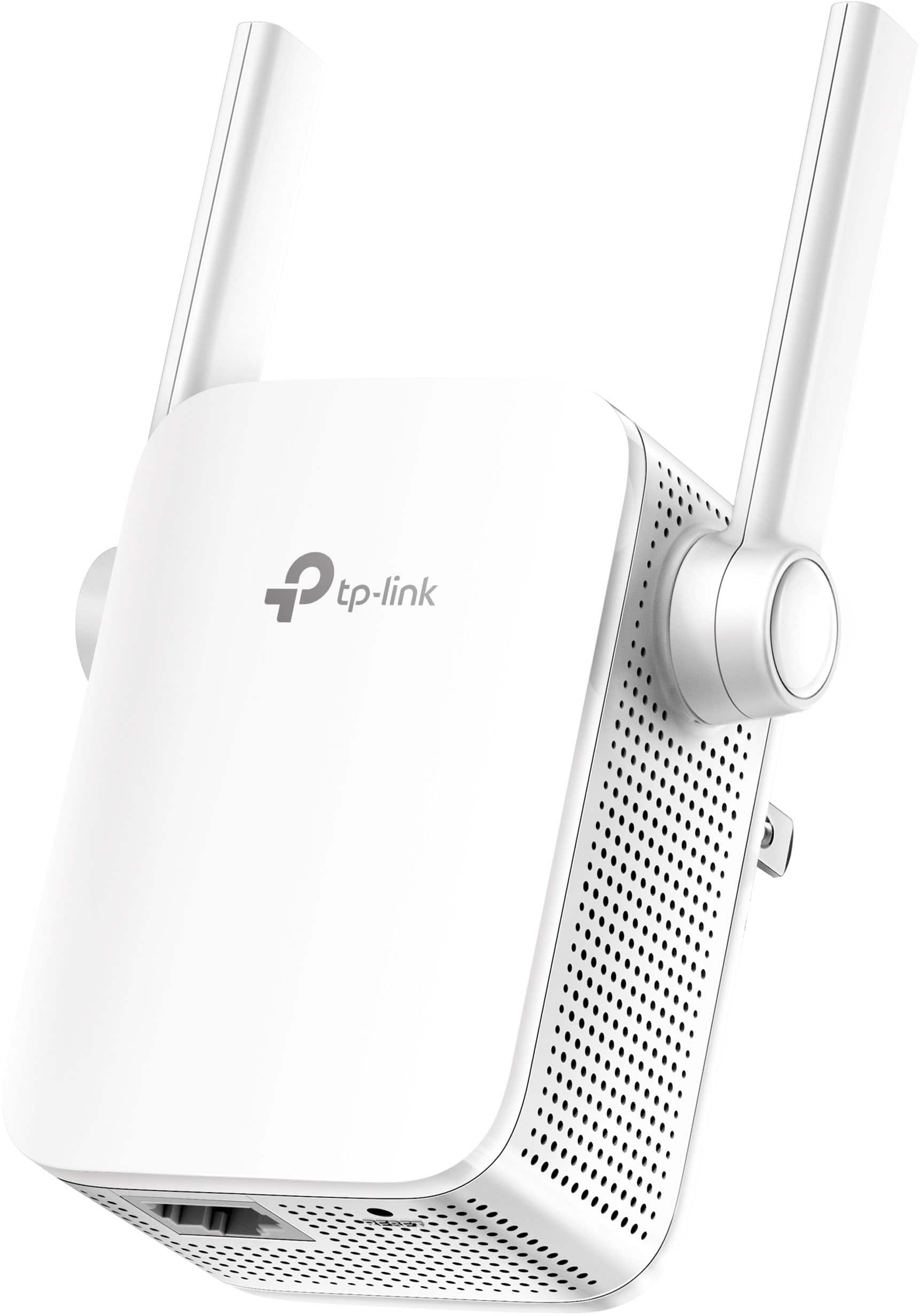

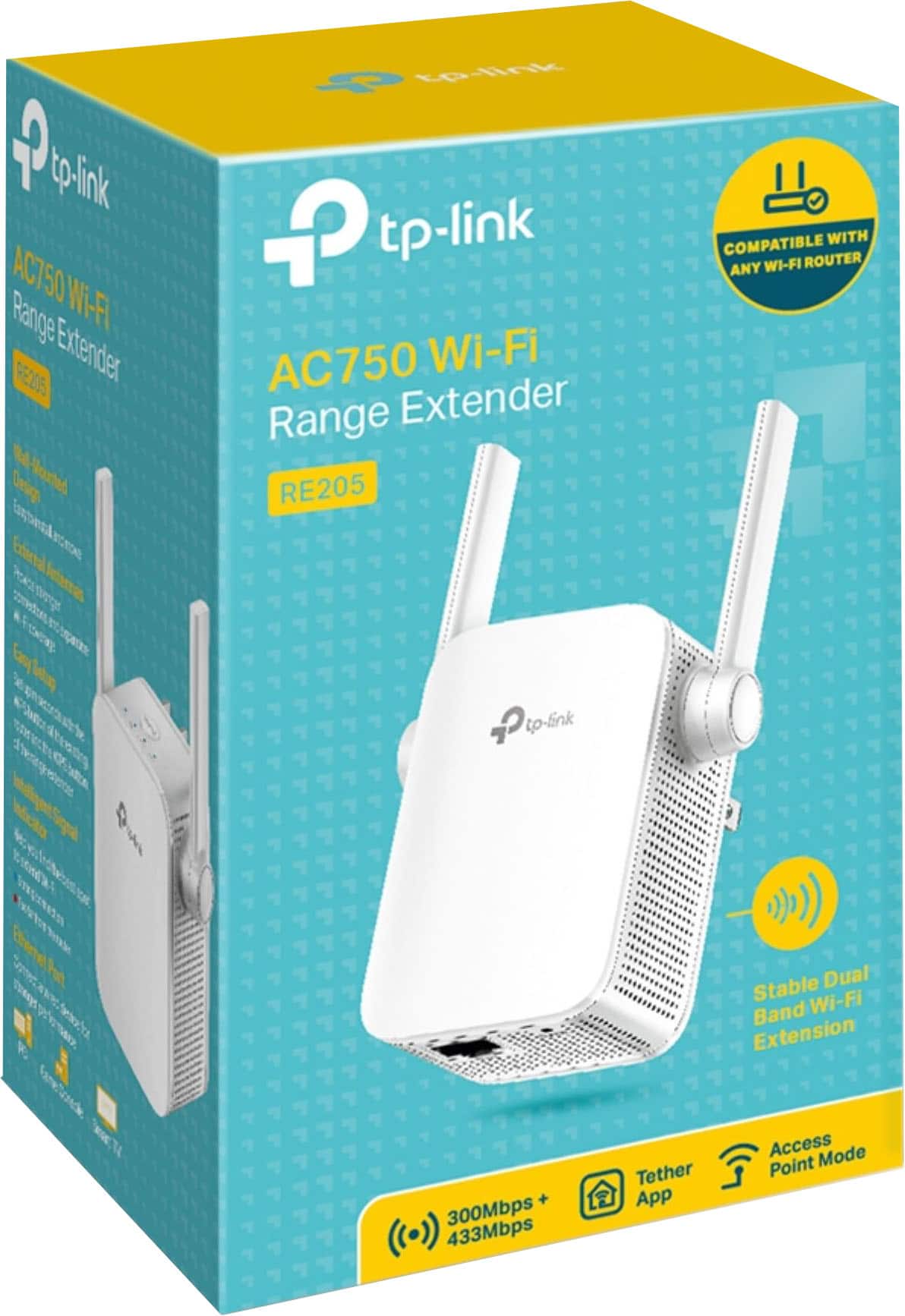
- Model:
- RE205
- SKU:
- 10115508
Rating by feature
- Value
Rating 4.2 out of 5 stars
- Quality
Rating 4.2 out of 5 stars
- Ease of Use
Rating 4.2 out of 5 stars
Not the right solution to the problem
||Posted .This reviewer received promo considerations or sweepstakes entry for writing a review.I’ve only given 3 stars as a neutral review. My mom lives in a building with WiFi for all the tenants. I bought this device as a booster as she keeps losing WiFi signal. This happened after a year of living there. To make a long story short, this device must be set up next to the modem which wasn’t possible. I took it back and spoke to a very helpful employee who took me to another device. It’s a usb plugin with downloadable software. She hasn’t lost signal in 4 days. Here’s hoping it continues doing the trick. Best Buy was very good about the return and finding me the right solution. I would not recommend buying without speaking to an employee and relating your particular situation.
No, I would not recommend this to a friendWifi extender
||Posted . Owned for 1 month when reviewed.This reviewer received promo considerations or sweepstakes entry for writing a review.Great buy works amazingly Quick delivery recommended to my friends and family
I would recommend this to a friendExtended Wi-Fi
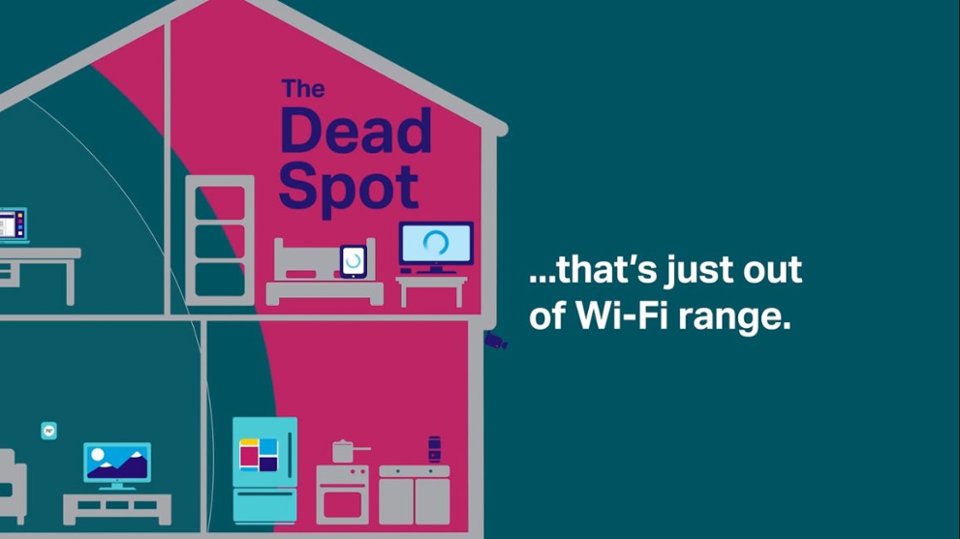
||Posted . Owned for 1 month when reviewed.This reviewer received promo considerations or sweepstakes entry for writing a review.It’s perfect and covered all dead zones and easy to install it
I would recommend this to a friendPerfect for me
||Posted . Owned for 10 months when reviewed.This reviewer received promo considerations or sweepstakes entry for writing a review.This works as advertised. Easy setup and extends my wifi range.
I would recommend this to a friendA good buy
||Posted . Owned for 3 weeks when reviewed.This reviewer received promo considerations or sweepstakes entry for writing a review.Its ok not sure if I like it, got to use with my older iPad coverage on the upper level of my house
I would recommend this to a friendWifi
||Posted . Owned for 2 months when reviewed.This reviewer received promo considerations or sweepstakes entry for writing a review.Very good item work pretty well good signal yes i would recommend this product
I would recommend this to a friendGreat range
||Posted . Owned for less than 1 week when reviewed.This reviewer received promo considerations or sweepstakes entry for writing a review.Love it great range worth the money easy to use and hook up
I would recommend this to a friendWifi
||Posted . Owned for 2 months when reviewed.This reviewer received promo considerations or sweepstakes entry for writing a review.Works great. Didn't have any problem with setting up. Have had it for a 2 months and haven't had any issues
I would recommend this to a friendConnection Issues
||Posted . Owned for less than 1 week when reviewed.This reviewer received promo considerations or sweepstakes entry for writing a review.I purchased 2 of these extenders based on a friend's recommendation. The set up directions were fairly straight forward, but when I connected my devices, I had nothing but problems. Specifically, the signal from the extenders kept fading in and out. The signal light was fine, but the 2.4g and 5.0g lights dept fading in and out (maybe a minute or so at a time). As a result, my devices could not stay connected at all. The placement of the extenders definitely did not exceed the recommended range per the instructions. I tried resetting the extenders and also my router, but that did not resolve the issue. I will be returning these to Best Buy this weekend.
No, I would not recommend this to a friendBrand response from TPLinkSupport
Posted .Hi,
If you haven't noticed a significant improvement in WiFi coverage and stability after installing the extender, we recommend relocating the unit to a position within your home where the router's WiFi signal is sufficiently strong; yet far enough from the router to effectively extend its range. Please verify the RE status LED is indicating a solid connection. We also suggest ensuring the extender's firmware is fully up to date, as shown in FAQ 1406 on our official website.
If you'd like assistance with any of these steps, please send an e-mail with your contact information and a link to this review to [email protected] and we'll gladly have a Support Agent follow up with you directly.
Best Regards,
TP-Link Support
Nice extender
||Posted .This reviewer received promo considerations or sweepstakes entry for writing a review.Good product but I wanted a more powerful extender. It is good for small apartments. TPLink makes good extenders.
I would recommend this to a friendWould buy again
||Posted . Owned for 1 month when reviewed.This reviewer received promo considerations or sweepstakes entry for writing a review.Easy set up. Working as needed so far. Would buy again.
I would recommend this to a friendWorks good
||Posted . Owned for 2 months when reviewed.This reviewer received promo considerations or sweepstakes entry for writing a review.So far so good. Works better than the last extender I used.
I would recommend this to a friendGreat product
||Posted . Owned for 1 month when reviewed.This reviewer received promo considerations or sweepstakes entry for writing a review.Excellent wifi booster to cover dead zones for a multi story home
I would recommend this to a friendWorks as it is supposed to
||Posted . Owned for 9 months when reviewed.This reviewer received promo considerations or sweepstakes entry for writing a review.Has been about a year and working great so far. No problem
I would recommend this to a friendnice extender
||Posted . Owned for 1 week when reviewed.This reviewer received promo considerations or sweepstakes entry for writing a review.easy to activate and universal I guess cos I'm using it for a different router as well . it works just fine.
I would recommend this to a friendExtender
||Posted .This reviewer received promo considerations or sweepstakes entry for writing a review.The extender was very easy to set up. Works great 40 feet away from my main router
I would recommend this to a friendCovered my blind spot
||Posted . Owned for 6 months when reviewed.This reviewer received promo considerations or sweepstakes entry for writing a review.This works pretty well. The range is not fantastic but it does work for me. A bit difficult to set up.
I would recommend this to a friendBest
||Posted . Owned for 1 week when reviewed.This reviewer received promo considerations or sweepstakes entry for writing a review.Good stuff for this price it’s worth for money give you good signal around 100 meters
I would recommend this to a friendUseful
||Posted . Owned for 5 months when reviewed.This reviewer received promo considerations or sweepstakes entry for writing a review.This is a great product to use, it is very useful!
I would recommend this to a friendN/a
||Posted . Owned for 1 month when reviewed.This reviewer received promo considerations or sweepstakes entry for writing a review.A relative said this was a great product for at home services.
I would recommend this to a friend