Docking Stations For Multiple Monitors
-
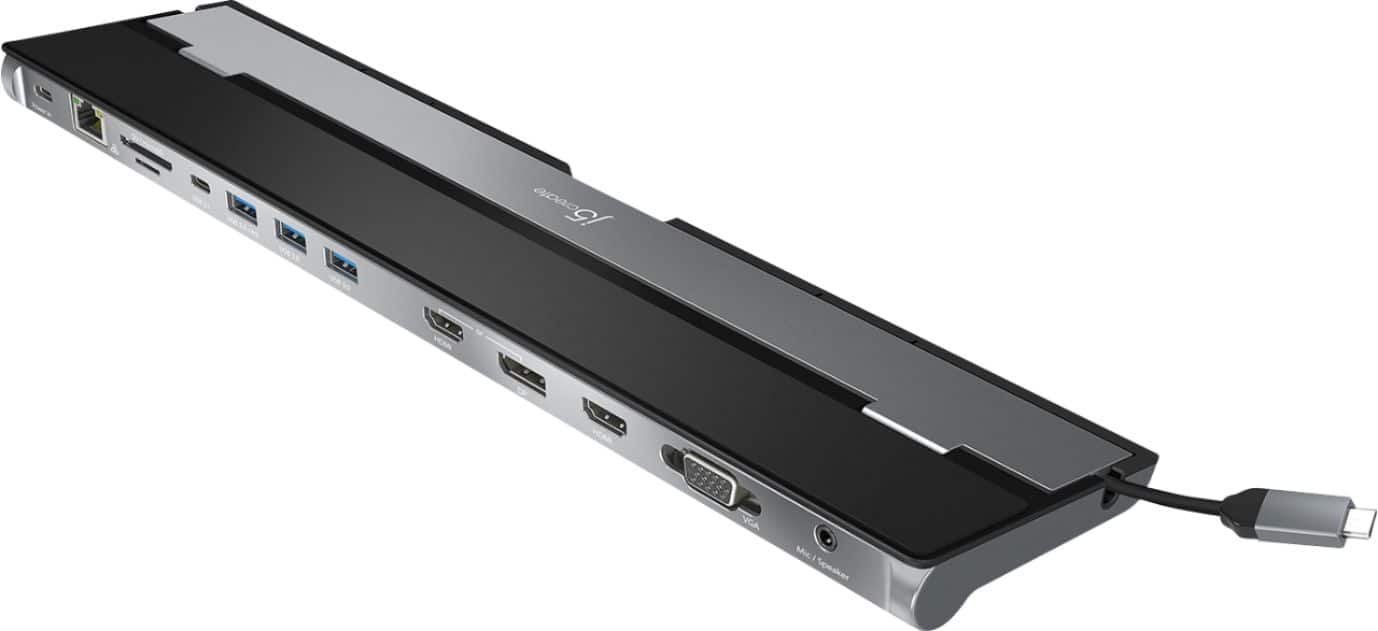
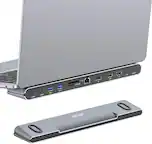
j5create - USB-C Triple Display Docking Station - Black
SKU: J36445R3Y6Great gear...Thank you Best Buy for helping me pick this out. I love this...Works great so far and I love the way it elevates my laptop....There're many docking stations out there but I personally think...
See all Docking StationsProduct Description
A versatile black docking station offering triple display support, 100W Power Delivery, and 13 essential ports.Your price for this item is $90.99Save $9The previous price was $99.99 -
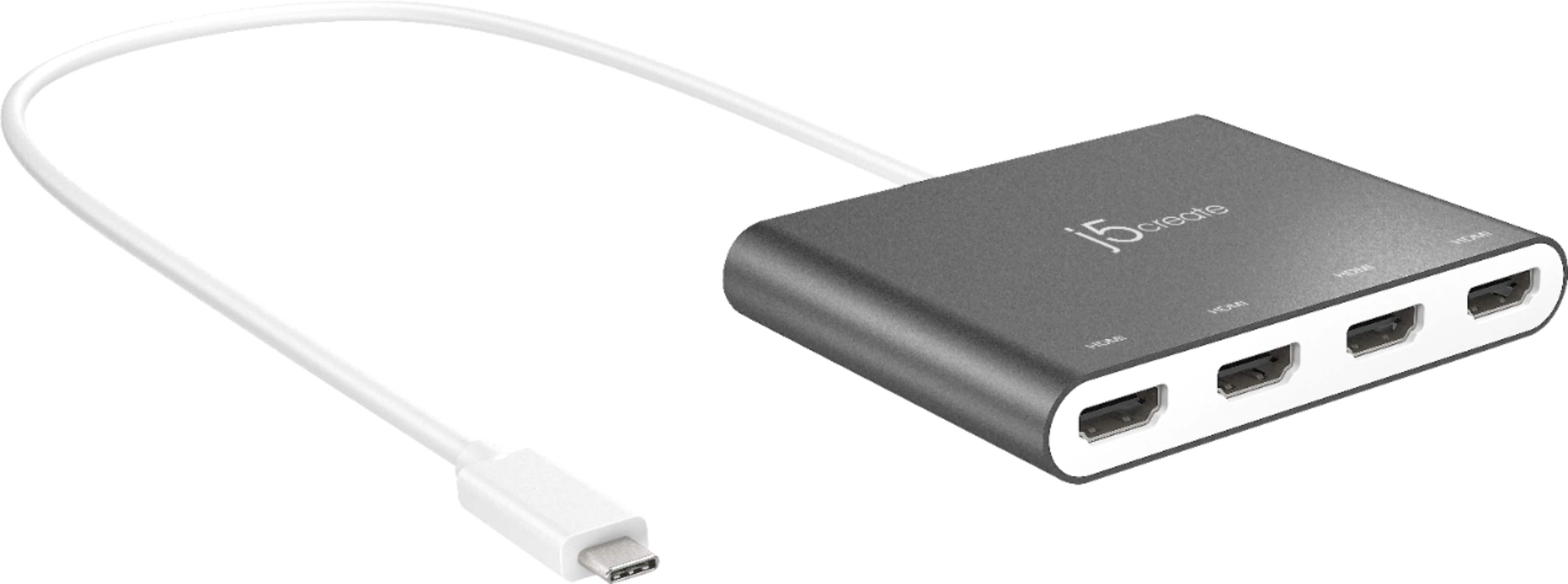
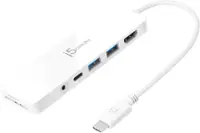
j5create - USB-C to 4-Port HDMI Multi-Monitor Adapter - Silver
SKU: J36445R3Z4Great product...Great solution for my needs! The best buy consultant was great....Great little product for adding external monitors....Tech support was clearly the best in class.
See all Docking StationsProduct Description
A silver aluminum adapter that adds four HDMI monitors to your USB-C device for expanded multitasking.Your price for this item is $99.99 -
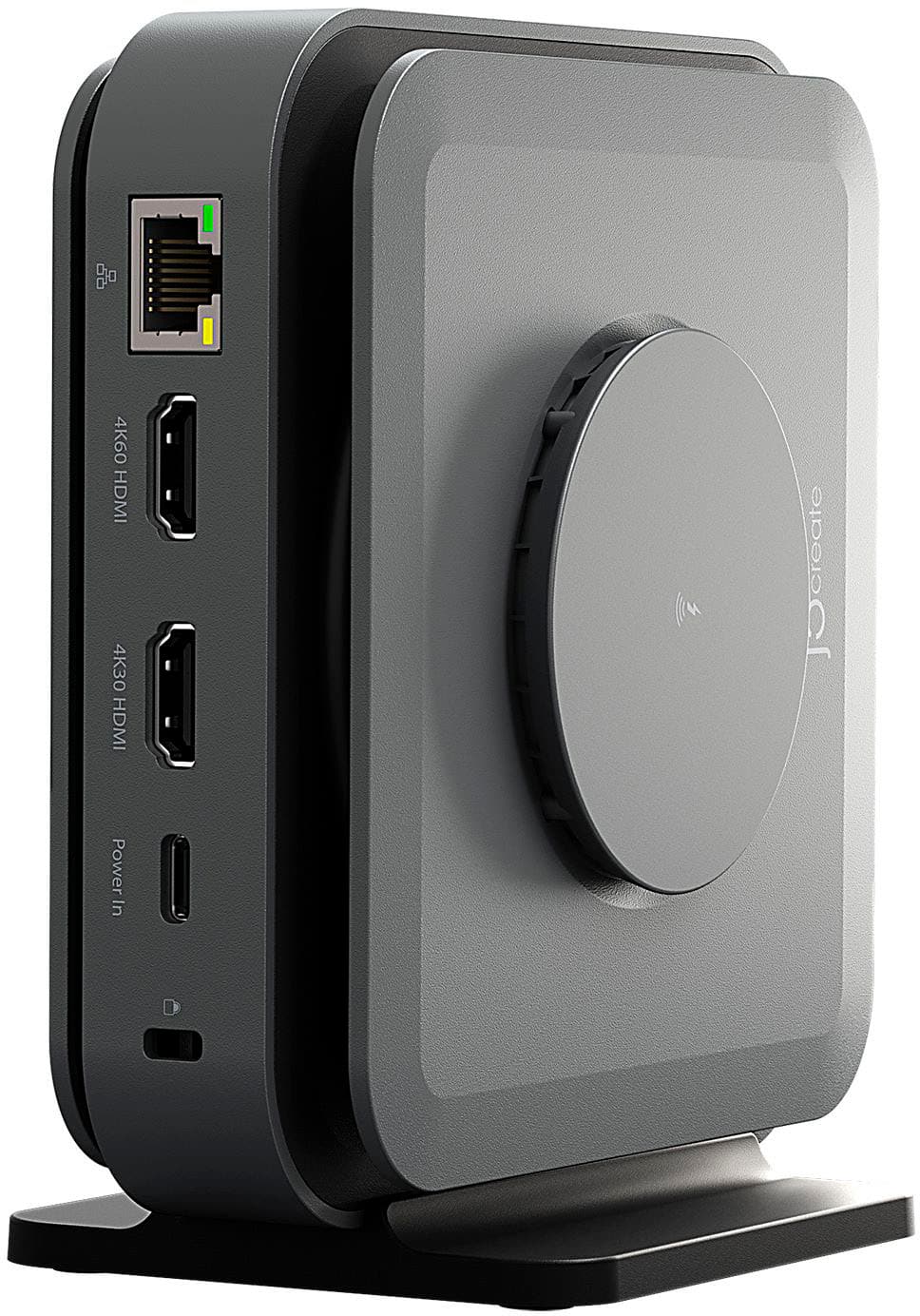
j5create - USB-C Dual 4K HDMI Docking Station with 15W Wireless Charging - Space Gray
SKU: J36445RPTTGreat Dock
See all Docking StationsProduct Description
A versatile space grey aluminum dock with dual 4K HDMI, USB ports, and 15W wireless charging.Your price for this item is $119.99Save $10The previous price was $129.99 -
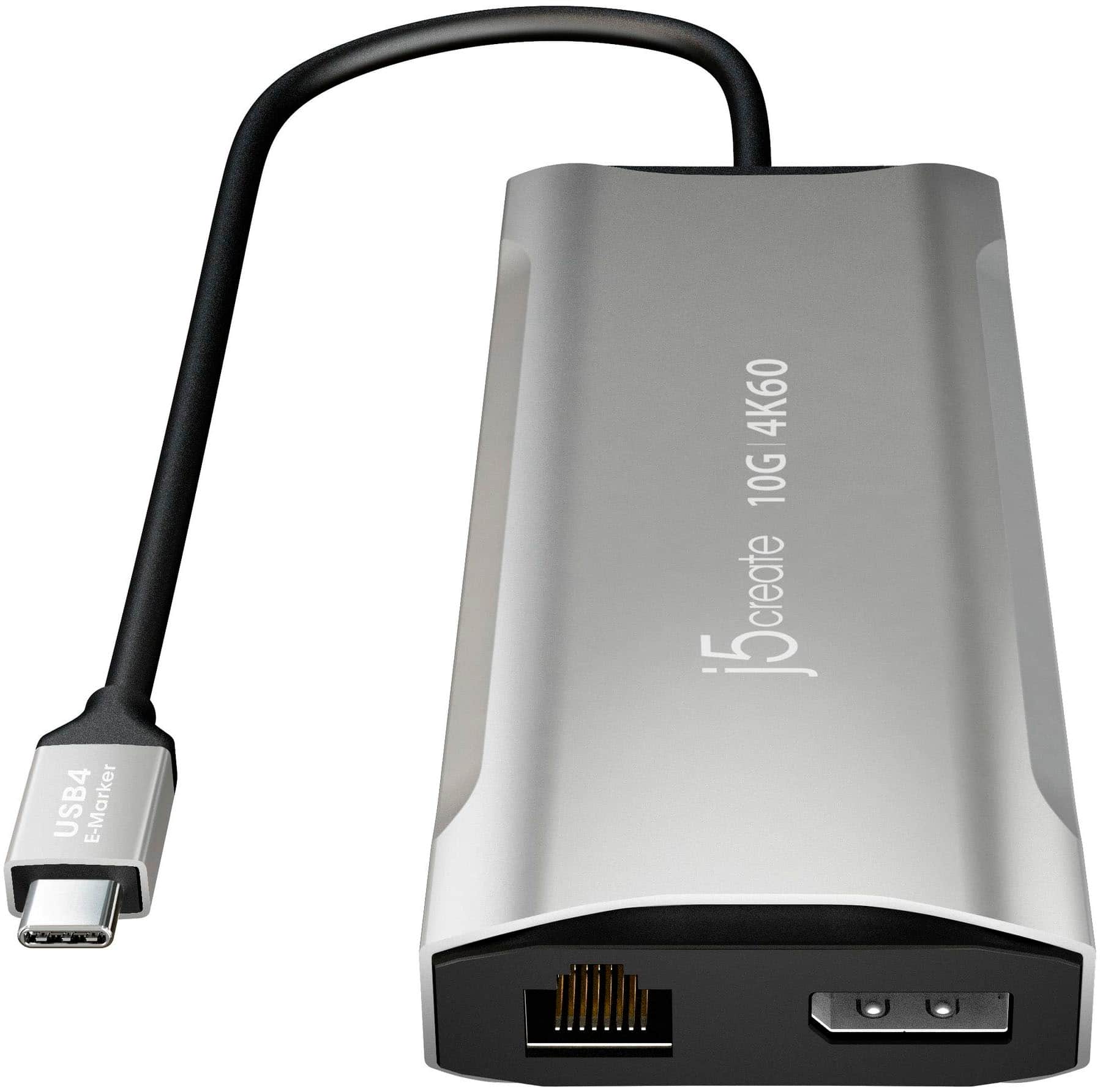
j5create - 4K60 Elite USB-C Triple-Monitor 10Gbps Mini Dock - Space Gray
SKU: J36445RYG7Best easy to use computer device ever purchased from best buy. works real good....Great Buy...I love it, works like it was intended and would love to purchase another.
See all Docking StationsProduct Description
An aluminum space grey mini dock enabling triple 4K monitor support, 10Gbps USB ports, and 100W charging.Your price for this item is $109.99Save $10The previous price was $119.99 -
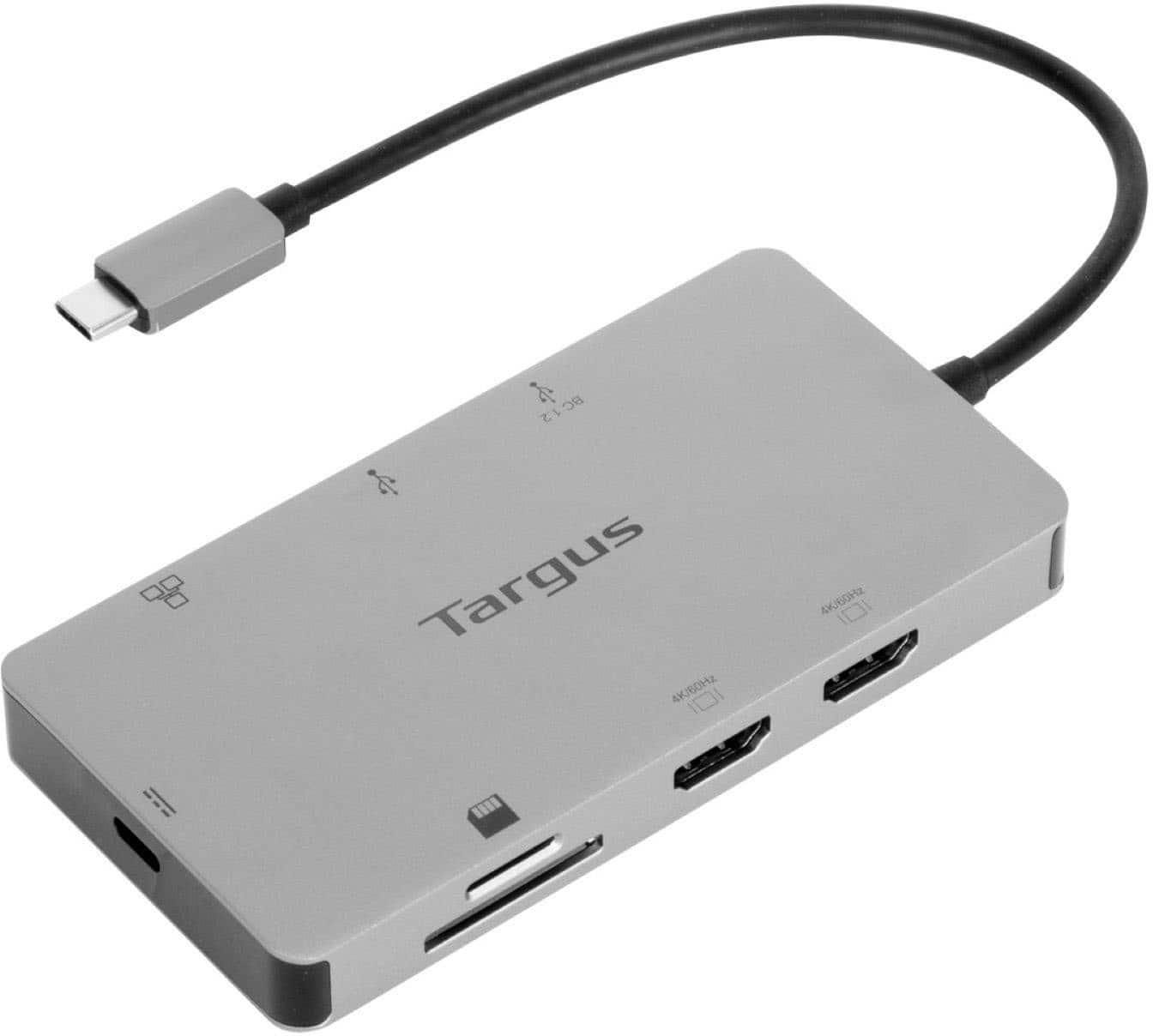
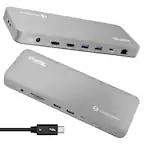
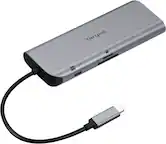
Targus - USB-C Dual HDMI 4K Docking Station with 100W PD Pass-Thru - Silver
SKU: J7QXPVJ4RZGreat hub!!...When the best buy monitor adaptor started acting up this one saved the say. I LOVE IT!!...LOVE...We love it.
See all Docking StationsProduct Description
A sleek silver docking station enabling dual 4K HDMI displays, 100W PD pass-thru, and versatile connectivity.Your price for this item is $79.99Save $20The previous price was $99.99 -
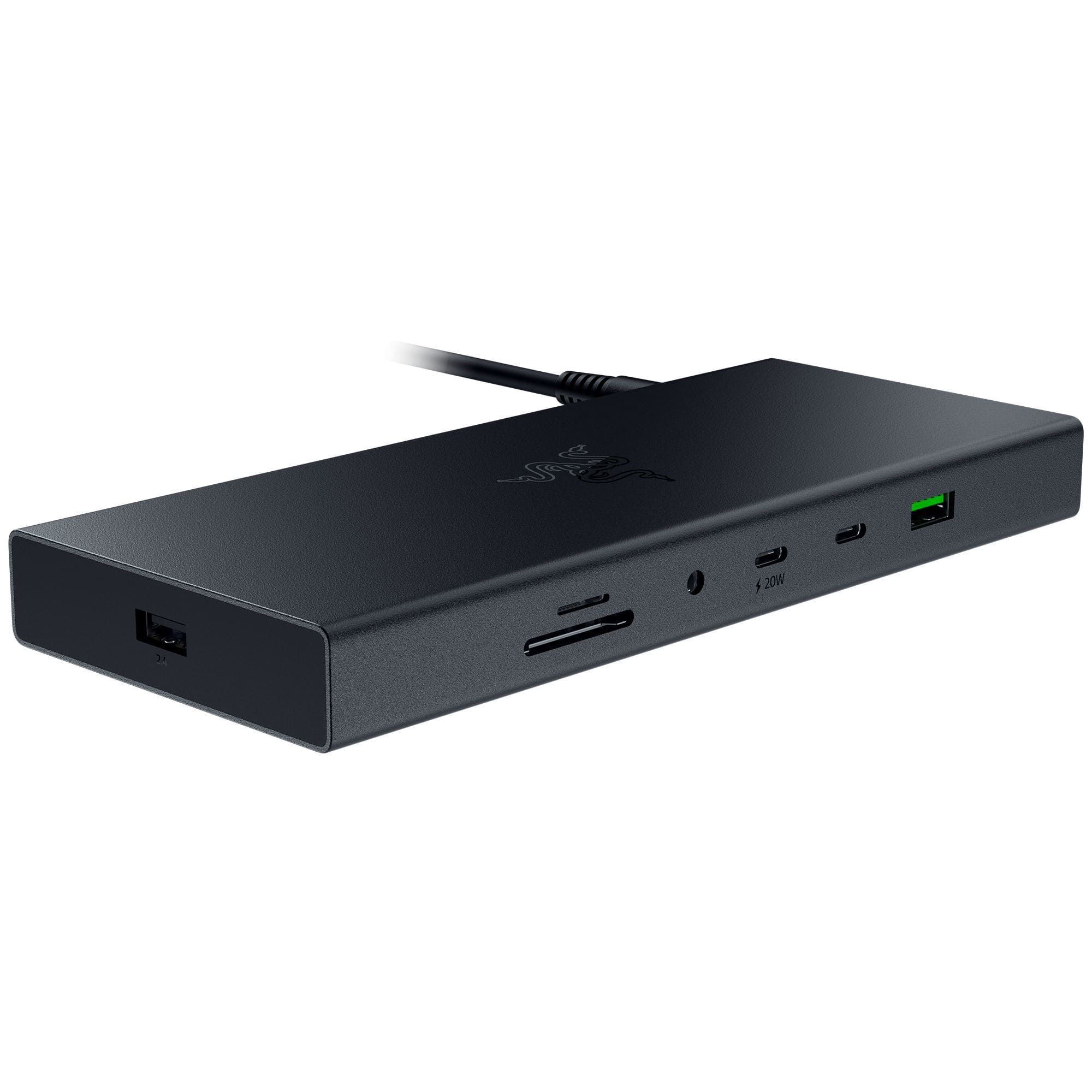
Razer - USB 4 Dock Station with 14 Ports for Windows 10 or later (PC with USB‑C); macOS 10.13 or later (Mac) - Black
SKU: J39HWFH94FSee all Docking StationsProduct Description
A sleek black aluminum dock offering 14 ports, dual display support, and ultra-fast USB 4 connectivity.Your price for this item is $175.00Save $84The previous price was $259.99 -
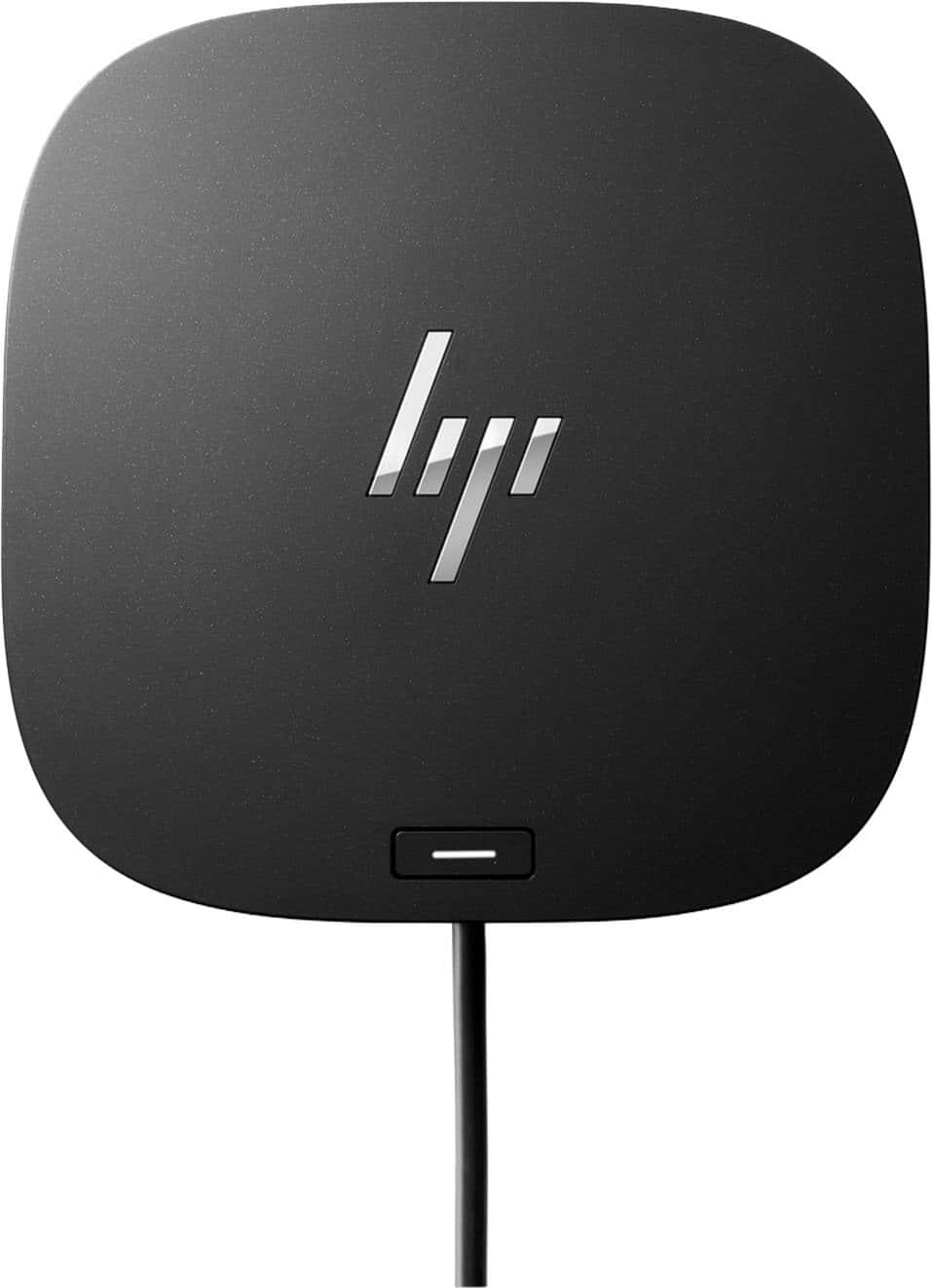
HP - G5 USB-C Universal Docking Station - Black
SKU: JJ8VY9SWSHA great hub!
See all Docking StationsProduct Description
A versatile black USB-C docking station supporting up to three displays, wired network, and multiple accessories.Your price for this item is $109.99Save $40The previous price was $149.99 -
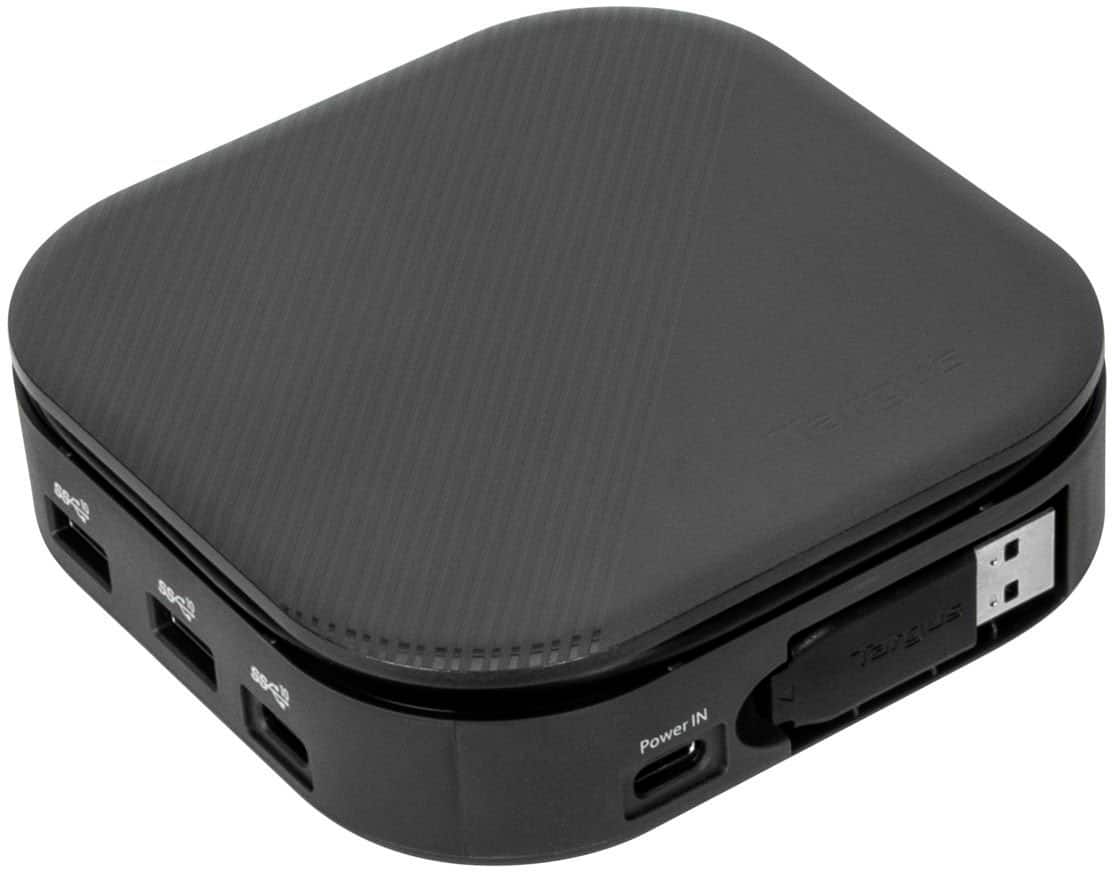
Targus - USB-C Universal Dual HD Docking Station with 80W PD Pass-Thru - Black
SKU: J7QXPVCPL9Love it...Works great and is exactly what I was looking for....Love It....Easy set up and works great! I was able to set it up and get it working in minutes.
See all Docking StationsProduct Description
A compact black docking station supporting dual HD displays, 80W PD pass-thru, and universal laptop compatibility.Your price for this item is $34.99Save $35The previous price was $69.99 -
j5create - USB-C Triple Display Docking Station with 100W PD Adapter
SKU: J36445R3PKtwice as long for a little more flexibility of where to position it The fast processing speed is great
See all Docking StationsProduct Description
A versatile black docking station offering triple display support, 100W power delivery, and extensive connectivity options.Your price for this item is $149.99 -
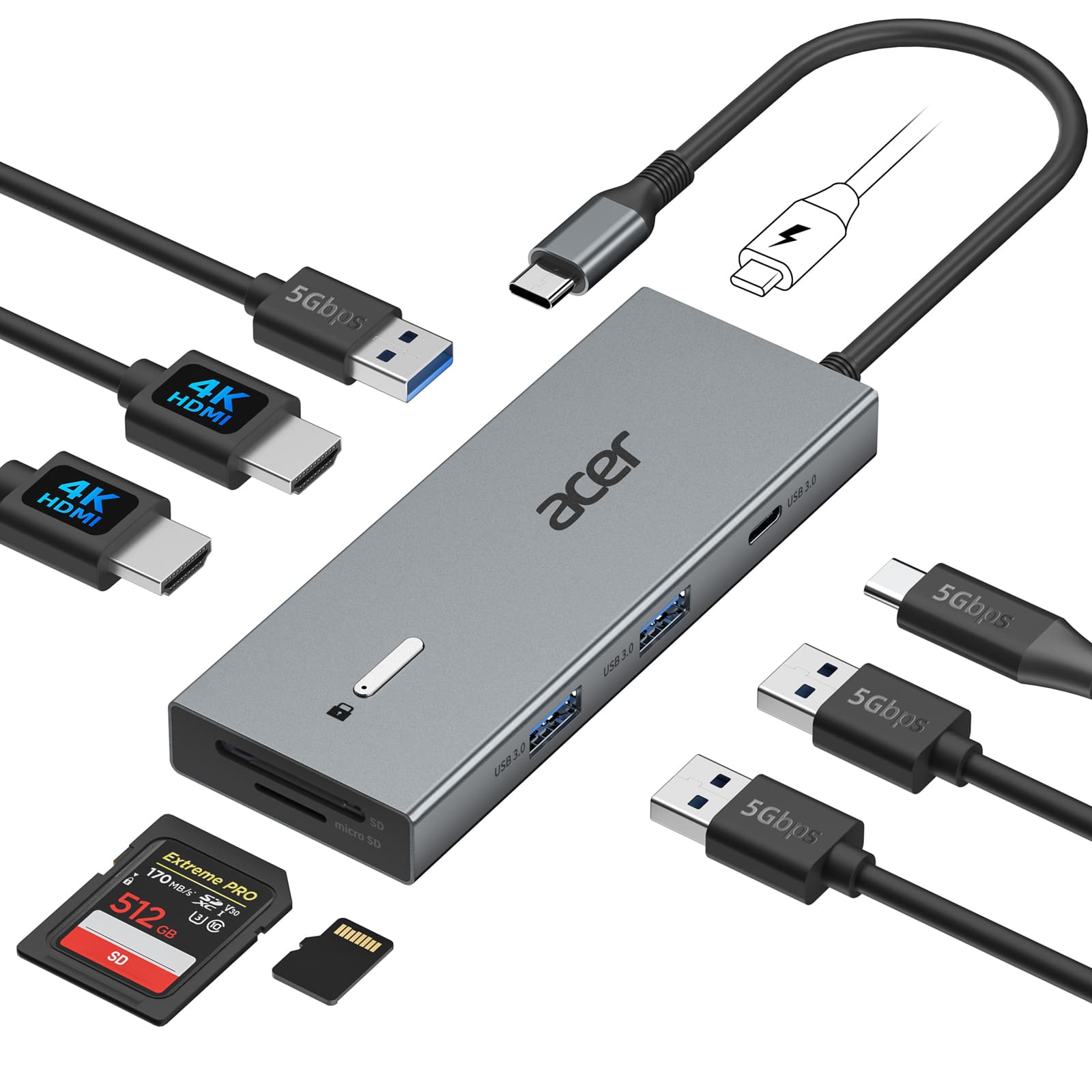
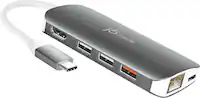
Acer - USB C Docking Station With 2 HDMI, 9-IN-1 Docking Hub with USB A&C 3.0, SD/Micro SD, 100W Charging - Gray
SKU: JJ8V8QV3XVGreat Dock for a great orice...I love the small compact size and how versatile it is....Many connections which makes this Docking station great....Best option for the price...It’s the best option for...
See all Docking StationsProduct Description
A versatile gray 9-in-1 USB-C docking station supporting dual 4K HDMI monitors, SD cards, and 100W charging.Your price for this item is $40.99Save $7The previous price was $47.99

Best Sellers


Related Pages





FAQ
When choosing a docking station for multiple monitors, consider the number and type of video outputs (such as HDMI, DisplayPort, or VGA), compatibility with your laptop or desktop, supported resolutions, available USB ports, charging capabilities, and whether it supports dual or triple monitor setups.
Many docking stations are designed to be compatible with both Windows and Mac computers, but it's important to check the manufacturer's specifications. Some models may require specific drivers or have limited functionality depending on the operating system.
Yes, most docking stations allow you to connect monitors with different resolutions. However, the maximum supported resolution for each display may vary depending on the docking station's capabilities and your computer's graphics card.
The type of cable you need depends on the video output ports available on your docking station and the input ports on your monitors. Common cables include HDMI, DisplayPort, DVI, or VGA. Make sure your cables match the ports on both devices for optimal performance.
Using a docking station generally does not significantly impact your computer’s performance. However, running multiple high-resolution displays can increase demand on your computer’s graphics card and processor. Ensure that your device meets the recommended specifications for multi-monitor setups.