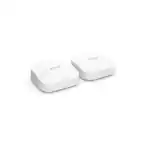
How Many Wi‑Fi 7 Mesh Nodes Do You Need?
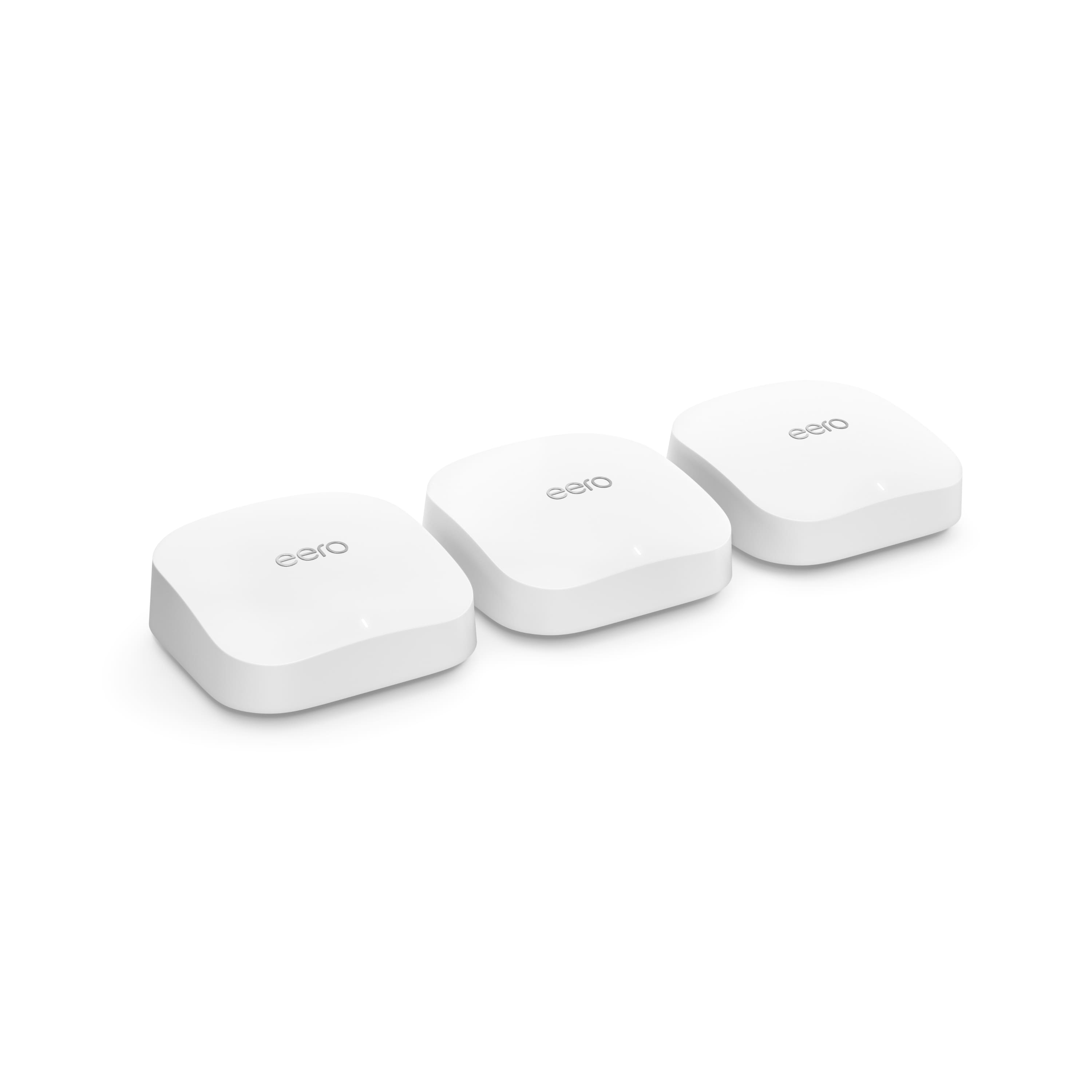
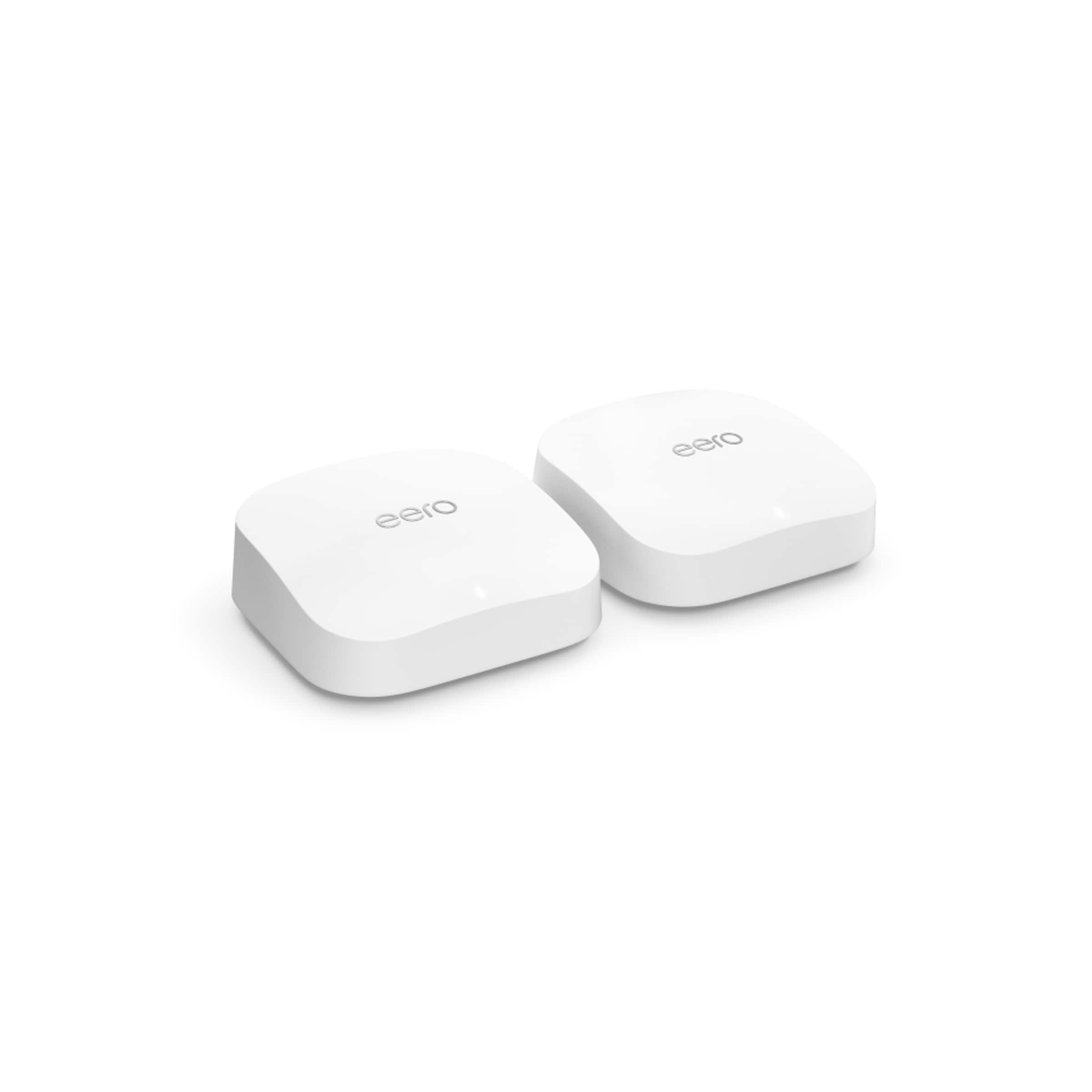
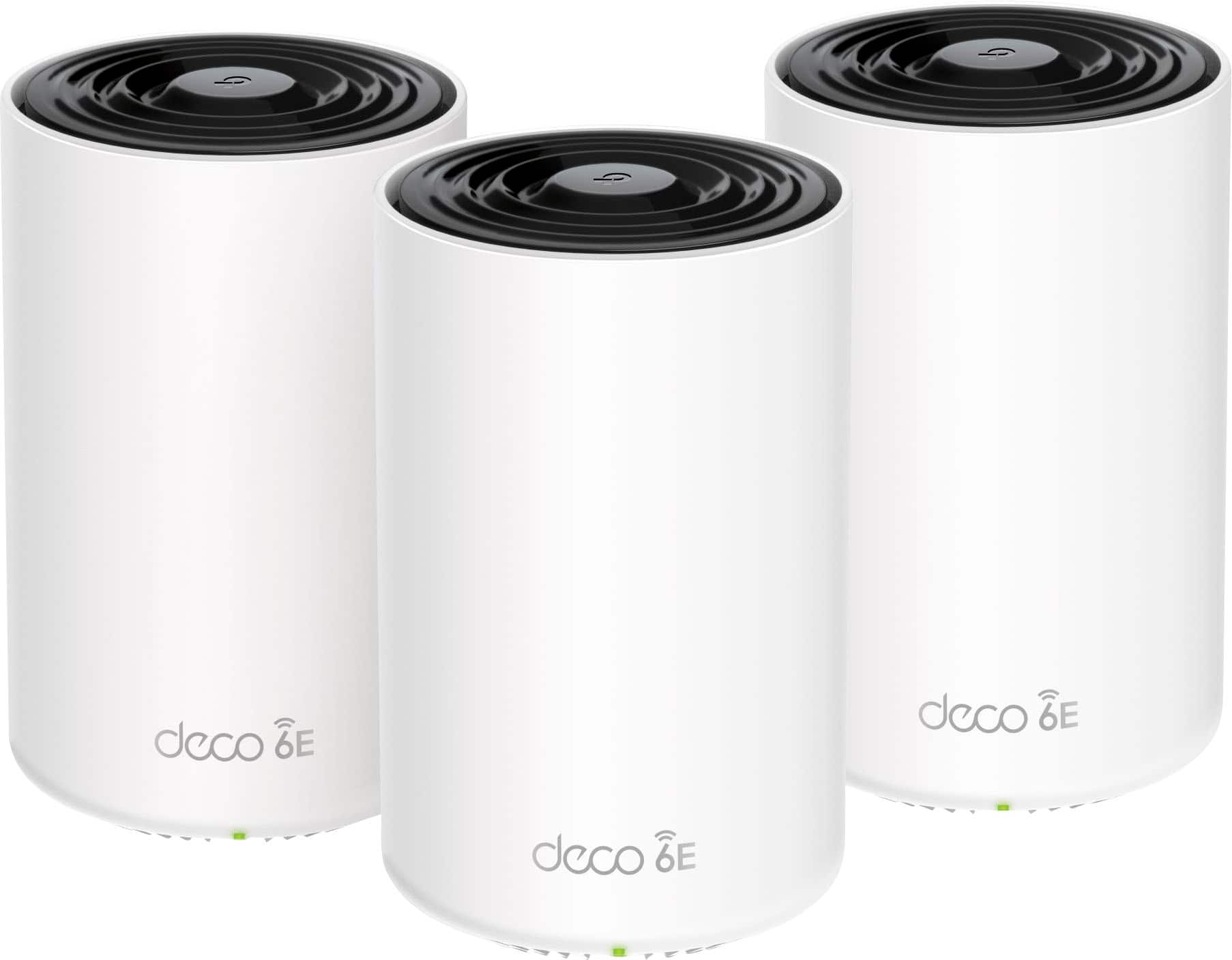
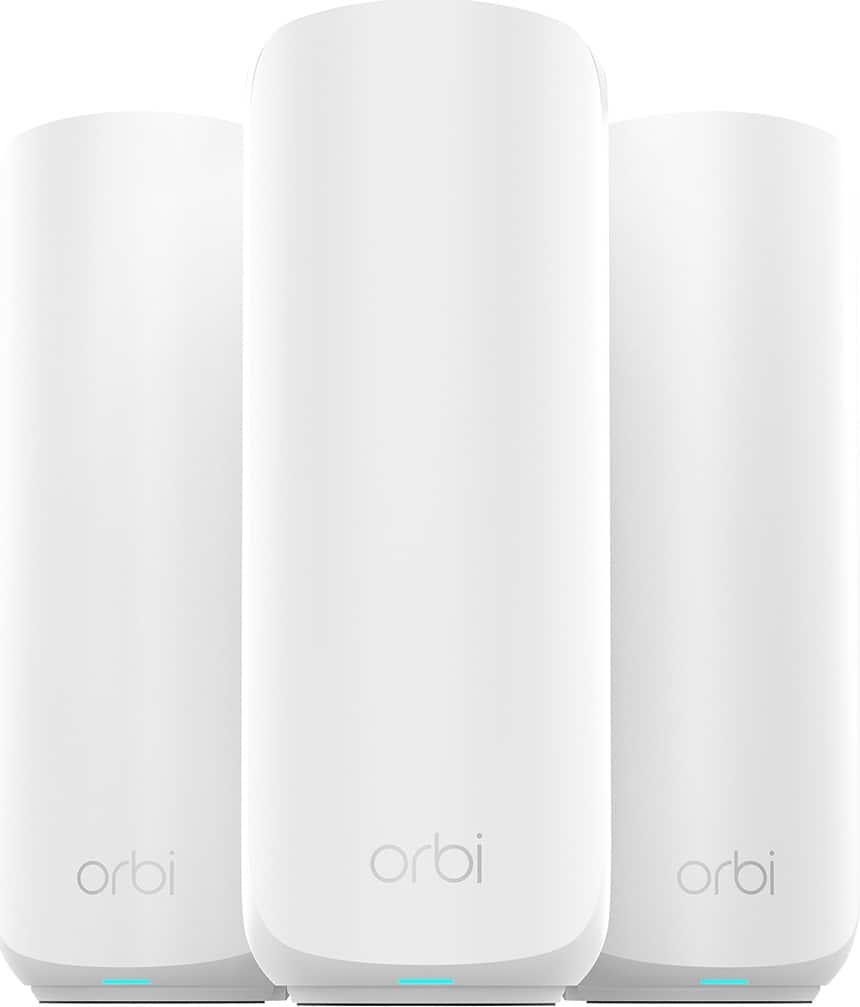
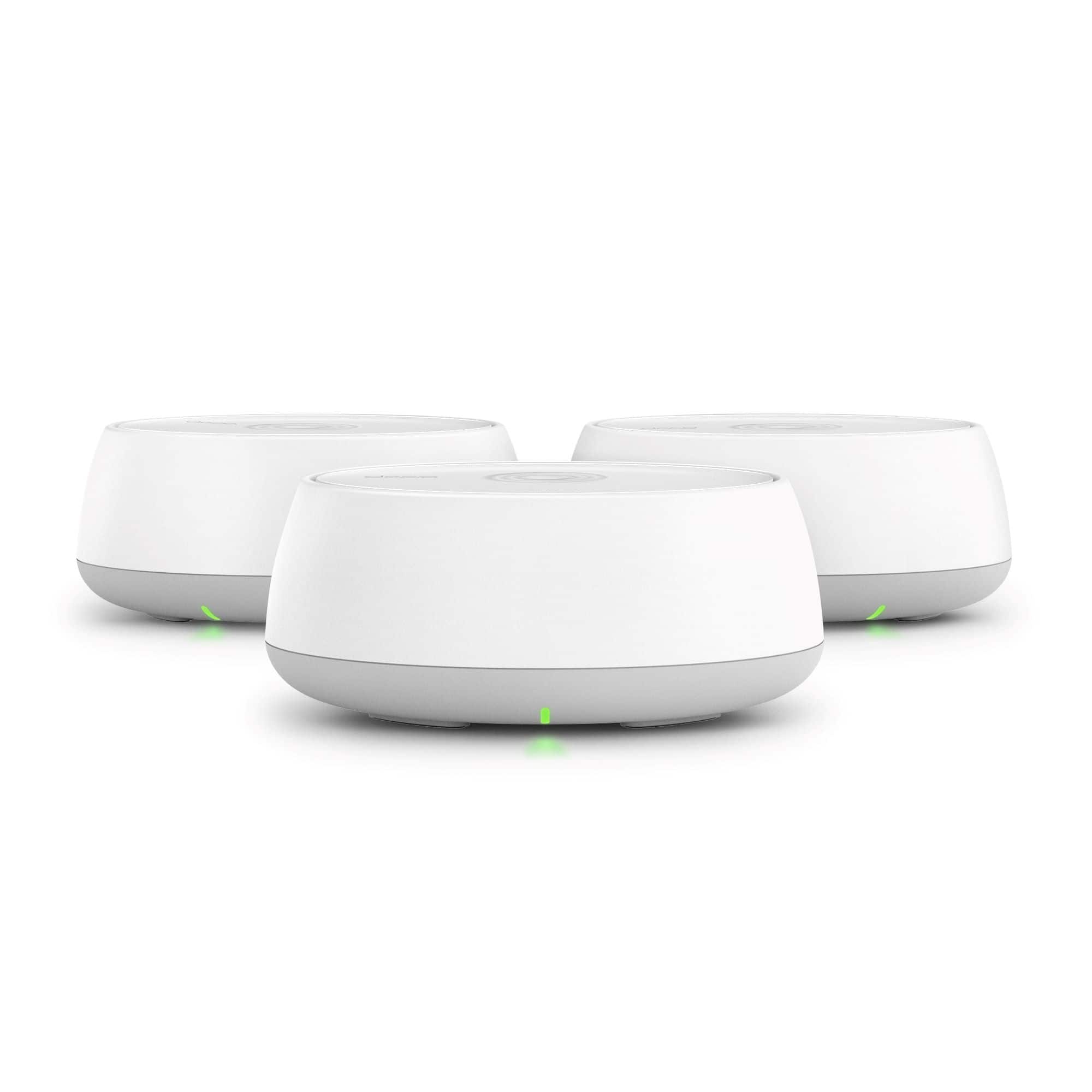
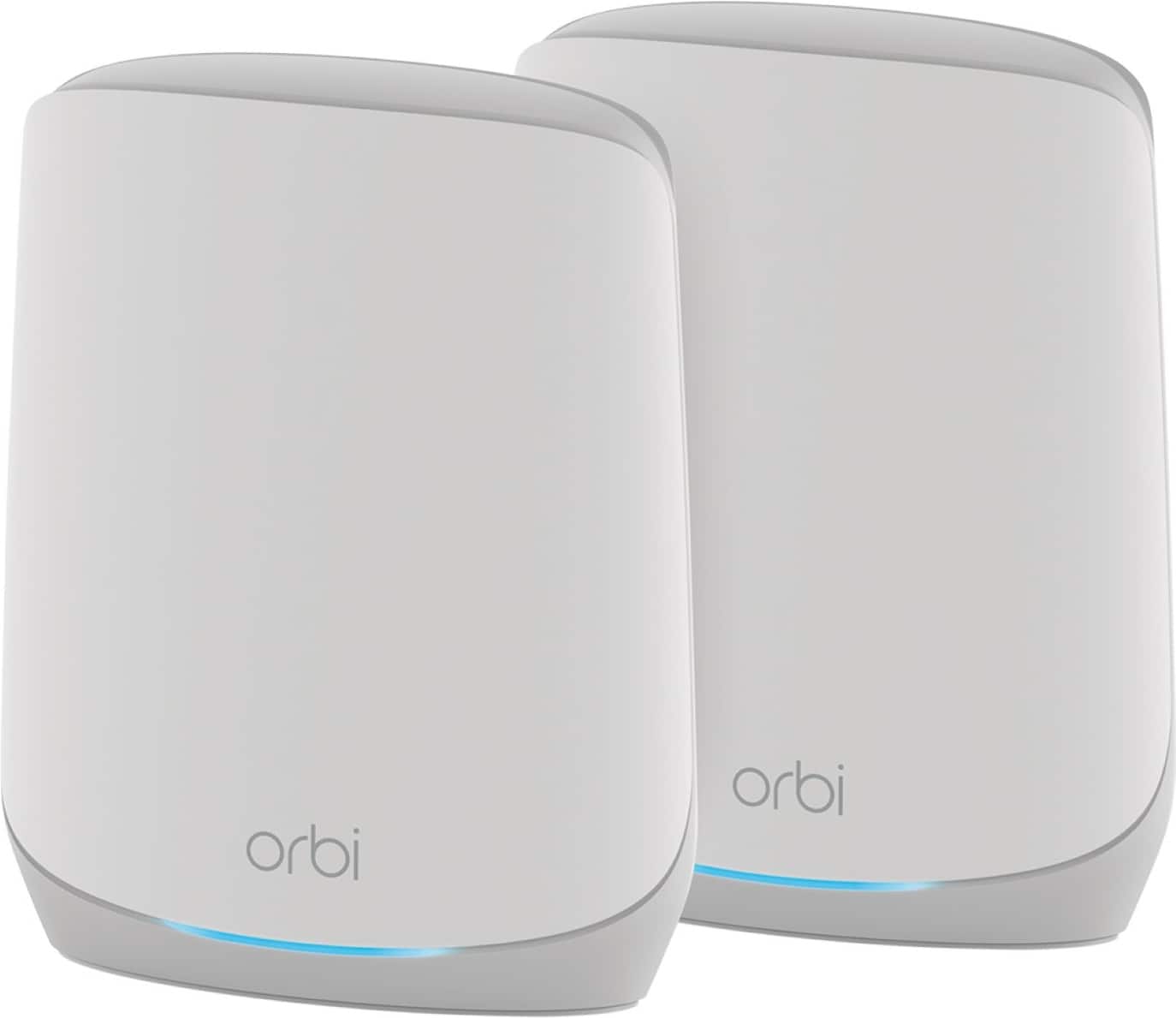
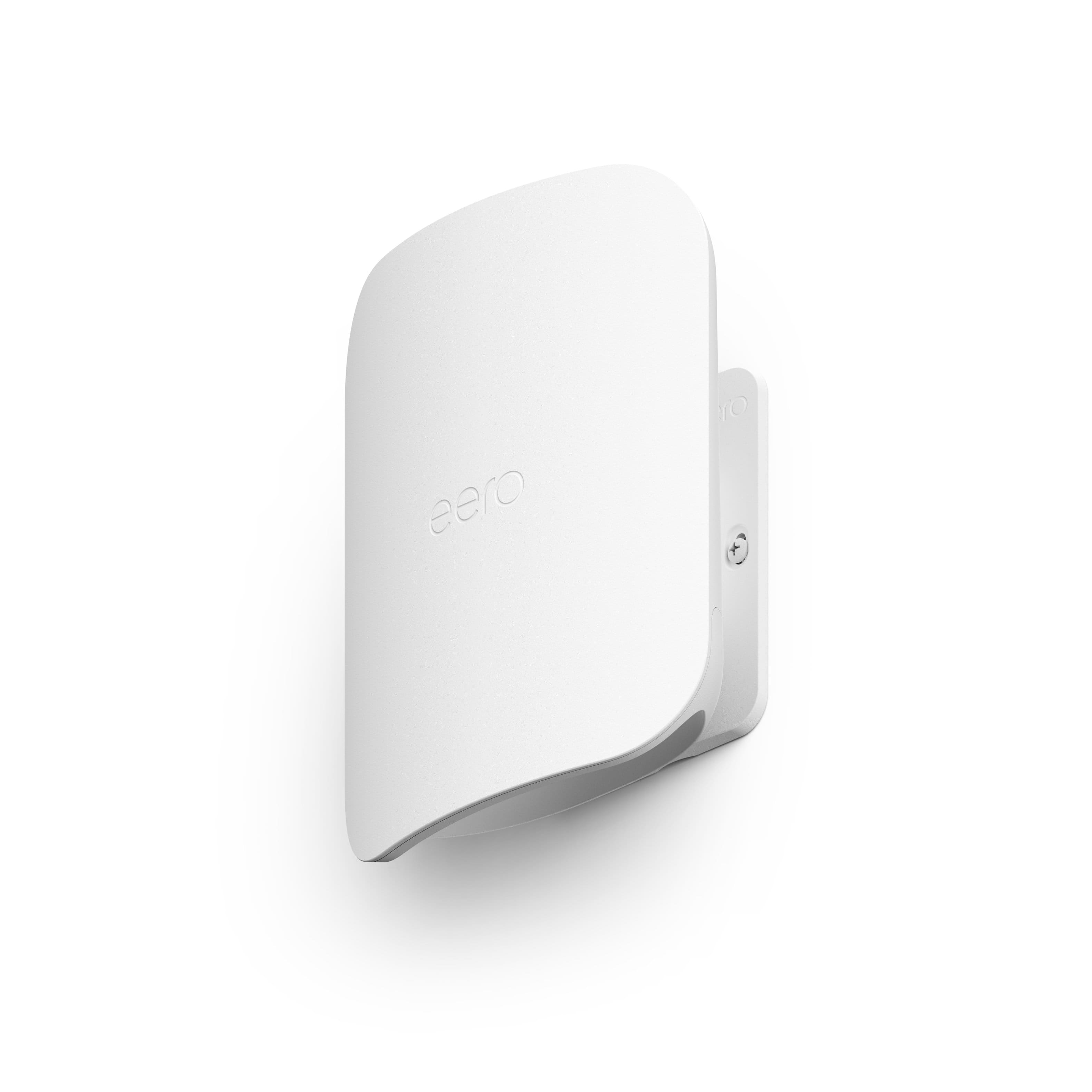
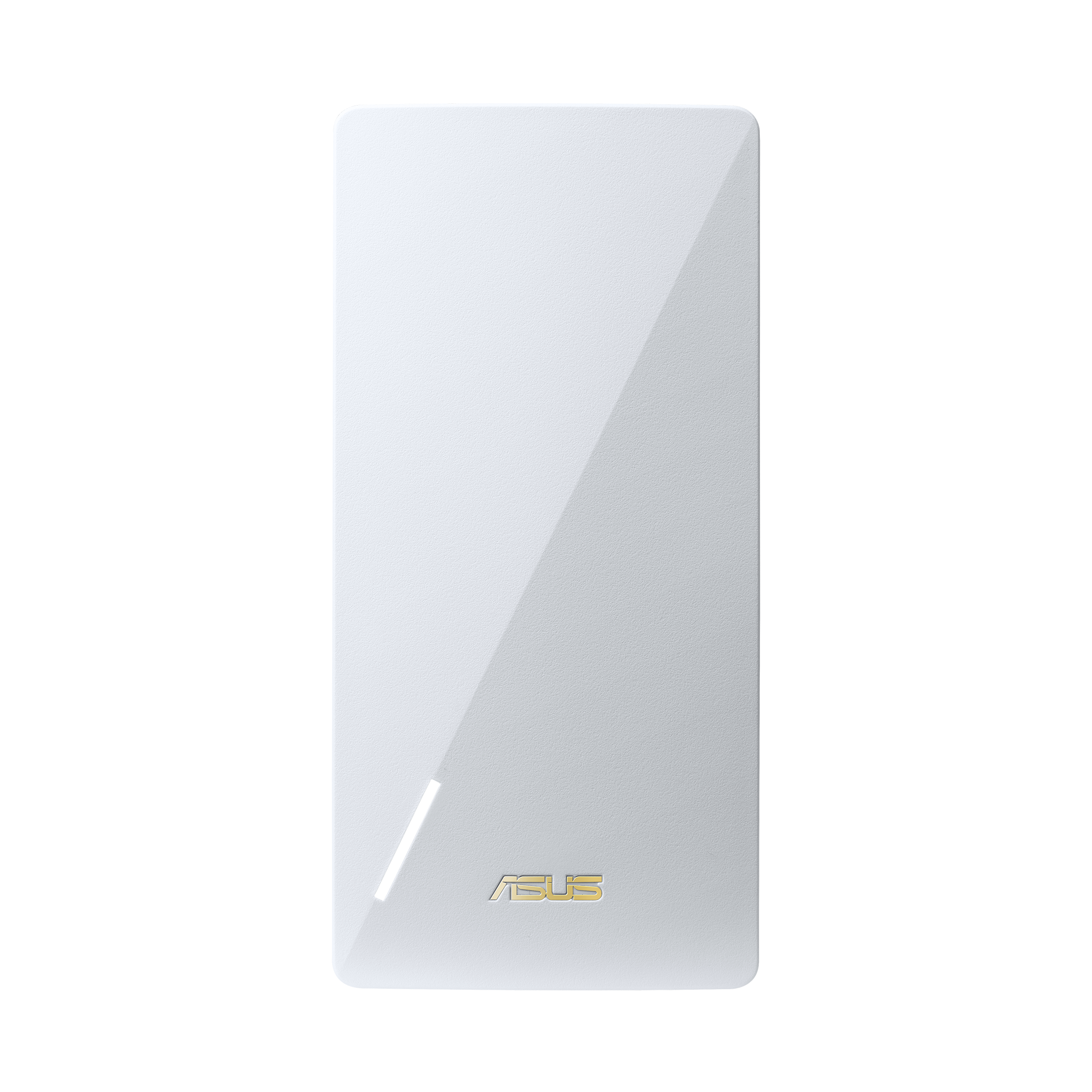
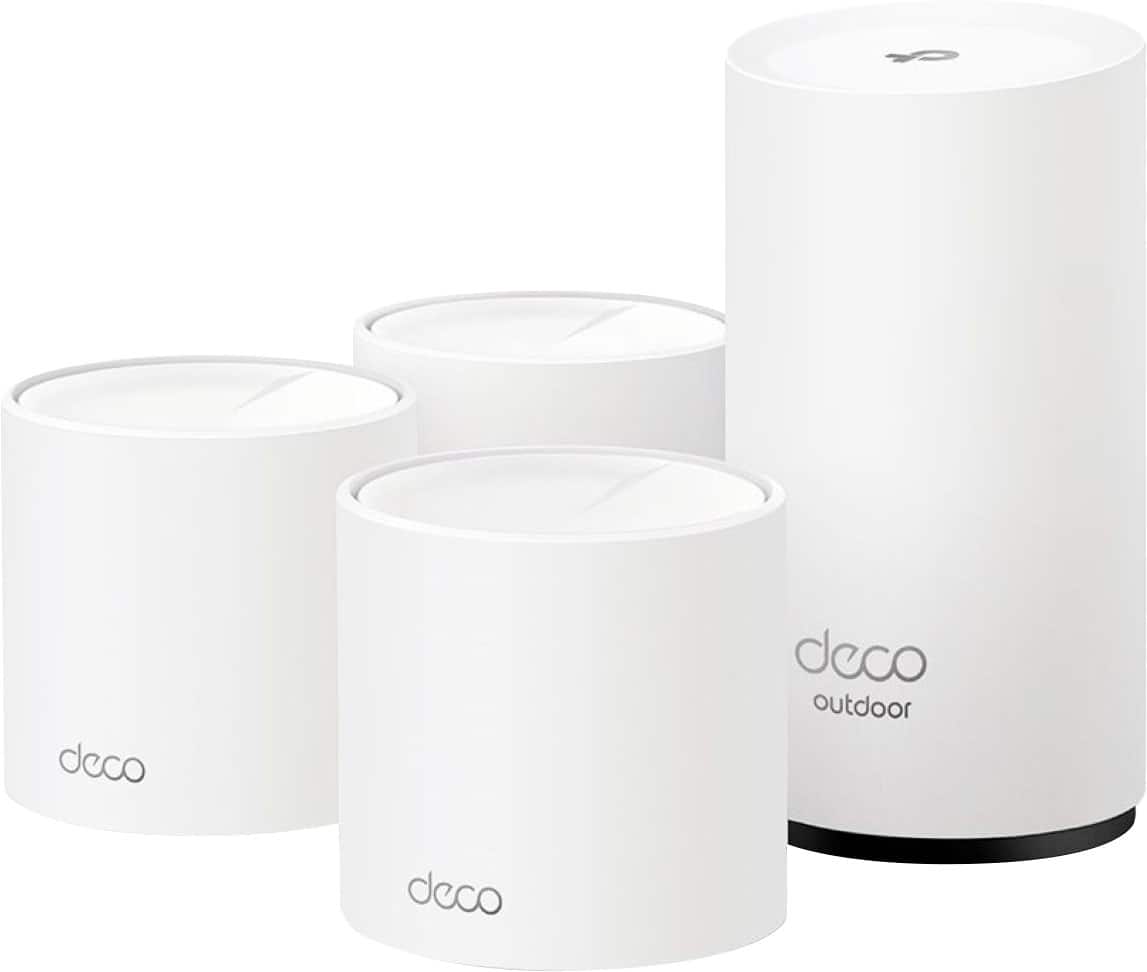
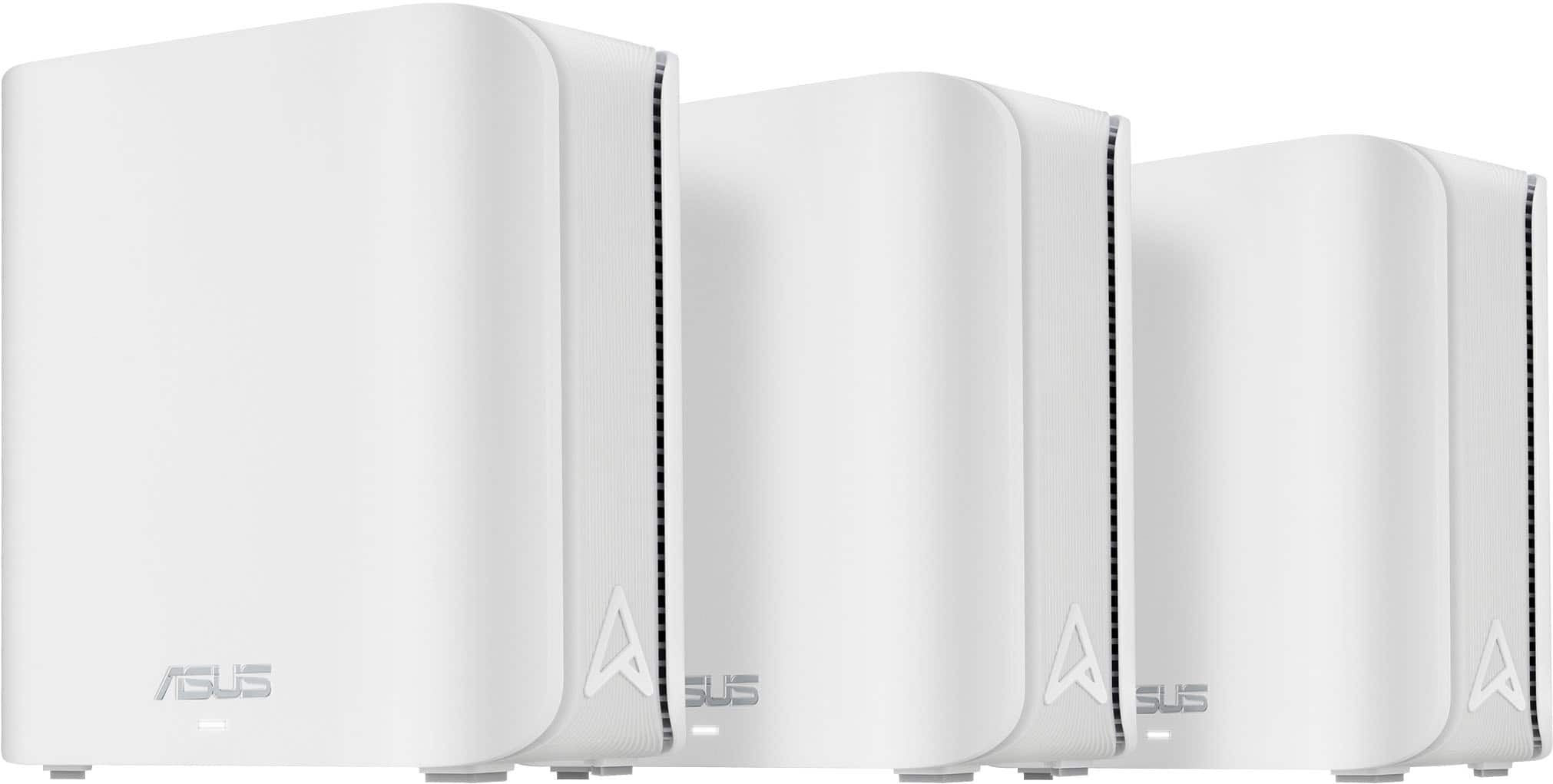
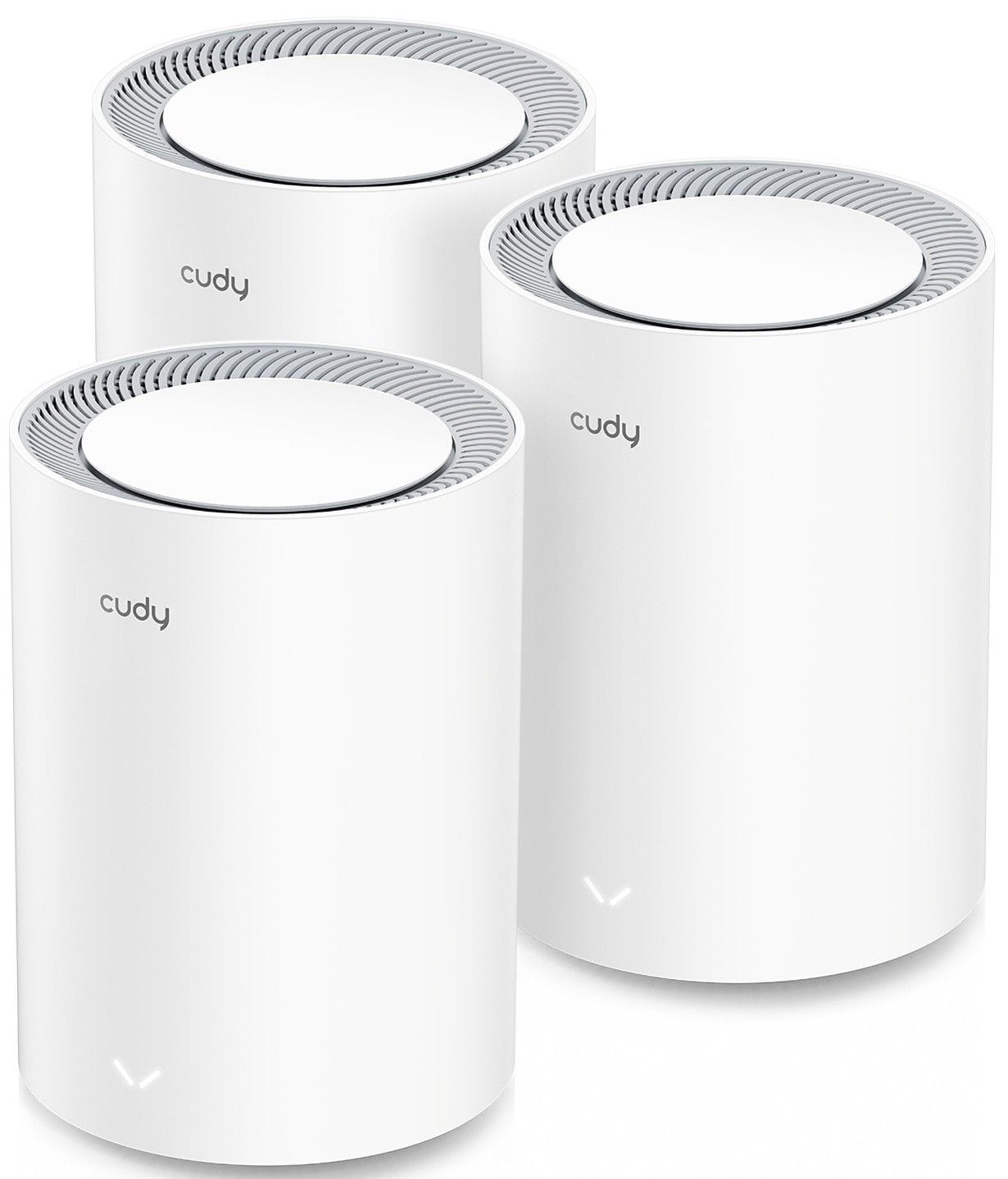
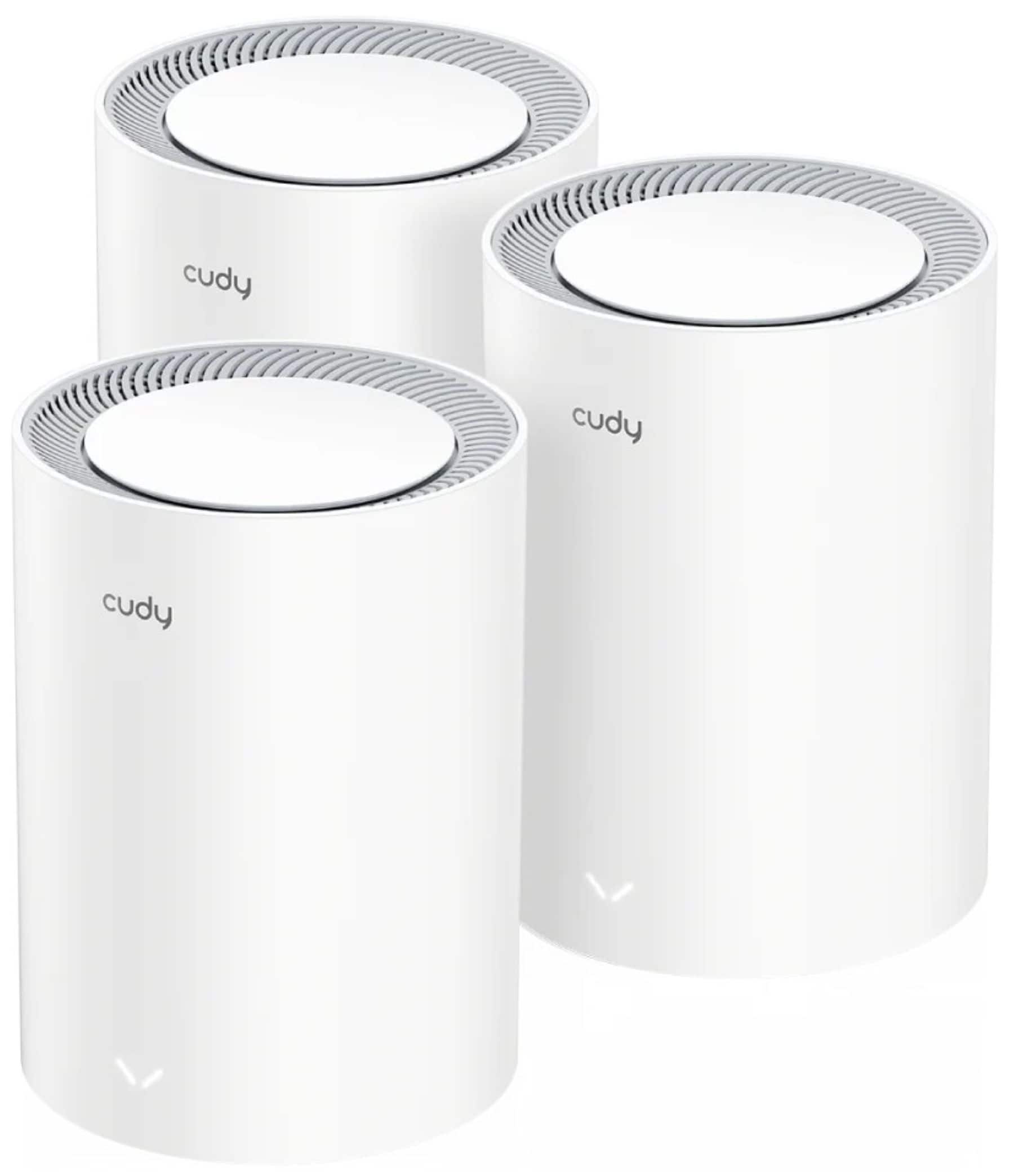
Choosing the right number of Wi‑Fi 7 mesh nodes starts with your layout, square footage and how many devices stay connected every day. In general, a 2-pack is a smart fit for smaller or more open homes, while a 3-pack makes sense for larger layouts, more floors and rooms where signal has to travel farther. If you’re still comparing system types, explore Wi‑Fi 7 Mesh Systems for Whole‑Home Coverage, then use this page to narrow down the node count that fits your space.
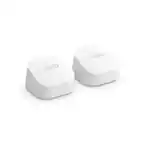
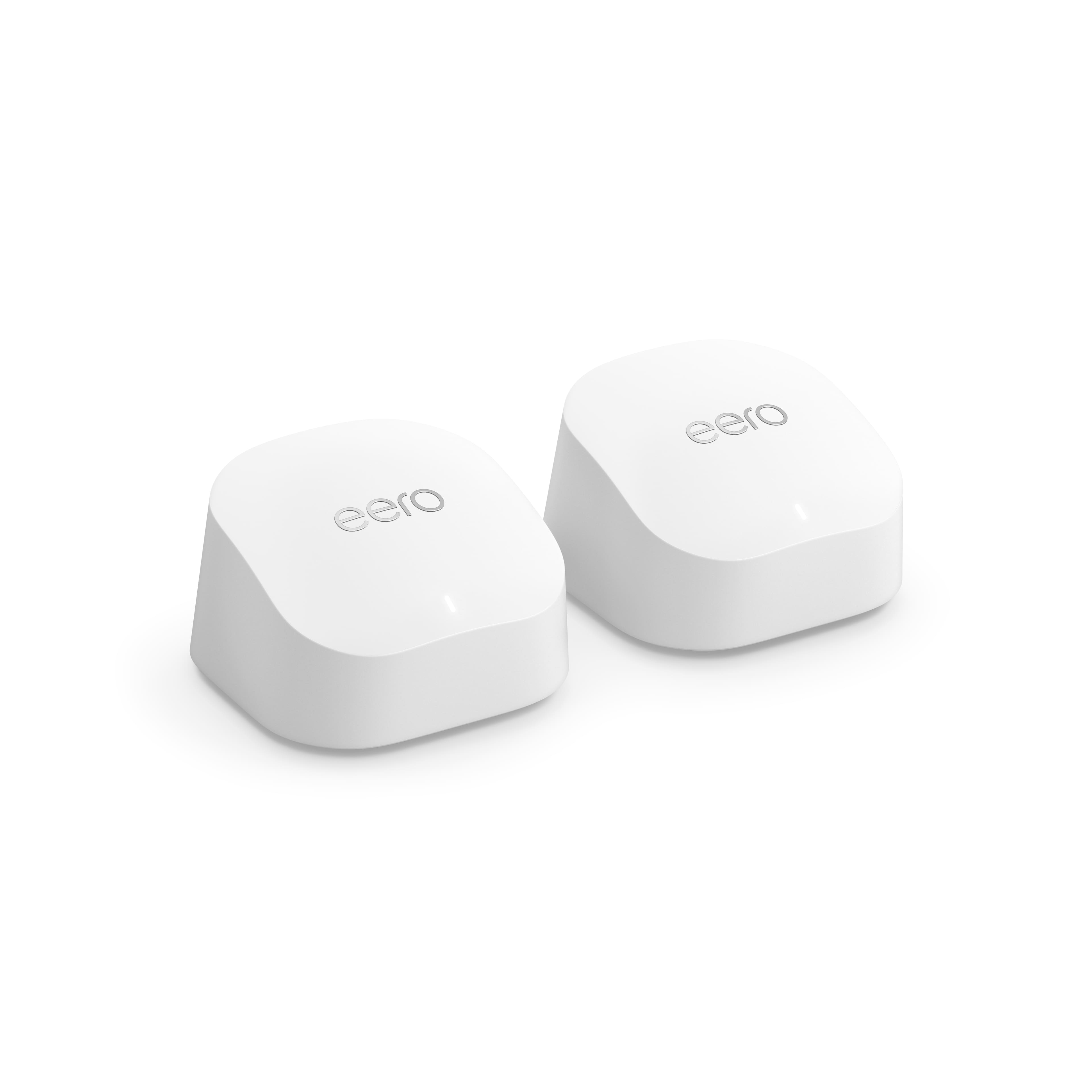
2-Pack Wi‑Fi 7 Mesh Systems
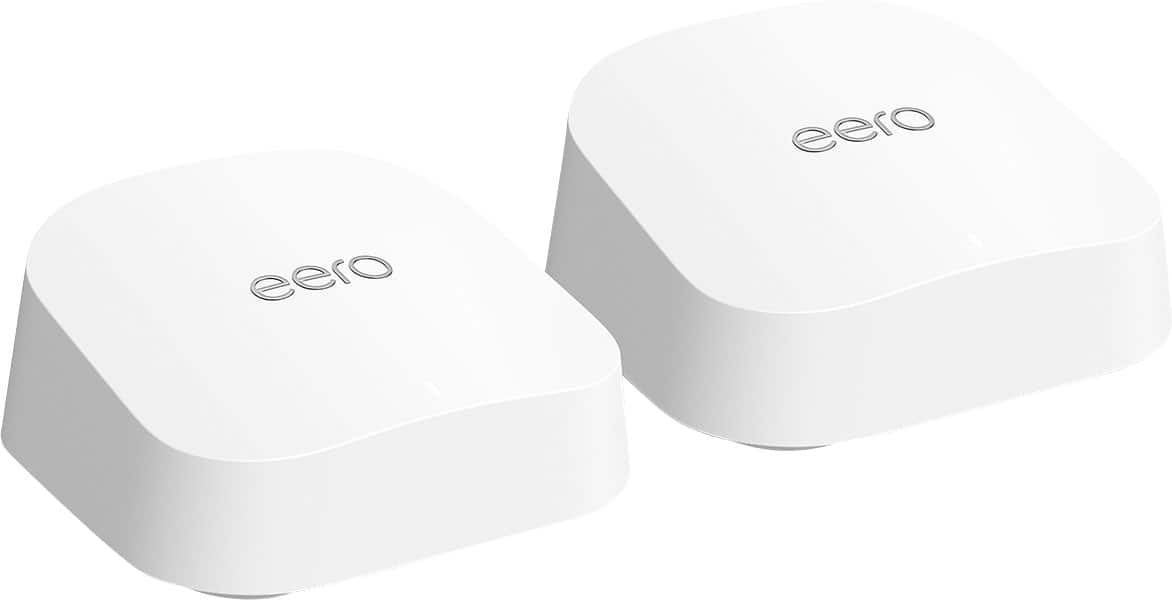
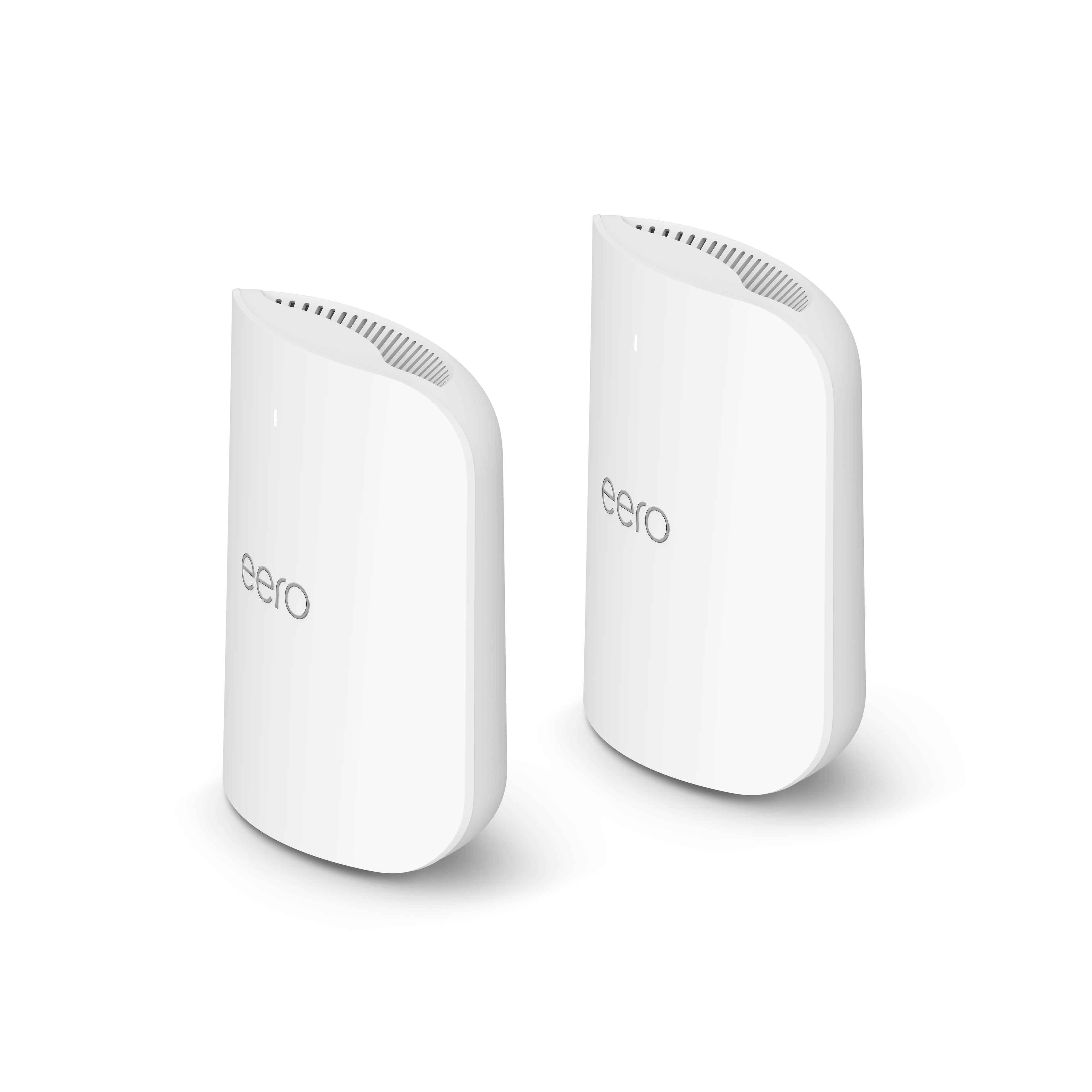

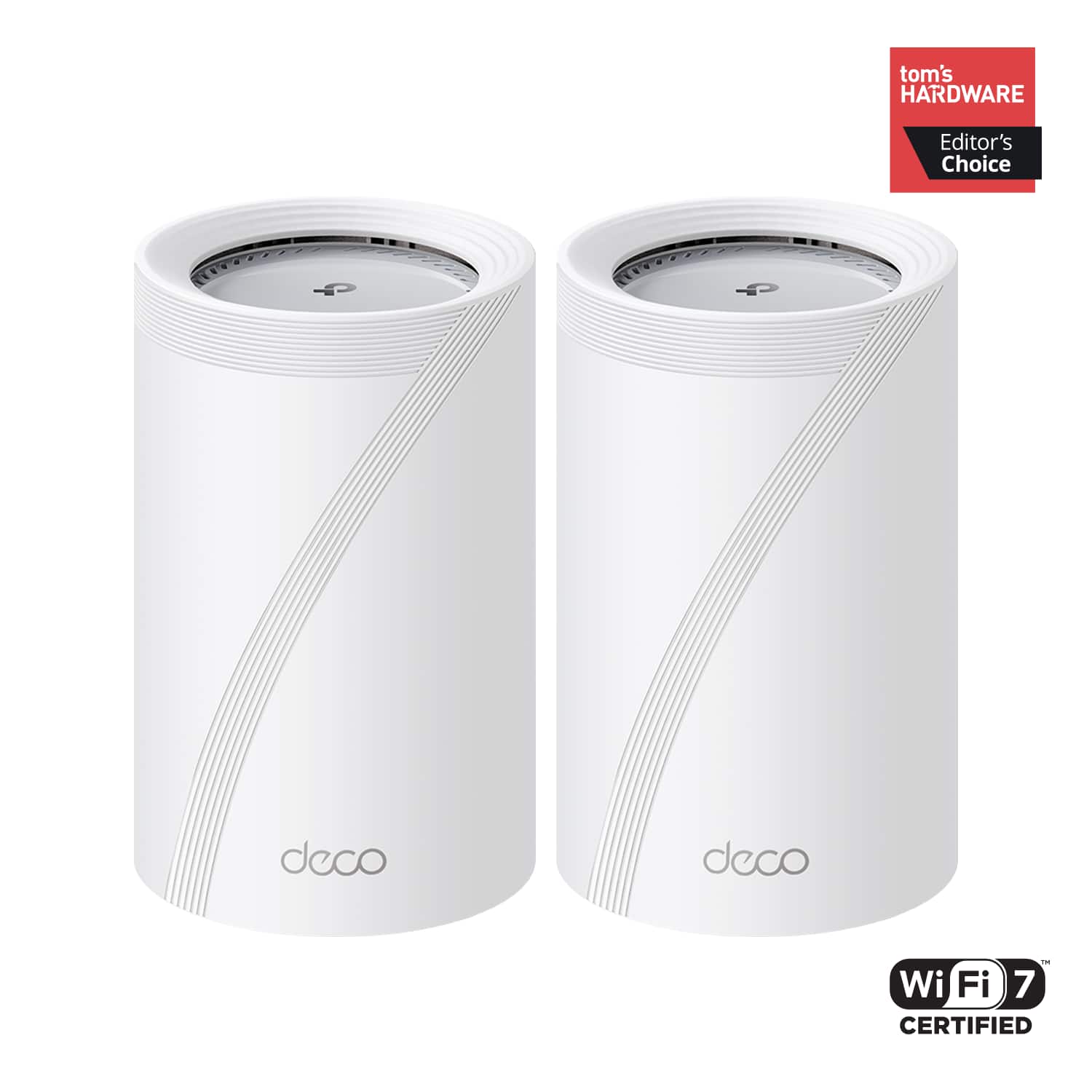
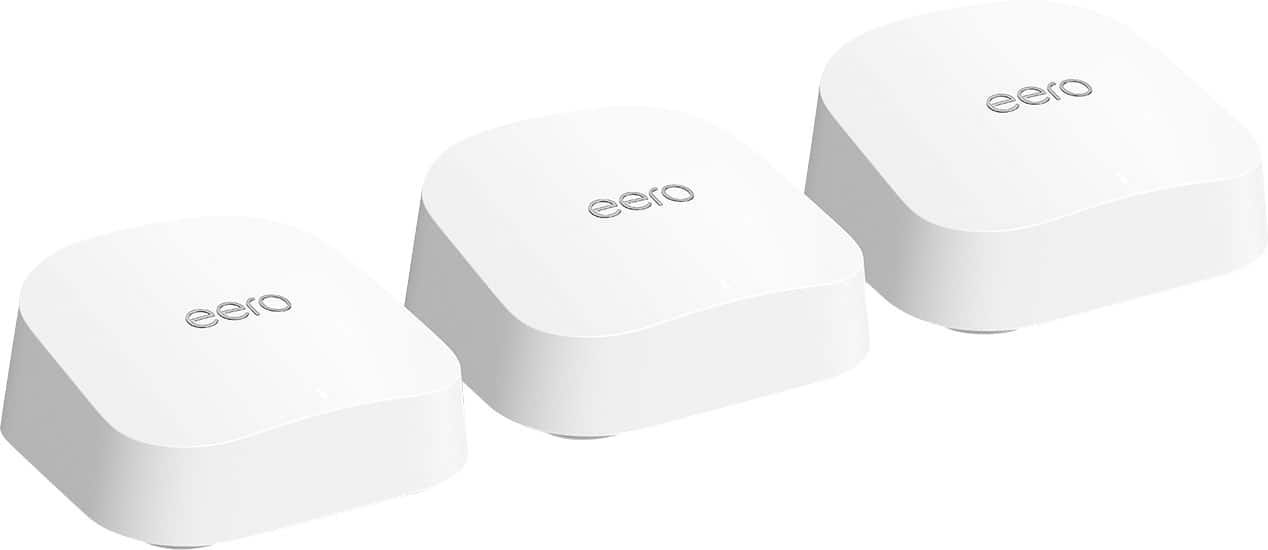
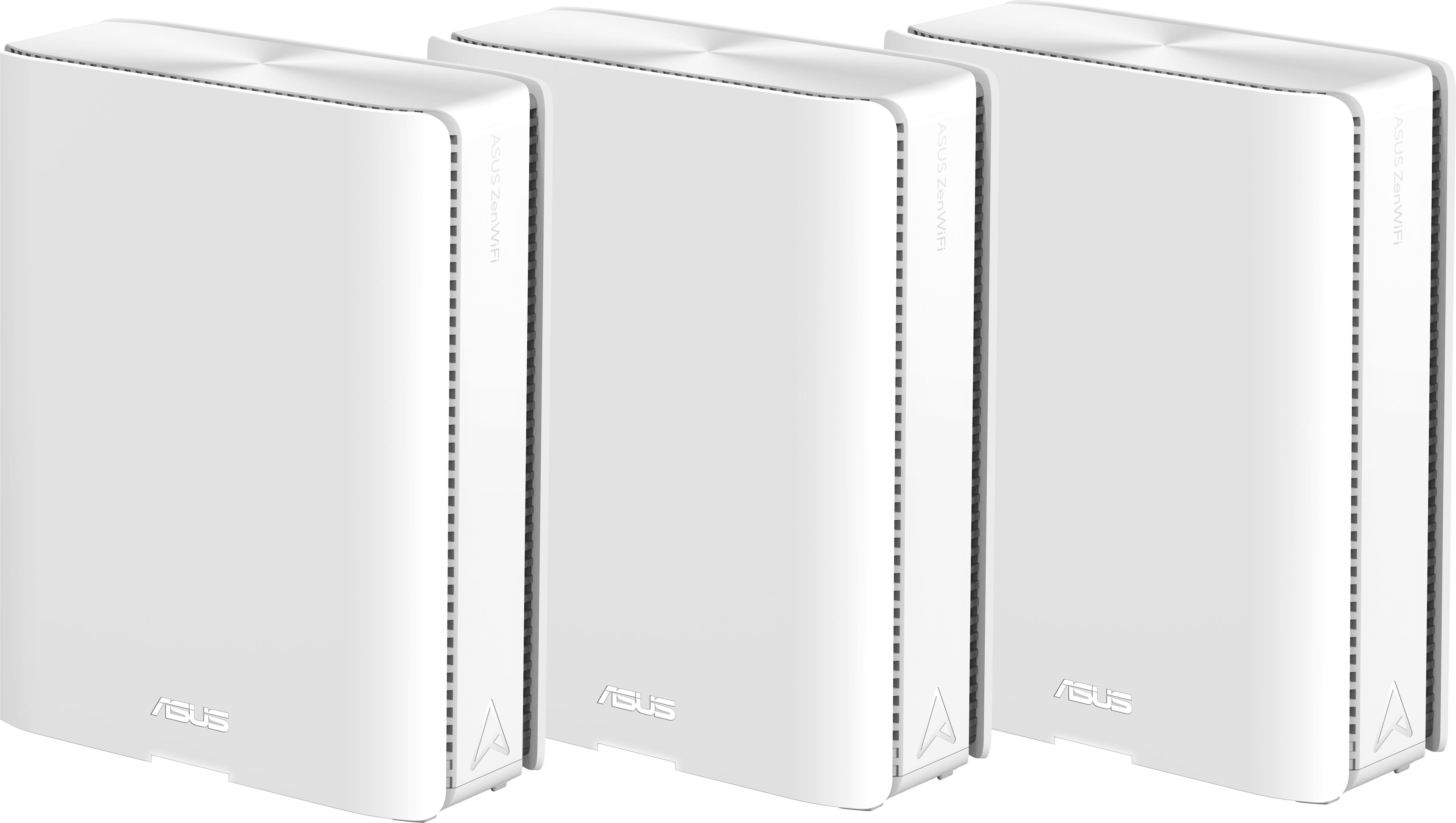


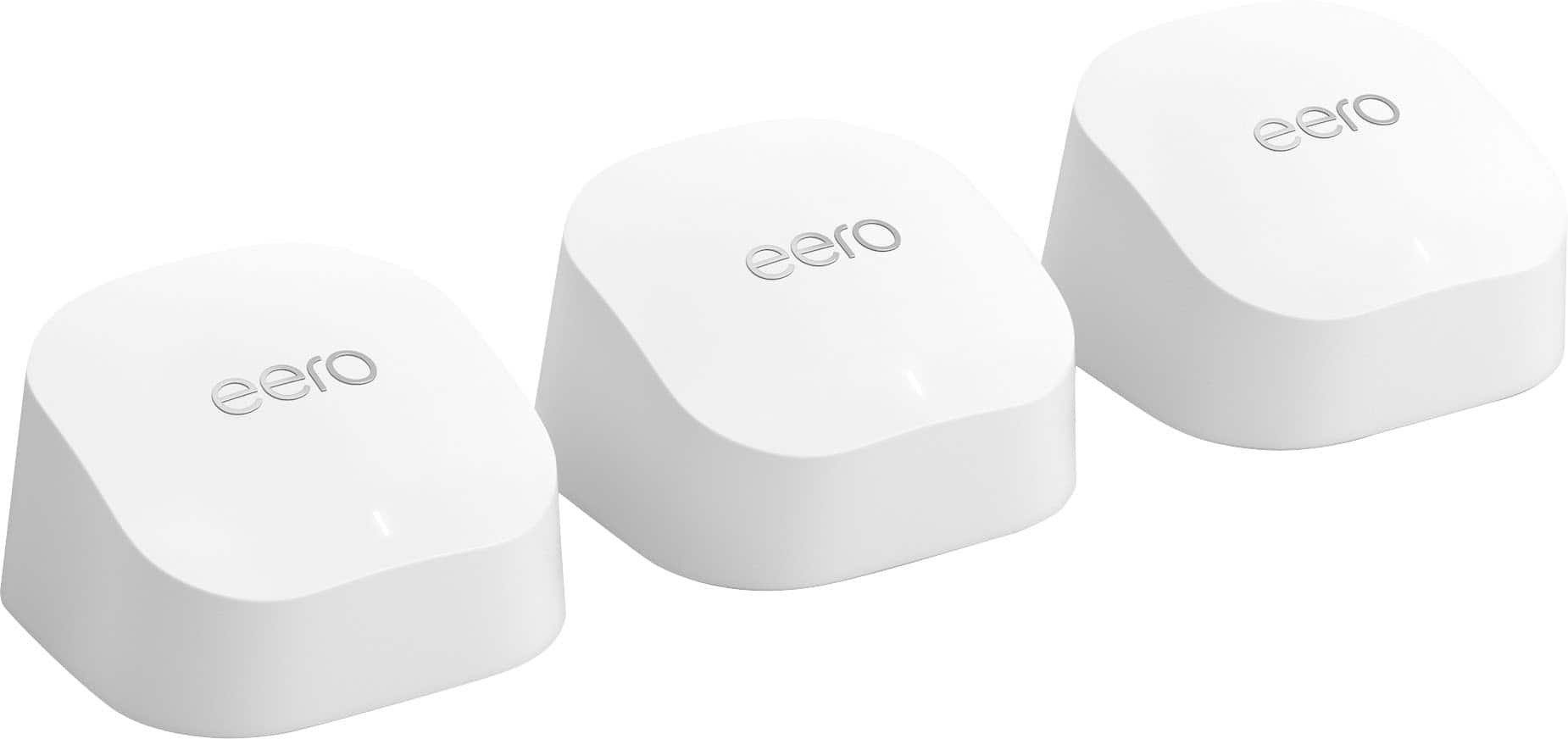


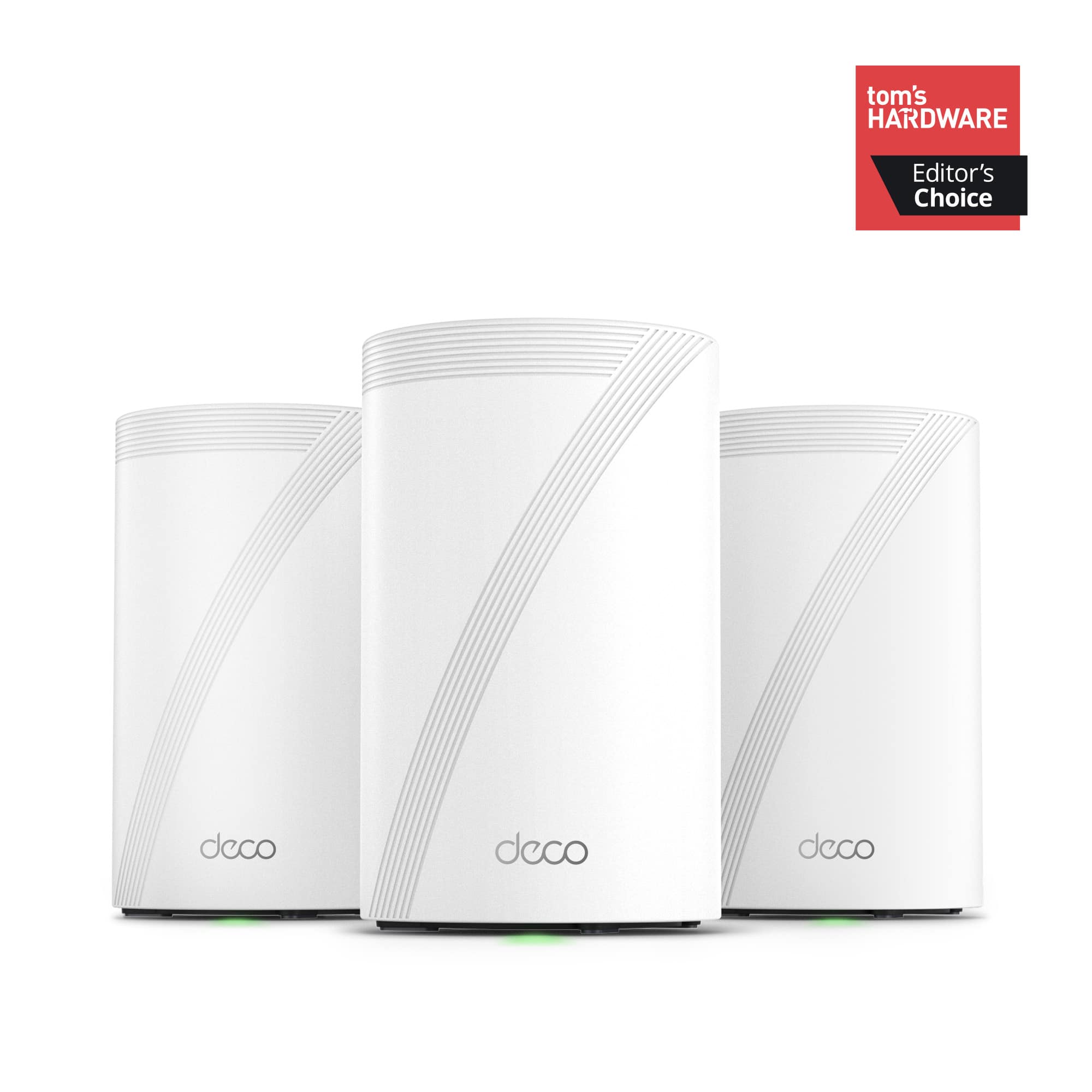

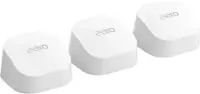
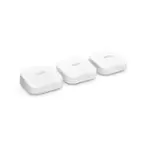
3-Pack Wi‑Fi 7 Mesh Systems
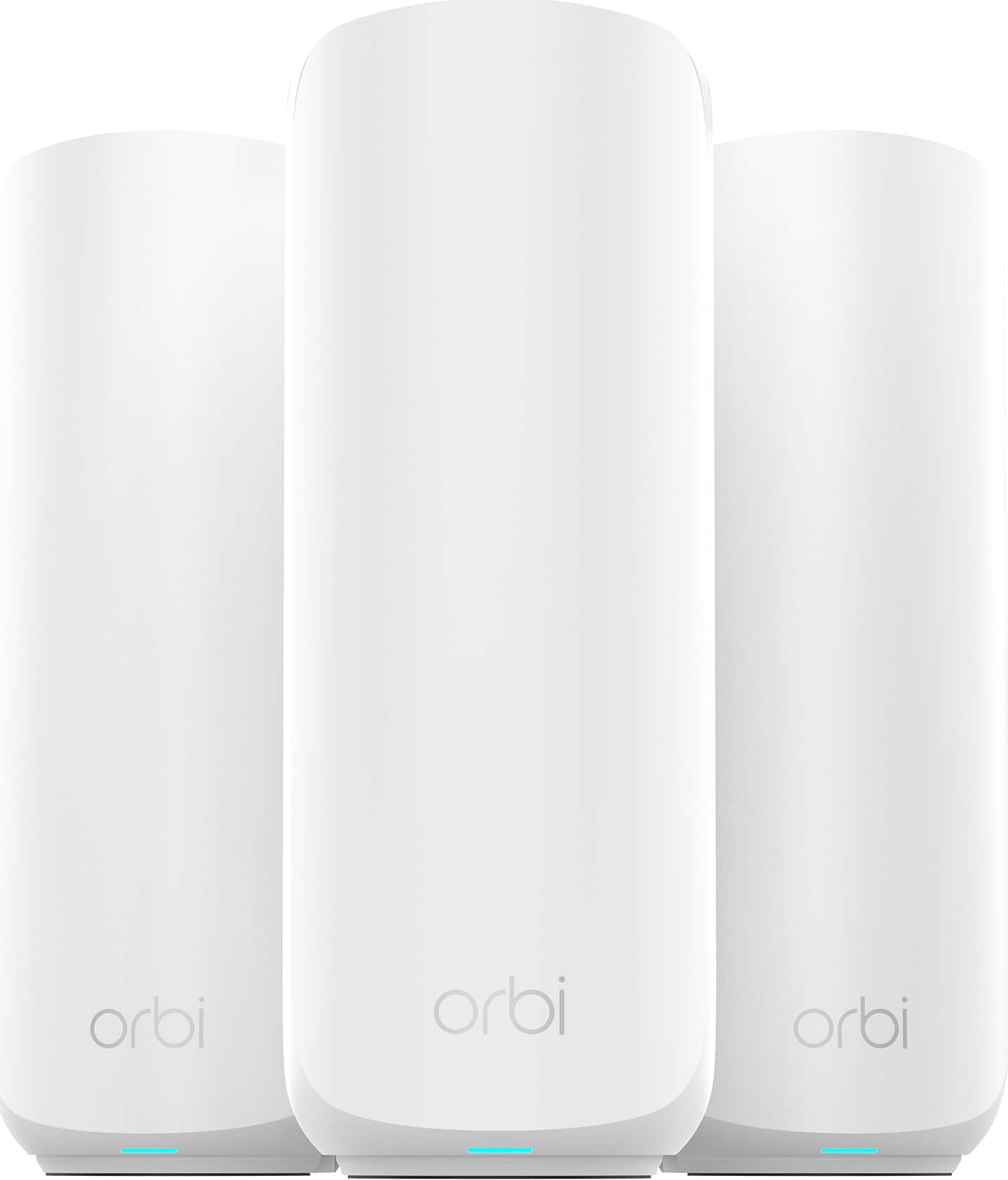
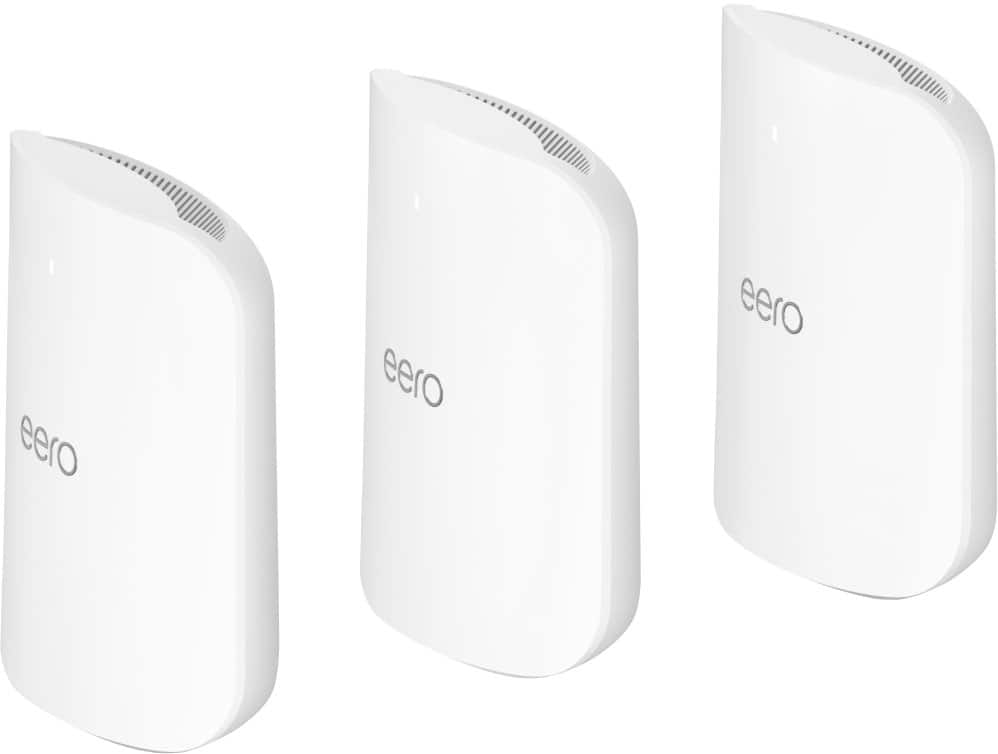
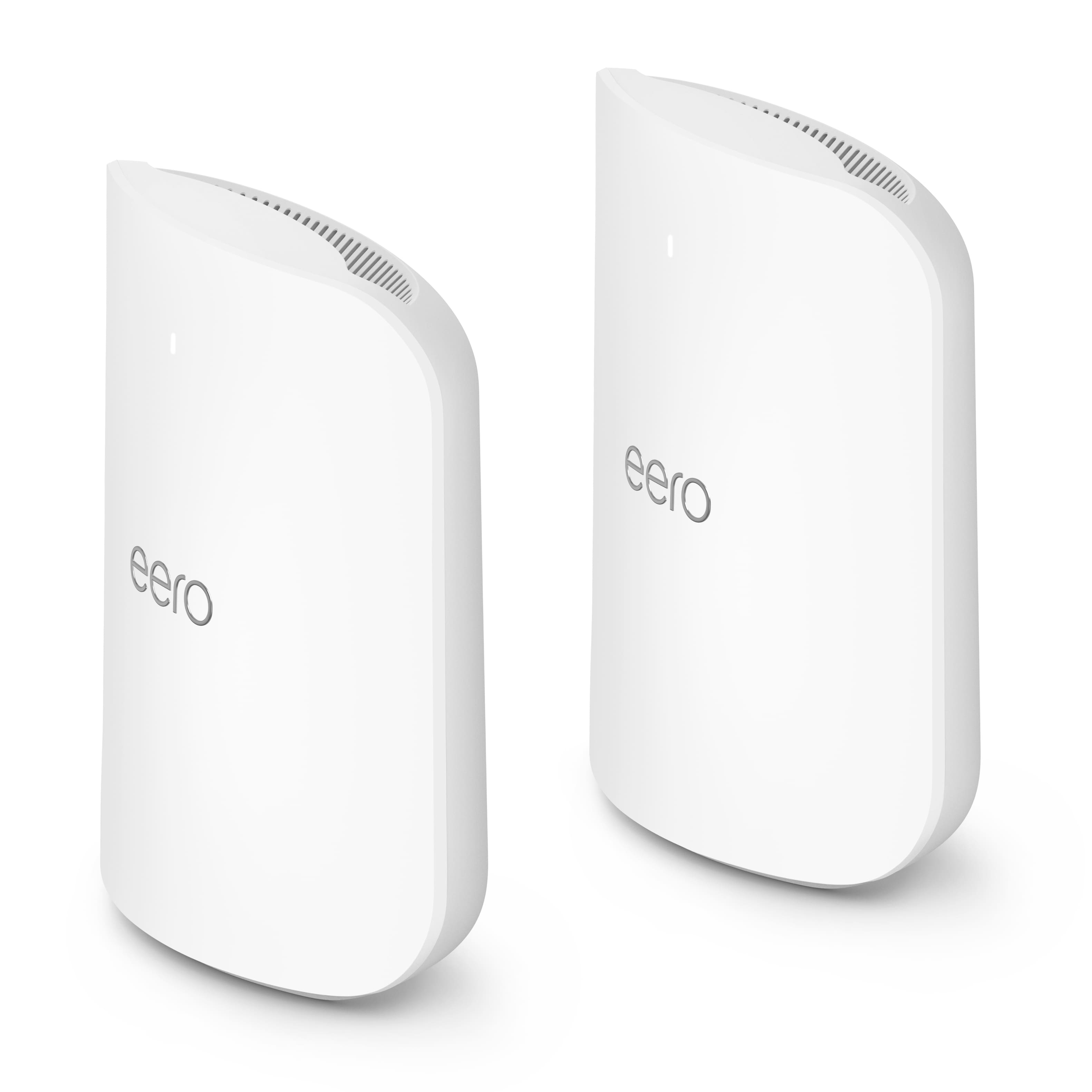
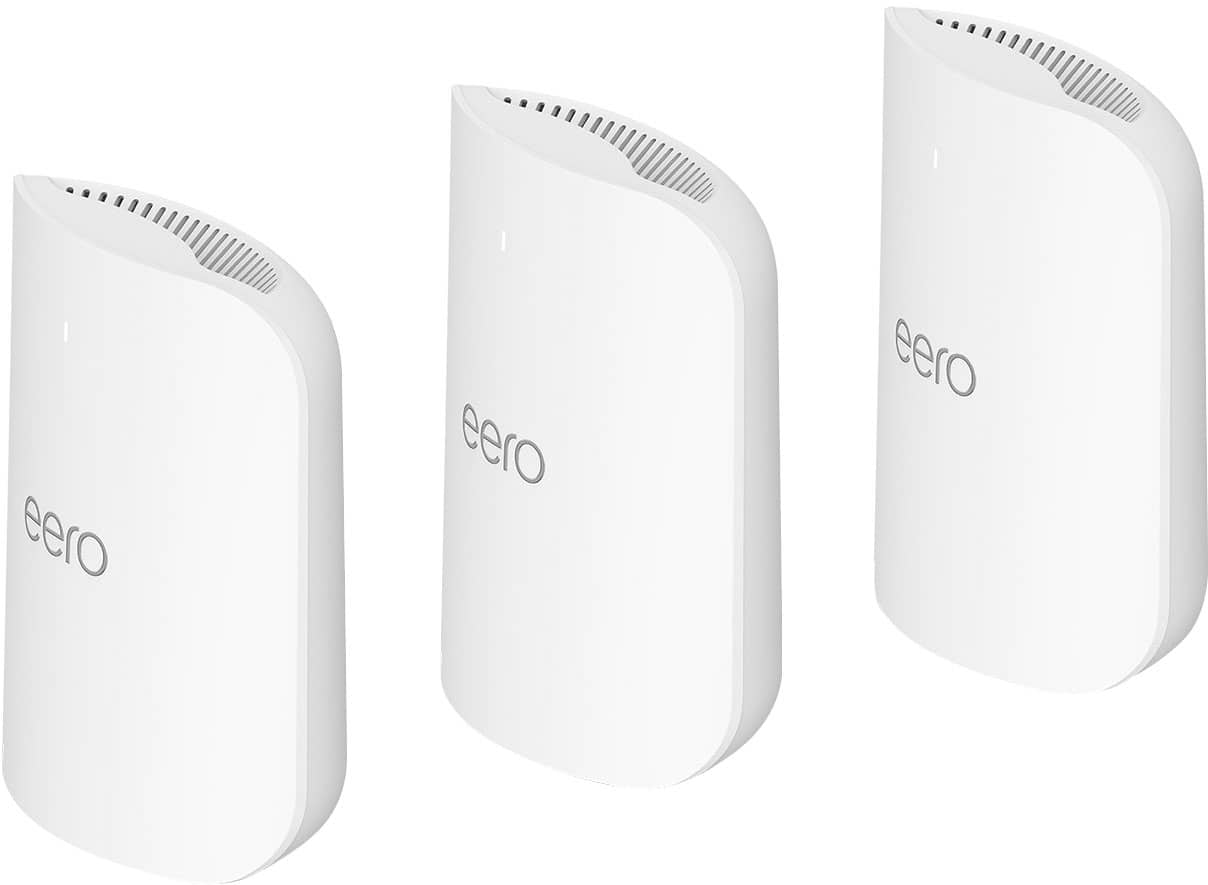

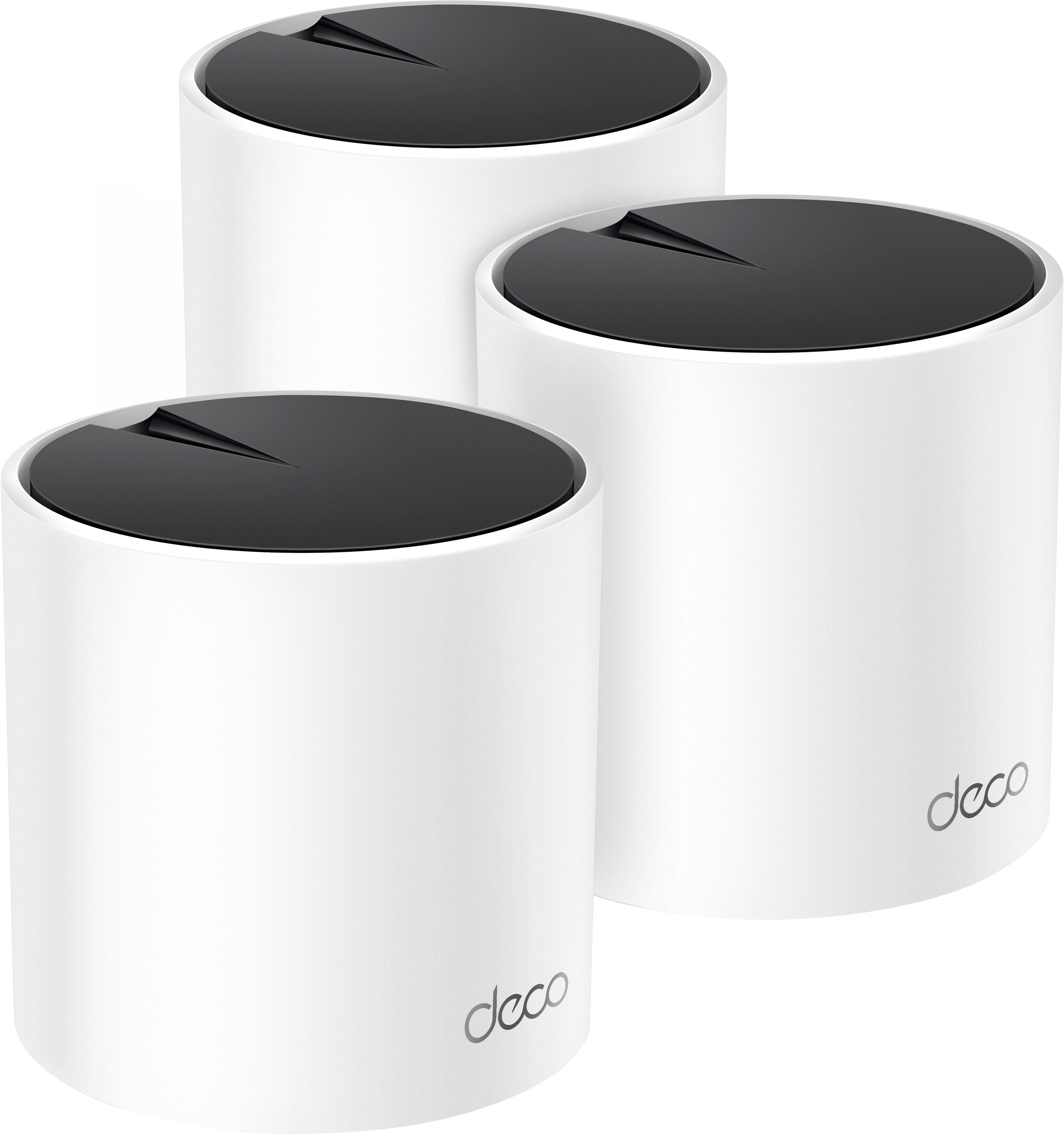


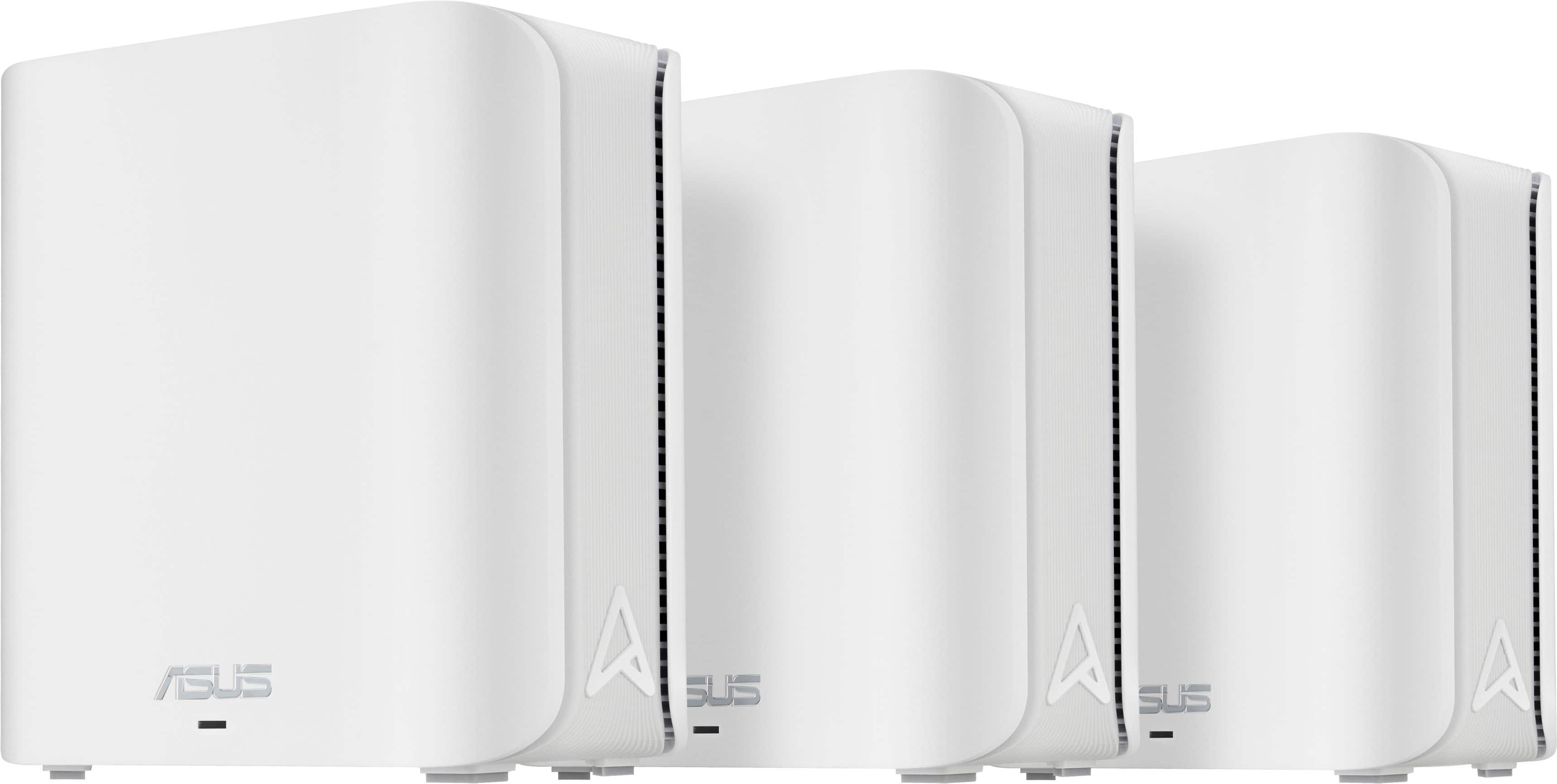
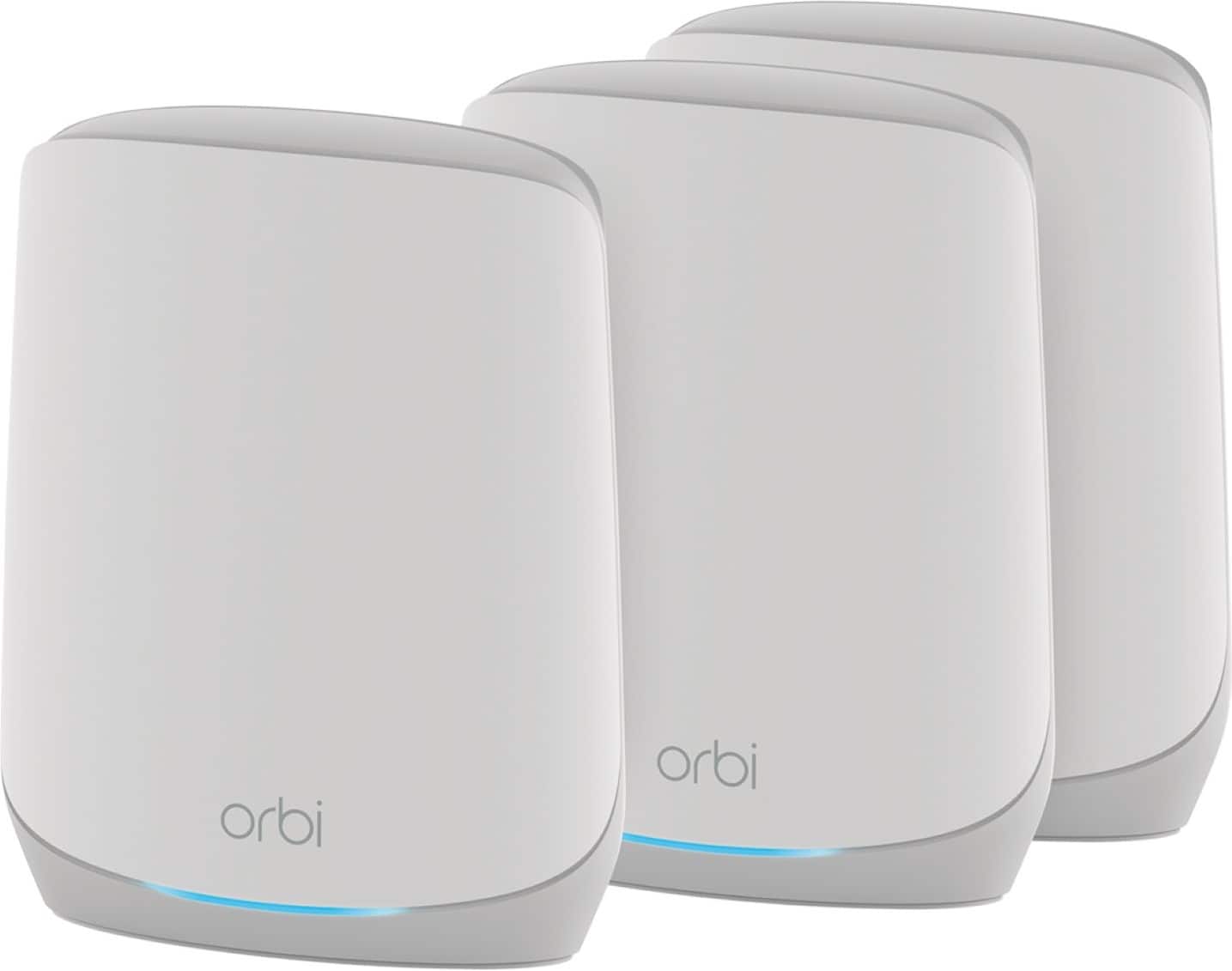

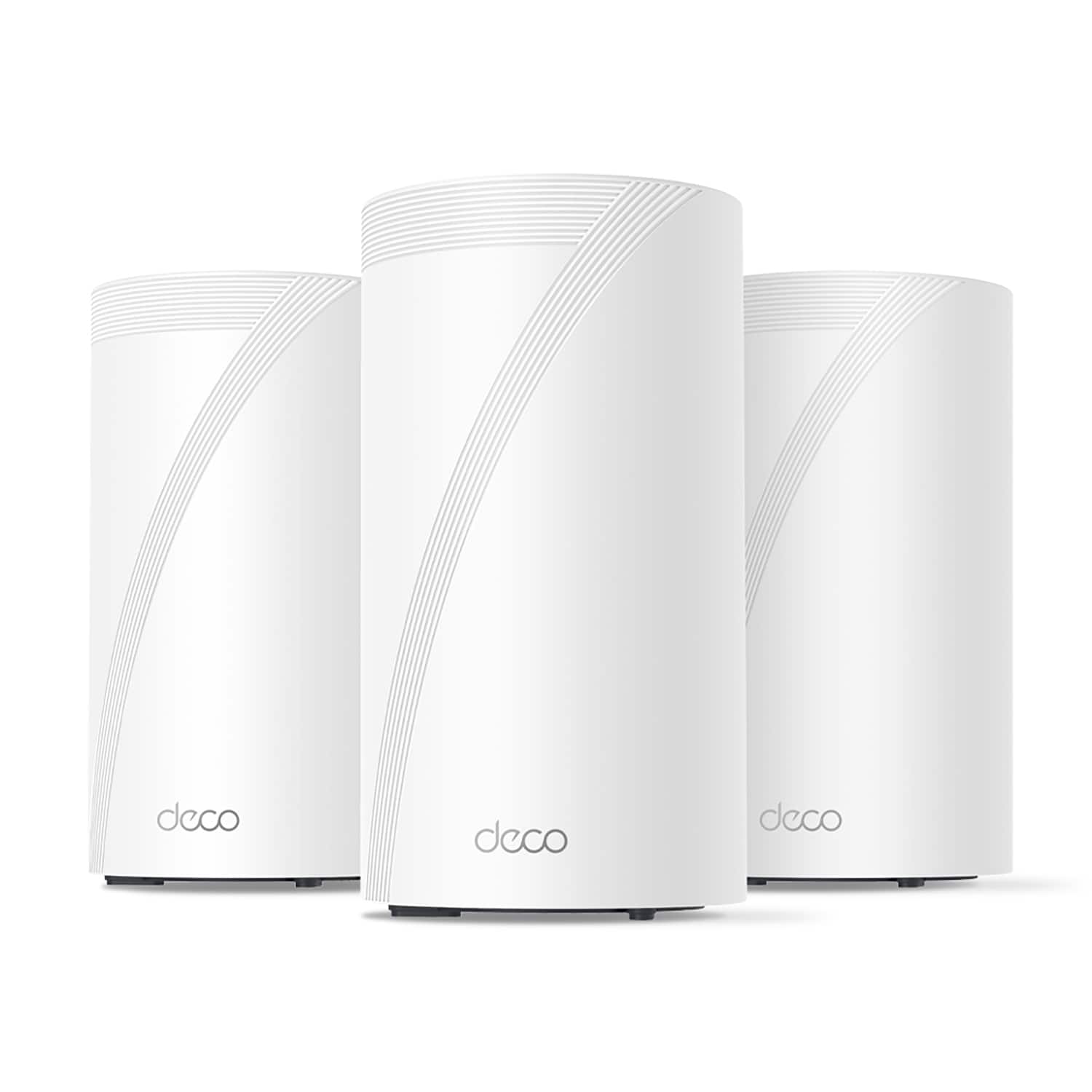
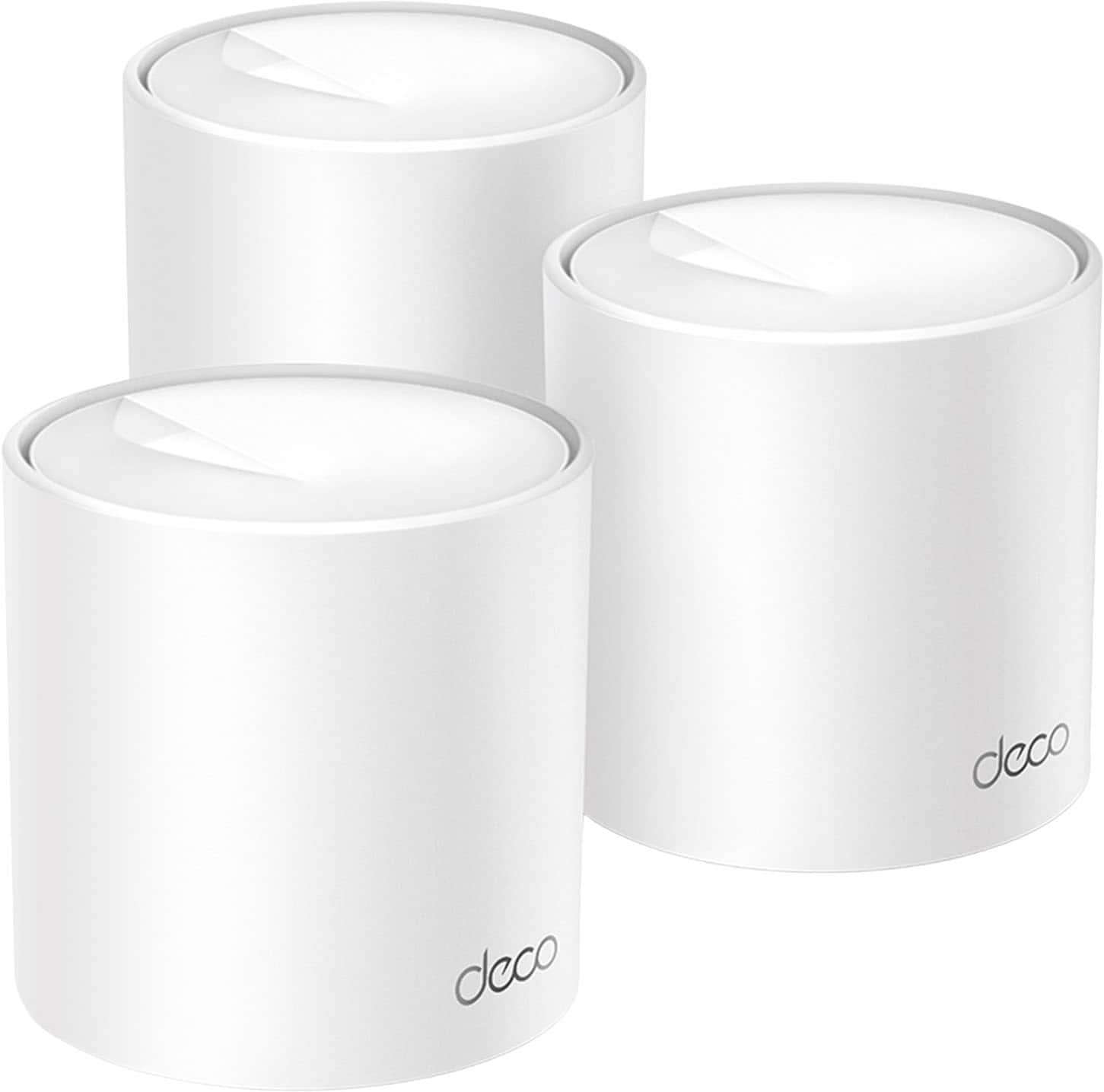
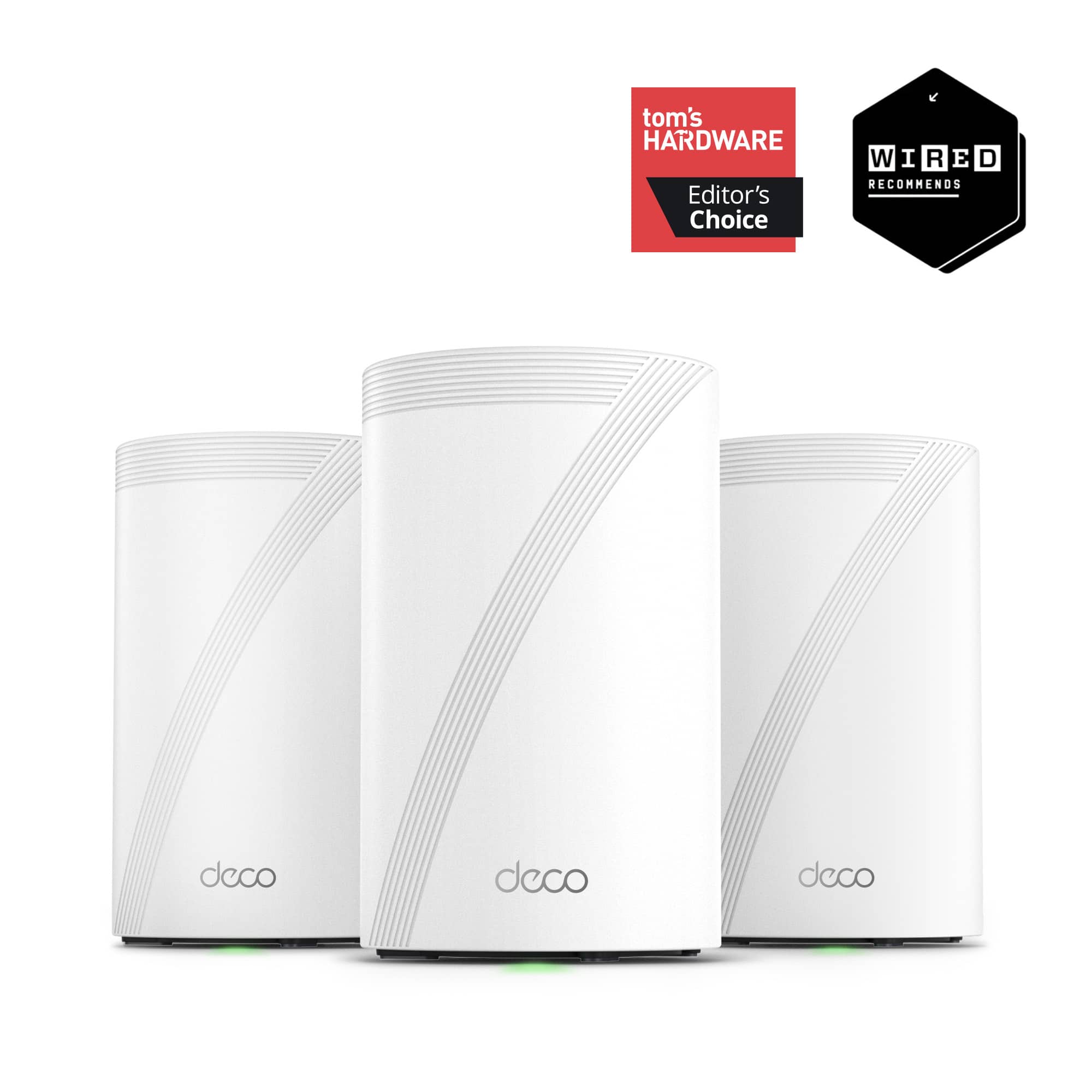

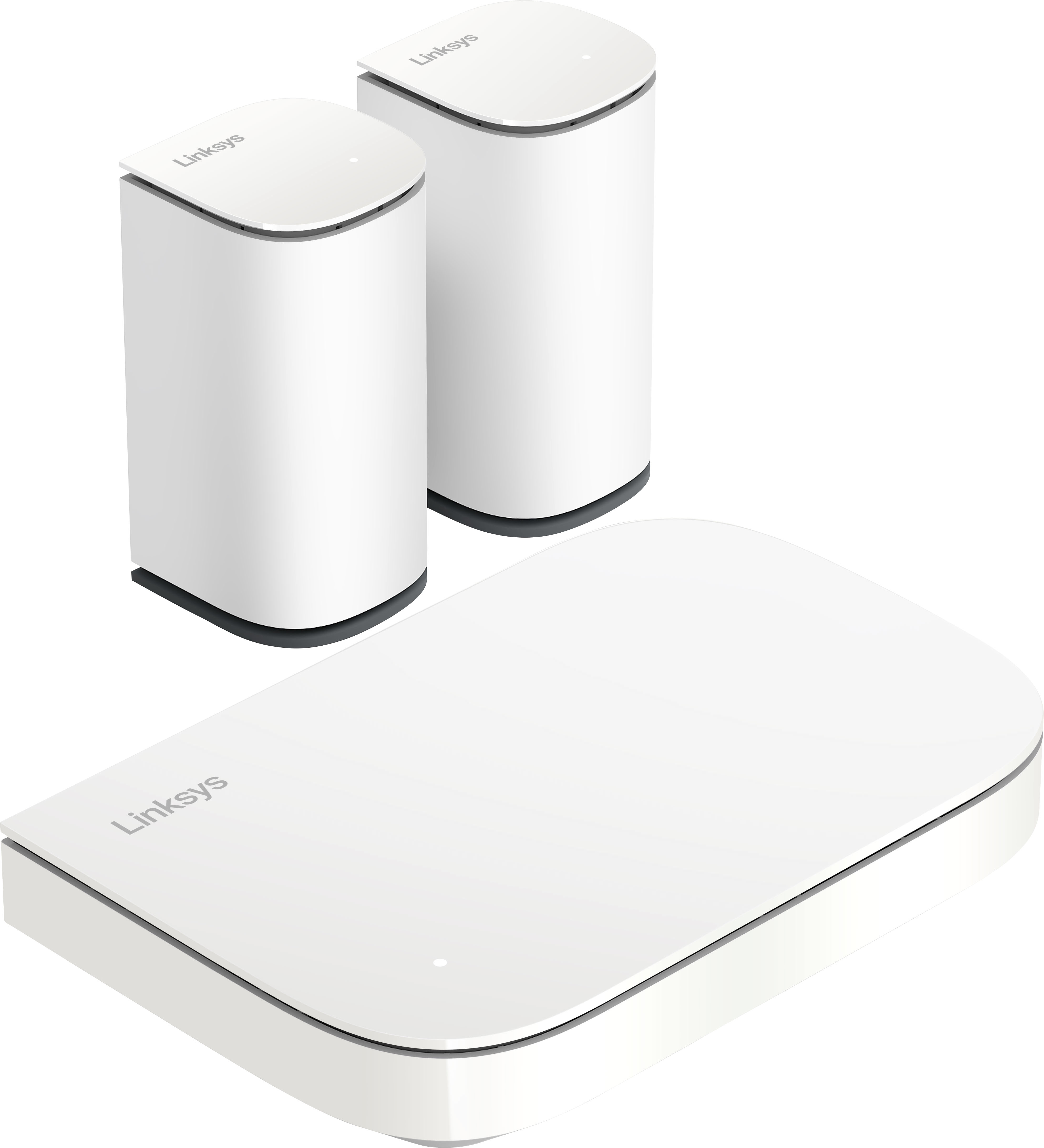
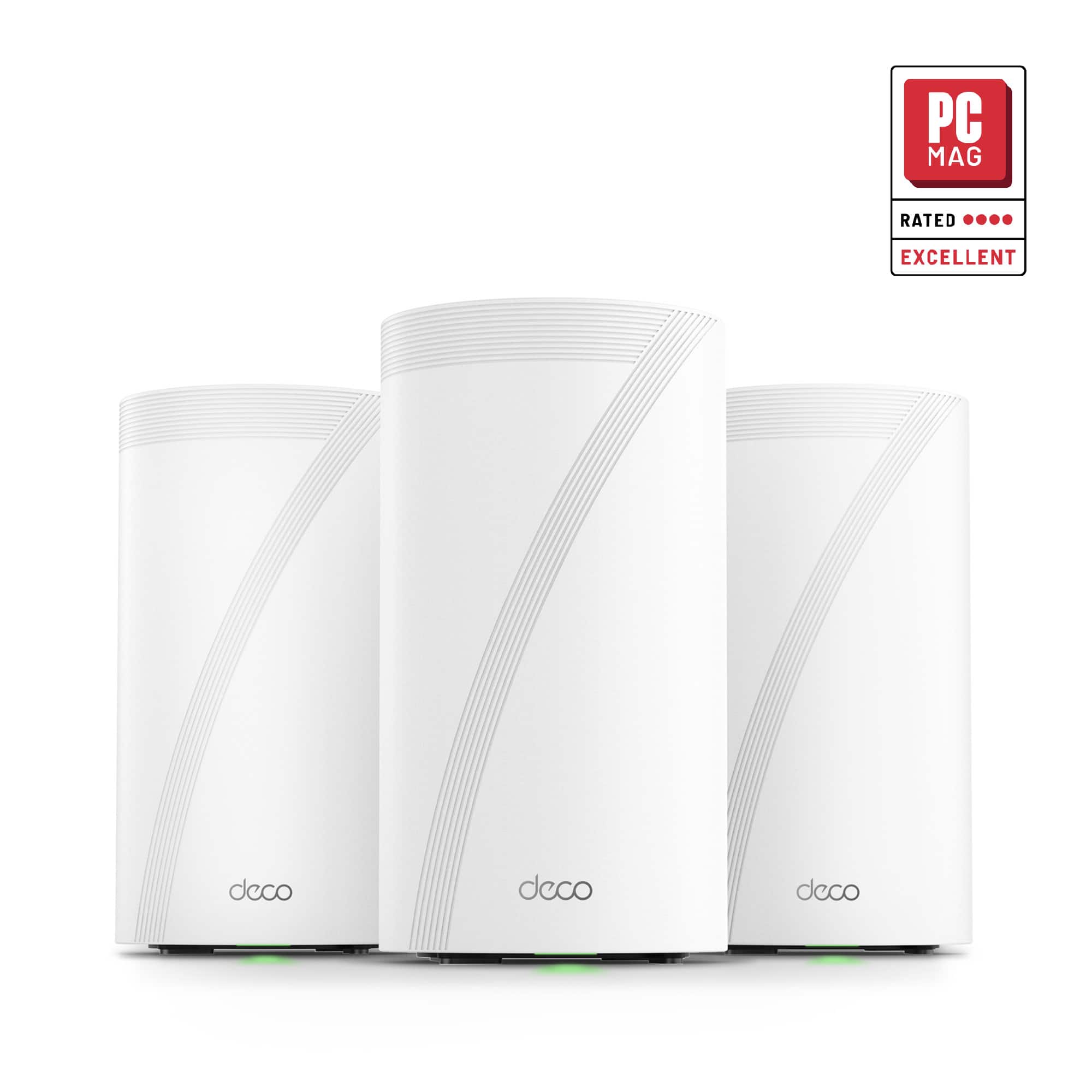
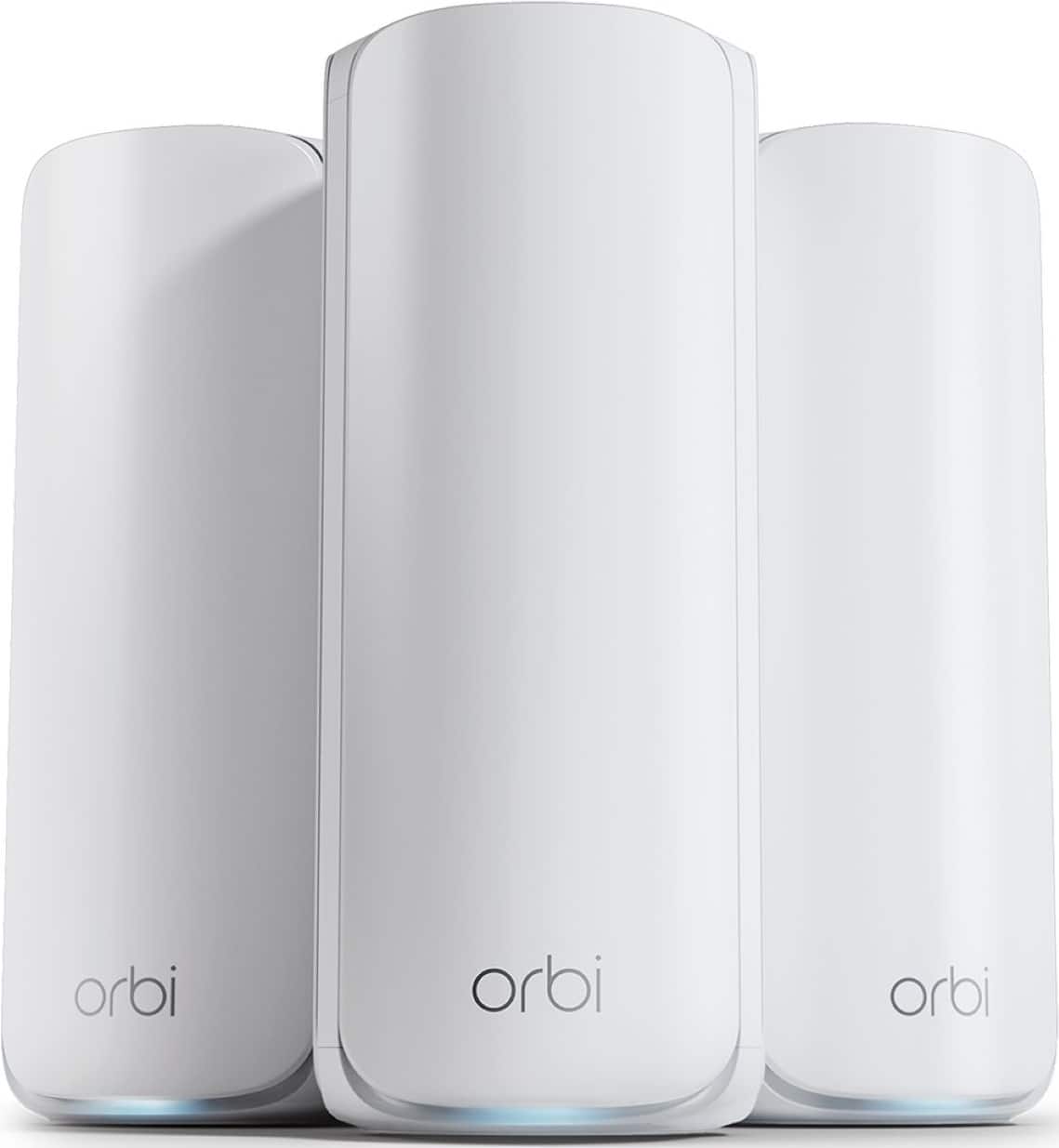

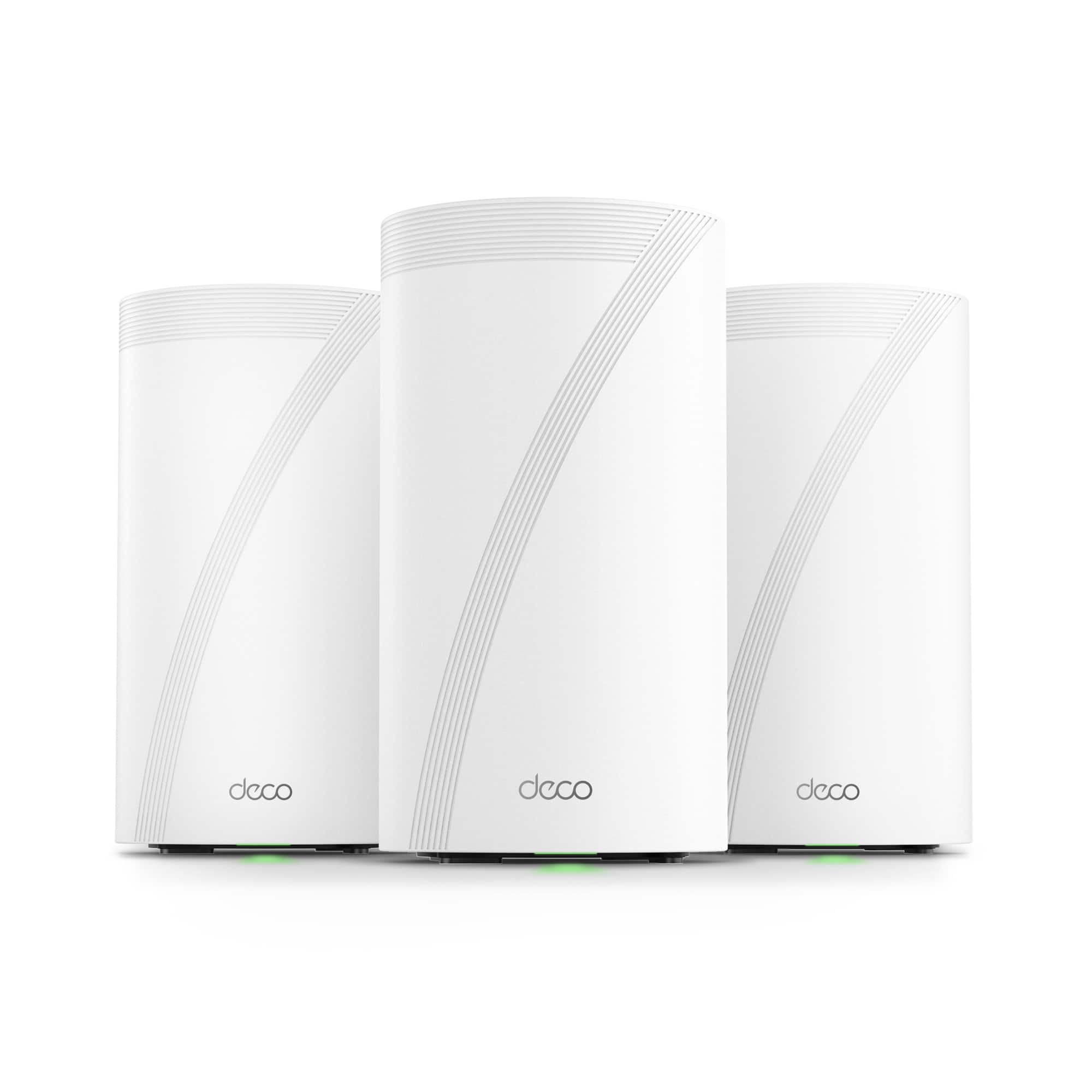
High-Performance Wi‑Fi 7 Mesh for Bigger Demands
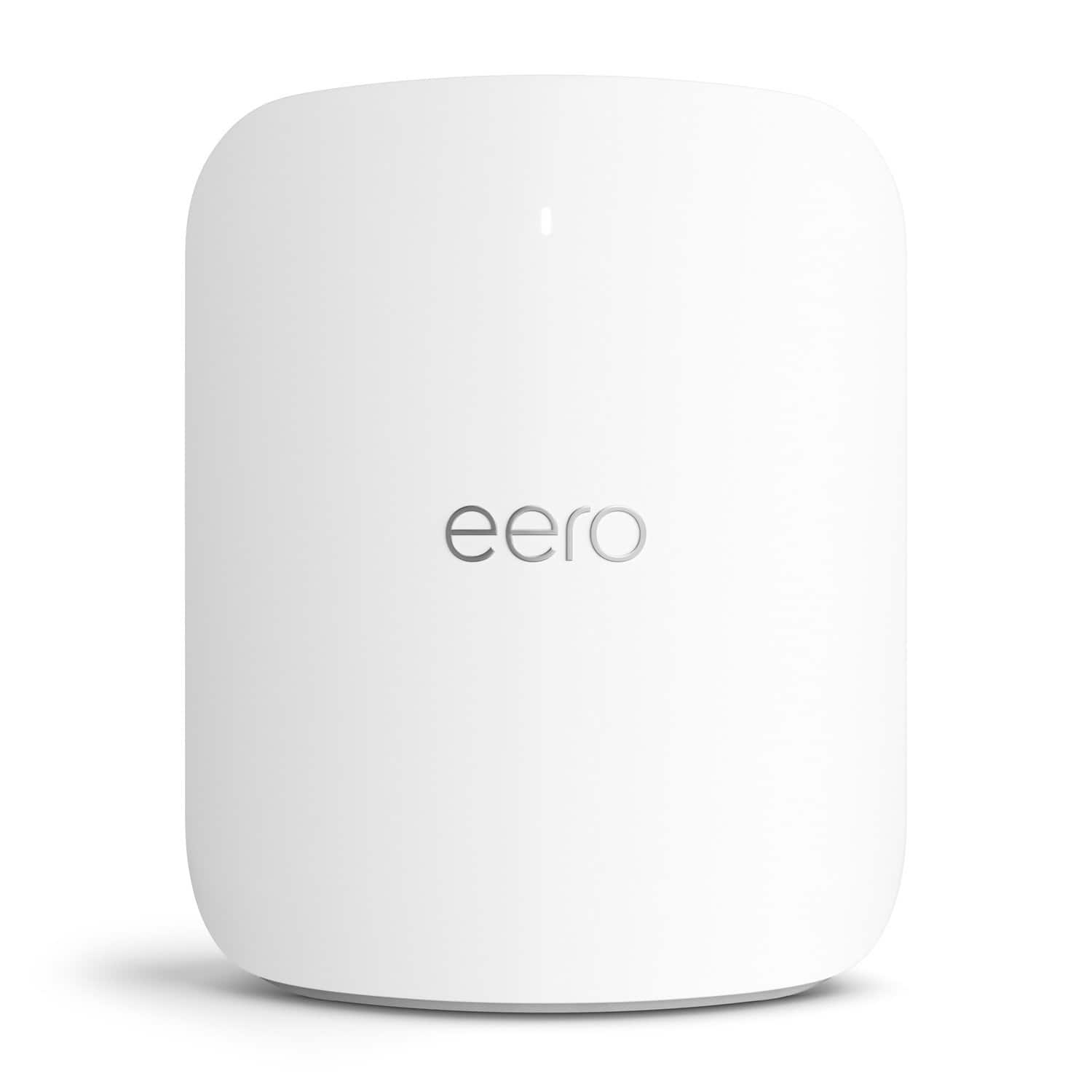
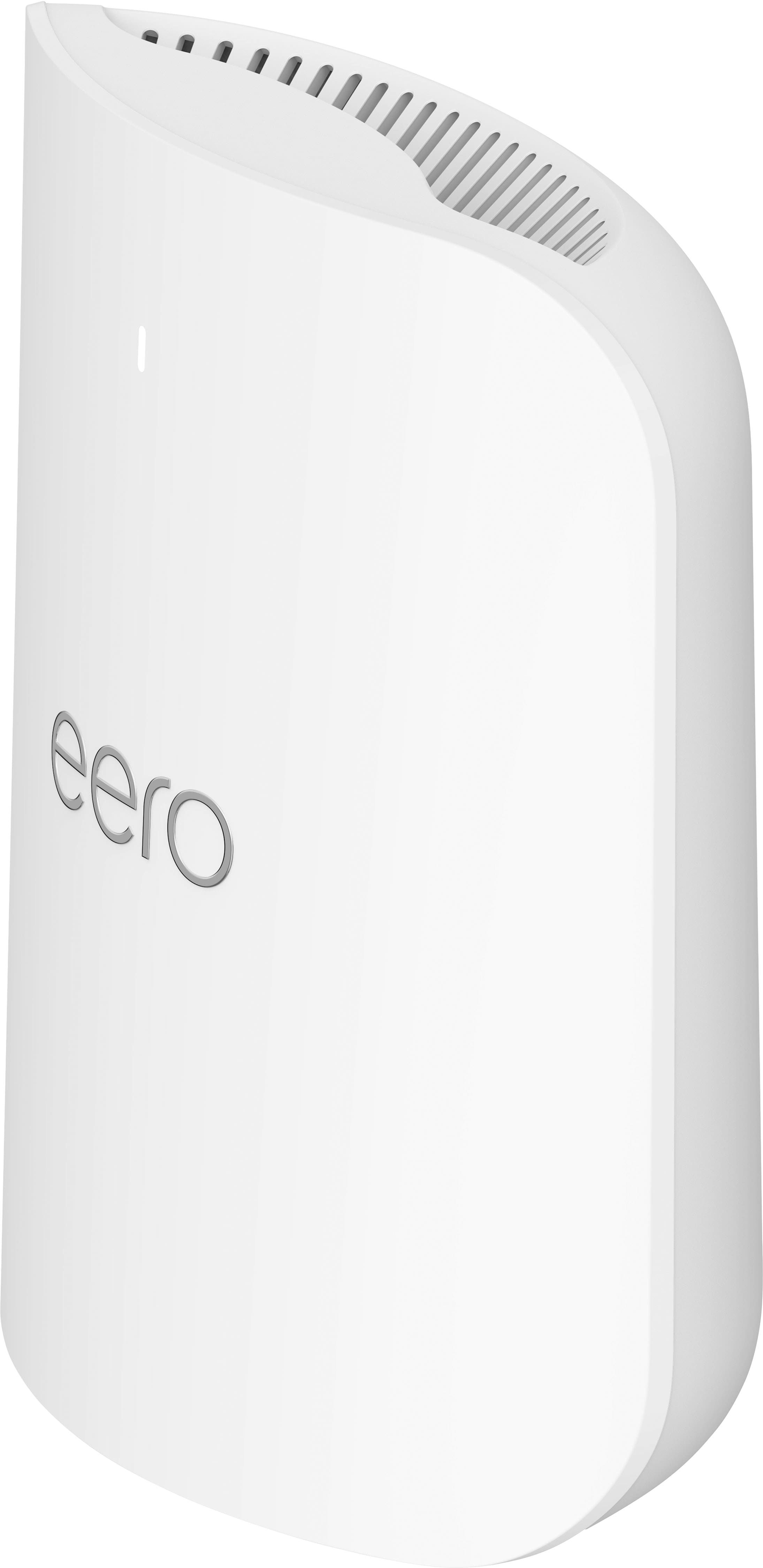
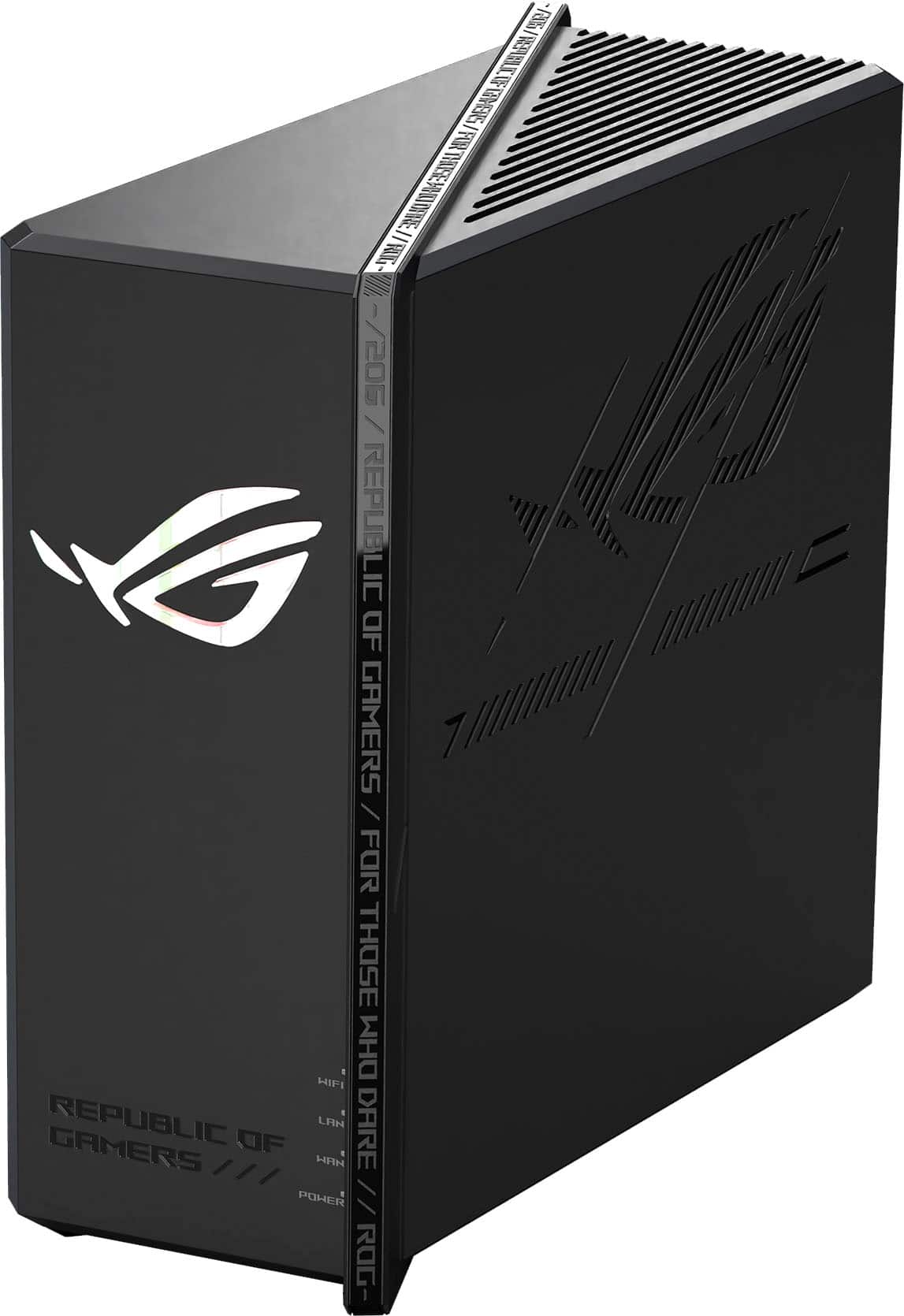
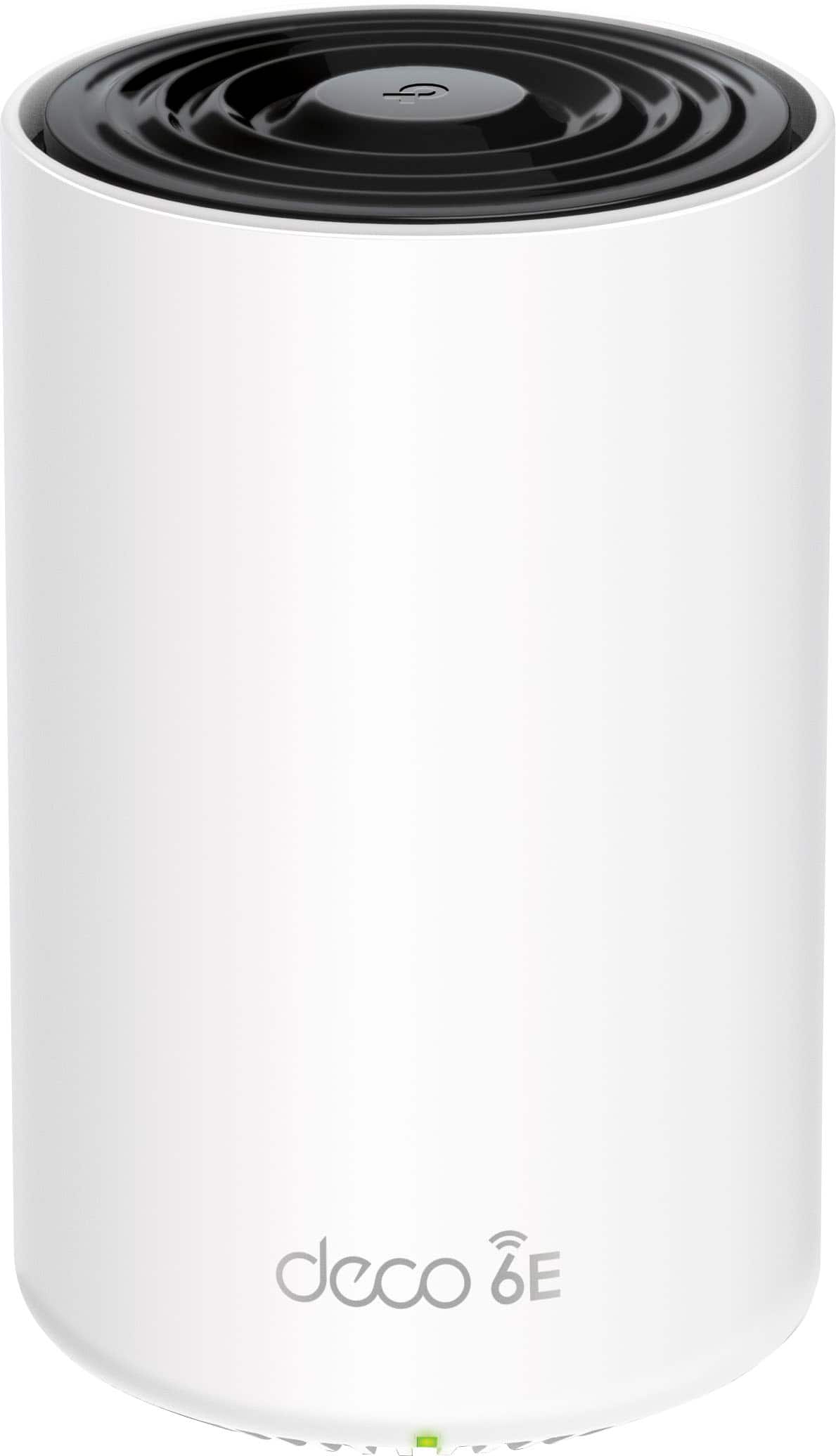


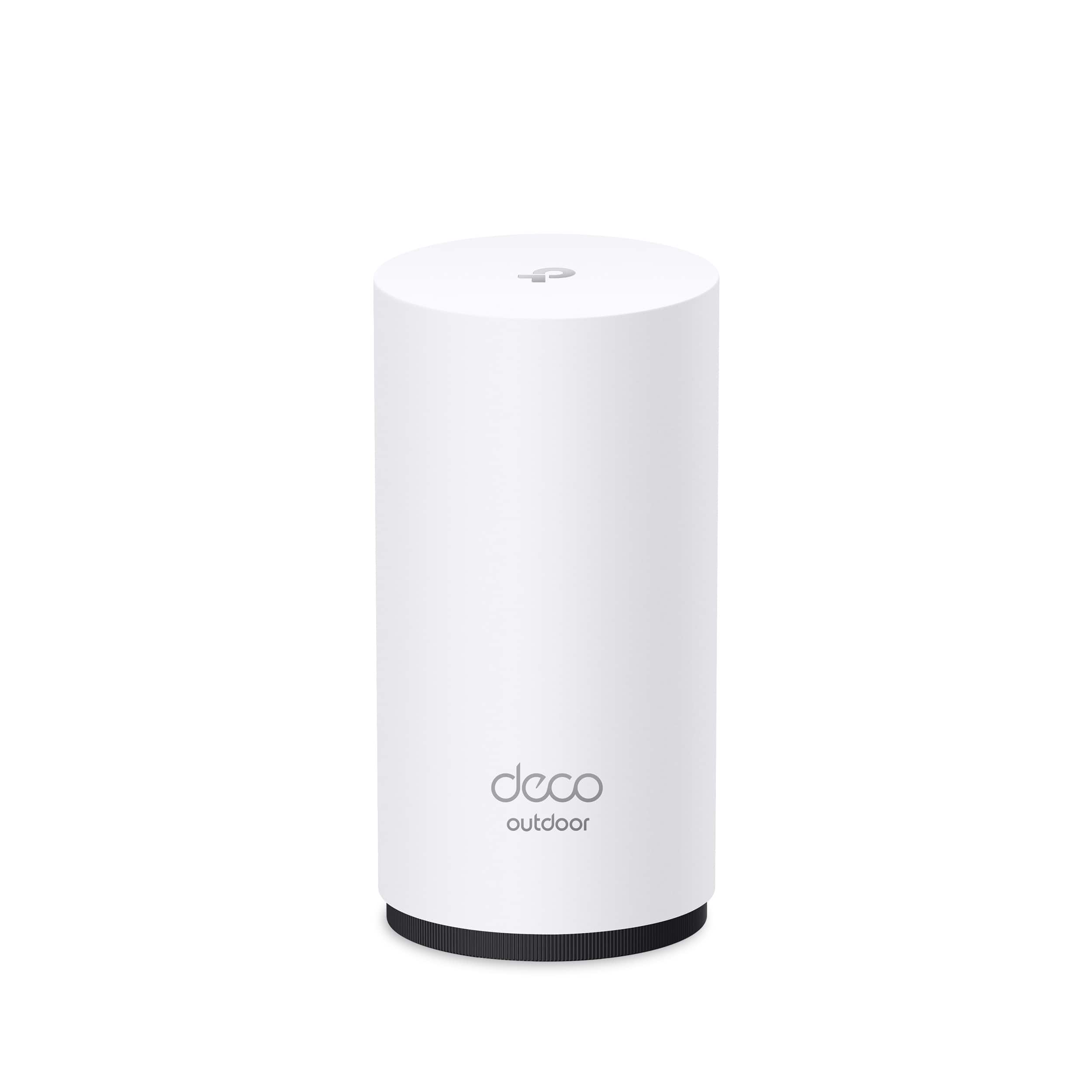
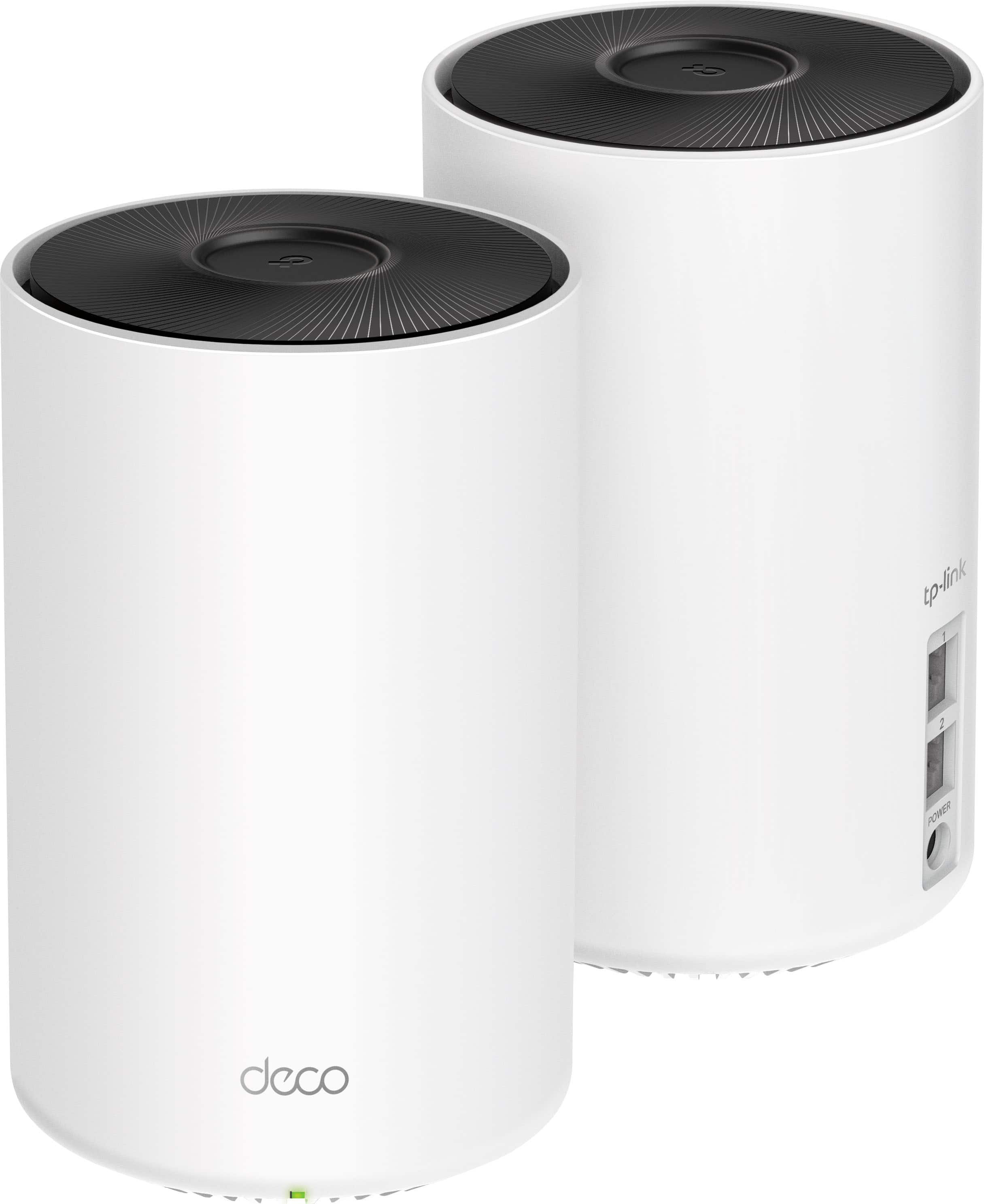
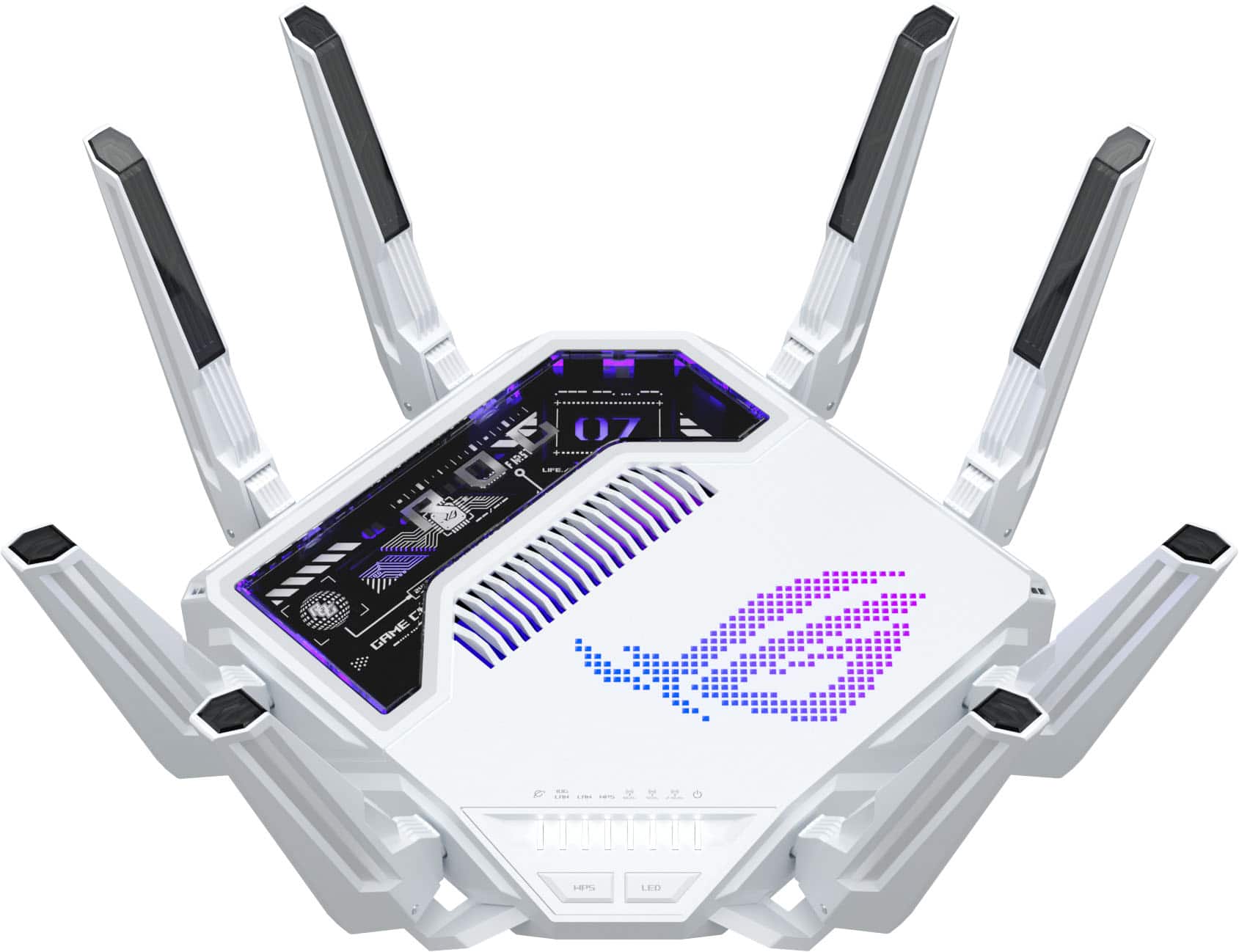
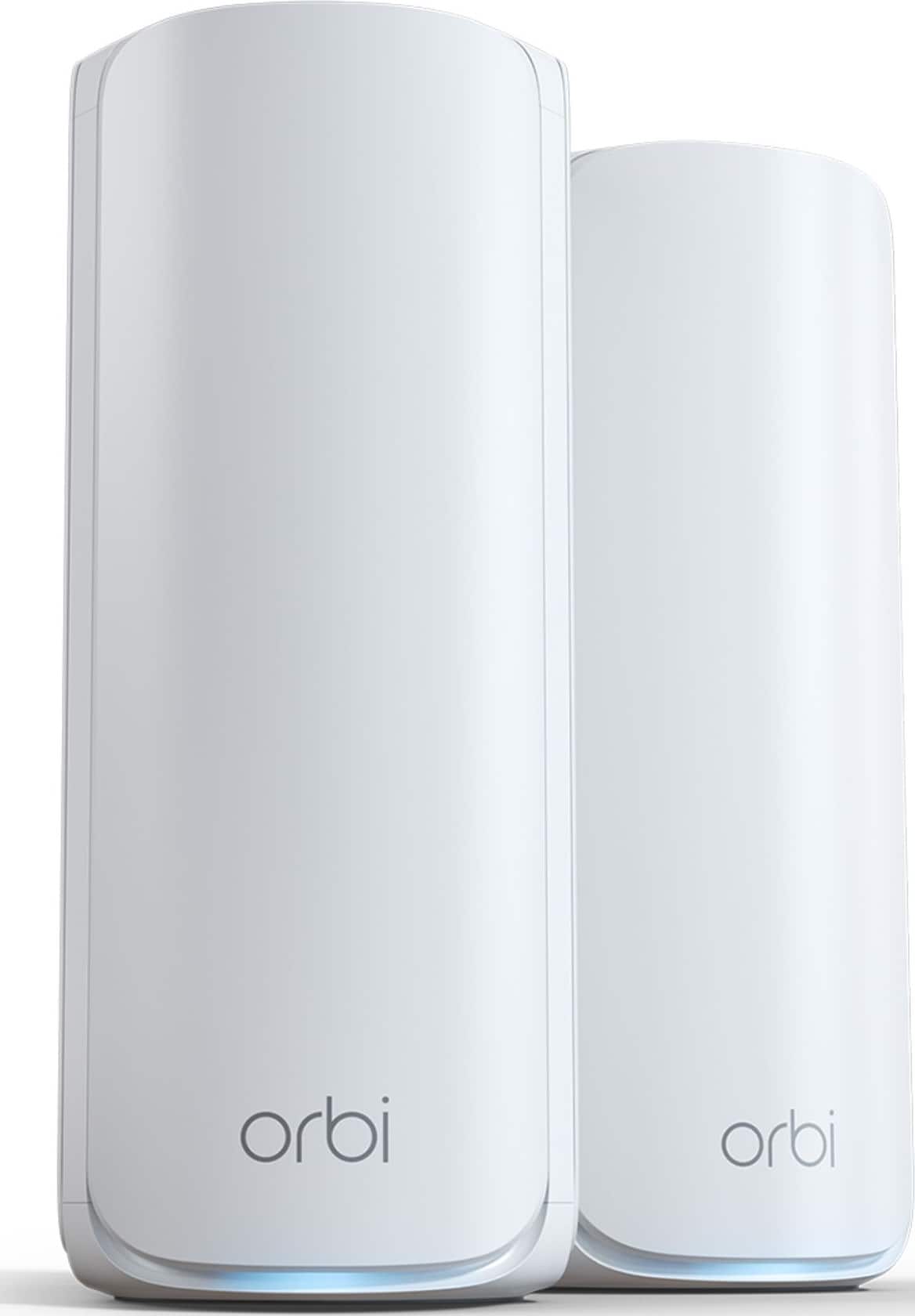
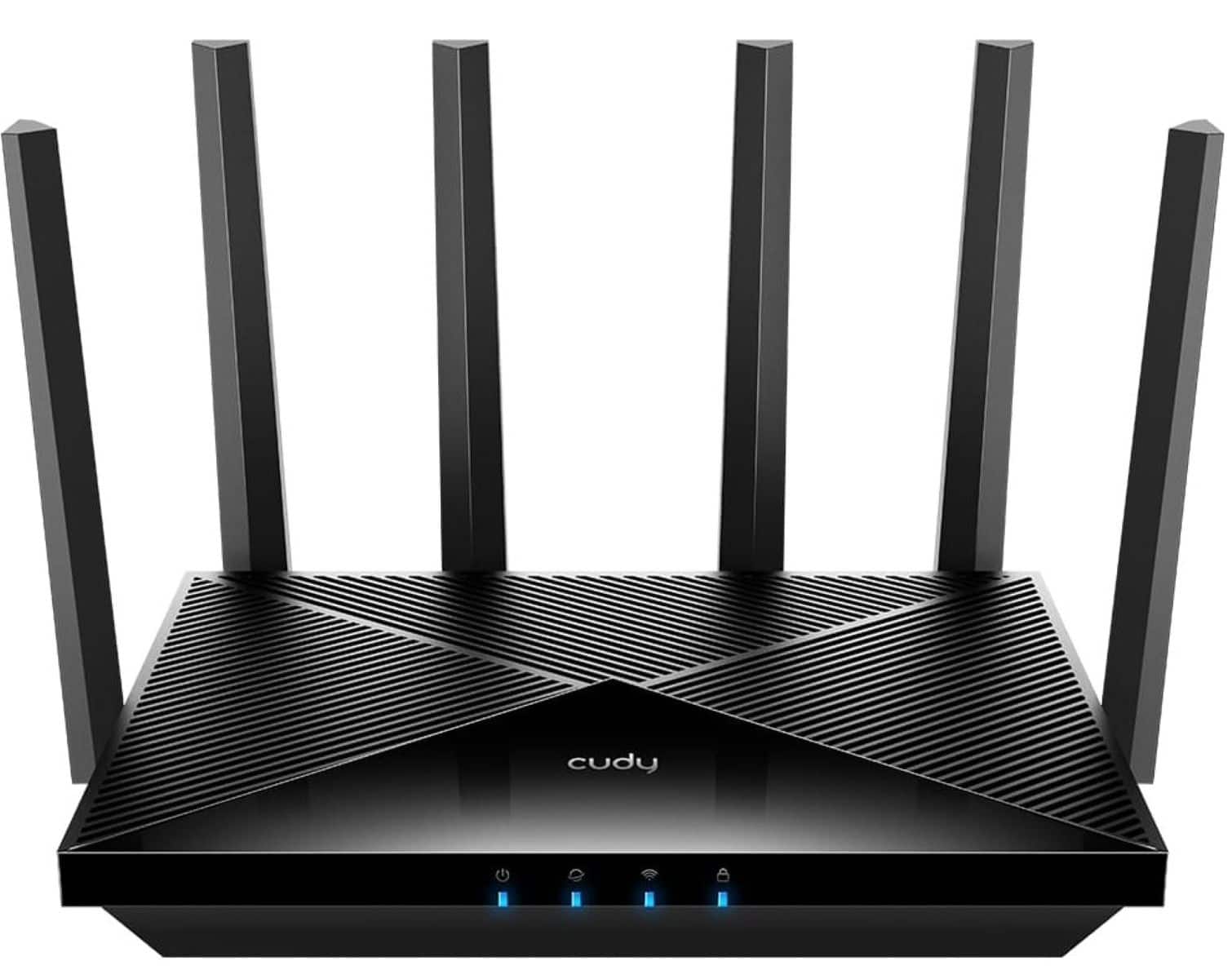
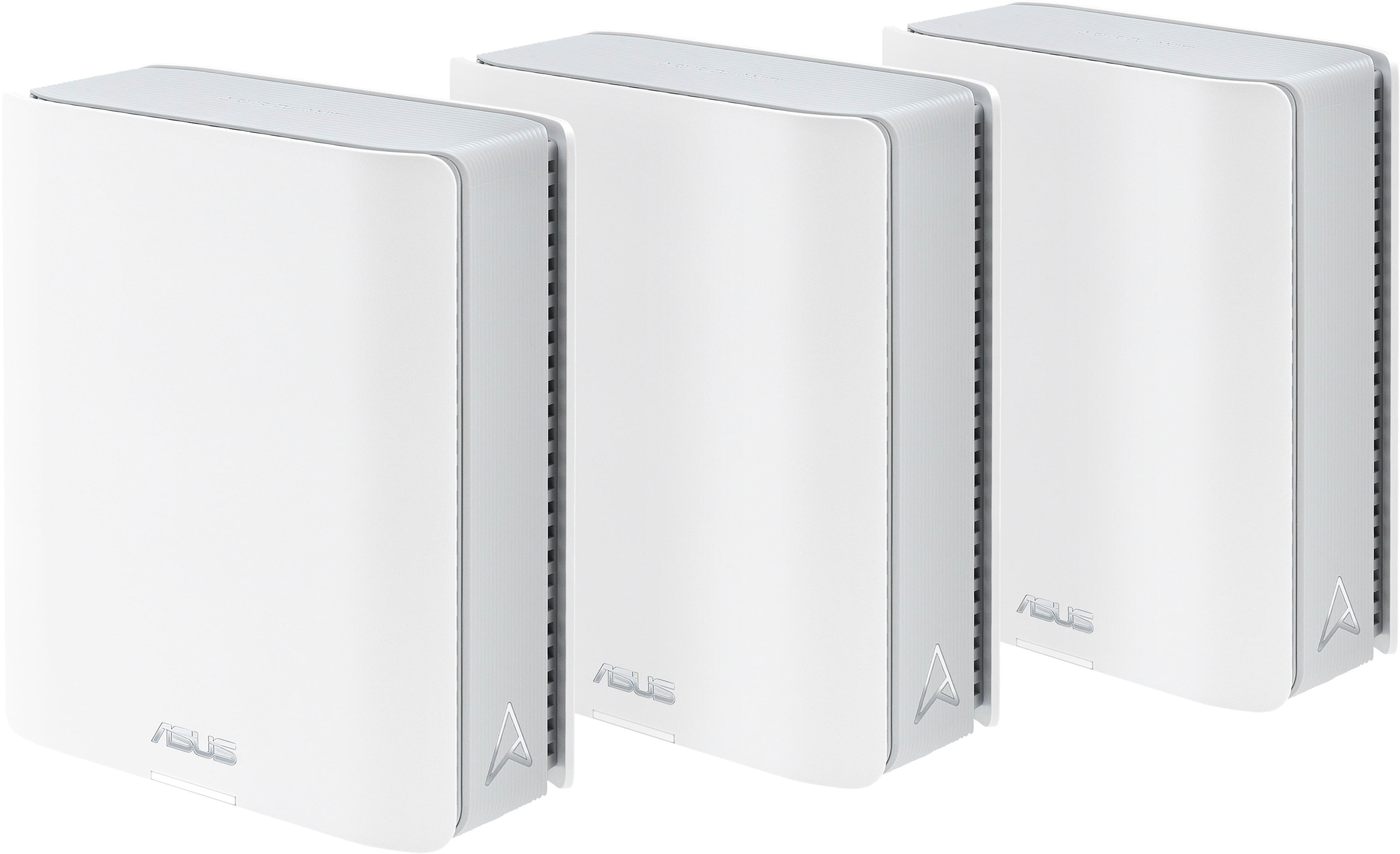



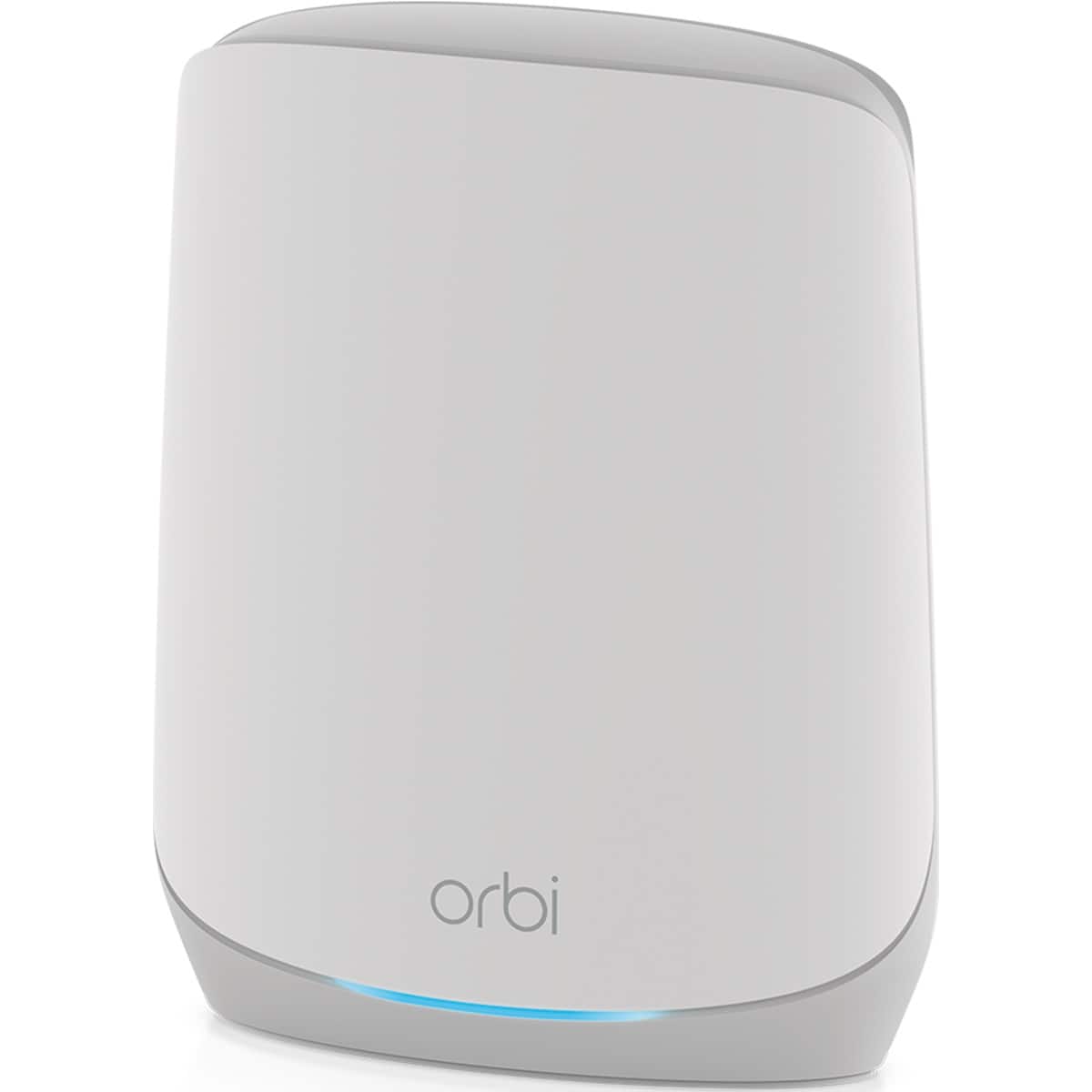

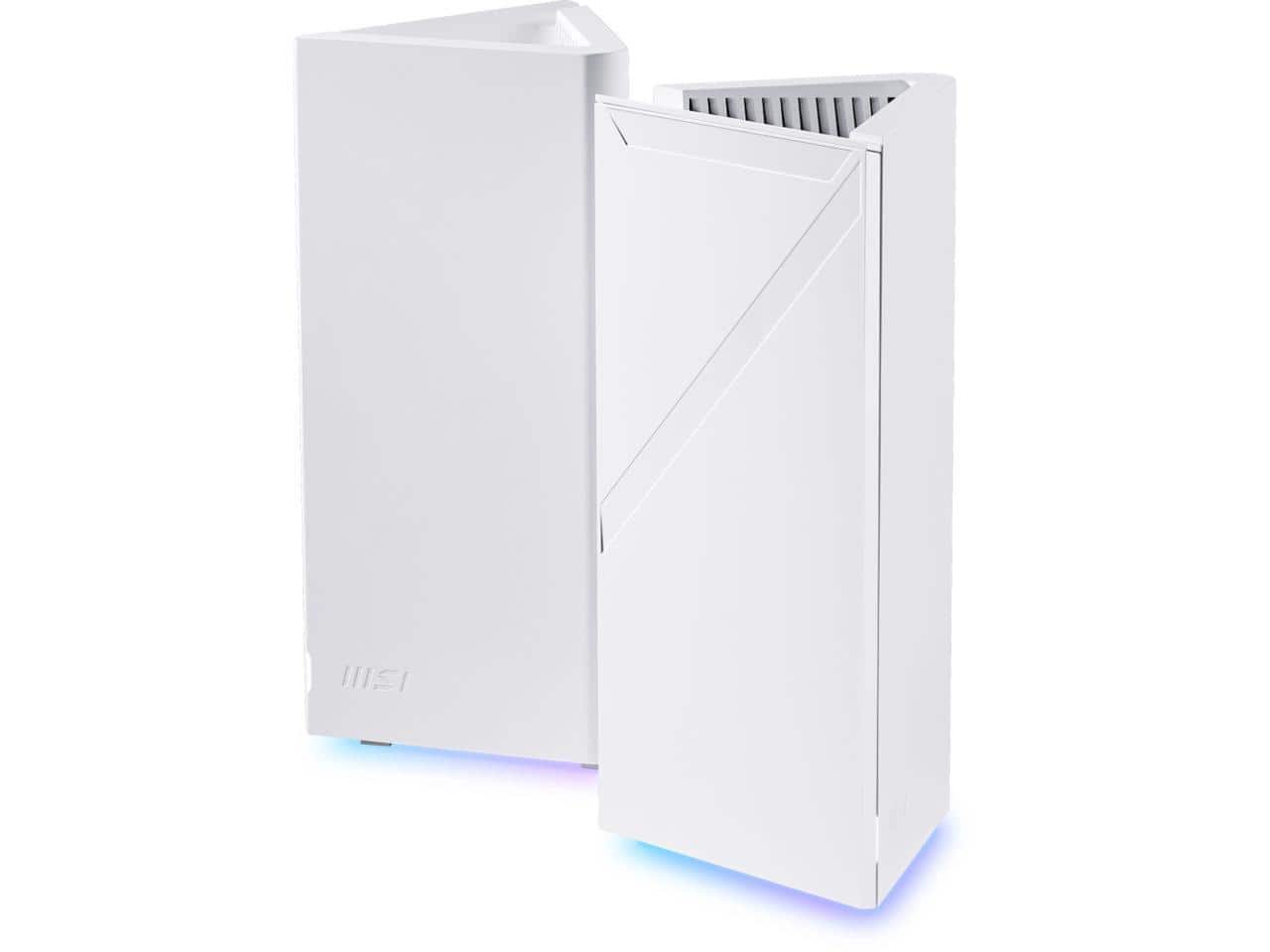
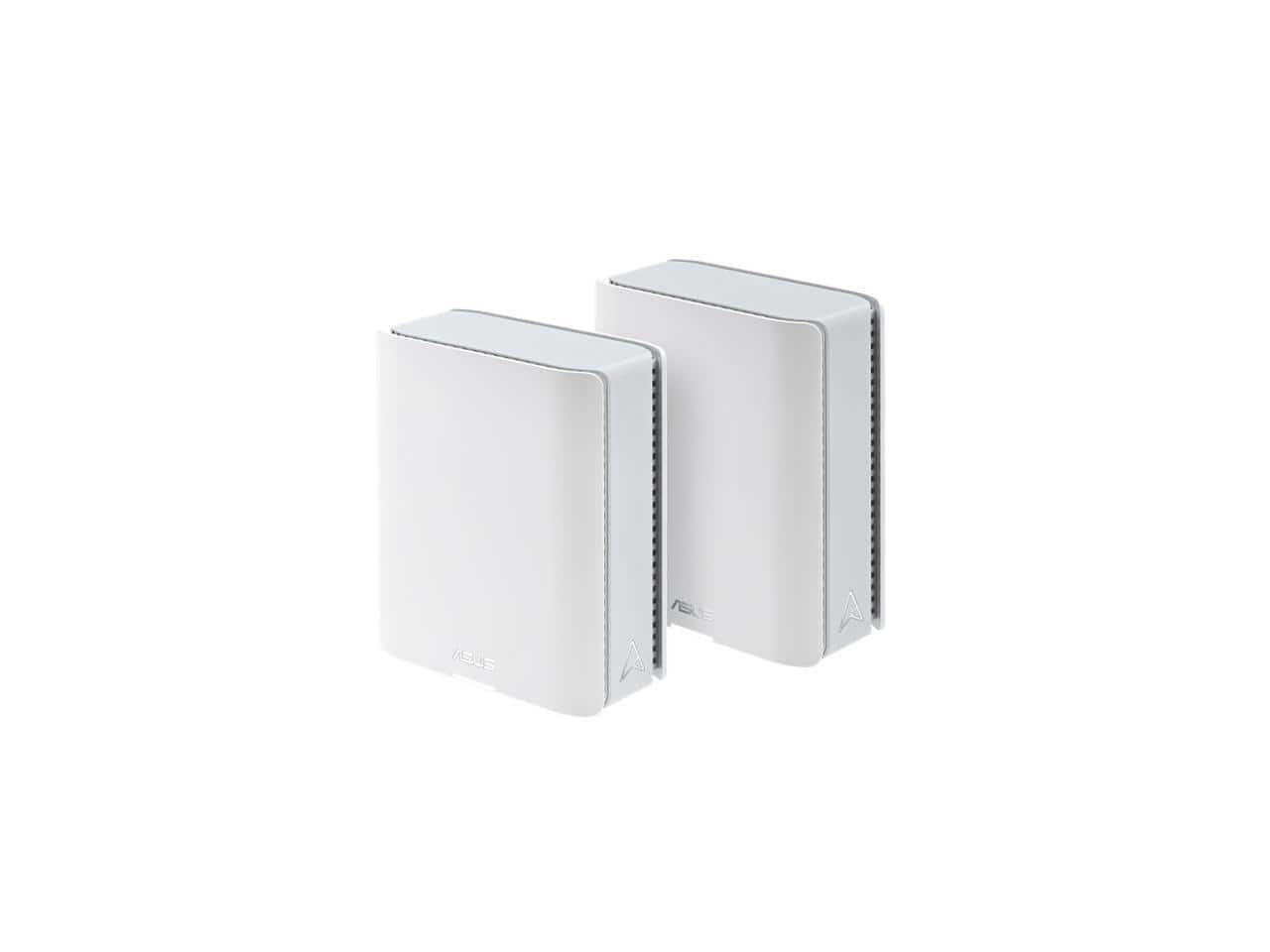
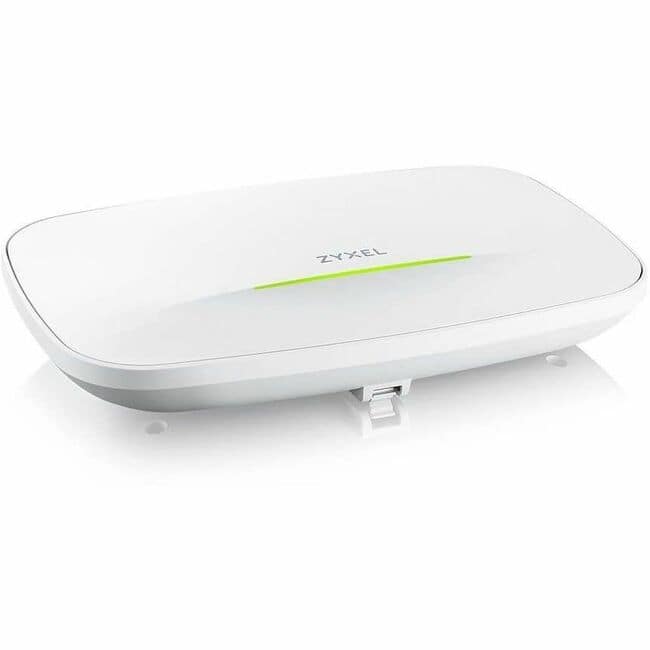
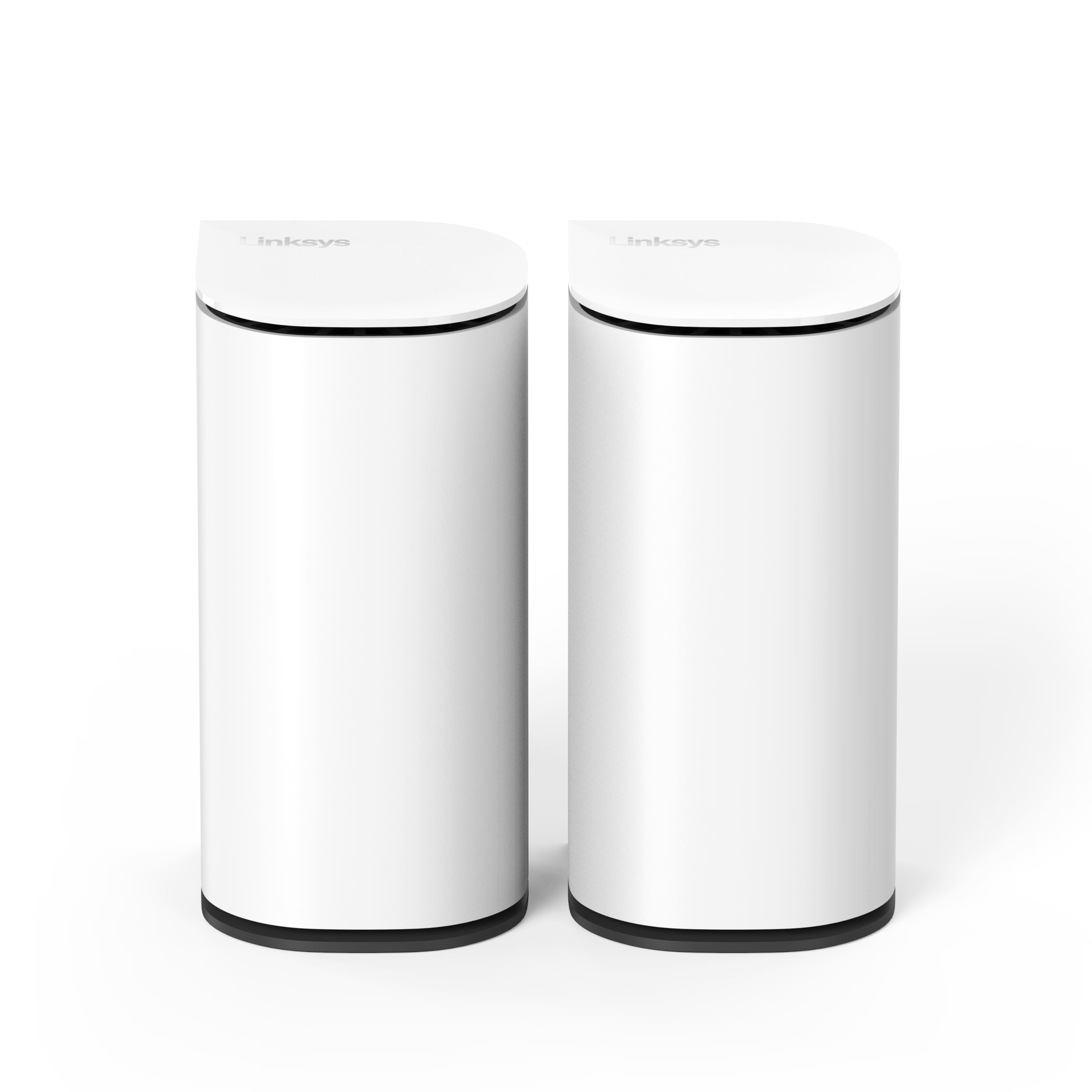
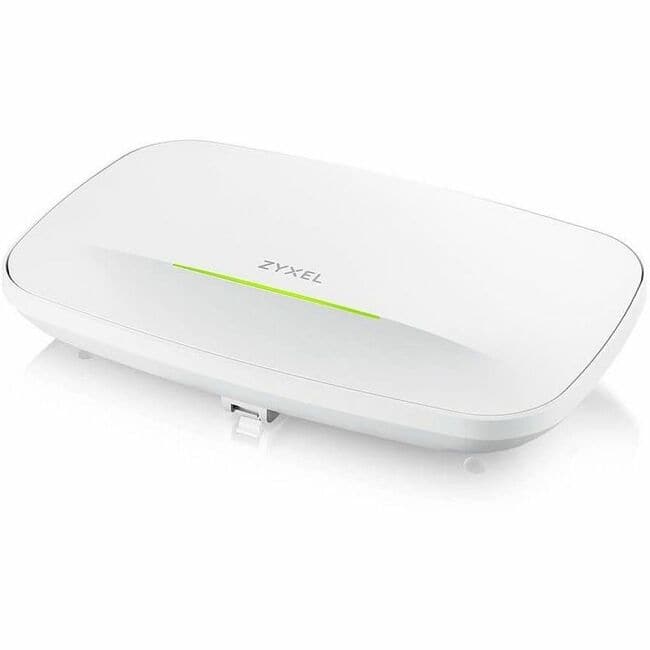
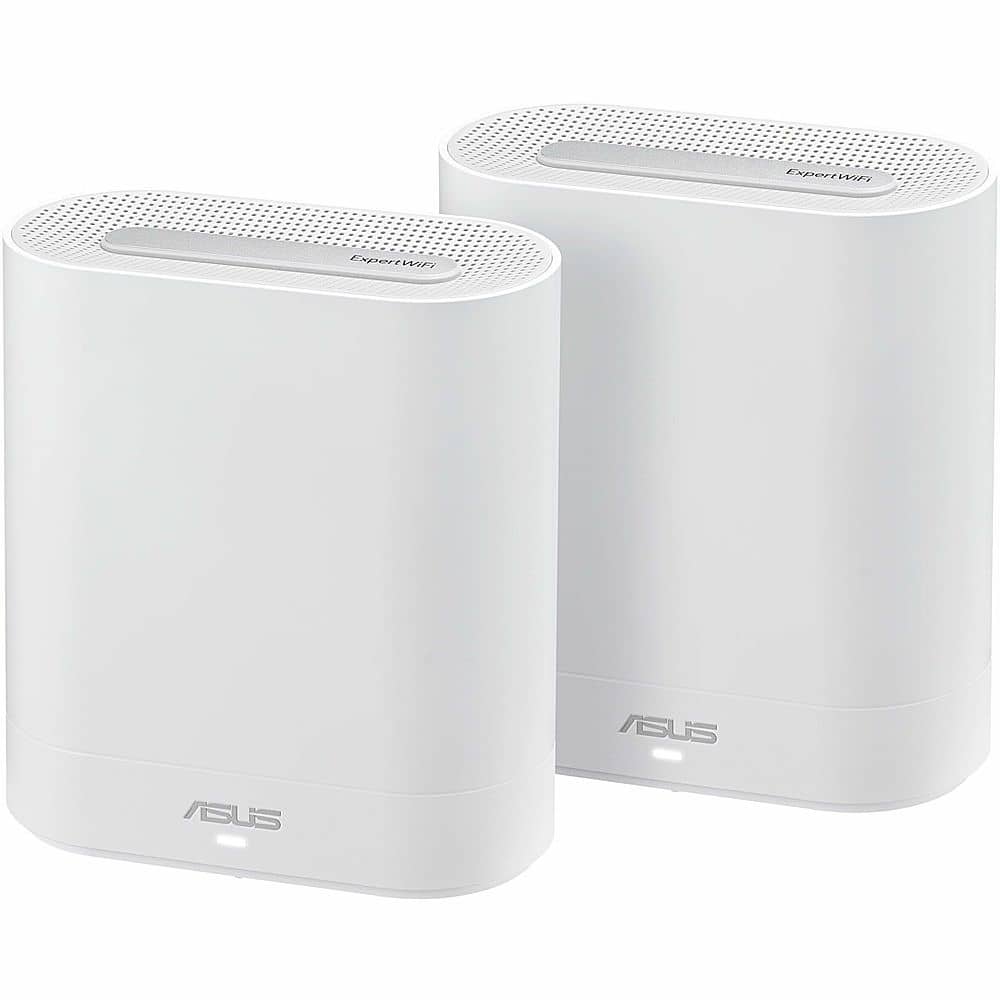
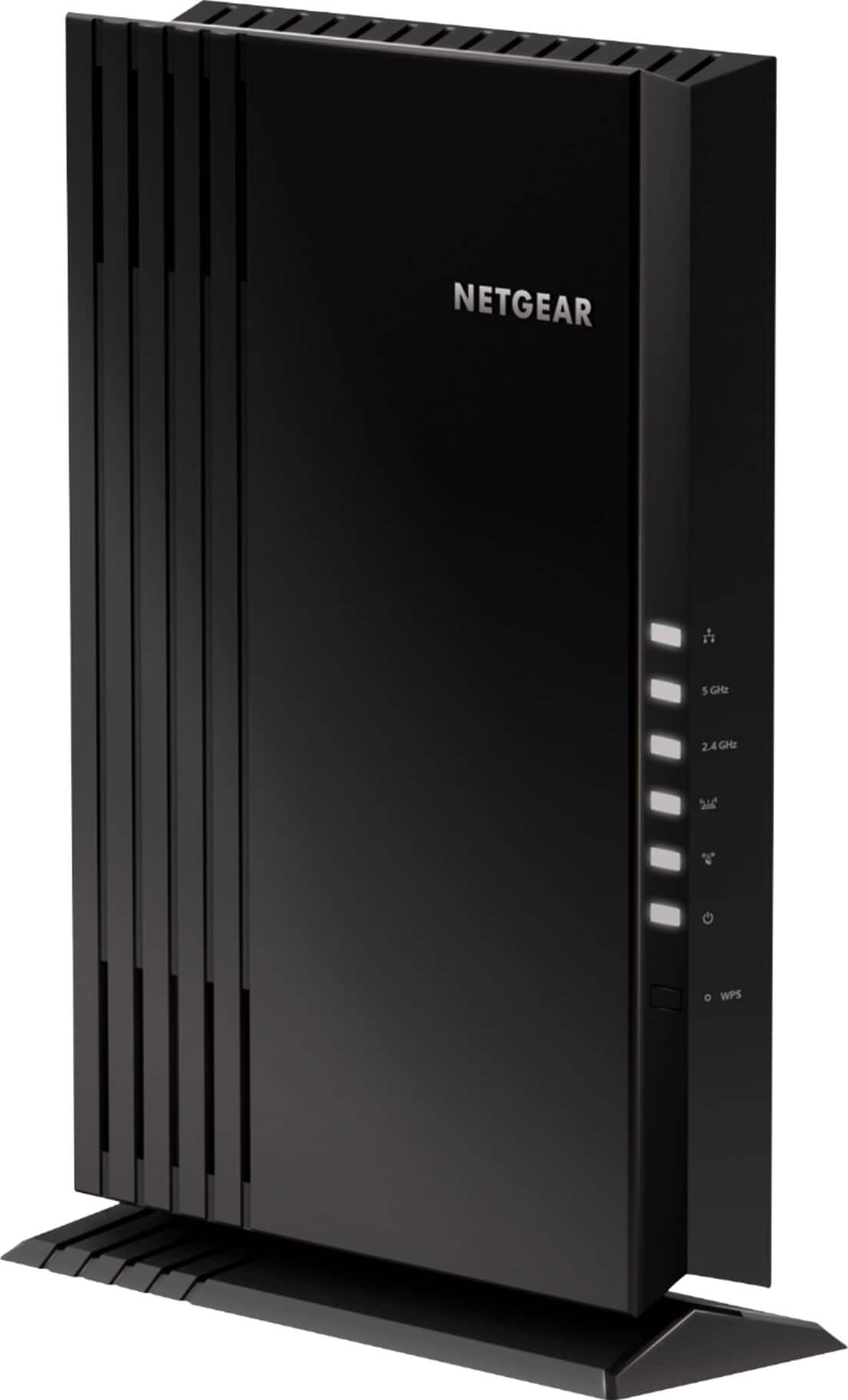
Value Wi‑Fi 7 Mesh Picks for Coverage Upgrades

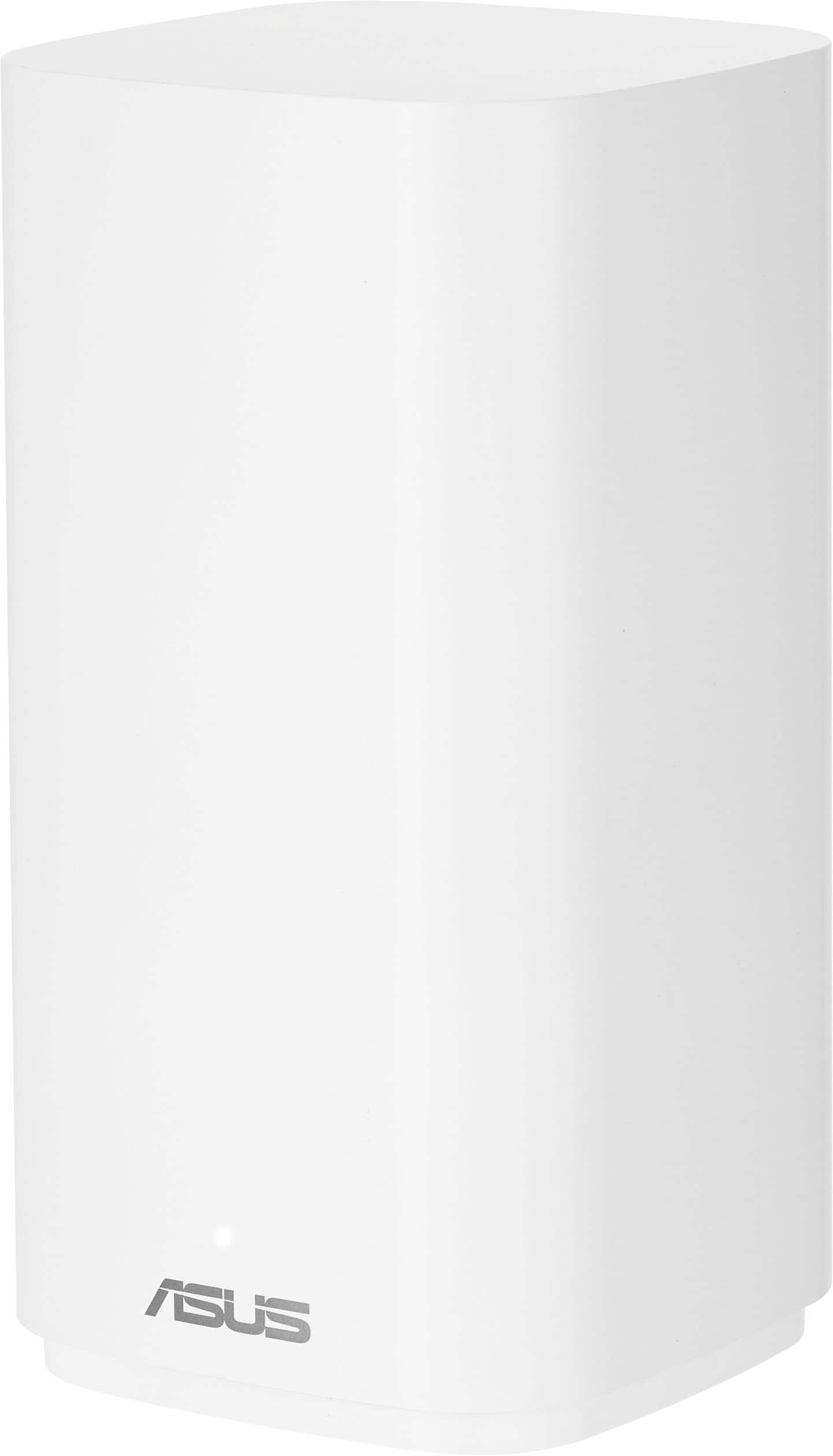


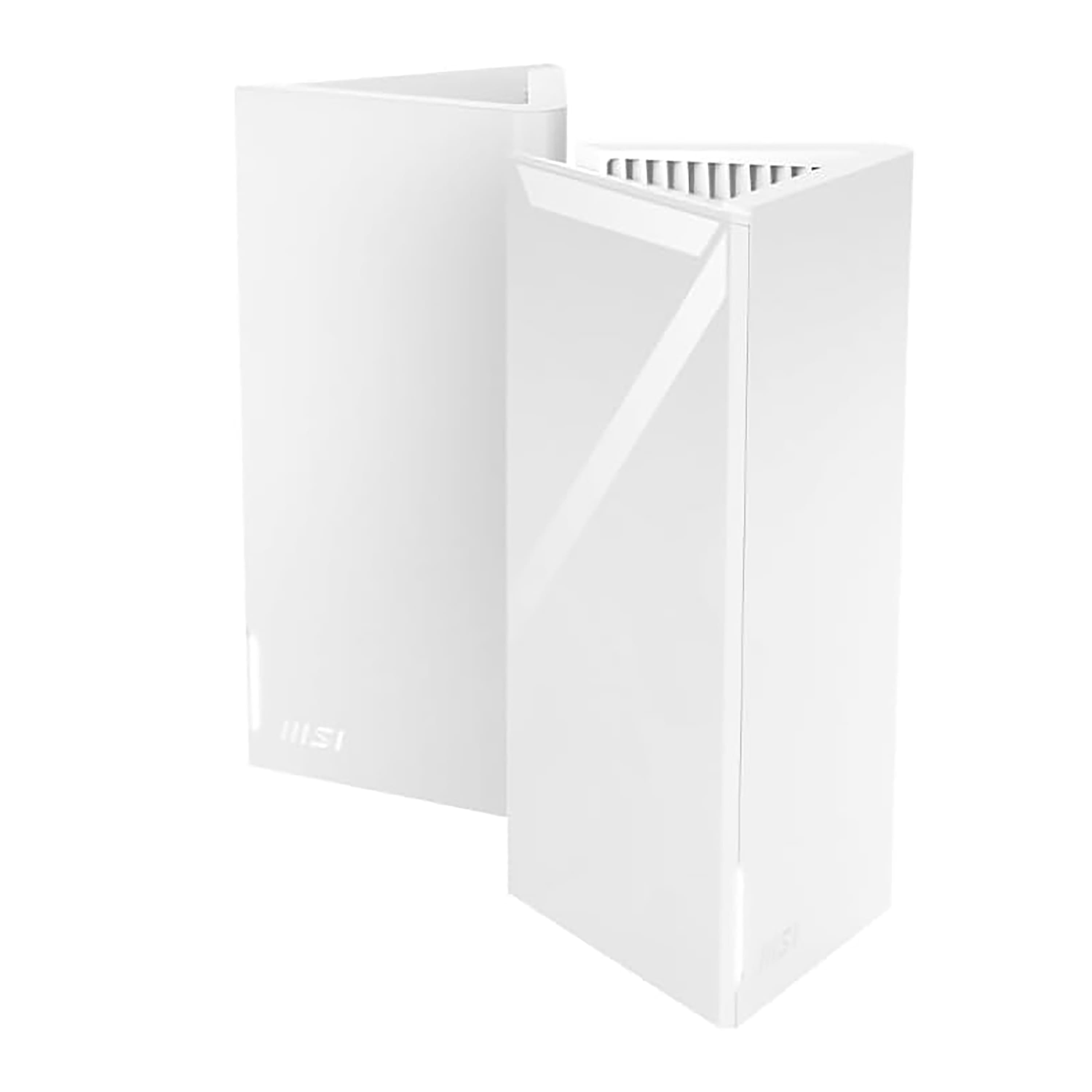
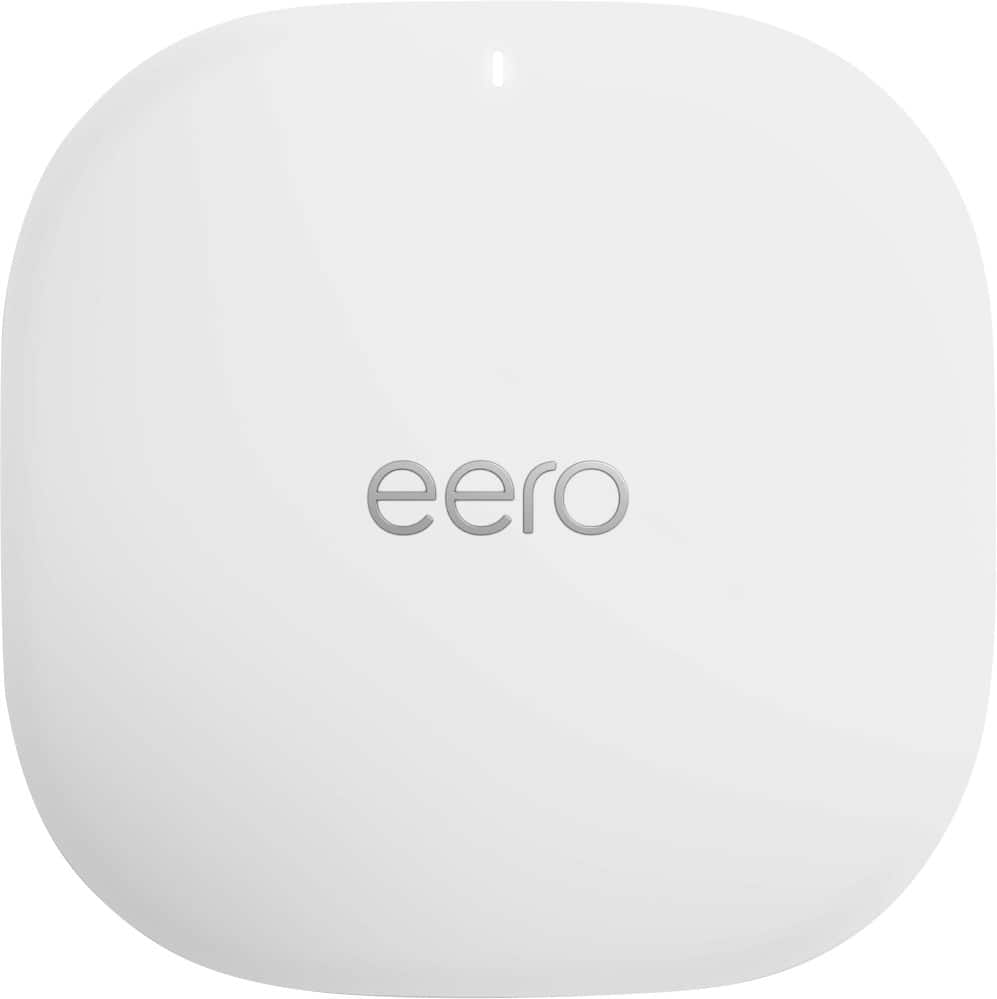

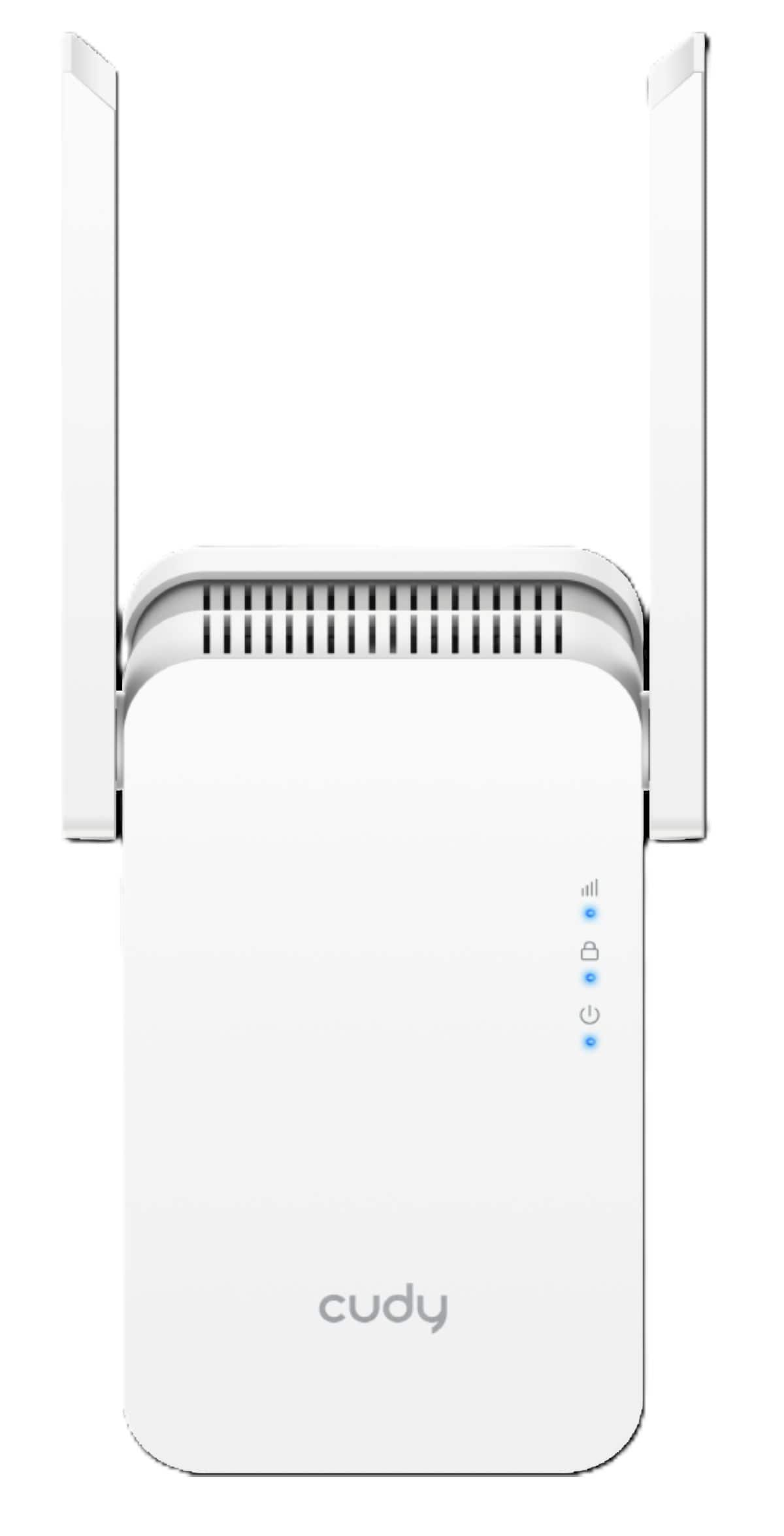


How Many Wi‑Fi 7 Mesh Nodes Do You Need?
FAQs
Most homes can start with either 2 or 3 nodes. A 2-pack often works well for smaller homes, condos, townhomes and more open layouts. A 3-pack is a better match for larger homes, multiple stories and spaces with more walls or rooms that are farther apart.
Neither is automatically better. The right choice depends on your layout and coverage goals. A 2-pack may be enough if your modem is centrally placed and your home is easier to cover. A 3-pack can help if you need stronger coverage upstairs, downstairs or at opposite ends of the home. For a side-by-side comparison, see Wi-Fi 7 Mesh 2-Pack vs. 3-Pack: Which Is Right for Your Home?.
They can if nodes are placed too close together. Adding more nodes than you need may create overlap without improving coverage. It’s usually better to start with the right pack size for your home and place each node thoughtfully. For setup tips, visit Wi‑Fi 7 Mesh Placement Guide for Better Coverage.
Consider a higher-performance system if you have gigabit or multi-gig internet, lots of connected devices, frequent 4K or 8K streaming, online gaming, video calls in multiple rooms or smart home gear running all day. These systems can be especially helpful in busy households where capacity matters as much as coverage.
Not always, but wired backhaul can improve consistency by linking nodes with Ethernet instead of relying only on wireless communication between them. It’s a smart option if your home is prewired or if you want the strongest possible connection between nodes. Learn more at Wi-Fi 7 Mesh Systems with Wired Backhaul.