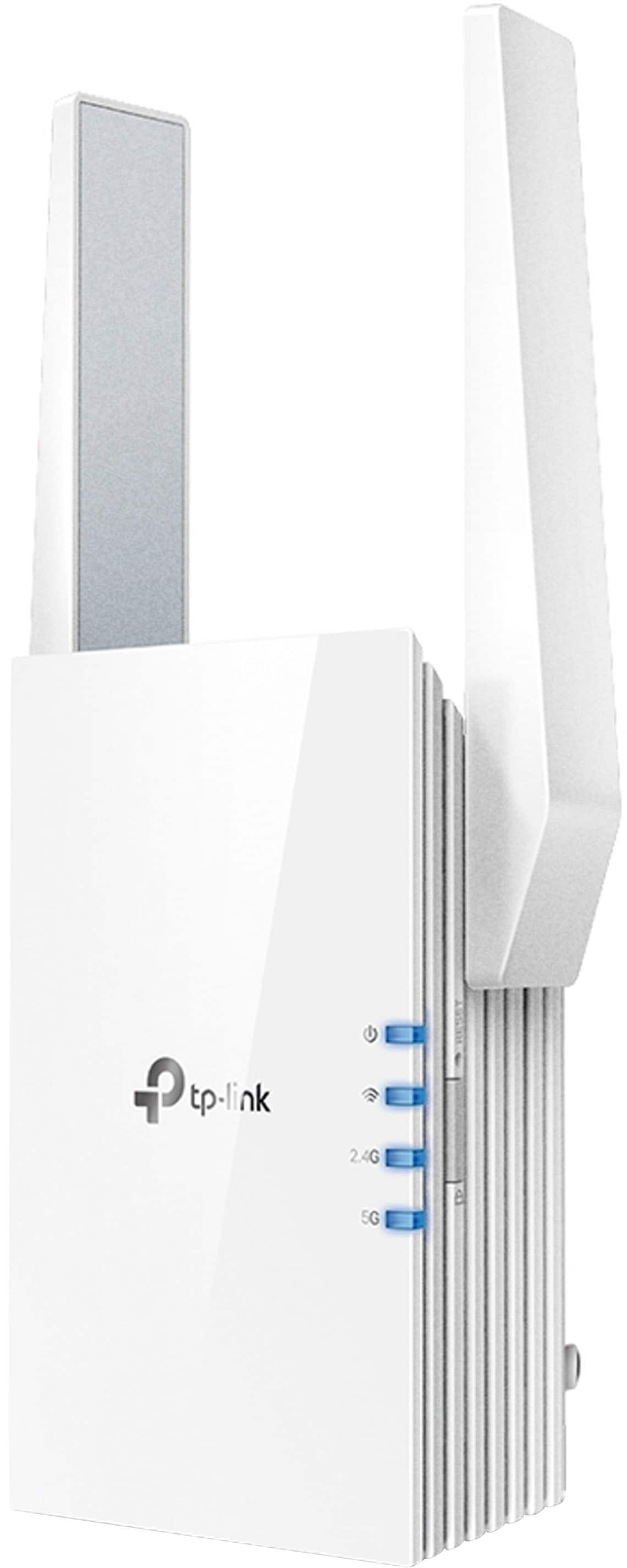
Wi‑Fi 7 Mesh Placement Guide for Better Coverage
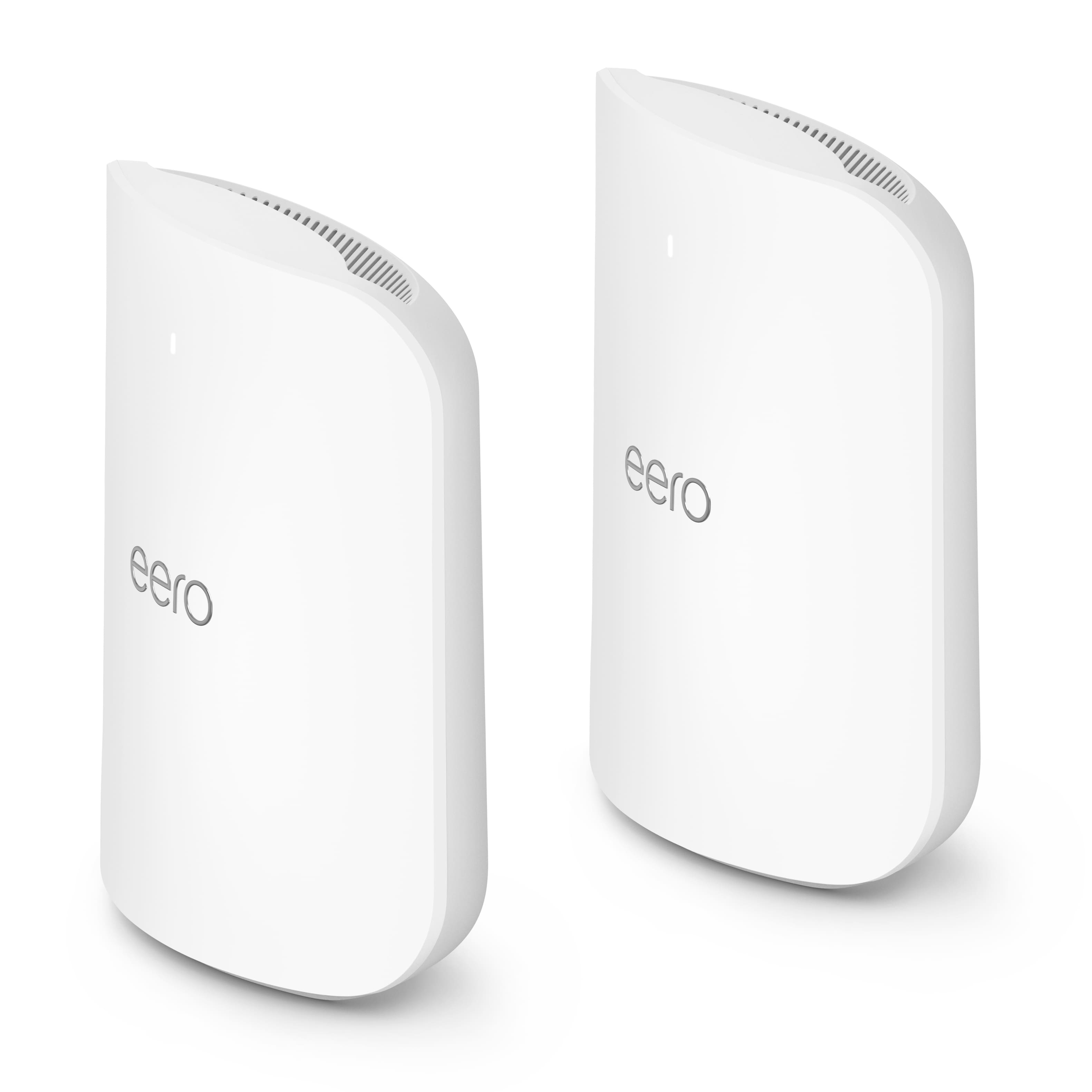
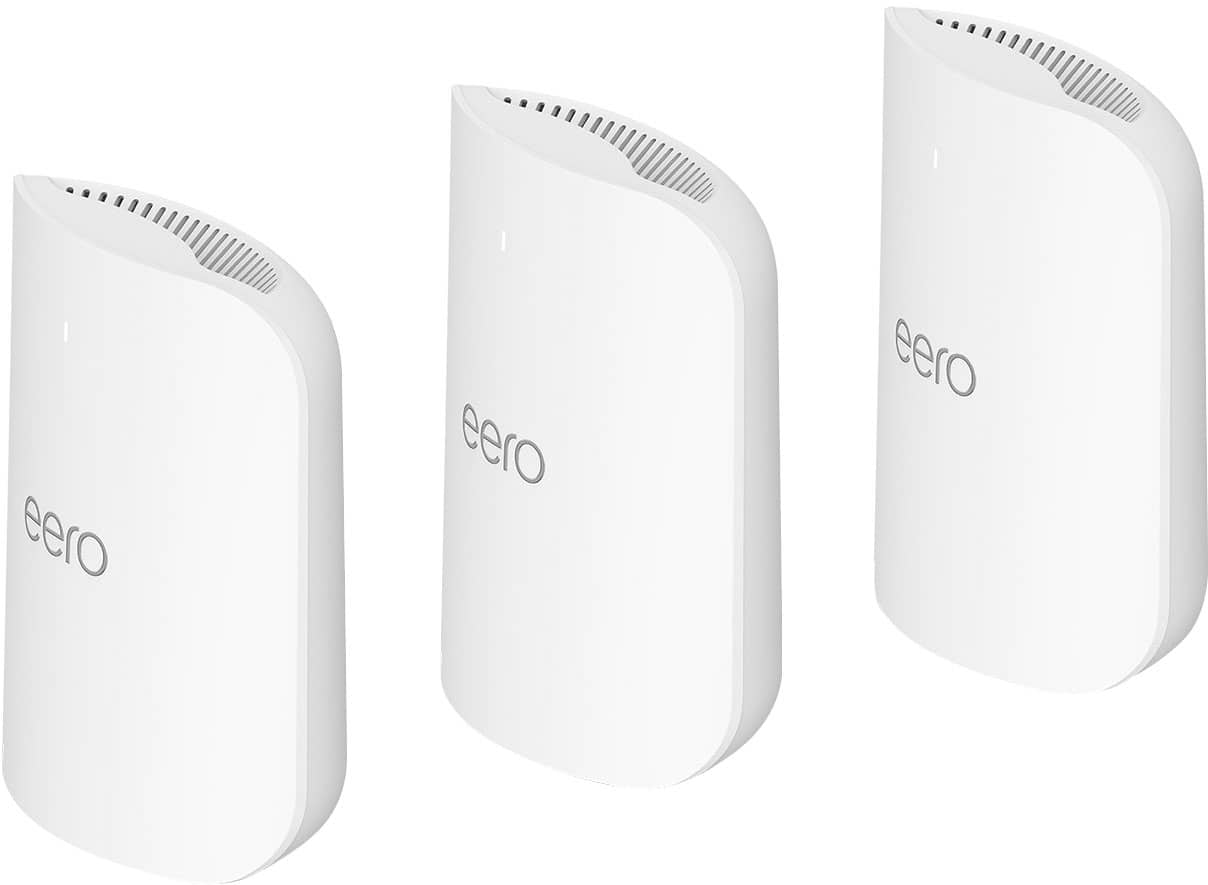
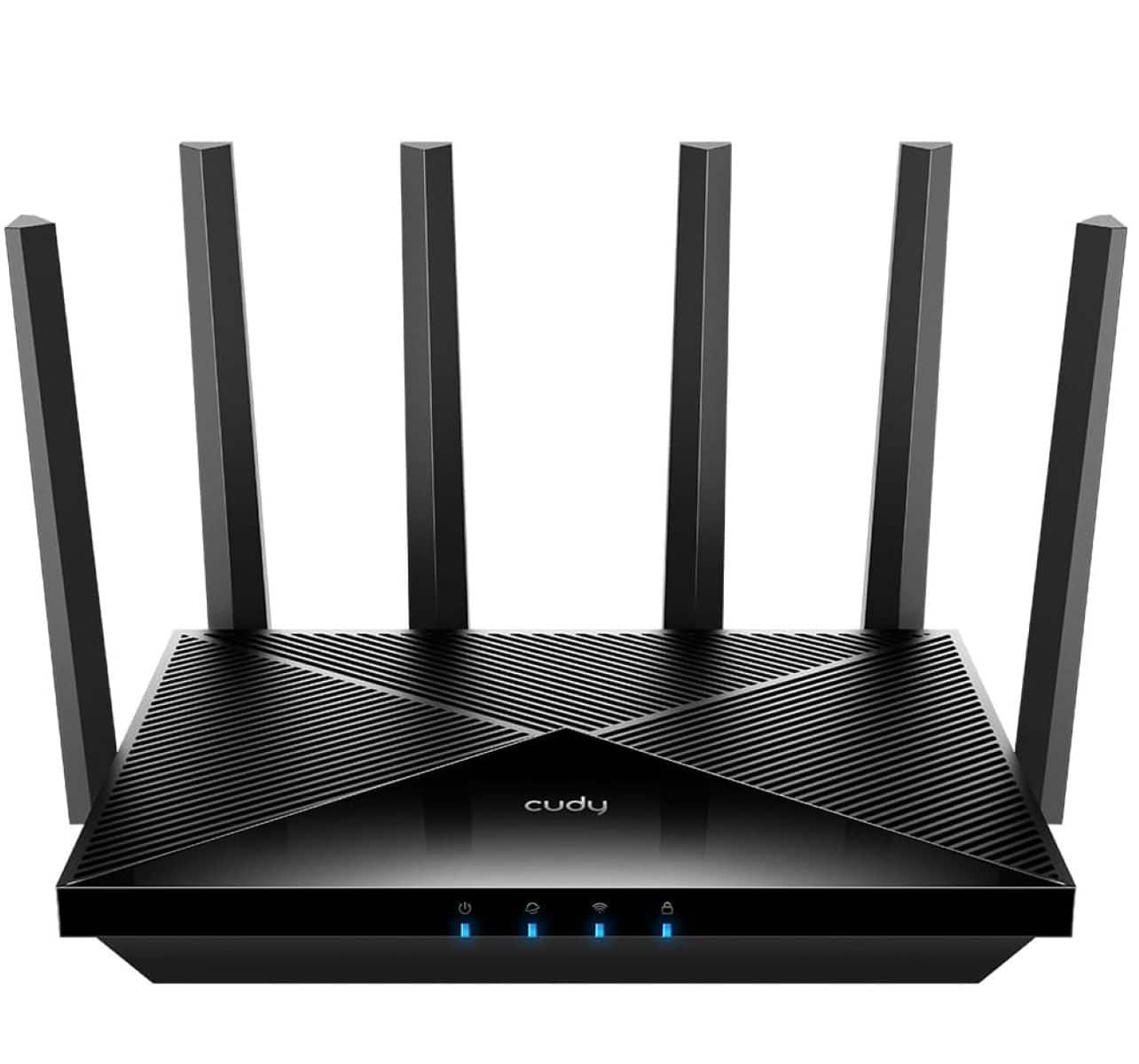
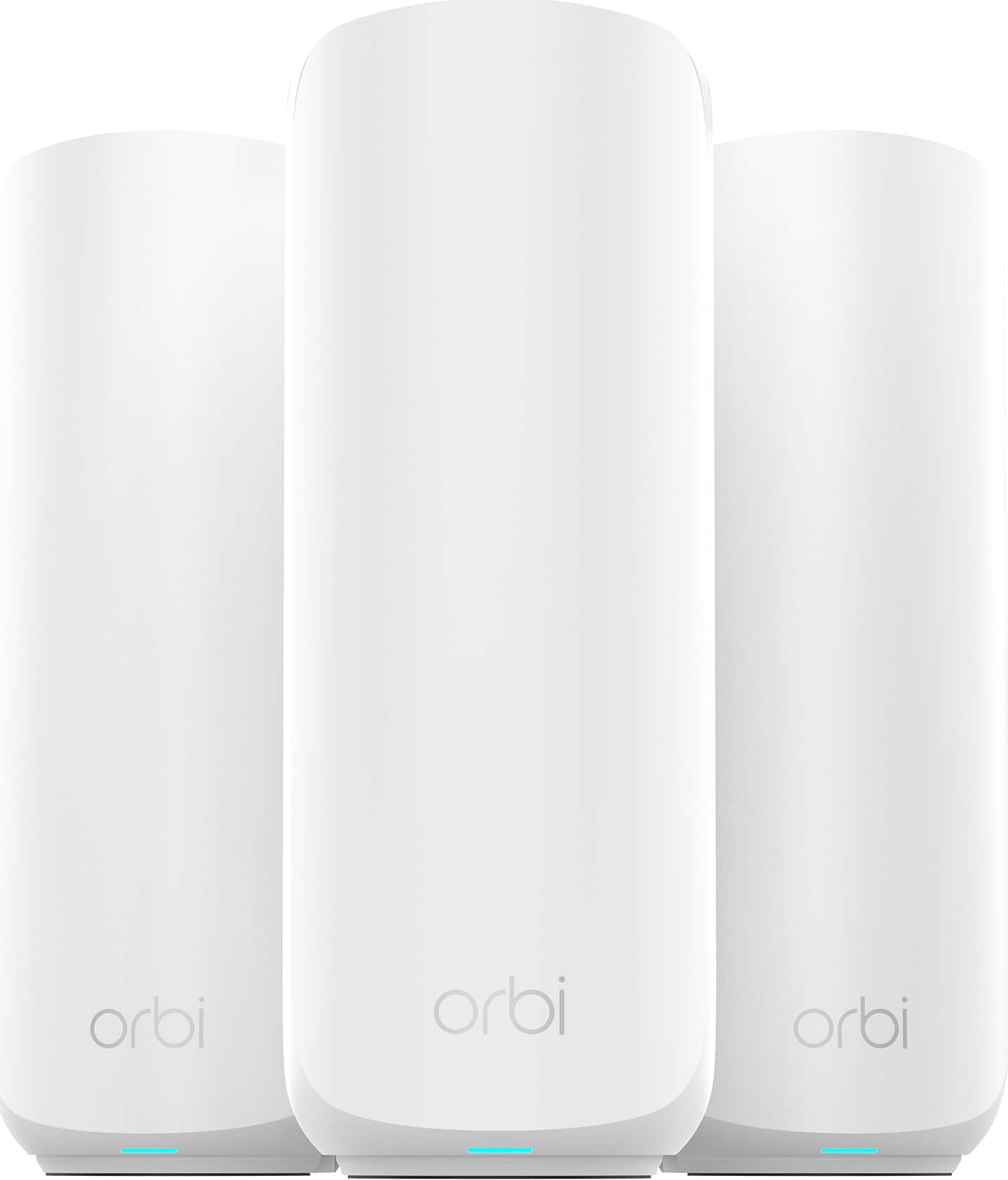
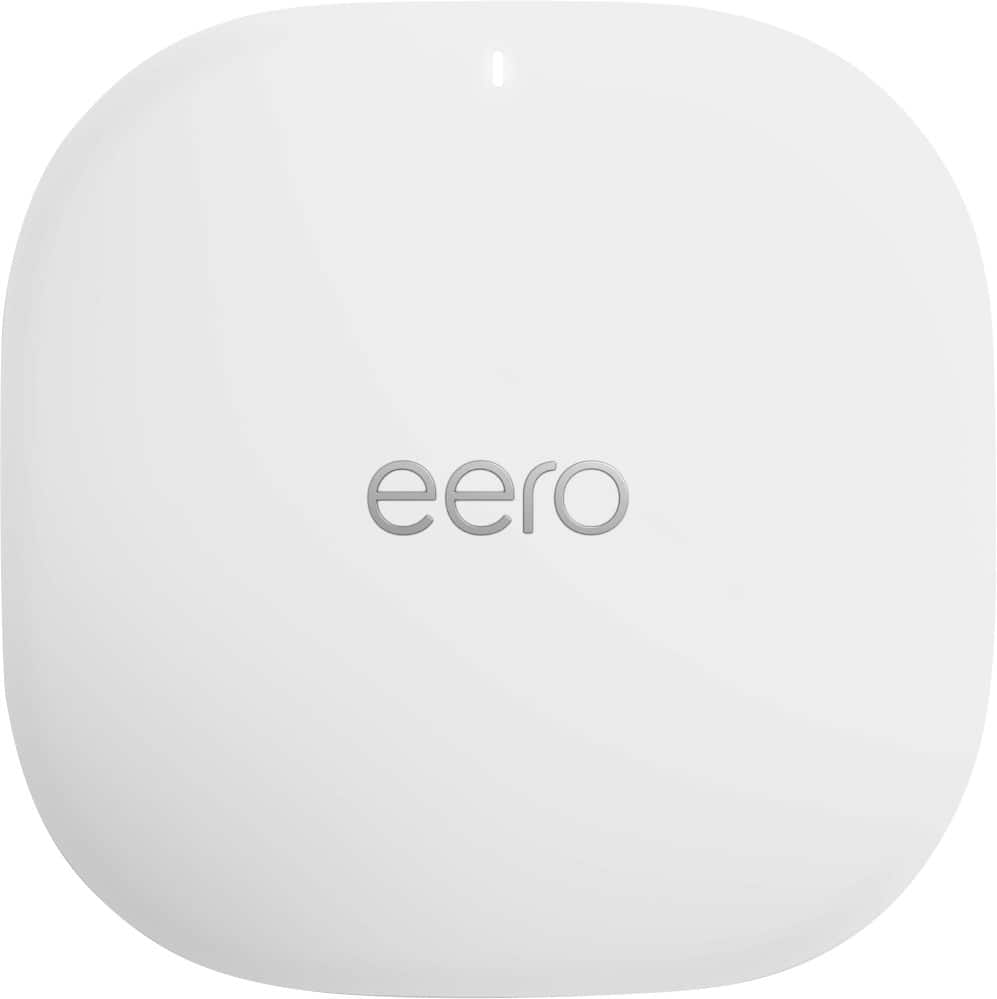
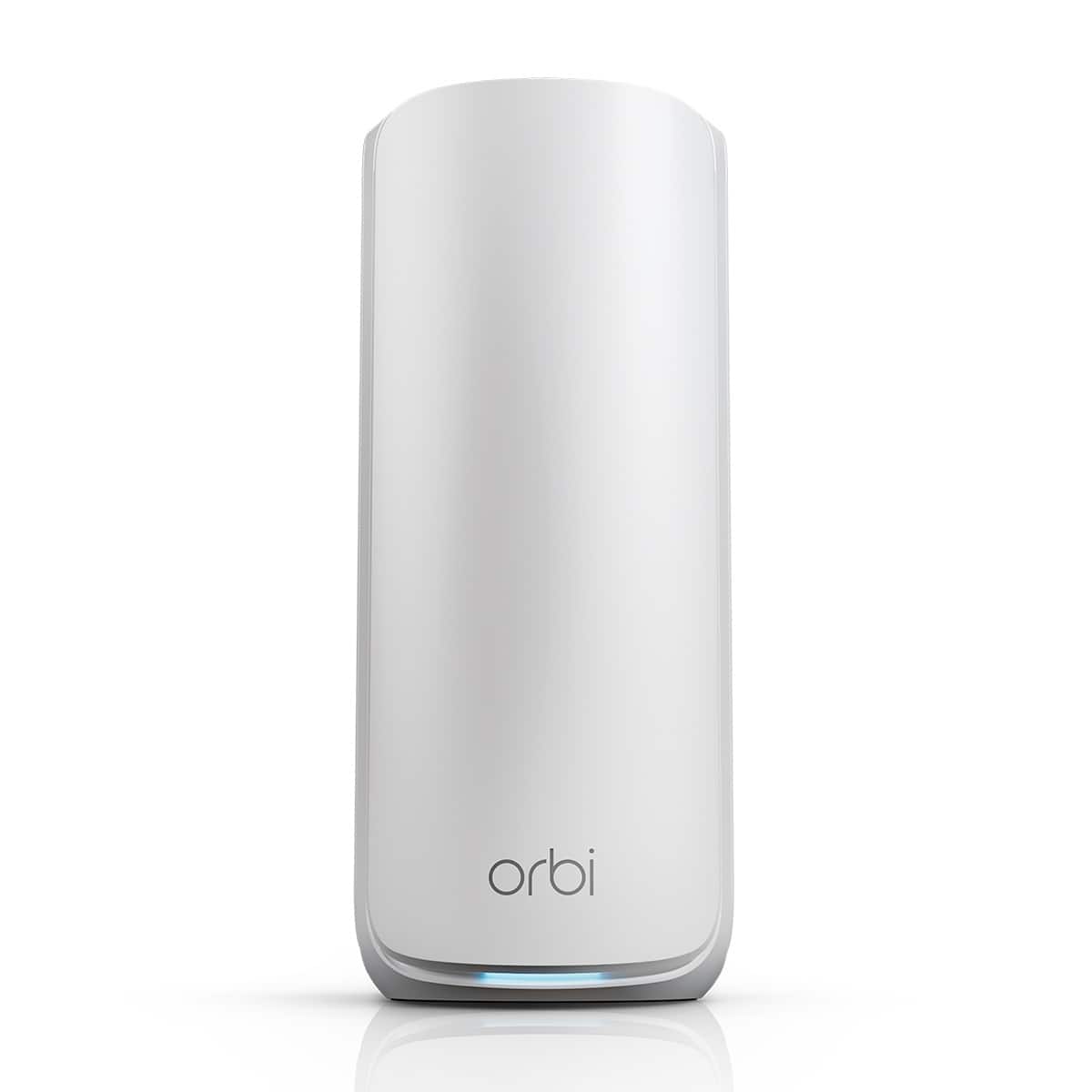
Better mesh WiFi placement can help you get stronger whole-home performance from a Wi‑Fi 7 mesh system. Start by placing your main router in a central, open spot, then add nodes where the signal begins to drop instead of pushing them to the far edges of your home. Shop Wi‑Fi 7 mesh 2-pack and 3-pack options built for smoother coverage, more connected devices, and easier upgrades throughout your space.
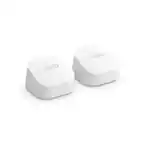
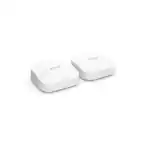
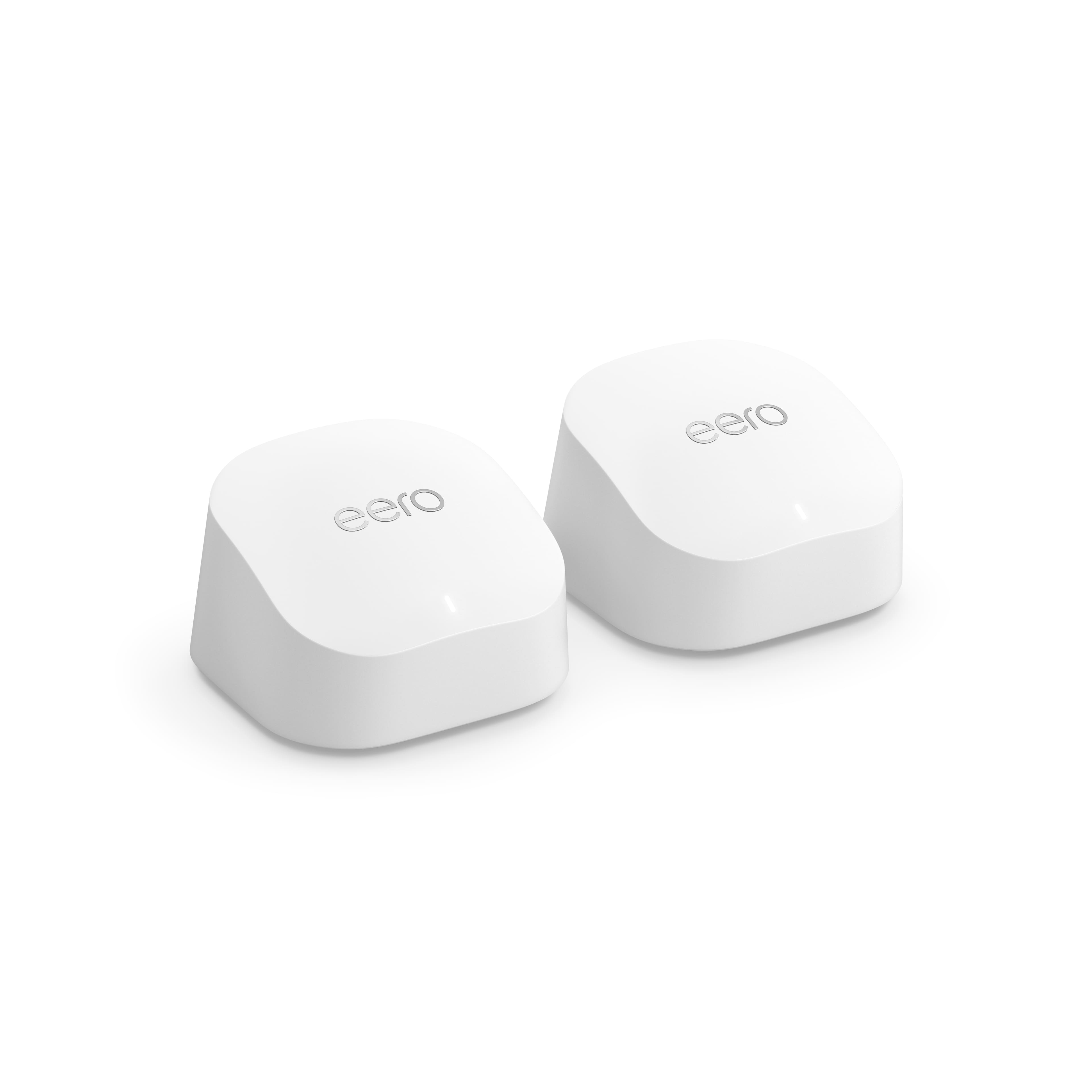
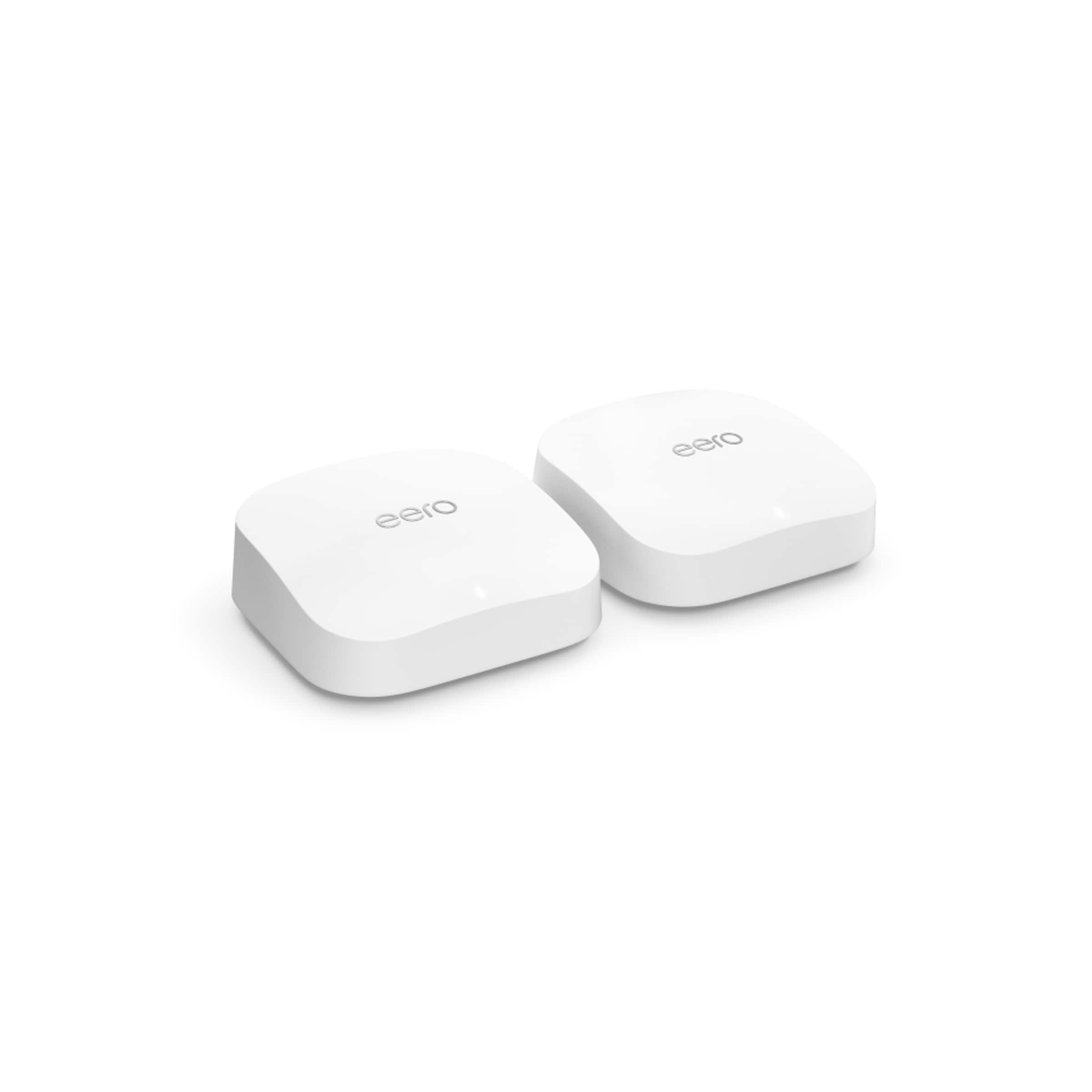
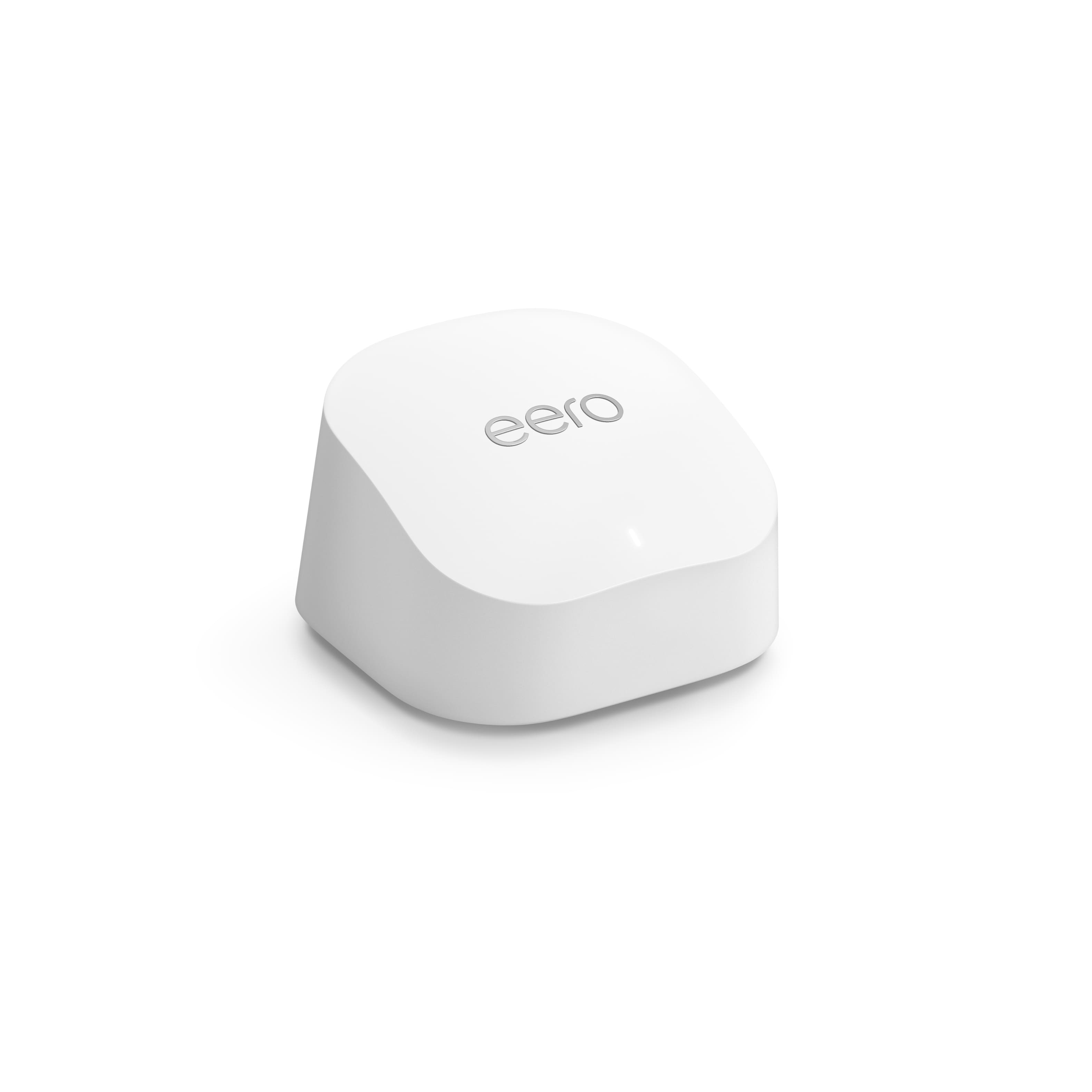
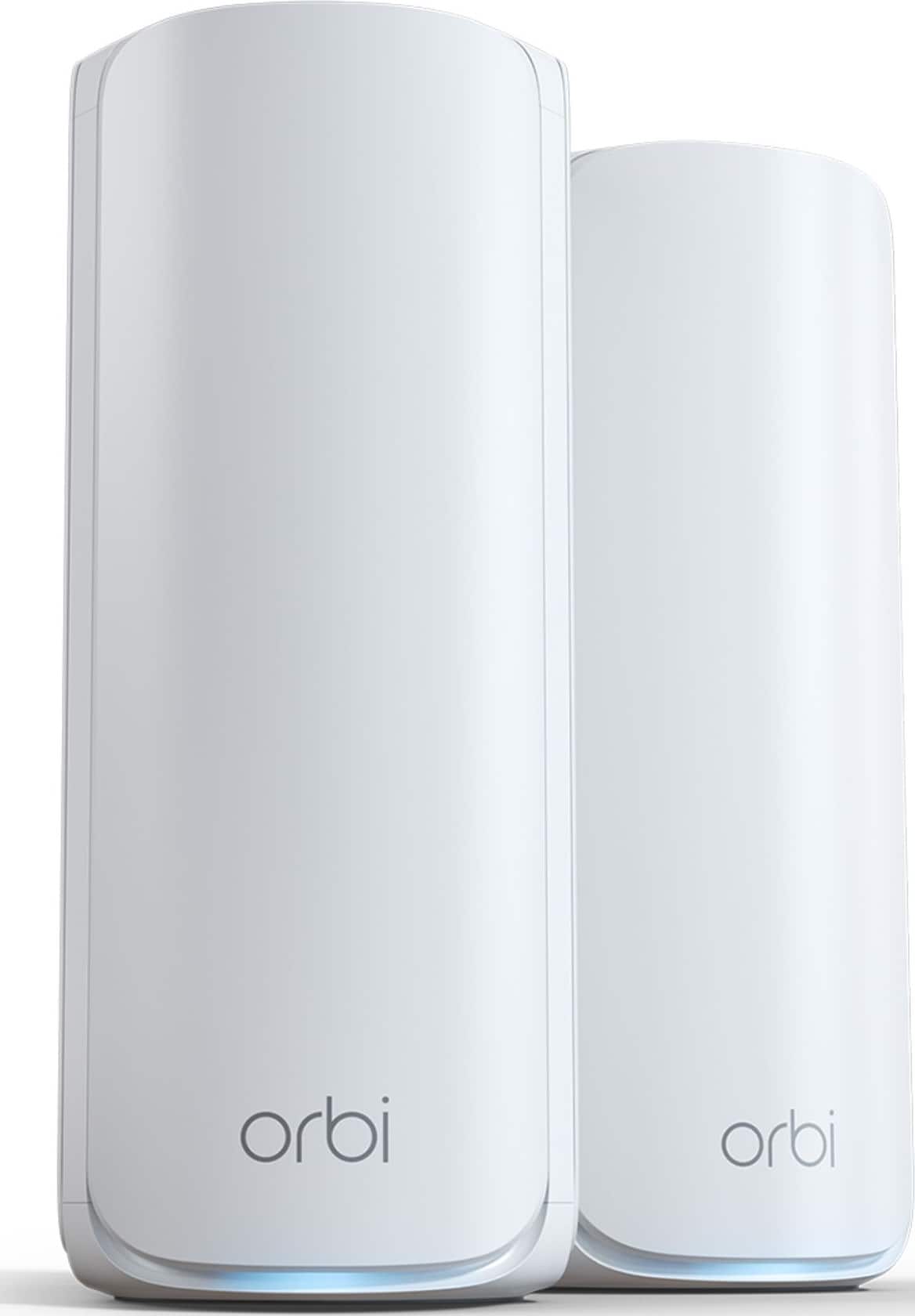
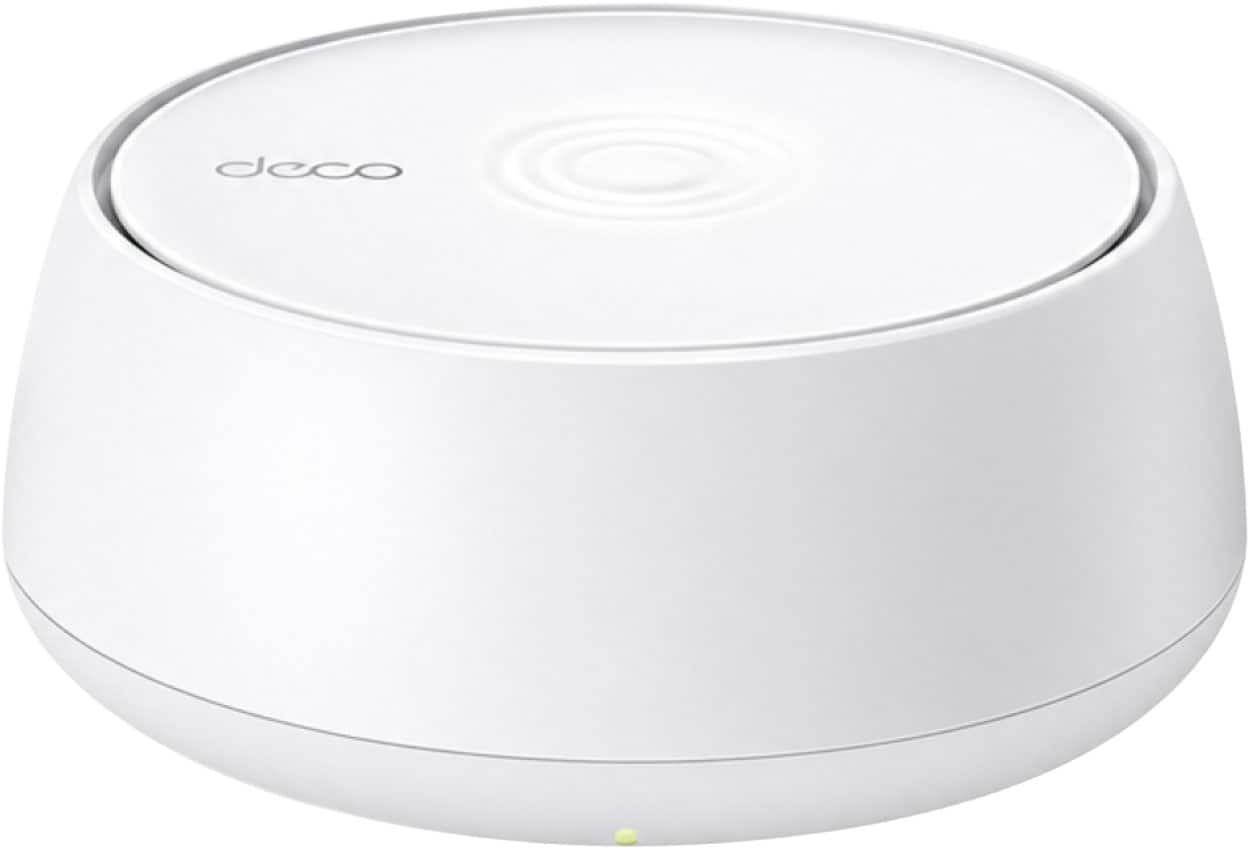
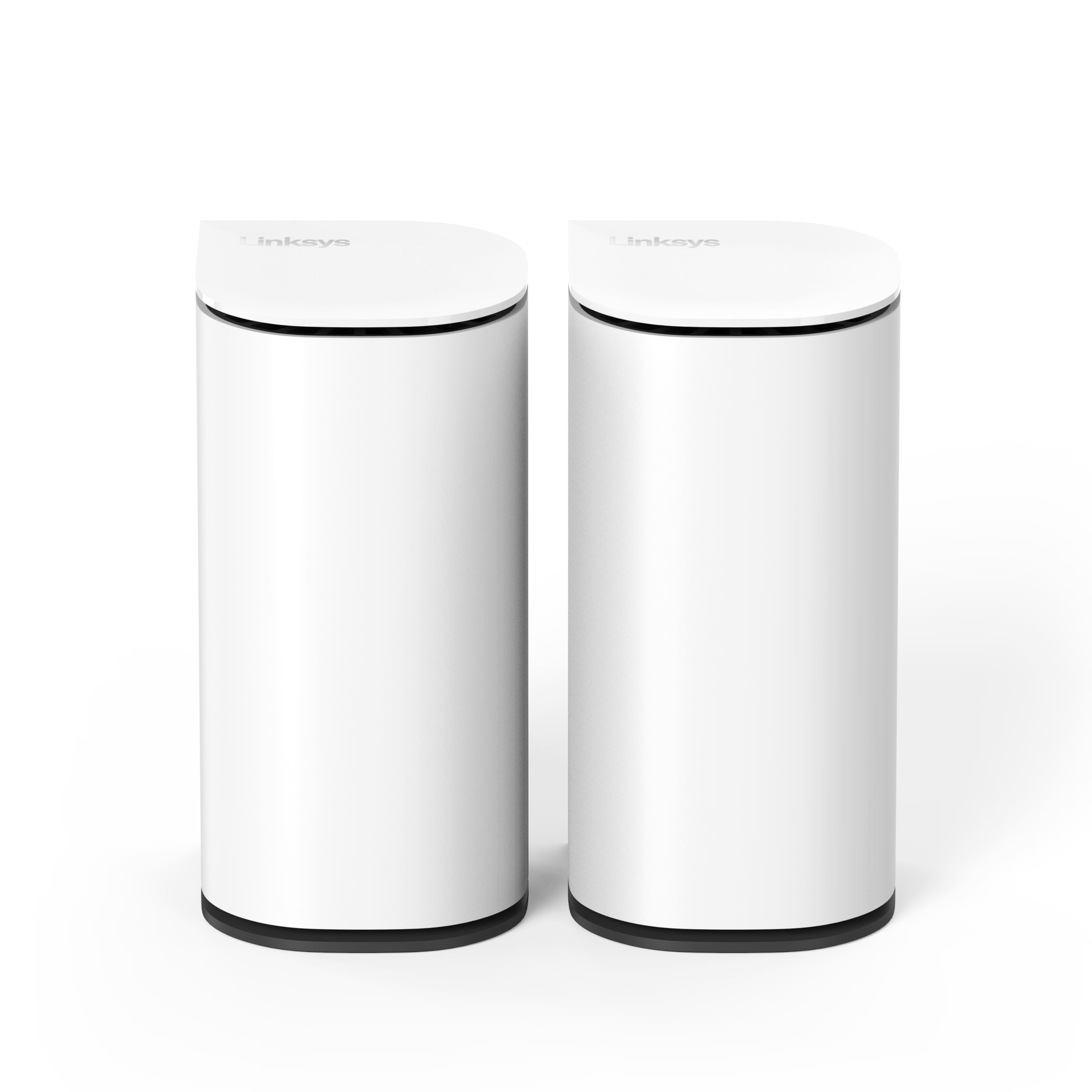
Wi‑Fi 7 mesh 2-pack systems for central placement
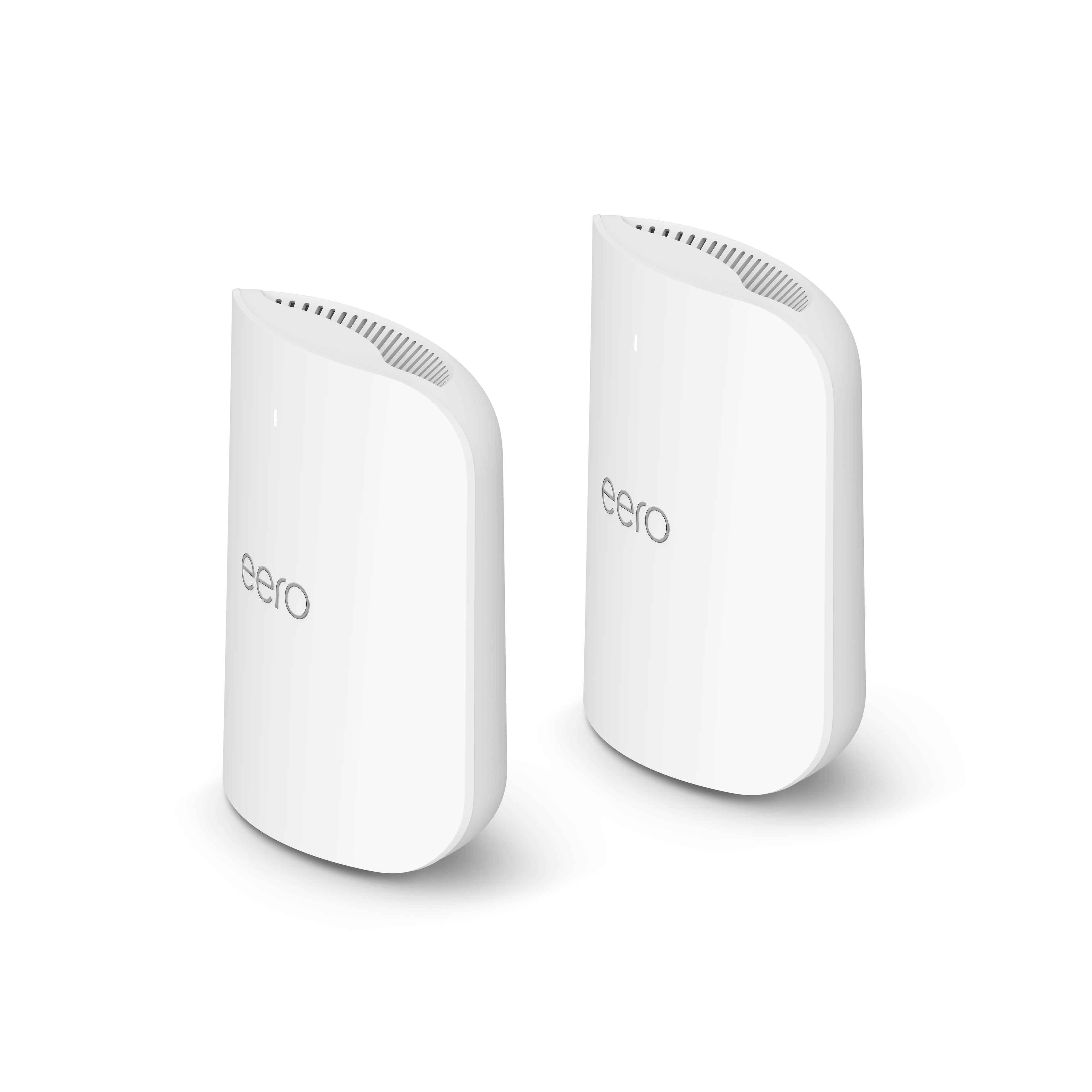
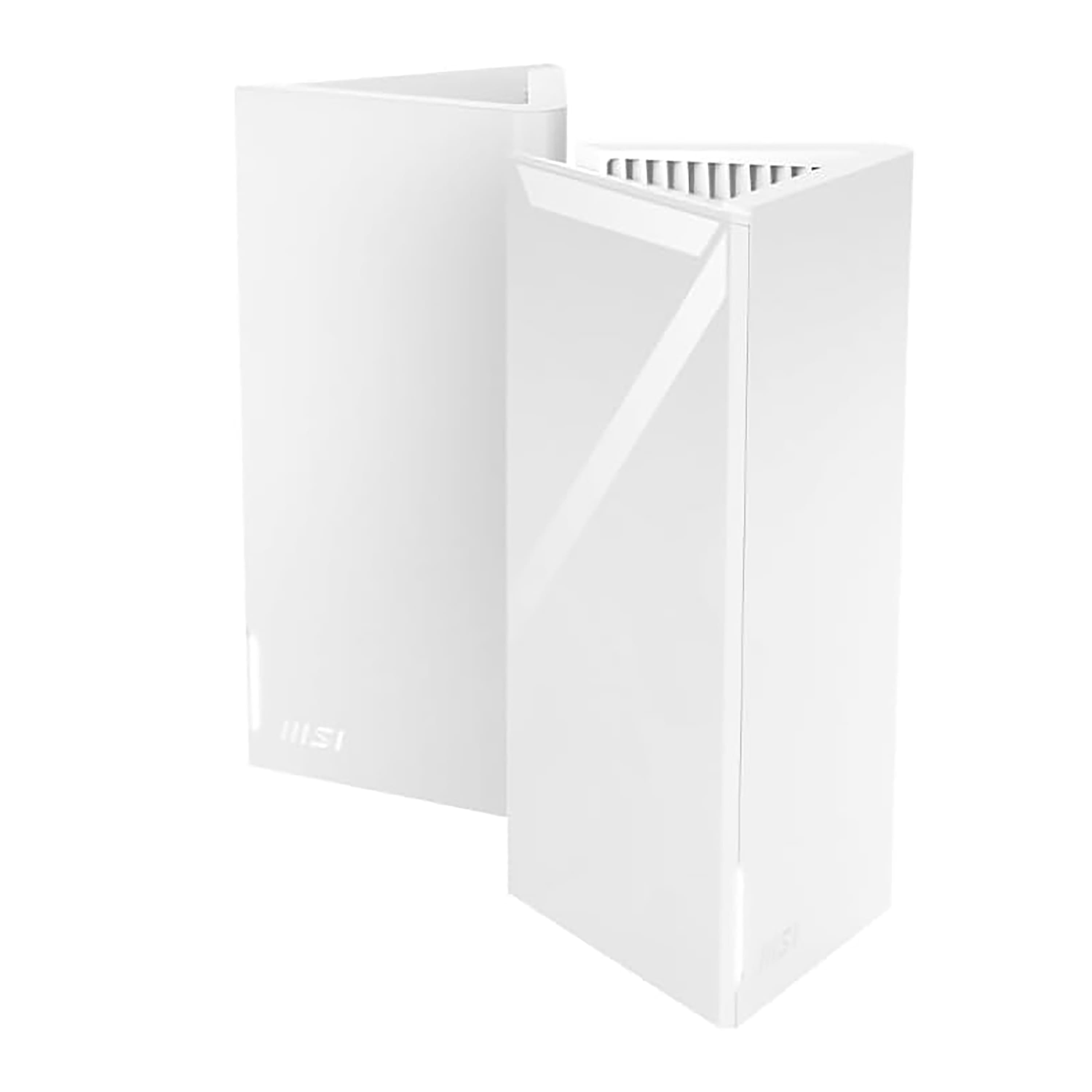
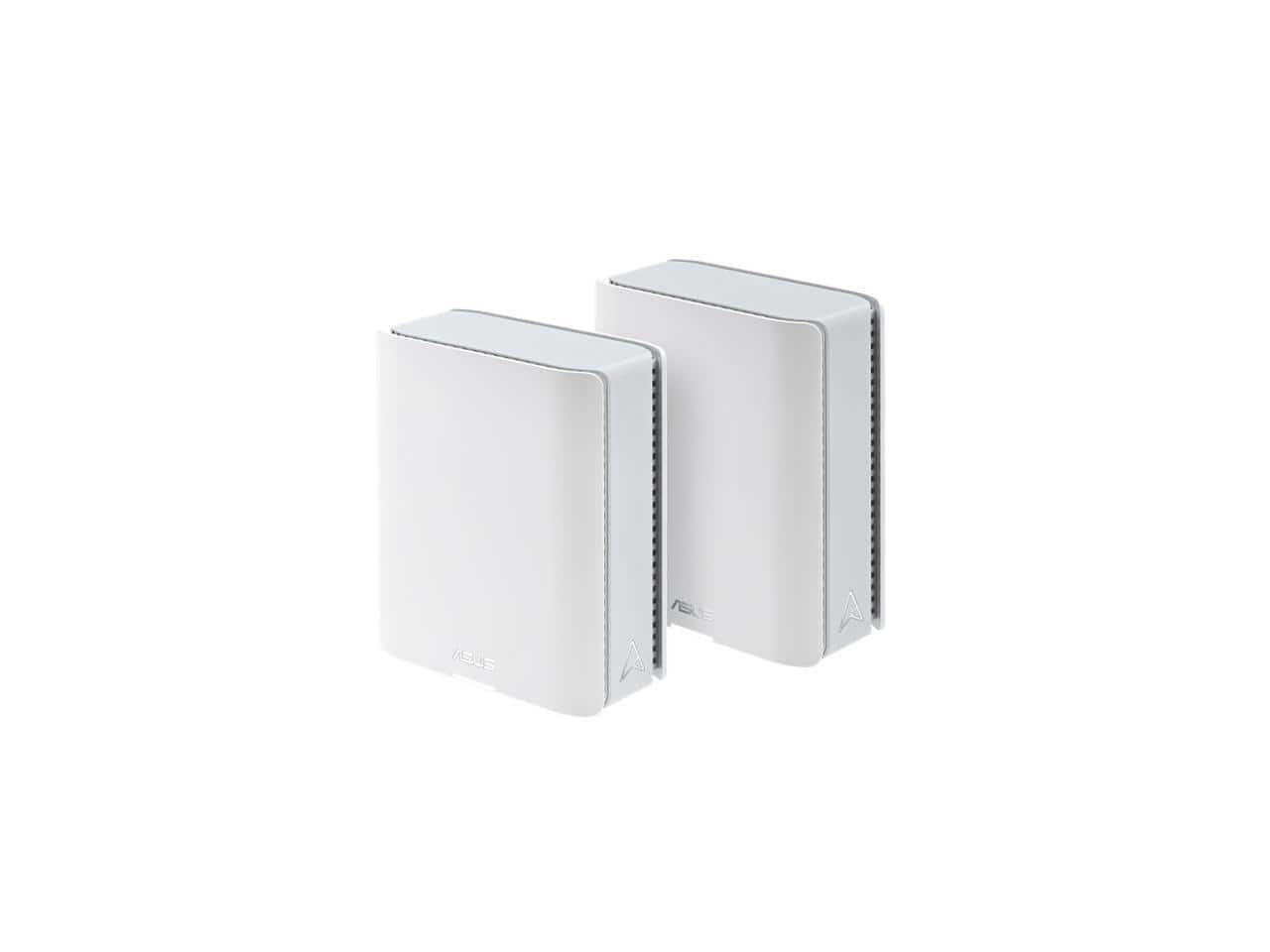

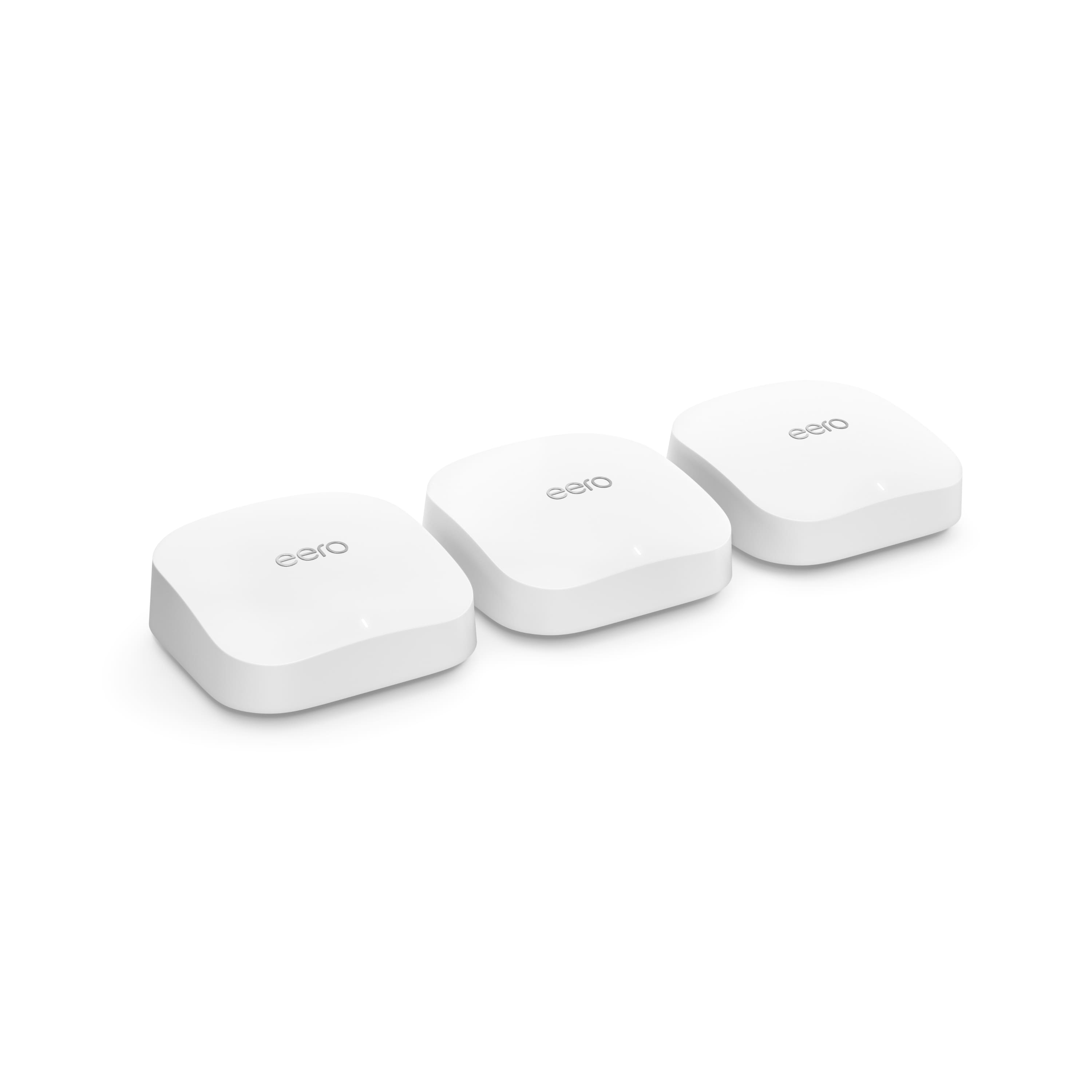
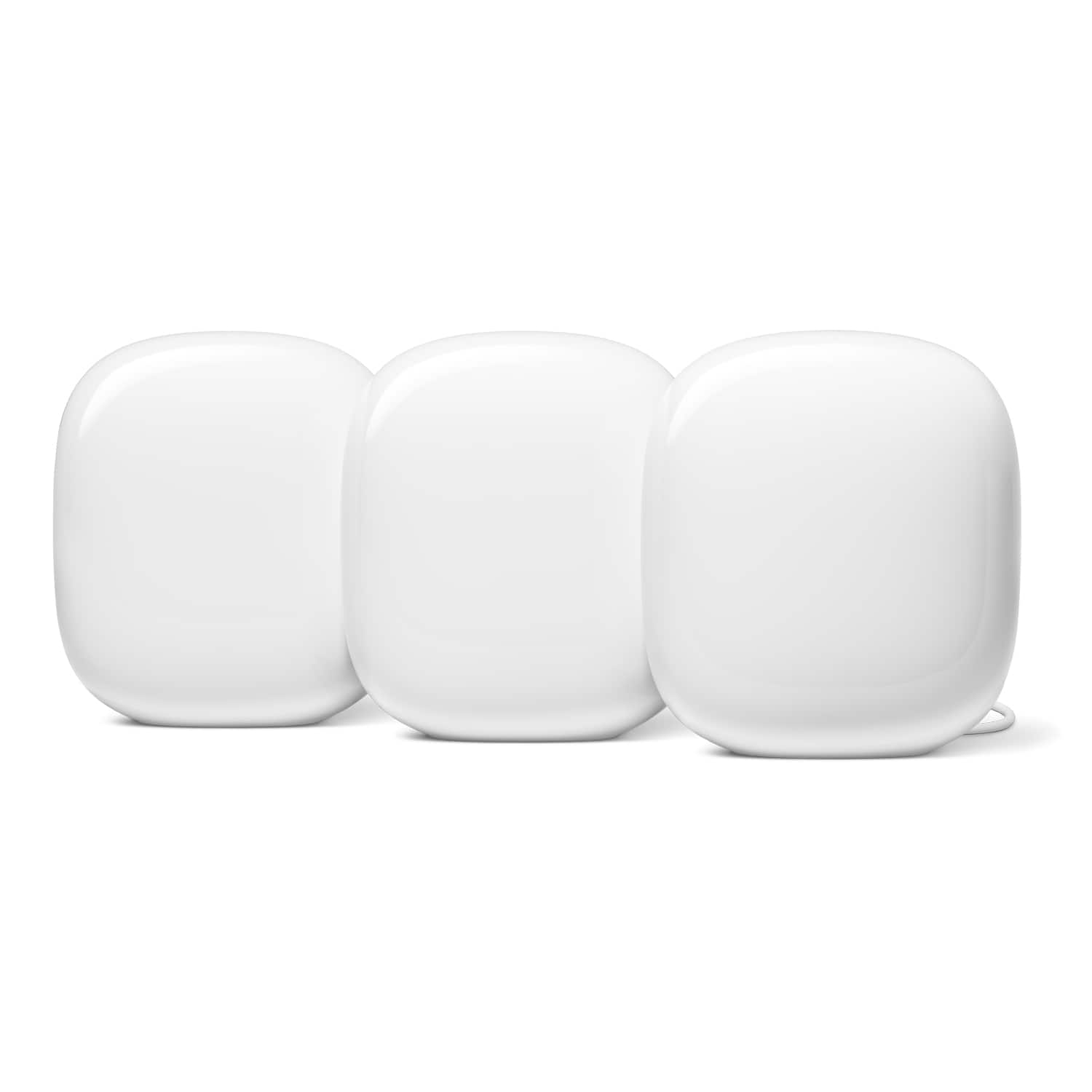

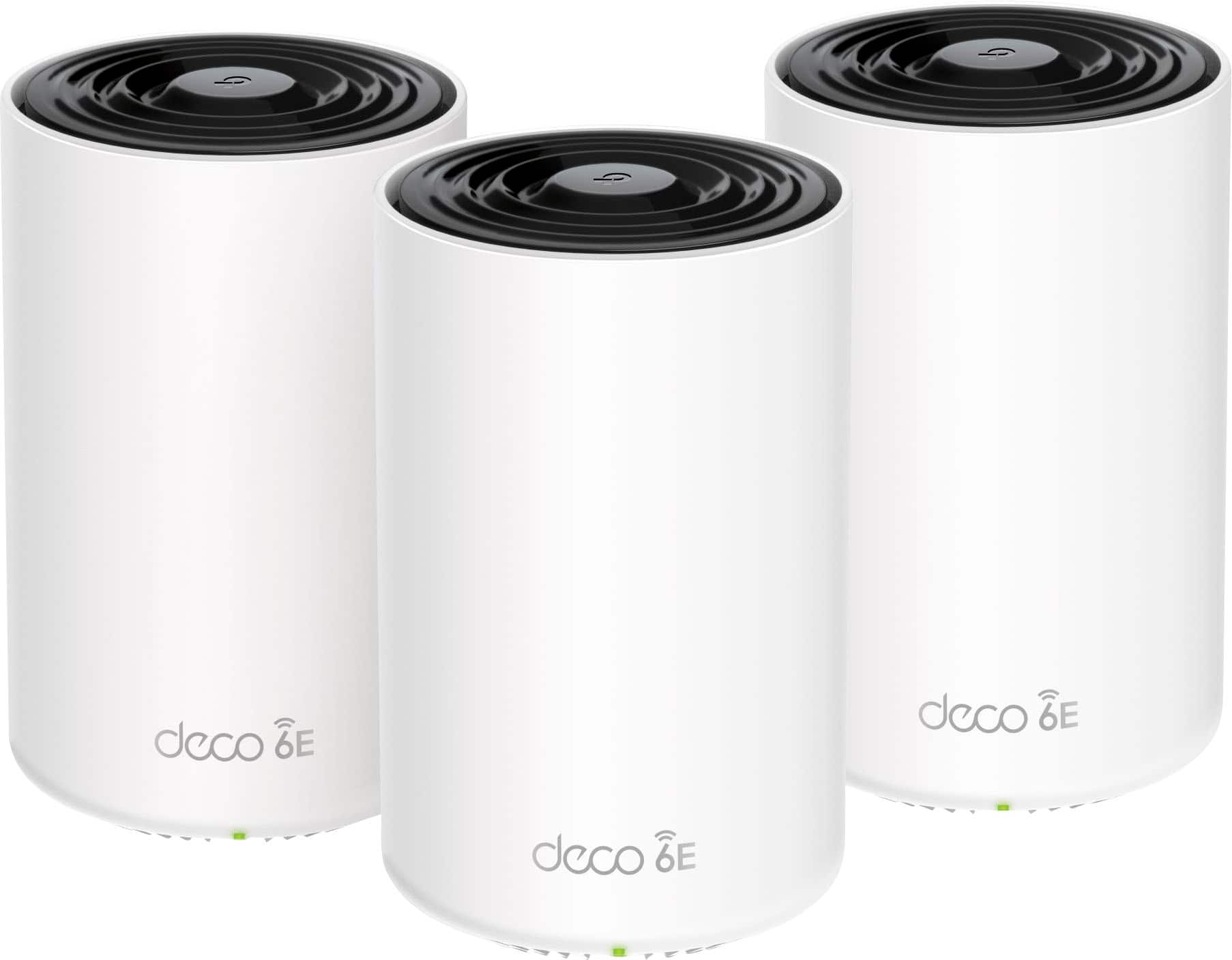
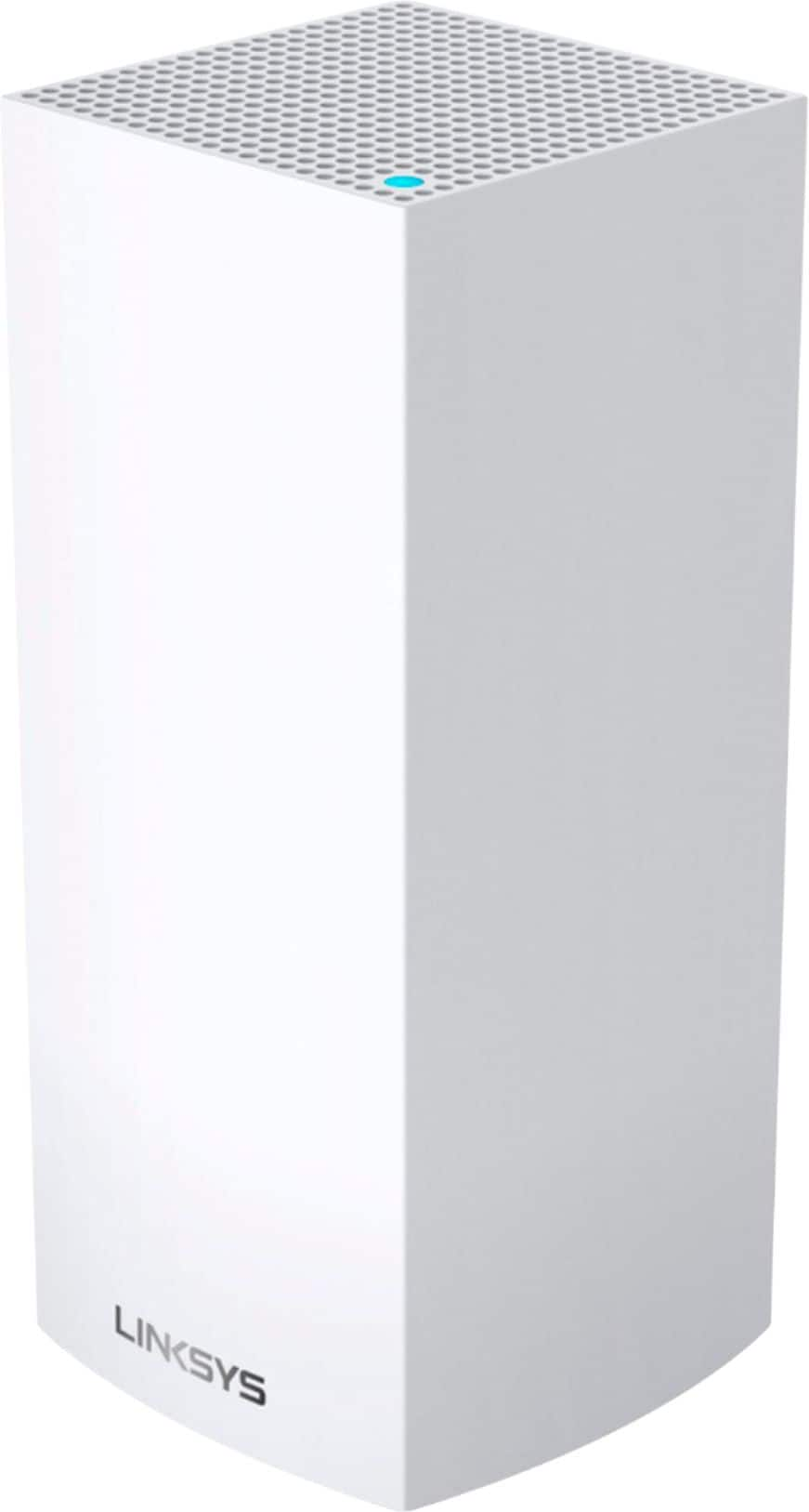
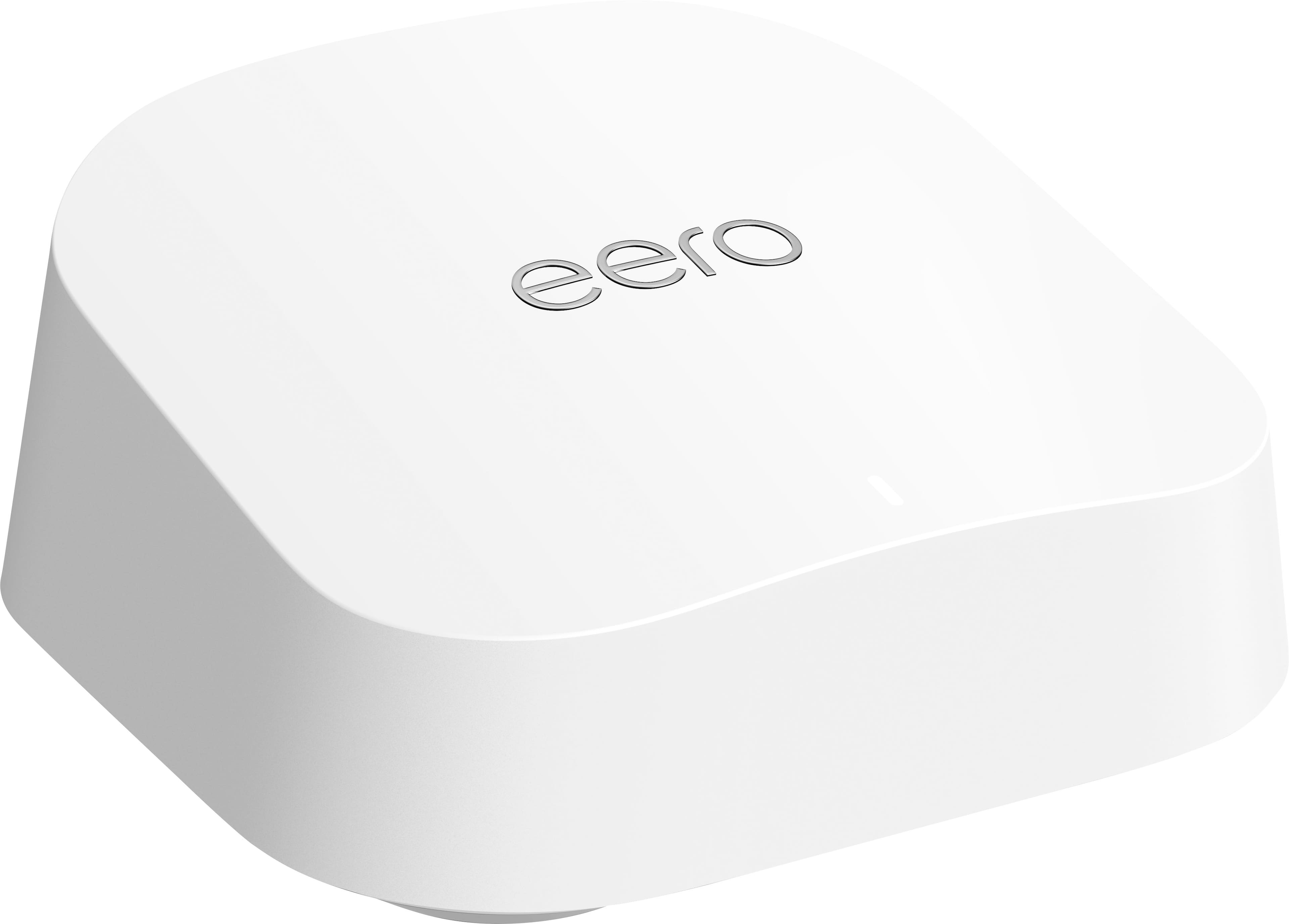
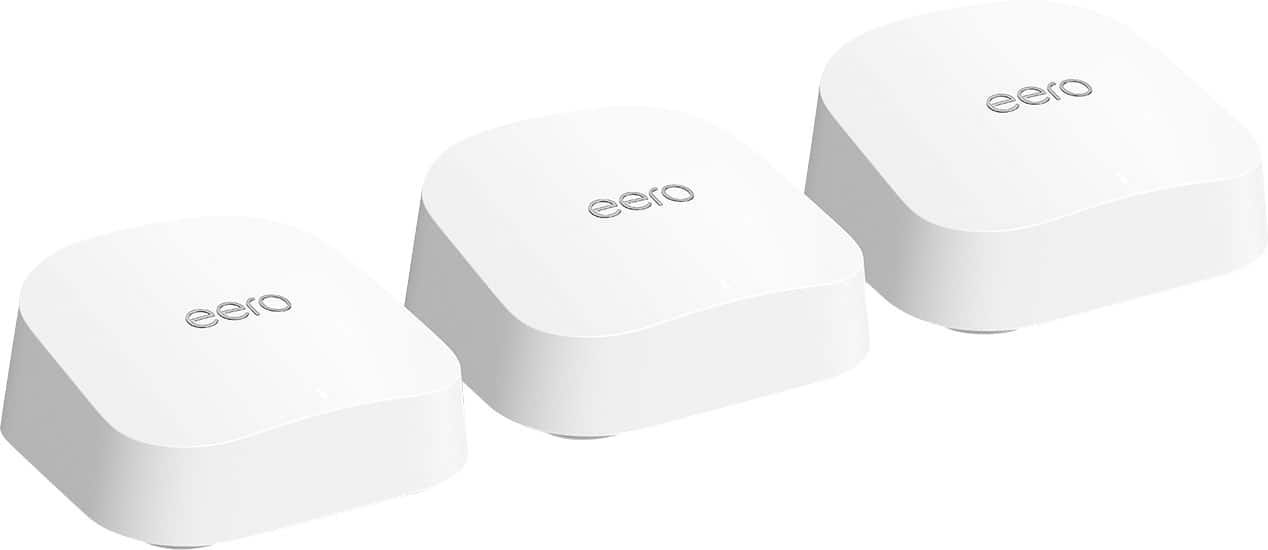
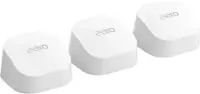
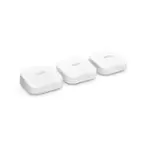
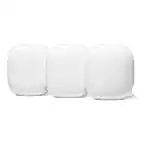
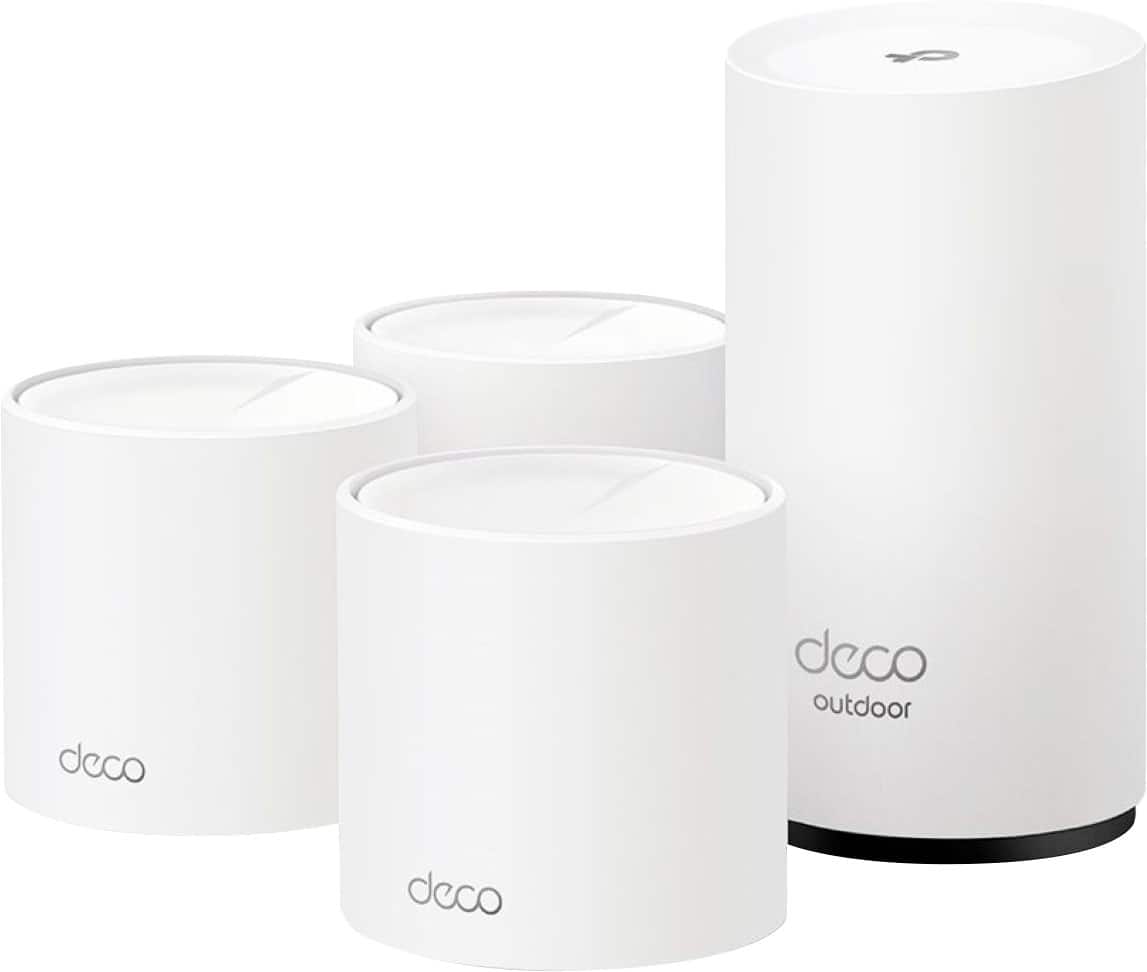
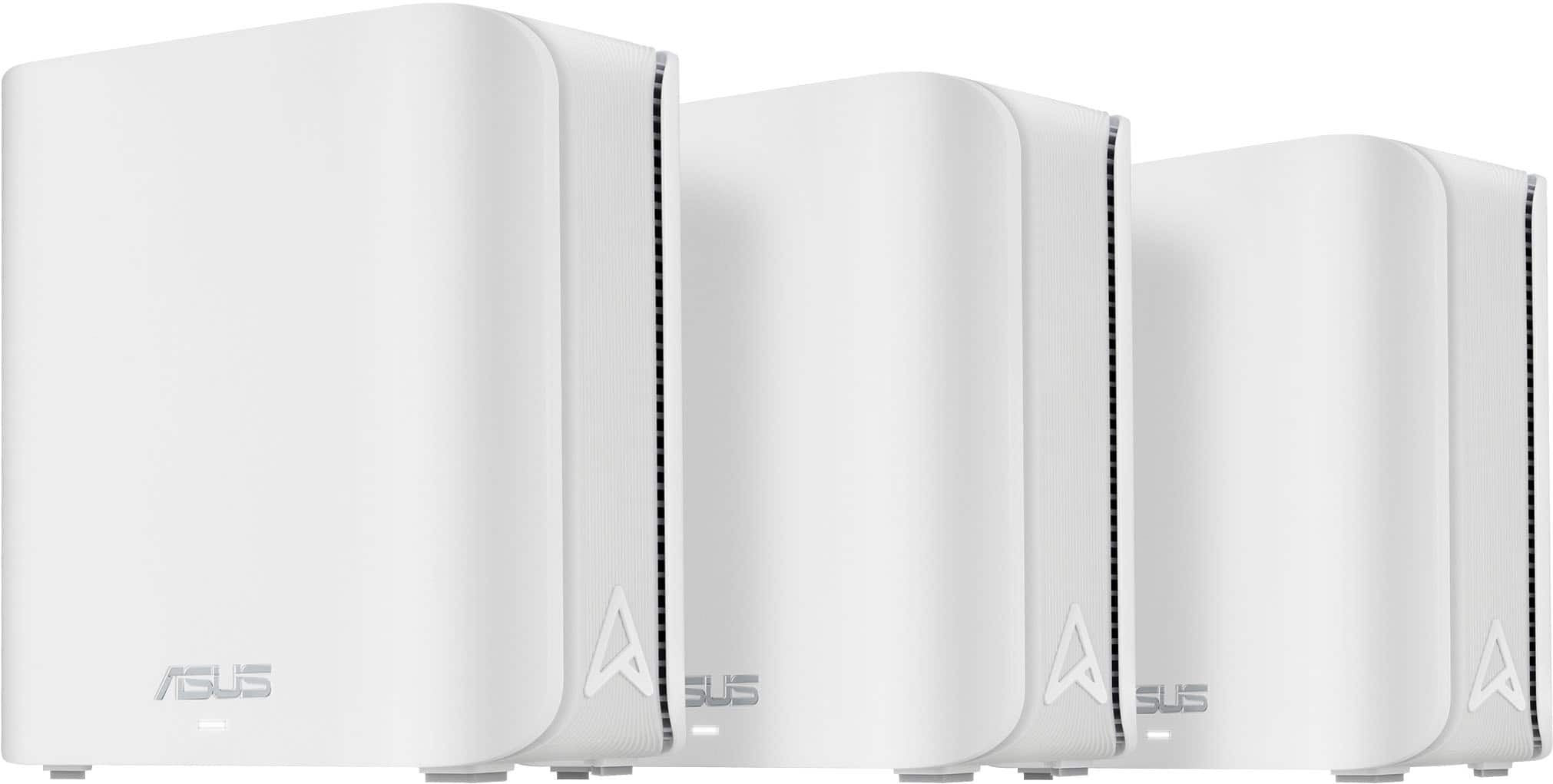
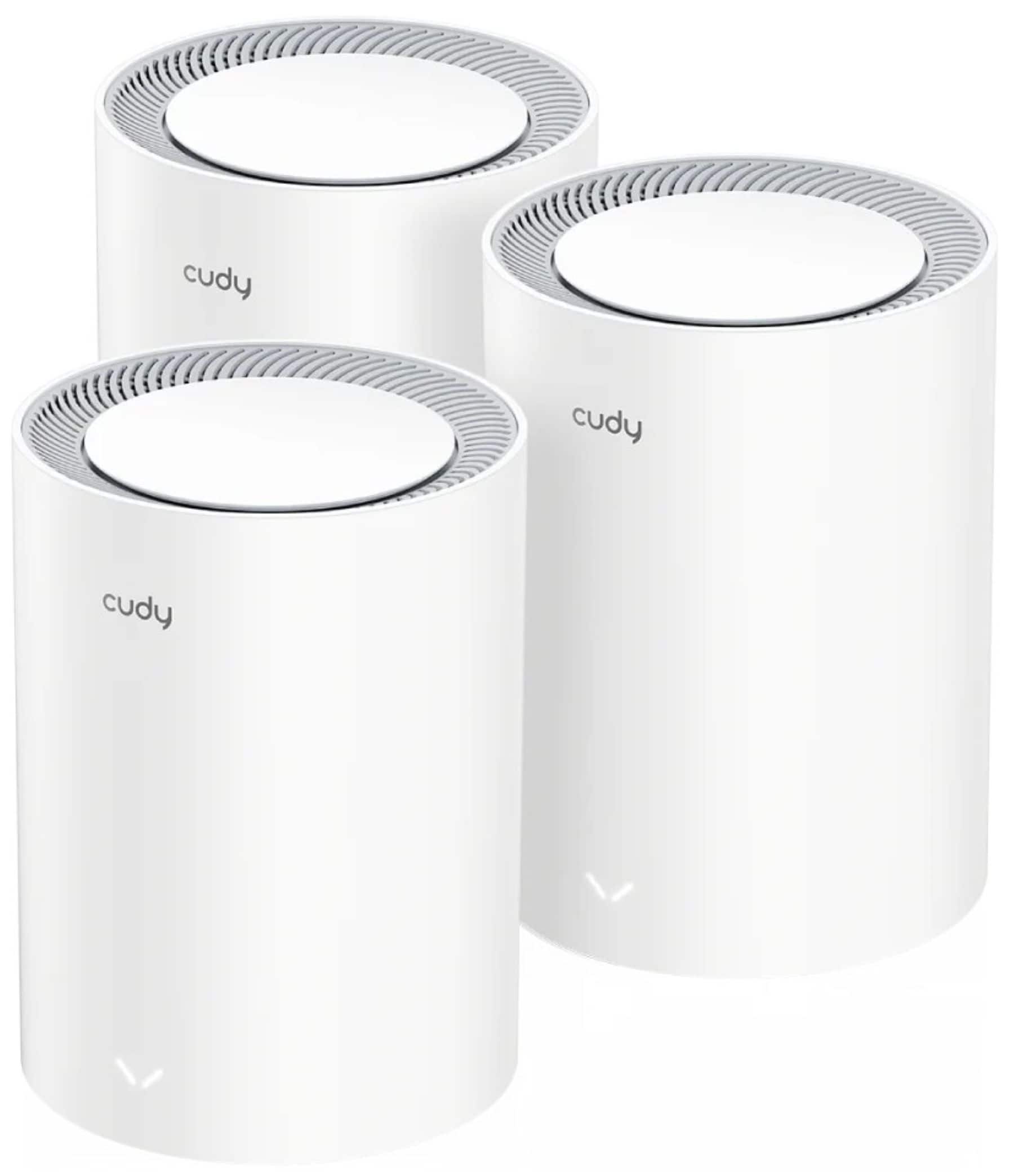
Wi‑Fi 7 mesh 3-pack systems for wider coverage

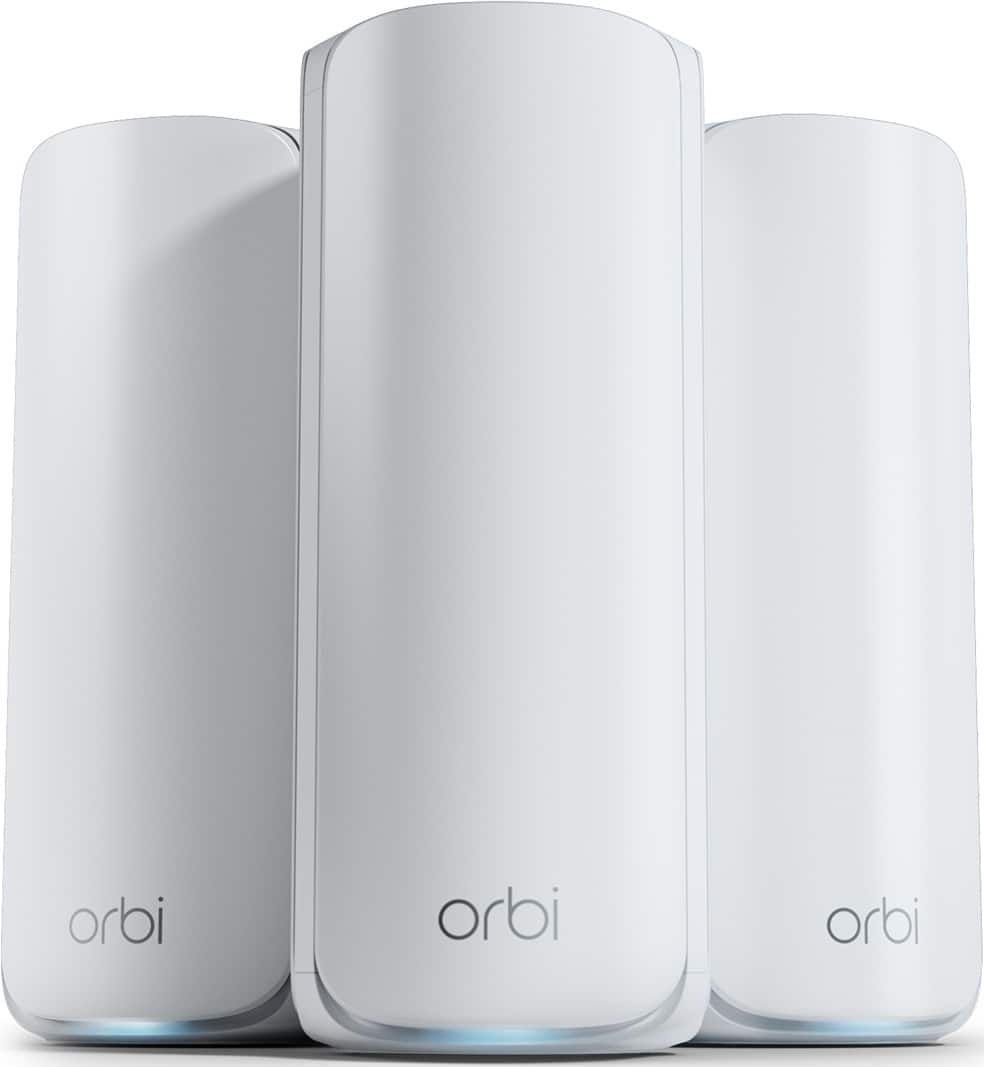
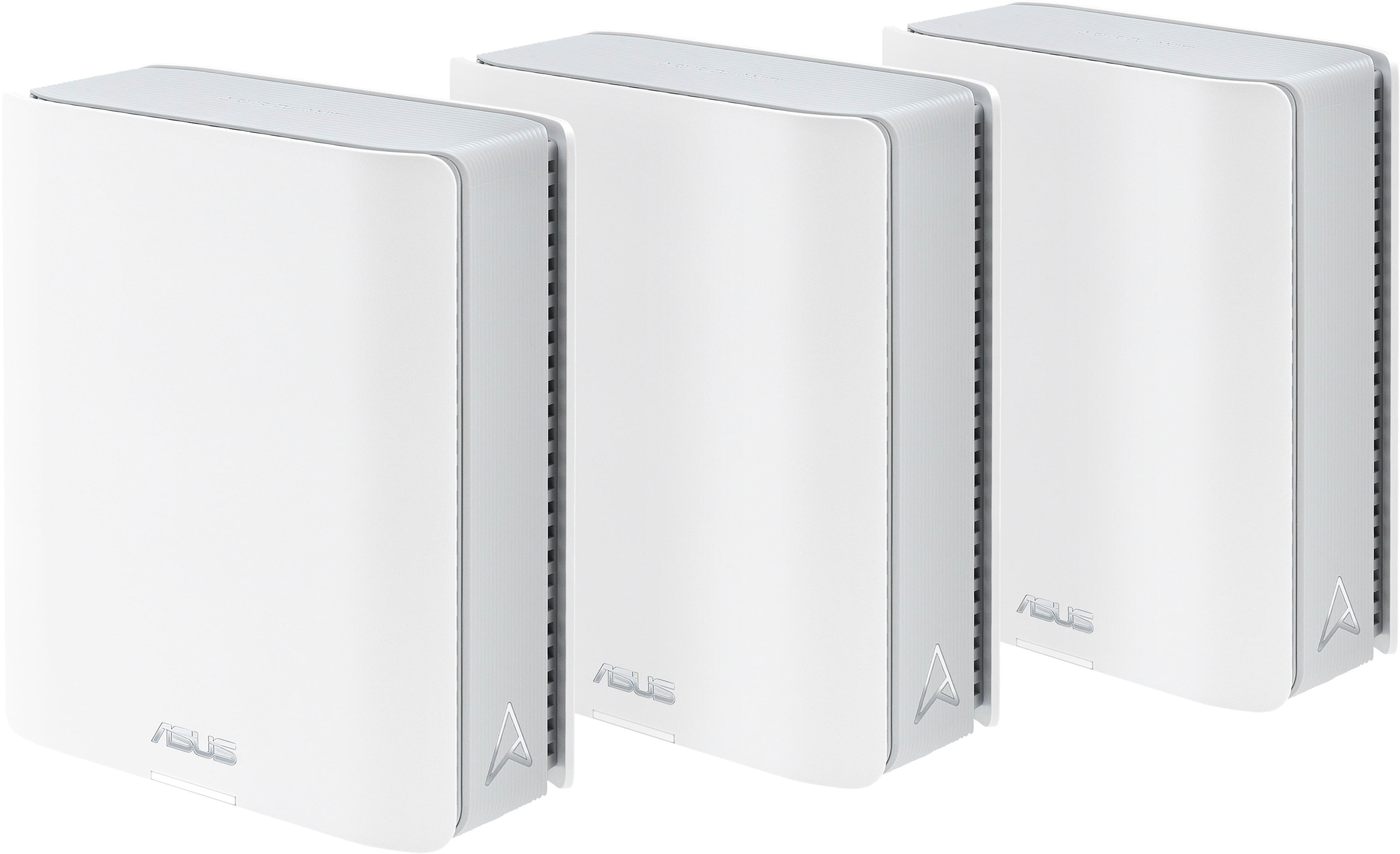
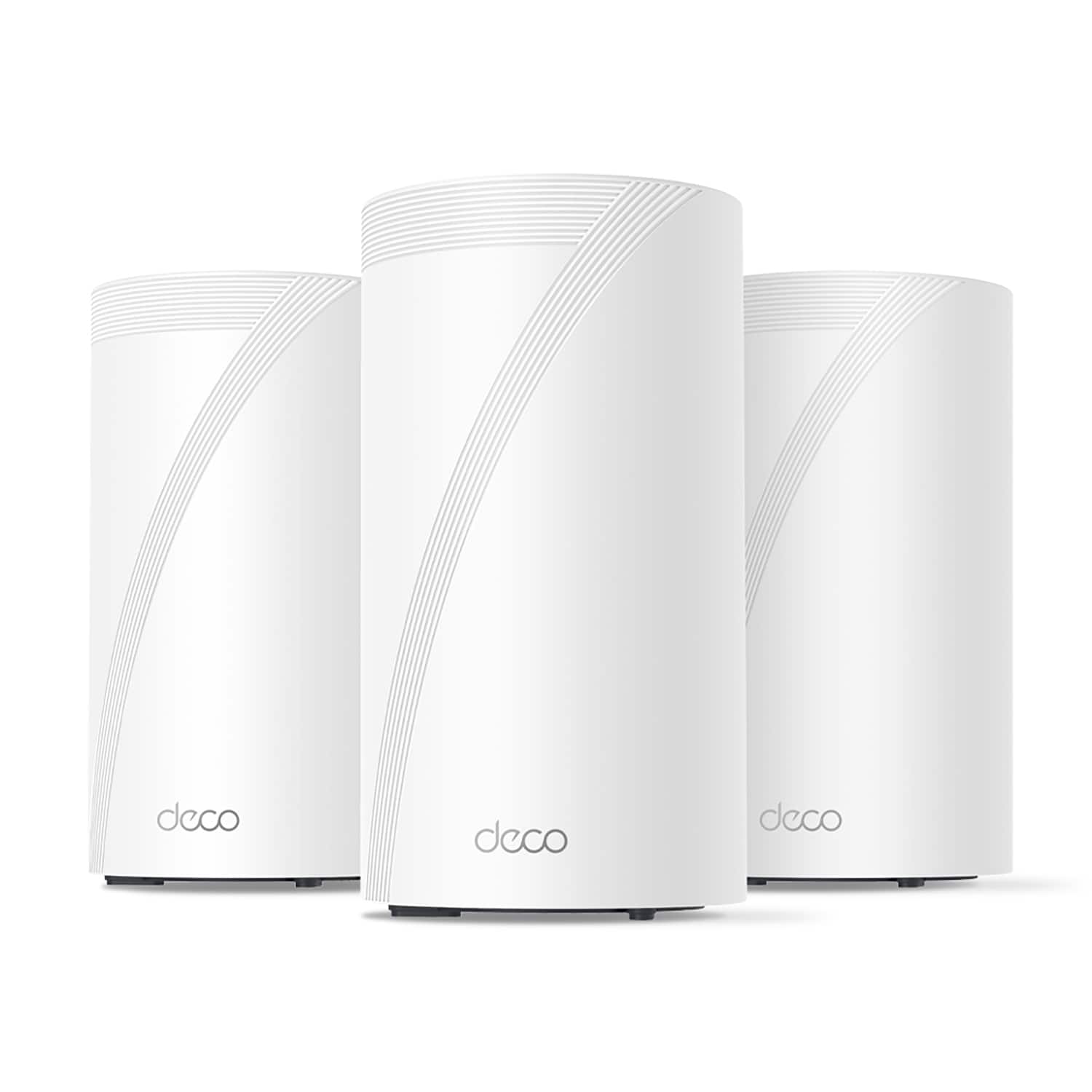
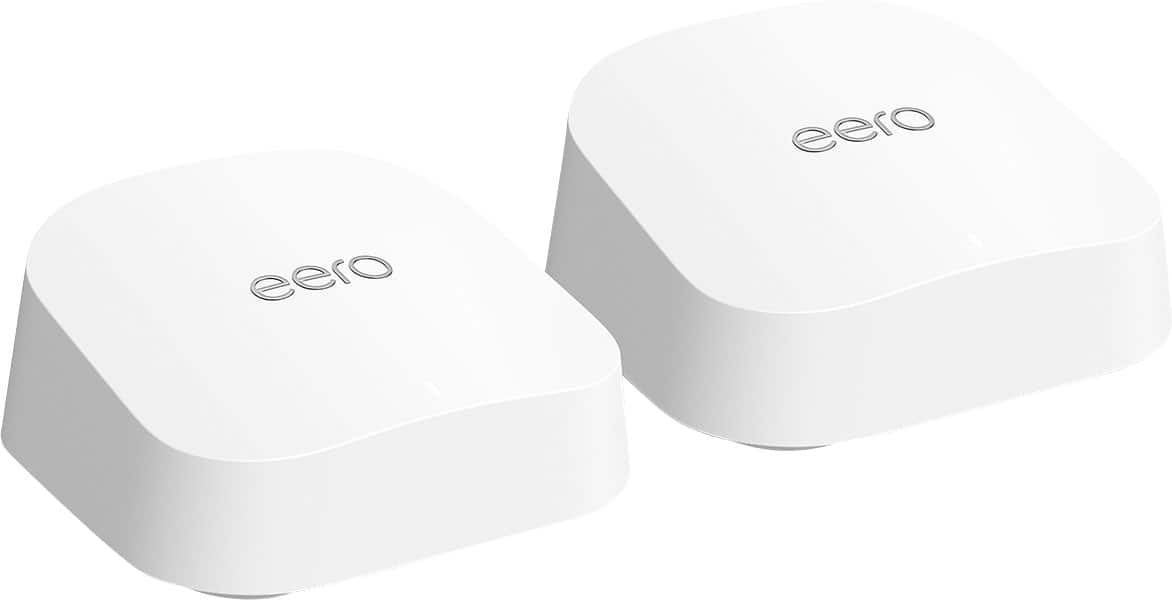
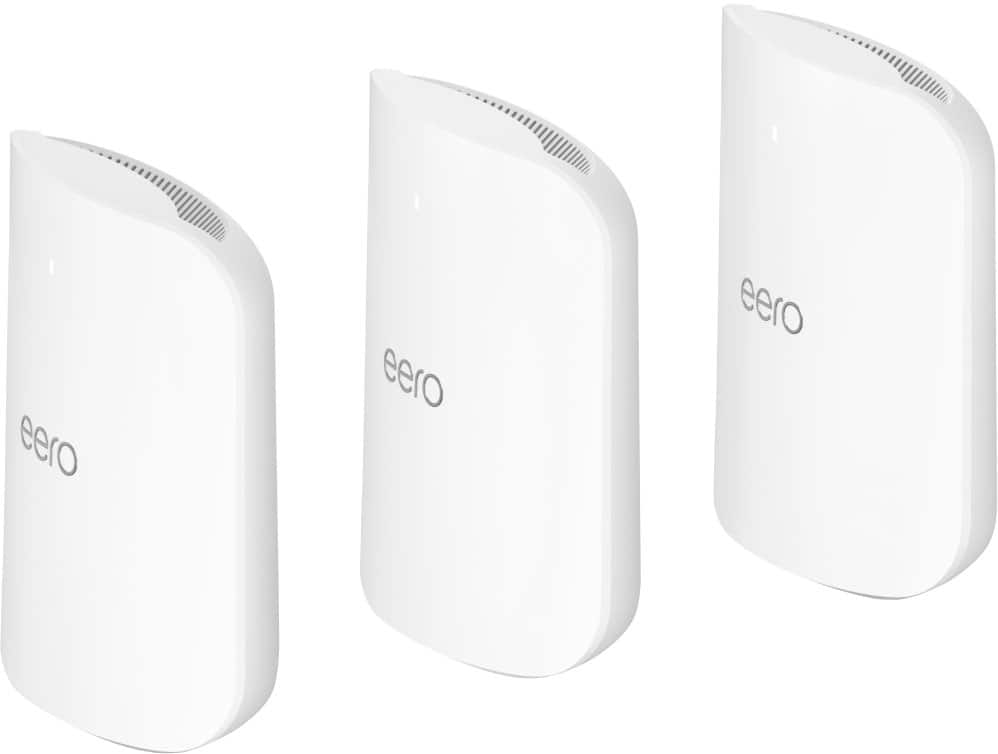
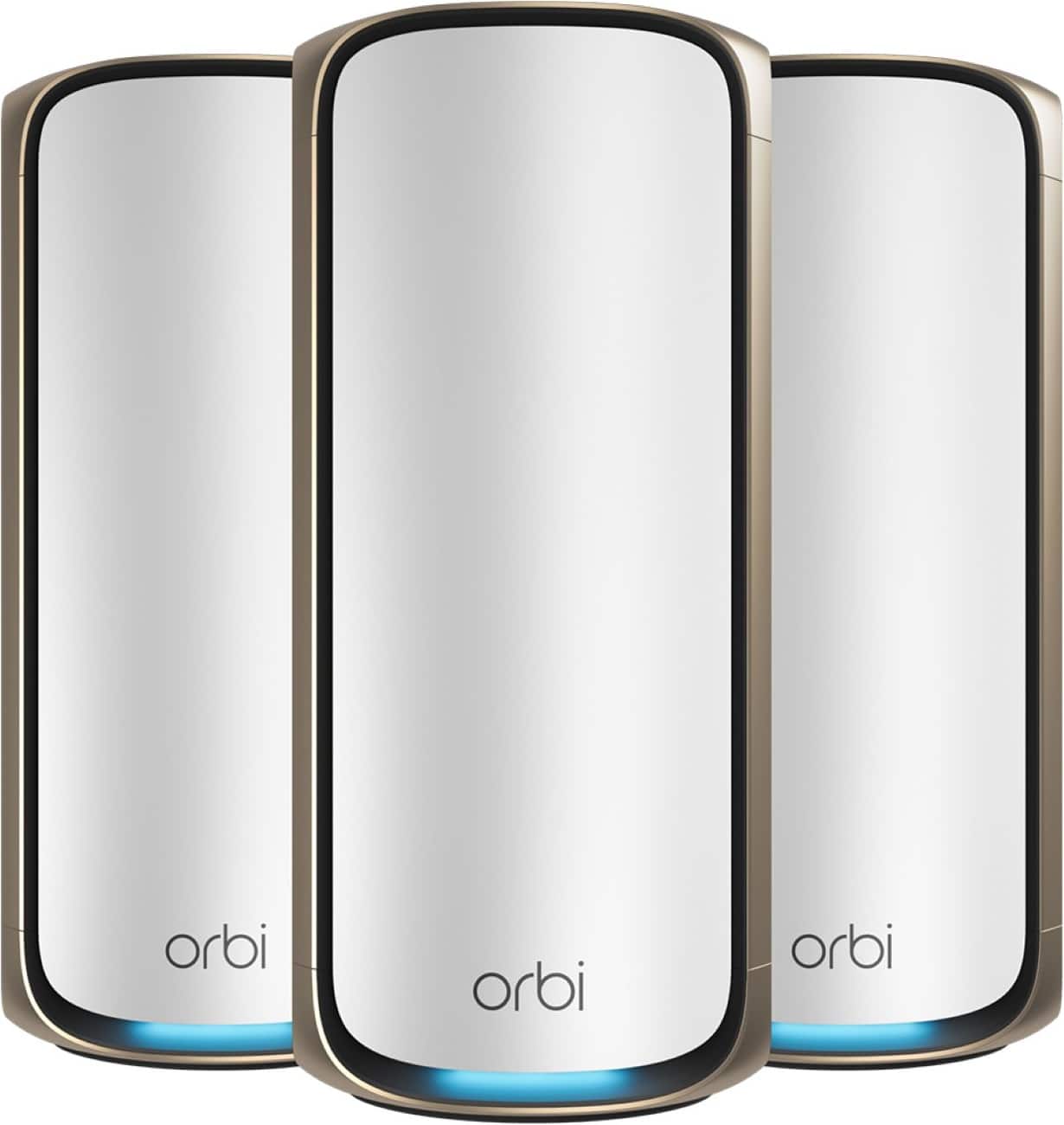
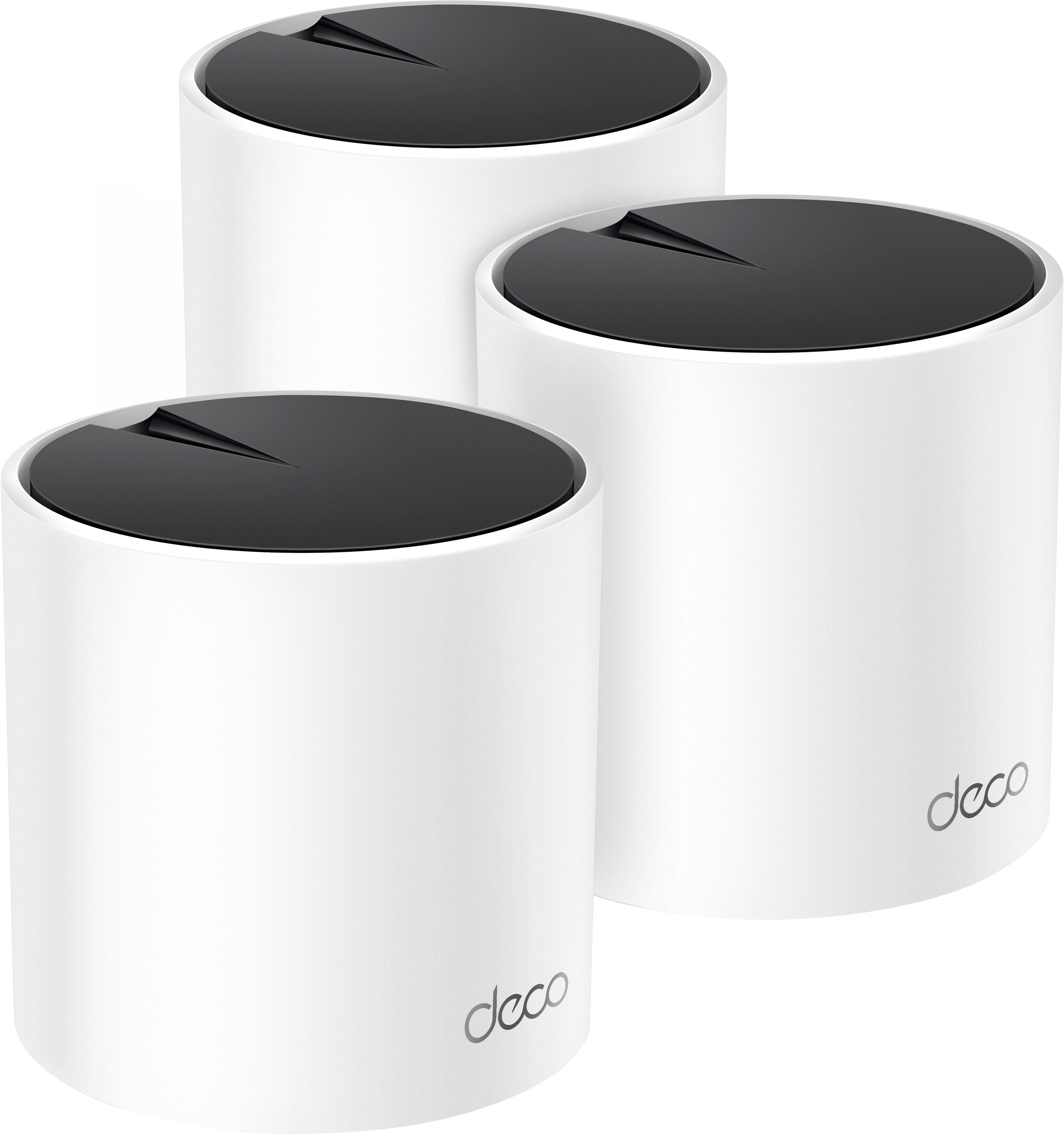
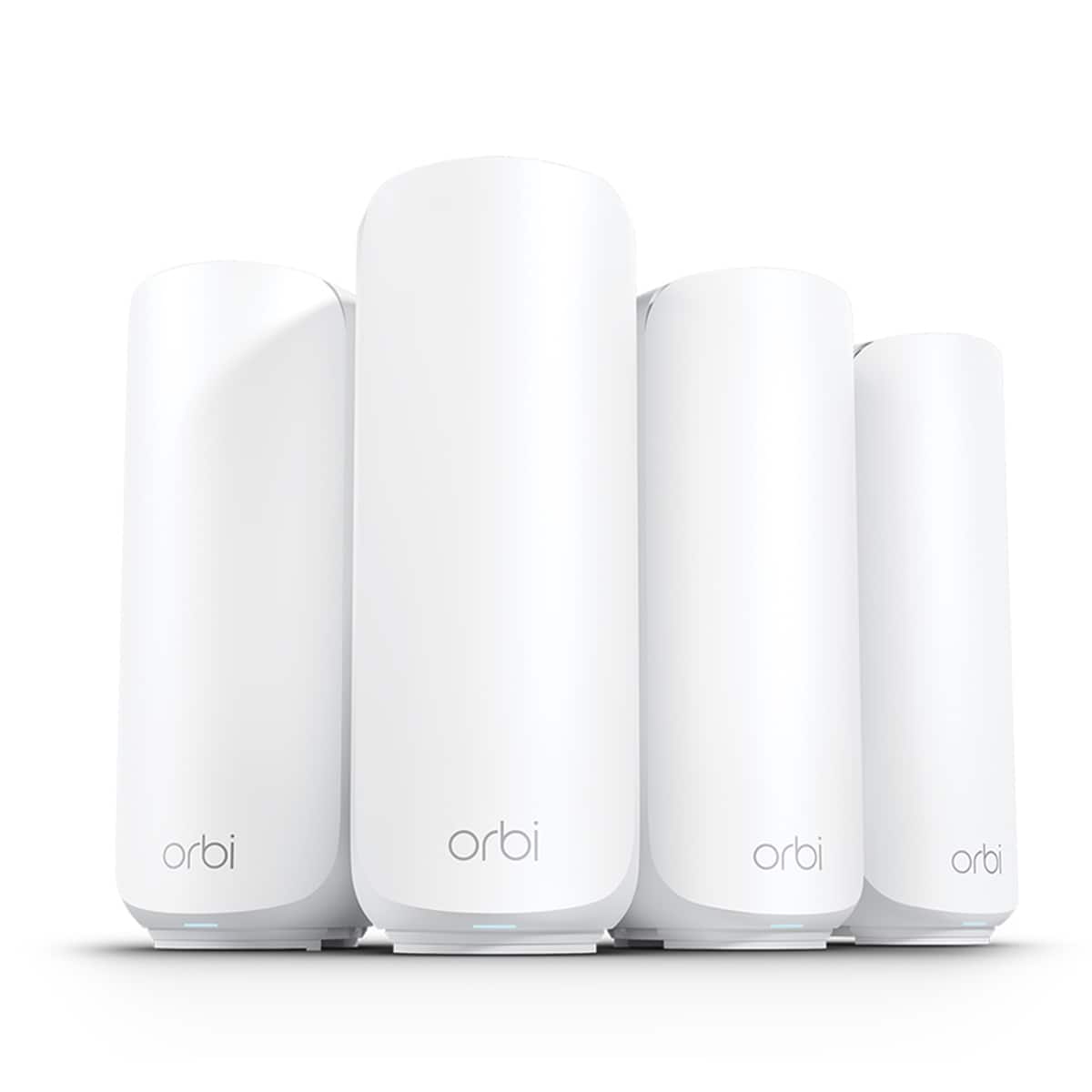
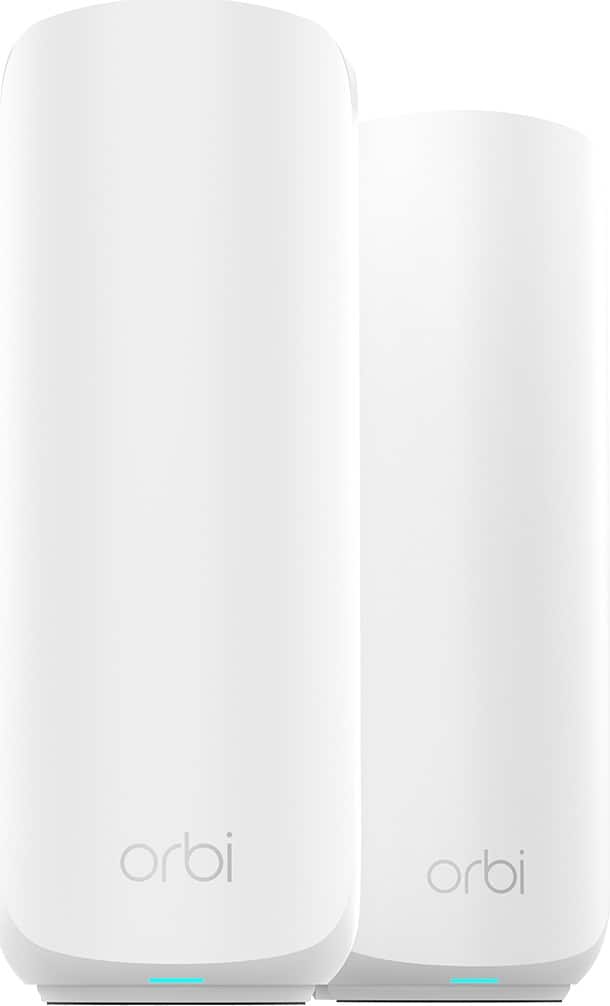
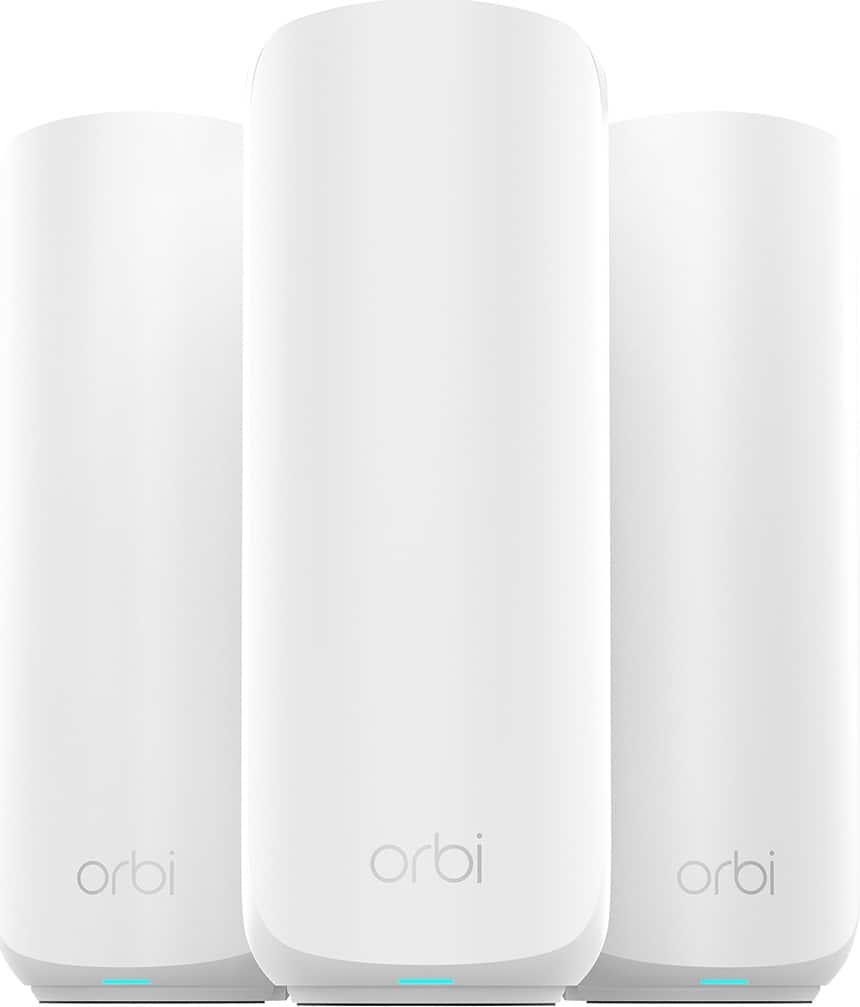
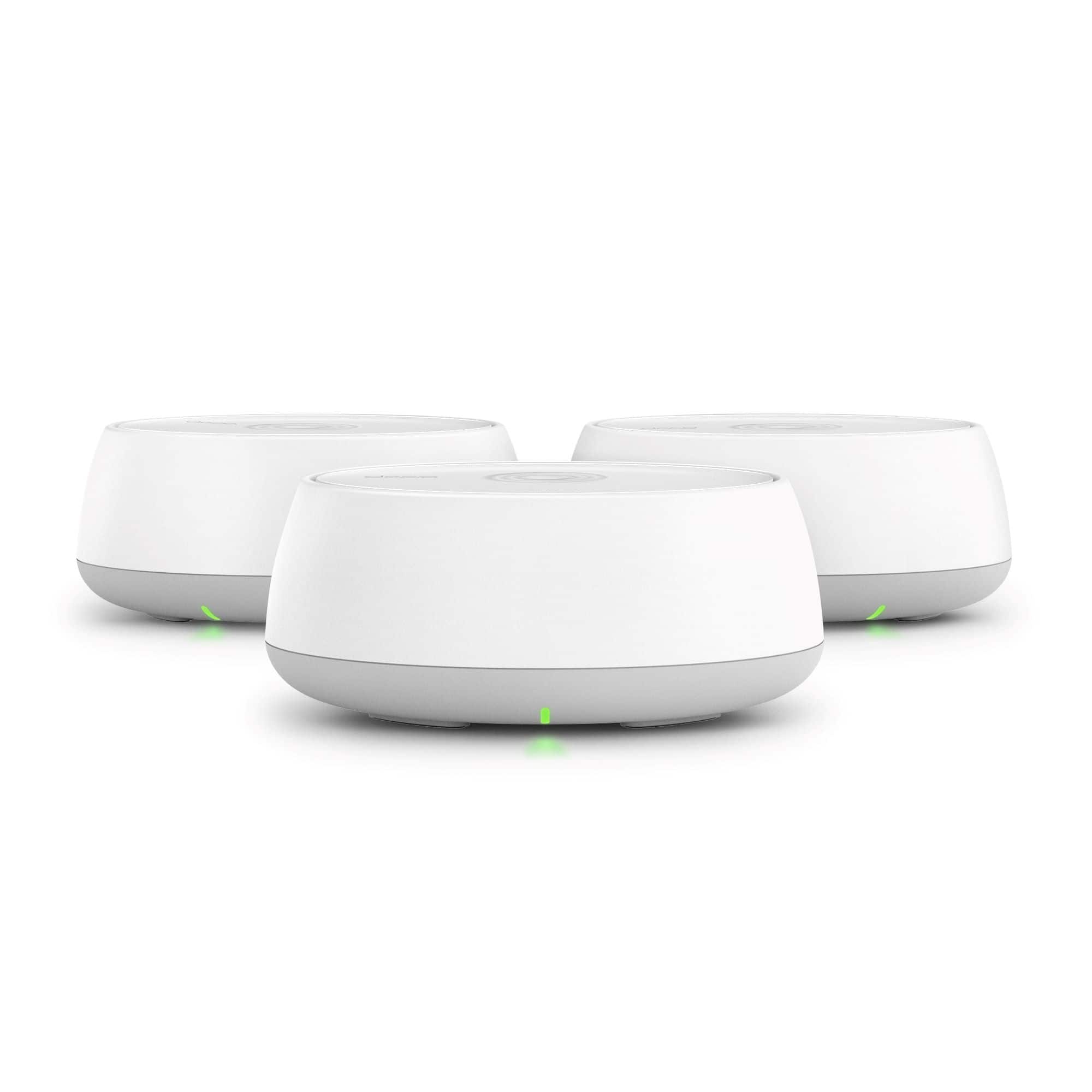
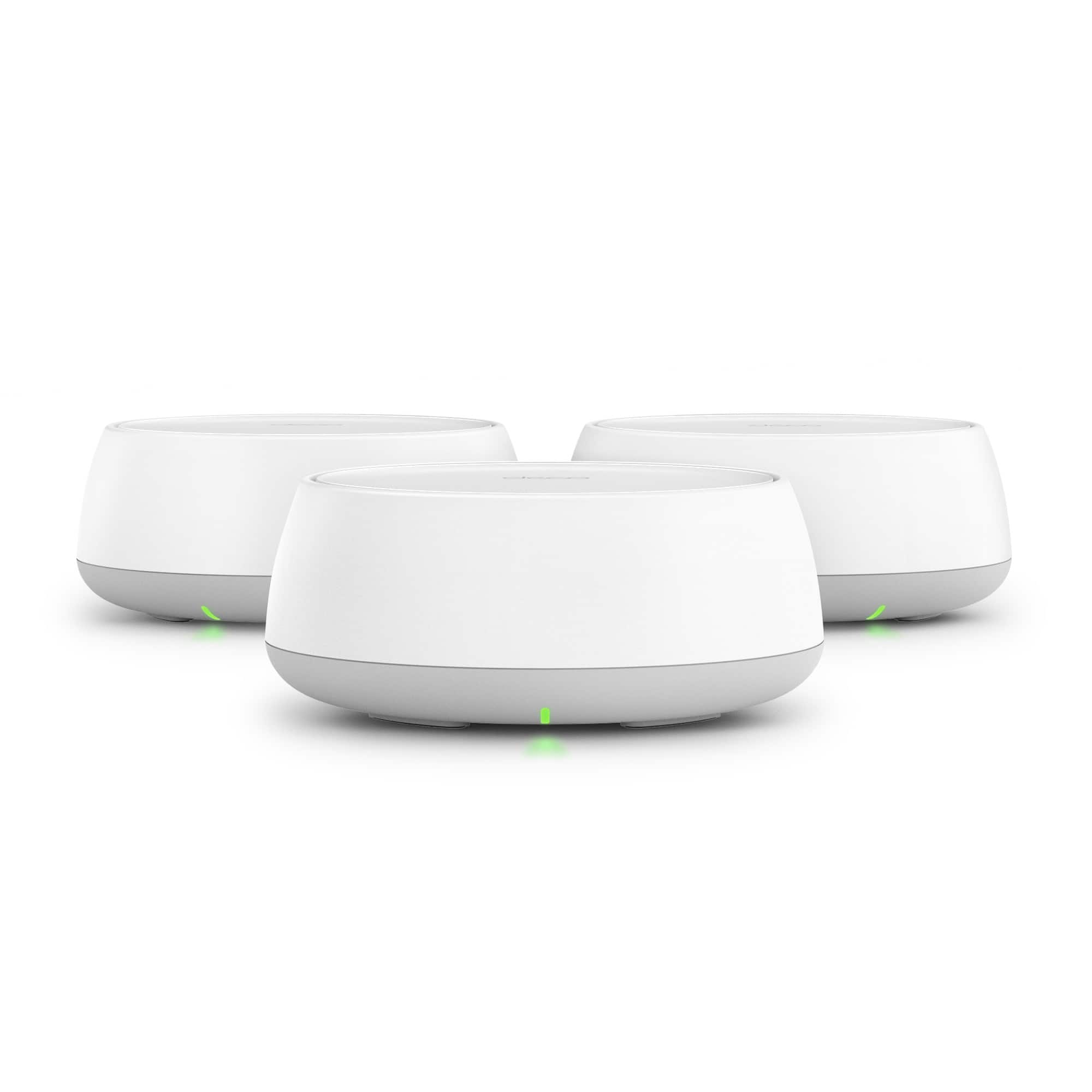
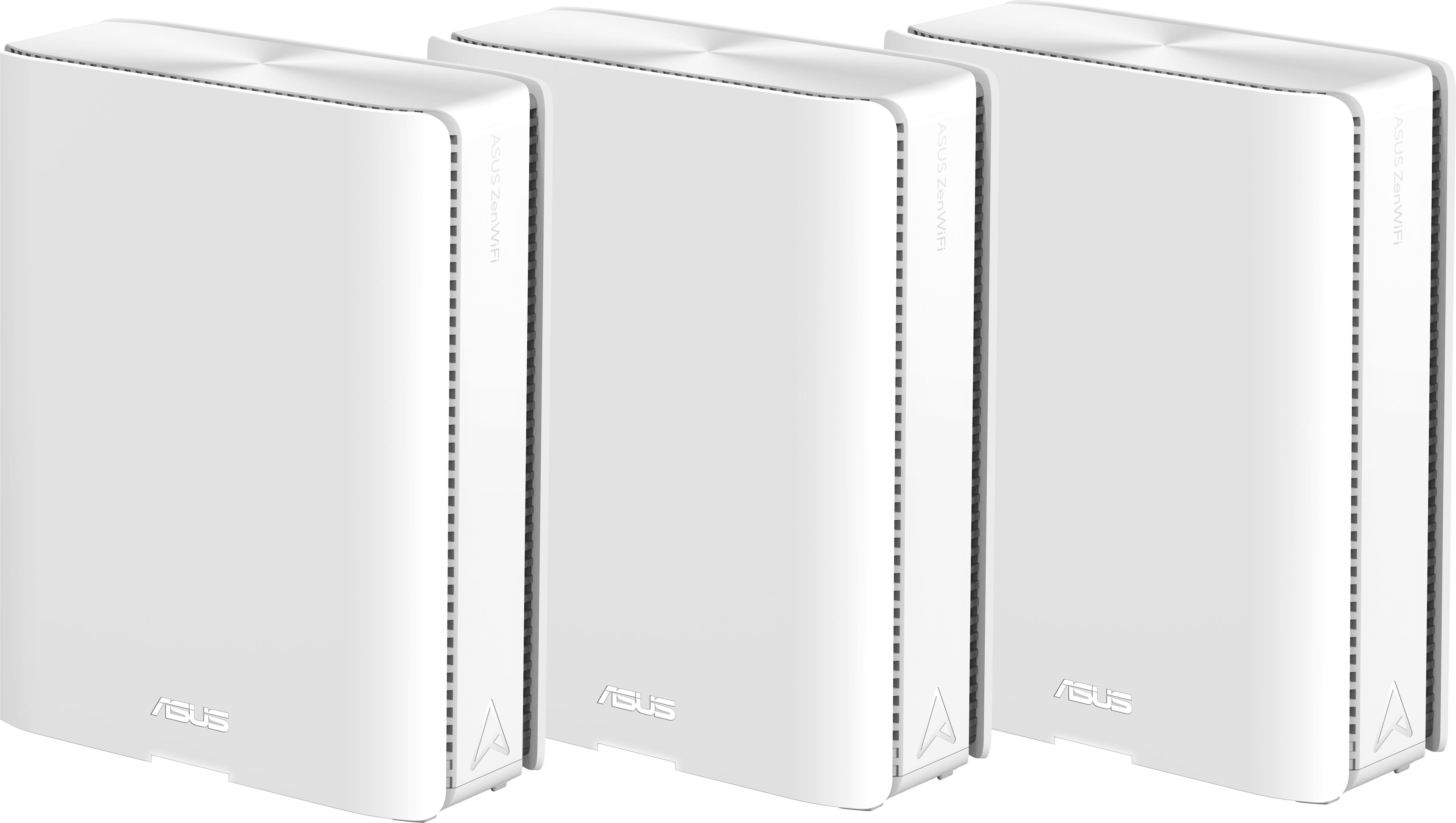
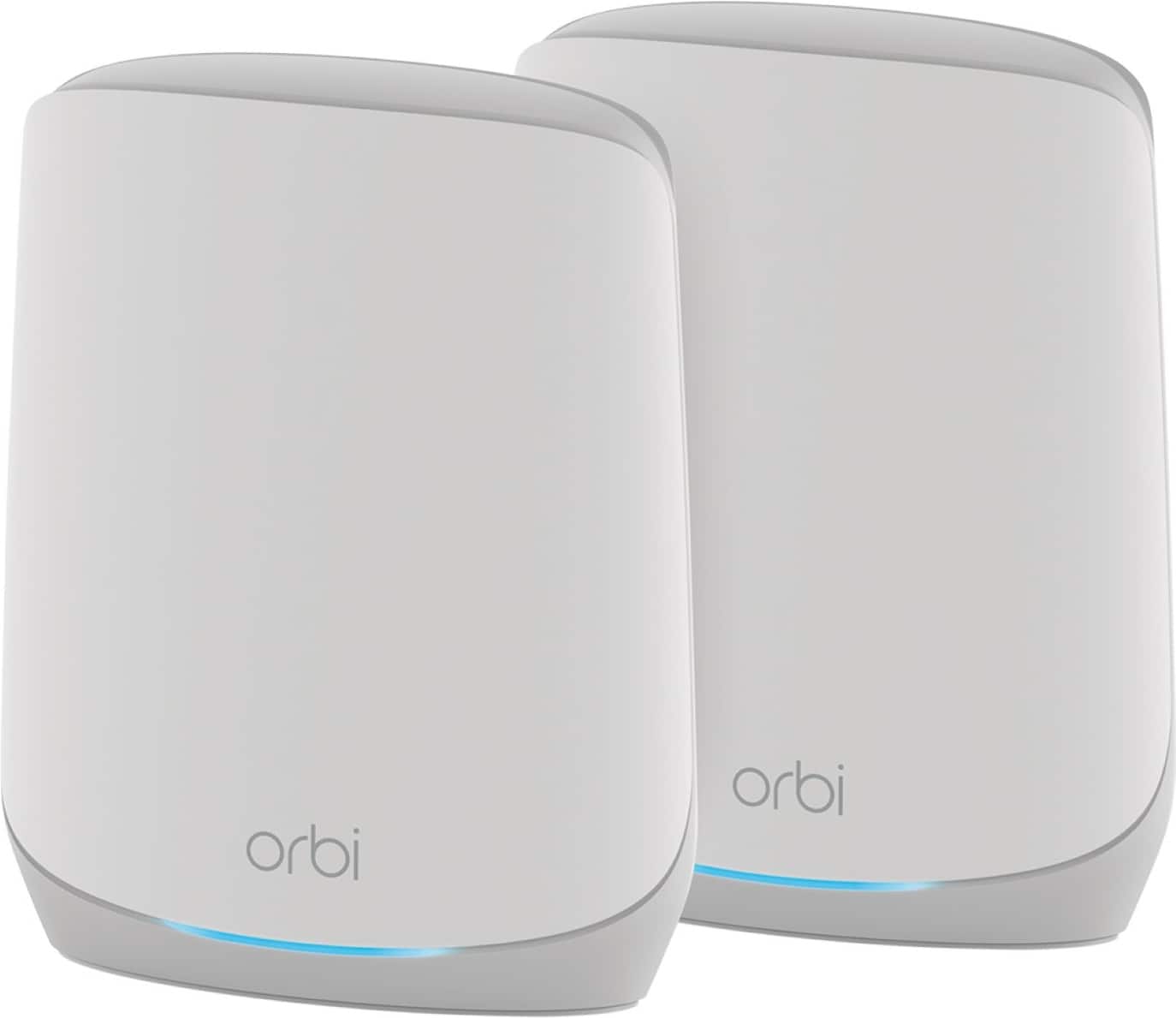
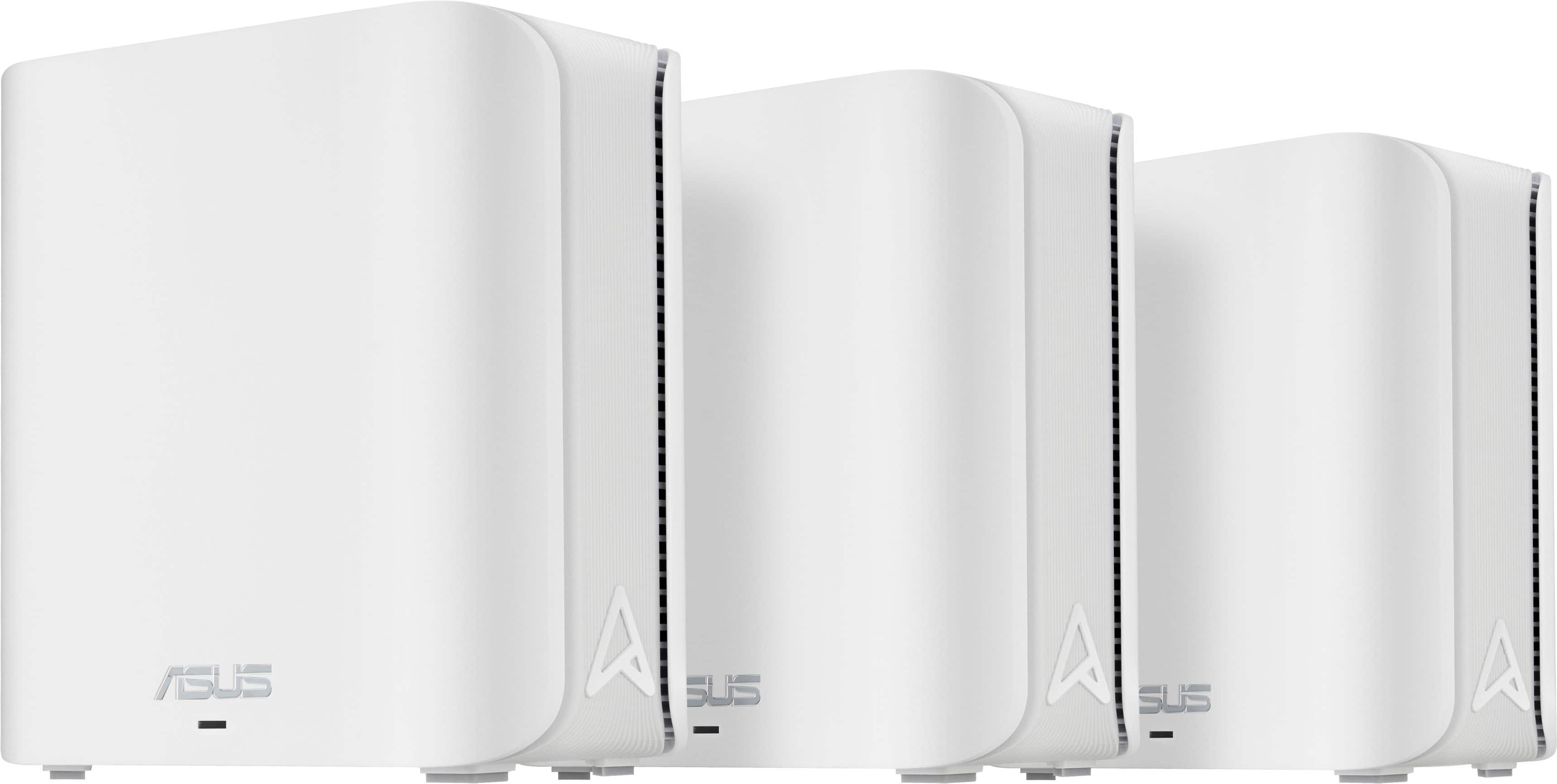
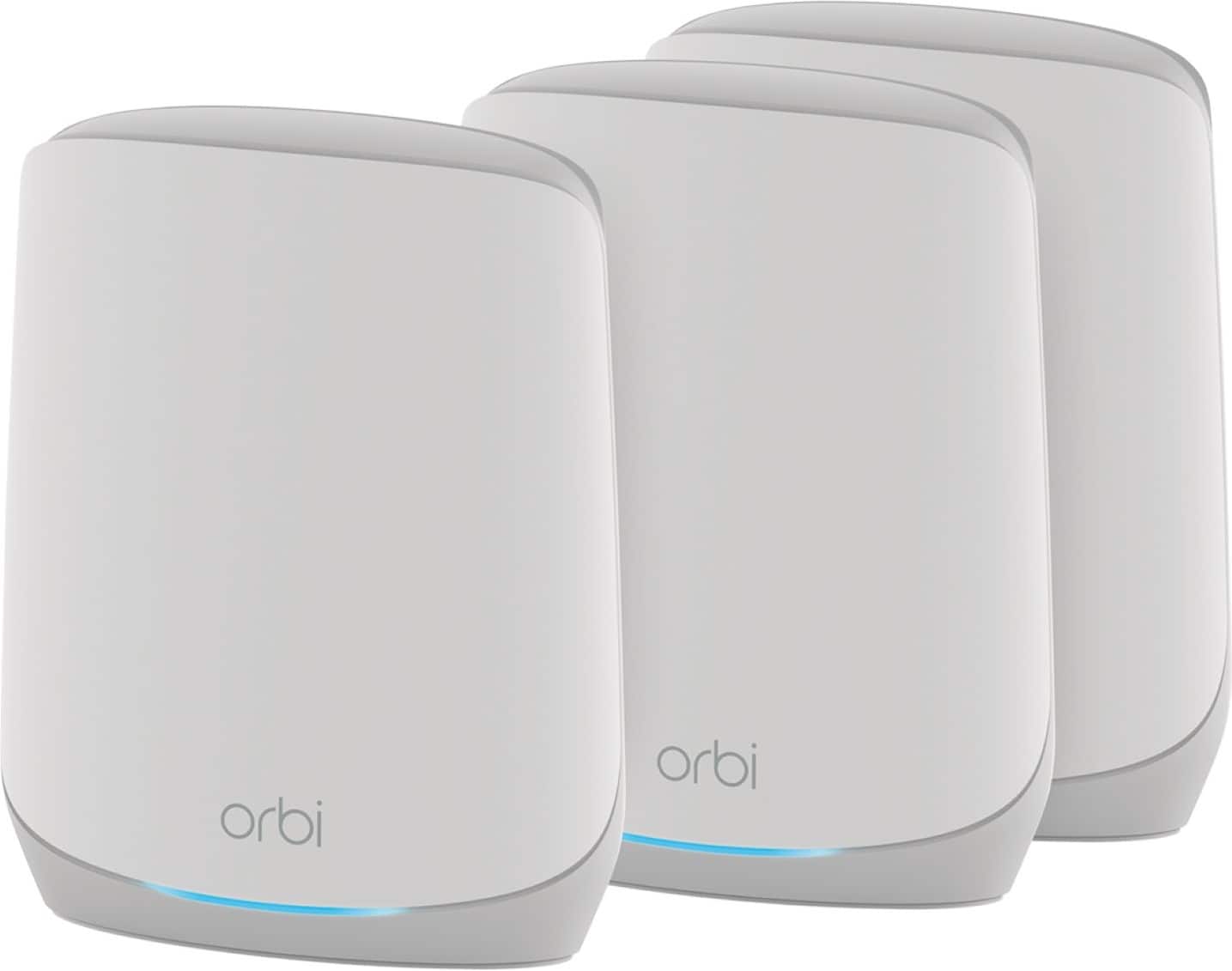
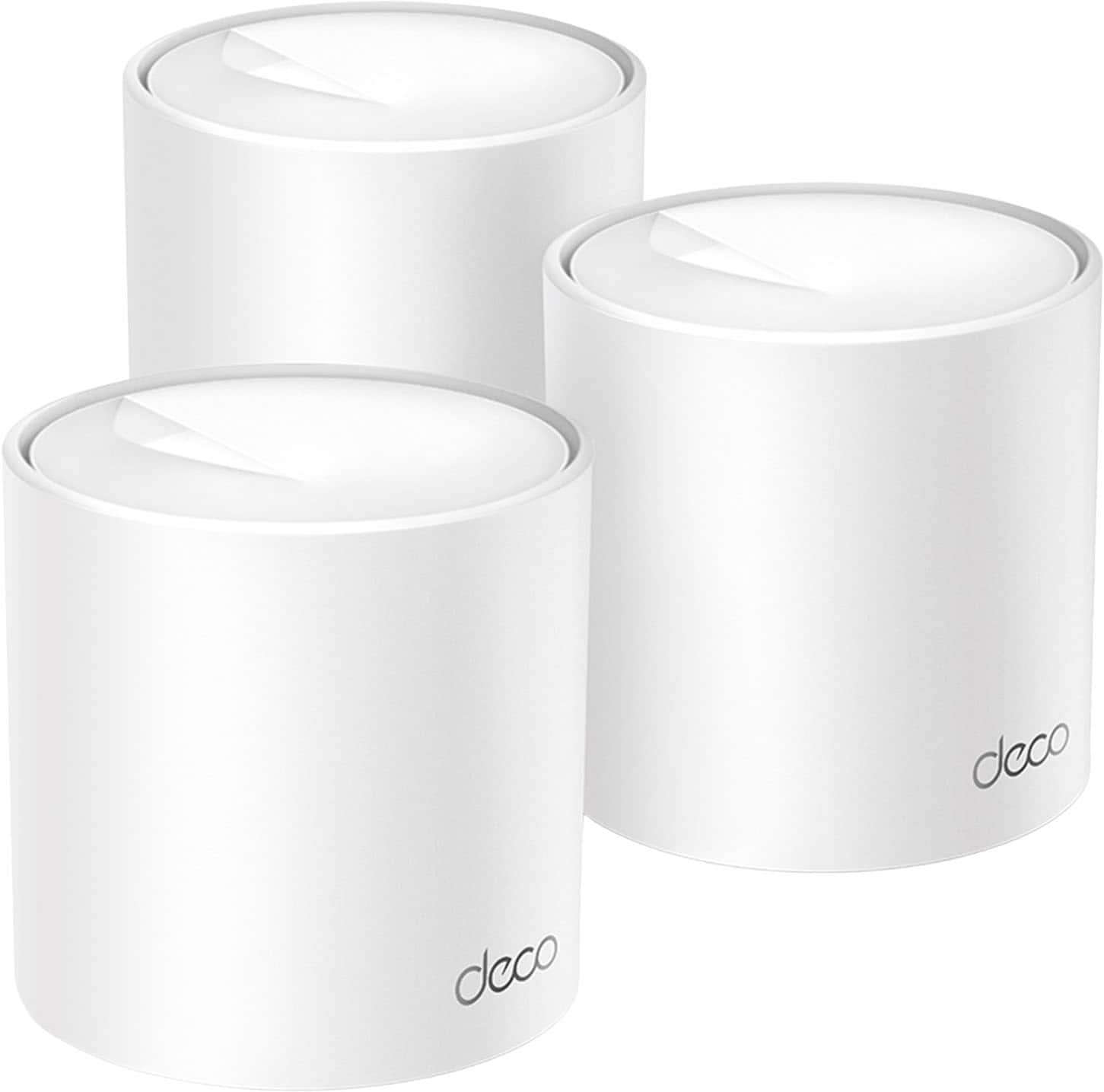
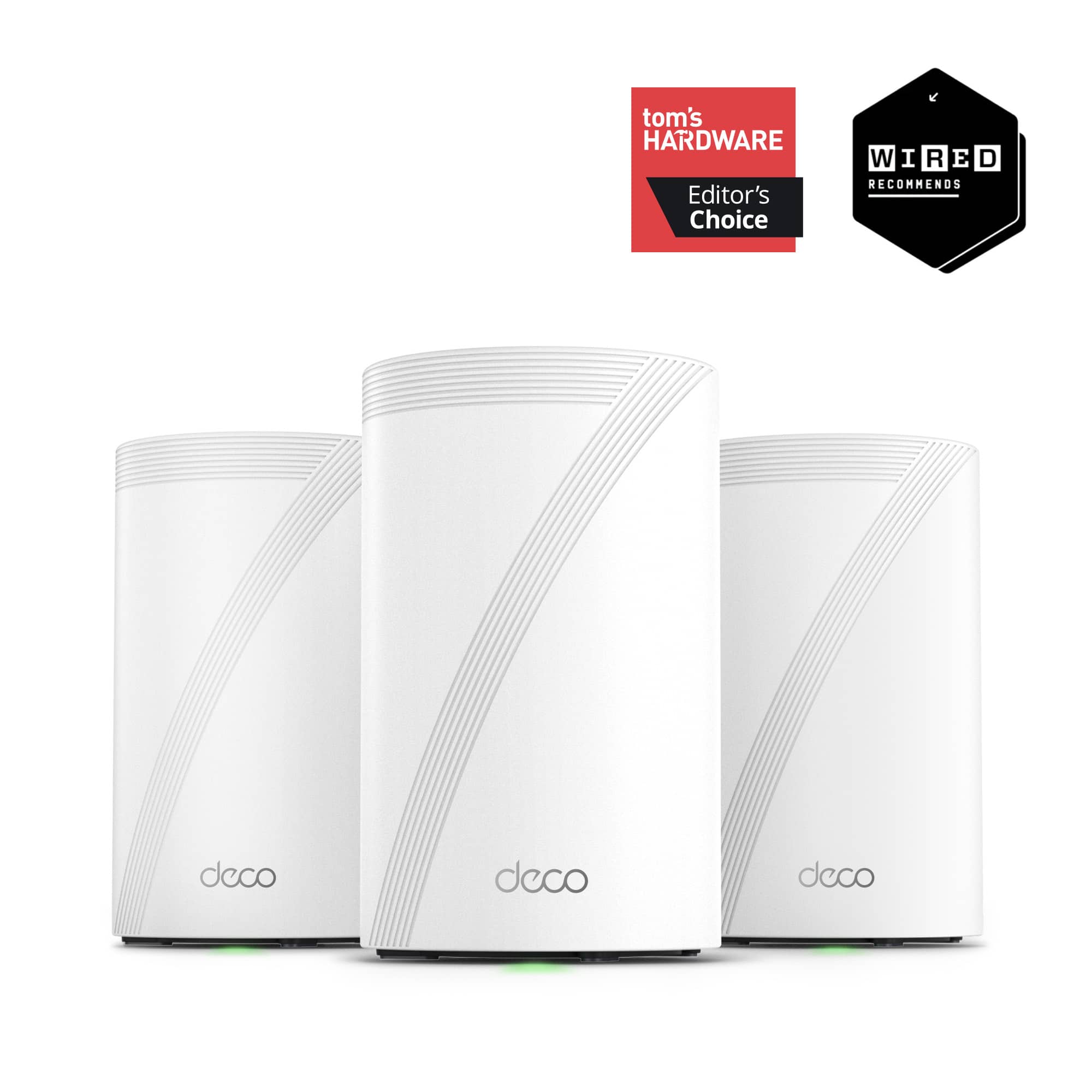

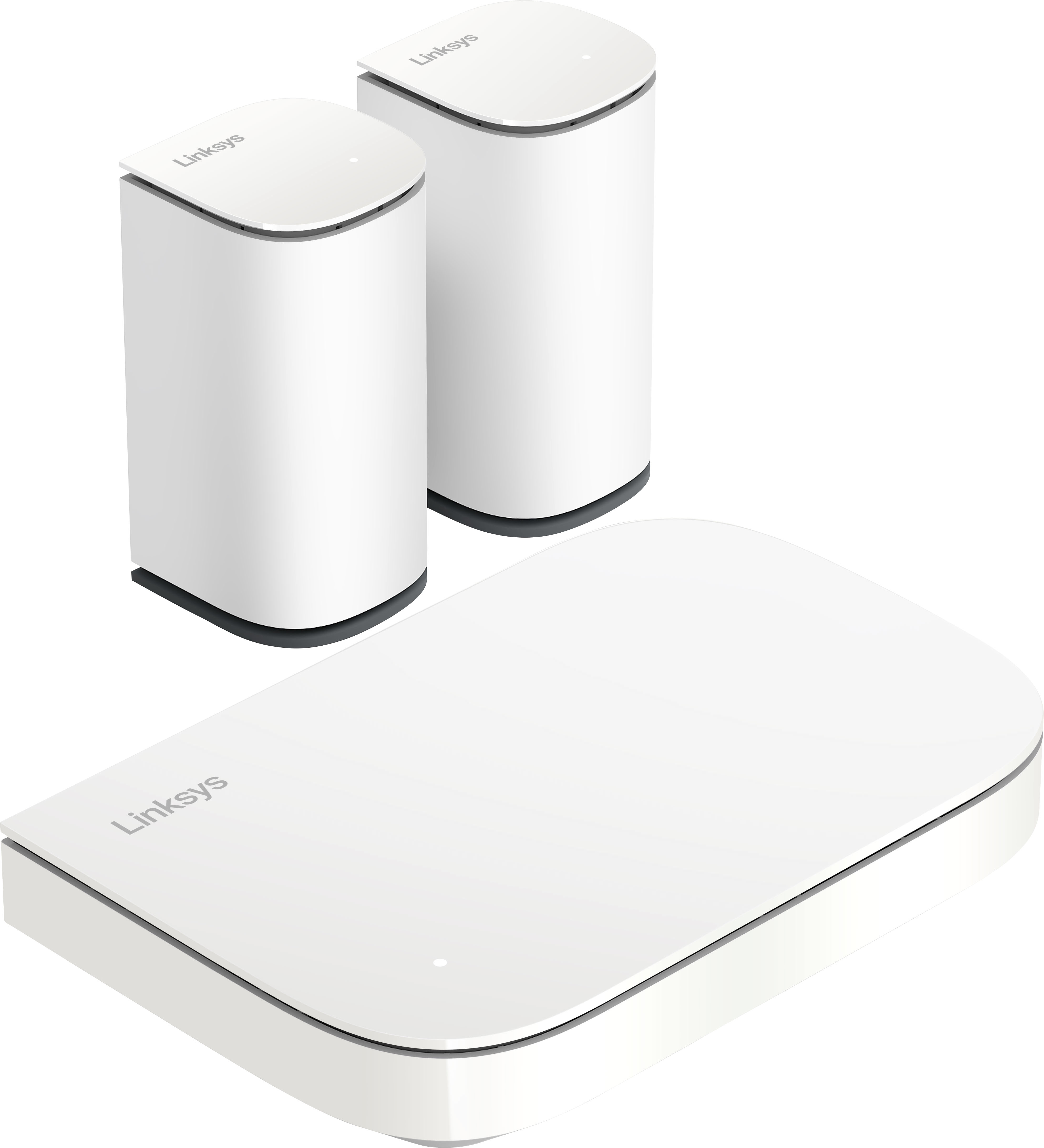
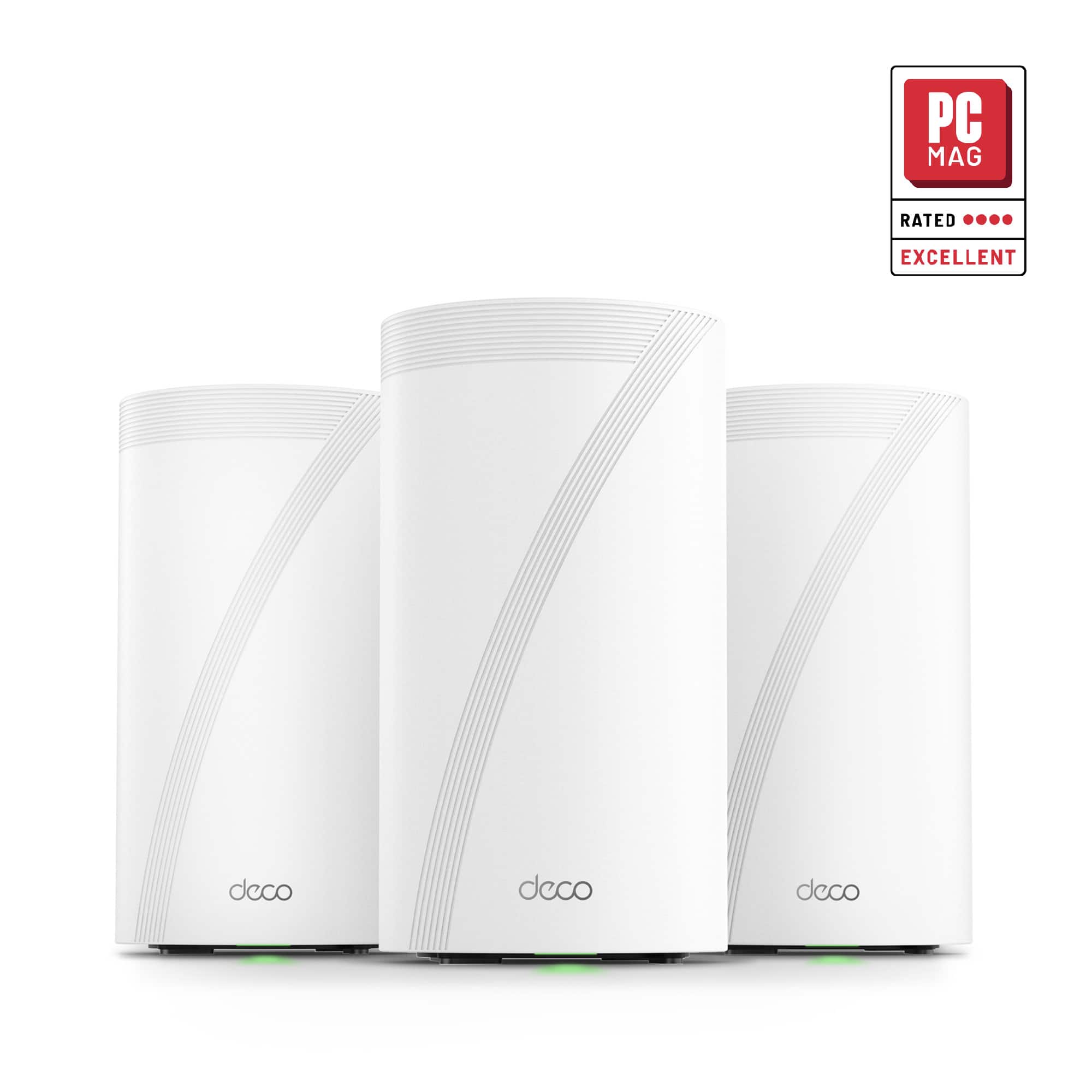
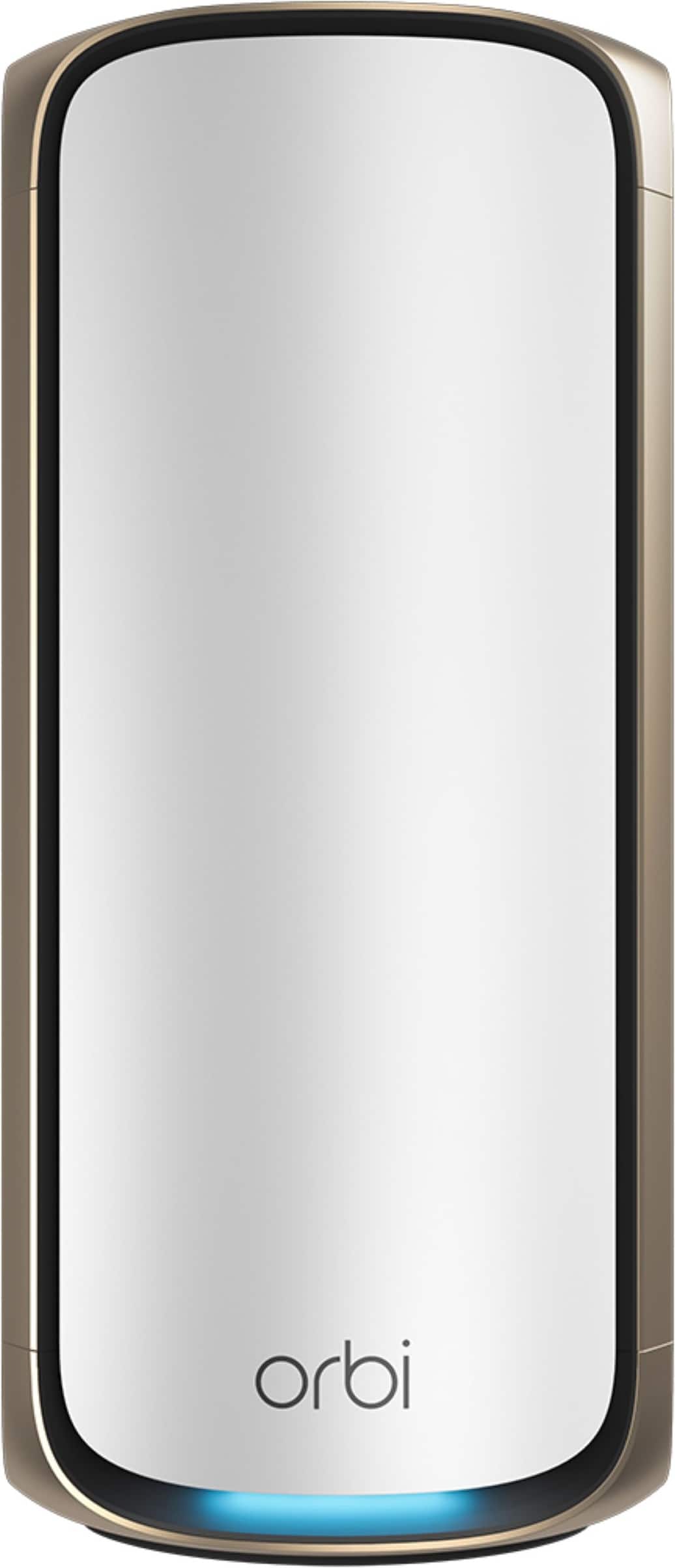
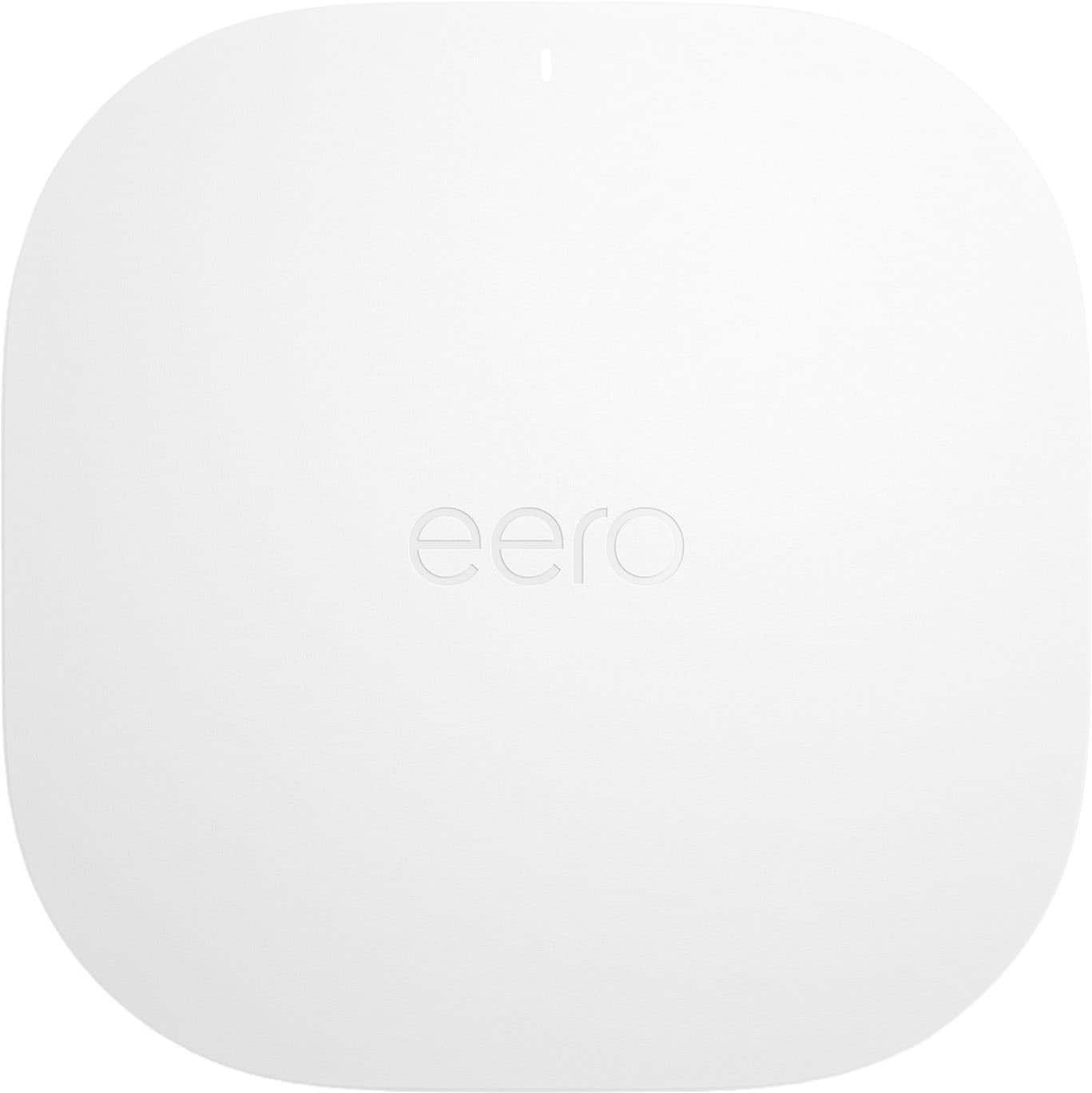
Tri-band and multi-gig Wi‑Fi 7 mesh for busy homes
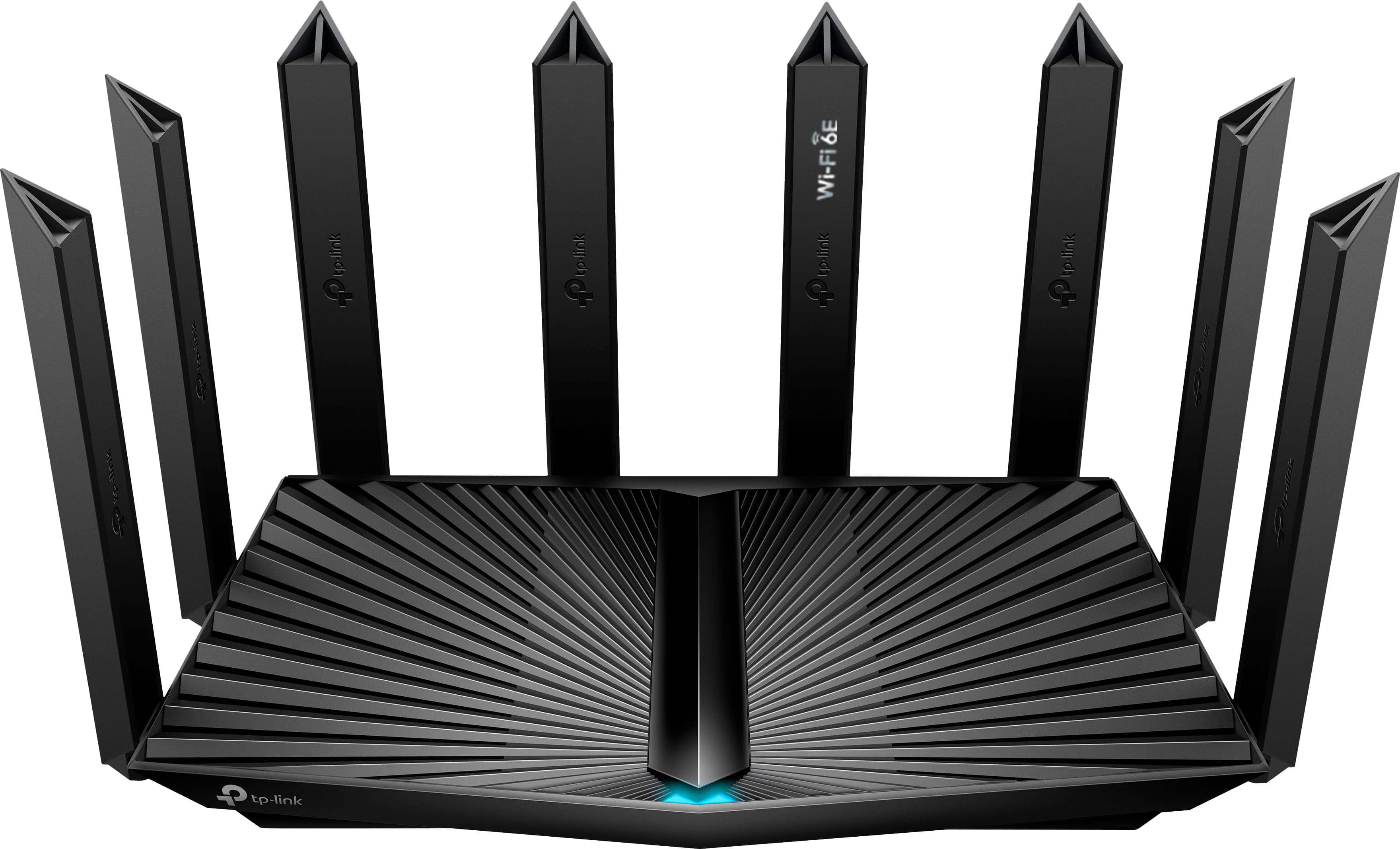
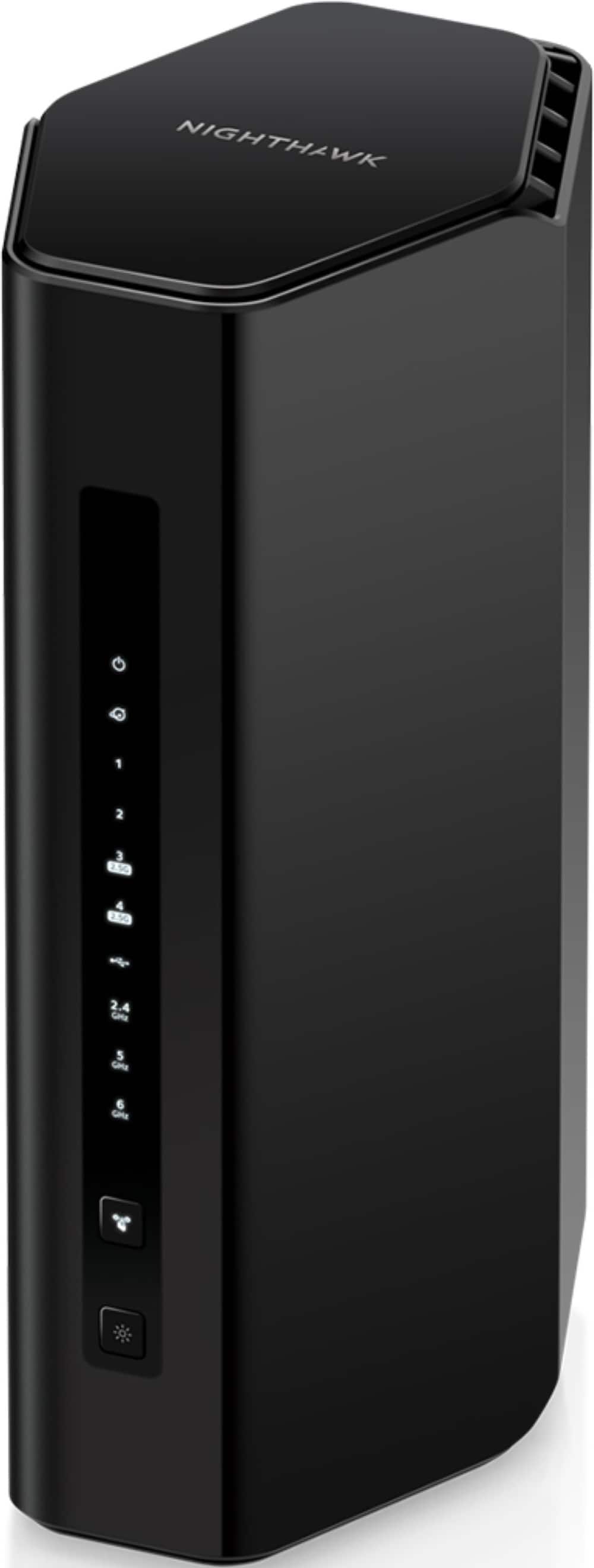
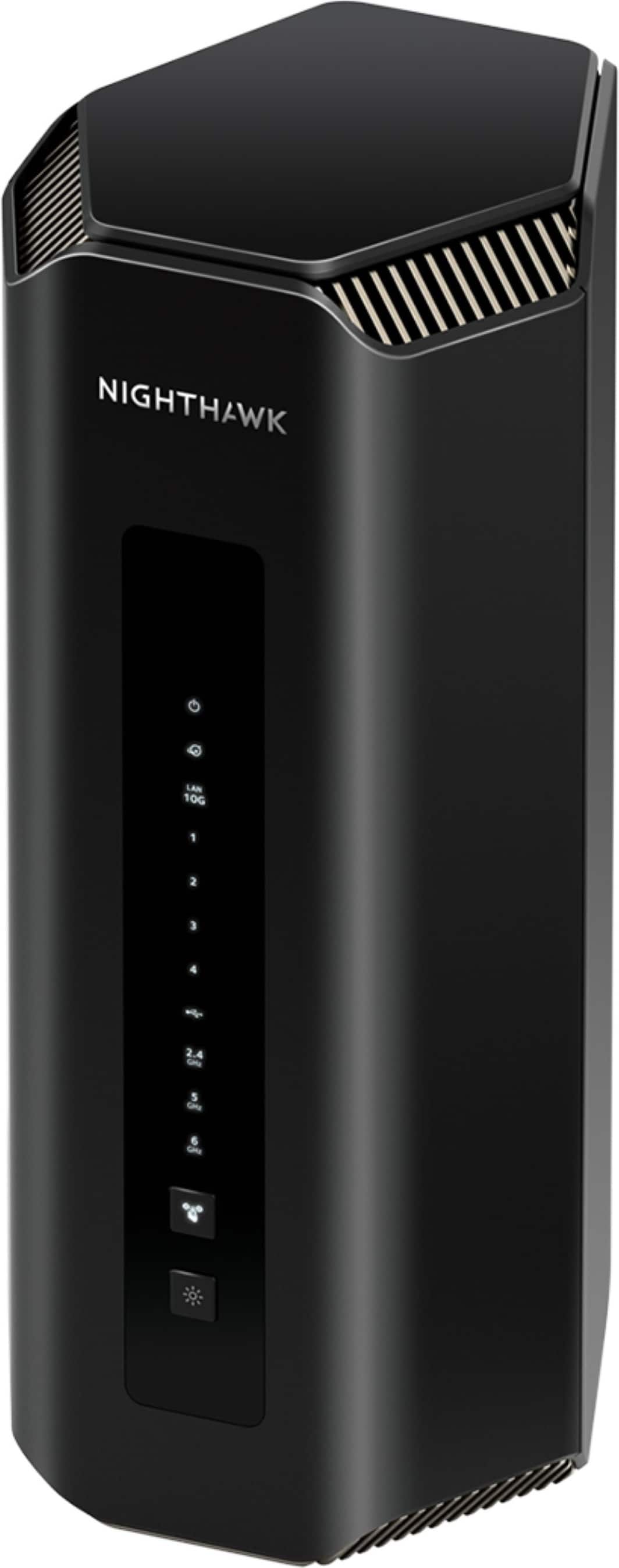
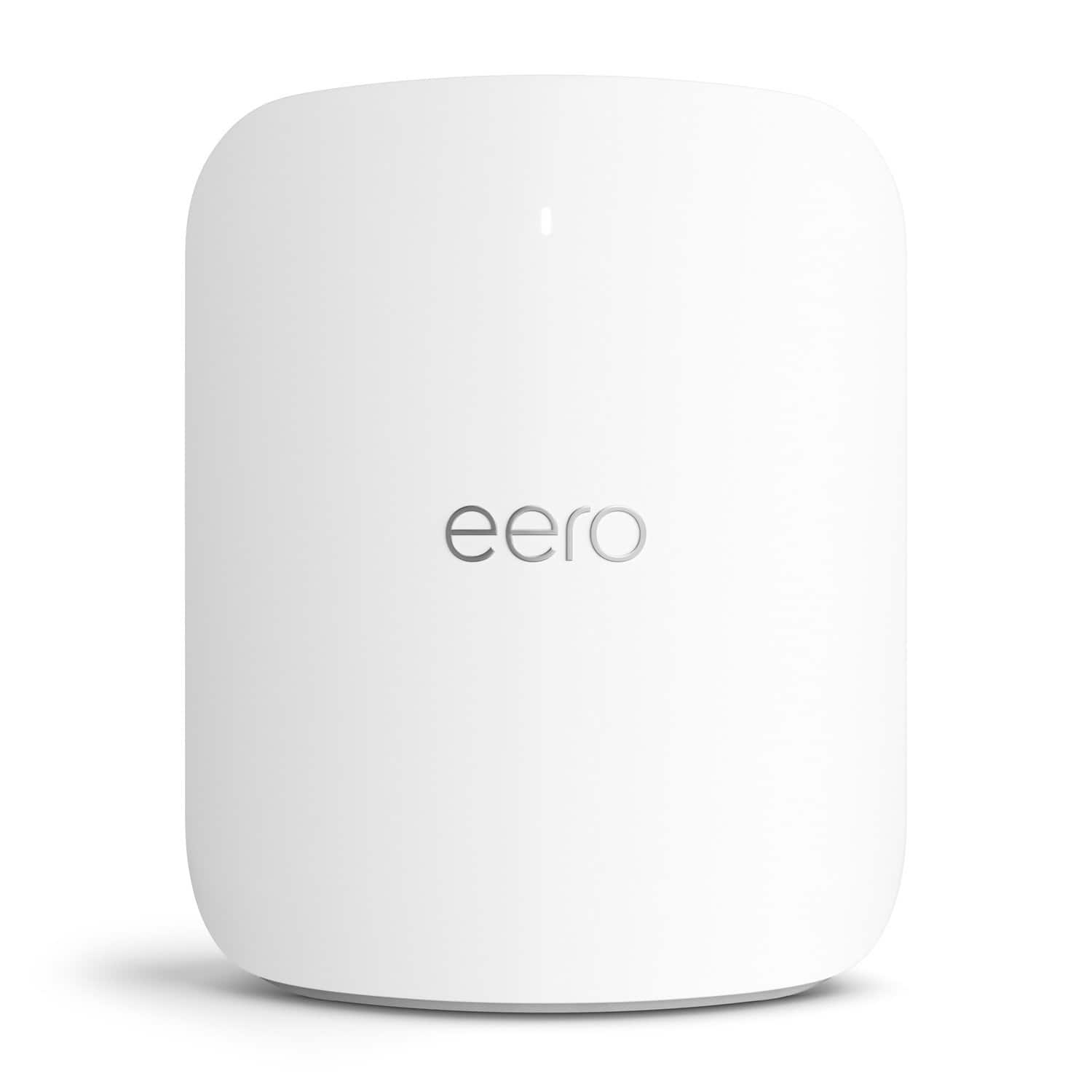
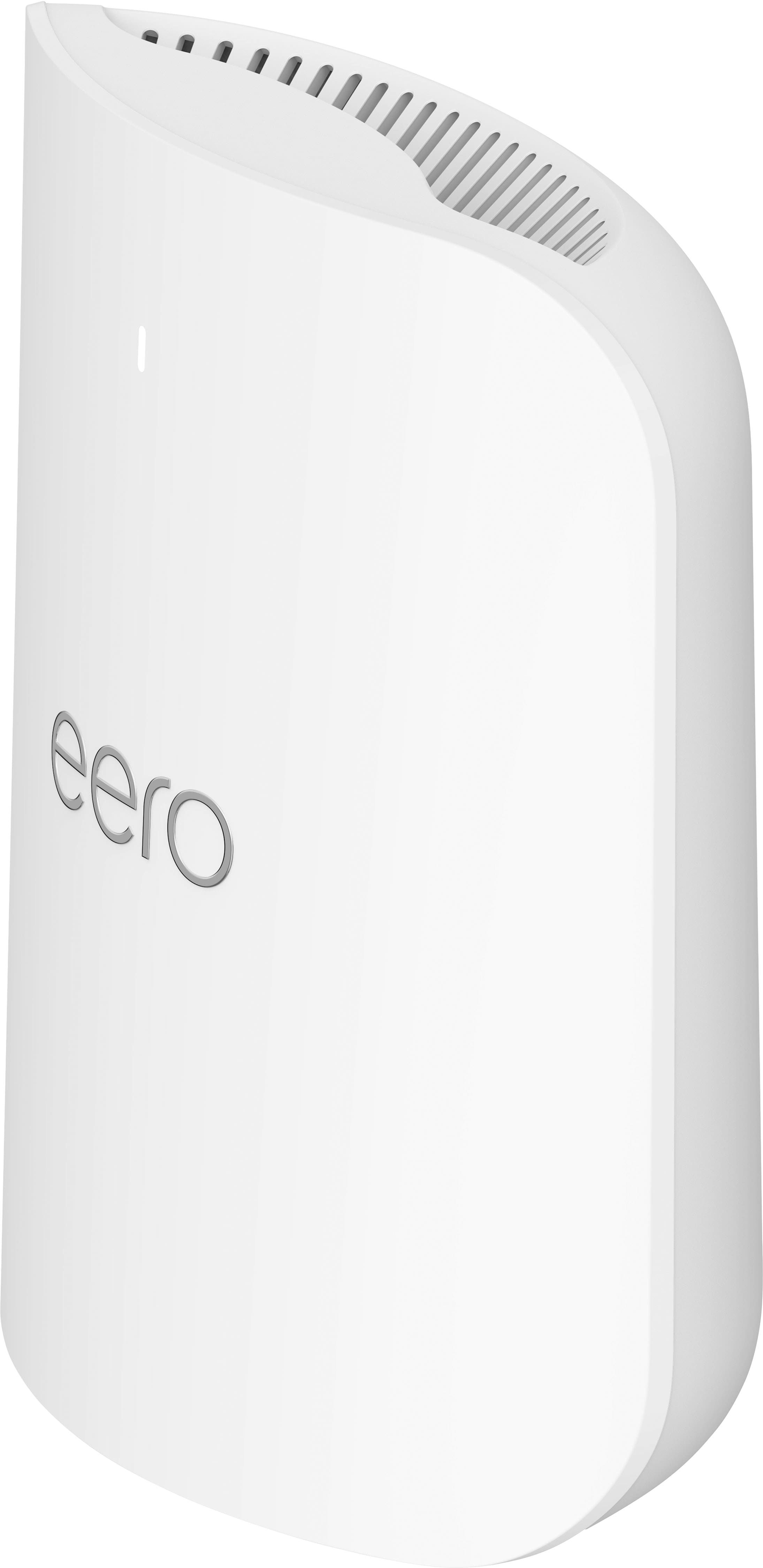
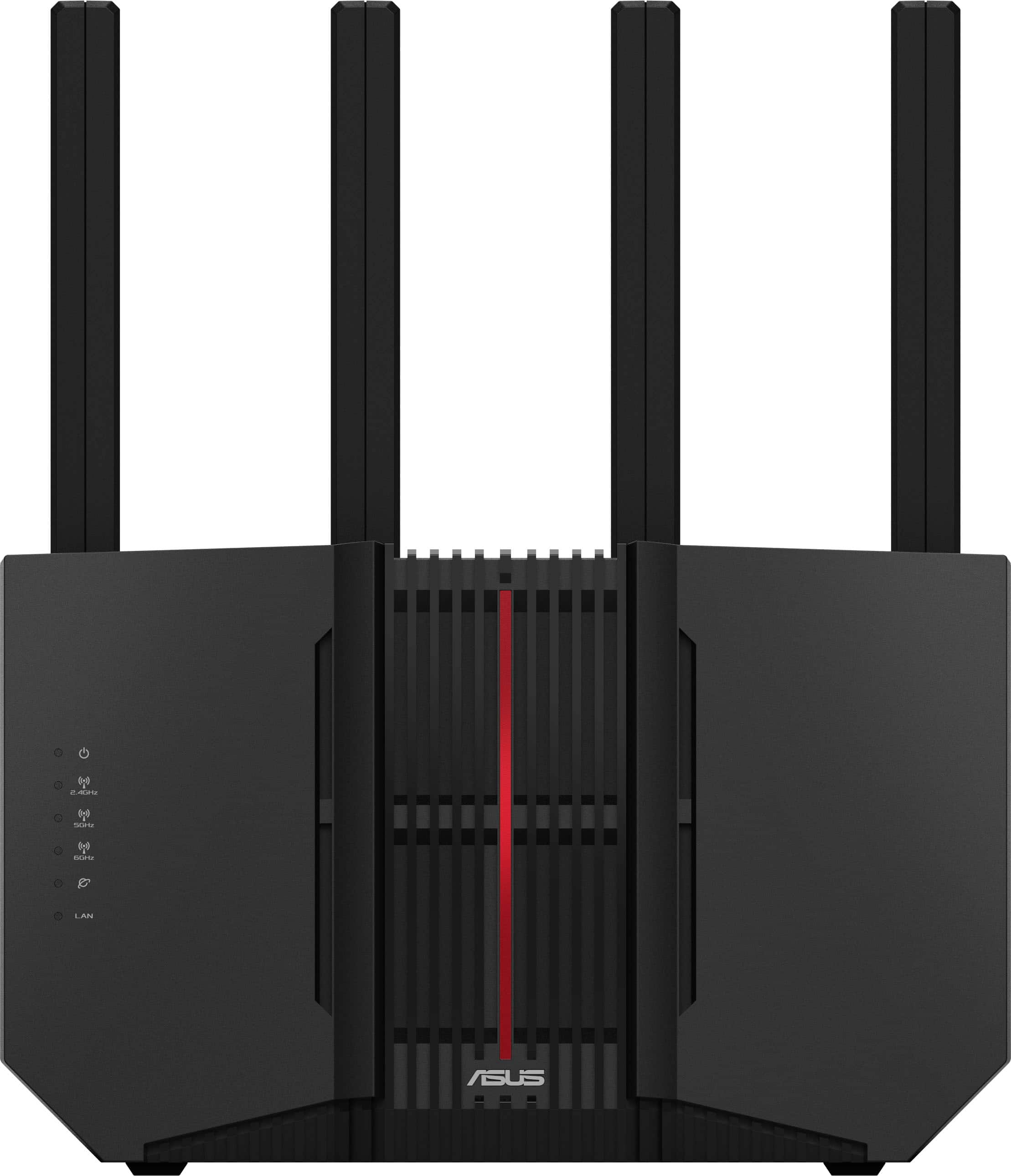
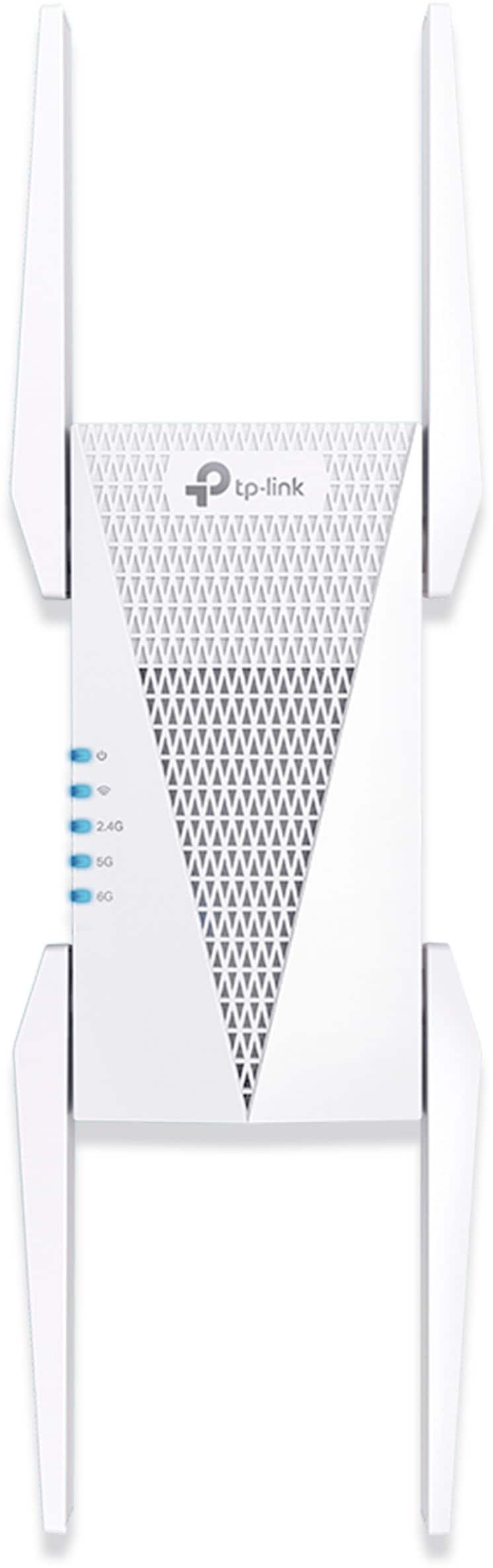
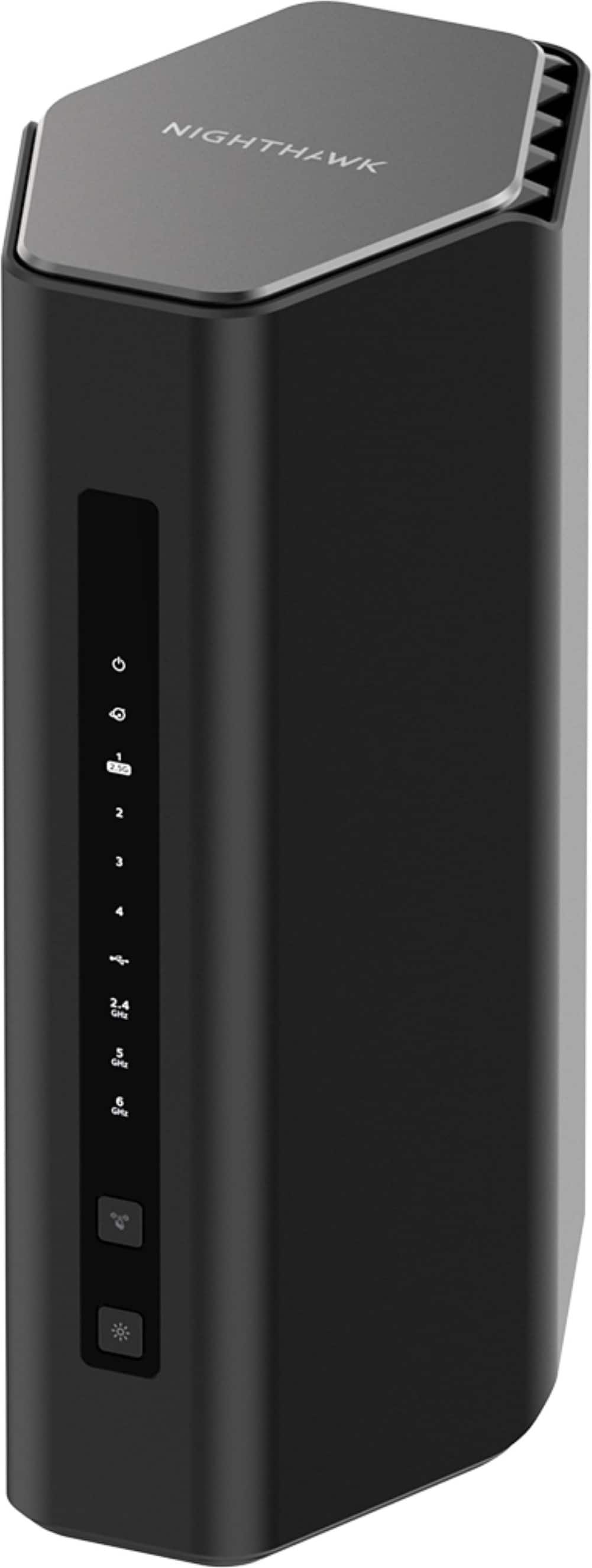

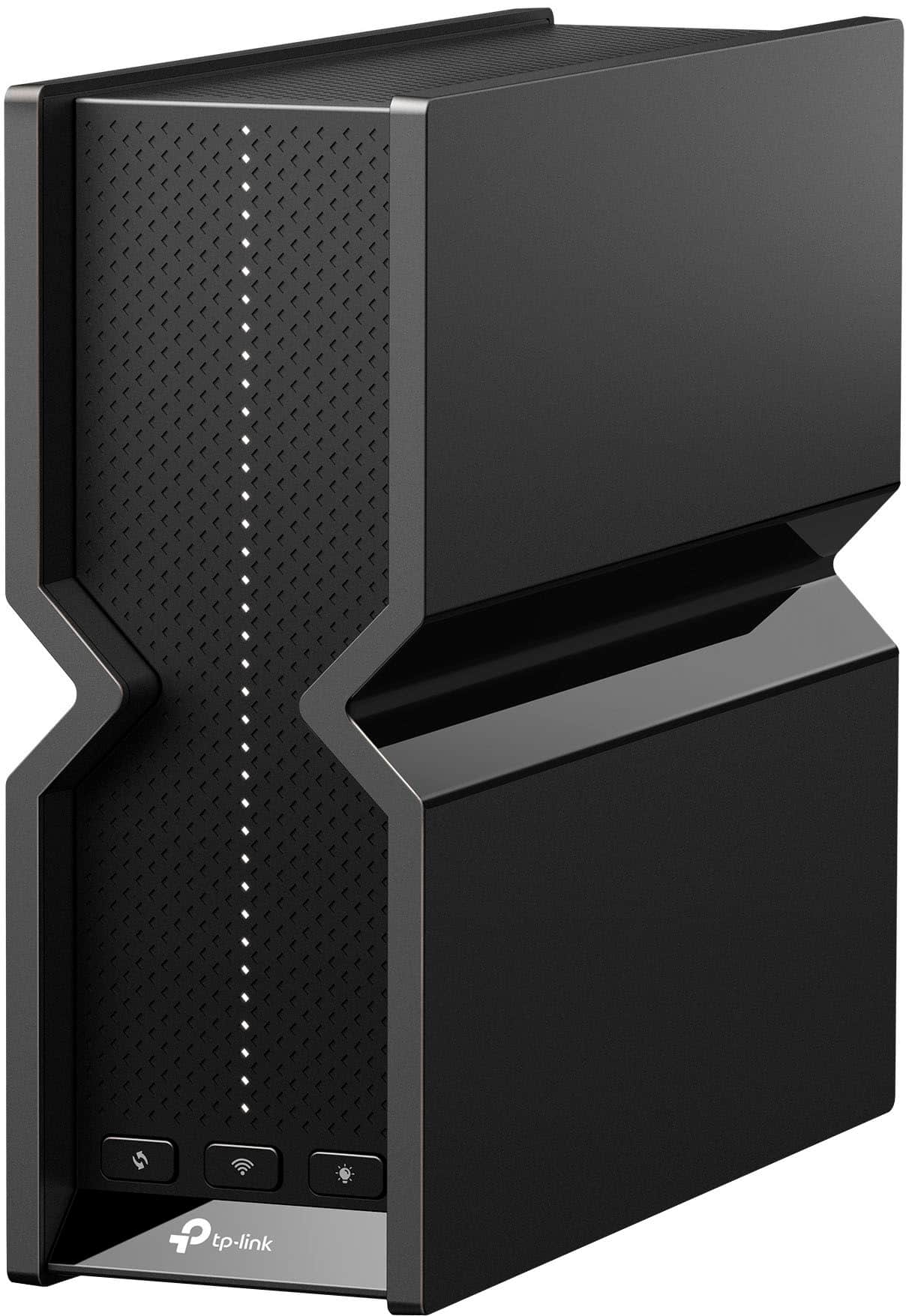
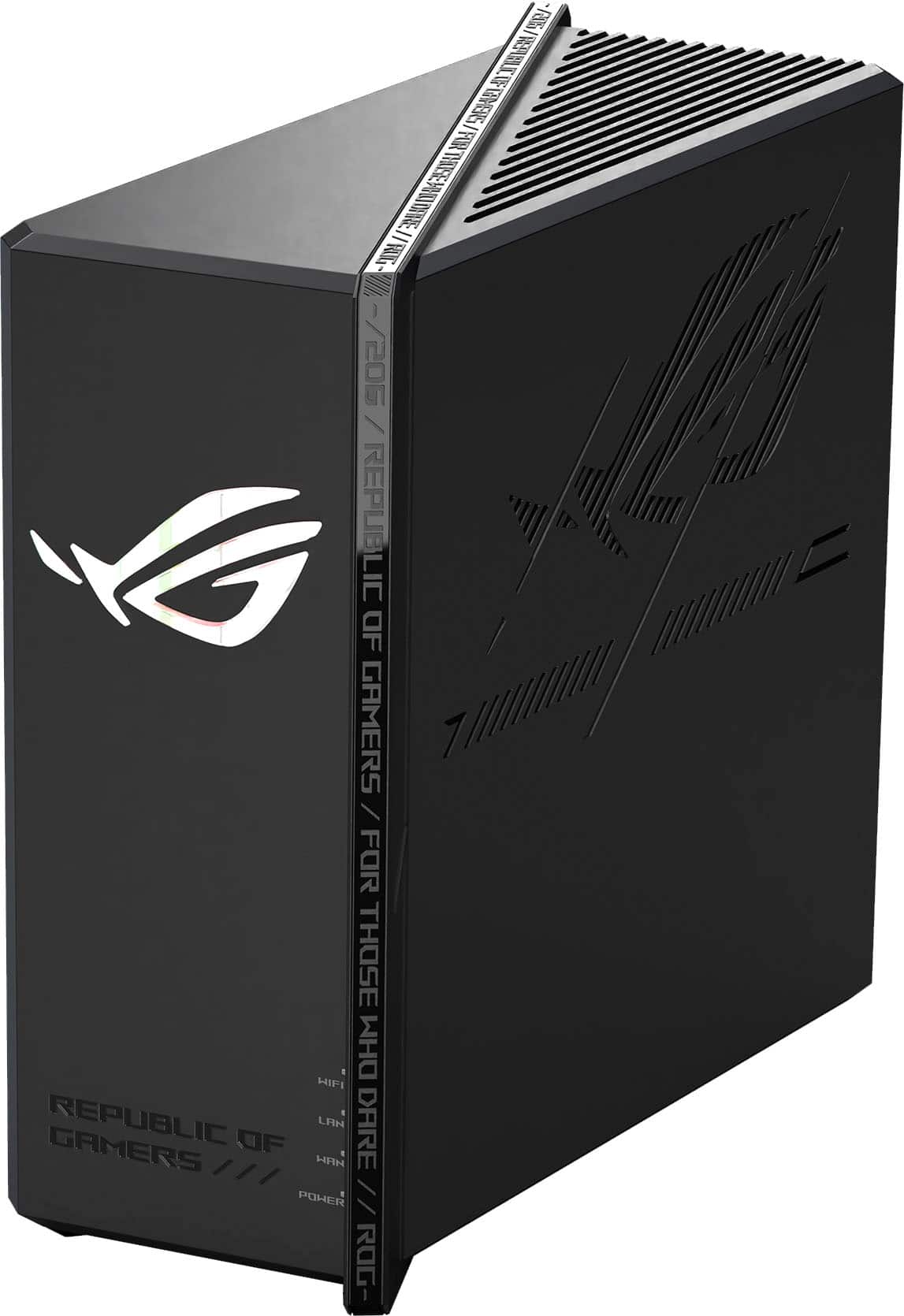
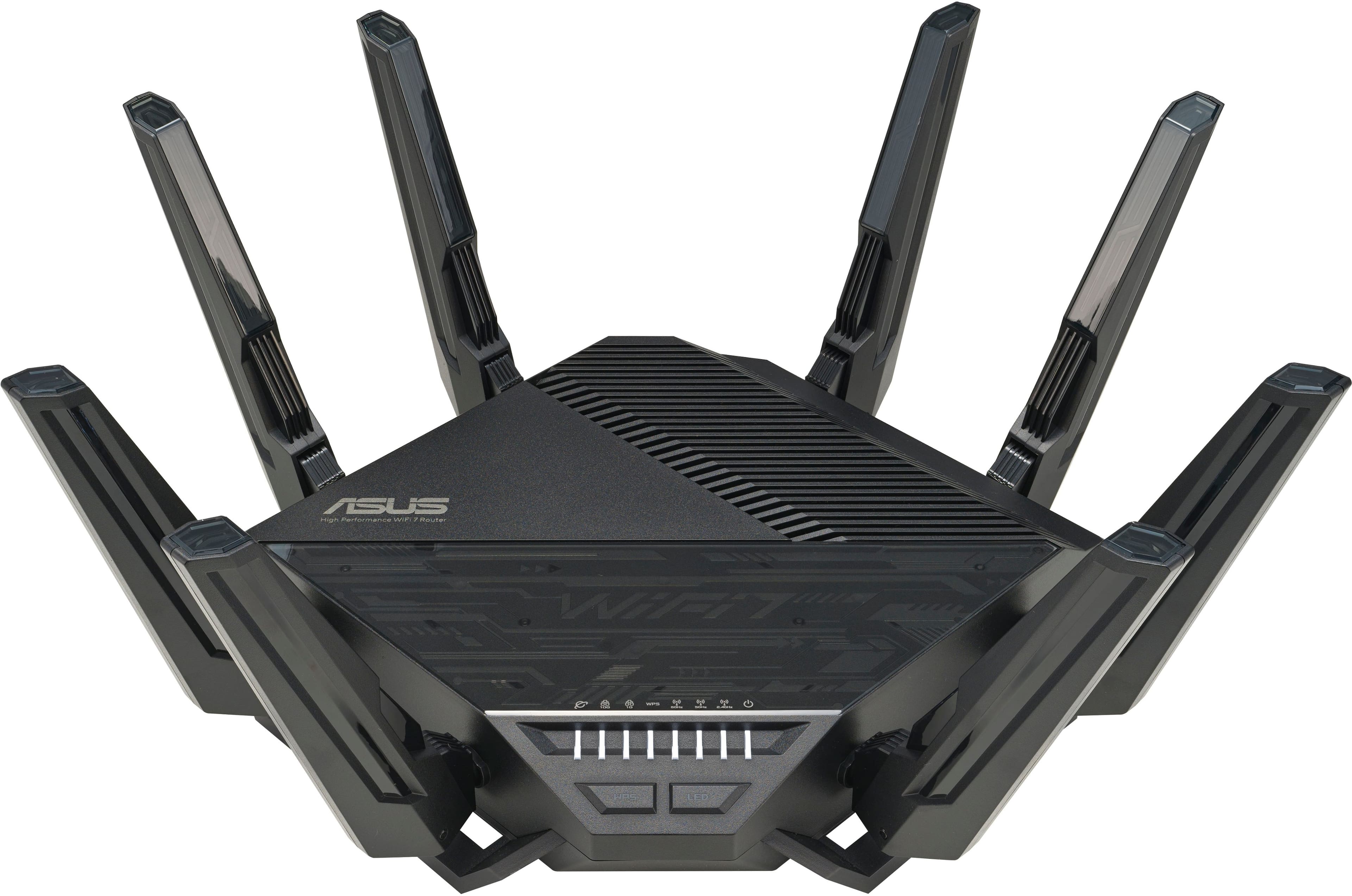
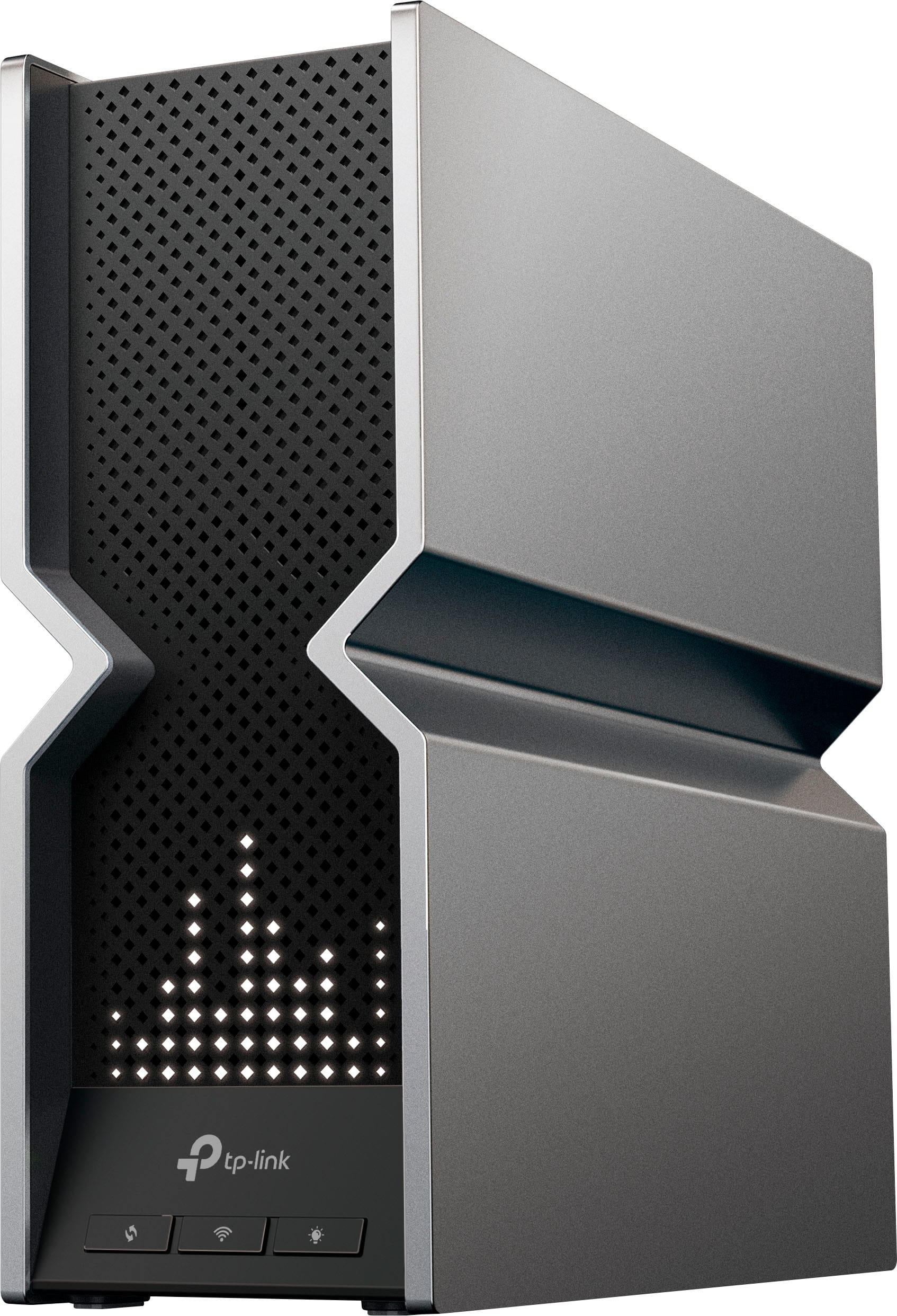
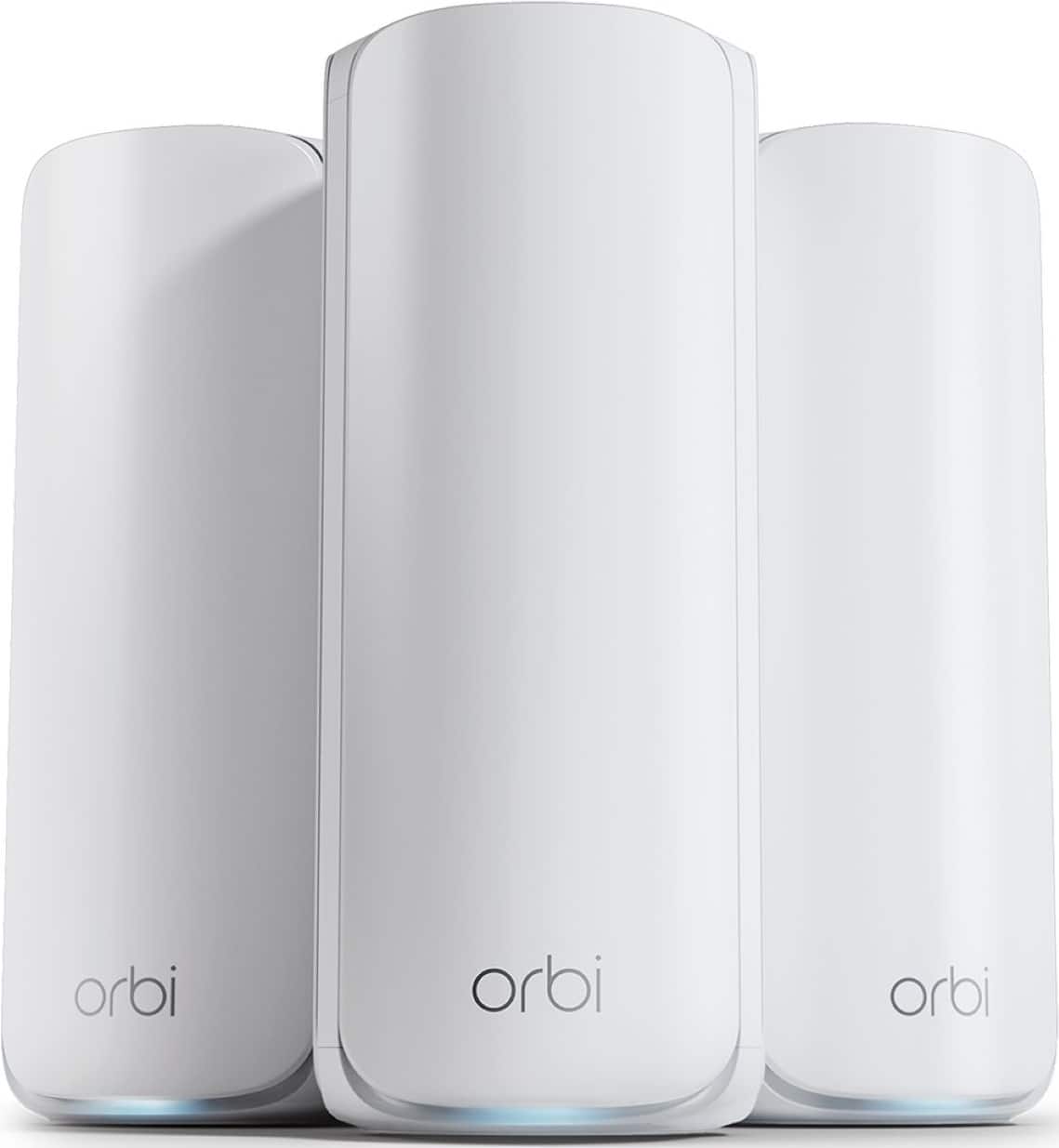
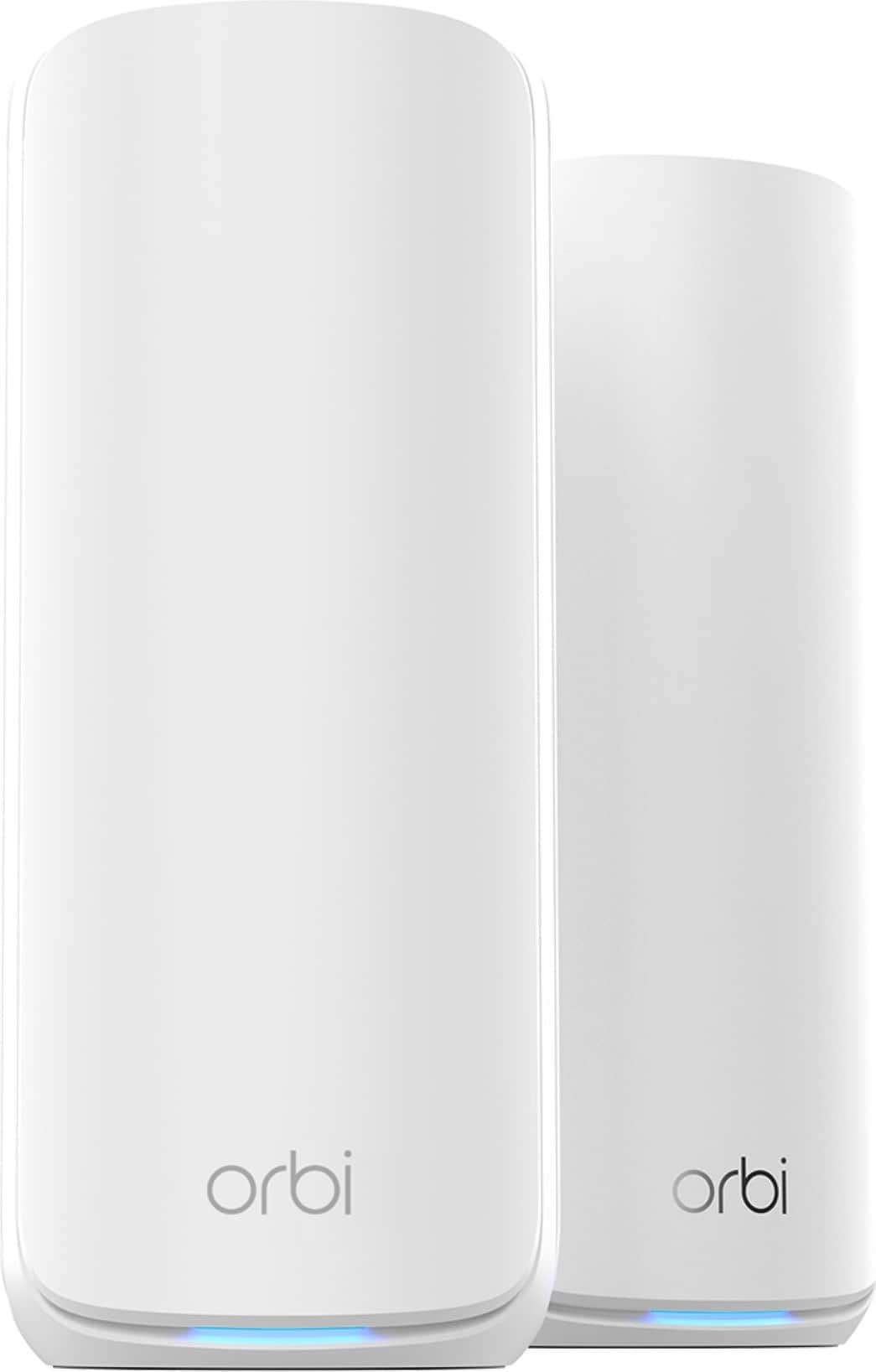
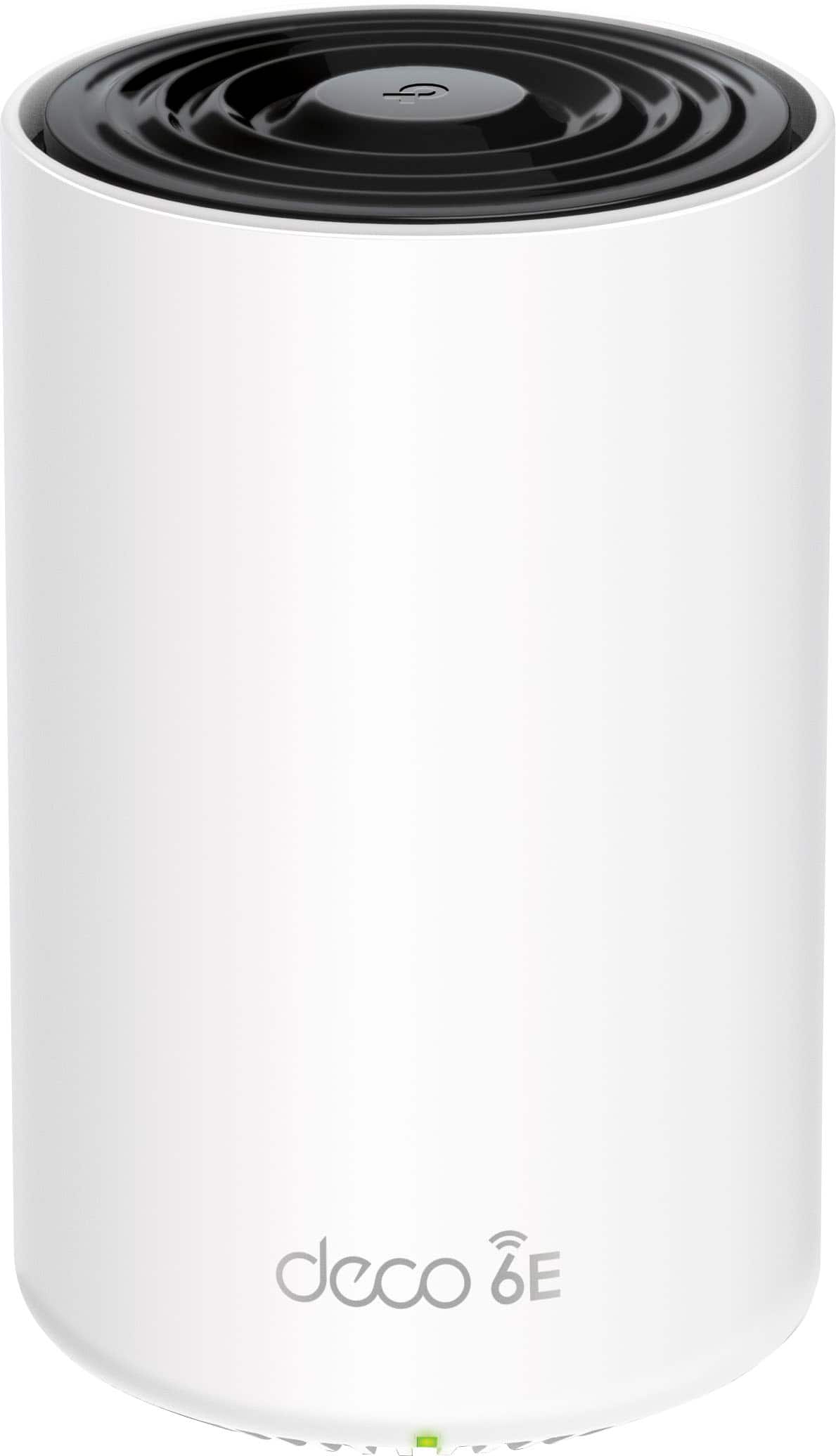
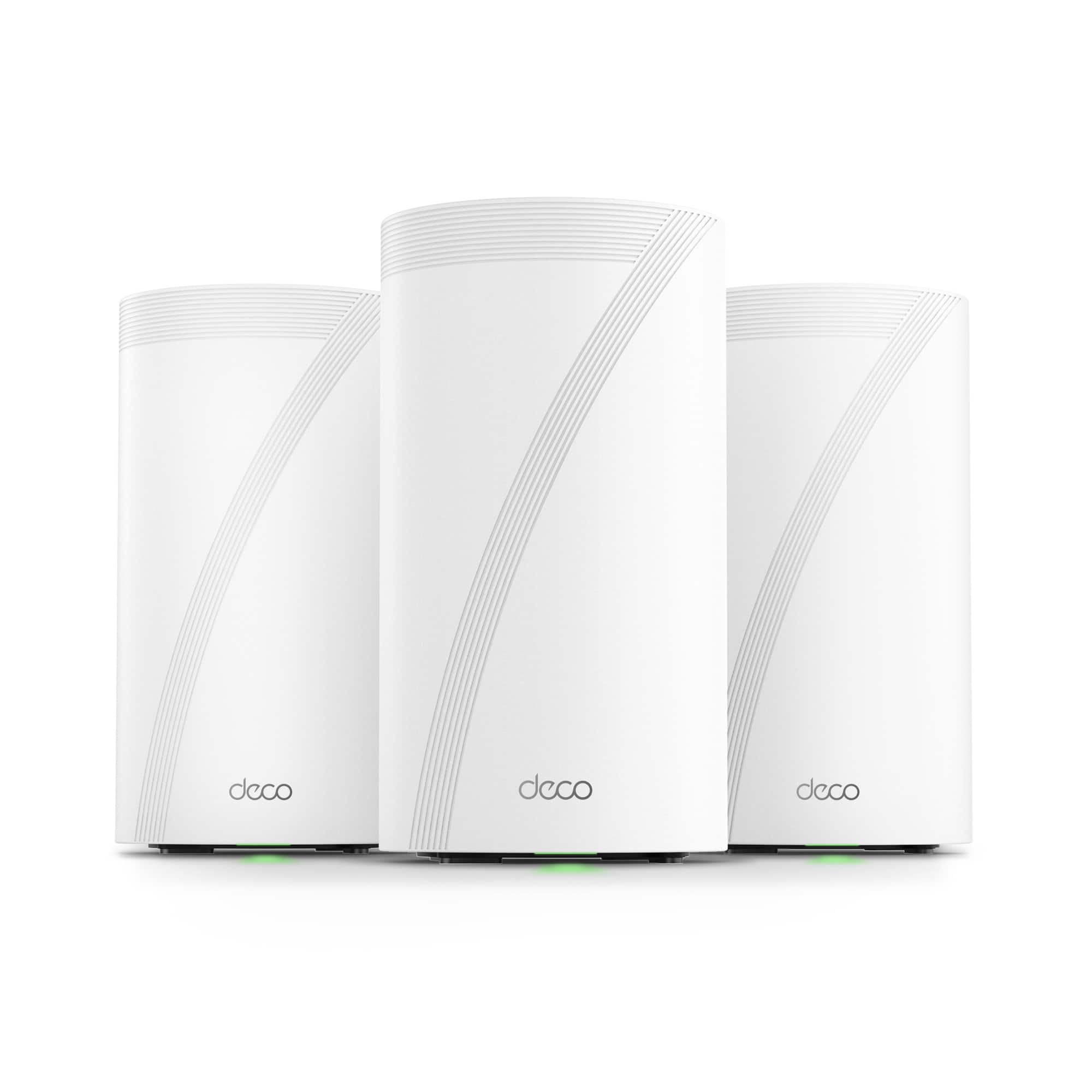
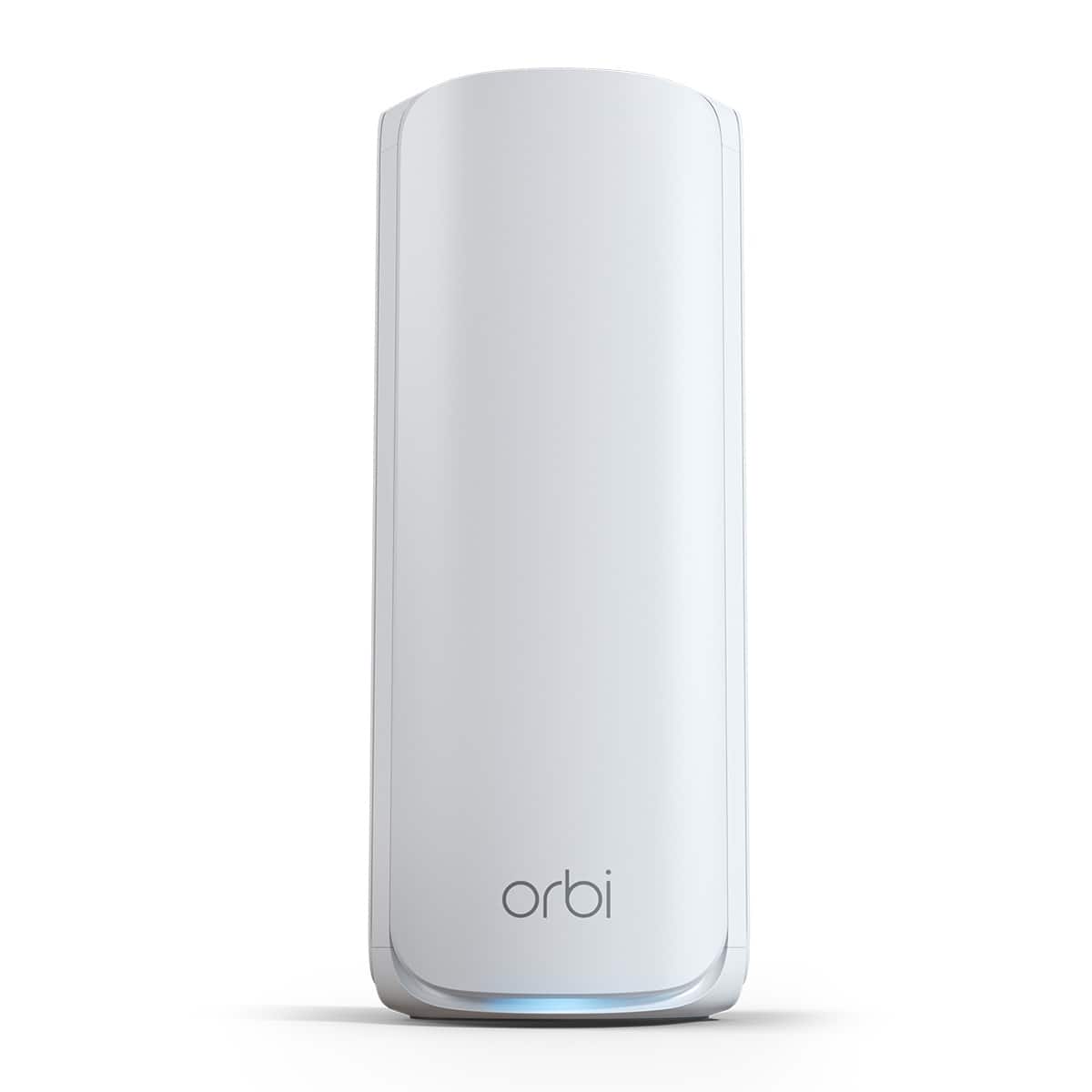
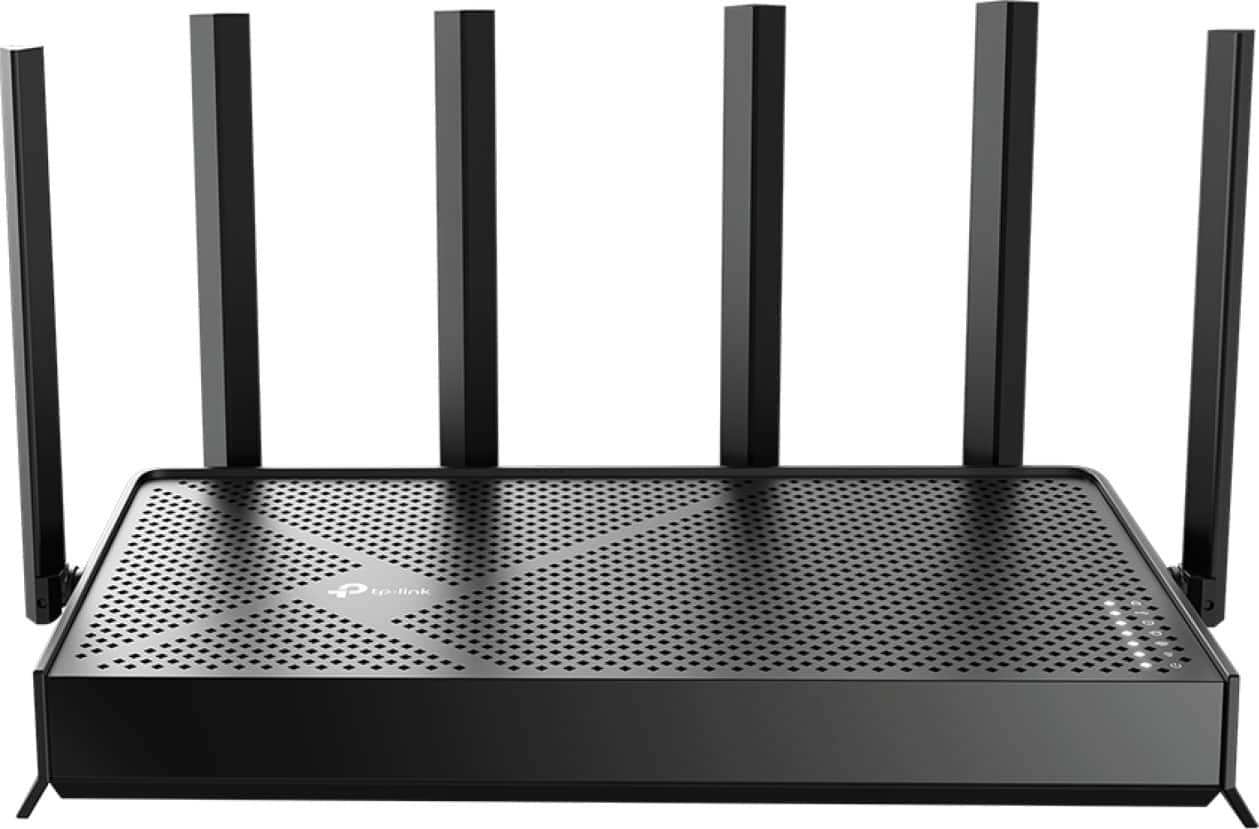
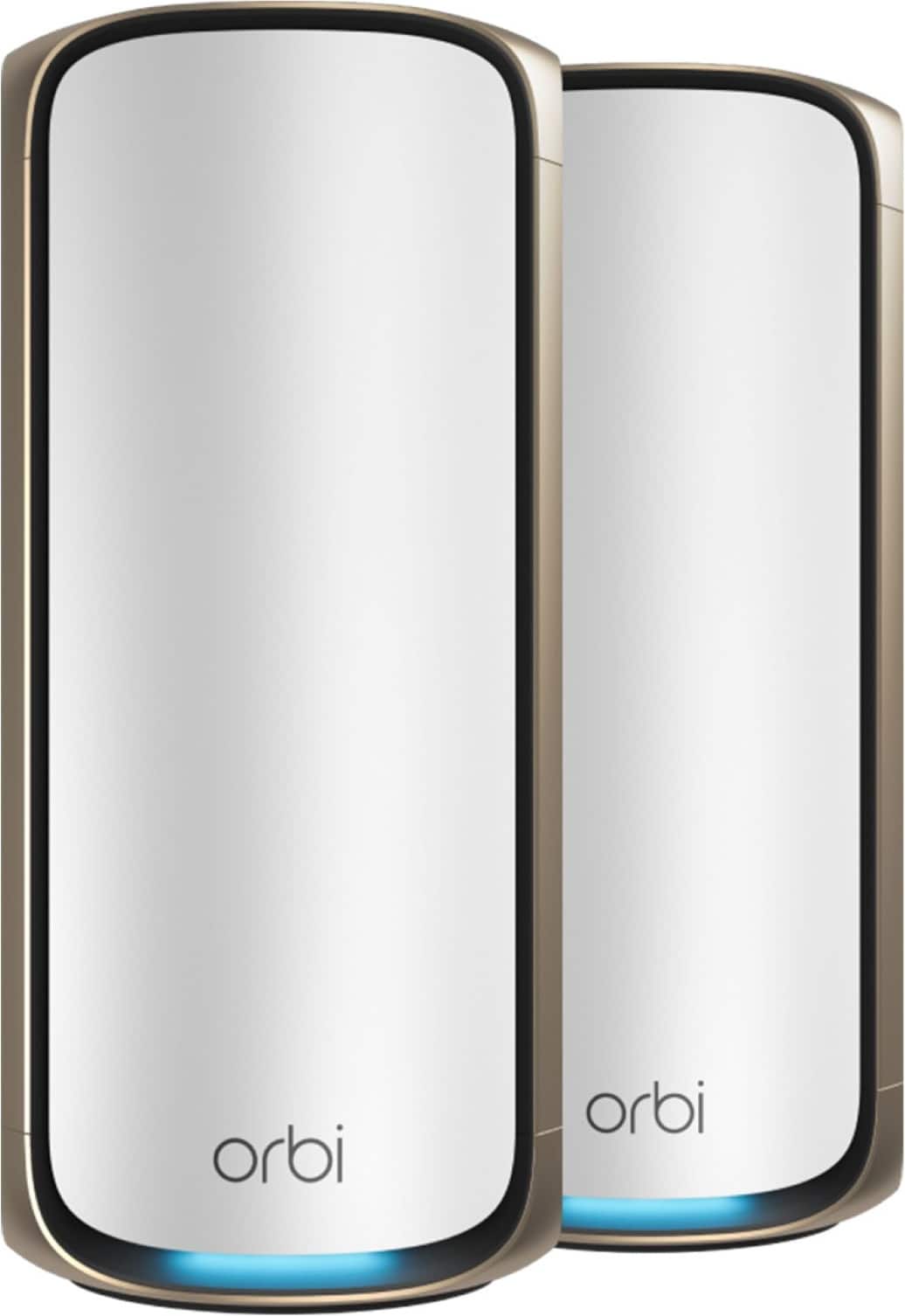
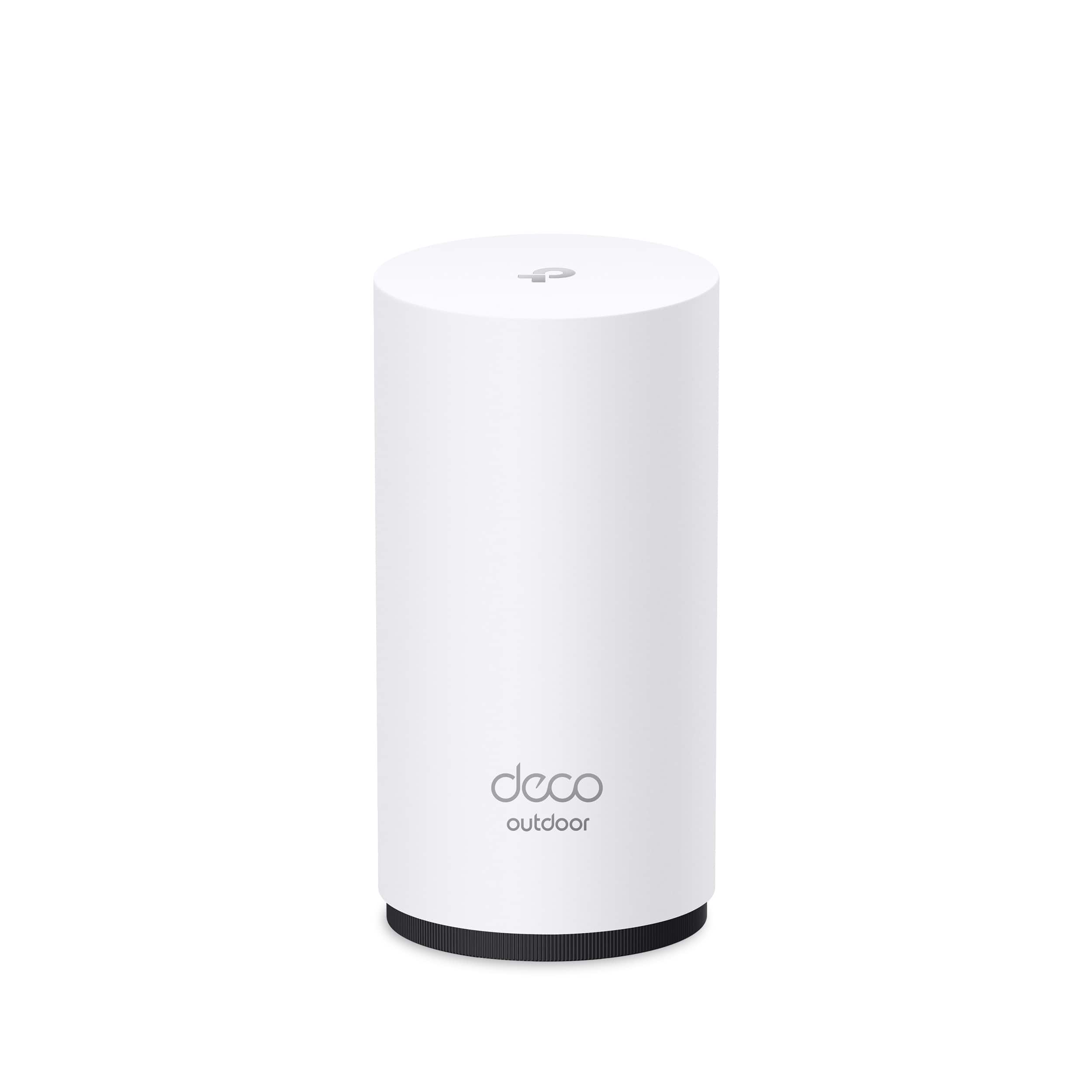
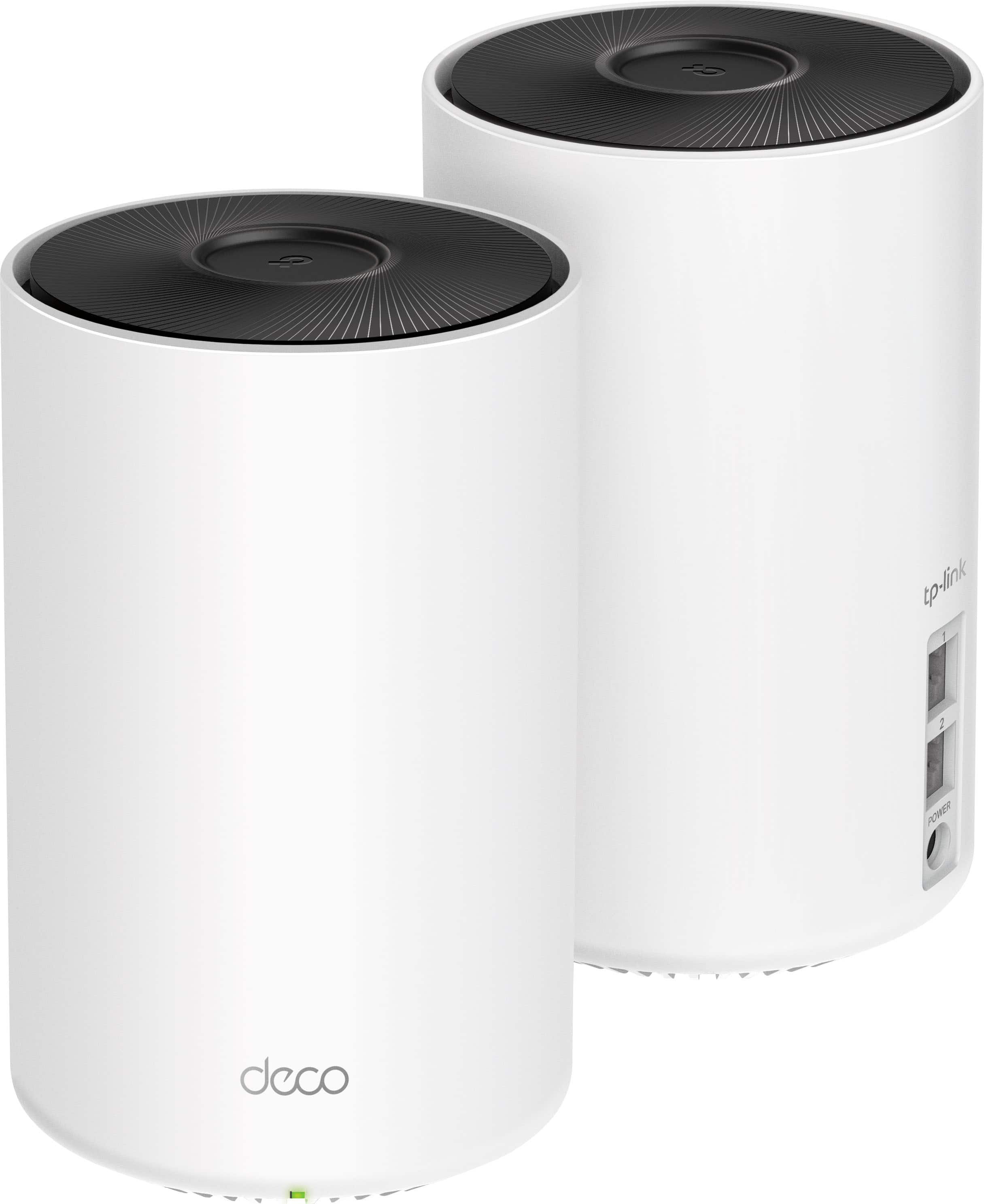
Wi‑Fi 7 mesh systems ready for wired backhaul




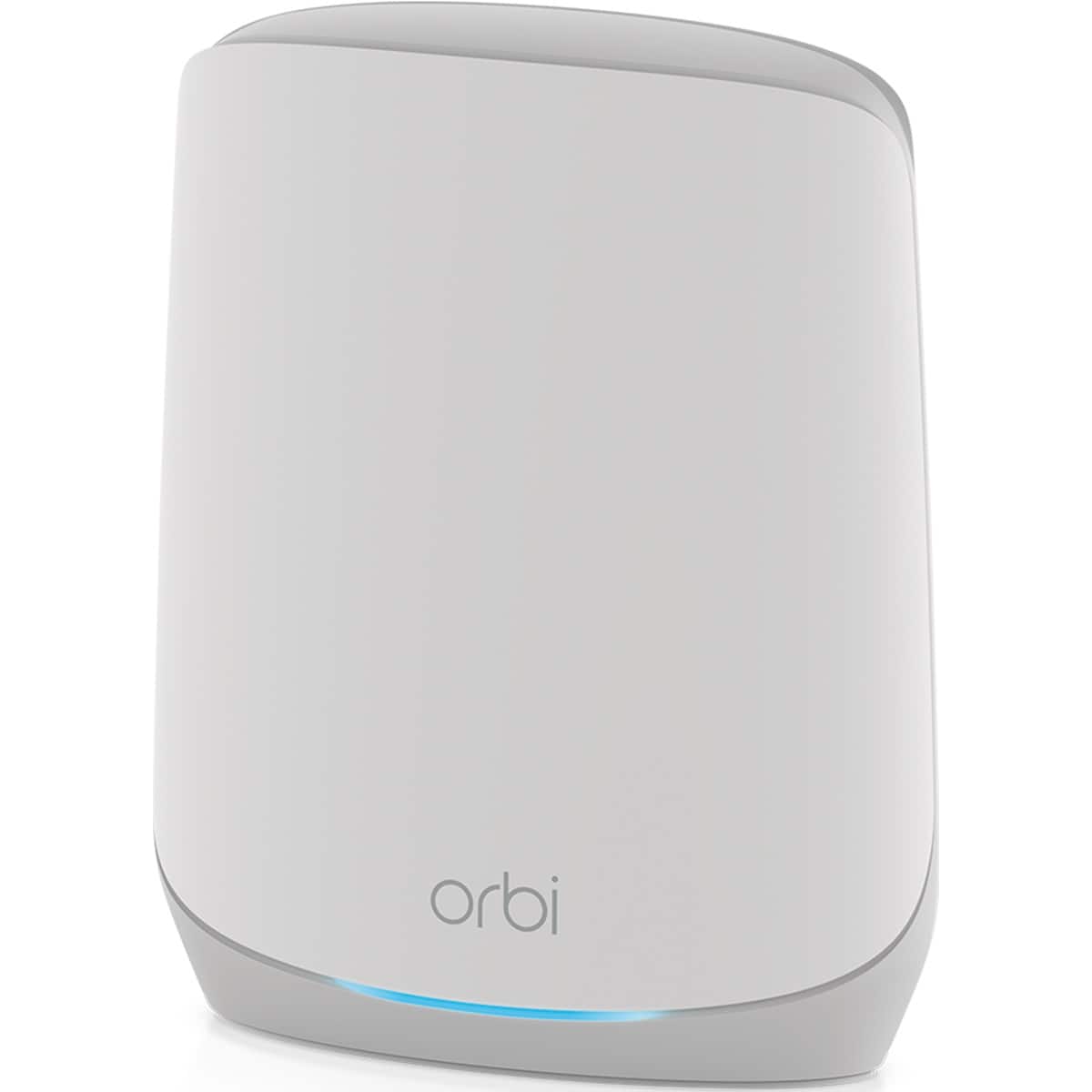
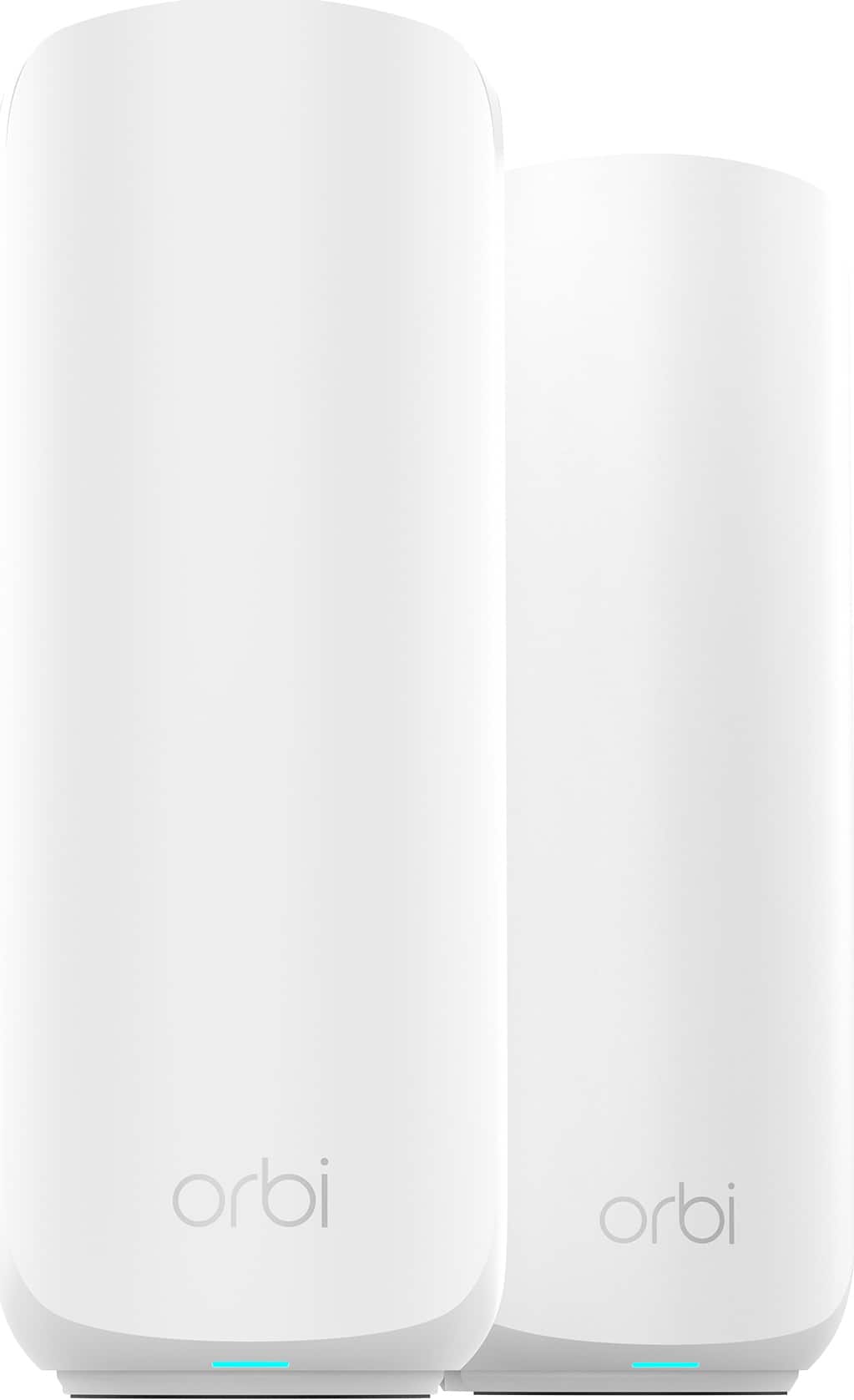
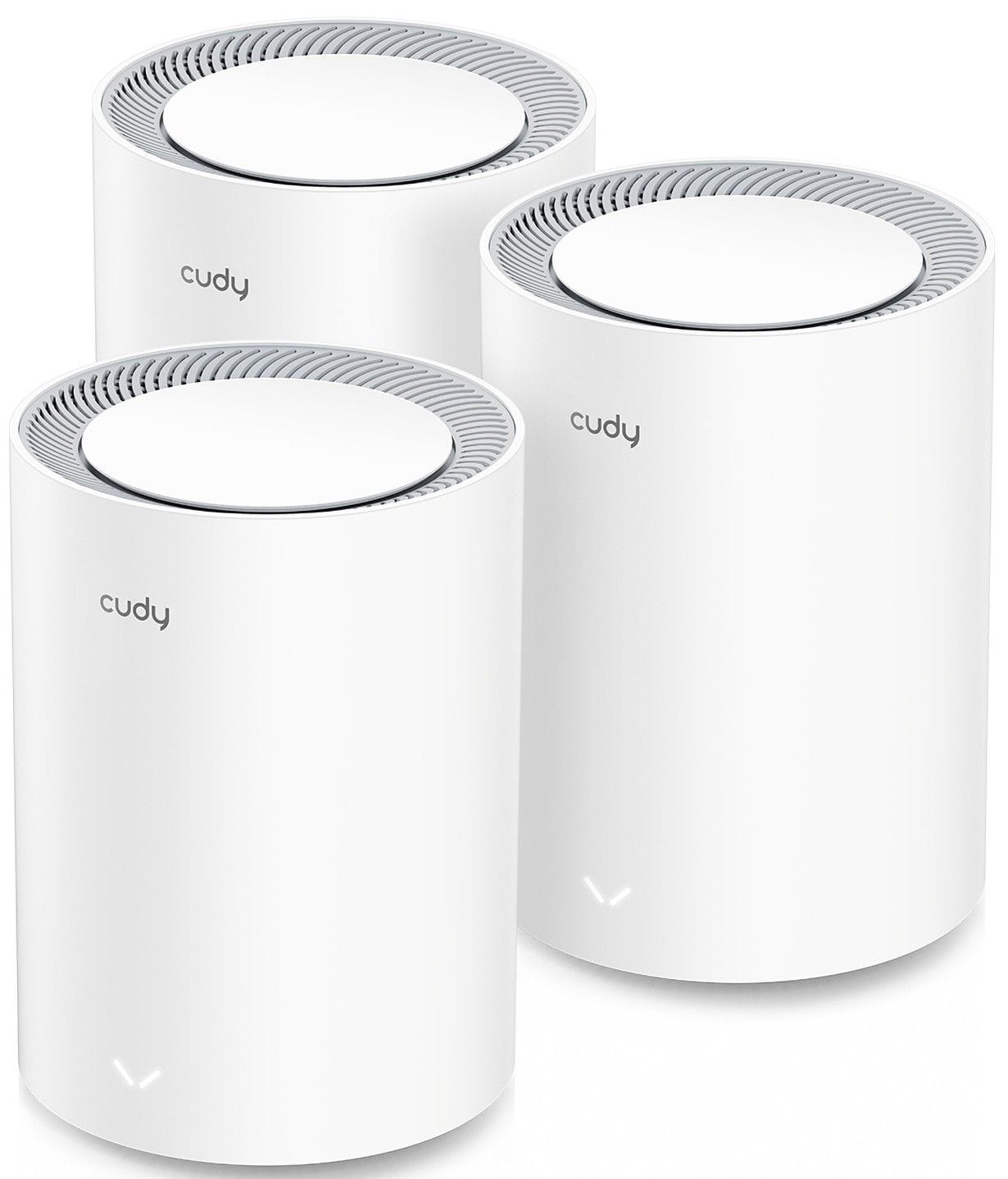
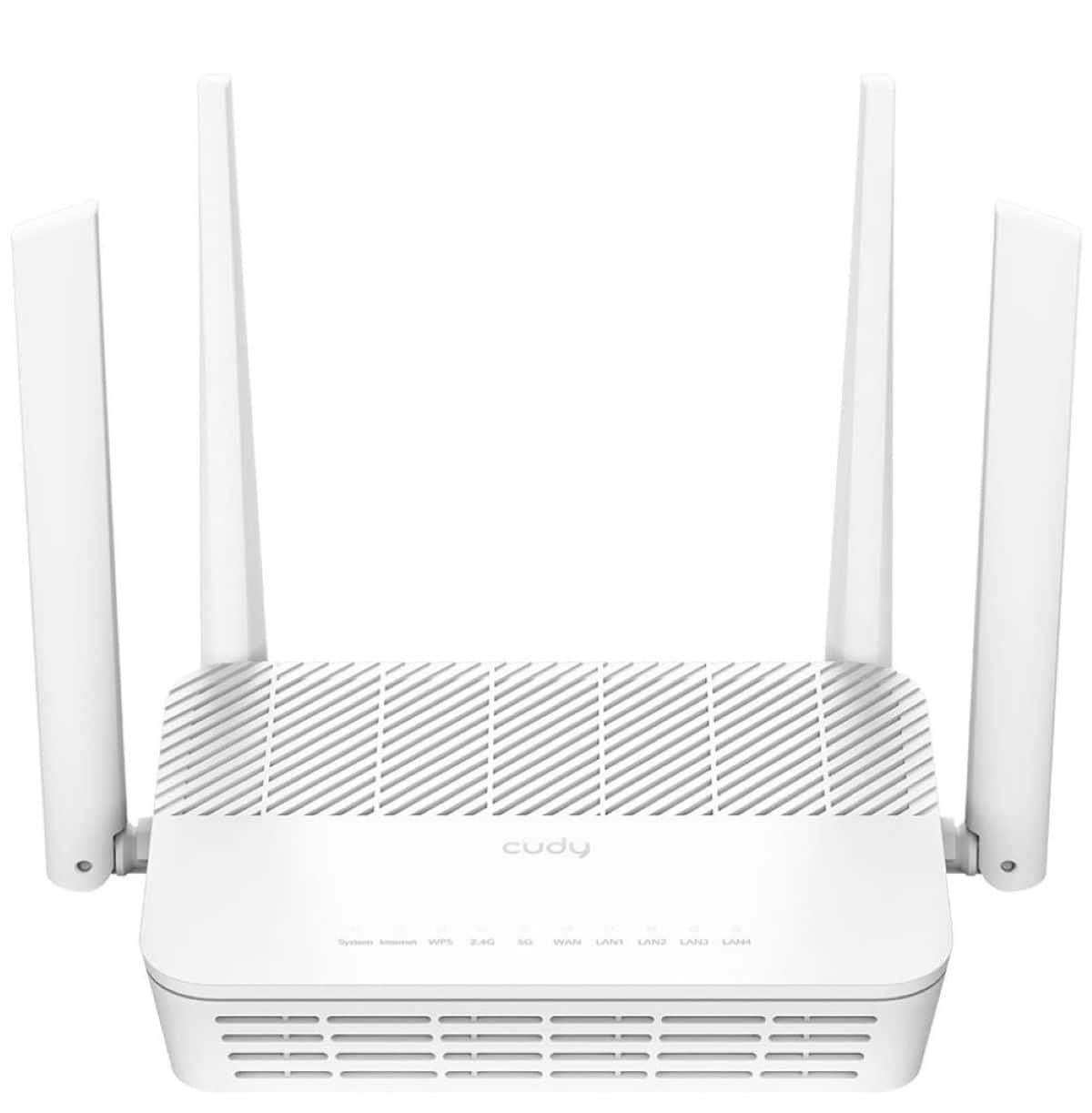
Wi‑Fi 7 Mesh Placement Guide for Better Coverage
FAQs
Place the main router in a central, open area where your internet service enters the home if possible. Put the next mesh node partway between the router and the weak-signal area, not at the very edge of coverage. That helps each node keep a strong link while extending Wi‑Fi farther.
Usually no. A mesh node works best when it still receives a solid signal from the main router or another node. If you place it too far away, it may repeat a weak connection. For better results, move the node closer to the middle of the path to the problem area.
A 2-pack is often a good fit for smaller or more open layouts, while a 3-pack can help in larger homes, multi-level spaces, or layouts with more walls. If you want help deciding, see How Many Wi‑Fi 7 Mesh Nodes Do You Need? at How Many Wi‑Fi 7 Mesh Nodes Do You Need? and Wi‑Fi 7 Mesh 2-Pack vs. 3-Pack: Which Is Right for Your Home? at Wi-Fi 7 Mesh 2-Pack vs. 3-Pack: Which Is Right for Your Home?.
Yes. Wired backhaul uses Ethernet to link nodes, which can reduce the need to keep them within stronger wireless range of each other. That can make placement more flexible and may improve consistency for demanding setups. Learn more at Wi-Fi 7 Mesh Systems with Wired Backhaul.
Thick walls, metal surfaces, large appliances, mirrors, and enclosed cabinets can all weaken signal quality. Try to keep mesh nodes out in the open, off the floor, and away from major sources of interference for the best performance.
Wi‑Fi 7 mesh systems are designed for faster speeds, better device handling, and smoother whole-home coverage than many earlier setups. If you have more smart home gear, streaming devices, gaming hardware, and work-from-home traffic, a Wi‑Fi 7 mesh upgrade can give placement changes a bigger payoff.