Wi-Fi 7 Mesh Systems with Wired Backhaul
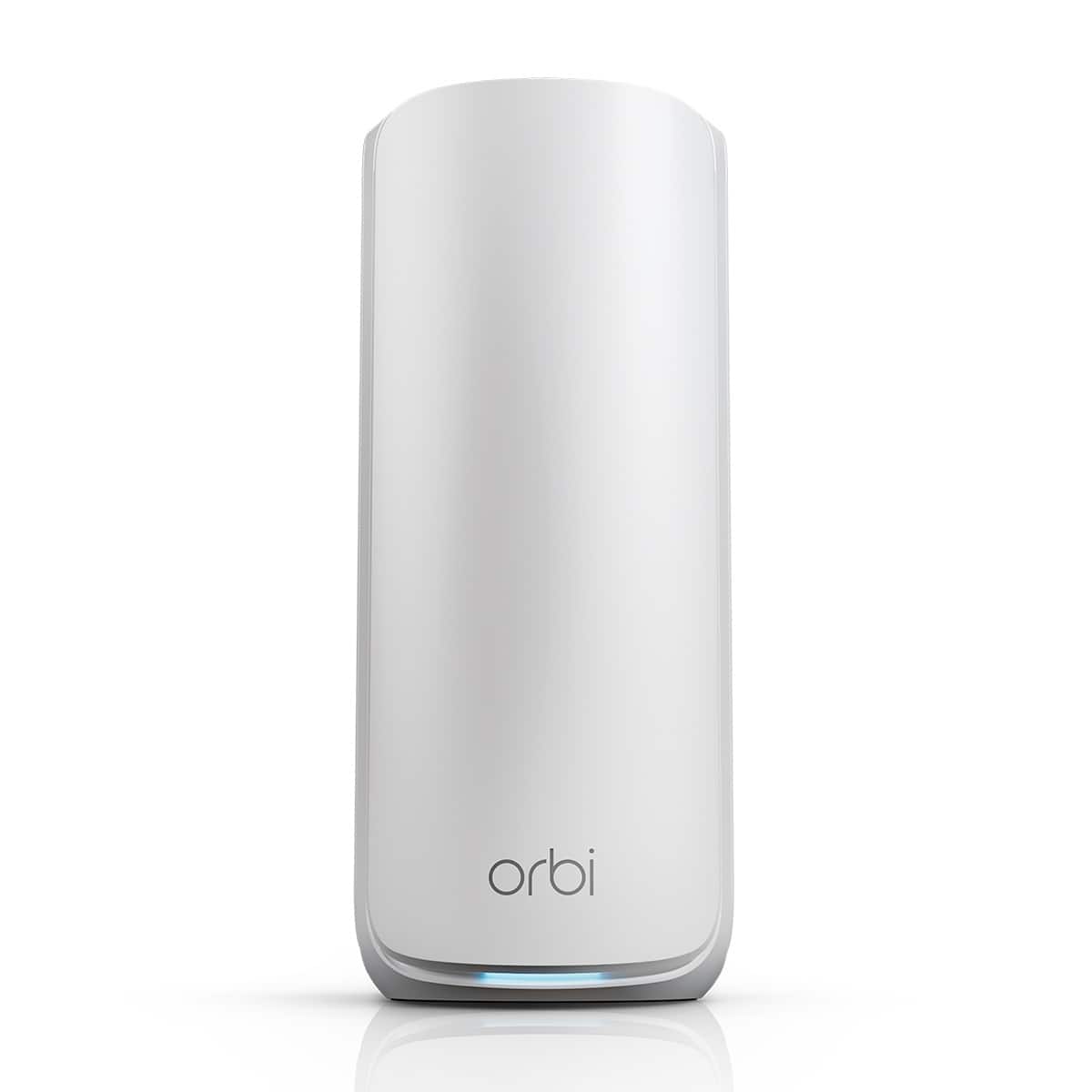
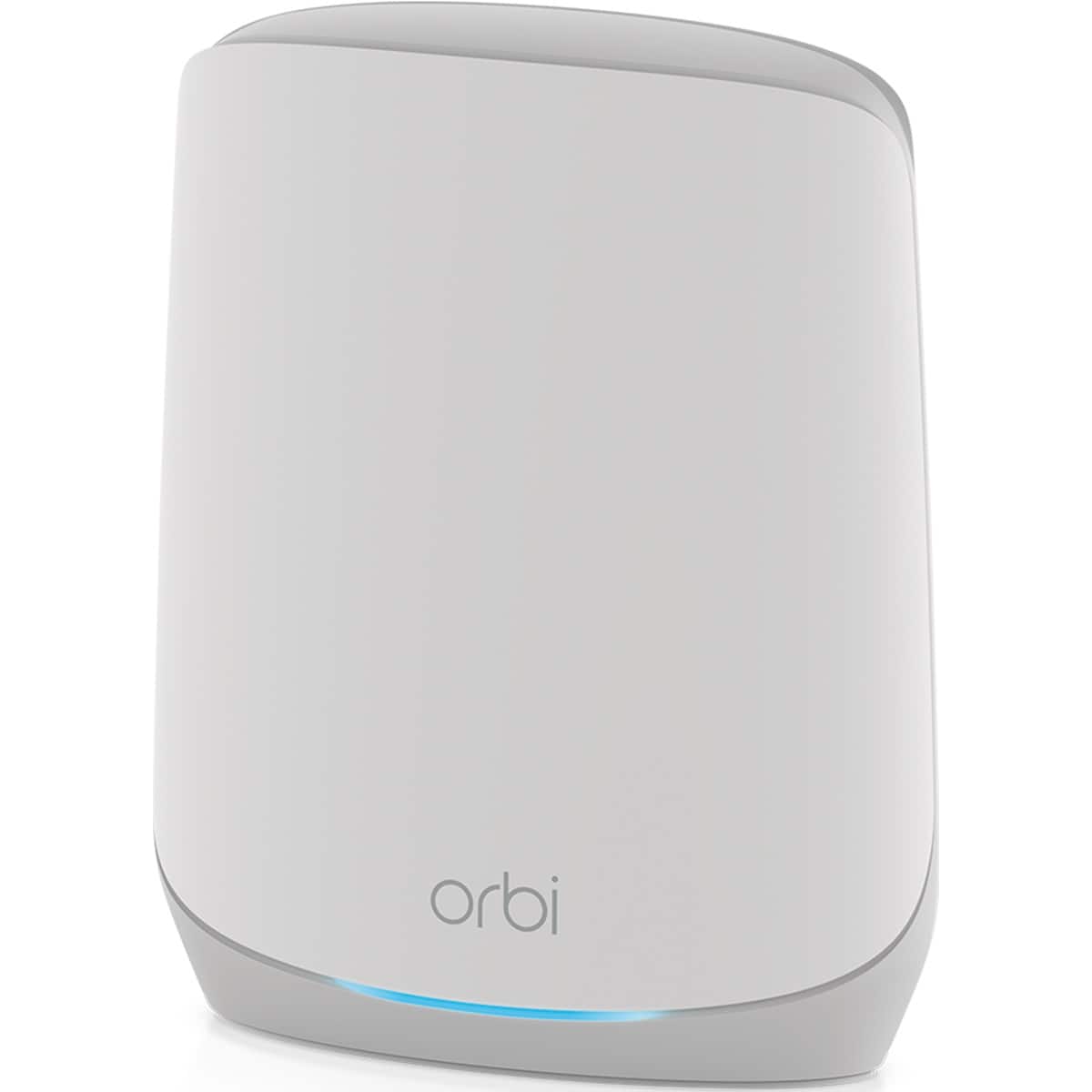
Upgrade to a Wi-Fi 7 mesh system with Ethernet backhaul support for faster whole-home performance, lower latency and more consistent speeds from room to room. If you can wire your mesh nodes together, you can reduce wireless congestion and give streaming, gaming, smart home devices and busy households a more stable connection. Explore Wi-Fi 7 mesh options built for multi-device use, parental controls and flexible coverage, then compare broader options on our Wi-Fi 7 Mesh Systems for Whole-Home Coverage page.
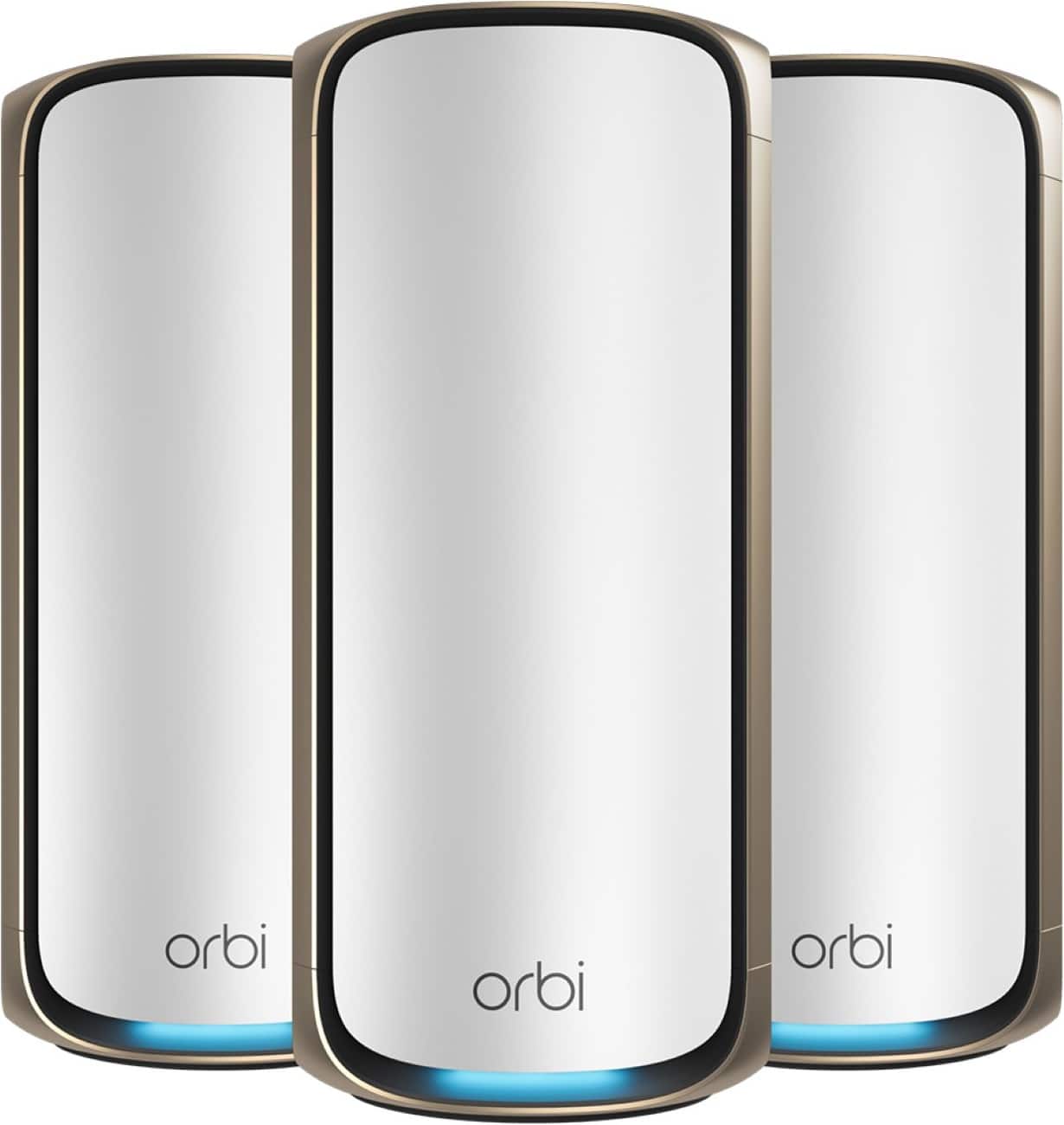
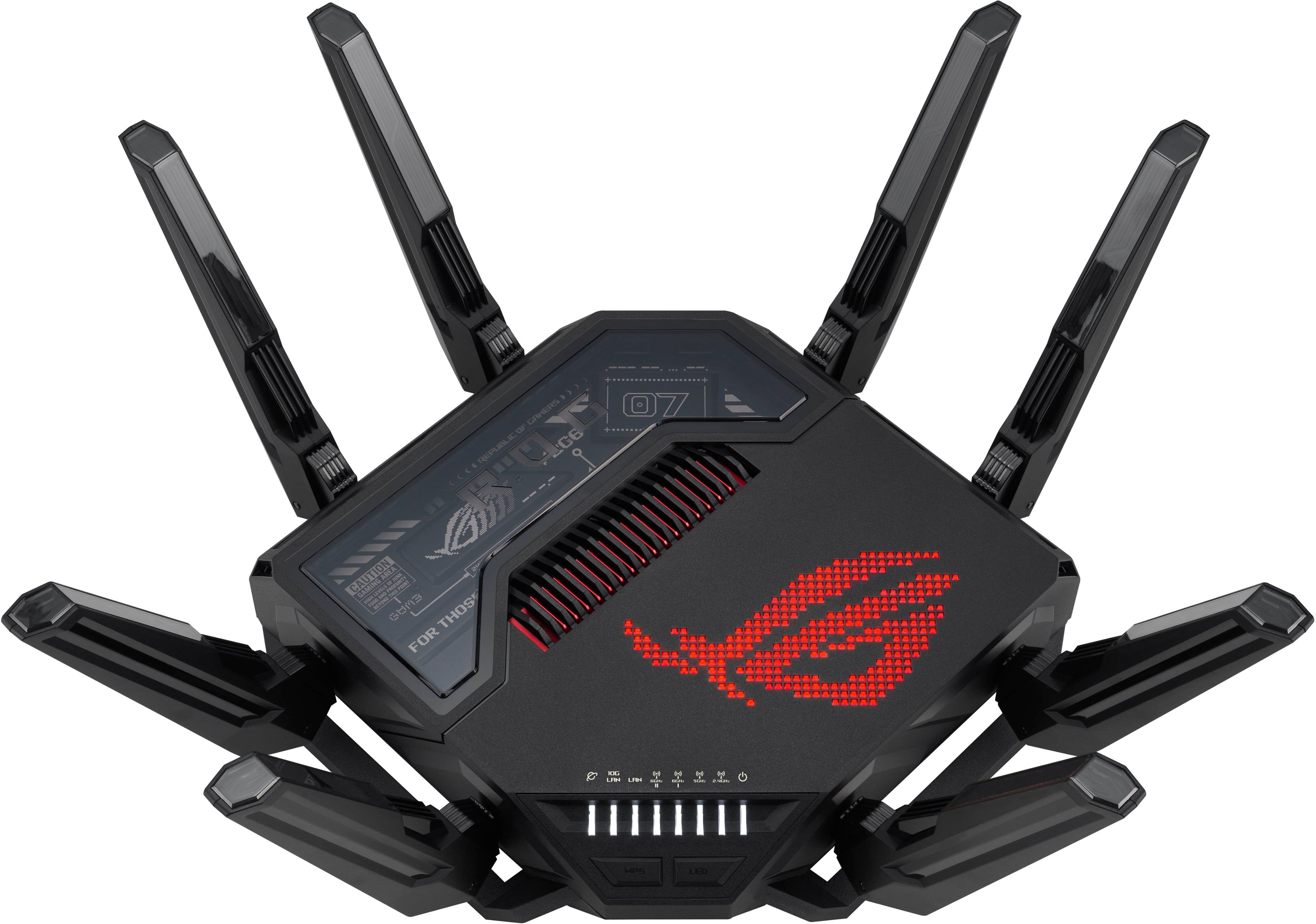
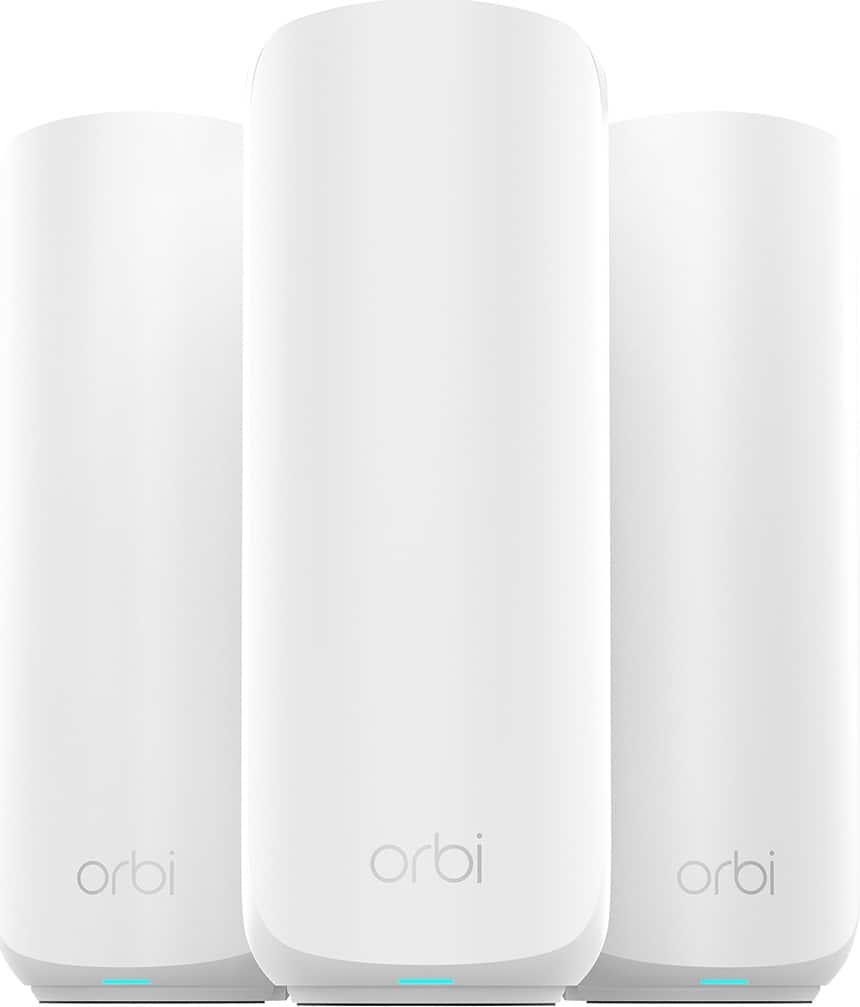
Wi-Fi 7 Mesh with Dual 10G or Multi-Gig Wired Backhaul
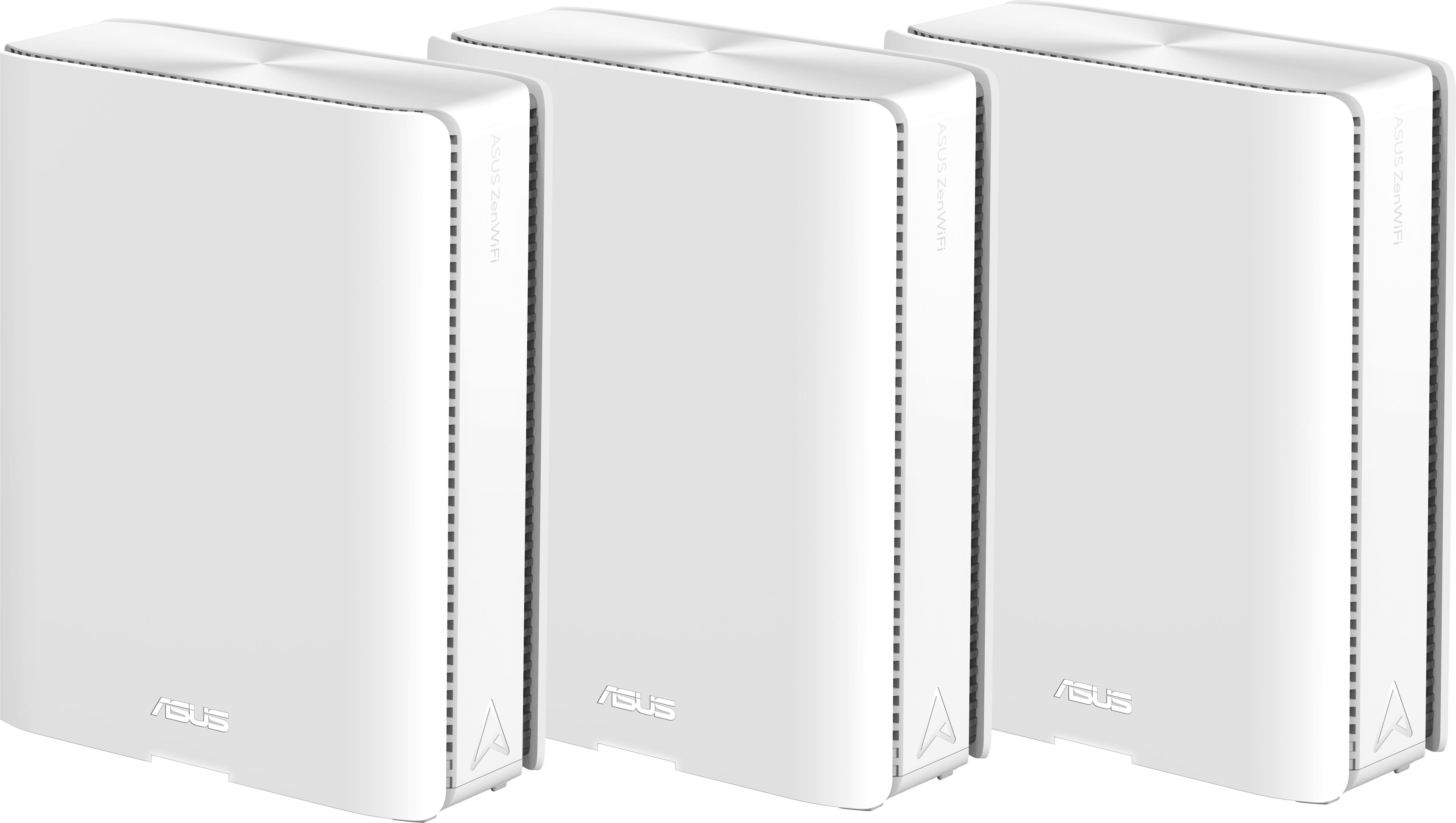

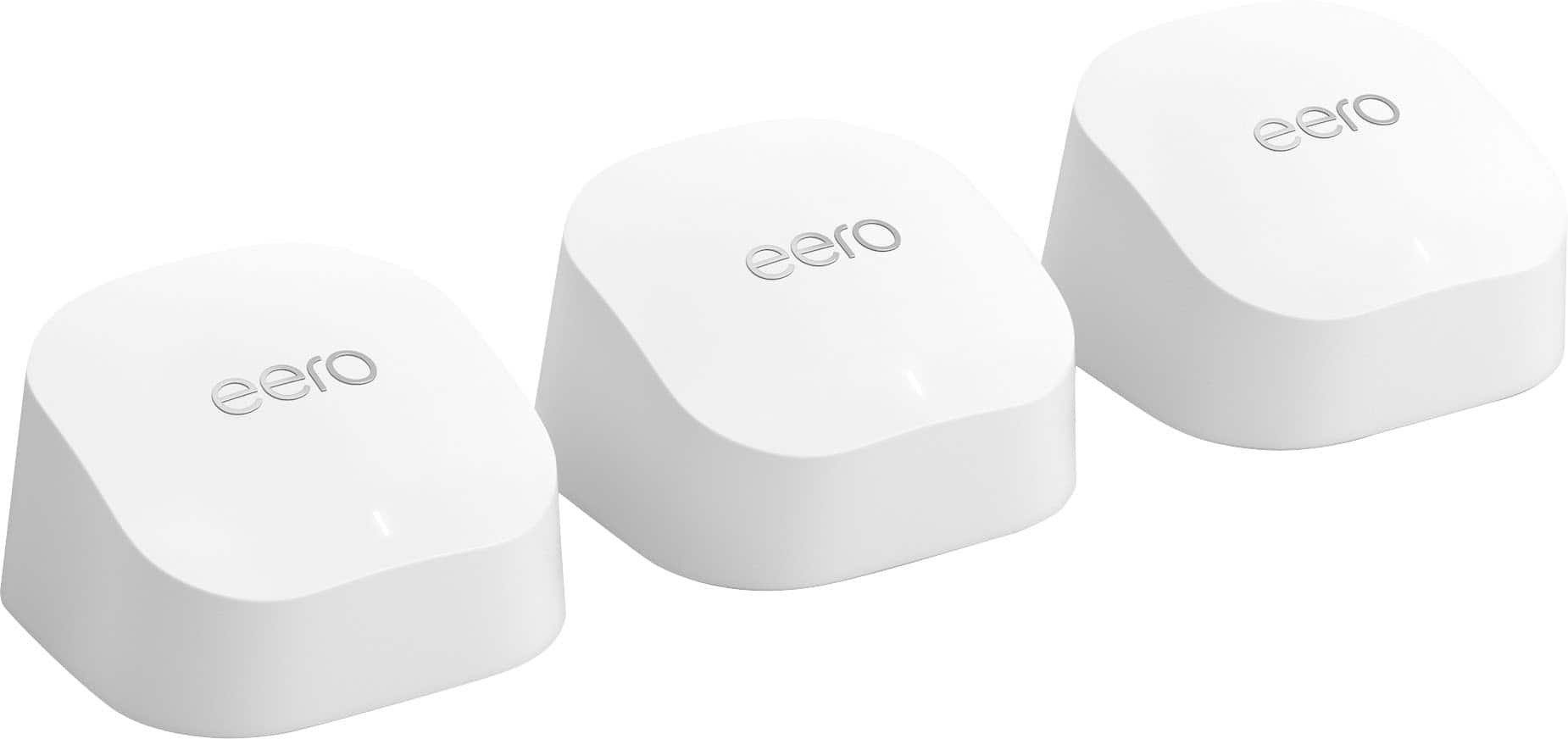
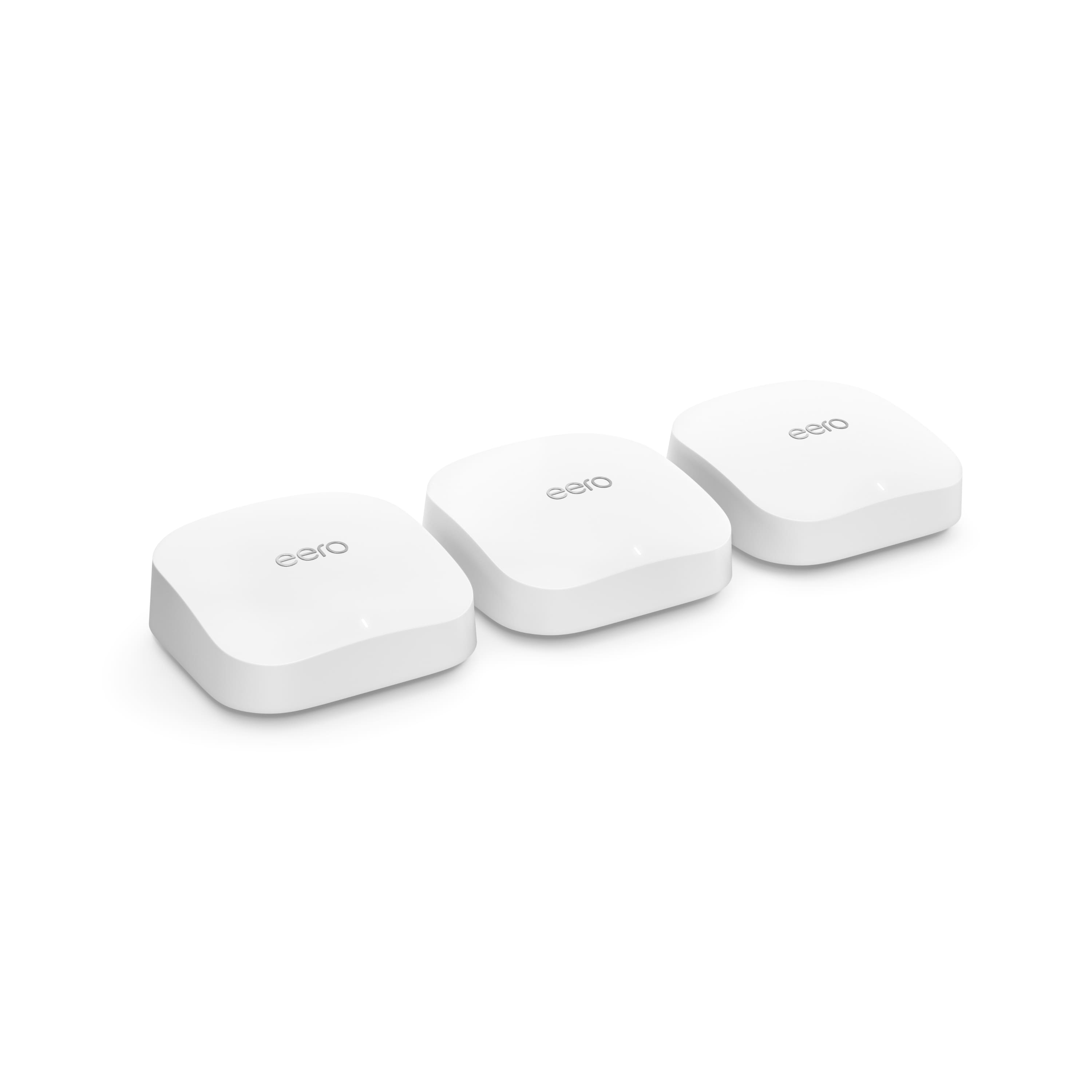
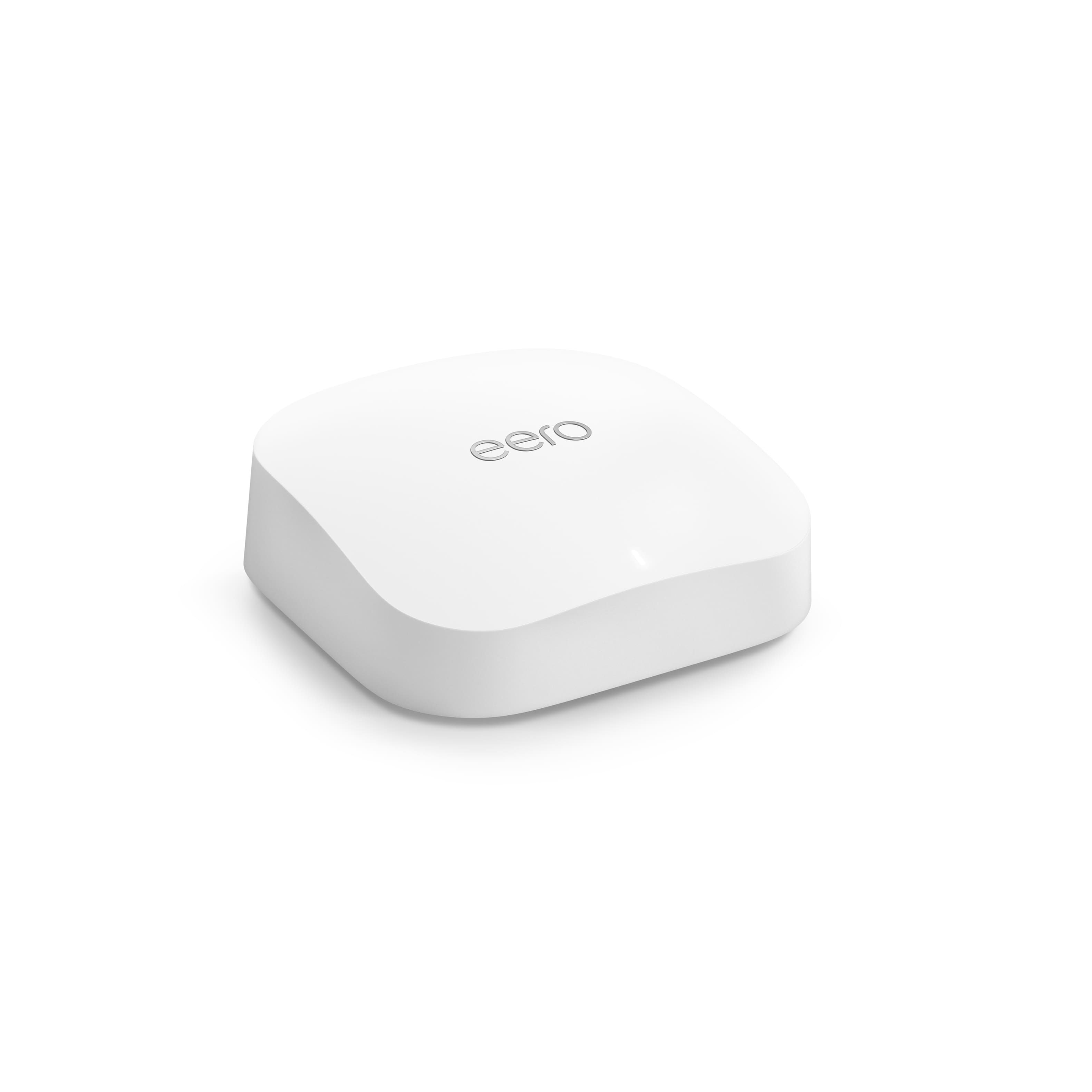
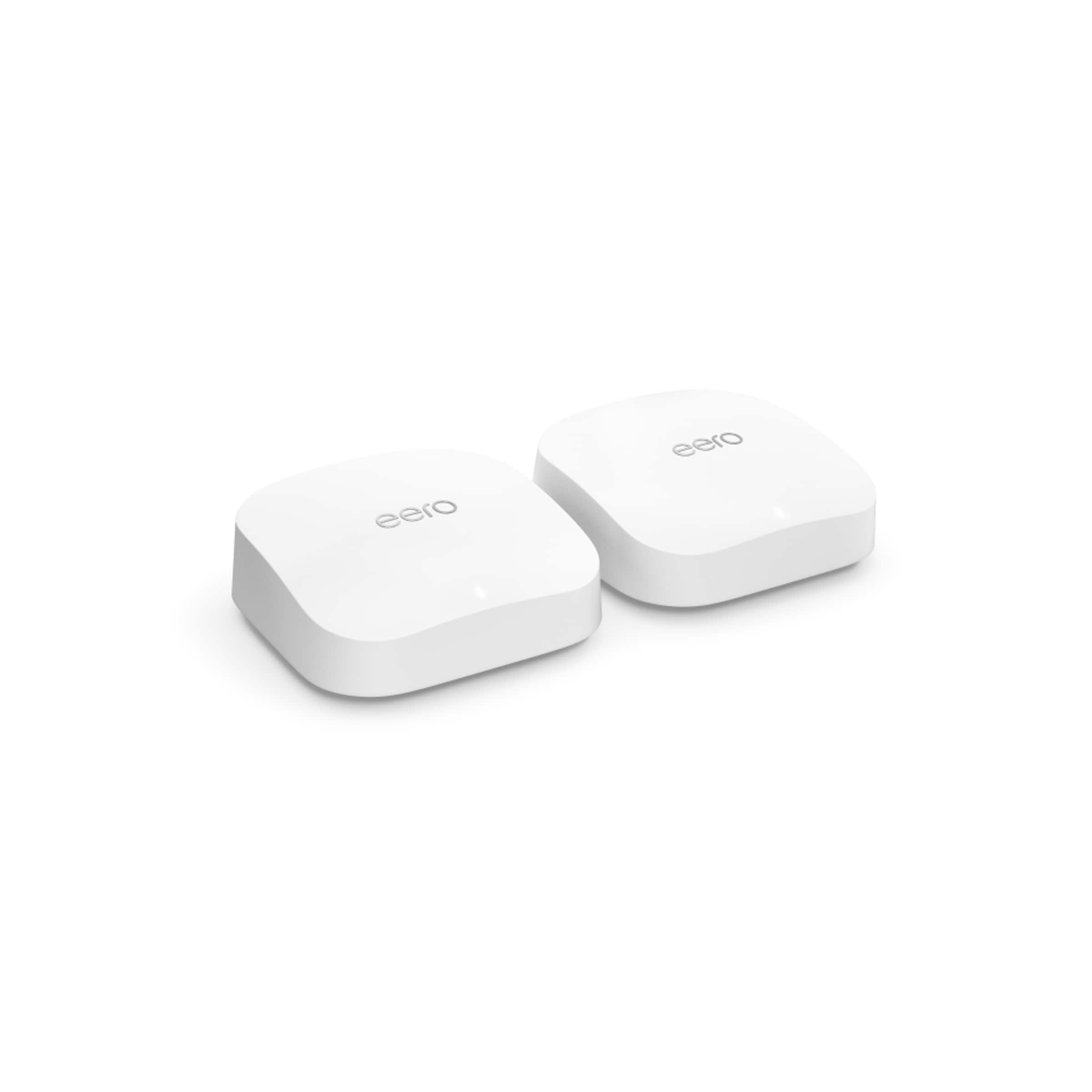
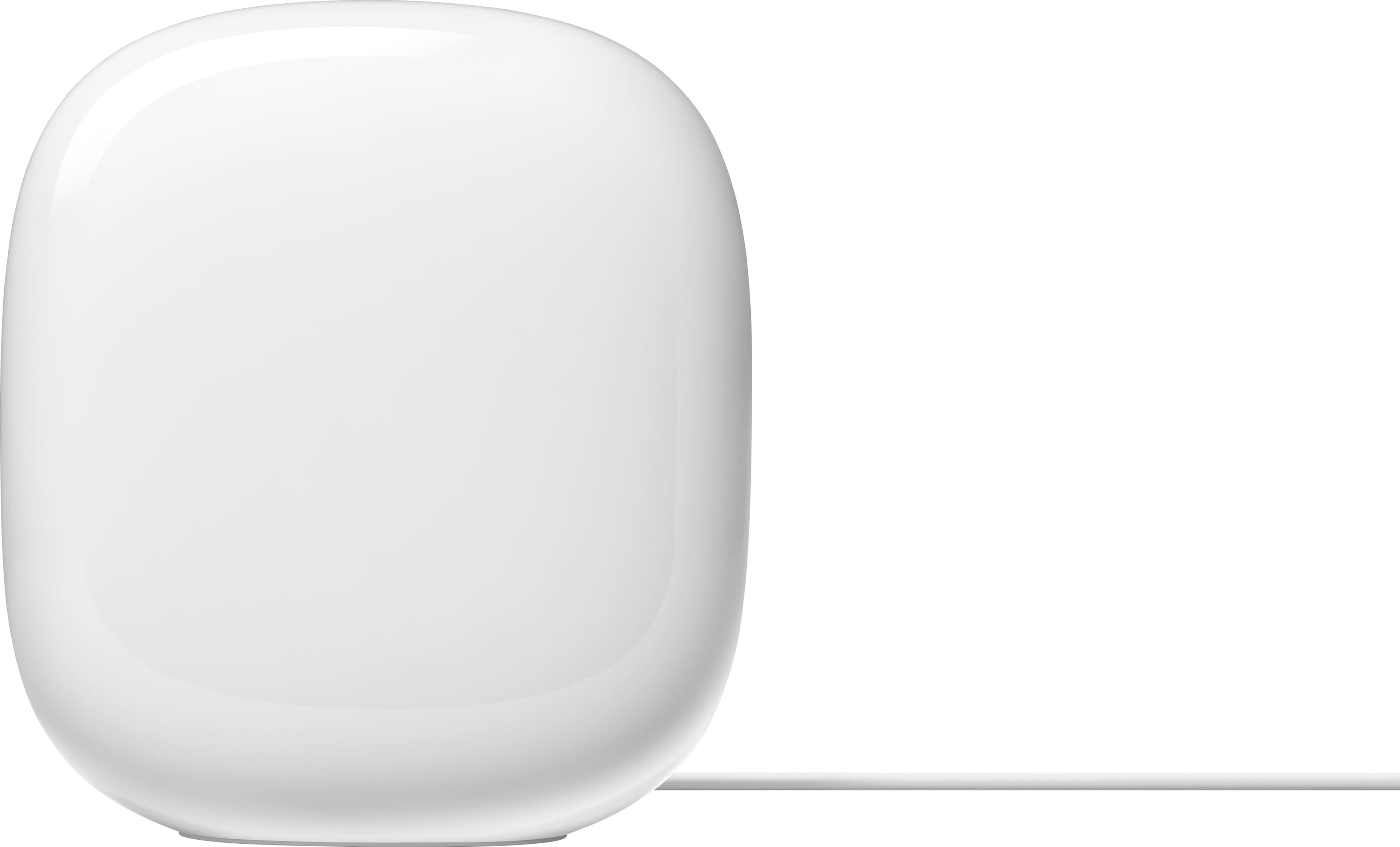
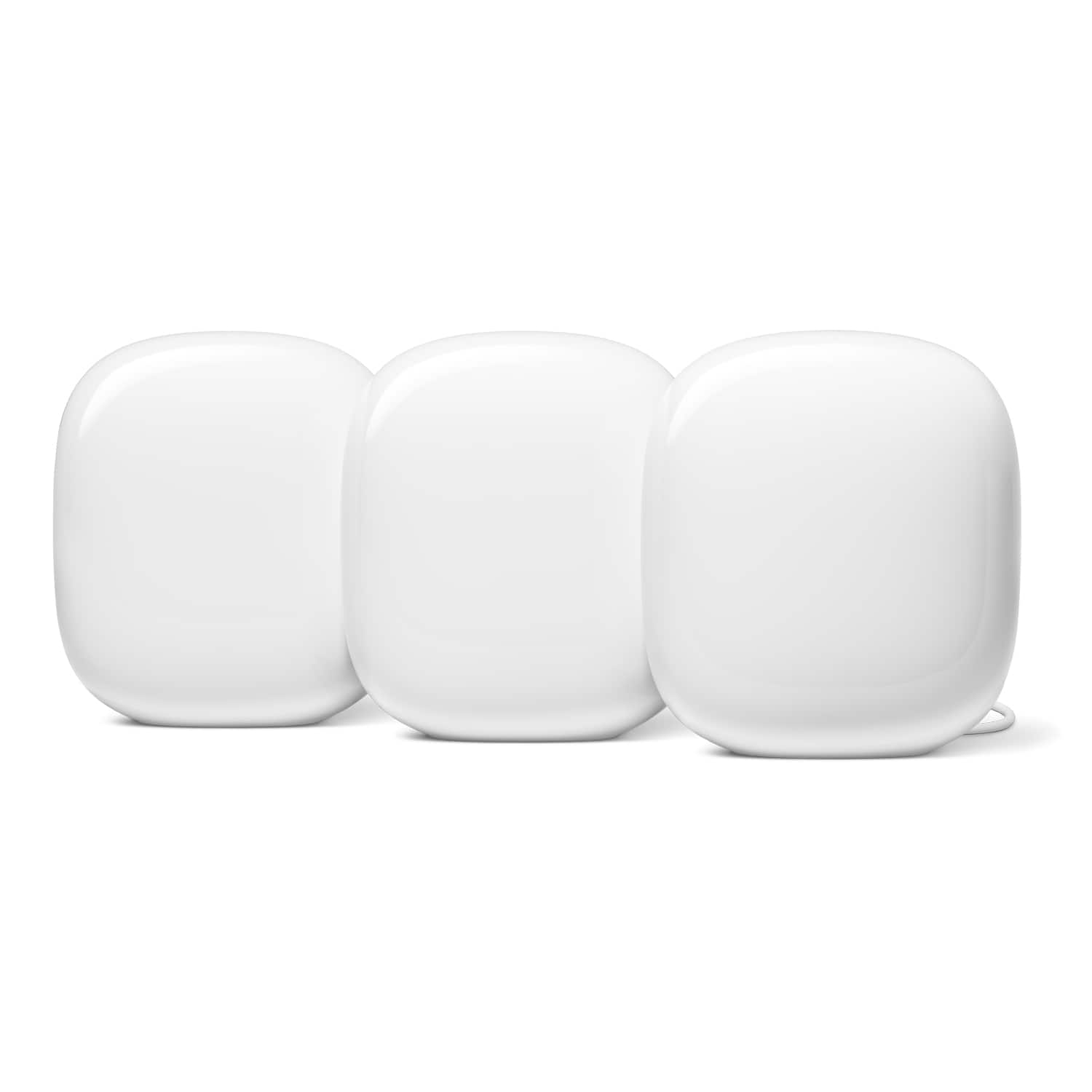

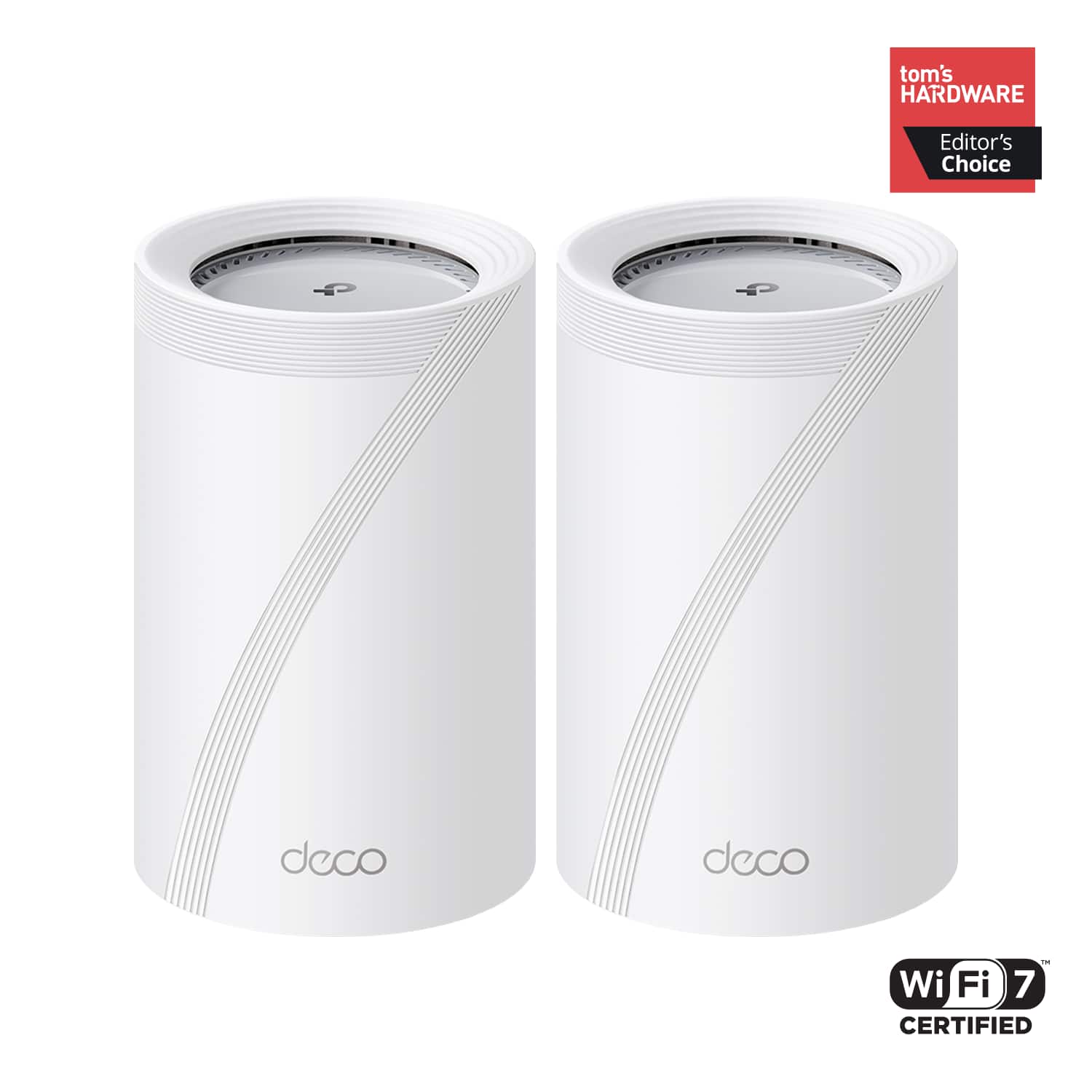
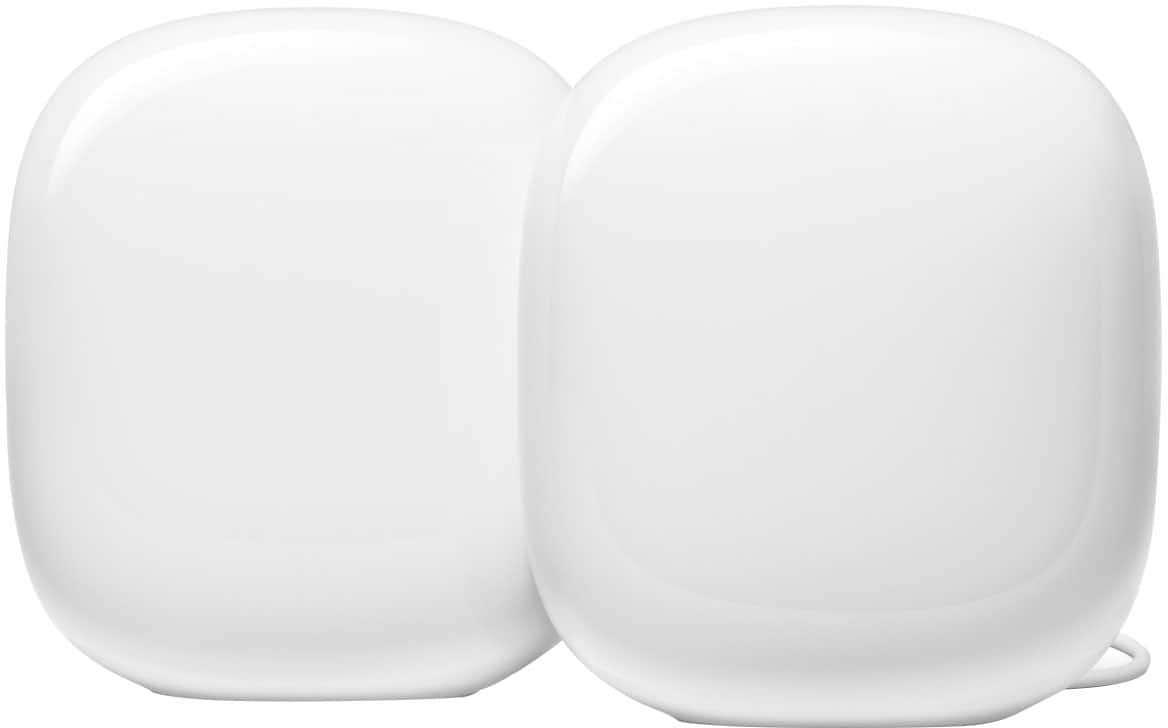
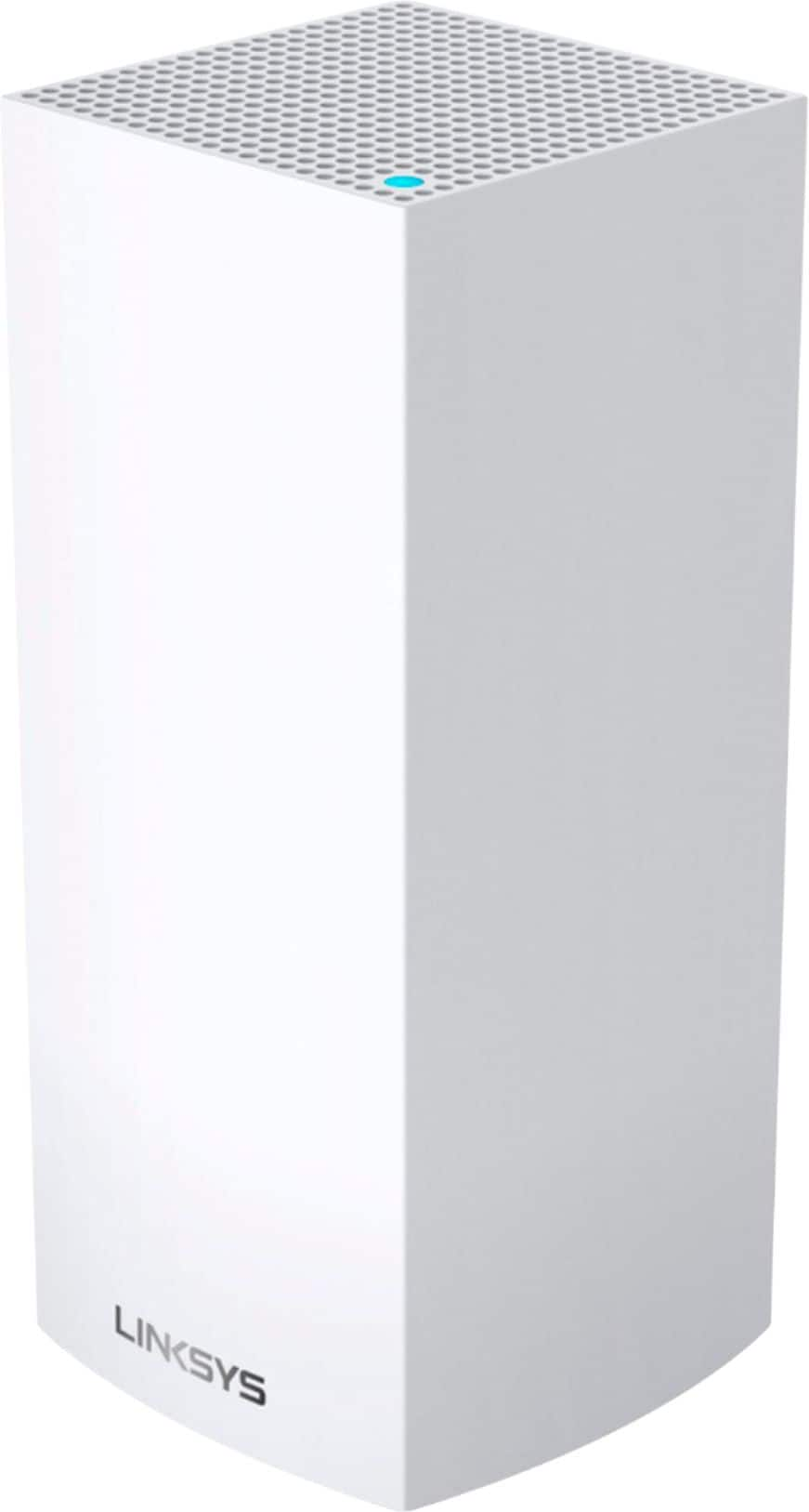
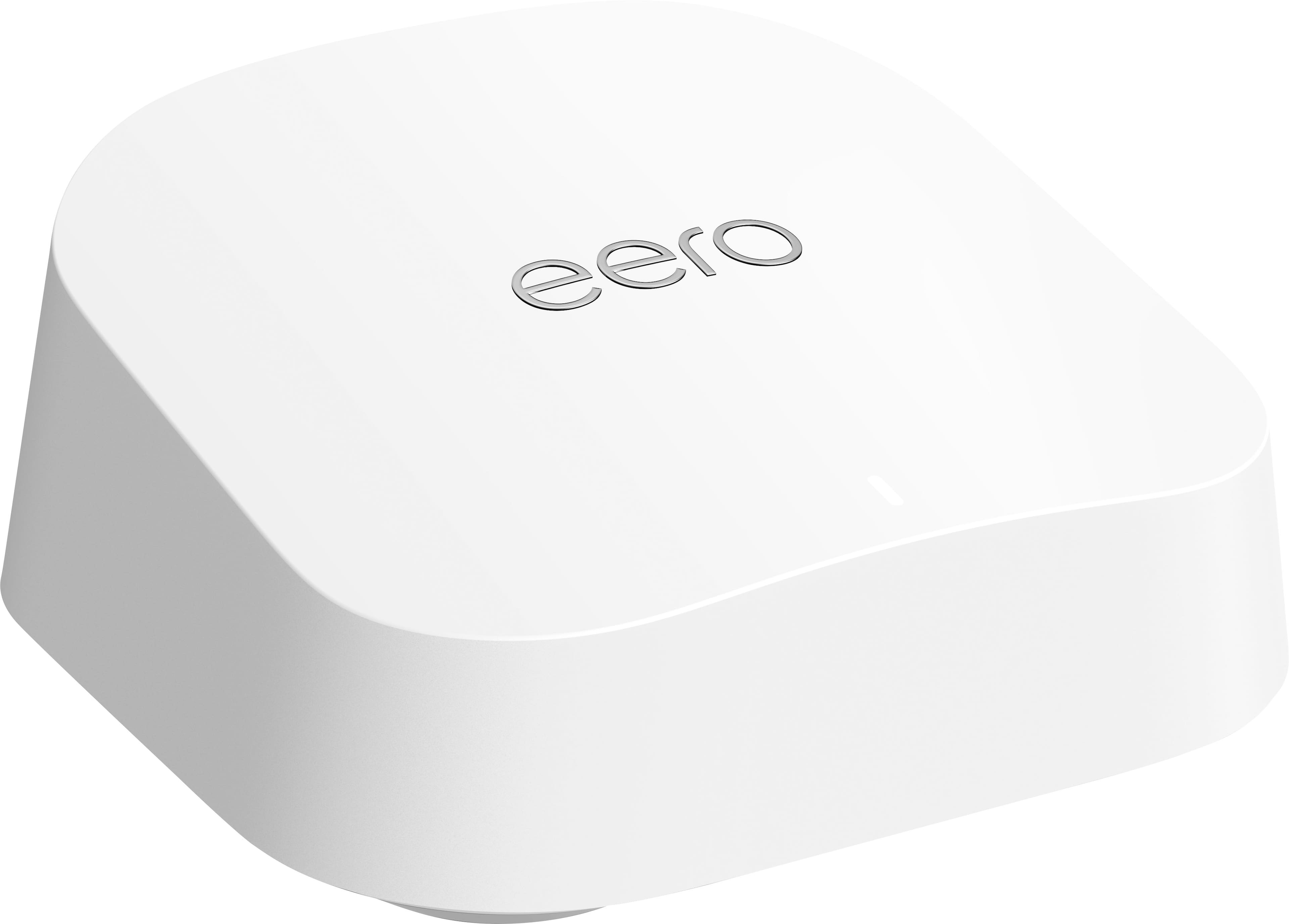
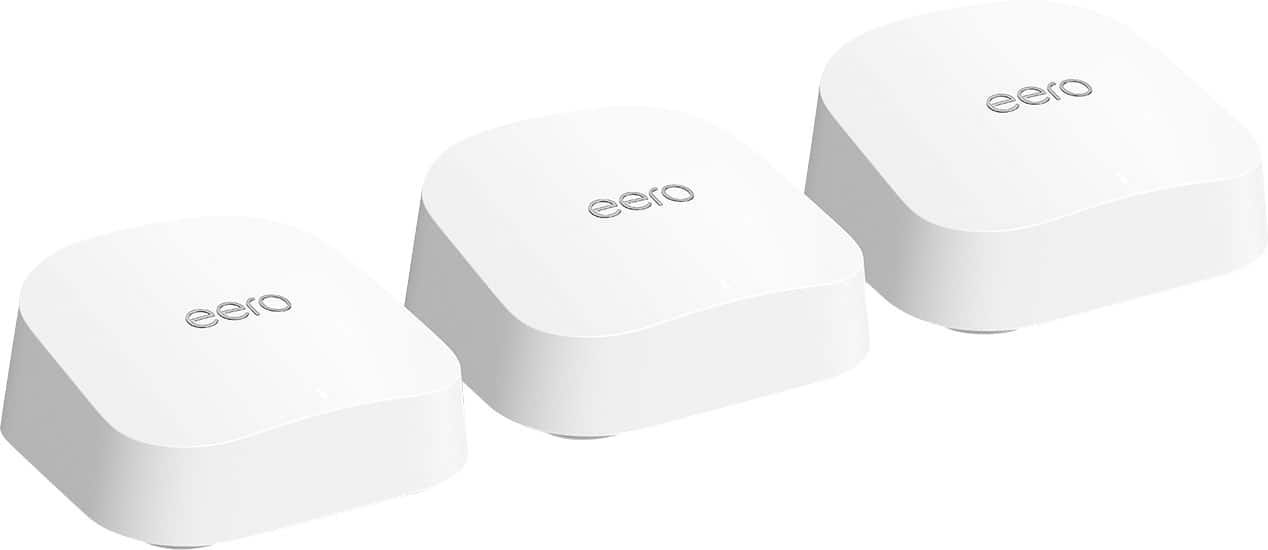
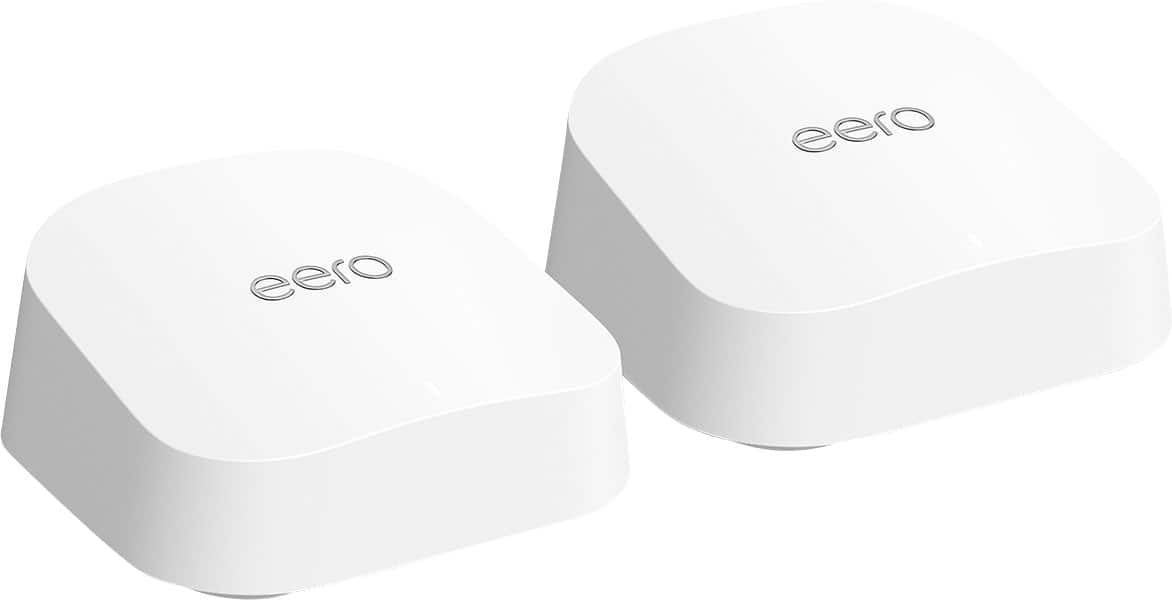
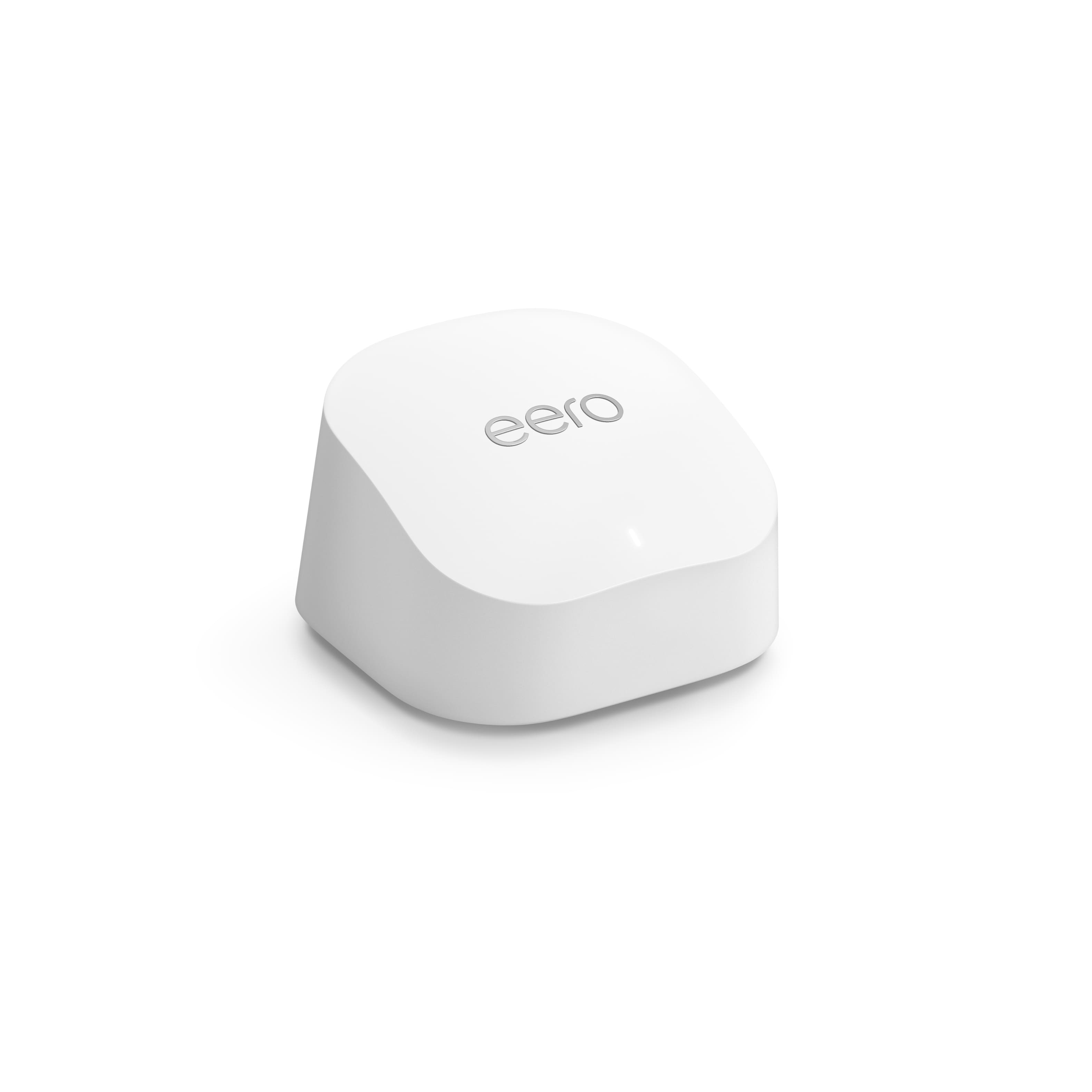
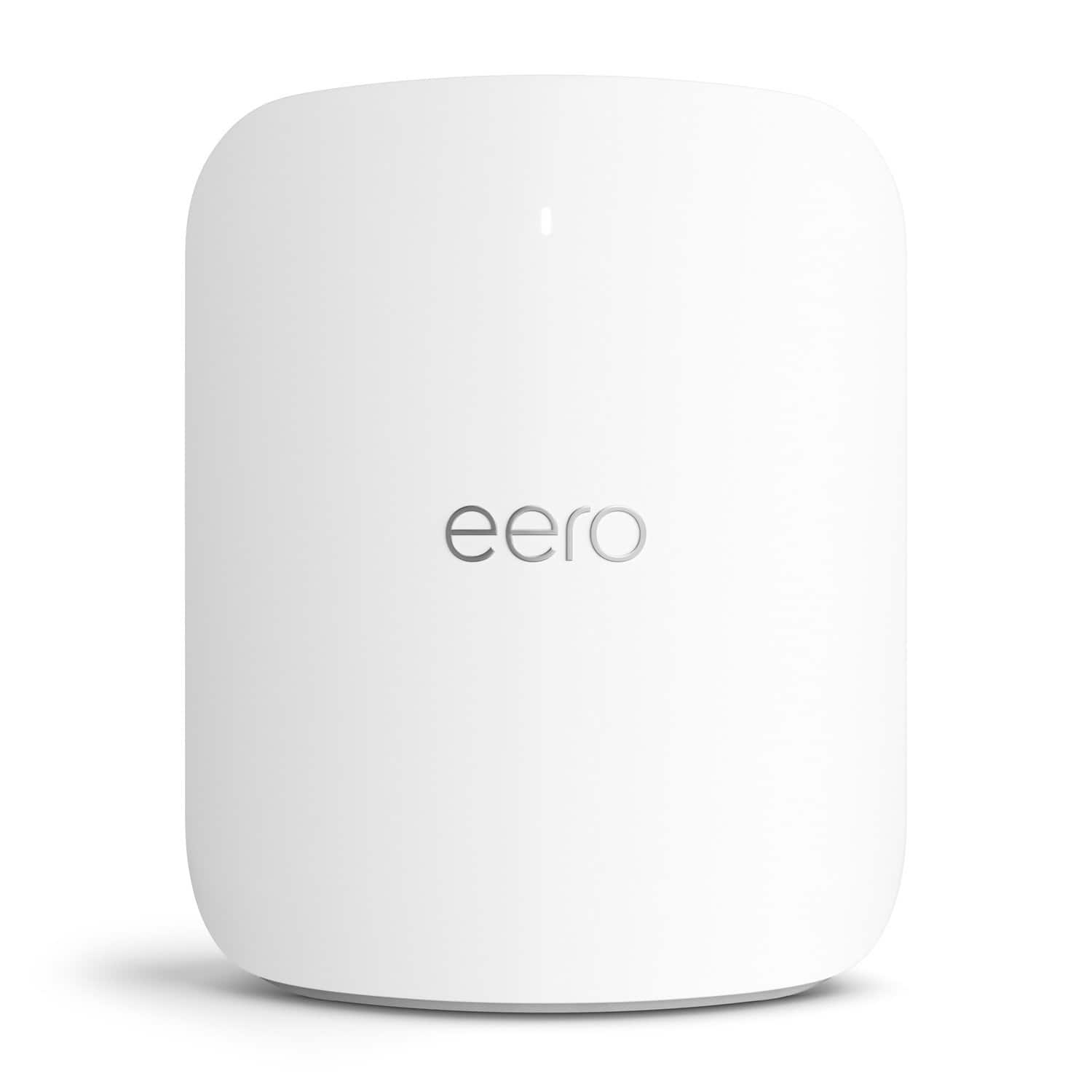
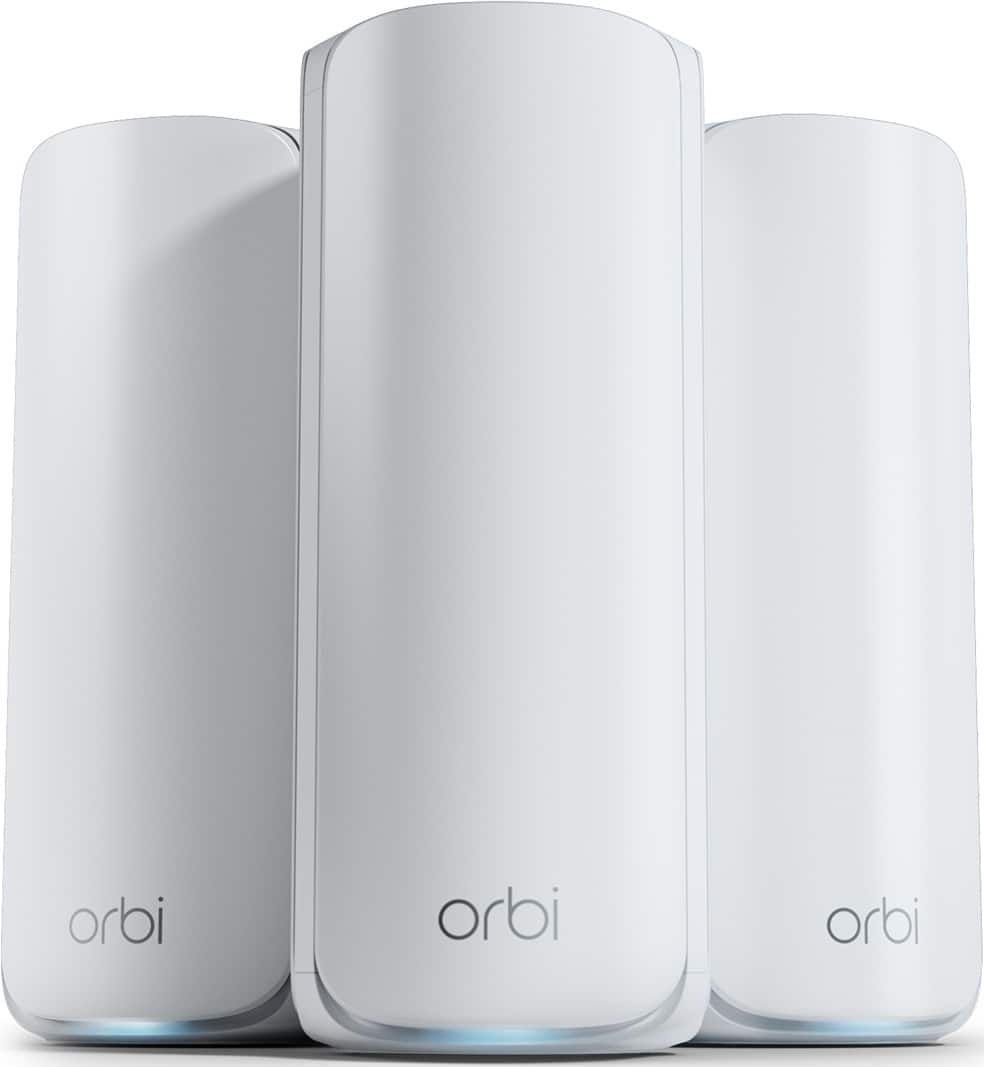
Wi-Fi 7 Mesh Systems with Parental Controls for Busy Homes
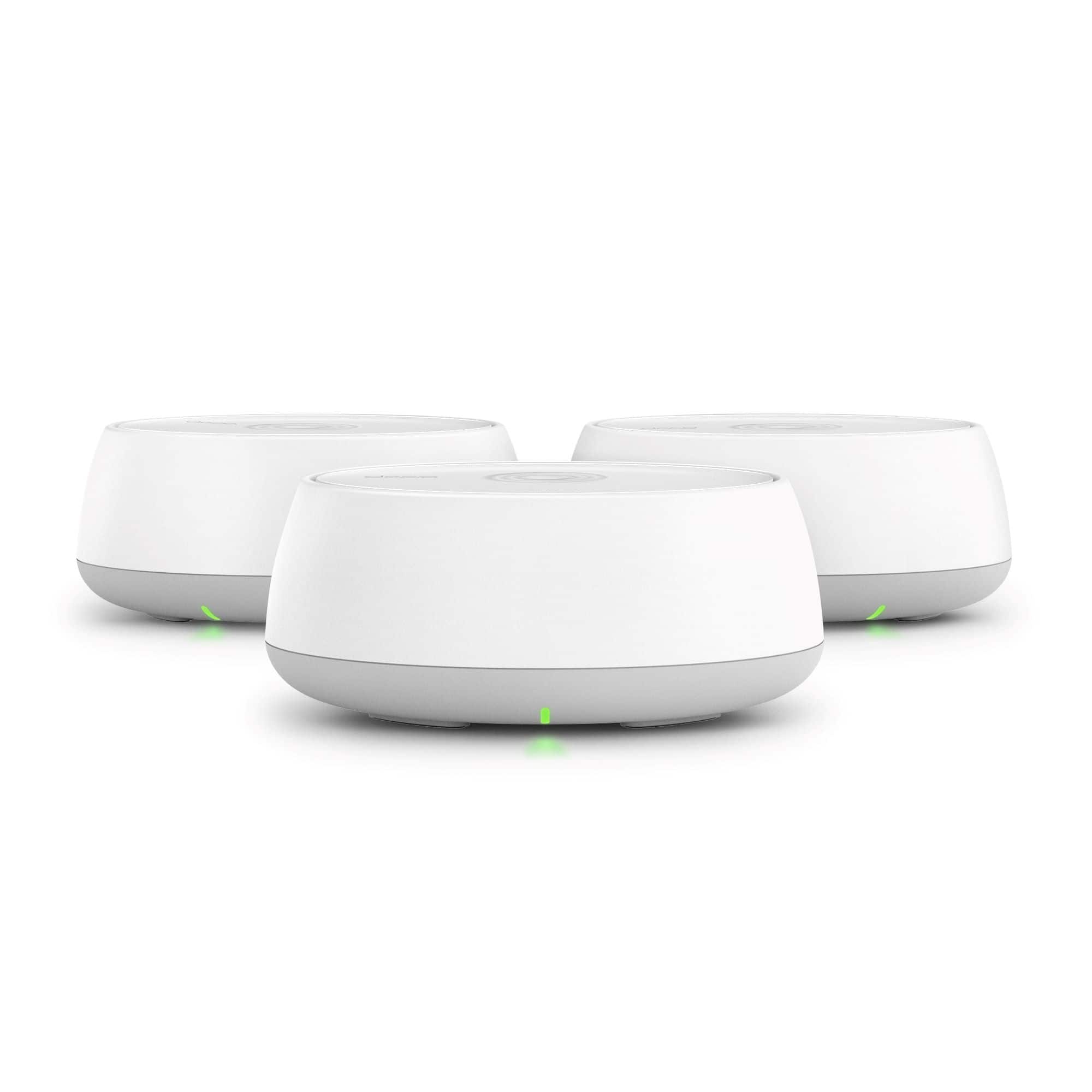
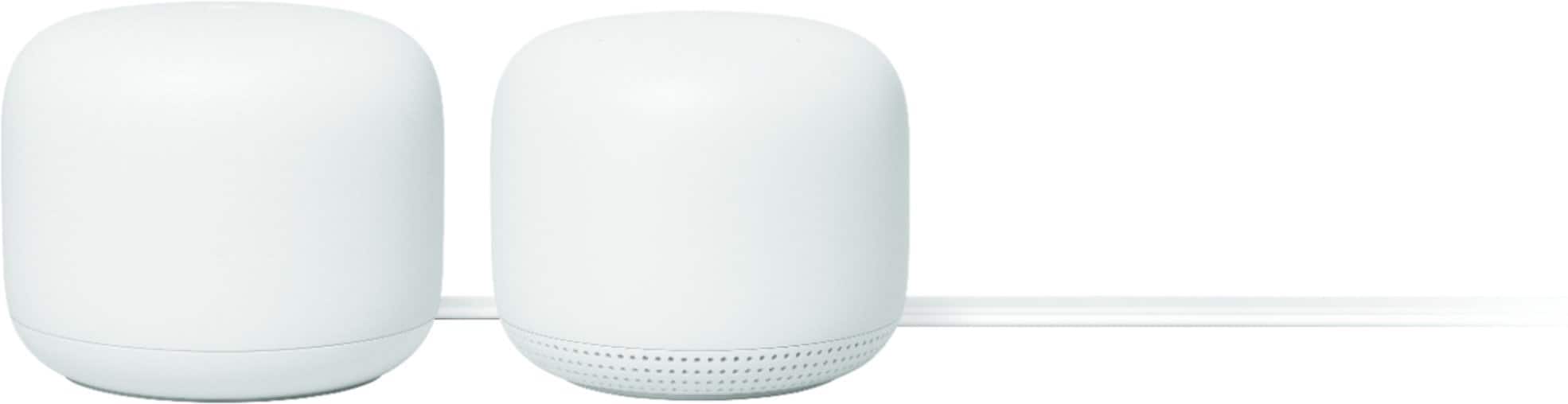
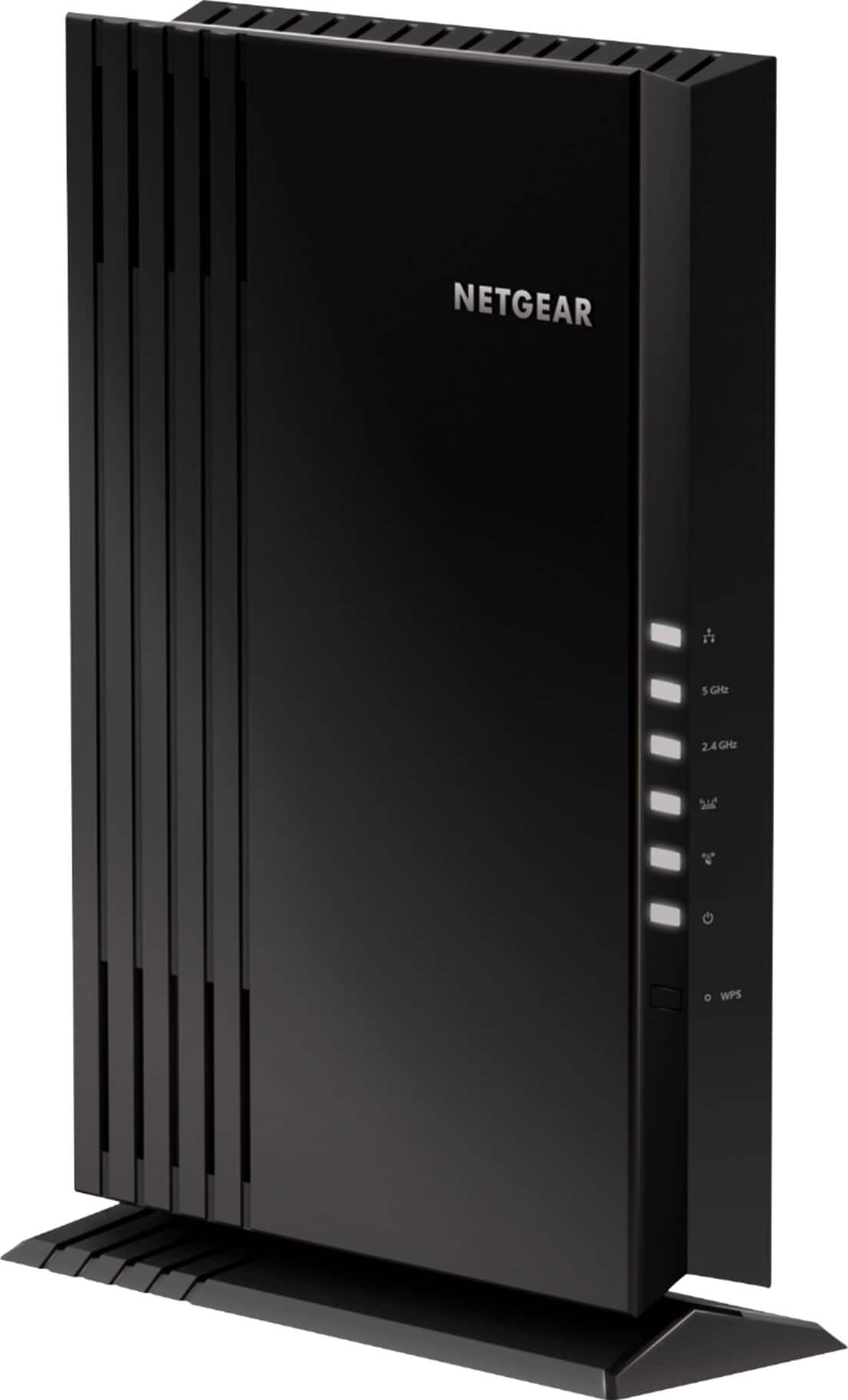
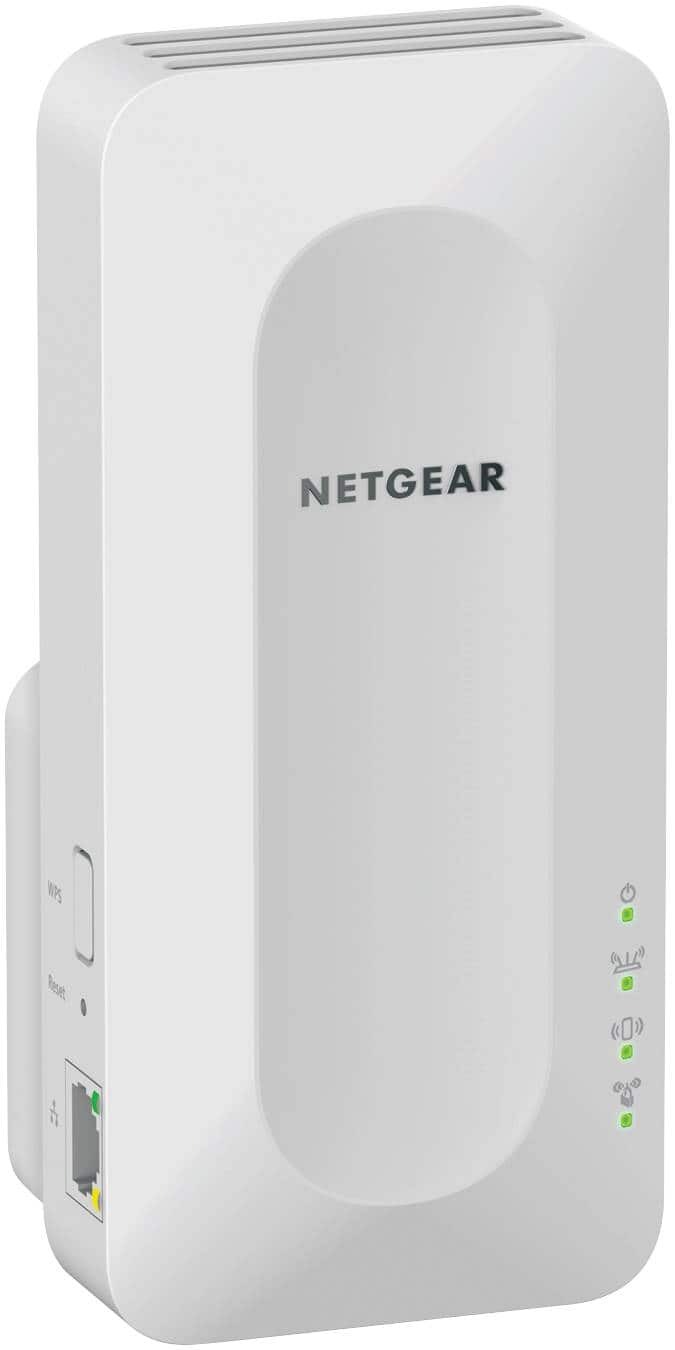

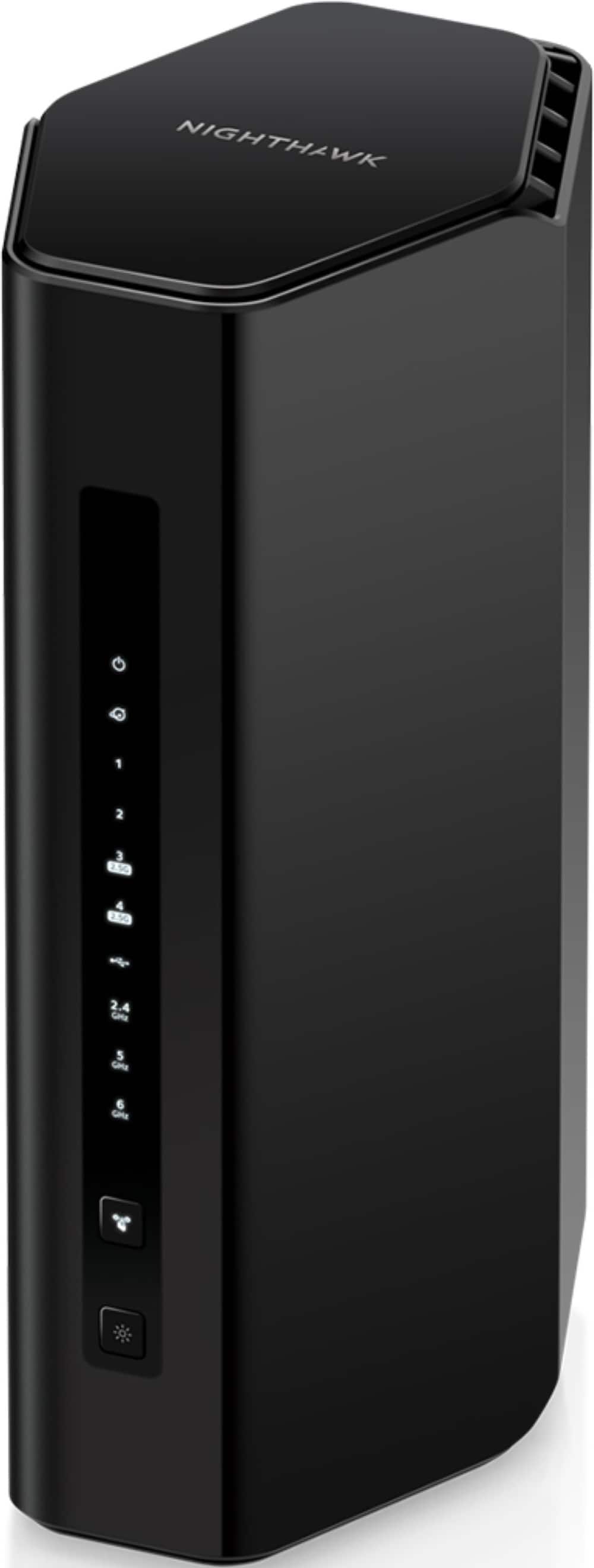
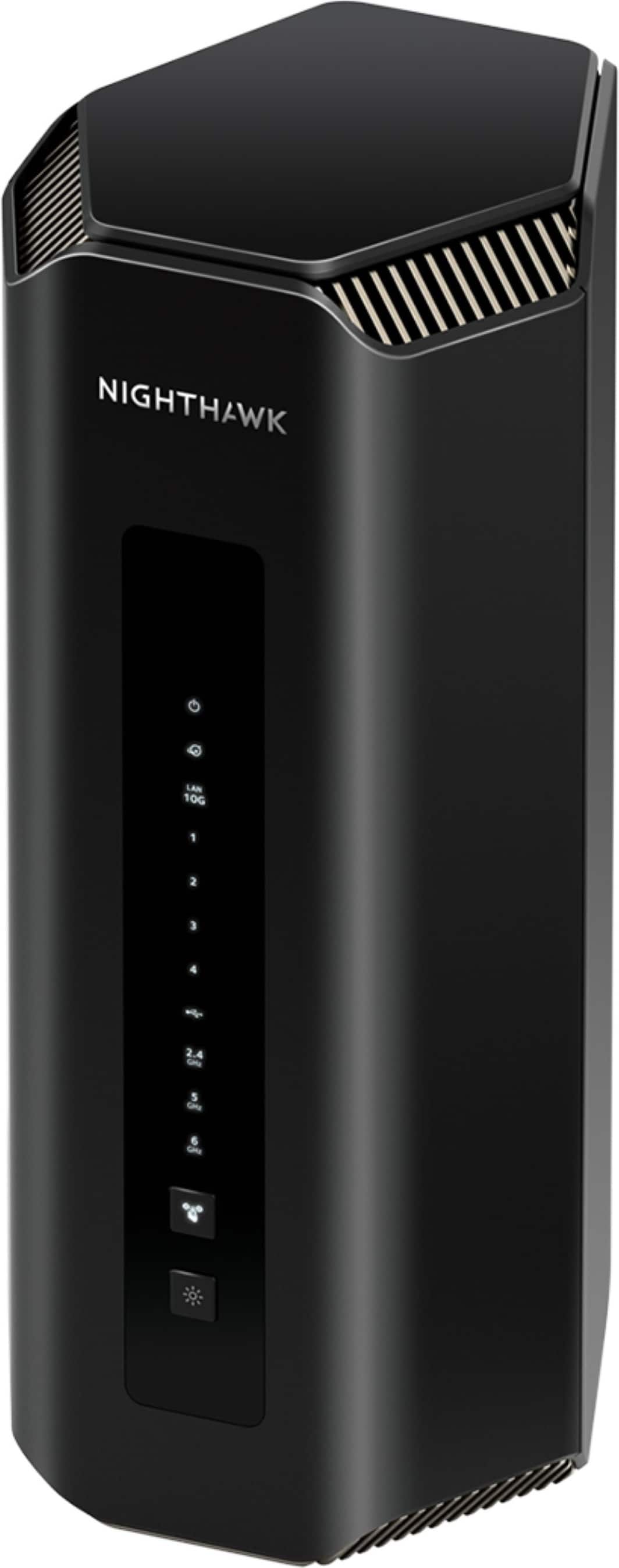
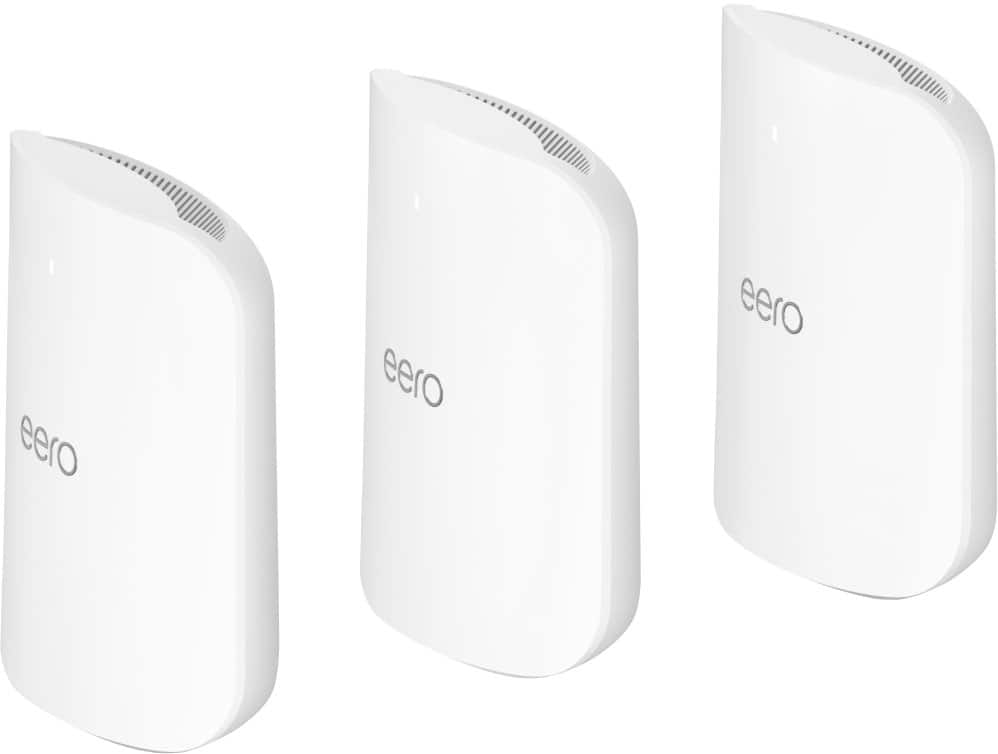
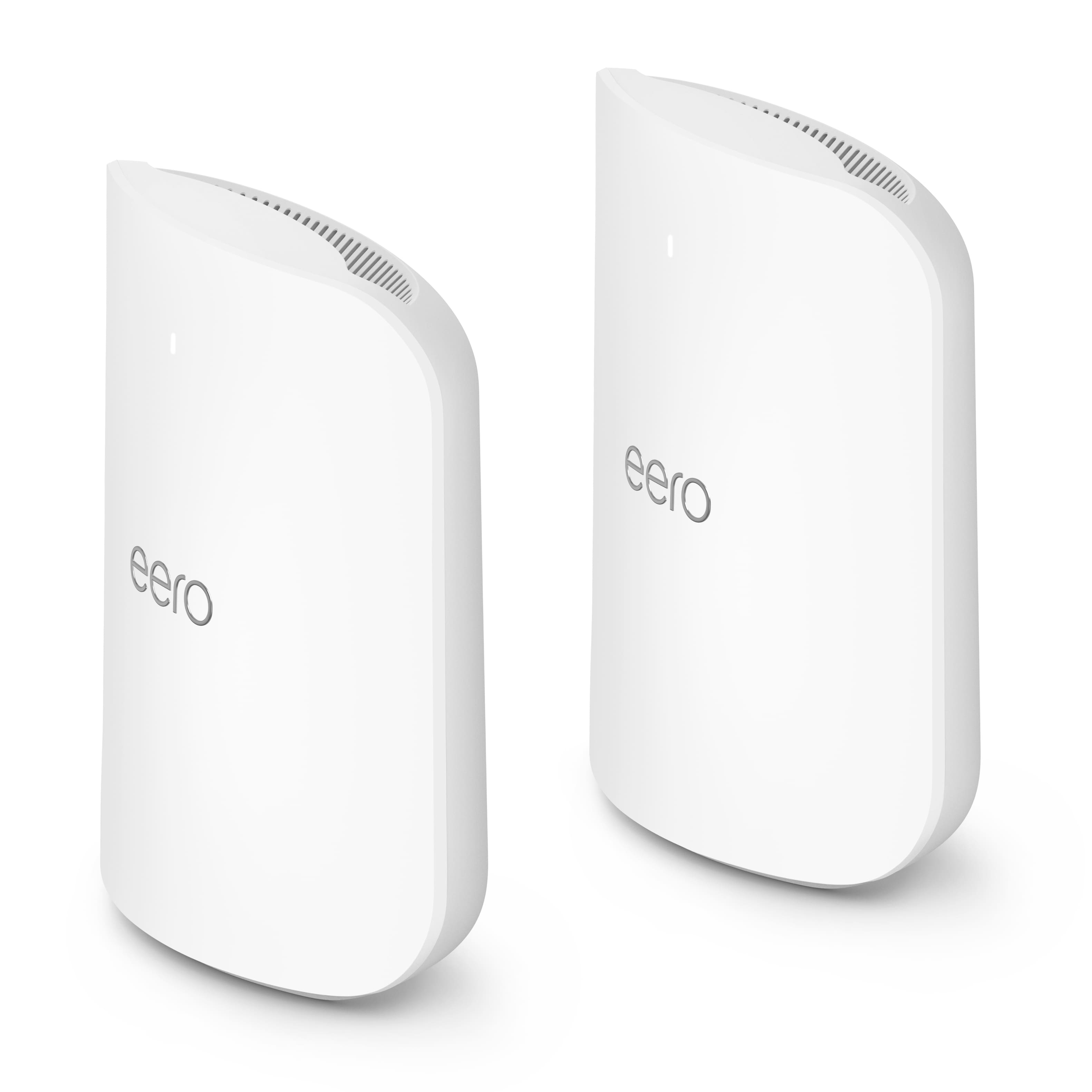
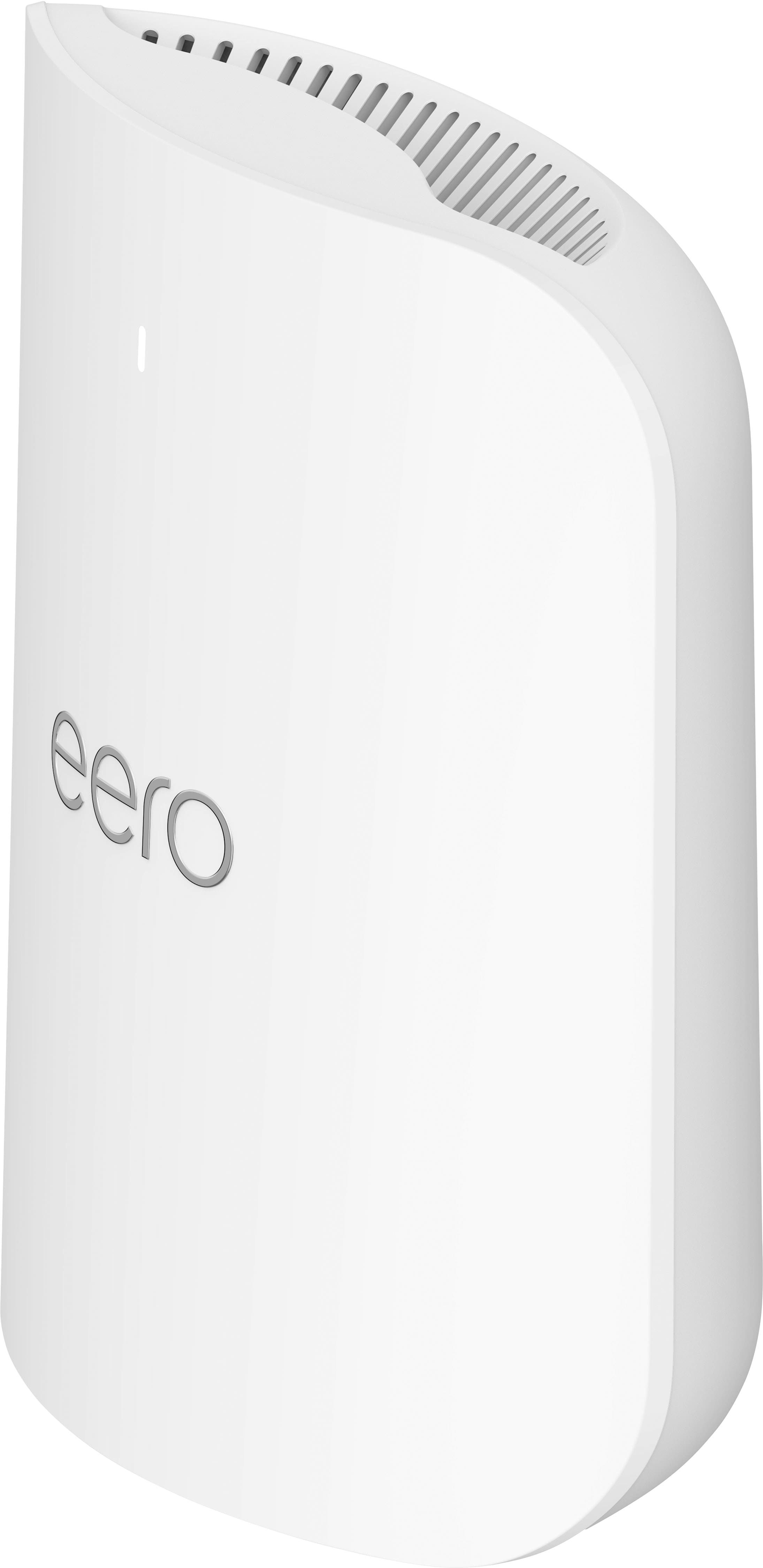
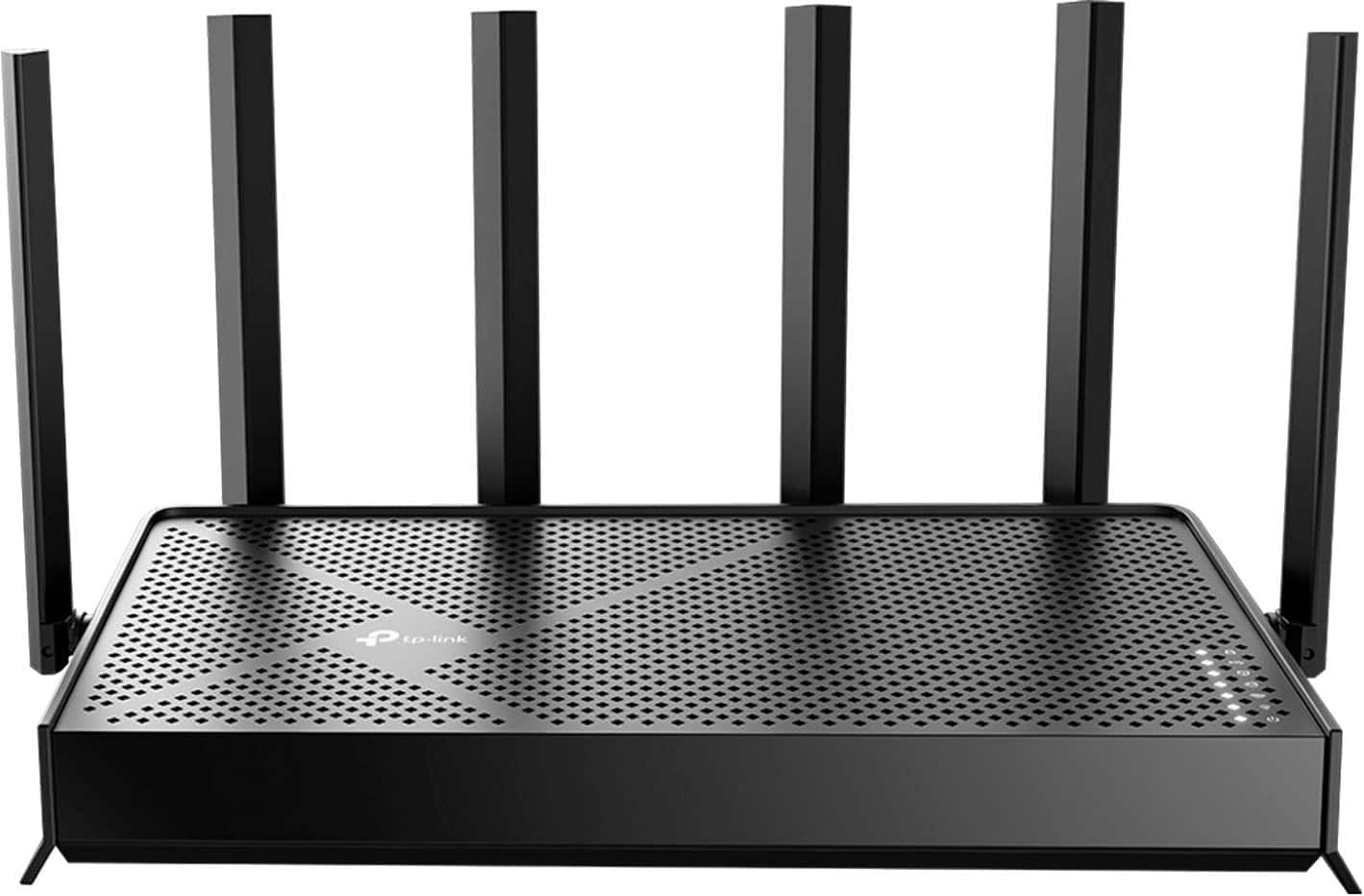
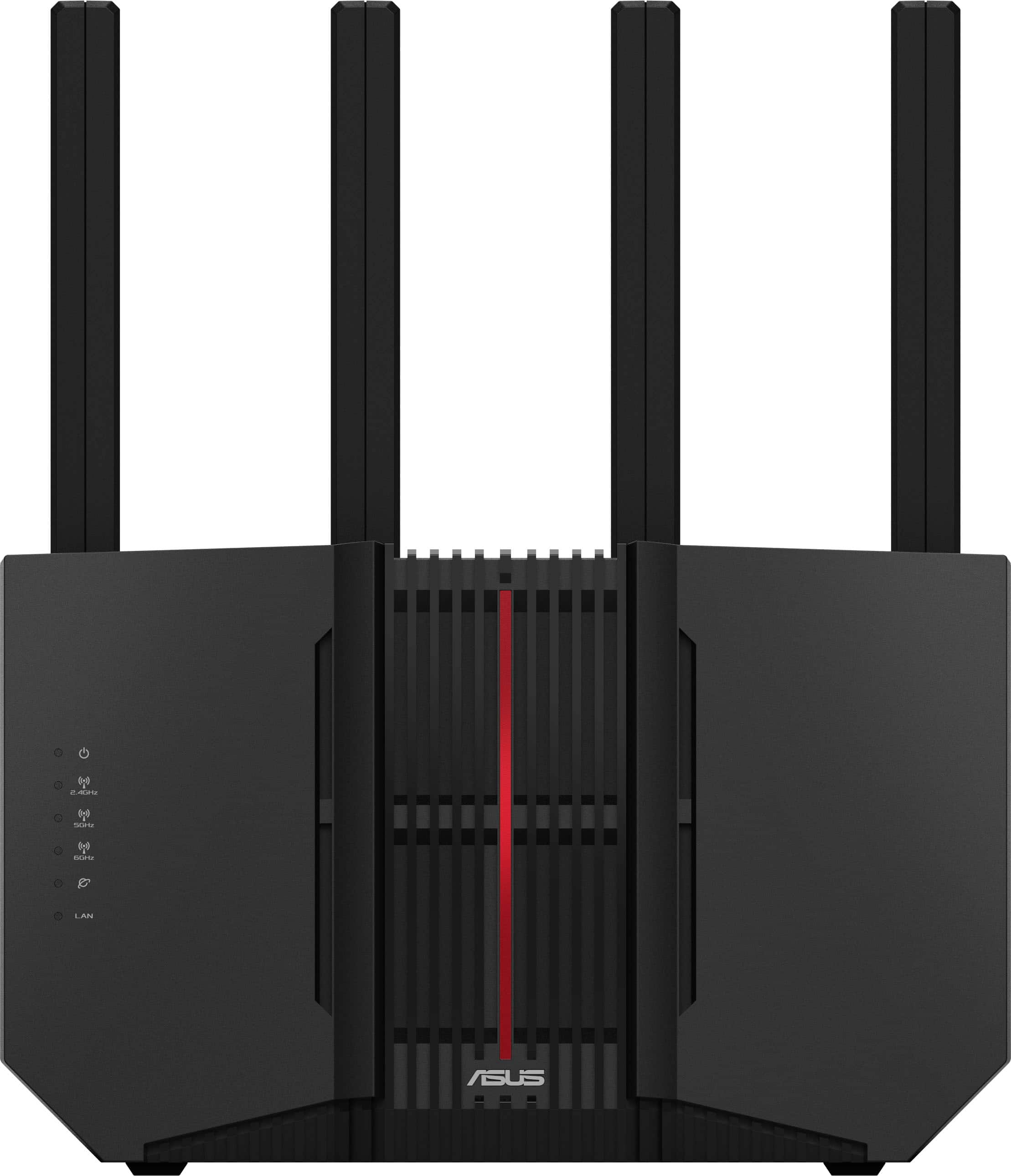
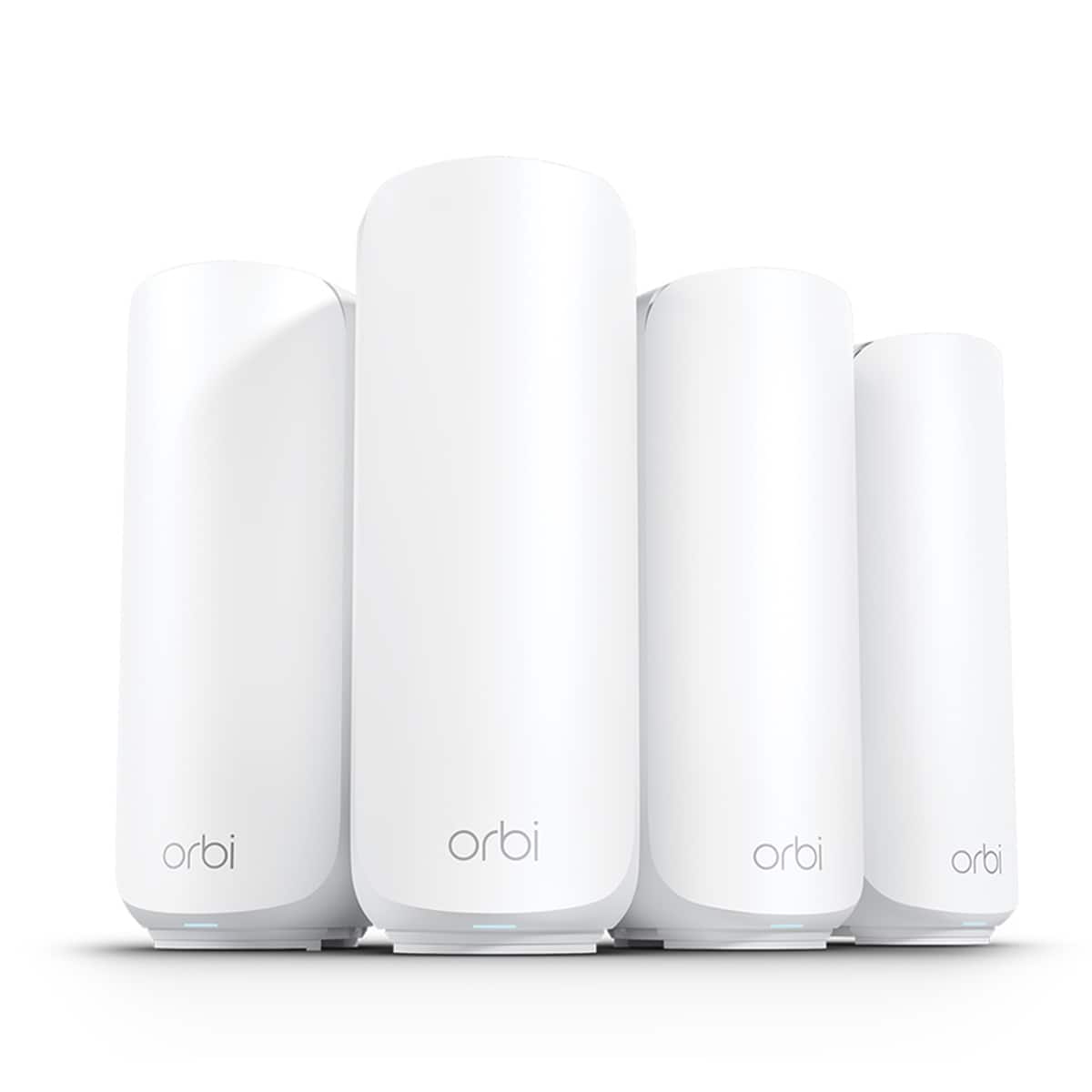
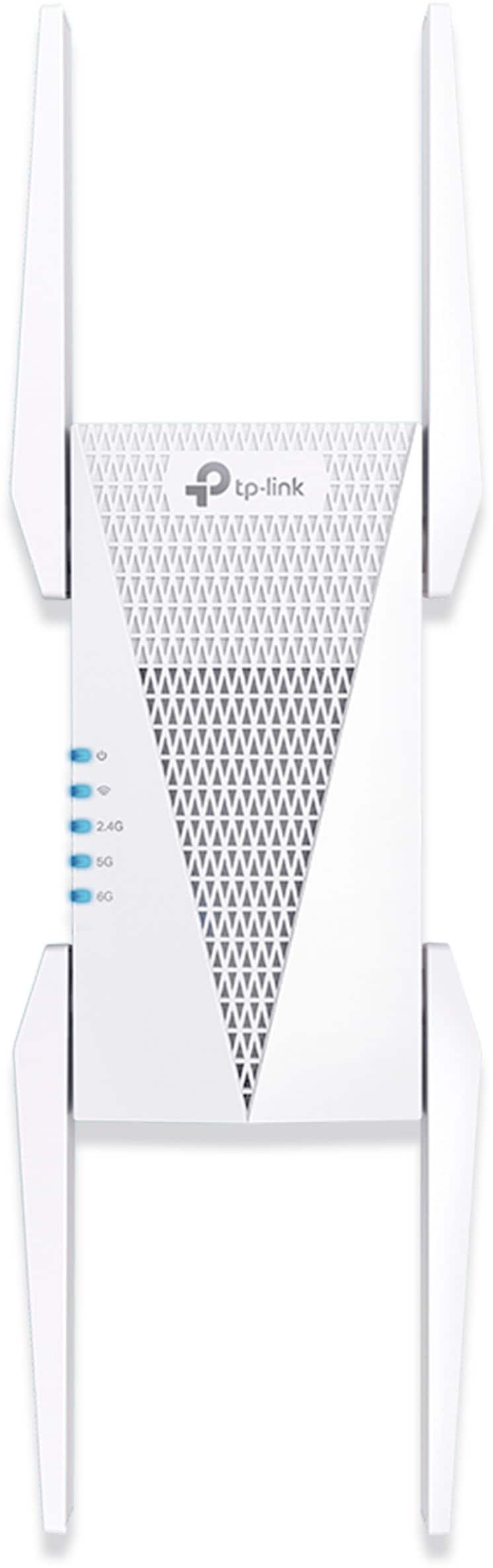

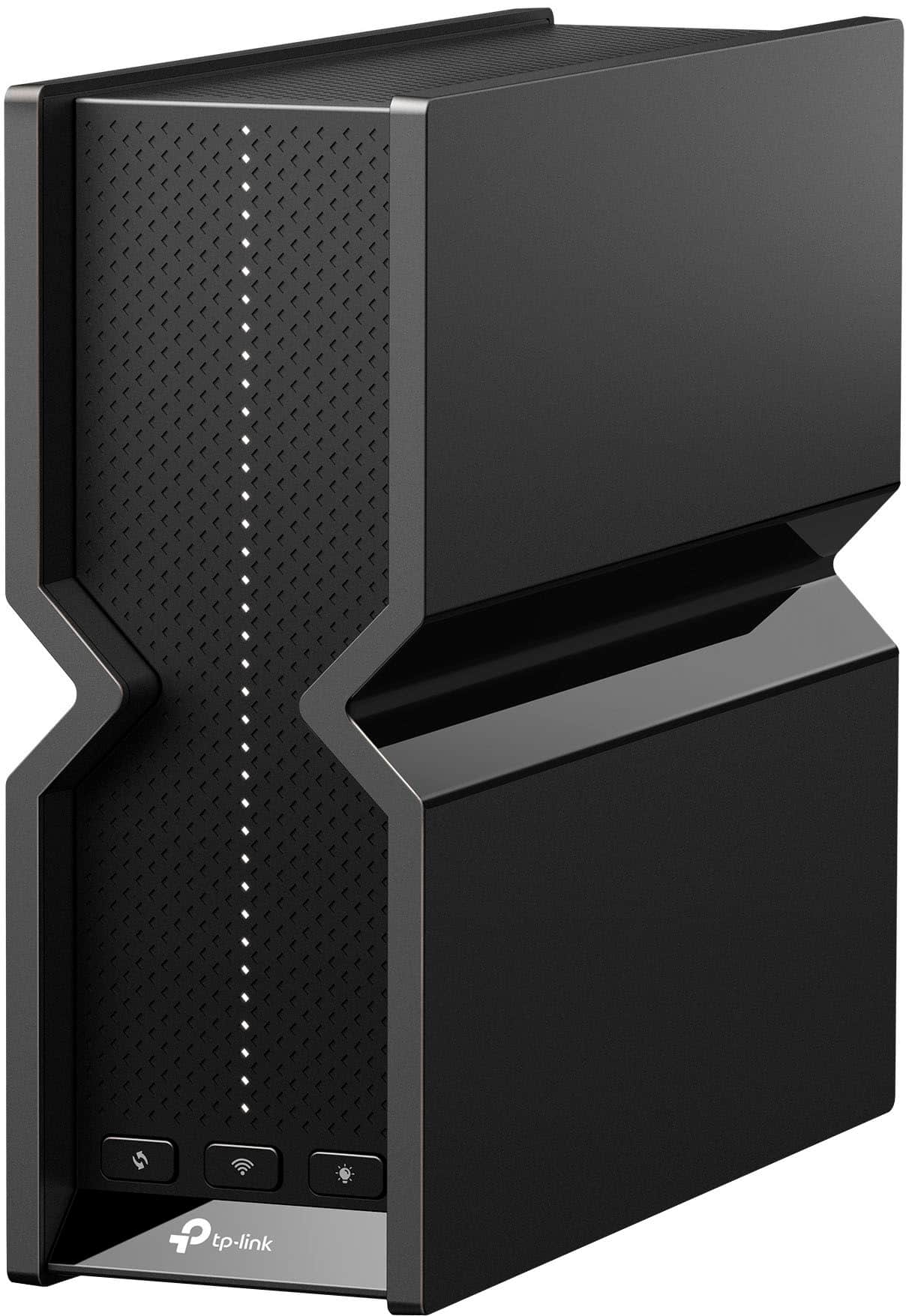

Wi-Fi 7 Mesh Systems for Larger Coverage Needs
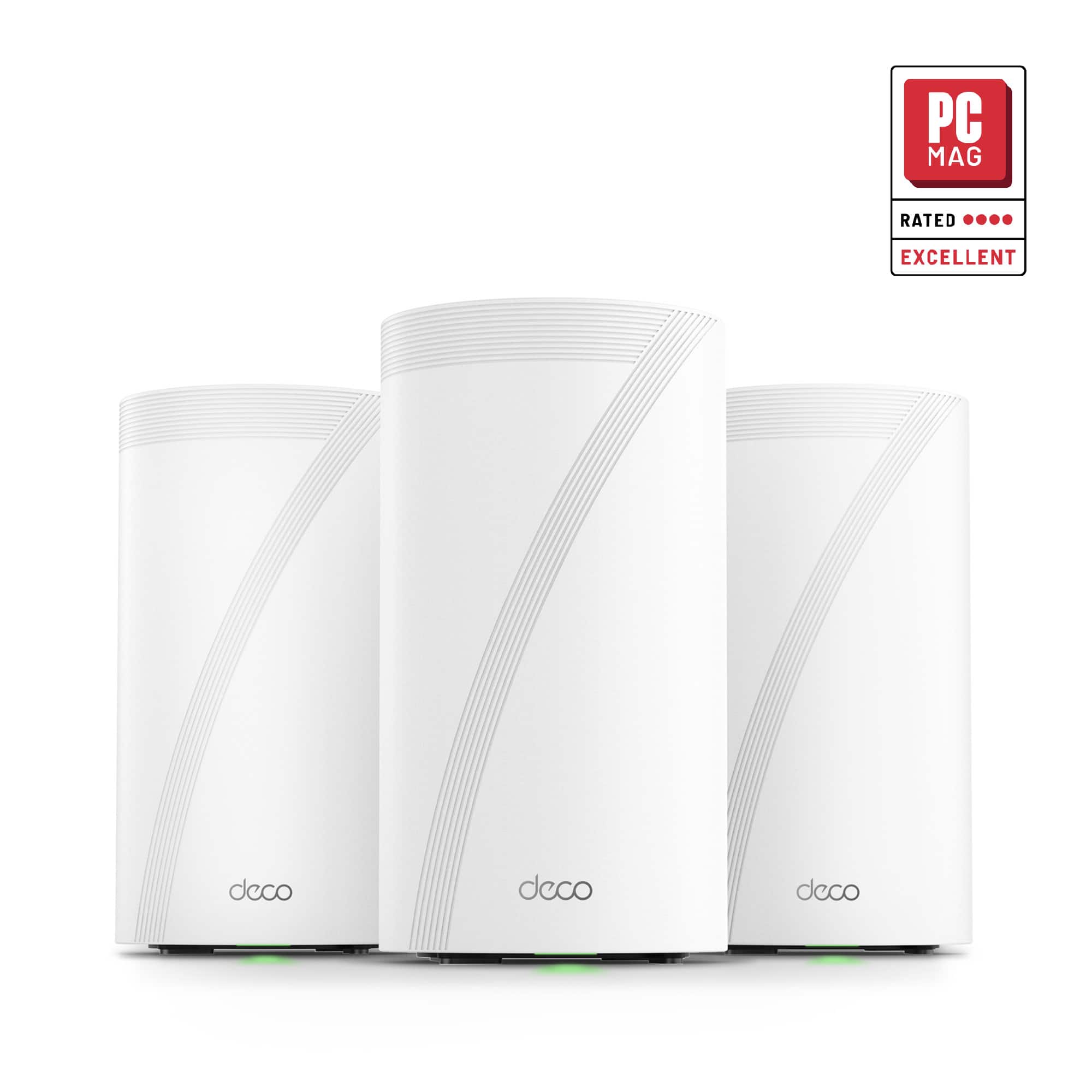
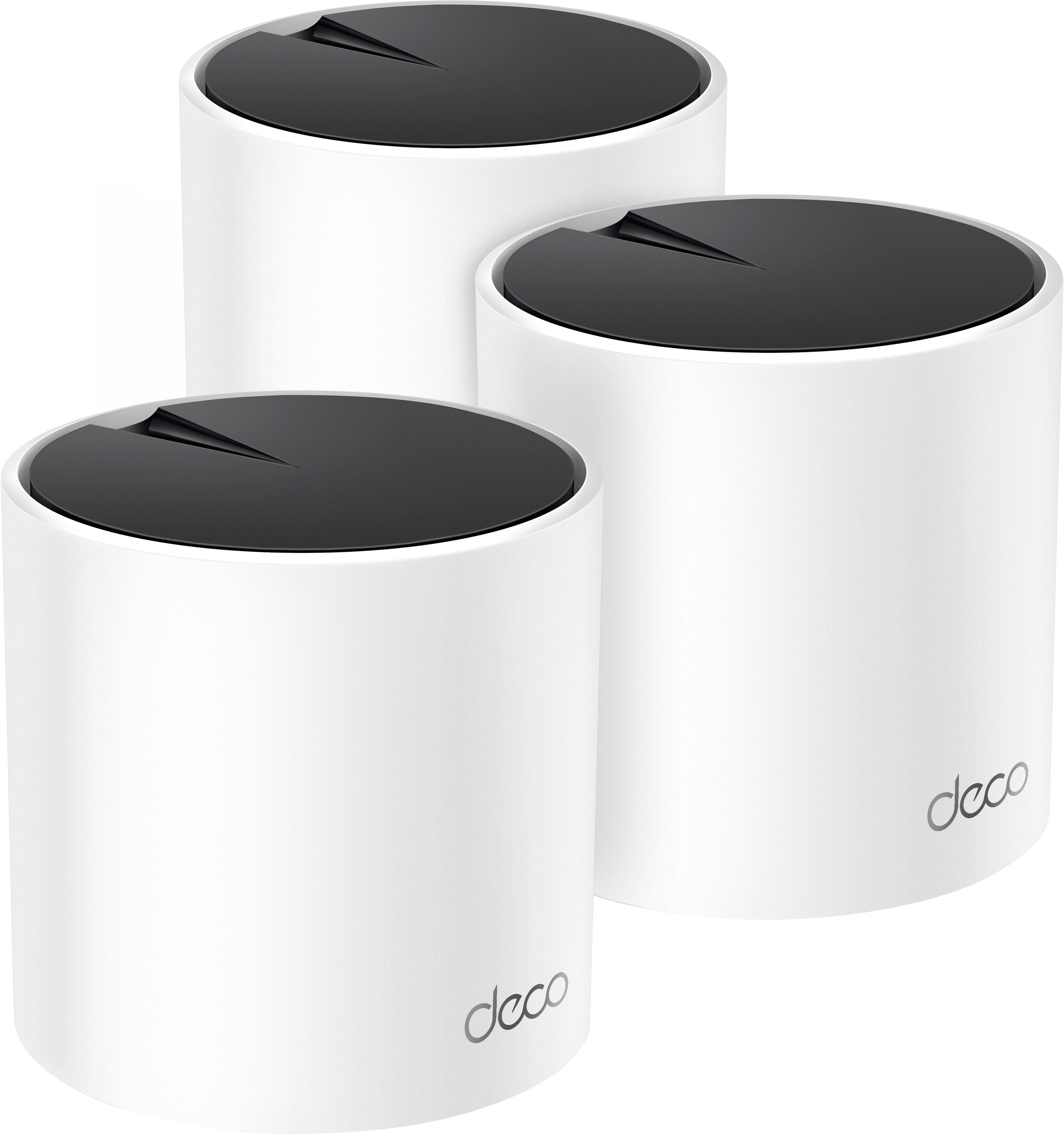
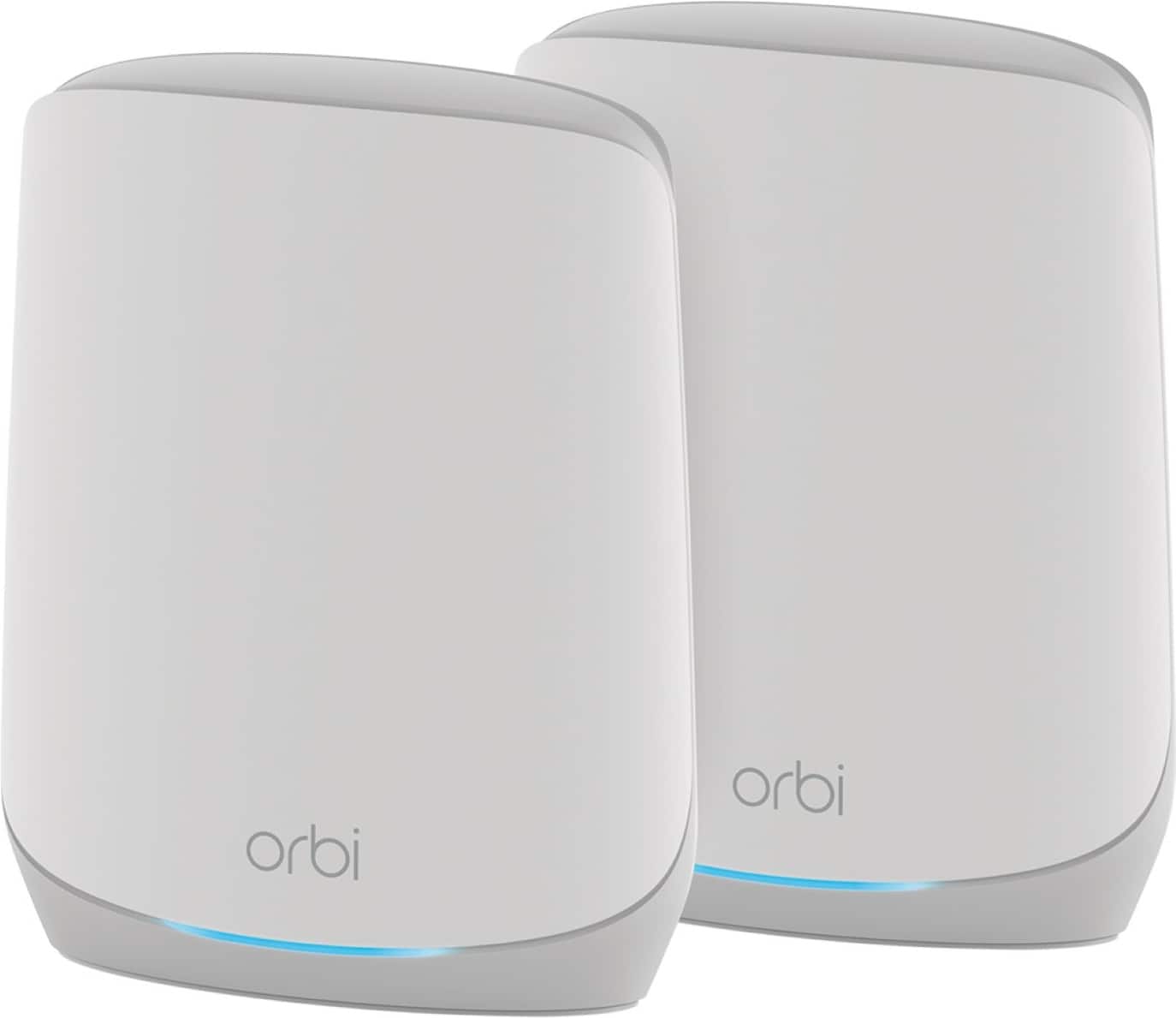
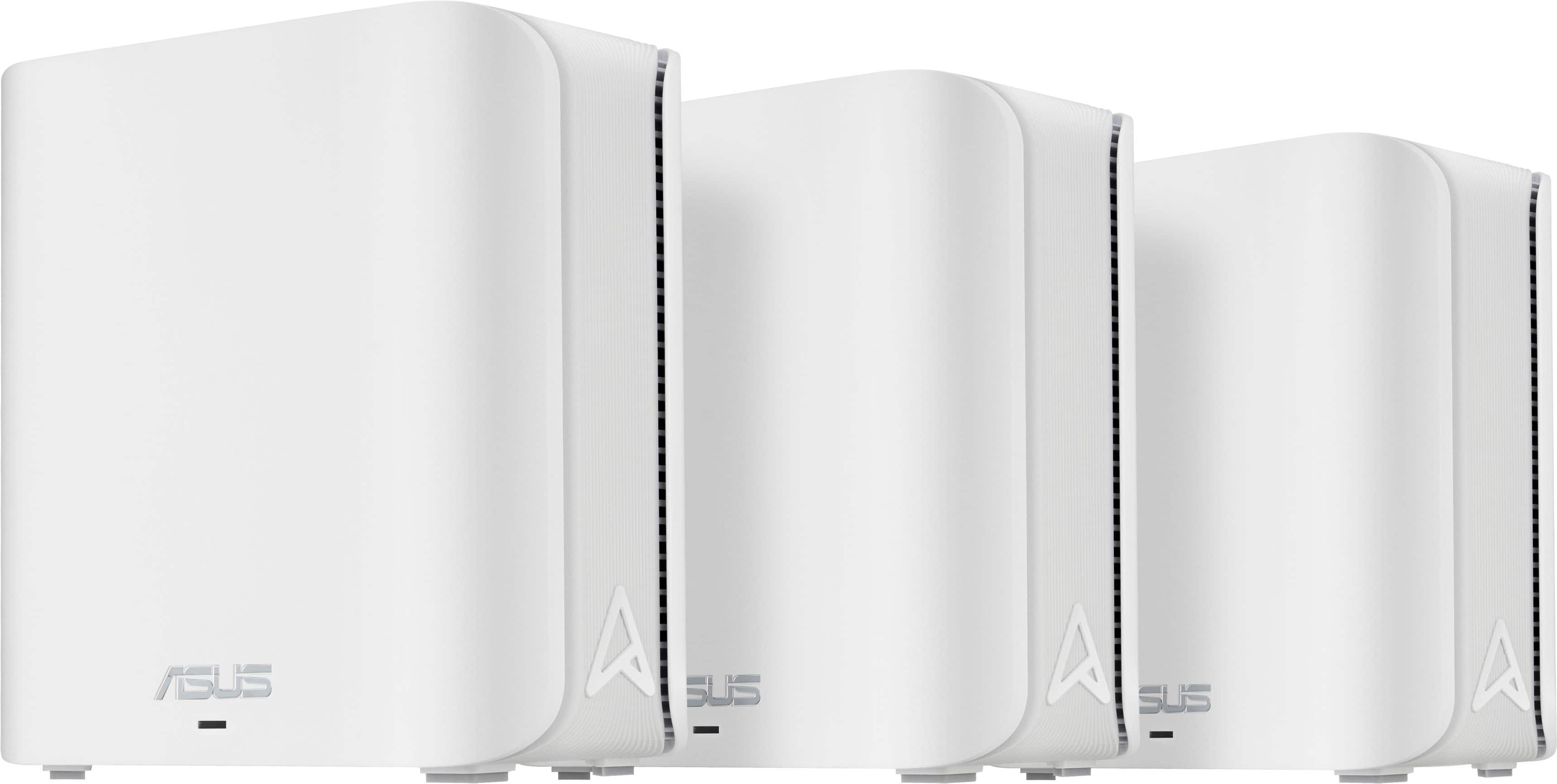
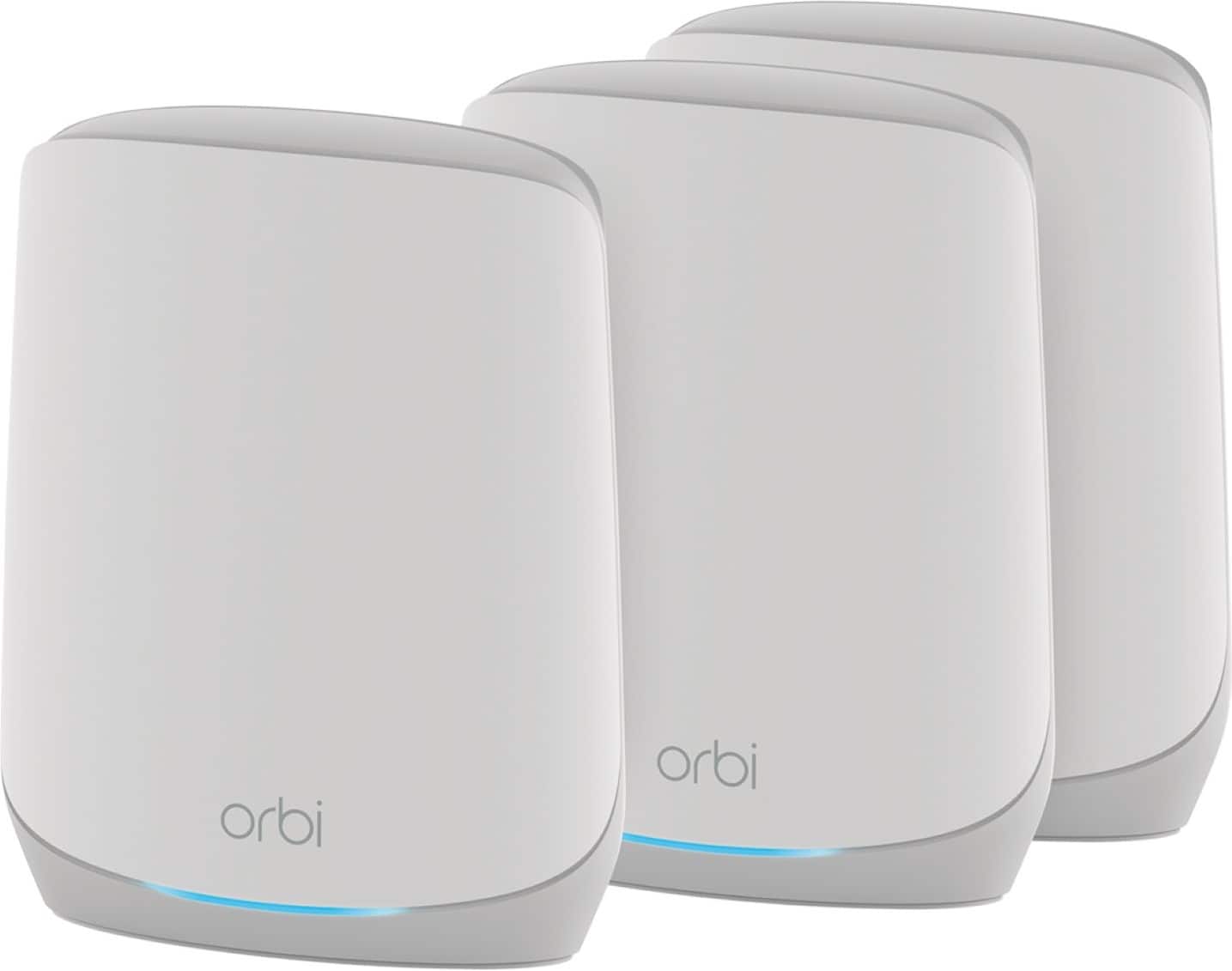

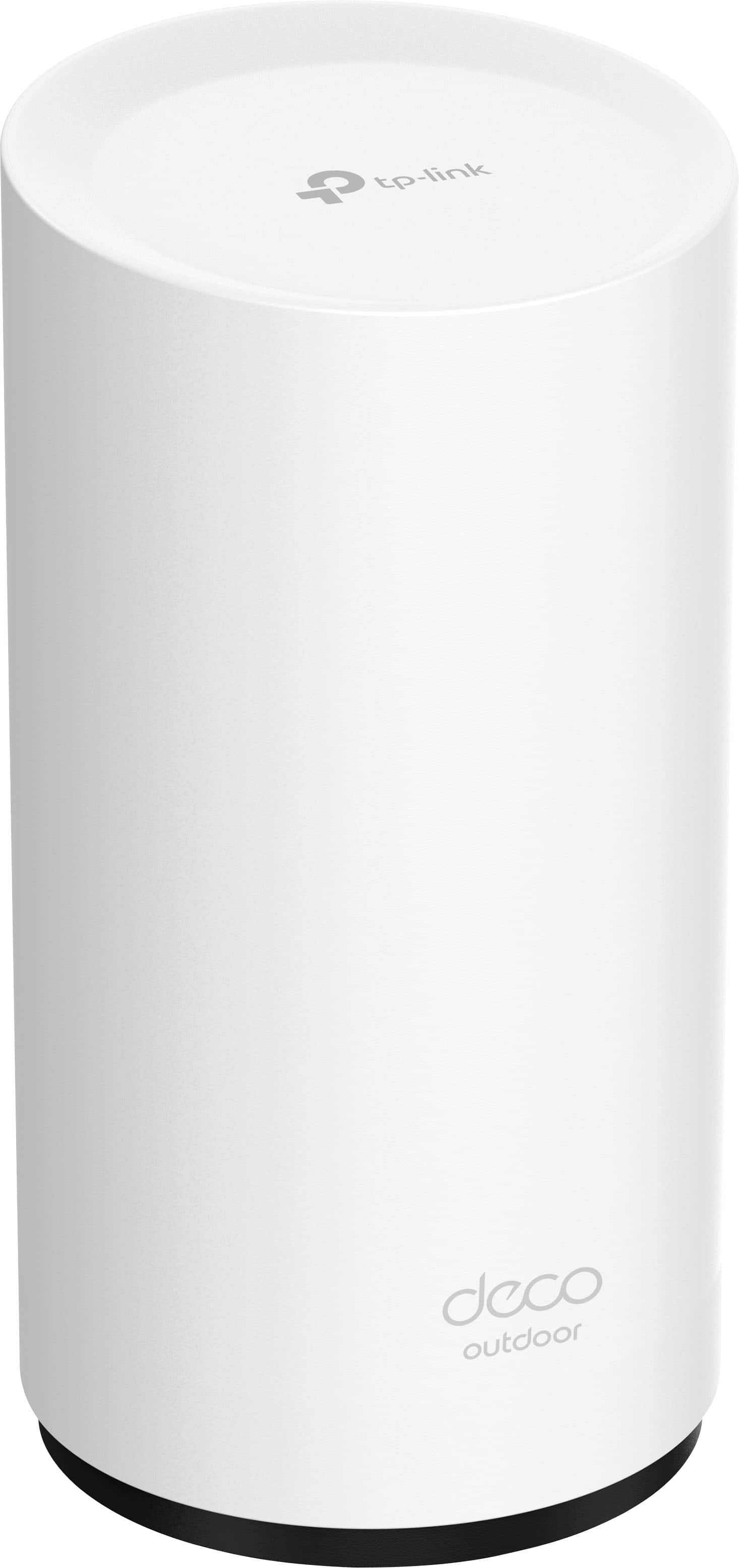
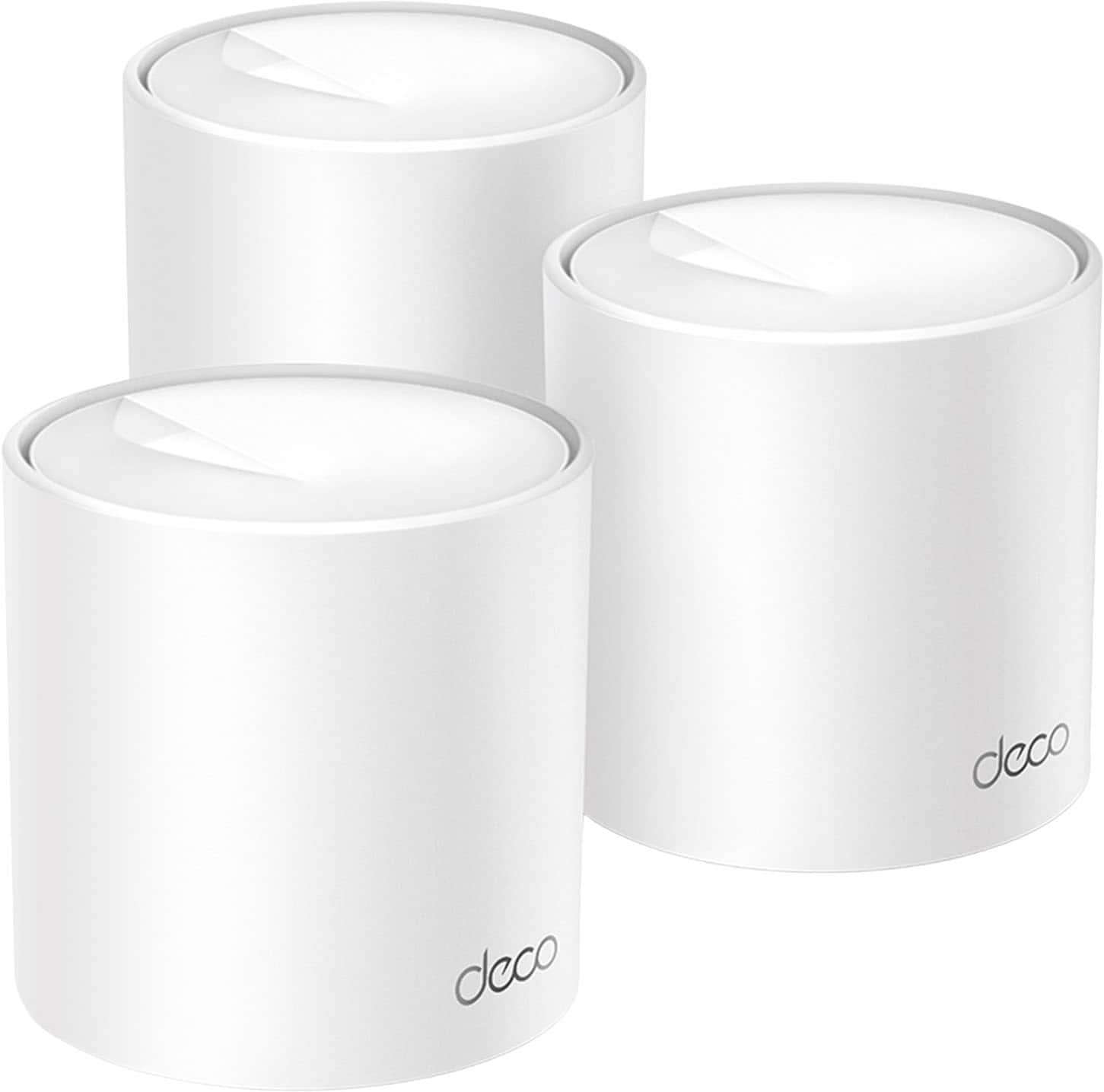
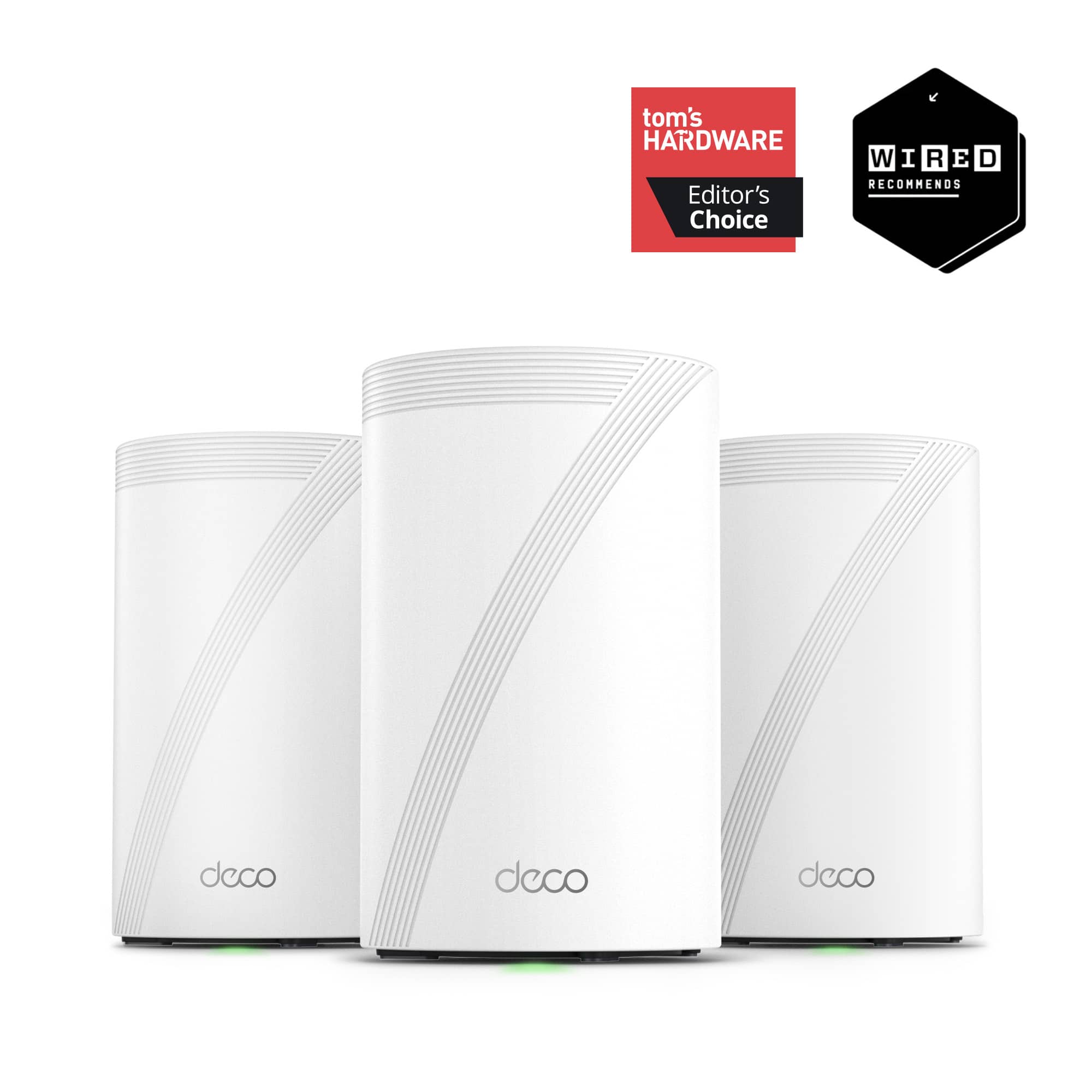
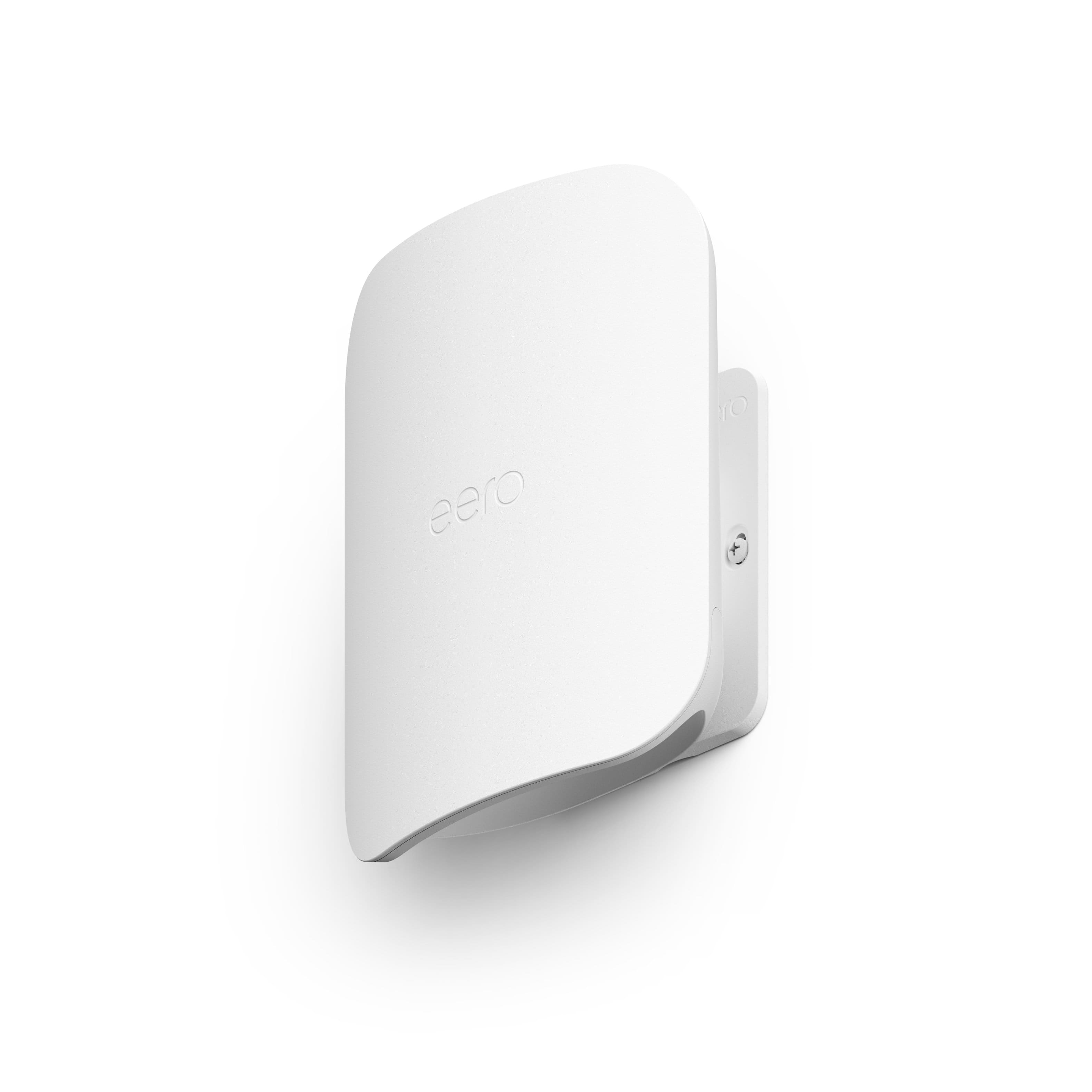

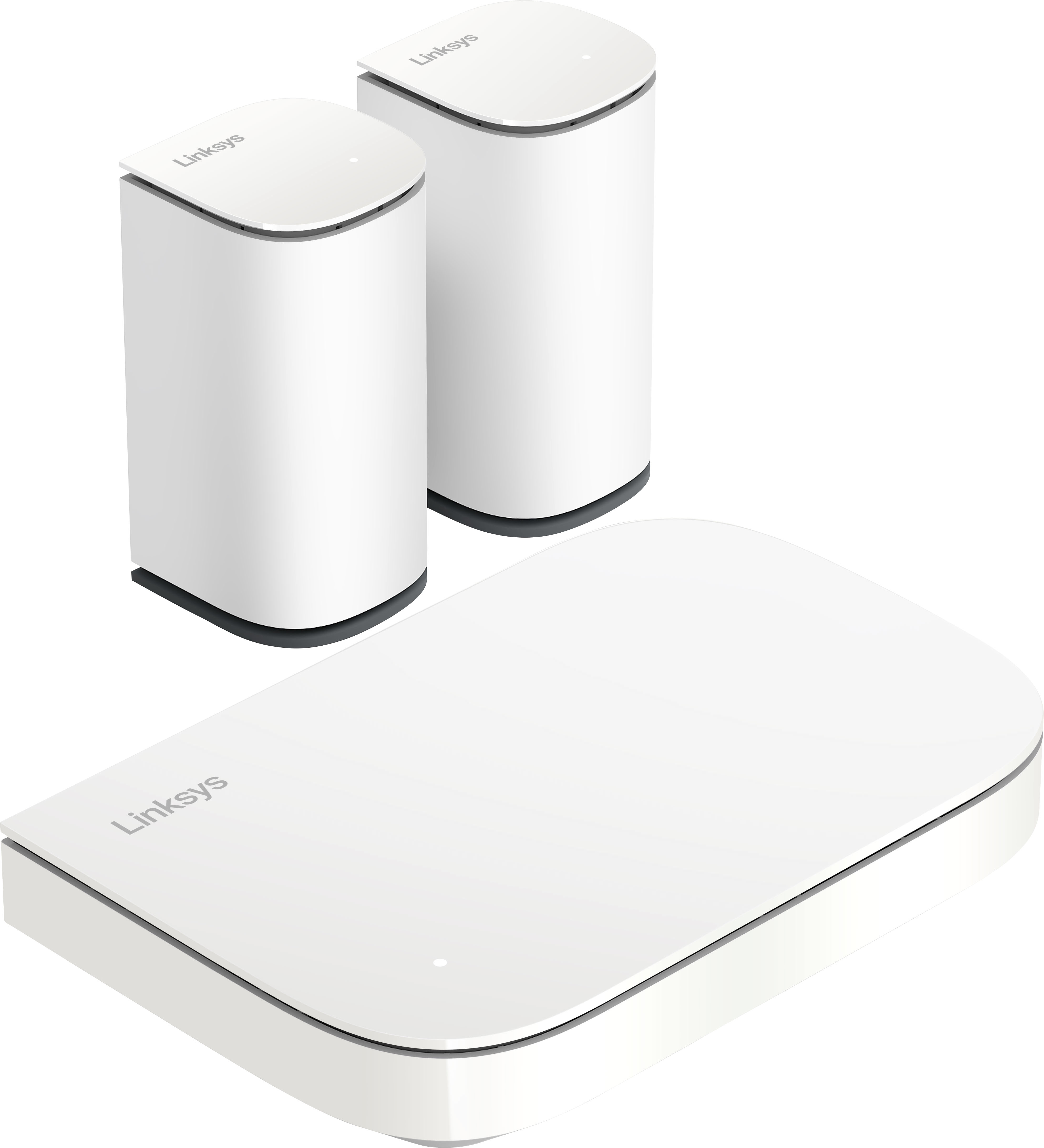
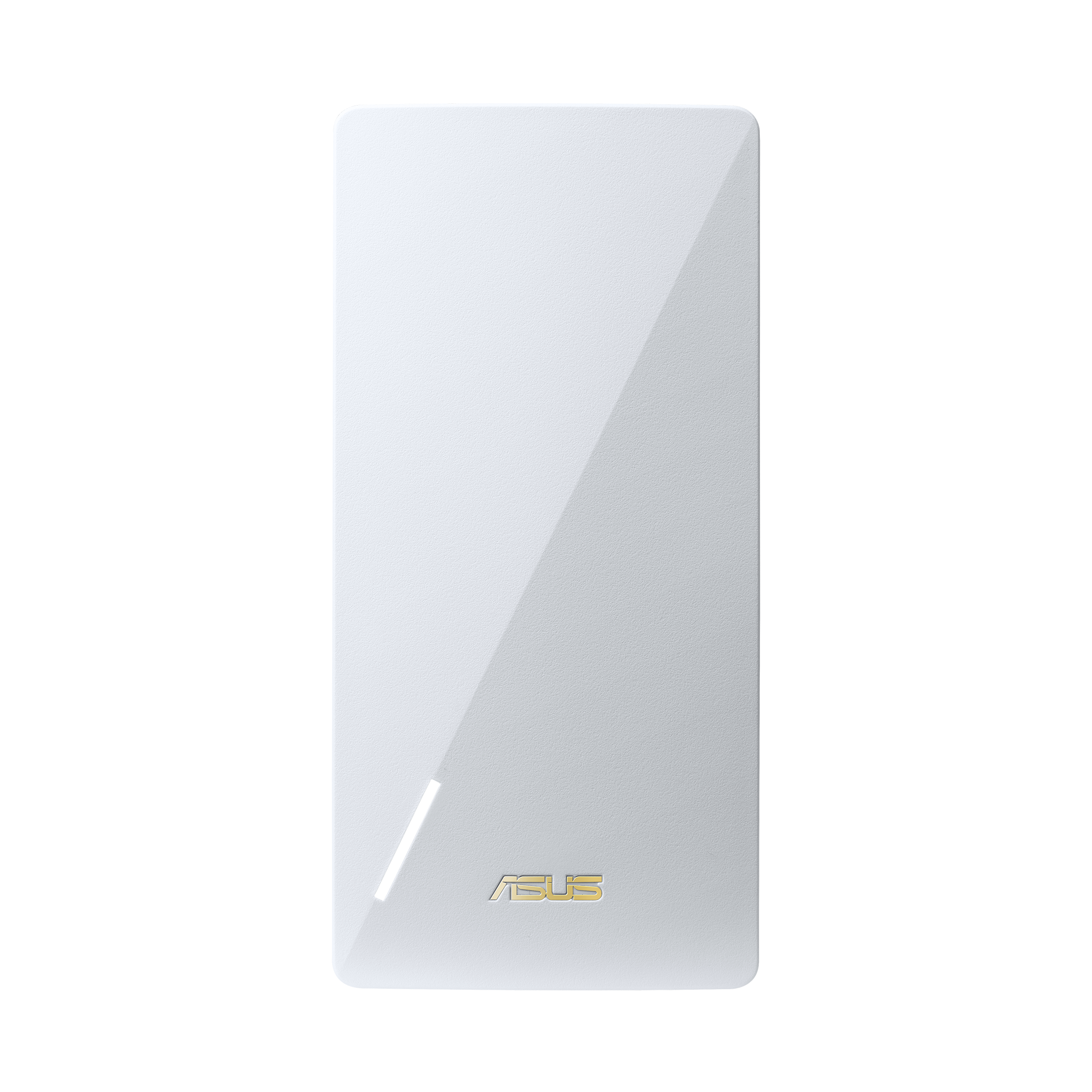
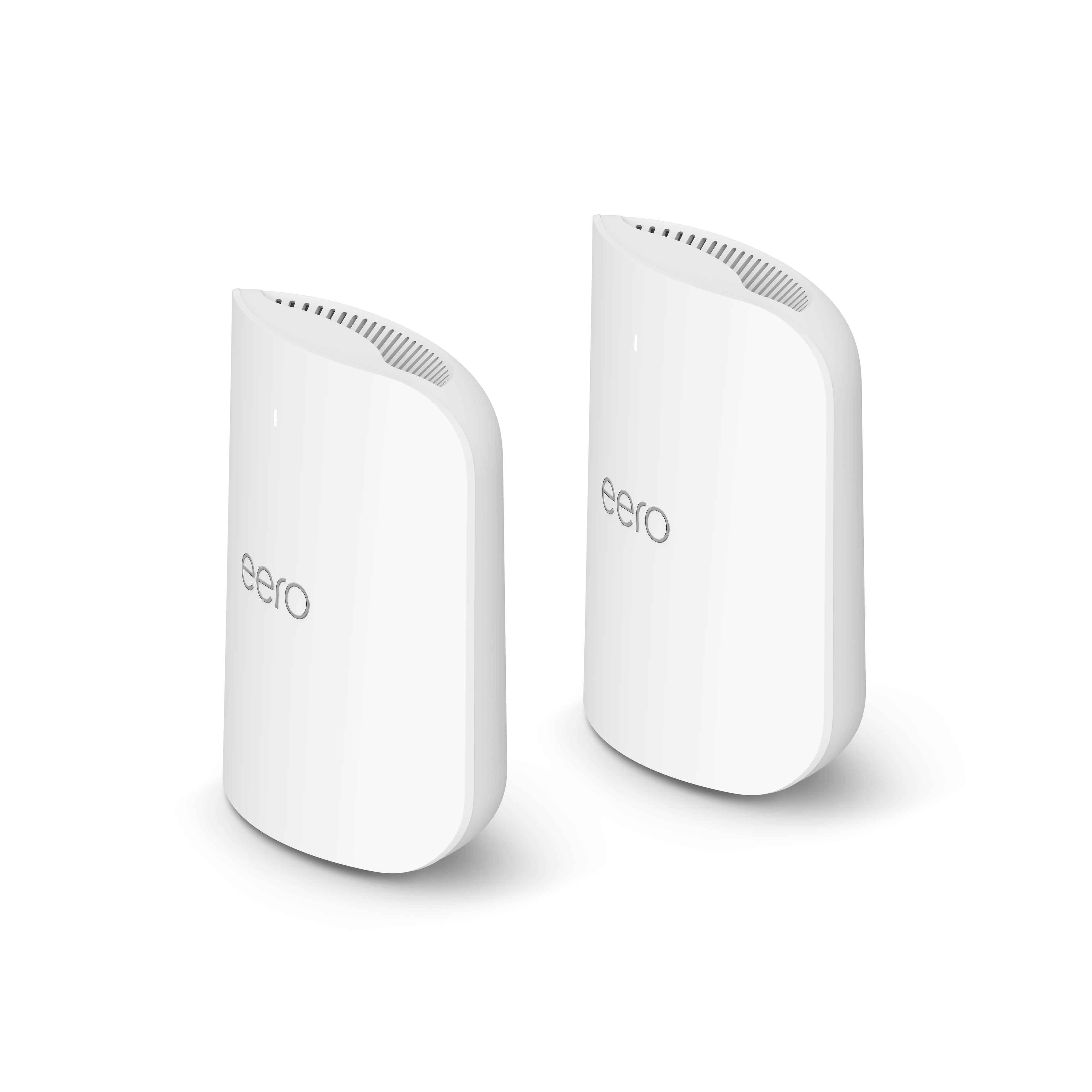
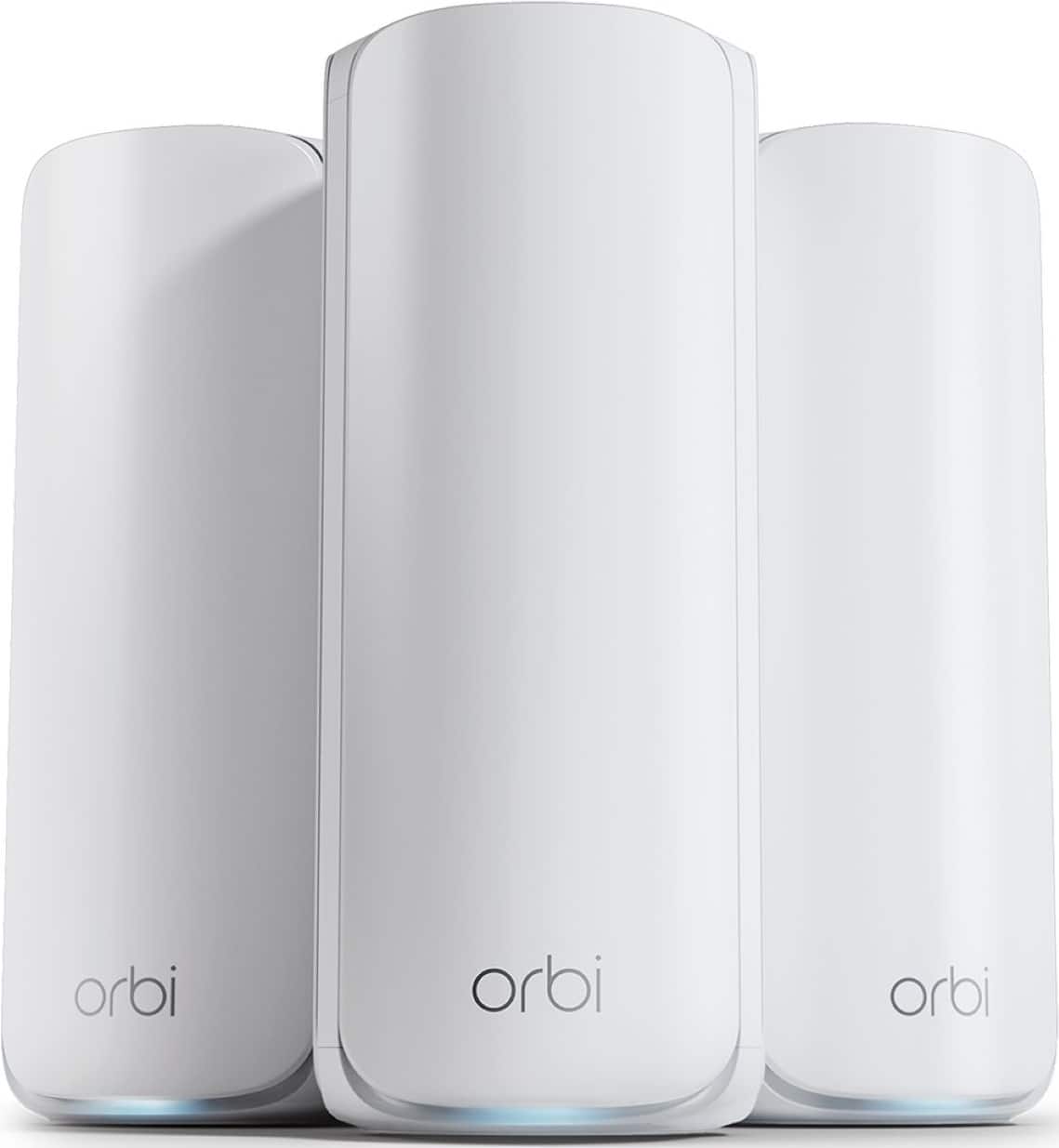
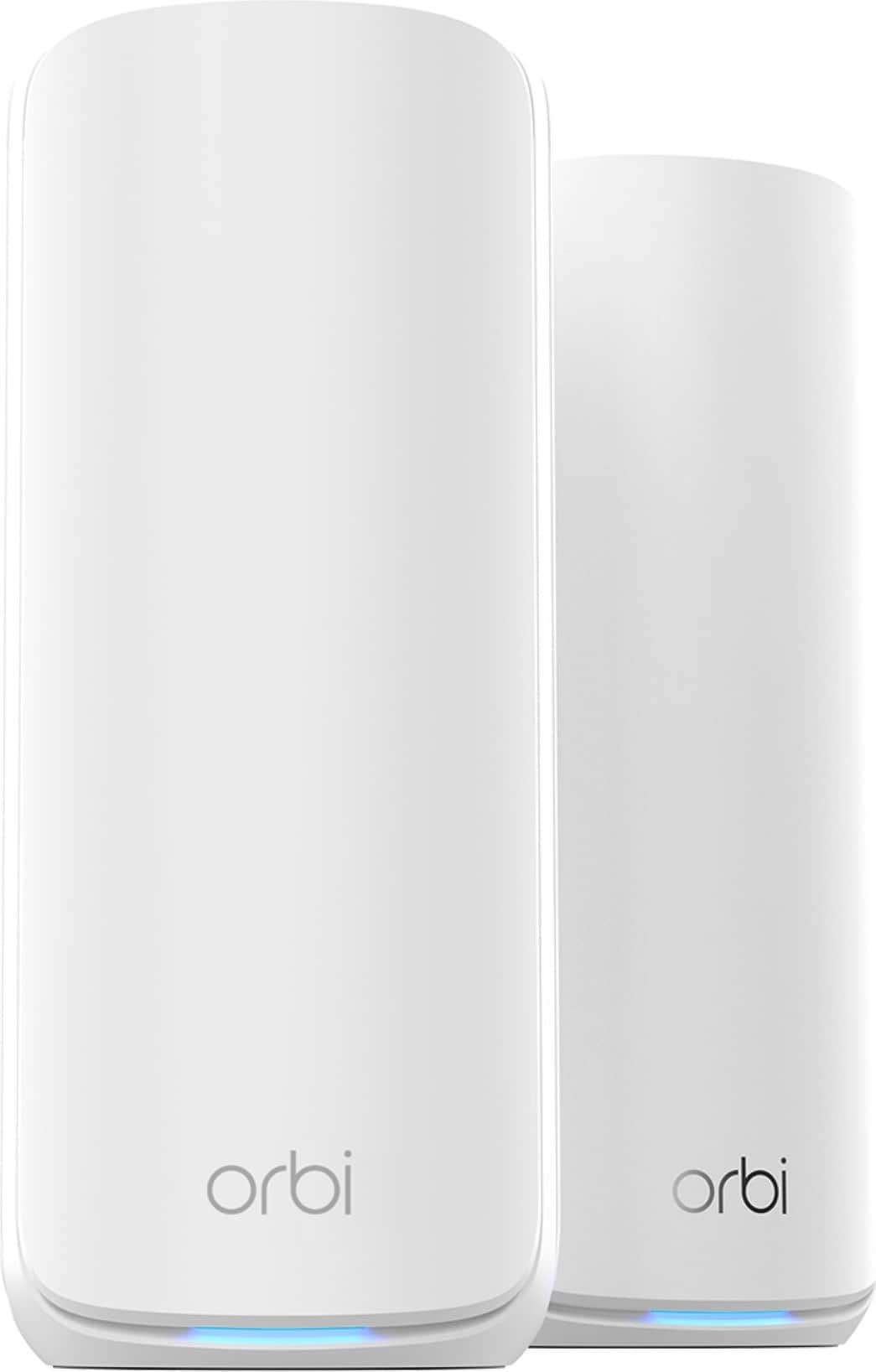
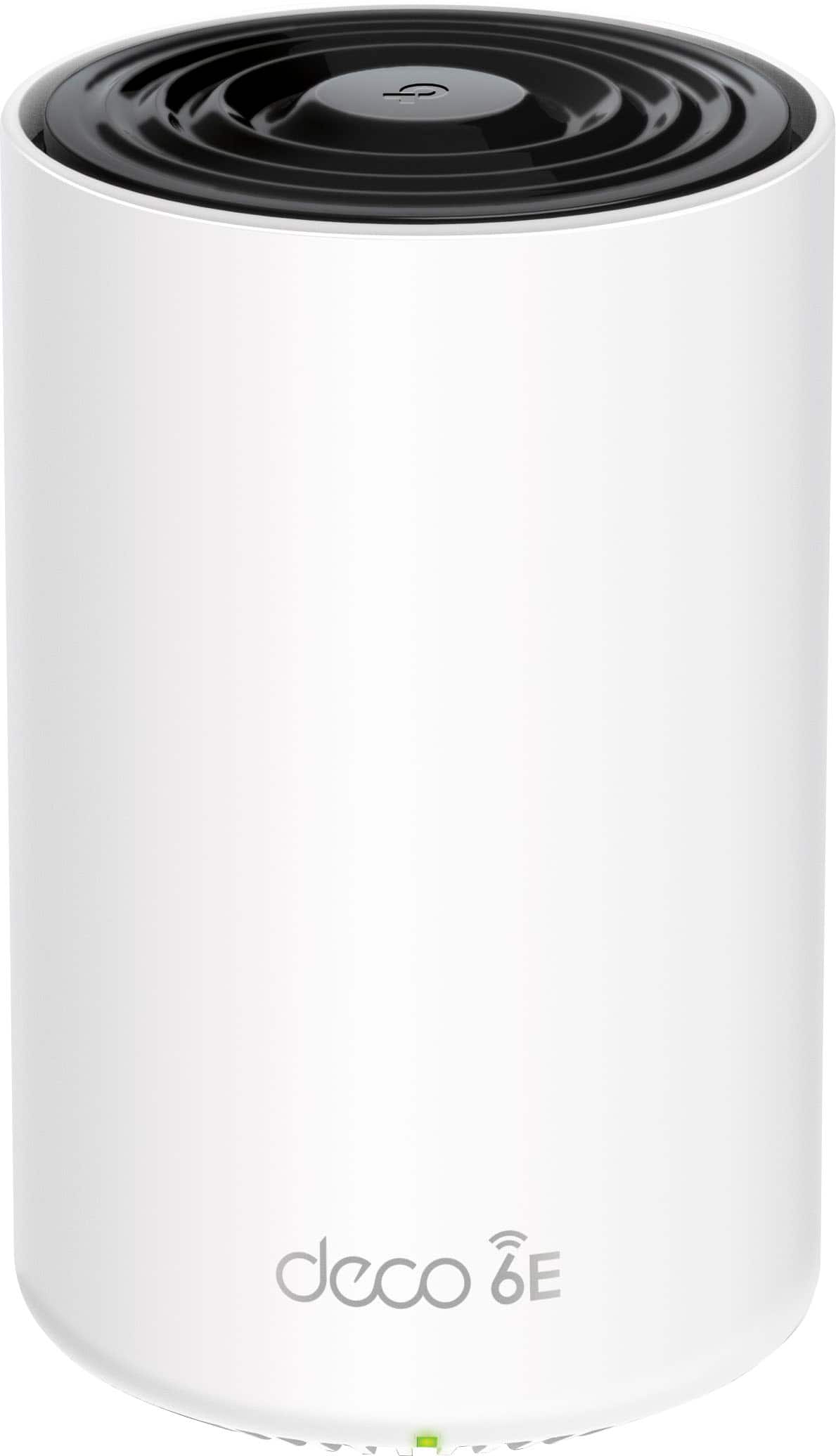
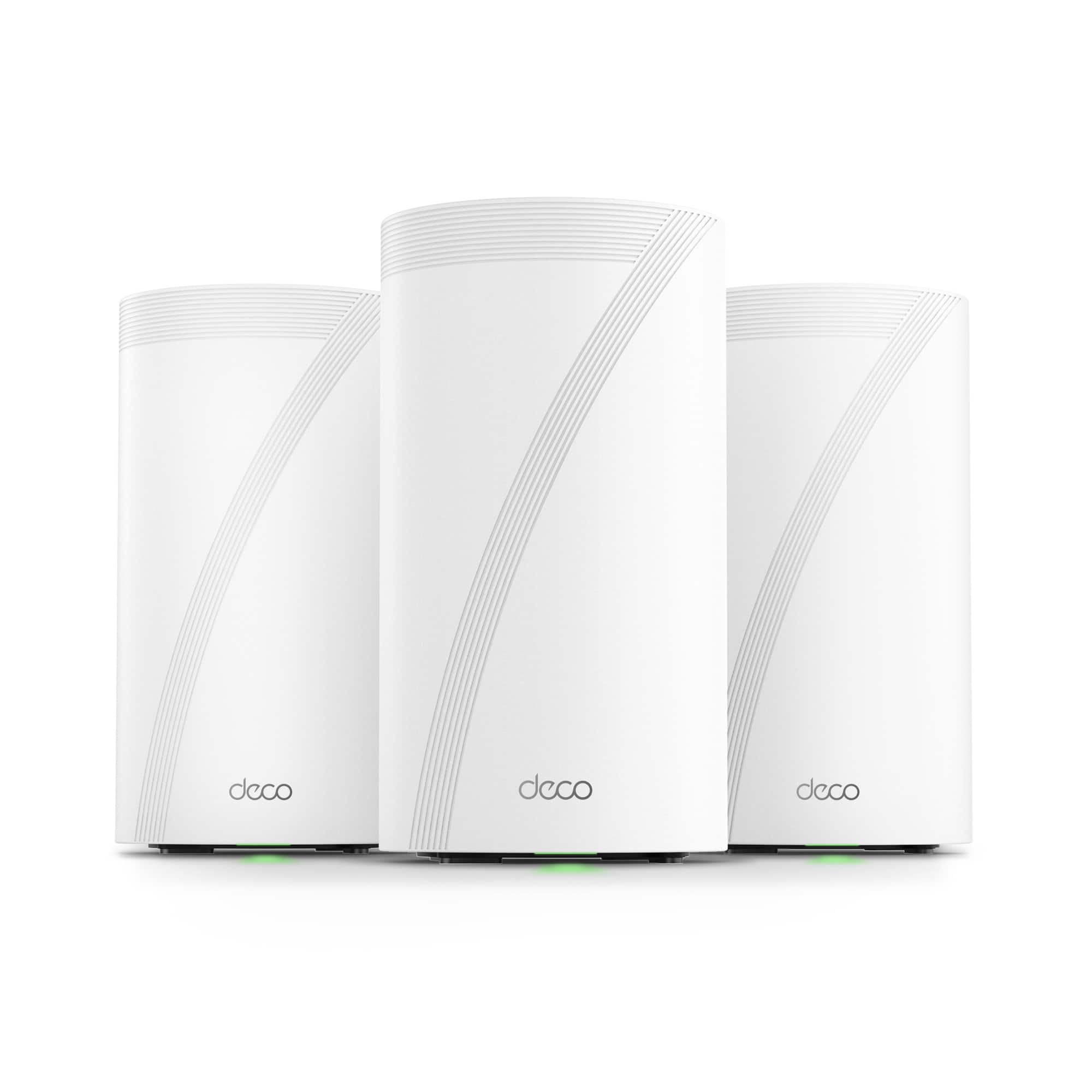
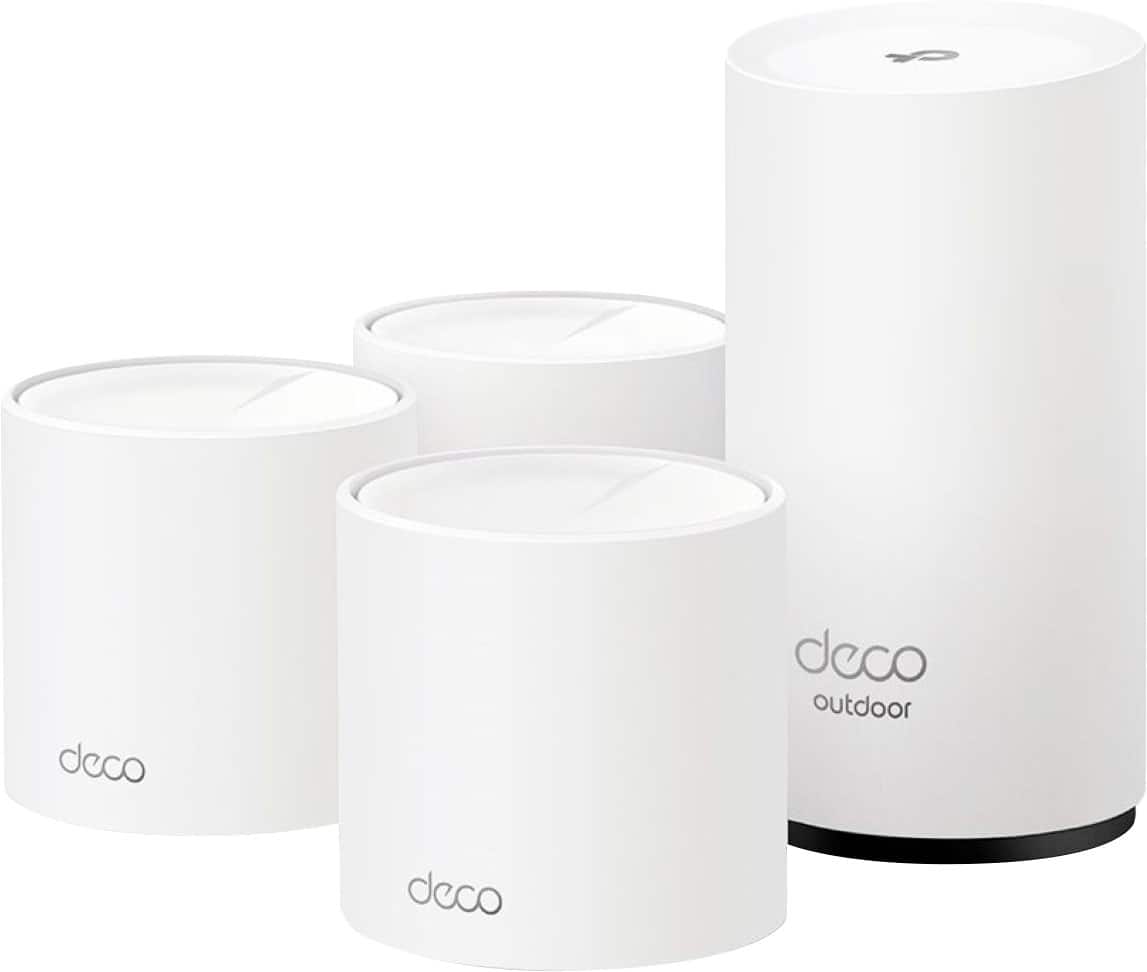
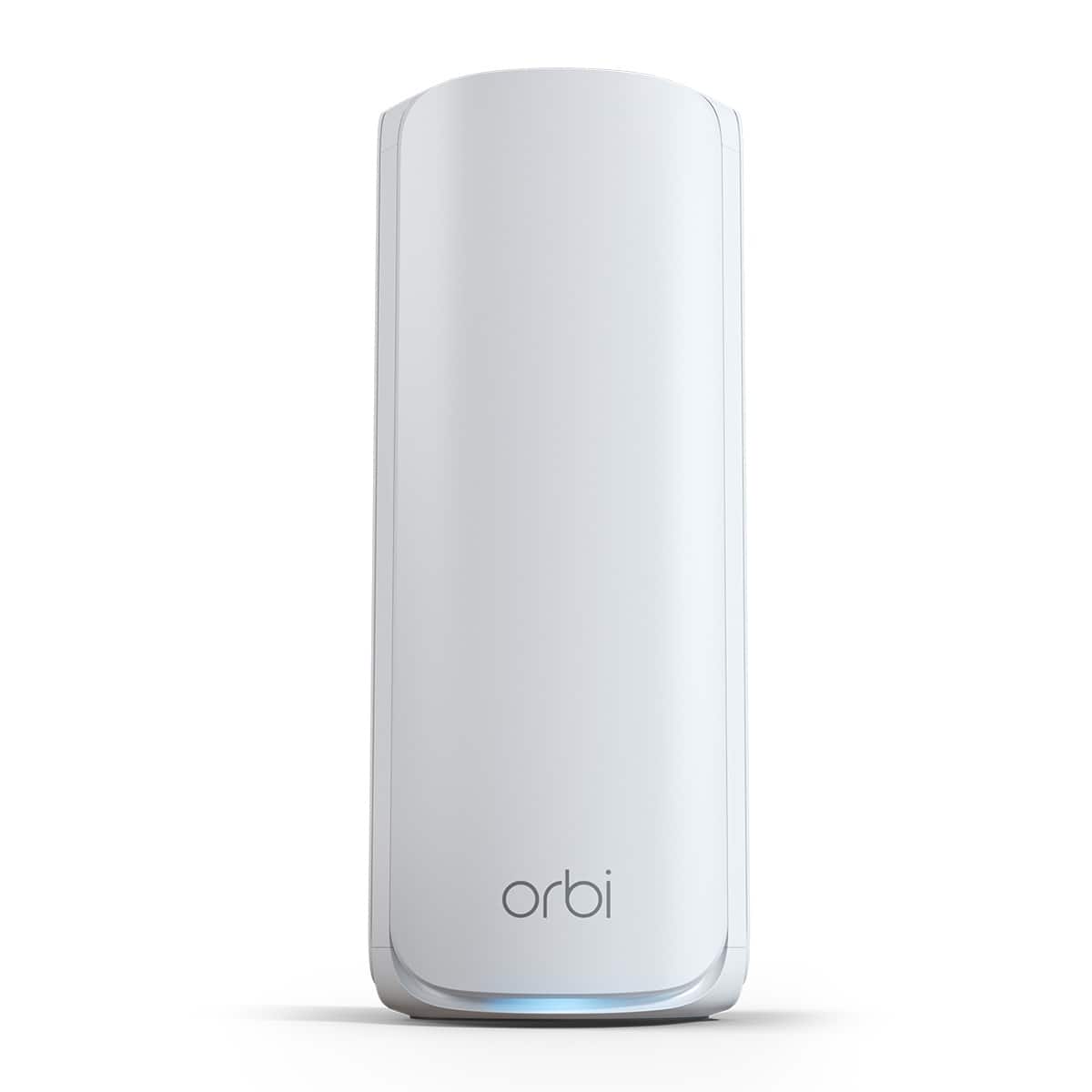
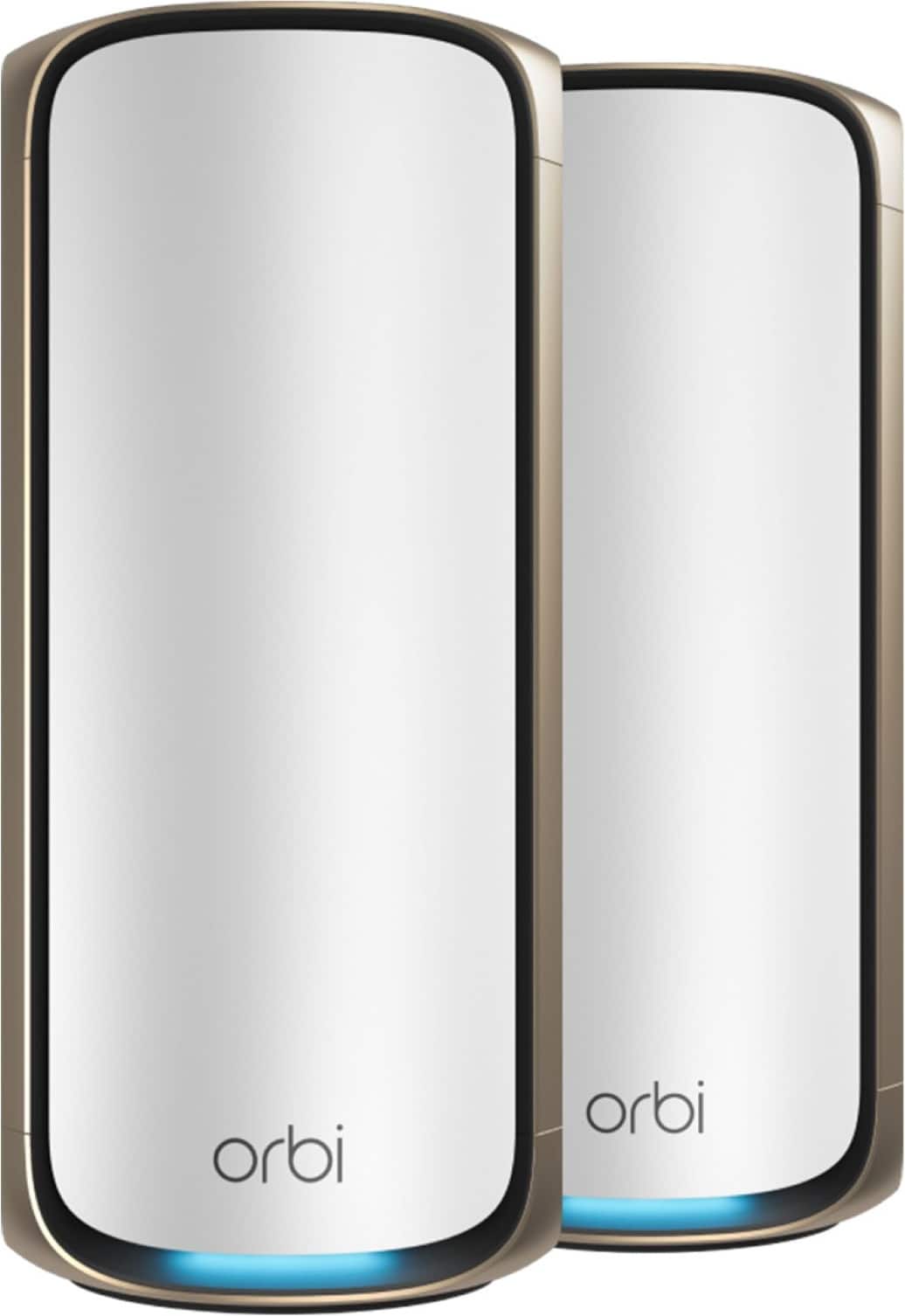
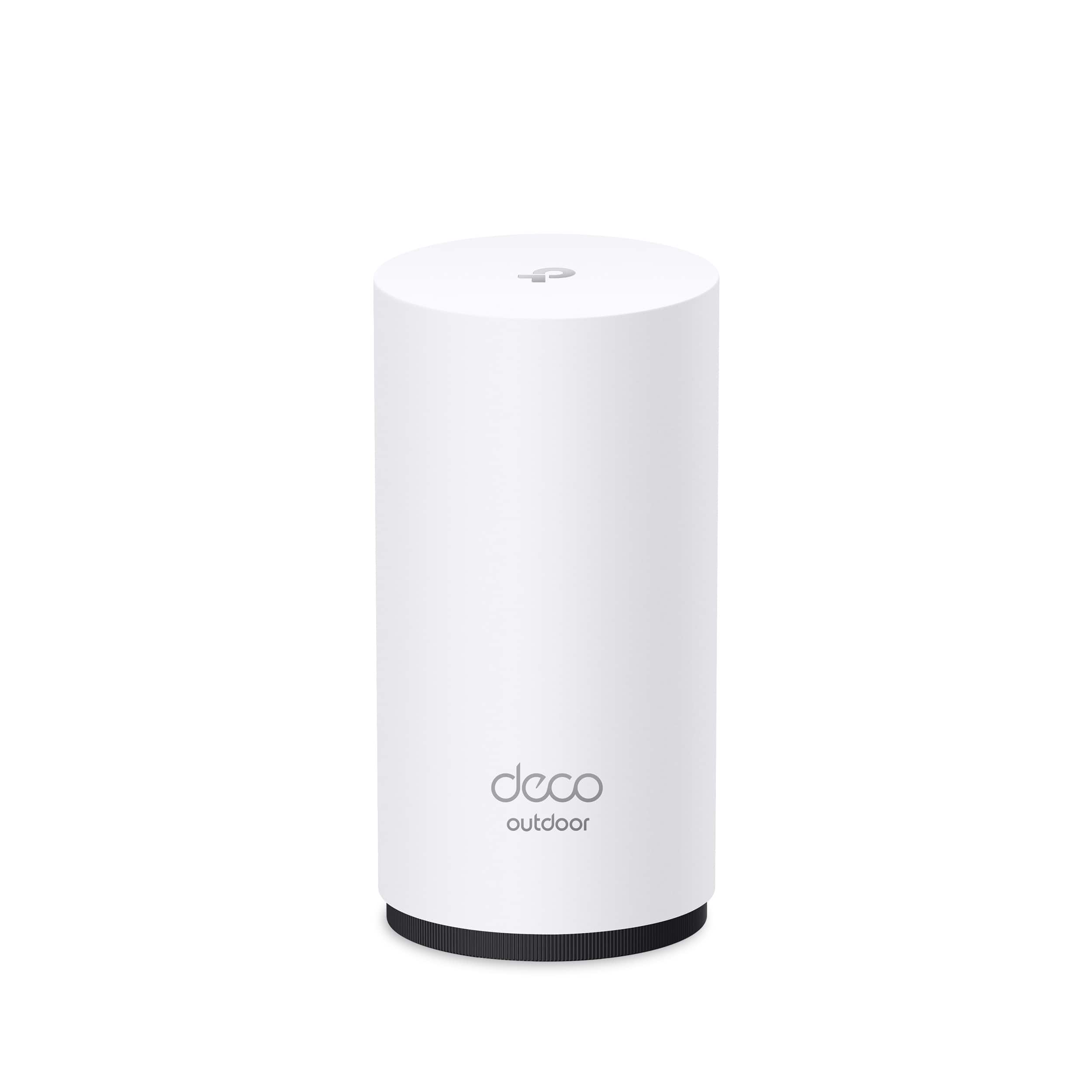
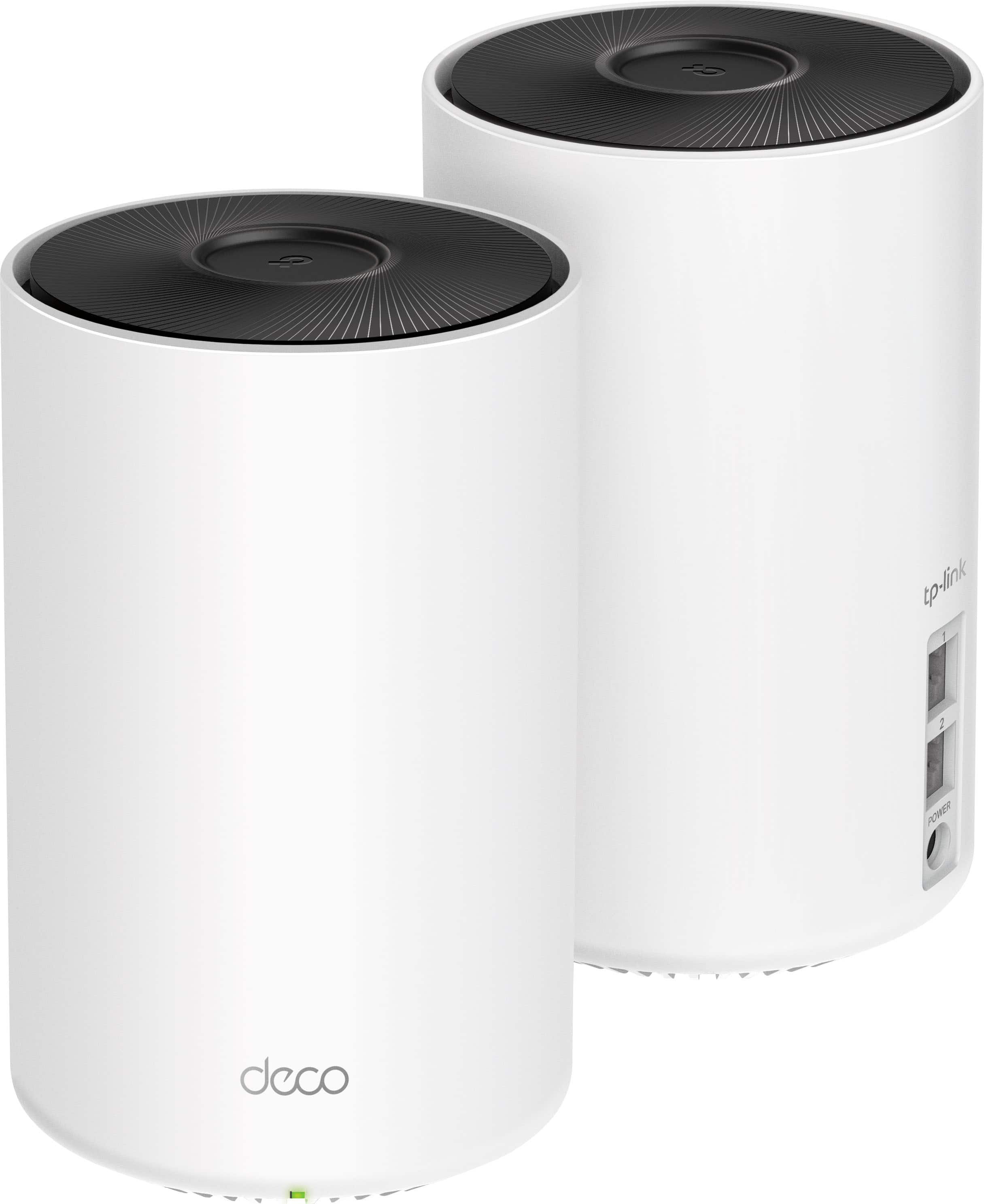
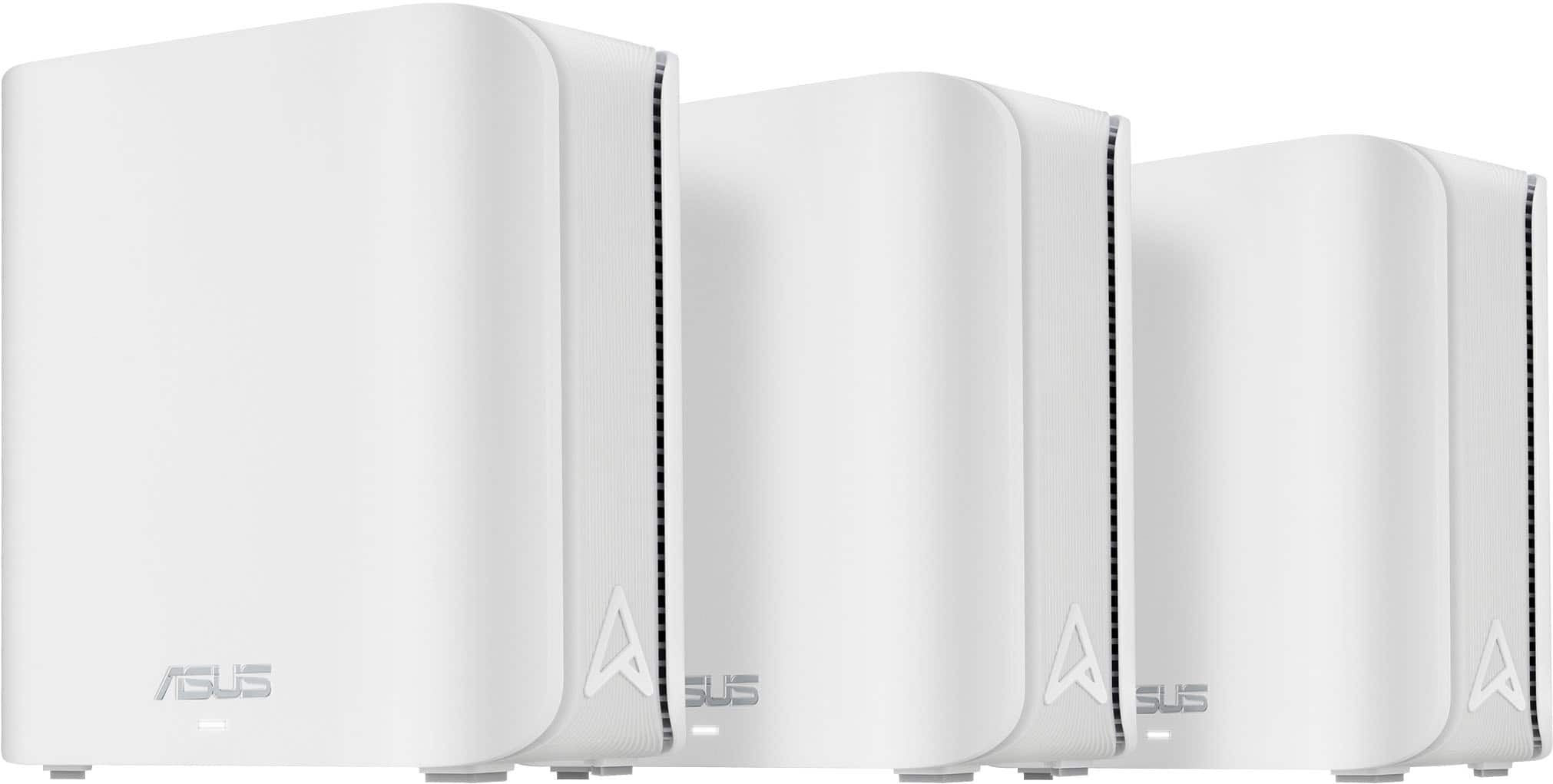
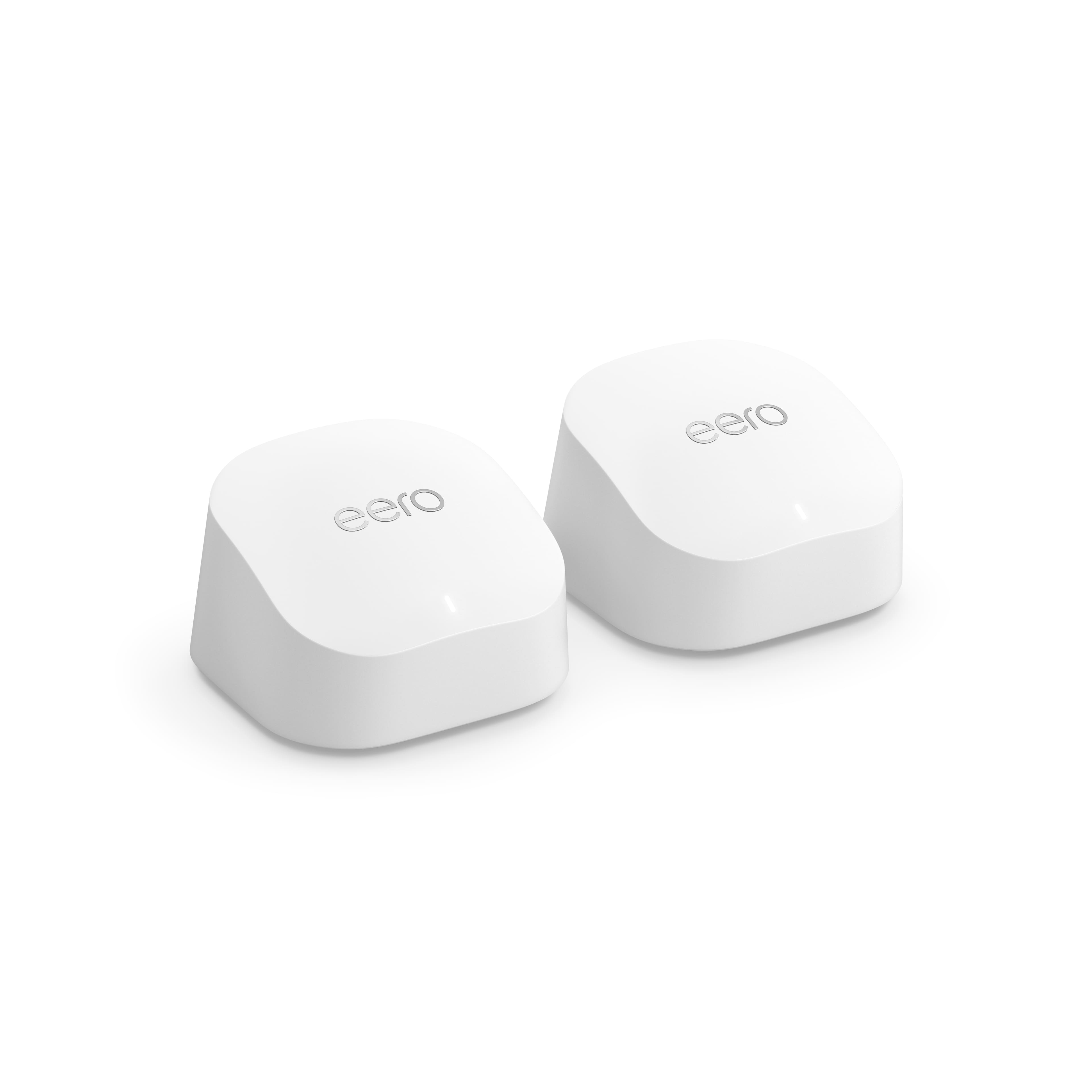
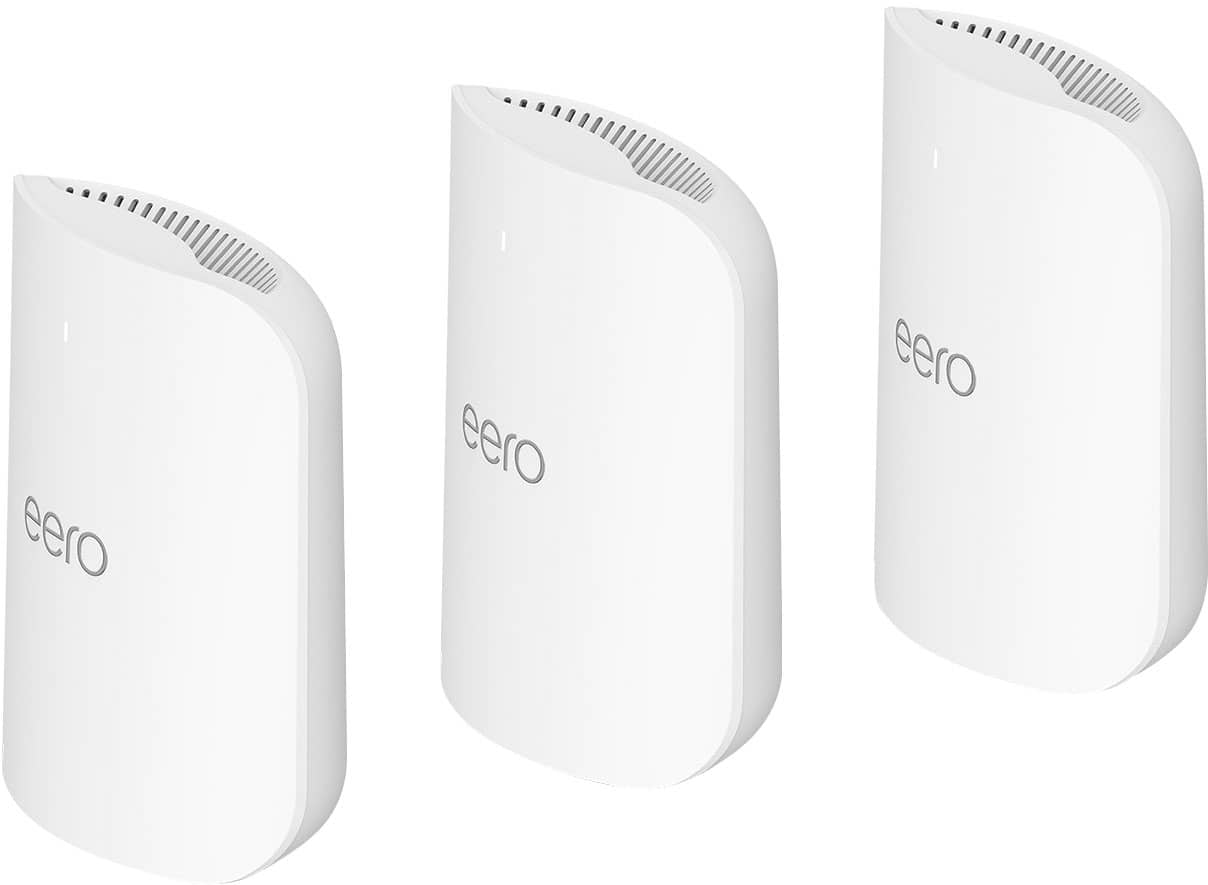
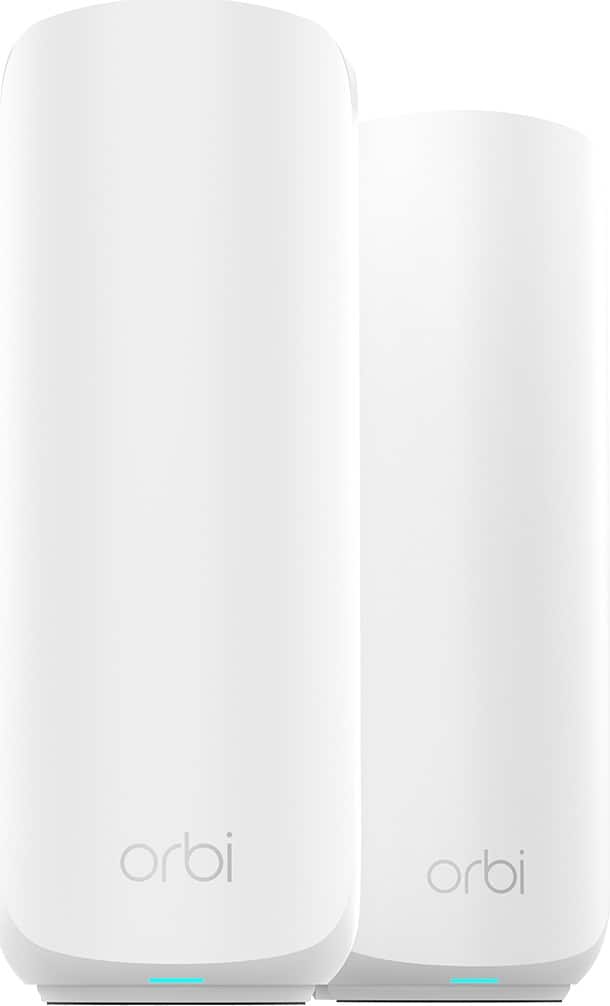
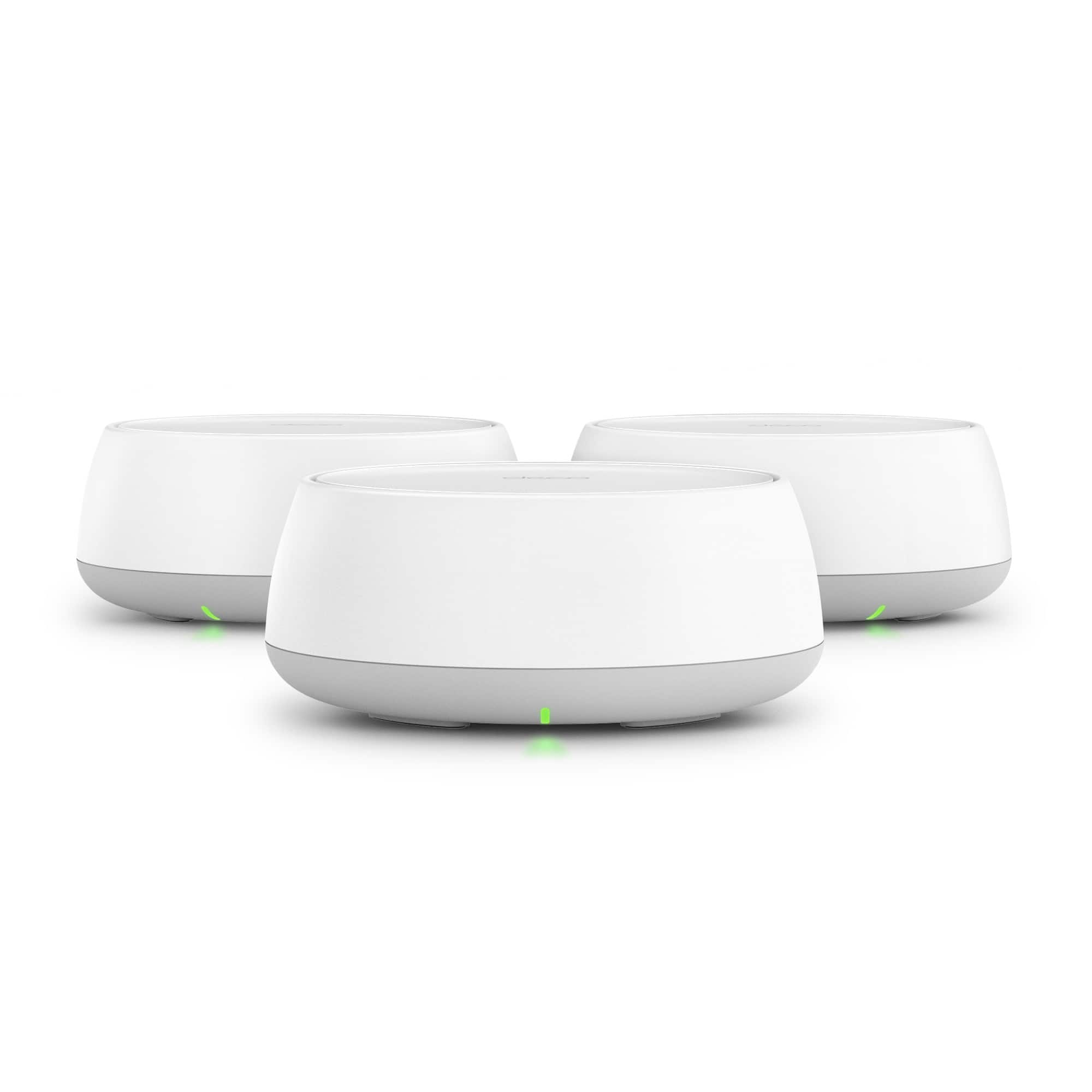
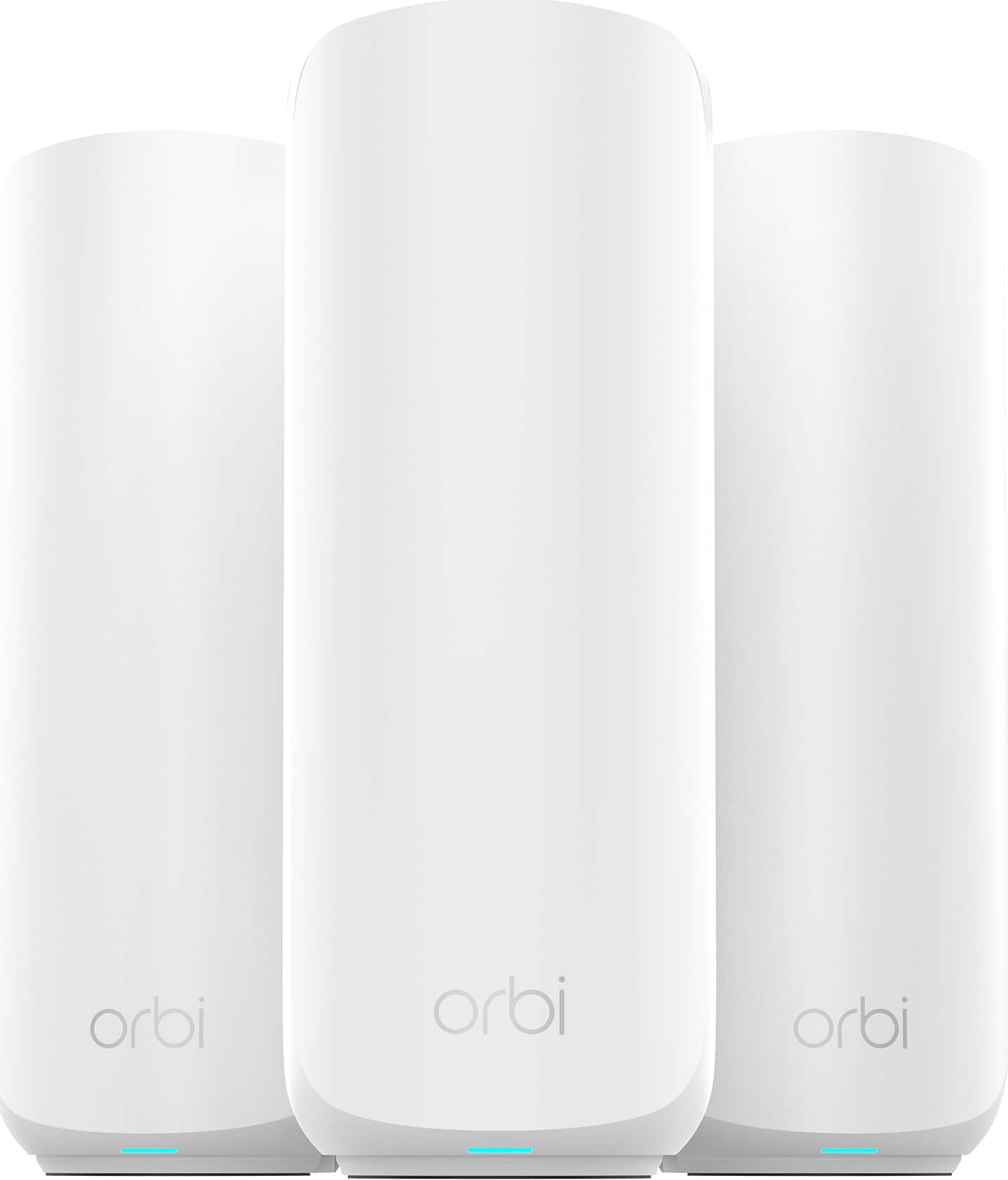
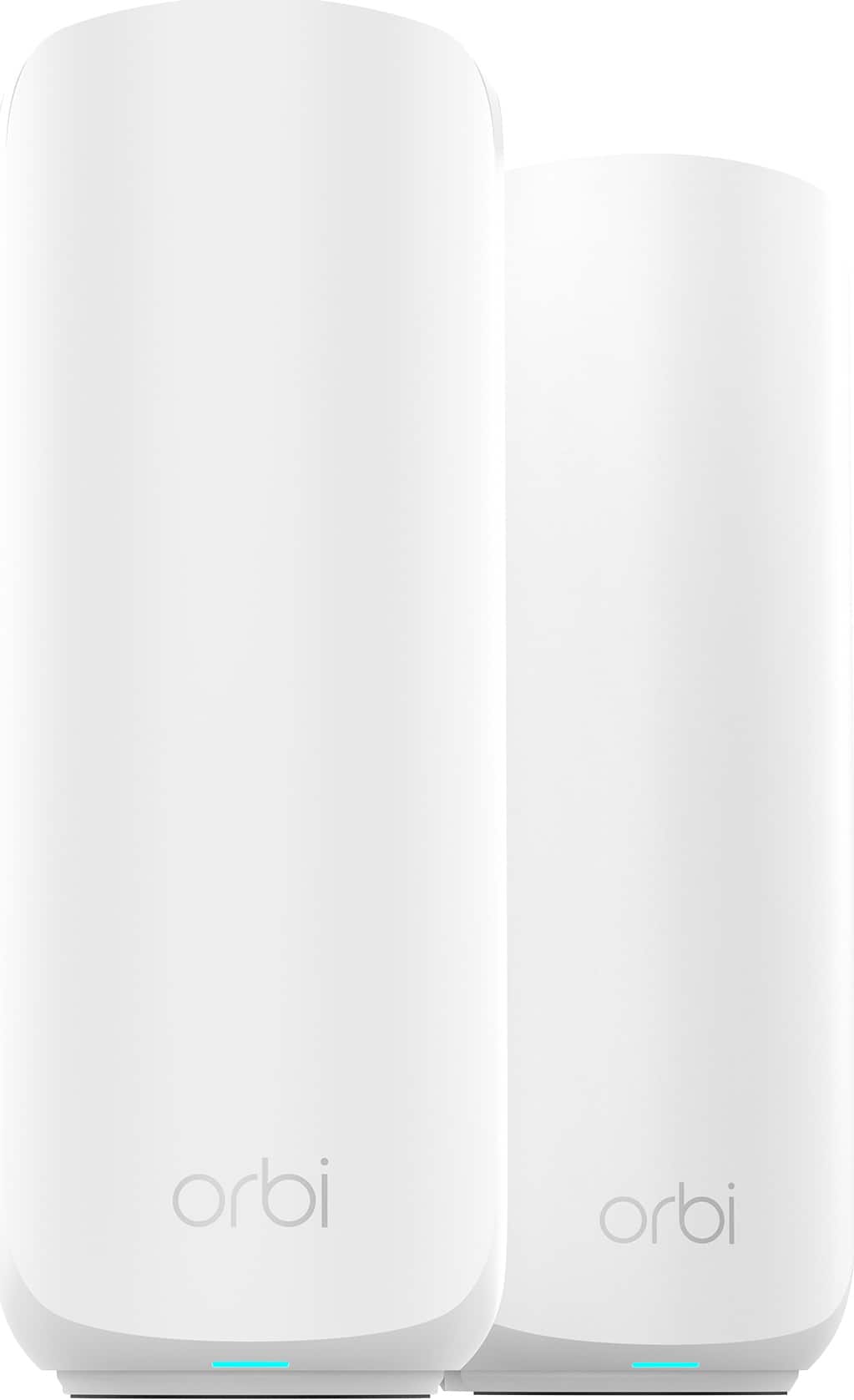
2-Pack Wi-Fi 7 Mesh Systems for Wired Backhaul Setups
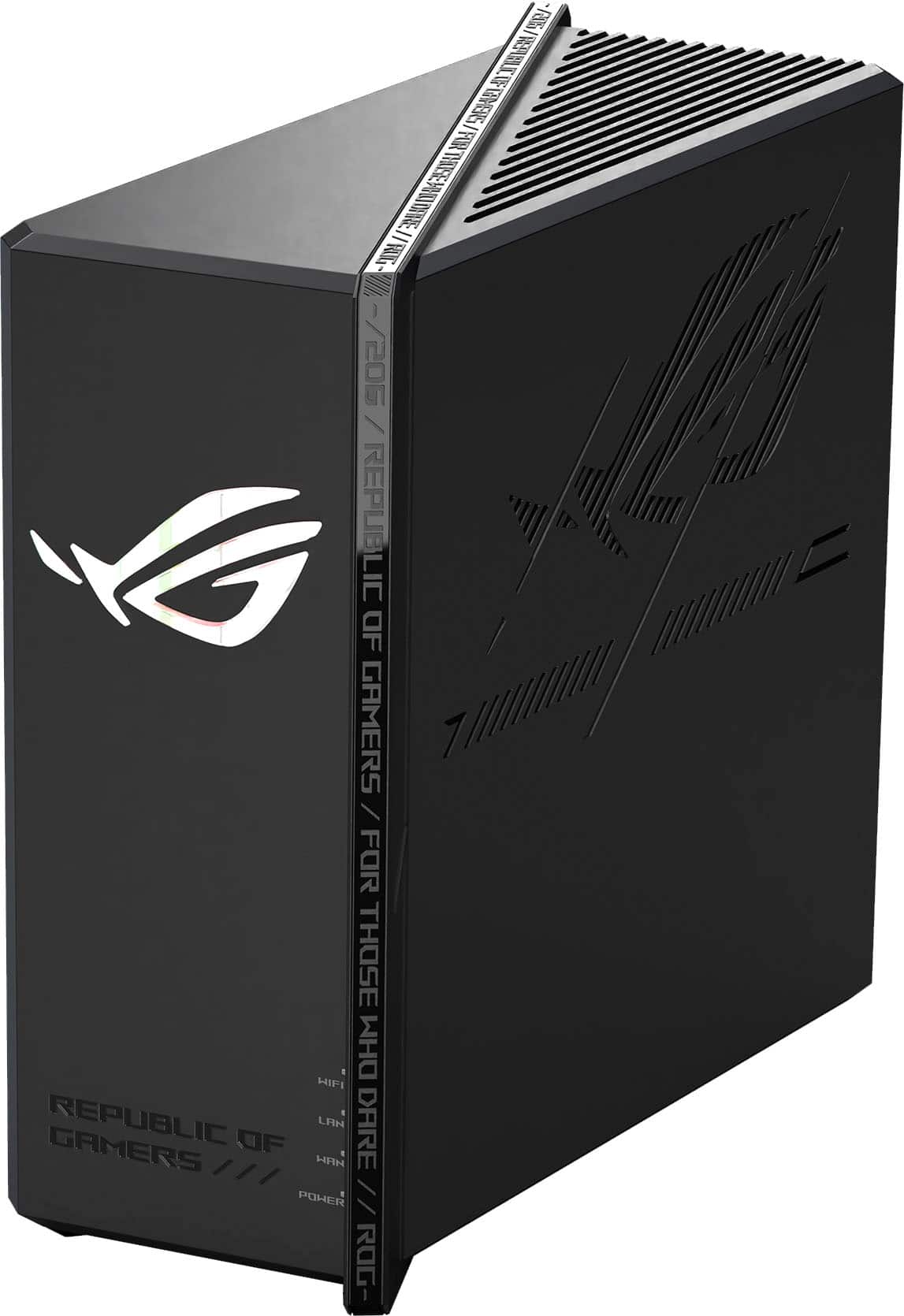
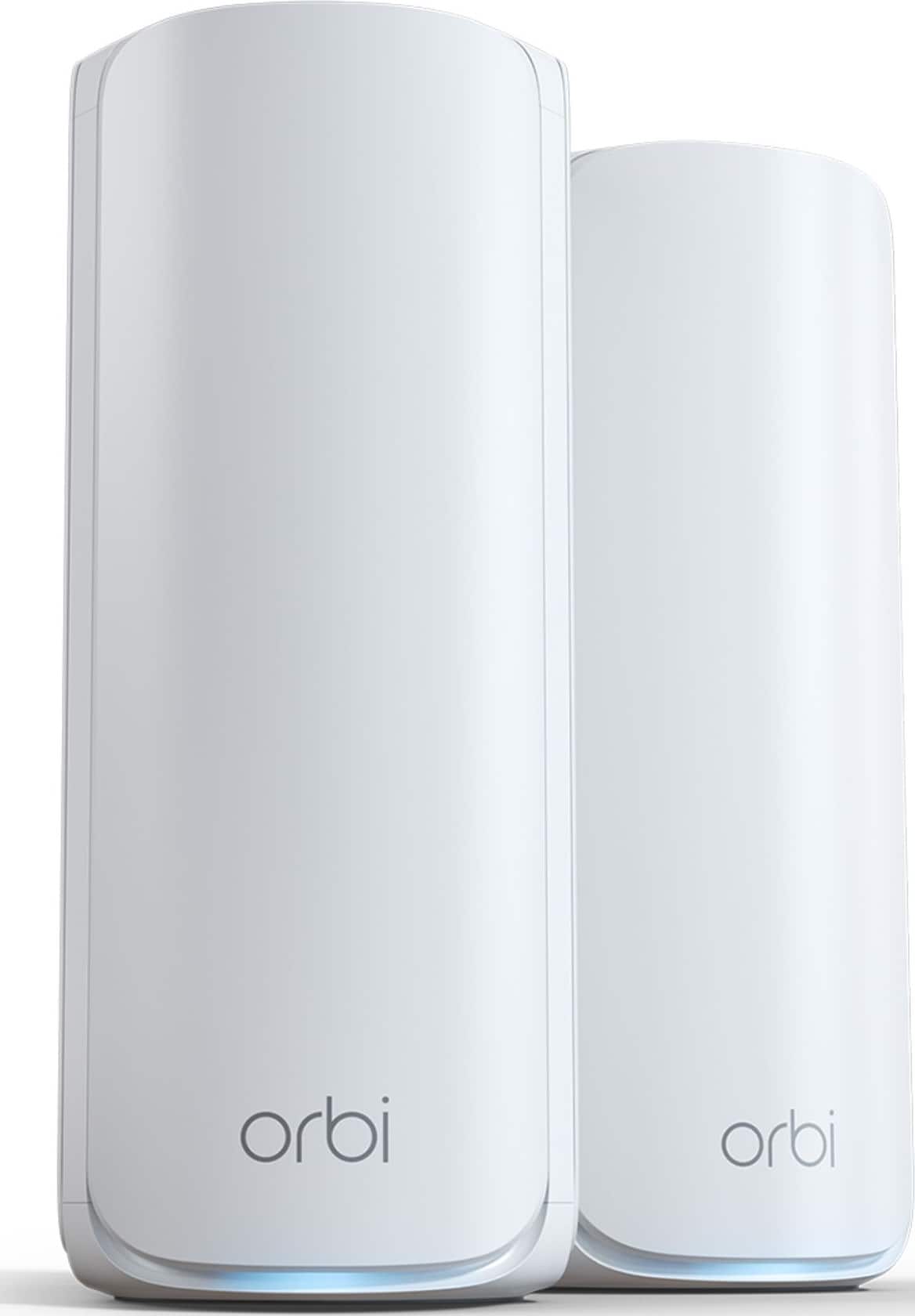
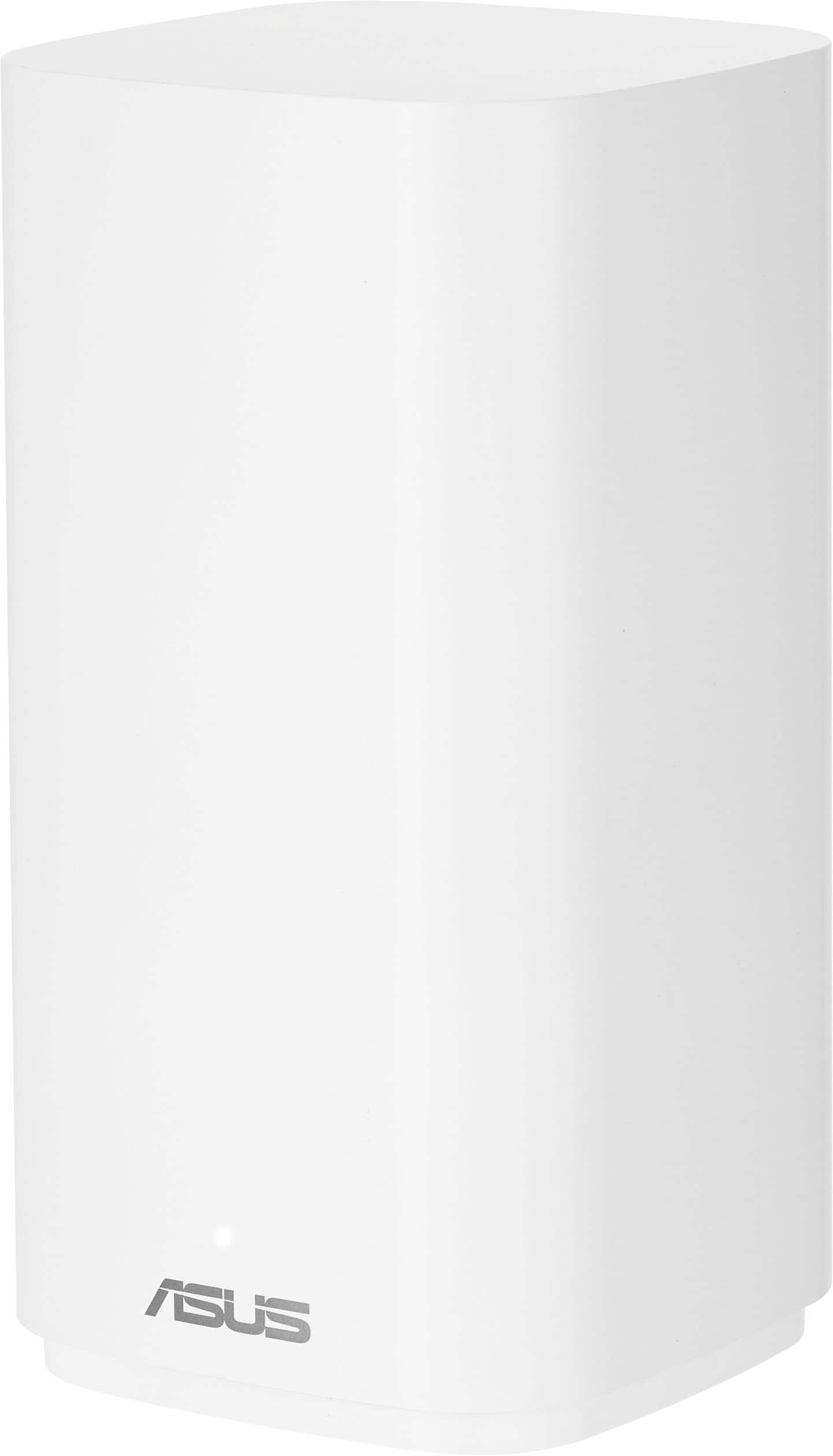
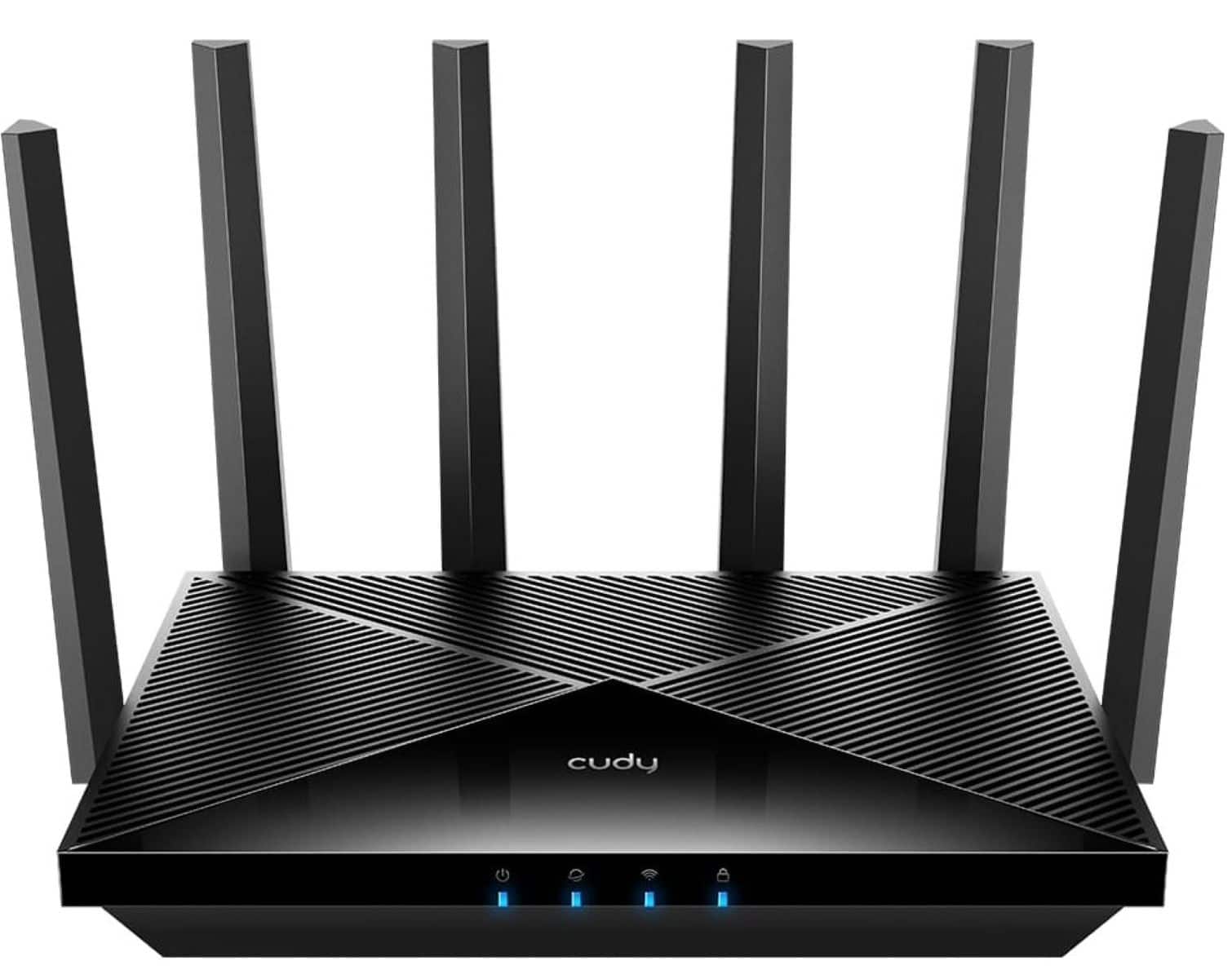

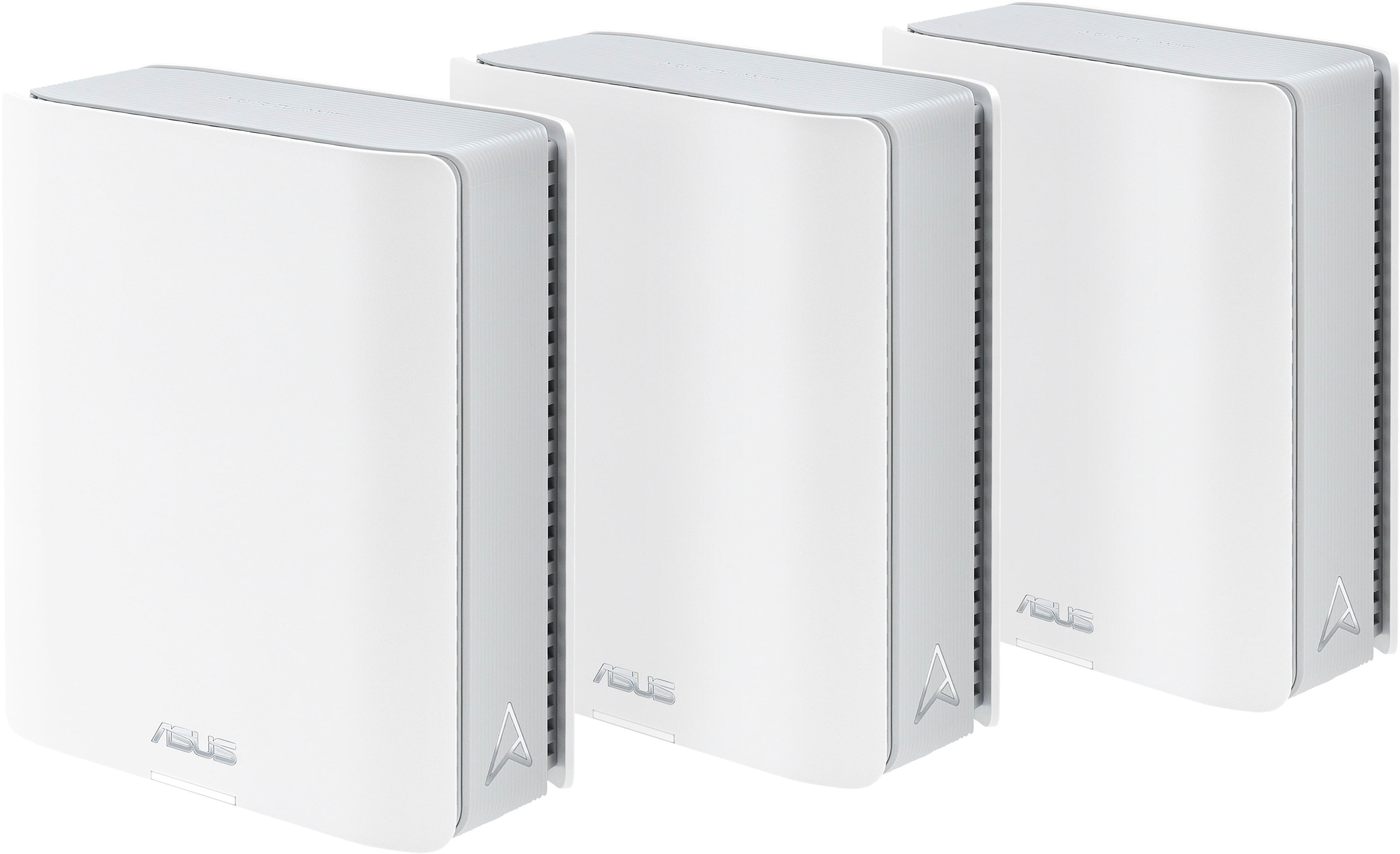
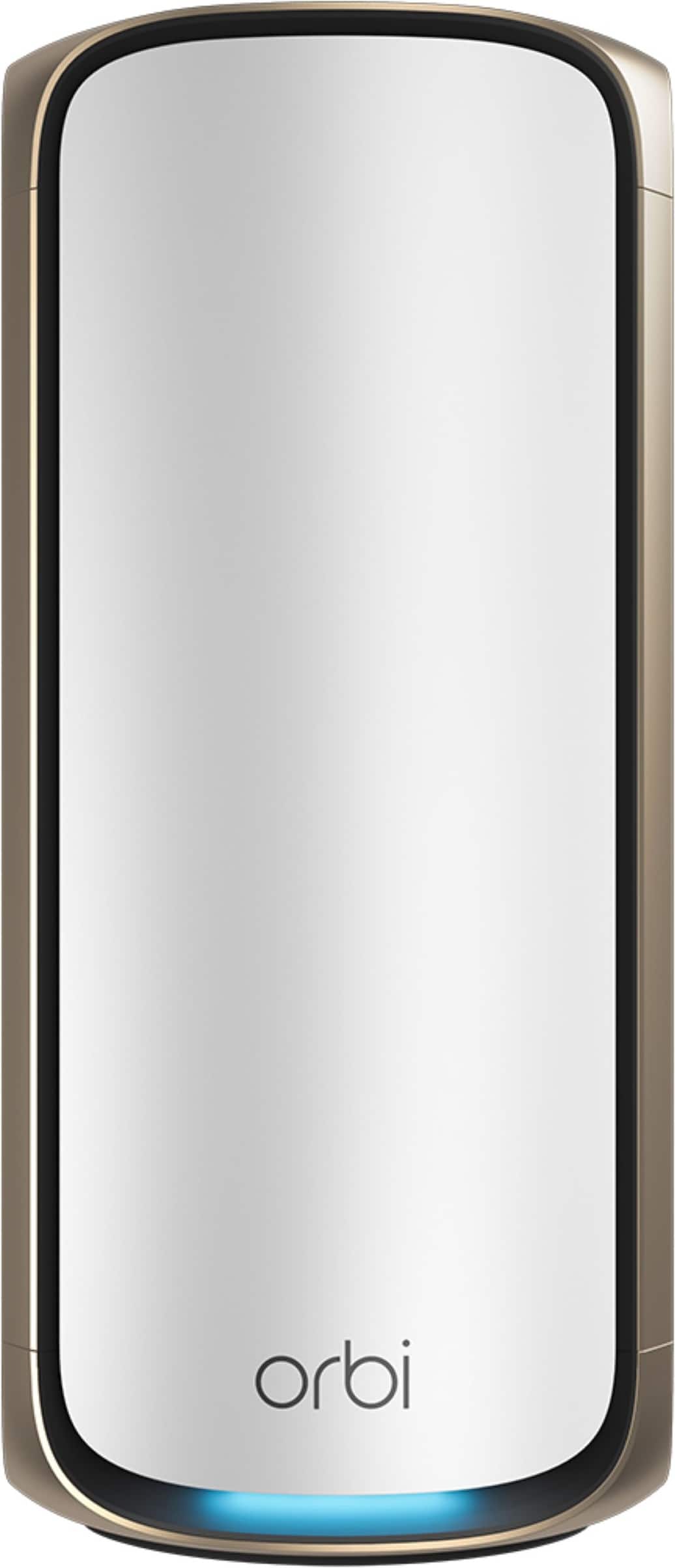
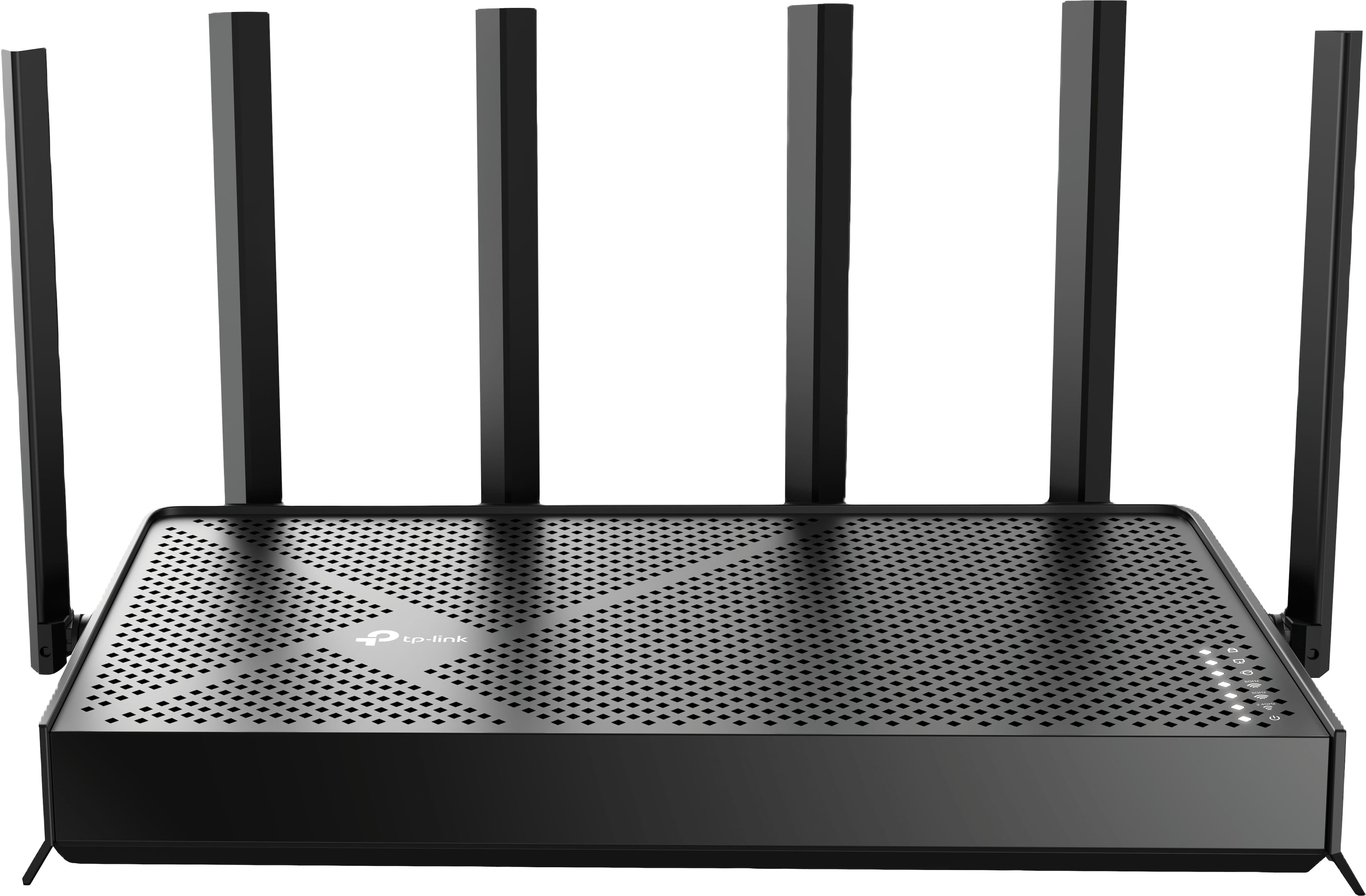

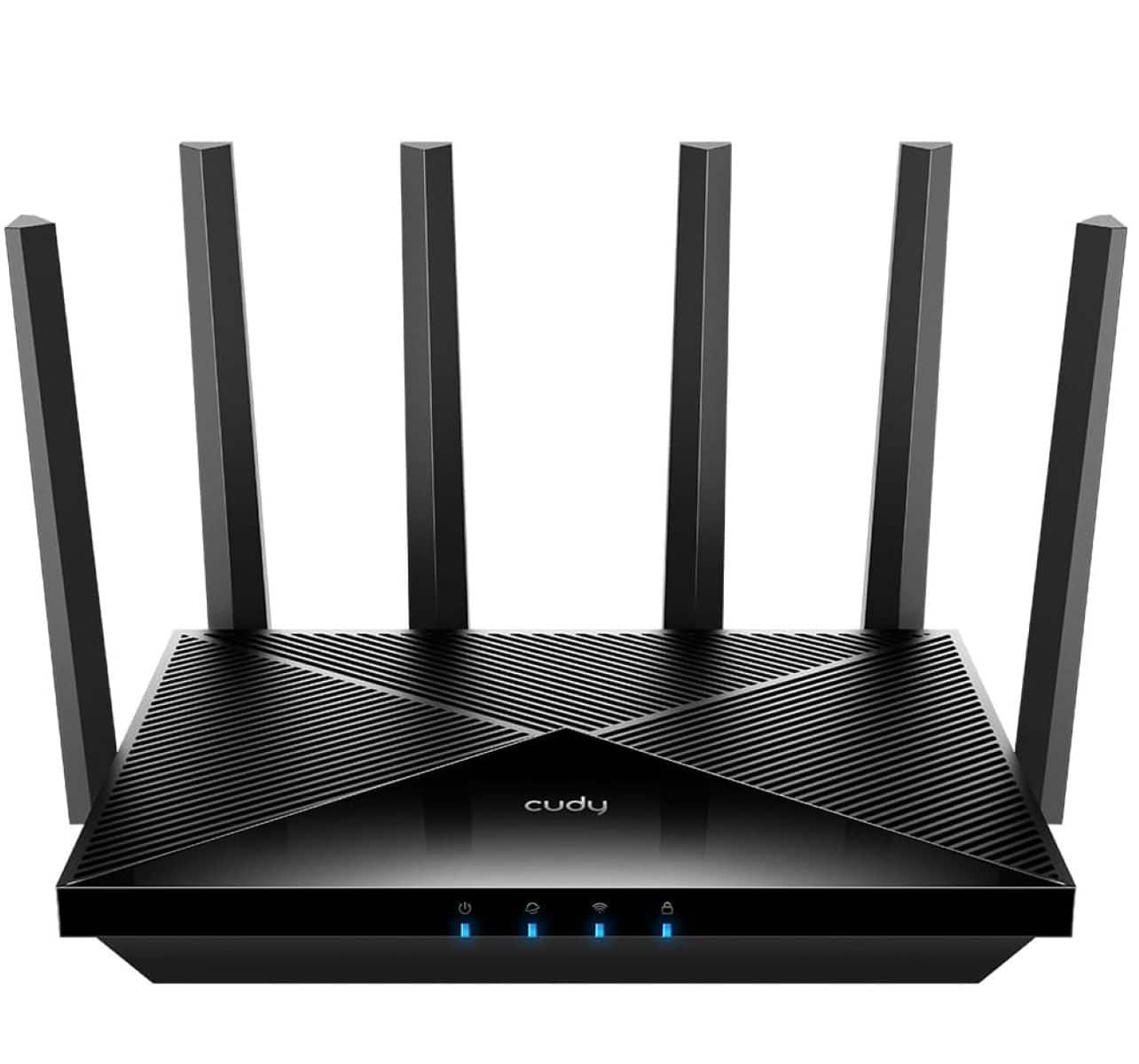
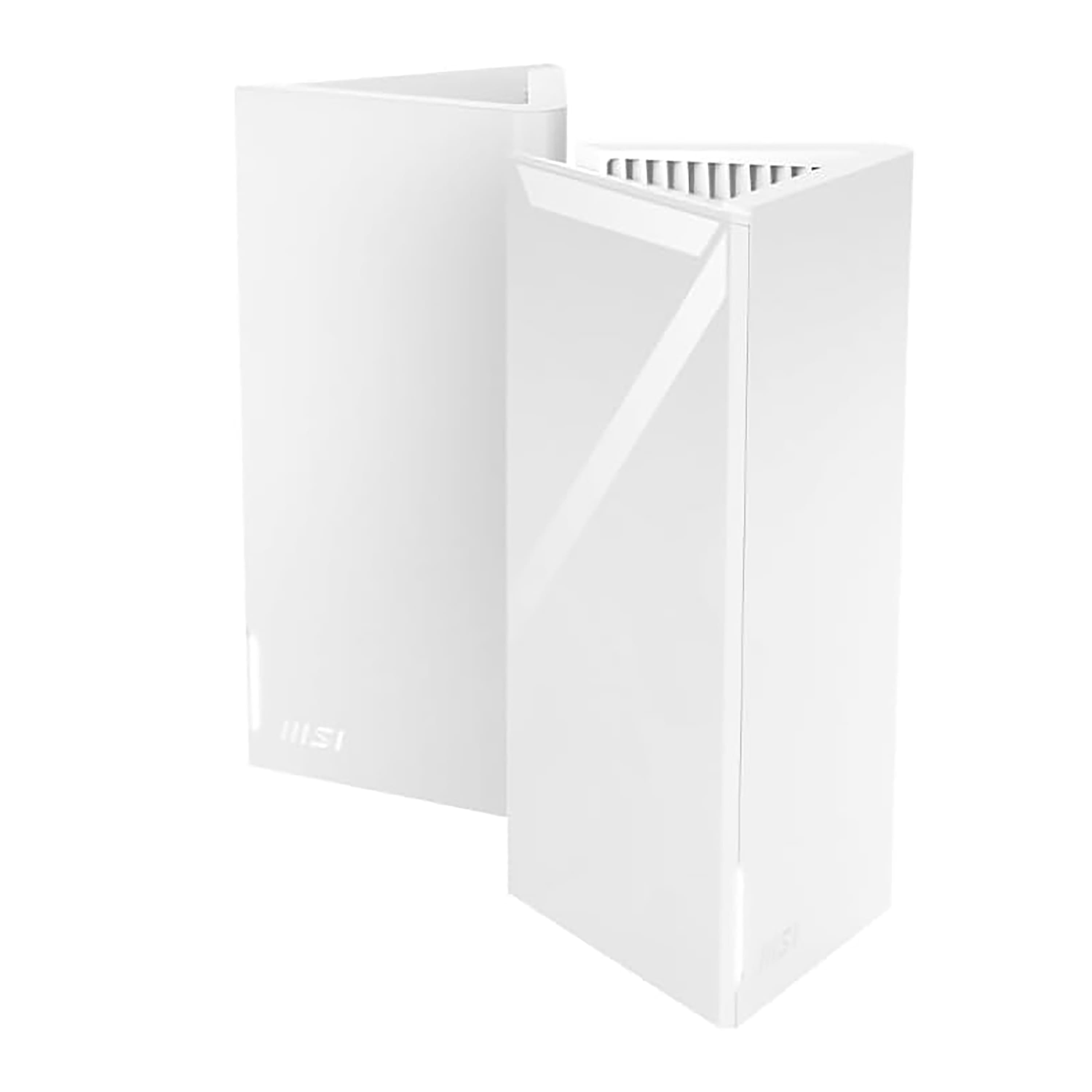

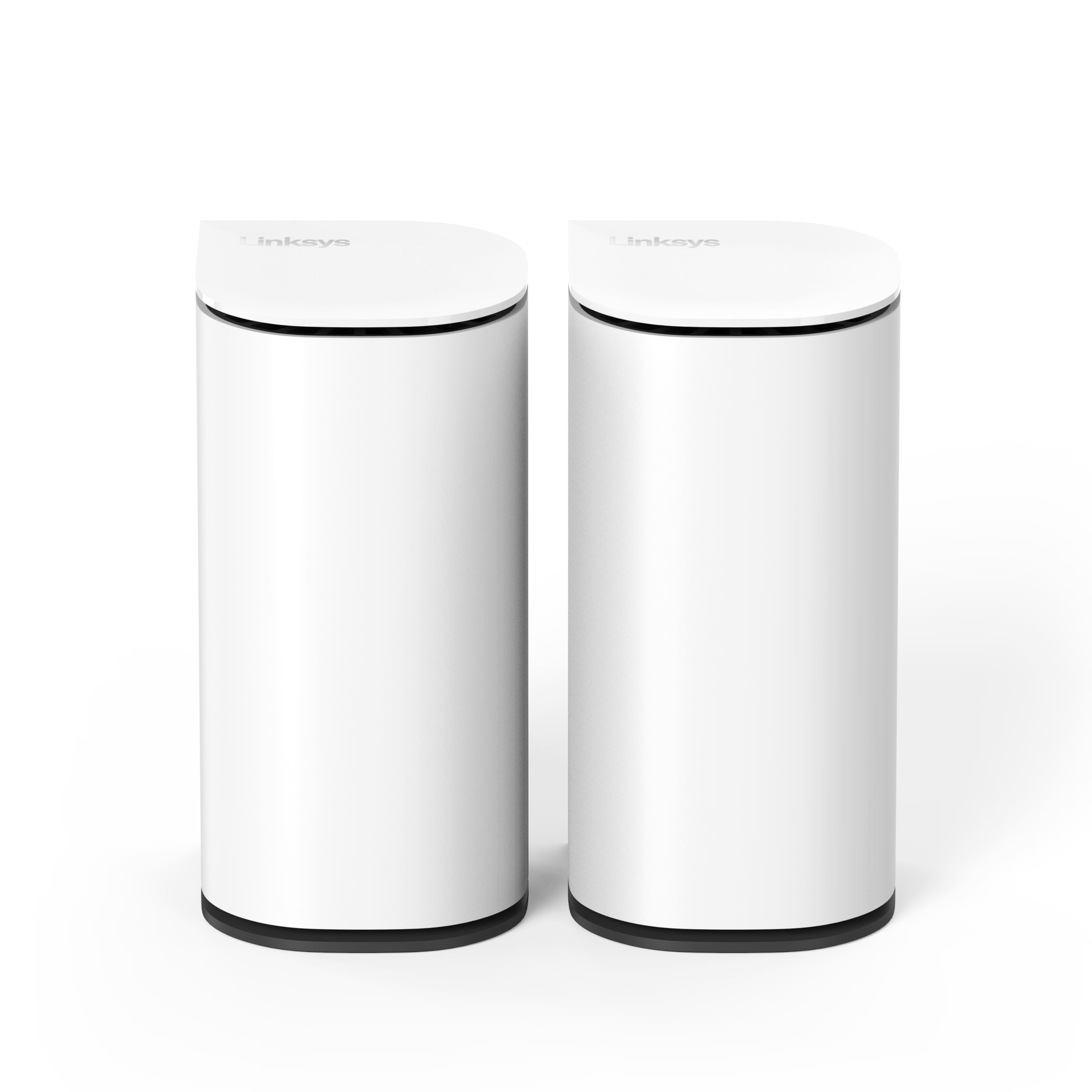
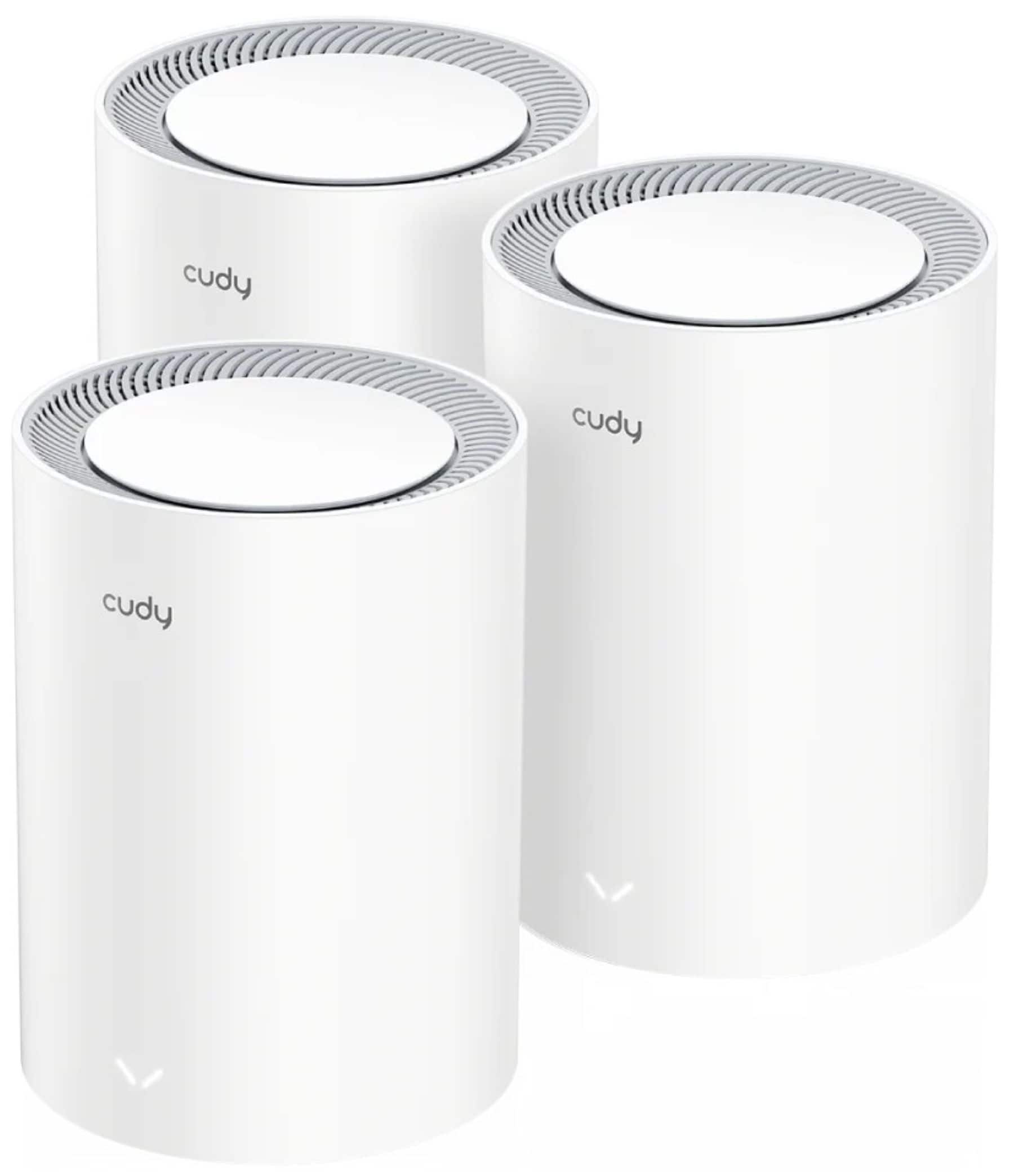
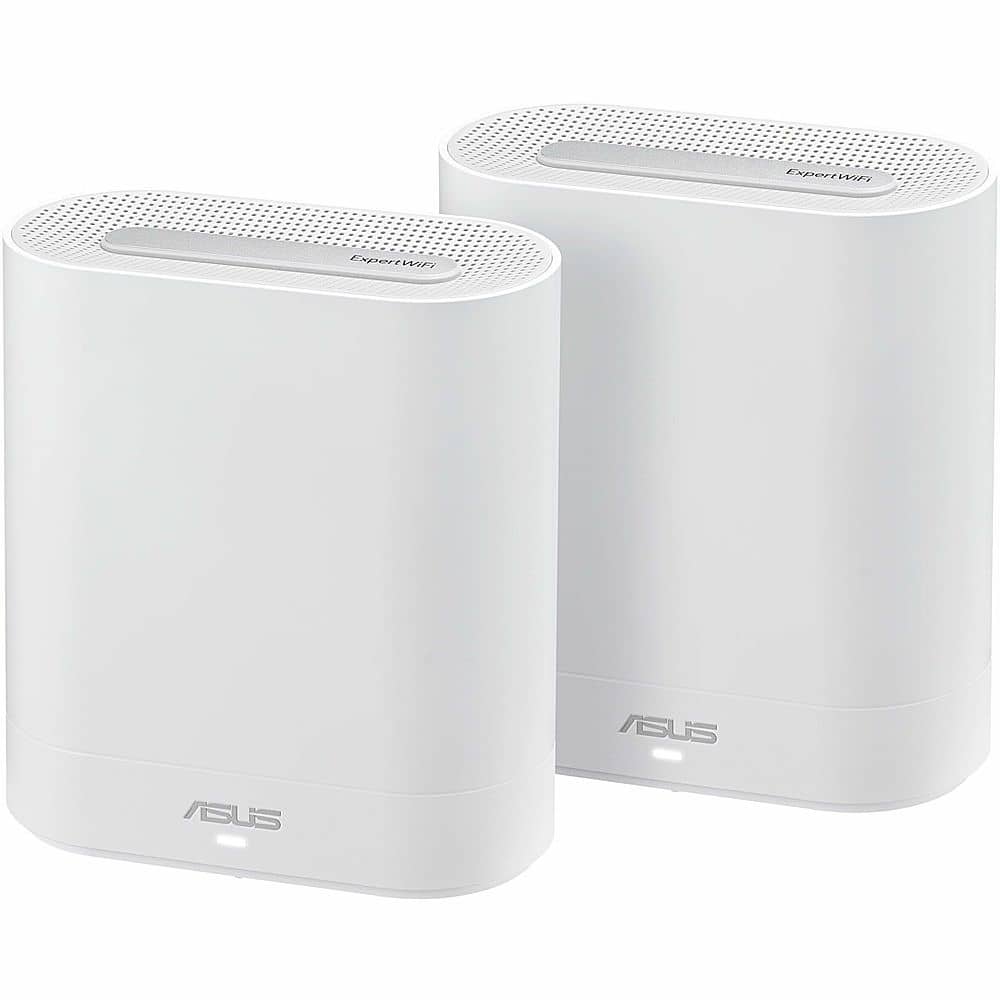

Wi-Fi 7 Mesh Systems with Wired Backhaul
FAQs
Wired backhaul means connecting your mesh nodes to each other with Ethernet instead of relying only on a wireless link between nodes. That wired connection can free up wireless capacity, improve stability and help your Wi-Fi 7 mesh system deliver more consistent performance across the home.
It can be, especially if your home already has Ethernet runs or you can place nodes near wired connections. Wired backhaul often reduces interference and can improve speed consistency for gaming, streaming, video calls and large-device households. If running cable is not practical, wireless backhaul can still be a strong option.
No. You only need Ethernet where you plan to place the mesh nodes that will use the wired connection. Many households wire just the main router and one or two satellite nodes. For help deciding how many units make sense, visit How Many Wi‑Fi 7 Mesh Nodes Do You Need?.
That depends on your layout, square footage and where you have Ethernet access. Smaller homes may do well with a 2-pack, while larger homes or more complex floor plans may benefit from a 3-pack. You can compare common setups at Wi-Fi 7 Mesh 2-Pack vs. 3-Pack: Which Is Right for Your Home? and get planning help at How Many Wi‑Fi 7 Mesh Nodes Do You Need?.
Place nodes where your devices actually need better coverage, not just where the wireless link is strongest. Because Ethernet handles the backhaul, you have more flexibility to position nodes for better room-by-room coverage. For placement tips, see Wi‑Fi 7 Mesh Placement Guide for Better Coverage.
Look for Wi-Fi 7 support, enough LAN or multi-gig ports for your setup, app management, parental controls, strong device capacity and coverage that matches your home size. Homes with lots of smart devices, streaming gear and gaming hardware may also want tri-band or quad-band performance and multi-gig Ethernet options.