MacBook Pro 15 Hard Drive
-
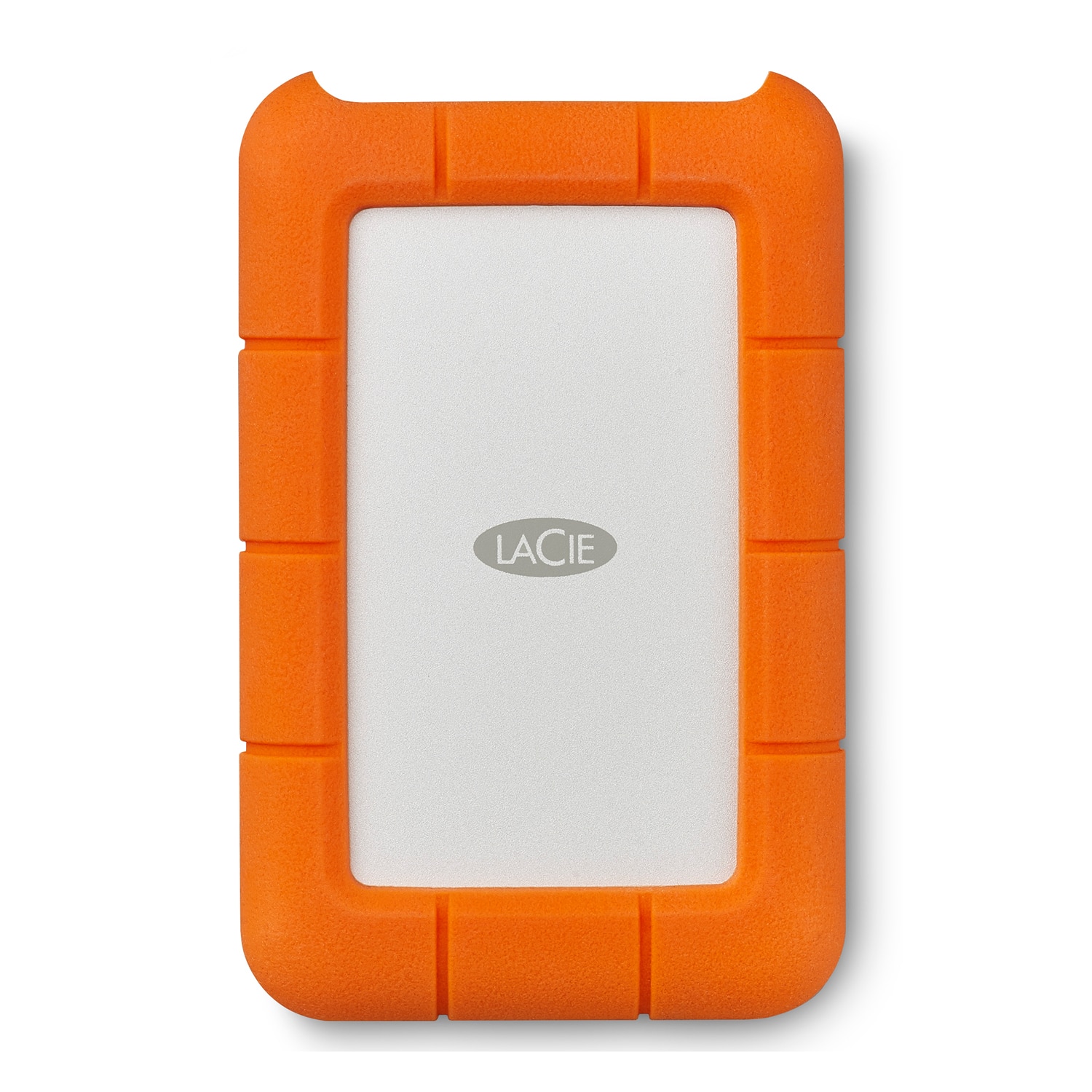
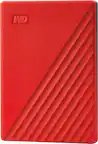
LaCie - Rugged 5TB External USB-C, USB 3.1 Gen 1 Portable Hard Drive - Orange/Silver
SKU: J37C5HKJ4LSee all External Hard DrivesProduct Description
A rugged orange and silver portable hard drive with 5TB storage, USB-C compatibility, and drop resistance.Your price for this item is $239.99 -
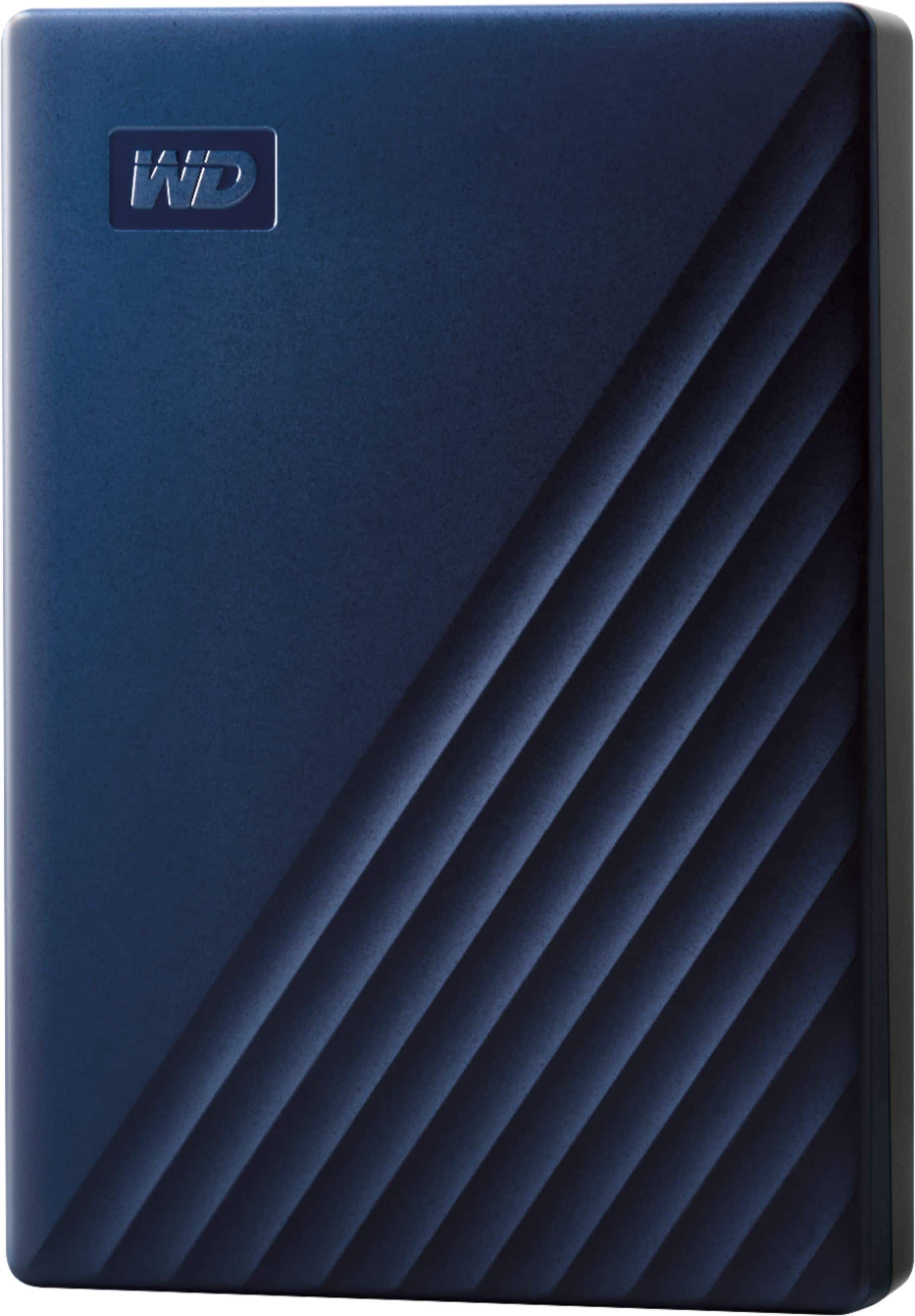
WD - My Passport for Mac 4TB External USB 3.0 Portable Hard Drive - Blue
SKU: JXTHCJFHK5See all Internal Hard DrivesProduct Description
A blue portable external hard drive offering 4TB storage, USB 3.0 connectivity, and password protection.Your price for this item is $254.99 -
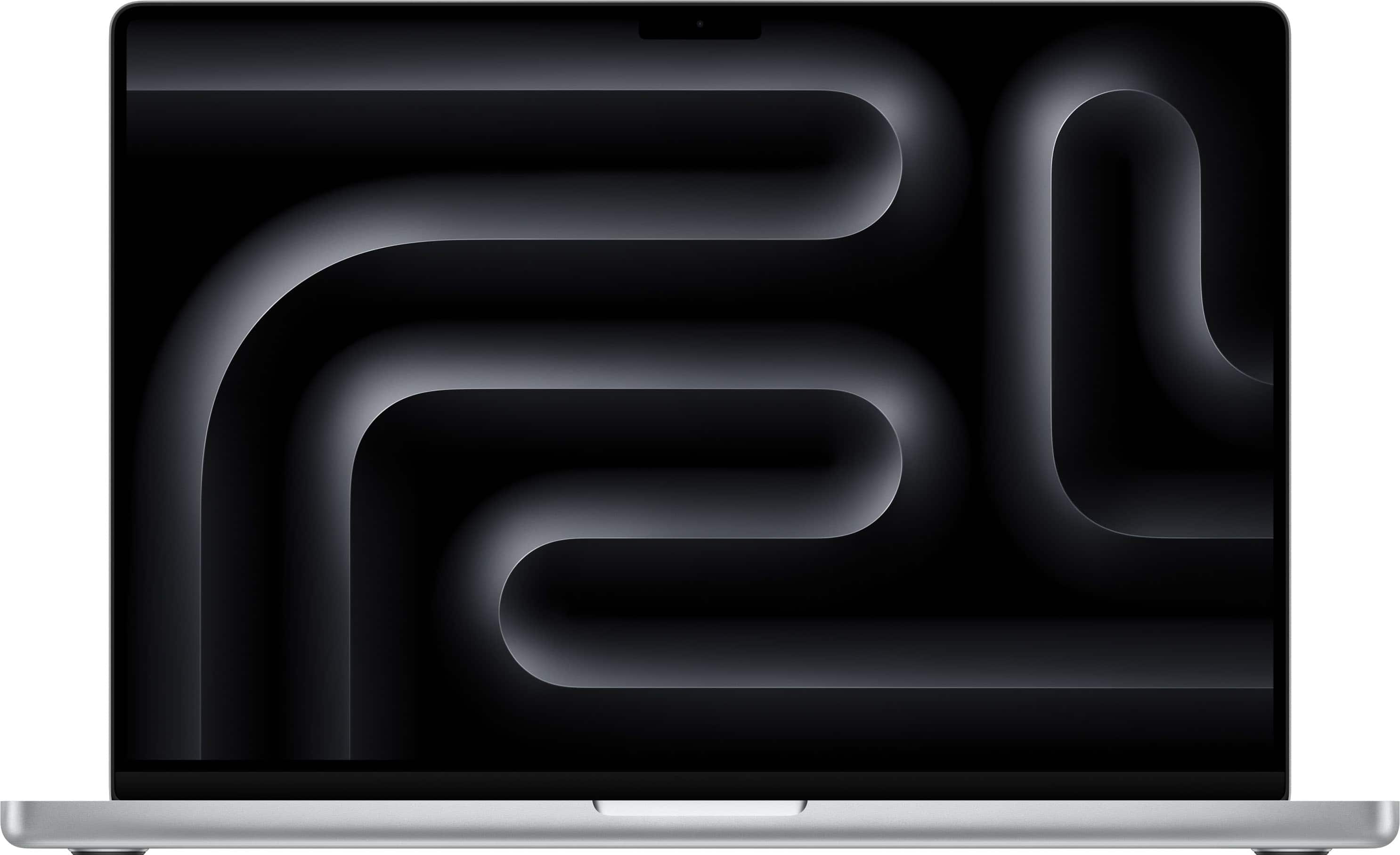
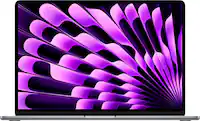
Apple - MacBook Pro 16-inch Laptop - M5 Pro chip with 18-core CPU and 20-core GPU - 24GB Memory - 1TB SSD - Silver
SKU: JJGCQLZQRQSee all MacBooksProduct Description
A powerful silver laptop featuring an 18-core CPU, 20-core GPU, 24GB memory, and 1TB SSD.Your price for this item is $2,999.00
Best Sellers





Related Pages




FAQ
The MacBook Pro 15 is typically compatible with 2.5-inch SATA hard drives and certain solid-state drives (SSDs), depending on the specific model year. Always check your MacBook Pro’s technical specifications to ensure compatibility before purchasing a new hard drive.
Yes, many MacBook Pro 15 models allow you to upgrade from a traditional hard drive to a solid-state drive (SSD), which can improve speed and overall performance. Be sure to confirm your model’s upgradeability before making a purchase.
Installing a new hard drive in your MacBook Pro 15 typically requires a set of precision screwdrivers and, in some cases, a spudger or pry tool. Refer to your MacBook’s service manual for detailed instructions and recommended tools.
Replacing the hard drive will remove all existing data from your MacBook Pro 15. It is important to back up your files using Time Machine or another backup solution before replacing the hard drive.
Yes, you can use an external hard drive with your MacBook Pro 15 via USB, Thunderbolt, or other compatible ports. External drives are a convenient option for expanding storage or transferring files without opening your laptop.