Wireless Mouse For Macs
-
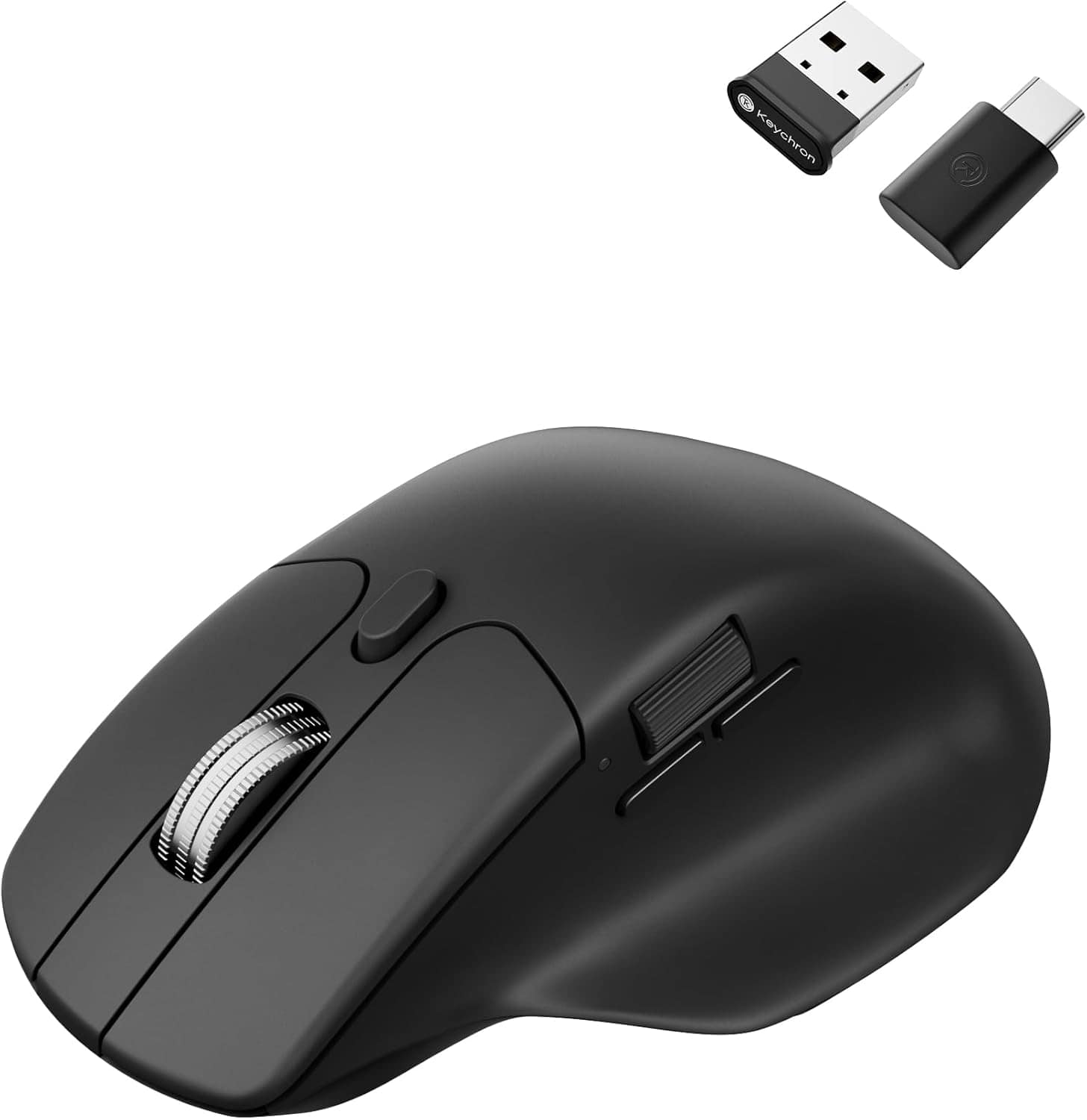
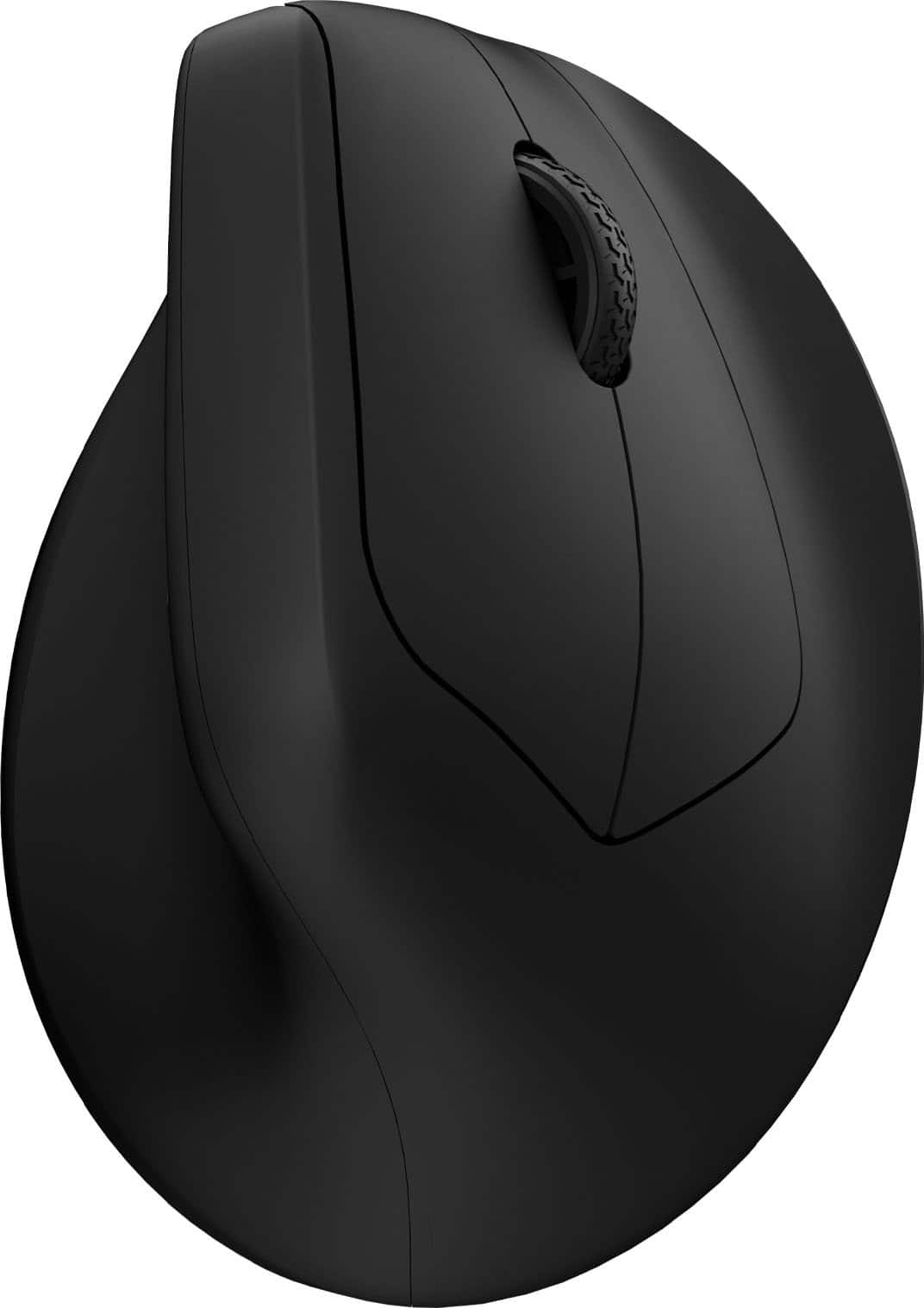
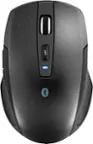
Keychron - M6 Ergonomic Wired & Wireless Laser Mouse w/ Macro Button & Fast-Scrolling Metal Wheel, For Windows PC & Mac - Wired - Black
SKU: CGJVZ4YC3GSee all Wireless & Bluetooth MiceProduct Description
An ergonomic black wireless mouse featuring Bluetooth, wired options, and over ten programmable macro buttons.Your price for this item is $49.99 -
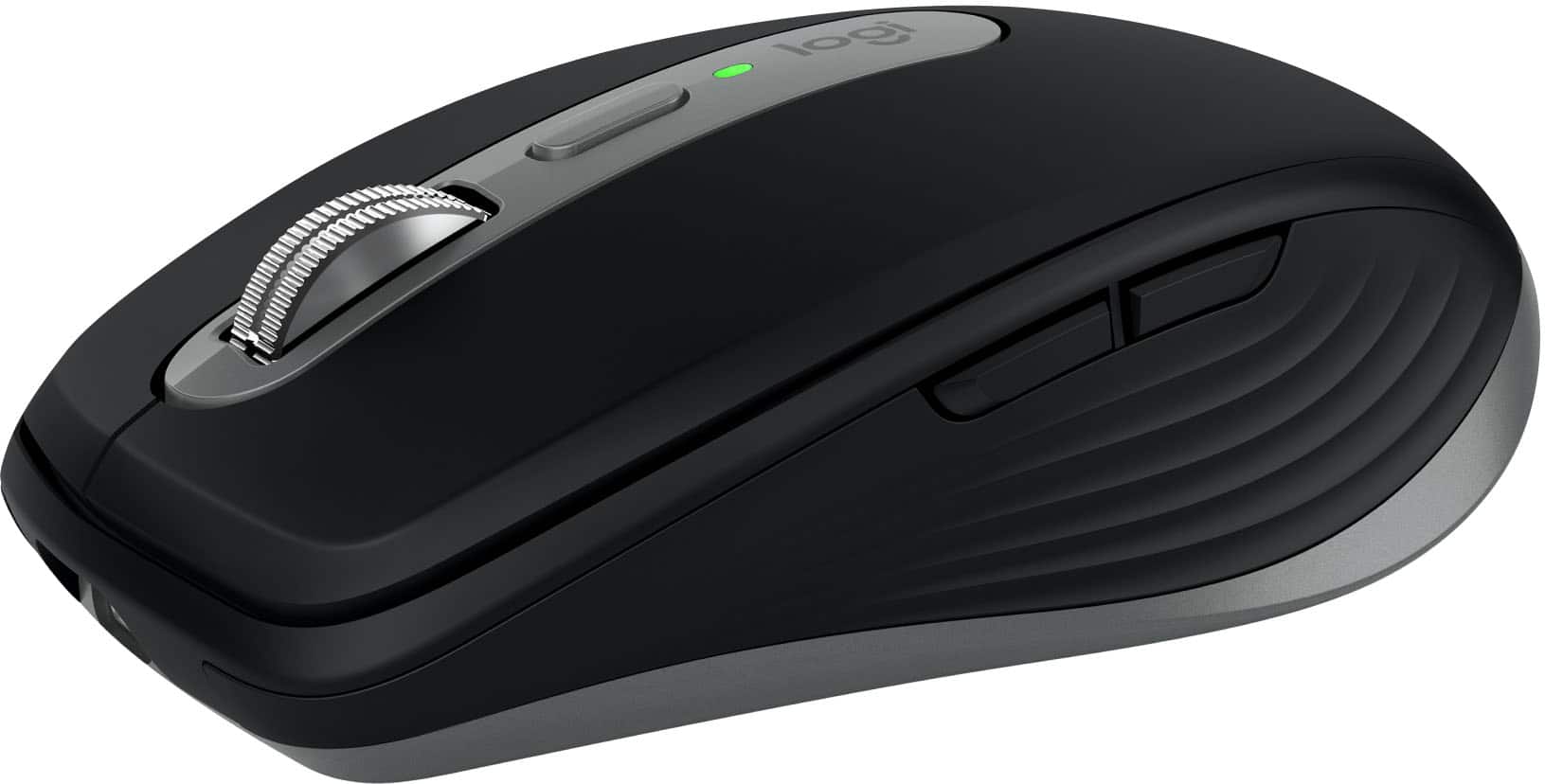
Logitech - MX Anywhere 3S for Mac Wireless Bluetooth Optical Fast Scrolling Mouse with Programmable Buttons - Wireless - Space Gray
SKU: J7H7ZY8KRQSee all MiceProduct Description
A compact, space gray wireless mouse with quiet clicks, 8K DPI tracking, and programmable buttons for Mac.Your price for this item is $89.99 -
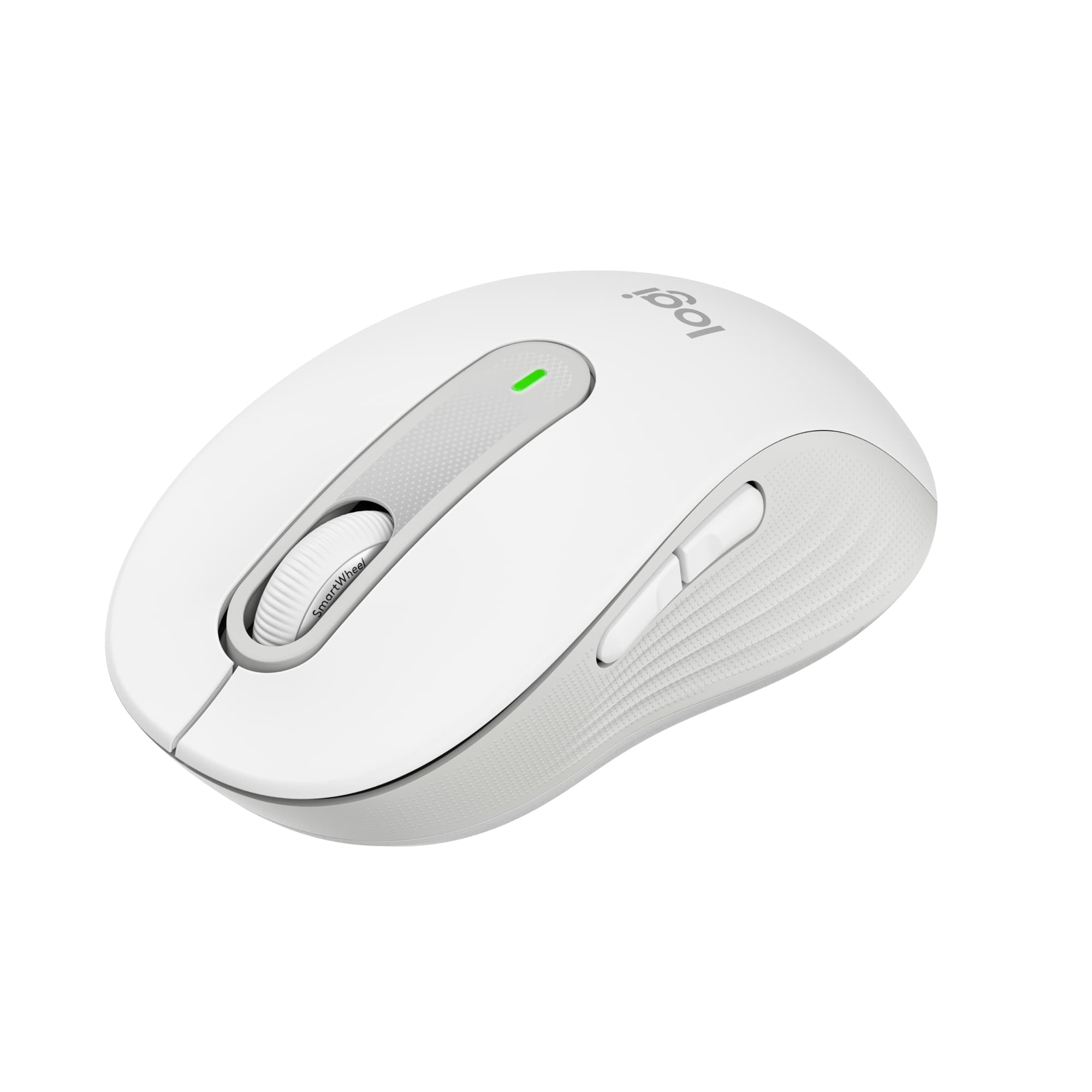
Logitech - Signature M650 Wireless Optical Mouse with Silent Clicks - Wireless - Off-White
SKU: J7H7ZY3W8JIt was an excellent purchase, it's quiet and very accurate, Compatible with mac...Connects Bluetooth really easily to the Apple Mac. Feels good on my hand!
See all MiceProduct Description
An off-white wireless mouse featuring silent clicks, SmartWheel scrolling, and customizable buttons for enhanced productivity.Your price for this item is $33.99Save $6The previous price was $39.99 -
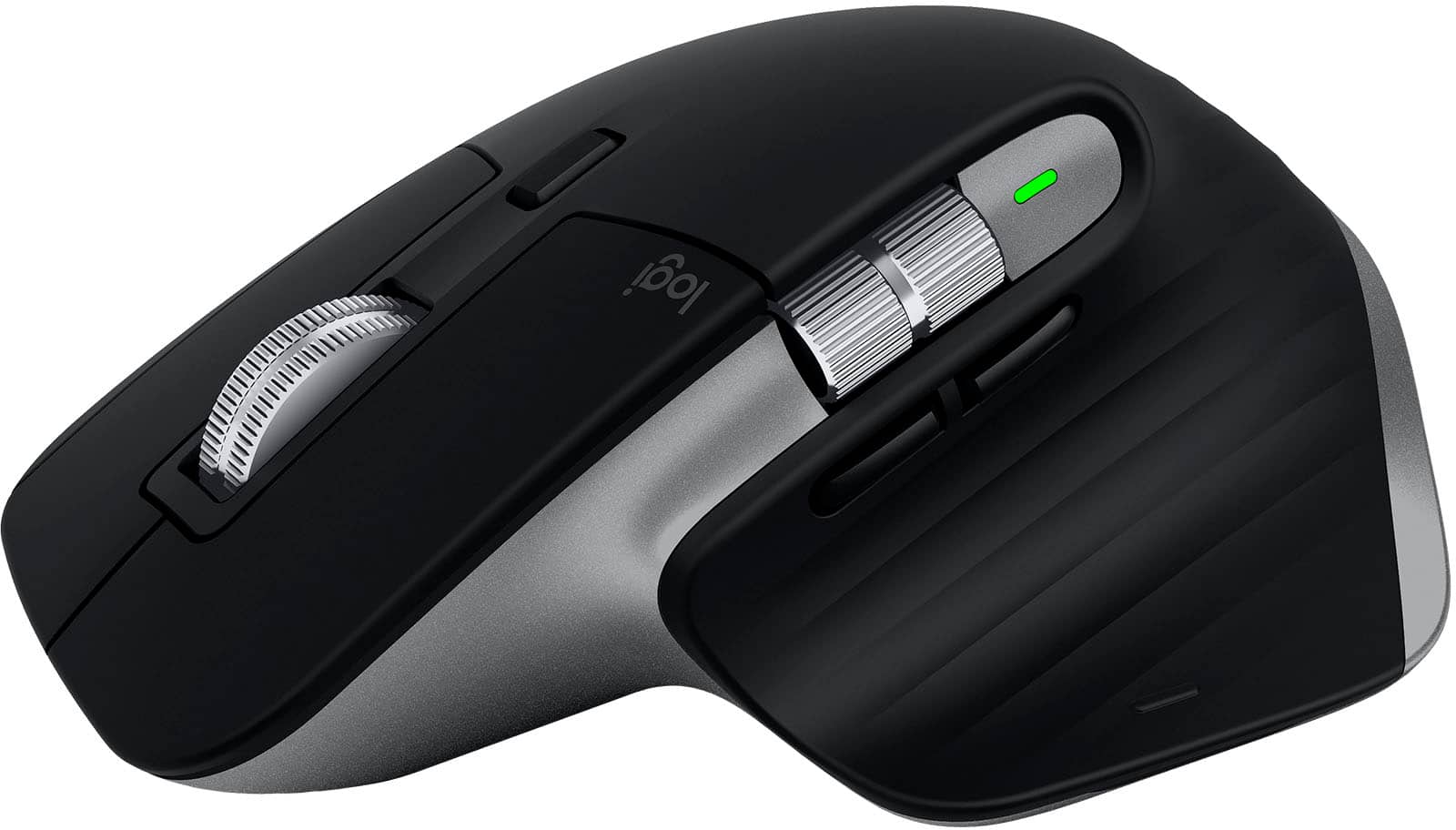
Logitech - MX Master 3S for Mac Wireless Bluetooth Laser Mouse with Ultrafast Scrolling - Wireless - Space Gray
SKU: J7H7ZY8XWJSee all MiceProduct Description
A wireless, ergonomic mouse in space gray featuring Bluetooth, ultrafast scrolling, and customizable buttons for Mac.Your price for this item is $164.99 -
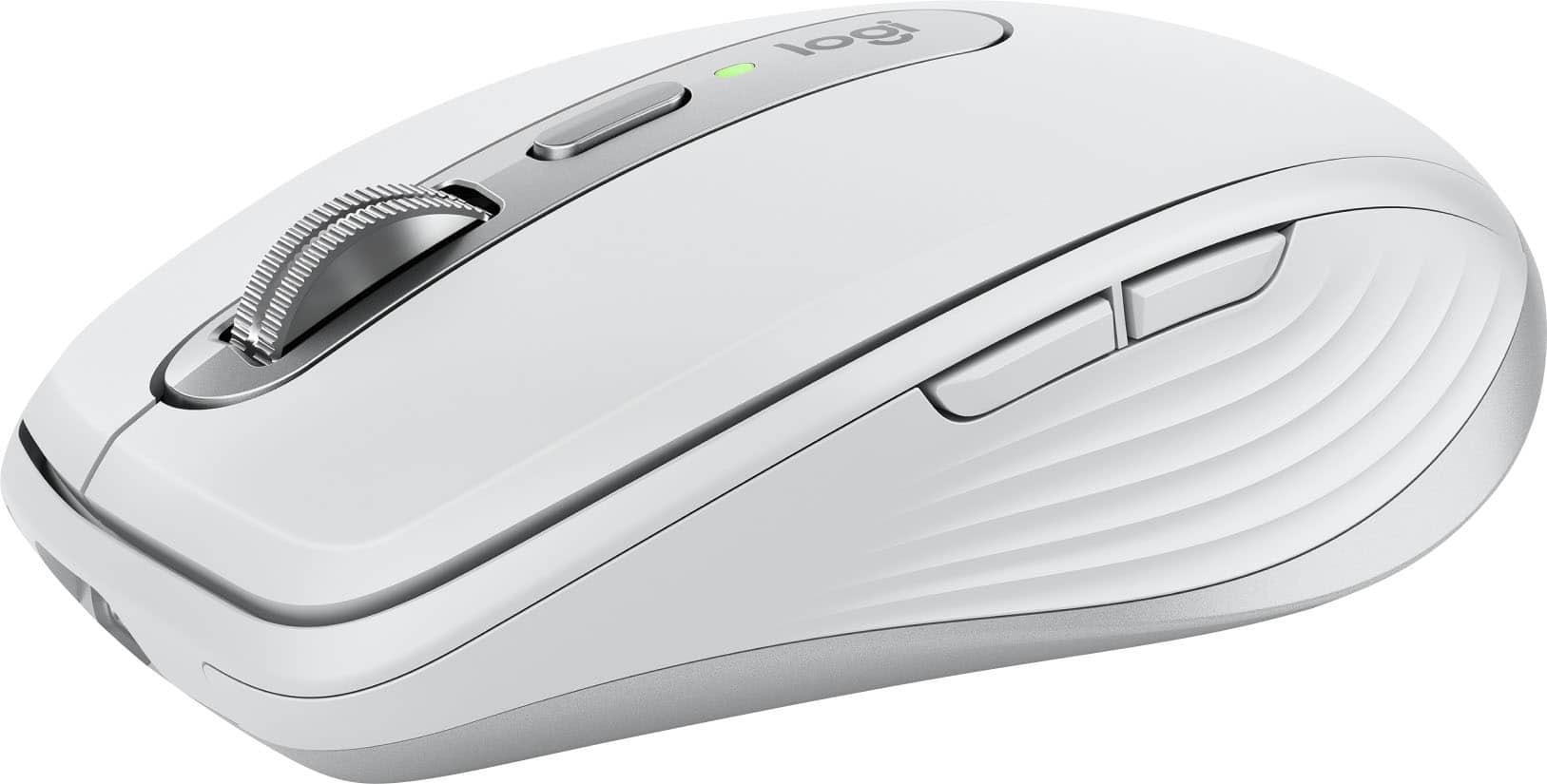
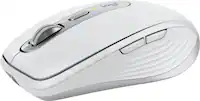
Logitech - MX Anywhere 3S for Mac Wireless Bluetooth Optical Fast Scrolling Mouse with Programmable Buttons - Wireless - Pale Gray
SKU: J7H7ZY8KRLGreat for Macs...Logi mouse for macs
See all MiceProduct Description
A compact pale gray wireless mouse with quiet clicks, 8K DPI tracking, and programmable buttons for Mac.Your price for this item is $89.99 -
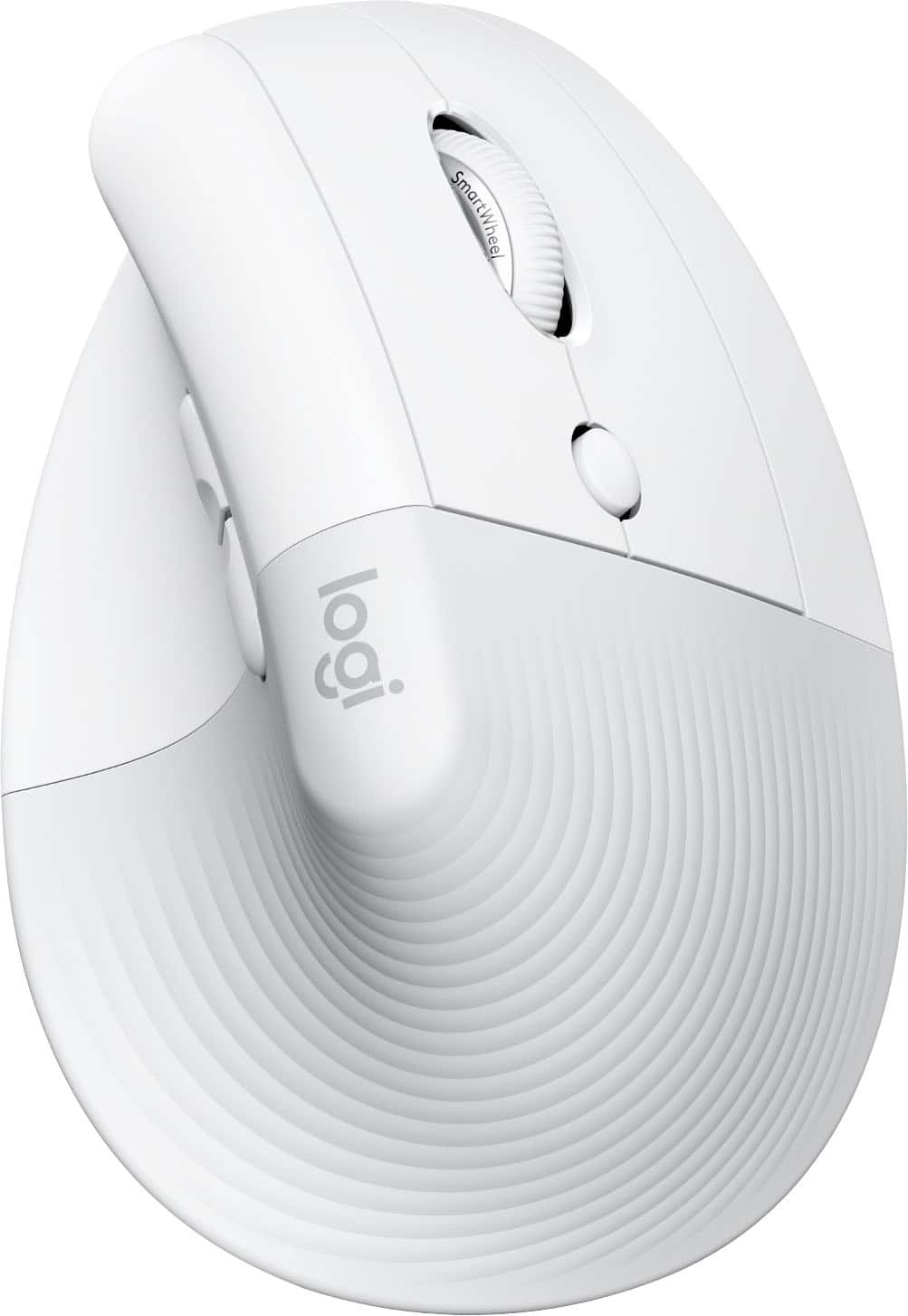
Logitech - Lift for Mac Wireless Bluetooth Optical Ergonomic Mouse with 4 Customizable Buttons - Wireless - Off-White
SKU: J7H7ZY3FQHSee all MiceProduct Description
An ergonomic off-white Bluetooth mouse with quiet clicks, four customizable buttons, and a vertical design for comfort.Your price for this item is $79.99 -
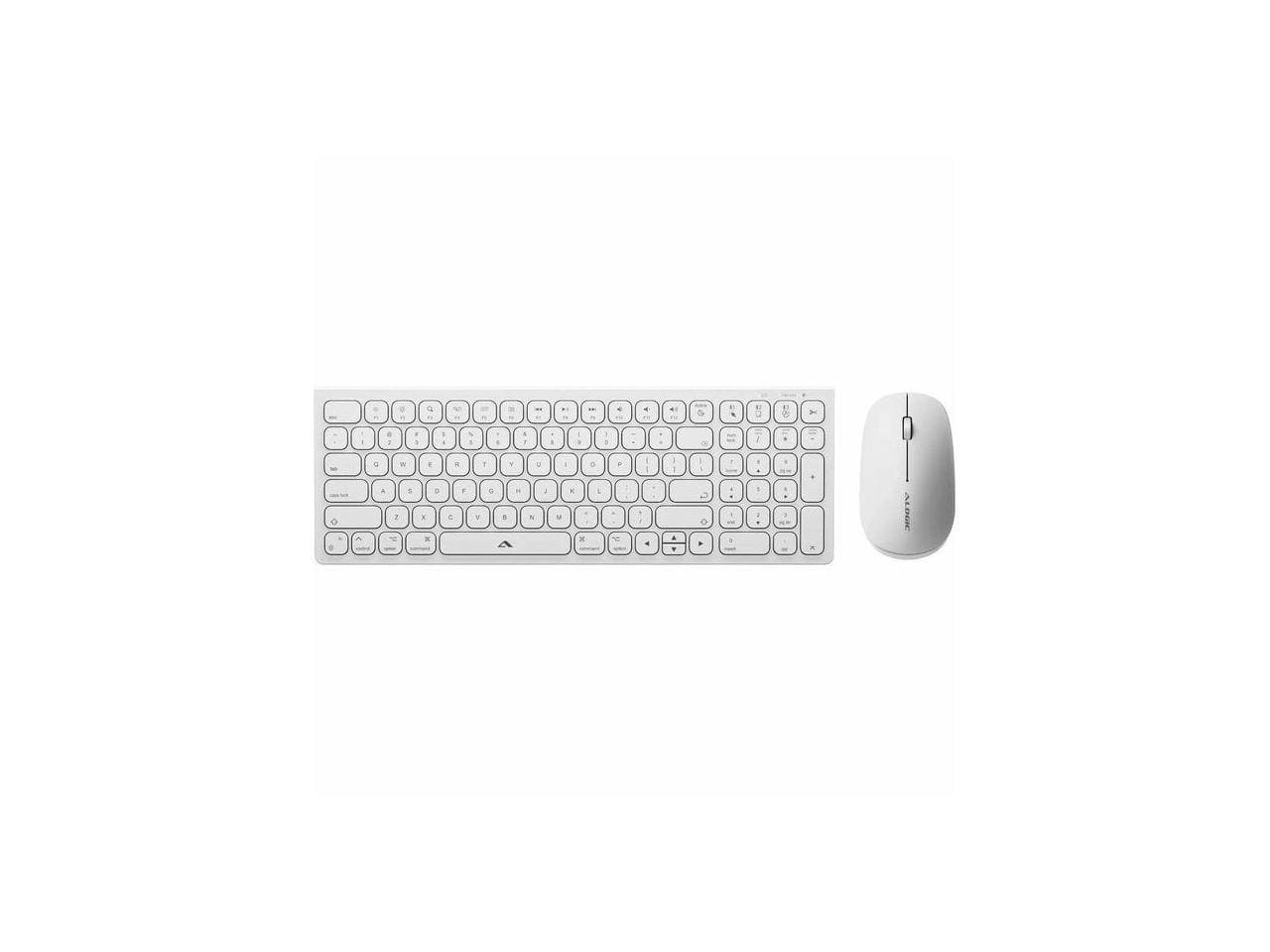
Alogic - Echelon USB-C Rechargeable Wireless Mouse & Compact Keyboard for Mac - Bluetooth/RF 5.0 - White
SKU: BSG7ZGG6WFSee all Wireless & Bluetooth KeyboardsProduct Description
A white compact wireless mouse and keyboard set for Mac featuring USB-C rechargeability and Bluetooth/RF 5.0 connectivity.Your price for this item is $79.99 -
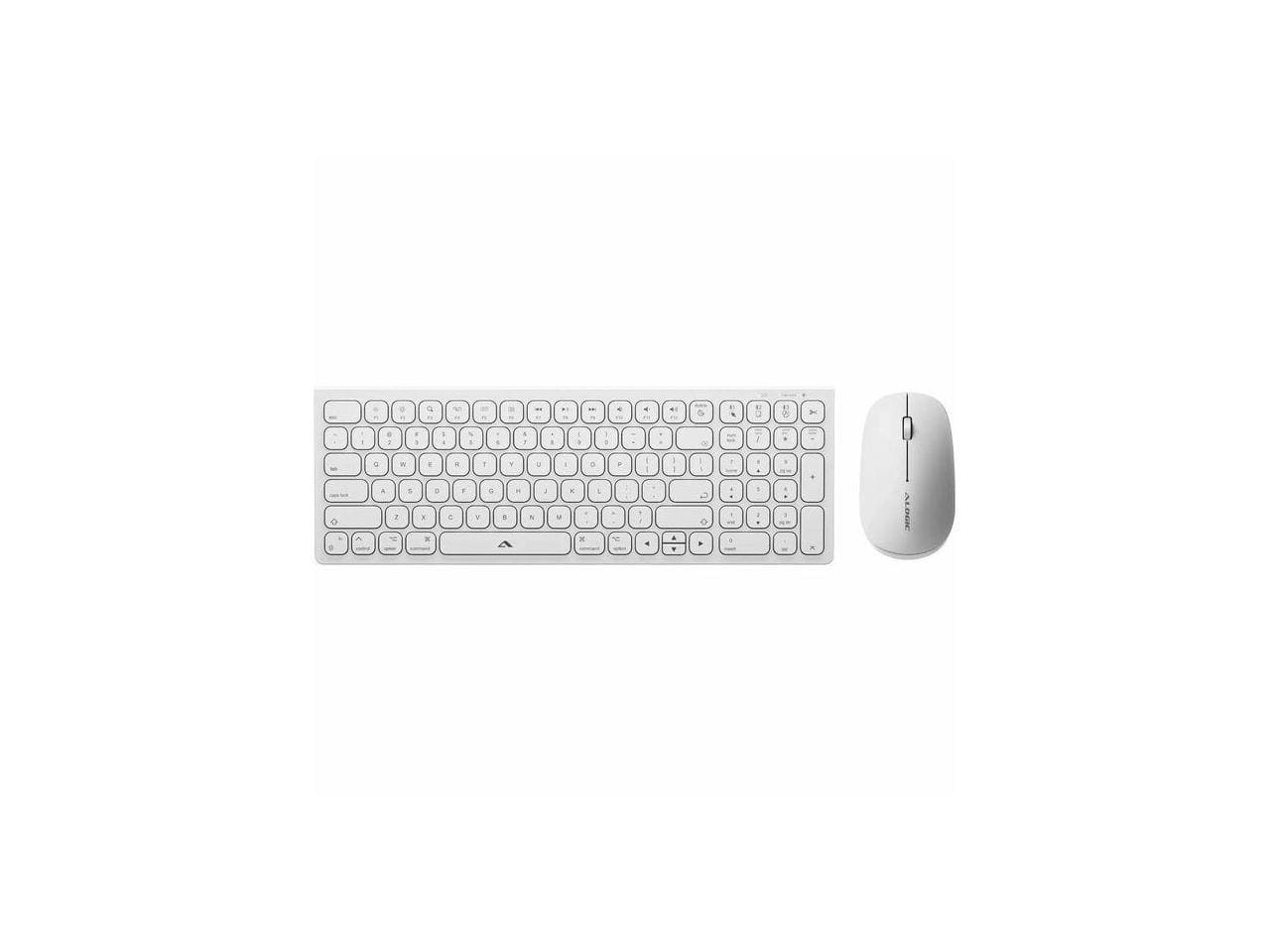
Alogic - Echelon USB-C Rechargeable Wireless Mouse & Compact Keyboard for Mac - Bluetooth/RF 5.0 - White
SKU: BSG7ZGG6Q6See all Wireless & Bluetooth KeyboardsProduct Description
A white compact wireless keyboard and rechargeable mouse set for Mac, featuring Bluetooth/RF 5.0 connectivity.Your price for this item is $74.99 -
Keychron - M5 Ergonomic Wired & Wireless Laser Mouse w/ Macro Button & Fast-Scrolling Metal Wheel, For Windows PC & Mac - Wired - Black
SKU: CGJVZ4YXWCSee all Wireless & Bluetooth MiceProduct Description
An ergonomic black mouse with wired, Bluetooth, and wireless connectivity, plus macro button and metal scroll wheel.Your price for this item is $39.99 -
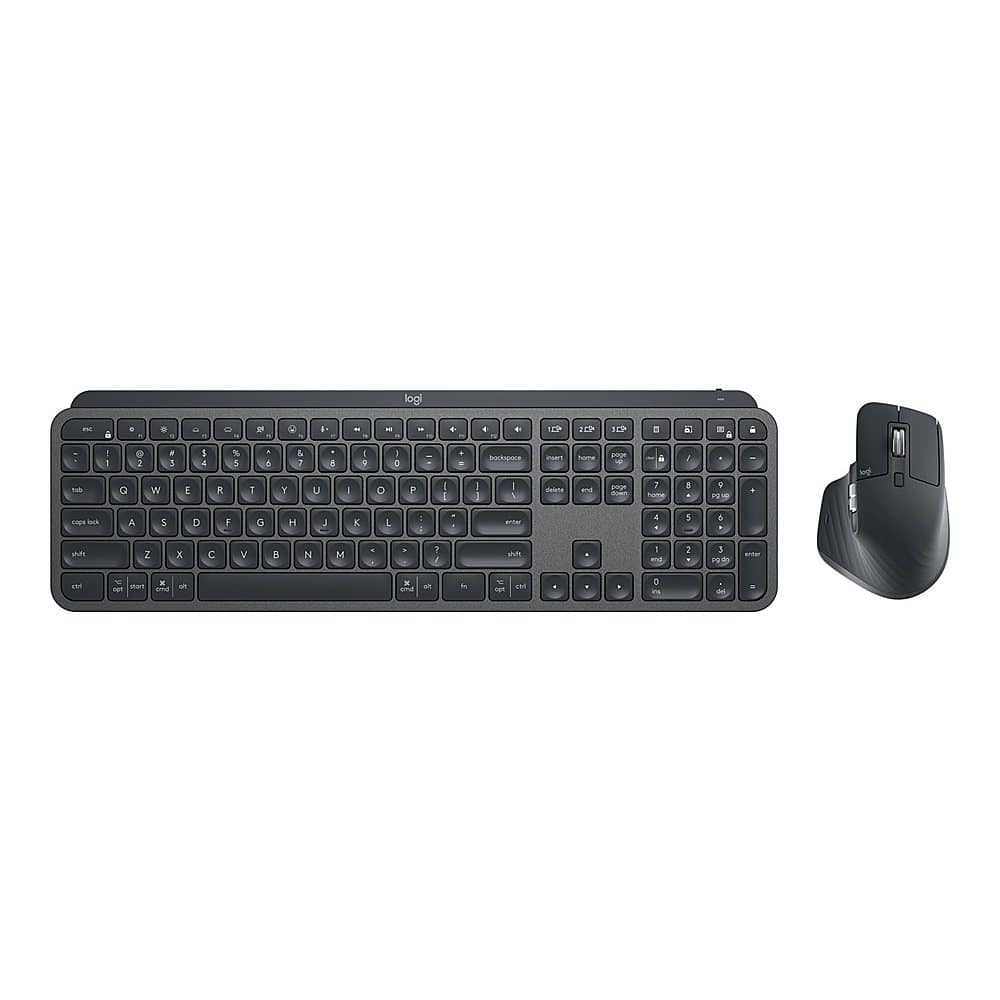
Logitech - MX Keys Combo for Business Full-size Wireless Scissor Keyboard and Mouse Bundle for Windows/Mac/Chrome/Linux - Graphite
SKU: J7H7ZY8PX9See all Keyboard & Mouse CombosProduct Description
A graphite wireless keyboard and mouse combo featuring quiet clicks, backlit keys, and a comfortable wrist pad.Your price for this item is $199.99
Best Sellers




Related Pages

FAQ
Most wireless mice are compatible with a wide range of Mac models, including MacBook, iMac, and Mac Mini. Be sure to check the product specifications for compatibility with your specific macOS version.
Many wireless mice are plug-and-play with Macs and do not require additional drivers. However, some advanced features may need you to download the manufacturer’s software for full functionality.
Yes, many wireless mice are Bluetooth-enabled and can connect directly to your Mac without a USB receiver. Simply turn on Bluetooth on your Mac and pair the mouse through the Bluetooth settings.
Some wireless mice offer multi-device pairing, allowing you to switch between your Mac and other devices with the press of a button. Refer to the mouse’s user manual for specific pairing instructions.
Yes, there are ambidextrous and left-handed wireless mice available that work seamlessly with Macs. Look for models labeled as suitable for left-handed use in the product description.