A:AnswerHello, the Echo Show devices cannot be paired to another one for stereo sound. In the Alexa app you can create groups of speakers. When making a speaker group you can add any of your Echo devices to the group. Hope that helps, have a great day!
A:AnswerHi Bonnie, thank you for your question. To the best I can understand, you might be referring to the new adaptive technology built in to Echo Show 8 (3rd gen), which will show home screen content, including the clock, at different sizes and in different level of detail, depending on how close you are to the screen. At this time, unfortunately, there is no setting to adjust the size of the font on the home screen. Hopefully this was helpful. Have a great day!
A:AnswerHi David, thanks for your question. At this time Echo Show 8 (3rd gen) does not support home theater mode for your TV. Any of the "non-screen" Echo devices, such as Echo Dot, Echo, or Echo Studio are compatible with home theater mode. Hopefully this helps. Have a great day!
A:AnswerHi Paula, thank you for your question. To clarify, FaceTime is an Apple device feature and thus is not available on Amazon Echo Show 8. With Alexa, you can make hands-free voice or video calls to anyone who has a supported Alexa-enabled device or the Alexa app. On Alexa-enabled devices, you can even use services like Zoom, Chime and Skype. Hopefully this is helpful. Have a great day!

A:AnswerHello EveEv! With the Echo Show 8 (3rd Generation) you get improved audio with spatial audio, room acoustic sensing, and noise reduction technology, built-in smart home hub for seamless compatibility, improved processor with even faster display responses and an updated design with edge-to-edge glass and centered camera. I hope this helps, have a great day!
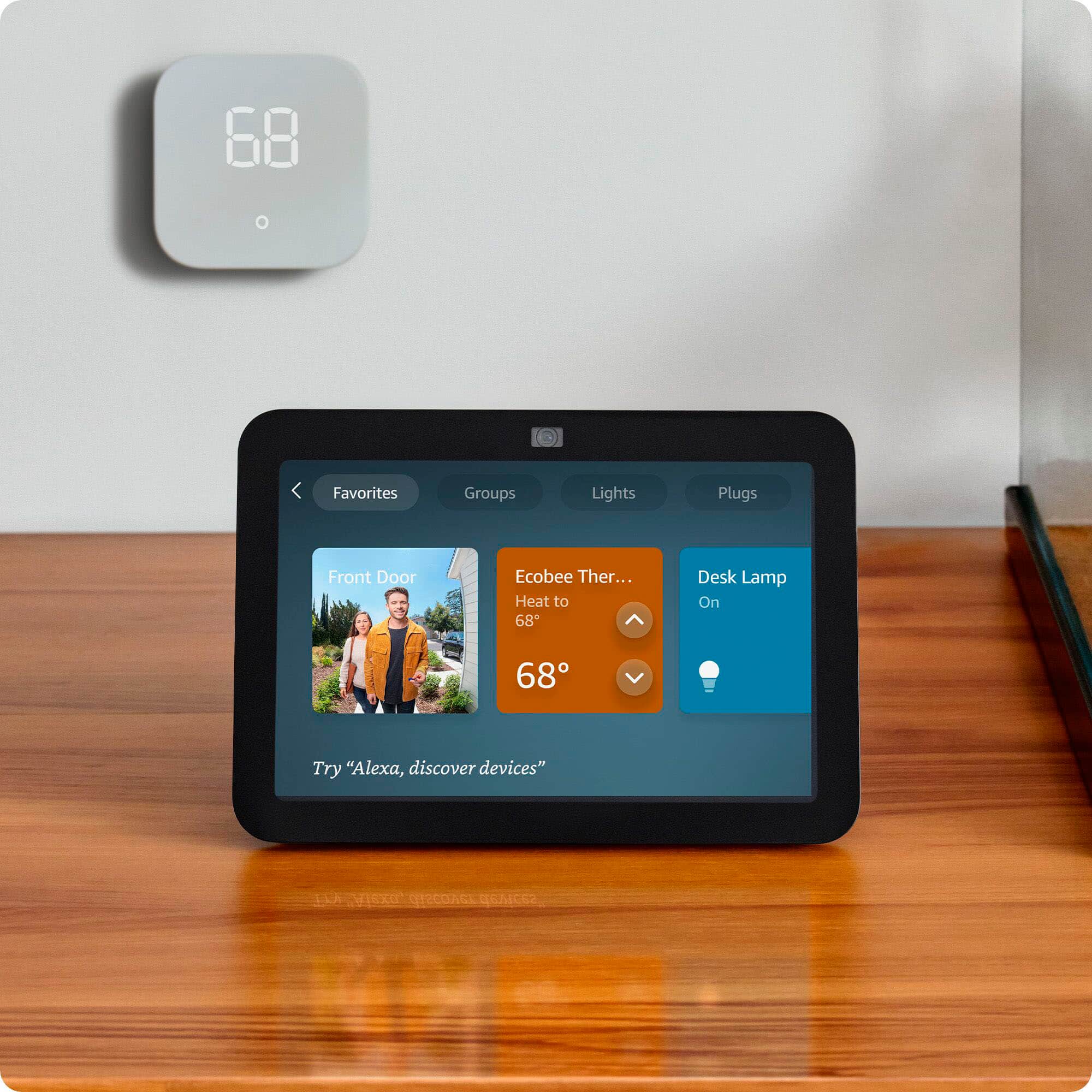
A:AnswerHello Tony, the Amazon Echo Show 8 can show up to 4 cameras at a time. If you have more than 4 cameras then it will show the 4 most recently viewed cameras in your system.
Have a great day!
A:AnswerHi Nancy! You can easily link your Apple, Google, and Microsoft calendars via the free Alexa app! To do so: Open the Alexa app.
Open More and select Settings.
Select Calendar.
Select your account provider, and then select Connect Account.
Follow the on-screen instructions. Repeat these steps for each calendar you want to link. This will give Alexa access to your calendar, and enable it across all your compatible Echo devices like the Echo Show 8. I hope that helps, have a great rest of your day!
A:AnswerHi Lauren, thank you for your question. You can make the clock display as your standard display. On your Echo Show, go to Settings > Wallpaper & Clock > toggle ON Ambient Clock. Hopefully this is helpful. Have a great day!

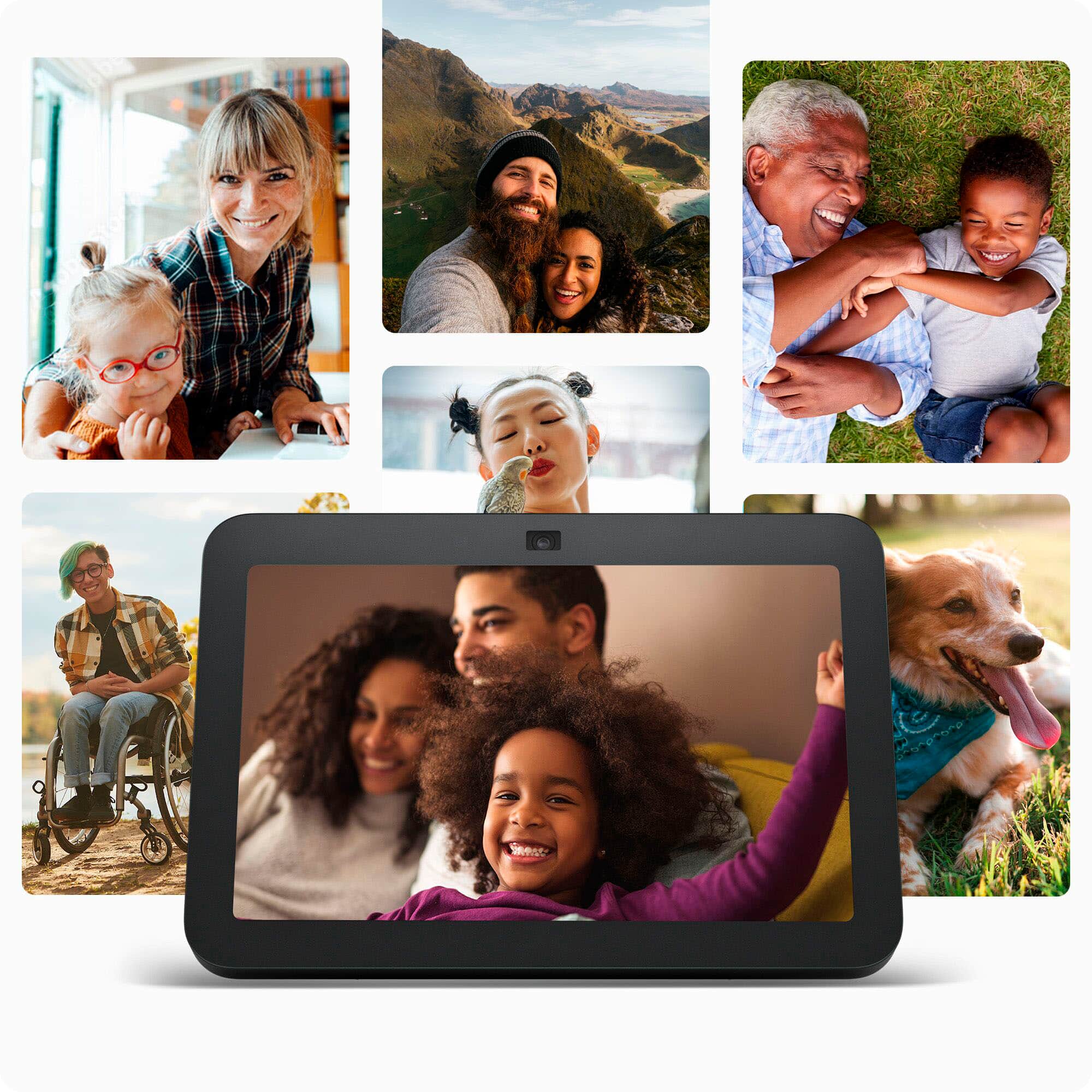
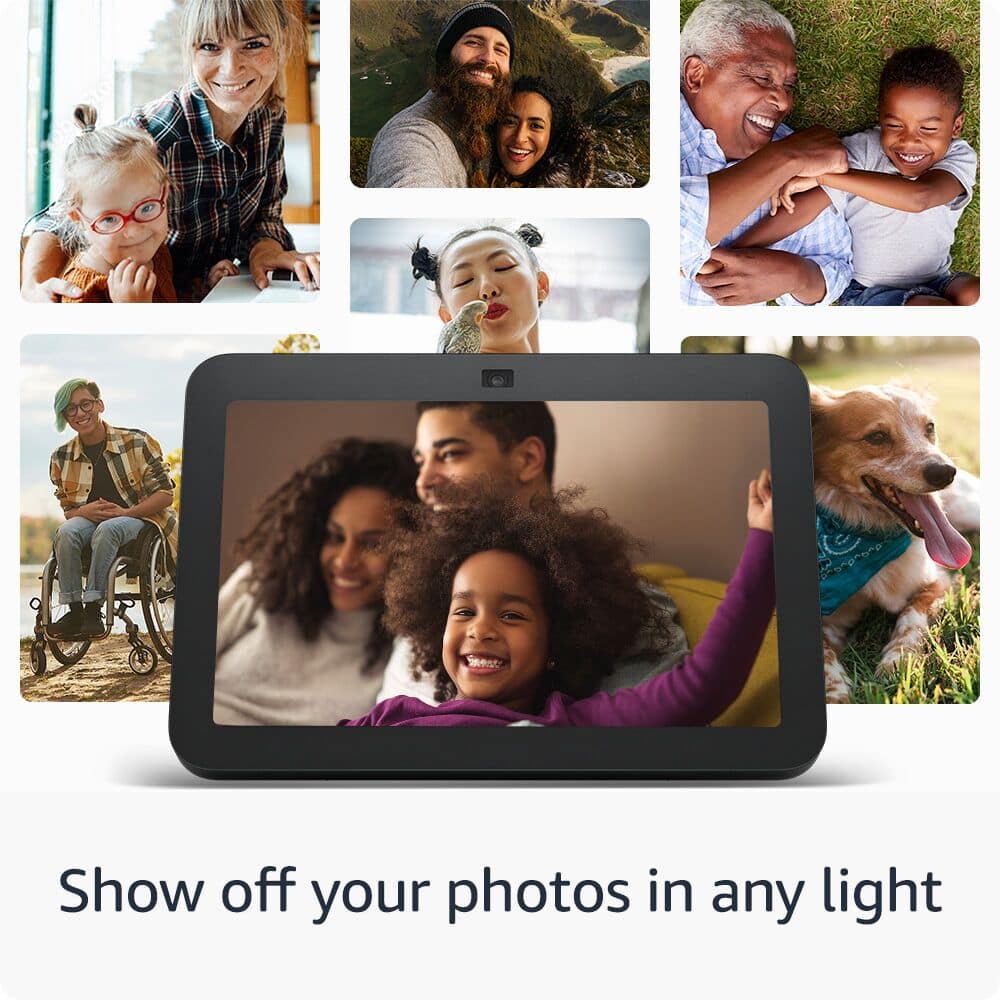
A:AnswerHello, Jae! The Echo Show 8 uses Amazon Photos to turn your Show 8 home screen into a digital frame with Alexa. Enjoy your favorite moments and photos shared by friends and family as a slideshow or rotating with other home screen content. Pictures will look great in any light, thanks to adaptive color. Amazon Prime members get free, unlimited, online photo storage and 5GB video storage. I hope this helps, have a great day!
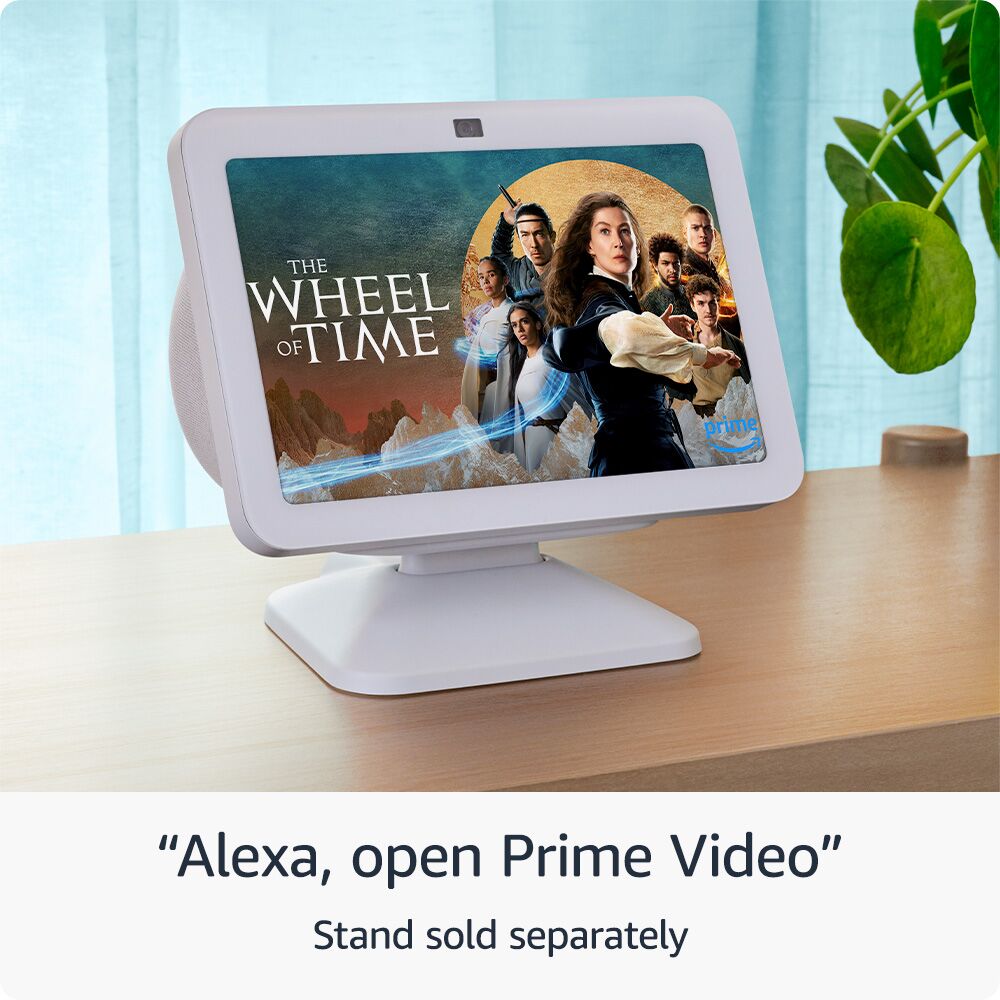
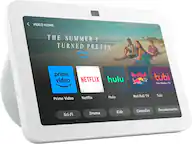
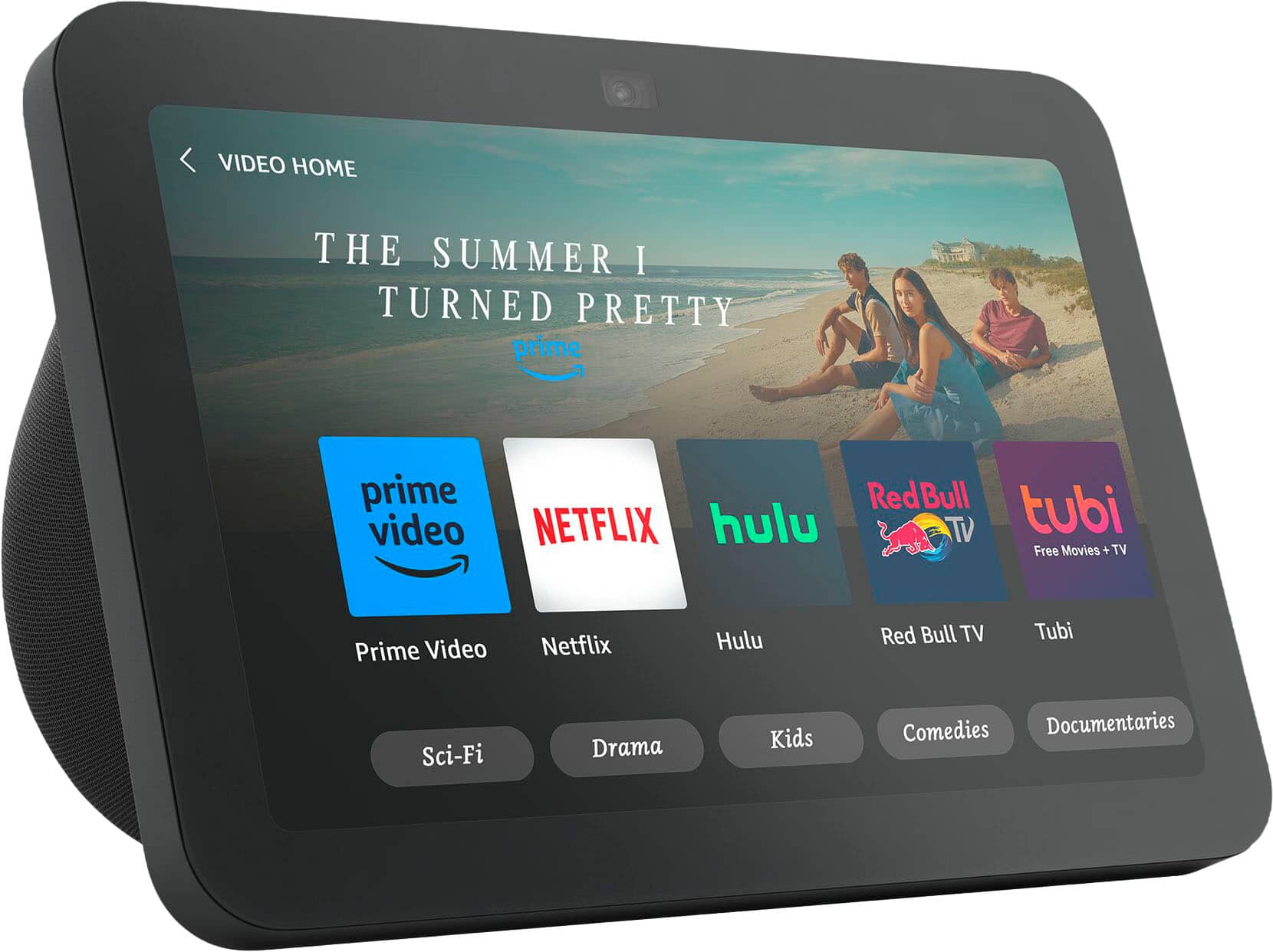
A:AnswerHi HellBryan! Netflix and Prime Video work great on the Echo Show 8! You'll have to sign in to Netflix the first time you access it, but you should have immediate access to Prime Video through the Amazon account you set up on the Show. To get started with Netflix just say "Alexa, open Netflix" and select member sign in. I hope that helps, have a great rest of your day!