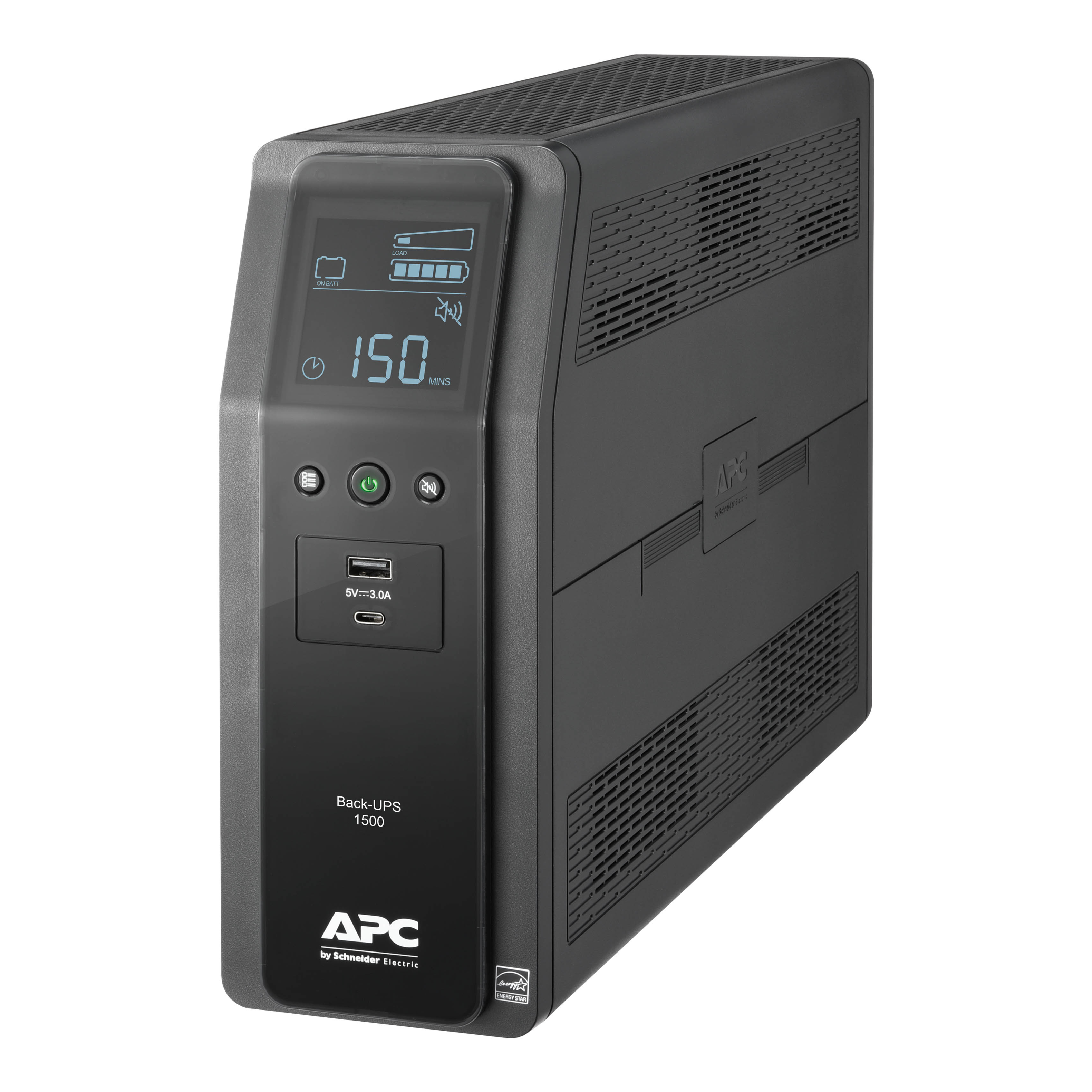
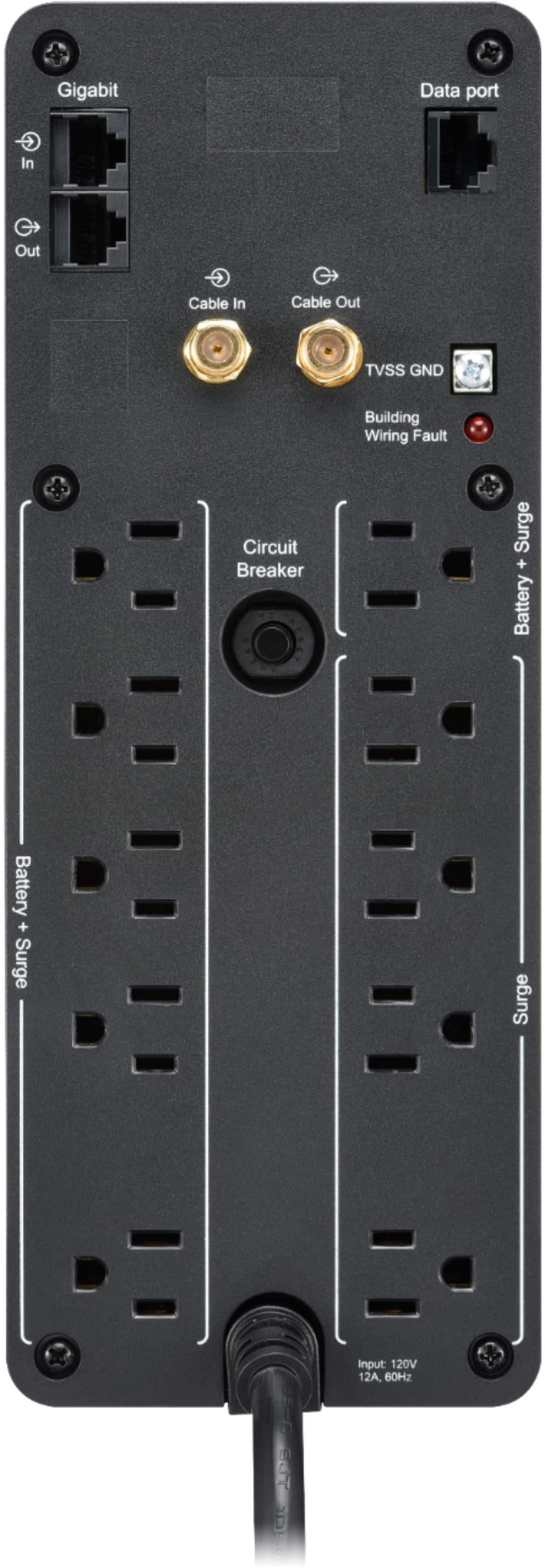
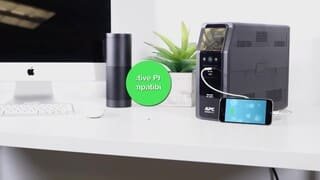
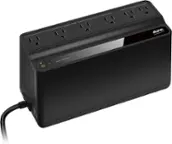
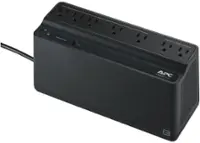
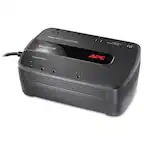
A:AnswerWhen power is running normally, it uses the house current which should be pure sine wave on every outlet on the back. When the power goes out, and the UPS battery activates, it runs only the stepped sine wave on the Battery + Surge outlets only, and the other surge only outlets will not have power during a power outage. So plug what you need to keep running on the battery + surge.
A:AnswerThank you for your inquiry. If you have the UPS is storage for longer than a few weeks I would recommend disconnecting the internal battery so the batteries don't deplete as fast. The battery will charge back when plugged back in. You just wouldn't want to leave the UPS unplugged for longer than 3 months.
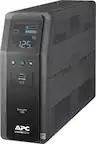
A:AnswerI have an APC BACK-UPS PRO 1500VA/900 WATT. before replying to this I unplugged my backup to see how long I could run my desktop computer and the 24 inch TV I'm using for a monitor. It ran for an hour and 15 min down to 14 min left. The time on the backup was going down faster than actual time though, so I don't think it would have lasted another 14 minutes.
A:AnswerThank you for your inquiry. Unfortunately PowerChute would only work with one PC not the second one. I apologize for any inconvenience this causes.
A:AnswerThank you for your interest in our products. The unit would boost the voltage is it is 11.3% below the limit. The limit would be determined by the sensitivity set on the unit. At low sensitivity the range would be 78-142 V. At medium sensitivity the range would be 88-139 V. At high sensitivity it would be 88-136 V.
A:AnswerThank you for your interest in in our products. Yes this UPS would provide you a battery backup to your TV and DVD during a power outage. You would just want to make sure they don't draw more than 900 watts of power. Anything over that would overload the UPS.
A:AnswerThank you for your interest in our products. Yes it will work for your phone system given it draws less than 900 watts. The runtime would really depend on how much power the equipment draws. At full load (900 watts) the unit would provide 3 minutes of runtime. At half load (450 watts) it would get around 11 minutes of runtime. If the power draw is a lot less the runtime will be increased.
A:AnswerThank you for your interest in our products. Unfortunately daisy chaining our UPSs would not provide more capacity. We also don't recommend daisy chaining the units together because the UPSs can become overloaded. For more information on why we don't recommend daisy chaining the UPS please check out the following link. https://www.apc.com/us/en/faqs/FA157424/
A:AnswerThank you for your interest in our products. Unfortunately this unit has a straight end plug not a right angled plug. I apologize for any inconvenience this causes.
A:AnswerYes, I have 55 Inch LG TV, Sony receiver, Roku, Nintendo Switch, XBox 360, DirecTV box, and MAG254 box connected and still I can connect more devices, Baterry has been running for more than 3 years with NO problem
A:AnswerThank you for your inquiry. The runtime would depend on how much power the device draws. Usually the DVR systems pull around 200 watts of power which would provide you with 30 minutes of runtime. If the wattage is the lower than the UPS will provide more runtime.
A:AnswerThank you for your inquiry. The BN1500M2 could be placed in a garage given it is cooler and dry. If the garage is hot I wouldn't recommend placing it in it. Overly hot temperatures can cause the batteries to fail prematurely. The unit would support 900 watts of equipment connected to it so wouldn't go over this else you would overload the UPS. I wouldn't recommend plugging your water softener into the unit because I suspect it will overload the UPS. If you have any other questions please do not hesitate to reach out to an APCbySchneider sales team. We offer email and chat services through our support site and you may also contact us directly at 800-800-4272.
A:AnswerBN1500M2 offers the following battery backup capabilities:
1. Power During Outages
- Provides abundant battery backup power to work through medium and extended length power outages but is relative to the power consumption of load connected.
2. Automatic Restart
- Automatically restarts in online operation when adequate power is restored.
3. Load Capacity
- Can support upto 90 Watts Load for a minimum of 5mins runtime
4. Battery Recharge
- Continues to recharge its battery even when in the Off state, as long as voltage is present.
These features ensure protection against power interruptions and enhance productivity.
Please let us know if you still need any additional assistance. Contact our Technical Support Hotline at 1-800-800-800-4272 or chat with us at APC by Schneider Electric.
Callback at Phone - 800-555-2725 and follow the prompts.
For immediate assistance, contact our chat support agents at https://www.apc.com/us/en/tools/chat/ or visit www.apc.com for product specifics and basic troubleshooting.
A:AnswerThank you for taking the time to provide feedback about our BN1500M2 UPS. The site wiring fault is an indicator that there may be issues with wiring to isolate see https://www.se.com/us/en/faqs/FA158817/. If you have questions at your earliest convenience please reach out to APCbySchneider to troubleshoot the issue further. We offer email and chat services through our support site and you may also contact us directly at 800-800-4272 option 4 or visit https://www.se.com/us/en/work/support/ and look for the chat icon available from 8AM-8PM EST.
A:AnswerSchneider Electric recommends against the use of any surge protector, power strip or extension cord being plugged into the output of any APC Back-UPS and Smart-UPS products. For more information please see Knowledge base https://www.se.com/ph/en/faqs/FA158852/. If you have additional questions or clarifications, please reach out to us directly at https://www.apc.com/us/en/support/ so we can address this issue and provide you with the support you need. Support is available Monday to Friday, 8am to 8pm EST
A:AnswerThank you for reaching out and for sharing your experience with the BN1500M2. We’re sorry to hear that the unit is no longer powering on. Yes, the unit is covered by a manufacturer’s warranty. Since it stopped working within less than a month from your March 2026 purchase, we recommend contacting Schneider Electric Technical Support for assistance with troubleshooting and warranty validation. The team can help determine the cause of the issue and guide you through the next steps, including replacement if applicable.
Please reach out to Schneider Electric Technical Support by calling 1‑800‑555‑2725 or by using their online chat support through the provided link. We appreciate you bringing this to our attention and hope the issue is resolved for you promptly.
A:AnswerHello! Yes — the APC Back‑UPS Pro BN1500M2 does include an Equipment Protection Policy (EPP). This model carries a lifetime EPP of up to $250,000 USD for connected equipment damaged by a power surge, provided the unit is properly installed, grounded, and used according to APC’s specifications.
For full details or claim verification, we recommend reviewing the official EPP terms or contacting Schneider Electric / APC Technical Support at 1‑800‑555‑2725, or via live chat through the Schneider Electric support site, where they can confirm coverage using your specific model and serial number.
A:AnswerThank you for taking the time to provide feedback about our BN1500M2 UPS. I am sorry to hear of the issues you are facing and apologize for any inconvenience it has caused. F06 is a relay weld issue usually caused overload and frequent power issues such as that causes UPS to go on AVR or Battery mode like voltage and frequency issues and Possibly can be reset by a Logic Reset and if this failed the UPS would come with a 3 year warranty. At your earliest convenience please reach out to APCbySchneider to troubleshoot the issue further. We offer email and chat services through our support site and you may also contact us directly at 800-800-4272 option 4 or visit https://www.se.com/us/en/work/support/ and look for the chat icon available from 8AM-8PM EST.