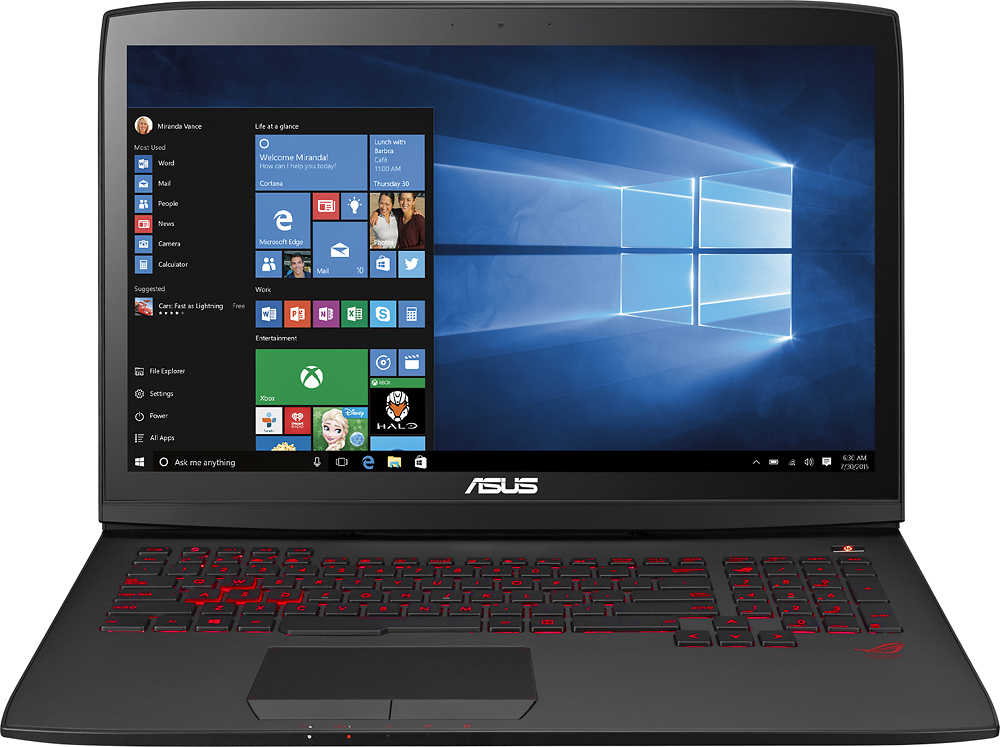
A:Answer Unfortunately the base ram is a special type of ram. They put it under the bottom panel in the user access area. In order to upgrade to 32, you would need to take off the bottom access panel, unscrew the corner screws holding the rest of the bottom panel on, and open up the entire back of the computer. From there you can pop out the old 8 gig ram and put in any ram you want that is compatible with the laptop. After replacing the "hidden ram", just pop on the bottom panel again and use the other slots for the other 2 8 gig ram modules in the 2 open slots. Check out the ROG forums as there is a ton of info on this as well as other upgrades and tweaks. Hope this helps!