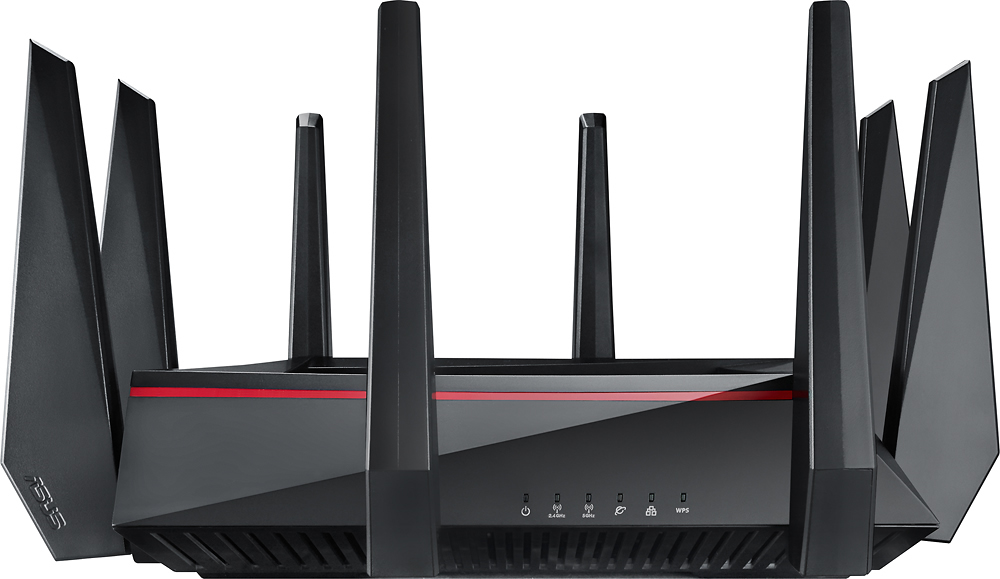
A:AnswerThe Asus RT AC5300 is overkill for most households unless there are specific features that no other router on the market will offer. Read my review "A Great Router with a Few Short Comings". To your question...On paper it is one of the fastest the other might be the NetGear Nighthawk X8 AC5300. However "Fast" is a relative term and is influenced by your ISP, client device NIC, 802.11 protocol that a device uses, other wifi devices in the area, walls and more. "Best" is another relative term as it implies performance superiority. A less expensive router may meet your performance needs quite well. Bottom-line...if you are having network issues with your current router (and you've determined that it is the fault of the router) you may need to upgrade. However, upgrading to the RT AC5300 may be more than you need.
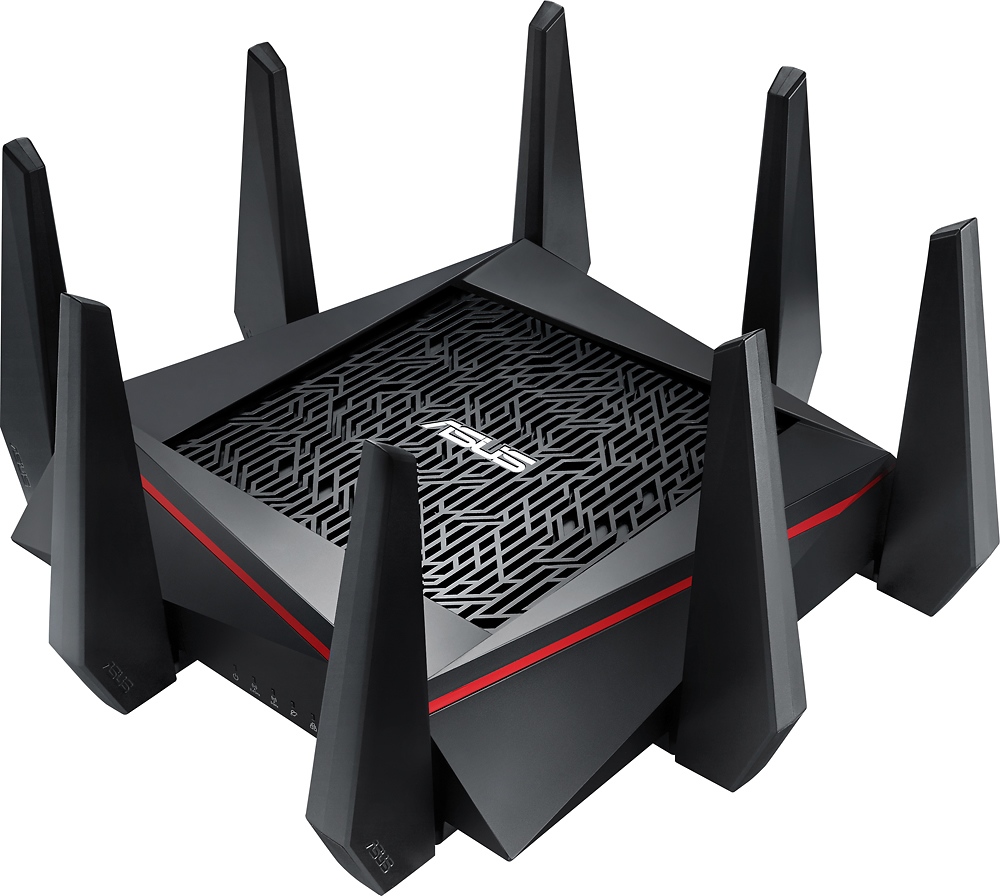
A:AnswerFirst, this is a very powerful router that has thee bands. We don't have a basement, but our router sits way over on the west wall of the house. It's 3300 sq ft. And we get good strong powerful signal in almost every nook upstairs and down. Highly recommend, especially if you can center in the first floor of your house. If not, due data feed into house/cable locations I still think it will work for most of your house. Best of luck and BB does have a ten day return....
A:AnswerThis router gets power from a standard wall outlet. If you mean signal, that depends on whether or not you have fiber or cable.
Fiber - If the hookup inside your home is cat6 Ethernet from a fiber ONT then you do not need a modem. This device can be the “first” inline device in your house after the ONT(outside usually).
Cable - If you have cable and the hookup inside your home is a white coax cable then you will need a modem as the “first” inline device and will likely place this router as the “second” inline device.
A:AnswerANY router is compatible with a standalone cable modem, or telephone/internet modem in your case. If you are subscribed to that speedclass, then this router is extreme overkill. I would look at some of the less pricey options. Unless range is an issue or if you are a gamer. You can spend half that much and get a great router to suit your needs! Happy hunting.
A:AnswerActually our ping improved with router. Your have to remember it’s going to mostly the wireless signal that affects your ping and general speed. This wireless router is designed for gaming and improving the ping respond time.
A:AnswerI have a 6800 sq ft house and use two routers as a mesh network. Effectiveness totally depends on walls, layout of home and placement of router. If it doesn't cover everywhere, it's super easy to purchase a second router and turn it into a mesh network. The second router doesn't have to be as powerful as the first one if there are only minor areas that don't have good coverage. Totally worth trying.
A:AnswerIf you have cable internet then any docsis 3 16X4 modem will be fine (https://www.bestbuy.com/site/motorola-docsis-3-0-cable-modem-gray/5050001.p?skuId=5050001)
If you have gigabit service then you need docsis 3.1 (https://www.bestbuy.com/site/netgear-32-x-8-docsis-3-1-cable-modem-black/5712202.p?skuId=5712202)
A:AnswerI have multiple devices using this wifi router including iPhones as long as your apple device uses the 802.11 type wifi it should work... from the asus website....
Cross-Platform Compatibility
Network speed impacts every device you game with on every platform you game on. The ASUS RT-AC5300 delivers bandwidth and coverage for all your gaming devices, from consoles to PCs to mobile devices*, and supports every operating system, including Windows®2, Mac OS®3 and Linux®4.
Hope this helps
A:AnswerI have an Asus RT-AC87R with an external drive connected that works fine but could not get the USB connected on the AC5300. The drives that it will except are limited.
A:AnswerWhile this is an extremely impressive router, you will still be limited by the internet speed coming into your house. This router can not speed up an incoming signal, It can just spread that speed throughout a very large wireless network with very little lag or deadspots. So if your internet coming from your ISP is a bottleneck for your capability, it will remain so even with this router.
A:AnswerNot sure about the 350 -400 mps question it's rated a 5300 throughput . We have a 3000 sq foot home and it works well all over our house. It says it works at about 300 ft but because of walls and etc I think 200 ft is closer for me. Hope this helps. JRF
A:AnswerAsus rt-ac5300 is what I use. The router is the About 65-70 feet away from my wifi devices outside. When using a iOS device, I have 2 out of 3 bars at that distance. That is going through 3 walls.