A:AnswerMatters what generation. It is not compatible with first and second generation ryzen processors. So if you have a 3000 or 5000 series you are good. Doesn't matter which variant you choose unless you are using an apu. One with integrated graphics.
A:AnswerYes, it’s socket AM4 no matter it’s 1st gen ryzen. Make sure you update bios, and you’ll lose the bandwidth of PCIE 4.0 until you update your cpu.
A:AnswerYou can still install it and your cpu cooler, but once you get to the BIOS screen, update the BIOS immediately. This will require another computer (tablet should work too), and a usb flash drive.
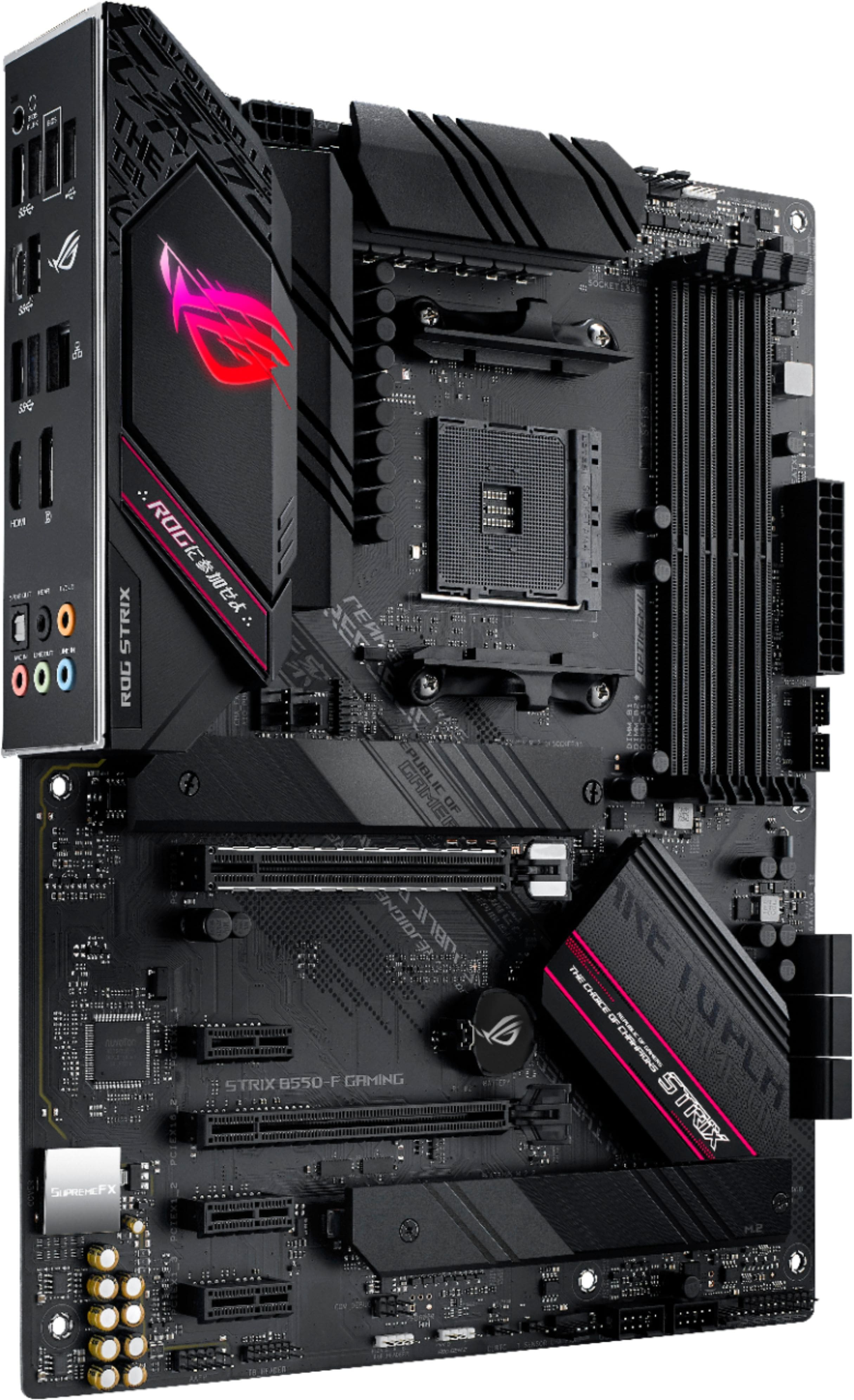
A:AnswerI think I have gotten that light when I had nothing connected to the 8 pin EATX12V_1 power connector. Instructions say do not plug in only 4 pin into eatx12v_2 without also plugging in something for 8 pin EATX12V_1. Basically both should be used only for ATX 12V version 2.0 or later if you really want more power stability or have a power hungry CPU.
A:AnswerWithout any parts connected to the motherboard, the manual says to get at least a 350W PSU with ATX 12V spec 2.0 or higher. How much you need for the rest of your parts will depend on the power draw of your other parts. pcpartpicker can provide basic guidance, but I also recommend looking up benchmarks on max power draw for CPU, GPU, and any other power hungry parts.
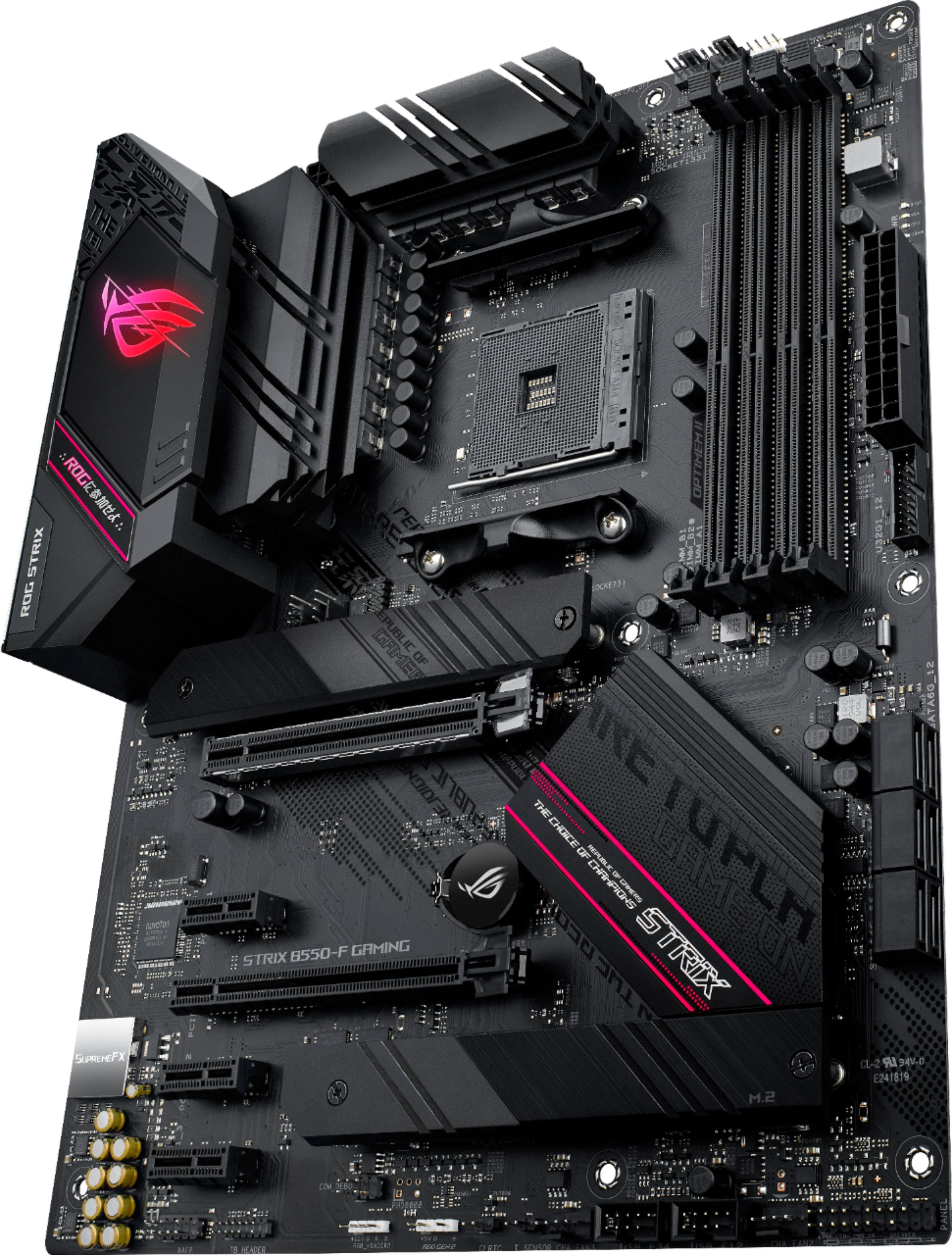
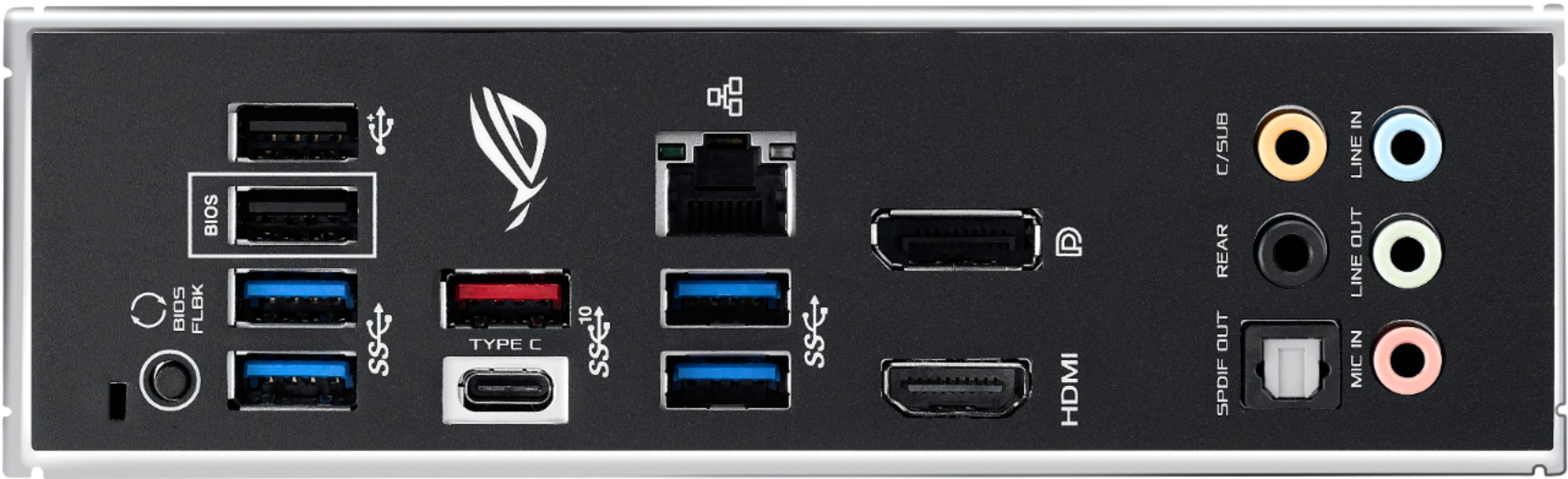
A:AnswerThis particular model does not come with wifi but there’s a version of this board that’s about $20 more that comes with wifi. Look up Asus B550-F (Wifi).