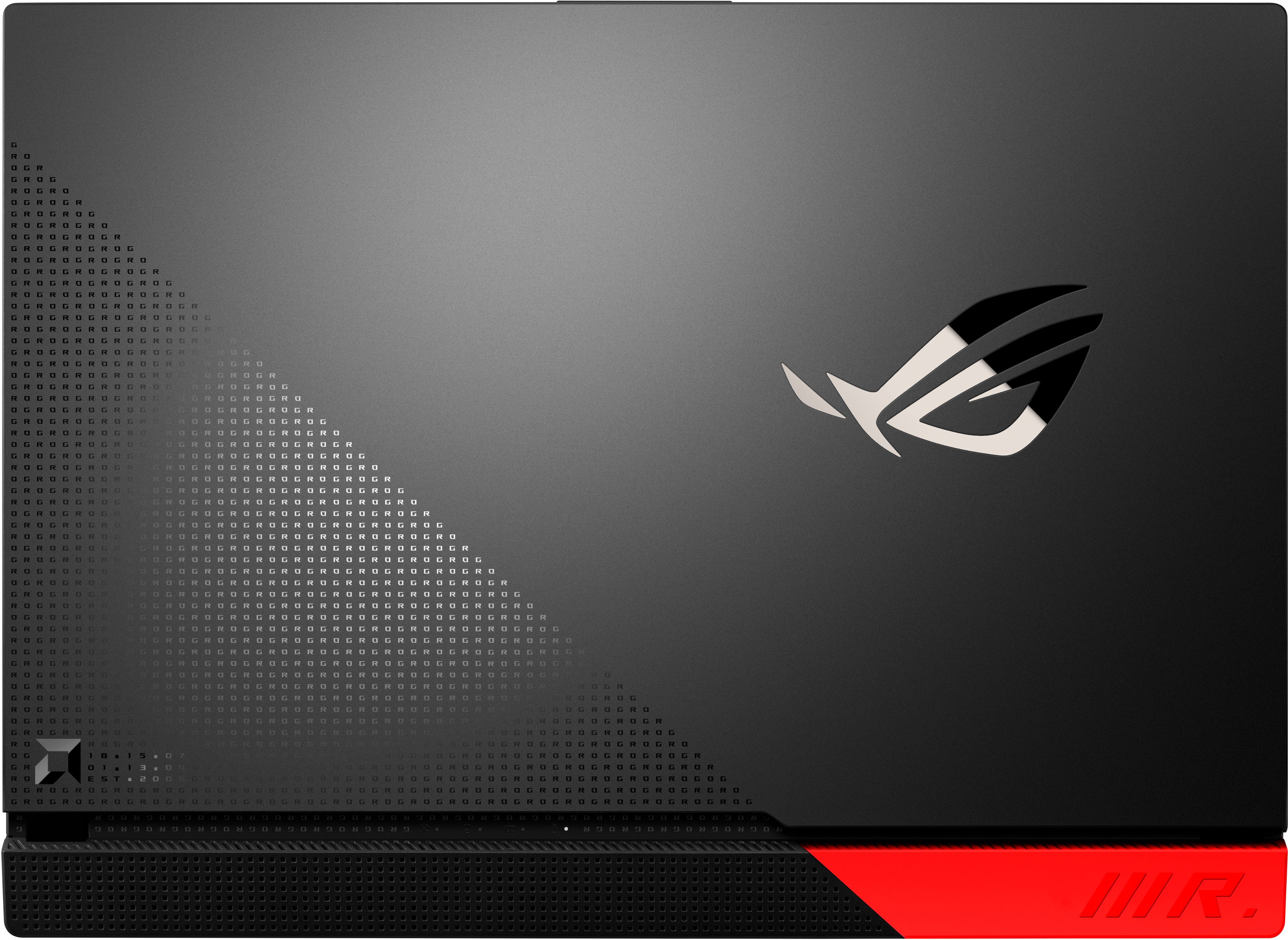
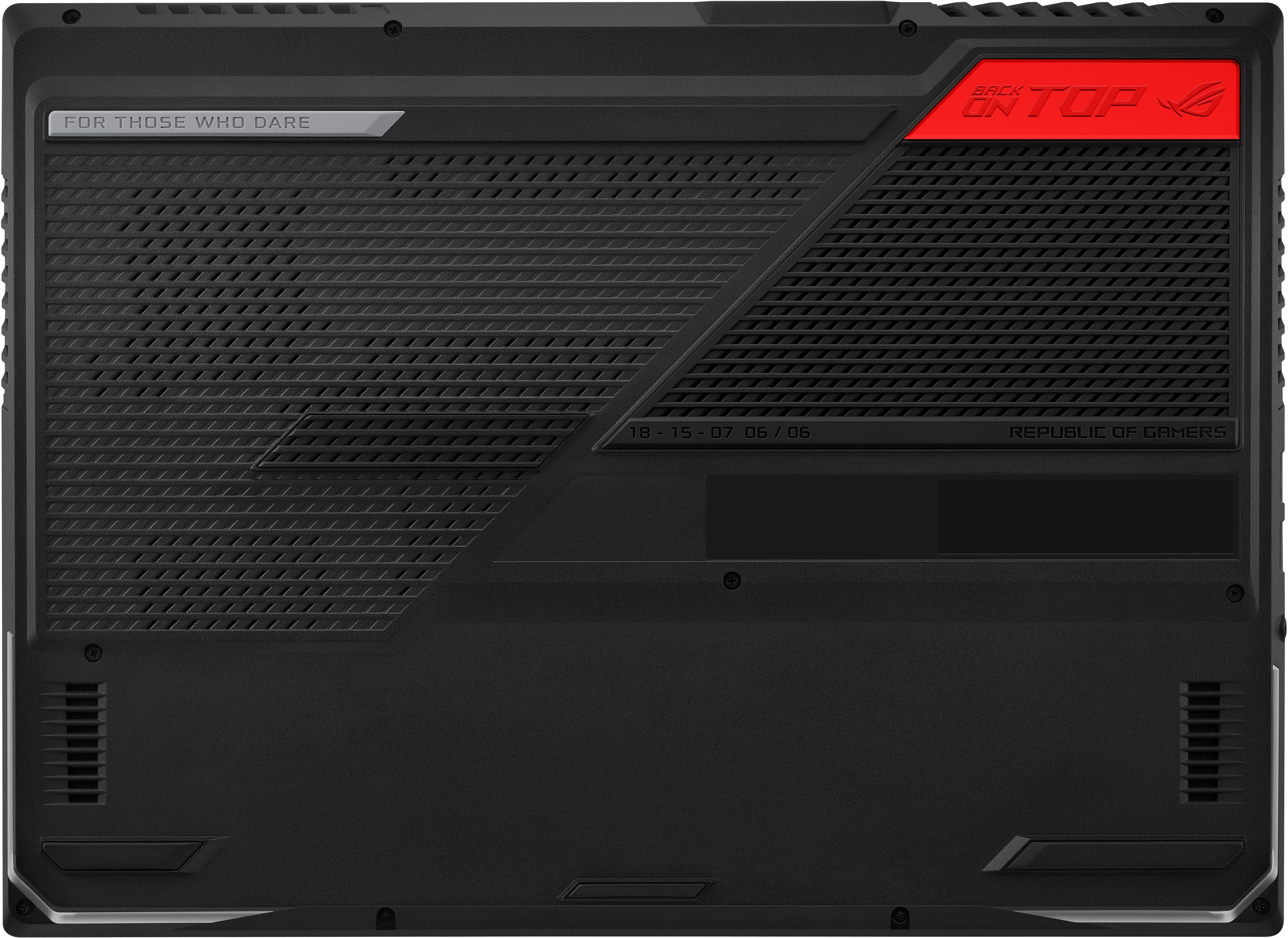
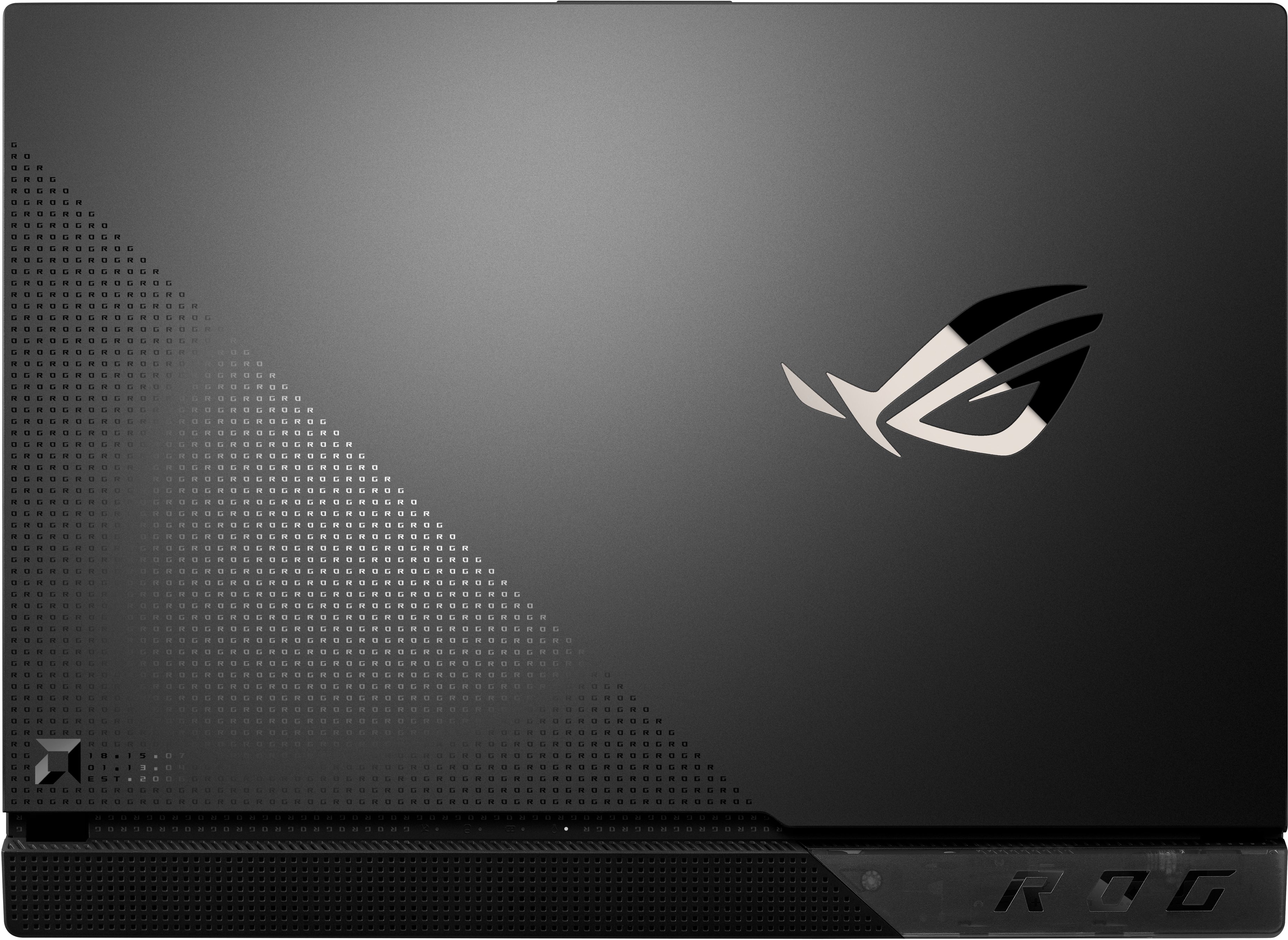
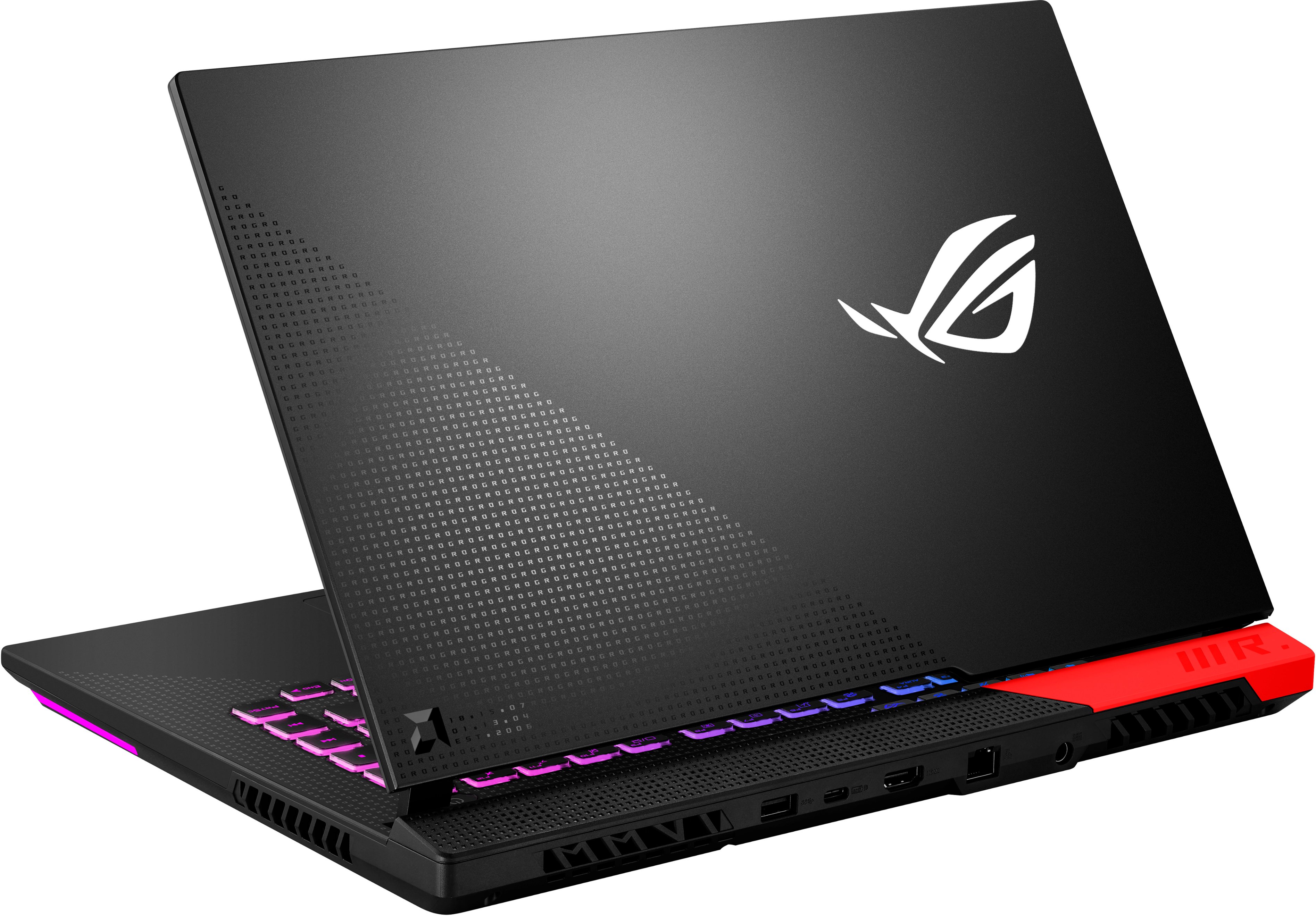
A:AnswerSoon as you get it home, you can remove the bottom and replace the SSD or add an SSD and RAM.
There is an extra (PCIe 3.0 NVMe M.2 SSD) ssd slot (total of 2).
Both (DDR4-3200 SO-DIMM x 2) are removable.
A:AnswerI have upgraded the same model but with the 5800HX processor to 64GB Ram using G.SKill F4-3200C22D-64GRS (2 32GB modules) and I also own the 5980HX to which I plan on upgrading as well to 64GB using the same modules along with adding a 2TB NVME.
A:AnswerIt is possible to add an additional PCIe SSD as the laptop has two PCIe slots. To avoid cancelling the warranty, keep the original SSD from the new laptop.
A:AnswerThe liquid metal issue should be fixed on the more recent production models! Check your serial number to verify when it was made! As for your second question, no clue. I’d check on Asus’s website!
A:AnswerThis is non-sense. It's obvious this was always to real price based on the previous very similar(slightly worse specs even) computer. In what world would it be cheaper when not on sale? Anyways all laptops are too expensive before they are on sale anyway. If you stand against that on principle that's fine but it will exclude you from most every laptop on basically every site.
A:AnswerWill try to update/reply with this: contacted Asus about this, went through virtually every trick possible, exchanged physical laptops twice, got a motherboard repair on the third one, and the issue remains. Best bang for the buck laptop otherwise.