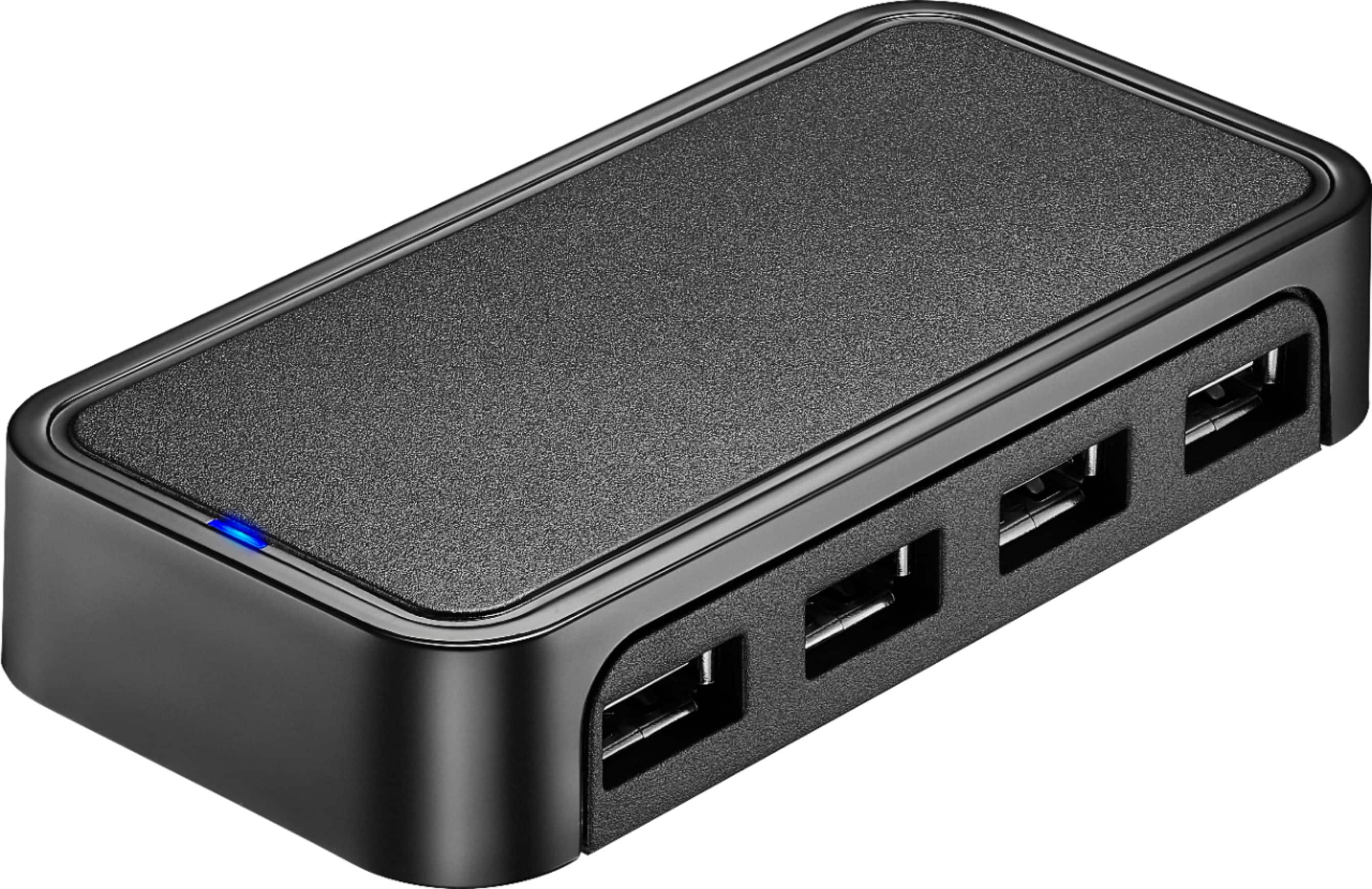
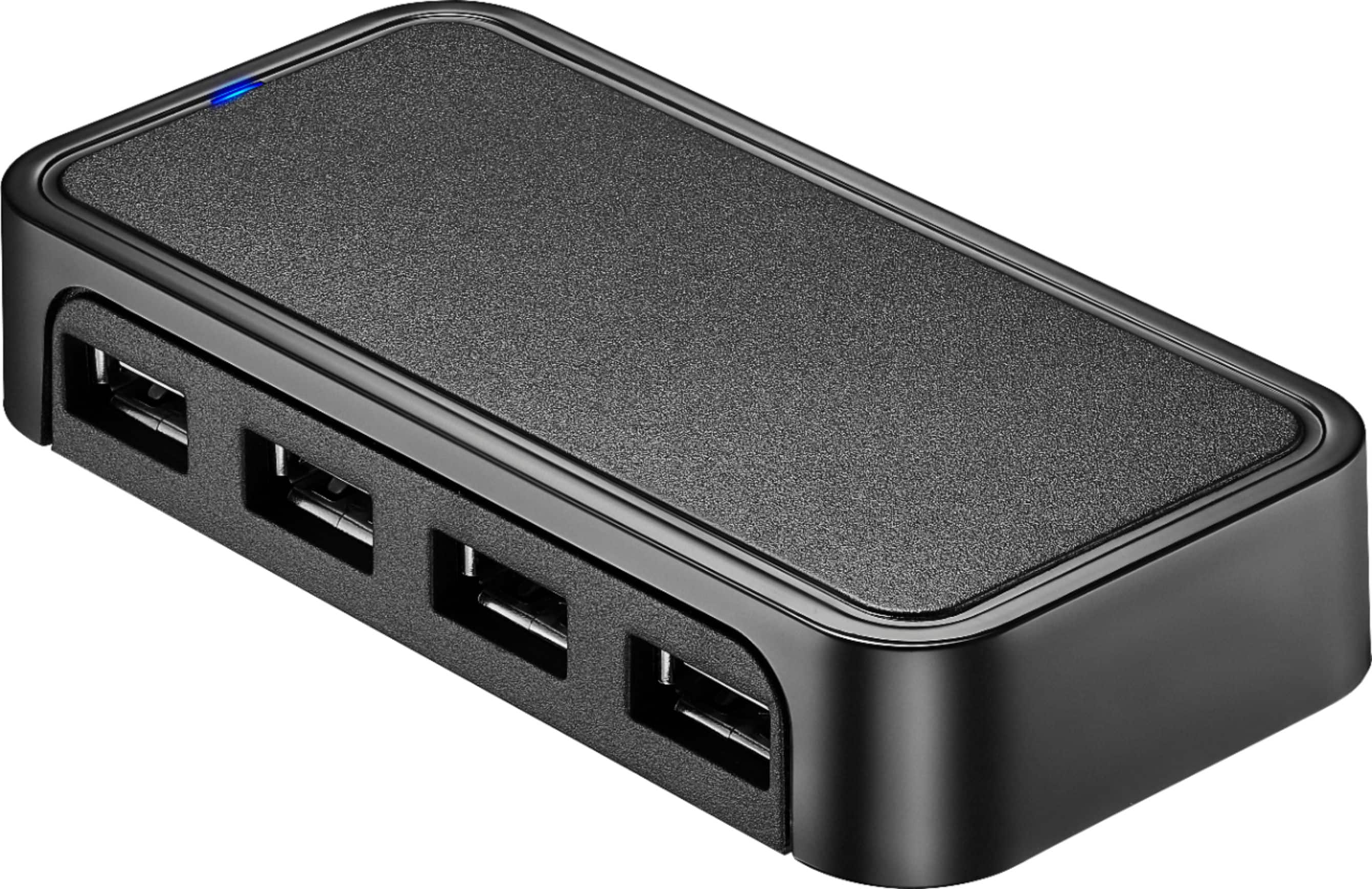
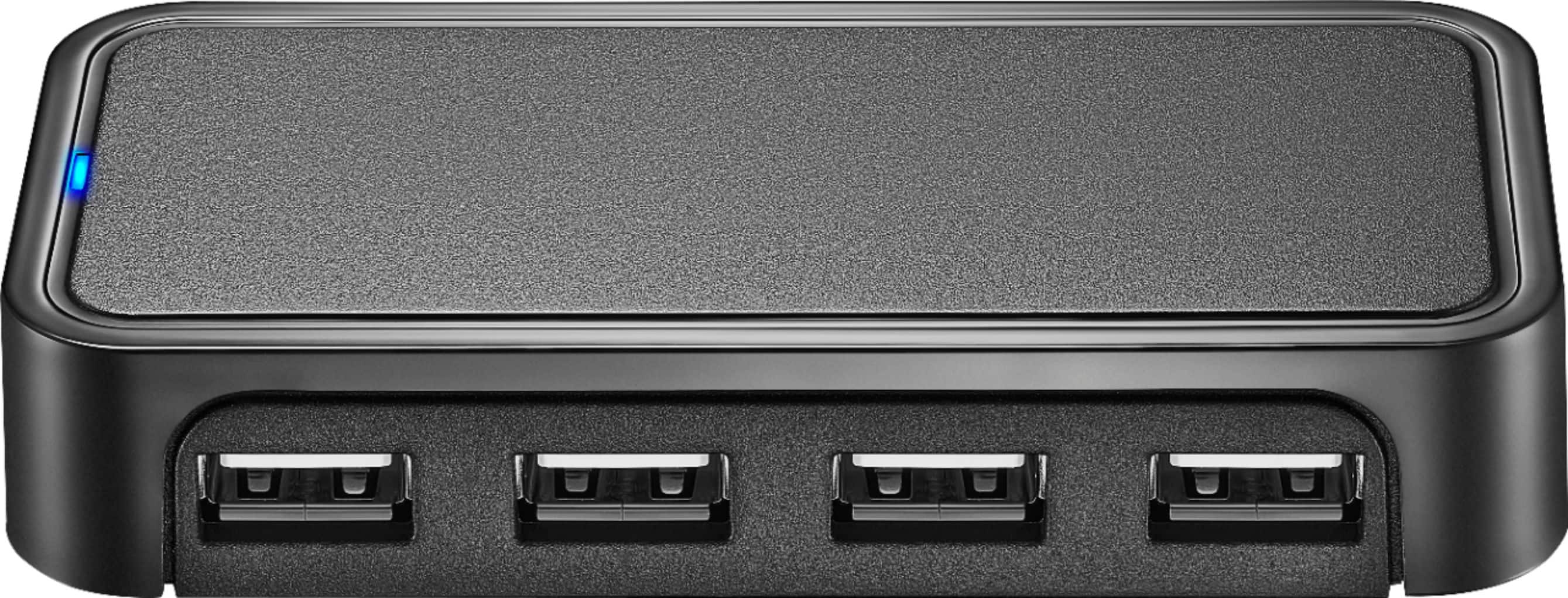
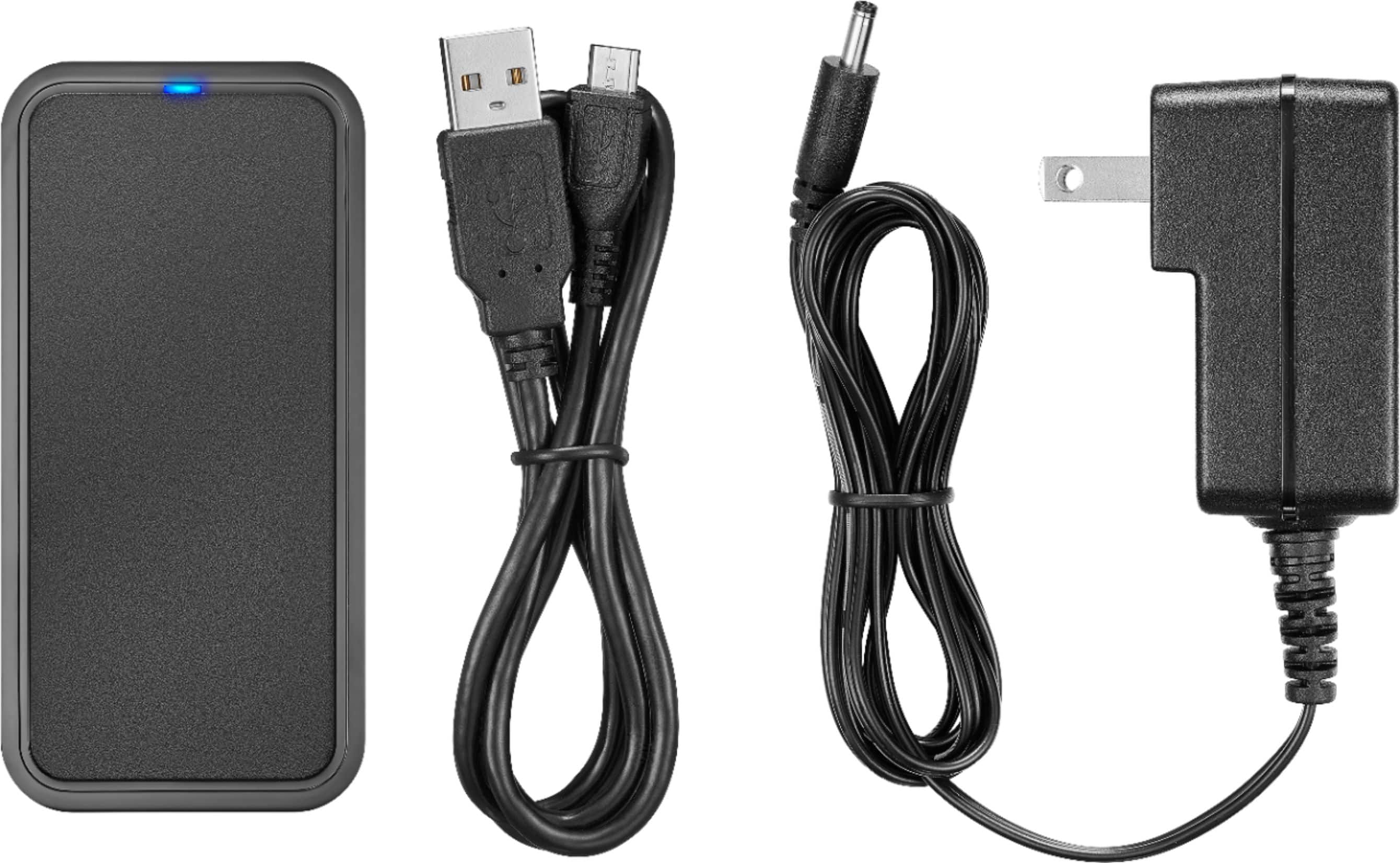
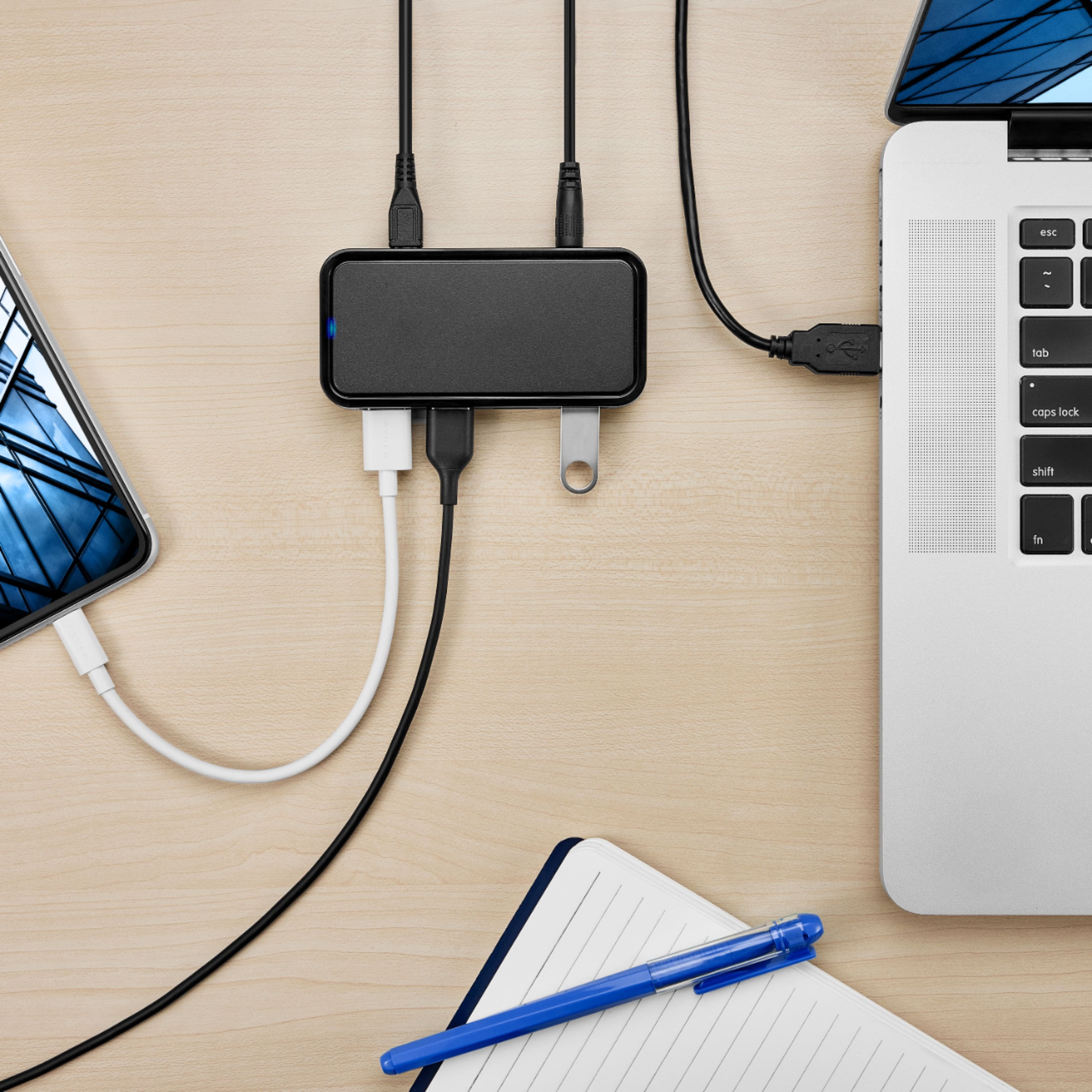
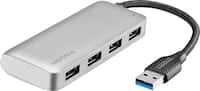
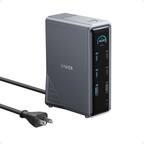
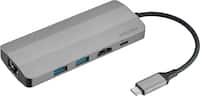
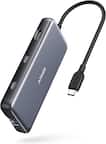
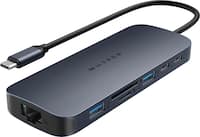
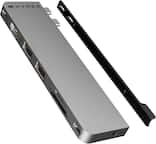
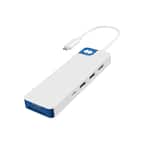
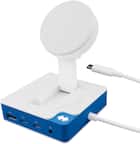
A:AnswerYes! This is the reason I purchased the Hub. Comes with the A/C Adapter and USB C -A cable. You will need an Apple Camera/Lightning adapter as well. I use it with my iPAD/iPhone for Garage Band. Works great.
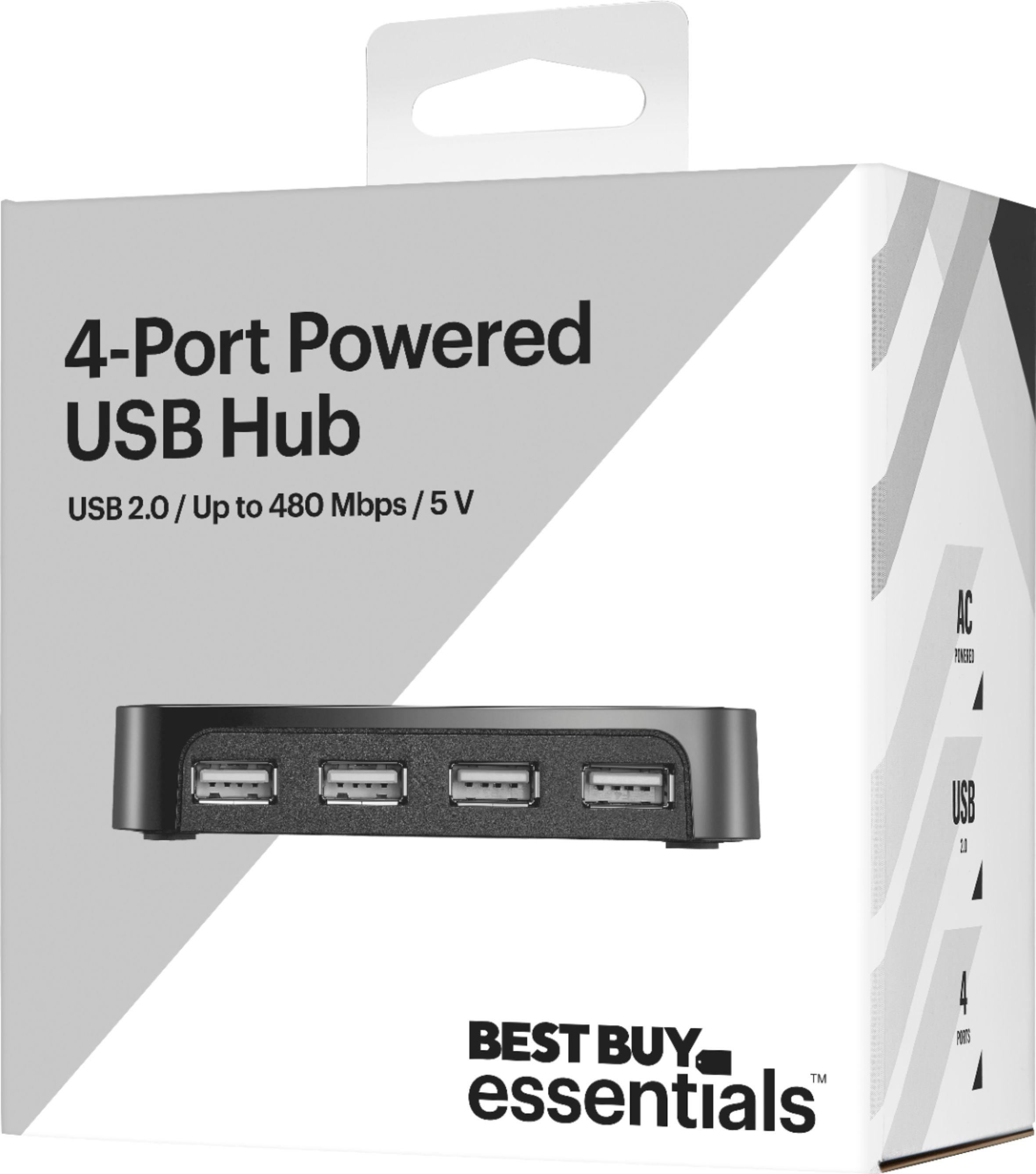
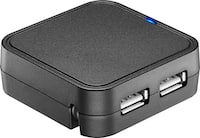
A:AnswerWhile this Best Buy essentials™ 4-Port USB 2.0 Hub is primarily designed for computers and similar devices, it may have limited functionality with console products like PlayStation and Xbox. Consoles sometimes have specific requirements for USB devices, and a simple USB 2.0 hub might not be fully compatible with all accessories or functions. It could potentially work for connecting basic peripherals like some wired controllers or keyboards that don't require high data transfer rates, but compatibility isn't guaranteed for all console devices and their accessories. If you have any other questions or need further assistance, feel free to ask! - Mae | BestBuy Essential Support
A:AnswerYes, a generic 4-Port USB 2.0 Hub like the Best Buy essentials™ one should be compatible with your Xbox One. Xbox consoles generally support standard USB hubs for connecting accessories like controllers, keyboards, mice, and external hard drives. If you have any other questions or need further assistance, feel free to ask! - Mae | BestBuy Essential Support
A:AnswerDat, yes, our Best Buy essentials 4-Port USB 2.0 Hub will work with your 2018 Mac mini. The Mac mini has standard USB-A ports, which are fully compatible with this USB 2.0 hub. Simply plug the hub into one of your Mac mini's USB-A ports, and you'll have four additional USB 2.0 ports for connecting your peripherals. If you have any other questions or need further assistance, feel free to ask! - Mae | BestBuy Essential Support
A:AnswerHi, Byrne! Thanks for purchasing our Best Buy essentials™ - 4-Port USB 2.0 Hub - Black. Regarding your concern, make sure that you are using a charge and sync Micro USB to USB cable and not just a regular charging cable. If you need further assistance, you can contact us at 866-597-8427. Have a nice day! -James | Best Buy Essentials Support
A:AnswerI would unplug everything from it completely. I would give it a solid minute. Plug everything back in see if that changes anything. If not depending on the age. Best buy may assist or the manufacturer.
A:AnswerI don't think so. You would have to be sure only one computer was printing at a time. And, because today's printers talk to their hosts, there could be problems, e.g., if the printer is used as a scanner both computers woud respond and who nows what happens. I suggest using an A-B switch for your purpose; it is a clean solution.