Main Content

Questions & Answers

Page Showing 1-20 of 46 questions
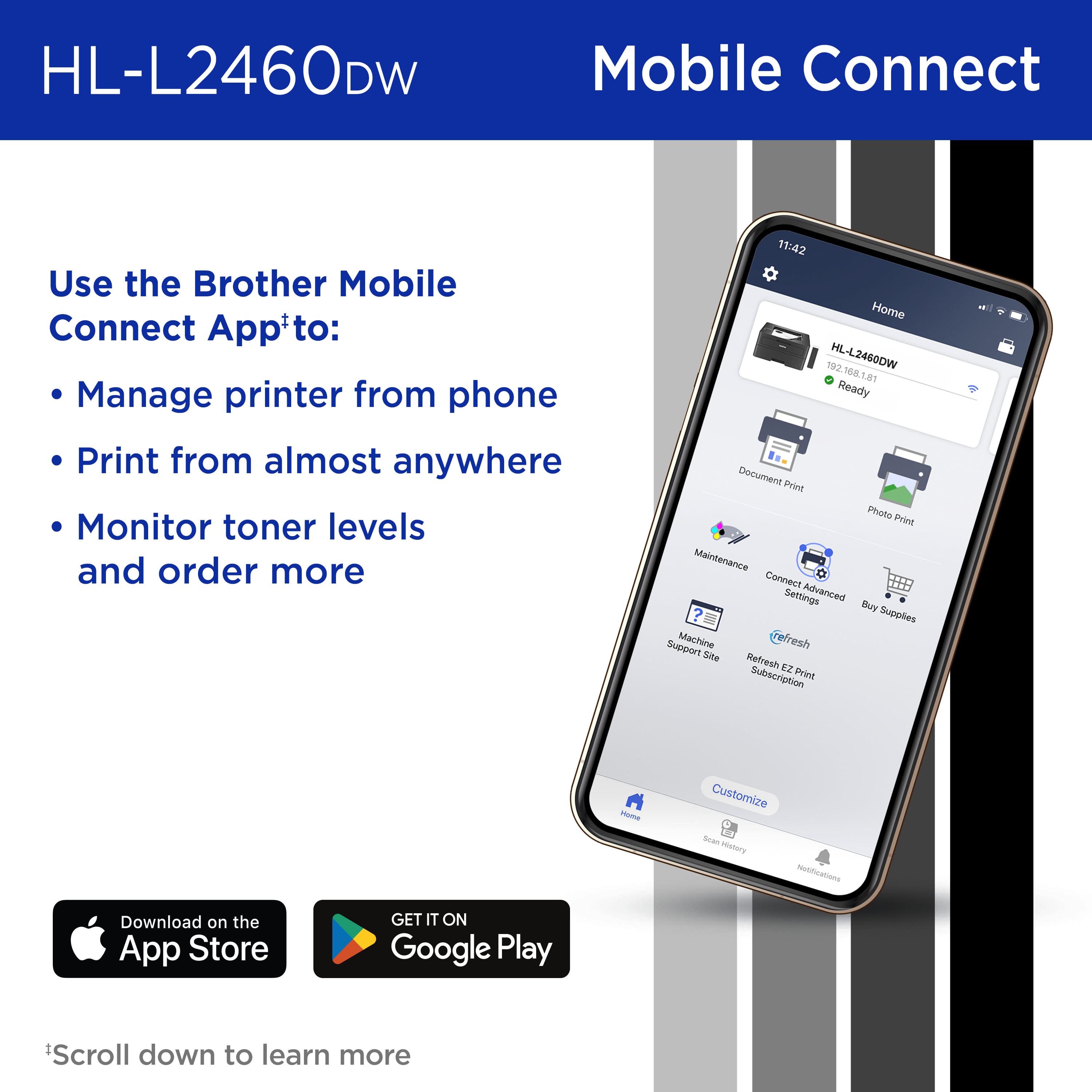
  • QuestionCan I print from my phone with this printer?

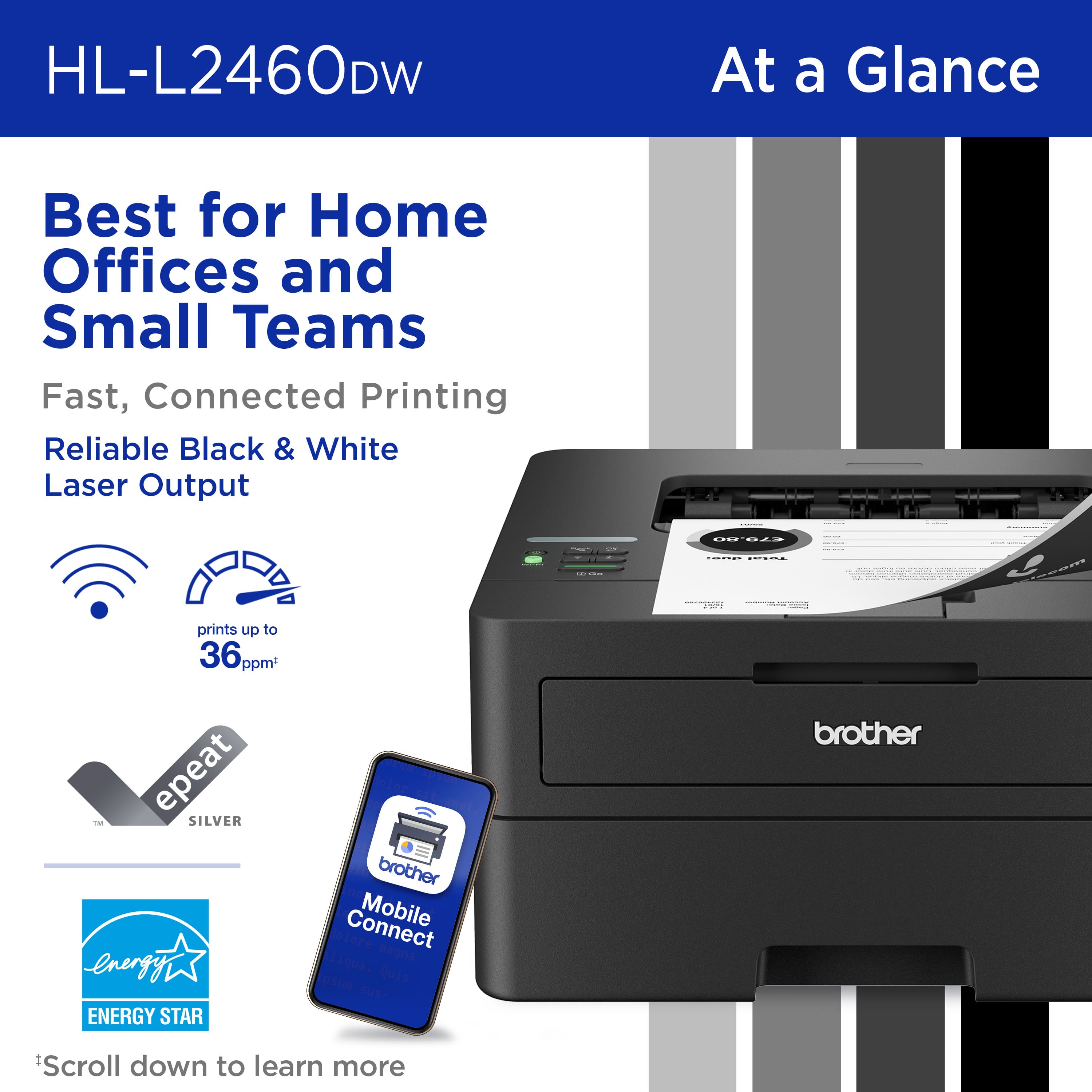
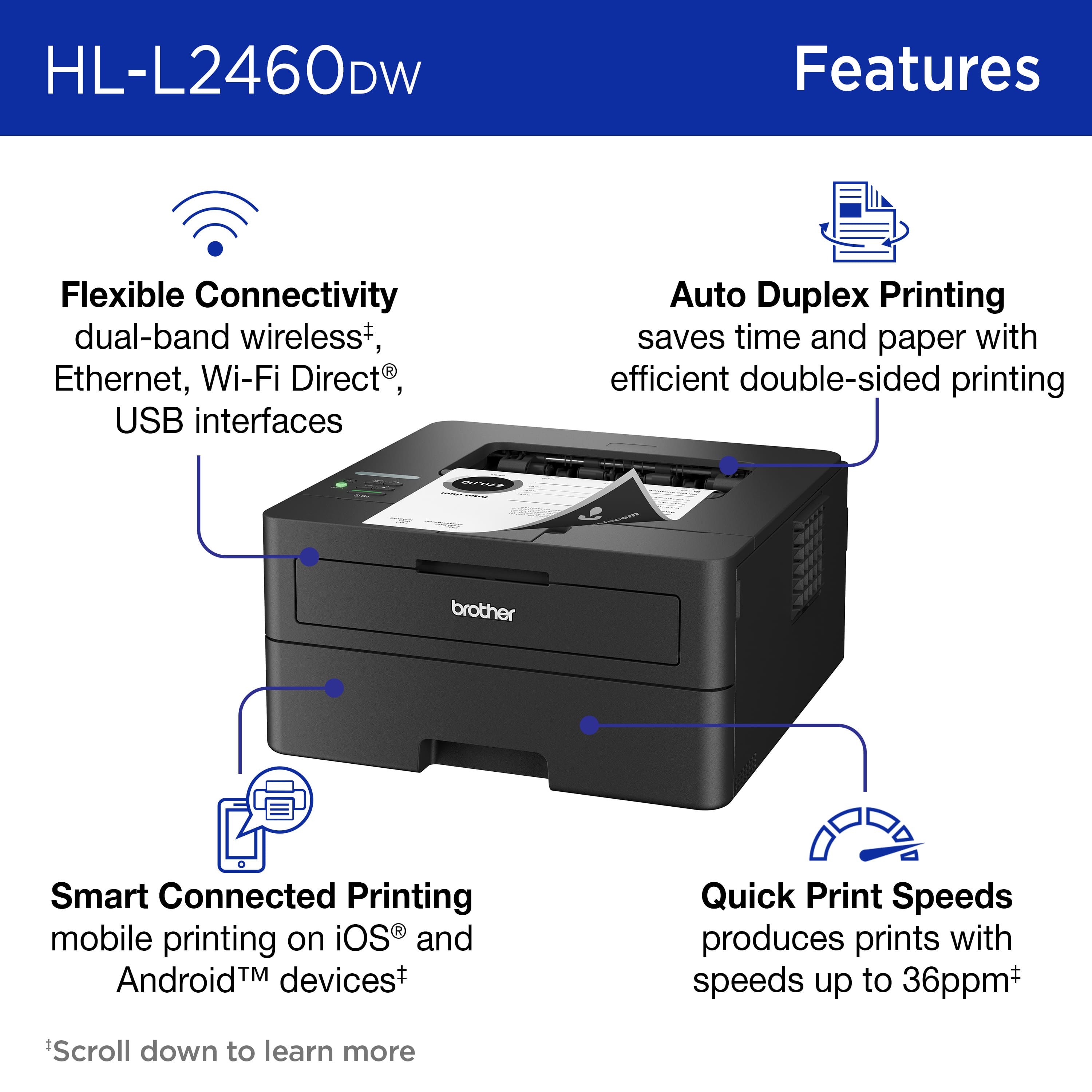
    • Answer Yes, you can print from your mobile device using the Brother Mobile Connect App.
    This question and answer was generated by AI based on customer and product data.

  • QuestionWhat is the warranty on this printer?

    • Answer This printer comes with a 1-year limited warranty and free online, call, or live chat support for the life of your printer.
    This question and answer was generated by AI based on customer and product data.

  • QuestionHow fast can this printer print?

    • Answer This Brother printer can print up to 36 ISO pages per minute.
    This question and answer was generated by AI based on customer and product data.
  • QuestionWhat is the paper handling capacity of this printer?

    • Answer This printer has a 250-sheet capacity paper tray and a single-sheet manual feed slot.
    This question and answer was generated by AI based on customer and product data.

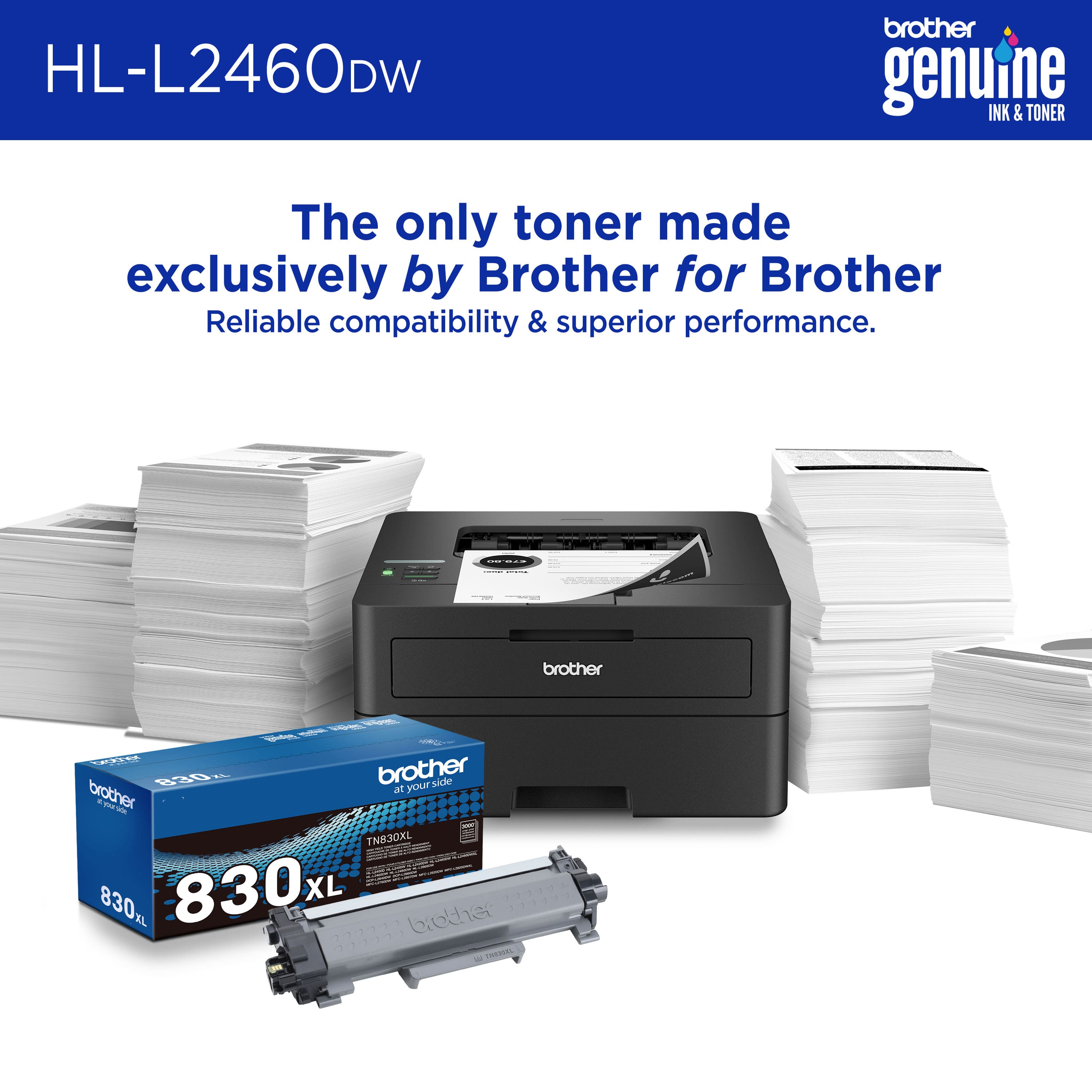
  • QuestionWhich replacement toner cartridges are compatible with this printer?

    • Answer You can use Brother Genuine TN830 Standard or TN830XL High Yield replacement cartridges.
    This question and answer was generated by AI based on customer and product data.
  • QuestionDoes this printer offer duplex printing?

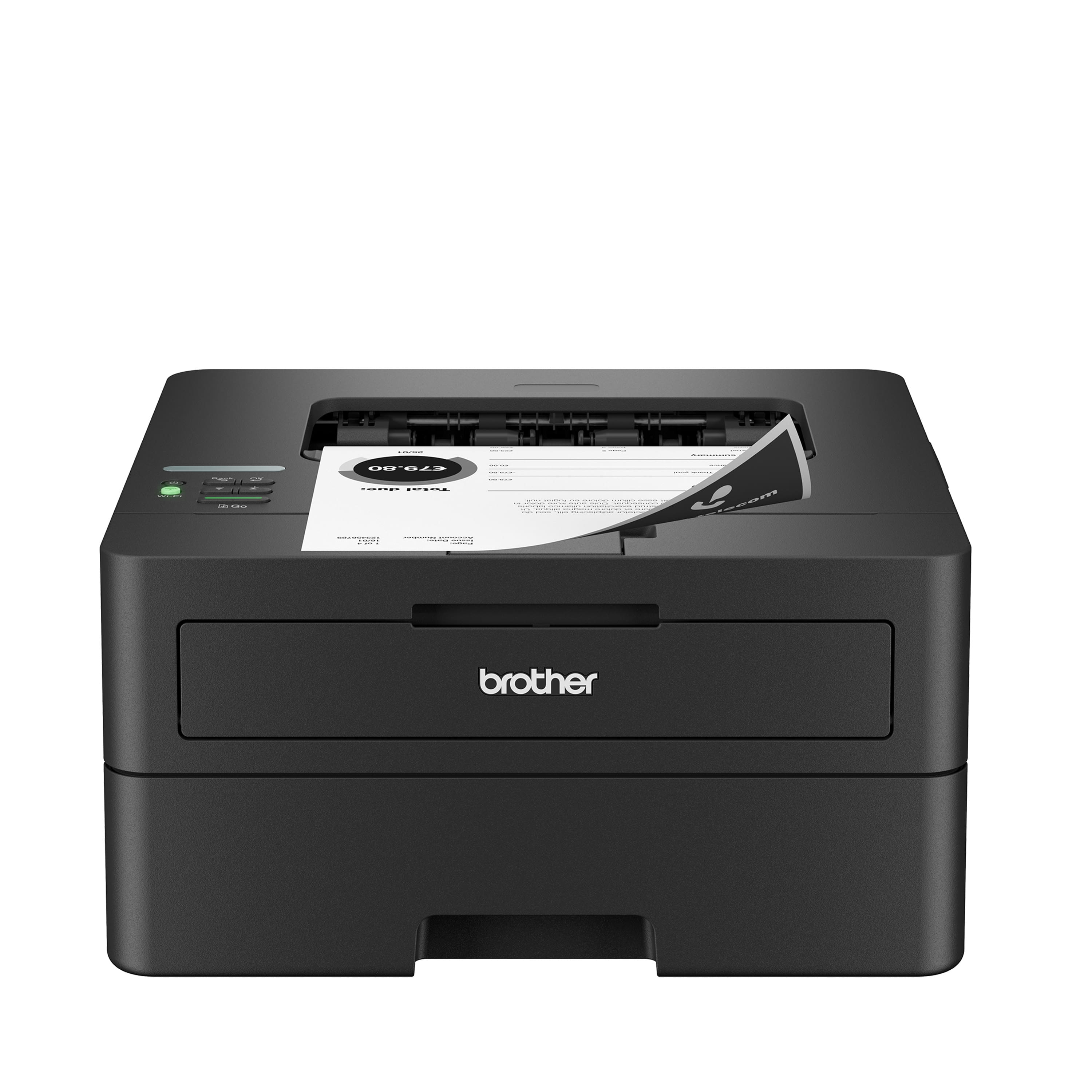
    • Answer Yes, this printer offers automatic duplex printing to help save time and paper.
    This question and answer was generated by AI based on customer and product data.

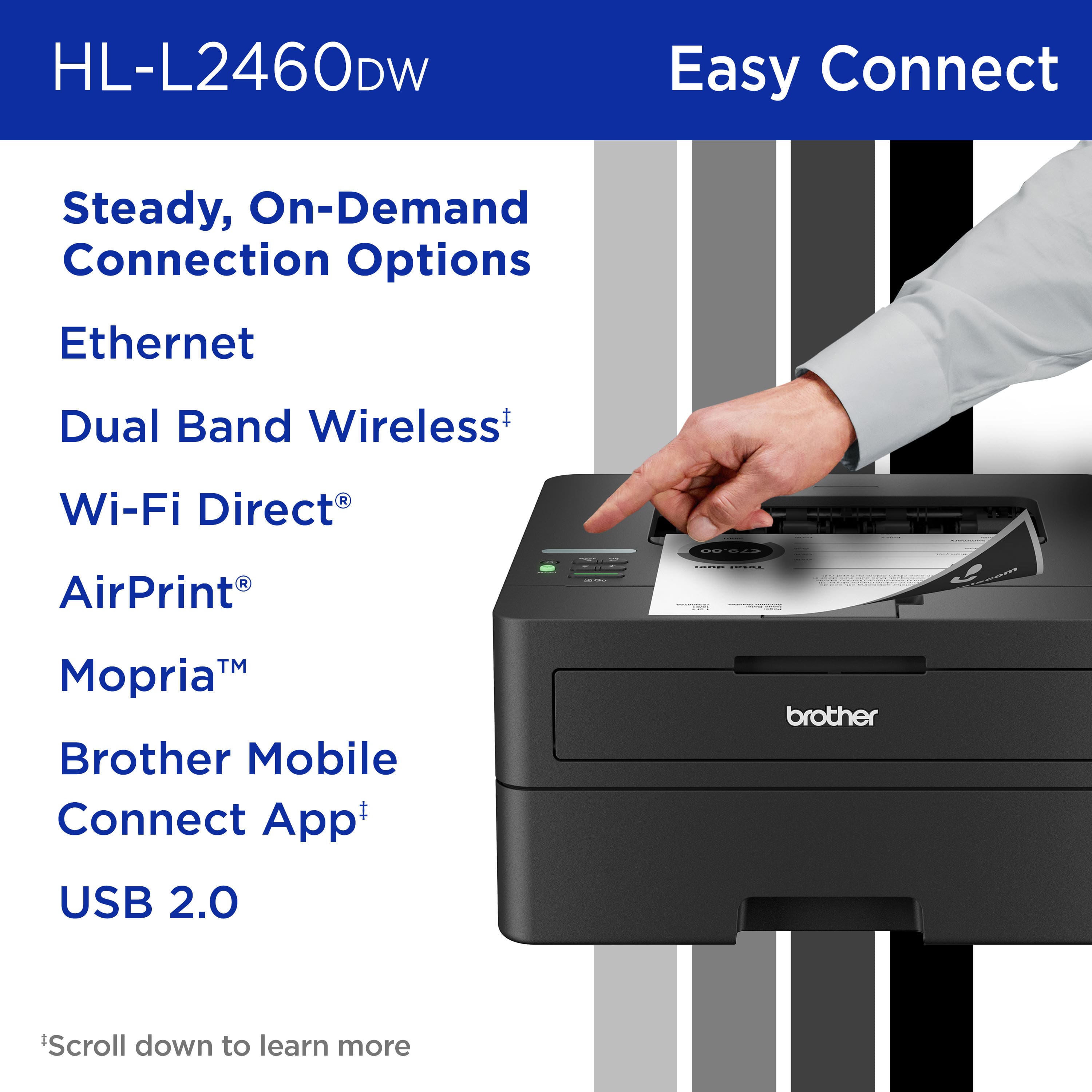
  • QuestionWhat type of connectivity does this printer have?

    • Answer This printer has dual-band wireless, Ethernet, and USB connectivity options.
    This question and answer was generated by AI based on customer and product data.

  • QuestionDoes it do wifi printing? Or only through Brother website/app? How does the wireless printing work?

    Asked by Ella1.

    • Answer I’ve had a few different models of Brother laser printers including this one. All of them had issues with WiFi printing. When they go into deep sleep mode they are essentially dead and disconnected from the network. The only thing that wakes them up is cycling the power button which kinda defeats the purpose of WiFi printing.

      Answered by Anonymous

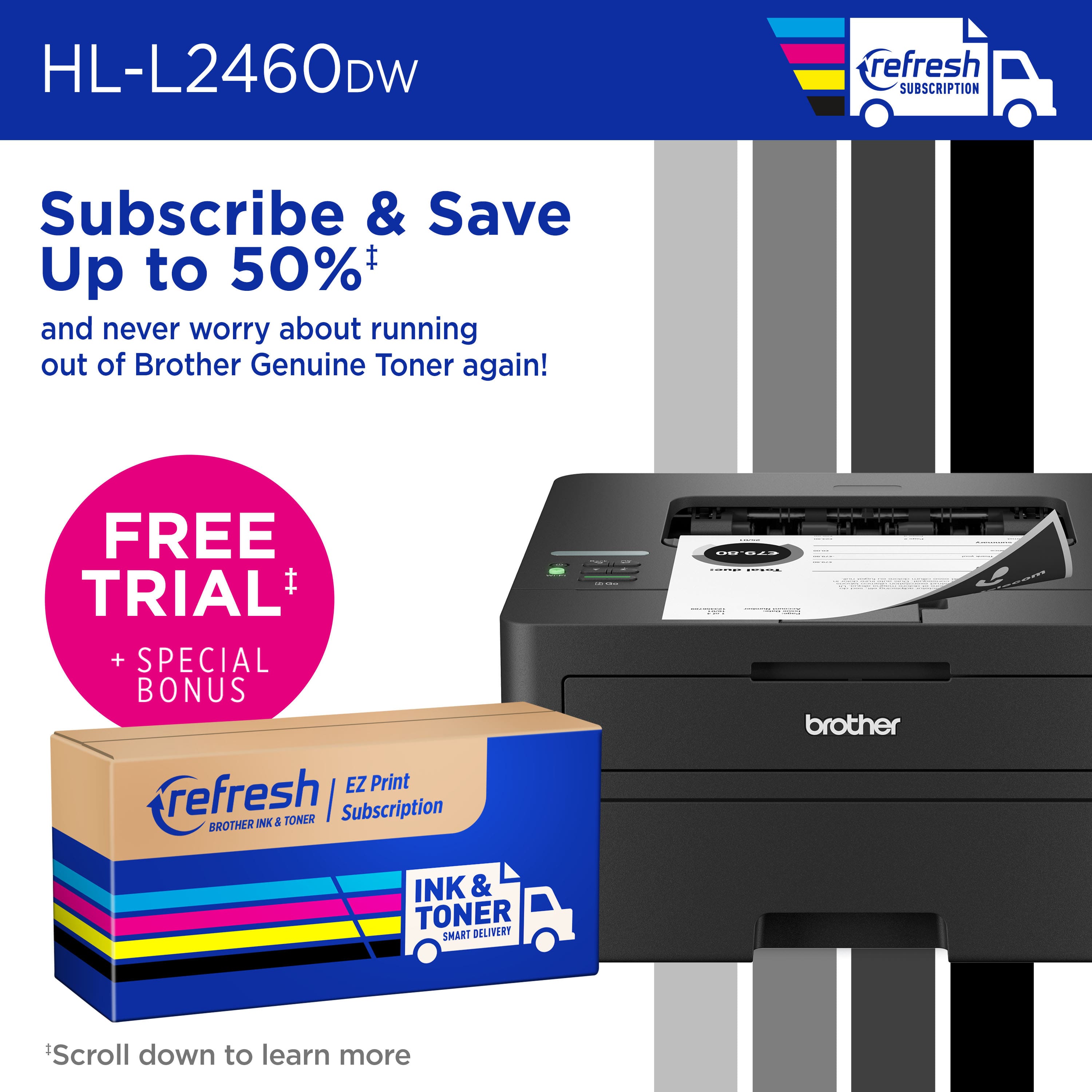
  • QuestionIs the toner "subscription eligible" actually required like some other printers? I've seen some that won't work unless you order ink or toner only from the same brand.

    Asked by Teezm.

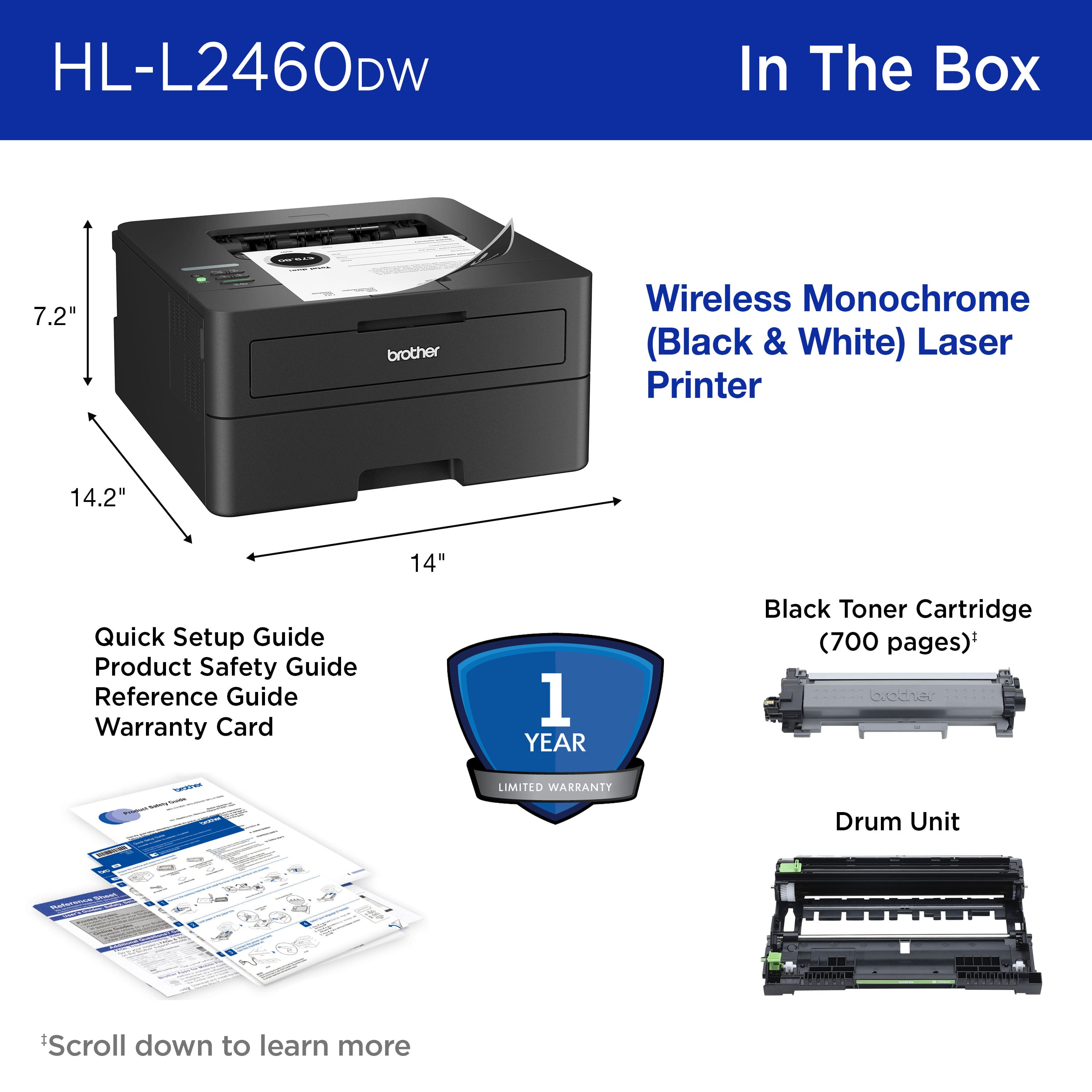
    • Answer The Brother Print Subscription Program is not mandatory. The Brother Print Subscription Program is optional. The Brother HLL2460DW will work with out the Print Subscription Program. NOTE: We advise our customers should use genuine Brother supplies. Because using non-Brother drum units and toners may cause hardware performance, print quality and machine reliability issues. Genuine Brother drum units and toners are designed to work at pre-set temperatures that are matched exactly to each of our individual toner formulations.

      Answered by Brother

  • QuestionDoes this come with a toner?

    Asked by Anonymous.

    • Answer Yes. A typical small toner container but plenty enough to use and verify the quality of the printer.

      Answered by GaryP

  • QuestionCan this printer scan and save documents?

    Asked by PeteS.

    • Answer This printer doesn't including scanning capabilities.

      Answered by BTATNV

  • QuestionWhat does "subscription eligible" mean? It sounds like a scam to get more money out of me.

    Asked by ANonyCustomer.

    • Answer it means this printer is able to monitor your printer's toner life, and send you a new cartridge before you run out. It's useful for some people I guess but it's kind of a scam and worse it is a glaring security concern for oblivious home users.

      Answered by aRegularDude

  • QuestionCan I hard cable from pc to printer !

    Asked by Ric.

    • Answer The Brother HLL2460DW can be connected to a computer using a type A/B USB 2.0 cable as pictured. The Brother machine has a Standard-B USB port. Below is a answer link with the USB cable specifications. Answer Link: https://help.brother-usa.com/AgentWeb/api/contextmanager/v.32409300001/workspaceContext/workspace/processedPrint/Answer/51249

      Answered by Brother

  • QuestionIs the Brother DCP-L2640DW printer/scanner has automatic document feeder? Per its specs, it does not. But in the Brother Support website, they stated it does. Can it also scan/copy/print both sizes of documents (duplex)?

    Asked by Frenotect.

    • Answer The Brother DCPL2640DW does have an automatic document feeder for scanning multiple pages. The machine does not support duplex scanning/copying. The machine only supports duplex printing.

      Answered by Brother

  • Questiondoes this product scan

    Asked by Anonymous.

    • Answer Only a printer no scanner or copier. You can see there is no place to put down or feed a piece of paper scanning or copying

      Answered by Jiminfresno

  • QuestionCan I use third party ink in this printer or is it restricted to Brother branded only?

    Asked by Sean.

    • Answer Yes, you can use third-party toner in the Brother HL-L2460DW. Please be advised, using non-Brother drum units and toners may cause print quality issues. Genuine Brother drum units and toners are designed to work at pre-set temperatures that are matched exactly to each of our individual toner formulations. We recommend using genuine Brother supplies for optimal performance and print quality.

      Answered by Brother

  • Questionis the printer good at printing shipping labels ?

    Asked by Deadites666.

    • Answer Yes, the Brother HLL2460DW is compatible with labels. Please be advised, if it is a thick label it would be best to load it on the Manual Feed Slot. I have included a link to the FAQ answer that should assist you. Please follow all the steps listed in the following link: Answer Link: https://support.brother.com/g/s/id/htmldoc/printer/cv_hll2460dw/use/html/GUID-BA7C08DB-3E75-47F0-9057-666A9A87C231_1.html?c=us&lang=en&prod=hll2460dw_us_as&KEY=print%20labels Answer Link: https://support.brother.com/g/s/id/htmldoc/printer/cv_hll2460dw/use/html/GUID-23D76C7B-650B-43C9-8AF2-B04B790F3A06_1.html?c=us&lang=en&prod=hll2460dw_us_as&KEY=print%20labels Answer Link: https://support.brother.com/g/s/id/htmldoc/printer/cv_hll2460dw/use/html/GUID-54D4812C-41E7-4CC4-BC10-F386912482D0_1.html?c=us&lang=en&prod=hll2460dw_us_as&KEY=specifications

      Answered by Brother

  • QuestionCan I scan and make copies

    Asked by Anonymous.

    • Answer Sadly, the Brother HLL2460DW cannot copy or scan, based on the machine specifications. The Brother HLL2460DW can only print. I apologize for any inconvenience that this situation may cause you.

      Answered by Brother

  • Questioncan this printer print two-sided on 3"x5" note cards?

    Asked by Anonymous.

    • Answer The Brother HLL2460DW cannot automatically print double-sided on 3" x 5" paper. The cardstock is not a supported paper type for the Brother HLL2460DW, but the Brother HLL6210DW does support printing 3" x 5" paper from the Manual Feed Slot tray that has a paper weight of 16 to 61 lb. I apologize for any inconvenience that this situation may cause you. Please click on the link below to find out more information about the requirements for special paper listed in the online user's guide: https://support.brother.com/g/s/id/htmldoc/printer/cv_hll2460dw/use/html/GUID-3501905E-9A00-4F4E-8BC3-07D9CA774DE2_1.html?c=us&lang=en&prod=hll2460dw_us_as&broug=in

      Answered by Brother

  • QuestionCan we make copies with us?

    Asked by Susie.

    • Answer No, the Brother HL-L2460DW cannot make copies because it is a single-function printer, meaning it lacks the built-in scanner needed for copying; it can only print documents sent from a computer or mobile device. Below is a link to the Brother HLL2460DW specifications. Answer Link: https://support.brother.com/g/s/id/htmldoc/printer/cv_hll2460dw/use/html/GUID-54D4812C-41E7-4CC4-BC10-F386912482D0_1.html?c=us&lang=en&prod=hll2460dw_us_as

      Answered by Brother