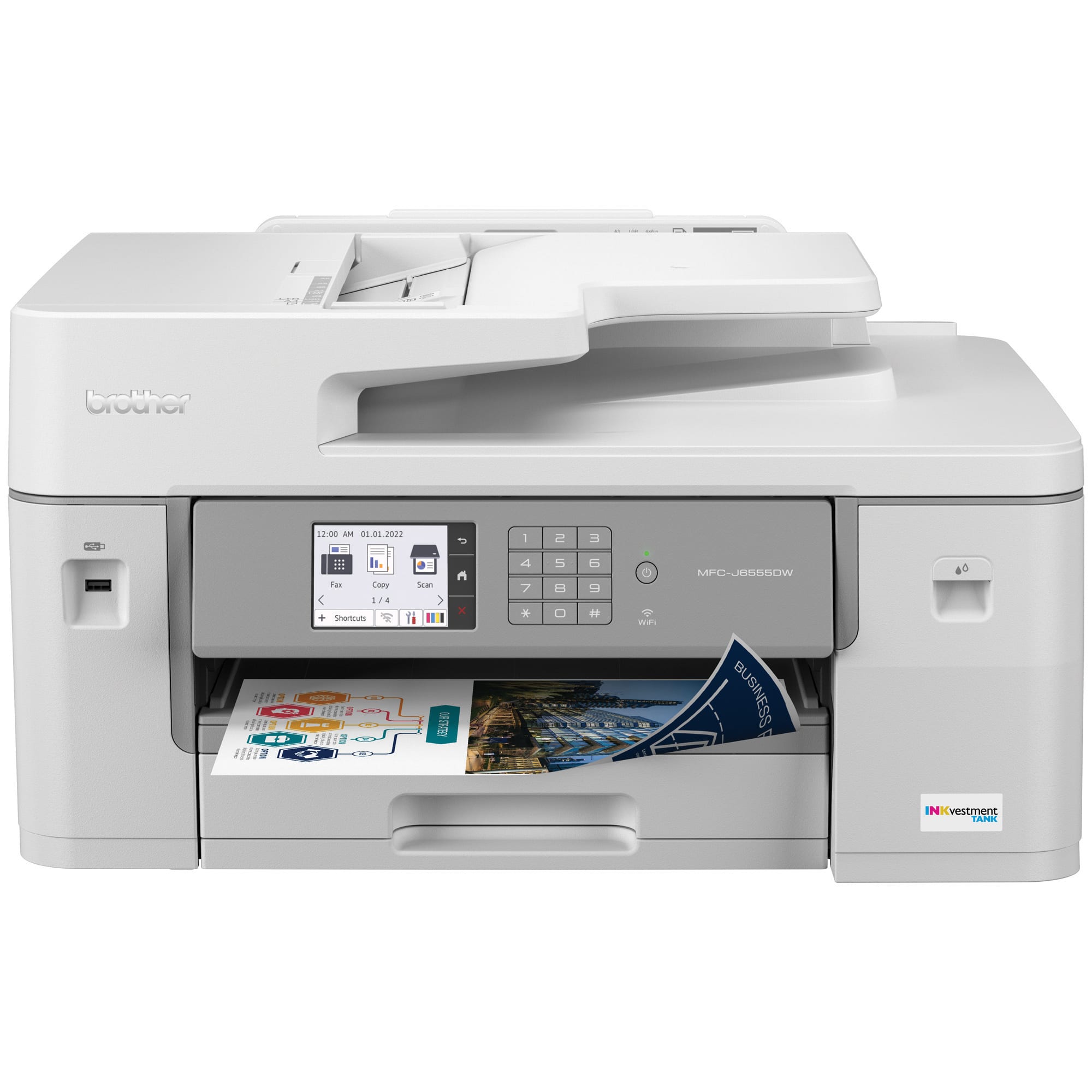
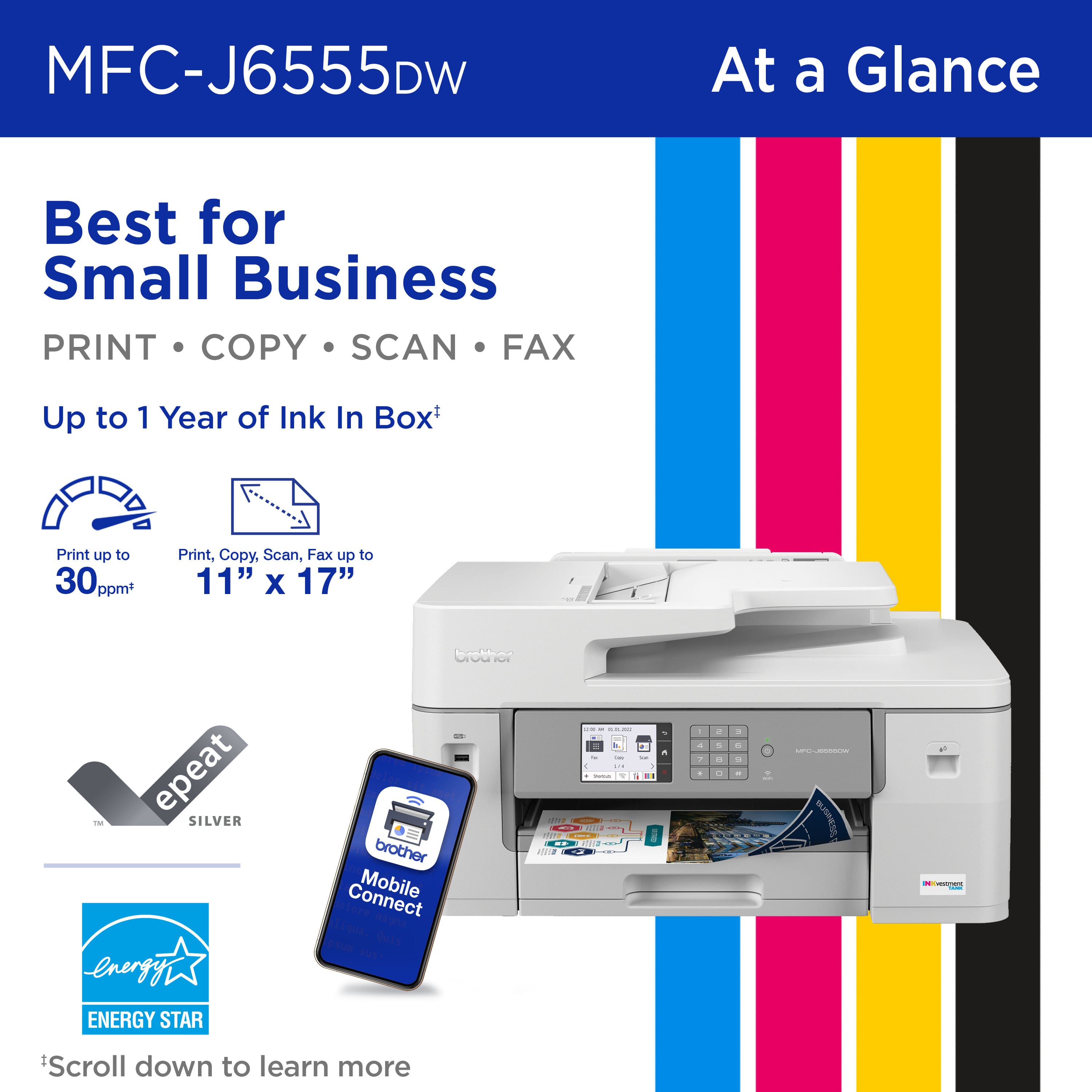
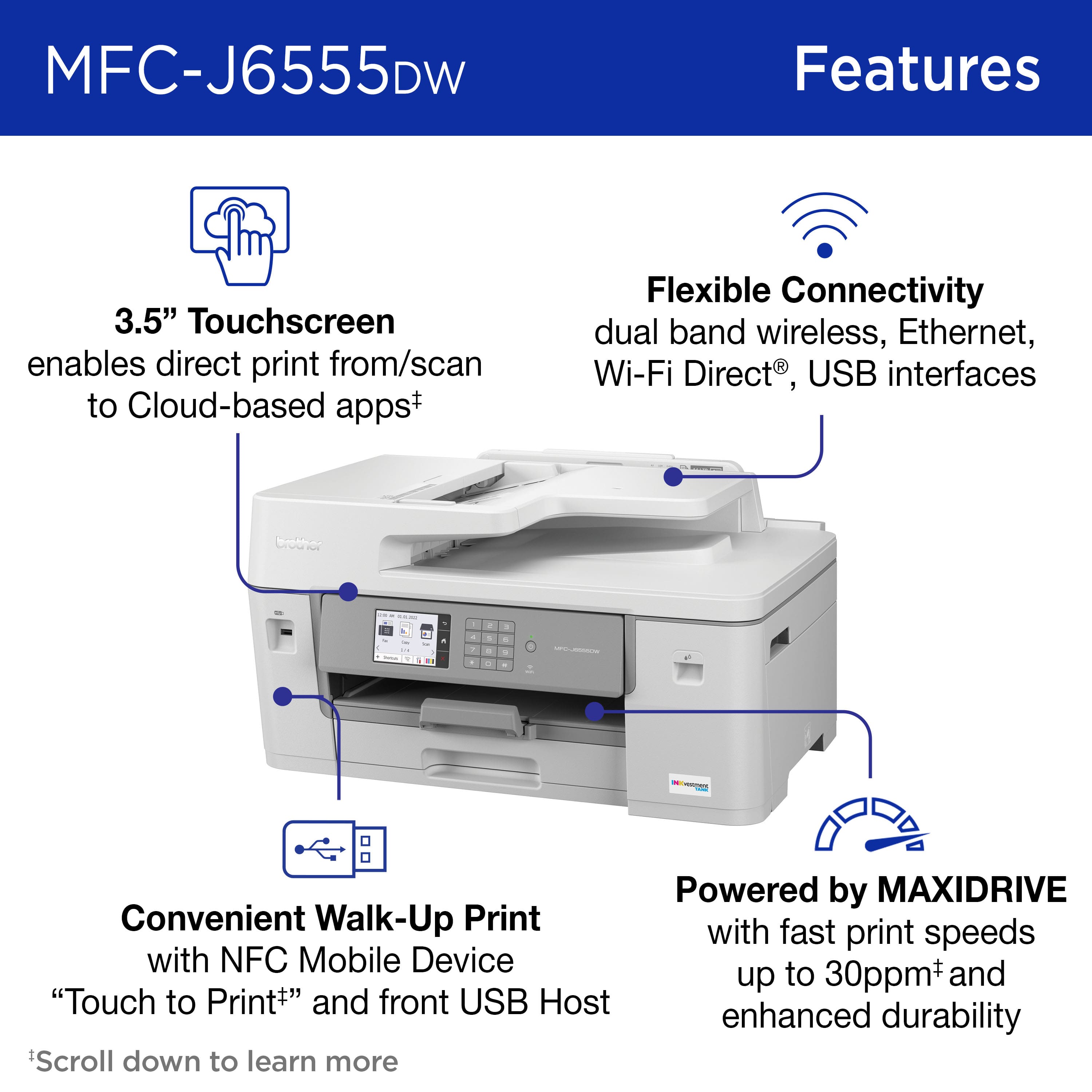
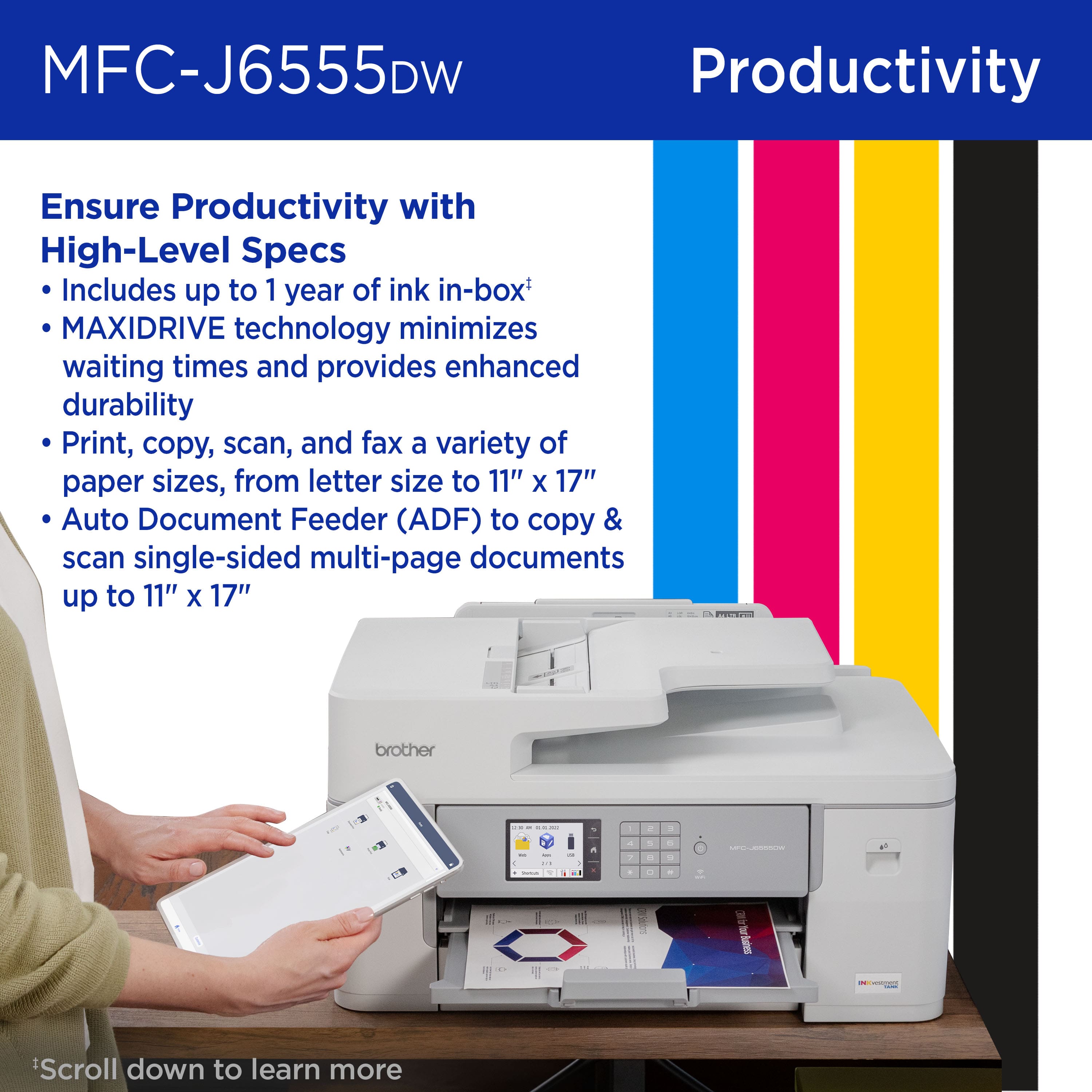
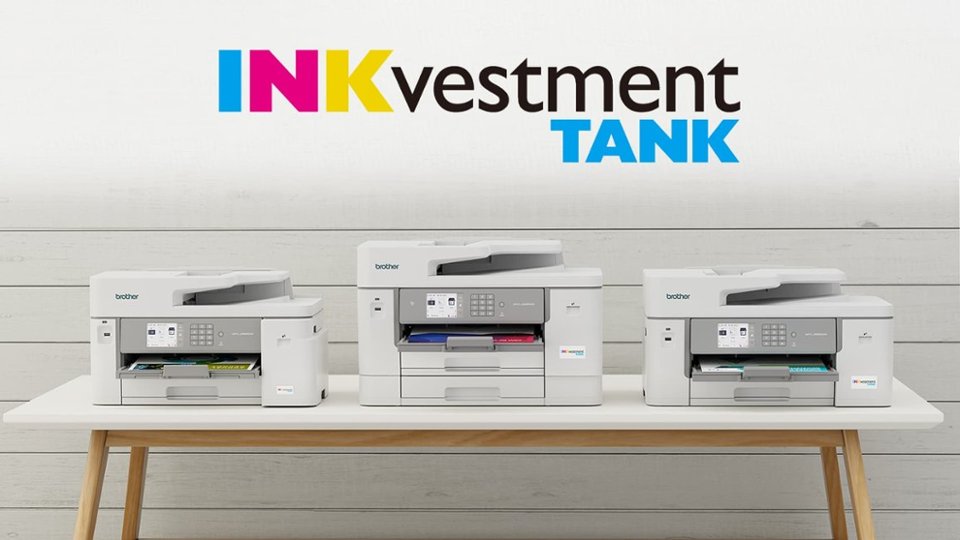
A:AnswerNo, the Brother MFCJ6555DW is not able to print on 4x6 cards. The Brother MFCJ6555DW is compatible with Index card (5" x 8")/(13 x 20 cm)
Below is a link with the Brother MFCJ6555DW specifications.
Answer Link: https://support.brother.com/g/b/spec.aspx?c=us&lang=en&prod=mfcj6555dw_us_as
A:AnswerNo, the Brother MFCJ6555DW is not able to do 2-sided scanning. Below is a link with the Brother MFCJ6555DW specifications.
Answer Link: https://support.brother.com/g/b/spec.aspx?c=us&lang=en&prod=mfcj6555dw_us_as
A:AnswerYes, the Brother MFCJ6555DW is able to print on envelopes. Below is an answer link on how to load envelopes.
Answer Link; https://support.brother.com/g/s/id/htmldoc/mfc/cv_mfc6955dw/use/html/GUID-A5535738-06E9-43D3-AD7A-D3A2DD1B070E_1.html?c=us&lang=en&prod=mfcj6555dw_us_as&KEY=envelopes
Answer Link; https://support.brother.com/g/s/id/htmldoc/mfc/cv_mfc6955dw/use/html/GUID-22CCC0F2-E0DB-496E-BAF0-A491E9FF715F_1.html?c=us&lang=en&prod=mfcj6555dw_us_as&KEY=envelopes
A:AnswerBelow are the Scanner Resolutions for the Brother MFCJ6555DW.
Up to 19200 × 19200 dpi (interpolated) *1
Up to 1200 × 2400 dpi (optical) (from Scanner Glass)
Up to 600 × 600 dpi (optical) (from ADF)
Below is a link to the Brother MFCJ6555DW specifications.
Answer Link: https://support.brother.com/g/b/spec.aspx?c=us&lang=en&prod=mfcj6555dw_us_as
A:AnswerNo, the Brother MFCJ6555DW is not able to print double-sided on card stock. I apologize for any inconvenience this issue may have caused you. Below is a link to the Brother MFCJ6555DW specifications.
Brother MFCJ6555DW specifications: https://support.brother.com/g/b/spec.aspx?c=us&lang=en&prod=mfcj6555dw_us_as
A:AnswerThe Manual Feed Slot for the Brother MFCJ6940DW is also used for Envelopes and thick paper. Below is a link to the specifications for the Brother MFCJ6940DW.
Answer Link: https://support.brother.com/g/b/spec.aspx?c=us&lang=en&prod=mfcj6940dw_us_eu_as
A:AnswerThis printer works better with Windows 11. It did take me some time to connect it to my Google phone until I realized I had to install Edge and it went through fine picking up the WiFI.
A:AnswerYes, it will. I print on various types of cardstock. You have to use the special tray which is placed in the back of the printer. This is so the cardstock doesn't have to roll around the drum from the front paper tray but comes in directly through the back paper tray. This makes for a cleaner print out and faster printing.