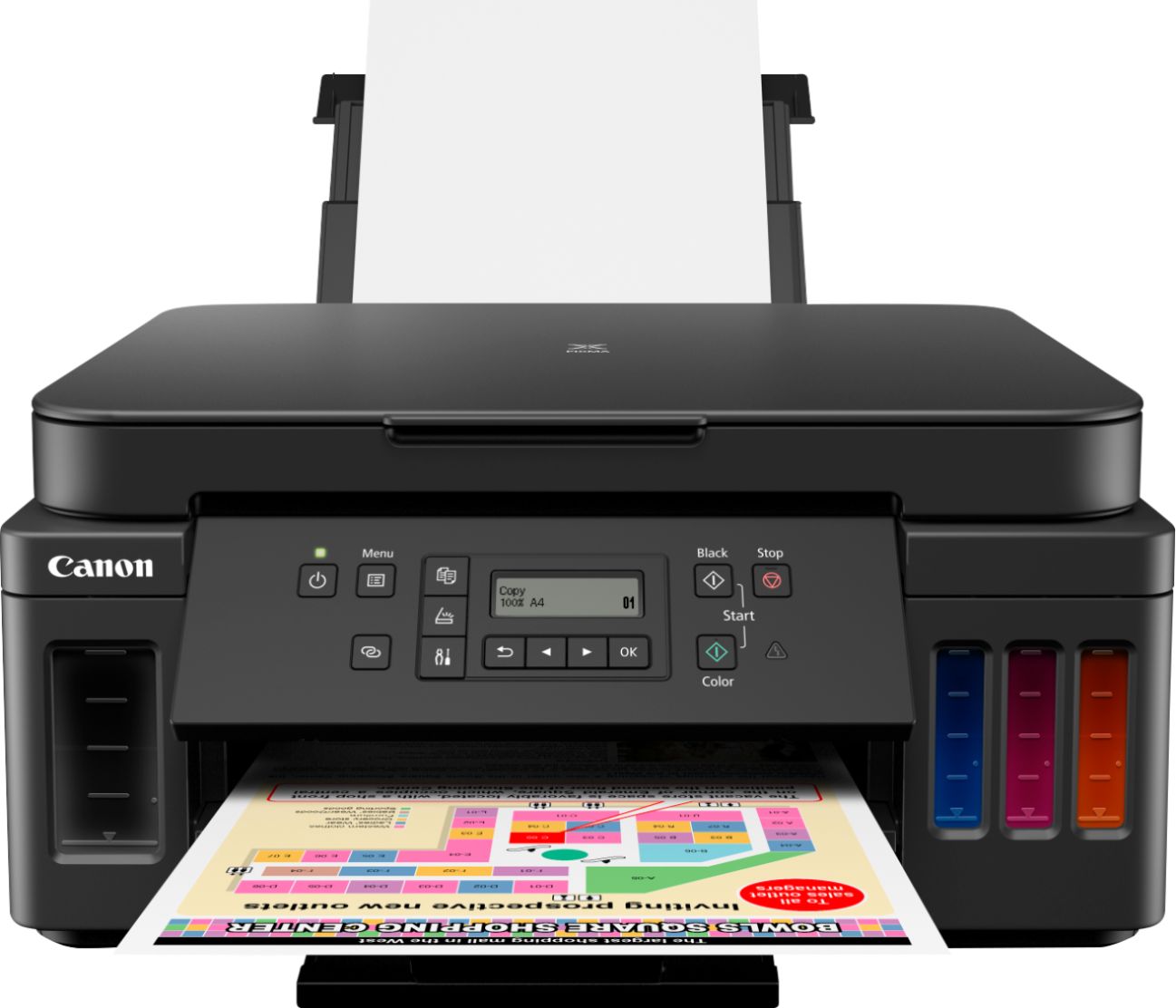
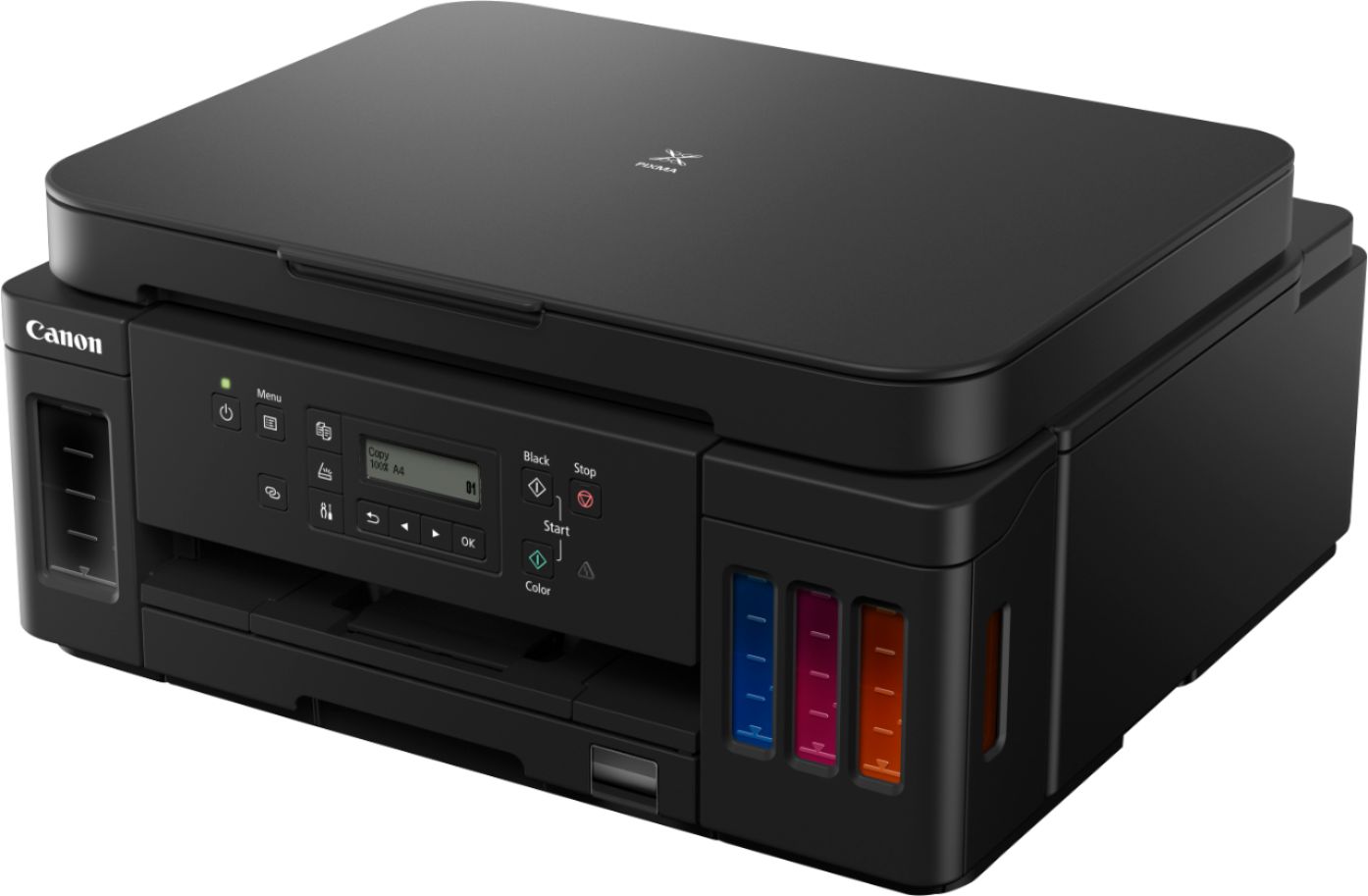
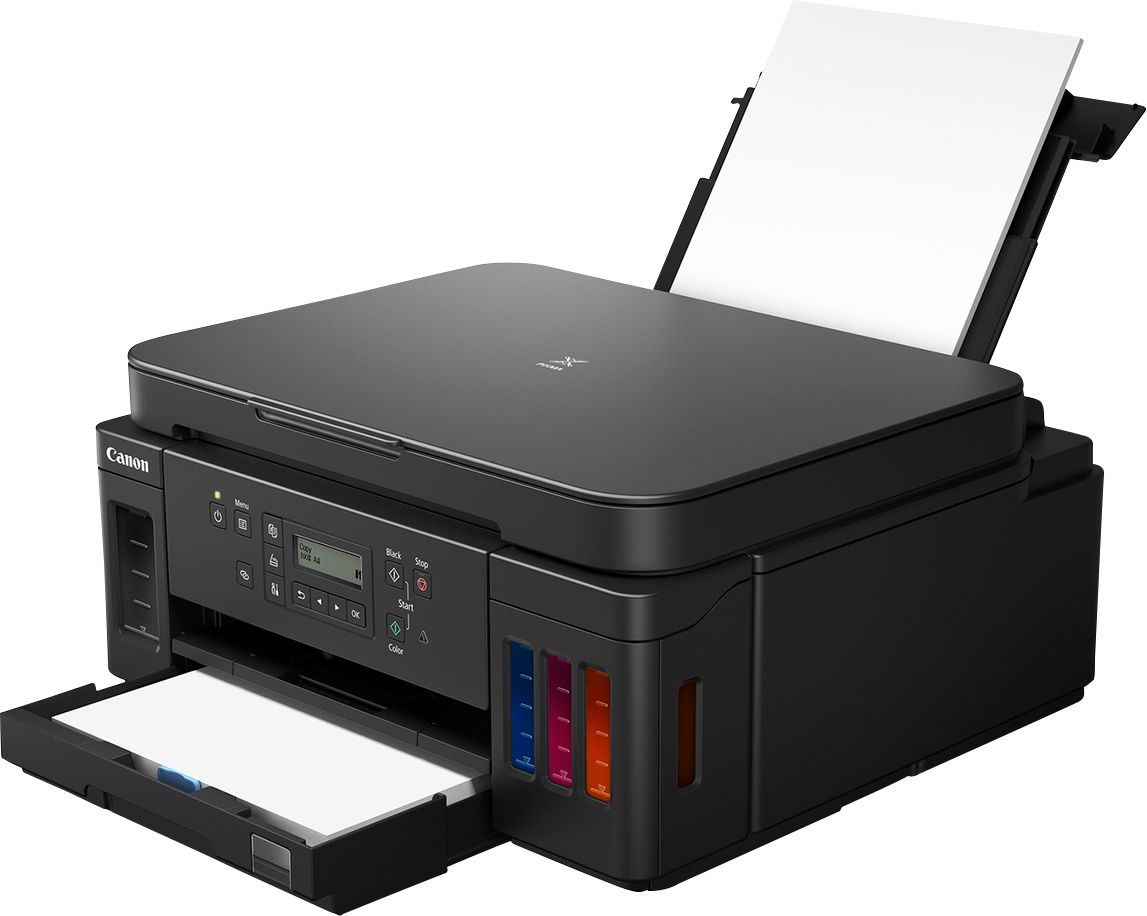
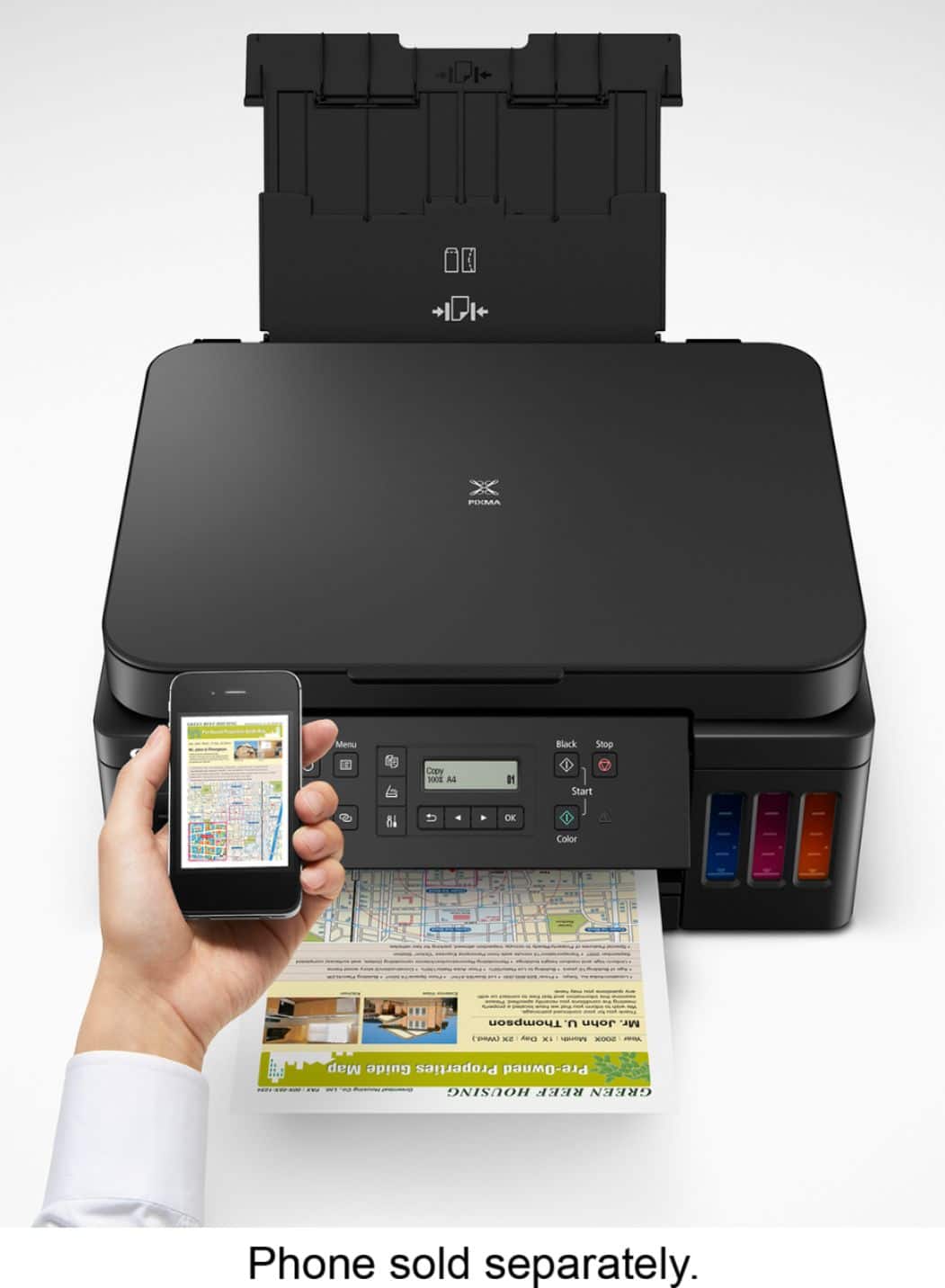
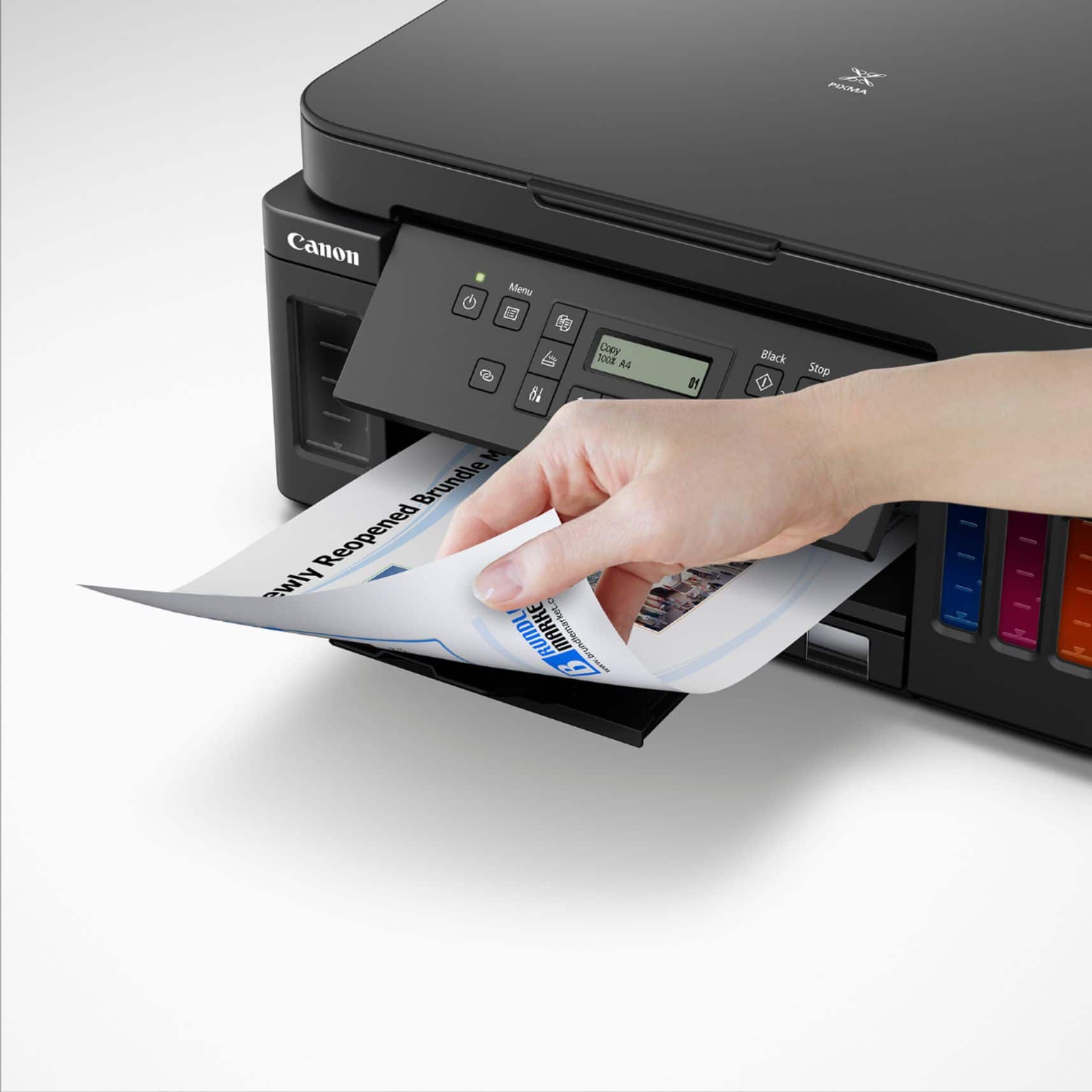
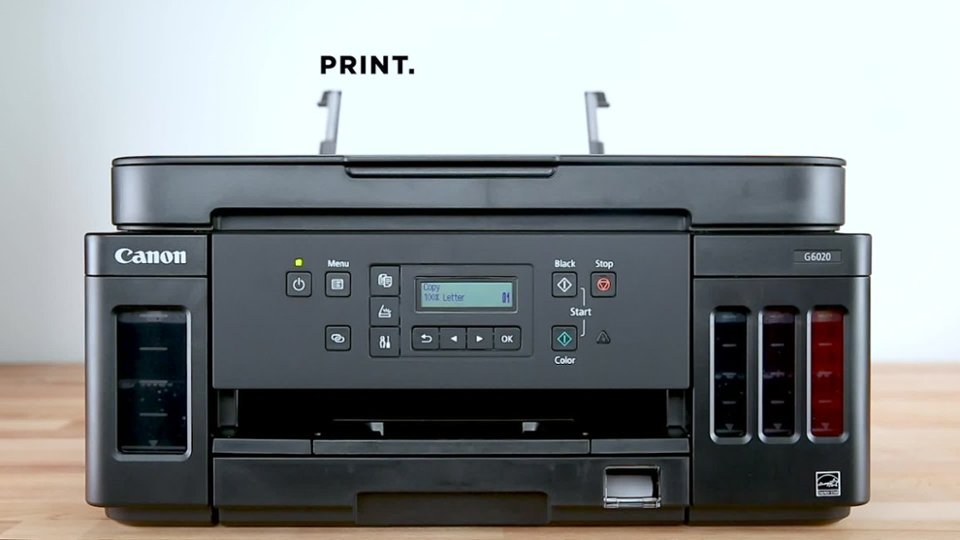
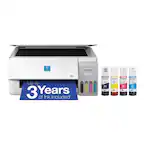
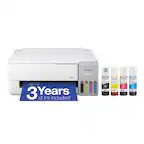
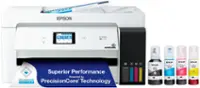
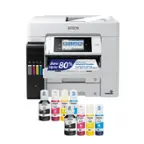
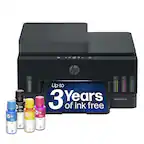
A:AnswerThere are two ways to get paper into the printer. Standard 8.5x11” plain paper goes into a tray inserted in the front of the printer but all other paper, no matter what the size or type, for photos or oversized images, must be inserted through the rear opening. You’ll need to tell the app what type of paper and what size you’re using from a drop down menu and the printer will take it from there. Hope this helps! Good luck!
A:AnswerYes. But you may need to add a clear coat to prevent smudging. I print stickers, on glossy the black smudges and needs a clear coat (I use spray paint). on flat white stickers no topcoat needed.
A:AnswerI have installed this printer on 2 types of Microsoft Surface notebook computers as well as an Acer Aspire 3. The print drivers should be specific for the operating system (Win 11) and the printer and independent of the brand of computer. I have also used 3rd part scanning software (ScanSpeed & Any Scan) with no problems.
A:AnswerAs long as it will be a dedicated printer for this purpose and using EDIBLE INK in the tanks ONLY, it would definitely do the job. If you're talking about the thin, firm, non-pliable sugar sheets. I have tried those before just to see myself. I have not tried the softer, almost fondant type, more pliable and flexible ones.
GOOD LUCK!
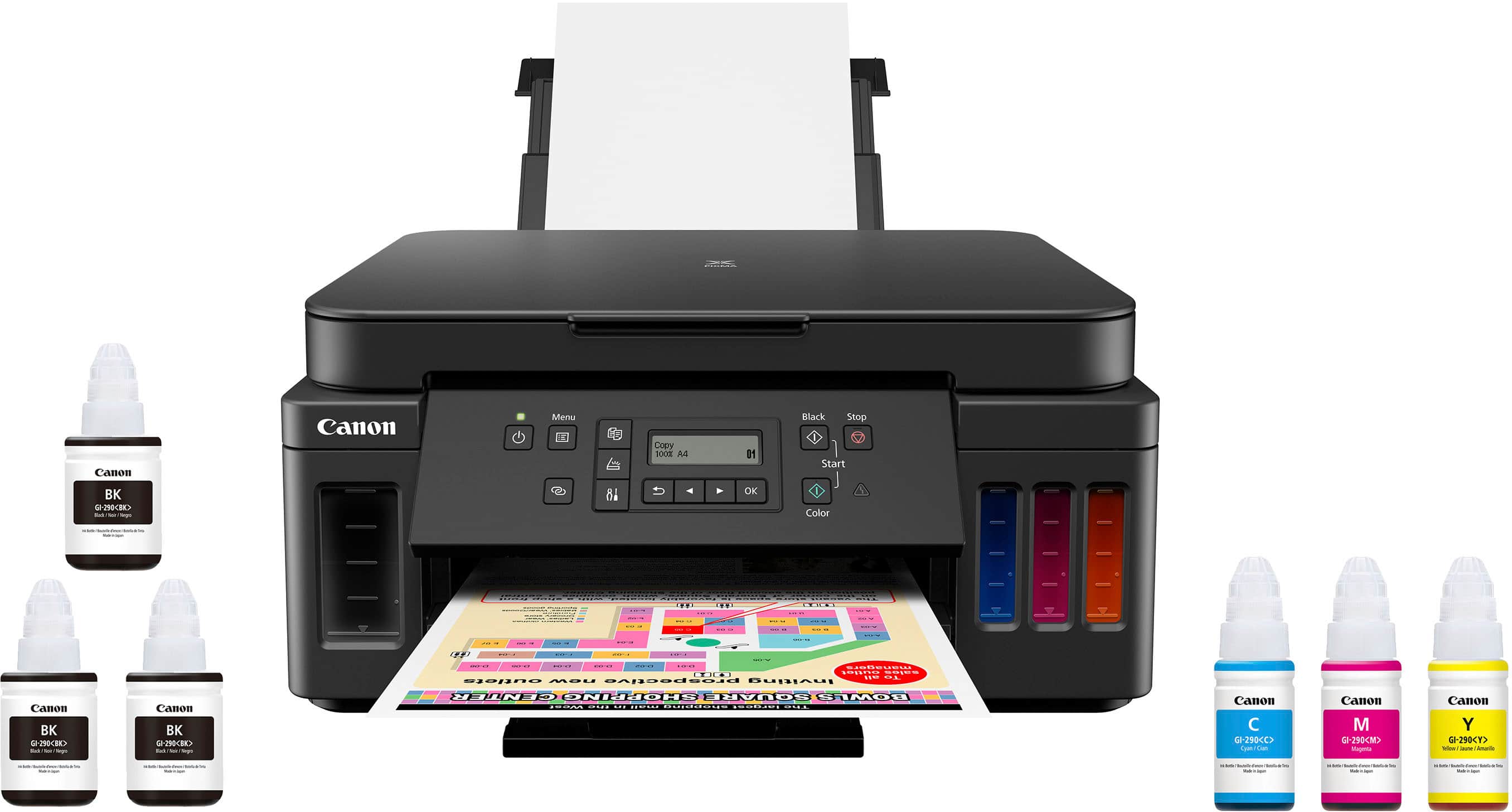
A:AnswerIt works just fine with mine. The only difficulty I have found is that it seems to shut down arbitrarily at night, meaning sometimes I cannot air print again until I physically turn the printer back on. That aggravated me because I check and respond to emails first thing in the morning.
A:AnswerPAPERWORK STATES THAT THE REAR IS FOR PHOTO ONLY CARDSTOCK.PRINTER PAPER FOR FRONT TRAY. I THOUGHT AND WAS TOLD THE REAR WAS FOR MULTIPLE SCANS TO ADD TO FILES IN COMPUTER.