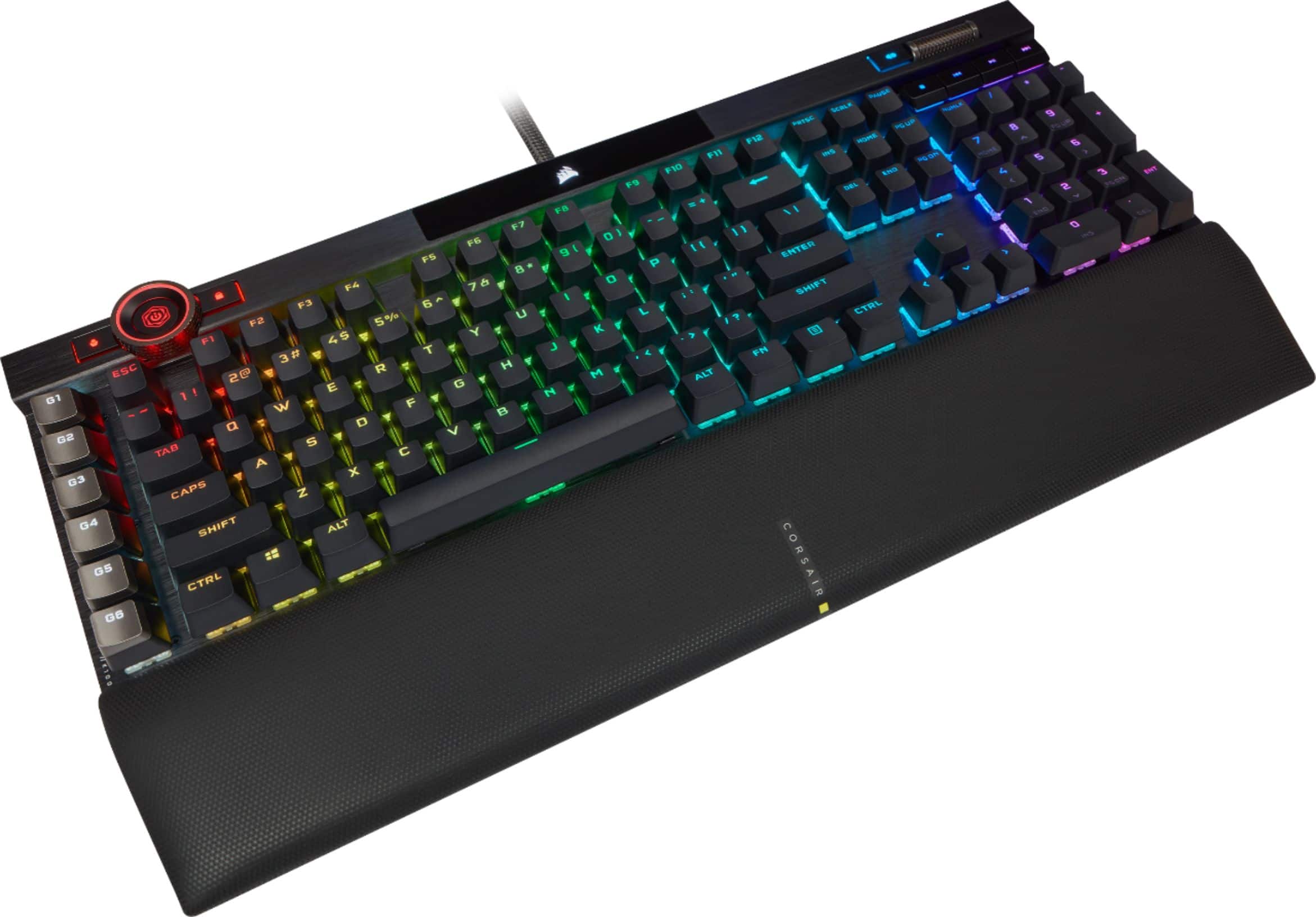
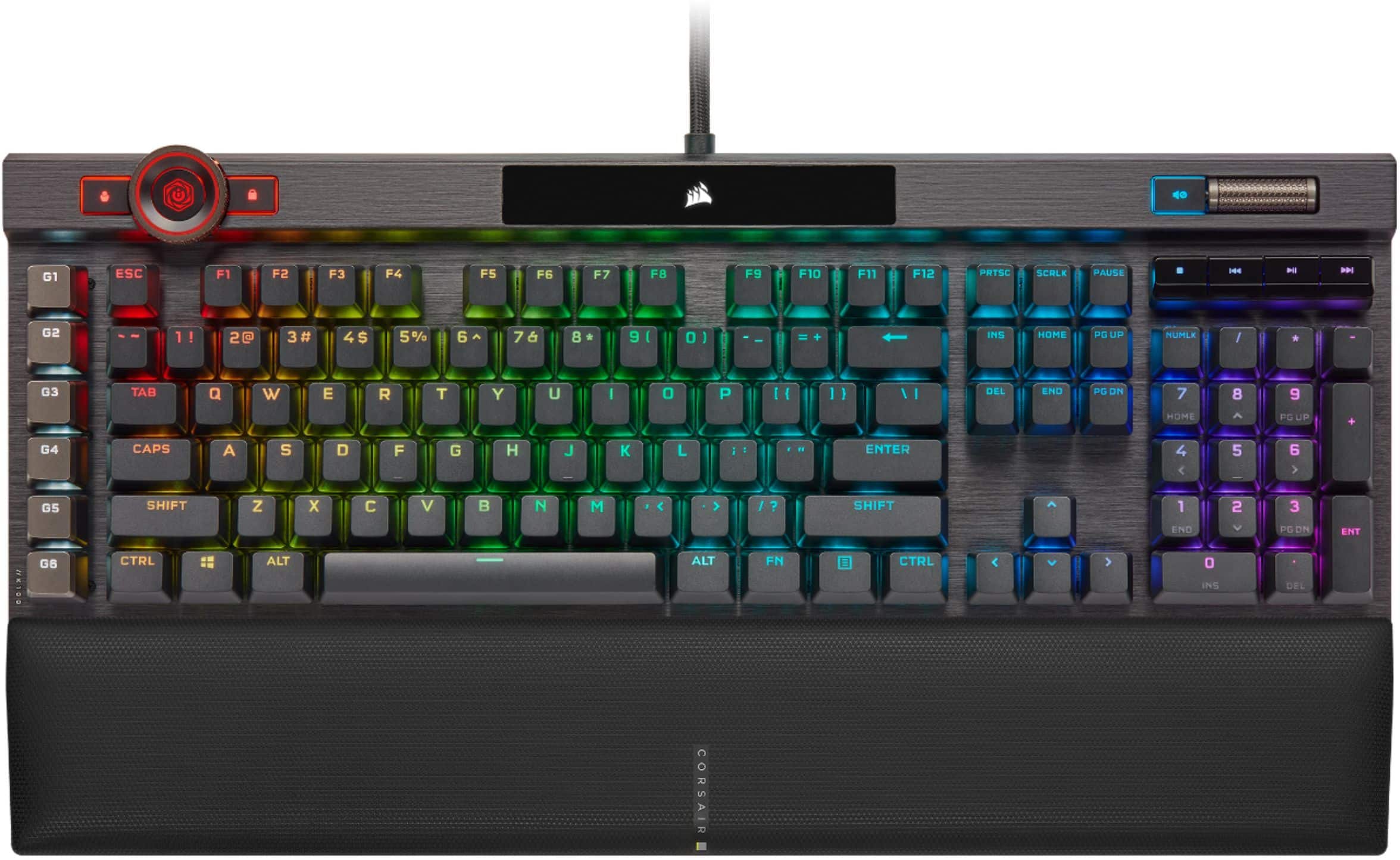
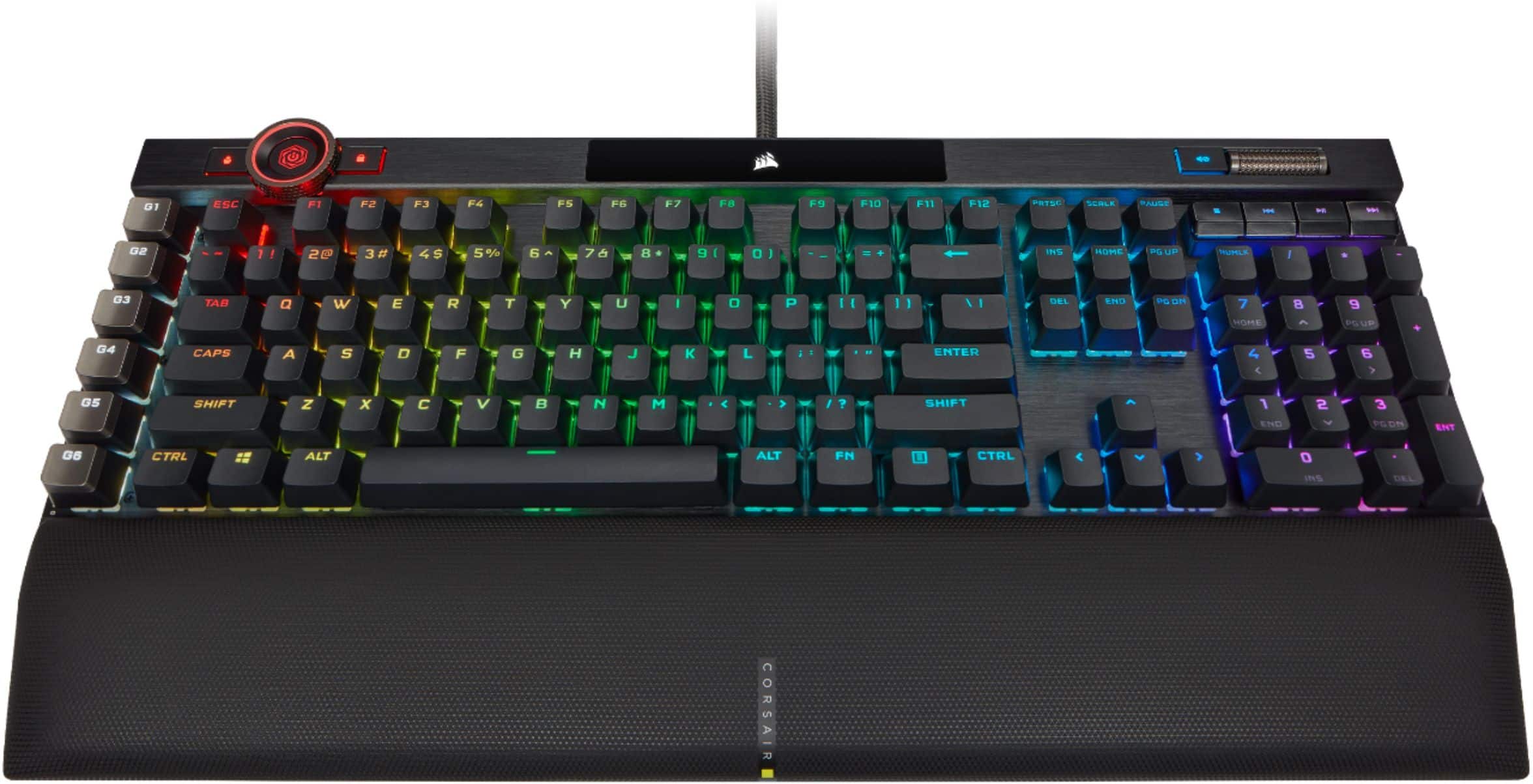
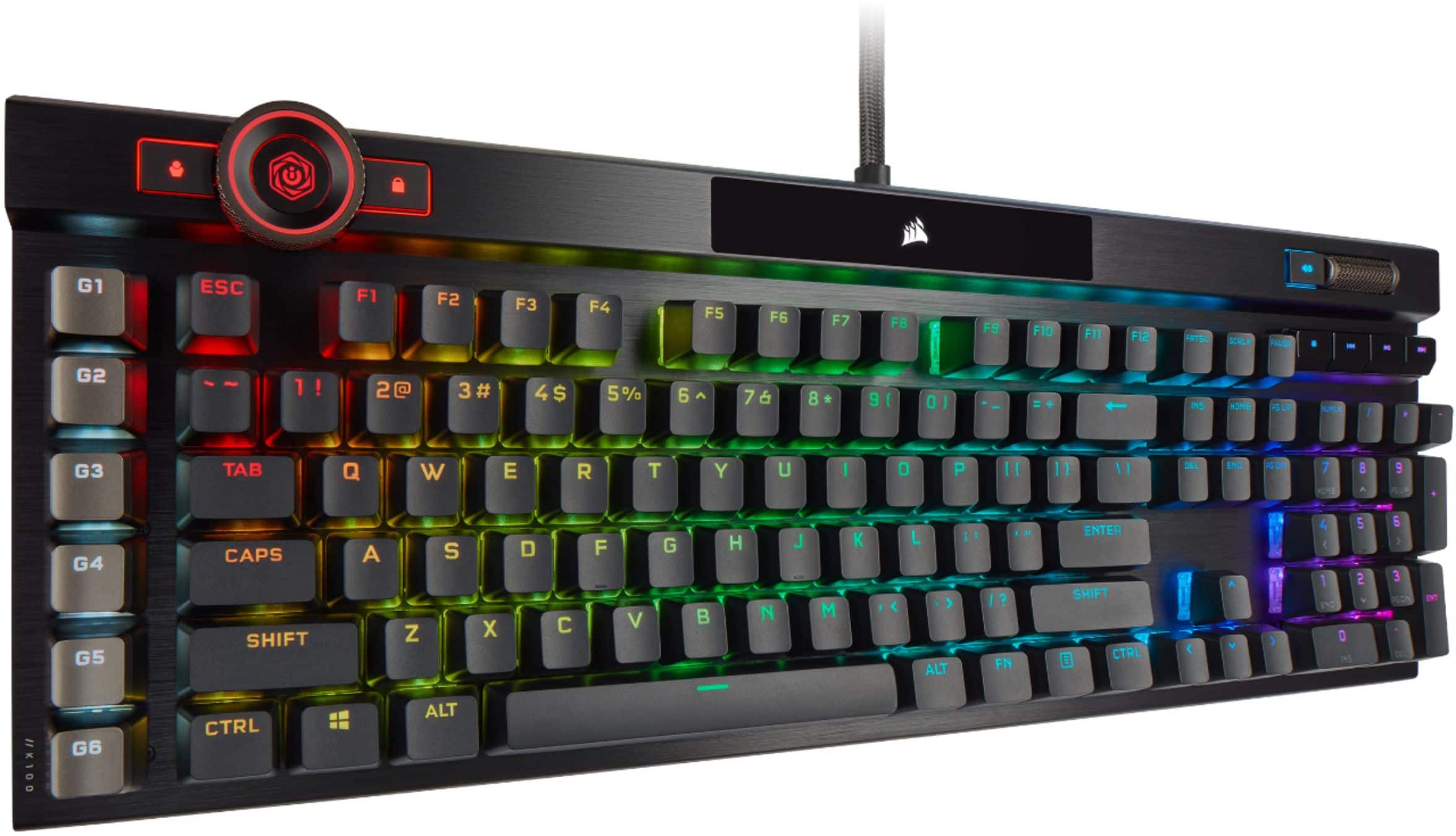
A:AnswerIt's considered loud but not TOO loud. You can easily add o-rings to dampen sound if it was too loud. Would recommend listening to sound tests on YouTube reviews to be sure if the sound will work for you.
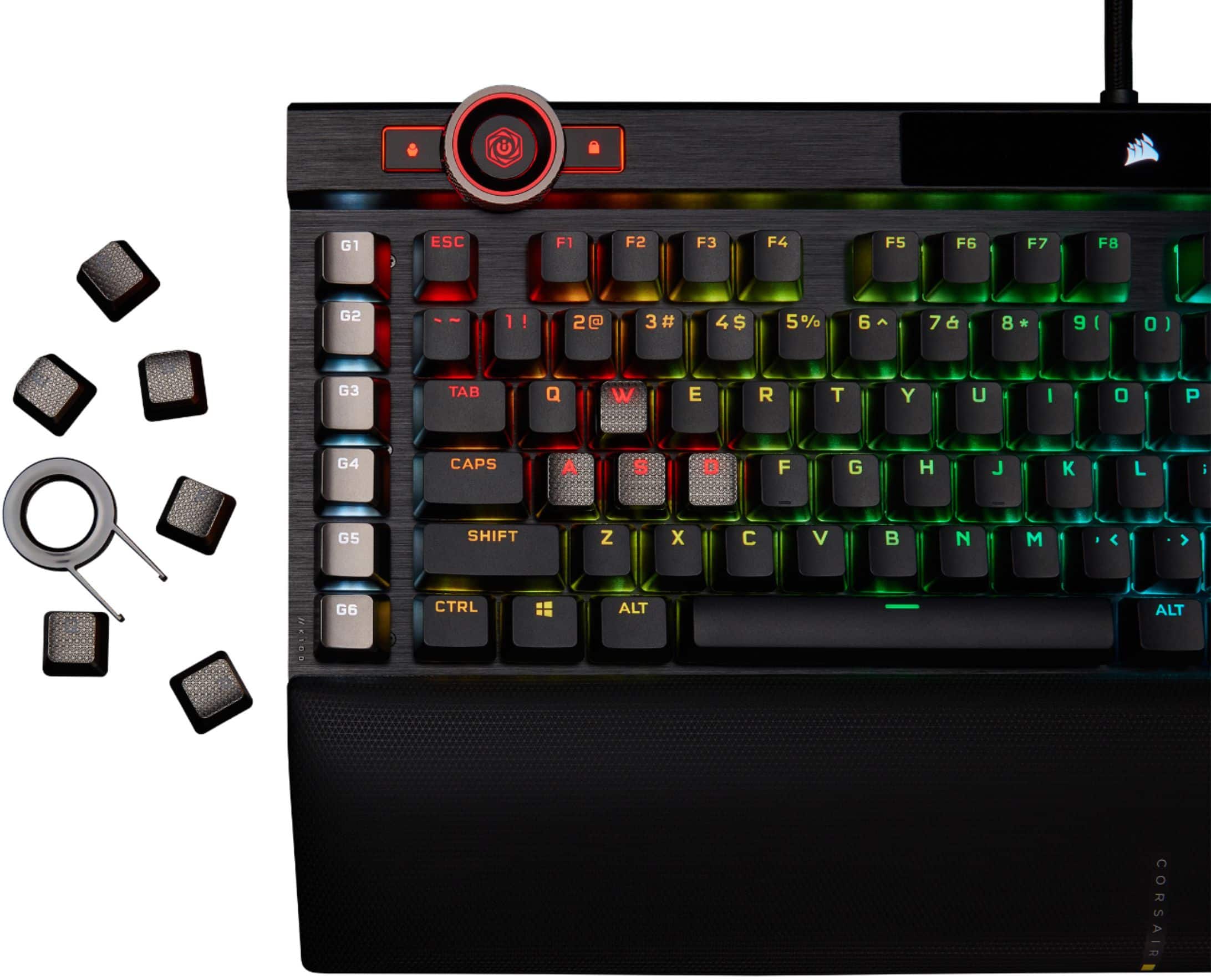
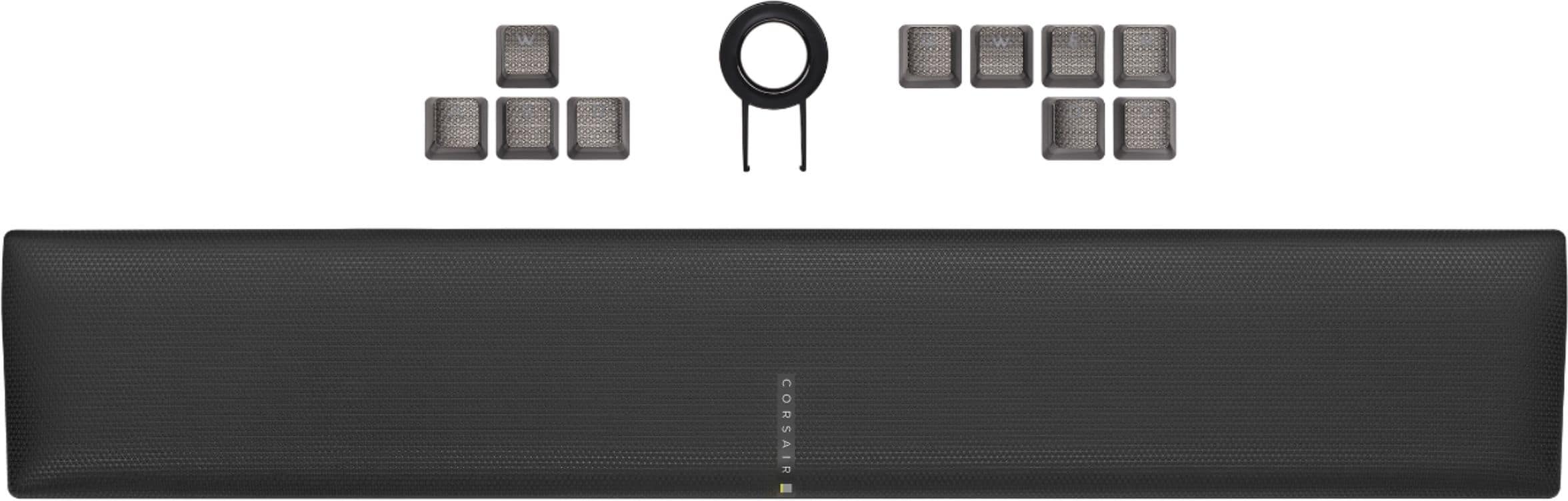
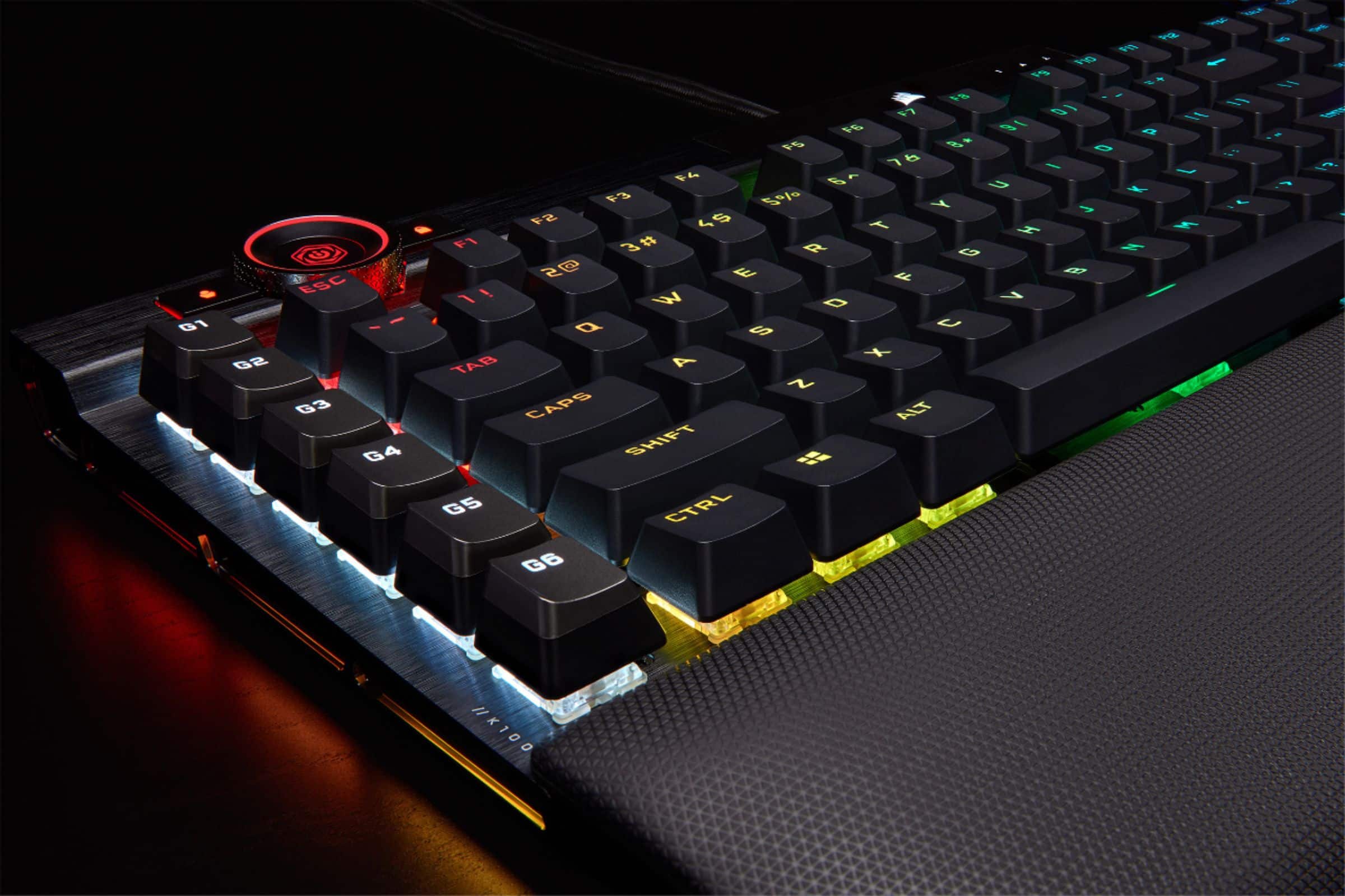
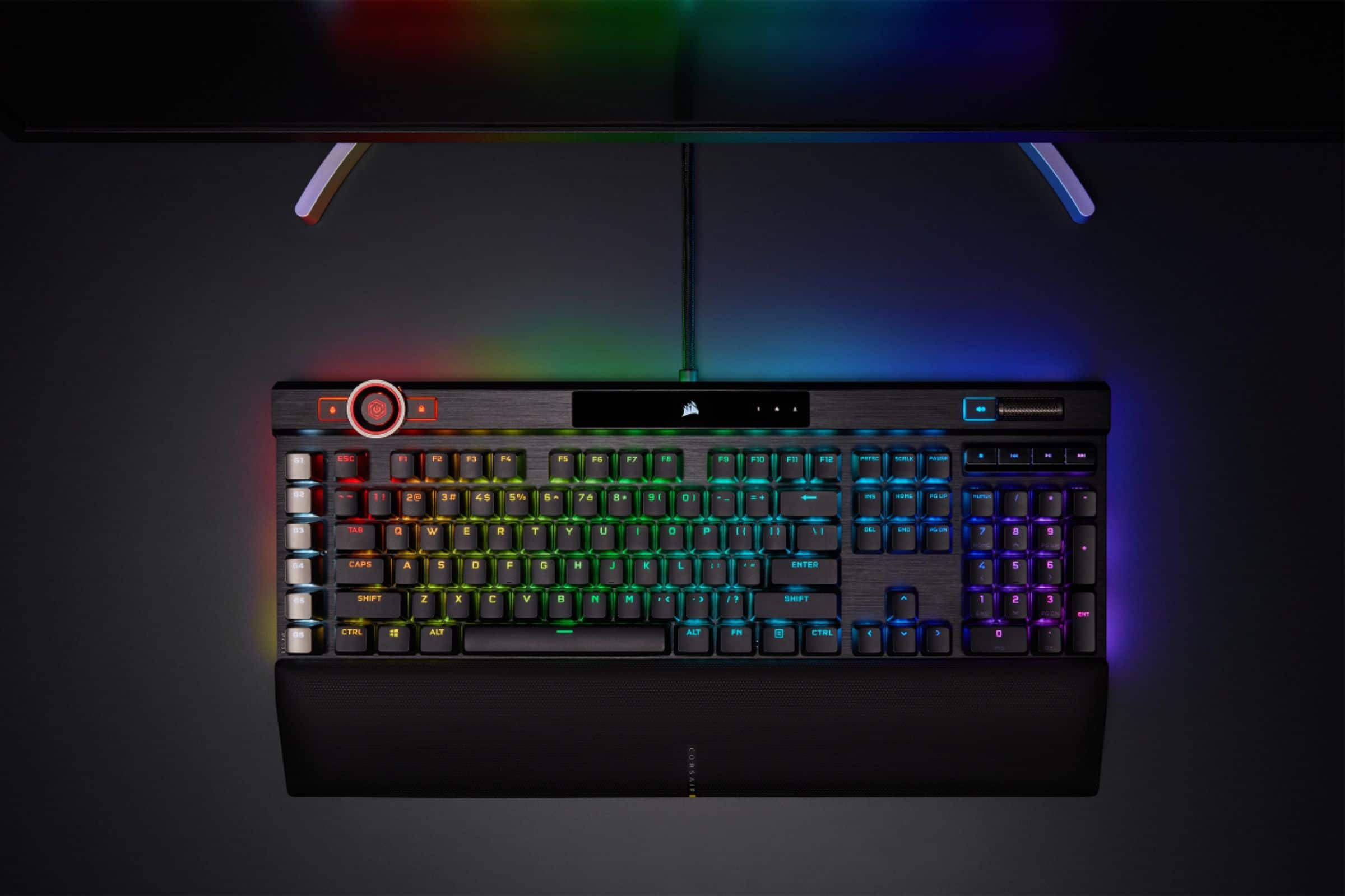
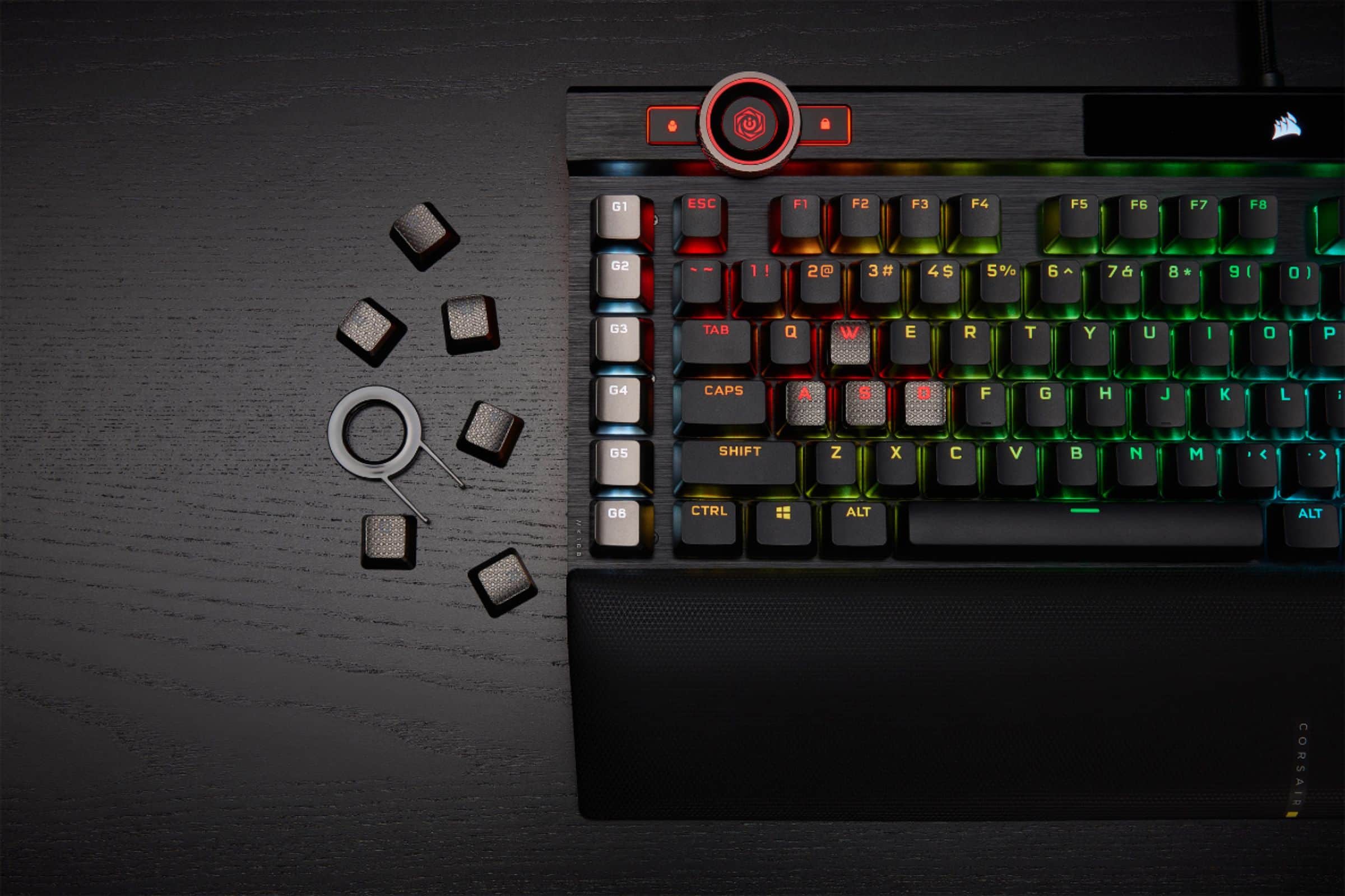
A:AnswerYes and no. Everything would be compatible except for the bottom row of the K100 and K95 are different. The K100 is standard the K95 is not. The K100 has more options for custom keycaps.
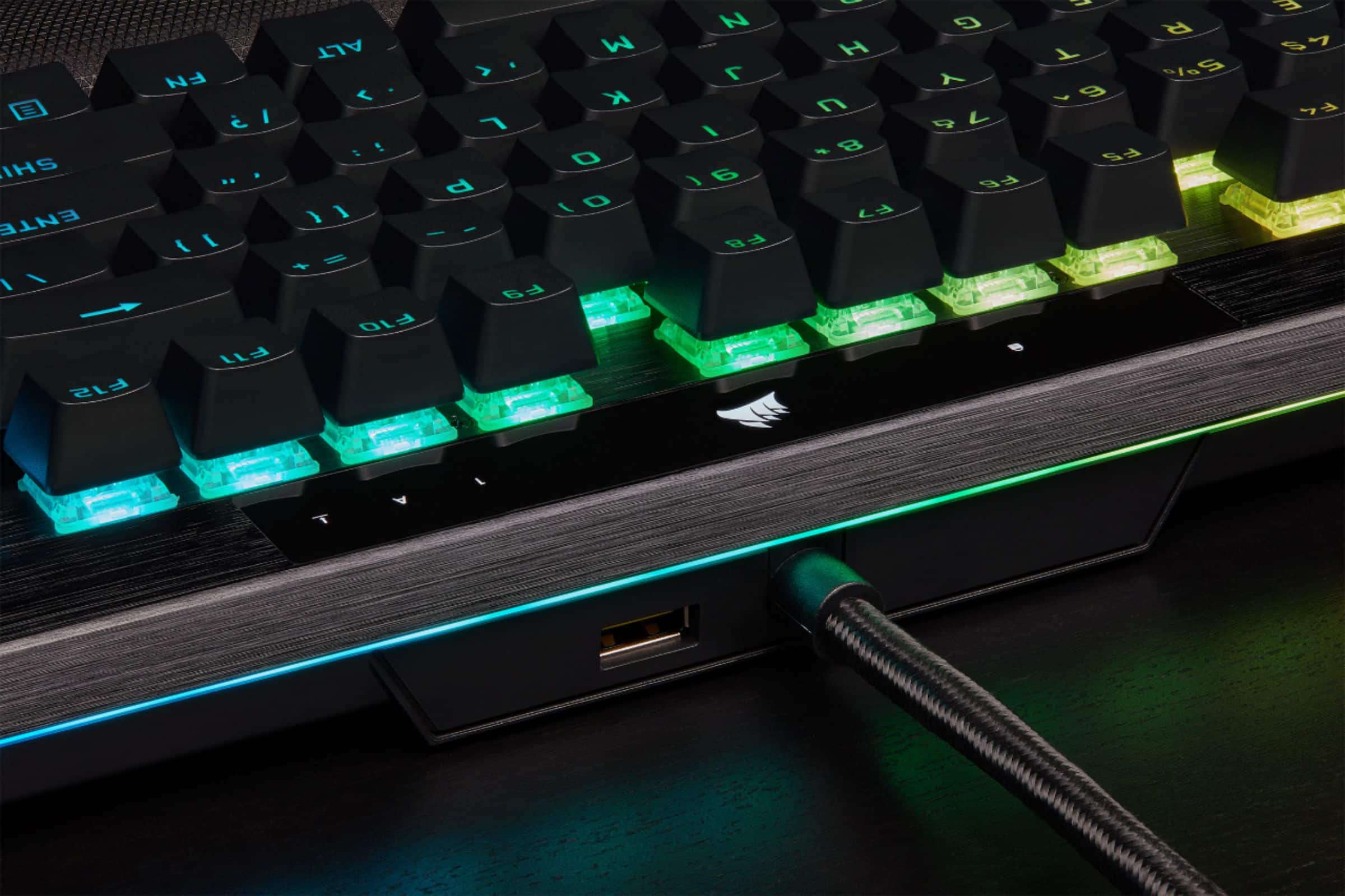
A:AnswerThey should be the new optical switches that are made by Corsair themselves. If you've tried the speeded switches from Corsair, it's similar to that, but even shorter actuation (1mm for optic vs 1.2mm for speed).
A:AnswerThere is a Cherry MX Red option (stock) and the keycaps are exchangeable for customizing. Also the Corsair software has some tweaks you can make to the actuation and sensitivity.
A:AnswerI think the optical switches feel better for typing quickly and smoothly. I use the K100 for work and gaming. I'd go to Best Buy and check them both out. They usually have the K100 on display (in the keyboard section) which have the optical switches and a K70 on display (near the prebuild computers) which have the speed switches.