A:AnswerIf you are using it for a PS4 Pro or Xbox X it will work perfectly. If you are recording your computer/monitor use OBS (Open Broadcasting Software) rather than buying this card
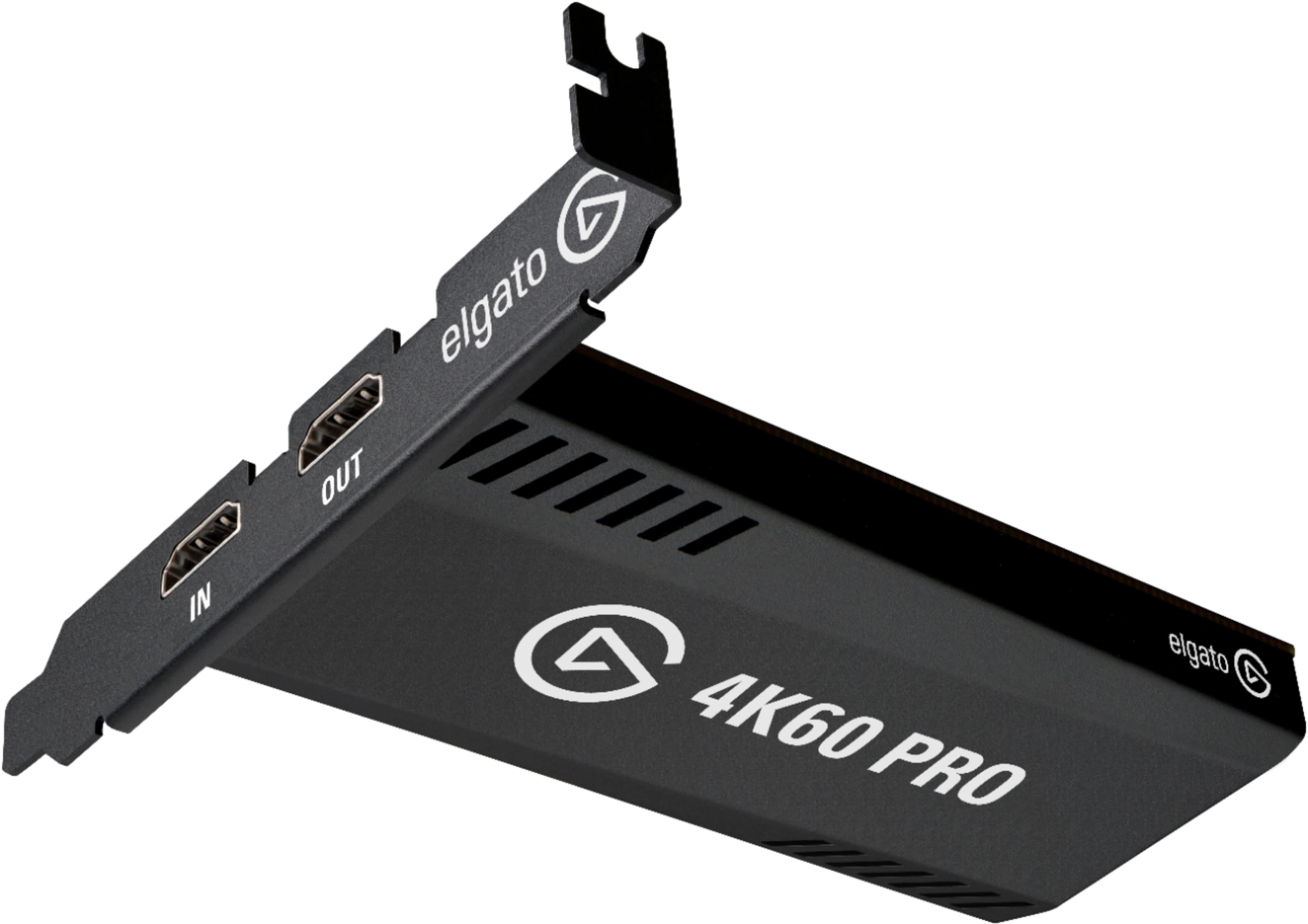
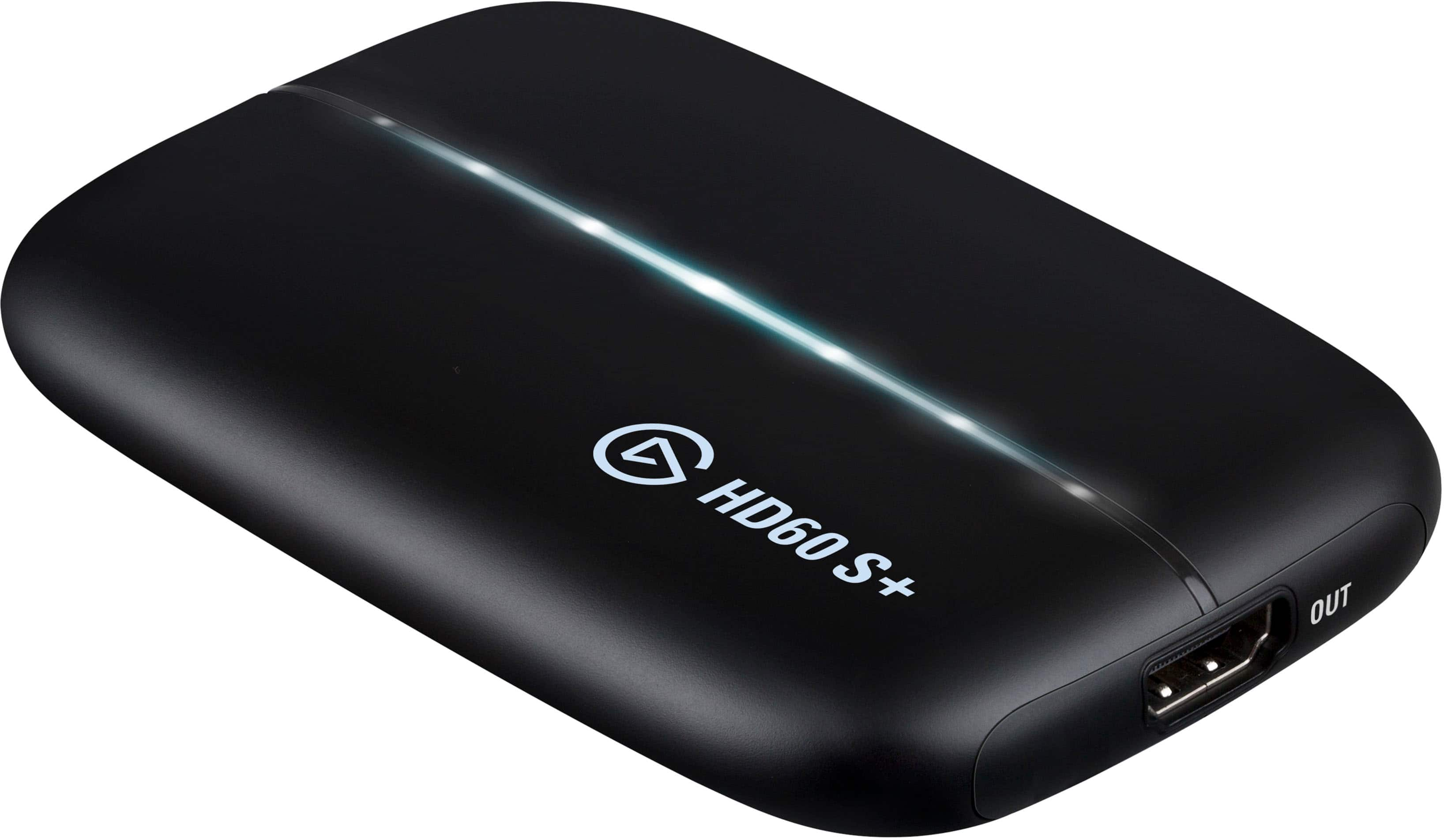
A:AnswerI'm assuming you are recording PC game play instead of console. The GPU does all the rendering and processing work as usual. The only thing this capture card does is receive the video signal sent by your GPU through HDMI, record it, and send it out to your monitor using another HDMI. If you are using an HDMI cable to send video I don't see why it wouldn't work. Just want to let you know that you don't need a capture card to record PC game play, there are software alternatives if your CPU and GPU can handle the process of rendering and recording at the same time.
A:AnswerHi,
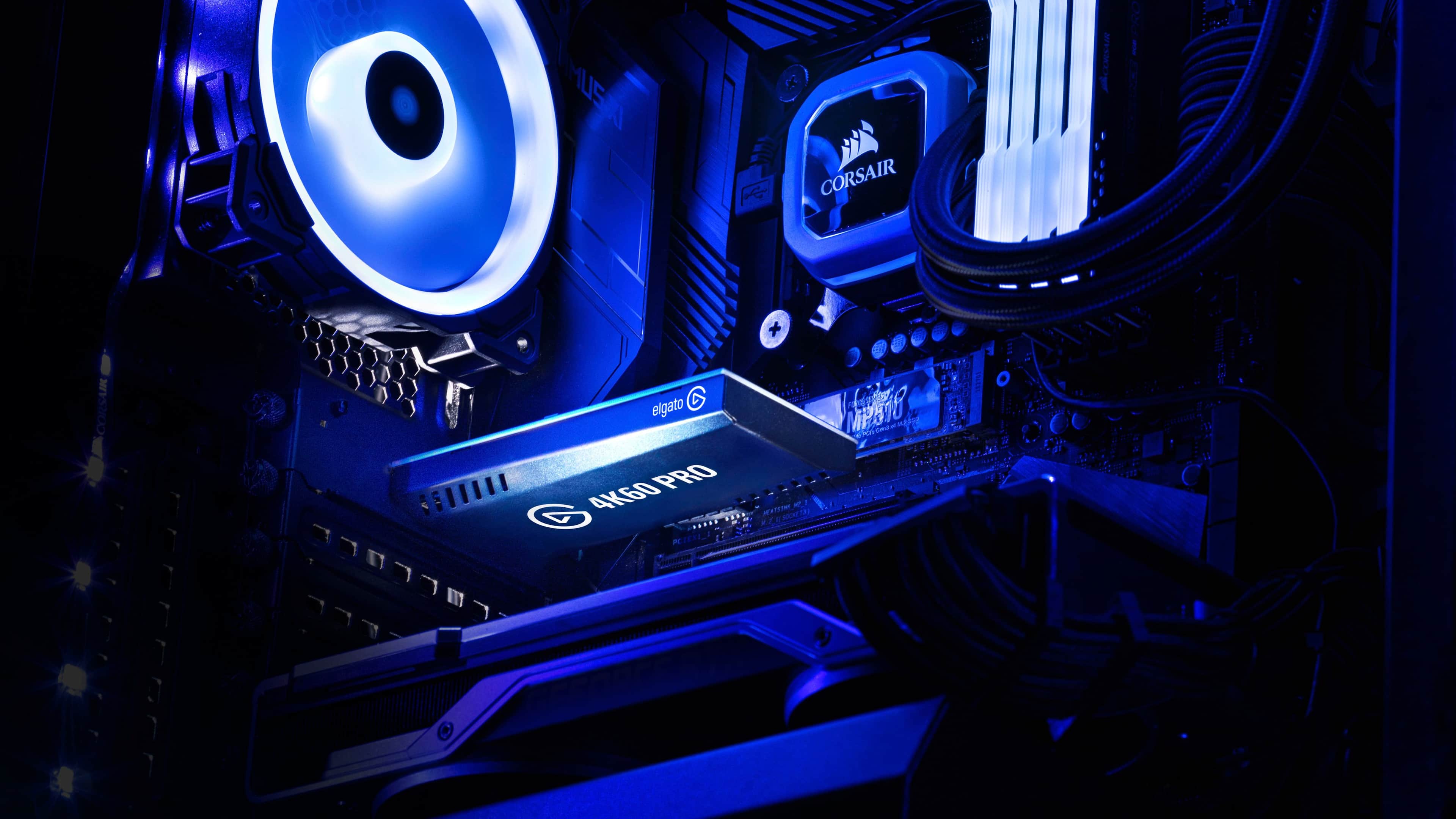
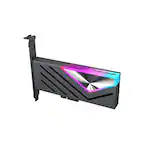
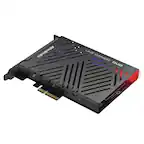
You cannot, it's an internal PCIe card. I'd recommend the HD60 S+ for laptop use (please check for compatibility).
If you have anything else we can help with, please reach out: help.elgato.com
-Art
A:AnswerCapture cards are generally used for recording and streaming console games. As far as I know, the encoding is still done on your PC. If you have a separate PC for the capture card, maybe, but you'll still be limited by your internet speed. OBS is free and probably your best bet.
A:AnswerHello Alberto,
I'm afraid you'd have to reach out directly to BB for assistance with that or any other availability of all their products.
If you have anything else we can help with, please reach out: support.corsair.com
-Art
A:AnswerYes you can record any hdmi source, I record the 360, 360 slim, wii u, switch, xbox one, xbox one x, pc, ps3, ps4, ps4 pro so if it has hdmi your good to go