Questions & Answers
- Model:
- C11CJ61201
- |
- SKU:
- 6470010
Highly rated by customers for: Print Quality, Ease of use, Overall Performance
Page Showing 421-429 of 429 questions
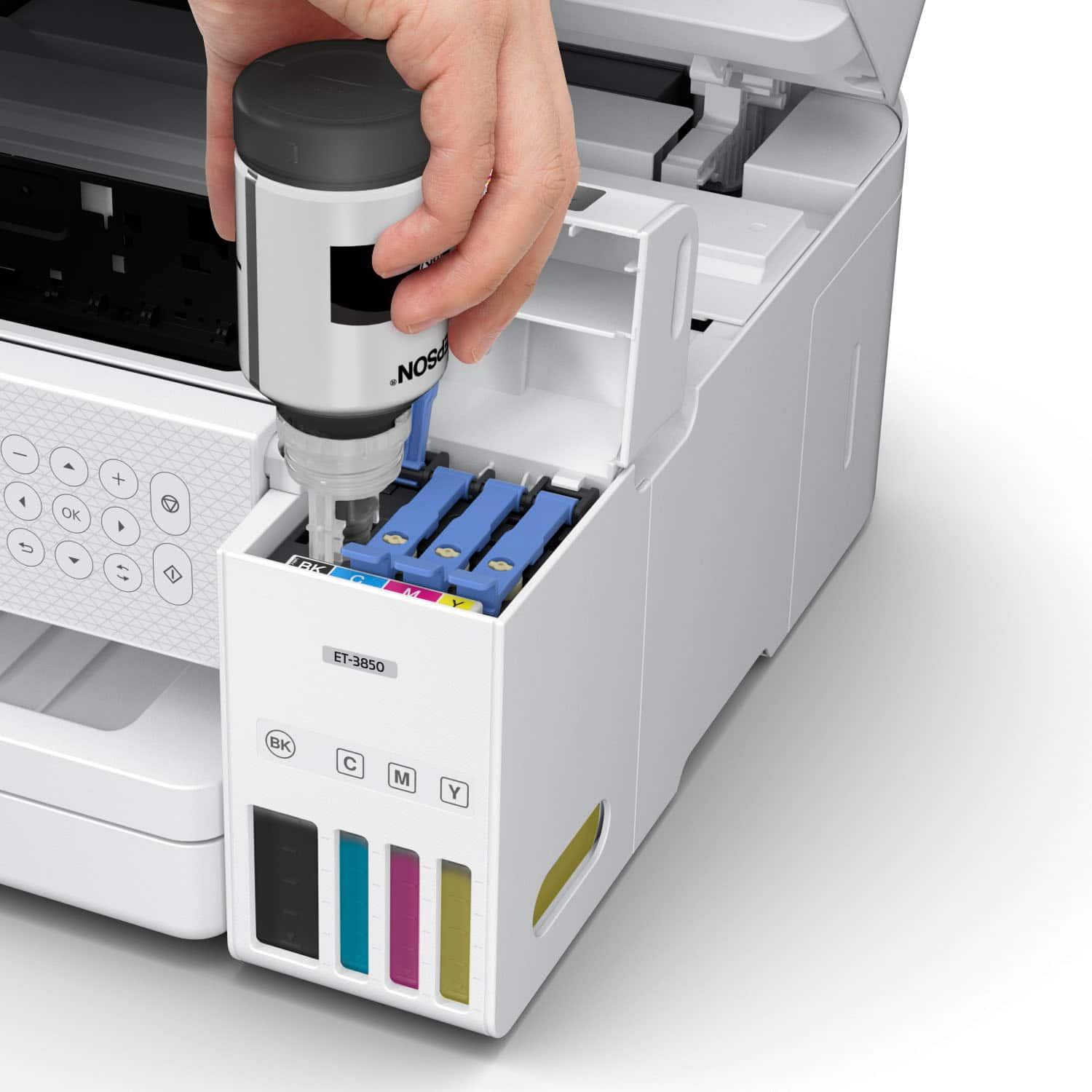
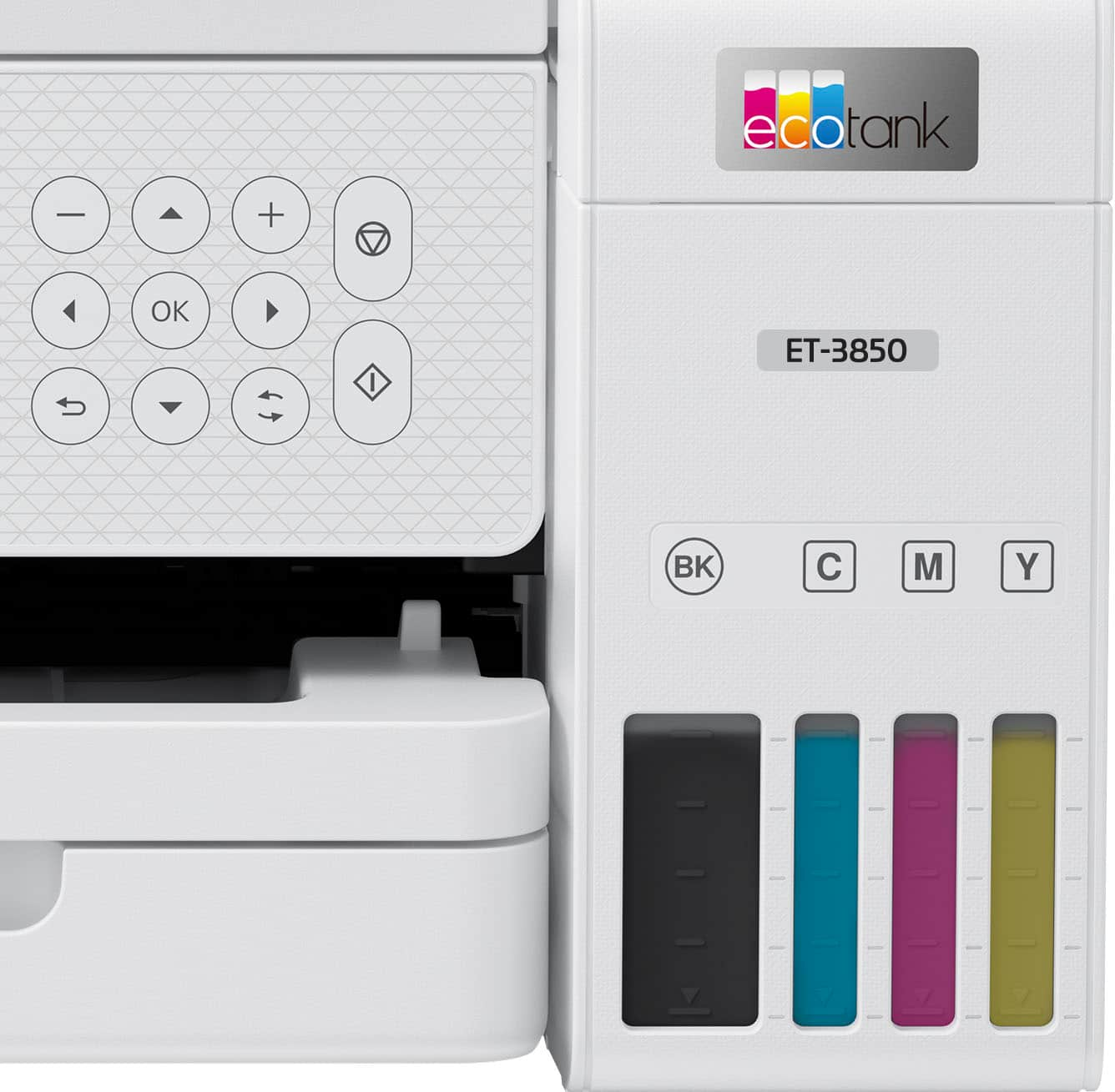
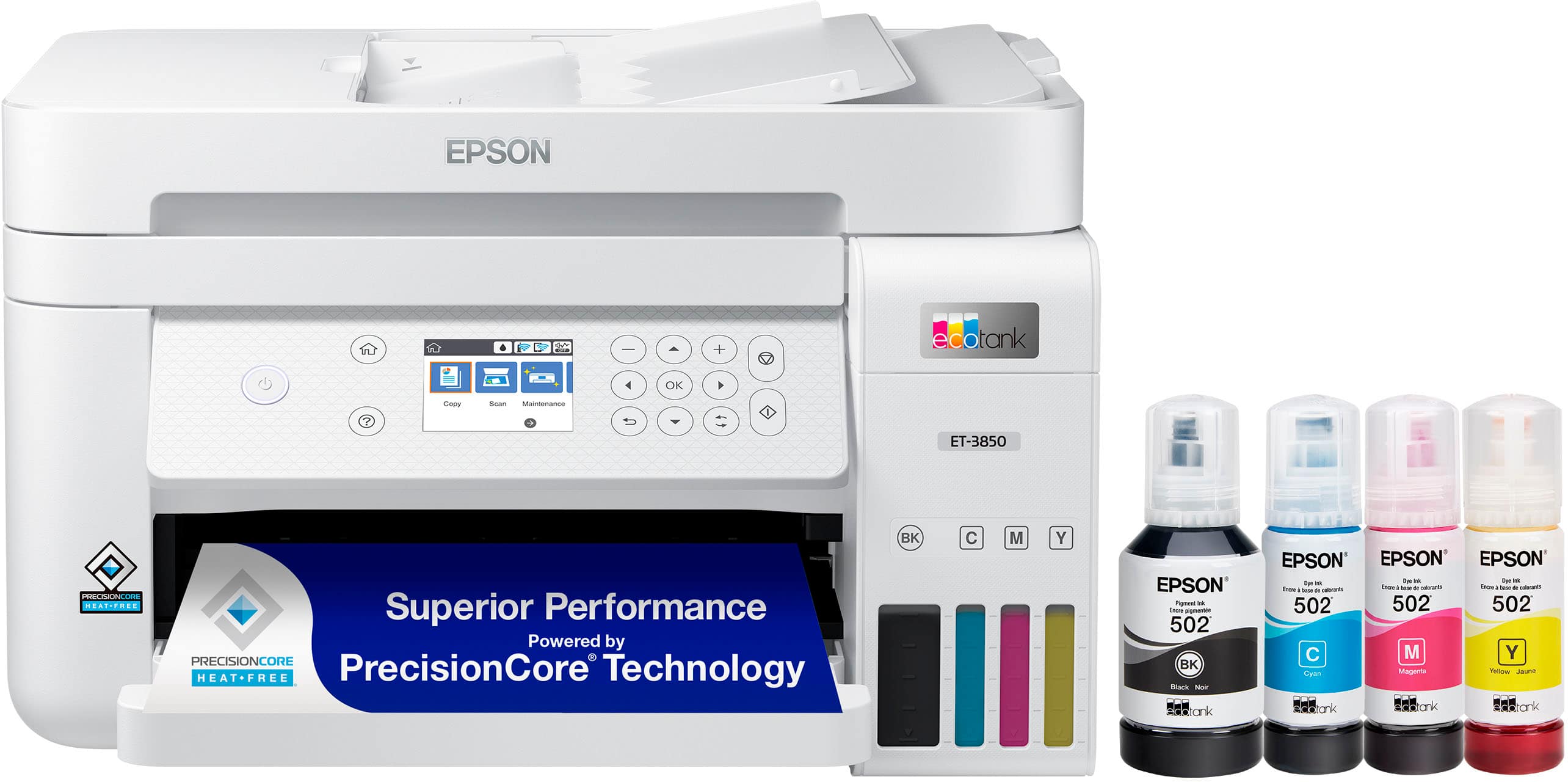
Q: QuestionOn the 3850 can you use Black Toner Only in all of the reservoirs or must you use the colored Toner in the 3 color reservoirs?
Asked by KMJ.
- A:Answer Hi, Yes, you can add black ink in all reservoirs and also color ink in the black reservoir. Printer doesn't know what ink its using. But, why do you want to do that? If you need only a mono-chrome printer, then buy a non HP black and white laser printer from BestBuy for only $169.99. Like; https://www.bestbuy.com/site/hp-laserjet-m140we-wireless-black-and-white-laser-printer-with-6-months-of-instant-ink-included-with-hp-white/6484886.p?skuId=6484886 I will never add black ink in all reservoirs and ruin my $450 printer. Hope this helps.
Answered by DKMJ
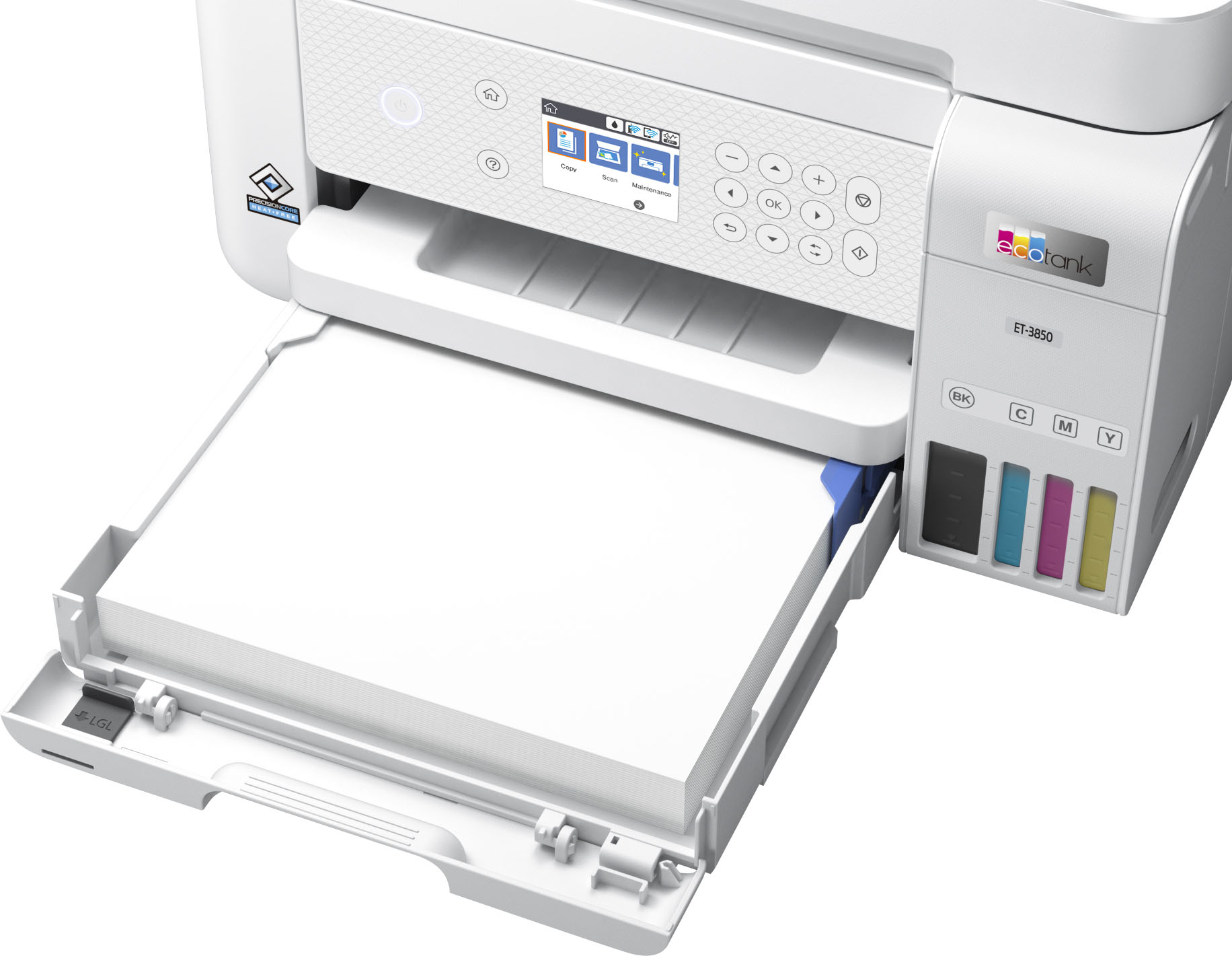
Q: QuestionDoes the printer have a "straight through" feed, so the document being feed does not bend, like a rear feed?
Asked by Jay.
- A:Answer Hello Jay. Unfortunately, the ET-3850 does not have a rear paper feed. The only way to load paper into the machine is using the cassette. Regards, Kevin - The Epson Team.
Answered by Epson
Q: Questionhow do you load envelope for printing
Asked by Anonymous.
- A:Answer Hello. You can load up to 10 envelopes in the paper cassette of the ET-3850. When you are ready to print, make sure to choose "Short Grain Paper" in the Extended Settings of the printer software on your computer. Regards, Kevin - The Epson Team.
Answered by Epson

Q: QuestionCan you print labels with this printer?
Asked by Edherron843.
- A:Answer With the Epson EcoTank ET-3850 , you can print labels.
Answered by EpsonPrinter
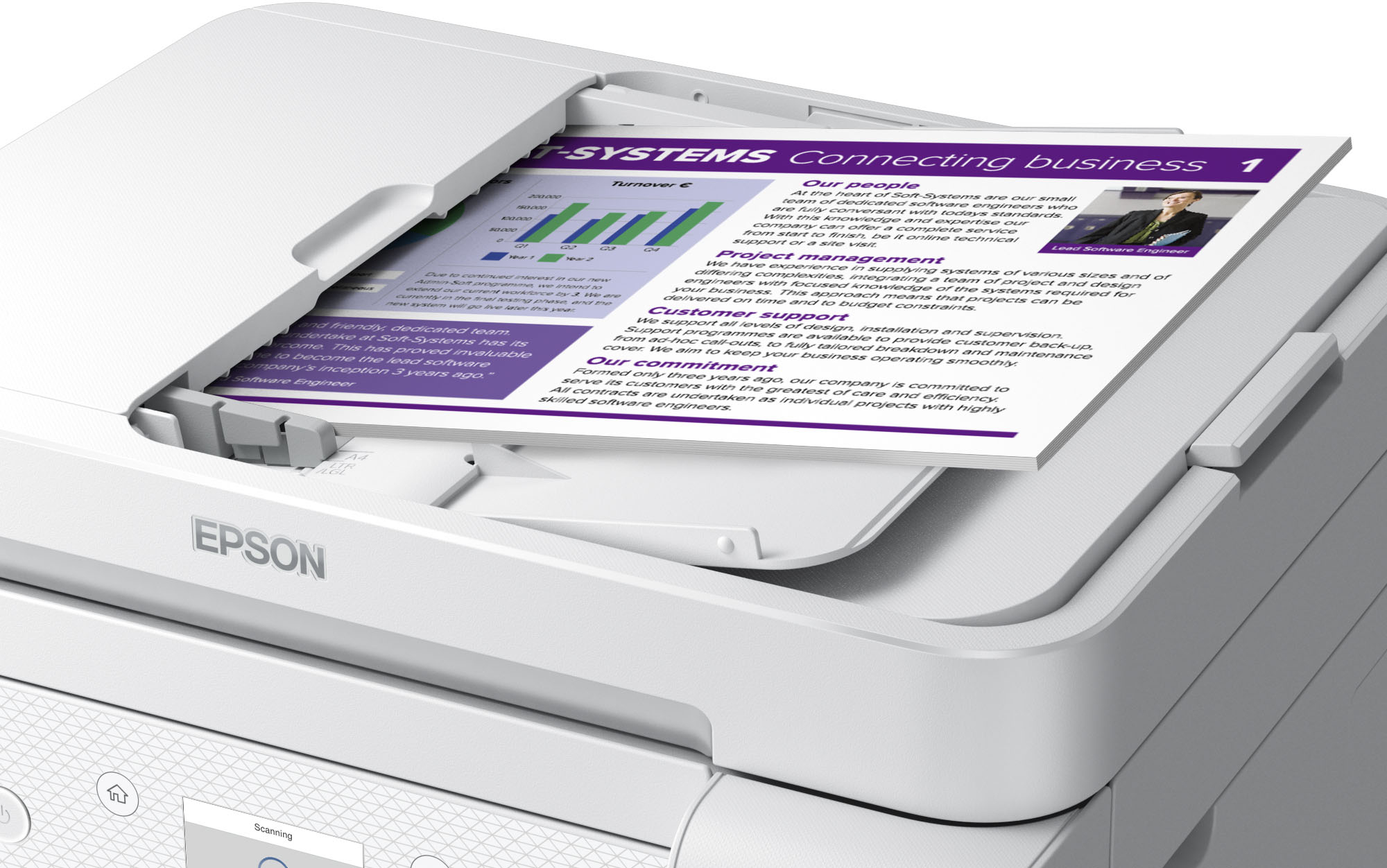
Q: QuestionDoes this scan both sides when sent through the feeding tray? I do not want to have to manually flip every page over.
Asked by Josee.
- A:Answer Hello Josee. The ET-3850 can only do two-sided scanning manually. While the printer includes Automatic 2-sided printing, it cannot automatically scan both sides of a document. Regards, Kevin - The Epson Team.
Answered by Epson

Q: QuestionCan this printer accept and print on card stock? What is the maximum paper thickness this printer will accept?
Asked by WendyB.
- A:Answer Basically the answer is it will not. Most stock paper is not going to be lightweight enough to print on this printer. Save your money if you need to print stock and look elsewhere.
Answered by Anonymous
Q: Questioncan this printer copy a 2 sided sheet and print 2 sided?
Asked by ken.
- A:Answer The ET-3850 is, unlike most 2 sided printers, is unable to scan both sides of the original. The answer is "with difficulty".
Answered by PaulCarman
Q: QuestionIs the 3850 compatible with Apple's AirPrint software?
Asked by Bucky28.
- A:Answer Yes
Answered by Sway
Q: Questioncan you set printer to eject last page first and first page last so there will be no need to re arange the pages
Asked by Anonymous.
- A:Answer Yes. I’ve not had to set mine to do this as it did it automatically but there is a setting for it.
Answered by HomeschoolMom


.](https://pisces.bbystatic.com/image2/BestBuy_US/images/products/0f303e94-82e9-4920-a0f8-610c645cee57.jpg;maxHeight=54;maxWidth=54;format=webp)

. 1 Most features require an Internet connection to the printer, as well as an Internet- and/or email-enabled device. For a list of Epson Connect enabled printers and compatible devices and apps, visit [www.epson.com/connect](http://www.epson.com/connect).](https://pisces.bbystatic.com/image2/BestBuy_US/images/products/08161d2e-edb0-4574-a401-0ac72389cf92.jpg;maxHeight=54;maxWidth=54;format=webp)