Questions & Answers
- Model:
- C11CK61201
- |
- SKU:
- 6516129
Highly rated by customers for: Print Quality, Ease of use, Overall Performance
$79.99
Save $70
Comp. Value: $149.99
Page Showing 41-60 of 94 questions
Q: QuestionIs this compatible with Mac OS?
Asked by Kevin.
- A:Answer Hello Kevin. Yes, the XP-5200 is compatible with macOS 10.6 - 15. You can find the printer driver on our official Epson Support page. Regards, Kevin - The Epson Team.
Answered by Epson
Q: QuestionIs there a “warm up time” on this printer every time you try to use it
Asked by Anonymous.
- A:Answer Yes, but very short while the printer performs diagnostics and positions the print head.
Answered by user910493
Q: QuestionDoes this printer operate with Apple computers?
Asked by Compatibility.
- A:Answer If you mean Mac O/S 10 or later, yes. If you mean an Apple II-E or Lisa, doubtful that the needed driver is on the 5.5-inch floppy disk.
Answered by user910493
Q: QuestionCan I print from my iPhone
Asked by Jim.
- A:Answer Definitely. Also from iPad - once you add the printer to your wireless network.
Answered by user910493
Q: QuestionCan I print directly ftom.my Galaxy S24?
Asked by RangerRich.
- A:Answer Yes
Answered by DeeDeeC
Q: QuestionWhat wired printers will work with my MacBook Pro (2024 model)?
Asked by T.
- A:Answer Hello T. Most current Epson printers, including the XP-5200, are compatible with the 2024 MacBook Pro. To confirm driver availability for your specific model, please visit our official Epson Support page and select the other models you are interested in. Regards, Kevin - The Epson Team.
Answered by Epson

Q: QuestionWhat year was this made ?
Asked by RI.
- A:Answer Hello RI. The XP-5200 was released in 2022. Regards, Kevin - The Epson Team.
Answered by Epson

Q: QuestionCan I scan papers to other peoples computer
Asked by Poopoo.
- A:Answer Hello. Yes, you can connect the XP-5200 to multiple devices and save your scanned files to different computers. The printer can also be used with a smartphone or tablet. Regards, Kevin - The Epson Team.
Answered by Epson

Q: QuestionDoes this work with iMac os or iPad & iPhone iOS?
Asked by Wondering.
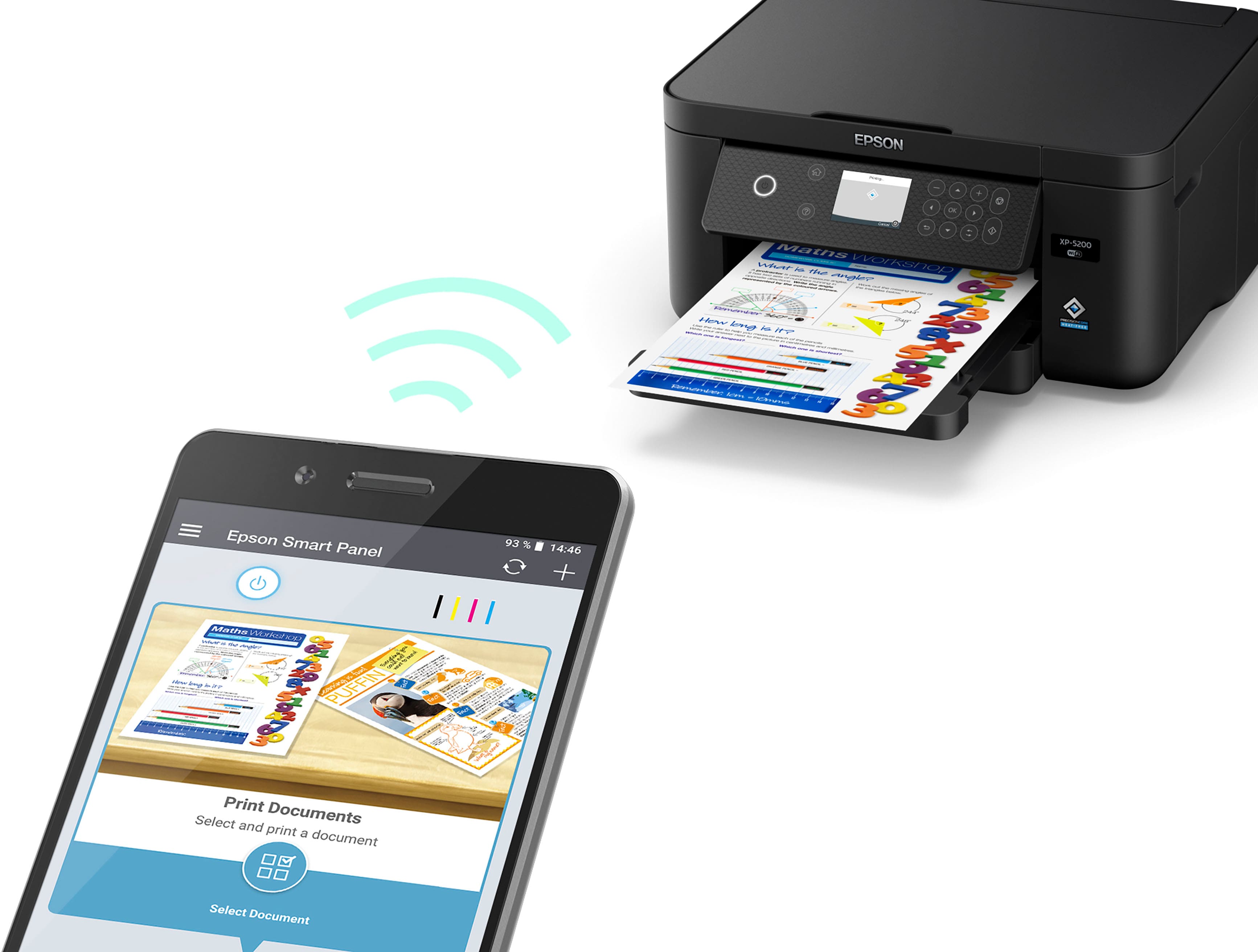
- A:Answer Hello Wondering. Yes, the XP-5200 can be used wirelessly with an iPhone or iPad. You want to ensure the printer and device are connected to the same wireless network, then download the "Epson Smart Panel" app from the App Store on your device to use the printer. Regards, Kevin - The Epson Team.
Answered by Epson

Q: QuestionCan I print from iPhone?
Asked by Marc.
- A:Answer Hello Marc. Yes, the XP-5200 can be used wirelessly with an iPhone. You want to ensure the printer and device are connected to the same wireless network, then download the "Epson Smart Panel" app from the App Store on your device to use the printer. Regards, Kevin - The Epson Team.
Answered by Epson

Q: QuestionDo I need a computer to install & update the software or can I install and update from my 9th generation Apple iPad?
Asked by Lisa.
- A:Answer Hello Lisa. You can use the XP-5200 via AirPrint without having to install and update software. Additionally, the printer can be used via the Epson Smart Panel App, which can be downloaded from the Apple App Store. Regards, Kevin - The Epson Team.
Answered by Epson

Q: QuestionDoes this printer have borderless printing?
Asked by MR.
- A:Answer Hello MR. Yes, the XP-5200 can do borderless printing. Please note that borderless printing is only available when selecting specific sizes and paper types. For more details, see the "Borderless Paper Type Compatibility" section in the User Guide on our official Epson Support page. Regards, Kevin - The Epson Team.
Answered by Epson

Q: QuestionWill this printer print 65# stock and color for certificates? Does it scan?
Asked by DEPUTYT.
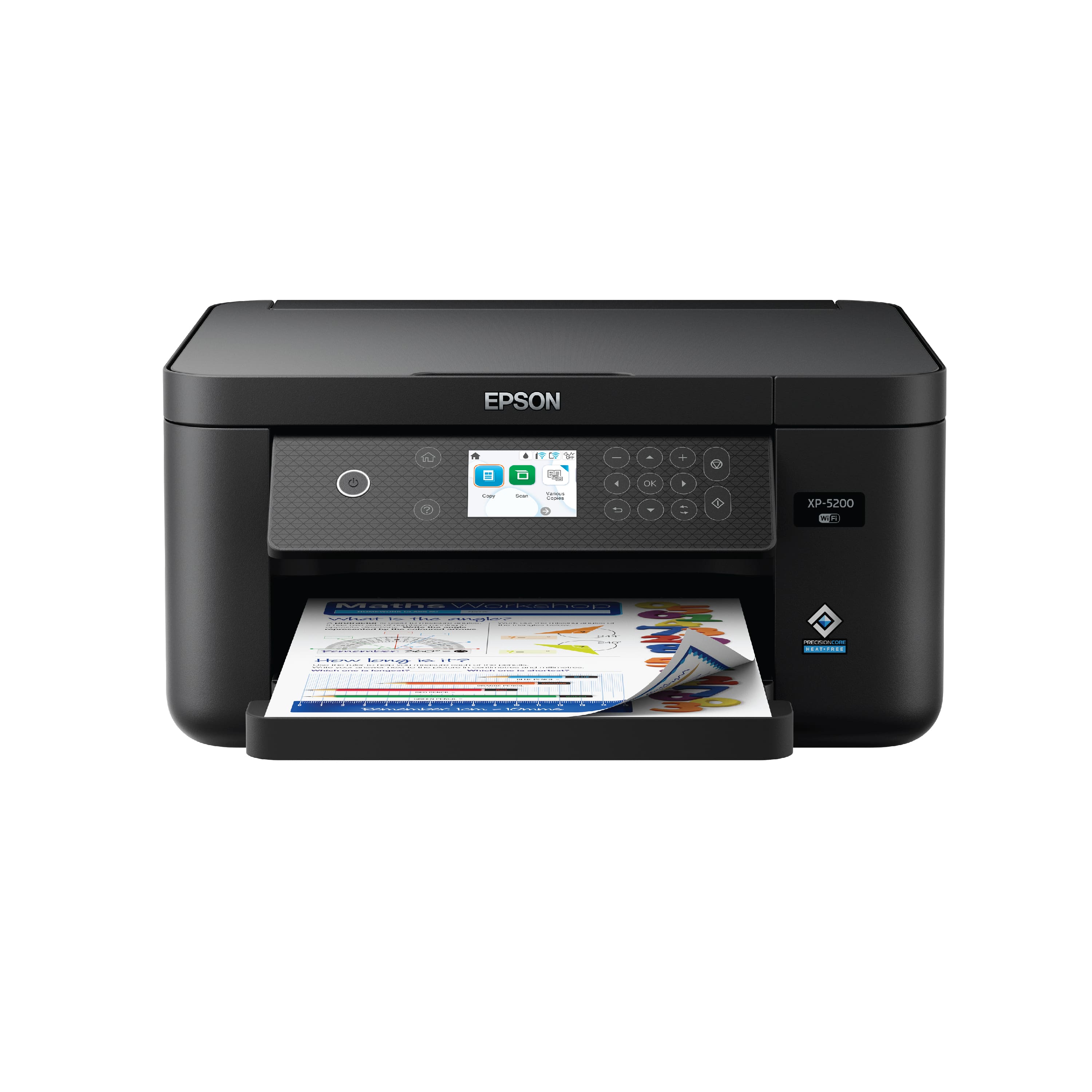
- A:Answer Hello DEPUTYT. Yes, the XP-5200 prints color and can print on card stock. However, the thickest paper we have tested on the machine is Epson Premium Photo Paper Glossy, which weighs 79 lb. For cardstock, we have tested similar Epson paper that weighs around 44 lb. Please be aware that these recommendations are for Epson paper only. You can try a cardstock that falls in that range, but your results can vary when using other brands and heavier paper. Regards, Kevin - The Epson Team
Answered by Epson

Q: QuestionDoes the Epson XP-5200 print Avery Labels?
Asked by Lulgi.
- A:Answer Hello Lulgi. The XP-5200 can print on standard inkjet-compatible label sheets like Epson Photo Quality Self-adhesive Sheets. Please note that we have not tested other third party sticky back paper, so your results will vary. We recommend contacting the manufacturer directly to see if it will work with our printers. Regards, Kevin - The Epson Team.
Answered by Epson

Q: QuestionCan this printer print or scan double sided? Is there a feeder?
Asked by Serious4one.
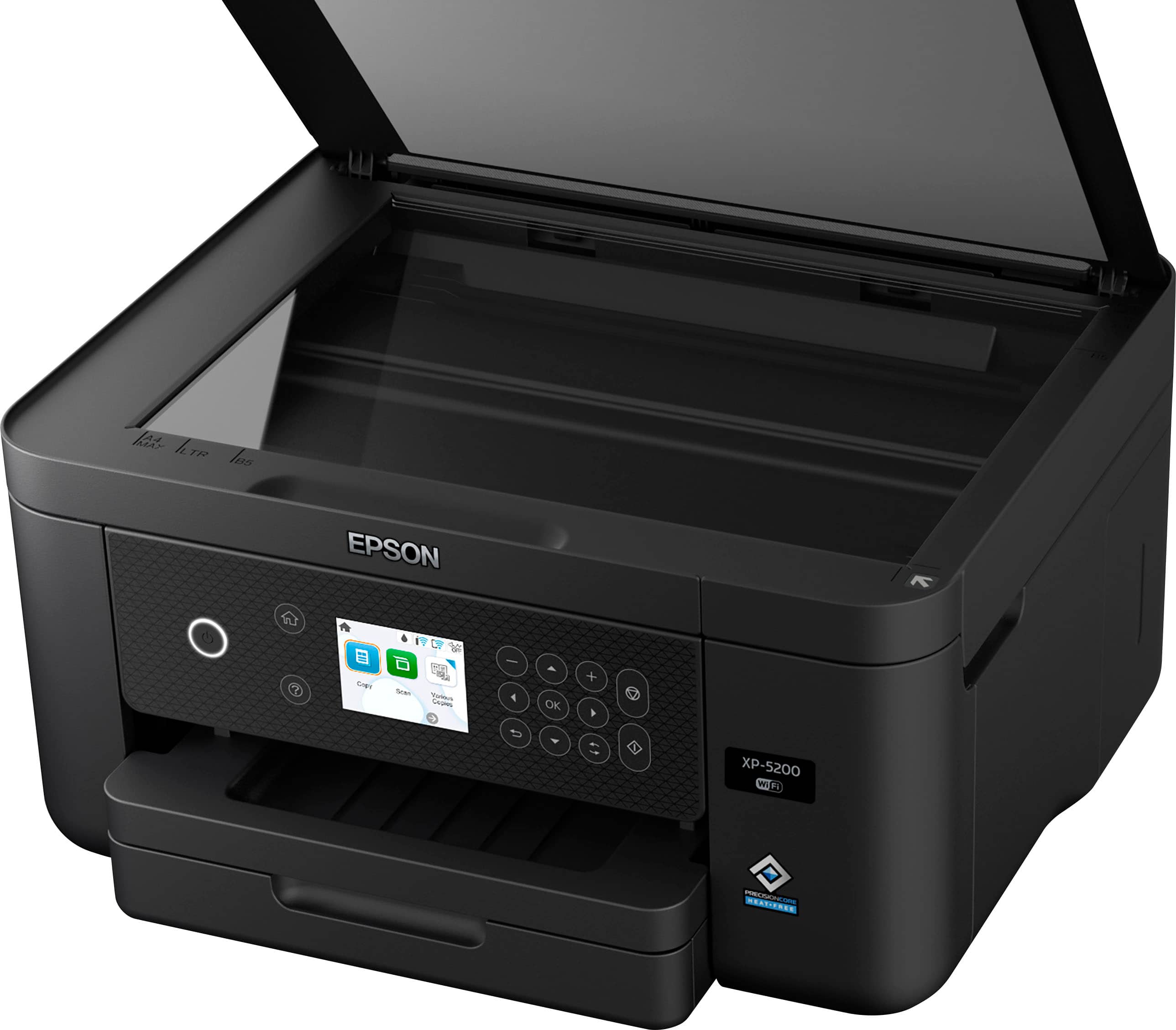
- A:Answer Hello Serious4one. The XP-5200 supports automatic 2-sided printing. However, you would have to flip the page over manually to scan both sides of an original. The printer has a flatbed scanner only and does not include an automatic document feeder. Regards, Kevin - The Epson Team.
Answered by Epson

Q: QuestionCan this printer scan to an email address? What file format is the scan in (ex: PDF, PNG, etc)? Prefer that the scan can be automatically emailed. Don't want to have to use special Epson software or app as a go-between.
Asked by Anonymous.
- A:Answer Hello. The control panel does not have a scan-to-email option. The XP-5200 can scan an original using your computer and attach it to a message in your e-mail program, such as Microsoft Outlook, Mac Mail, Windows Live Mail, and Entourage. As an additional option, you can set up Epson Connect services on the printer, which allows you to print and scan documents using a registered e-mail. Please visit our official Epson Support page for additional information on these options. Regards, Kevin - The Epson Team.
Answered by Epson

Q: Questionhi from nantucket before i order is this compatible with Apple Laptop computer for my Manuscripts? I have a Mac Book AIR?
Asked by islandgal.
- A:Answer Hello debra. Yes, the XP-5200 will work with Apple computers running macOS 10.6 - 14. You can find the latest driver on our official Epson Support page. Regards, Kevin - The Epson Team.
Answered by Epson

Q: QuestionCan I hook my laptop to this printer via wireless ?
Asked by Ewarr.
- A:Answer Yes! I have had no trouble wirelessly connecting my laptop to this printer.
Answered by StarryBrie