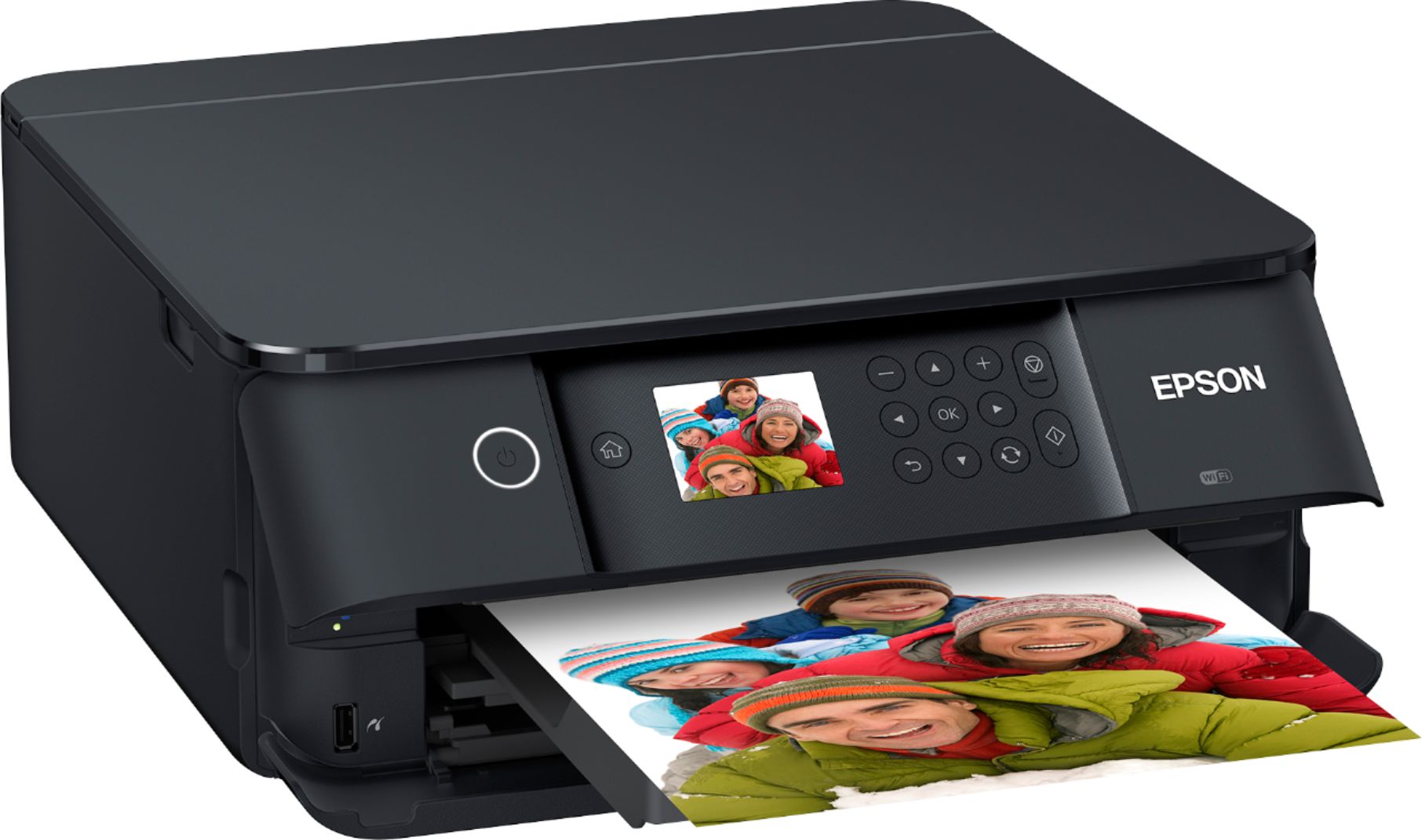
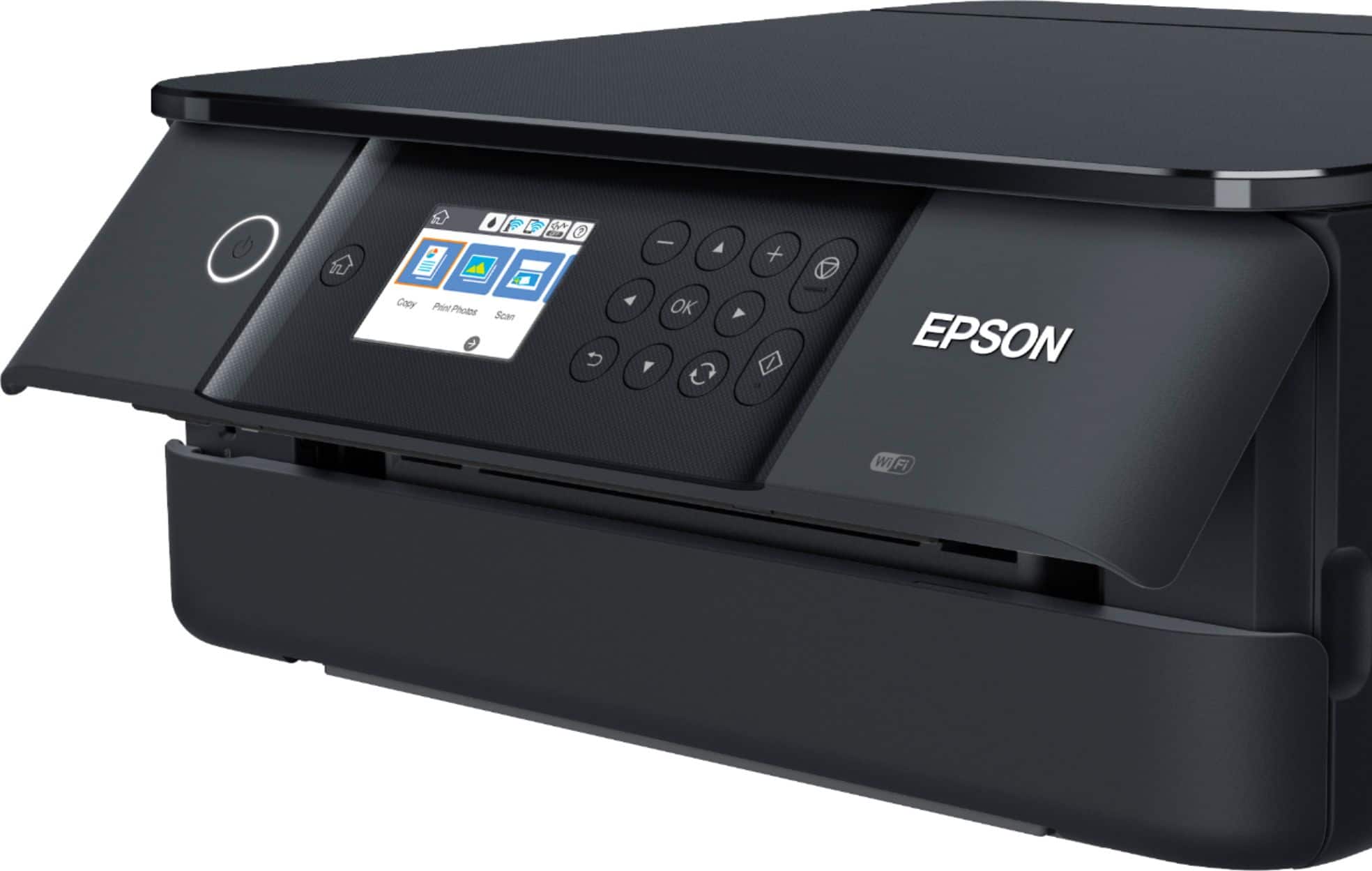
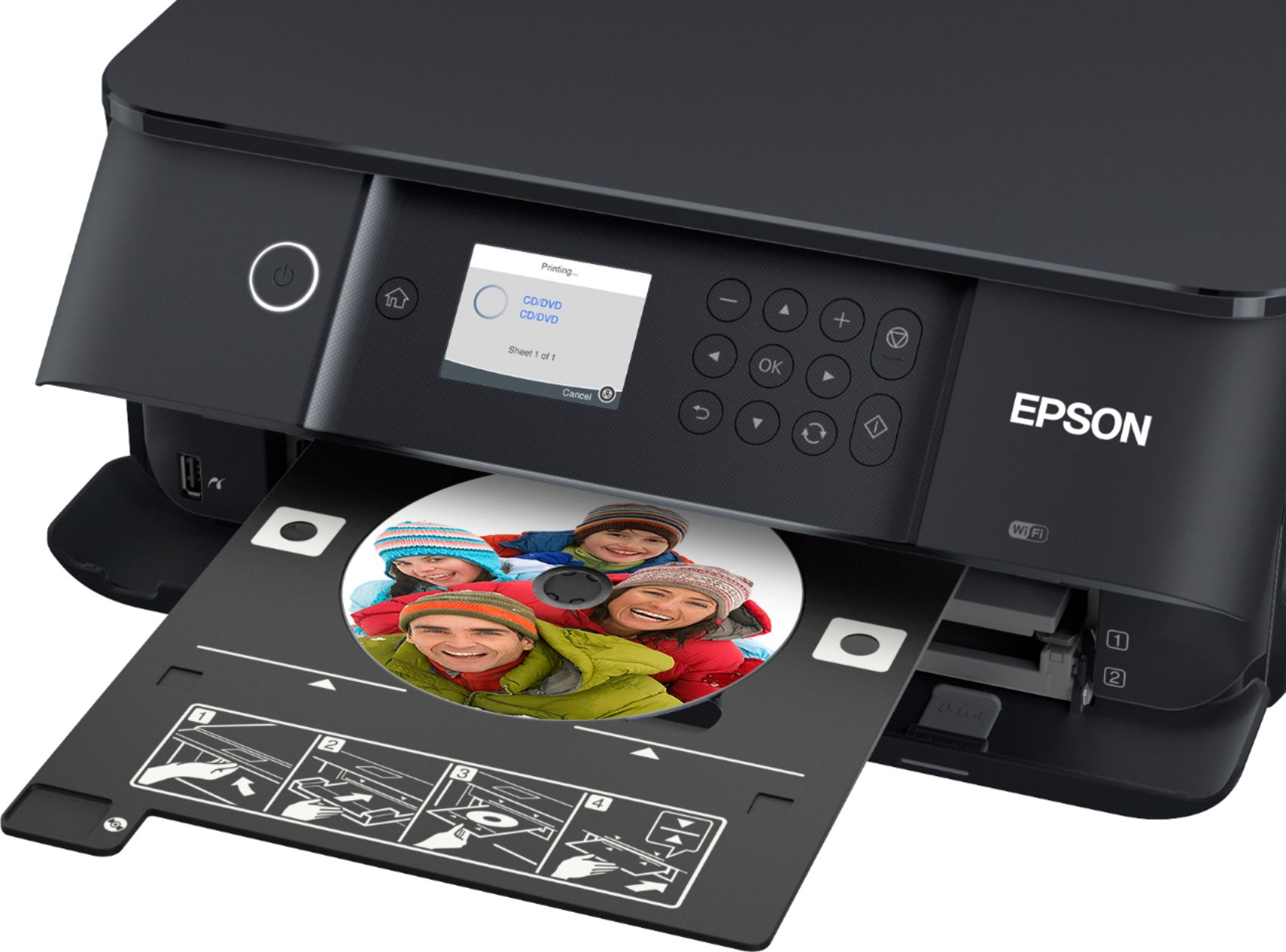
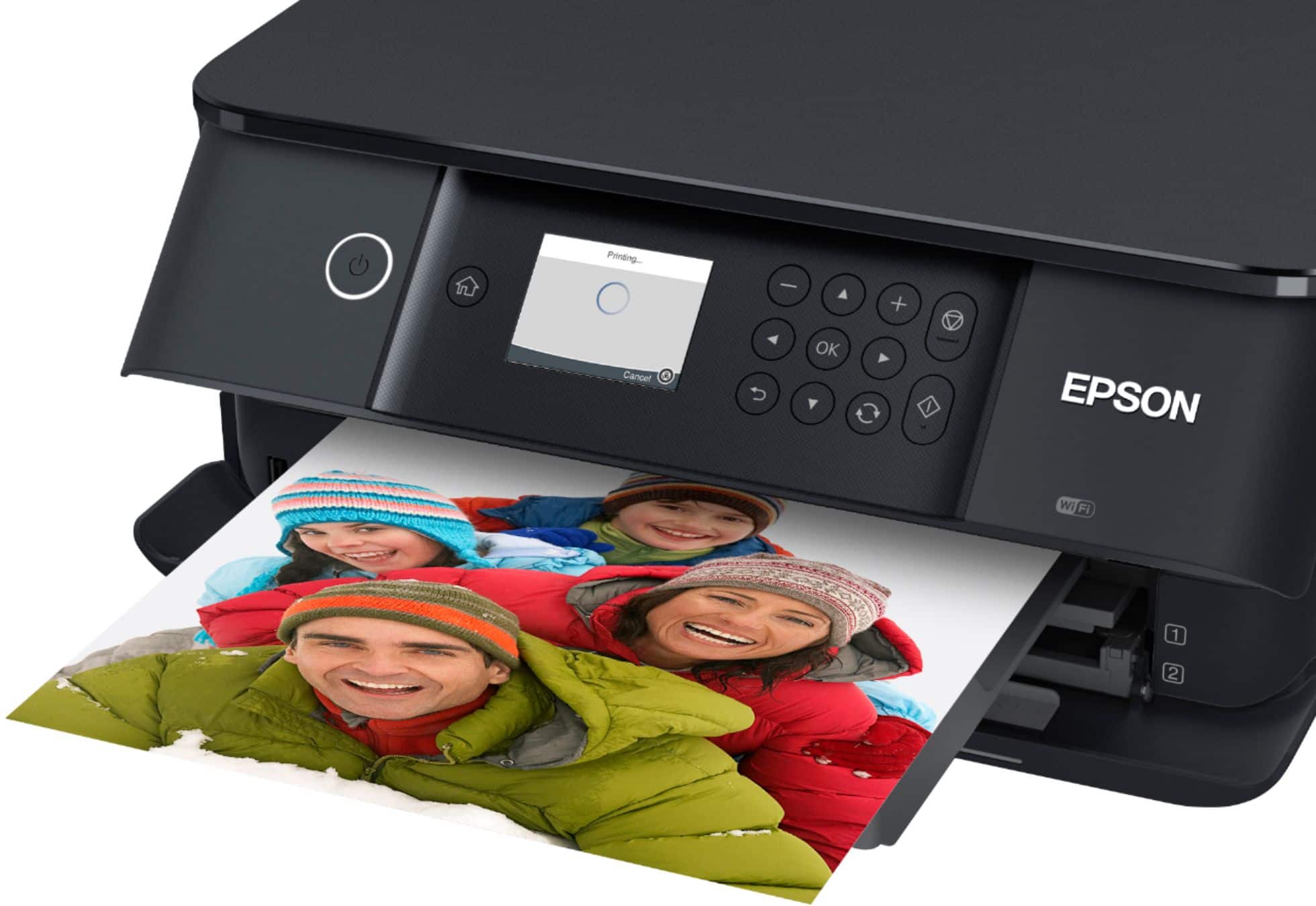
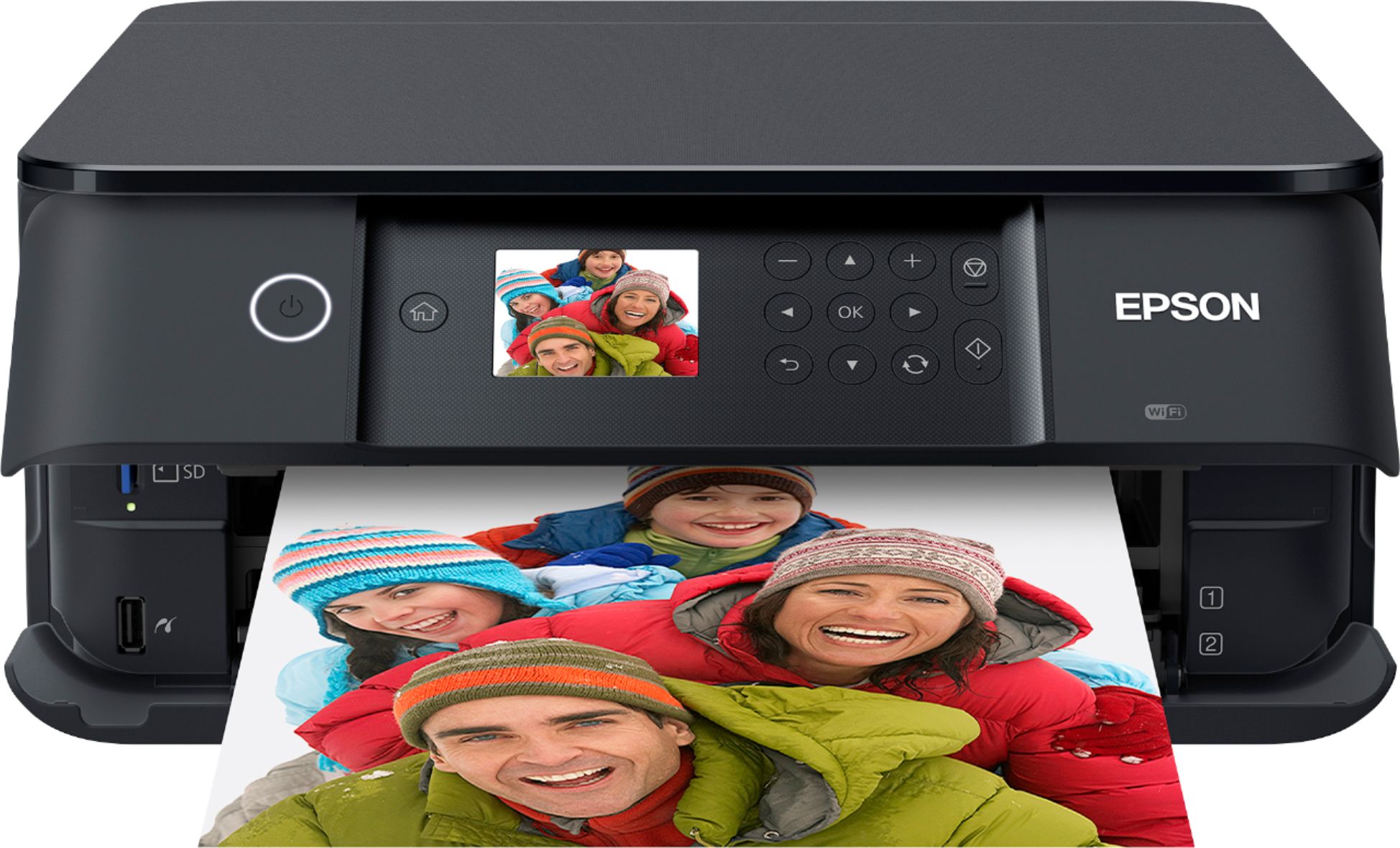
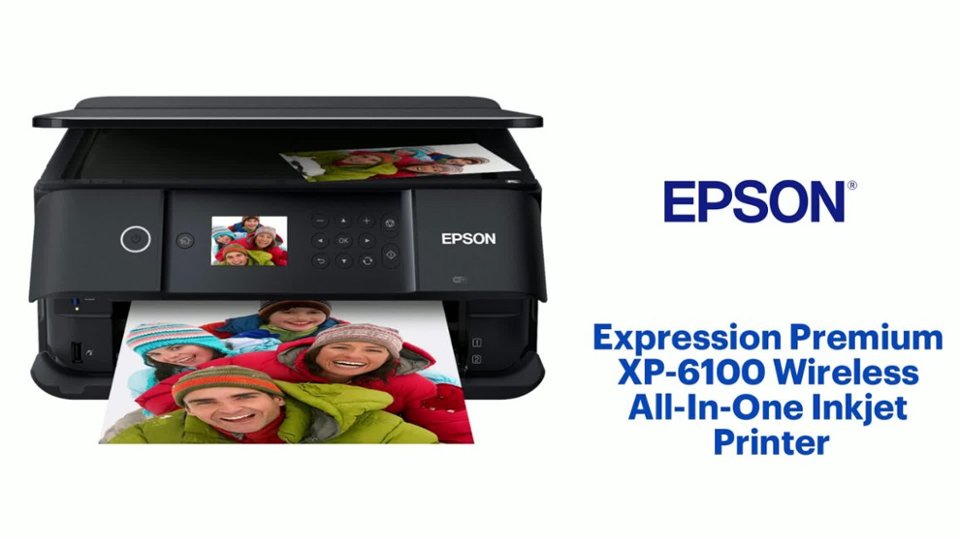
A:AnswerHi, The Expression Premium XP-6100 works with the Windows Operating System, so it should be compatible with your computer. regards, Mark - The Epson Team.
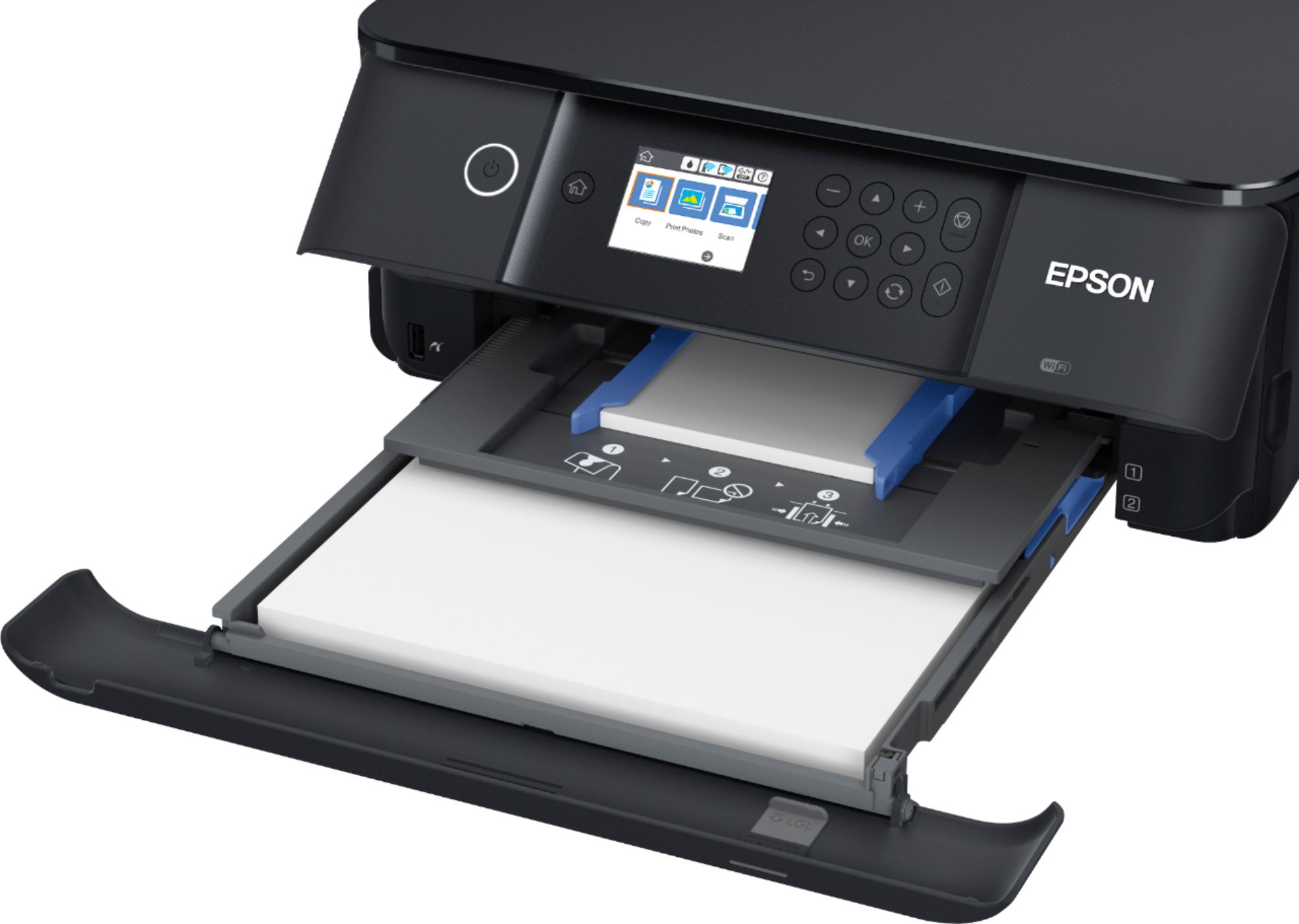
A:AnswerHi Looking, No, the XP-6100 cannot feed 110 lb. card stock. The maximum weight Epson paper specified for the printer is 51 lbs. Regards, Mark - The Epson Team.
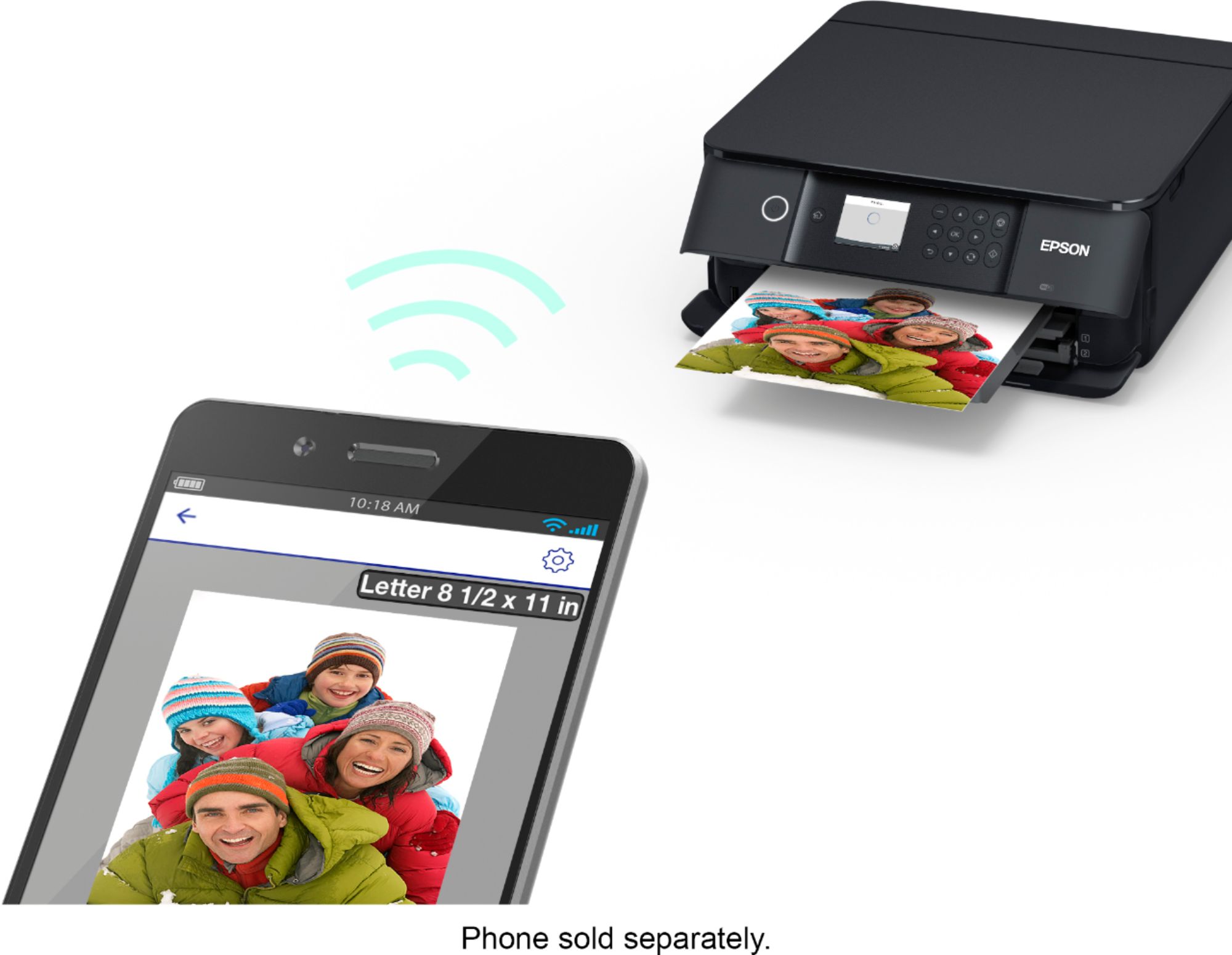
A:AnswerHi Deb, Yes, the XP-6100 is compatible with both Windows and Mac OS X. You can also use smart phones and tablets to print and scan using the Epson's free iPrint app. Regards, Mark - The Epson Team.
A:AnswerHi Claudia, The Expression Premium XP-6100 has a standard USB port for connectivity. It requires a USB 2.0 Type-A to Type-B cable. Regards, Mark - The Epson Team.
A:AnswerHello RichB. There are different reasons you could encounter that error on the XP-6100. Please visit our official Epson Support page to contact our Technical Support team for assistance. Regards, Kevin - The Epson Team.
A:AnswerHi Cindy. Yes, the Epson Expression Premium XP-6100 supports borderless printing on the following paper sizes: 3.5" × 5", 4" × 6", 5" × 7", 8" × 10", A4, Letter, and 16:9 wide (4×7.1 inches or 102×181 mm). For more information, visit the official Epson Support website. Regards, Bobby - The Epson Team.
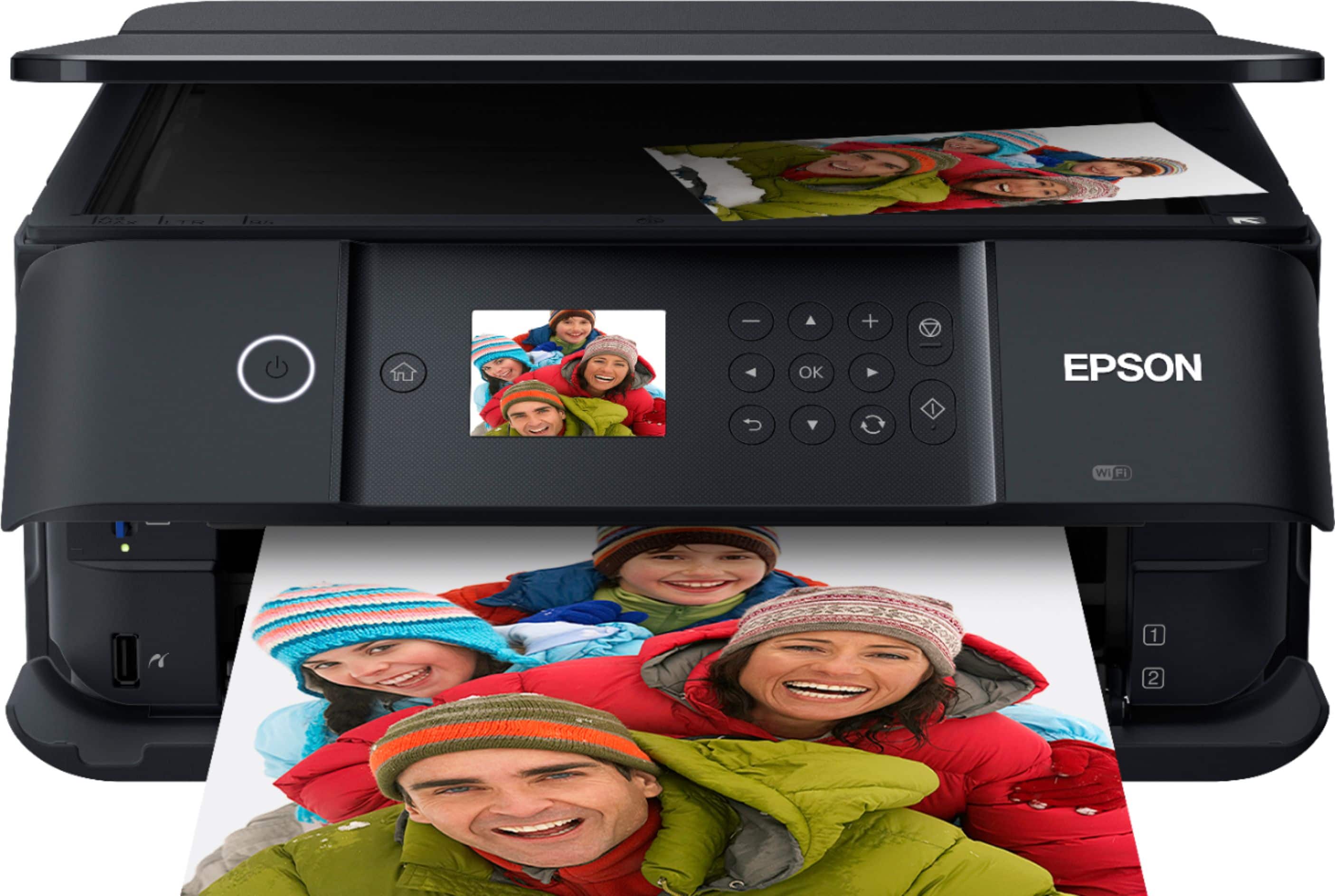
A:AnswerHi KPNVK. Please visit the official Epson Support website for the Expression Premium XP-6100 printer to find more information on compatible media. Regards, Bobby - The Epson Team.
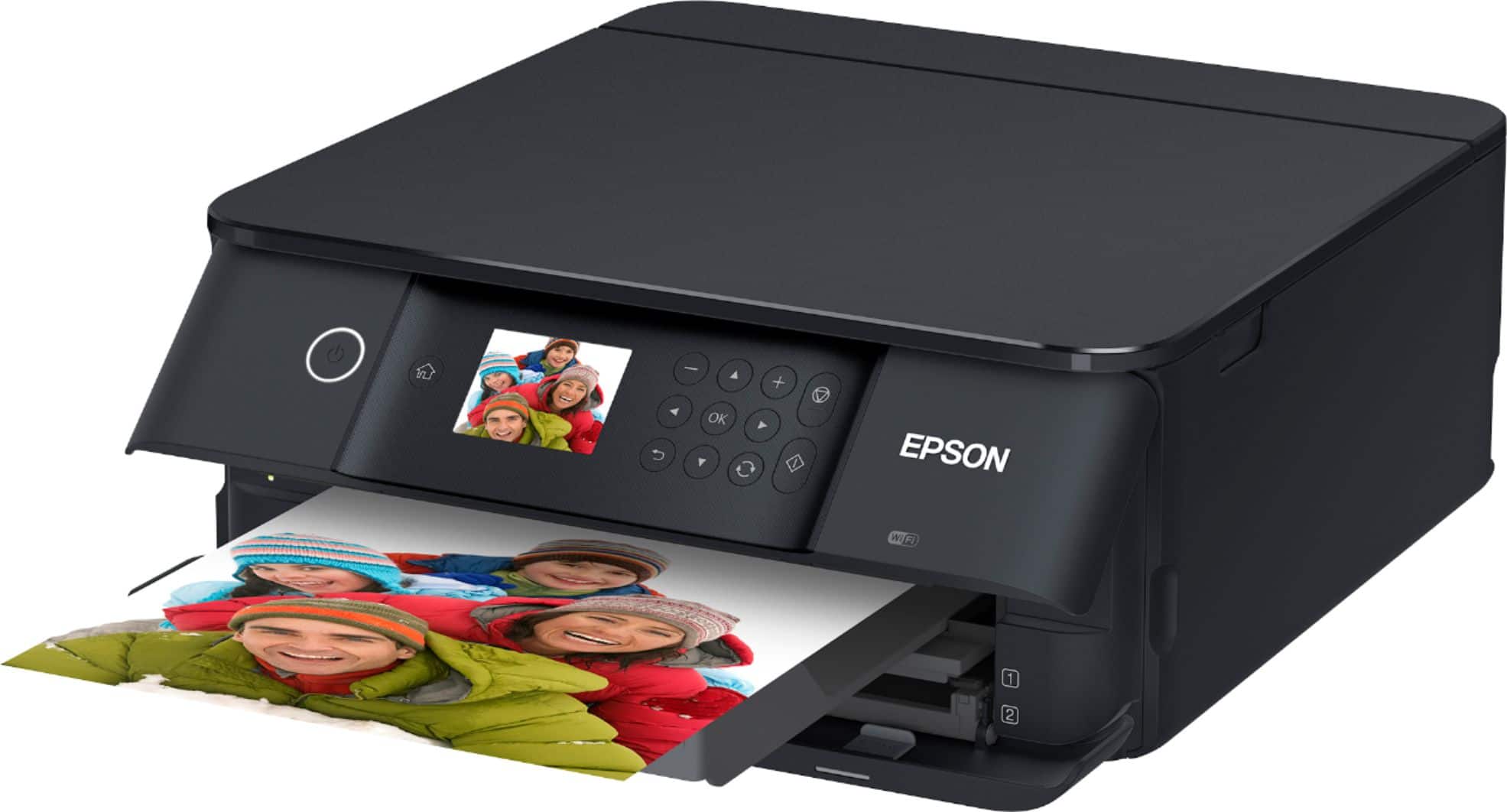
A:AnswerHi Chuck, If you open the front tray cover and lift the control panel of the XP-6100, there is a black cover held in place by a flat head screw on the right-hand side. Removing this screw and cover exposes the maintenance box. Regards, Mark - The Epson Team.
A:AnswerHi RJBR.Try adjusting the Power Off Timer setting to "12h." This will not affect the Sleep Timer setting which allows the printer to go into Sleep mode and turn-off the LCD. For more information or assistance, please visit the official Epson Support website for the Expression Premium XP-6000. Regards, Bobby - The Epson Team.
A:AnswerHello CMENVY. Yes, when a color ink cartridge is expended on the XP-6100, you can temporarily continue printing from your computer using black ink. It is advisable to replace the expended color cartridge as soon as possible for future printing. Regards, Kevin - The Epson Team.