Questions & Answers
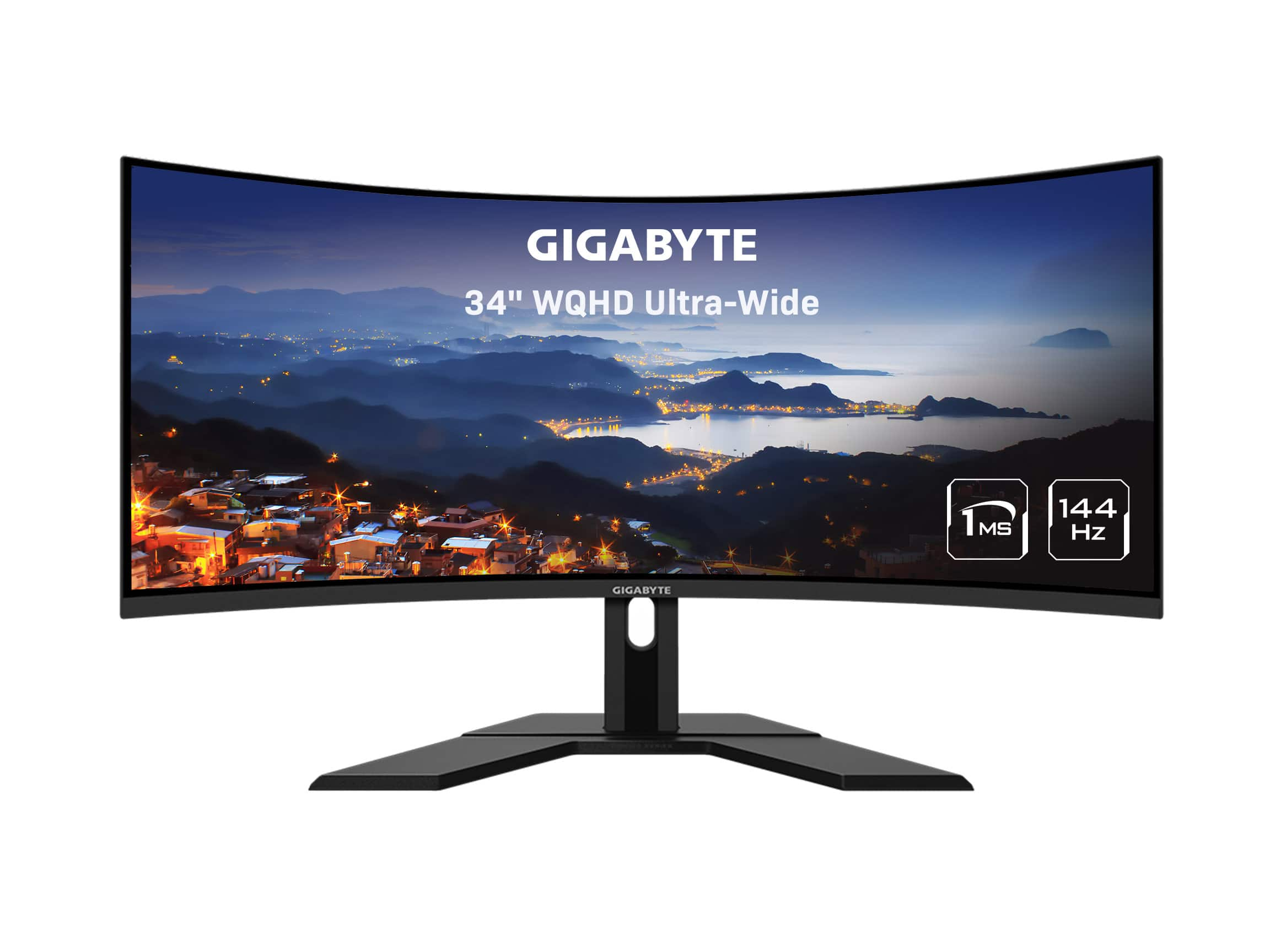
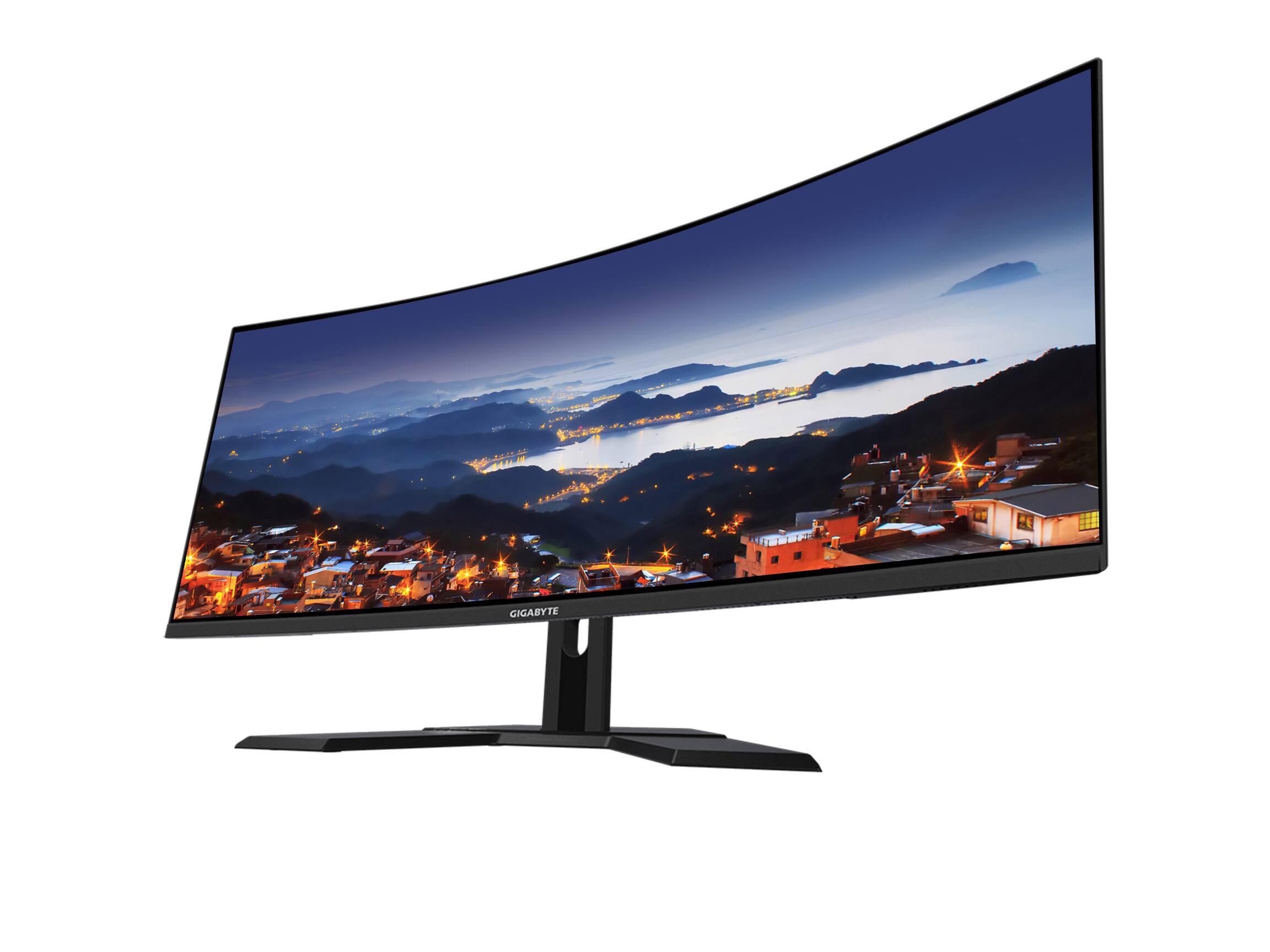
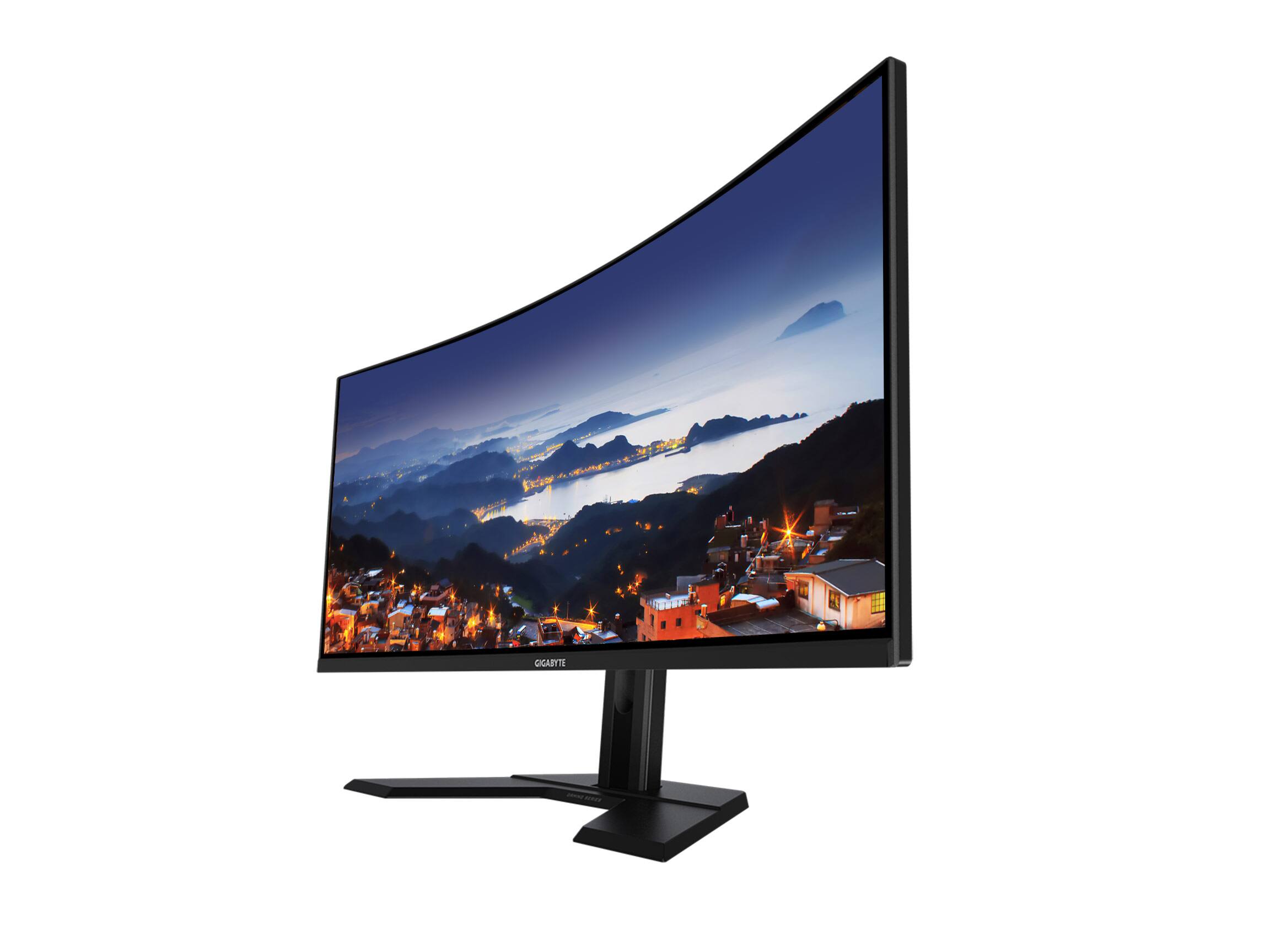
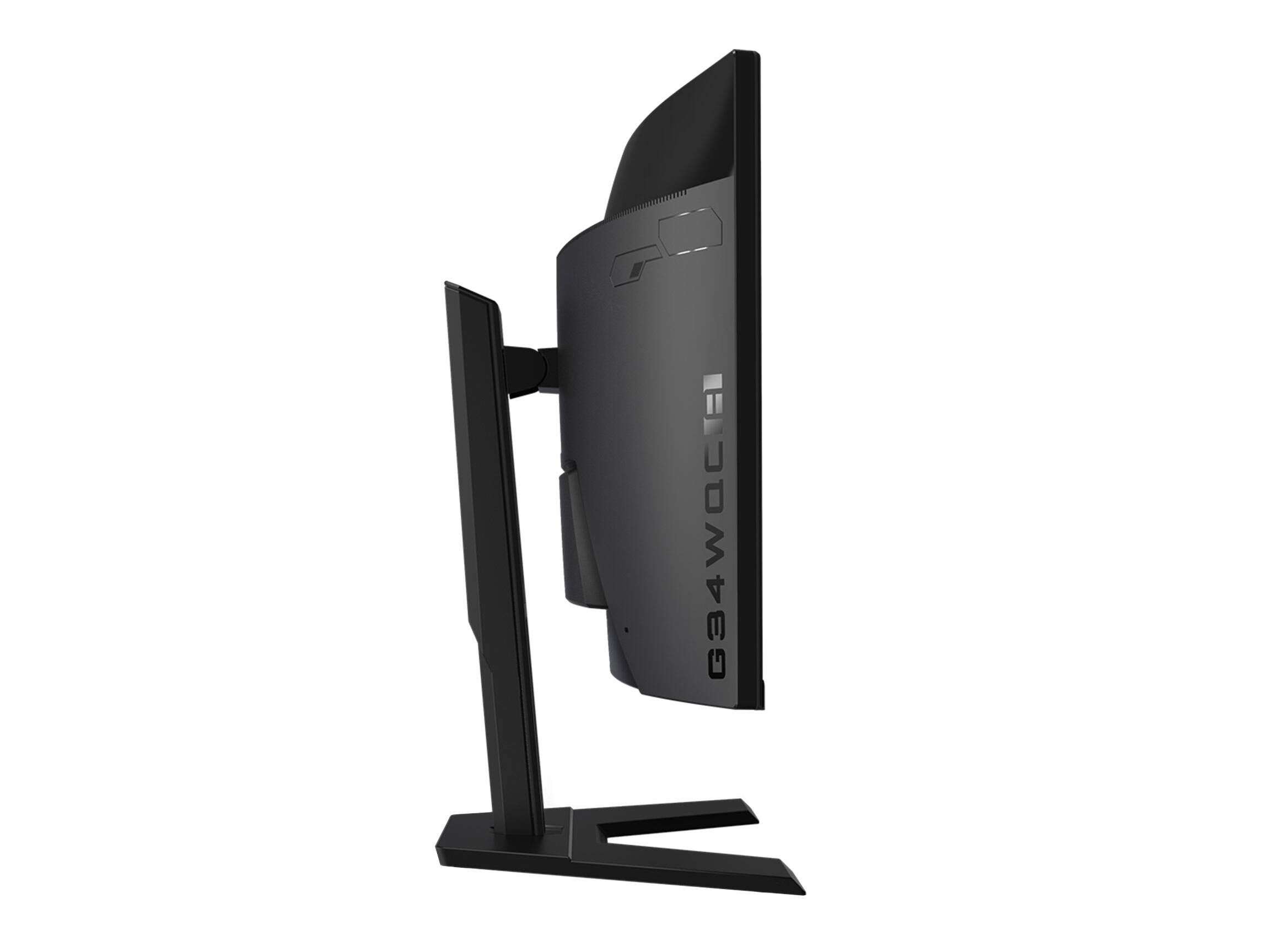
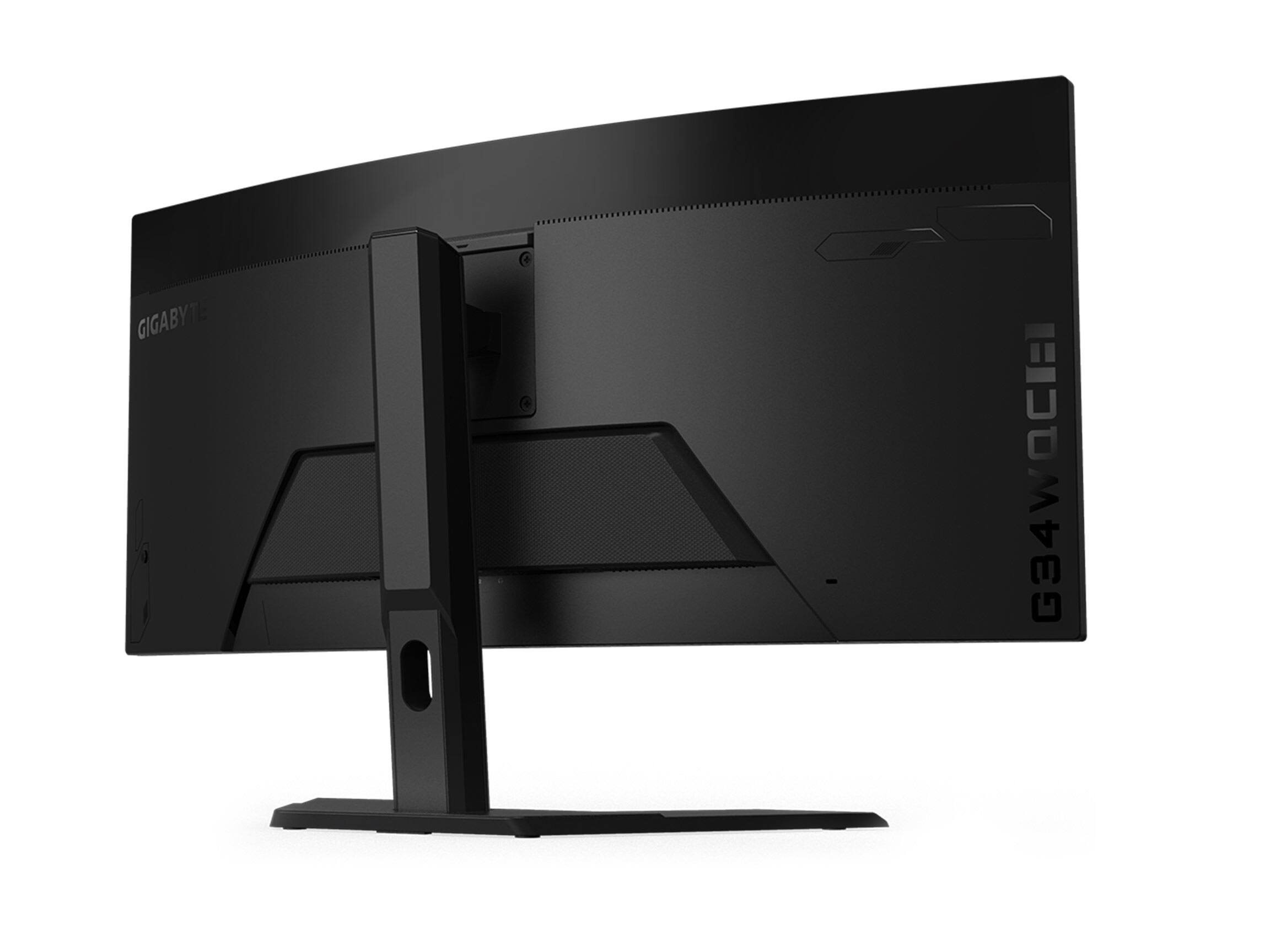
- Model:
- G34WQC A-SA
- SKU:
- 6488585
Page
QuestionDoes this gaming monitor have built-in speakers?
This question and answer was generated by AI based on customer and product data.QuestionCan I tilt this monitor?
This question and answer was generated by AI based on customer and product data.QuestionWhat is the refresh rate of this monitor?
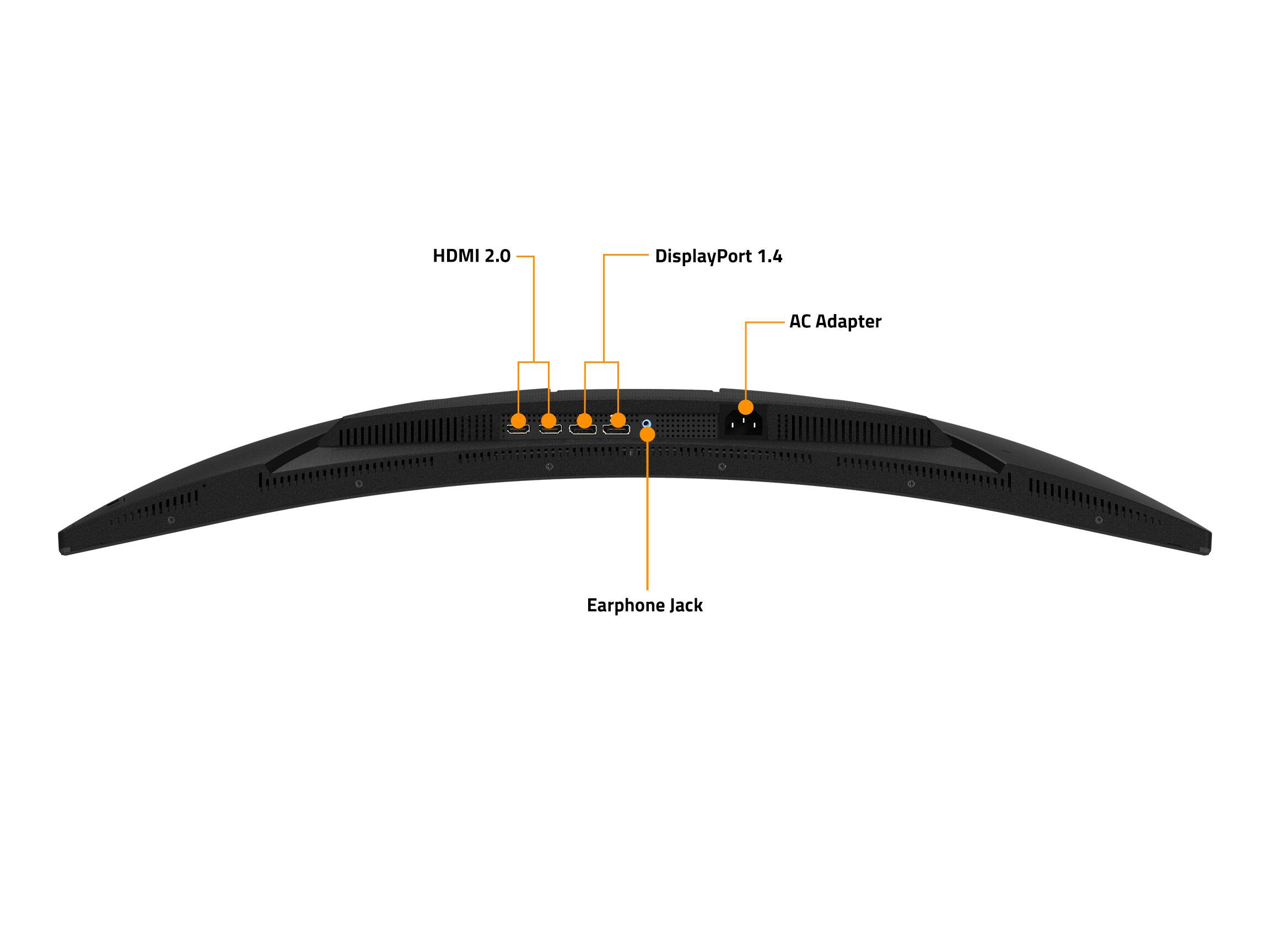
This question and answer was generated by AI based on customer and product data.QuestionAre DisplayPort inputs available on this monitor?
This question and answer was generated by AI based on customer and product data.QuestionIs the screen curved on this monitor?
This question and answer was generated by AI based on customer and product data.QuestionWhat type of panel does this monitor have?
This question and answer was generated by AI based on customer and product data.QuestionDoes this monitor support High Dynamic Range?
This question and answer was generated by AI based on customer and product data.