A:AnswerThey have sales from time to time and and many utilities have rebates for smart thermostats. I am unaware of any two pack sales. I had to buy two for my dual zone system. The money I saved on heating and cooling bills is worth it. Unless you know of a sale coming up, I wouldn't wait.
A:AnswerCall and ask. Amazon has install services available in many areas. I found it very easy to replace my old thermostat myself and you can probably find a video tutorial on YouTube that will cover the process.
A:AnswerI'd just inquire online about the NEST THERMOSTAT. We used a You Tube video to show us how to set it up & that would be very helpful to you, as it explains how to maneuver thru the screens, etc.
A:AnswerNo, You can replace one at a time it will not effect the T stat in any way as they are separate zones. I purchase and installed mine one at a time to make sure I was happy with the product and the cost.
A:AnswerWe lost power for some time during a storm. while we were on vacation,
WiFi reset, but not the Nest. I had to have a neighbor go in and reset Nest to WiFi.
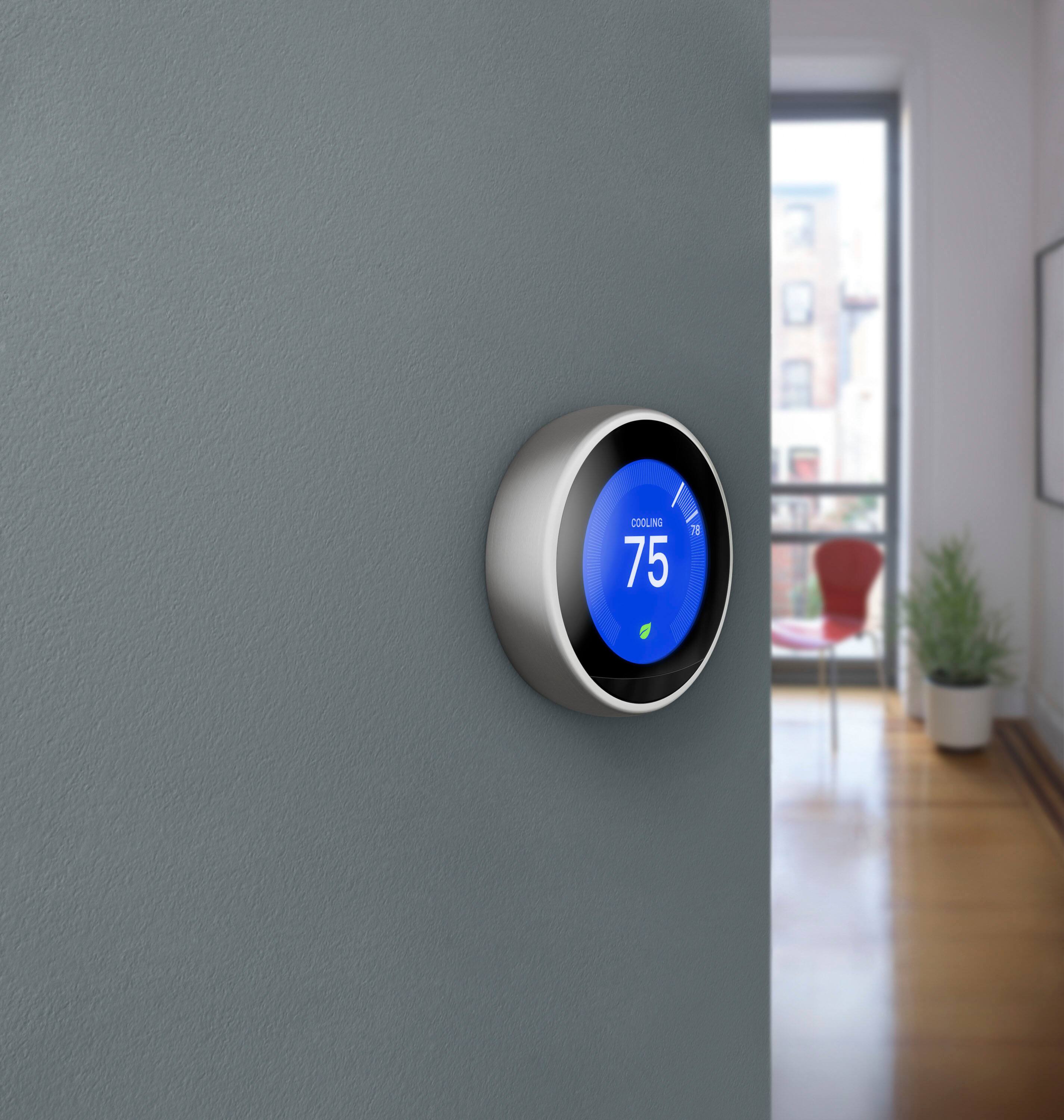
A:AnswerNo, the unit is not always illuminated. It lights up when you walk near and displays the current temp and also when you change the settings. That is all.
As for voltage, I don't know. Set up is EASY though. Depending on your wiring situation, you refer to a chart on a setup up page on line, select the wires your AC has (which are inserted in labeled slots in your existing unit), and then displays the where they are to be inserted in the unit. If you don't have a C wire, you may need a certified installer to wire it.
A:AnswerTheoretically it could work with a 2 wire 24v which is what I have, but my system would not work with it as I have 3 zones and it was too much of a drain. If you have a 1 zone system it may work, just be aware of any clicking or other strange noising from the heating system (you'll notice it pretty quickly after installation) control board.
A:AnswerA lot of things can be happening. First, not sure how familiar your friend is with the thermostat. If you walk near it, the first thing that pops up is the actual temperature, not the setting. If it was a cooler day or evening and he walked by the thermostat, it would initially show the current temp which may have been 75. Also, are you sure you set it to ECO temp setting or just turned it down? If you just turned it down, the timer will take it to the next setting at the next time. Finally, do you have a smart phone App? You can check it, change it any time you want as long as your phone is connected and the Wi-Fi is on at your Florida place.
A:AnswerYou can purchase a separate temperature reader and place it in the room that will take priority and it will adjust the temperature accordingly. If you’re speaking of an apartment style building then I’m not too sure on that. I would contact the Nest support.
A:AnswerYes we have two A/C units and two furnaces. App shows each of our two Nest thermostats separately and can be controlled individually with the app. Bonus, we have been able to optimize energy savings in one zone we don't occupy much during the daytime
A:AnswerJerry - I also have a Verizon Actiontec router and also had all sorts of problems with Wifi signal in my home. After researching online and reading of similar problems people were having I was able to learn how to use an existing Netgear Router I had to basically extend the Actiontec Wifi signal into other Wifi "dark" areas in the home. Now most of my Wifi devices connect to the Netgear signal instead of the Actiontec. The Actiontec is still required to take the raw Verizon signal and convert to a usable signal to the house network but it's located in a remote corner of our basement where the Verizon service enters the house. The Netgear router than connects into that but you must go into the Actiontec settings and setup the Netgear Router to be used as an alternate Wifi hub. The Nest Thermostat connects seamlessly to the Netgear Router which is centrally located in the home. I haven't had any problems with this setup and so glad for the ingenuity of others who posted how to get around the "low performance" of the Actiontec Router that Verizon supplies with their FIOS service. I highly recommend purchasing another more "reputable" router to extend the signal of the Actiontec router. Strucen
A:AnswerGoogle for the best installation video. Then you can see it's about wire availability. Open your current thermostat panel and see the wires and which would Nest control, it's part of the video.
A:AnswerThere are "Nest Pro" people available to help, but I really don't think you need their help.
The nest website and instruction manual is very helpful and easy to follow.
First check whether nest will work with your setup - remove the cover from your existing thermostat and click boxes on the website. You can do that on your phone or iPad.
After that, all you need is a basic toolkit and maybe a power drill.
It took me 30 minutes taking my time and being meticulous to install.
Once Nest is installed, download and setup the Nest app.
Then add your dance instructors to the nest, and the thermostat knows when the they're there and regulates temperature.
You can also schedule or manually adjust temperature from within the app. Independent of where you are. Really n at.
A:AnswerYes, bit do a compatibility test by opening the panel and checking that all wires are usable by Nest. Or call their phone and they will quickly help...
A:AnswerIt can be set to send you an alert if the temp goes below a safety temp. I don't think it will specifically will say "heater broken" but should be enough to let you know something is not right