Black Friday is hereAlso, shop the 24-Hour Flash Sale.Shop now

Skip to content
Gift Ideas
26 Cypress St
Williston, VT 05495
Opens tomorrow at 6 am
Find Another Store
Main Content

Questions & Answers

Your price for this item is $89.99
The comparable value price is $129.99
Page Showing 21-40 of 114 questions
  • QuestionWhat "generation" is this thermostat and is Google going to stop supporting it later this year?

    Asked by JohnM.

    • Answer Hi there, JohnM. This Nest Thermostat is the 1st generation of this iteration. Here’s a link to help identify each thermostat: https://support.google.com/googlenest/answer/9246551?hl=en Regarding continued support: If you have questions or concerns about this, get answers in our Thermostat help center, or ask other Thermostat owners in the Google Nest Community. Contact our support team for personalized assistance if online resources don't resolve your issue: https://support.google.com/googlenest/gethelp

      Answered by Google Nest Support

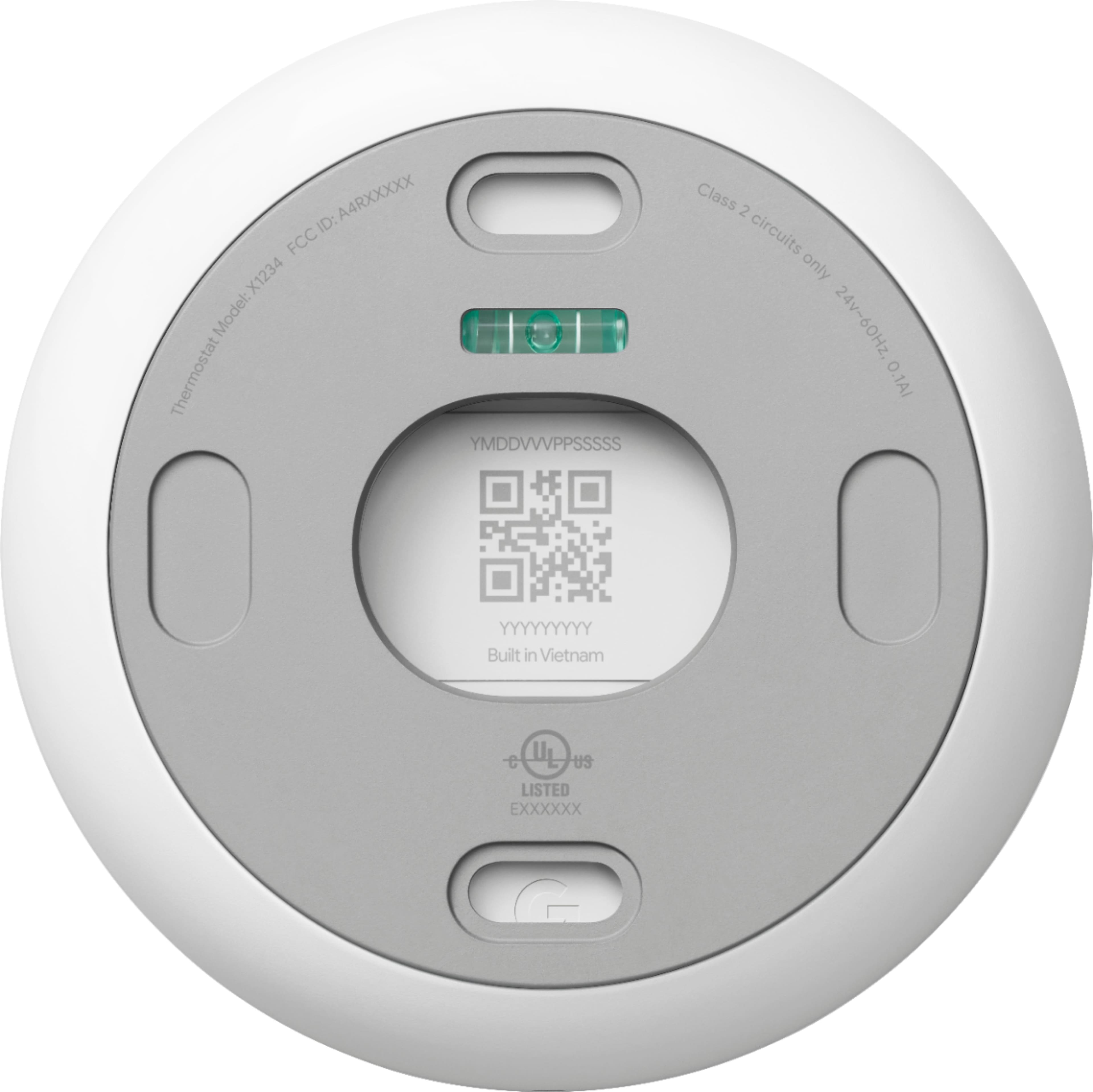
  • QuestionFor heat only are the r and w terminals used

    Asked by Anonymous.

    • Answer Hey there. There’s a few factors to look into regarding specific wiring on the Nest Thermostat. Here’s a link to our compatibility check to ensure you’re getting the best fit: https://store.google.com/intl/en/widget/compatibility/thermostat/ Don’t hesitate to reach out if you need an extra hand: https://support.google.com/googlenest/gethelp?

      Answered by Google Nest Support

  • QuestionWe just purchased a home with the Nest thermostat. What app is needed to control this?

    Asked by FloridaBreeze.

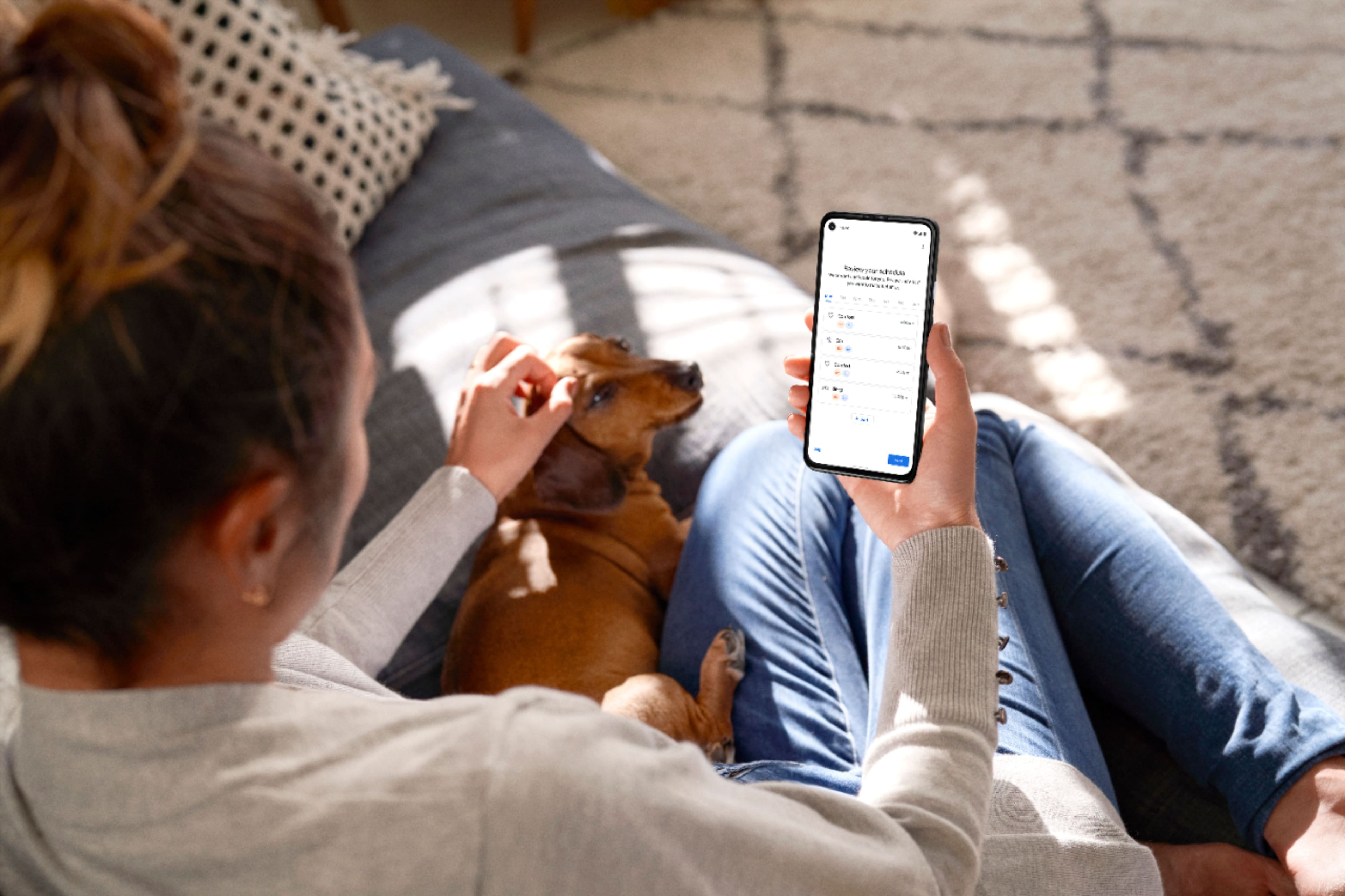
    • Answer Great question, FloridaBreeze. You control the Nest Thermostat using the Google Home app which houses all of your smart devices in one place. Here’s a link with more details and features of the app: https://support.google.com/googlenest/answer/7071794

      Answered by Google Nest Support

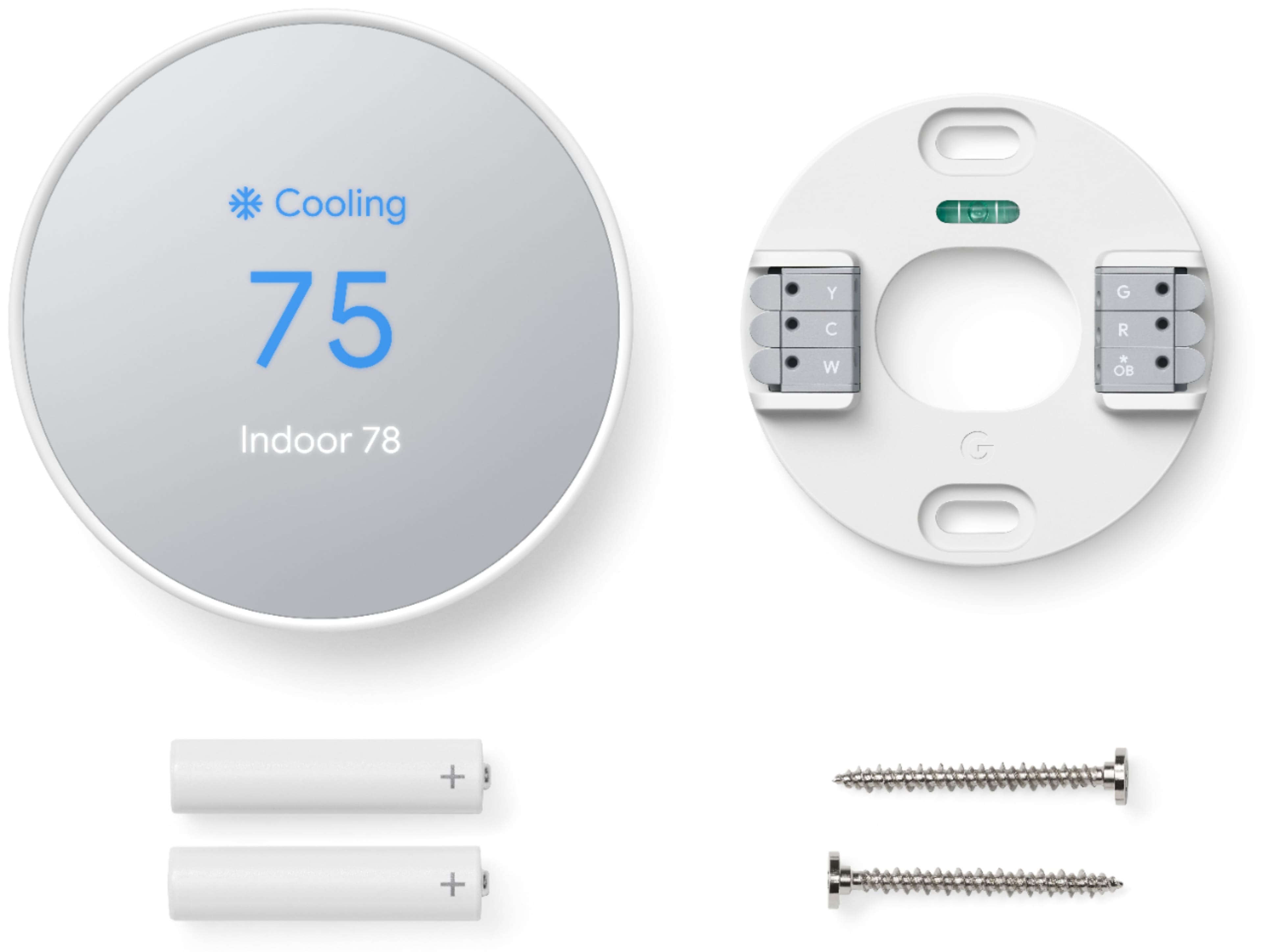
  • QuestionHow do you install?

    Asked by Mike.

    • Answer Hey there, Mike. Here’s the steps to install the Nest Programmable Thermostat: 1. Get your tools ready 2. Download the Google Home app 3. Scan the QR code to add the thermostat in your home 4. Steps to install your thermostat 5. Set up your thermostat 6. Configure your thermostat Here’s a link with more details for each step: https://support.google.com/googlenest/answer/10125150?sjid=6353584055756625057-NC#zippy=

      Answered by Google Nest Support

  • QuestionHow do I reconnect this to my wifi? I just got a notice that it was no longer connected

    Asked by Mimi11.

    • Answer Thanks for reaching out, mimi11. We’d be happy to provide some steps to get your Nest Programmable Thermostat back up and running. To change or configure the Wi-Fi network: 1. Open the Google Home app. 2. Select your thermostat. 3. Go to 'Settings'. 4. Select 'Device information'. 5. Select 'Wifi'. Reach out to us anytime at this link: https://support.google.com/googlenest/gethelp?hl=en

      Answered by Google Nest Support

  • QuestionI read that this thermostat is now compatible with the Apple Home App. Is this true?

    Asked by Raballi74.

    • Answer Hi Raballi74. Yes, the Nest Learning Thermostat 4th Generation is compatible with the Apple Home app. However, it's important to note that the integration is achieved through the Matter protocol, a universal standard for smart home devices. This means you'll need to ensure your HomeKit hub (like an Apple TV or HomePod) and the Nest Thermostat are both updated to the latest firmware to utilize this feature. Once set up, you can control your thermostat, set schedules, and view temperature data directly from the Apple Home app.

      Answered by Google Nest Support

  • QuestionDoes this let you set the temperature for heat and cook at the same time??

    Asked by Scott.

    • Answer Hi there, that option for the same thermostat isn't available. Only if you have 2 different thermostats and 2 different systems.

      Answered by Google Nest Support

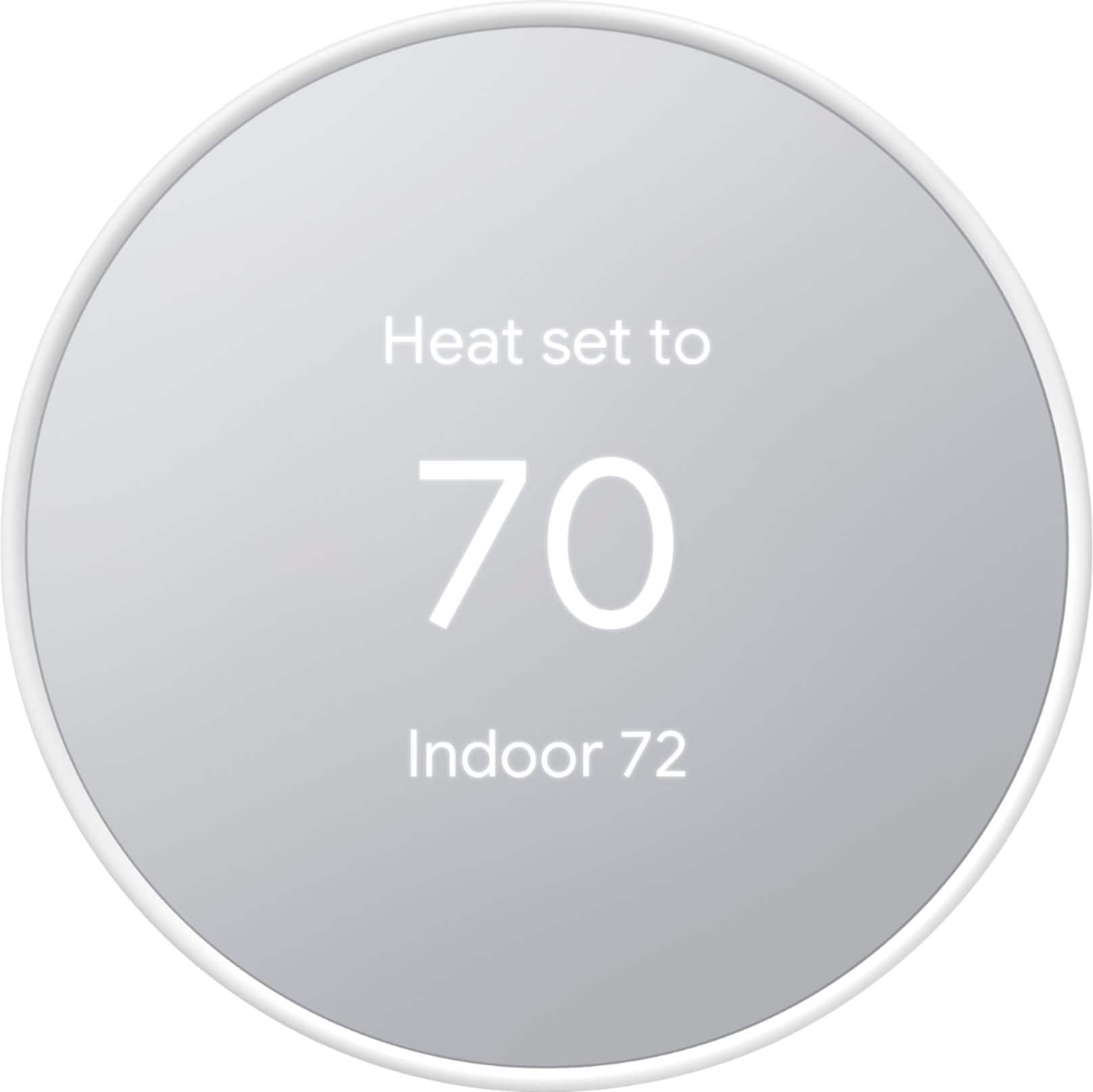
  • QuestionDoes the $99 Nest thermostat work with heat pump units?

    Asked by Petie.

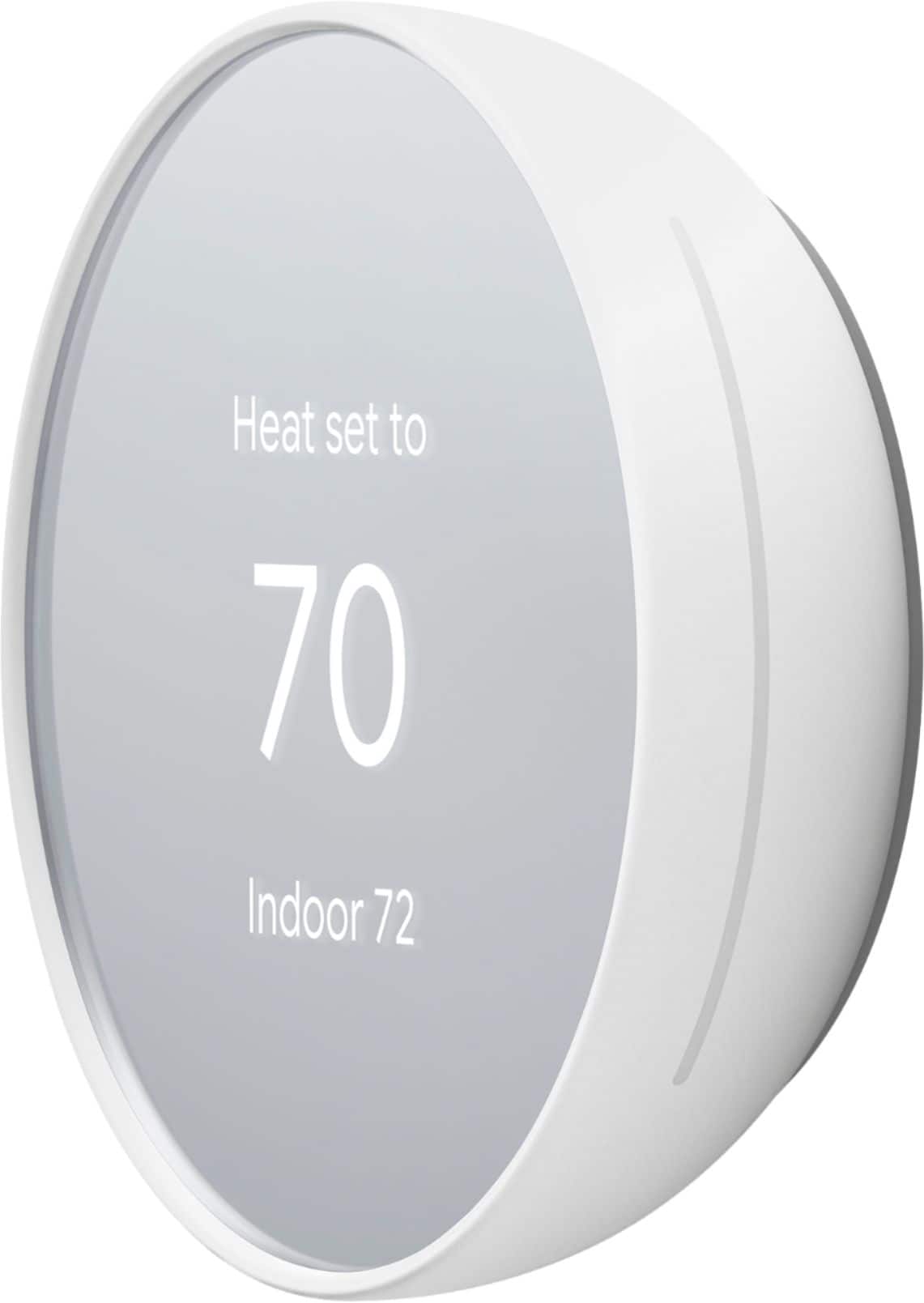
    • Answer Hey there, Petie! Thanks for your inquiry! Nest thermostats are compatible with most 24 V heating systems, including heat pumps. However, there are some exceptions. If you have a system that's heating-only, cooling-only, zone-controlled, or a specific type of heat pump, you might need a C wire or the Nest Power Connector. This C wire is different from other thermostat wires – it doesn't control heating or cooling, but simply provides constant power to your Nest. Want to know more about C wires? Check out this guide: g.co/nest/cwire For comprehensive compatibility information, visit this official Nest resource: https://support.google.com/googlenest/answer/9246656
      Answered by Nest Support

  • QuestionDoes it work with Alexa

    Asked by Q.

    • Answer Hello there, Q. Thank you for your interest in the Nest Thermostat. Yes, the device is also designed to connect and control Amazon’s Alexa home control. One feature it can do is to control the temperature via the voice assistant of the Amazon Alexa. To know more about this, feel free to visit this link: https://support.google.com/googlenest/answer/9325080

      Answered by Nest Support

  • QuestionWill the GA01334-US work with the Trim Kit

    Asked by TrimKit.

    • Answer Hey there! Thanks for your interest! Yes, the Nest Thermostat Trim Kit (oval) is intended for Nest Thermostat only and it’s not compatible with Nest Thermostat E and Nest Learning Thermostat. Visit Google Nest Help page to learn more about the Nest thermostats and technical specifications: https://support.google.com/googlenest/topic/9361775

      Answered by Nest Support

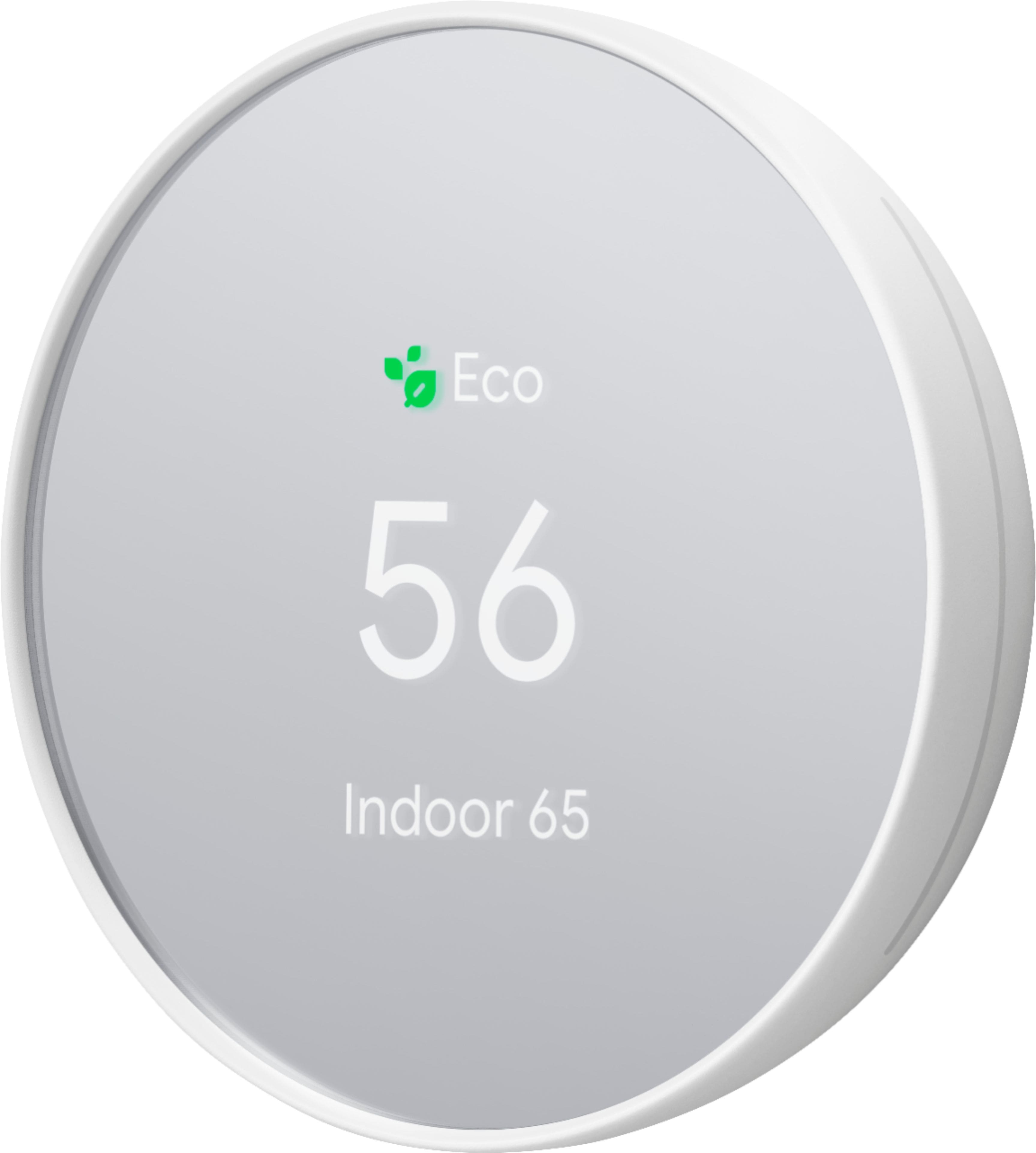
  • QuestionCan I set a temp range with this. Ie turn off at 75° and turn on when reached 70°?

    Asked by Goose.

    • Answer Hello there, Goose. Thanks for your inquiry about the Nest Thermostat. Your Nest Thermostat gives you a temperature range you can select from when you set an Eco Temperature. The Eco Temperature ranges you can choose from are: 40-70°F (4-21°C) for heating mode and 76-90°F (24-32°C) for cooling mode. If you need any help in the future, please don't hesitate to contact us on our Google Help page here: https://support.google.com/googlepixeltablet/gethelp

      Answered by Nest Support

  • QuestionMy thermostat says the battery is low. I thought it was powered by the wires used to install them to the wall. Is this not the case? Do I have to replace the batteries? If I do not what happens?

    Asked by Katrina.

    • Answer Hey there, Katrina. Thank you for your inquiry on Nest Thermostat. The device is designed to use very little power, and in most cases it can use your system’s heating and cooling wires to get enough consistent power. However, if you're not getting enough power from the wires, you may need to connect a common wire(C wire). Please contact our team of specialists so we can assist you further on our Google Help page here: https://support.google.com/googlenest/gethelp

      Answered by Nest Support

  • QuestionWill the nest thermostat on 5ghz wifi

    Asked by Somewhatdisappointedbuyer.

    • Answer Hello there! Thanks for your inquiry about your Nest Thermostat. Yes, the Nest Thermostat is compatible and supports both 2.4GHz and 5GHz networks. If you need any help in the future, please don't hesitate to contact us on our Google Help page here: https://support.google.com/googlenest/gethelp

      Answered by Nest Support

  • QuestionI have older NESTs in my home. They are 2 wired heat only. two are not functioning wHAT CAN i REPLACE THESE WITH

    Asked by ben.

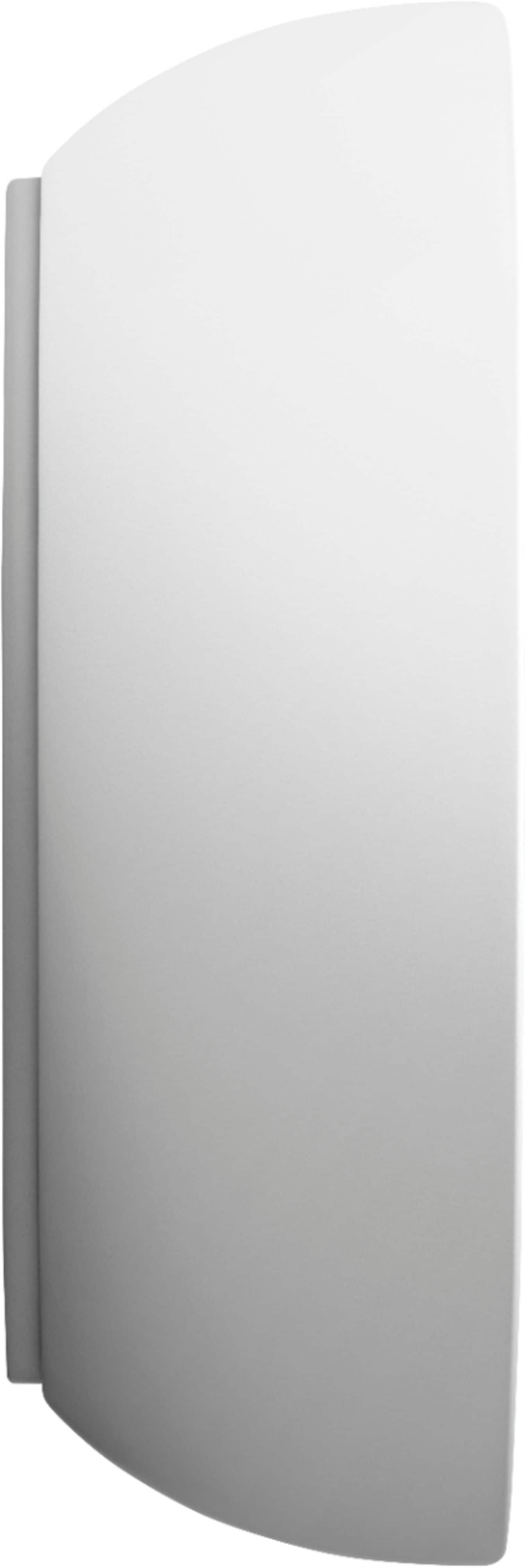
    • Answer Hey there! Thanks for your interest. The Nest thermostats are designed to work with most 24 V systems, including old systems. The brand or model doesn’t matter, you’ll only need to know what type of system you have. You can visit our website to learn more about the Nest Thermostat compatibility, here: https://support.google.com/googlenest/answer/9246656
      Answered by Nest Support

  • QuestionMy current thermostat is connected to W, RH and RC. can I still use this thermostat?

    Asked by Rich.

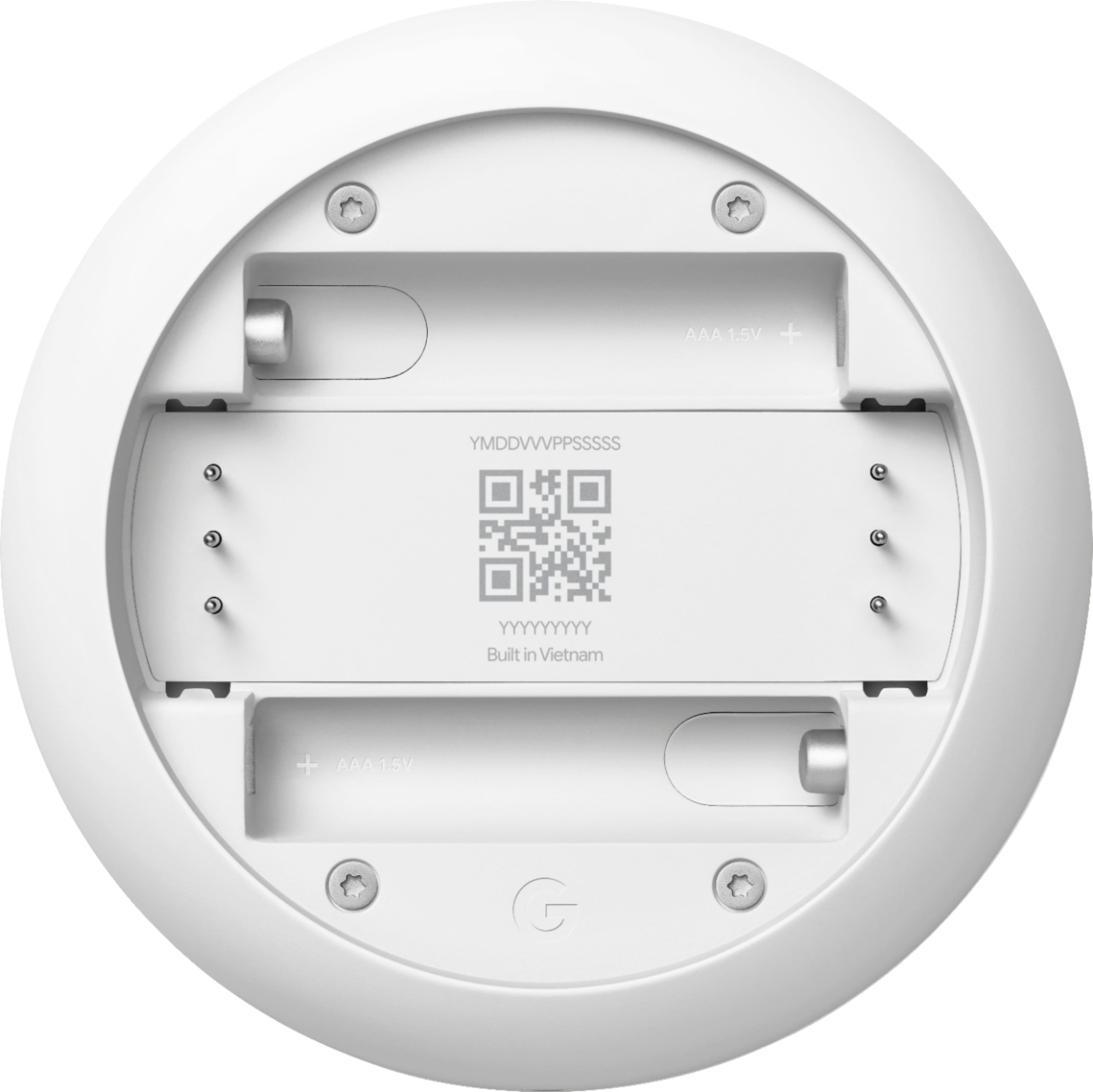
    • Answer Hi there, Rich. The Nest Thermostat works with most 24 Volt heating and cooling systems. However, to ensure the full compatibility of your HVAC system, we recommend checking the wires using the Compatibility Checker tool on this Google Help article: https://support.google.com/googlenest/answer/9246656
      Answered by Nest Support

  • QuestionPlease provide an instruction manual

    Asked by Deep.

    • Answer Hey there, Deep! We're taking this as a feedback and we'd be happy to share this with the right team for future improvements. For other inquiries, feel free to contact us here: https://support.google.com/googlenest/gethelp

      Answered by Nest Support

  • QuestionHow do you set the thermostat so the fan is on all the time

    Asked by Bob.

    • Answer Hi there, Bob. Thanks for your question. You can set your Nest Thermostat fan control with the Google Home App. Here's how: 1. Open the Home app. 2. Tap your device's tile. 3. Tap Settings. 4. Select Schedules and then select Fan. 5. Switch Run every day if you want to set the same fan schedule for all days. Set it off if you want a unique schedule for a particular day. 6. Choose a start and end time with From and To. 7. Set how long you'd like to run your fan per hour. You can choose 15, 30, 45 minutes of run time, or select 60 minutes to run your fan for the whole hour. If you need further assistance or have additional questions, please don't hesitate to contact us on our Google Help page here: https://support.google.com/googlenest

      Answered by Nest Support

  • QuestionCan this be connected using two wires? I have electric baseboard heat. My old 1970's Honeywell has no "c" wire. It looks like it has 2 wires to the thermostat, which connect to some sort of relay in the ceiling. Pictures attached. Thank You!

    Asked by SCVSteven.

    • Answer U should use relay and transformer from 220 to 24 ac

      Answered by Anonymous

  • QuestionWhat will happen to my Nest thermostat if it is without wifi for a few weeks?

    Asked by DHS29.

    • Answer Your nest is still useable and can change to AC to heat without any problems just you have to adjust it manually on the nest not on the app

      Answered by KevenL

  • QuestionMy Nest thermostat is wired correctly and works fine even without the battery installed. Why do I have to replace batteries every few months? Can anyone resolve this? Note: Licensed professionals installed the entire system in mid-2020.

    Asked by Niranjan.

    • Answer I have the same issue, I installed it. I thought it was something I messed up. I even checked the wires at the furnace as suggested, everything is correct. Brian

      Answered by BrianW