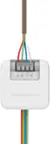
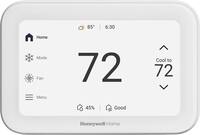
A:AnswerHi PattieG, the thermostat should be relatively easy to install however if you're not comfortable with this we recommend reaching out to a professional contractor for installation. -Jim
A:AnswerHi, this thermostat is low voltage. We would recommend reaching out to a professional contractor for this since its high voltage. They would then reach out to our support team on Facebook/Twitter with a private message. We look forward to hearing from you soon. -Jim
A:AnswerHi Price, this thermostat is compatible with 2Heat/1Cool Heat Pump system if your second stage of heat is electric. If you have gas/oil backup you will need to make sure that you have a fossil fuel kit. - Maria
A:AnswerHi Ann, we'd be happy to look into this for you. When you have a moment, please reach out to us at 1-800-633-3991, or through Twitter and Facebook under Honeywell Home. -Jerry
A:AnswerAloha,
We had the same question after Geeksquad installed it.. They said it does not require battery because it is operated directly through the main circuit breaker.
Hope this is helpful..
- Rose
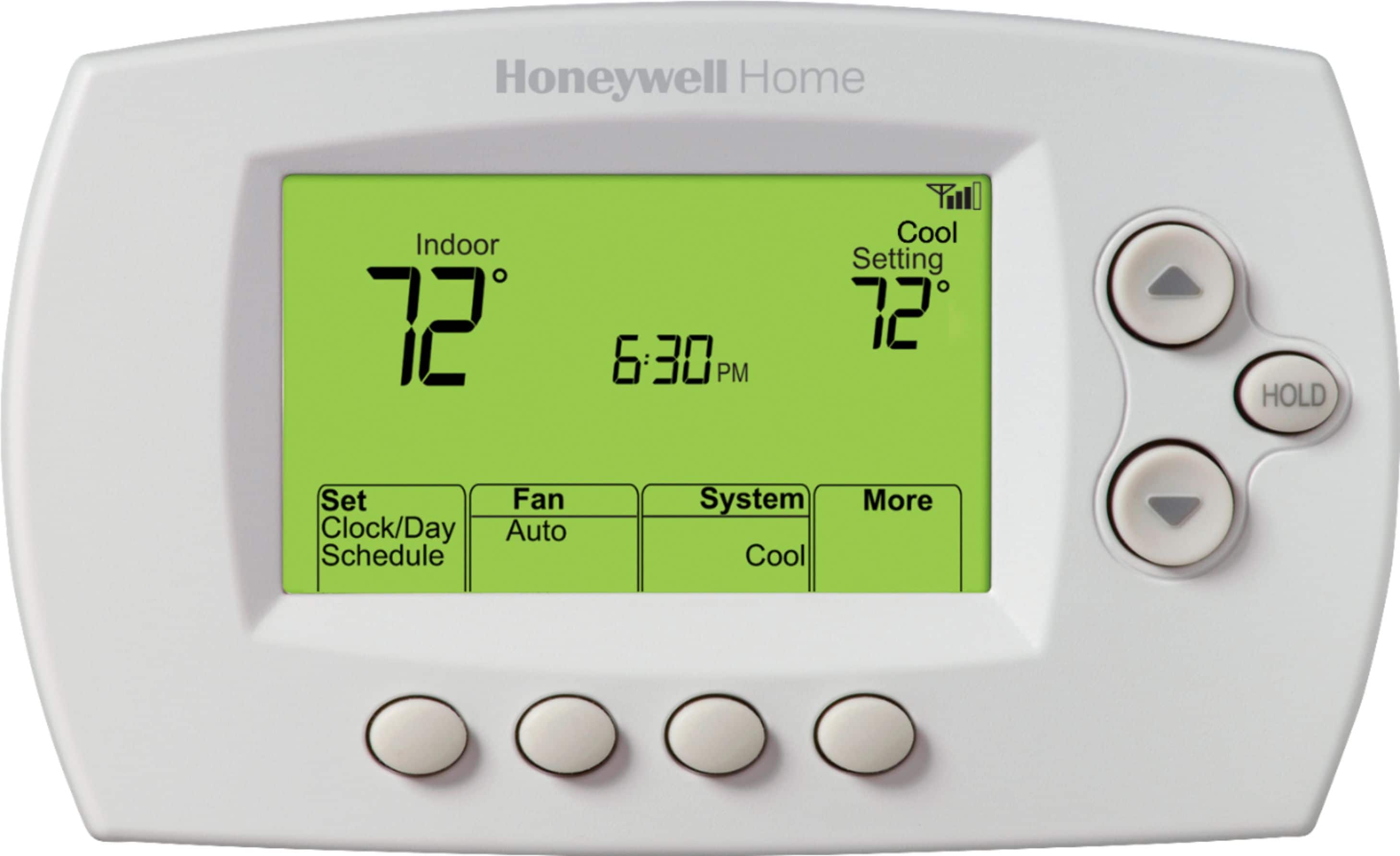
A:AnswerYou can set a temporary hold by pressing the up or down arrow and this new setpoint will hold until the next scheduled period. You can set a preeminent hold by pressing the hold button after adjust the setpoint. -Joey
A:AnswerHi Mike, this is something you should not expect. Our tech support team is available 7 days a week, send us a message on Facebook/Twitter to troubleshoot. We look forward to hearing from you soon.— Charlie
A:AnswerSocial
Hi Steve, this thermostat will automatically take the time and date from Internet once it is connected to Wi-Fi and registered under your account on the MyTCC website https://mytotalconnectcomfort.com/portal/ Verify that the location on the website has the correct address and time zone. - Maria
A:AnswerThis will depend on the system type. This model is compatible with Gas, oil or electric heating with central air conditioning and heat pump applications with backup electric heating. Up to 2 stages of heating and 2 stages of cooling. You'll want to confirm you also have a C-wire available. -Joey
A:AnswerYou may be enrolled in an energy program with your utility company. You'll want to get in touch with the utility company to cancel this service. -Joey
A:AnswerHi Howie, we will be happy to help you finding a replacement for your thermostat. We need to know how many total wires you have and which terminals are being used on your current thermostat. You can contact our tech support team at (800) 633-3991 or on social media. - Maria
A:AnswerHi Pat, if you're referring to the scheduling feature, you'll want to put the thermostat on a permanent hold by pressing the hold button. Here is the link to the thermostats installer menu: https://customer.resideo.com/resources/techlit/TechLitDocuments/33-00000s/33-00130ES.pdf. Please refer to page 15 on how to put the thermostat on a permanent hold. -Jim
A:AnswerHi, thank you for reaching out with the question. The RTH6580WF will need a C wire for power. Please reach out to our support team via Facebook/Twitter with a private message f you have any further questions. We look forward to hearing from you soon. -Jim
A:AnswerYou shouldn't have any issues using this model as a replacement. This model does require a C-wire for power, you can check if your current unit has this by confirming a wire is connected to the c terminal. -Joey