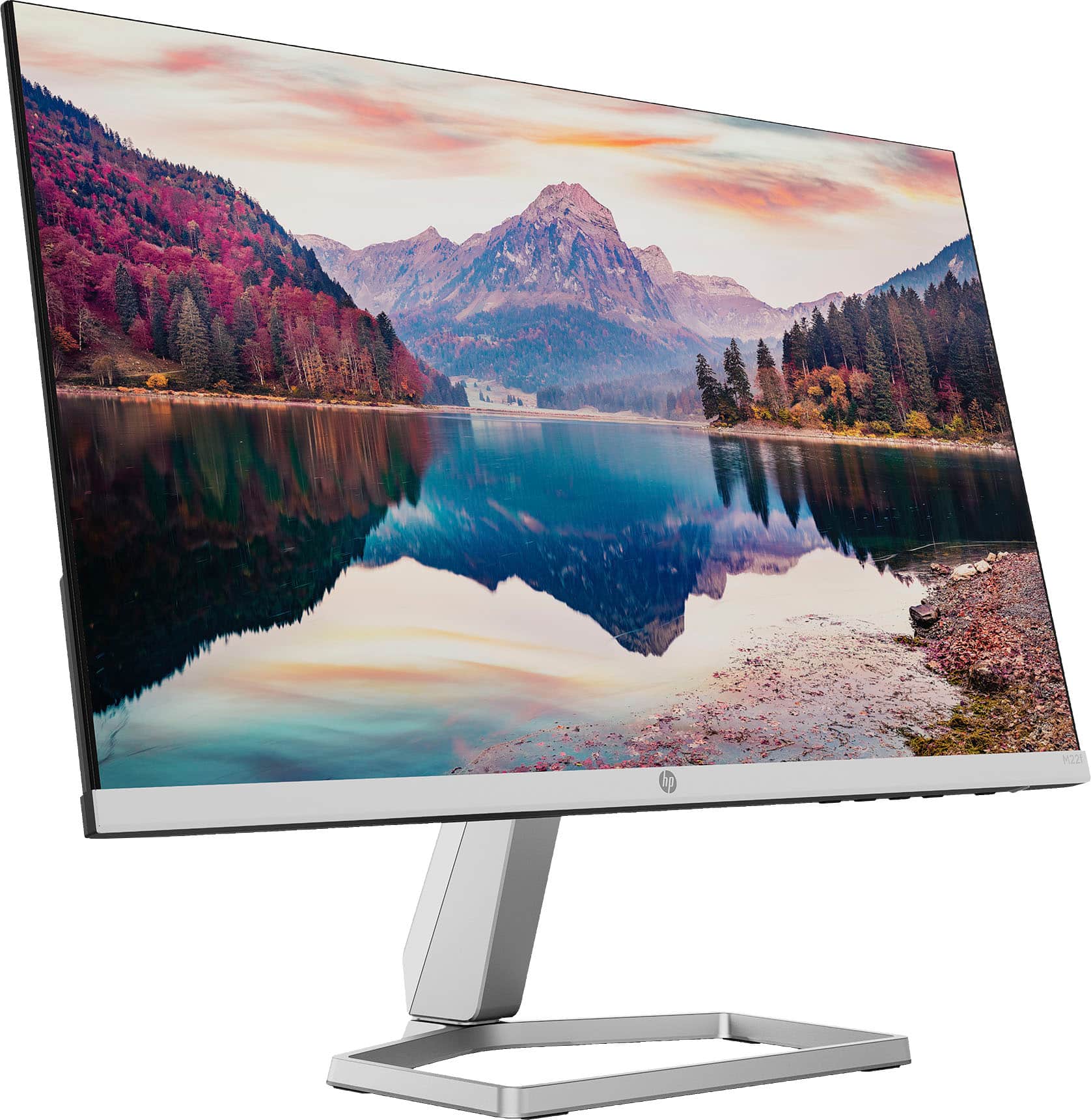
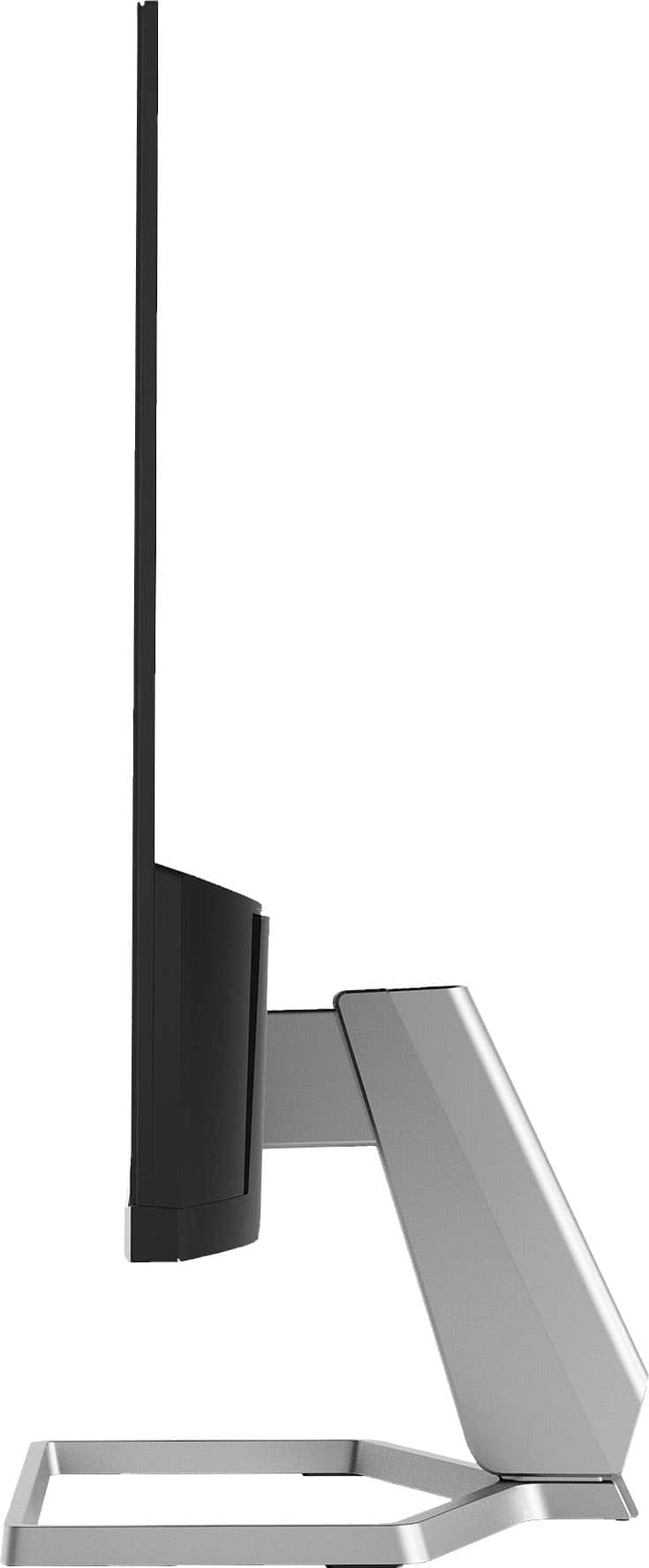
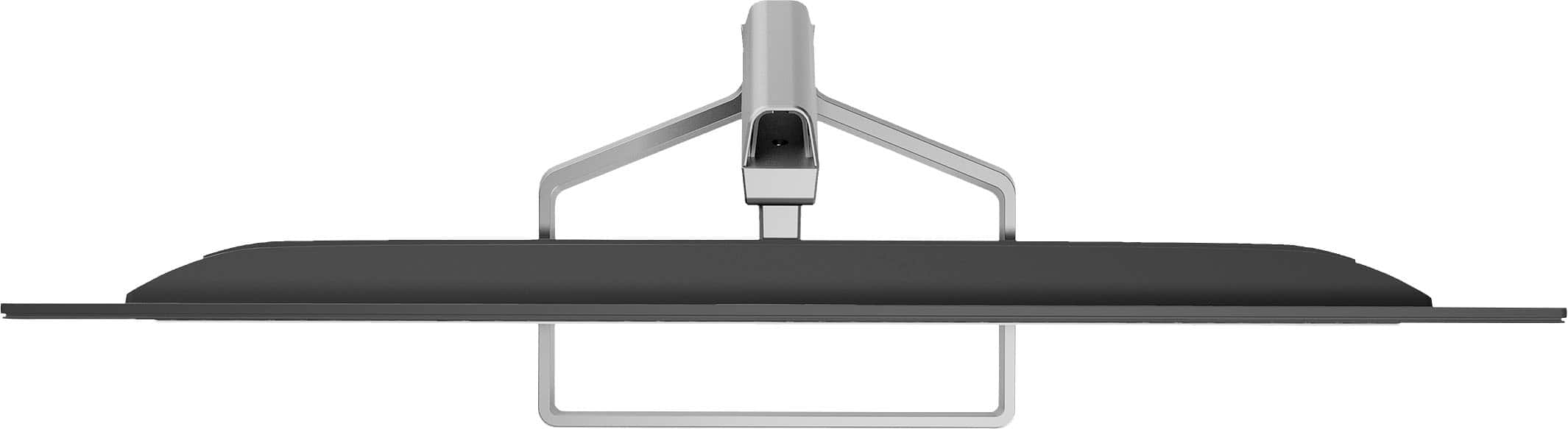
A:AnswerYes, the stand can be removed. In fact, the monitor ships with the display and the stand as separate pieces in the box, so you could just not put them together. However, the monitor does not have the standard VESA mounting points, so if you're looking to mount the monitor on an arm or a wall, it really won't work.
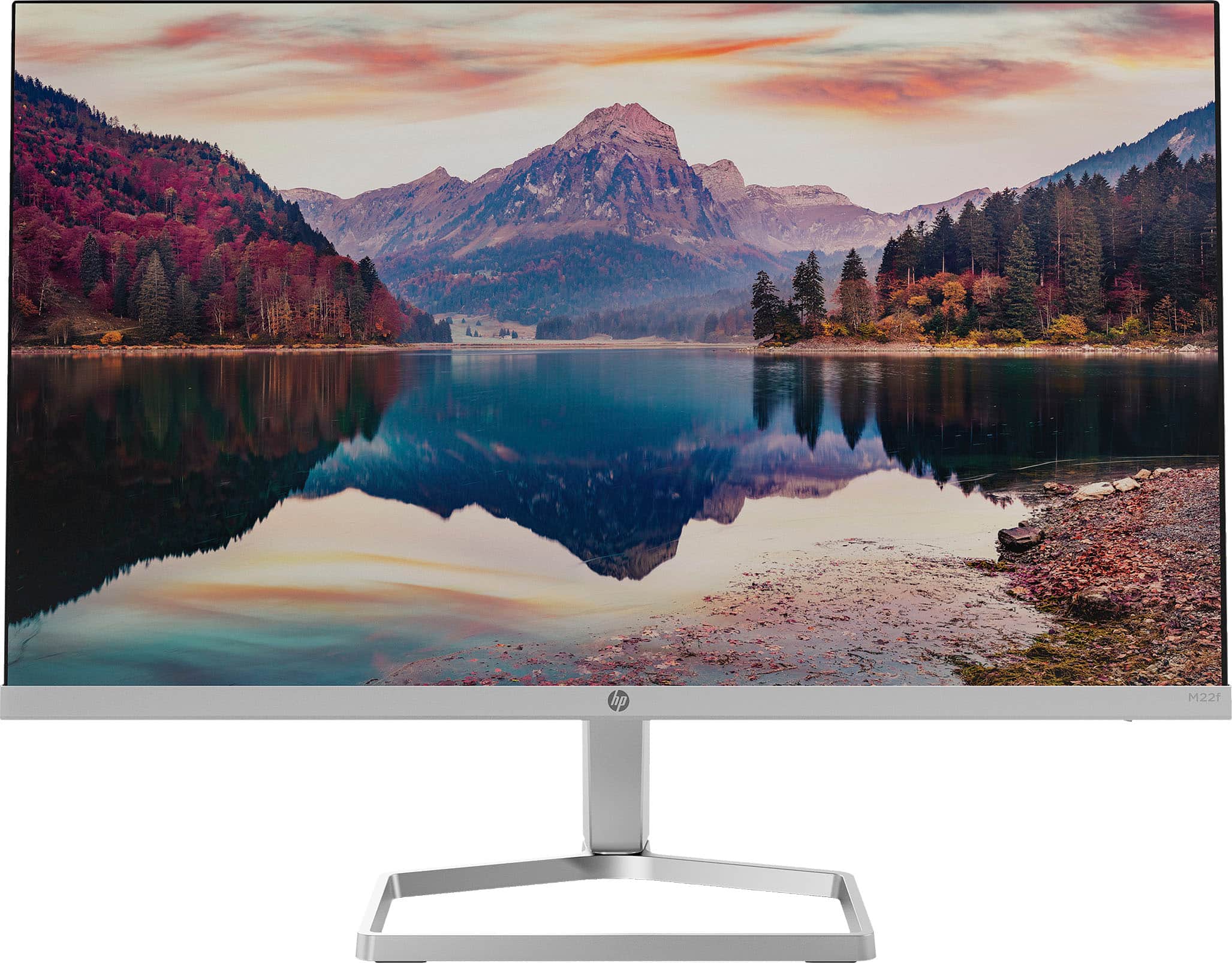
A:AnswerHello, the HP M22F has the Power Supply of 100 - 240 VAC 50/60 Hz. Remember to purchase the applicable adaptor for the wall conversion. Thank you for being an HP customer!
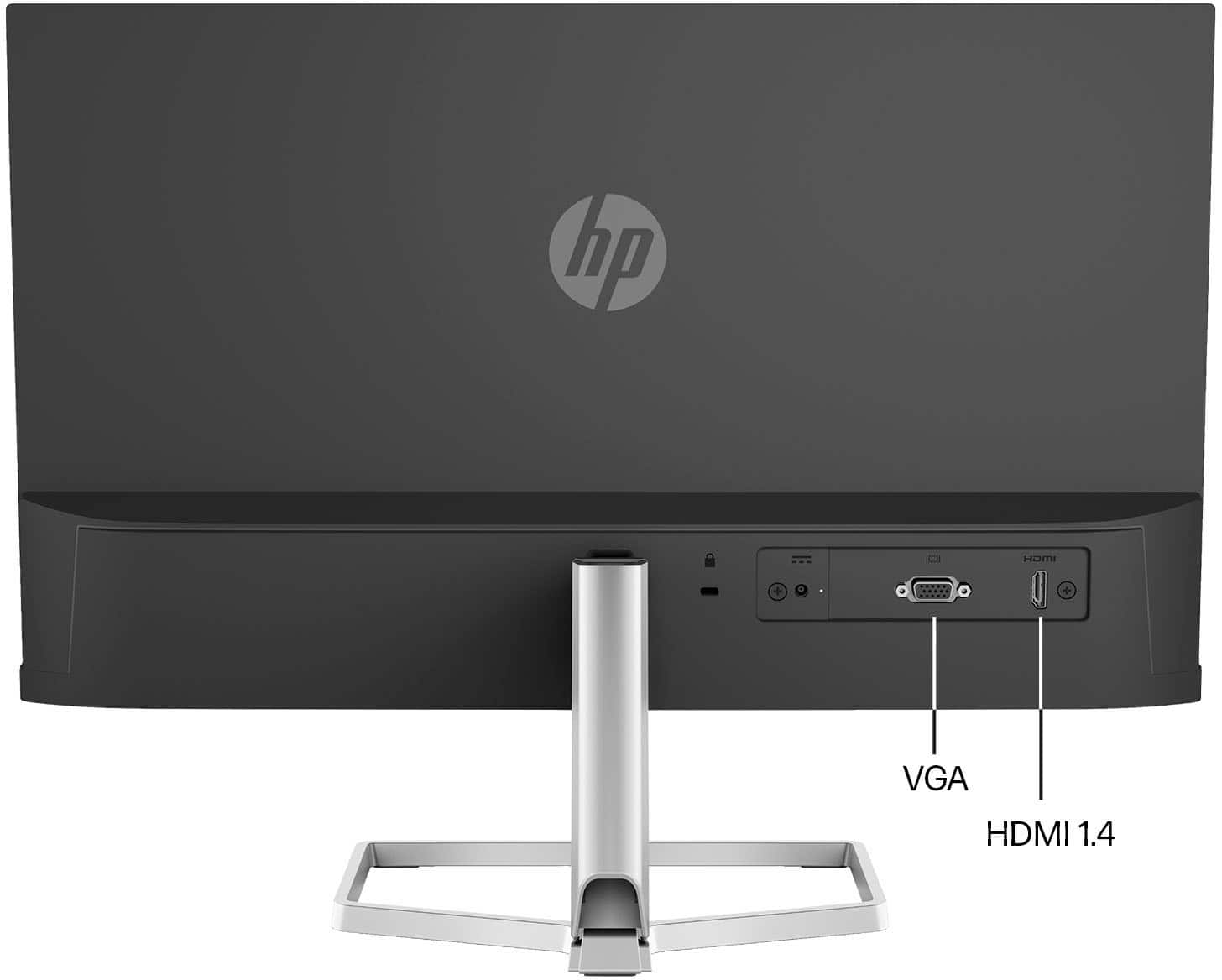
A:AnswerThank you for the question. Yes, this monitor is compatible with both. Depending on your computer's output connector, you may need to use an adapter. This monitor has one each VGA and HDMI input, and includes an HDMI cable.
A:AnswerHi John. Thanks for your question. Here is the only information in the specs for the dimensions of the monitor and stand:
Base area footprint • 7.94 in x 6.97 in • 201.7 mm x 177.2 mm
Unpackaged dimensions • 19.11 in x 6.97 in x 12.51 in • 48.55 cm x 17.72 cm x 31.8 cm
A:AnswerThank you for your question! This has a non-glass, anti-glare screen. Here is a new wireless model with a larger, glass, anti-glare display: https://www.bestbuy.com/site/hp-u27-27-ips-led-4k-uhd-freesync-monitor-displayport-hdmi-usb-natural-silver/6434258.p?skuId=6434258
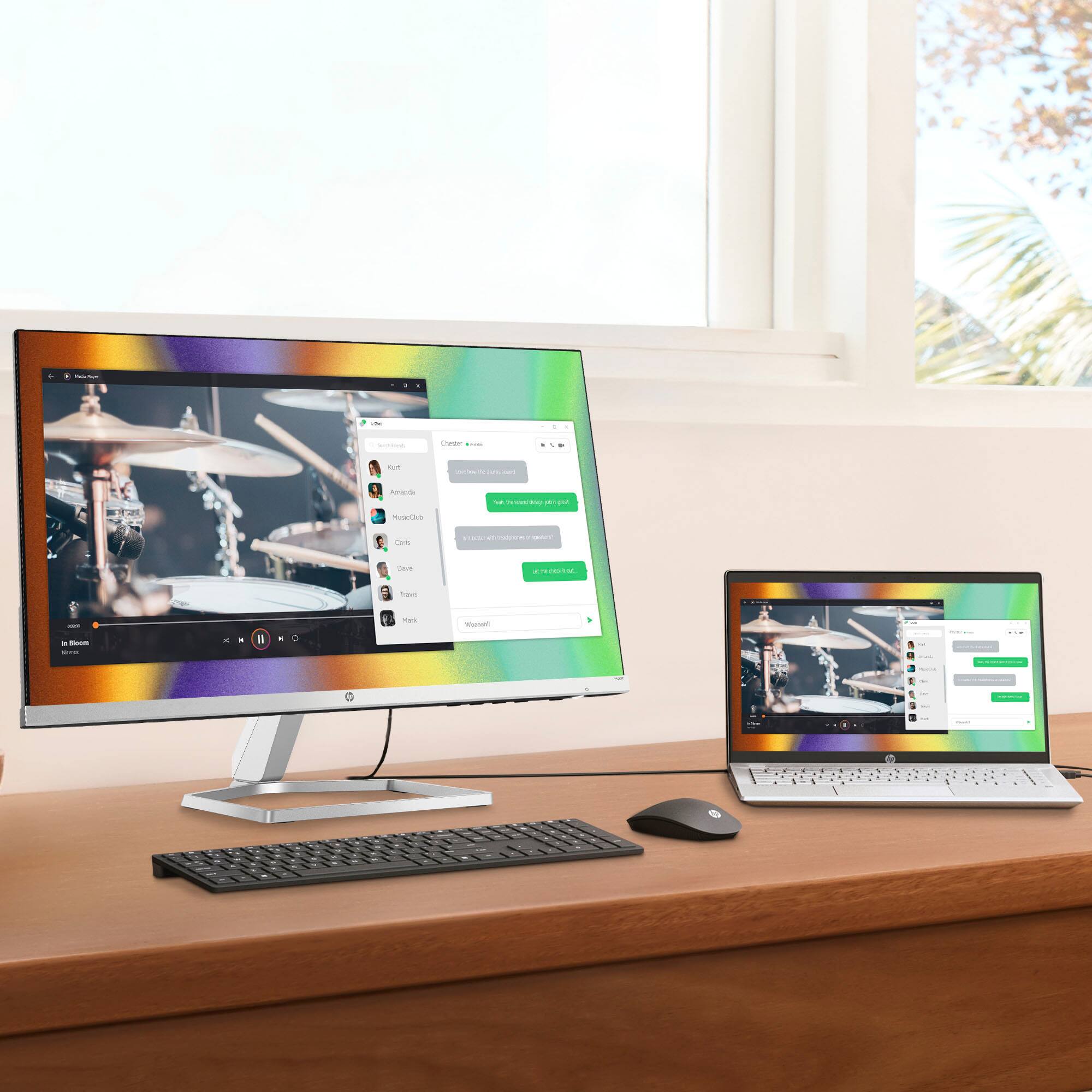
A:AnswerThank you for your question! Your laptop will need to be plugged into this monitor for your display to be extended or duplicated. The cable provides audio and video signals from the source to the screen.
A:AnswerHello, yes you can connect multiple monitors to the Surface Pro via the HDMI and the VGA ports in the monitors through a docking station, or adapters, for the Surface Pro. Thank you for being an HP customer!