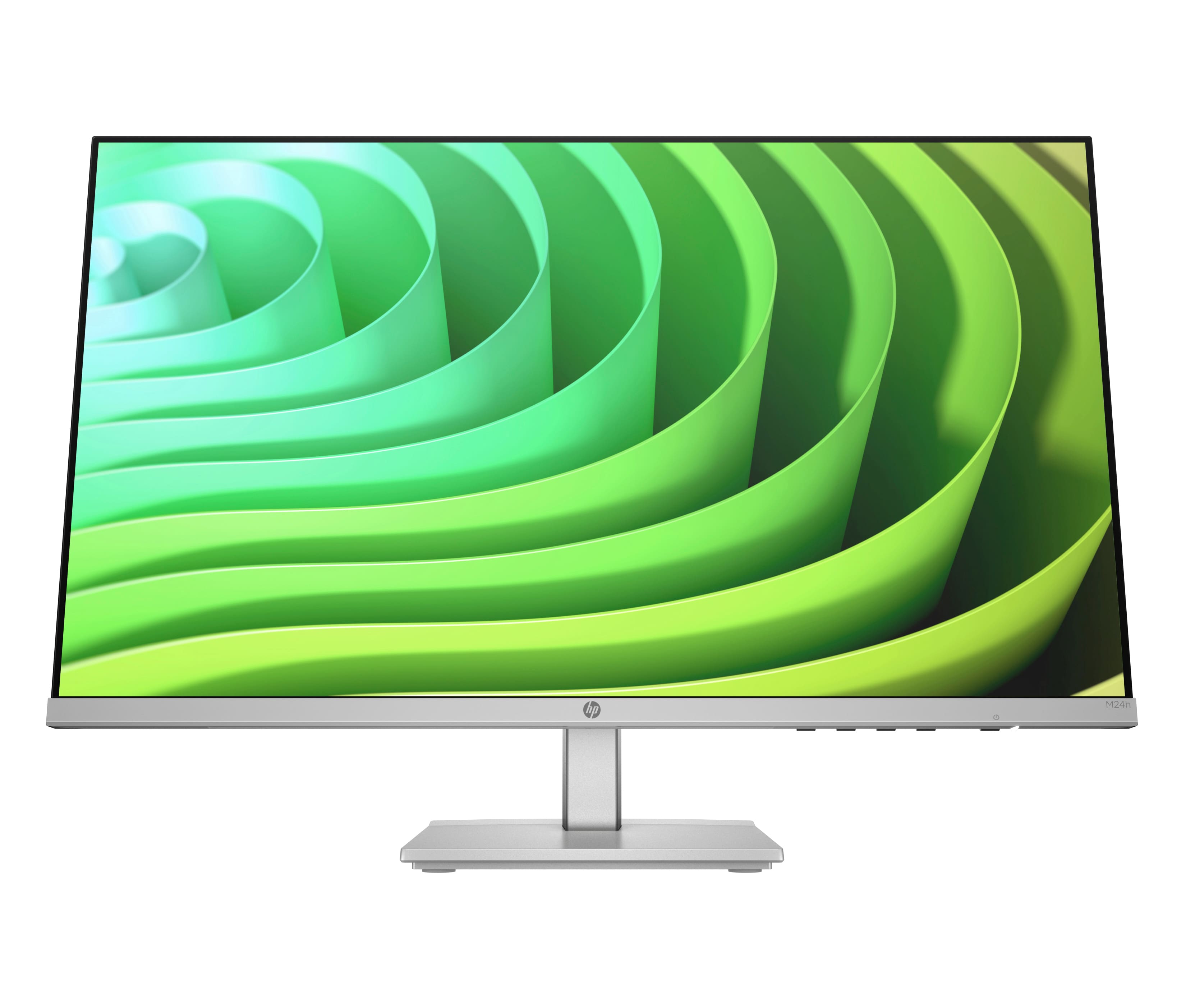
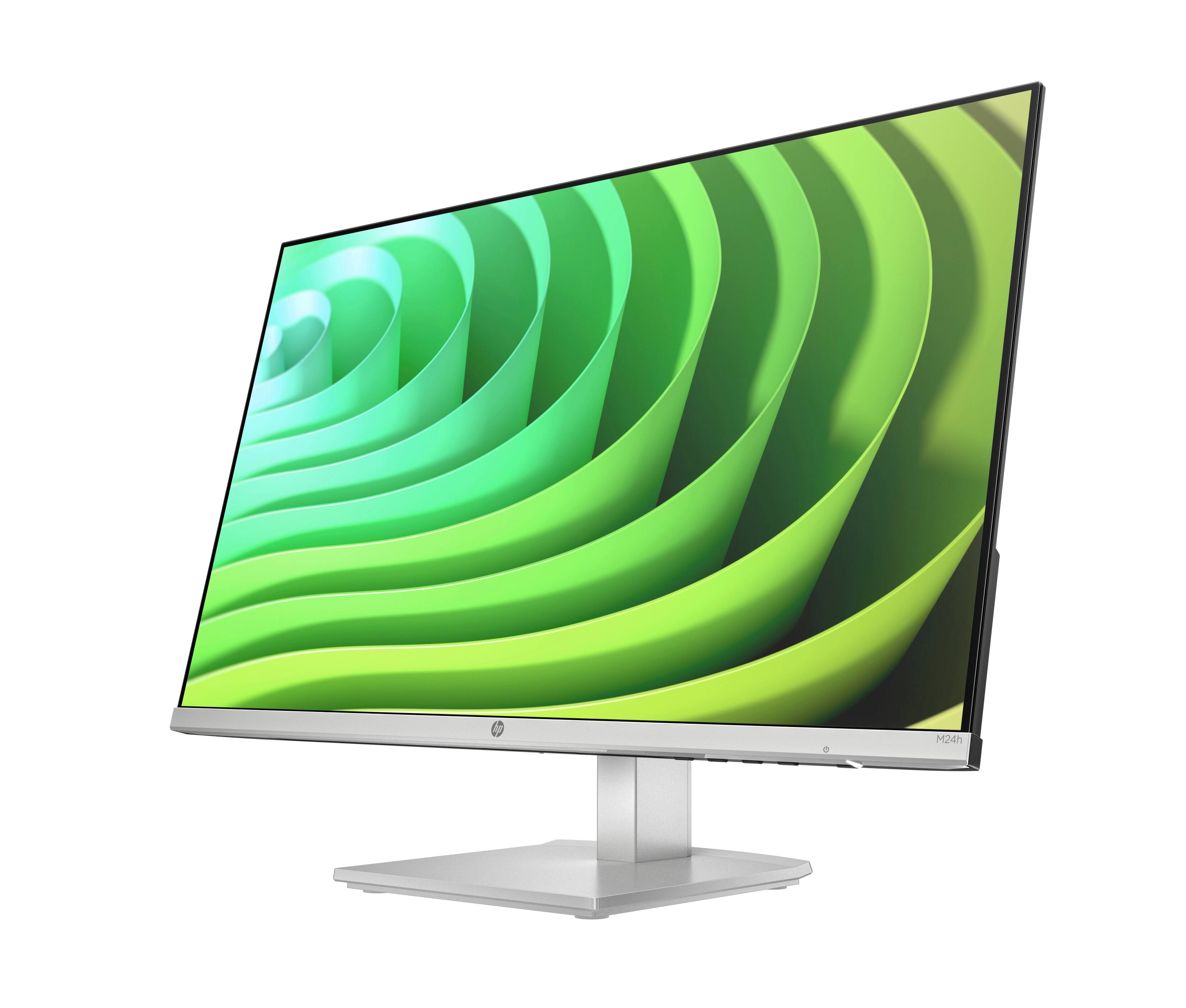
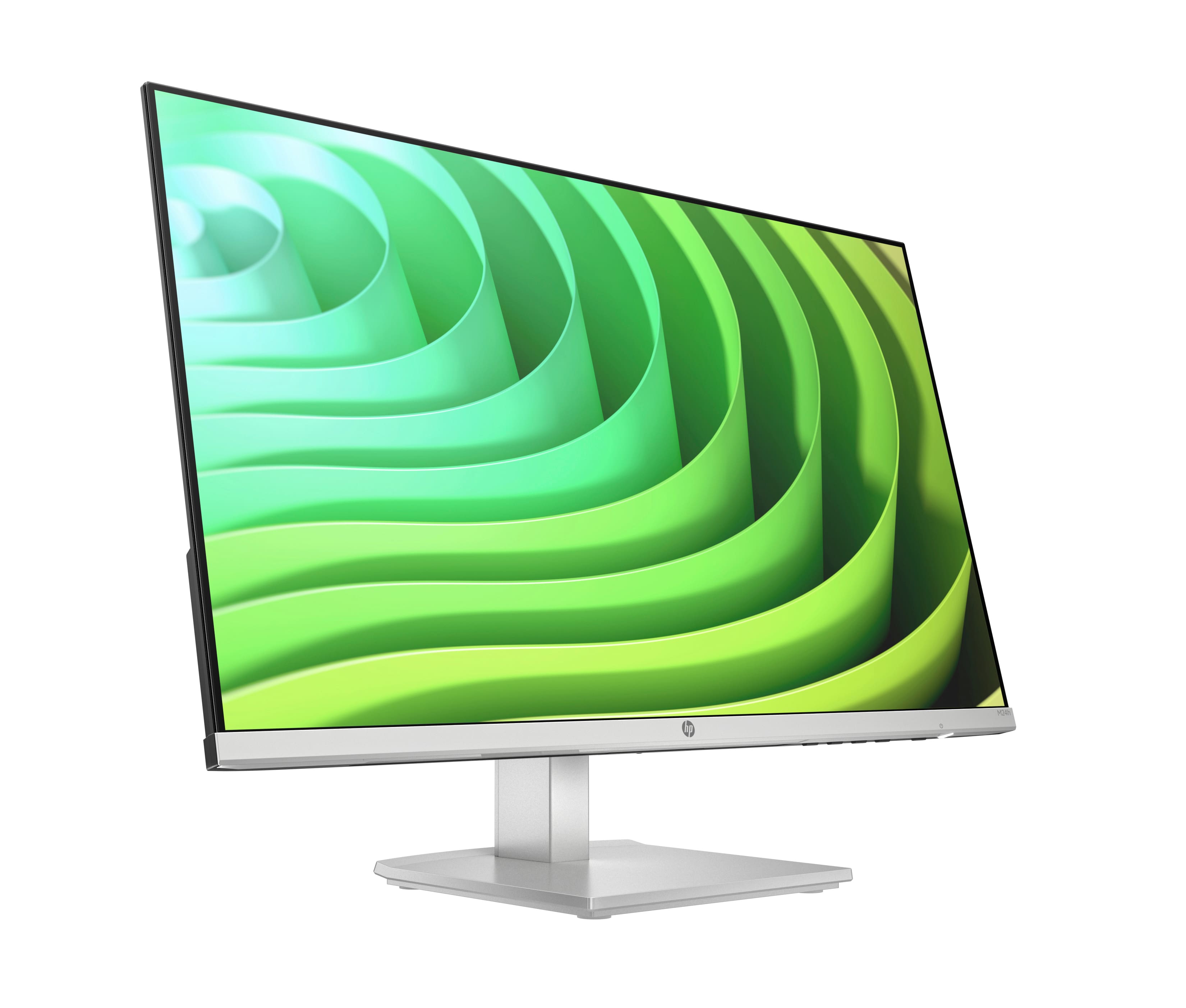
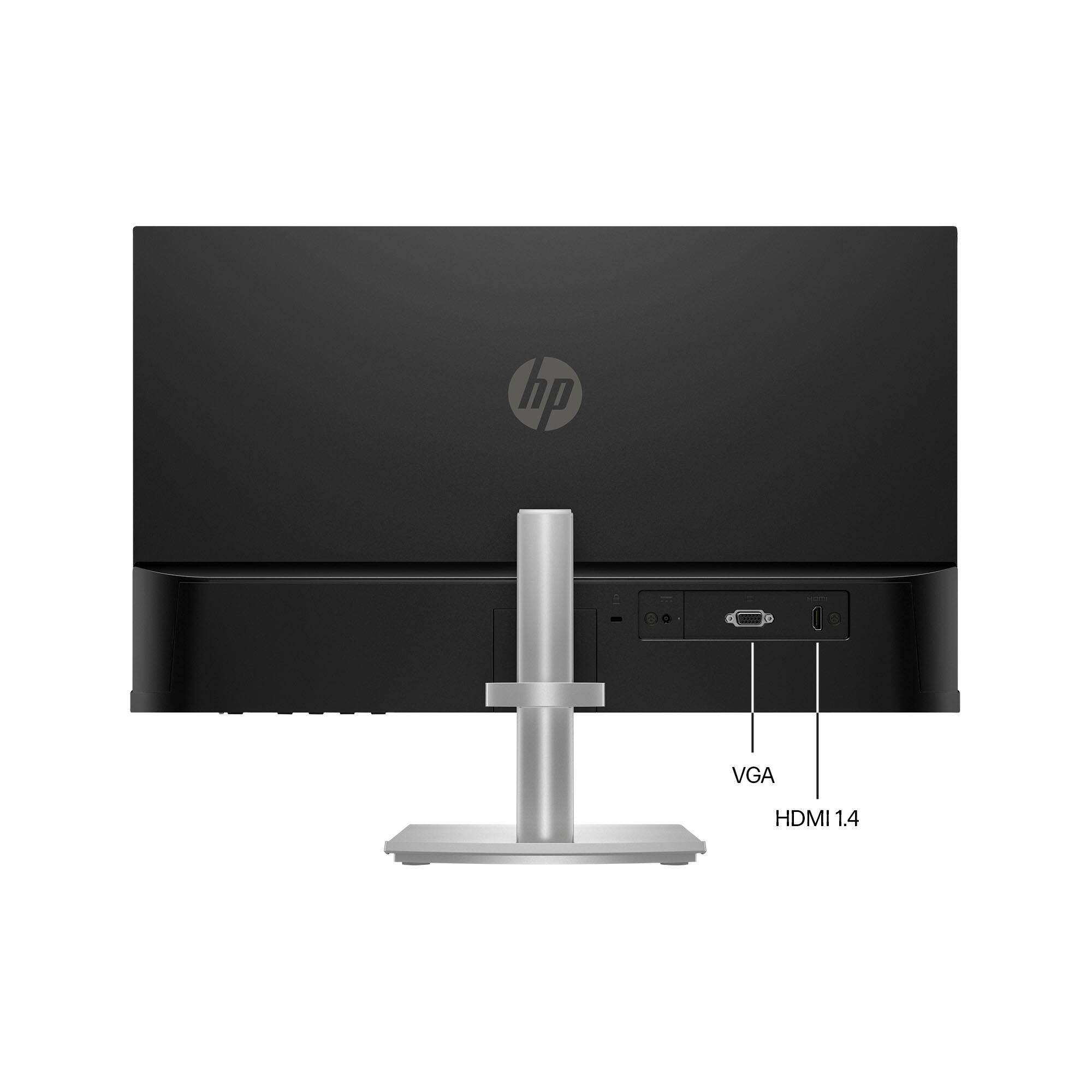
A:AnswerHello Ashley, thank you for your question! There is an HDMI cable in the box with the HP M24h monitor, so if your HP All-in-One desktop computer has an HDMI port, then yes, you are good to go!
A:AnswerThank you for the question. Yes, the HP M24h is compatible with a MacBook Air. If you do not have an HDMI port, you can use a DisplayPort-to-HDMI adapter.
A:AnswerThank you for the question. The HP M24h monitor is compatible with your Mac Mini and connects via the HDMI port on the Mac. A cable is included with the monitor.
A:AnswerHello and thank you for asking. I am unable to find the specification you requested. Please contact HP Support. They can give you expert help with your question and get you the correct power adapter for that monitor.
A:AnswerKaren, thank you for your question about this HP monitor to use with your Dell laptop! Yes, you can use this monitor with your laptop either through a USB-C to HDMI adapter or through a USB-C or Thunderbolt dock that contains an HDMI connector on it.
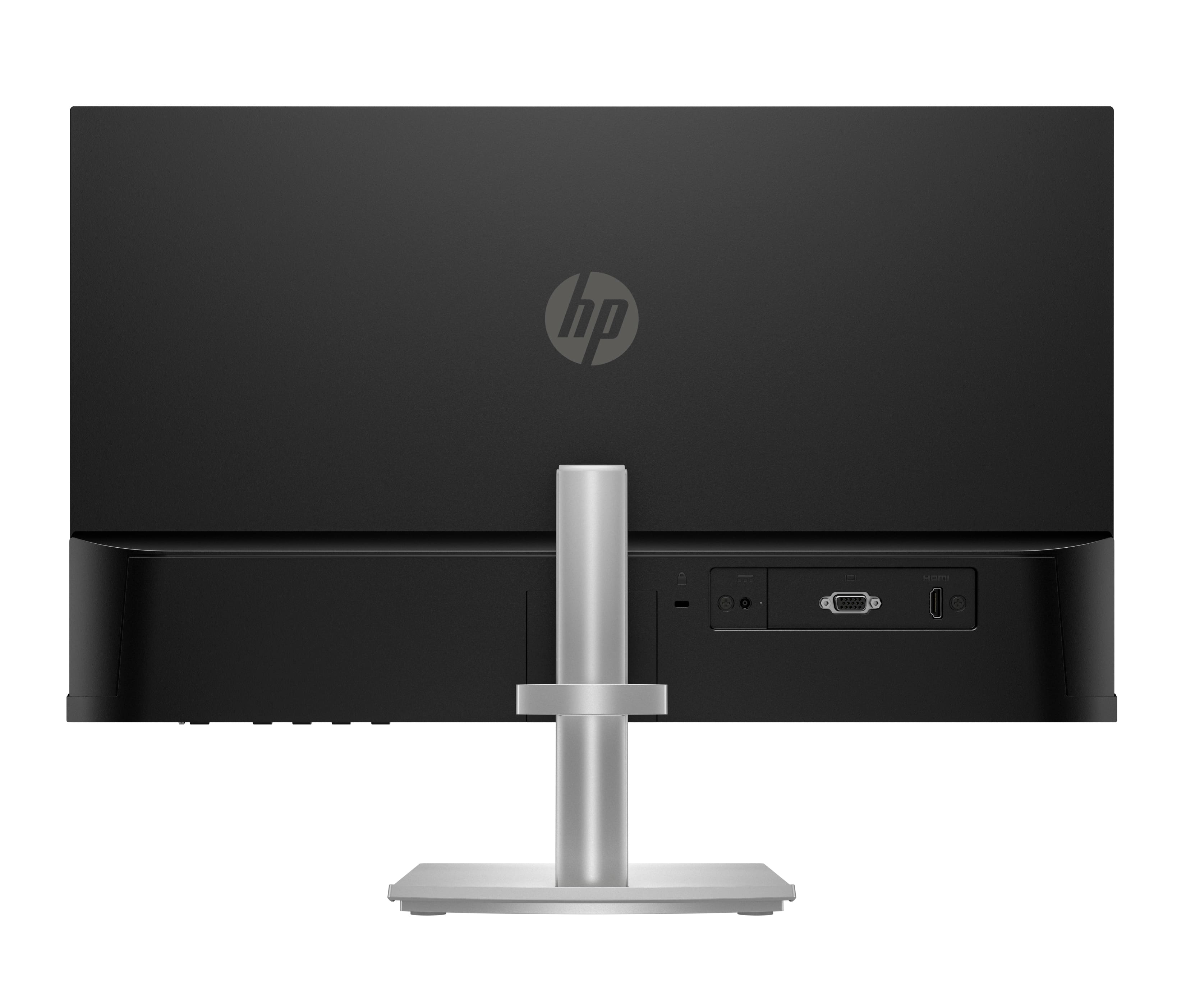
A:AnswerHello Jess and thank you for asking. The HP M24h has an HDMI and a VGA video input. To use the monitor with an iMac via Thunderbolt, you will need a Thunderbolt to HDMI adapter.
A:AnswerThis monitor has a lower resolution and a different aspect ratio than the MacBook Pro, so the monitor's firmware has to downscale the image to fit the screen. The latest MacBook Pro has a 3024 x 1964 resolution while the monitor's resolution is 1920 x 1080, which means you are losing nearly 80% of the pixels to display the image to this monitor. HP offers 4K resolution monitors at Best Buy and those are closer to the display resolution of your MacBook Pro.