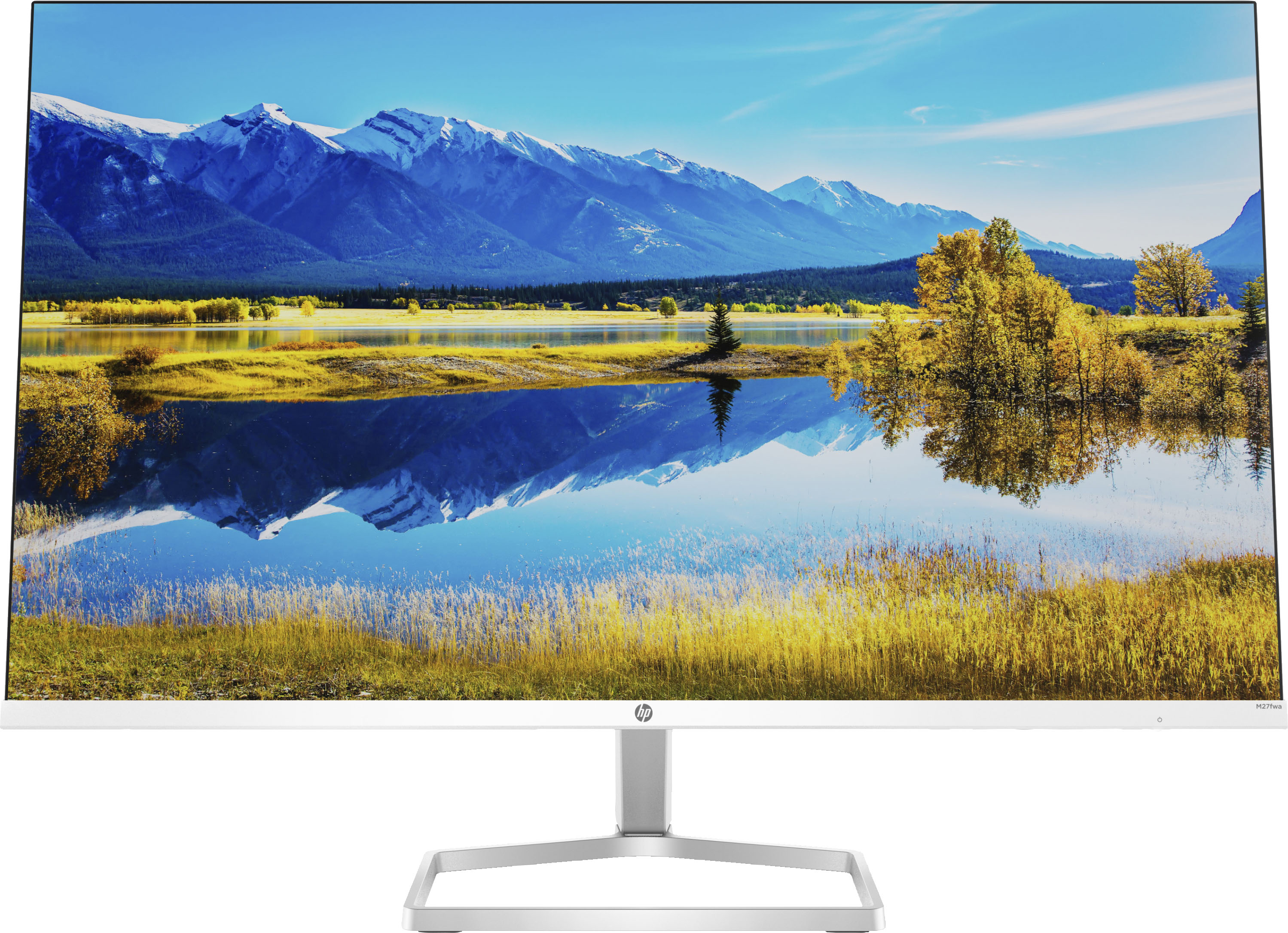
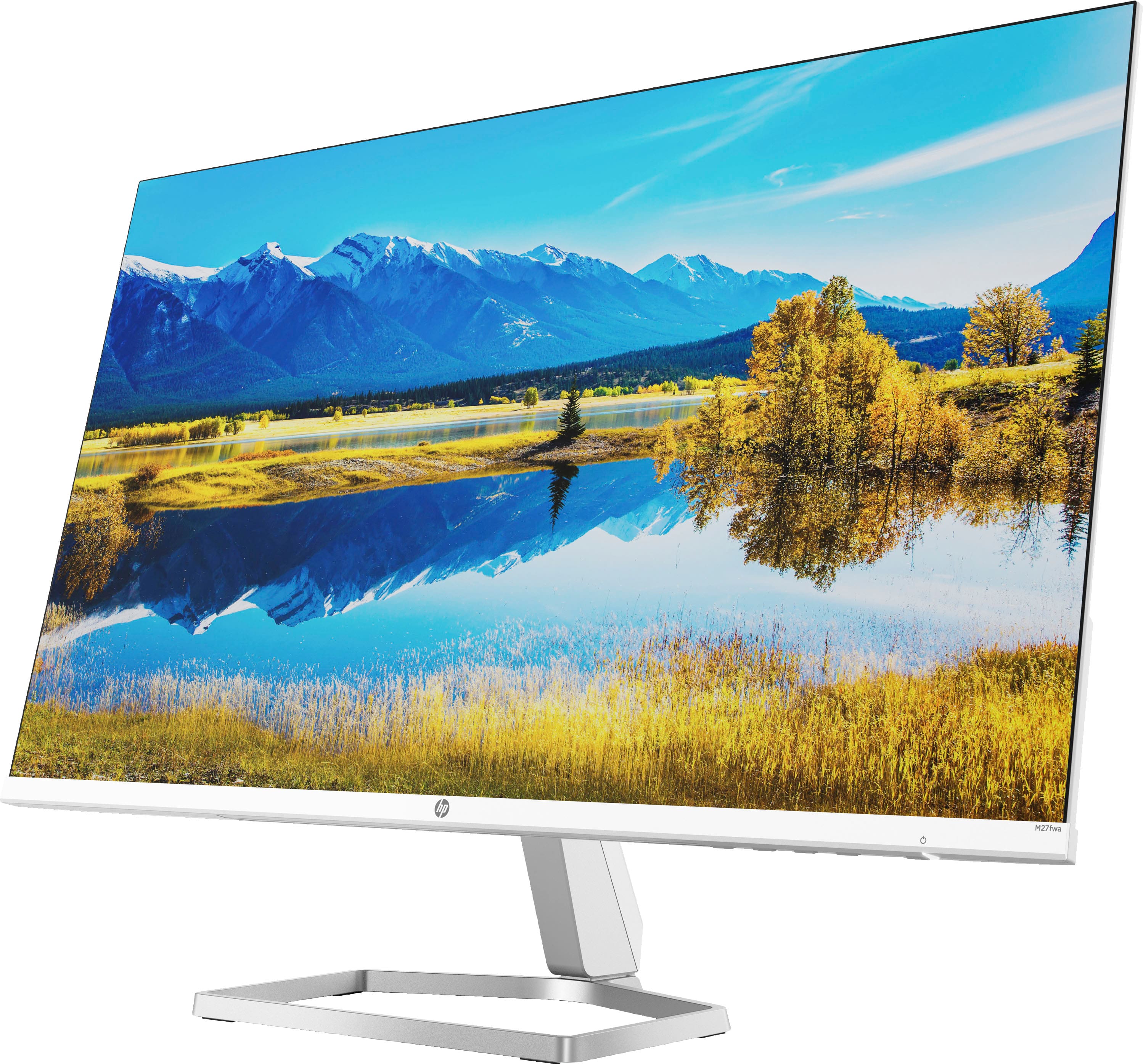
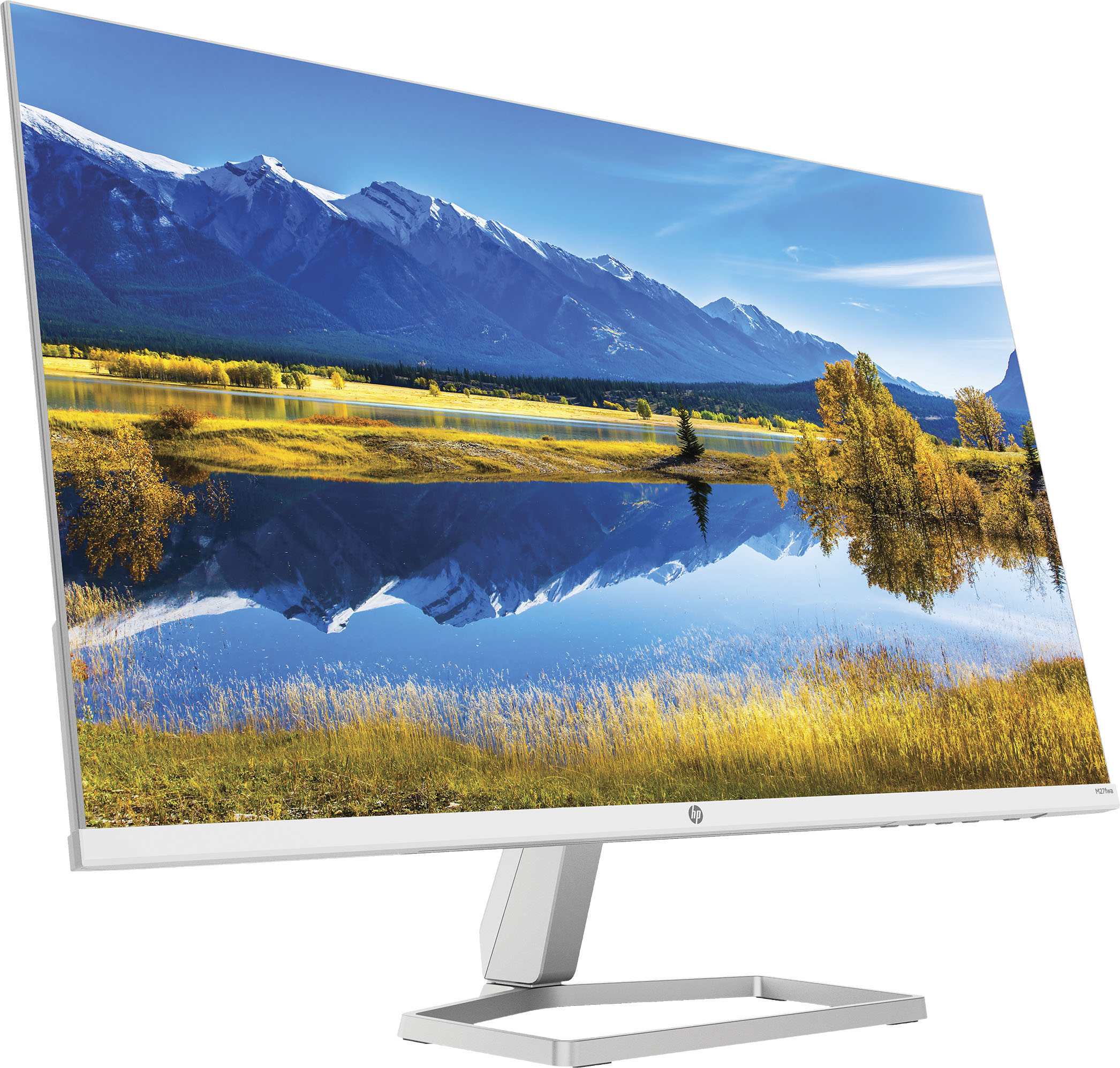
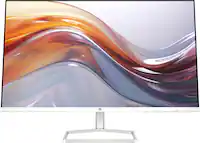
A:AnswerThank you for reaching out, apologies for what you're experiencing. There is no screen protector on the monitor, but it has an anti-glare coating. Please do not remove it. It sounds as if you have an issue with resolution, and that can be fixed by changing settings. This short tutorial may help: https://mostechtips.com/solved-second-monitor-blurry-issue-in-windows-10/
A:AnswerHello! And thank you for choosing HP. When it comes to running software, the monitor has little to do with the performance in in which the computer runs such software. Monitors have many variables to considered when you want to purchase one such as resolution, Hertz that translate into frames per second and ports. In this case, the monitor will simply output what your laptop "sends" to it at 1080p of resolution with a maximum of 75 fps (75 Hz).
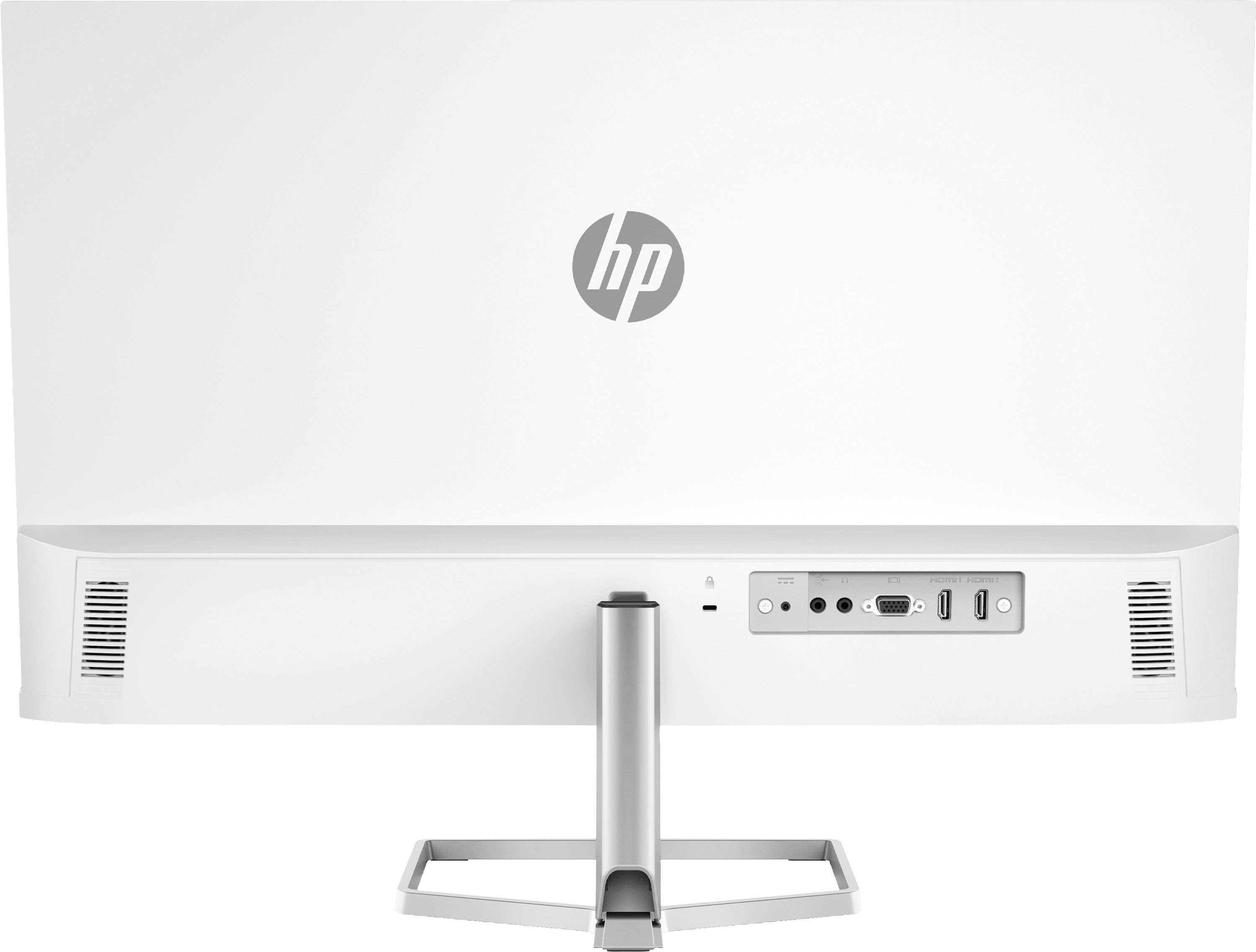
A:AnswerStreaming sticks, media players and consoles will work, but you cannot use the remote to control the monitor. Volume control, input selection, settings and power would all have to be done from the monitor directly.
A:AnswerHello, Barney! It's unclear what you mean by your question as this HP 27" Monitor is itself a monitor/display. Feel free to rephrase and resubmit your question so we can give a more accurate answer. Thank you for your interest in our HP monitors!
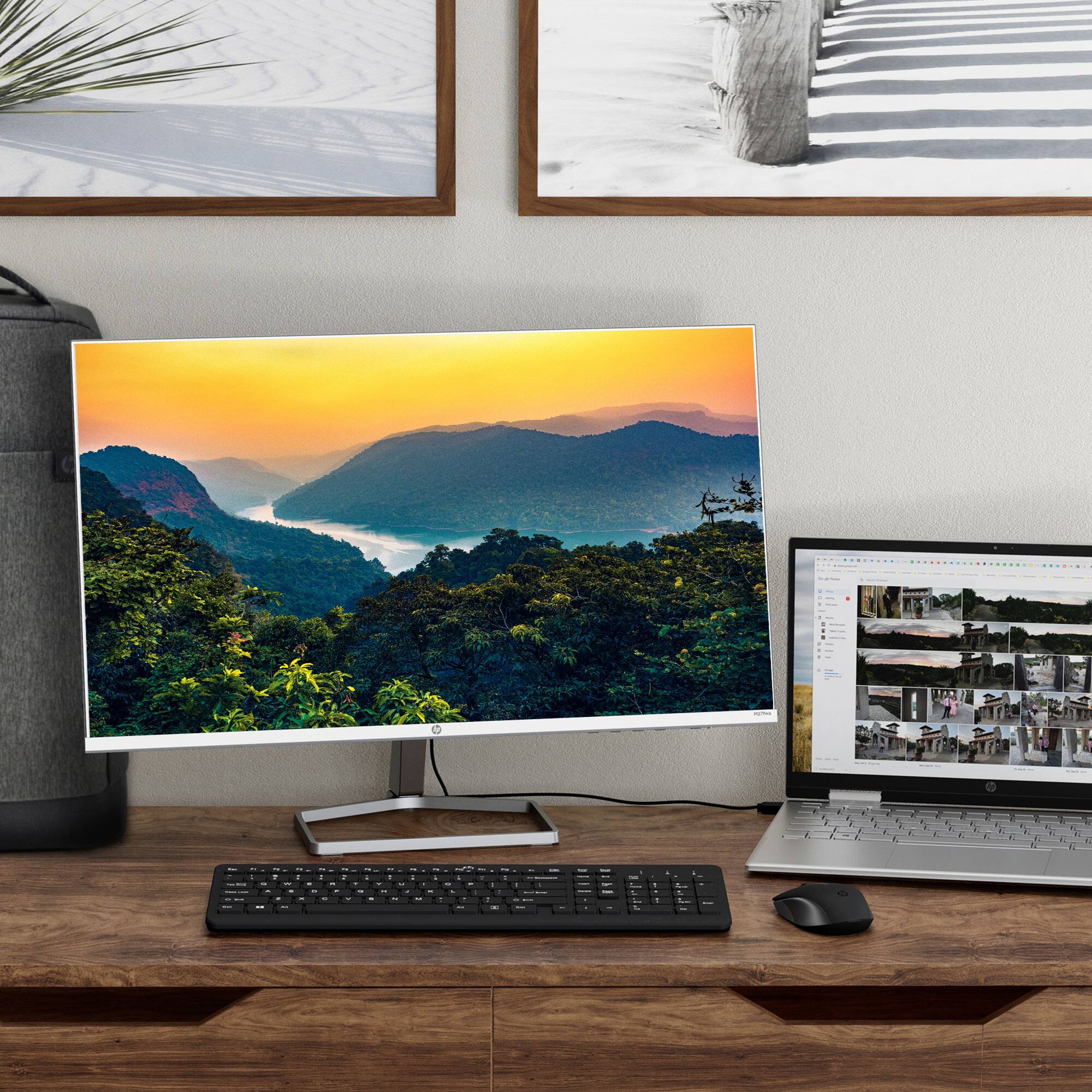
A:AnswerThank you for the question. If your all-in-one computer has an HDMI or VGA port, you'll be able to connect the M27fwa monitor as an external monitor.
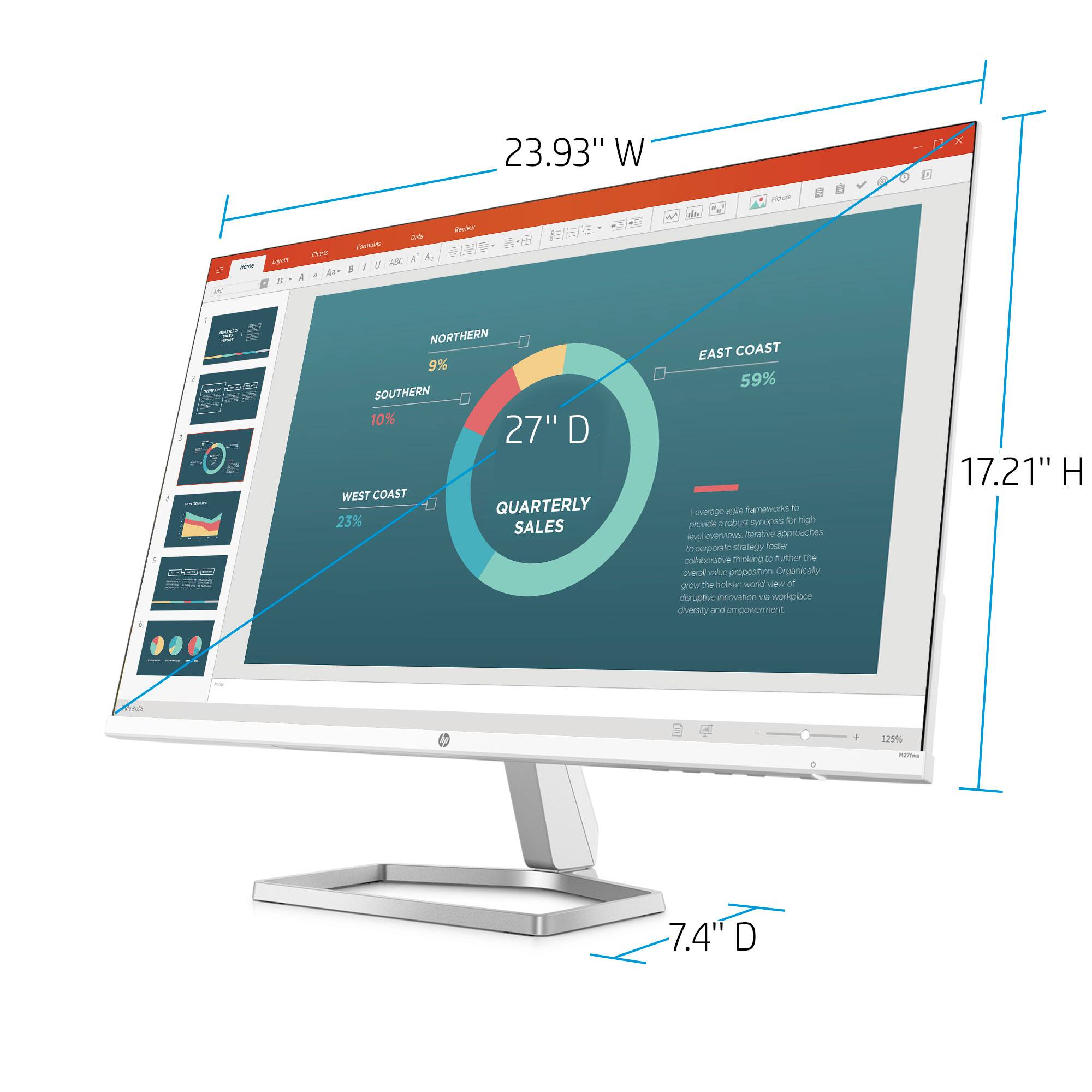
A:AnswerApologies for the confusion. HP's specification for the M27fwa monitor indicates the following: Product dimensions with stand (W x D x H) 23.93 x 7.4 x 17.21 inches.