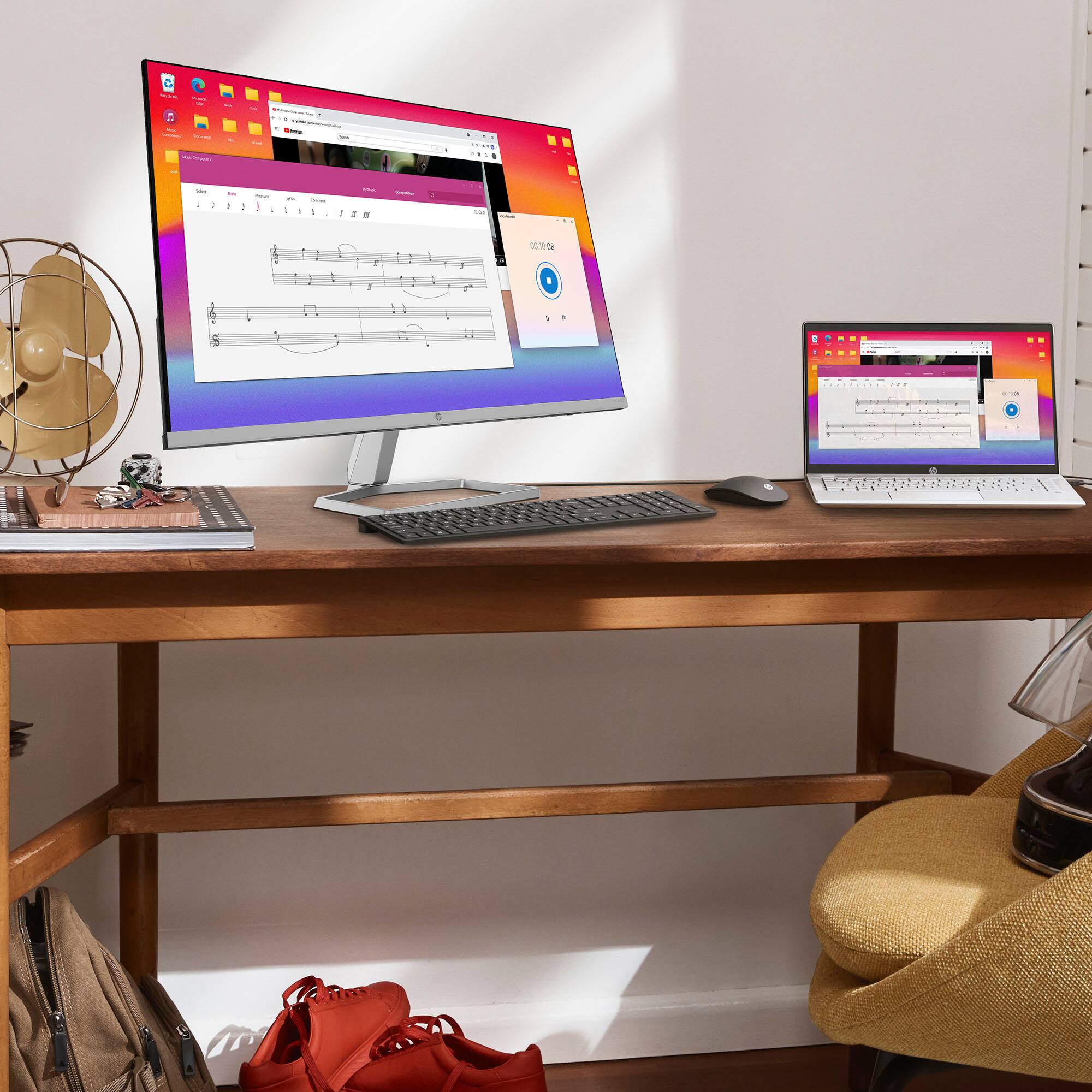
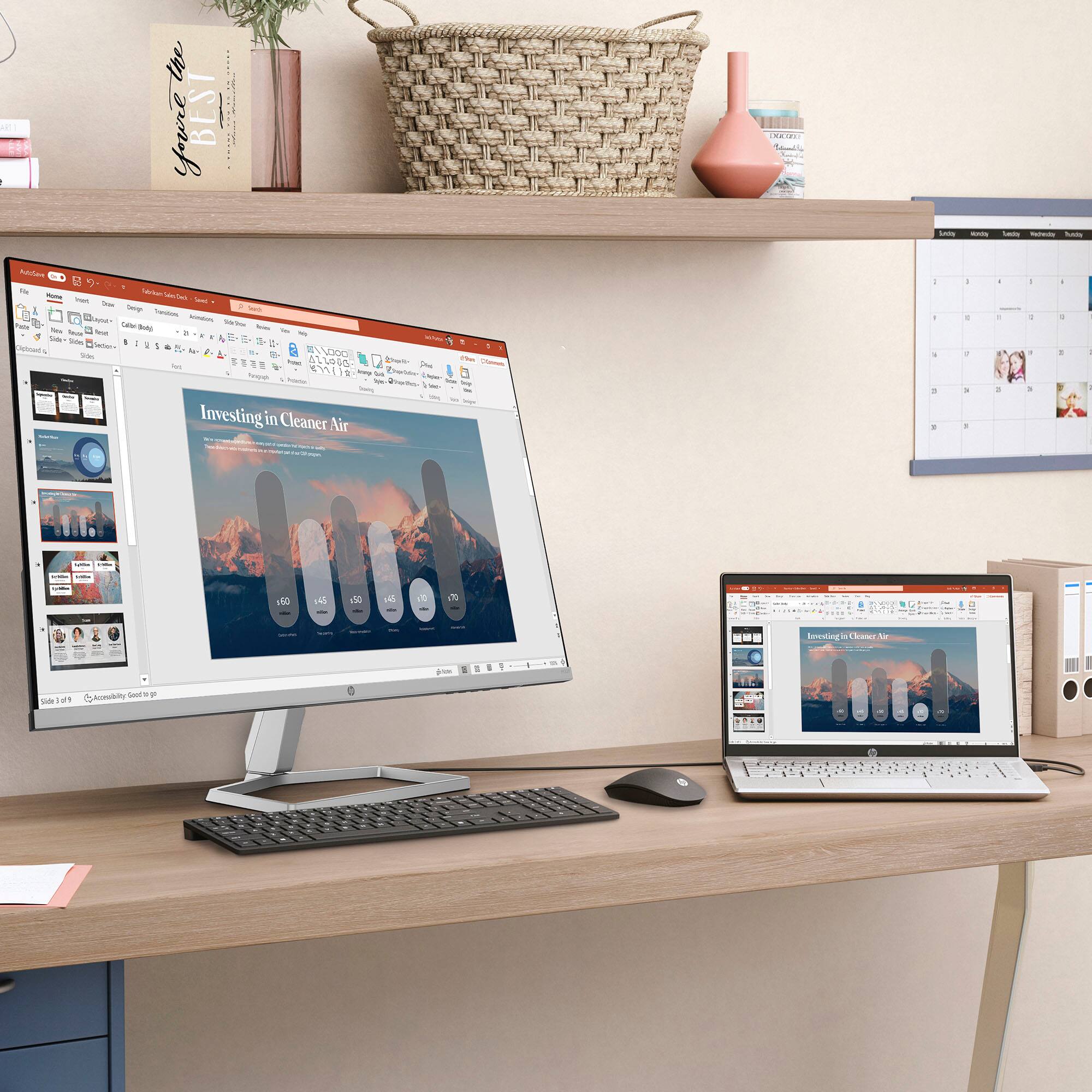
A:Answer Windows 10 allows you to "snap" windows, to split the screen to 2, 3, or even 4 displays. There are a couple of ways to do that. Here is one option: Hold the Windows key down and tap the right or left arrow key. This will move your active window to one side. All other windows will appear on the other side of the screen. You just choose the one you want and it becomes the other half of the split-screen. You do need to click on each window to make them active, but you can now see more information on your screen.