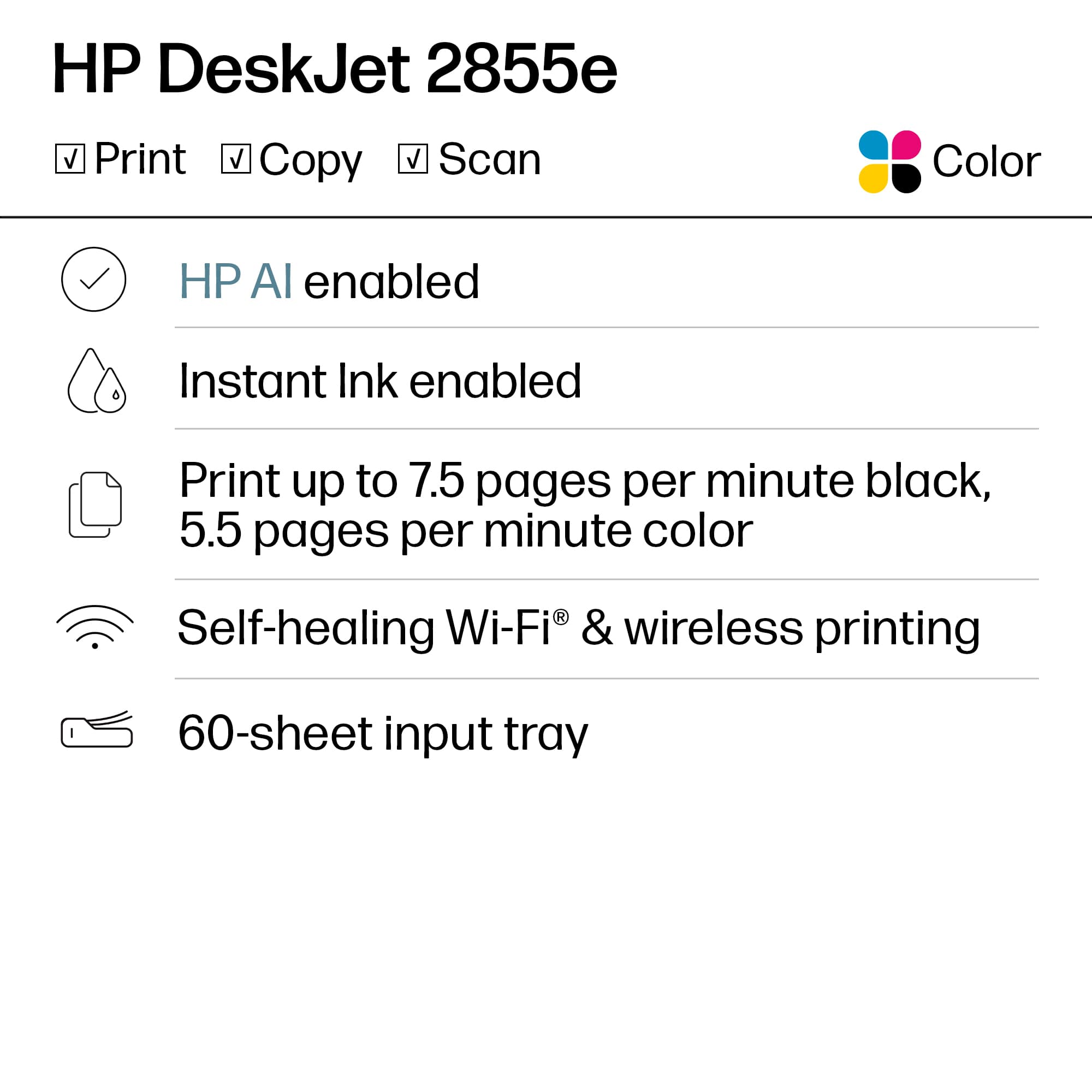
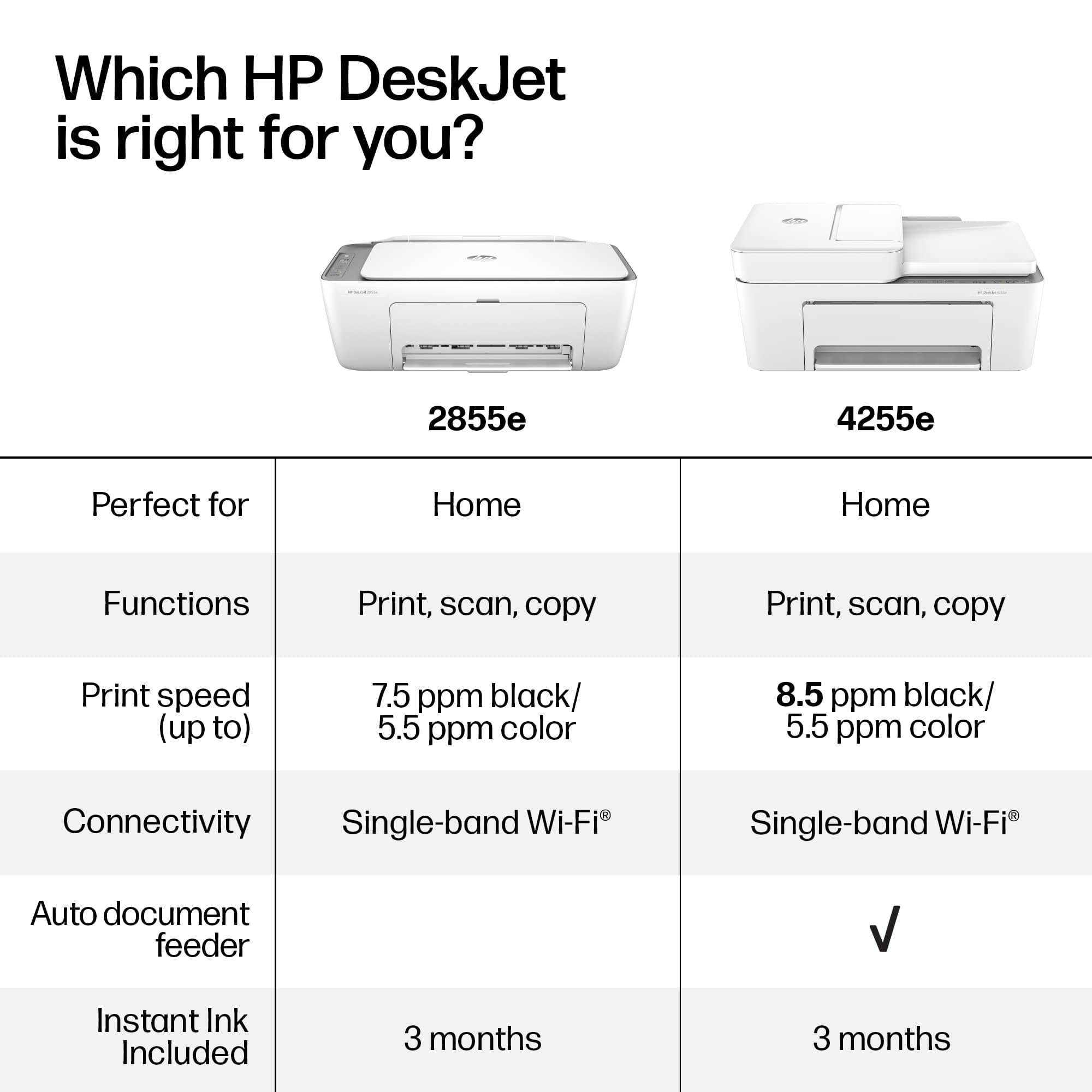
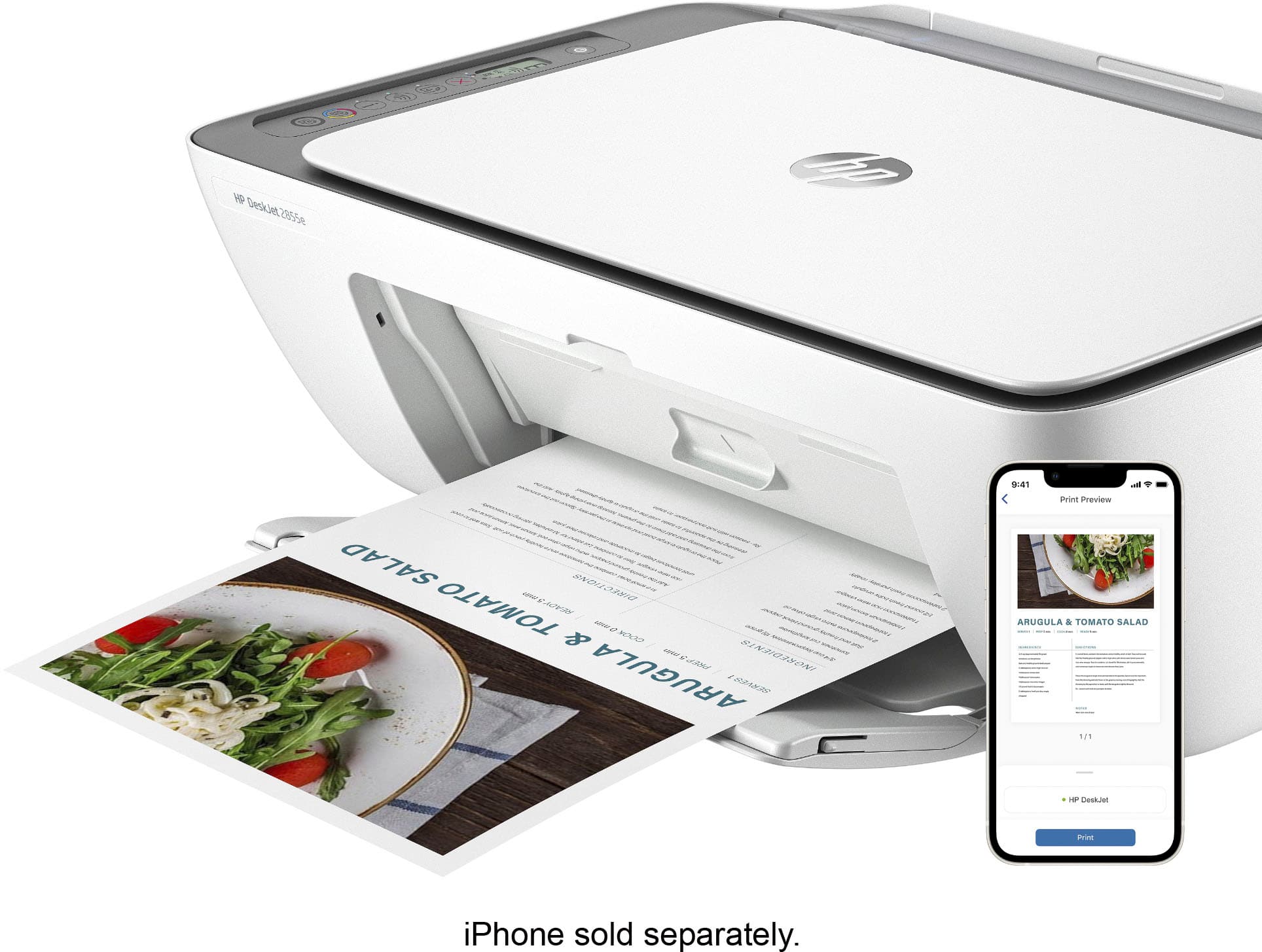
A:AnswerHello, and thanks for your question about this HP DeskJet 2855e printer. This HP printer has dual-band Wi-Fi, and works with 2.4 gHz and 5 gHz Wi-Fi bands.
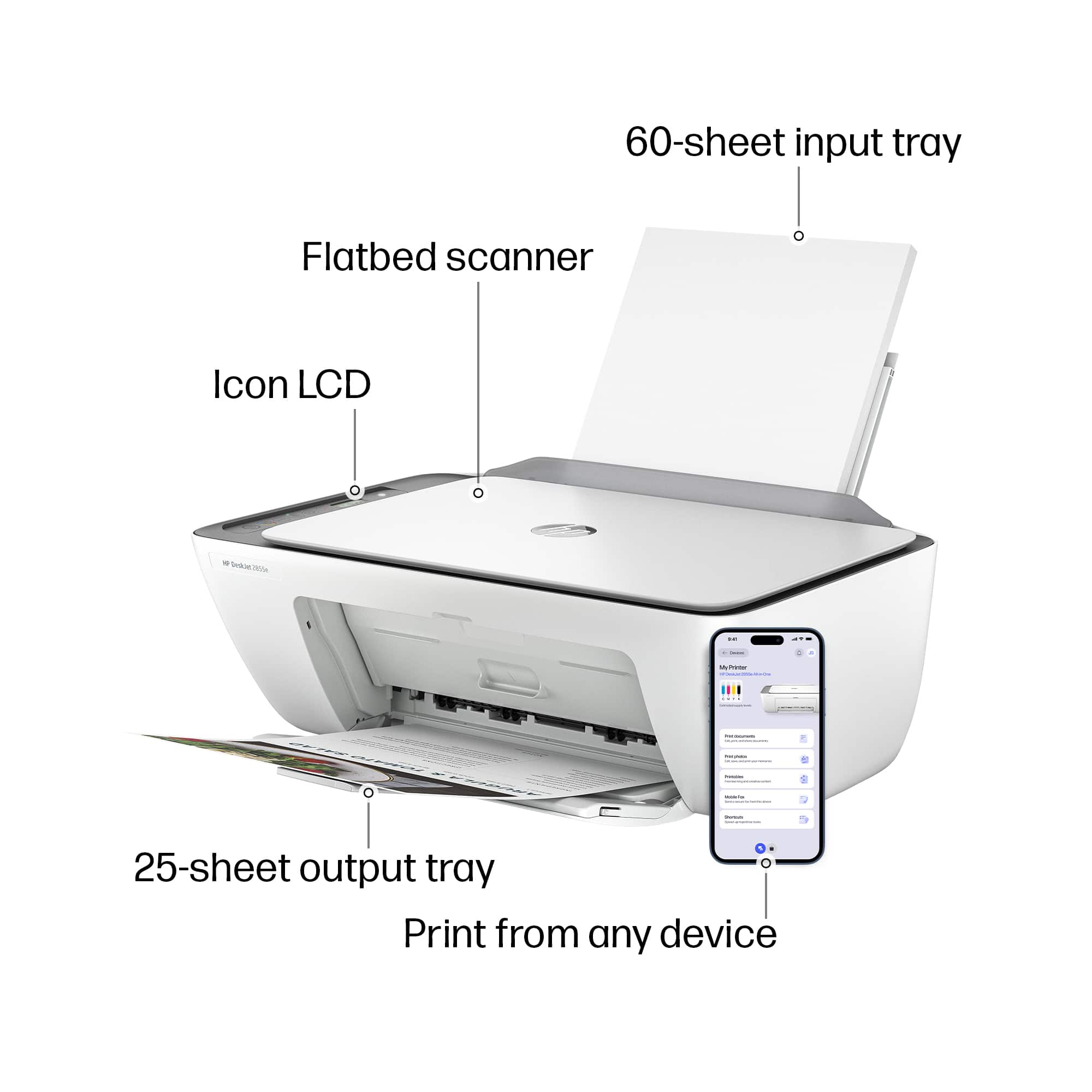
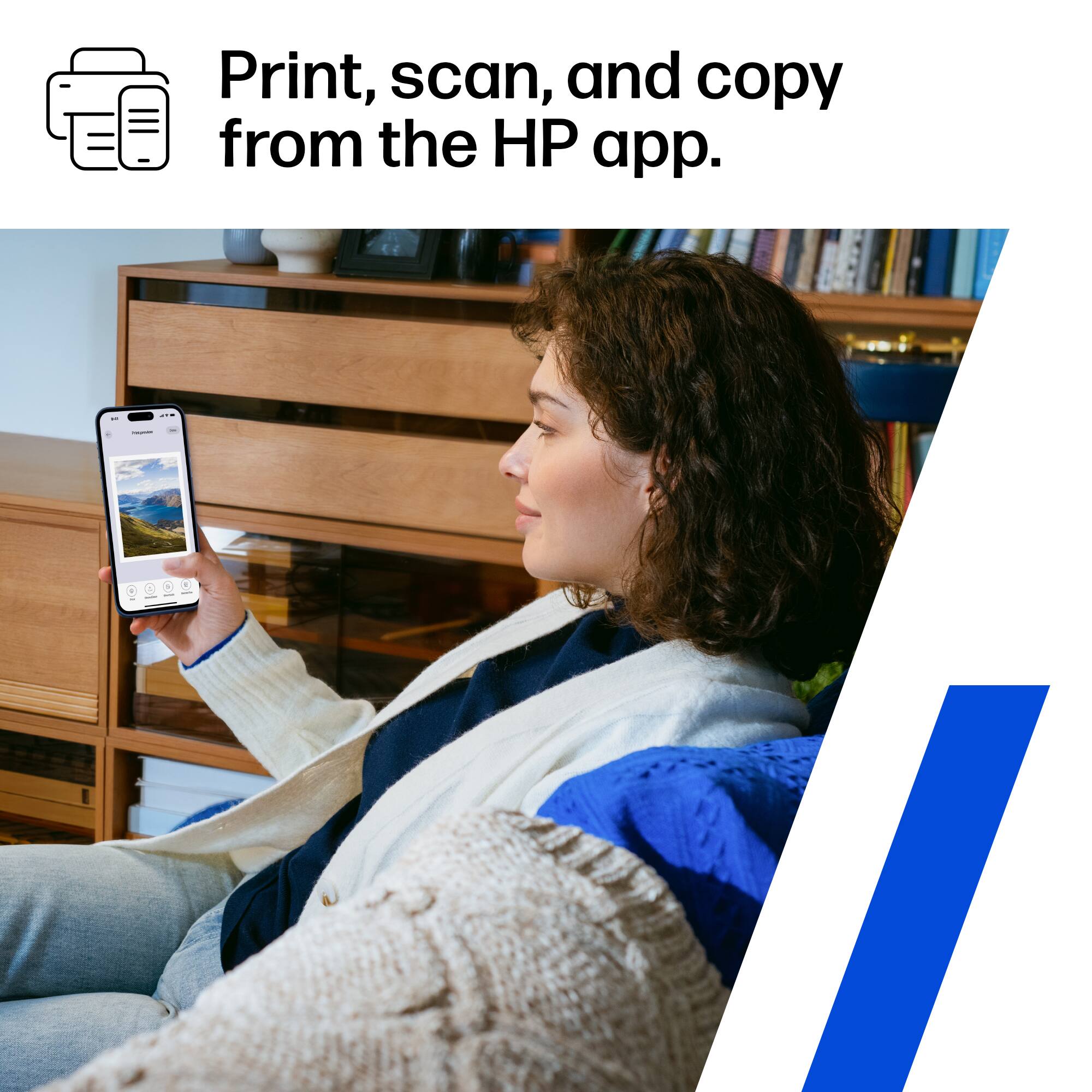
A:AnswerThank you for the question. No, Bluetooth is only for set up. Once installed, you'll use your phone's Wi-Fi network and the free HP Smart App to print.
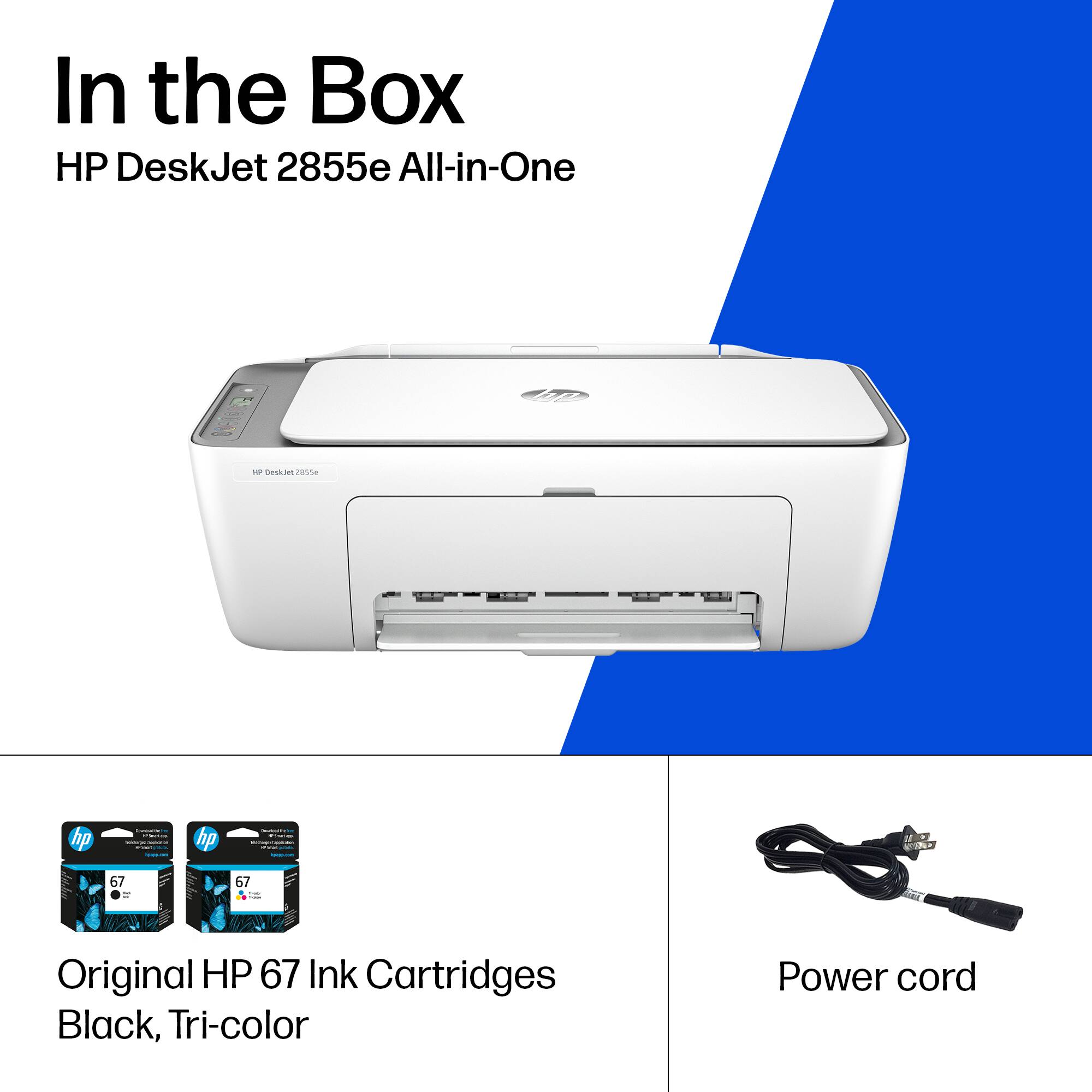
A:AnswerHi Matt, thank you for the question. No, The DeskJet 2855e accepts only HP 67 and 67XL (high-yield) black and tri-color cartridges. The ink indicated in your question is only used in certain Brother printer models. Cartridges are not compatible across brands, due to printer architecture, mechanical specifications/technology, and ink formulas.
A:AnswerHello, Nancy. Thanks for your question. No, the HP DeskJet 2855e printer is not compatible with HP 65XL ink cartridges. This printer uses HP 67 or HP 67XL ink cartridges.
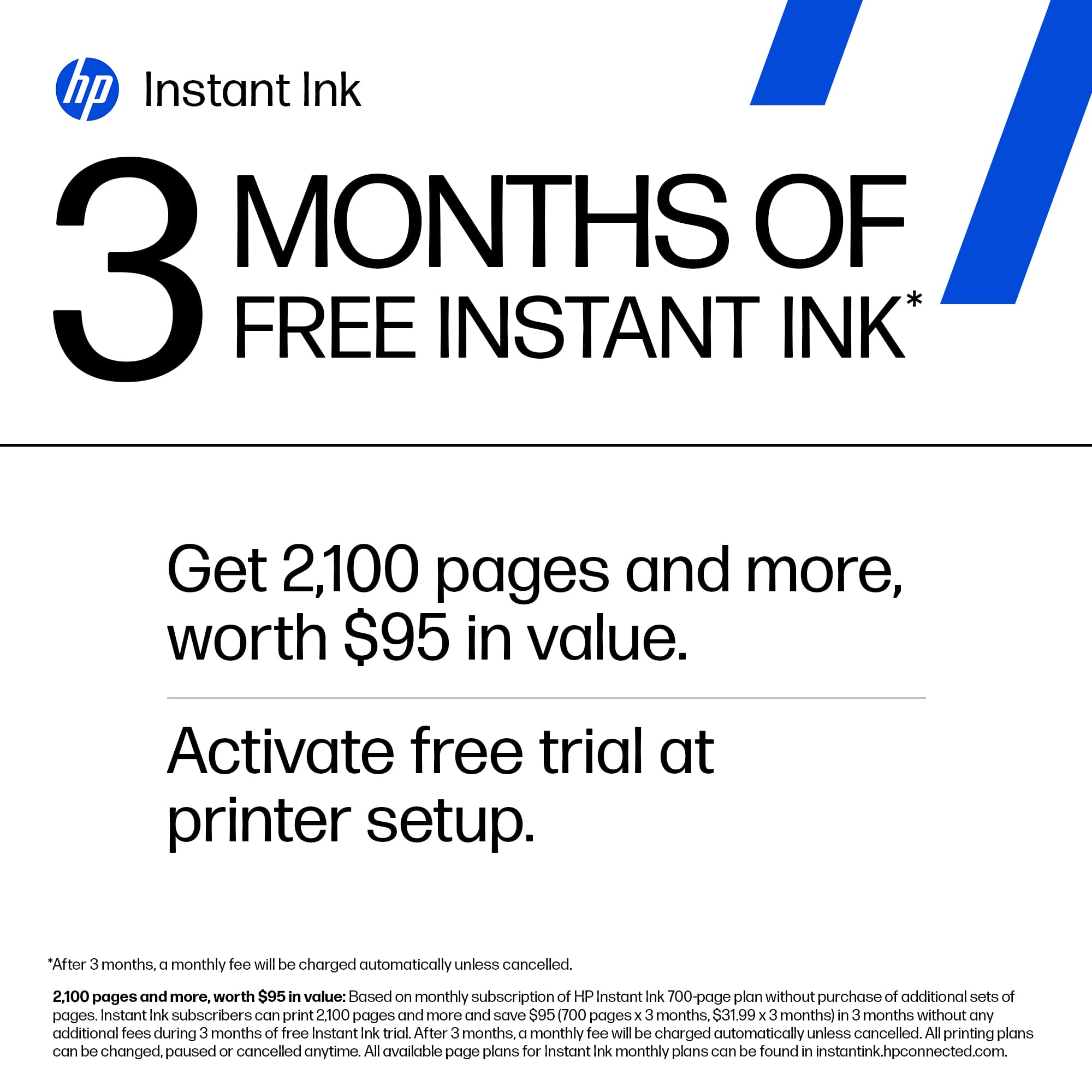
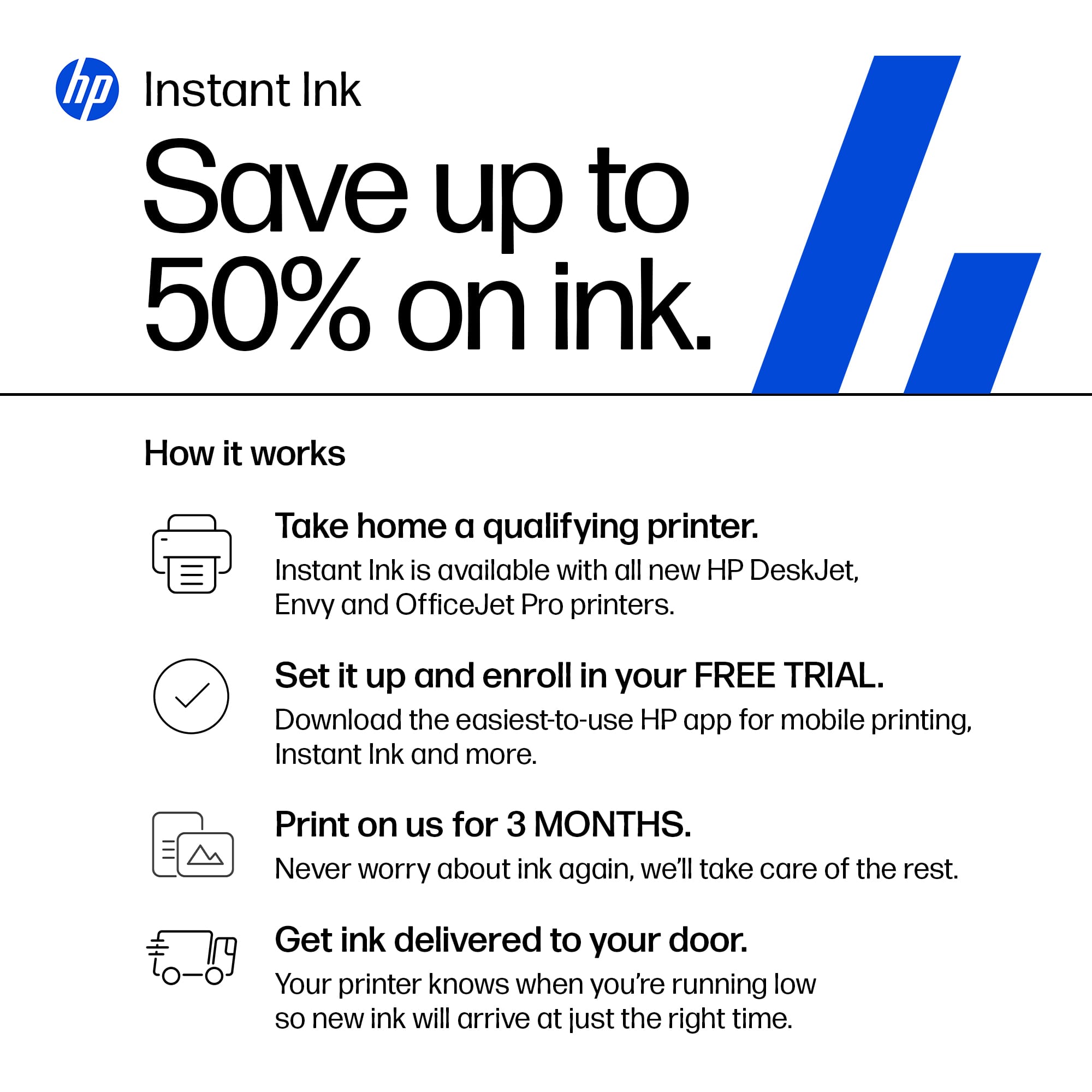
A:AnswerThank you for your question. Yes, you can cancel Instant Ink at any time and resume using genuine HP ink cartridges. Once you cancel you cannot continue to use the Instant Ink cartridges.