A:AnswerYes I just finished my 12 month trial and it truly gives you 700 pages a month free. It even carries over unused pages a month. It was a great deal!
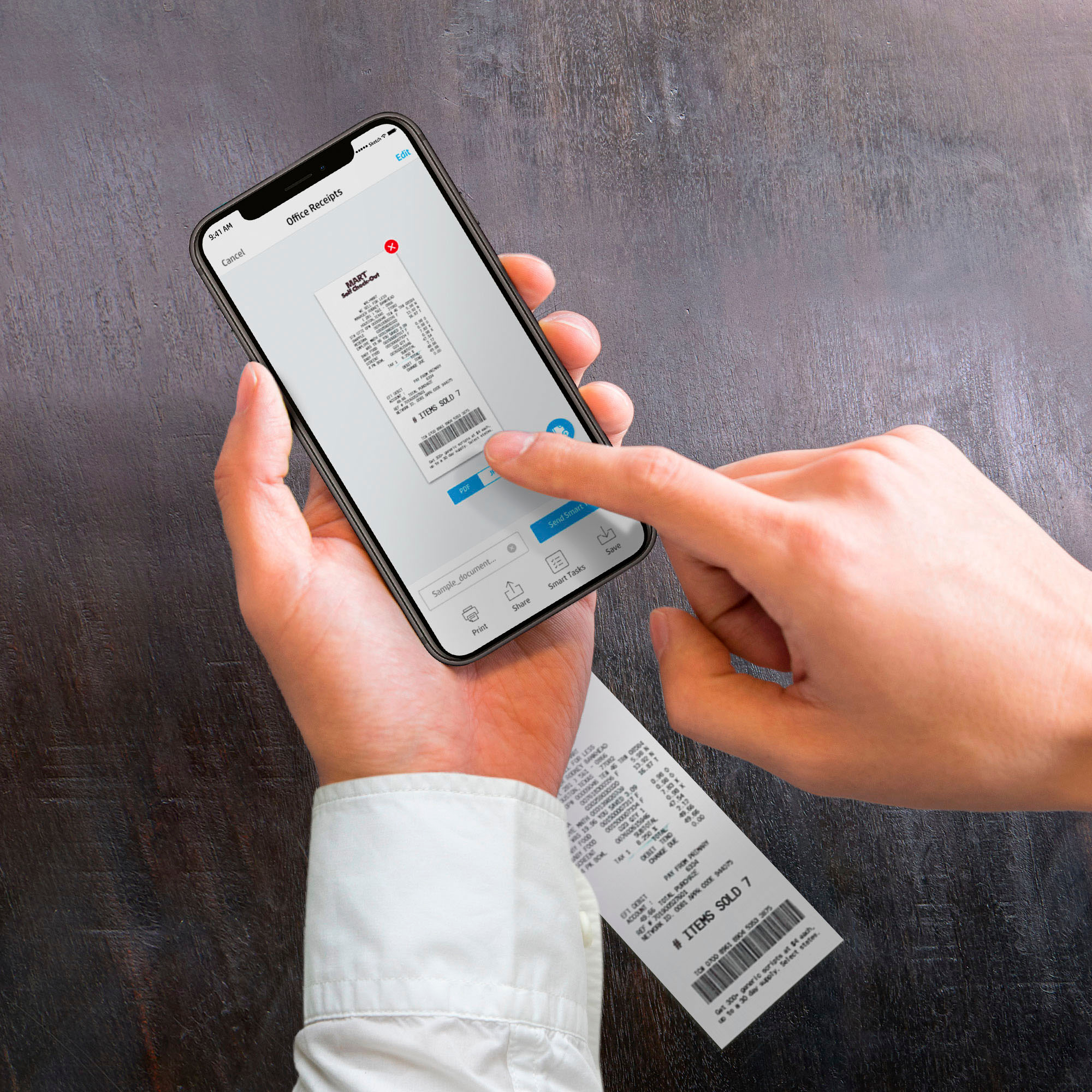
A:AnswerThank you for the question. Yes, the OfficeJet Pro 8034e can be set up in mere minutes using the free HP Smart App on your phone or PC. Don't forget to redeem the free ink and extra warranty offers when setting up.
A:AnswerMost printers can print photos. What varies is how well optimized for photographs a printer is. This printer will make a good print of a photo but a photo printer can produce an outstanding print.
If you are very serious about photographs, you will optimized the file in something like the adobe photo tools.
You question is not a simple yes or no answer.
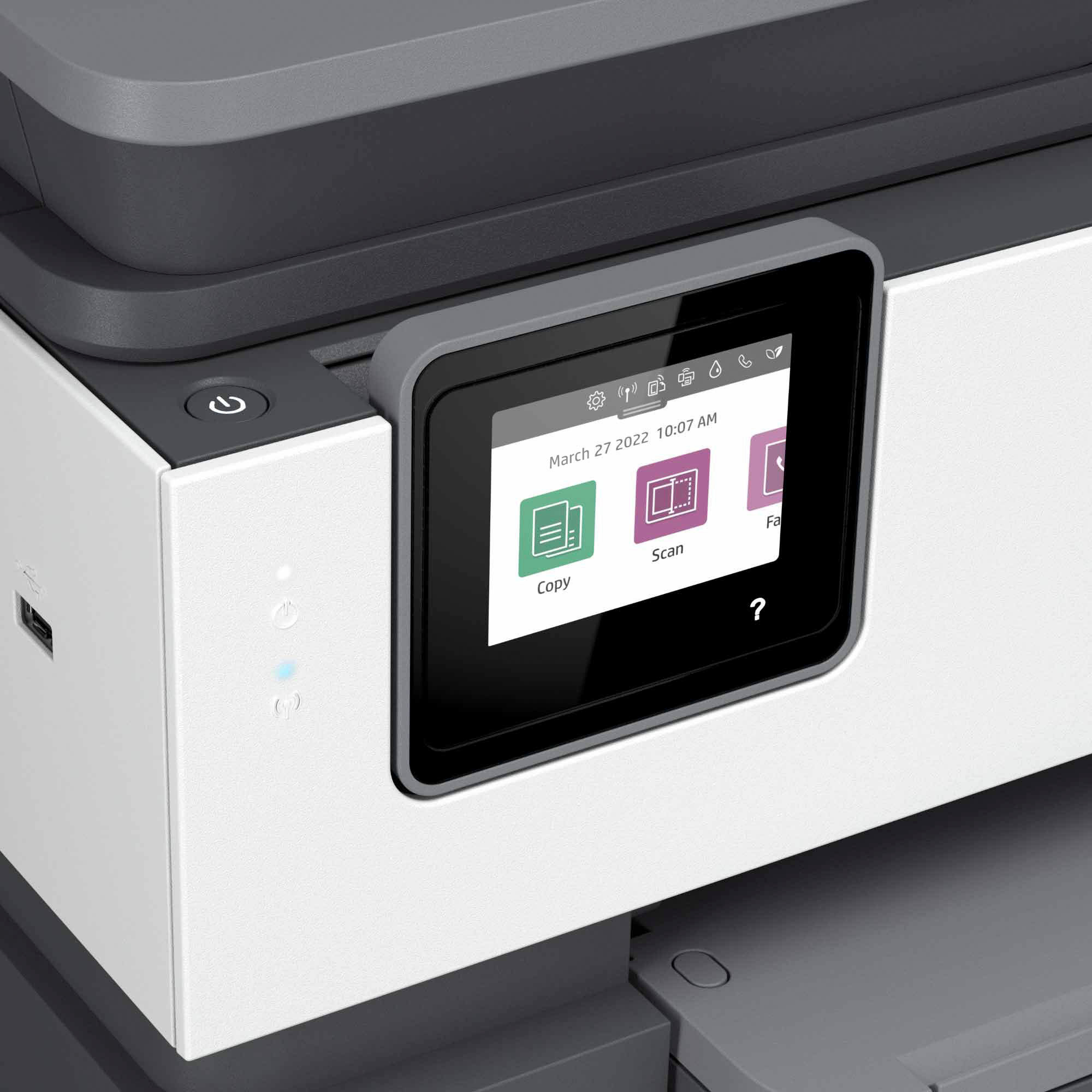
A:AnswerHello, Susie. Thanks for your question. You cannot print Word and Excel documents from a USB drive with this HP Officejet Pro 8034e printer. You can print photos from a USB flash drive with this printer.
A:AnswerIt was first introduced in 2022 and is (as of mid 2023) still one of the current printer lineup. Unlike cars, computers and printers don't have a specific "model year".
A:AnswerNo. The host USB port can print photos. One work-around would be to save the document to the flash drive as a .jpeg, The other would be using the HP Smart App on your smartphone or PC - you can print almost any kind of document.