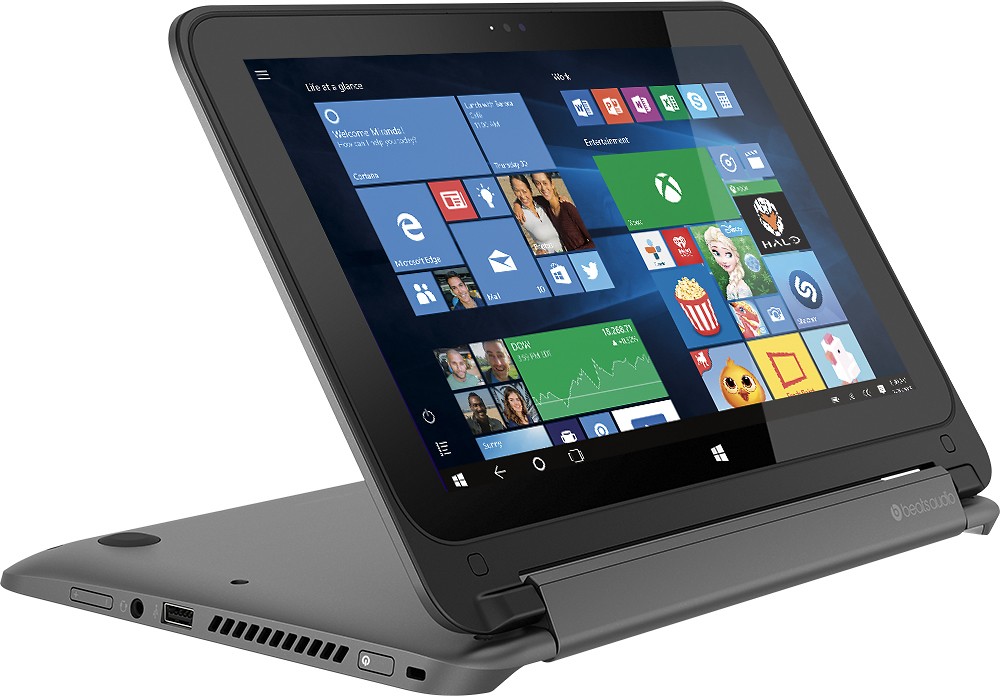
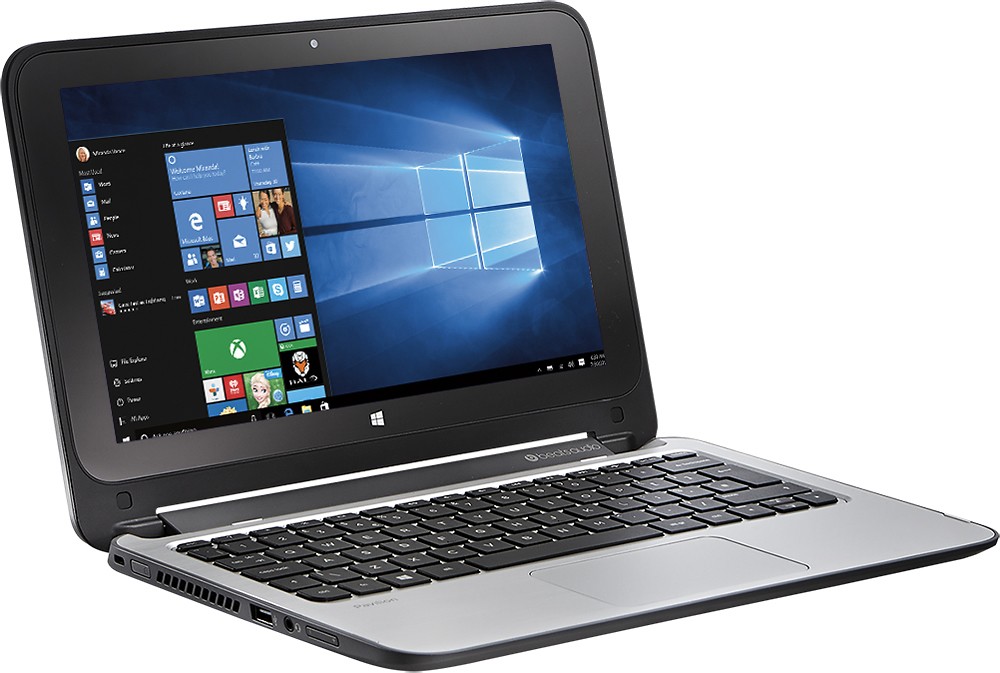
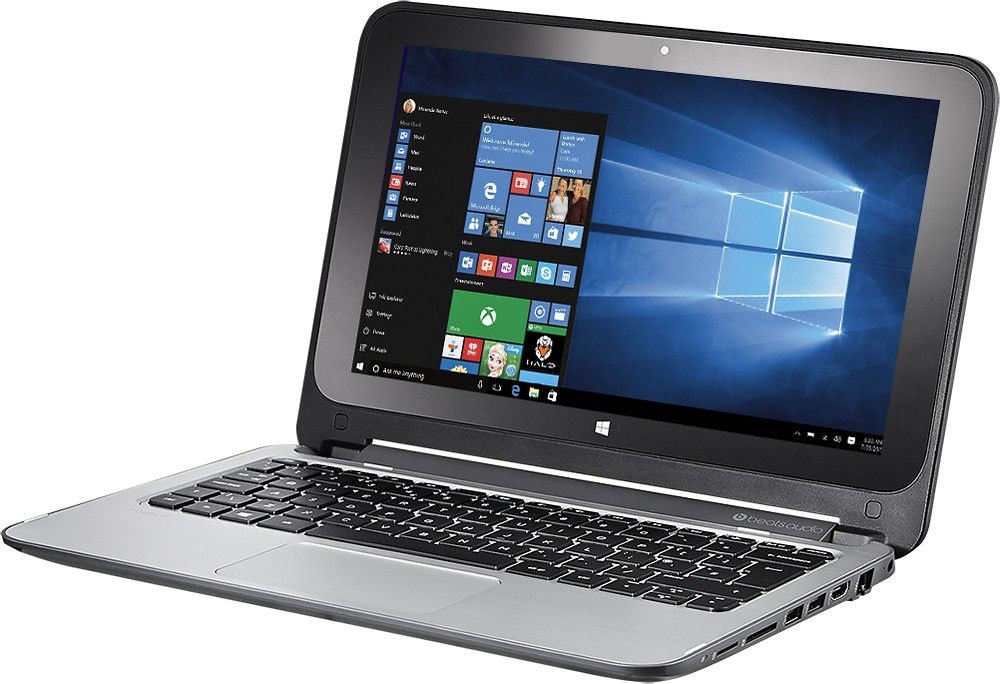
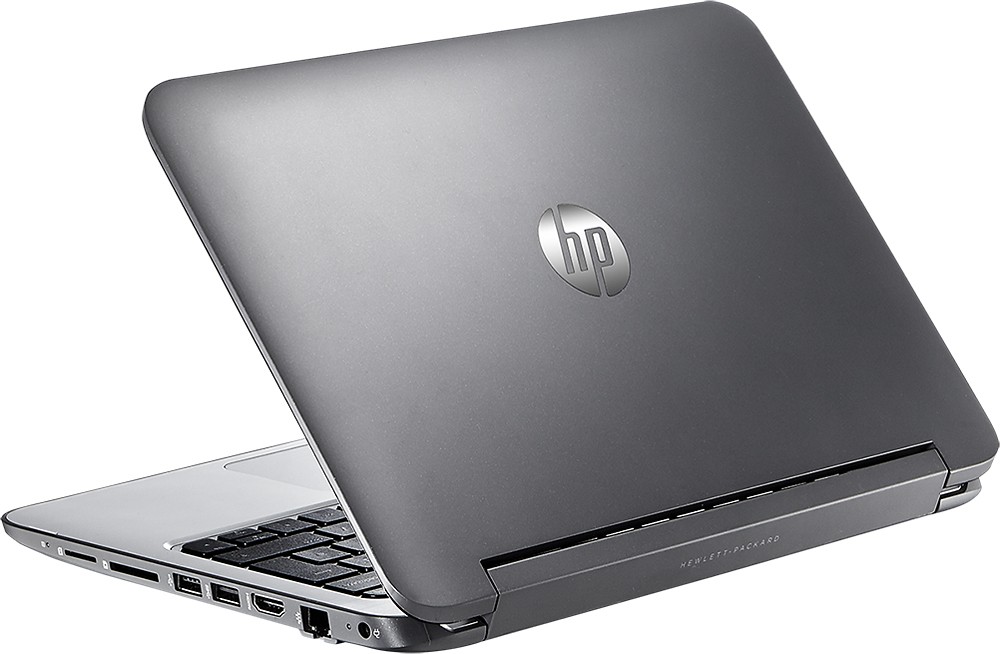
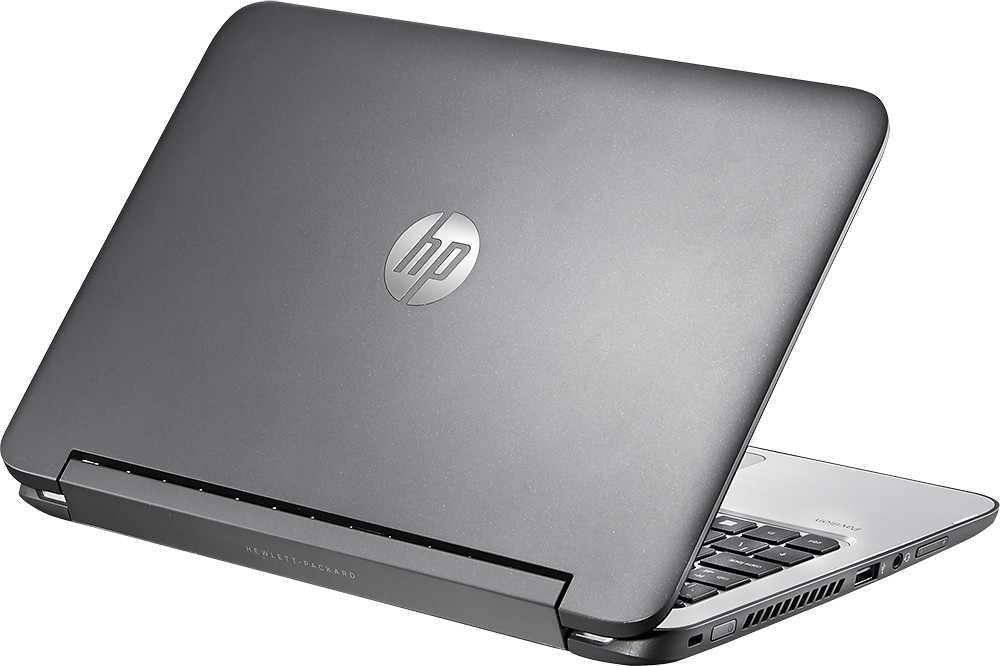
A:Answer Yes, you can. Remove the screws from the bottom, including the two hidden under the rear feet, the bottom lid snaps off around the stainless steel surface. Inside you will see the foil wrapped HDD, it's a Toshiba 5400rpm SATA II drive, 7.0mm profile. A standard thickness 2.5" drive won't quite fit, so make sure your SSD is 7.0mm profile as well. Carefully remove the battery, and then the screws holding the HDD in place. Remove the cable connector from the board first, not the drive. Then swap away! Installation is reverse of this. Board is SATA III, so make sure you don't but a SATA II SSD, or you'll not get the best performance for your $$.