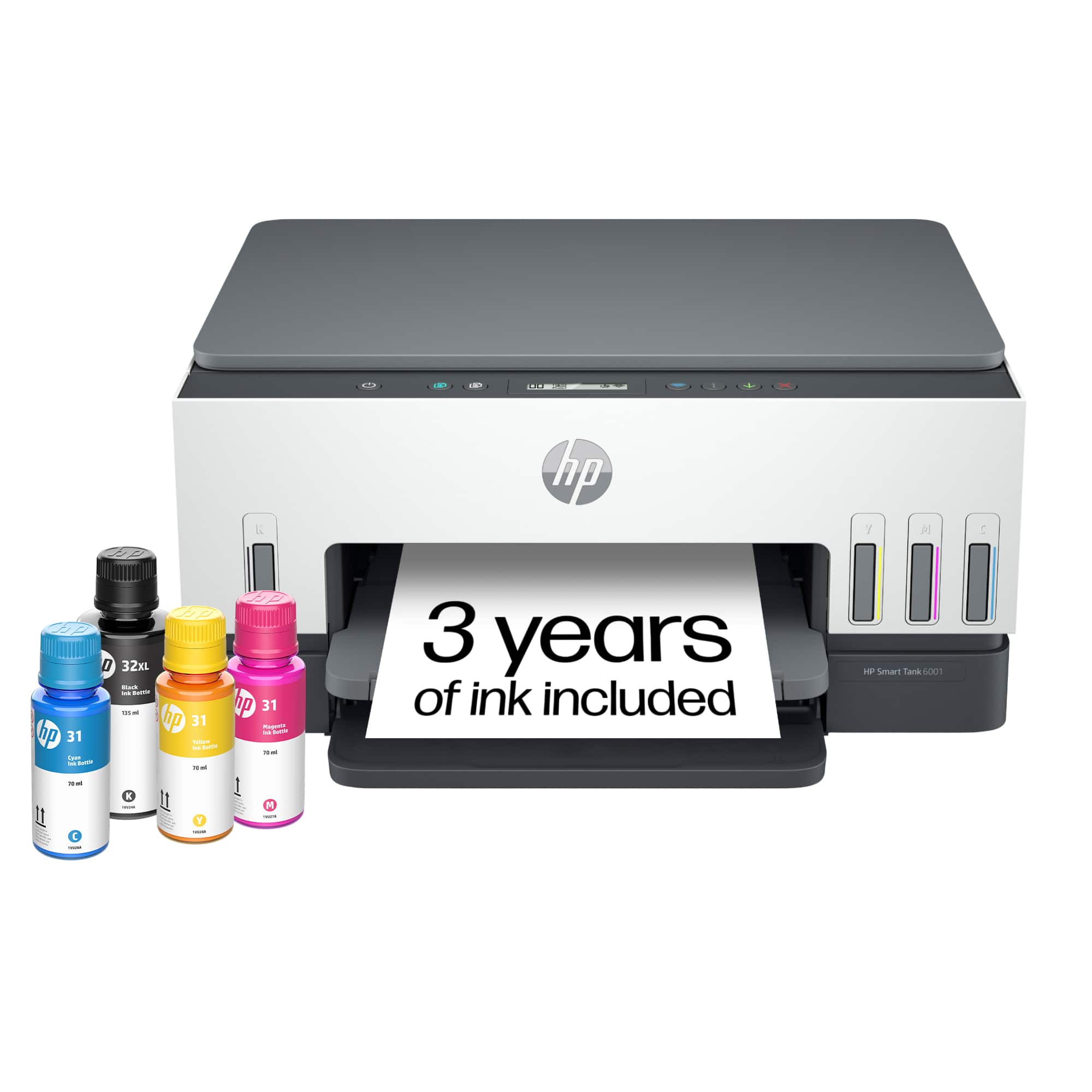
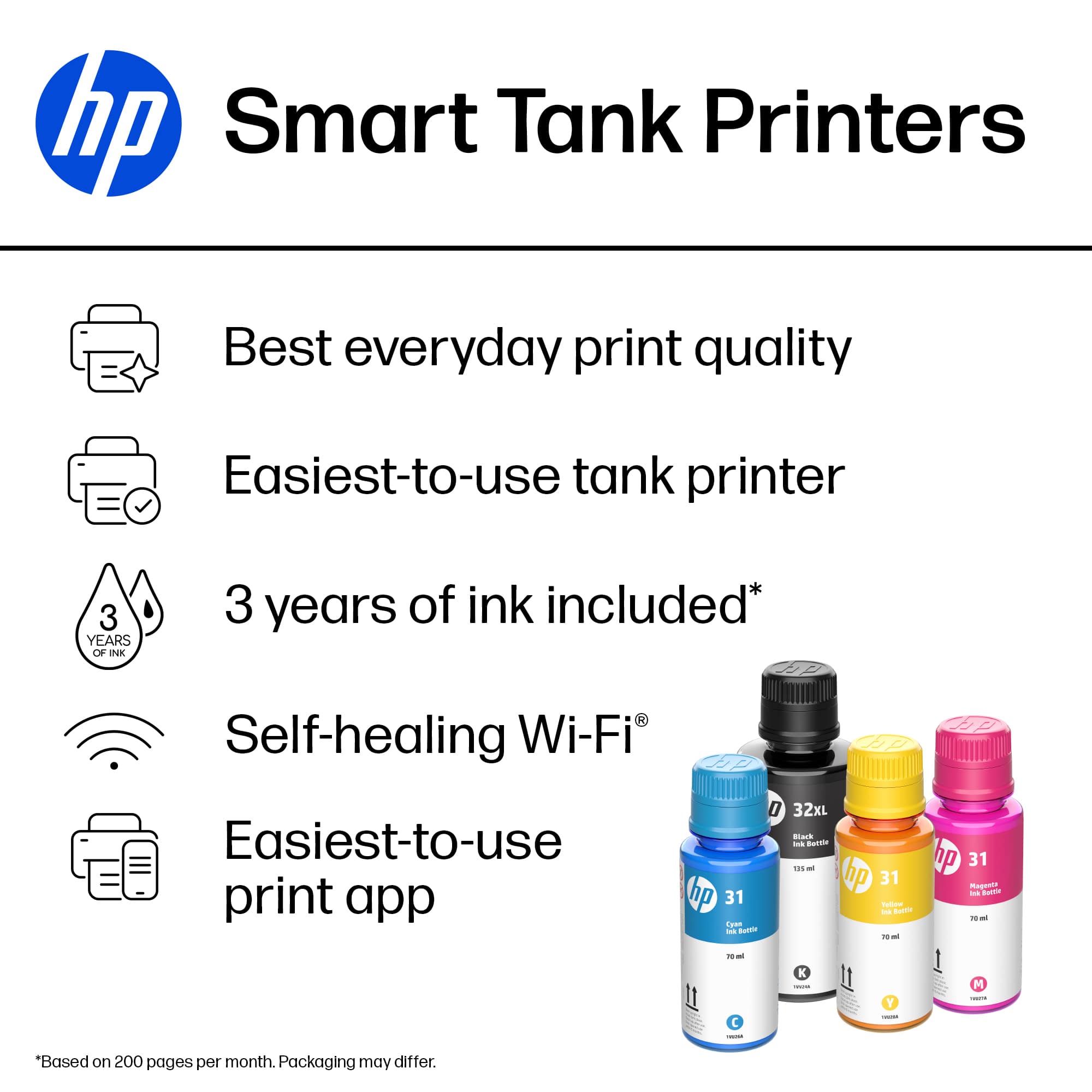
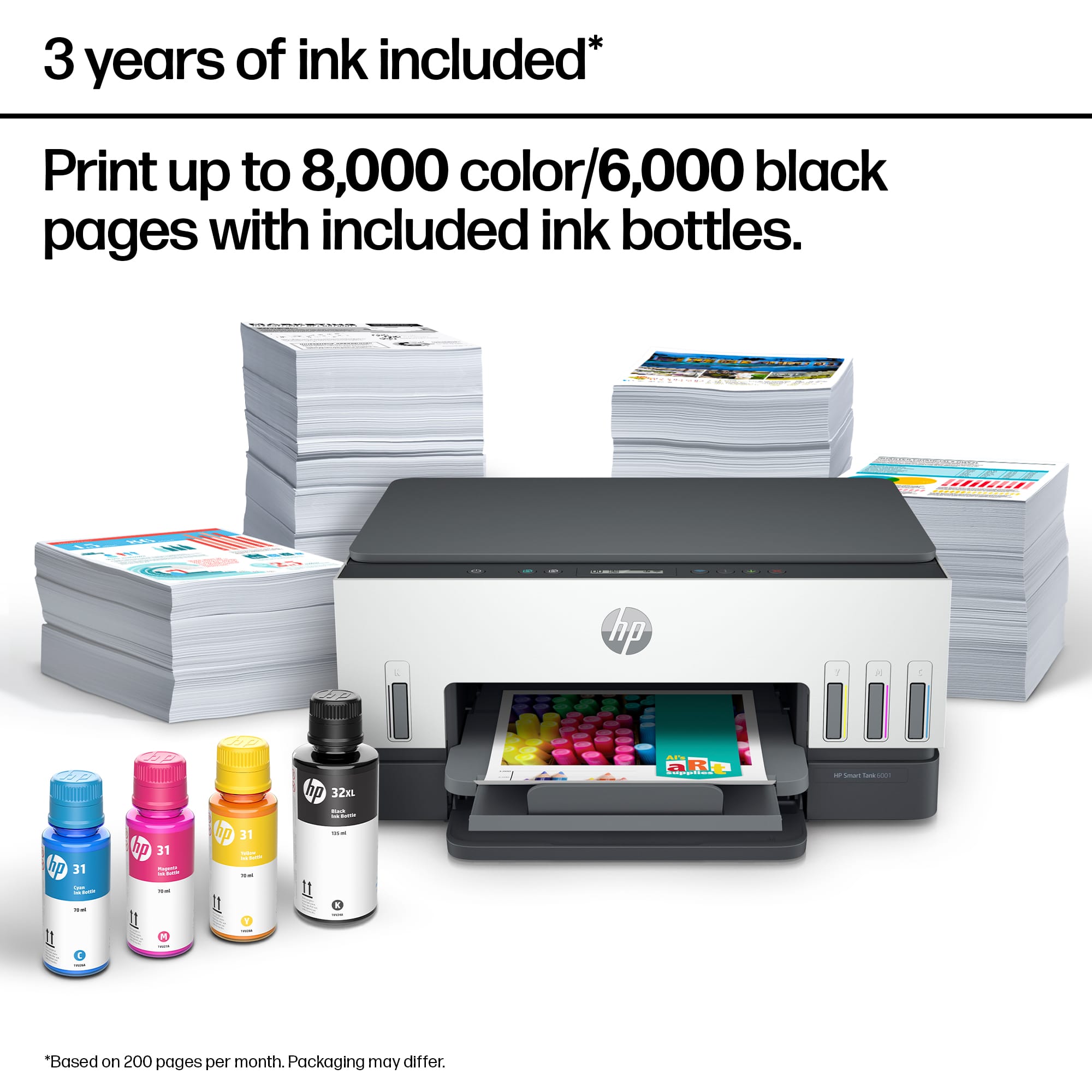
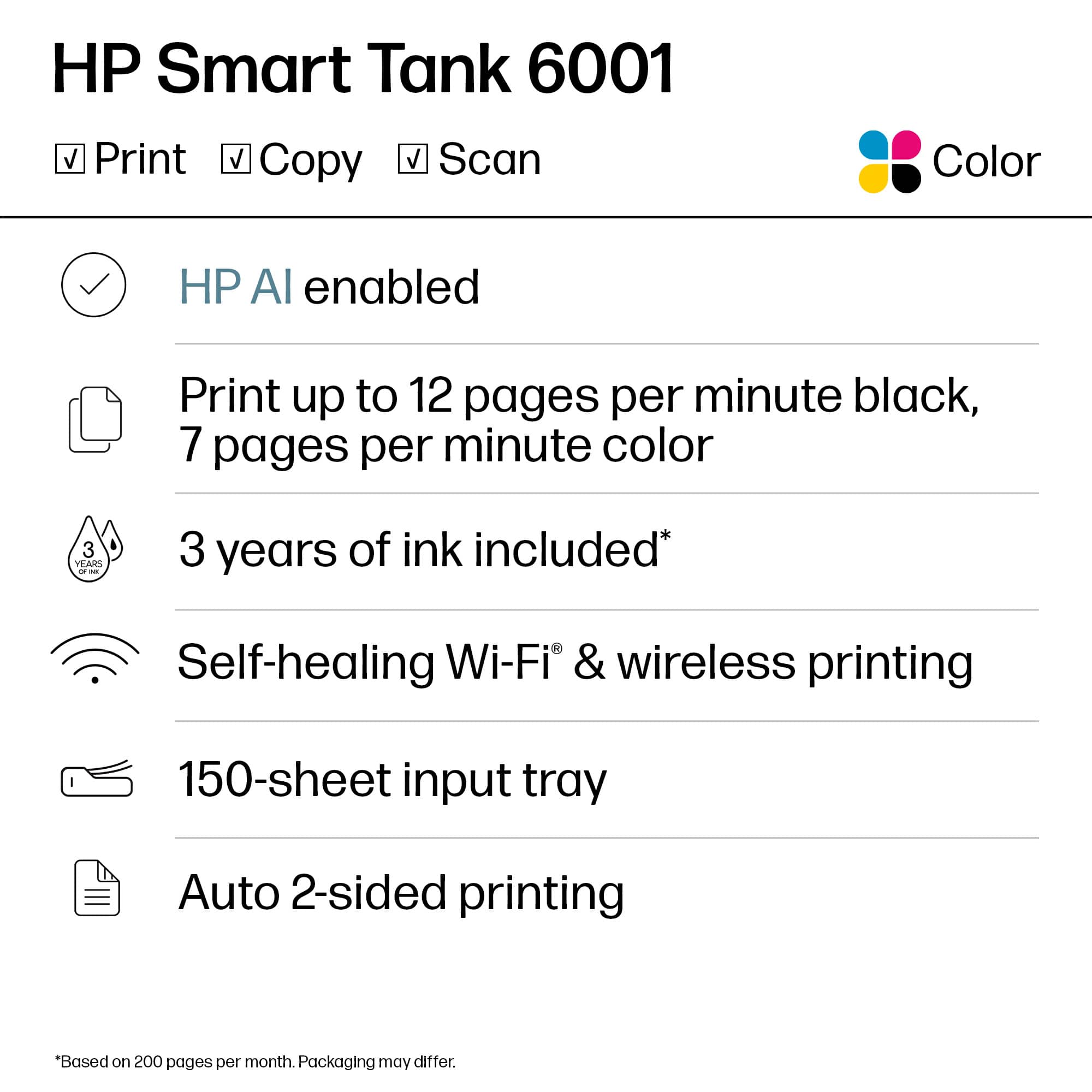
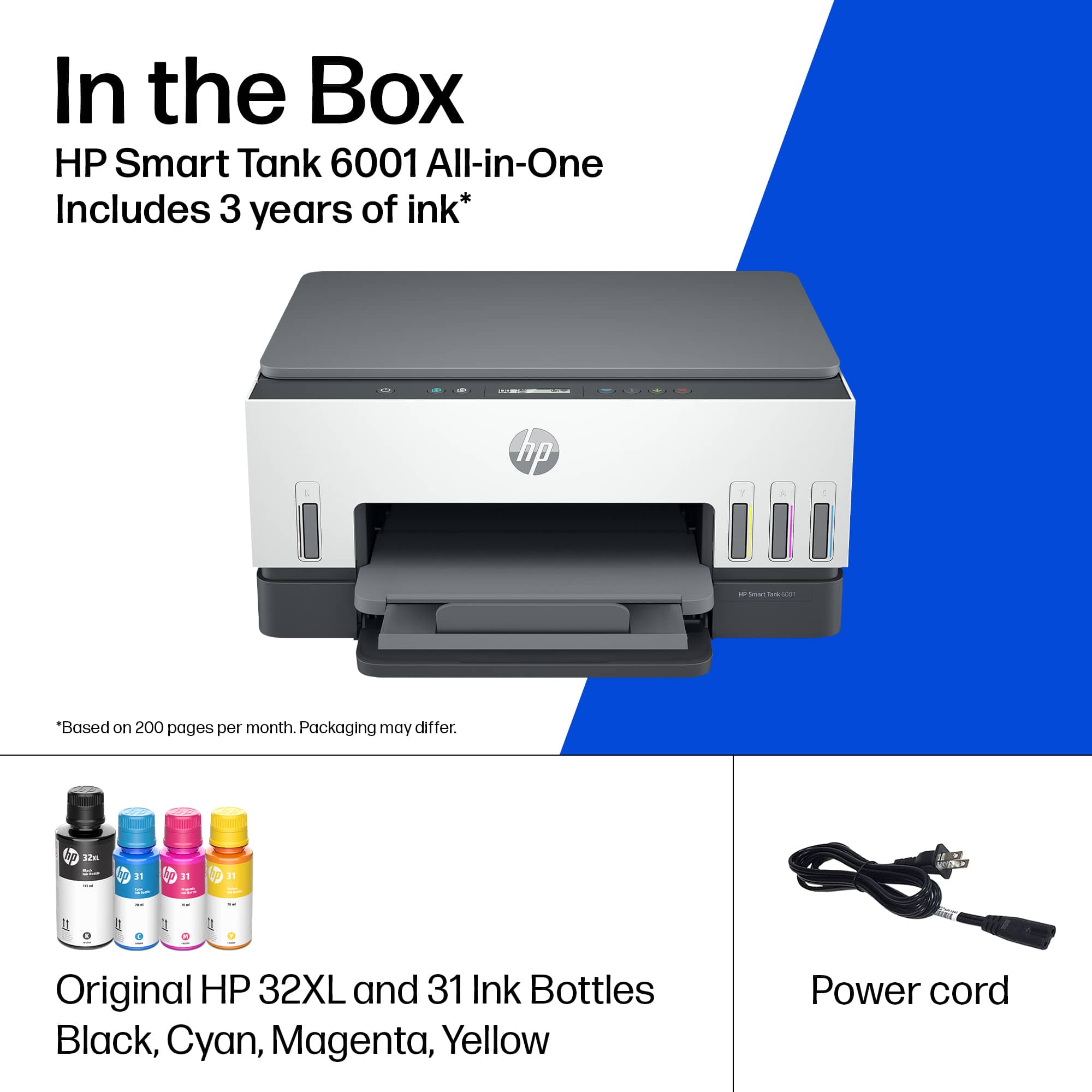
A:AnswerThank you for your question. The Smart Tank, 6001 does not require a subscription. It comes with enough ink to print up to 8,000 pages in color or 6,000 pages in black right out of the box.
A:AnswerBob, thank you for your concern about compatibility. You can add this printer to your existing HP Smart software on your PC. HP Smart supports multiple printers on the same device, including this Smart Tank!
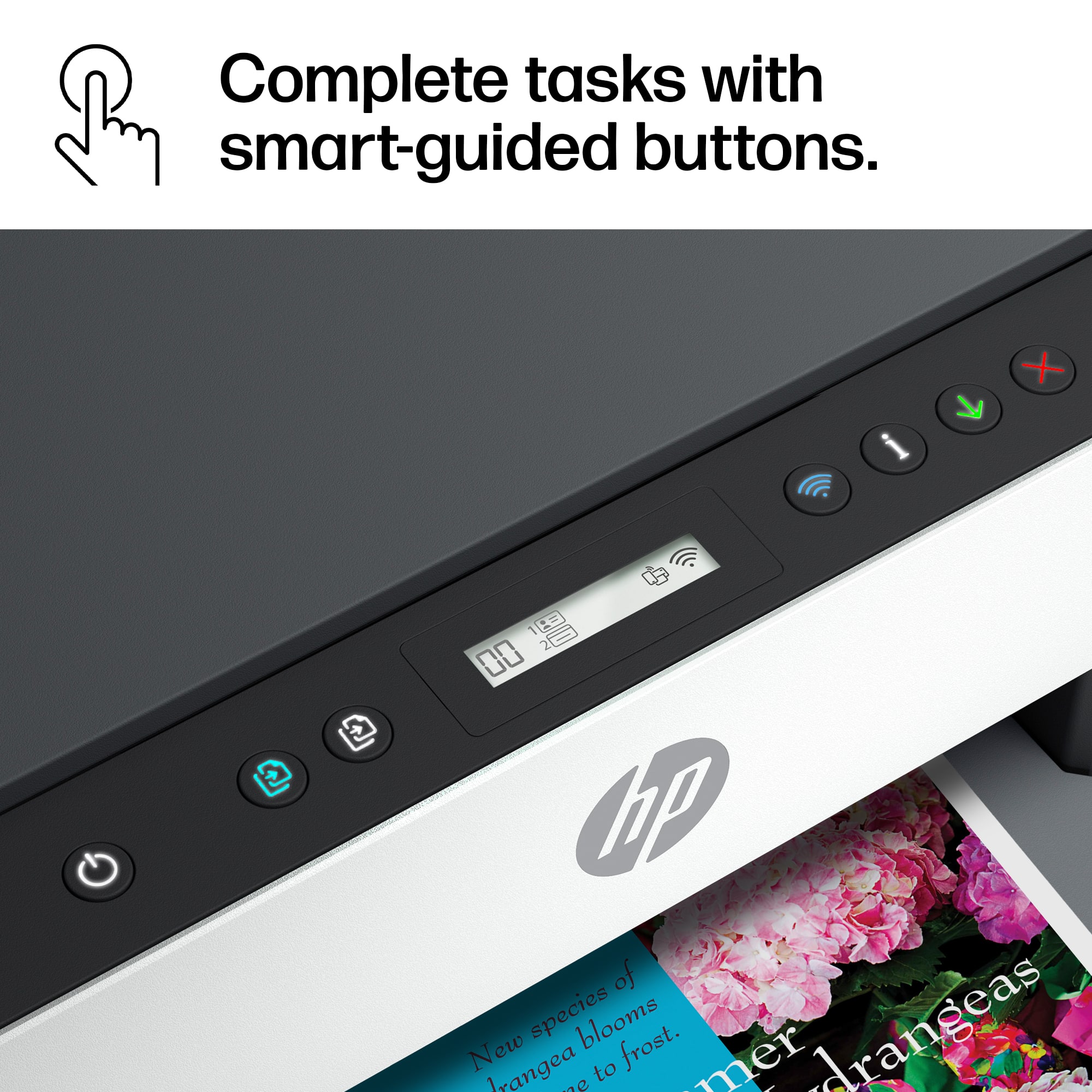
A:AnswerDefinitely not the printer for someone that isnt at least a little tech savvy. Hard to set up and all the functionality is run through a mobile app.
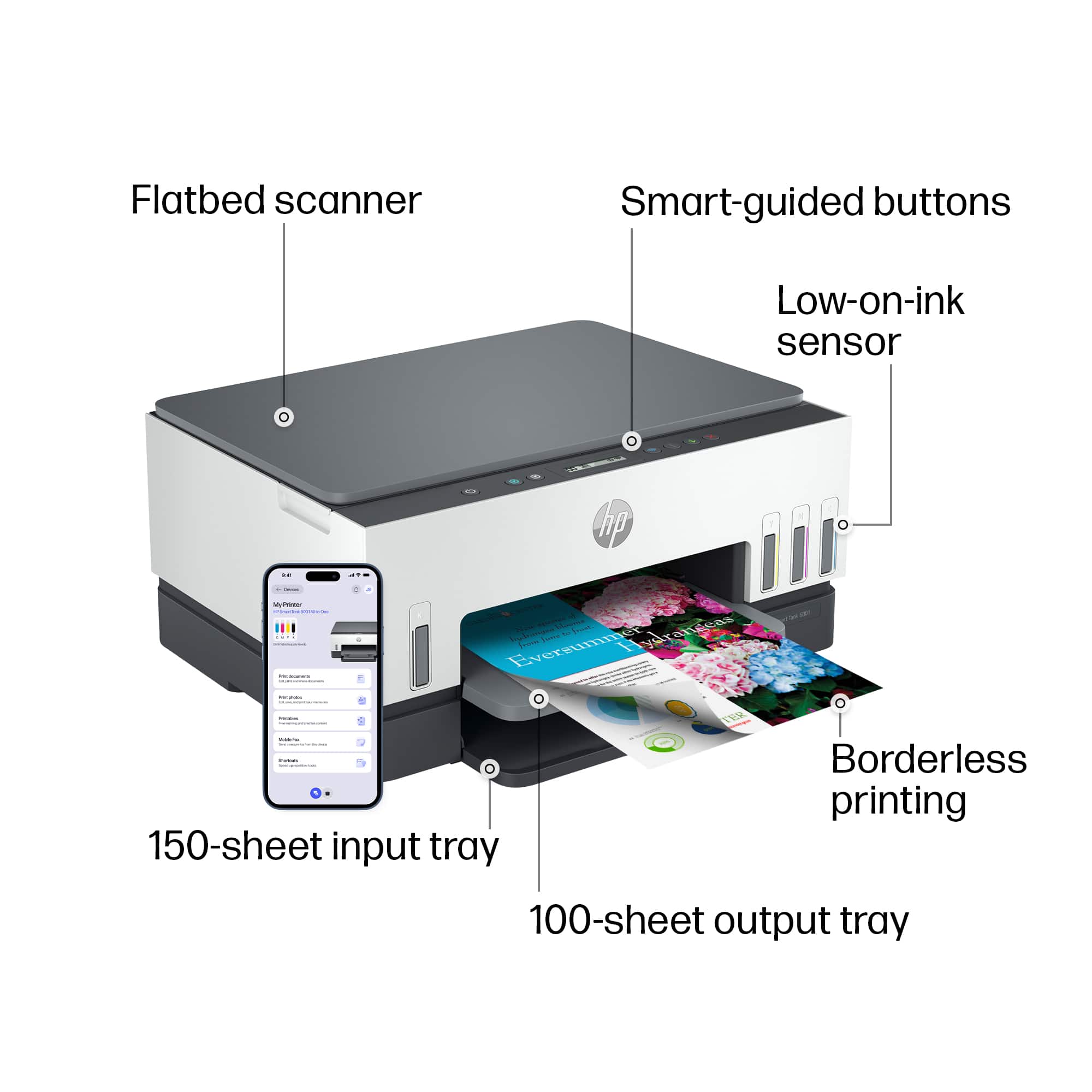
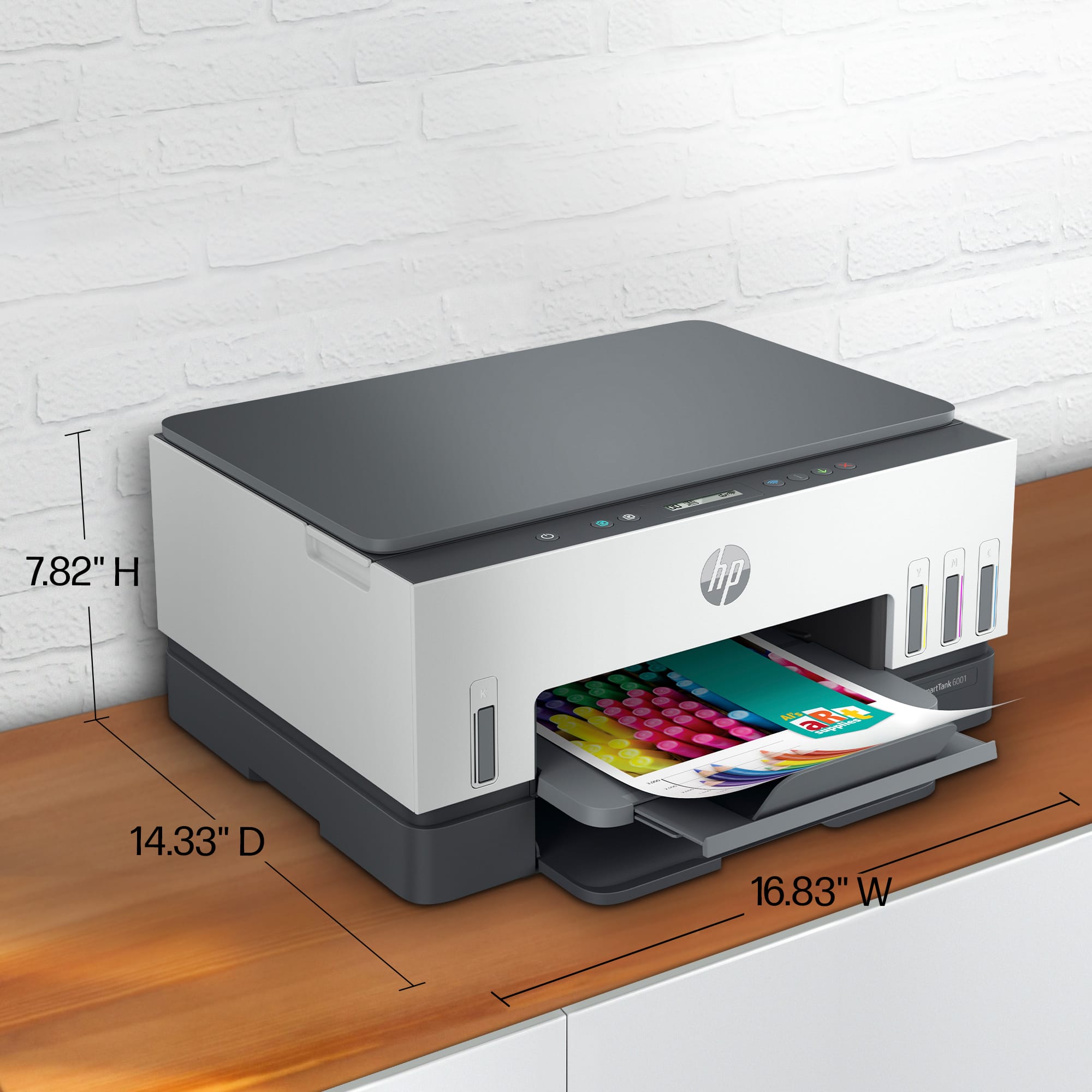
A:AnswerThe paper is loaded from the front by pulling the paper tray out towards you. The light gray tray catches the printed copy. The darker gray tray below the light gray tray is the paper tray. Note: the paper tray does not come completely out of the printer.
A:AnswerThank you for the question. Yes, you can scan single pages (PDF) into one document using the HP Scan software or front panel. The Smart Tank 6001 does not support saving to the cloud or scanning to email.
A:AnswerThank you for the question. If the vinyl is thin and labeled for use with inkjet printers, yes. The Smart Tank 6001 uses dye color and pigment black inks.
A:AnswerThe HP printers will work with Linux. Most major Linux distributions regularly pick up the HPLIP software and include it with their distribution installation. If you are using a Linux OS that does have them installed, you can download the drivers from this website. https://developers.hp.com/hp-linux-imaging-and-printing/
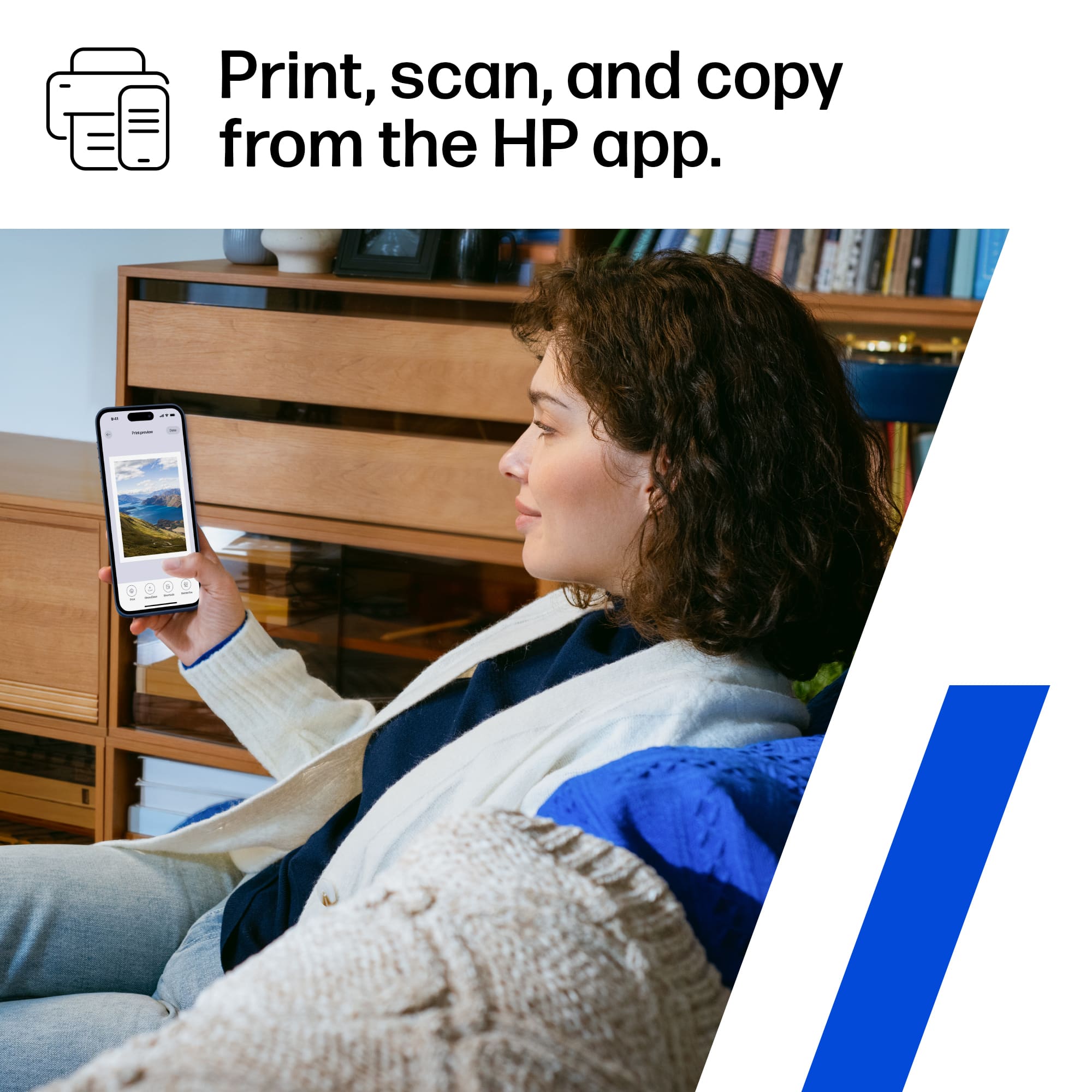
A:AnswerThank you for asking. Yes, the Smart Tank 6001 works with Chromebooks. Yes, it is wireless - you can connect it to the same network as your Chromebook. Connect your smartphone to the same network and you can print from your phone using the free HP Smart App.
A:AnswerHi Noreen, thank you for asking. Yes, the Smart Tank 6001 accepts cards up to 200 g/m² and photo papers up to 250 g/m². Make sure the photo paper is made for inkjet printers.
A:AnswerIt will print if one color is low but it is not advisable, because then the printing needle will dry up and it may cost you more in the long run.
A:AnswerThis model printer can print on photos and envelopes. The following media sizes are approved for this printer: Letter; Legal; Government Legal; Executive; Statement; 4 x 6 in; 5 x 7 in; 8 x 10 in; L; Photo 2L; Envelope( #10, Monarch, 5.5 bar); Card (4 x 6 in, 5 x 8 in). Additionally, the custom sizes can be adjusted between 3.5 x 5 in to 8.5 x 14 in.