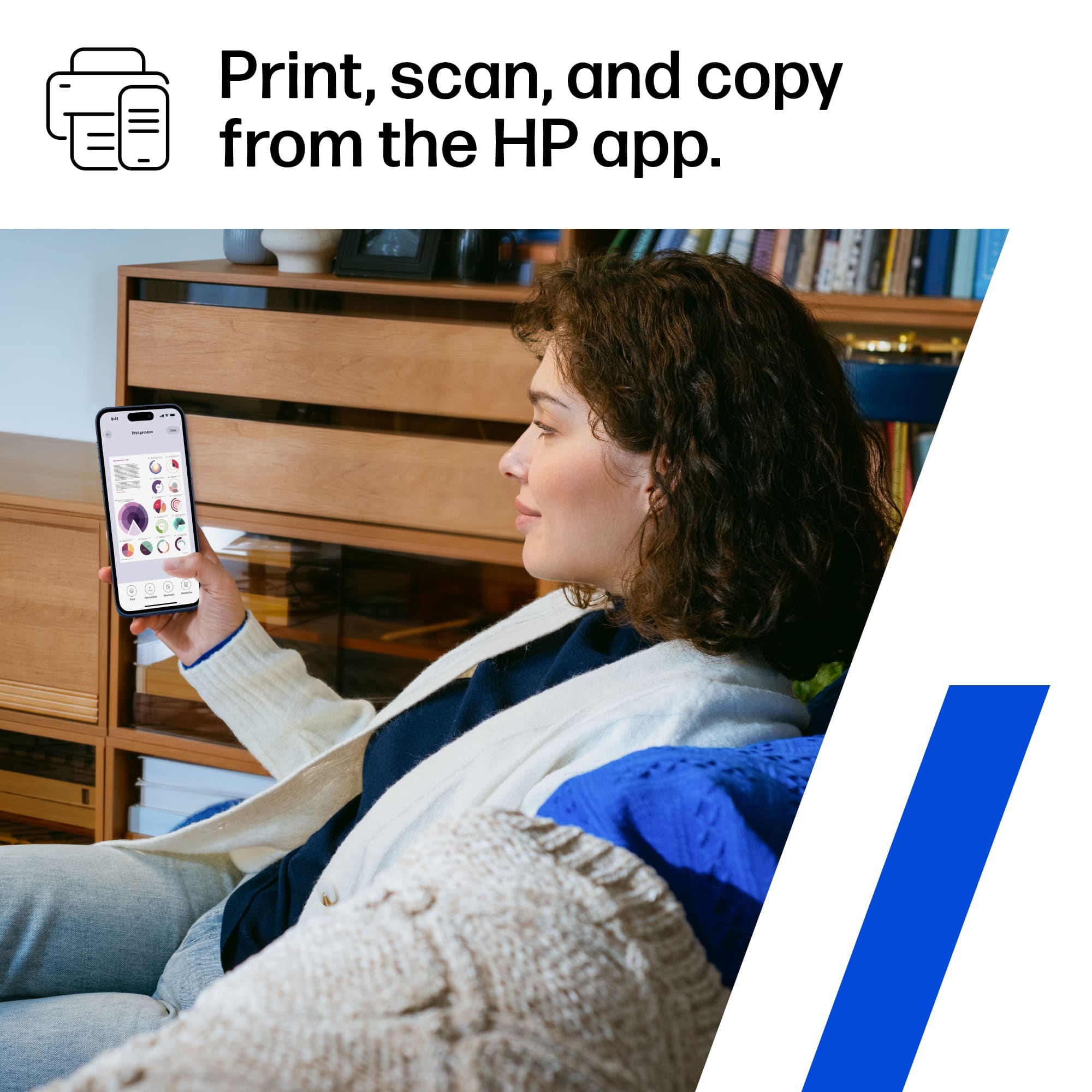
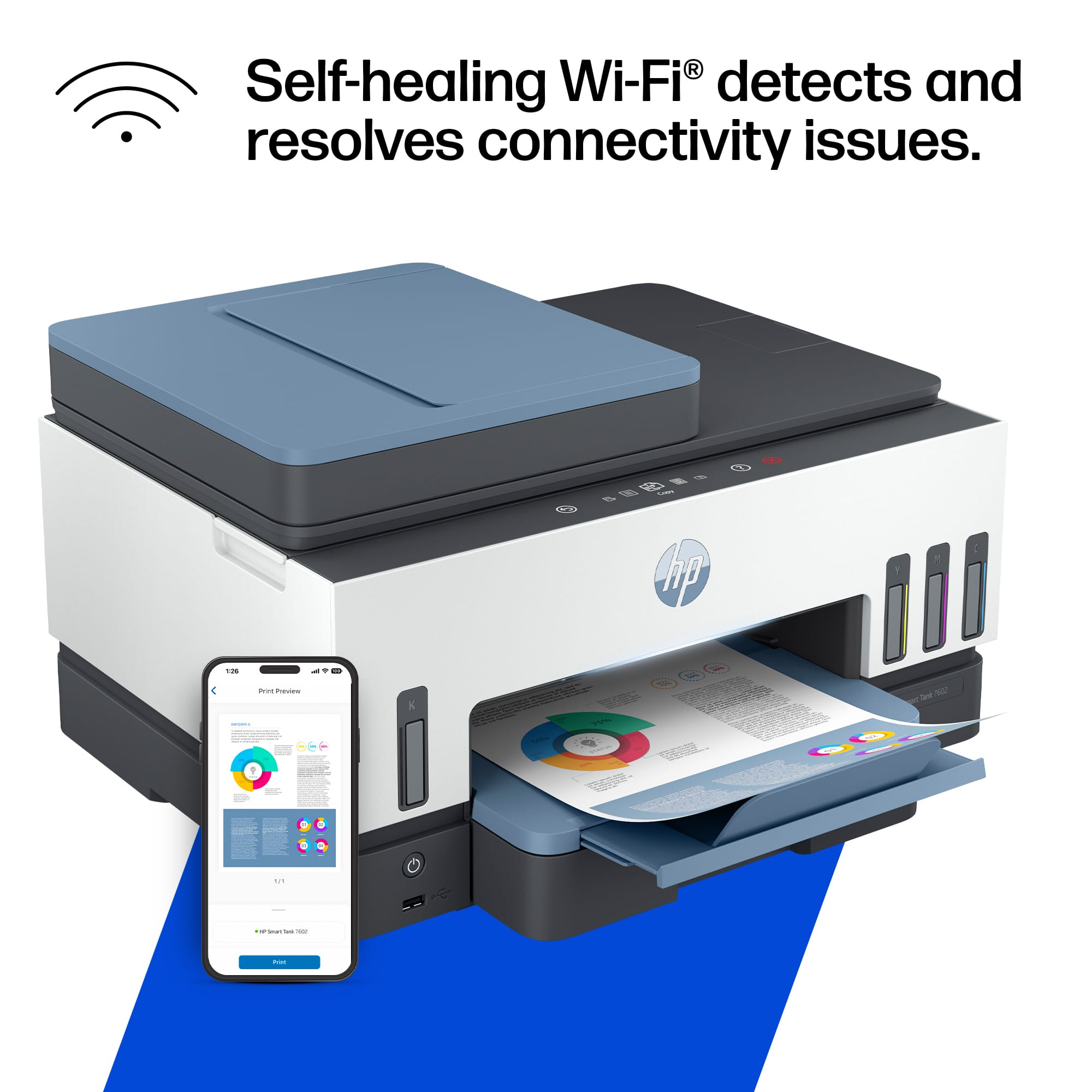
A:AnswerHi Bubba, and thanks for asking. HP ePrint is no longer supported but Print Anywhere is the replacement. Print Anywhere is a feature of the HP Smart app where you can remotely send print jobs and check printer status. HP Smart is available for free on Windows and Apple computer app stores and on Android and Apple smartphone app stores
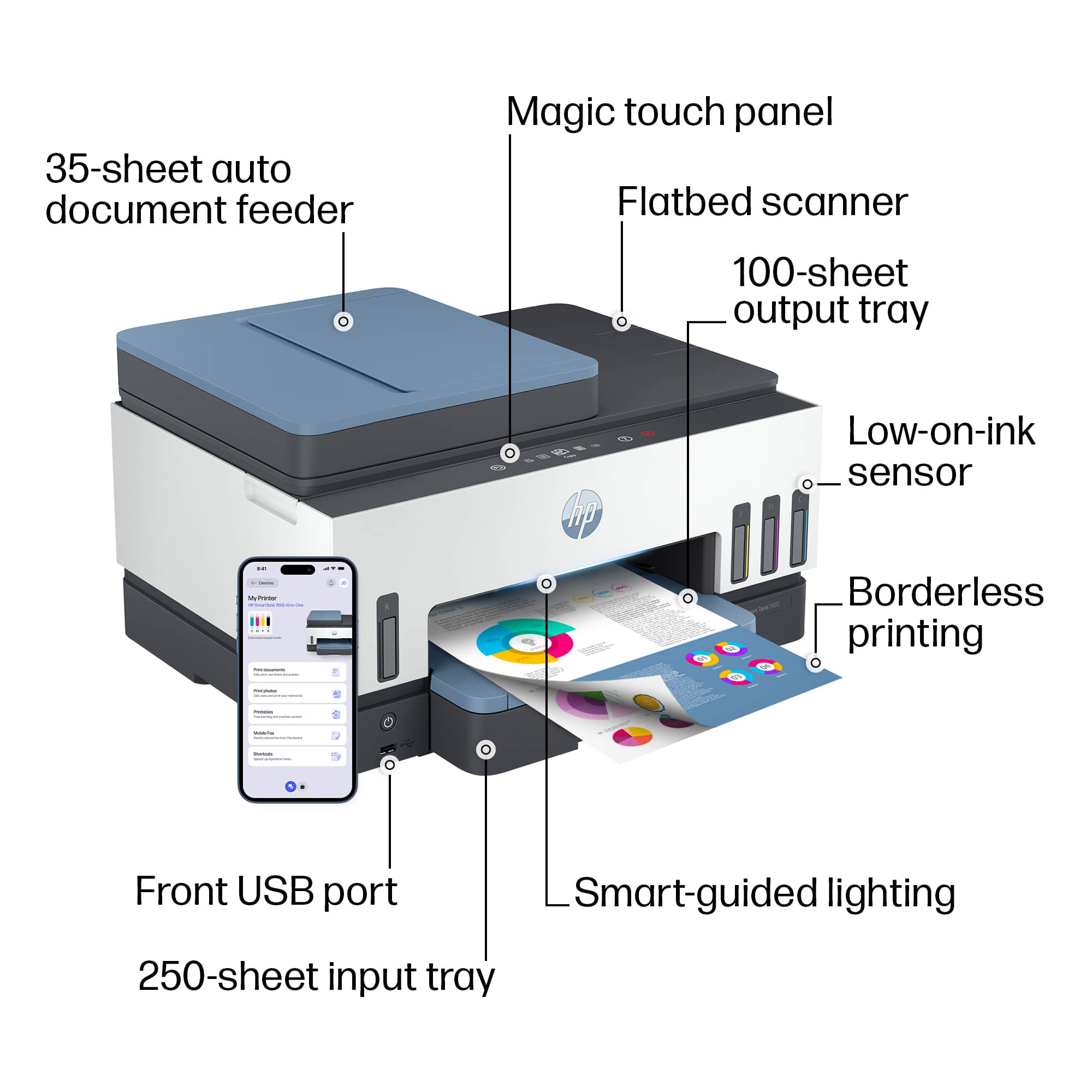
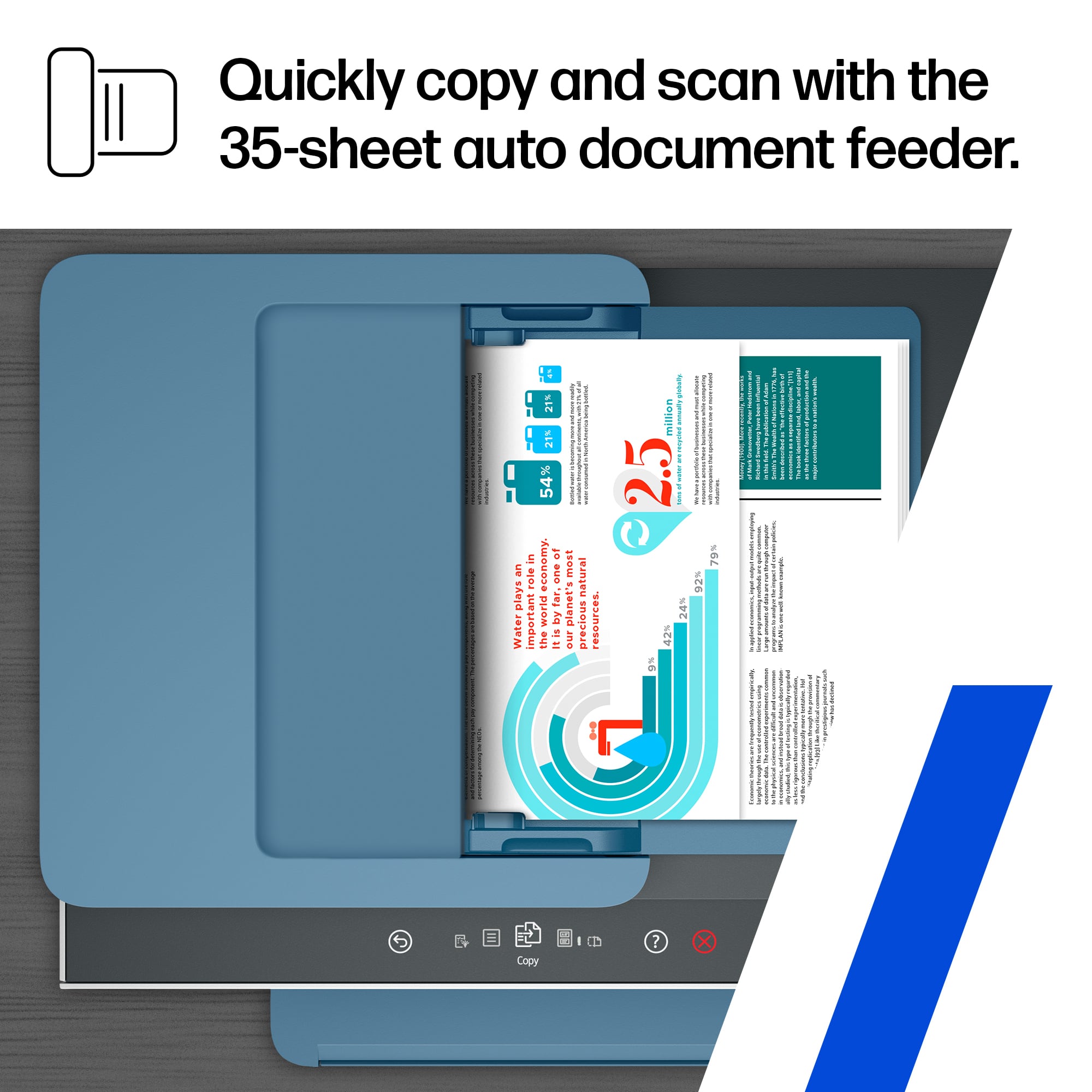
A:AnswerYou can scan to a USB drive and you can also initiate scanning from your computer once configured using the Windows Scanner App or the HP Smart App.
A:AnswerWhile you cannot scan to email directly from the printer itself as a feature, you can scan to email from the HP Smart app in conjunction with this printer.
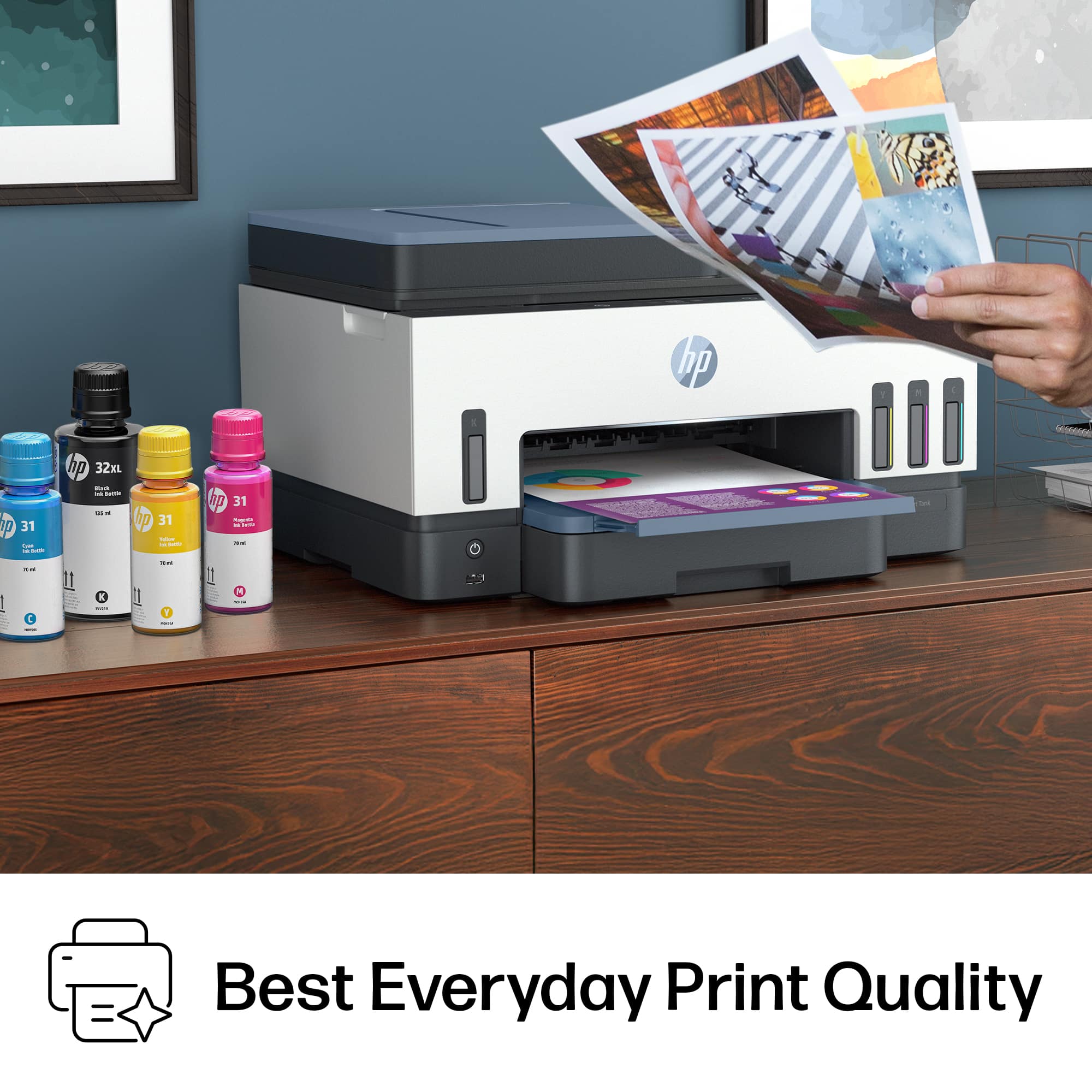
A:AnswerI did print some 4 x 6 pictures on generic photo paper, and there was a little bit of smearing where I touched. Not sure if this would still be a problem if using better paper. It's all I had on hand. Picture quality was pretty good. And even with this printer being just a little slower in the number of pages it prints, it still came out in pretty good time. I would just maybe give it a little time before touching the printed area right away. But I've had that happen with my last printer as well.
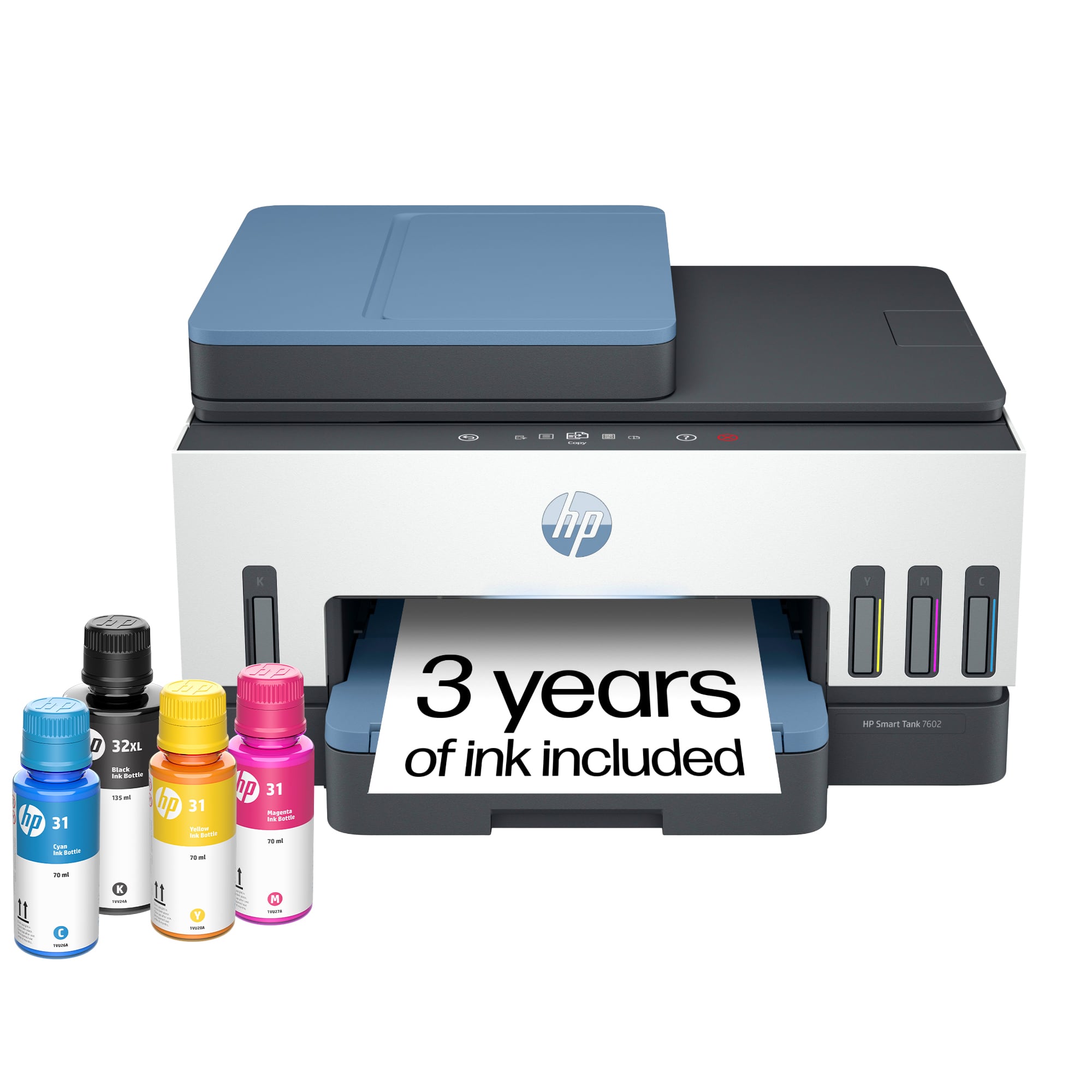
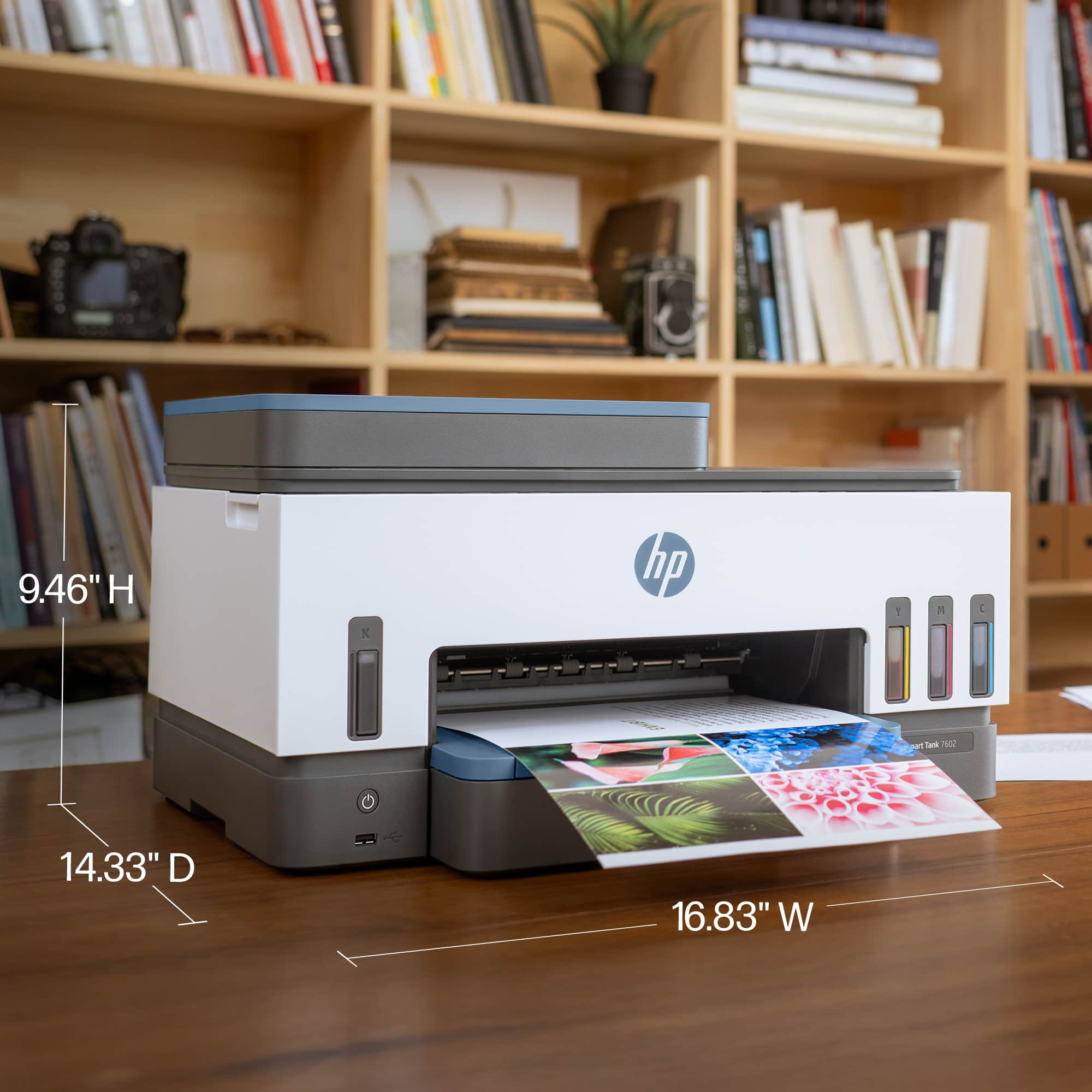
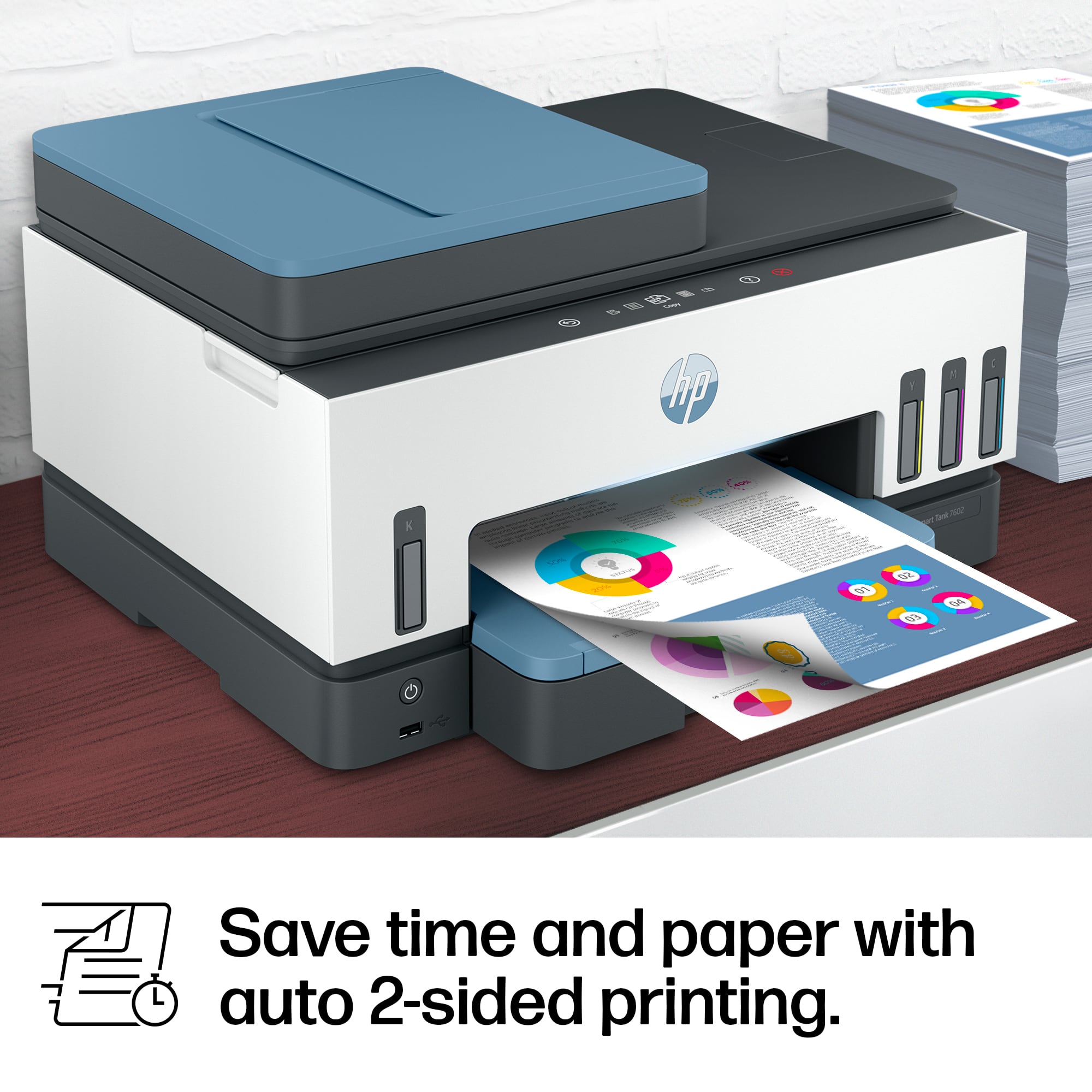
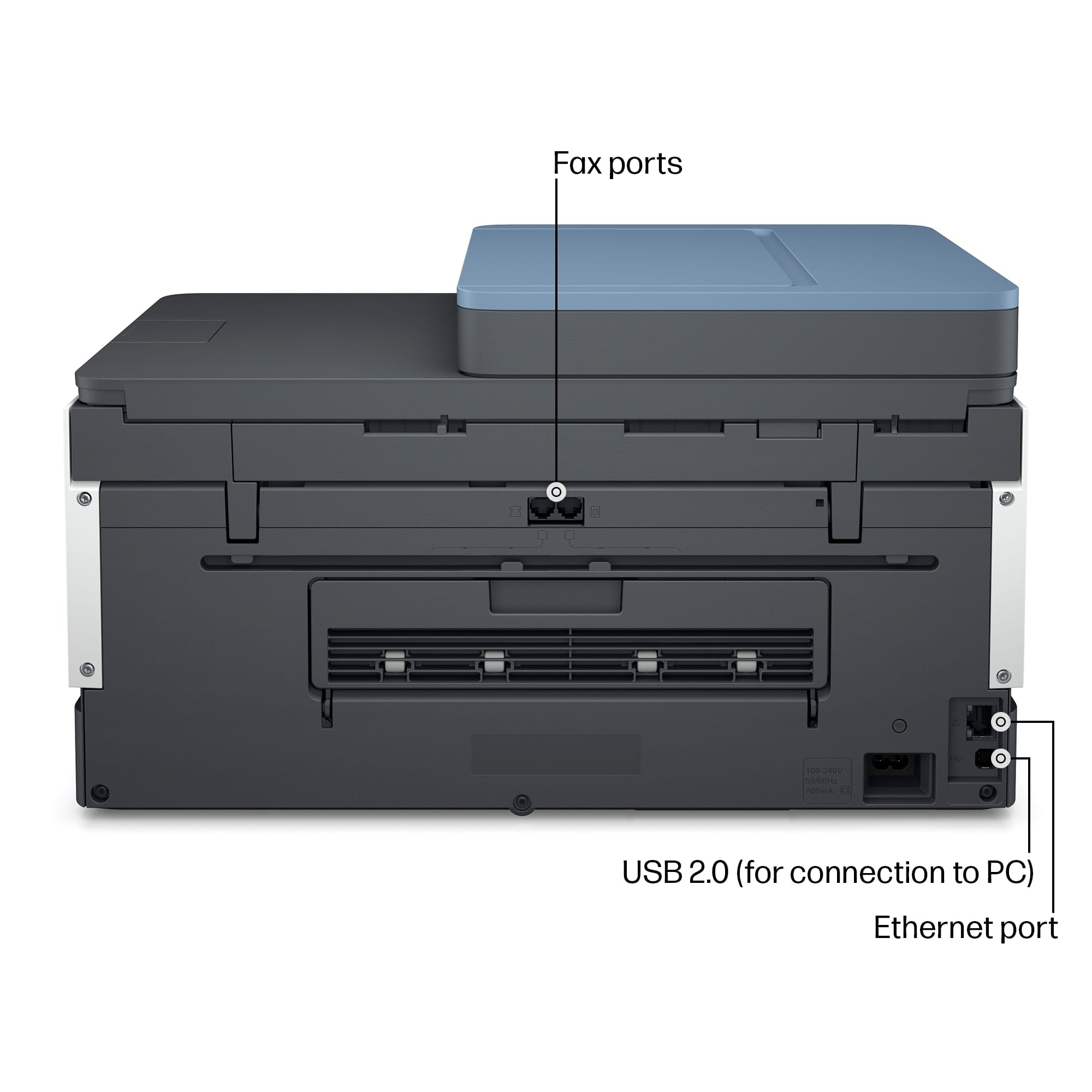
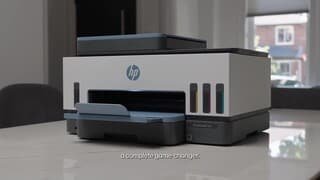
A:AnswerMy husband's laptop does print to this printer, so yours should work, too, on wi-fi, I would assume bluetooth as well. There is a USB port on the front of the printer, just under the power switch, on the left of the paper tray.