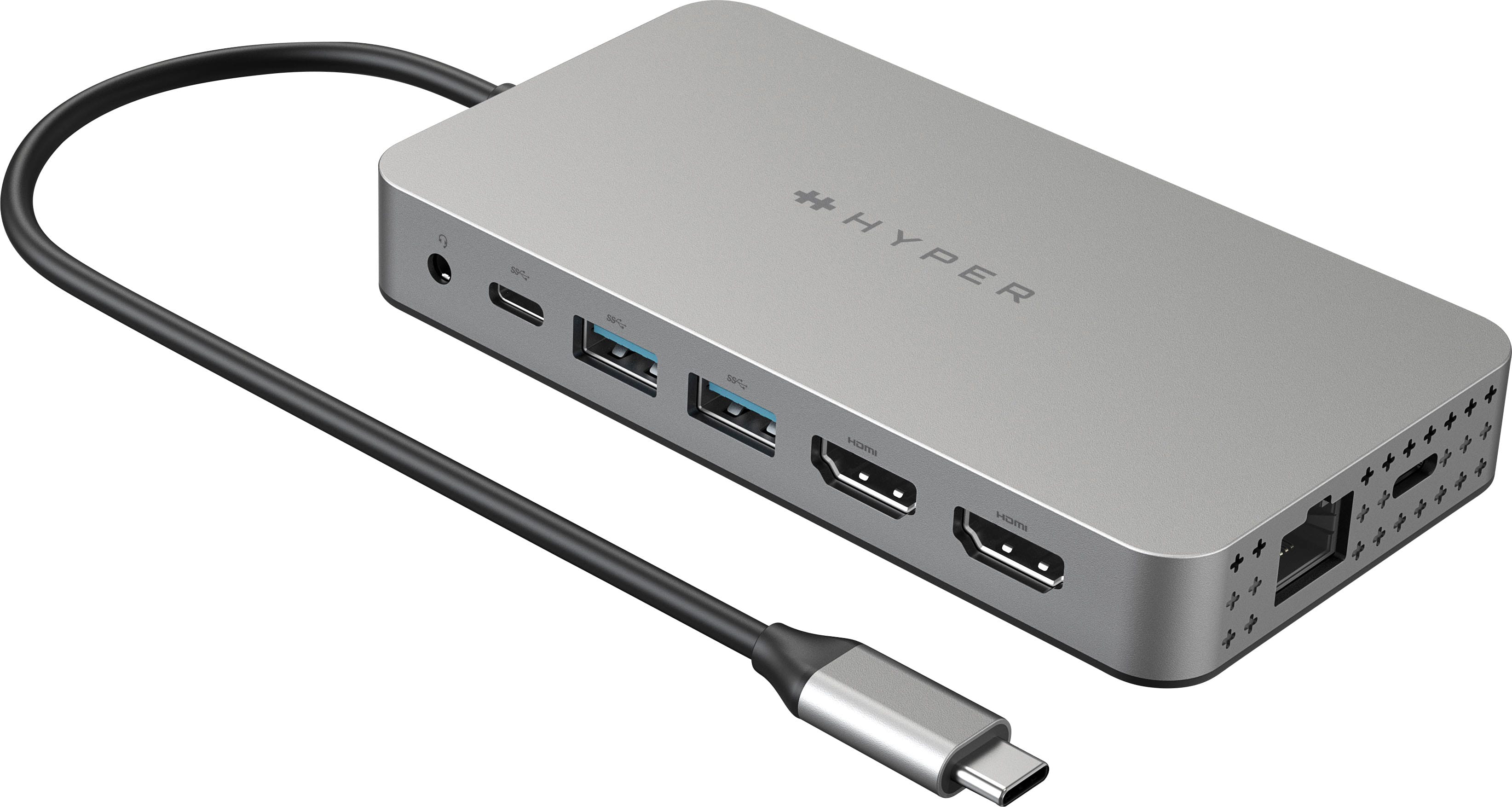
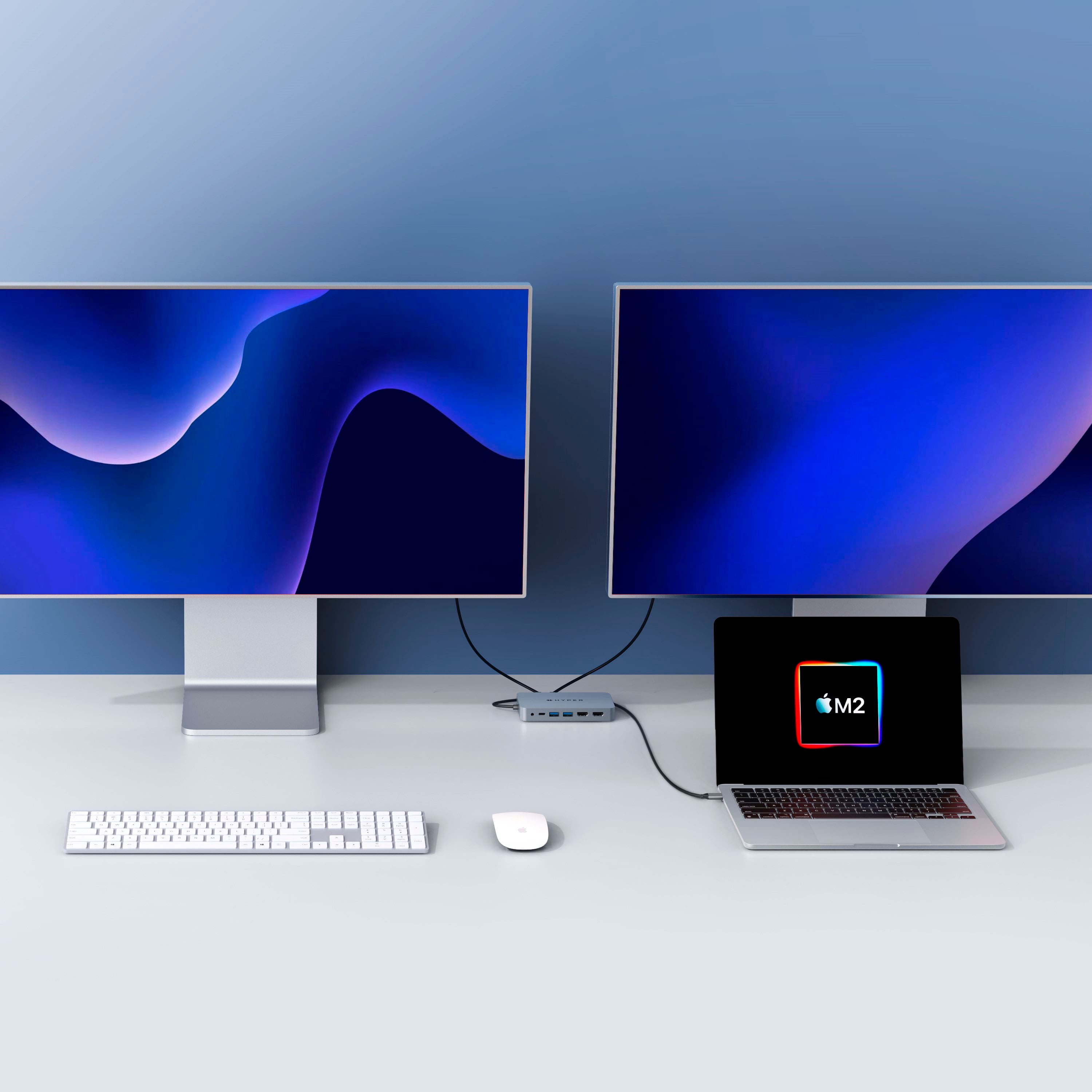
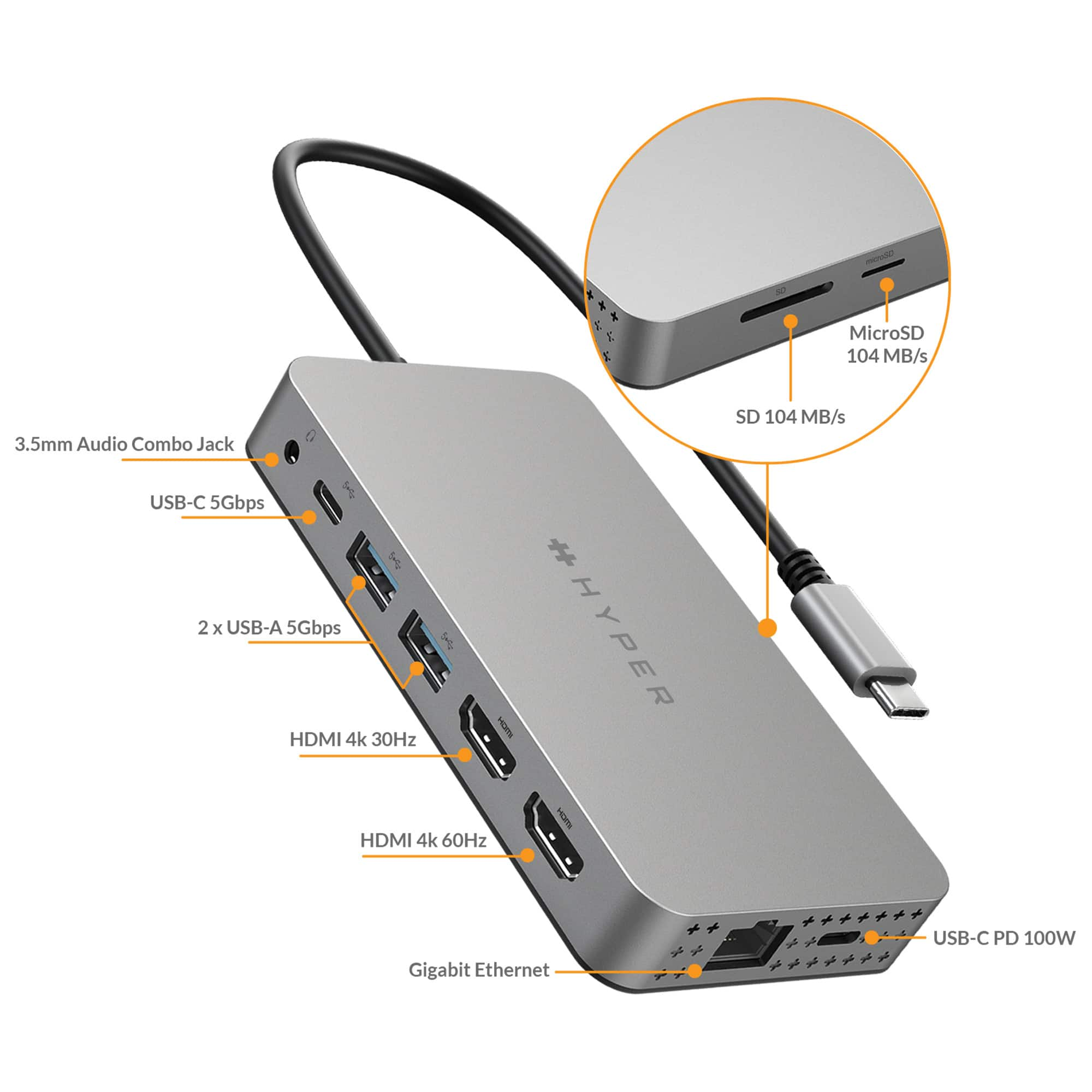
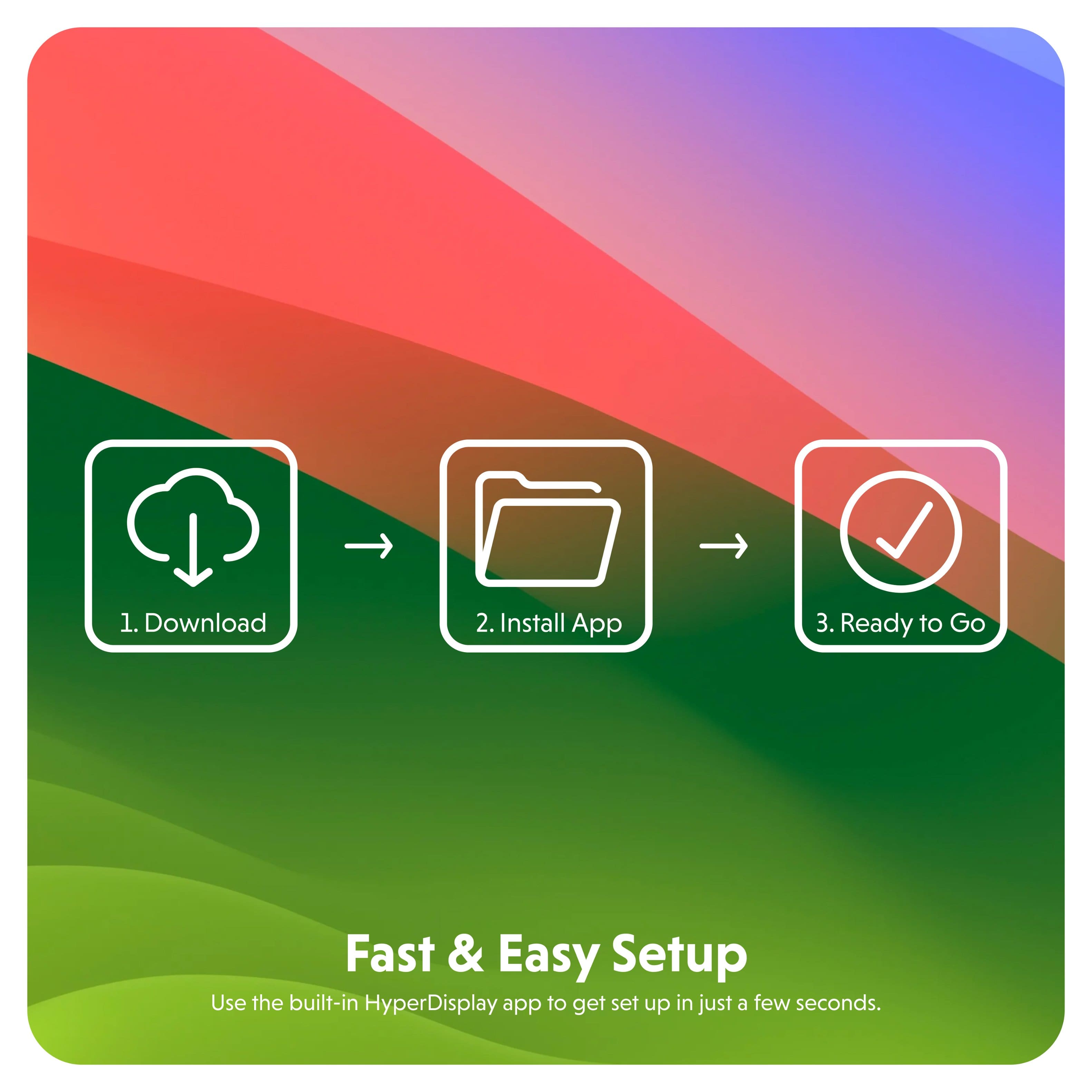
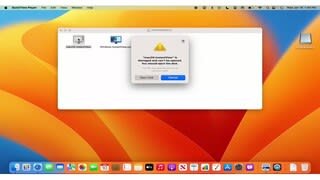
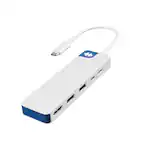
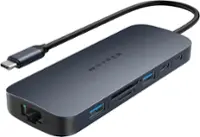
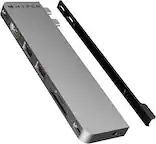
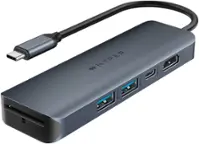
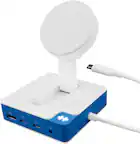
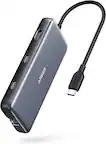
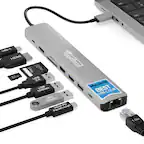
A:Answer*EDIT/UPDATE to my previous response to say that it is possible with mac - you need to run the macOS InstantView program which you will see when the hub mounts (HYPERDISPLY). Once you open this program, you can select either "Mirror" or "Extend Display".
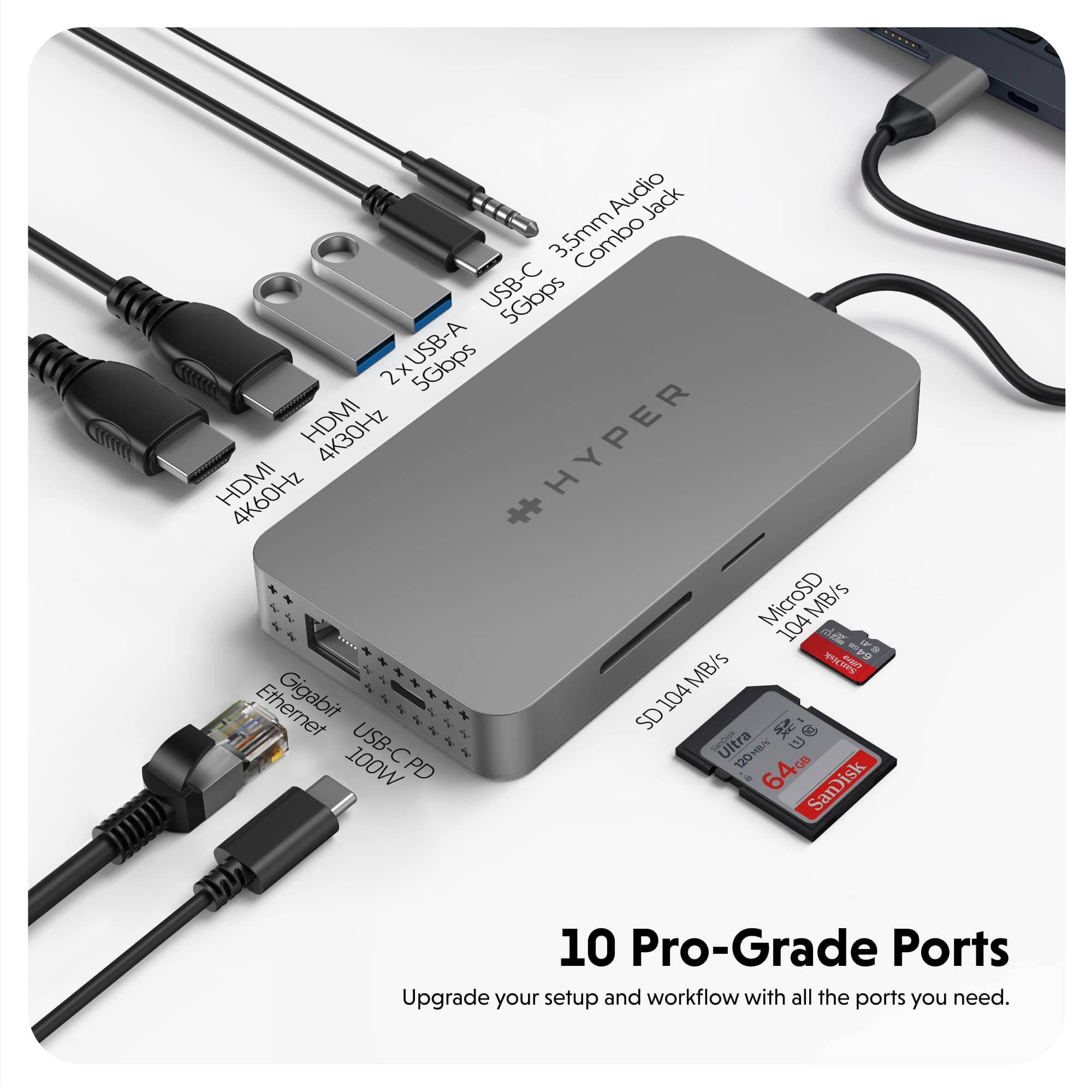
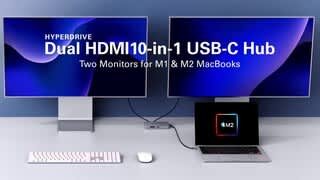
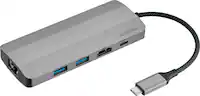
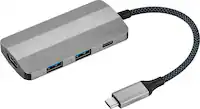
A:Answeryes, I have the M1 2020 Air and M1 2021 Pro and I've had zero issues with either of them. dock plugged into one USB-C port and charger plugged into the other port (has to be on your laptop and not the dock) close the lid and both screens are enabled
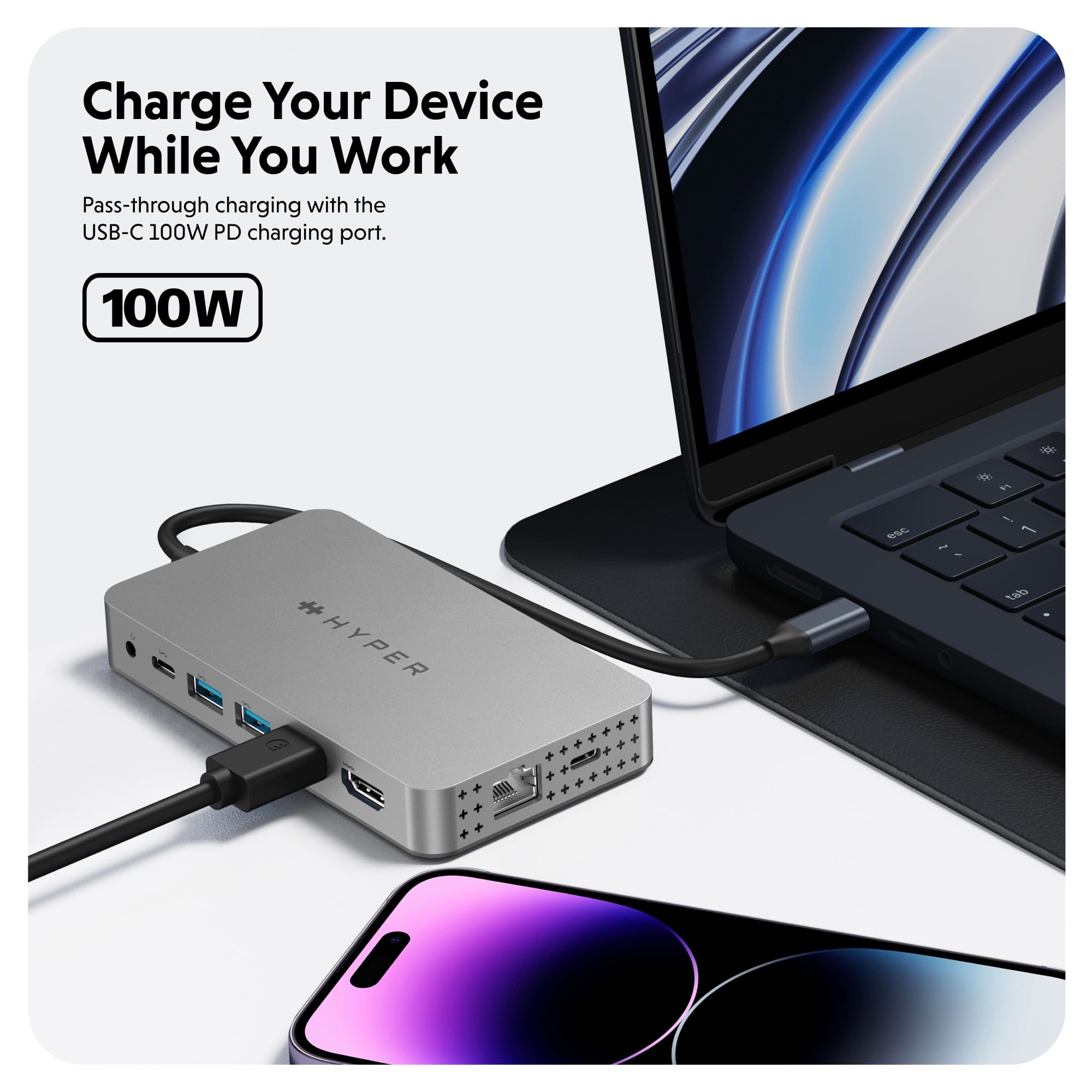
A:AnswerI've got an M1 Macbook Pro, and it works great on it. It does not come with a power supply, but it allows you to plug your Macbook power adapter into it and passes power through.