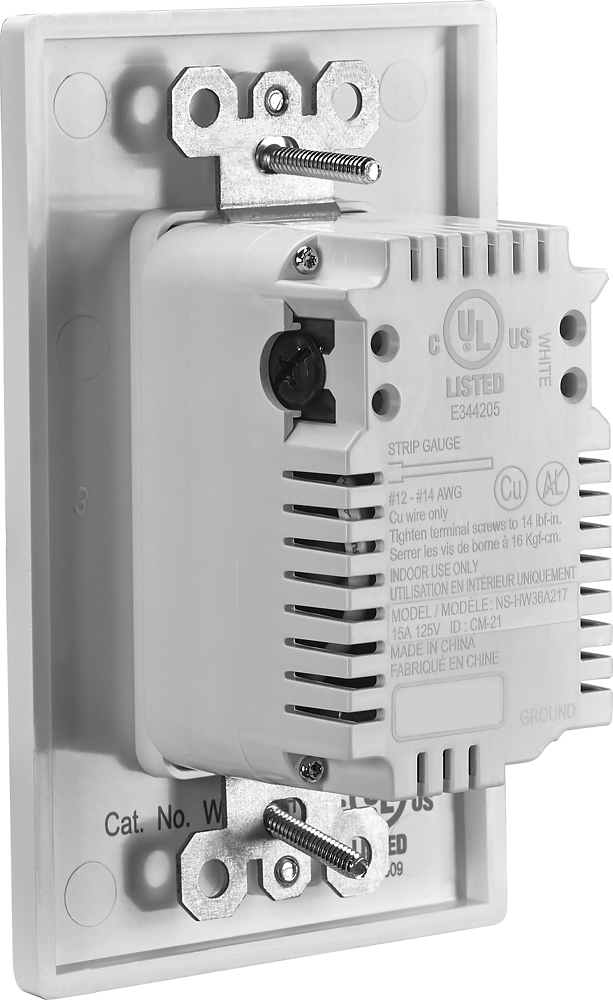
A:AnswerYou first plug a lamp or other powered device in your old outlet and have someone on a cell phone turn off breakers one by one (or read the breaker labels first) until the lamp goes off. Then remove one screw to take the outlet cover off. Then remove two, longer screws, one top and one bottom to detach the old outlet from the electrical box embedded in the wall. Once the screws are fully out, grab the old outlet on each side and pull straight out. The power wires will unkink but still be stiff. There are three wires attached (sometimes 5). The green is ground, the black is power and the white is neutral. There may be two more wires, another black and white, which means the outlet is in series with more outlets and feeding power to them. Check to see that the white wires are connected to the old outlet side engraved "white." Then disconnect one wire at a time and put them on the new USB outlet, again making sure the white wires go on the side marked "white" (otherwise the polarized plug will be wired backwards). The original wires may be straight and pressed in or wrapped around a screw. If straight, us a small flat-blade screwdriver to push in the slot next to the wire and then pull on the wire, it should come out easily. If wrapped, unscrew the screw as far as you can and try to remove the wire. You may have to unbend it and rotate to get it off. If you are not going to reuse the old outlet you can also use extra force to unscrew the screw and remove from the outlet. Then install the wire on the USB outlet. If the wire is curled, you can straighten it with pliers and plug it in, or use as is on the new screw post. When all wires are installed and tightened, screw in any other unused screws and push the whole mess back into the box. It may take a few tries to get all the wires back in, making sure no bare wires (except the ground) are touching any metal. Then screw the outlet into the wall box and turn the breaker back on.
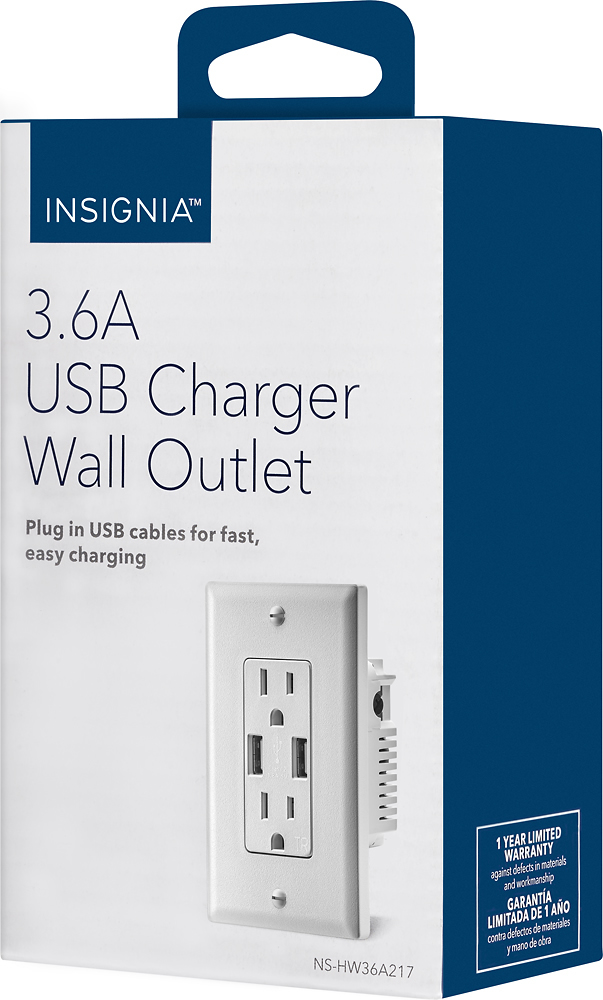
A:AnswerHi! The total available output of the two USB ports is 3.6 amps, power is shared between the ports' therefore, when using just one of the USB ports, the full 3.6 amps are provided for the device you connect to it (such as fast-charging a tablet or smartphone). Daniel T. - Insignia Support
A:AnswerYes, it can be installed in a kitchen, but not by itself. It doesn’t have its own GFCI protection. The two easiest options are to use a GFCI breaker on the circuit you want to install it on or (if you have multiple outlets on the circuit) install it in-line after a GFCI outlet using its daisy-chain option.
A:AnswerThe manufacturer states that this device is not compatible with AL wiring. However, it is compatible with copper-clad aluminum which is more typical for residential wiring than the plain aluminum used briefly before being condemned. Copper clad aluminum will look like copper so a visual inspection should tell. Even so, I would recommend a dab of anti-oxidizing compound on the contacts in those circumstances to be safe. If your branch circuit wiring is original AL (not clad) then you should replace it. If you are unsure of what you have now for branch circuit wiring, consider adding another circuit (copper) for this receptacle.
A:AnswerWhat you are describing is typical when the original duplex receptacle had one outlet controlled by a wall switch (e.g. for use with a lamp) and one outlet always on. Typically the red wire is the switched one and the black is always on. The original duplex receptacle would have had tabs between the two outlets broken off and removed so the outlets could be wired separately.
This USB outlet cannot be wired that way due to its design. So you can use the red wire connected to hot on the new outlet and the entire receptacle plus USB chargers would be controlled by the light switch. Another option is to use the black wire as hot on the outlet, and the entire outlet plus chargers will always be on. If there are two red and/or two black, connect both of the same color to the outlet and connect both of the other color together with a wire nut. If there is only one red and/or black you can cap the one not used with a wire nut.
A:AnswerIt is a 15 amp outlet for your standard household plug. 110 or 120 volts, AC makes no difference. As an FYI, if you look at the outlet, you can tell the difference between a 15A and a 20A outlet (here in the US), by checking to see if there is a "t-slot" on one side. That will tell you it is a 20 amp outlet. Hope this helps!
A:AnswerThe terminal connections are colored silver, brass, and green and each designates the wire to connect to each. If you don't understand the system of colors, you need to hire an electrician to complete the task. It's simple, but it could start a fire if not correctly installed.
A:AnswerIt is further apart by .25 of an inch. Power adapters will block the USB ports. The outlet itself is identical. Spacing was made up by being closer to the edges. Faceplate is also removable. It does work very well. I got them for $10. They go on sale sometimes....
A:AnswerIt really should not be a problem. I'd google it just in case, but are you sure that you have a good cable? Have you tried to charge other devices with that same cable to rule out the cable? I would try that first if you haven't already.