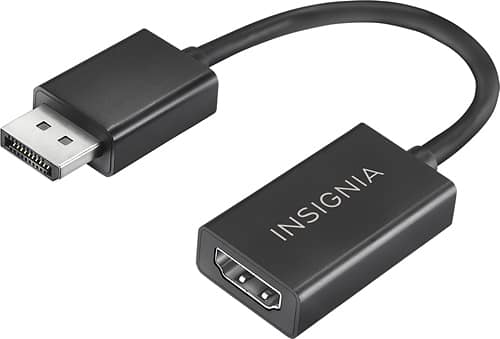
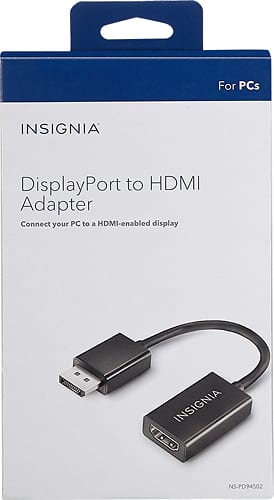
A:Answer First, what are the outputs on your graphics card? If you have an HDMI and a display port out, you SHOULD be able to use this adapter plus 2 HDMI cables to run dual screens. One HDMI cable from the graphics card to the primary monitor. Second, you plug this adapter into your graphics card display port out. You plug the second HDMI cable into the adapter and second monitor. Hardware wise this should work, however you would still need to tell your operating system (such as windows) to run two screens.
In windows 10:
Right click on desktop
Display settings
In the multiple displays section hit detect if they aren't showing up
Keep in mind these adapters take display port signal and convert them to HDMI passively. It will not work to convert HDMI to DP, that would require an active (powered) adapter.