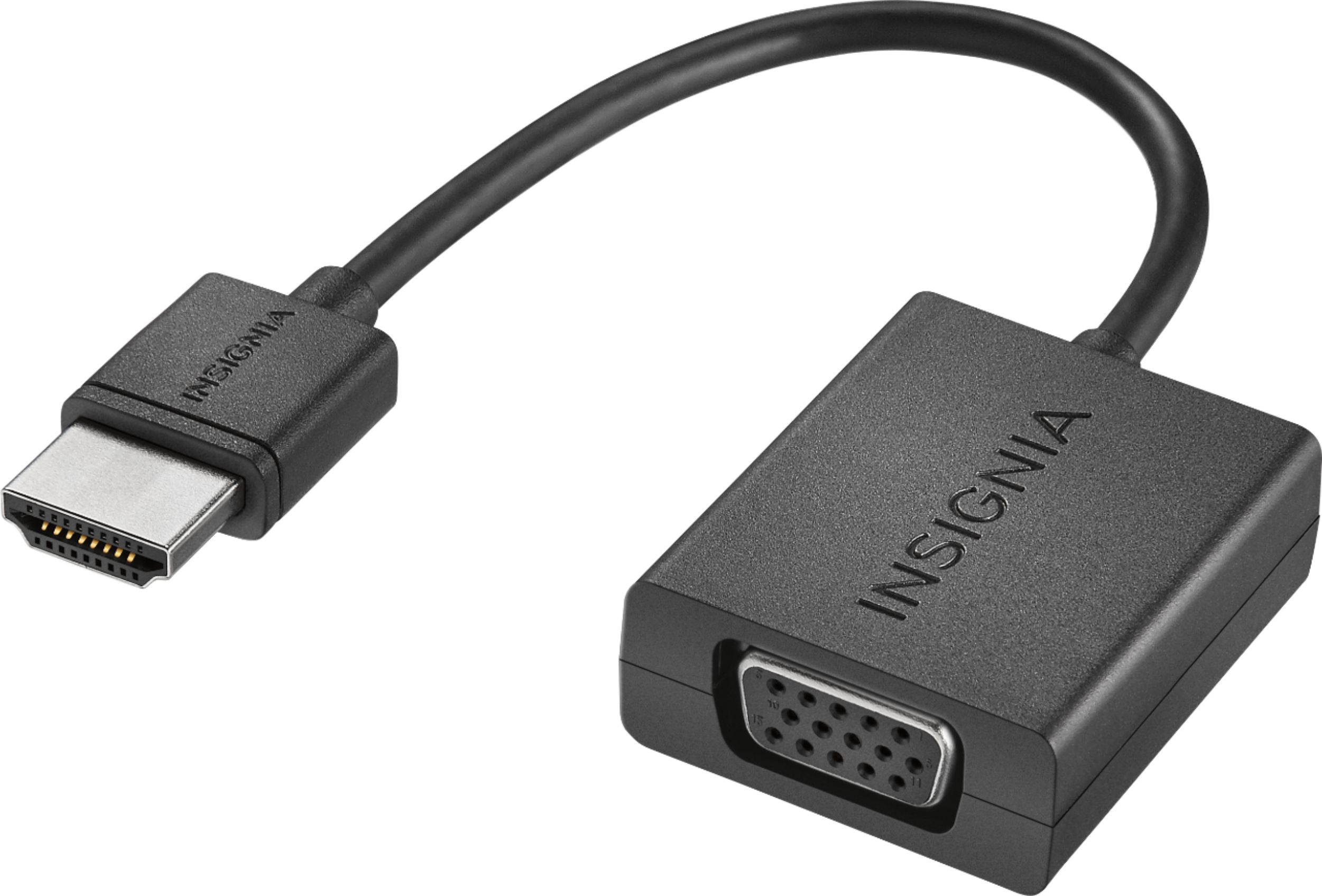
A:AnswerIf your desktop has an HDMI out, you can use an HDMI cable to connect to a TV. If your desktop only has VGA out, you can use this converter to do the trick.
A:AnswerTwo easy options. Most affordable is to purchase An apple lightening to hdmi adapter or spend a little
More add an apple tv box to the flat screen and connect via wifi mirroring and can a device that has other advantages as an online services tuner etc.
A:AnswerNo. I've had trouble too with some older model projectors and their ability to auto detect the signal from three new laptops and peripherals. I think it's something in the low power signal
A:AnswerDoes your TV have composite inputs? That would be your "best" other option. If not, there is a converter (-that I know of) that will convert the RGB to a standard co-ax, but the quality will suffer dramatically.
A:AnswerI would say no. What you want is a VGA & Audio to HDMI that has a Scaler to format the picture to the TV's larger screen. You might look at the AGPtek (model: T45 CC) on Best Buy's website. I imagine you will also need (1) VGA and (1) HDMI cable in addition to this unit.
Hope this helps.