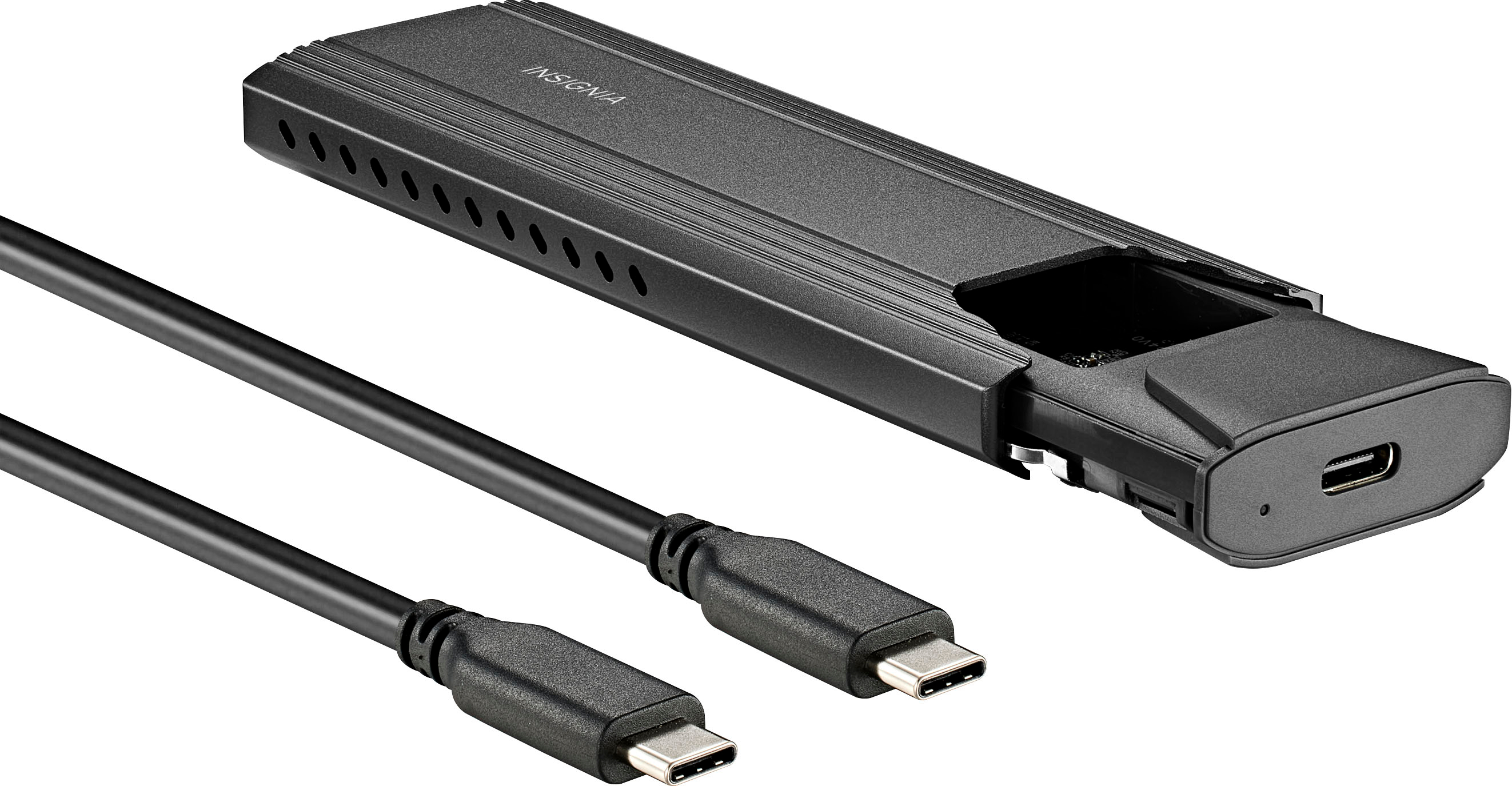
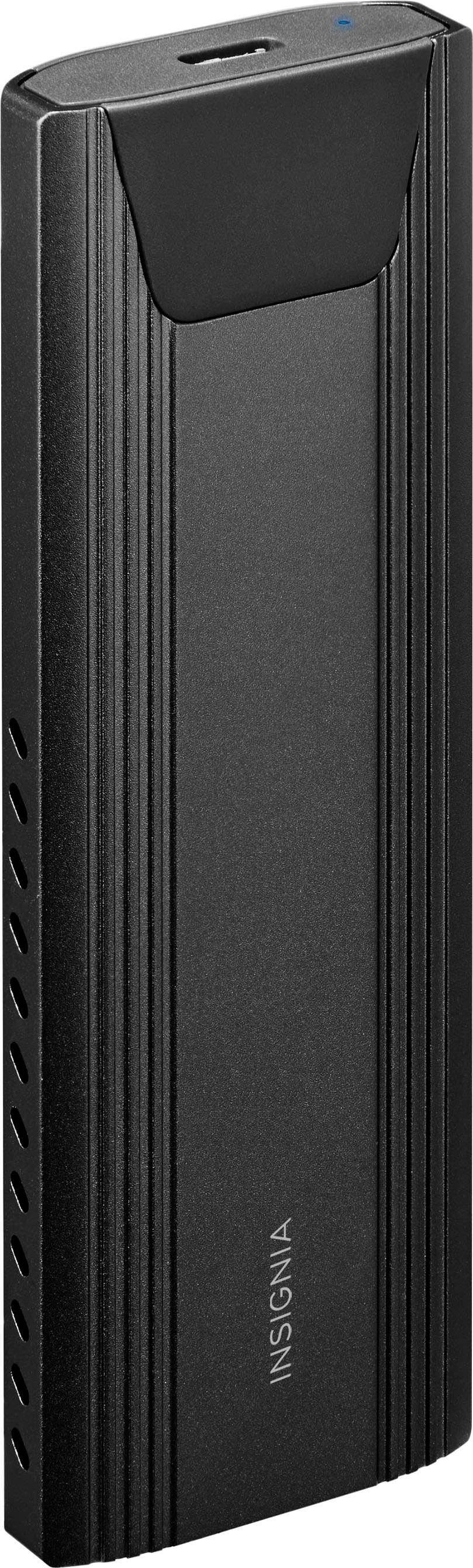
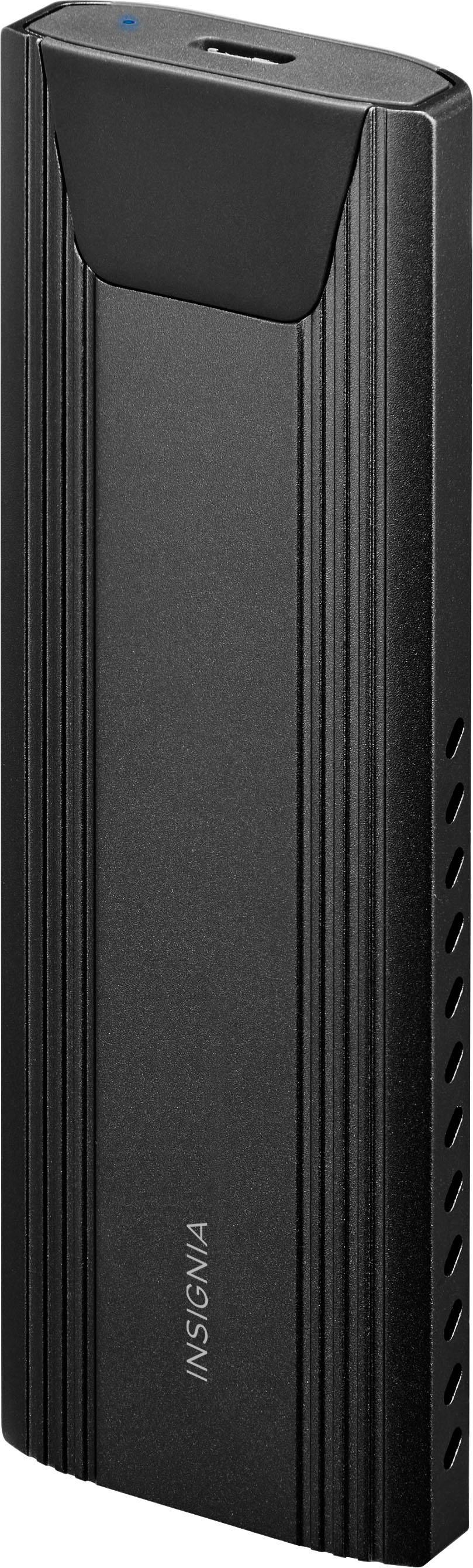
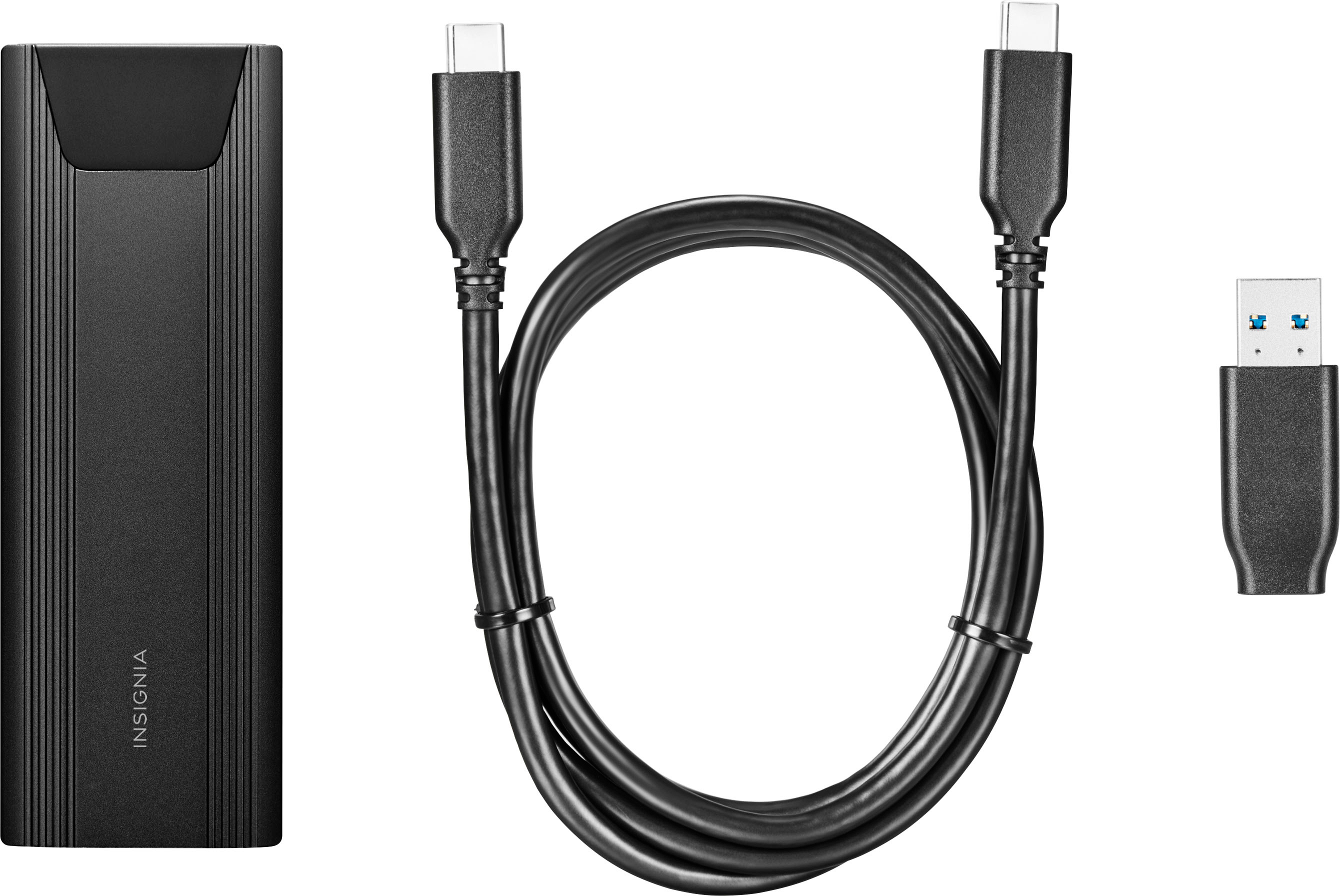
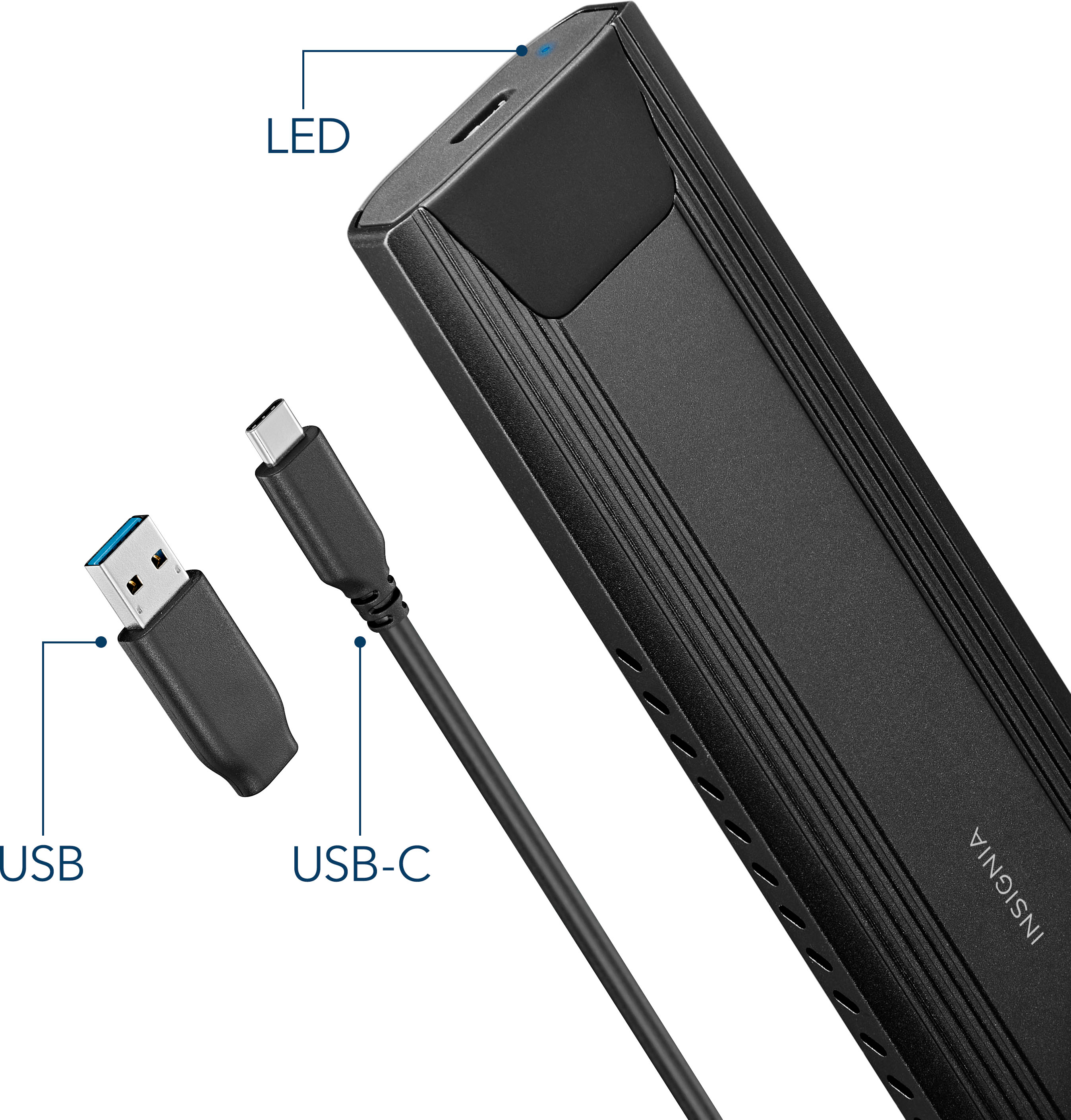
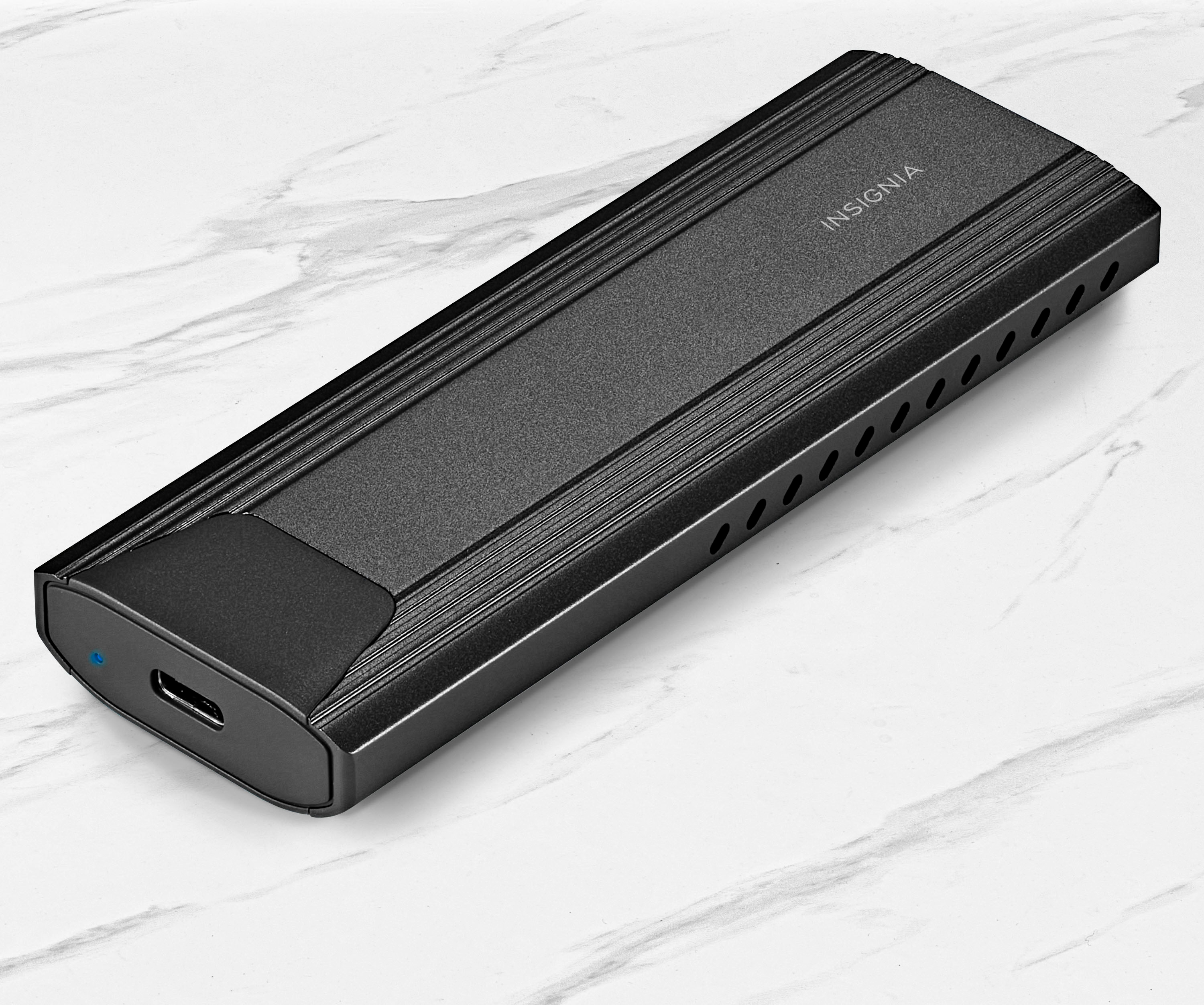
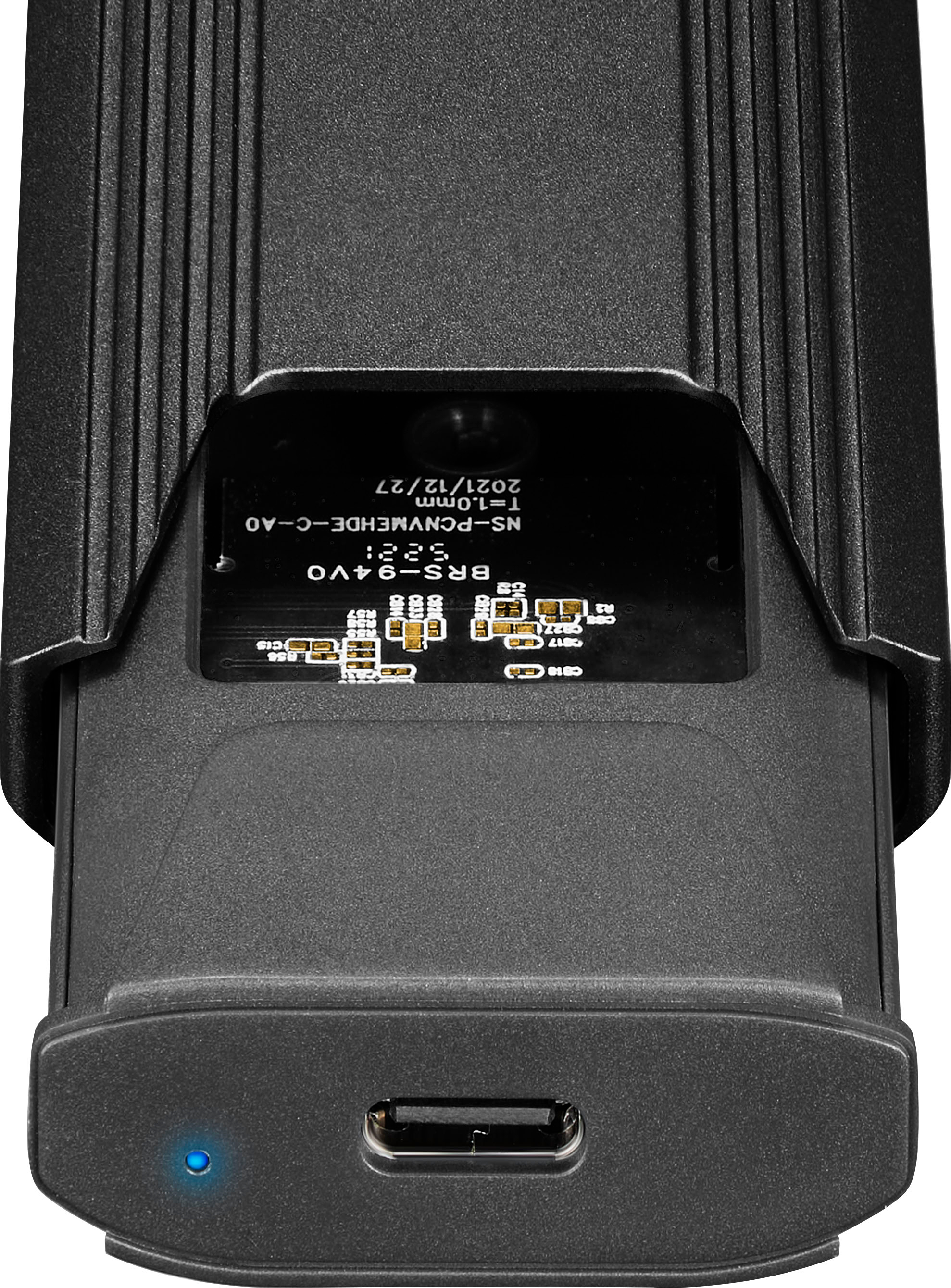
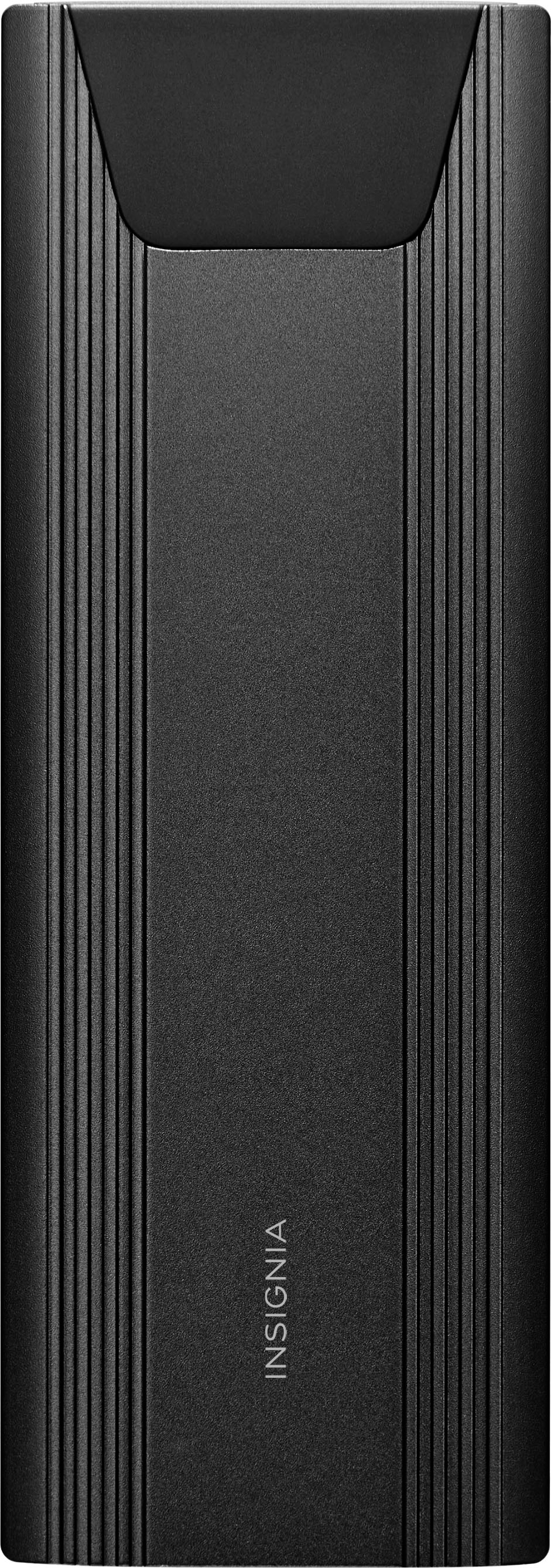
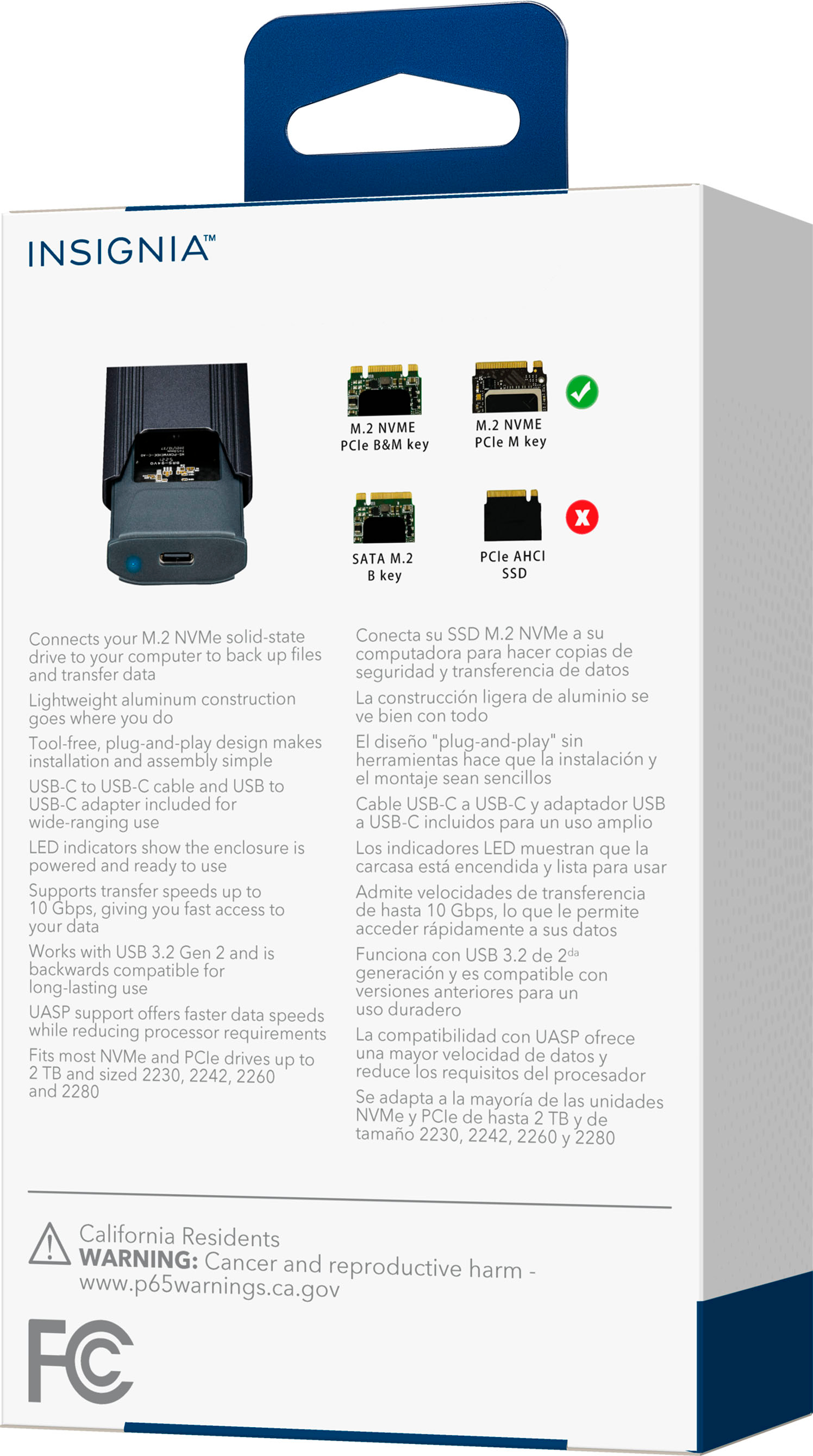
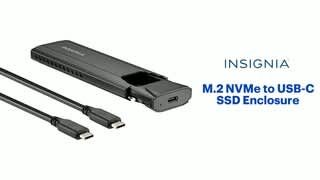
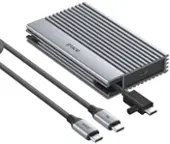
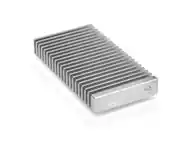
A:Answer Thank you for your inquiry! If your Insignia™ M.2 NVMe to USB-C SSD Enclosure arrived feeling a bit locked or difficult to open, don’t worry—this is common with snug-fitting tool-free designs. Most models feature a sliding mechanism, so start by looking for a small notch or grip area near one end of the enclosure. Hold the body firmly and slide the cover in the direction away from the USB-C port. It may feel tight at first, but steady pressure should release it. If it’s especially snug, you can use a plastic pry tool or something similar to gently separate the seam—just avoid metal tools to prevent scratching. Once open, insert your M.2 NVMe SSD at an angle into the connector, press it down, and secure it using the included screw or rubber peg. After installation, slide the cover back into place until it clicks or feels secure.