Black Friday is hereShop new DoorbustersShop now

Main Content

Questions & Answers

Your price for this item is $38.99
Clearance
The comparable value price is $59.99
Page Showing 1-12 of 12 questions
  • QuestionHow is this webcam powered?

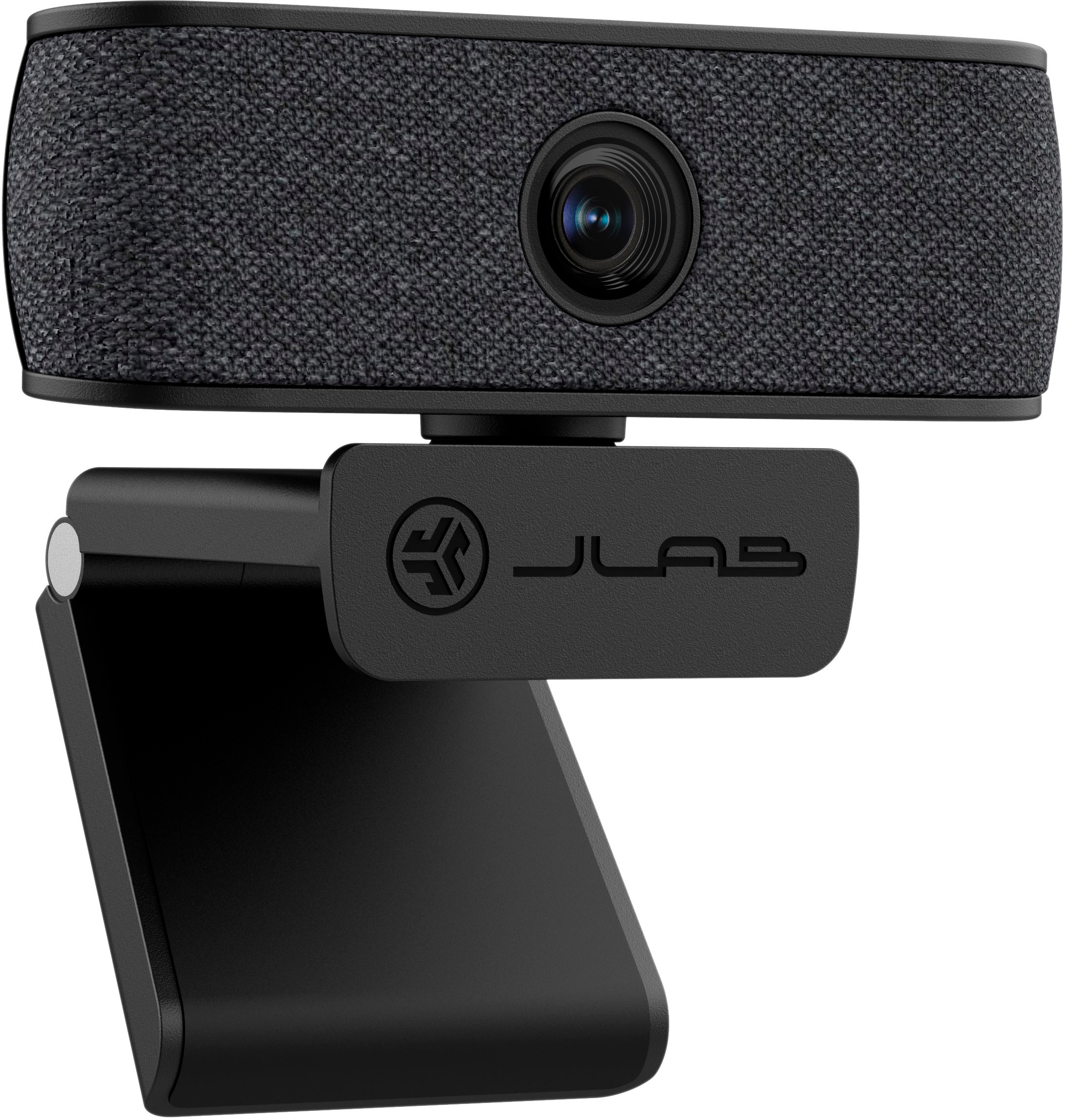
    • Answer This webcam is powered via a USB Type A connection.
    This question and answer was generated by AI based on customer and product data.
  • QuestionWhat is the field of view for this webcam?

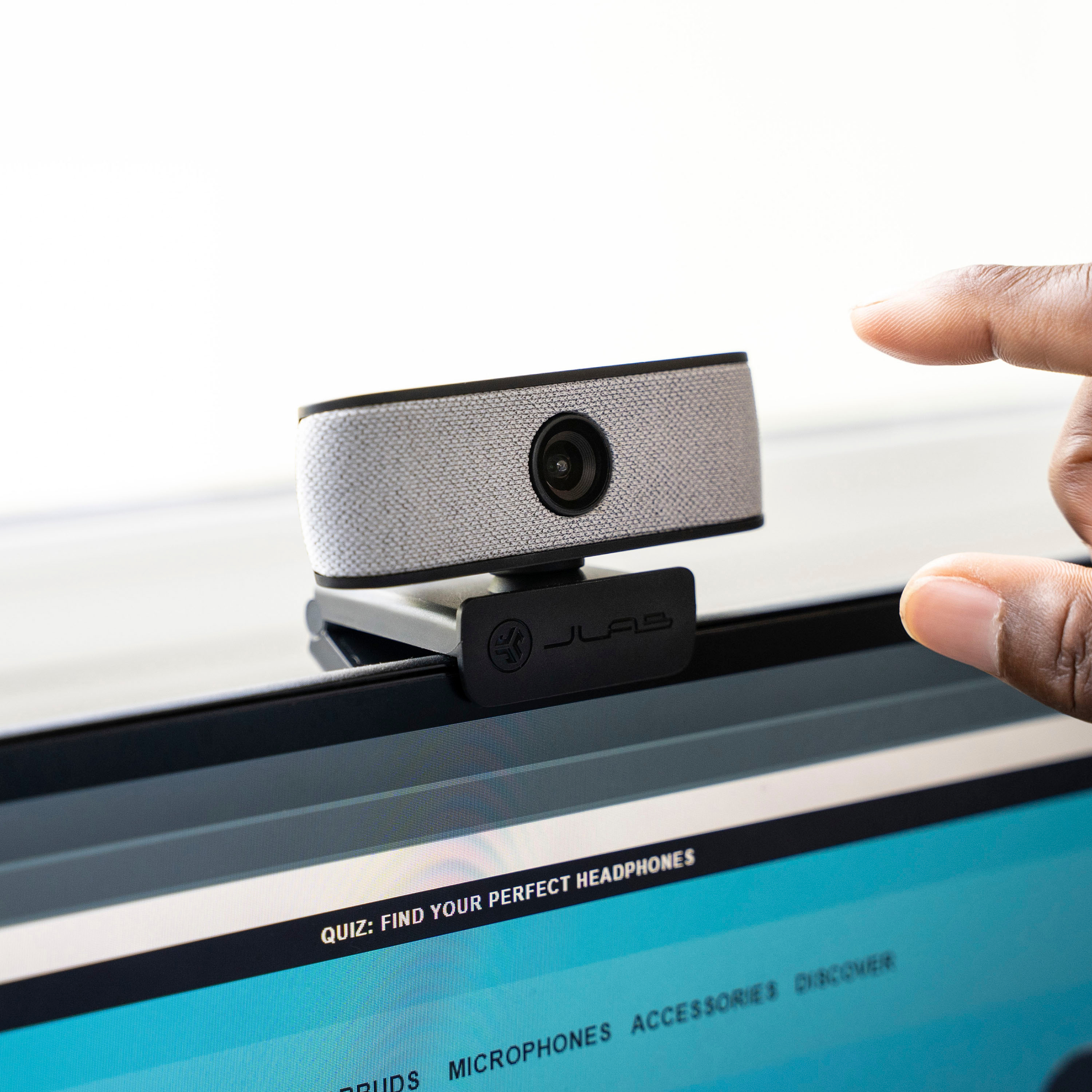
    • Answer The JBuds Cam Webcam has a 93 degree field of view.
    This question and answer was generated by AI based on customer and product data.

  • QuestionWhat is included in the box with this webcam?

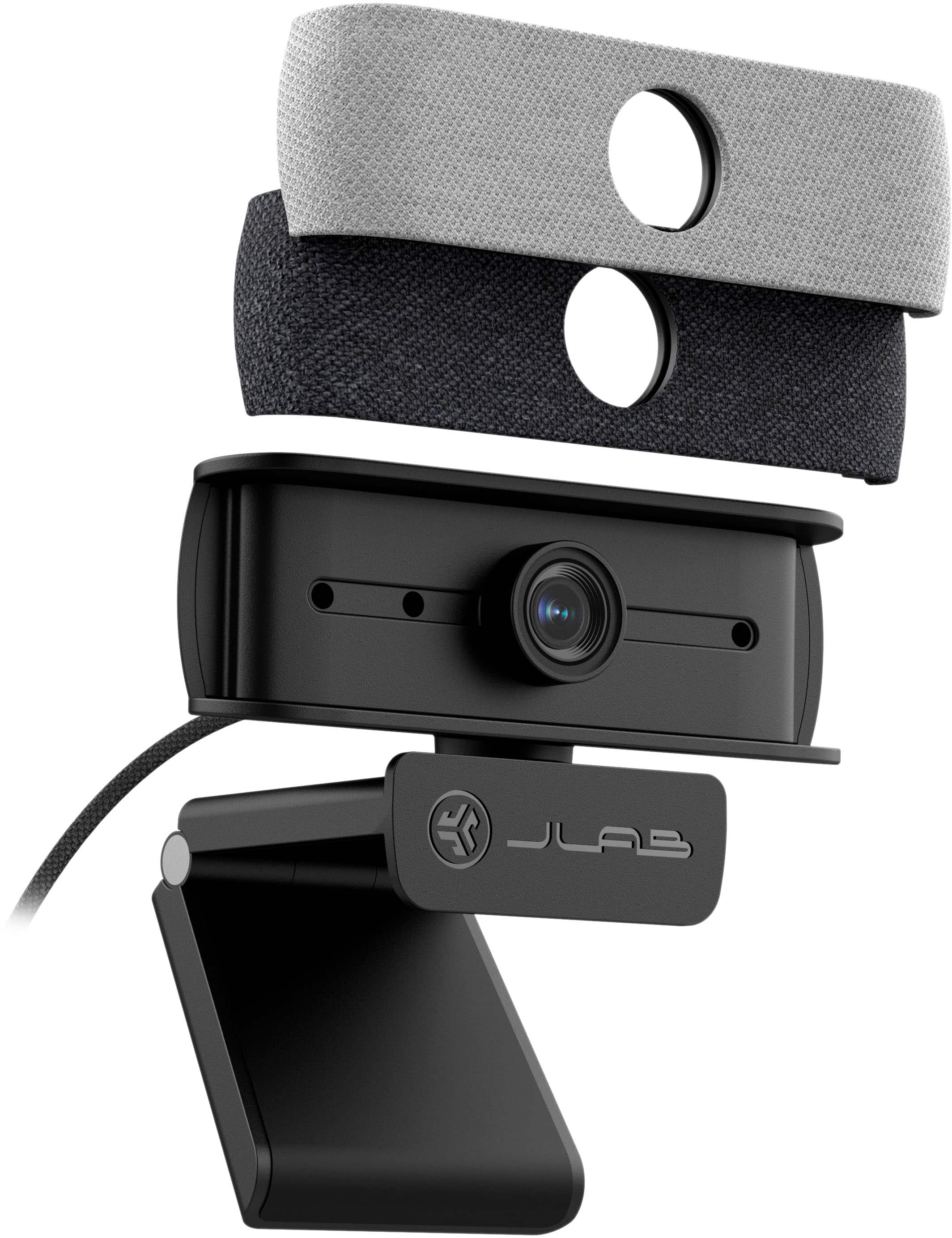
    • Answer The JBuds Cam Webcam comes with the webcam and included software.
    This question and answer was generated by AI based on customer and product data.

  • QuestionDoes this webcam have auto-focus?

    • Answer Yes, the JBuds Cam has auto-focus to help keep you in focus.
    This question and answer was generated by AI based on customer and product data.

  • QuestionDoes this webcam include a microphone?

    • Answer Yes, the JBuds Cam Webcam has dual built-in microphones.
    This question and answer was generated by AI based on customer and product data.

  • QuestionWill it work with the loom app

    Asked by DW.

    • Answer Our webcams are made as plug and play. If Loom allows camera permissions, there shouldn't be an issue with compatibility.

      Answered by JLab Audio Team

  • QuestionCan this be used with a cell phone?

    Asked by Momma.

    • Answer Our webcams are primarily designed for PCs and Macs; I don't suggest use for cell phones as it has to be a wired connection.

      Answered by JLab Audio Team

  • QuestionWill it work in zoom on windows computer

    Asked by Art.

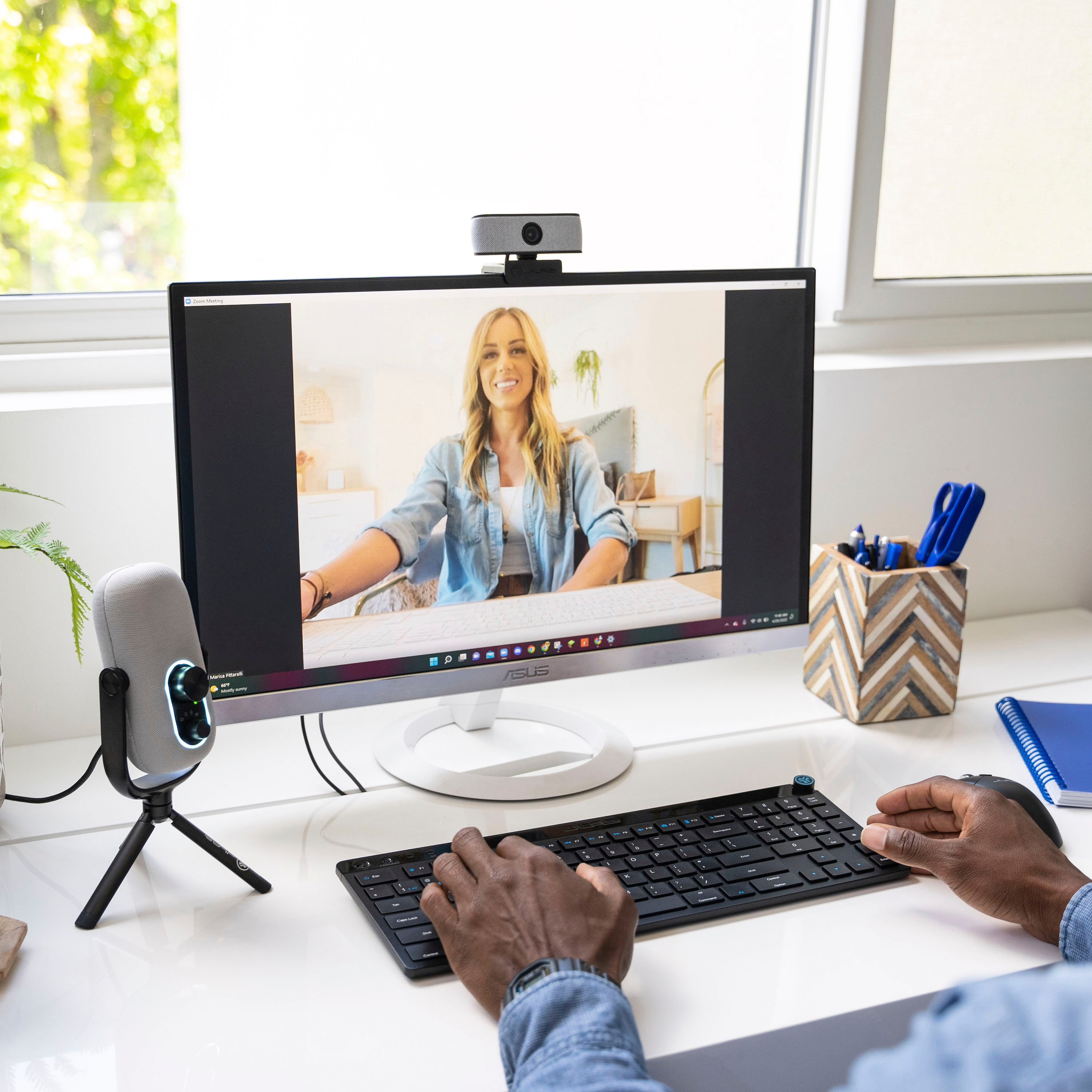
    • Answer Hi Art. Yes, our webcams will work for Zoom calls. If you have any other questions, please feel free to reach out to our support team. [email protected]

      Answered by JLab Audio Team

  • QuestionWill it pair with ps5

    Asked by Cam.

    • Answer We have not yet tested it with this console due to its software updates. Our products are primarily designed for mobile devices, PCs, and Macs; therefore, you might encounter issues when connecting to the ps5.

      Answered by JLab Audio Team

  • QuestionCan I turn off the microphone and still record/stream/go live?

    Asked by Daniella.

    • Answer Yes, you can turn off the microphone on the JLab JBuds Cam Webcam and still record/stream/go live. Here's how it might differ depending on the platform you're using: Using your computer's built-in settings: Access your computer's sound settings. This might be through the taskbar icon or system preferences depending on your operating system (Windows or Mac). Find the input devices section and locate the JBuds Cam microphone. Look for a mute button or slider for the microphone and turn it off. Using the video conferencing/streaming software: Open your preferred video conferencing or streaming software (Zoom, Google Meet, OBS Studio etc.). Go to the settings menu and navigate to the audio/microphone section. Look for a list of input devices and choose the JBuds Cam microphone. There should be a mute button or option within the software itself to disable the microphone.

      Answered by JLab Audio Team

  • QuestionHow can it be connected to a MacBook? Thanks.

    Asked by Raj.

    • Answer Via USB and adapter

      Answered by Anonymous