A:AnswerThis is the link for all the updates, including BIOS and all drivers. This fixes the yellow issue and the wifi issues. You should bookmark this site if you own this computer to check for any updates.
http://mobilesupport.lenovo.com/us/en/products/laptops-and-netbooks/yoga-series/yoga-2-pro-lenovo?tabName=Downloads
A:AnswerJust connect to the internet and it will "call home" and activate itself. The activation code is embedded in the laptop and will be sent to Microsoft as soon as internet connectivity is realized.
A:AnswerWhat I would recommend doing is to add this item to your Wishlist and your Wishlist will notify you when this item becomes available in your area. It also notifies you if the item goes on sale.
A:AnswerI own this computer. It has problems. Lenovo technical support has only been helpful in only 1 out of 5 calls thus far. Best Buy has been great about it, though.
A:AnswerThe unit I purchased in mid December has "Intel(R) Dual Band Wireless-AC 7260" listed in device manager. I think the earlier editions only had -n, but mine is AC. I doubt Best Buy updated the product description since it essentially didn't change from "Yoga 2 Pro".
A:AnswerAs long as Quickbooks Pro is compatible with Windows 7/8 I don't know why it wouldn't. The hardware is plenty fast for basic needs like Quickbooks.
A:Answernegative. This is sold as a "SKU" meaning its a package deal. Besides. it would freak out so baddly when you tried to convert it to tablet or stand mode.. The whole reason this thing works correctly IS the special windows-only drivers that turn on and off the keyboard and mouse as needed. Ubuntu is lucky to even have touch screen support for many models, much less form factor conversion drivers. And before you think I'm a Linux hater, I would point to my server stack running nothing but Debian and Ubuntu servers. Even my home media centers are Debian. I'm sorry, but Linux is playing catch up to the whole touch-centric world. You could install Ubuntu on this, but don't expect to use it as anything but a Laptop. And there is no way to get a discount for removing windows. That's not something Best Buy has ever done for us Linux people. And its unlikely that they ever will. I plan on installing Linux on my Yoga2 very soon as a dual boot system. Aside from that, I would strongly discourage you from blowing away Windows completely on these Win 8 tablets. At a bare minimum, make a recovery USB drive and TEST it before making any changes. They can restore your partitions if you mess up something during the install. Otherwise, good luck getting even a manufacturer's warranty.
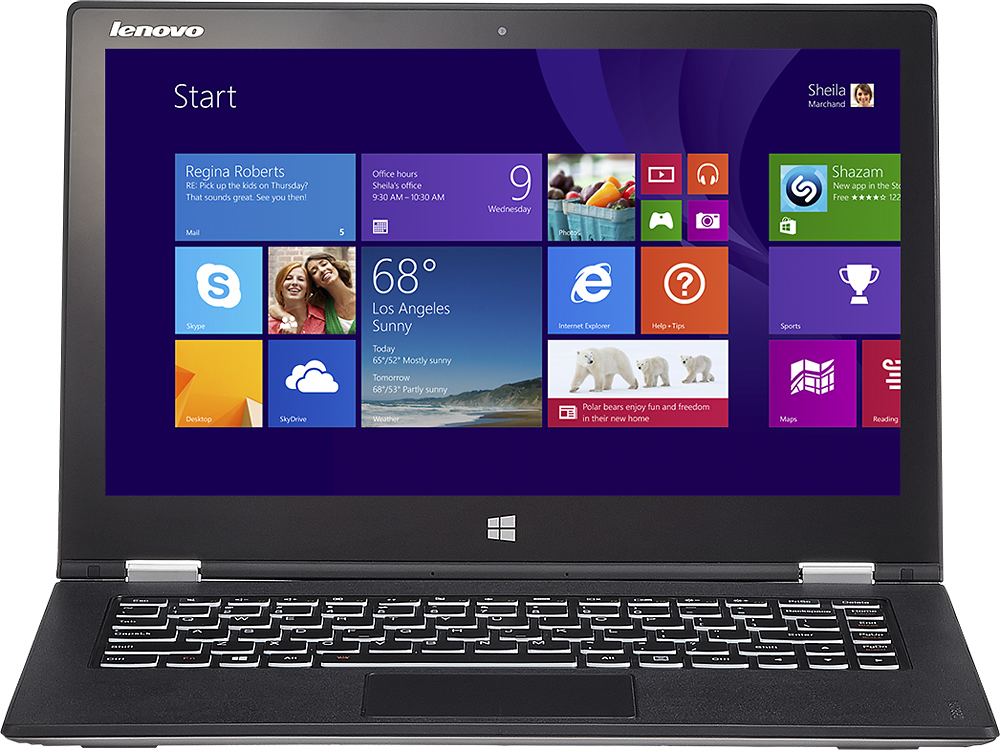
A:AnswerThis computer might be more than you need based on your description. It has pretty high specs. It will definitely handle what you want it to do.
I think that getting them to add the anti-virus/spyware is covered if you buy their Geek Squad protection plan, but otherwise would cost extra.
Your best bet is go in and talk to one of the sales people in the computer department.
A:AnswerThe product is probably being removed from inventory due to overwhelming returns back to the store. if you haven't already read the reviews, this product has excellent form factor, excellent build quality, but horrible WiFi performance. Since it's a tablet and the only way you can connect it to the internet is WiFi, the poor Wifi chip makes the product unusable. It's so bad Lenovo sent me a sales email on this product with a $300 price drop the second week of release!
A:AnswerYes the Yoga Pro 2 can push a 'higher resolution'. But the yoga is 3k, so only higher is 4k.
It will only push to 1 external above 1080p, it can't handle 2.
But only way to do this is with hdmi cable, and hdmi capabilities and 'has well' capabilities will only support 30 fps pushing to your samsung.
You will/might also have to play with both intel graphics settings, and your samsung monitor settings to get this to work and sync perfect.
But with some tinkering, it will work just fine.
A:AnswerTry 2048x1152 resolution with "make text and other items larger or smaller" set to 125%. I don't have WebEx, but haven't had trouble with any programs at that resolution.
A:AnswerHello,
i have the Yoga pro 2 and play games like Diablo 3 and Starcraft 2. The games run smoothly but not at high resolution. The laptop doesn't have a video card, so it's very difficult to play the latest games at high. I recommend if you want to play game, search for a laptop that has a graphics card like the NVIDIA GTX.
A:AnswerYes. I had problems with the Windows wifi but once I loaded the Intel ProSet/Wireless Wifi Connection Utility, wifi works great now. I downloaded the Intel drivers/software from Lenovo's driver download site.
A:AnswerDoubtful..... Probably not room for anything, but I could be completely wrong. OWC sells a USB 3.0 external 128 GB or 256 GB SSD drive. No external power and around 400-500 Mb/s. I love it. I use it as a cache drive for Adobe programs on my Yoga.
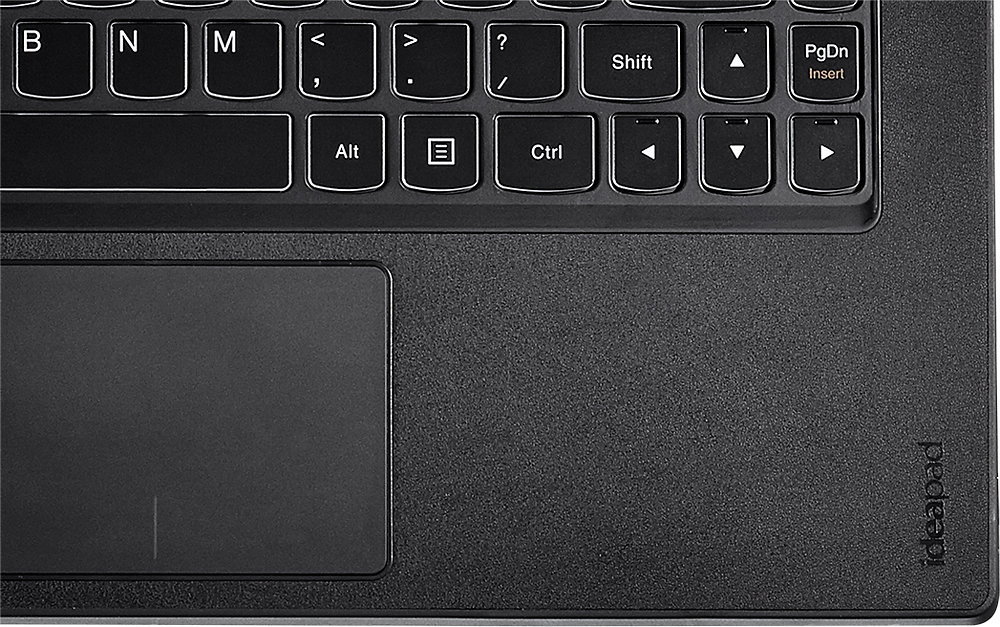
A:AnswerIt took me a while to figure this out until I read the manual.
Pressing the FN and the space bar will toggle the keyboard light.
If you look on the space bar to the left you will see a graphic for light there.