A:AnswerWhat connectivity does your MacBook Air have?
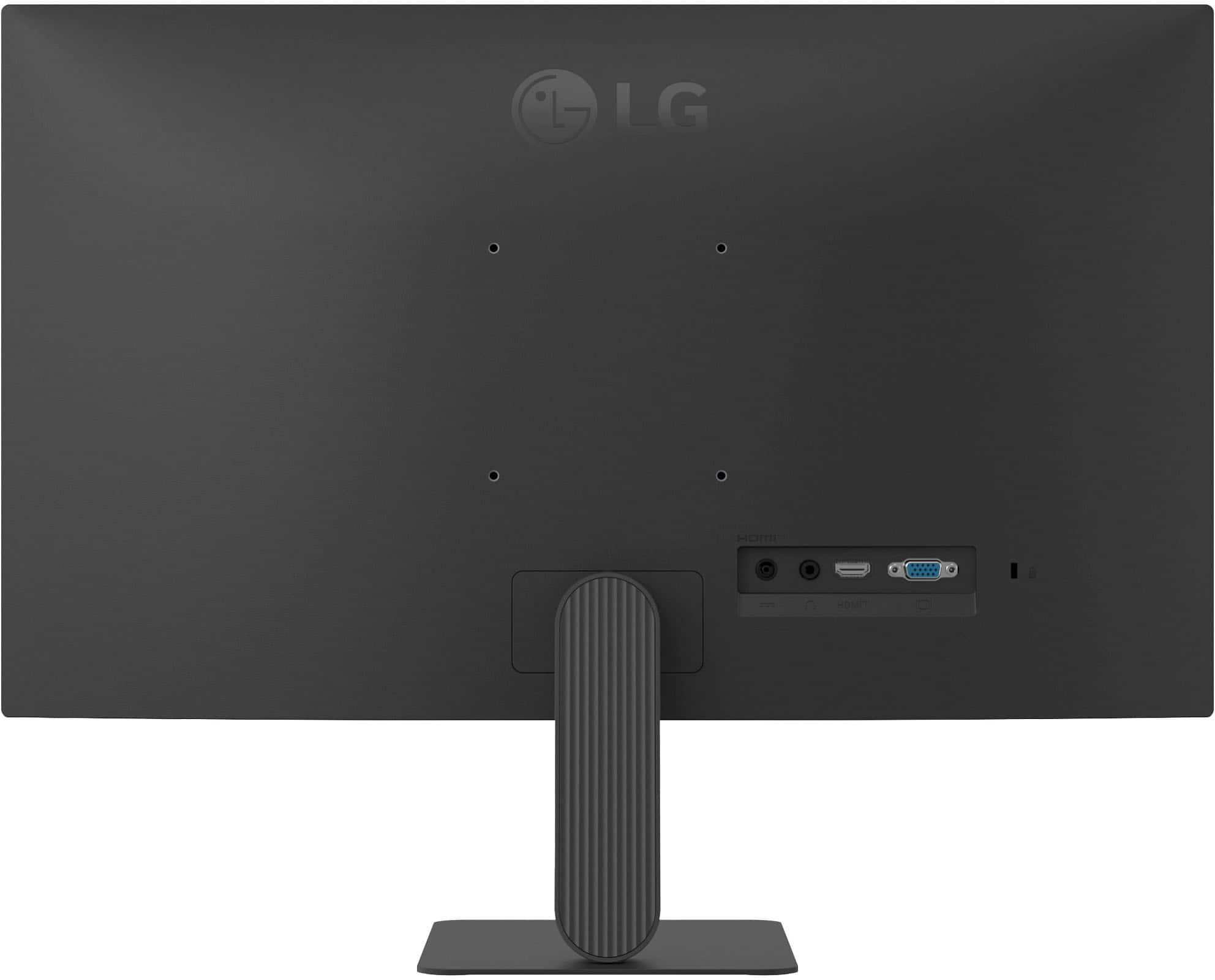
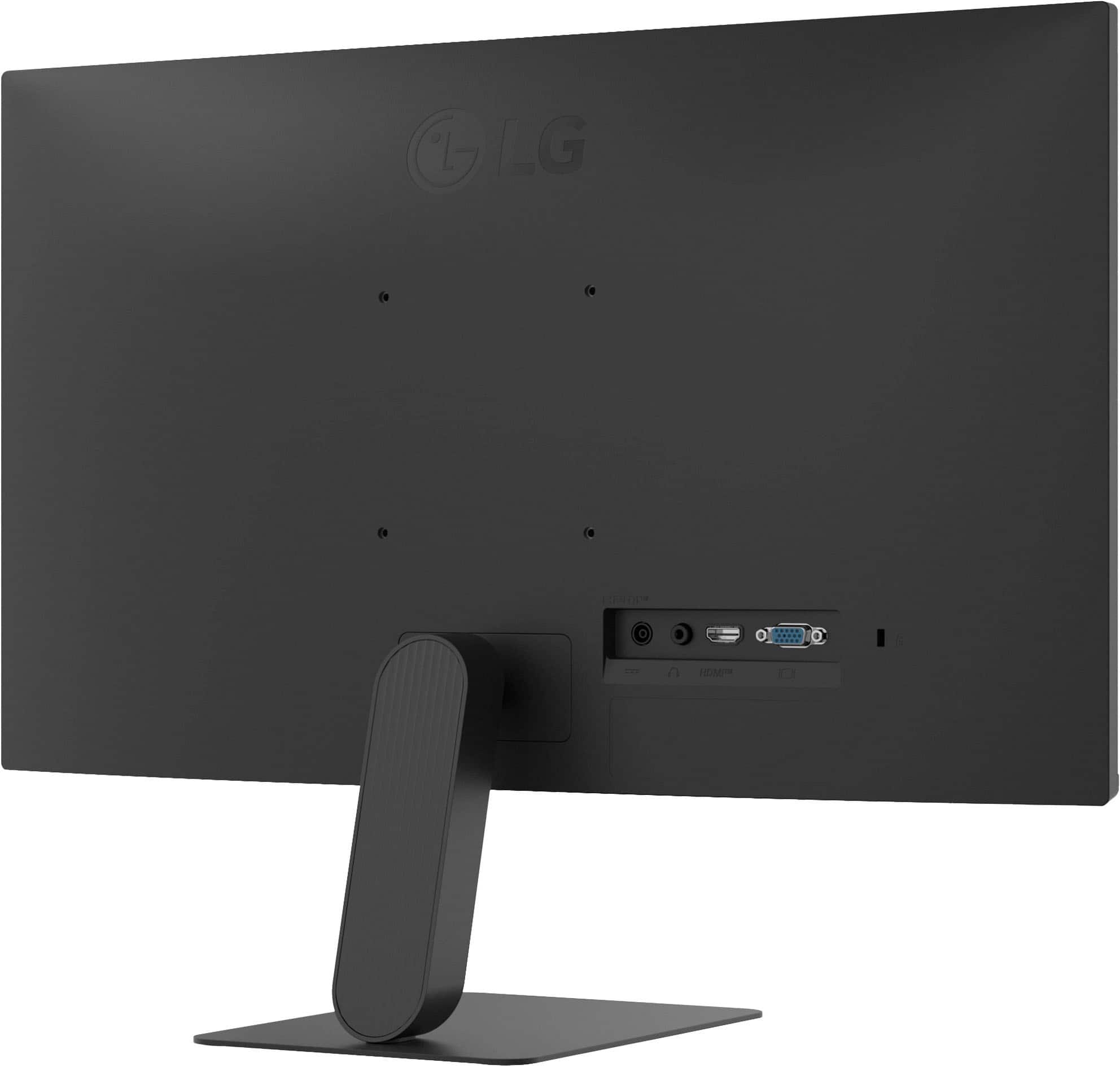
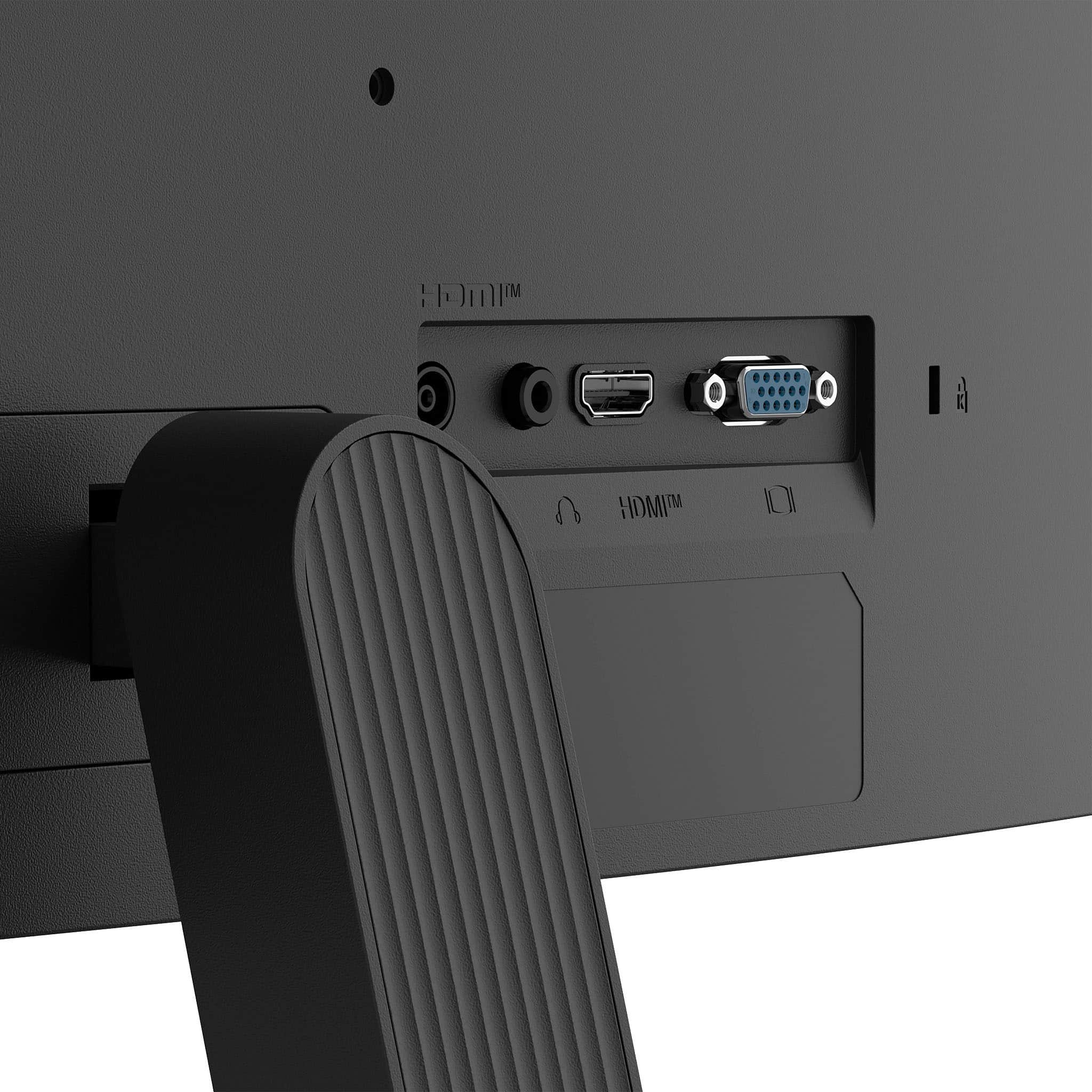
Connectivity for the LG 24" IPS FHD 120Hz Monitor with HDR10 (HDMI) - Black, Model # 24U41YA-B, includes an HDMI 2.0 port and a 15-Pin, D-Sub connector...^Ivan.
A:AnswerThe LG - 24" IPS FHD 120Hz Monitor with HDR10 (HDMI) - Black, Model # 24U41YA-B, is a VESA-compliant display with a 100 x 100 mm VESA Mount Pattern.
VESA compliance is an industry standard that guarantees that regardless of type, brand, or manufacturer, any VESA-compliant mount that supports the monitor's VESA mount pattern can be used to mount it...^Ivan.
A:AnswerHello there. Thank you for your inquiry regarding the 24U411A-B. We understand your inquiry about setting up audio with your Switch dock. Since this monitor features a Headphone Out port, you can simply connect your Switch via HDMI, and then plug your external speakers or headphones directly into the audio jack located on the back of the monitor to transmit the sound.
https://www.bestbuy.com/product/lg-24-ips-fhd-120hz-monitor-with-hdr10-hdmi-black/JJ8VPZKPZZ
If you have any further questions about its features, please contact us on [email protected], and our team will be more than happy to assist you. —Renzo
A:AnswerCheck the manual or the specifications for your 6 Lorex 1080p 1TB Wired Analog Security Camera to see how it connects to monitors.
Connectivity for this LG 24" IPS FHD 120Hz Monitor with HDR10 (HDMI) - Black, Model # 24U41YA-B, includes an HDMI 2.0 input and a 15-Pin, D-Sub connector.
If your security camera connects to monitors via HDMI or D-Sub, it will work with the monitor...^Ivan.
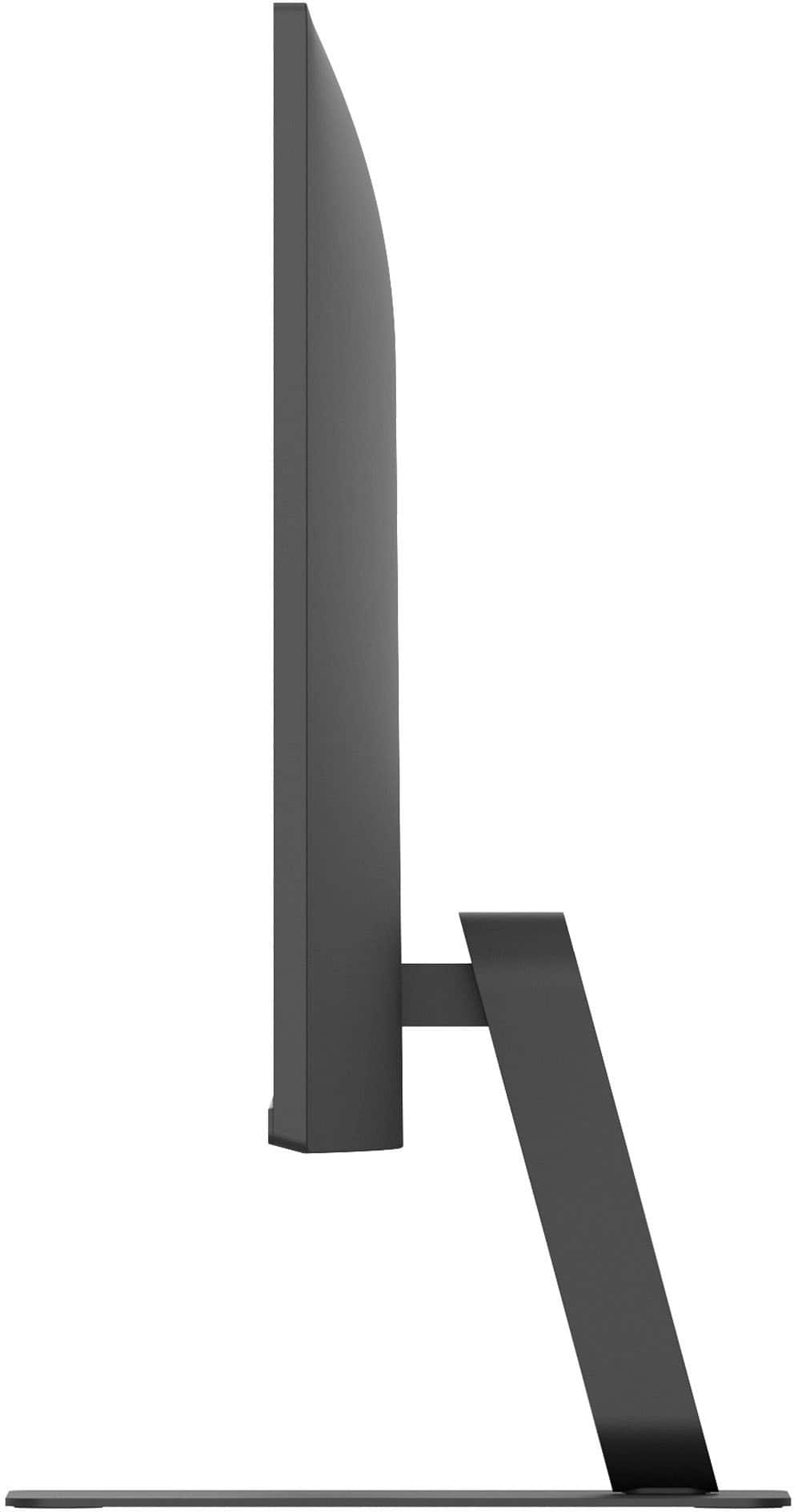
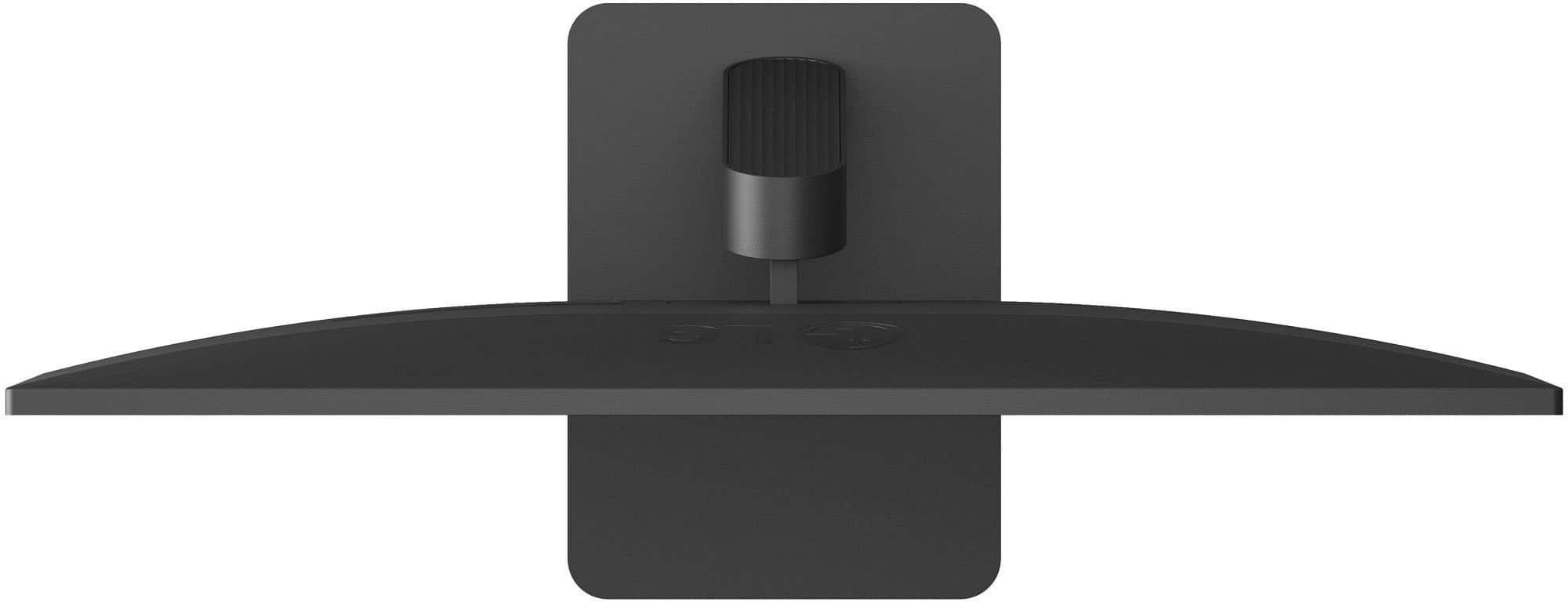
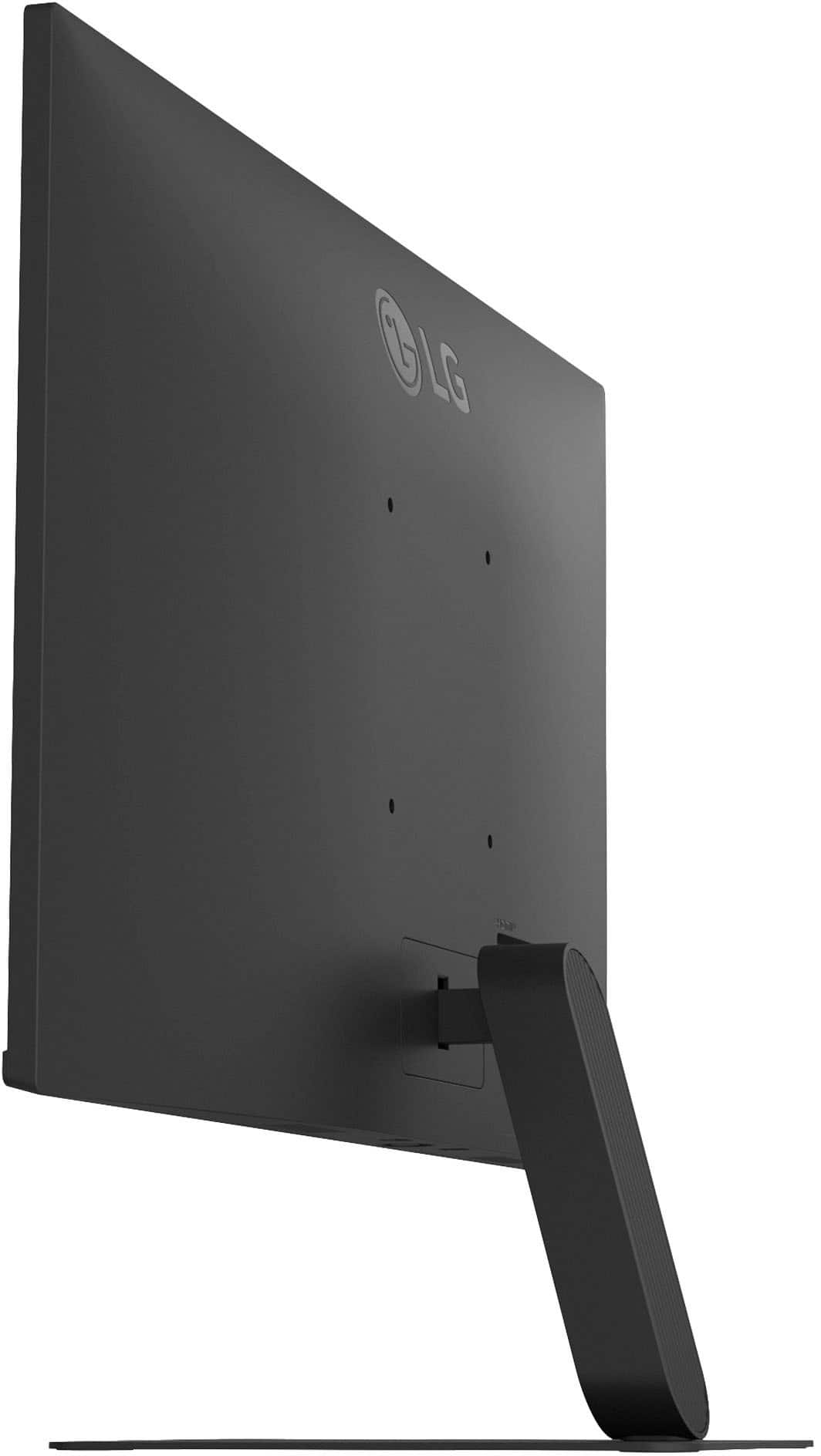
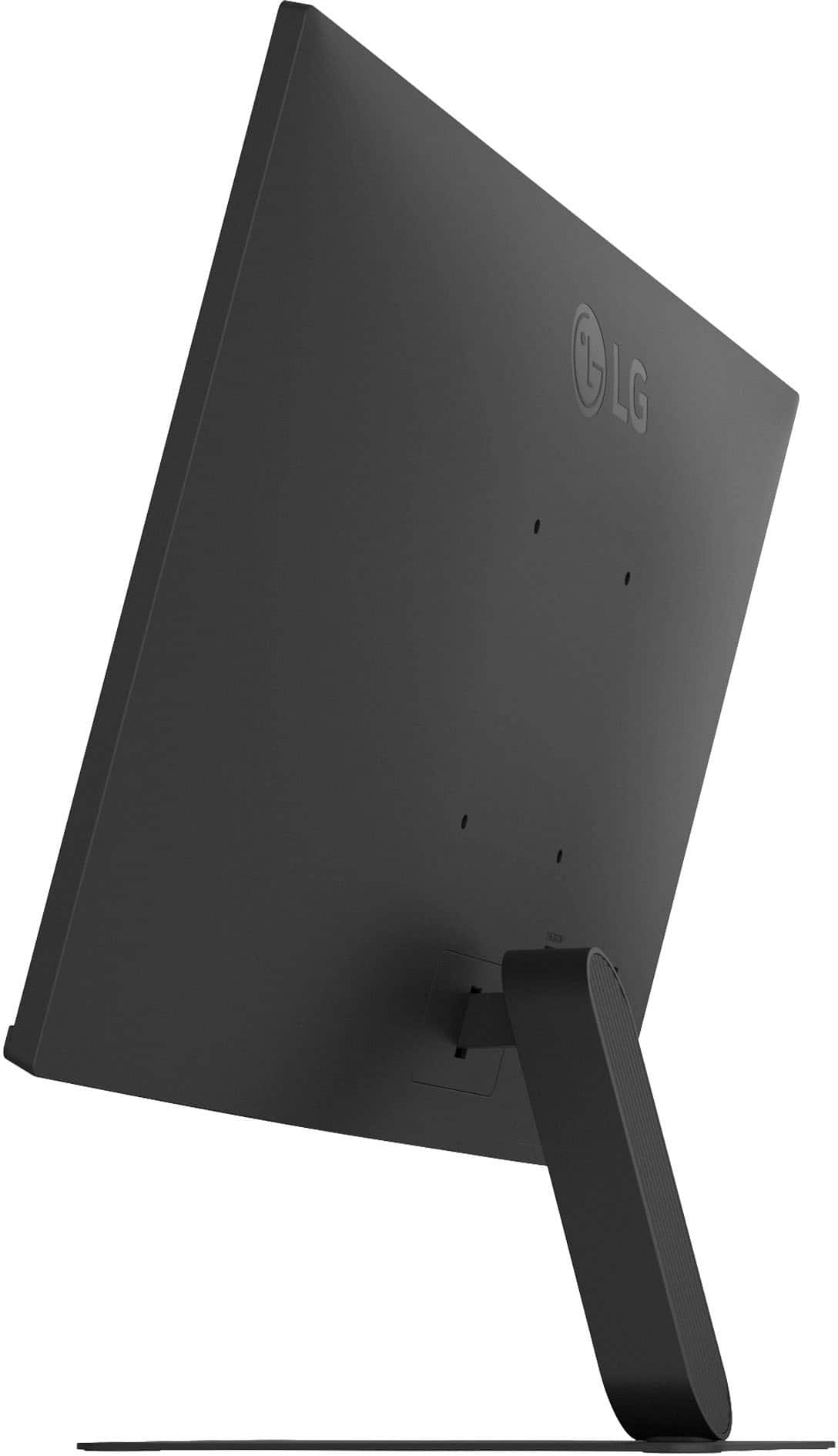
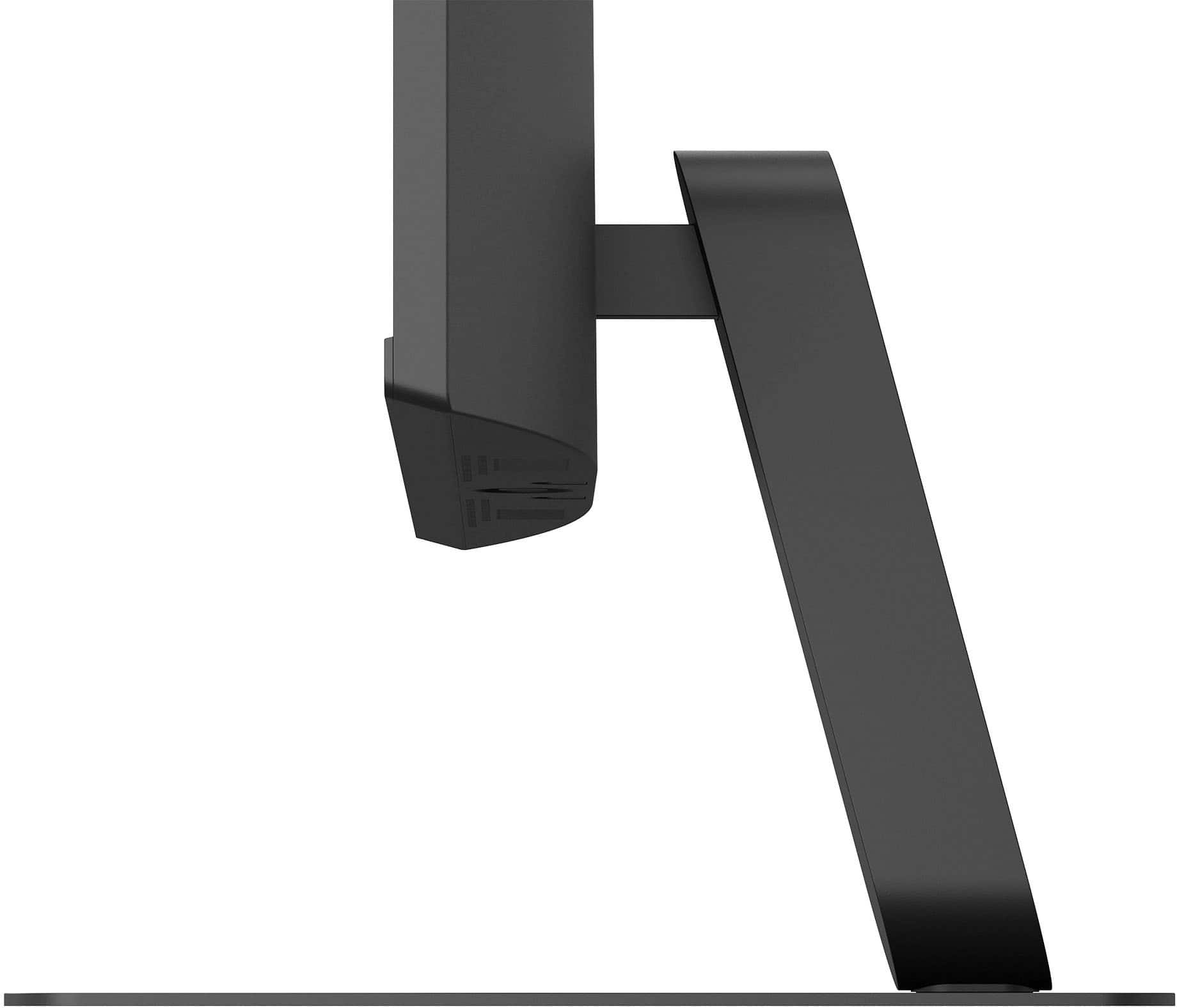
A:AnswerI'm in a chat now with LG tech and sent him photo of stand he thinks is faulty and won't tilt. He's preparing a replacement how. I'm aware of how to handle the screen from the manual to not cause damage. Nothing moves to tilt. Thanks for quick reply to my question.
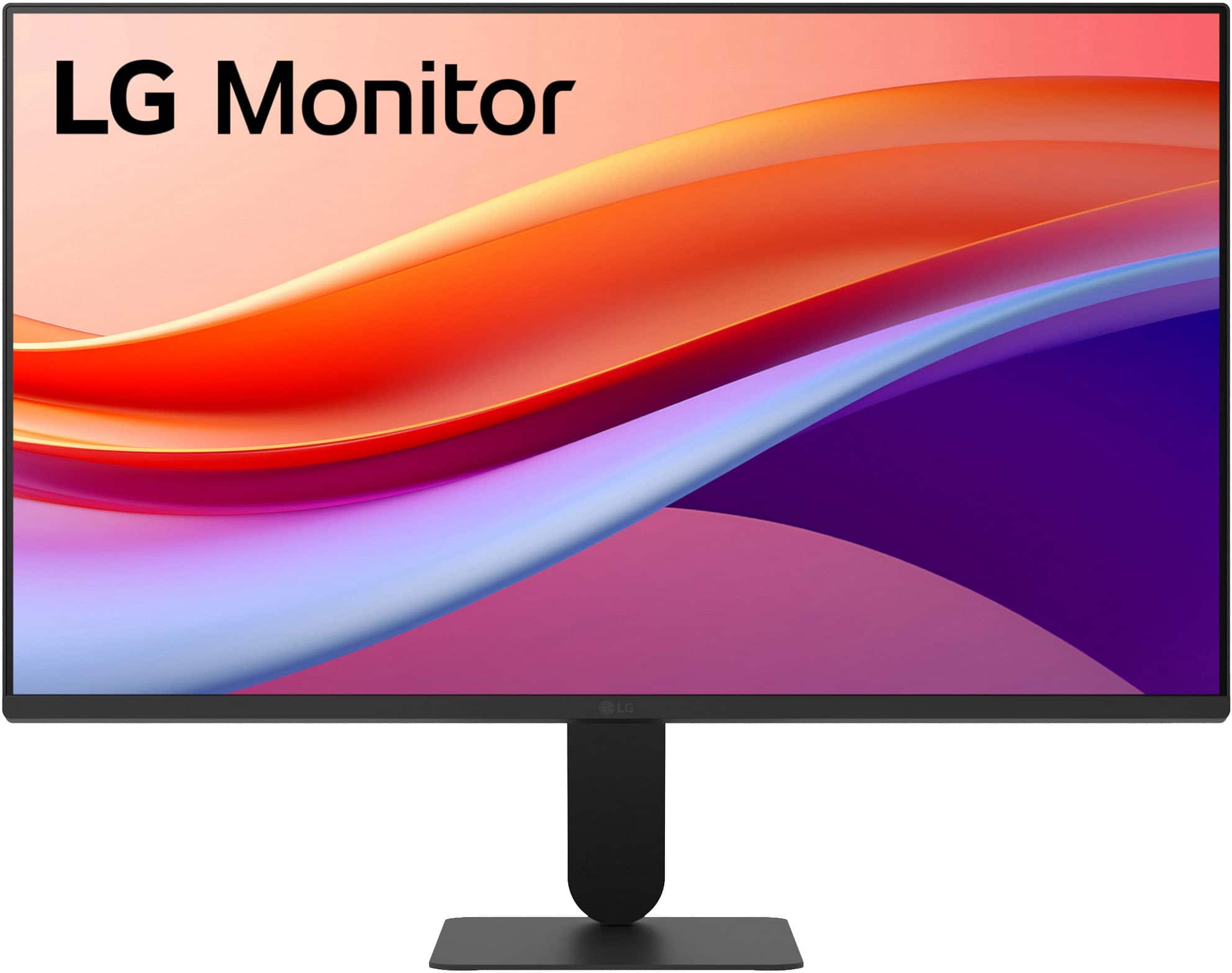
A:AnswerThe stand for the LG 24" IPS FHD 120Hz Monitor with HDR10 (HDMI) - Black, Model # 24U41YA-B, doesn't allow you to pivot the monitor 90° to portrait mode...^Ivan.
A:AnswerThe LG 24" IPS FHD 120Hz Monitor with HDR10 (HDMI) - Black, Model # 24U41YA-B, does not support daisy chaining, but you can use multiple monitors with a docking station even if they do not support daisy chaining.
If your docking station has multiple video output ports (like HDMI, DisplayPort, or VGA), you can connect each monitor to a different port on the docking station. This allows you to use all monitors without the need for daisy chaining.
Connectivity for the monitor includes an HDMI 2.0 input and a 15-Pin, D-Sub connector...^Ivan.
A:AnswerHDMI ports do not support daisy chaining, and nor does the LG 24" IPS FHD 120Hz Monitor with HDR10 (HDMI) - Black, Model: 24U41YA-B, so you cannot connect to of the 27U41YA-B to use them at the same time...^Ivan.
A:AnswerHi there. Thank you for sharing your inquiry with us. We understand that you're asking what accessories come with the 24U411A-B computer. This unit comes with an HDMI Cable.
https://www.bestbuy.com/product/lg-24-ips-fhd-120hz-monitor-with-hdr10-hdmi-black/JJ8VPZKPZZ
If you have any further questions about its features, please send us a private message on Social Media @LGUSSupport, and our team will be more than happy to assist you. —Renzo
A:AnswerConnectivity for the LG 24" IPS FHD 120Hz Monitor with HDR10 (HDMI) - Black, Model # 24U41YA-B, includes an HDMI port and a 15-Pin, D-Sub connector.
D-sub and VGA are not the same, but they are related, and they can be used interchangeably with the help of an adapter because VGA is a type of D-Sub connector...^Ivan.
A:AnswerHi there, Dais. Thank you for reaching out to us. We understand you're asking if the LG 24" IPS FHD 120Hz Monitor (24U411A-B) is compatible with a wireless keyboard and mouse.
Yes, this monitor is compatible with wireless keyboards and mice. The monitor itself doesn't directly connect to these peripherals; rather, your computer (which is connected to the monitor) will recognize and connect to your wireless keyboard and mouse via their respective USB receivers or Bluetooth, depending on the type of wireless devices you have. The monitor then displays the output from your computer.
https://www.bestbuy.com/product/lg-24-ips-fhd-120hz-monitor-with-hdr10-hdmi-black/JJ8VPZKPZZ
If you have any further questions about connecting your devices or setting up your monitor, please send us a private message on Social Media @LGUSSupport, and our team will be more than happy to assist you. —Renzo
A:AnswerThe LG 24" IPS FHD 120Hz Monitor with HDR10 (HDMI) - Black, Model # 24U41YA-B, has a native FHD (1920 x 1080) resolution, and it features an HDMI 2.0 port and a 15-Pin D-Sub port for connectivity. The monitor supports Plug and Play, which is a feature that allows you to add a device to your computer without having to reconfigure anything or install any manual drivers.
So if you can make the necessary connections to your Dell Opti Plex 5060, and its graphics card supports the monitor's native resolution, it will work with the monitor...^Ivan.
A:AnswerHello there. Thank you for reaching out to us with your inquiry about the LG 24-inch IPS FHD 120Hz Monitor, Model 24U411A-B. We understand your inquiry about the connectivity options for this unit.
We can confirm that this monitor is equipped with an HDMI port (version 2.0), a D-Sub (VGA) port, and a Headphone Out port for its input and output connections. Based on the official specifications, the 24U411A-B unit does not feature a separate DisplayPort input. We highly value your interest in understanding the full capabilities and connection types of our monitors.
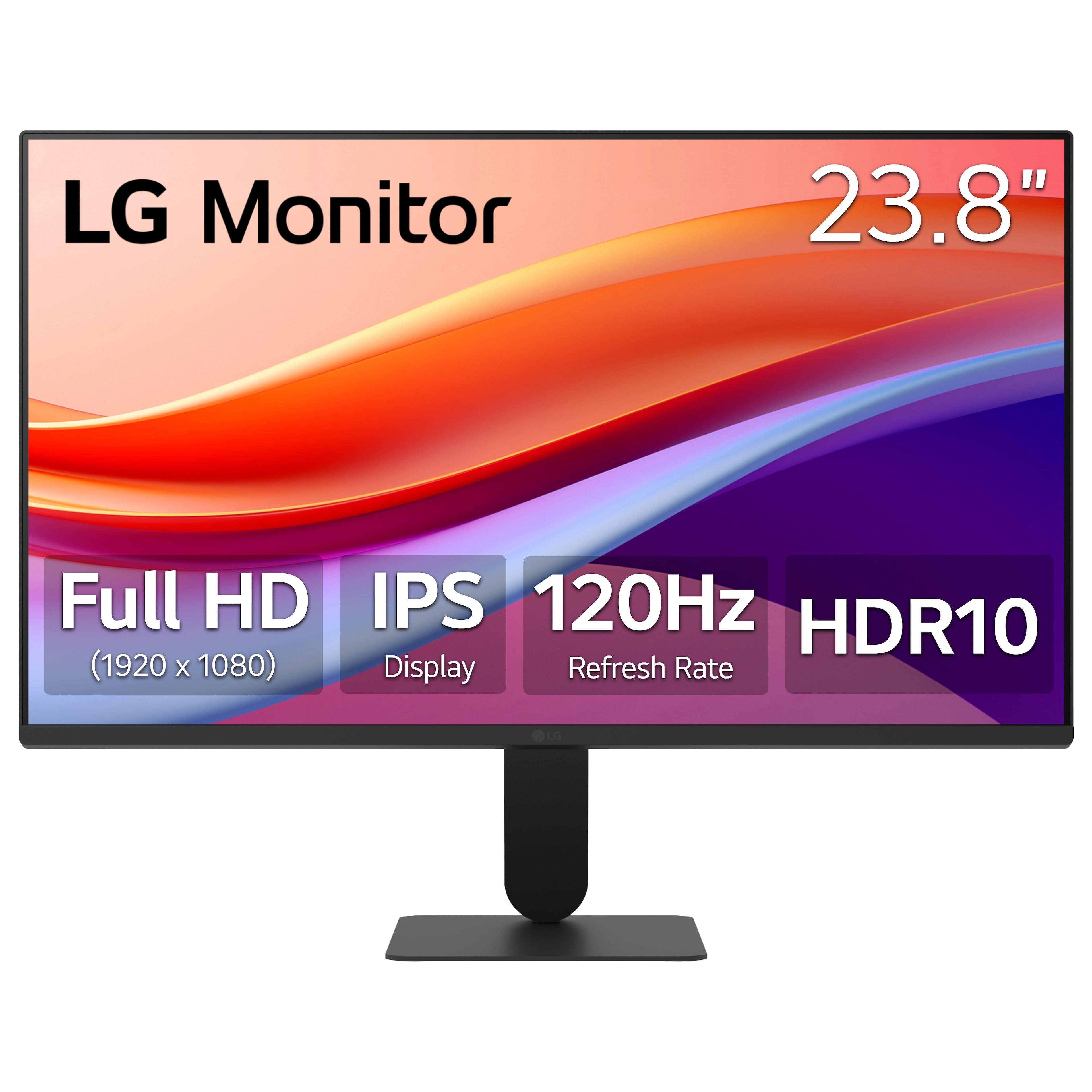
The included HDMI 2.0 port is designed to support the monitor's Full HD resolution and 120Hz refresh rate, allowing you to enjoy smooth visuals whether you are gaming, working, or streaming.
https://www.bestbuy.com/product/lg-24-ips-fhd-120hz-monitor-with-hdr10-hdmi-black/JJ8VPZKPZZ
If you have any further questions about connecting your devices to the monitor, or if you would like more detailed information about its many features like HDR10 or Dynamic Action Sync, please send us a private message on Social Media @LGUSSupport, and our team will be more than happy to assist you personally with all of your product needs.
—Renzo