Black Friday is hereShop new DoorbustersShop now

Main Content

Questions & Answers

Your price for this item is $239.99
Clearance
The comparable value price is $299.99
Page Showing 1-20 of 41 questions
  • QuestionHow many HDMI ports does this monitor have?

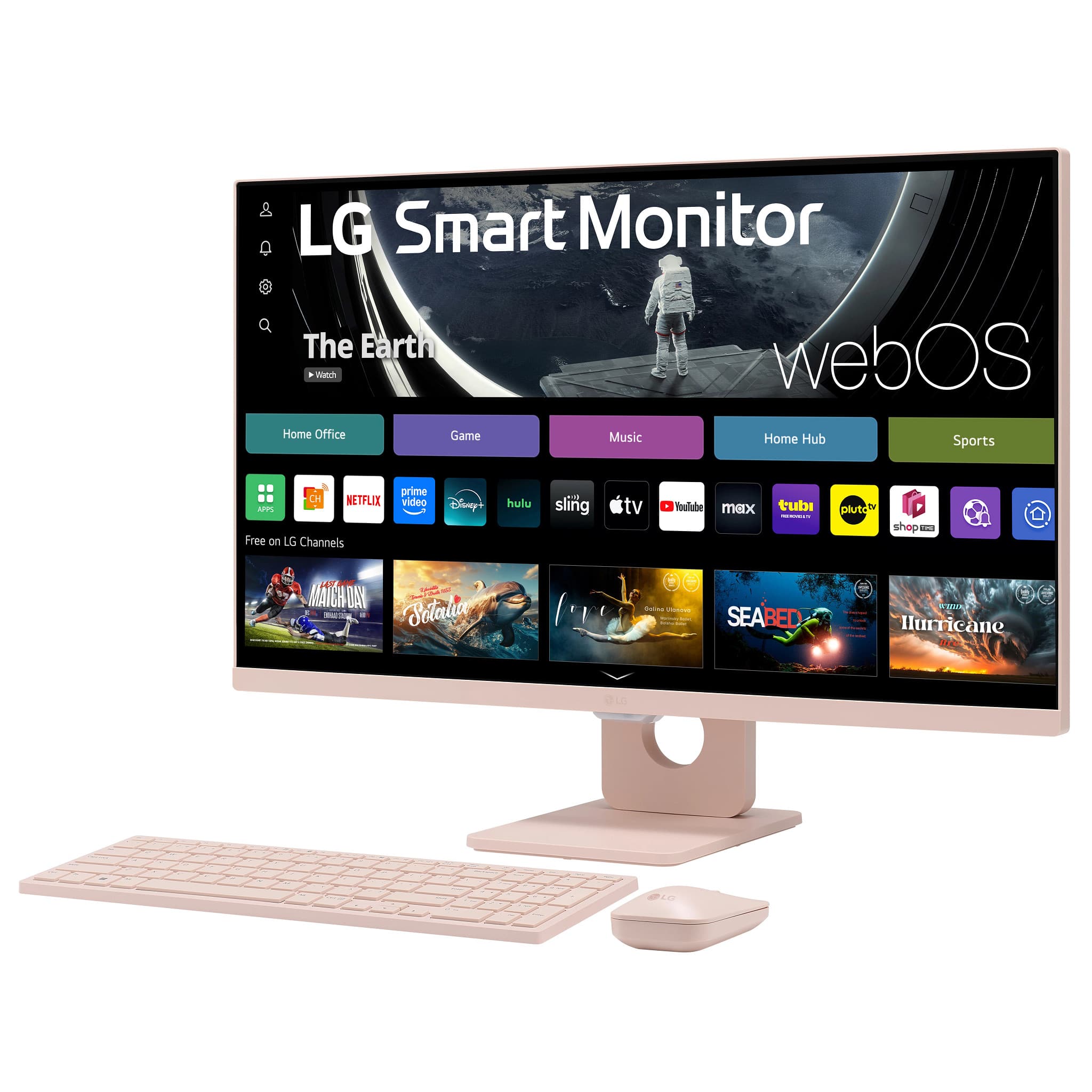
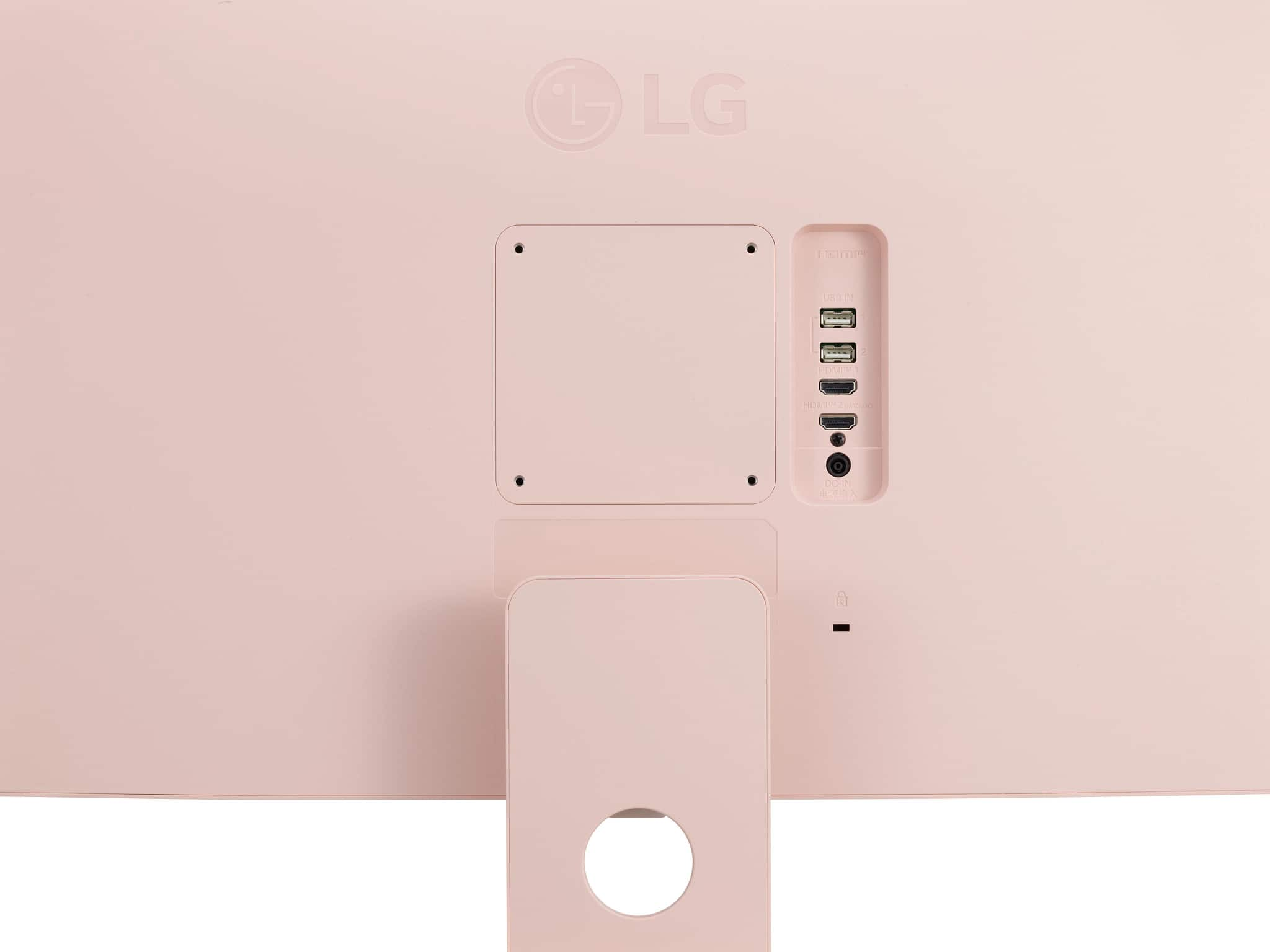
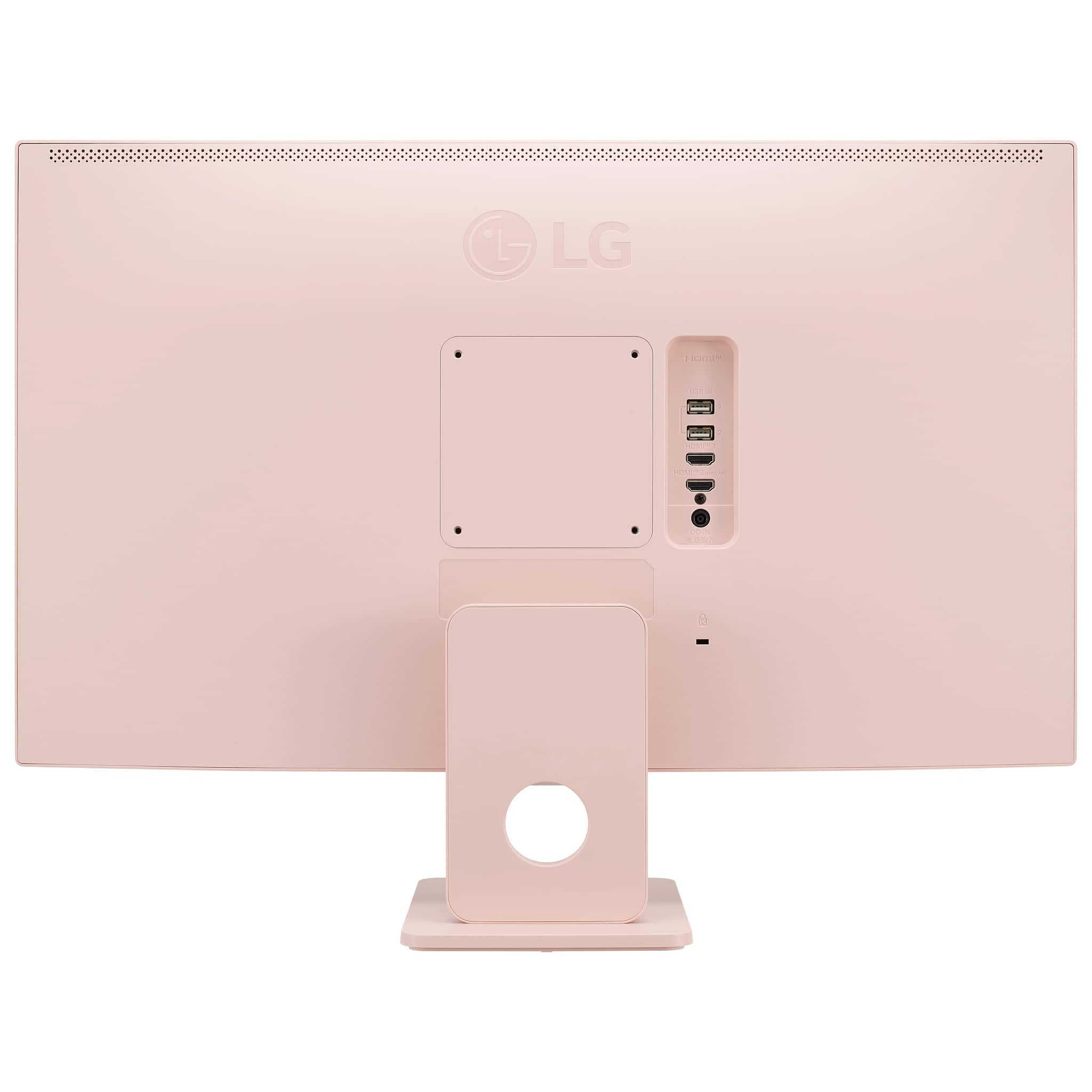
    • Answer This monitor comes with two HDMI ports.
    This question and answer was generated by AI based on customer and product data.
  • QuestionIs this LG MyView monitor compatible with Apple AirPlay 2?

    • Answer Yes, this monitor is compatible with Apple AirPlay 2 and Homekit, allowing you to wirelessly control your monitor.
    This question and answer was generated by AI based on customer and product data.

  • QuestionWhat is the resolution of this LG monitor?

    • Answer This LG monitor has a resolution of 1920x1080.
    This question and answer was generated by AI based on customer and product data.

  • QuestionWhat is the response time of this monitor?

    • Answer The response time of this monitor is 5 milliseconds.
    This question and answer was generated by AI based on customer and product data.

  • QuestionDoes this monitor have built-in speakers?

    • Answer Yes, this monitor has two built-in speakers.
    This question and answer was generated by AI based on customer and product data.

  • Questiondoes it need a pc to work

    Asked by Anonymous.

    • Answer Hi there! Thank you for your inquiry about the LG 27SR5BF-P Smart Monitor. We understand your question about whether the monitor requires a PC to function. The LG 27SR5BF-P is indeed a smart monitor, which means it has built-in web browsing capabilities and other smart features that can be used without needing a PC. However, if you plan to use it for traditional PC functions (such as productivity or gaming), you will need to connect it to a computer via HDMI or USB. https://www.lg.com/us/monitors/lg-27sr5bf-p-smart-monitor#pdp_specs If you need any further assistance or have more questions about the monitor, feel free to send us a private message on Social Media @LGUSSupport, and we’ll be happy to help! —Renzo

      Answered by LG Digital Customer Care

  • Questiondoes this monitor come with camera and speakers

    Asked by swiz.

    • Answer Hi there, Swiz! Thanks for your question about the 27SR5BF-P.AUS monitor. This model doesn’t come with a built-in camera or speakers. For audio, you might consider using external speakers or headphones, as many users find it enhances the overall experience. You may access this link for more information, go to "All Specs": https://www.lg.com/us/monitors/lg-27sr5bf-p-smart-monitor. If there’s anything else we can help you with, feel free to reach out on social media @LGUSSupport. We're here to assist you! —Avril

      Answered by LG Digital Customer Care

  • QuestionIf this computer doesn't require desktop, then does it have cd rom and power button attach?

    Asked by Mickele.

    • Answer Hi, Mickele. Thank you for reaching out about the LG Monitor (27SR5BF-P) model. This unit is a monitor only and does not have built-in computing components such as a CD-ROM drive or a power button for the computer. It is designed to be connected to a separate desktop or laptop computer. The monitor itself has a power button to turn it on and off, but any computing functions (such as using a CD-ROM or power control for the computer) would be handled by the device it's connected to. If you're looking for an all-in-one solution, you would need a separate device with a built-in CD-ROM and power functions, or you could connect this monitor to a desktop or laptop that includes those features. For more information, visit https://www.lg.com/us/monitors/lg-27sr5bf-p-smart-monitor. If you need any further clarification or help with setup, feel free to send us a private message on social media @LGUSSupport. We're happy to assist. ^Juvy

      Answered by LG Digital Customer Care

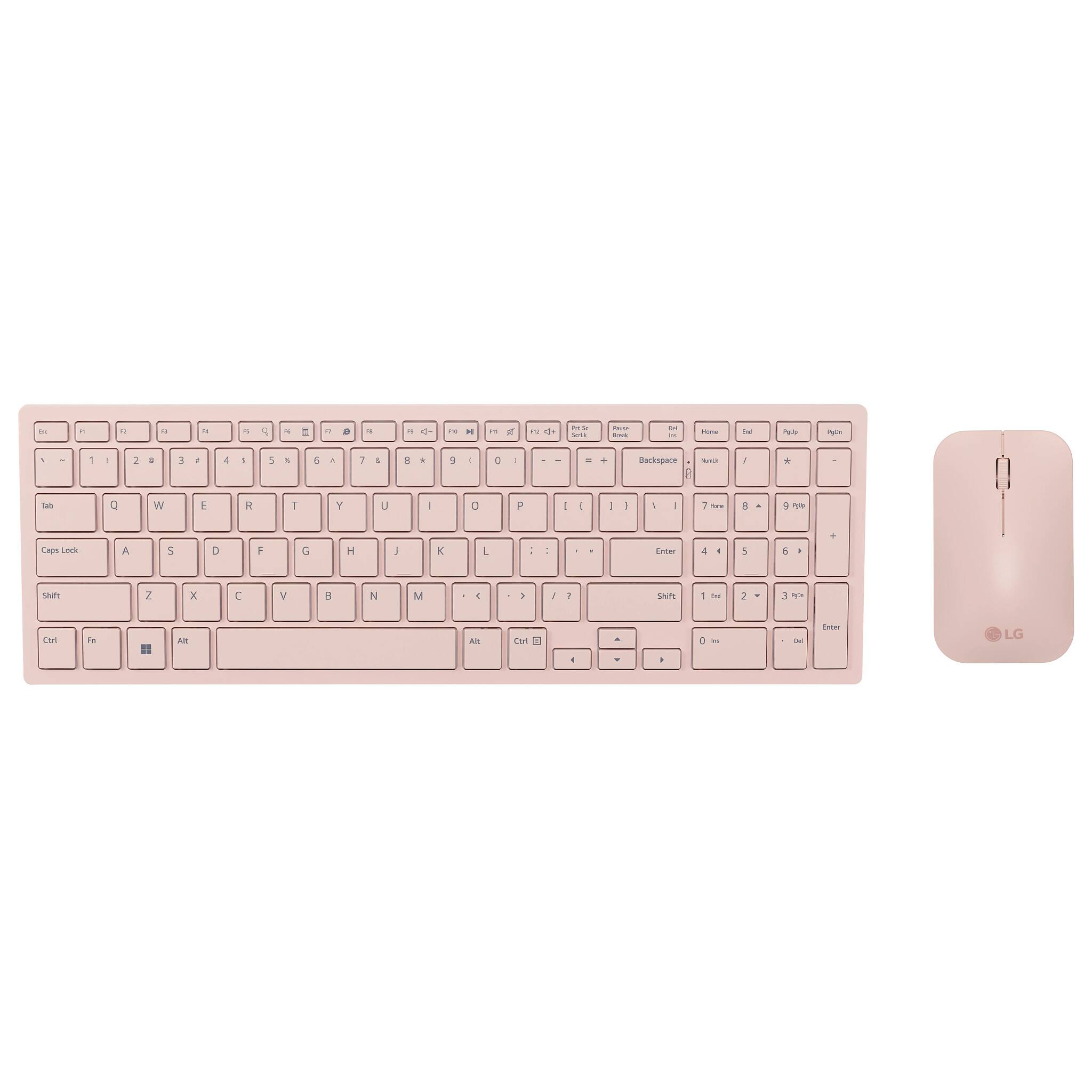
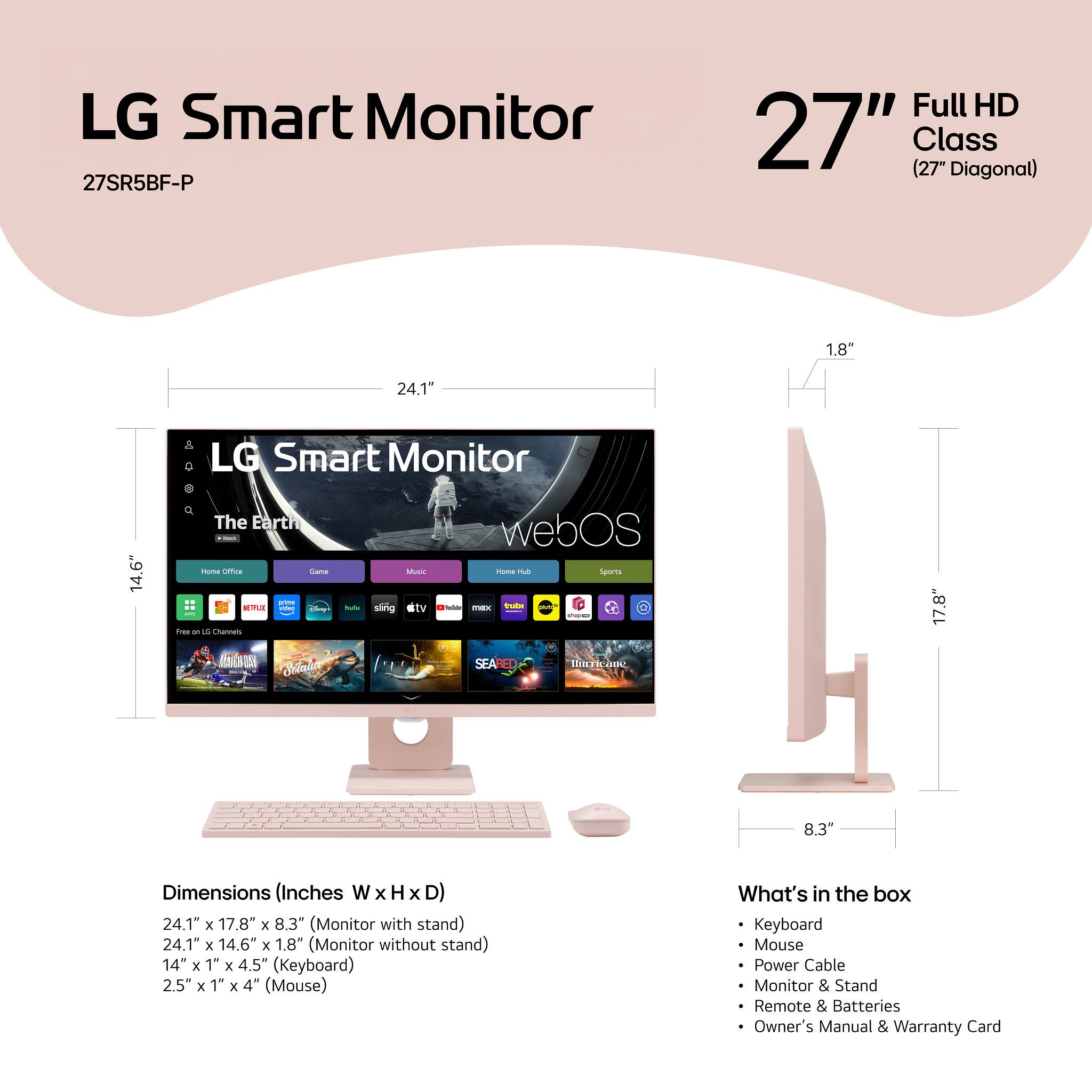
  • QuestionHow wide of computer desk space is enough for this computer?Will a space like desk I took pic enough? If I have a separate mouse/keyboard, can I use them or use the ones include with this monitor? To use web I unable to connect wirelessly?

    Asked by Mickele.

    • Answer Hi, Mickele. Thank you for reaching out to us about the LG Monitor (27SR5BF-P) model. For this unit, a typical desk space of about 24 to 30 inches in width should be enough to comfortably accommodate the monitor, along with a separate keyboard and mouse. Regarding a separate keyboard and mouse, Yes, you can use a separate keyboard and mouse with this monitor. The ones included with the monitor are typically basic, and using your own is completely fine and often more comfortable. Ensure that your mouse and keyboard are properly connected to your computer, whether through USB or Bluetooth. If you're having trouble connecting wirelessly, ensure your monitor is compatible with wireless connections. If not, you may need to connect your computer to the monitor using an HDMI or DisplayPort cable. Additionally, check your computer's wireless settings to ensure Wi-Fi is enabled. For more information, you may visit https://www.lg.com/us/monitors/lg-27sr5bf-p-smart-monitor. If you need further details or assistance with your setup, please send us a private message on social media @LGUSSupport. We're here to help. ^Juvy

      Answered by LG Digital Customer Care

  • QuestionDoes this computer require a special desktop machine bought at Best Buy or other computer places in order to operate?

    Asked by Mickele.

    • Answer Hi there, Mickele. Thank you for your question about the LG MyView 27" Full HD IPS Smart Monitor (model 27SR5BF-P.AUS). This monitor does not require a special desktop machine to operate. It is highly versatile and can connect to most computers or laptops through its HDMI port or USB inputs. Additionally, since this is a smart monitor with built-in apps and a web browser, it can function independently for certain tasks like browsing the web or streaming content, without needing to connect to a desktop or laptop. https://www.bestbuy.com/site/lg-myview-27-full-hd-ips-60hz-smart-monitor-with-wireless-keyboard-and-mouse-hdmi-usb-a-pink/6585817.p?skuId=6585817 If you have further questions about compatibility or setup, feel free to send us a private message on social media @LGUSSupport, and we'll be happy to assist. —Renzo

      Answered by LG Digital Customer Care

  • QuestionIs a Mac Mini compatible with this? Would it work well?

    Asked by Frances.

    • Answer Hi there. Thank you for reaching out with your question about compatibility between your Mac Mini and the LG model 27SR5BF-P.AUS. We understand how important it is to ensure that your devices work well together. The LG 27SR5BF-P.AUS is a monitor that should be compatible with a Mac Mini, provided that you use the correct connection method. The monitor typically supports various input options such as HDMI, DisplayPort, or VGA. To connect your Mac Mini, you’ll need to use an appropriate adapter or cable that matches the monitor’s input and your Mac Mini’s output. For optimal performance and display quality, make sure that the resolution settings on your Mac Mini match the native resolution of the LG monitor. This will help ensure you get the best picture quality. If you have any more questions or need further assistance with setting up your devices, please send us a private message on Social Media @LGUSSupport. We’re here to help! We appreciate your inquiry and look forward to assisting you. —Renzo

      Answered by LG Digital Customer Care

  • QuestionIs this a PC

    Asked by Anonymous.

    • Answer No, just a monitor!

      Answered by Skyspends

  • QuestionAm I able to connect a Playstation to it?

    Asked by Lexi.

    • Answer Yes

      Answered by Skyspends

  • Questionis computer all one?

    Asked by Natali.

    • Answer No

      Answered by Skyspends

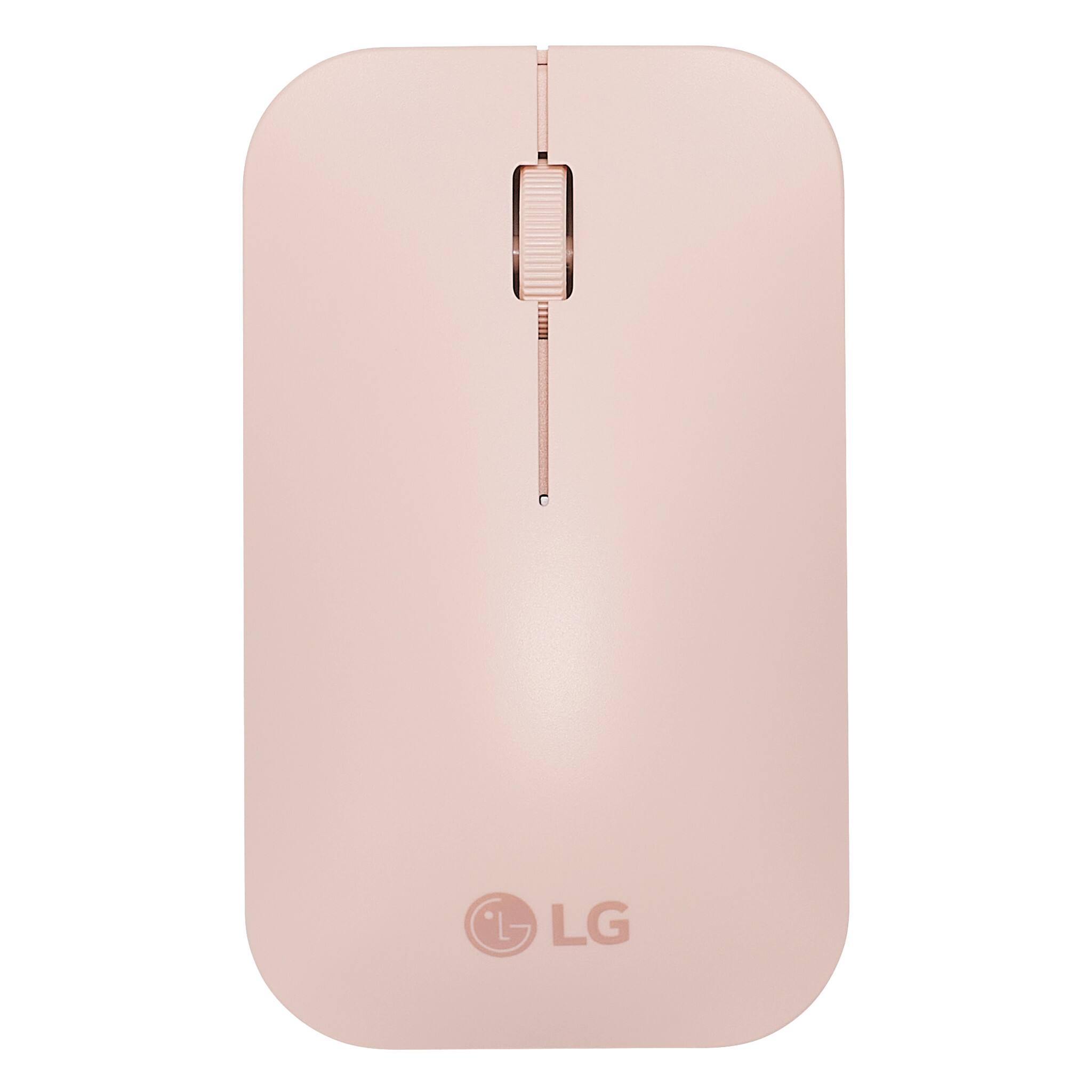
  • QuestionCan the mouse and keyboard be used separately form the monitor, like on a laptop on its own?

    Asked by Yenn.

    • Answer Yes, it has a separate usb

      Answered by Skyspends

  • QuestionI just purchased an LG MyView Smart Monitor 27SR75U and a Dell XPS 8960, with a wireless mouse and keyboard. My question is can I adjust the volume of my MyView Smart Monitor using the keyboard volume controls mute, + or - keys? w/o using the remote? Thx

    Asked by MSQARED.

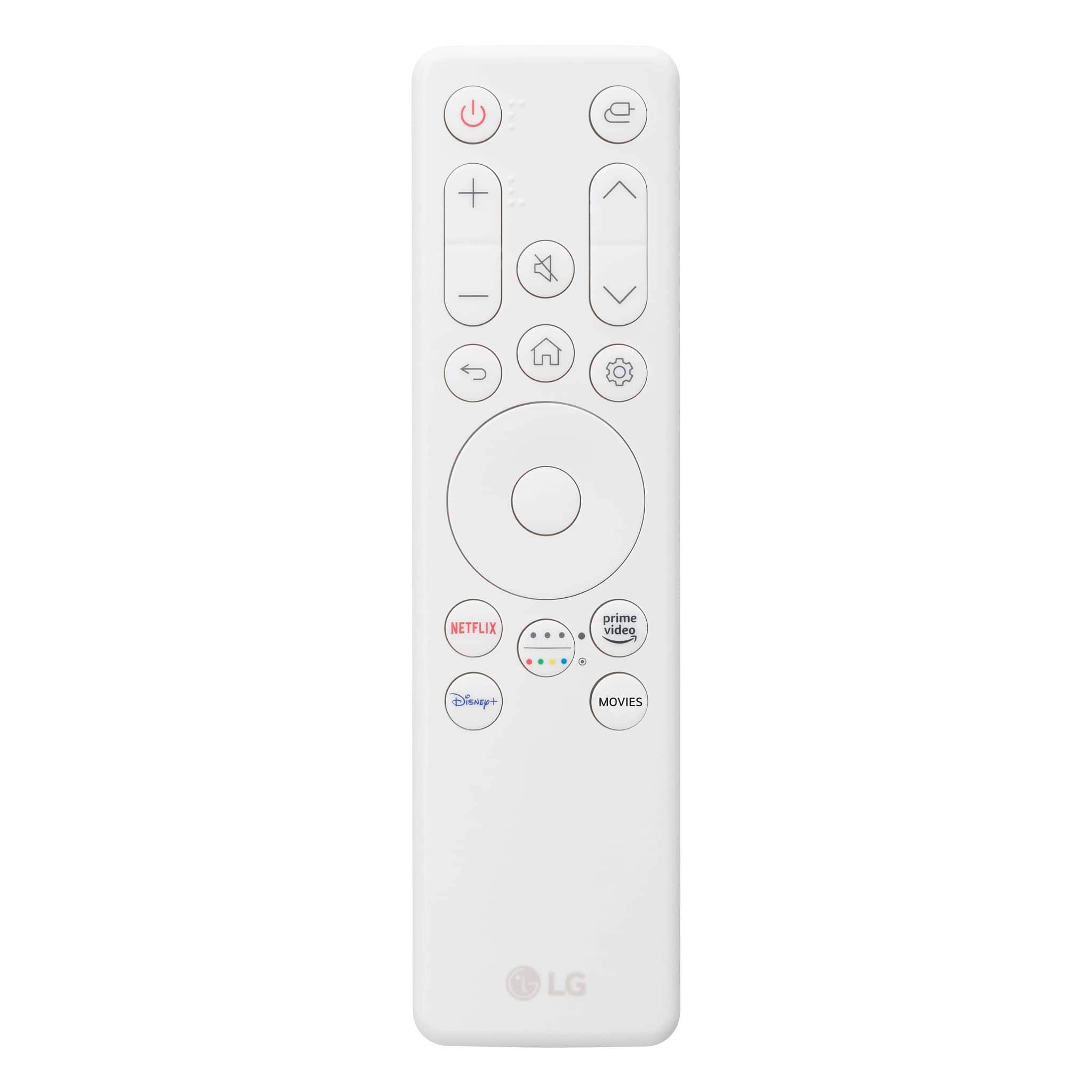
    • Answer Hi there! For the LG MyView Smart Monitor 27SR5BF-P, it does not appear that you can directly control the volume using the keyboard's volume controls (mute, +, or - keys) without using the remote. The remote control is listed as an accessory, which suggests that it's the primary method for adjusting settings like volume. Since this monitor features a web browser and other smart features, it may offer additional methods for controlling volume through on-screen menus or settings. However, to adjust volume using the keyboard's dedicated keys, it would depend on the compatibility of your keyboard with the monitor's specific settings. we recommend reaching out to us for further assistance. https://www.lg.com/us/monitors/lg-27sr5bf-p-smart-monitor#pdp_specs Feel free to reach out via @LGUSSupport for additional help! —Renzo

      Answered by LG Digital Customer Care

  • QuestionCan the mouse and key board send their inputs through my laptop then to the monitor? like normal wireless keyboards and mice.

    Asked by Studebaker.

    • Answer Yes

      Answered by Skyspends

  • QuestionRegarding to wires question, are the Hdmi cables included when purchase this device or need to buy separately, same as the power cord?

    Asked by Mickele.

    • Answer Hi, Mickele. Thank you for your question about the LG Monitor (27SR5BF-P) model. We're happy to clarify this for you. The device does come with a power cord included, so you won’t need to purchase that separately. However, HDMI cables are typically not included with the purchase and would need to be bought separately if required for your setup. For more information about this product, you may visit https://www.lg.com/us/monitors/lg-27sr5bf-p-smart-monitor. If you need recommendations on compatible HDMI cables or have any further questions, feel free to send us a private message on social media @LGUSSupport, and we’ll be glad to assist you. We appreciate your interest in LG and are here to help ensure you have everything you need. ^Juvy

      Answered by LG Digital Customer Care

  • QuestionHow many wires are require to help this computer operate excluding mouse and keyboard? Is that the same for all other modern desktops?

    Asked by Mickele.

    • Answer The power cord is all you need to be able to turn on the monitor. It connects to Wifi so you have the option to use the monitor like you would any smart TV to connect to the internet. You would need an HDMI cable to connect it to a laptop or CPU to operate it as a normal computer though.

      Answered by GwenG