Black Friday is hereShop new DoorbustersShop now

Main Content

Questions & Answers

Your price for this item is $121.99
Clearance
The comparable value price is $499.99
Page Showing 1-15 of 15 questions
  • QuestionDoes this monitor support HDR?

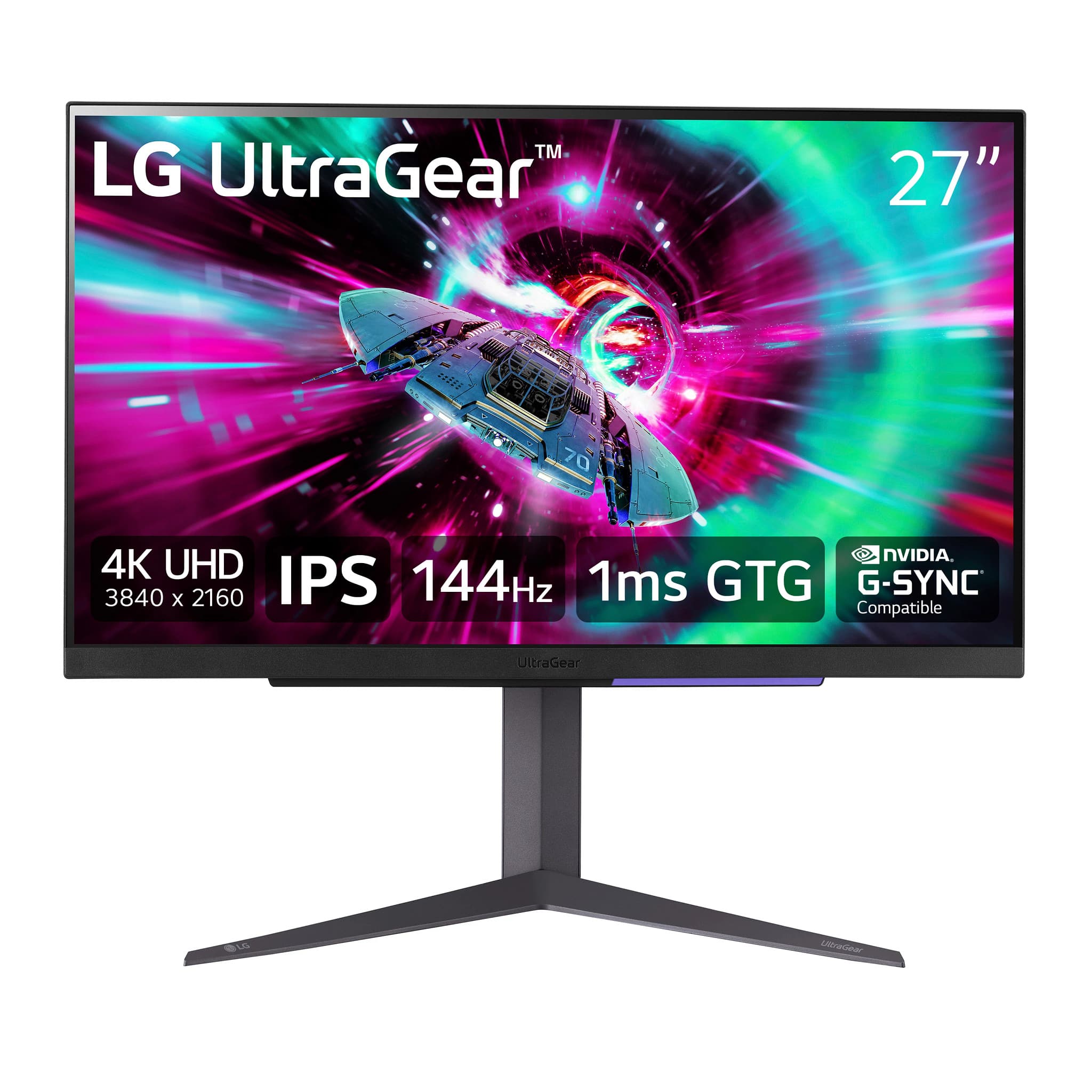
    • Answer Yes, this monitor supports HDR and is VESA certified DisplayHDR 400.
    This question and answer was generated by AI based on customer and product data.
  • QuestionWhat is the response time of this monitor?

    • Answer This monitor has a response time of 1 millisecond.
    This question and answer was generated by AI based on customer and product data.

  • QuestionWhat type of display panel does this monitor use?

    • Answer This monitor uses an IPS panel.
    This question and answer was generated by AI based on customer and product data.

  • QuestionWhat is the refresh rate of this monitor?

    • Answer This monitor has a refresh rate of 144Hz.
    This question and answer was generated by AI based on customer and product data.

  • QuestionDoes this LG monitor have built-in speakers?

    • Answer No, this monitor does not have built-in speakers.
    This question and answer was generated by AI based on customer and product data.

  • QuestionHow is the monitor powered?

    • Answer The monitor uses a standard power consumption of 65 watts.
    This question and answer was generated by AI based on customer and product data.

  • QuestionThis monitor comes with an HDMI cable. Is that cable HDMI 2.1?

    Asked by Rob.

    • Answer Yes it does come with HDMI 2.1 cable, also supports HDMI 2.1 bandwidth

      Answered by MosesA

  • QuestionCan’t get a refresh rate selection in the drop down window greater than 30Hz, despite being connected with the supplied HDMI cable to a laptop that gets 60Hz. Product: 27GR93U-B LG monitor.

    Asked by Anonymous.

    • Answer Hello there! Thank you for sharing your experience with us. We understand that you’re unable to select a refresh rate greater than 30Hz on your 27GR93U-B monitor, despite your laptop supporting 60Hz. To help resolve this issue, please check that the HDMI port on both your laptop and the monitor supports a refresh rate higher than 30Hz. For optimal performance, we recommend using a DisplayPort connection instead of HDMI, as it is capable of supporting higher refresh rates (up to 144Hz) at 4K resolution, as indicated in the monitor's specifications. https://www.lg.com/us/monitors/lg-27gr93u-b-gaming-monitor#pdp_specs If you’re still facing issues, we’d love to assist you further. Please send us a private message on Social Media @LGUSSupport, and our team will be more than happy to explore additional solutions with you. We appreciate your patience. —Renzo

      Answered by LG Digital Customer Care

  • QuestionIs there a removable film protector on the screen shipped this way from the factory? Cant seem to tell. Thanks.

    Asked by Ryan.

    • Answer Hi there, Ryan. The LG 27GR93U-B gaming monitor does not appear to come with a removable film protector on the screen, based on the listed specifications. It's common for many modern monitors to have the protective film on the bezels rather than the screen itself, or for the film to be removed during manufacturing. If you're unsure, carefully check the edges of the screen for any thin layer or film that could be peeled off. If there is one, it should be easy to remove. https://www.lg.com/us/monitors/lg-27gr93u-b-gaming-monitor#pdp_specs For further inquiries, feel free to reach out to us via @LGUSSupport. —Renzo

      Answered by LG Digital Customer Care

  • QuestionCan you turn off the hdr?

    Asked by Trevor.

    • Answer Thank you for reaching us regarding LG Monitor. Yes, turn off HDR on your LG 27GR93U-B monitor: For Windows: • Press Win + Alt + B • Go to Display settings and toggle off HDR • Right-click on your desktop, select Display Settings, and set "Use HDR" to "Off You can download its owner's manual through this link for more information: https://www.lg.com/us/support/product/lg-27GR93U-B.AUS. For additional assistance, please reach out to us on social media @LGUSSupport so we can help you further. ^Cris

      Answered by LG Digital Customer Care

  • QuestionDoes the monitor’s refresh rate of 144 hz go to the hmdi port as well as the display port, or just the display?

    Asked by jacobibrett.

    • Answer Display port will do 144 hz when attached to a capable graphics card. If you attach a console like Xbox x series or PS5 to HDMI 2.1 you will get 4K gaming at 120 hz and up to 4K at 144 hz when attached to a capable graphics card.

      Answered by CaptKirck

  • QuestionDoes this monitor include external speakers?

    Asked by Ren467.

    • Answer Thank you for reaching us regarding LG Monitor. The LG 27GR93U-B monitor does not include built-in speakers. You will need to connect external speakers or headphones to enjoy audio output. You can download its owner's manual through this link for more information: https://www.lg.com/us/support/product/lg-27GR93U-B.AUS. For additional assistance, please reach out to us on social media @LGUSSupport so we can help you further. ^Cris

      Answered by LG Digital Customer Care

  • QuestionDoes this monitor have HDMI 2.1?

    Asked by MrChristmas.

    • Answer yes

      Answered by ZacheryH

  • QuestionCan this monitor be mounted to dual monitor swing arms?

    Asked by TheTechCritic.

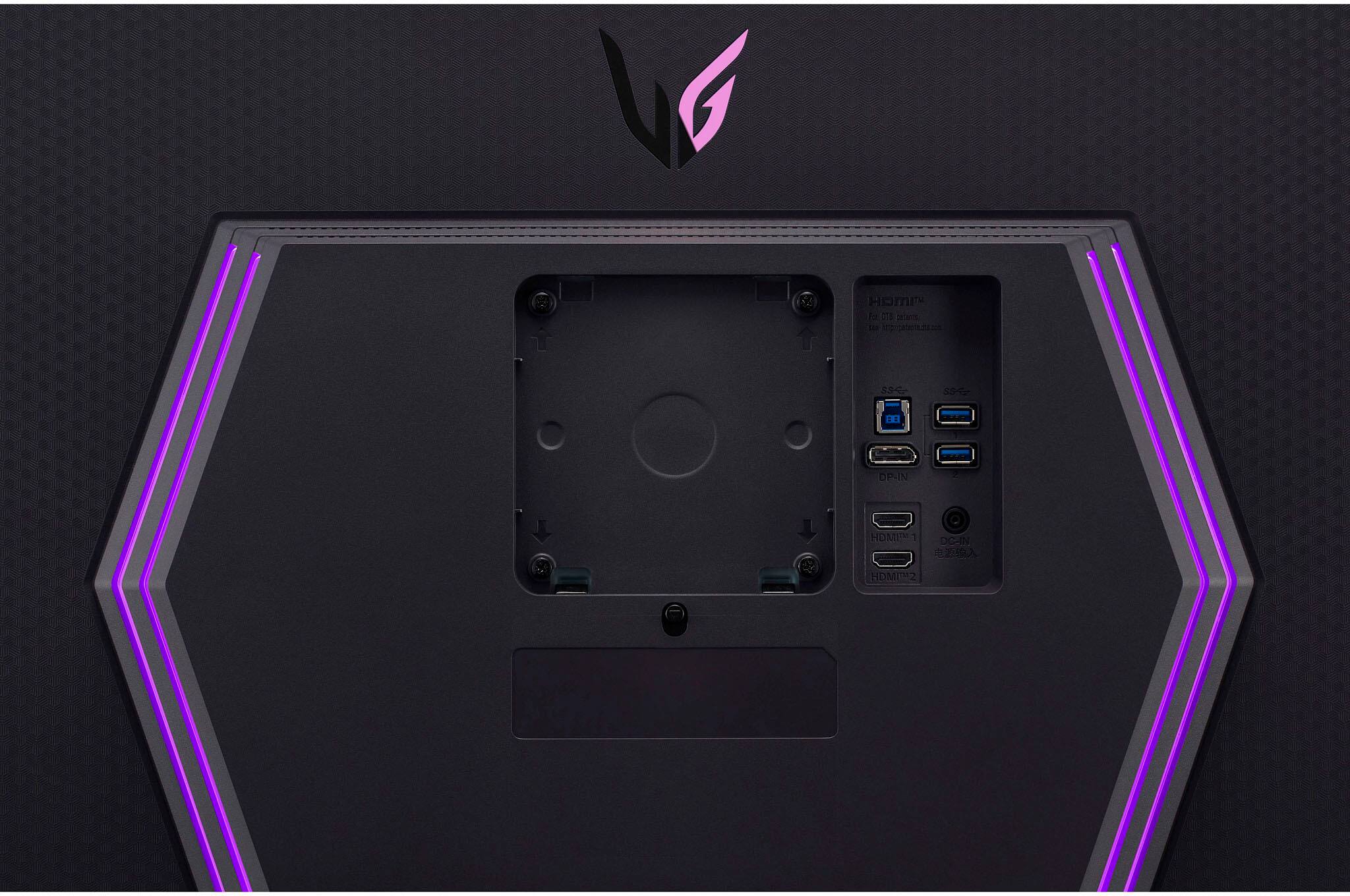
    • Answer Thank you for your interest in the LG 27" UltraGear™ UHD 1ms 144Hz Gaming Monitor with NVIDIA® G-SYNC® Compatible (27GR93U-B) model. The LG 27GR93U-B monitor has a VESA mount pattern of 100 x 100 mm, which is a standard size for monitor mounts. It can be mounted to dual monitor swing arms that support the 100 x 100 VESA mount pattern. You can download its owner's manual through this link for more information: https://www.lg.com/us/support/product/lg-27GR93U-B.AUS. ^Cris

      Answered by LG Digital Customer Care

  • Questioncan this monitor turn vertically?

    Asked by Anonymous.

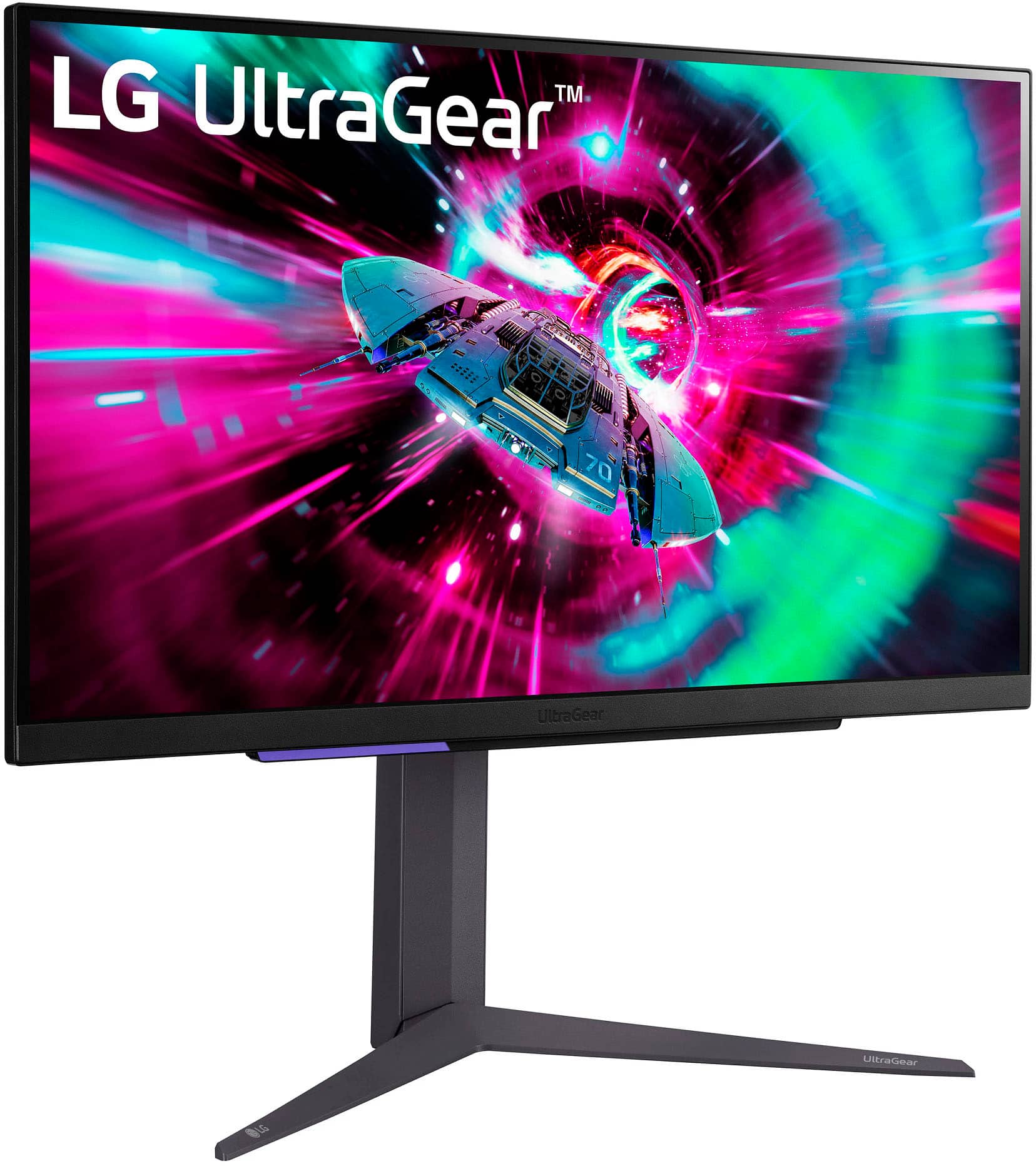
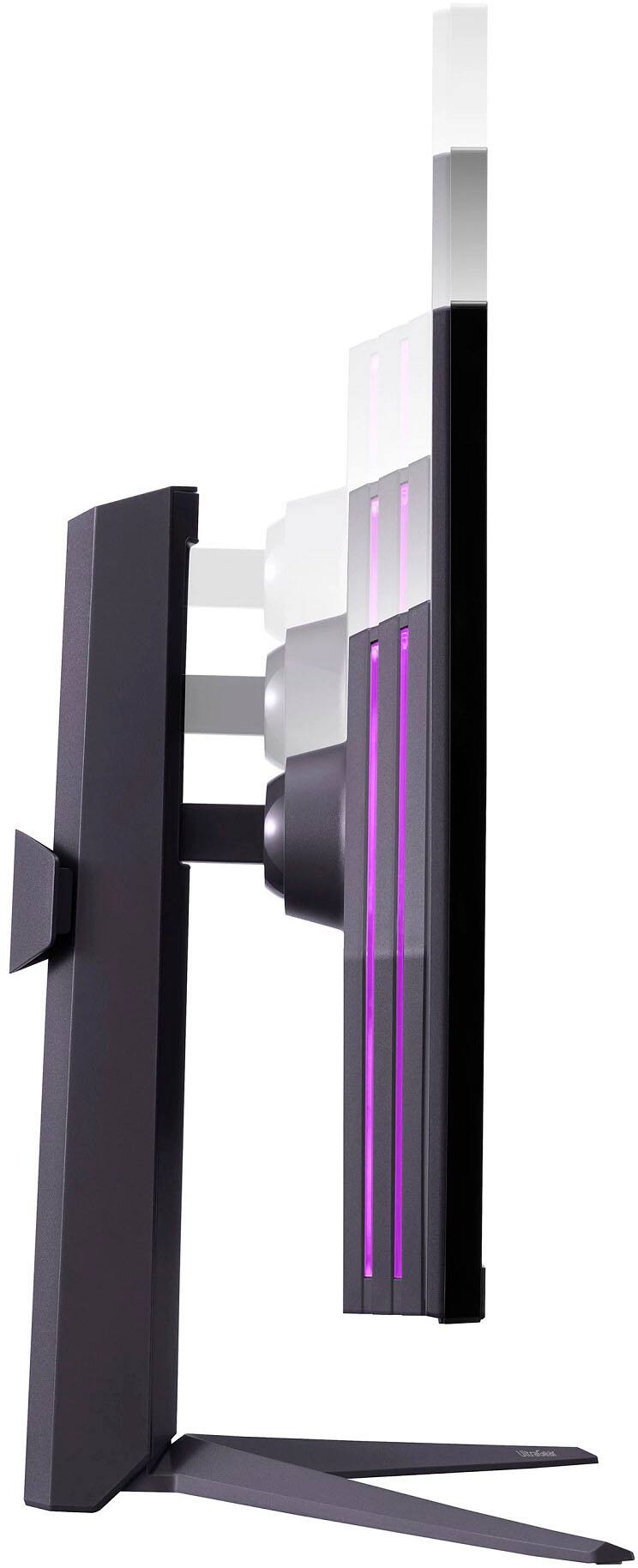
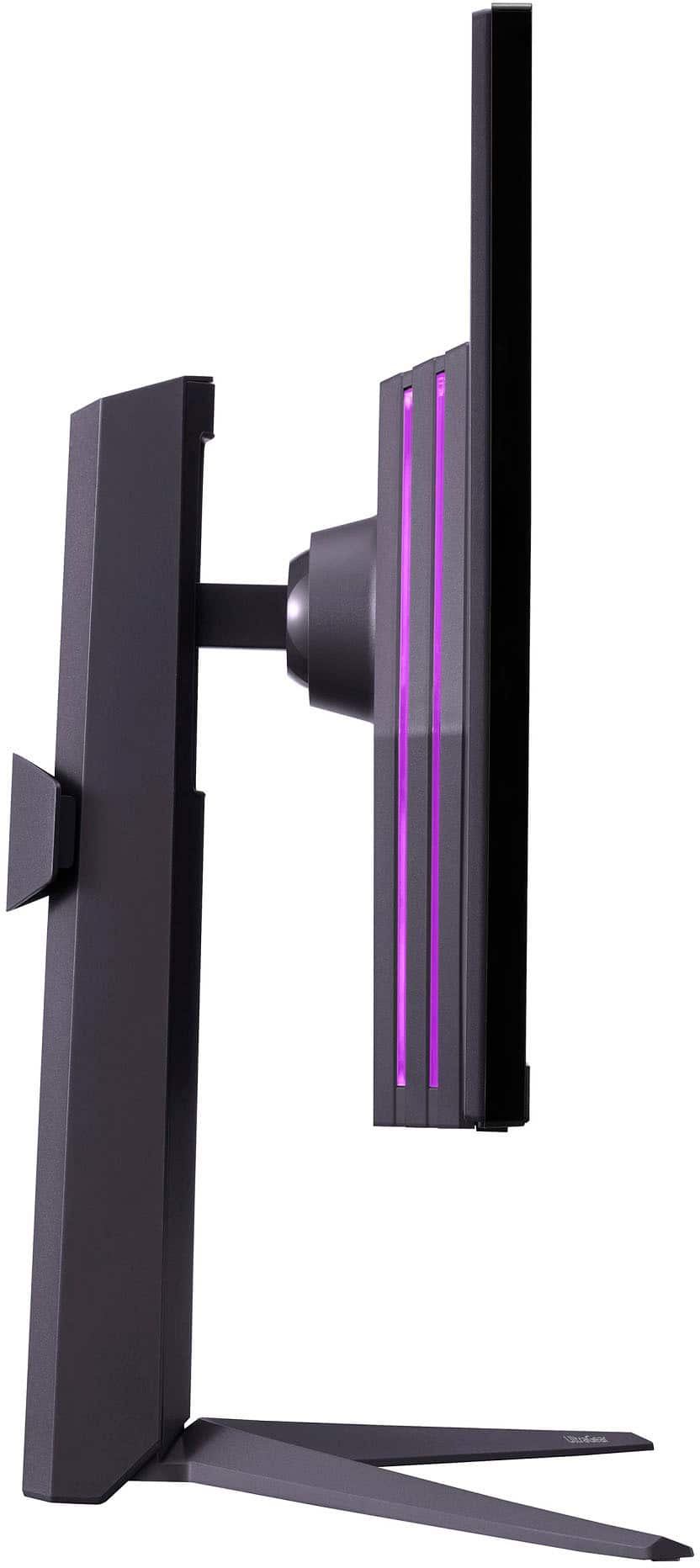
    • Answer Thank you for your interest in the LG 27" UltraGear™ UHD 1ms 144Hz Gaming Monitor with NVIDIA® G-SYNC® Compatible (27GR93U-B) model. No, the LG 27GR93U-B UltraGear Monitor does not have a vertical orientation mode. It can only rotate into portrait mode in a clockwise direction, which means the inputs are always on top. You can download its owner's manual through this link for more information: https://www.lg.com/us/support/product/lg-27GR93U-B.AUS. ^Cris

      Answered by LG Digital Customer Care