Black Friday is hereShop new DoorbustersShop now

Main Content

Questions & Answers

Your price for this item is $1,199.99
Page Showing 1-11 of 11 questions
  • QuestionWhat is the response time of this LG monitor?

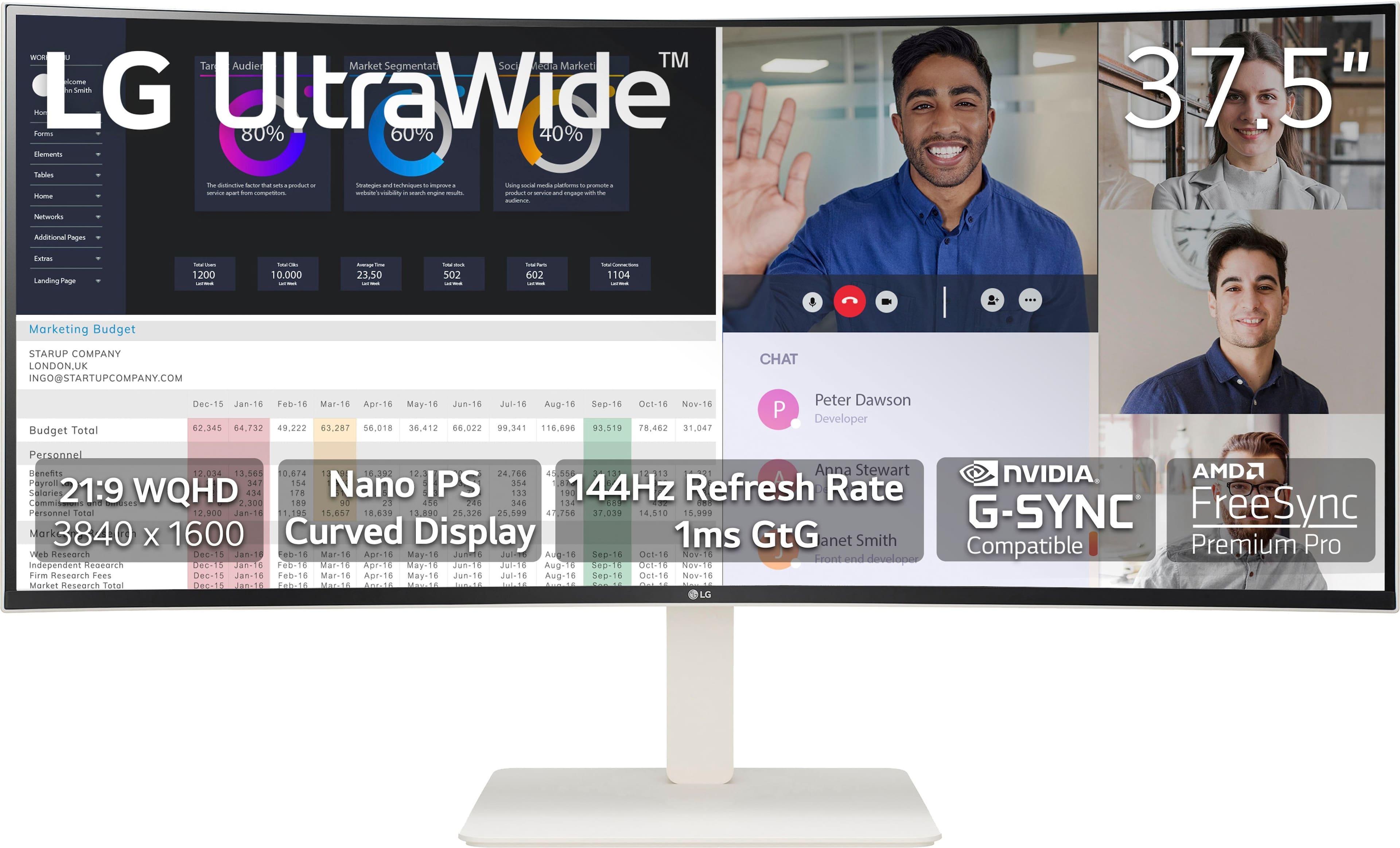
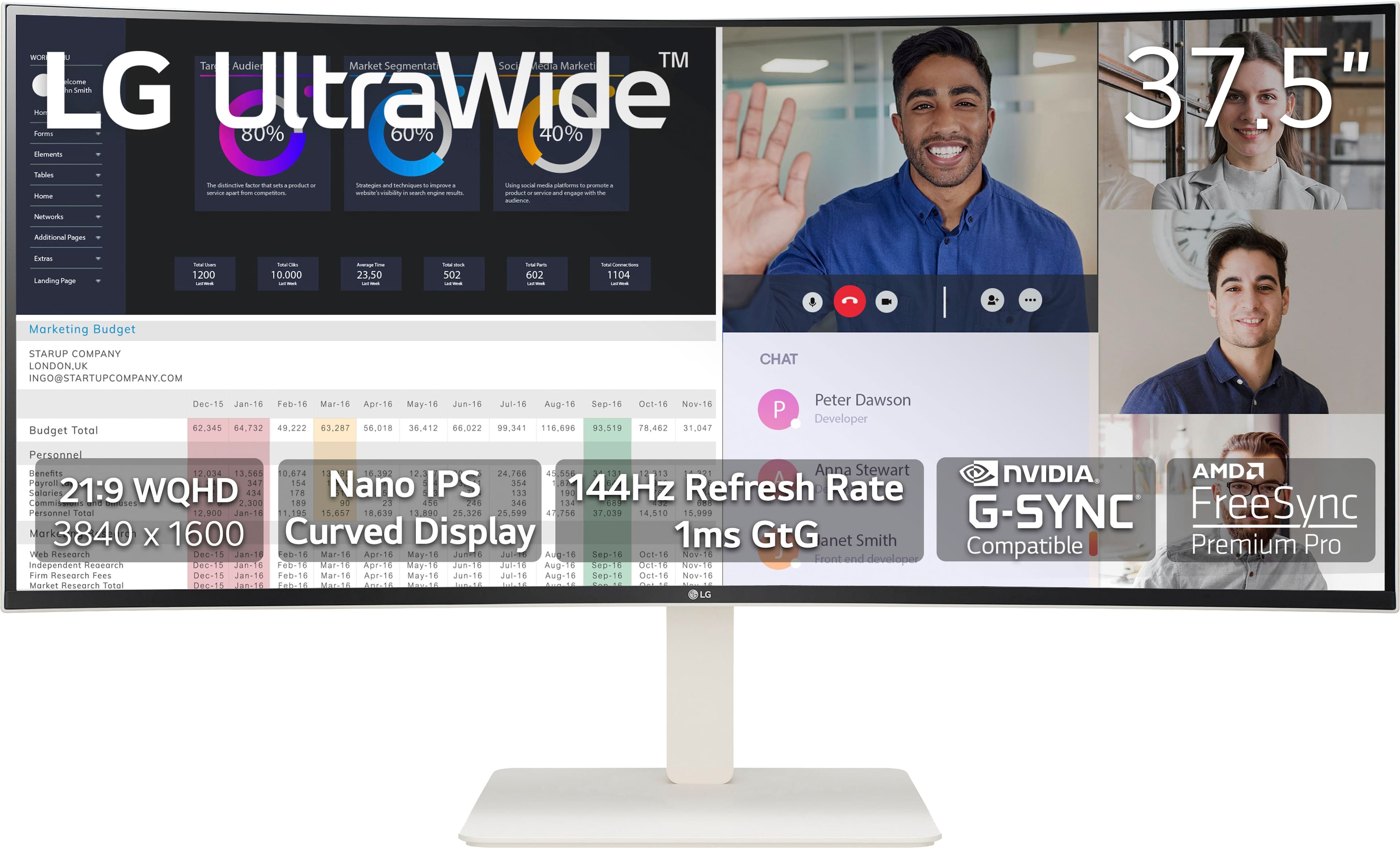
    • Answer This monitor has a 1ms response time.
    This question and answer was generated by AI based on customer and product data.
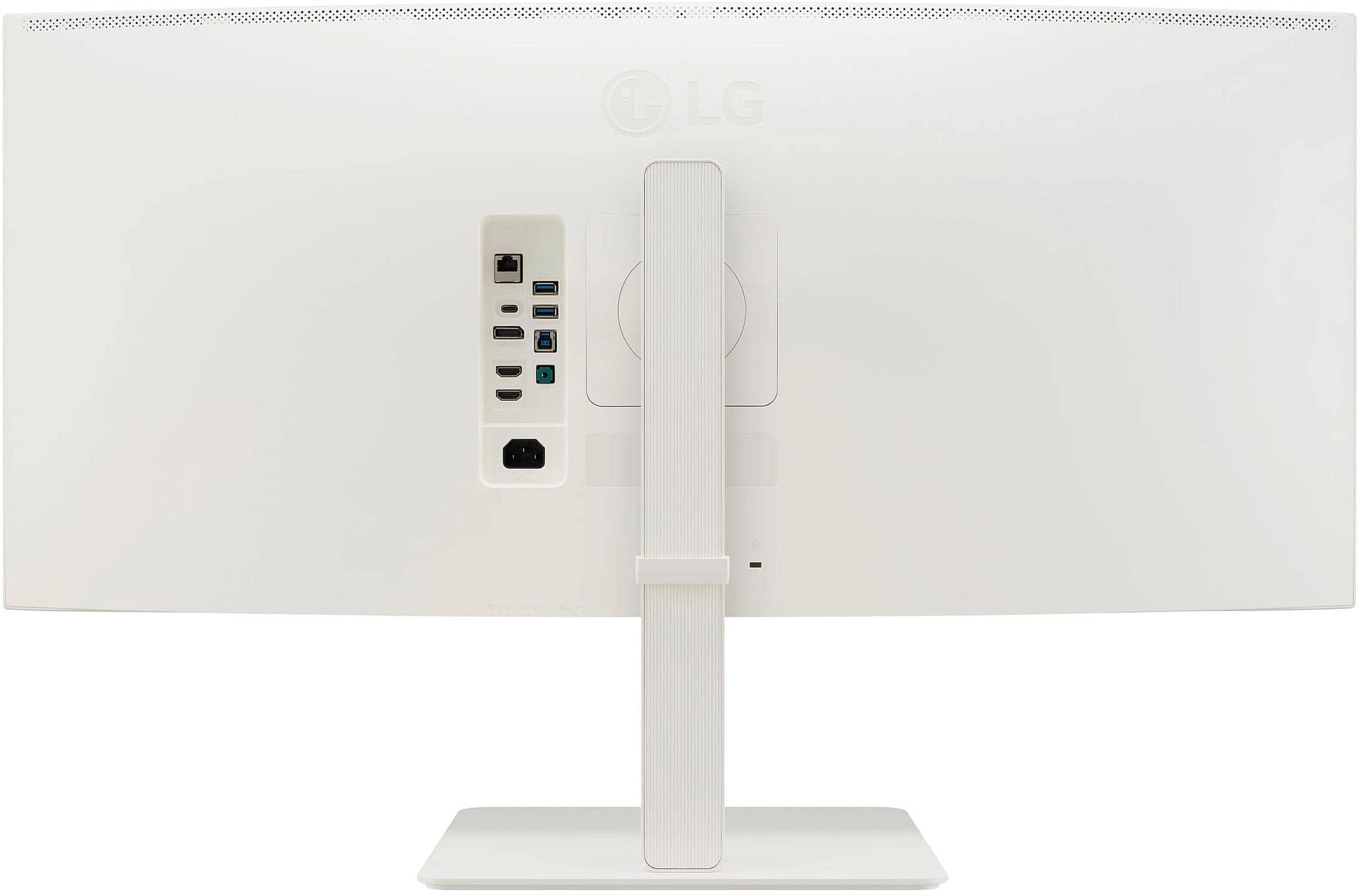
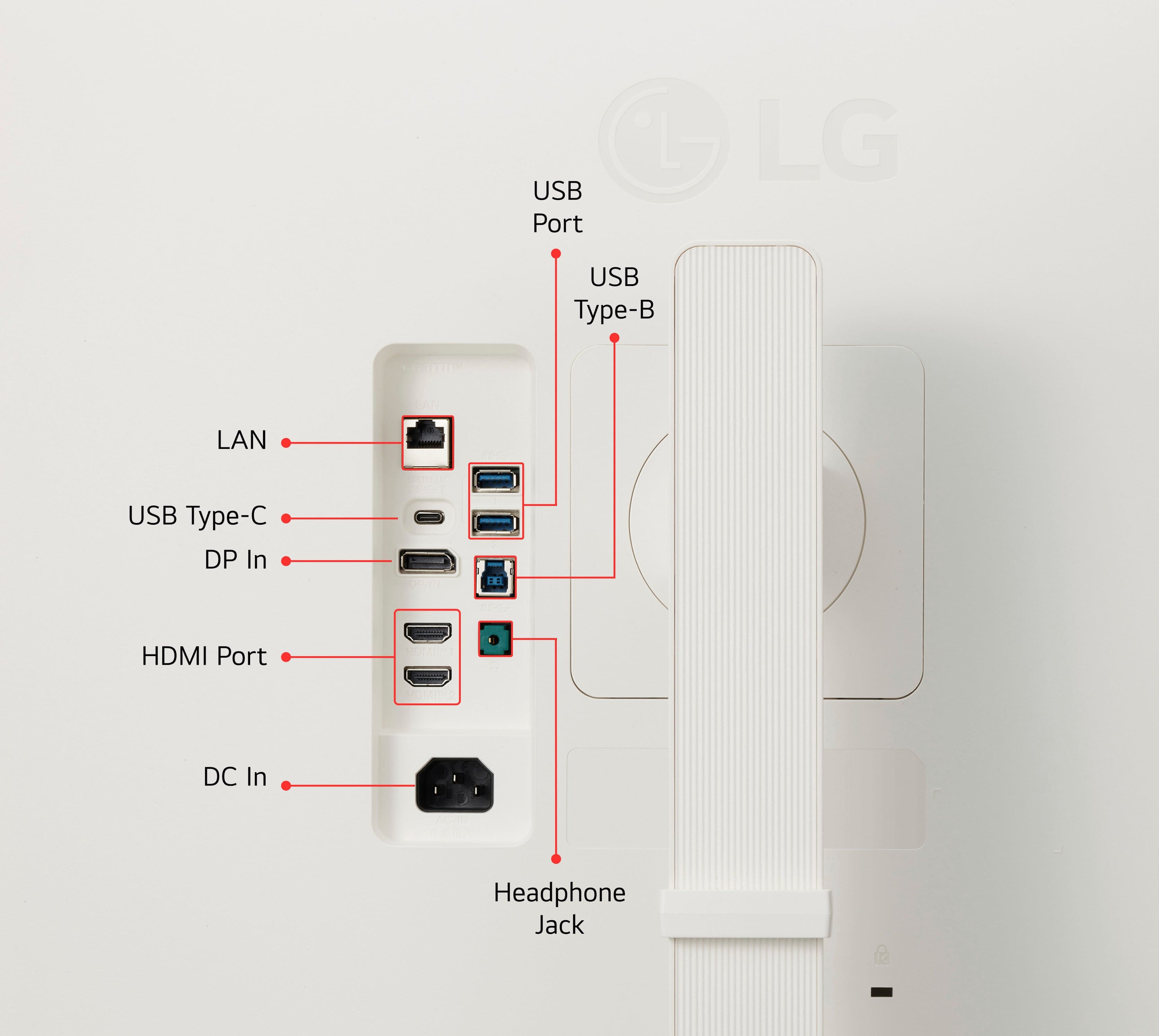
  • QuestionHow many HDMI ports does this monitor have?

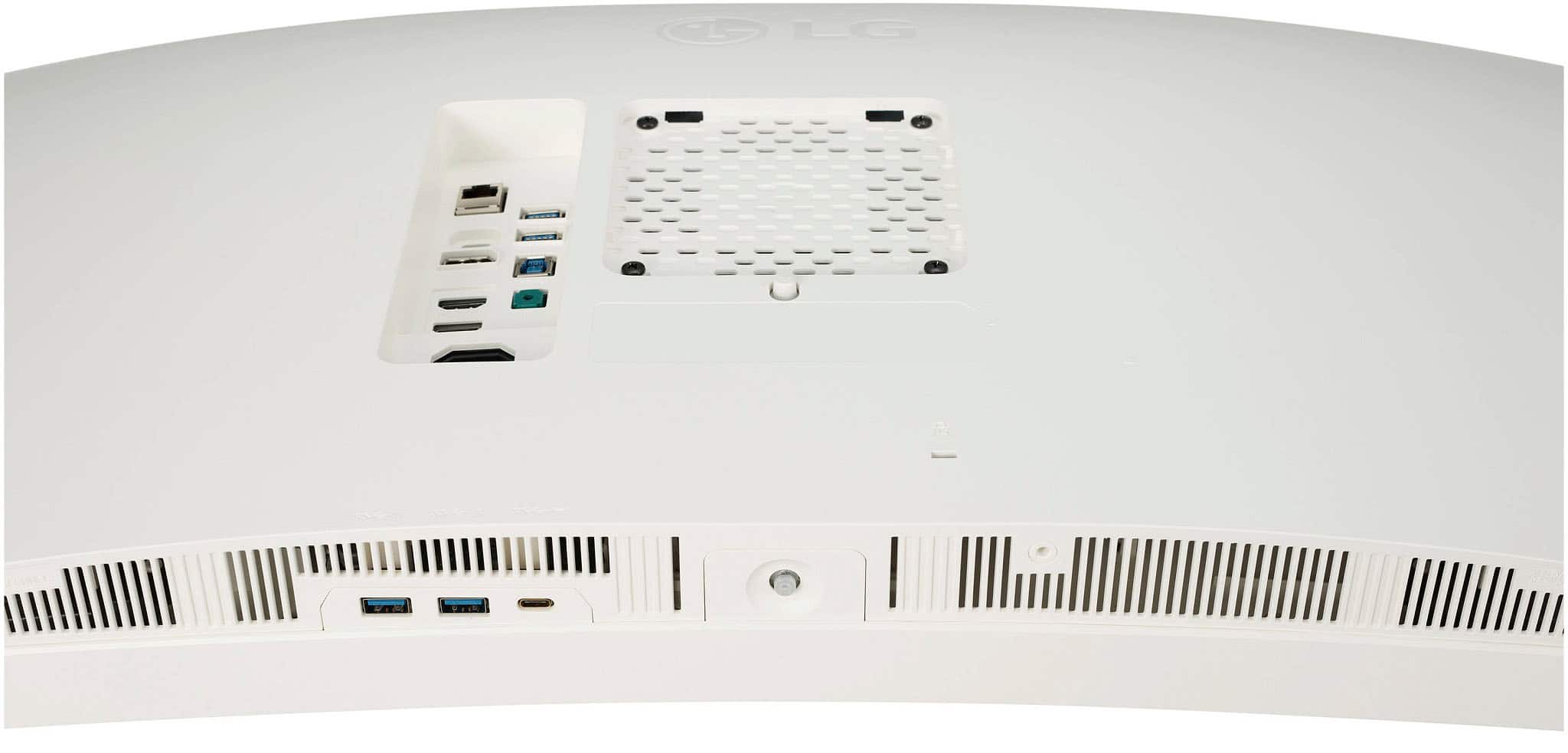
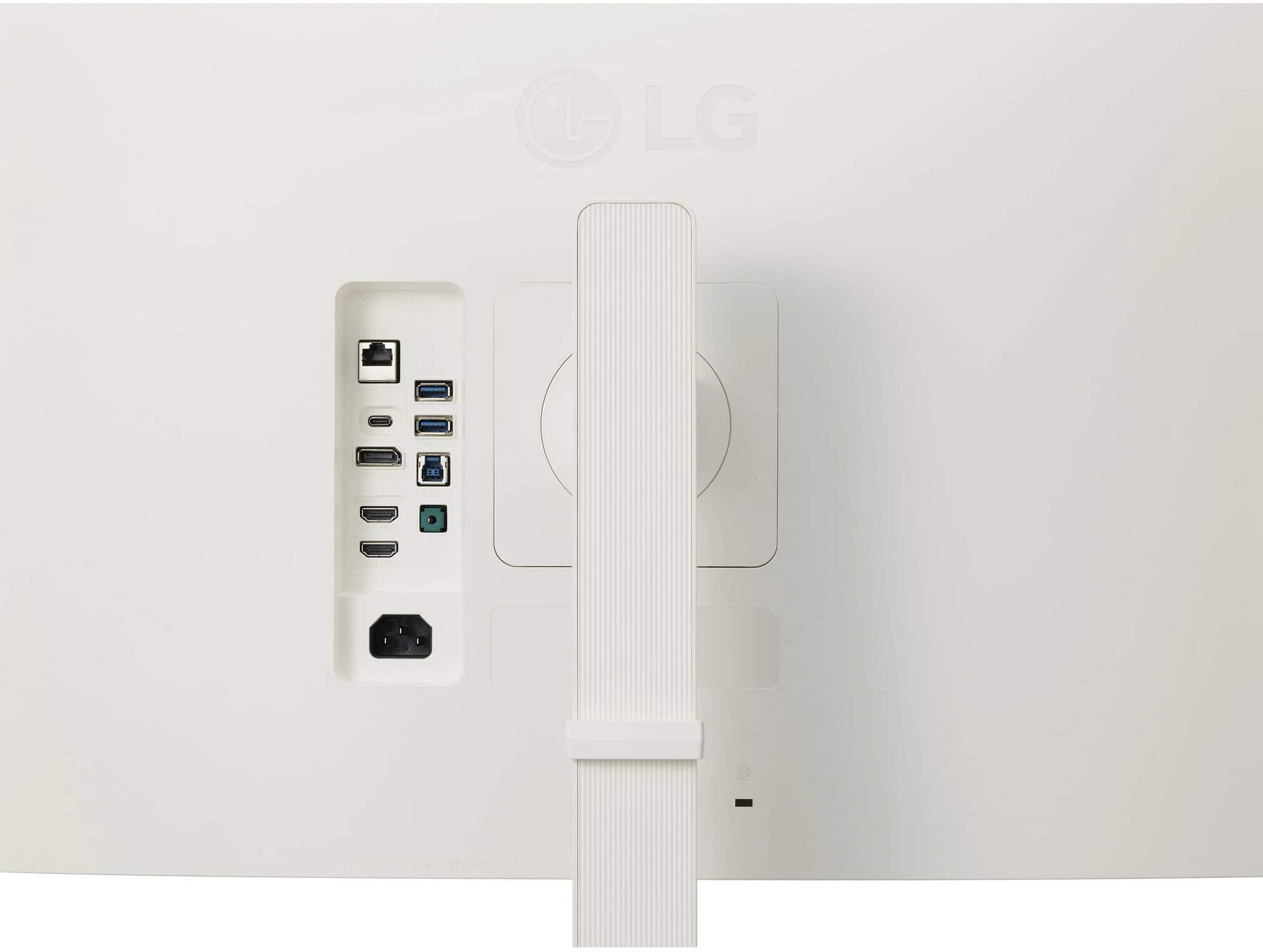
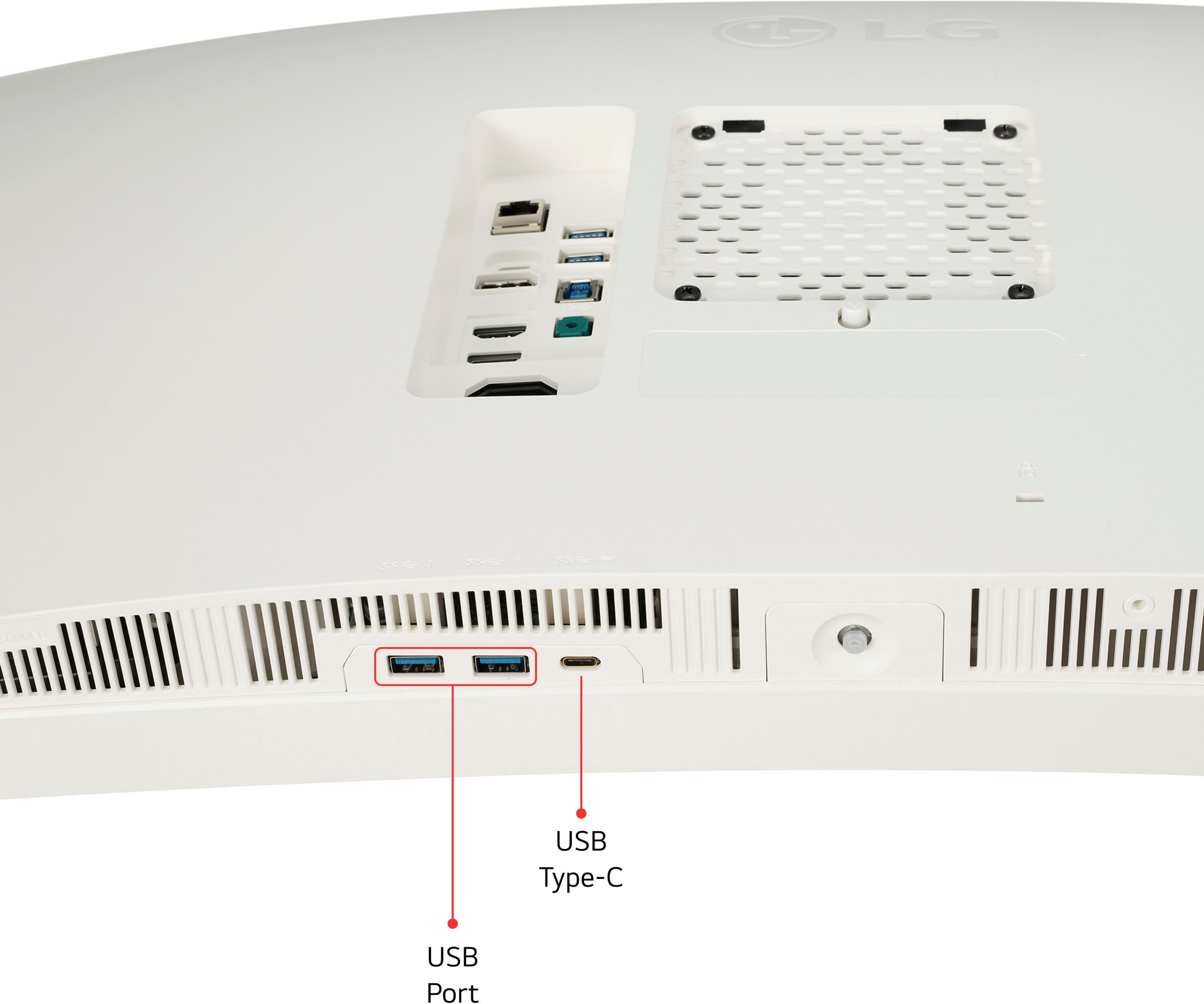
    • Answer This monitor has 2 HDMI ports.
    This question and answer was generated by AI based on customer and product data.

  • QuestionDoes this monitor support HDR?

    • Answer Yes, this monitor supports HDR10.
    This question and answer was generated by AI based on customer and product data.

  • QuestionCan I wall mount this monitor?

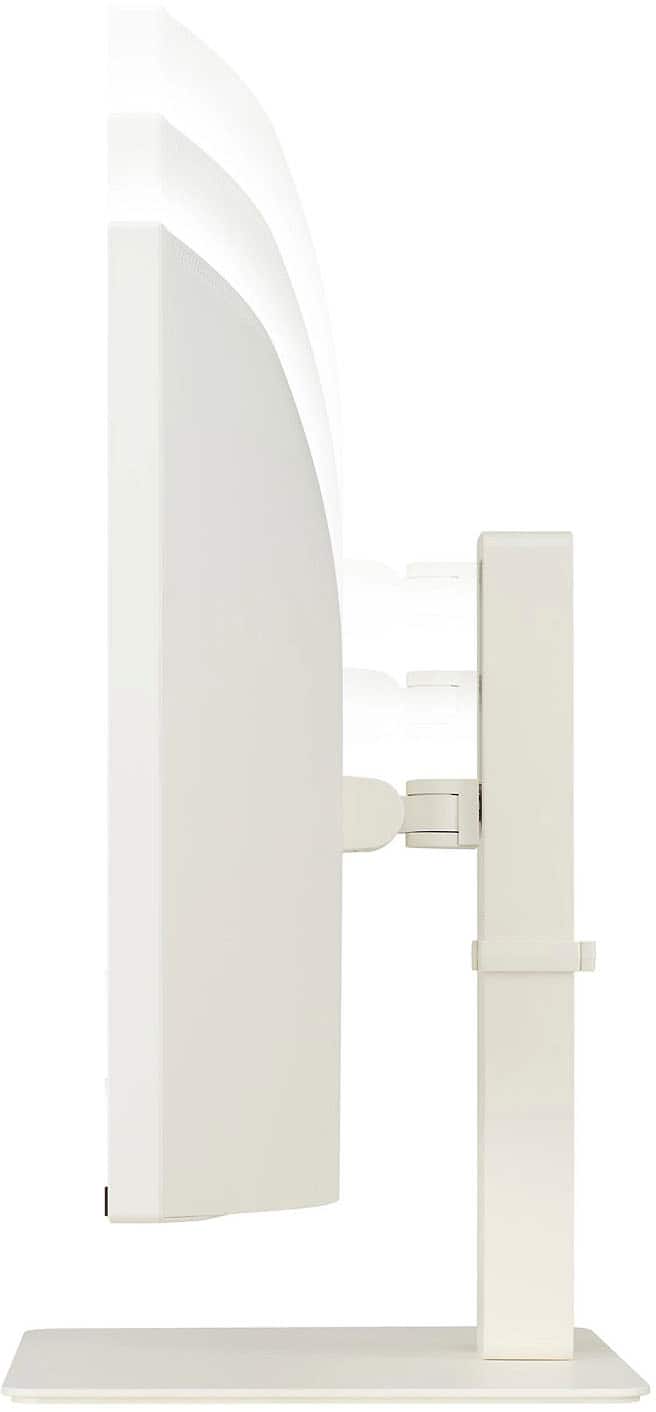
    • Answer Yes, this monitor is wall mountable.
    This question and answer was generated by AI based on customer and product data.

  • QuestionWhat type of display panel does this monitor use?

    • Answer This monitor uses an IPS display panel.
    This question and answer was generated by AI based on customer and product data.

  • QuestionDoes this monitor have built-in speakers?

    • Answer Yes, this monitor has built-in stereo speakers with Waves MaxxAudio.
    This question and answer was generated by AI based on customer and product data.
  • QuestionIs this monitor touchscreen?

    Asked by Anonymous.

    • Answer No...

      Answered by TonyD

  • QuestionWhat is the PPI?

    Asked by Dylan.

    • Answer Thank you for reaching us regarding LG Monitor. The PPI of the LG 38WR85QC-W is approximately 104.2. This value reflects a high pixel density, contributing to sharp and detailed images on the monitor. You can download its owner's manual through this link for more information: https://www.lg.com/us/support/product/lg-38WR85QC-W.AUS. For additional assistance, please reach out to us on social media @LGUSSupport so we can help you further. ^Cris

      Answered by LG Digital Customer Care

  • QuestionCan you use this as the primary monitor connected to a MacBook via USB C (Thunderbolt)?

    Asked by Robmj.

    • Answer Thank you for reaching us regarding LG Monitor. Yes, you can use the LG 38WR85QC-W monitor as the primary display connected to a MacBook via USB-C (Thunderbolt). You can download its owner's manual through this link for more information: https://www.lg.com/us/support/product/lg-38WR85QC-W.AUS. If problem persist, please reach out to us on social media @LGUSSupport so we can help you further. ^Cris

      Answered by LG Digital Customer Care

  • QuestionWhat is height without stand

    Asked by K.

    • Answer Thank you for reaching us regarding LG Monitor. The LG 38WR85QC-W monitor measures 895.4 x 393.4 x 97.4 mm without the stand. The dimensions with the stand are 35.3 x 23.4 x 12.1 inches (89.7 x 59.4 x 30.7 cm). Unfortunately, we do not have the exact height without the stand. You can download its owner's manual through this link for more information: https://www.lg.com/us/support/product/lg-38WR85QC-W.AUS. If problem persist, please reach out to us on social media @LGUSSupport so we can help you further. ^Cris

      Answered by LG Digital Customer Care

  • QuestionWhat is the PPI?

    Asked by Dyl.

    • Answer Unfortunately, the LG representative is mistaken. The PPI on this display is actually a bit higher at 110.93.

      Answered by Drew